AI Video Generator
Create AI videos from text prompts, images, and scripts.
Free to start in your browser.
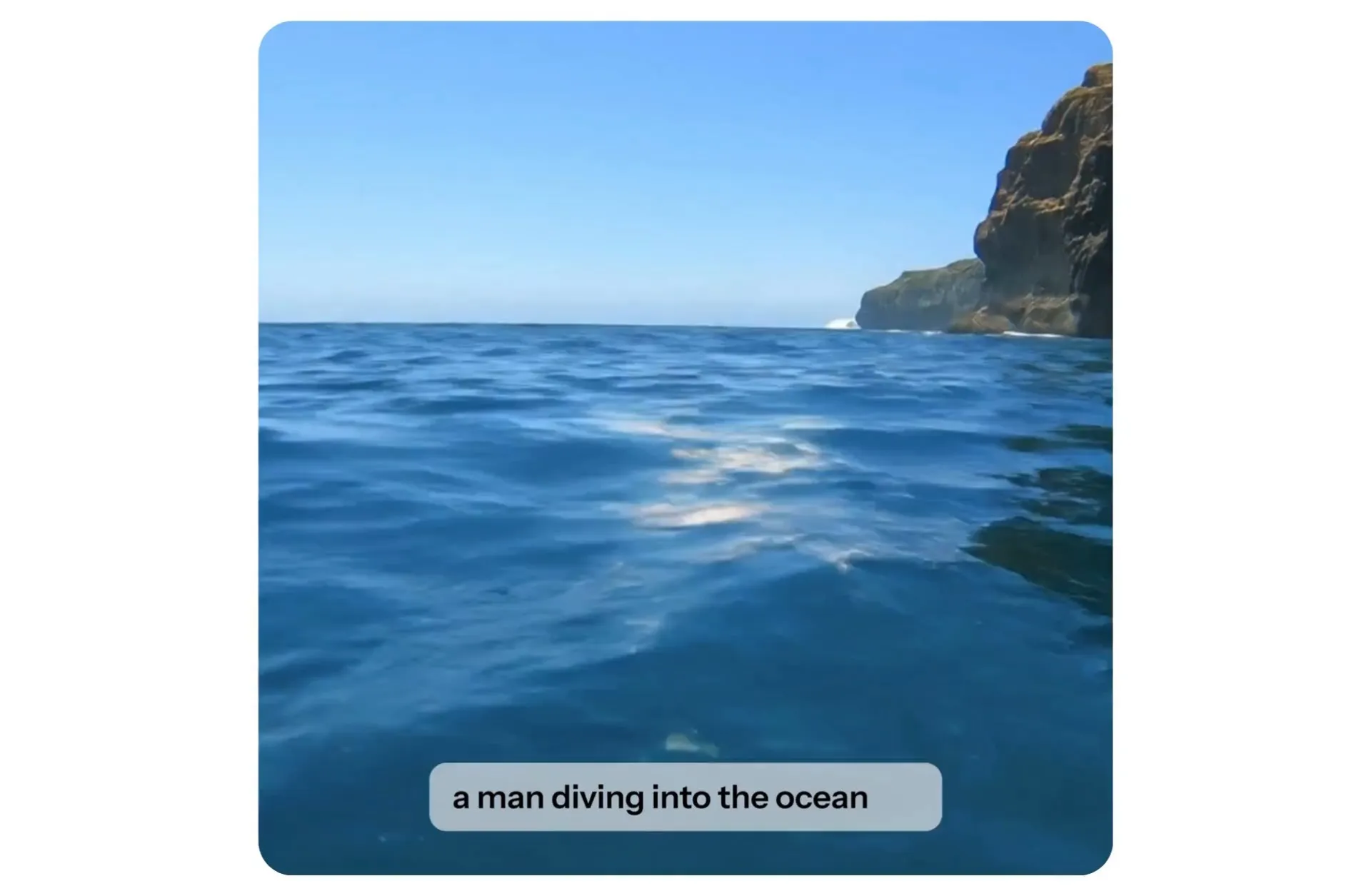
Generate and refine videos with an AI video maker
Create AI videos, edit every scene, and export — all from your browser
Turn ideas into AI videos in seconds
Use Kapwing’s AI video maker to generate individual scenes or longer multi-scene videos. Start with a text prompt, image, script, article, or PDF.
Every generation starts with Kai, Kapwing’s AI Video Assistant. Let Kai auto-enhance a simple prompt, or describe every detail down to the camera angles and movements. Add reference media, choose an AI model, and watch as Kai determines the best way to create the video you described.
Choose styles from cinematic and photorealistic to anime, retro, and commercial, then generate in 9:16 for TikTok, 16:9 for YouTube, 1:1 for Instagram, and more aspect ratios. Continue prompting Kai to expand, adjust, or refine the same project.
How to create AI videos in your browser
Start with a prompt, add references, and choose any AI model.
Prompt
Kapwing's AI assistant.
Describe the action, characters, style, dialogue, soundtrack, and camera angles.


Upload
reference images, videos, or documents.
Focus your video with product photos, character sheets, start and end frames, videos, articles, PDFs, or scripts.
Select
your preferred AI model.
Choose from Seedance 2.0 and 2.5, Veo 3, MiniMax H3, Happy Horse, Kling, and Grok Imagine.
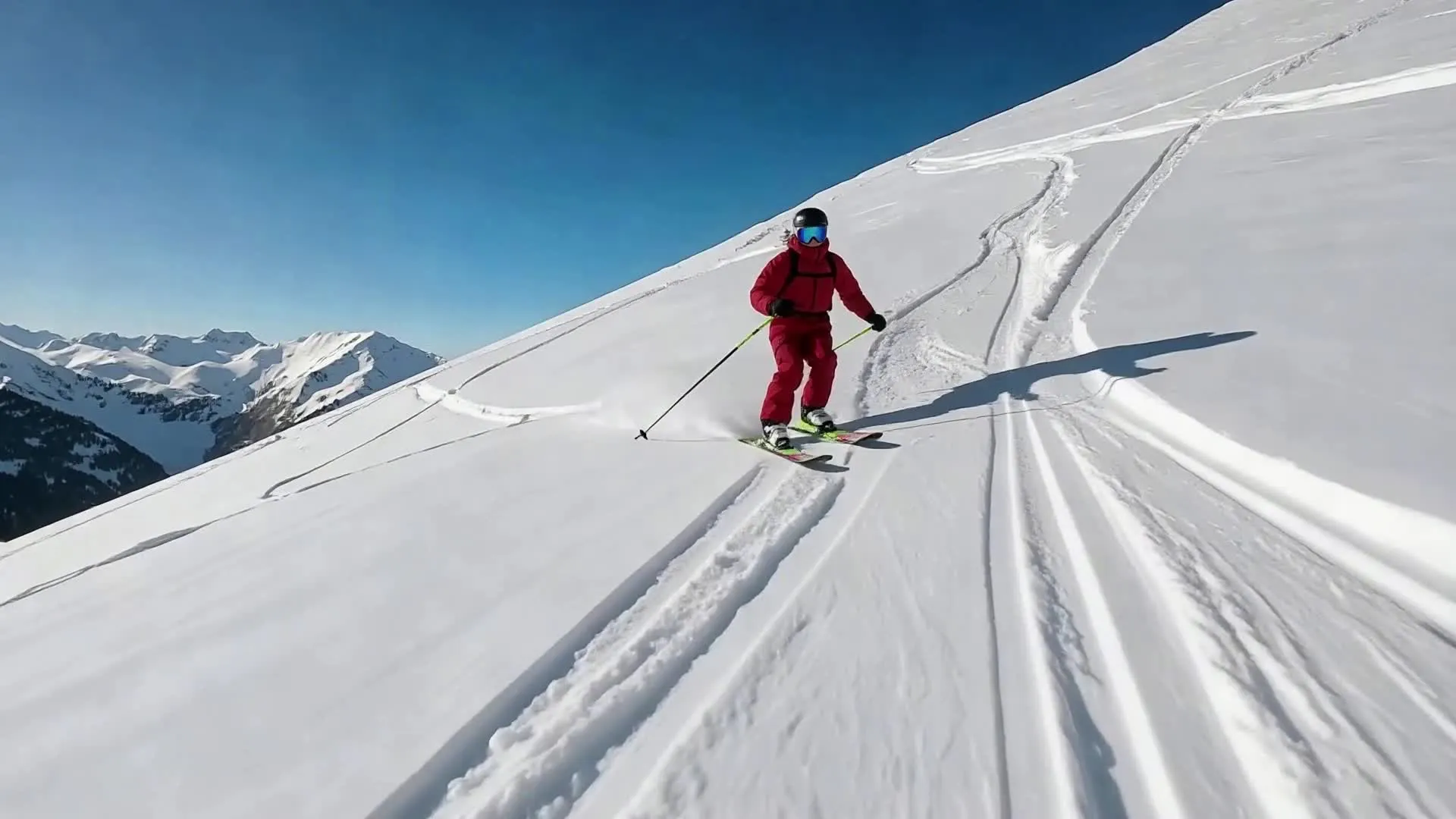
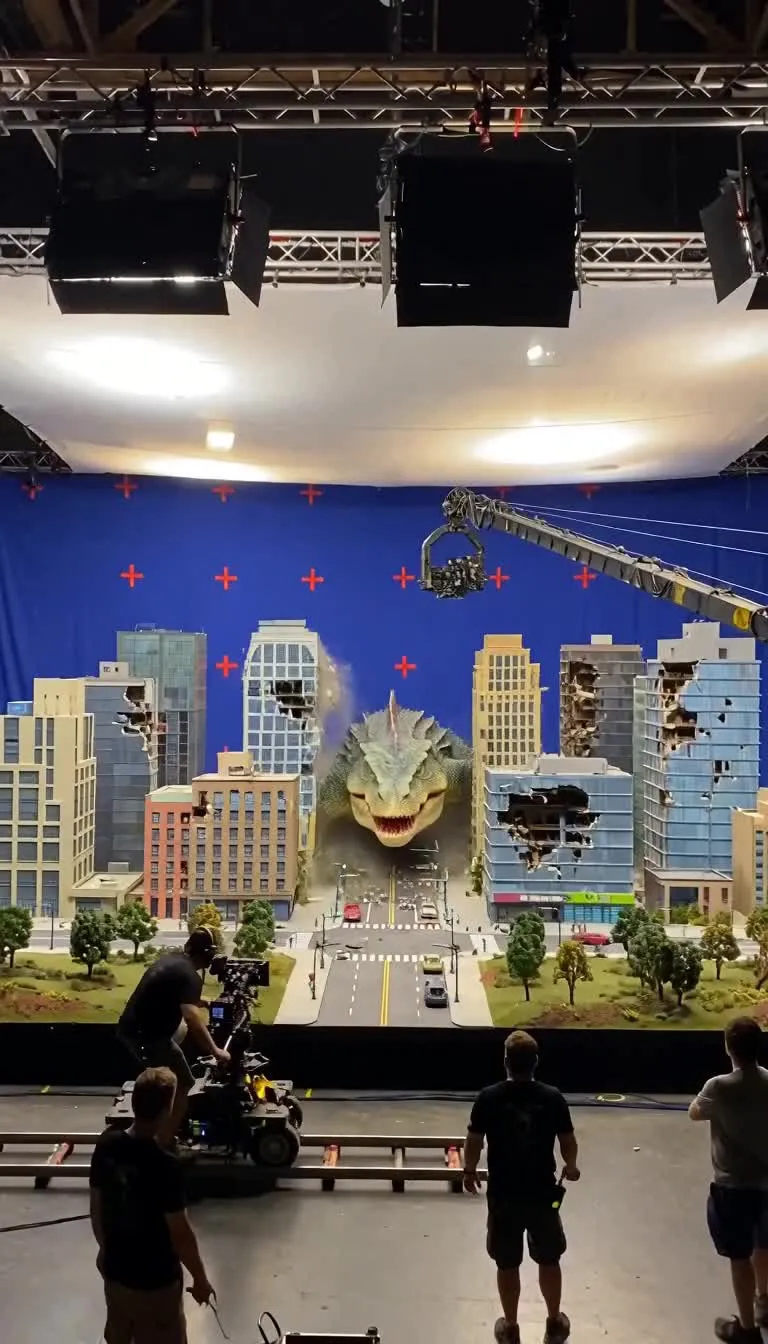
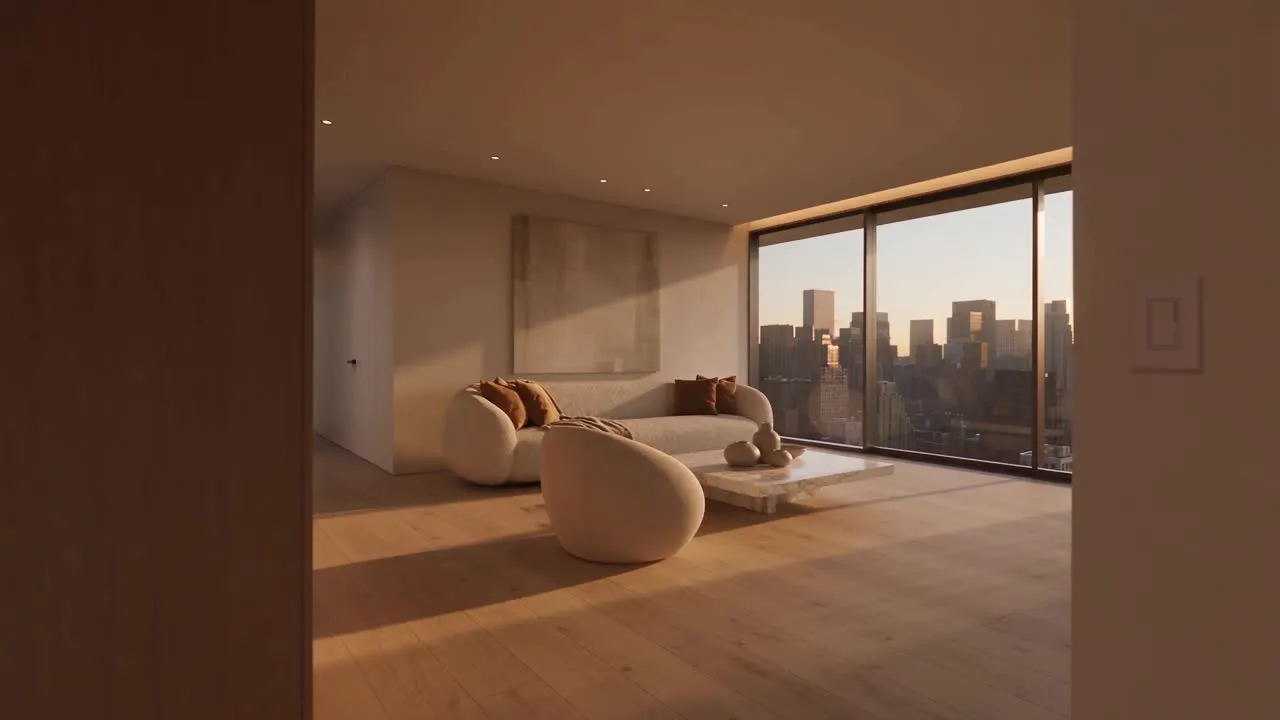
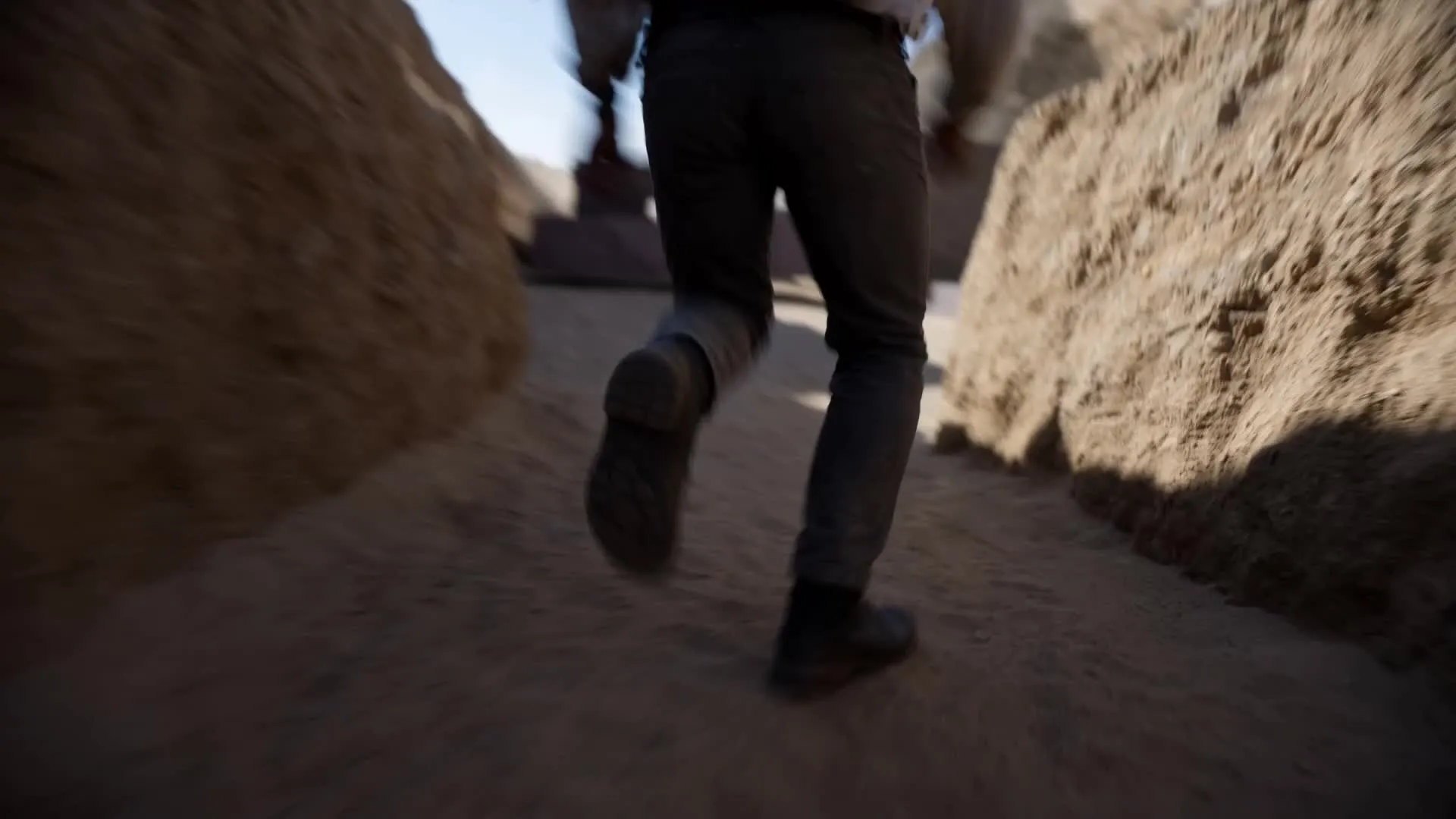
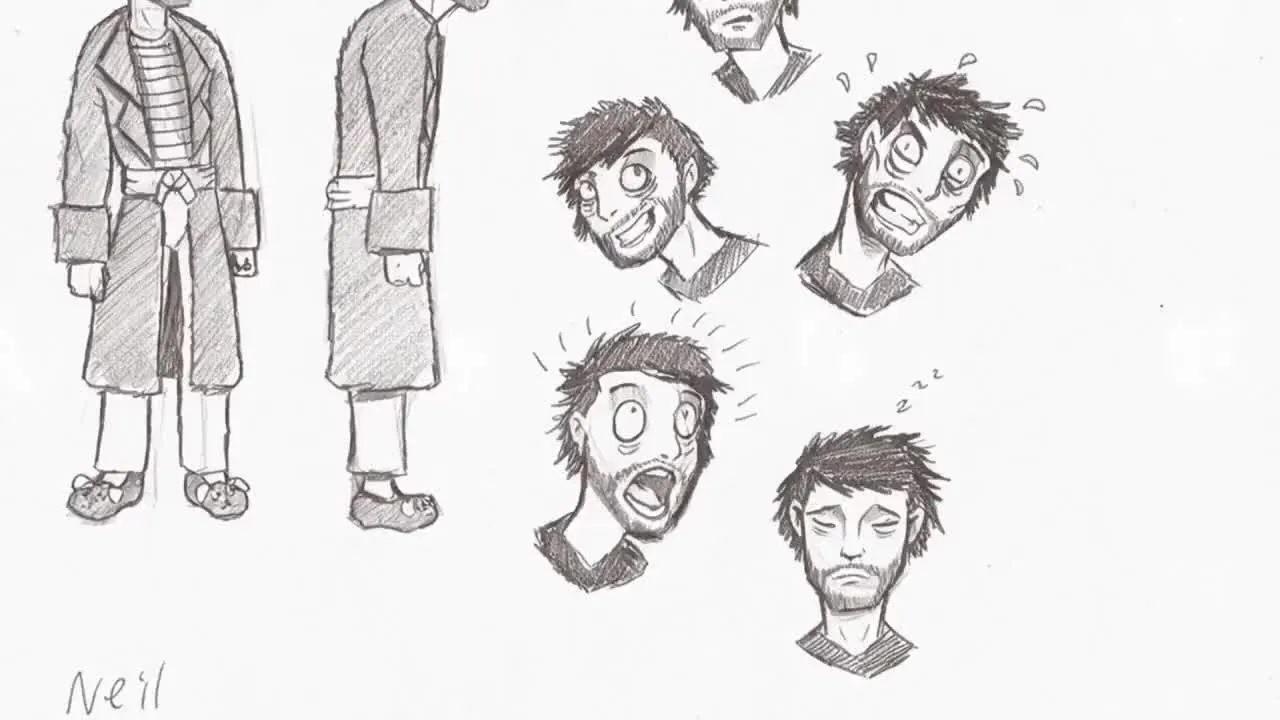
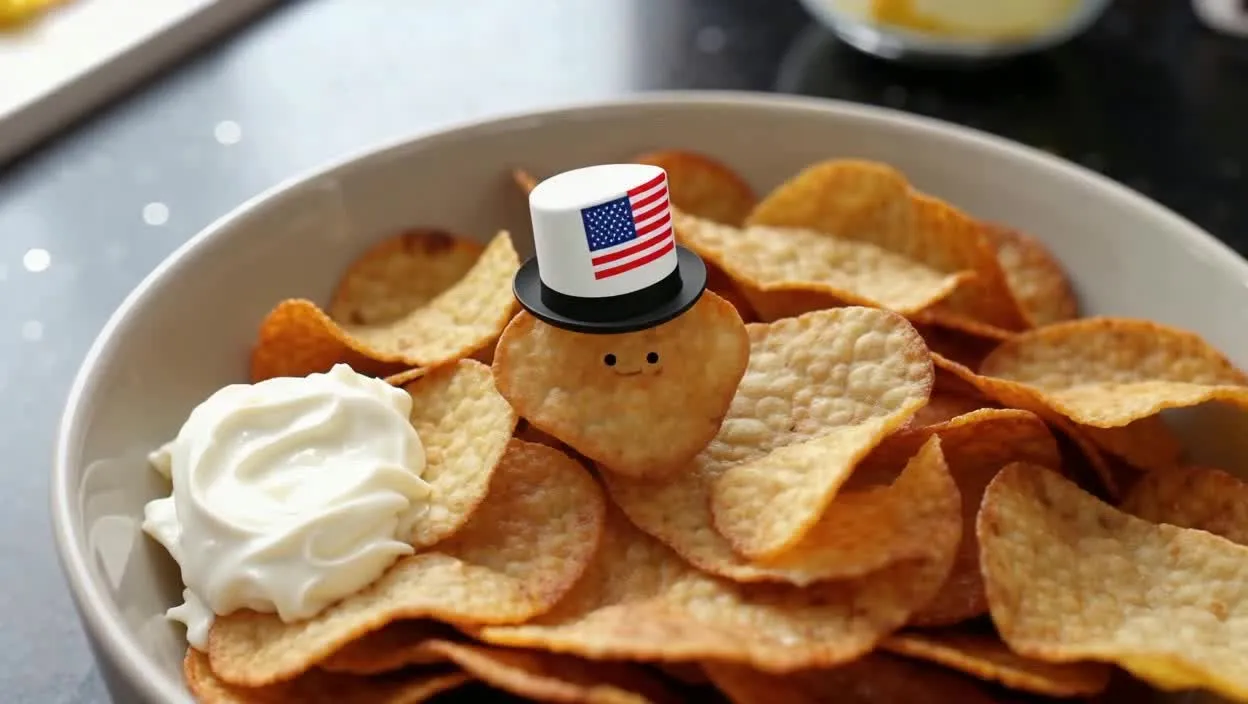
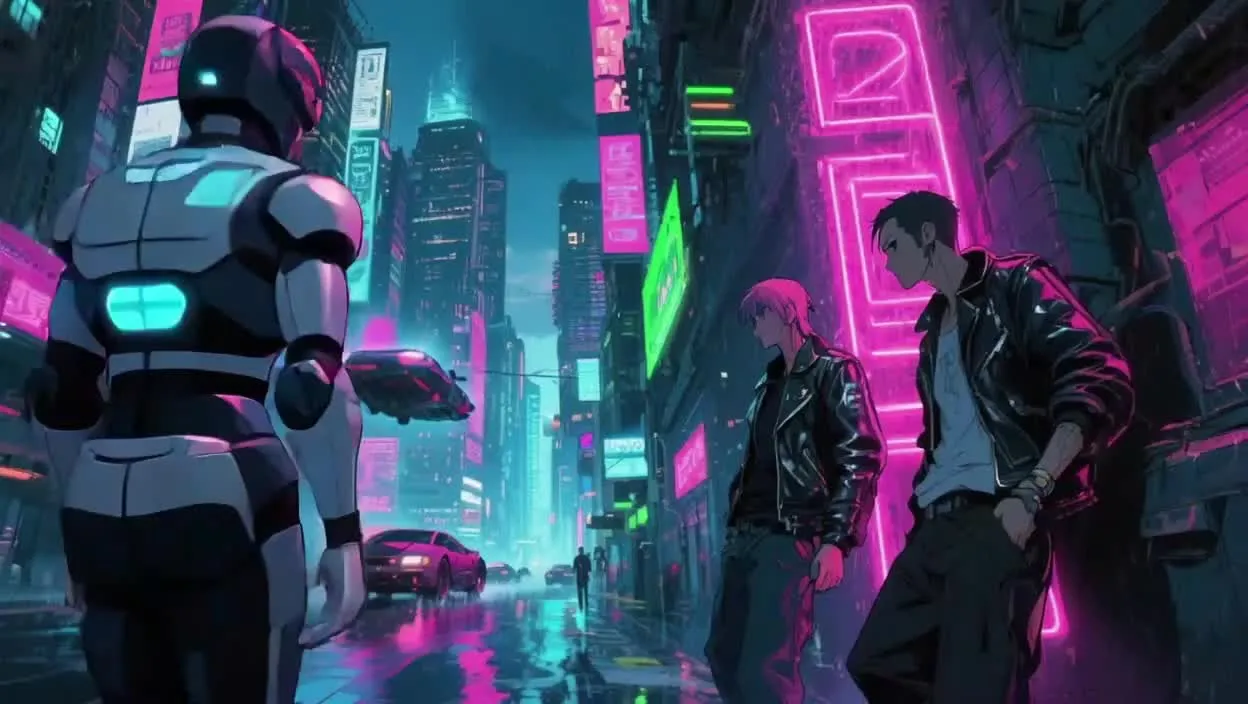
Anything you can imagine — as a video
Click on a video to create your own version with pre-filled prompts
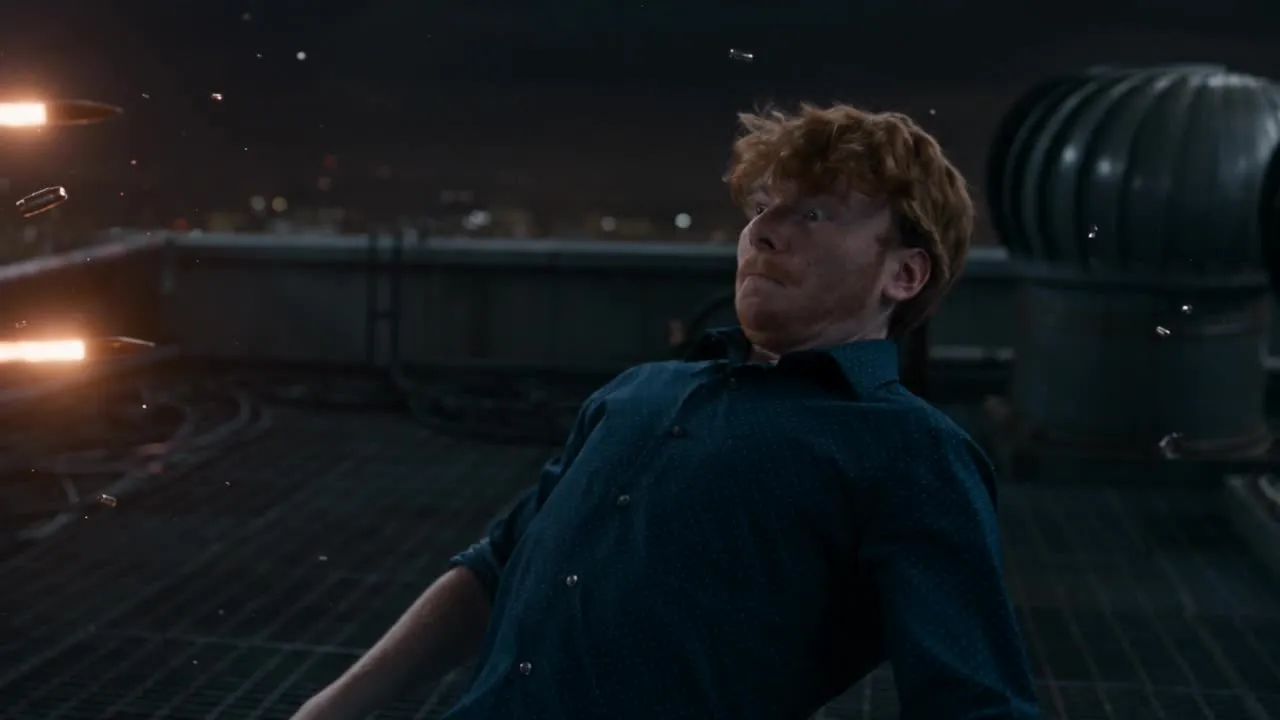
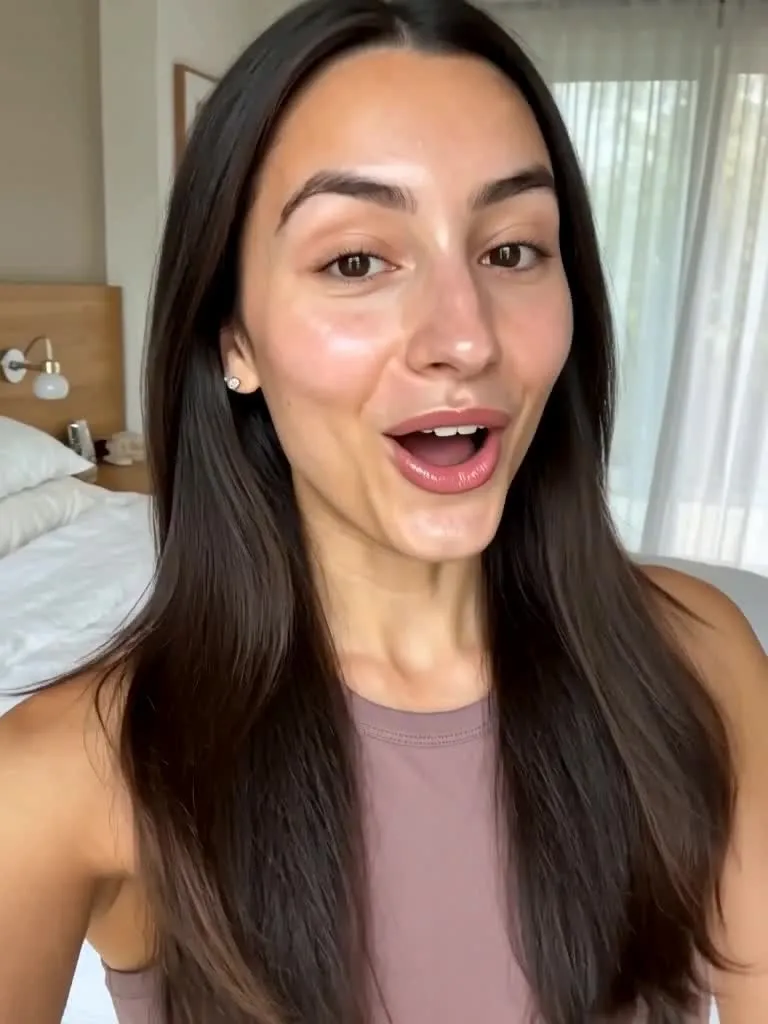
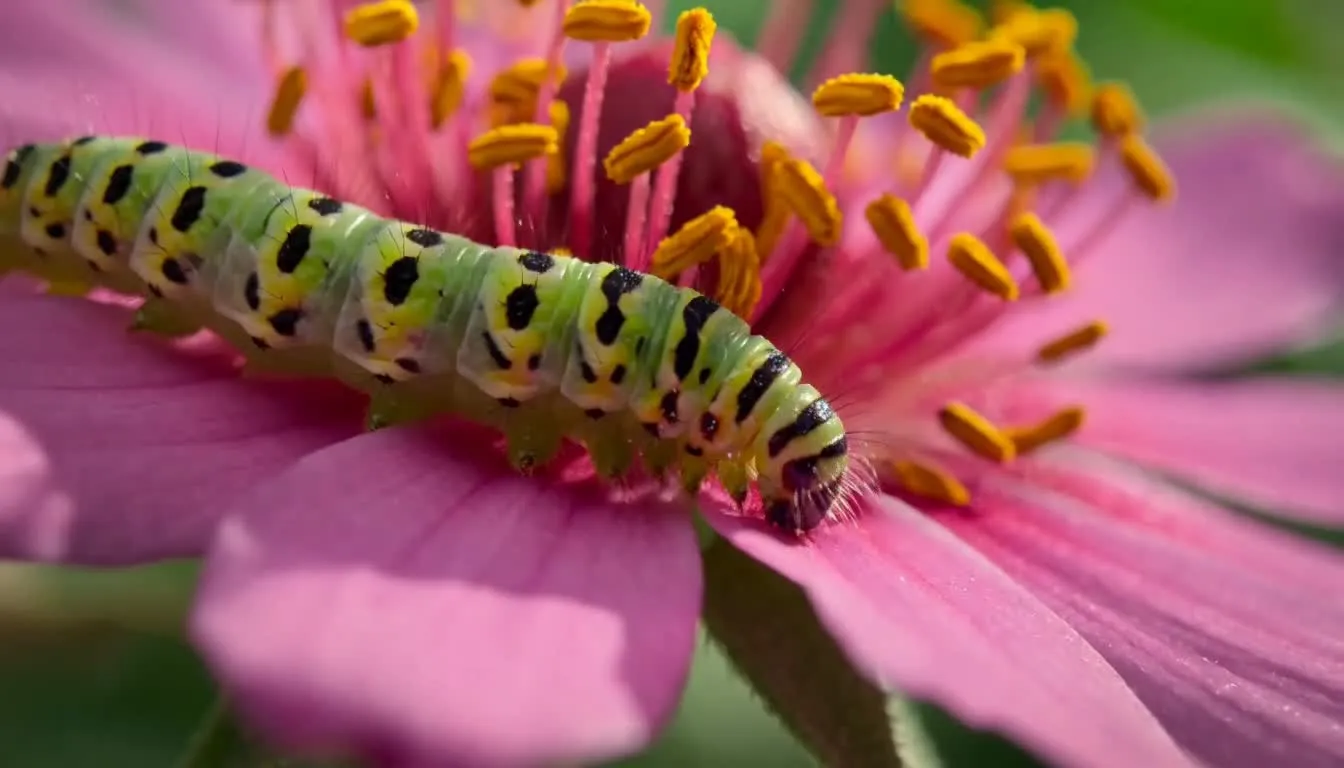
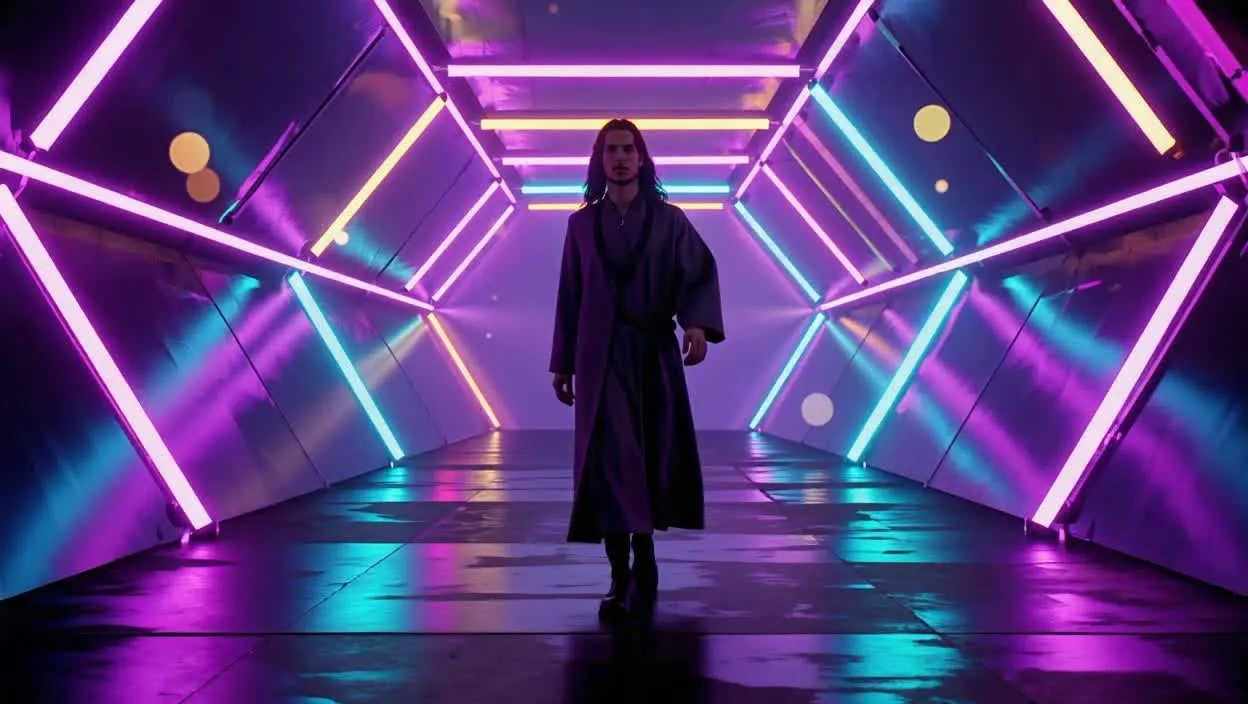

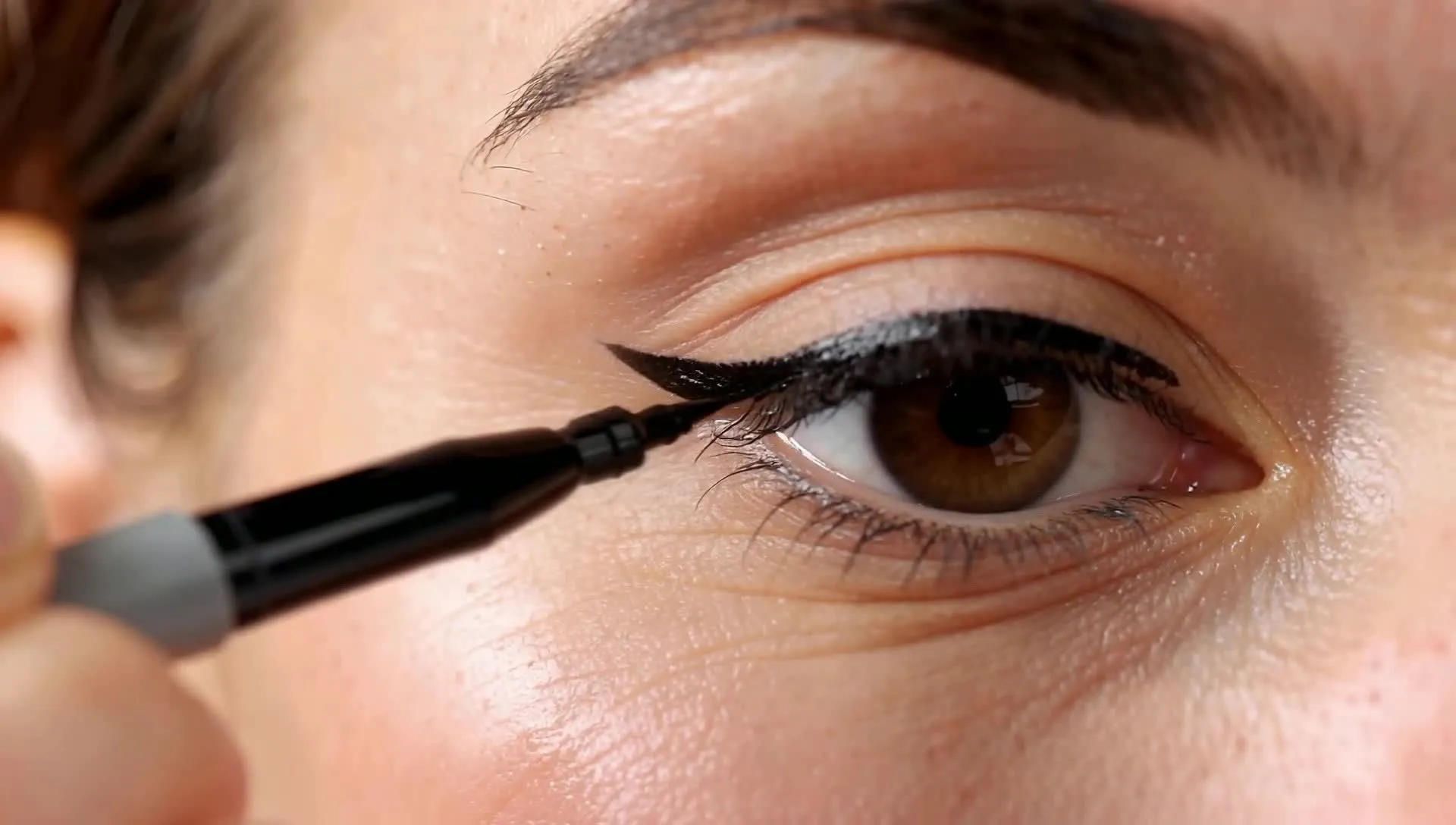
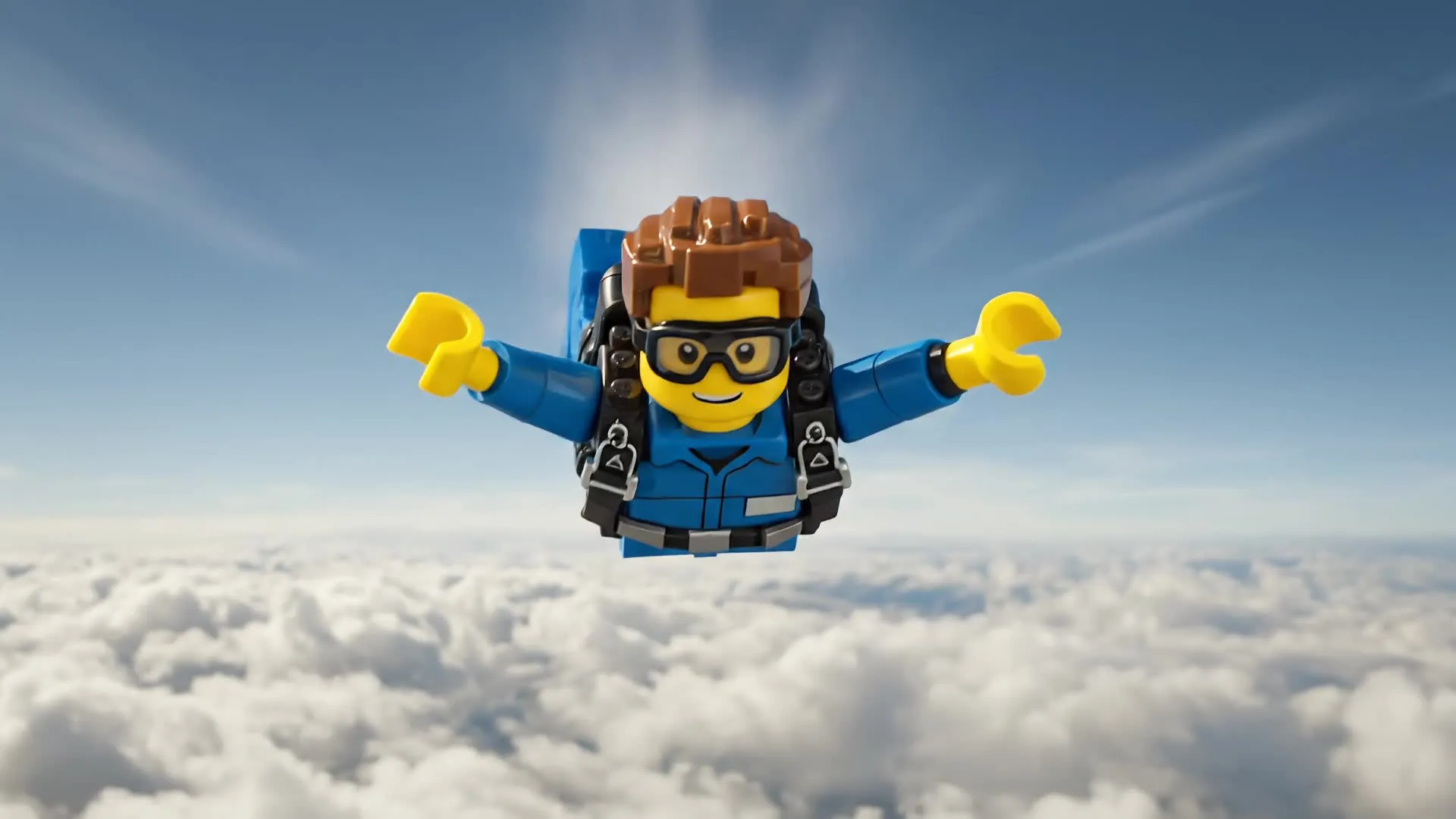
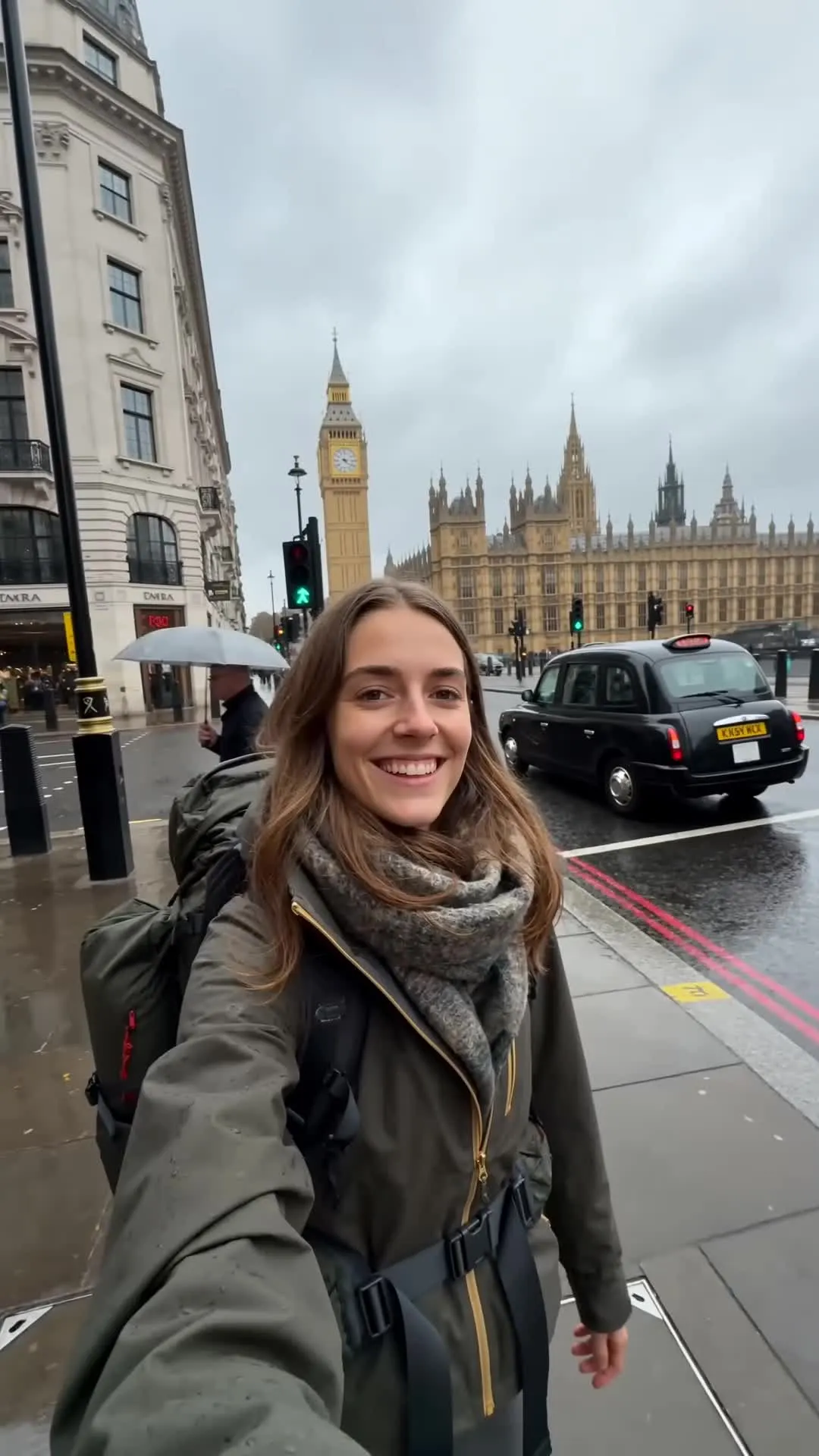
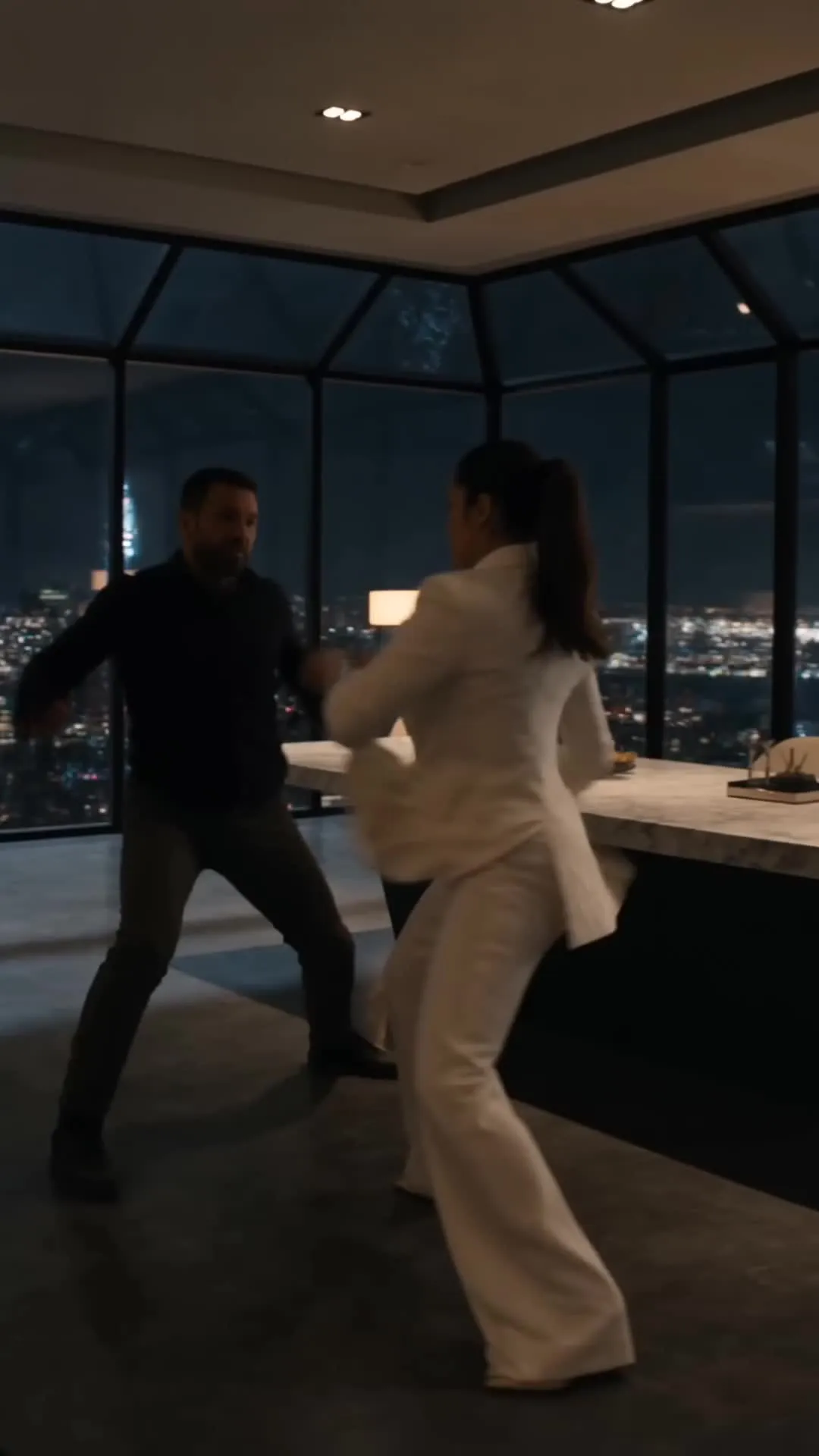
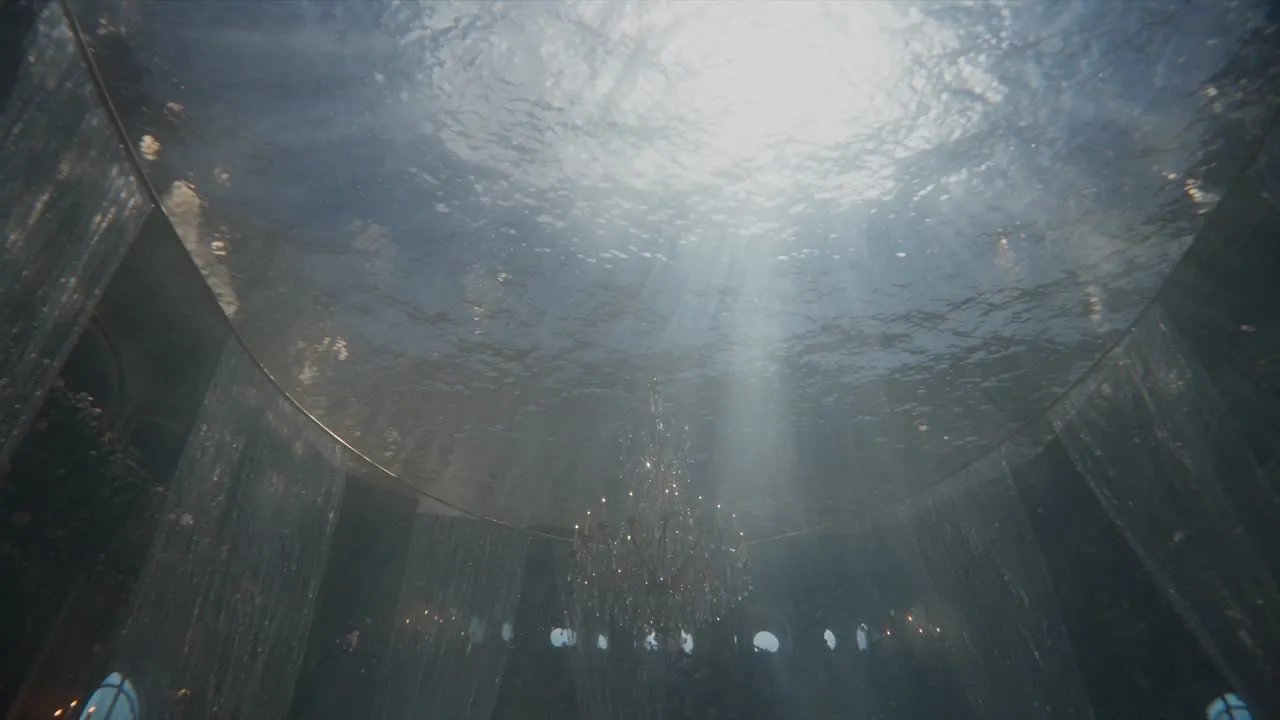
Make AI videos that match your vision
Shape every generation with references and prompts. Free to start.
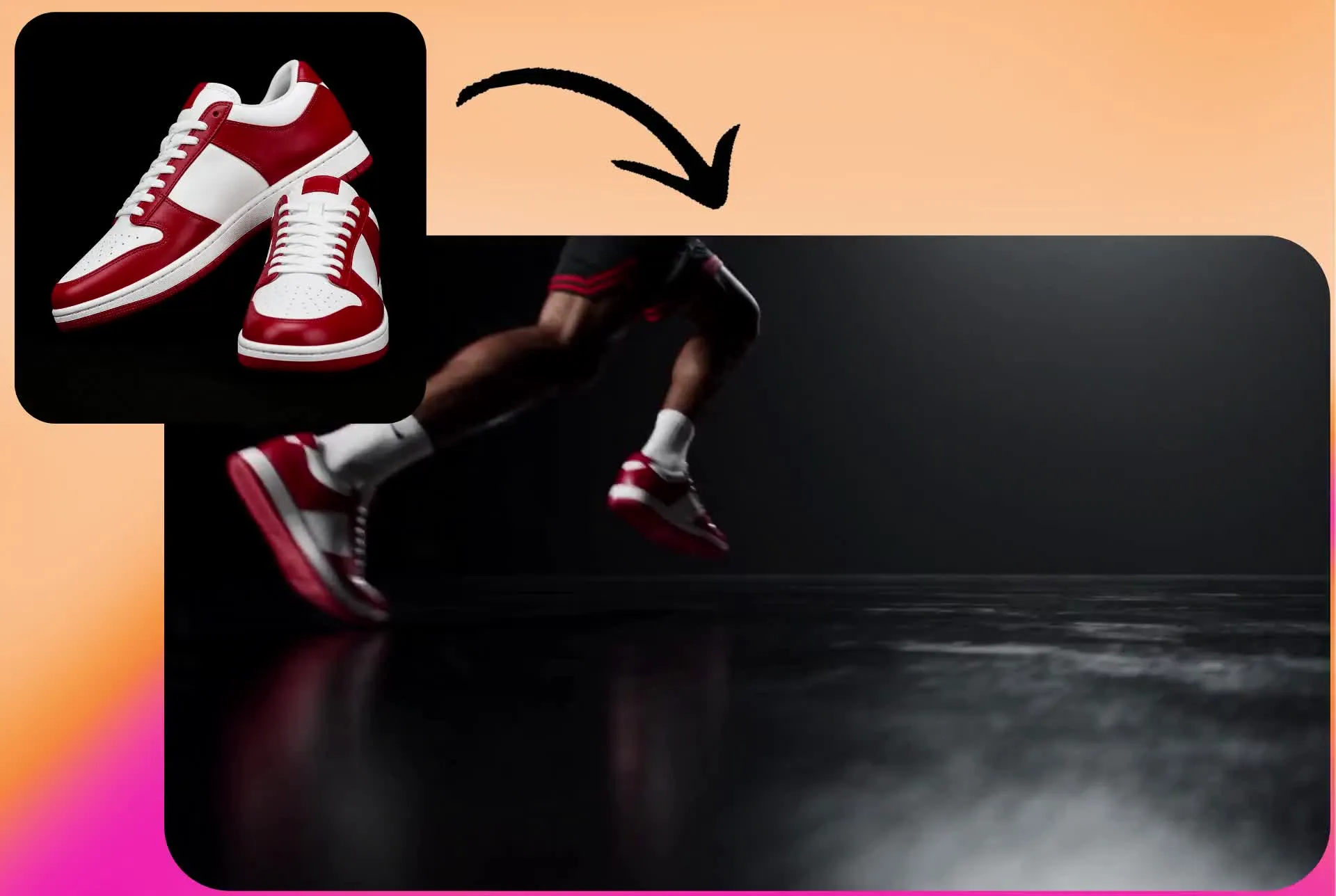
Bring real products, people, and places into videos
Use reference images to bring specific people, products, characters, and settings into AI-generated videos. Upload a product photo to create an ad, turn a quick sketch into a new scene, or use an existing image to establish the subject and visual details you want to preserve.
Reference images give the AI visual context that a text prompt alone can't capture, helping you create videos around recognizable subjects instead of starting from scratch.
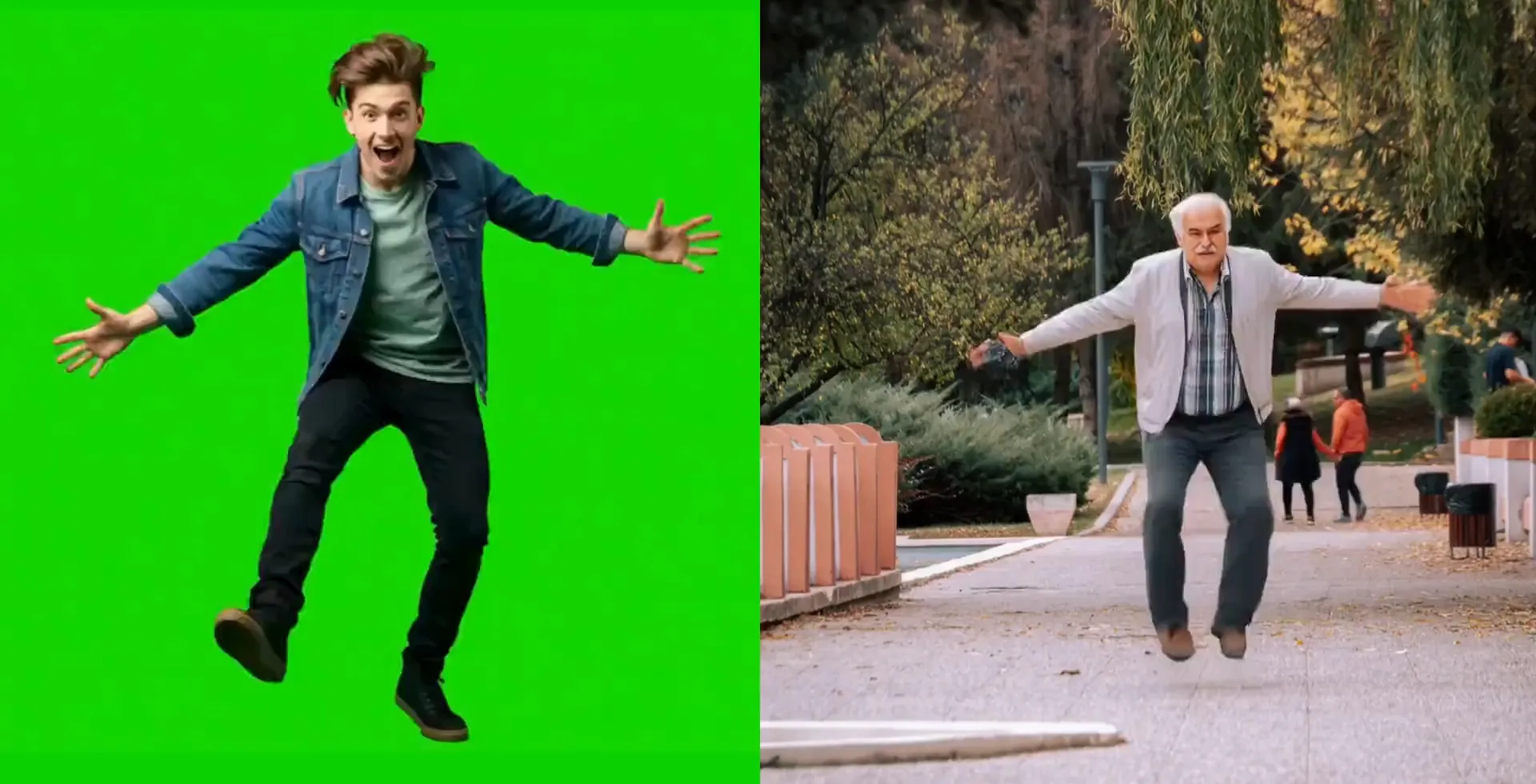
Guide AI videos with frames and references
Go beyond text prompts with reference media and frame-level controls. Kapwing's Image to Video tool lets you set a start frame or end frame to guide how a shot begins and develops, or use reference video and audio with supported AI models like Seedance 2.5 and Kling to shape movement, timing, and sound.
For motion-driven scenes, motion transfer can apply movement from a reference video to a new subject or character. Combine these controls with prompts to direct the action, camera movement, and progression of your generated video.
Get studio-quality results from simple prompts
Give Kai a simple idea, prompt, or reference media and let it handle the work needed to turn it into a complete video. Kai can strengthen your prompt, build a storyboard with scenes, shots, and camera angles, and select the right AI video model for the job. Review the plan before generation, then refine individual scenes as your video takes shape.
Build stories around characters your audience can recognize. Create and save an AI character, then reuse them in different scenes, settings, and multi-scene videos without recreating their appearance for every generation.
-poster.webp)
AI video generation meets professional editing
Generate content, edit in the timeline, export in up to 4K
Master every AI trend with photorealistic quality
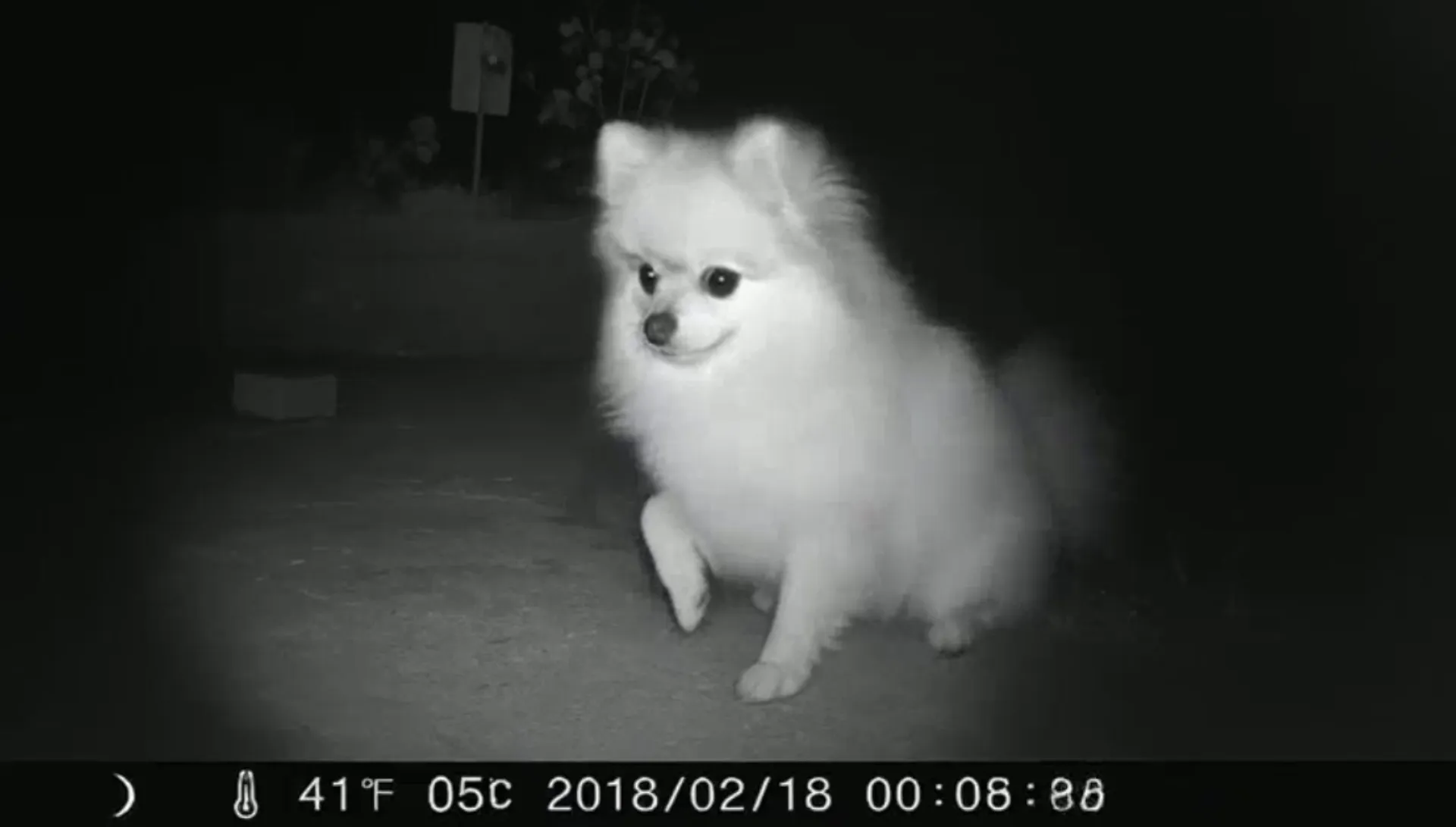
Whether it's revisiting the 1980s, ASMR glass cutting, or simply turning a family pet into a 12-second doorbell diva, Kapwing partners with every leading AI model to give creators direct access to the latest viral trends.
Rather than switching between tools or managing multiple subscriptions, the AI Video Generator lets you choose the best AI model for each task.
Make and edit AI videos in one place
Choose a social media aspect ratio for TikTok, Instagram, YouTube, and other platforms before you generate your video.
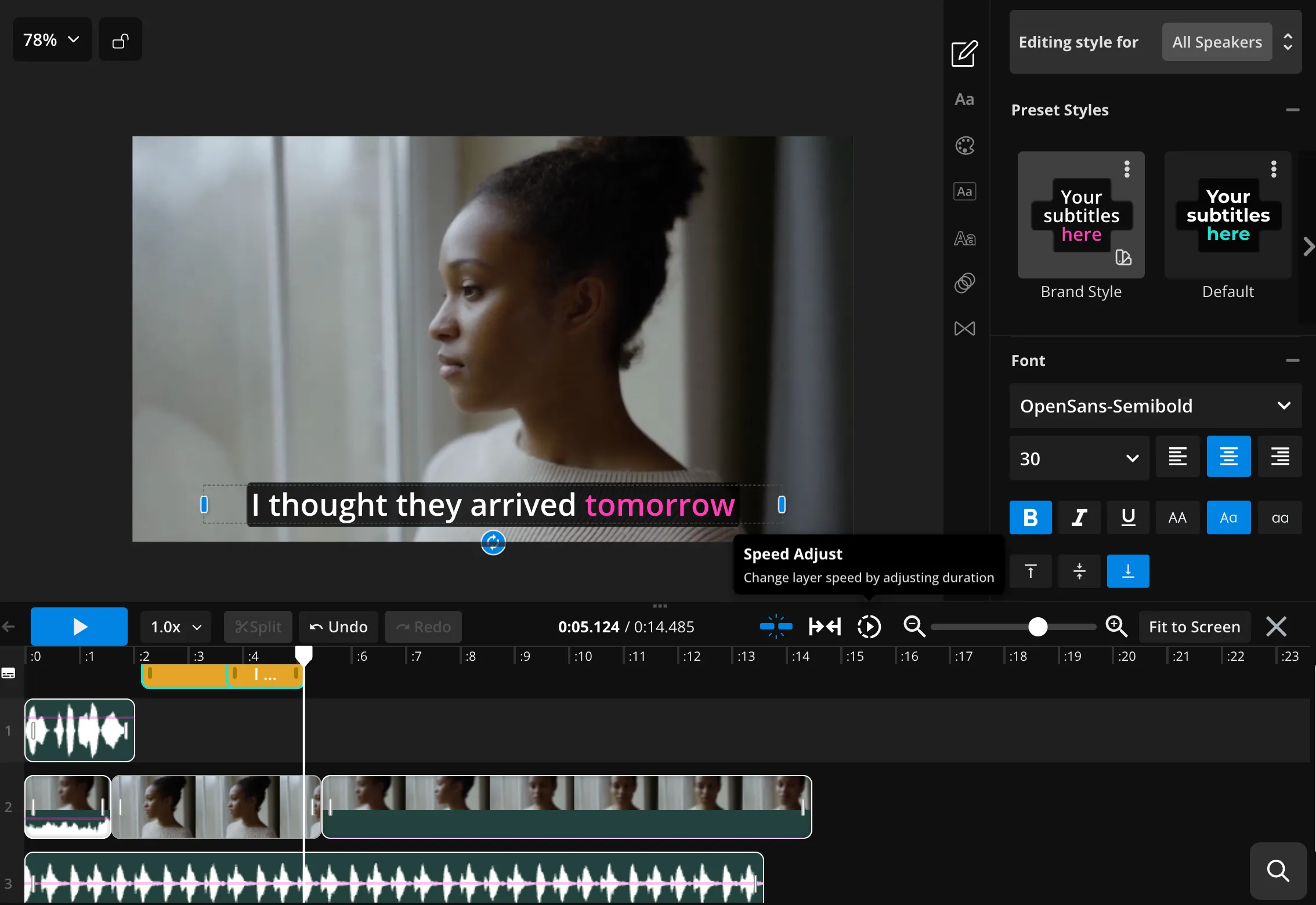
Once your AI-generated video is ready, keep editing in Kapwing’s timeline. Add subtitles, voiceovers, watermarks, transitions, and brand assets without moving to another platform. This makes Kapwing both an AI video generator and AI video maker, with generation and editing in the same workflow.
Enter a prompt to create your first AI video for free.
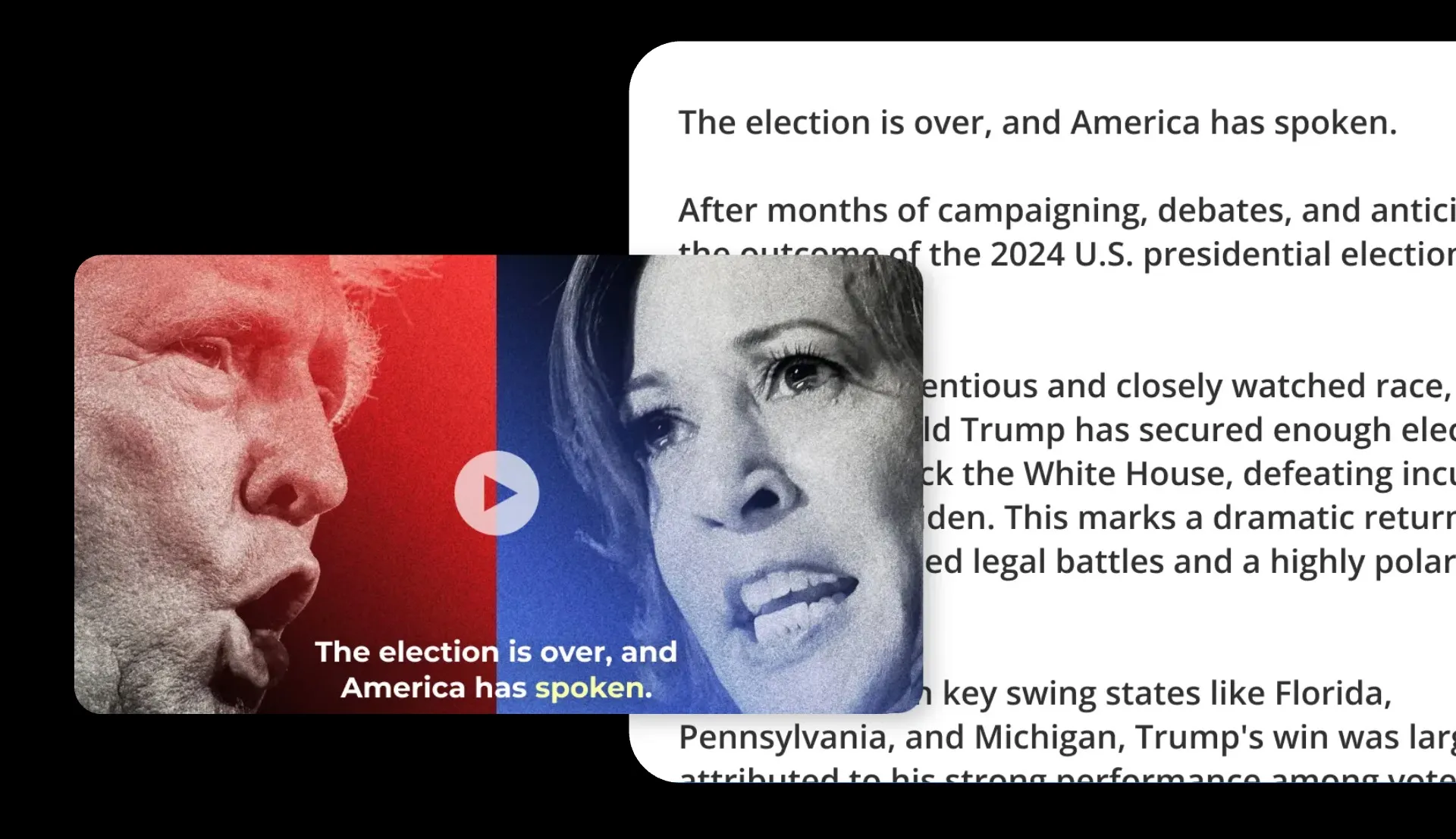
Capture breaking news with video content
Even if your topic is a breaking news story, Kapwing's powerful AI can pull up-to-date information into a video script.
Perfect for journalists, social media managers, and PR professionals, it transforms breaking news and trending topics into dynamic video content in seconds.
Already transforming video creation across industries
Hear directly from the teams who publish faster, collaborate better, and stay ahead.


A new generation of content powered by AI
Create with the same tools behind today’s biggest video trends
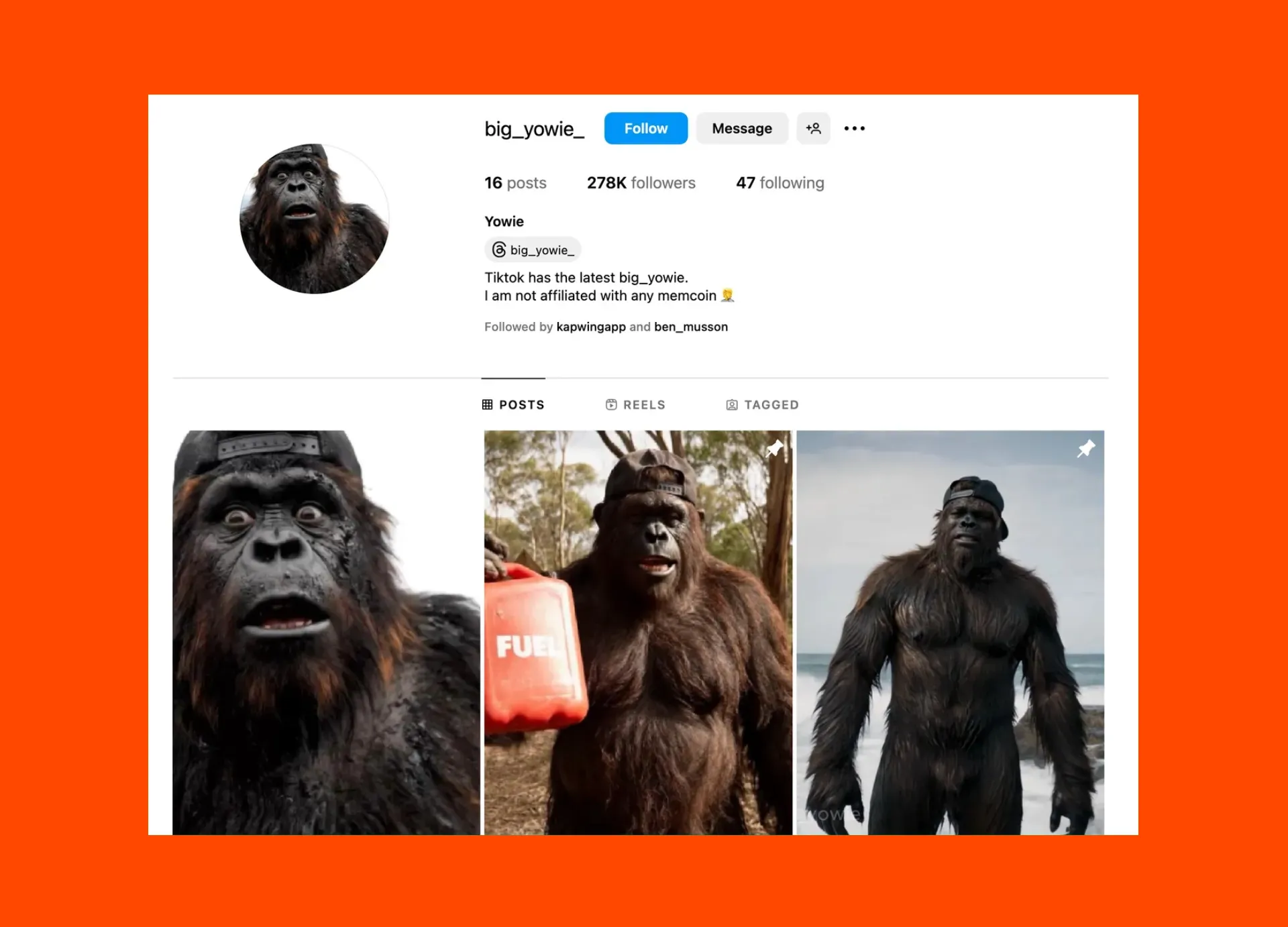
AI Influencers
Kapwing is fueling a new wave of virtual influencers using our AI Video Generator to create and edit instantly recognizable characters, like Bigfoot influence and Big Yowie
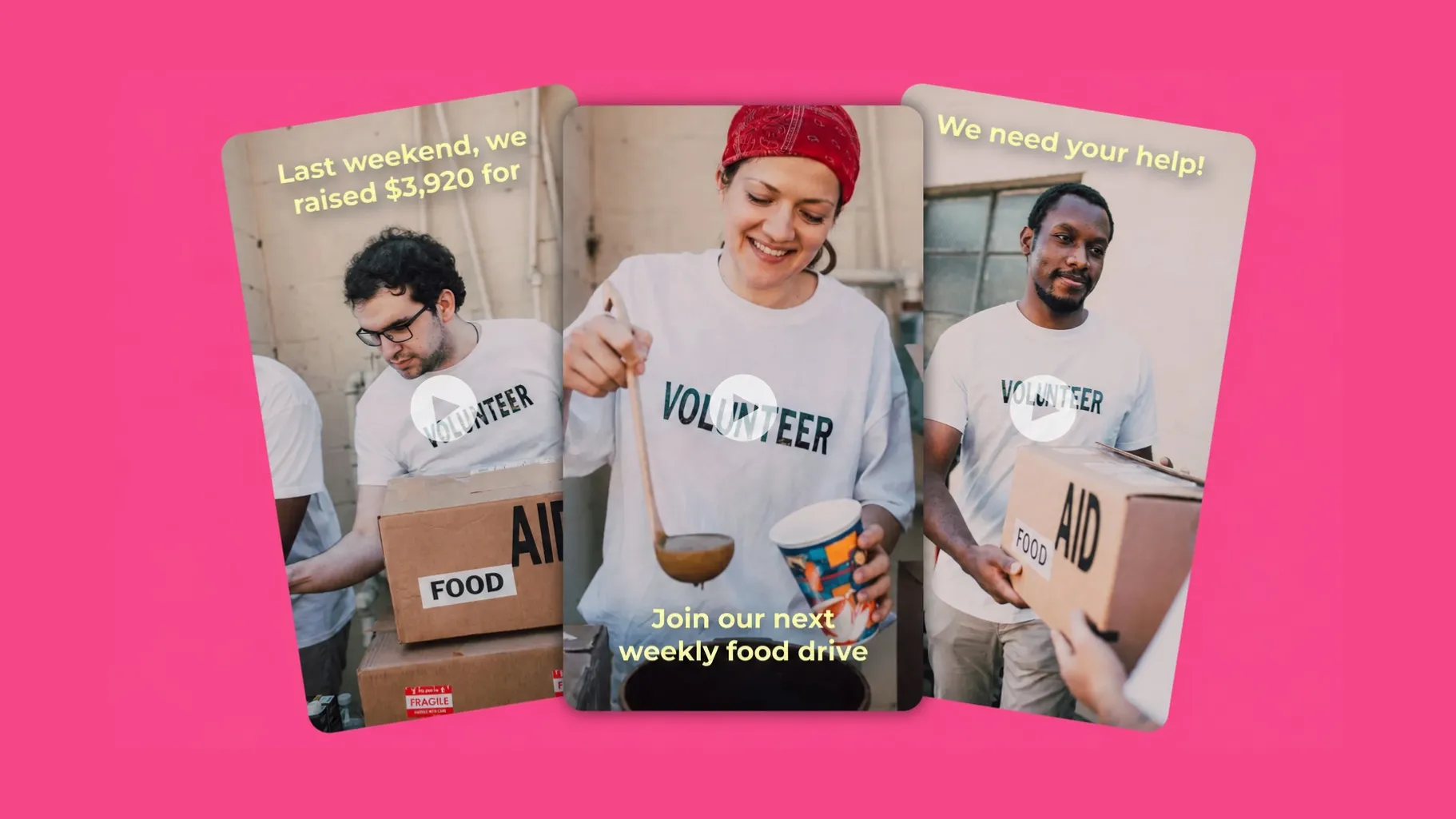
Promo Videos
Marketers, business owners, and product teams create polished promotional videos from scratch — all generated from text prompts as simple or detailed as you want
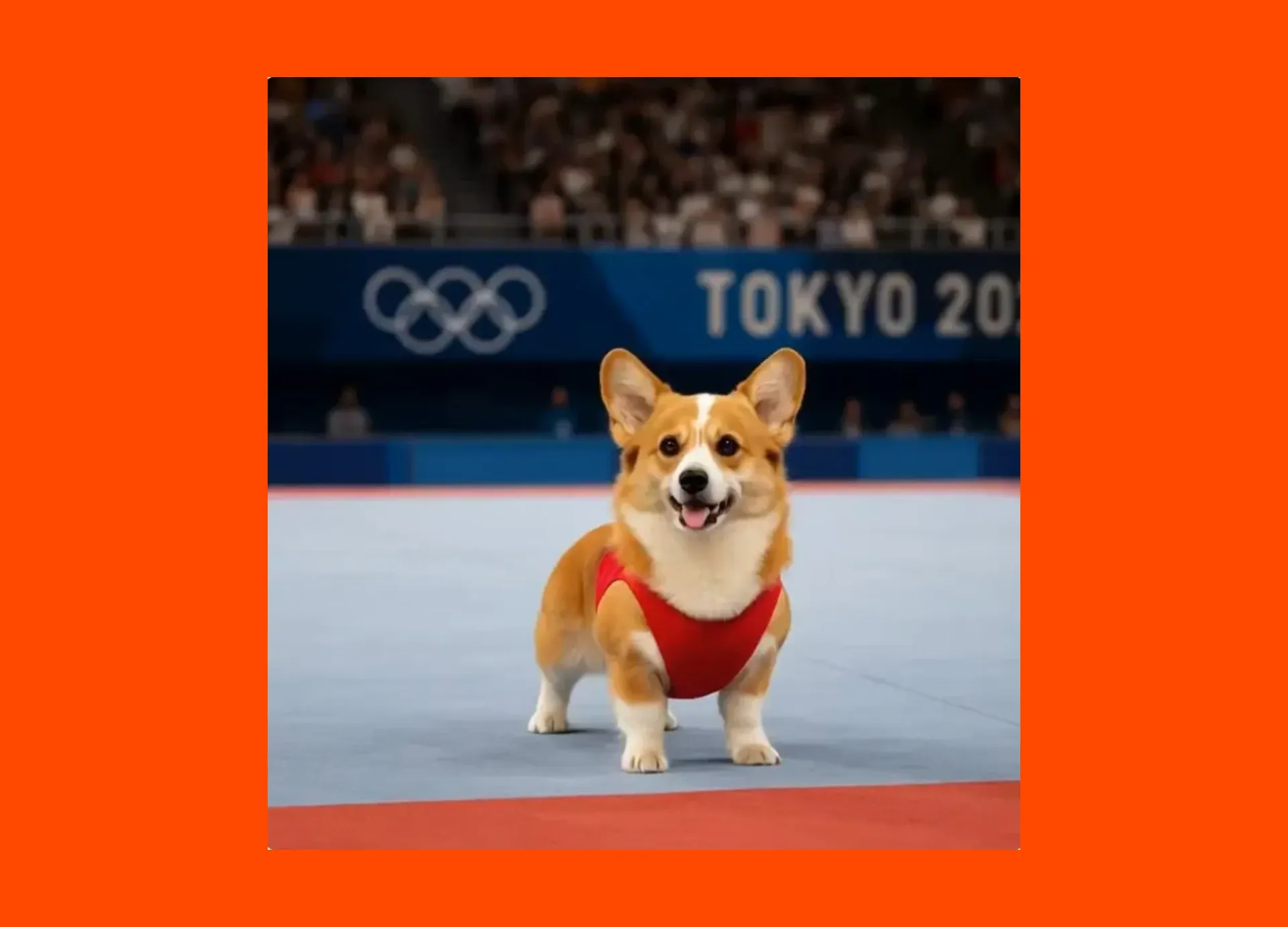

Advertisements
Transform a single product image into an engaging short video, or design a full 30-second ad, all at a fraction of the usual cost as AI handles everything from shot direction to aspect ratios
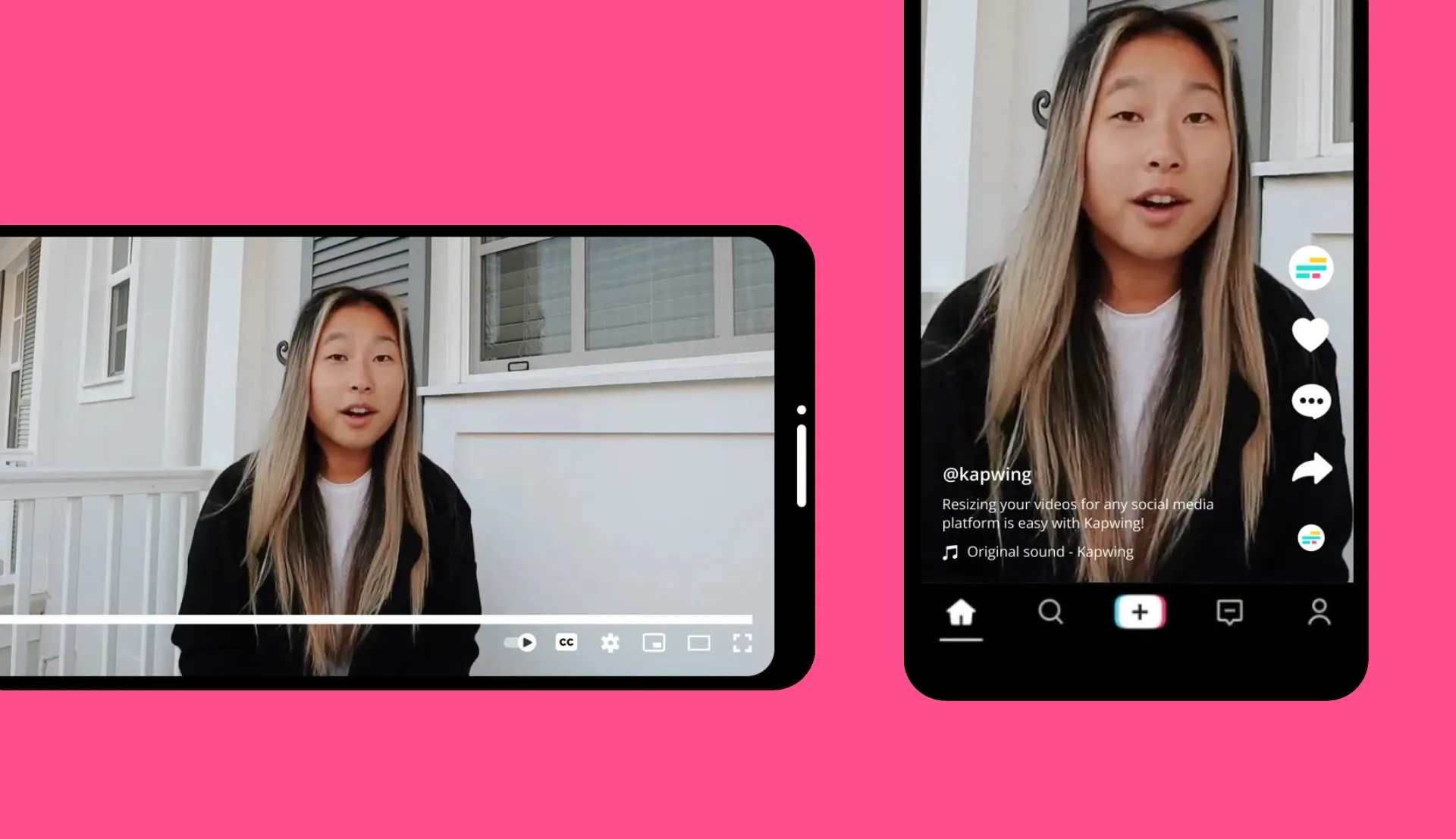
Social Media Clips
Social media managers use Kapwing’s AI video maker to turn trending video prompts, still photos, and screenshots into promotional clips that tell personal stories with global appeal

E-commerce
Turn product images into animated highlight reels with callouts, voice overs, and branded visuals, perfect for Instagram ads, Amazon listings, and ecommerce pages

Educational Content
Curating lecture notes, course previews, and educational content in video form takes just one click with Kapwing’s advanced Script to Video tool
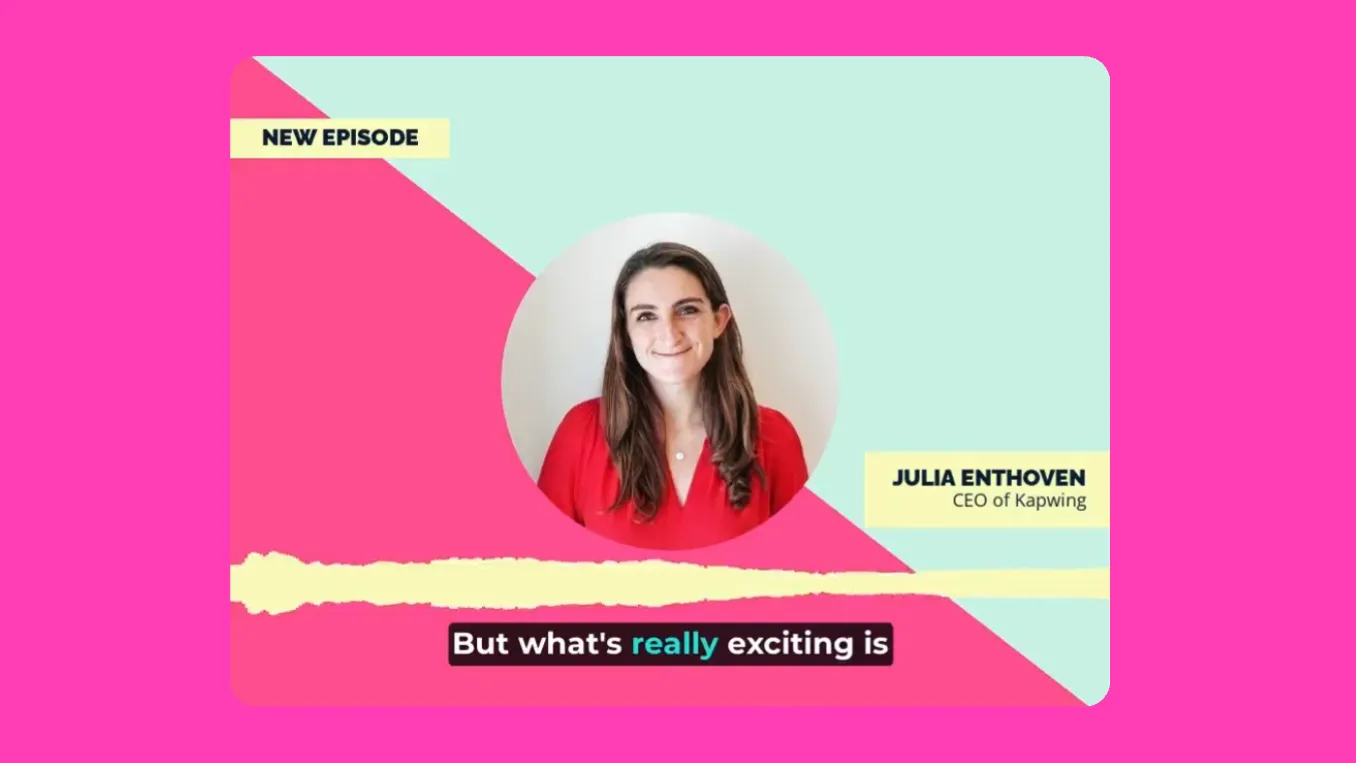
Podcast Clips
Podcasters use AI to create full promo videos and short 12-second preview clips, promoting episodes across multiple platforms and attracting new listeners
.webp)
Explainer Videos
Thought leaders and educators simplify complex ideas into visually engaging, easy-to-understand videos, broadening their audience’s understanding

Awareness Campaigns
Activists, politicians, and campaigners use AI-generated images and videos to amplify their messages with multimedia-rich content — produced in real time to align with breaking news
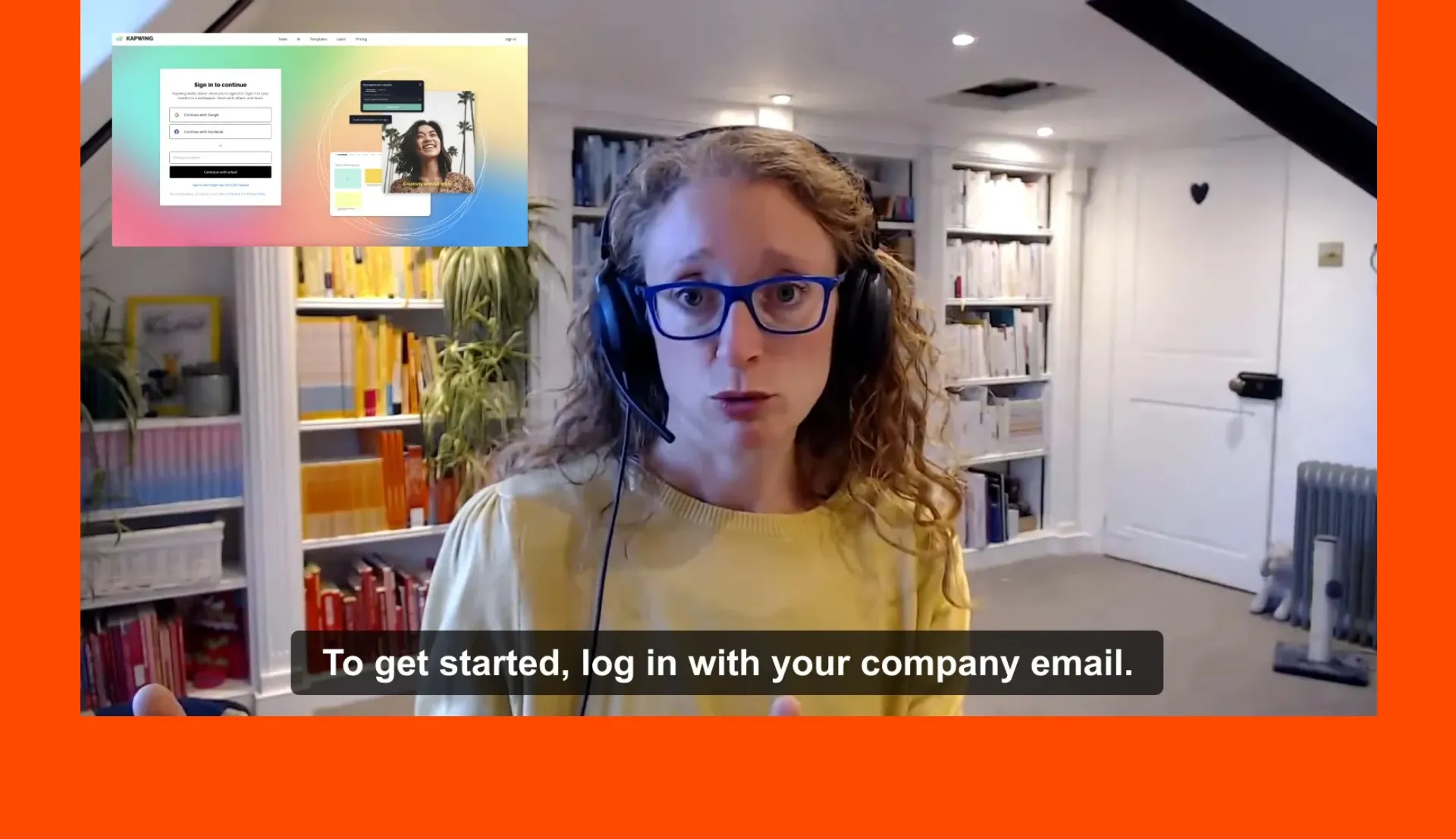
Training Videos
Generate easy-to-understand training videos from a single prompt, quickly combining subtitles, voice over, and text without any manual editing
How to Make an AI Video
- Step 1Enter prompt
Open Kapwing's AI assistant, Kai. Enter a text prompt and optionally upload a photo as a start frame. Don't worry about advanced prompting — Kai can enhance simple prompts.
- Step 2Generate video
Choose your AI model (Veo, Kling, Seedance, Happy Horse, MiniMax, and more), aspect ratio, and style. Click the arrow to start generating.
- Step 3Edit and export
Once generated, export your video or add it into the editing timeline. Add subtitles, voice over, music, and brand assets. Export as MP4.
Auto-generate fully edited video projects
Any aspect ratio — 16:9, 1:1, 9:16, and more
Voice over, subtitles, B-roll, and music combined
Alongside short clips, you can ask AI to auto-generate fully-edited videos on any topic. A built-in B-roll Generator will match your topic with relevant videos and images, then adds subtitles, background music, voice overs, avatars, and text.
It’s a cost-effective alternative to expensive image licensing sites, automatically generating and packaging assets based on your style and format preferences — no manual uploads required.
Create short, bite-sized videos ranging from 15 seconds to 1 minute, with aspect ratios optimized for TikTok, YouTube, and more. Or, work on longer projects like infomercials, adverts, PR stunts, and marketing videos.
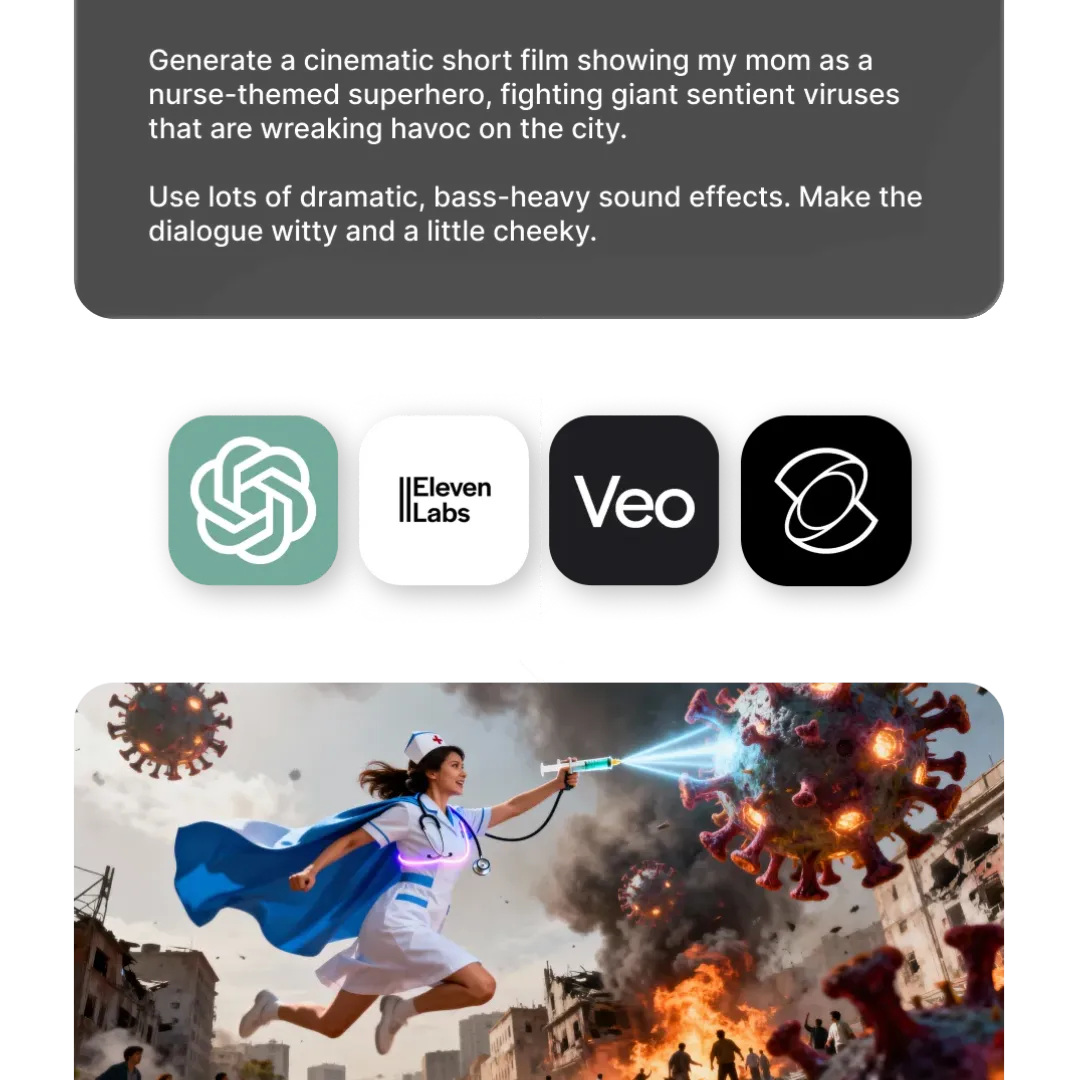
What's different about Kapwing?



Frequently Asked Questions
We have answers to the most common questions that our users ask.
Is the AI Video Generator free?
Yes, Kapwing’s AI Video Generator is free to try. However, each video generation costs a different number of credits. A Pro account is recommended to experience the full power of the AI Studio.
Is there a watermark on exports?
If you are using Kapwing on a Free account then all exports — including AI-generated content — contain a watermark. Once you upgrade to a Pro account the watermark will be completely removed from your creations.
What AI models does Kapwing use?
Are AI video generators safe?
Advancements in AI have led to various concerns and confusion. Some are skeptical about using AI to assist with their work because of what may feel like a sudden jump in technology. Others are unsure about data collection. Rest assured, Kapwing is very safe to use and we have strict moderation guidelines and ethics policies in place. You can read more under our full Terms of Service and Privacy Policy.
Can you edit and customize AI-generated videos?
Yes, all of Kapwing's AI-generated videos are completely customizable. Once they have been generated you can add a variety of edits based on your subscription package, including branded backgrounds, colors, images, and logos.
Does Kapwing support text-to-video and image-to-video?
Yes, you can start from a text prompt, script, image, article, or even a PDF to create dynamic video content.
What aspect ratios, file sizes, and display resolutions are supported?
Kapwing's AI studio works with all popular file types for video including MP4, AVI, MOV, WebM, and more.
- Aspect ratios in: 1:1, 9:16, 16:9, 4:5, 5:4, 3:4, 4:3, 2:3, and 21:9.
- Resolution support: 480p, 512p, 768p, 720p, and 1080p.
How can I write better AI prompts?
If you’re unsure what to write, Kapwing’s AI Assistant can help refine your prompt. Likewise, check out our blog on advanced AI video prompts for a deeper look at how to write and use them effectively
Can I create full video projects several minutes long?
Yes, you can ask the AI Assistant to generate both video clips and video projects:
- Video Clips (3–30 seconds): Instantly generate short-form videos from a text prompt or images — perfect for social posts, reactions, or visual storytelling. Example: A 3-second clip of a gorilla swinging from a tree.
- Full Video Projects: Turn scripts, articles, or prompts into fully edited videos with AI-generated voice overs, subtitles, transitions, music, and an optional AI presenter. Example: A 3-minute video about Instagram monetization strategies.
What are Custom Kais?
Custom Kais are pre-built AI image and video effects in Kapwing. Our team has created hundreds of them so you can instantly produce eye-catching content — no prompt writing required. Just apply a Custom Kai and the style is handled for you.
You can also create your own Custom Kai to capture your brand’s unique look and reuse it anytime for consistent, on-brand content with one click.
Does Kapwing allow motion control?
To control motion during video generation, select the Kling AI model. This allows you to upload a reference video to replicate specific movement patterns, making it especially effective for choreography or AI dance videos.
You can also guide motion through detailed text prompts. Including camera directions such as dolly, orbit, or pan helps produce more intentional movement.
Does Kapwing's AI videos include video and audio?
Yes. Kapwing’s AI Video Generator can create videos with synchronized audio, including lip-synced dialogue and ambient sound effects. For the most reliable video-with-audio results, we recommend using the Veo or MiniMax models.
Can AI videos be monetized?
Yes, AI videos can be monetized on YouTube, TikTok, Facebook, Instagram, and other social media channels. Kapwing's audio, image, and video library is royalty-free, meaning there is no copyright tied to the 1,000s of features at your disposal. Every social media network has a unique set of community standards, copyright laws, and platform restrictions, so make sure you read them in full to best understand monetization policies.
How long does it take to generate an AI video?
Most short clips (3–30 seconds) generate in under 60 seconds. Full video projects with voice over, subtitles, B-roll, and music typically take 1–3 minutes depending on length and complexity.
Does Kapwing work online?
Kapwing is entirely browser-based — open it on any device including desktop, Mac, Android, and iPhone. Projects are saved in the cloud and accessible from anywhere. No download required.
Discover Resources
Tips, templates, and deep dives to help you create faster and share with confidence.
View all
Get started with your first video in just a few clicks. Join over 35 million creators who trust Kapwing to create more content in less time.