AI Character Generator
Generate custom AI characters from text prompts. Fully online.
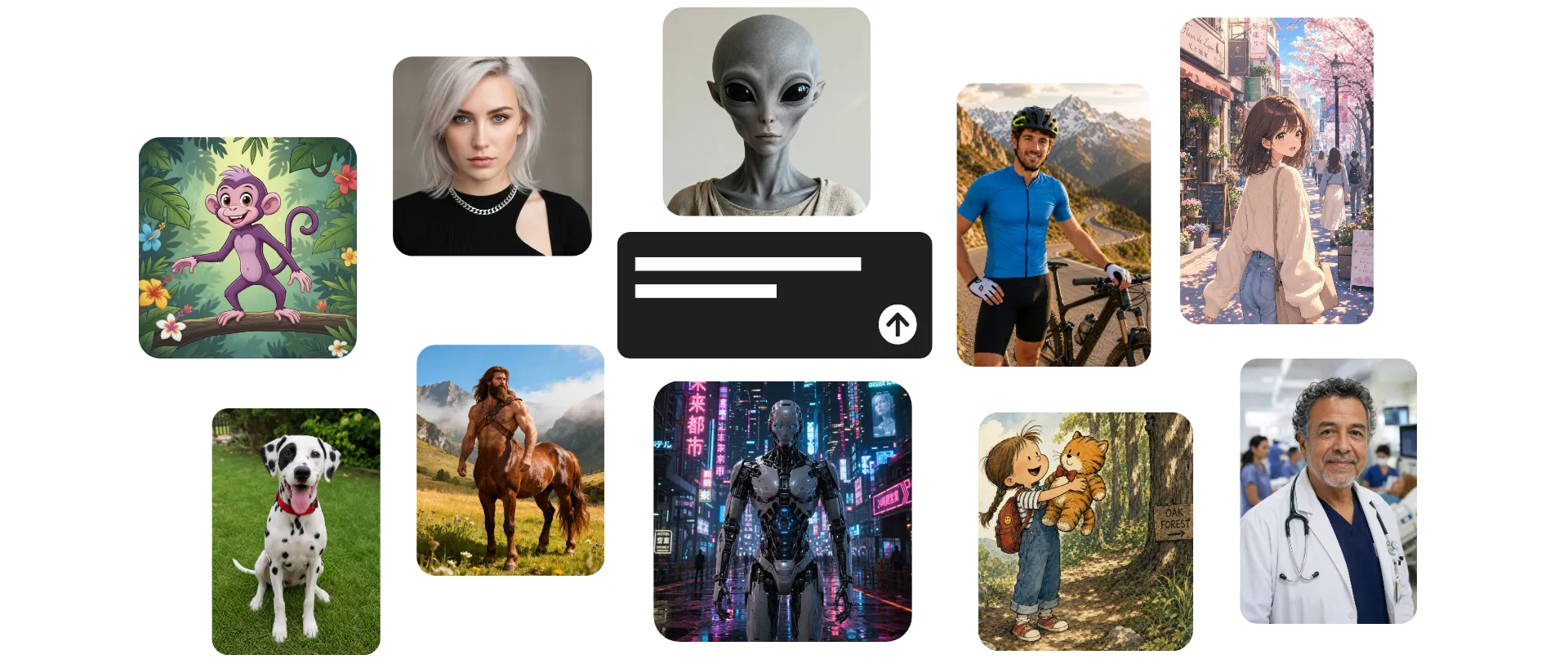
Create a lifelike AI character from scratch
Design realistic, fantasy, or stylized characters with AI. Or, customize a stock avatar.
Turn prompts into reusable characters
Describe a person, fictional character, or creature, and Kapwing’s AI Character Generator creates a polished 3D character you can customize, save, and reuse.
Upload sketches or reference images to guide the look, then refine details like clothing, hairstyle, expression, and setting.
Once generated, save your character for reuse across image and videos projects — no rewriting prompts or inconsistent outputs.
Same character. Same voice. Every time.
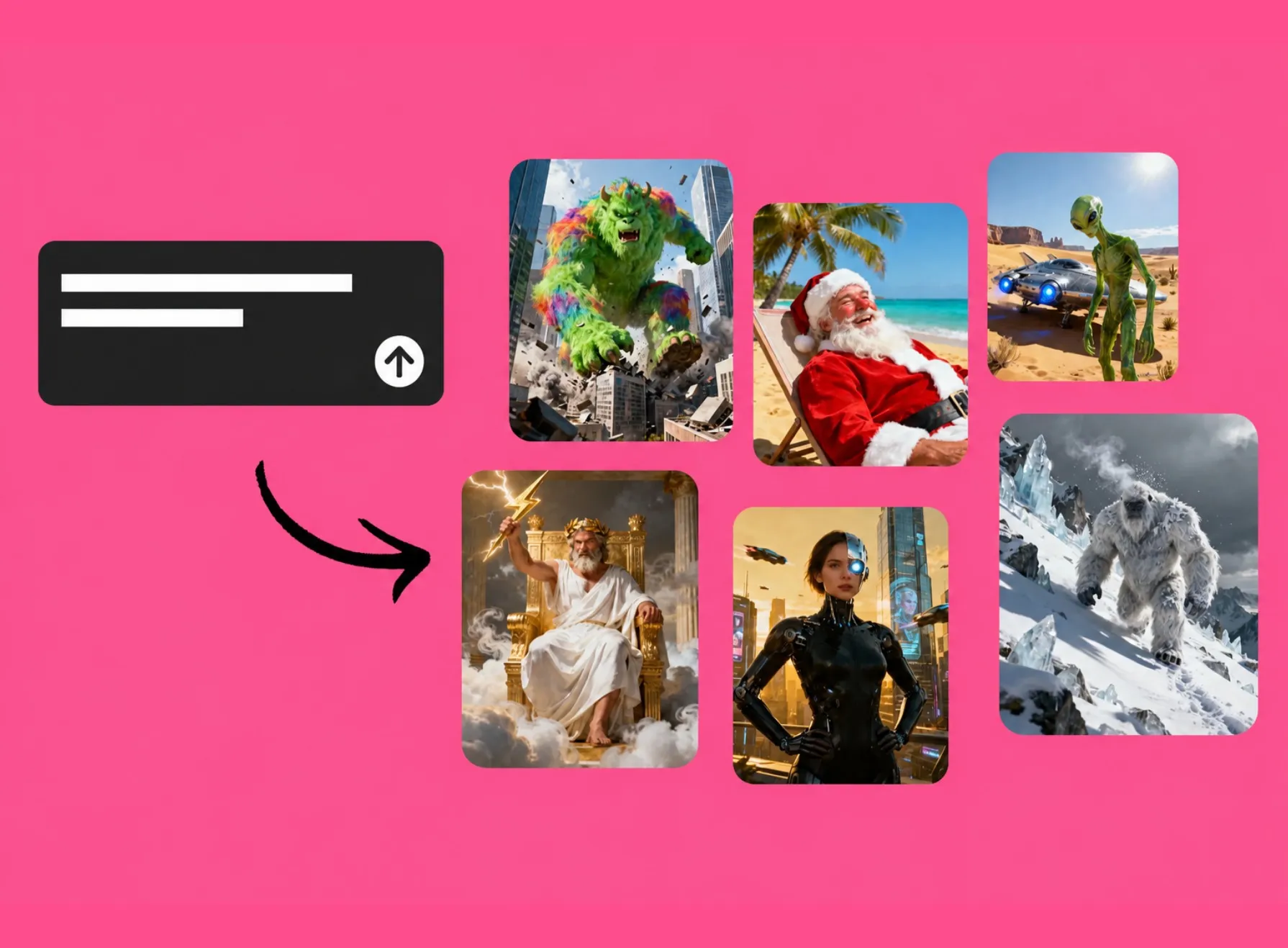
Start creating with ready-to-use stock characters
Browse a library of over 50+ pre-made AI characters, from professional and everyday personas to iconic figures like Santa Claus and Bigfoot.
The free library is built for social media clips, video ads, tutorials, UGC content, and more.
Customize your favorite characters, save them to your workspace, and drop them into any image or video project using the @ tag.
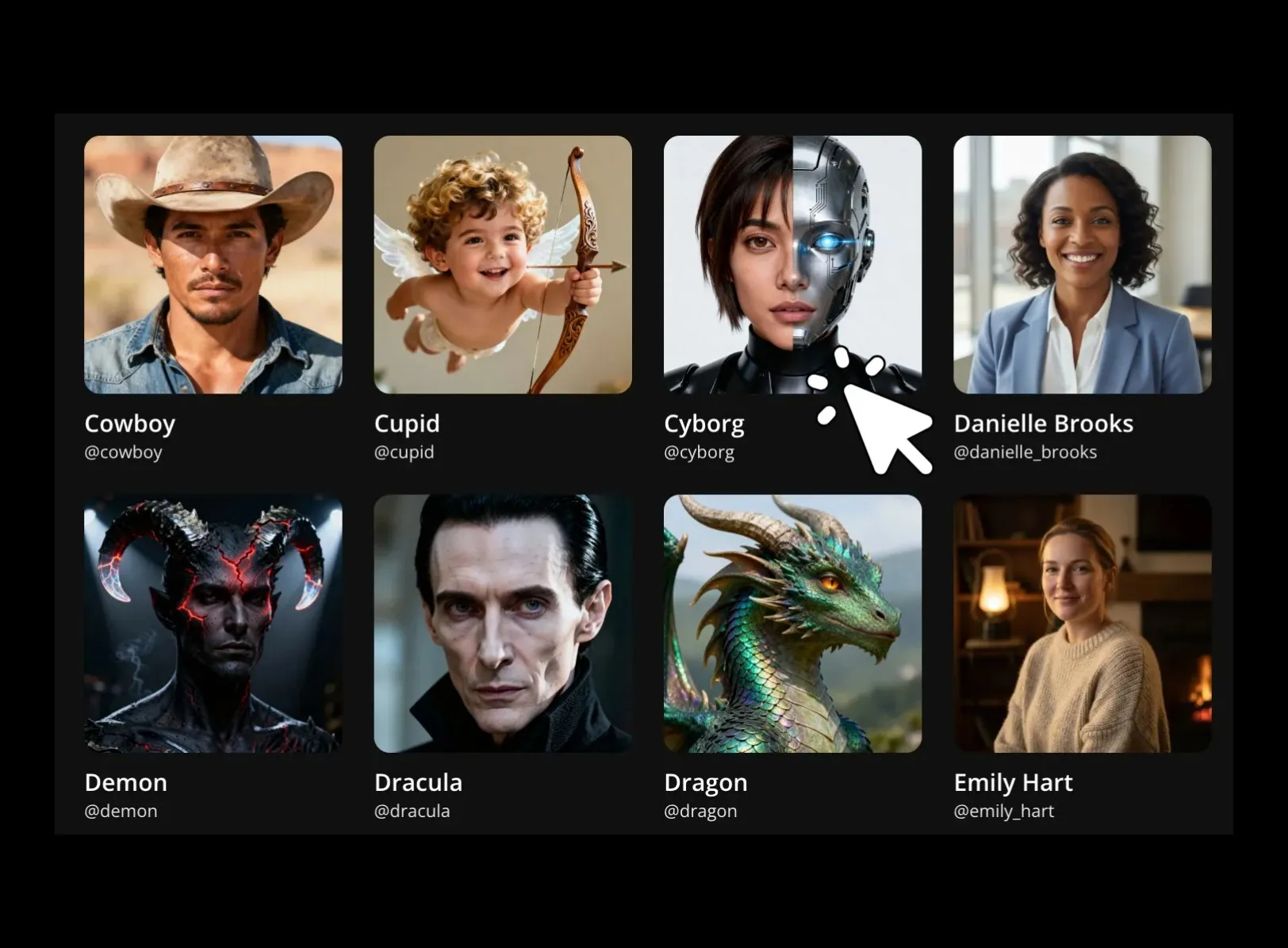
Your custom AI character — in three steps
No download required. Start from your browser tab.
Create
an AI character image using Kapwing AI


Save
your character image using the @ icon
Generate
content with the same character by tagging them in any prompt
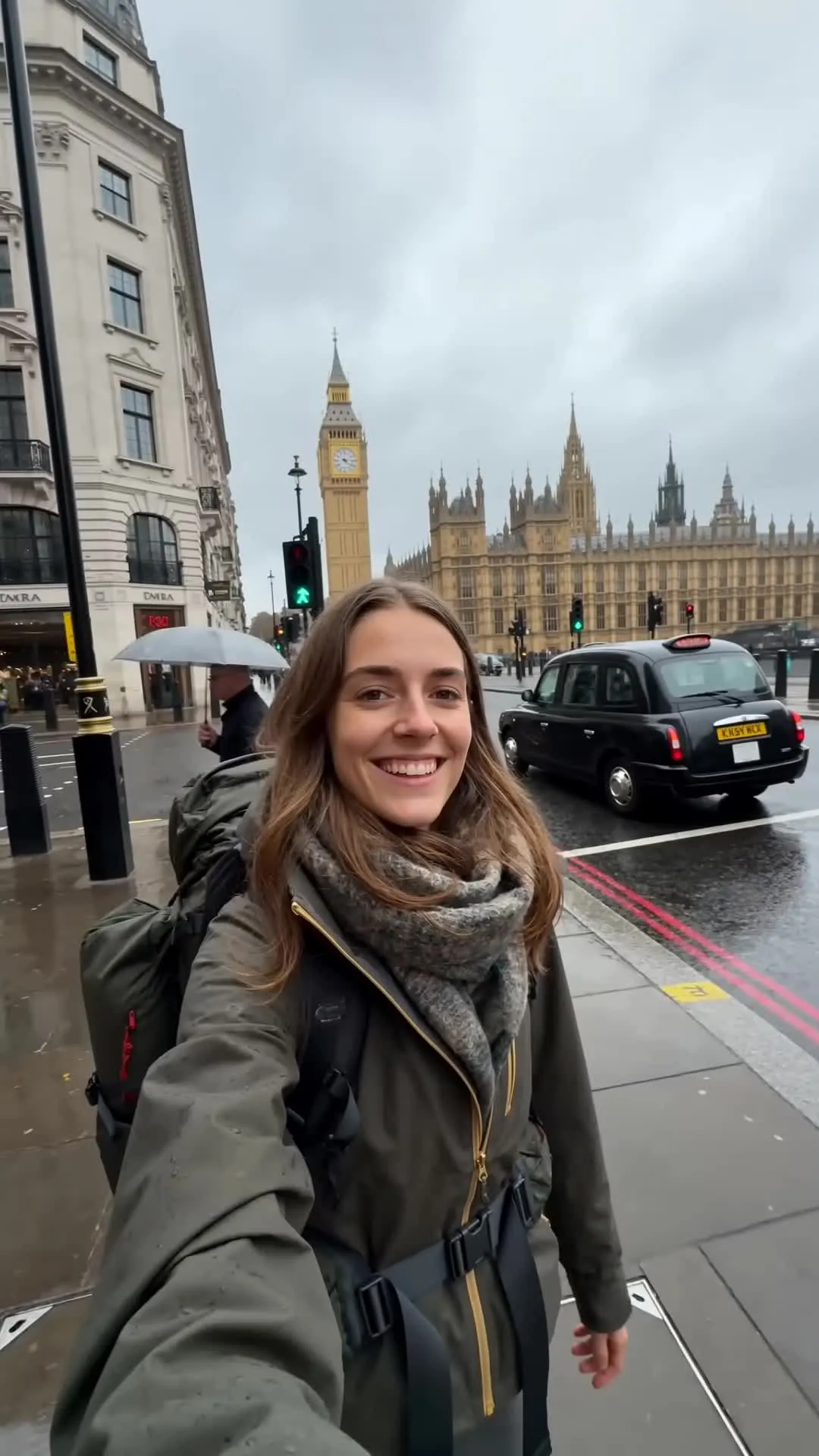
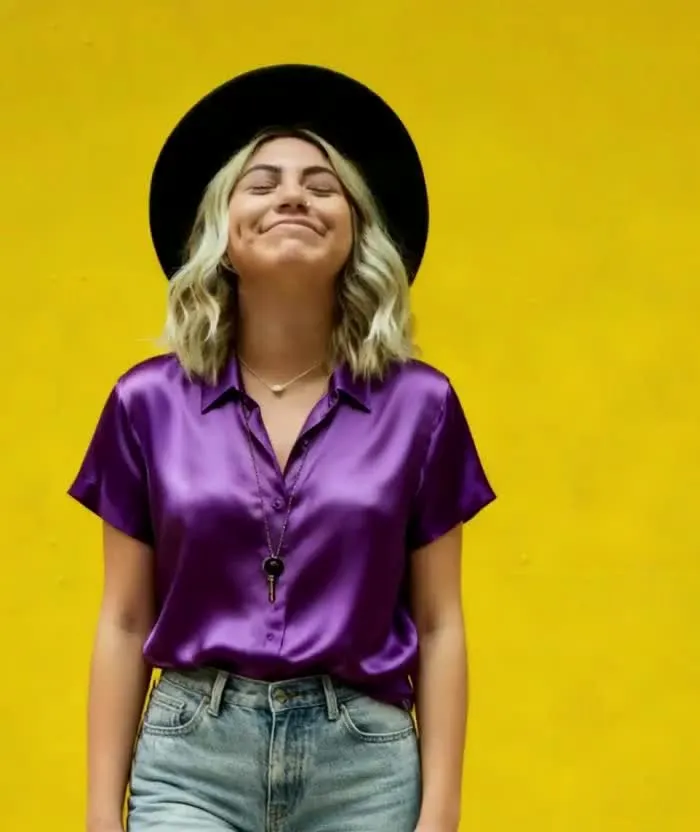
Every character you can imagine — created by AI
Free to start. Full commercial rights.
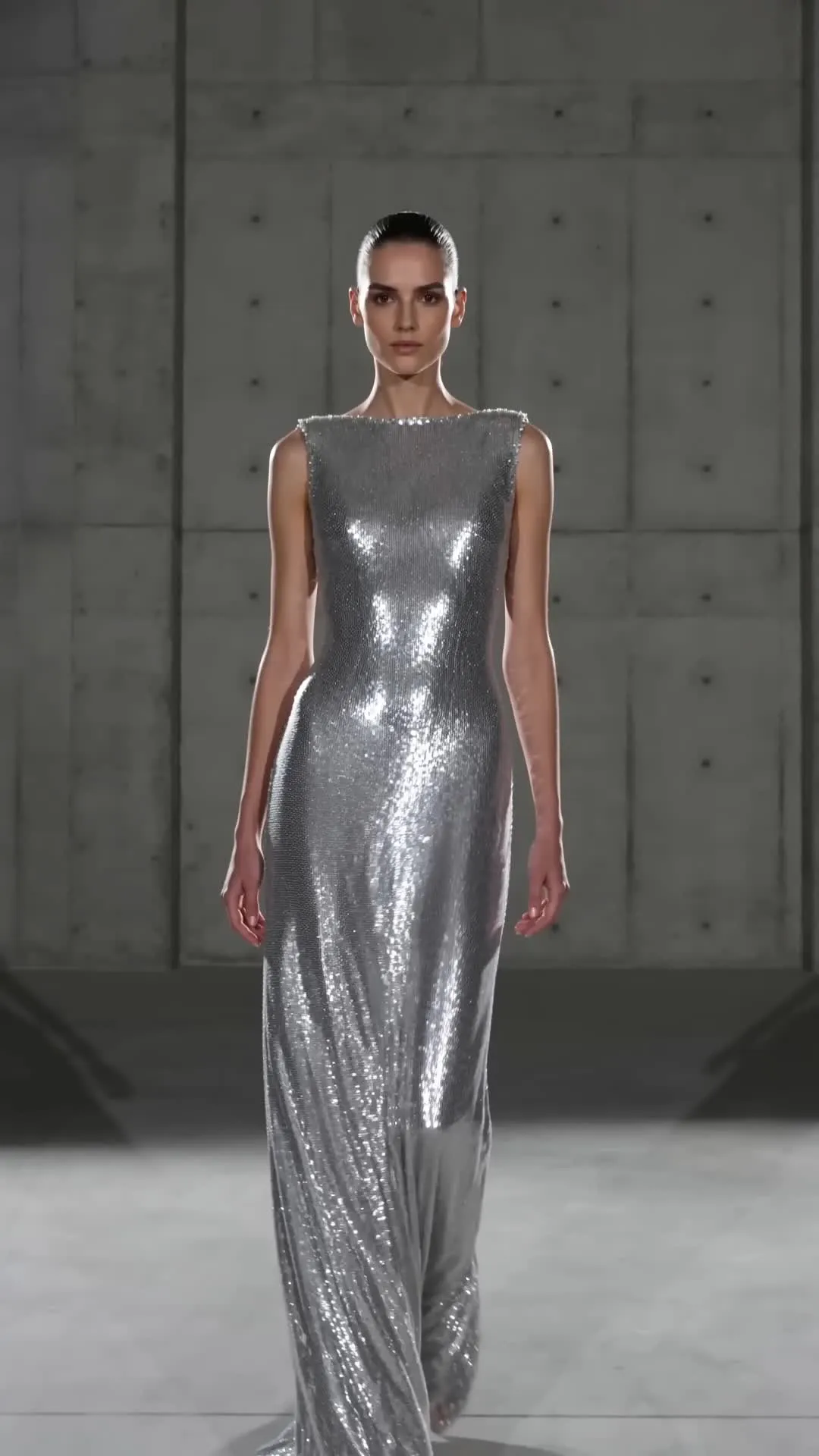
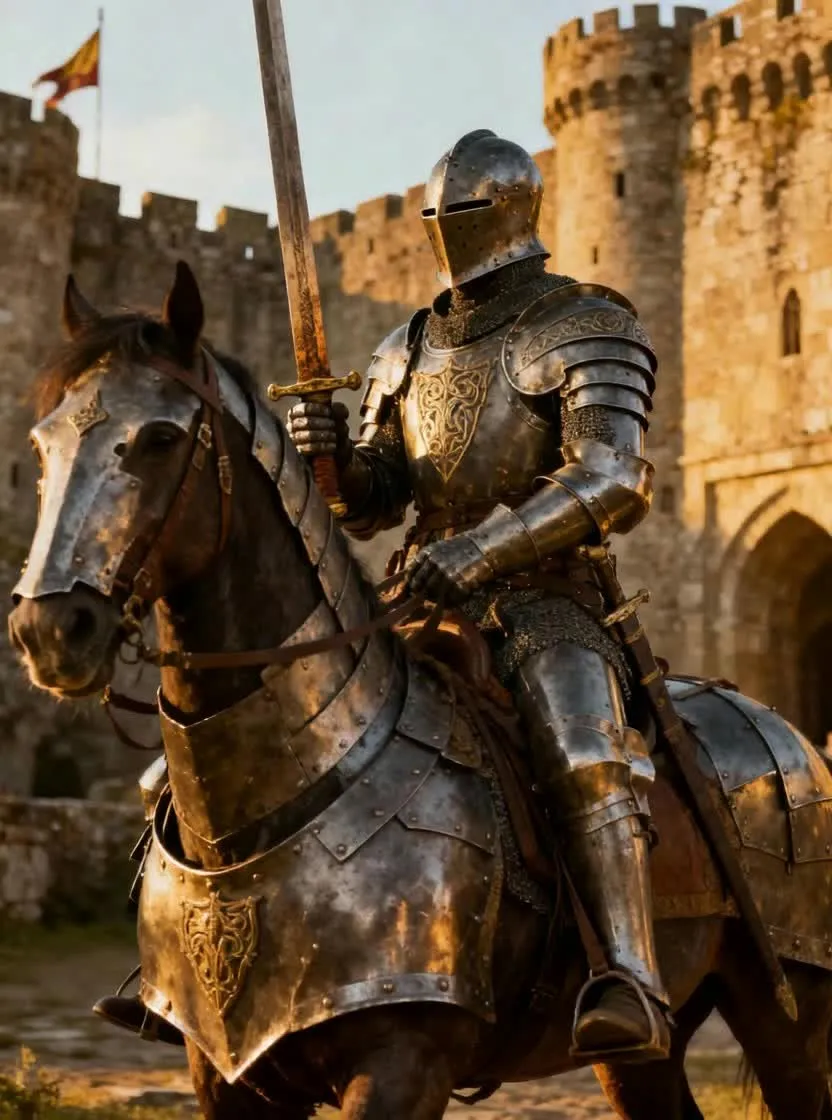
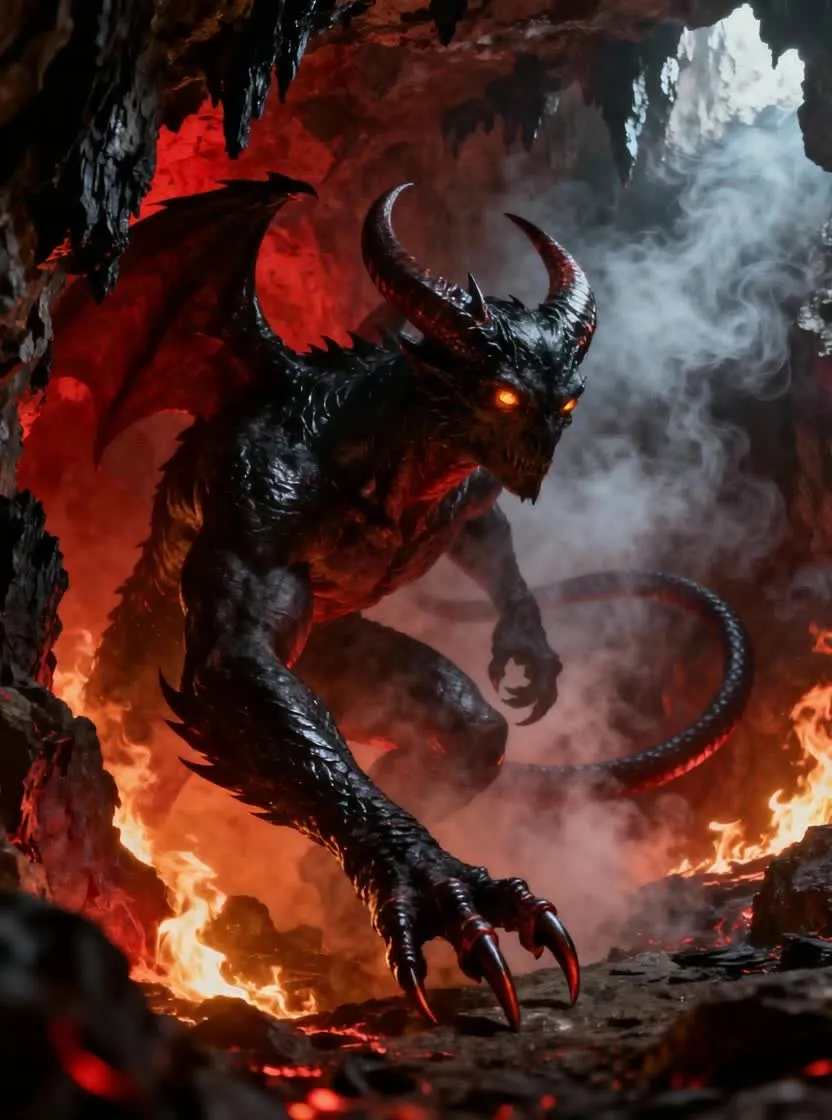
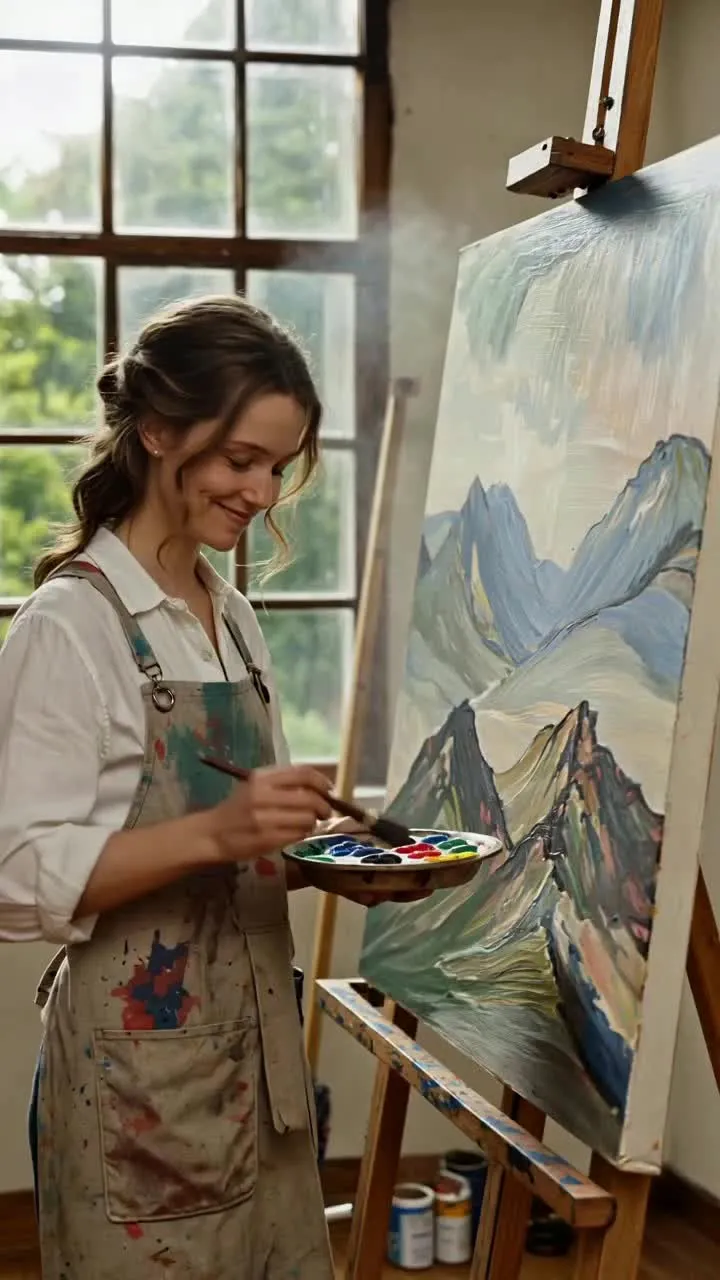
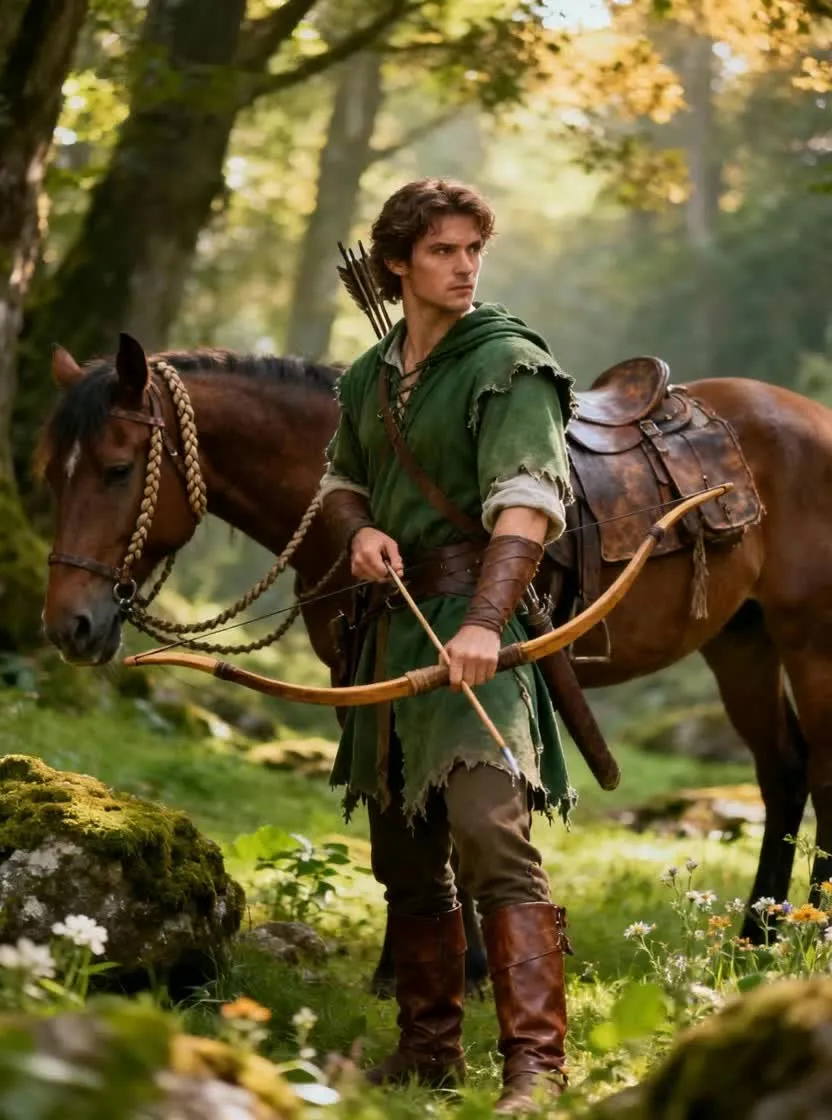
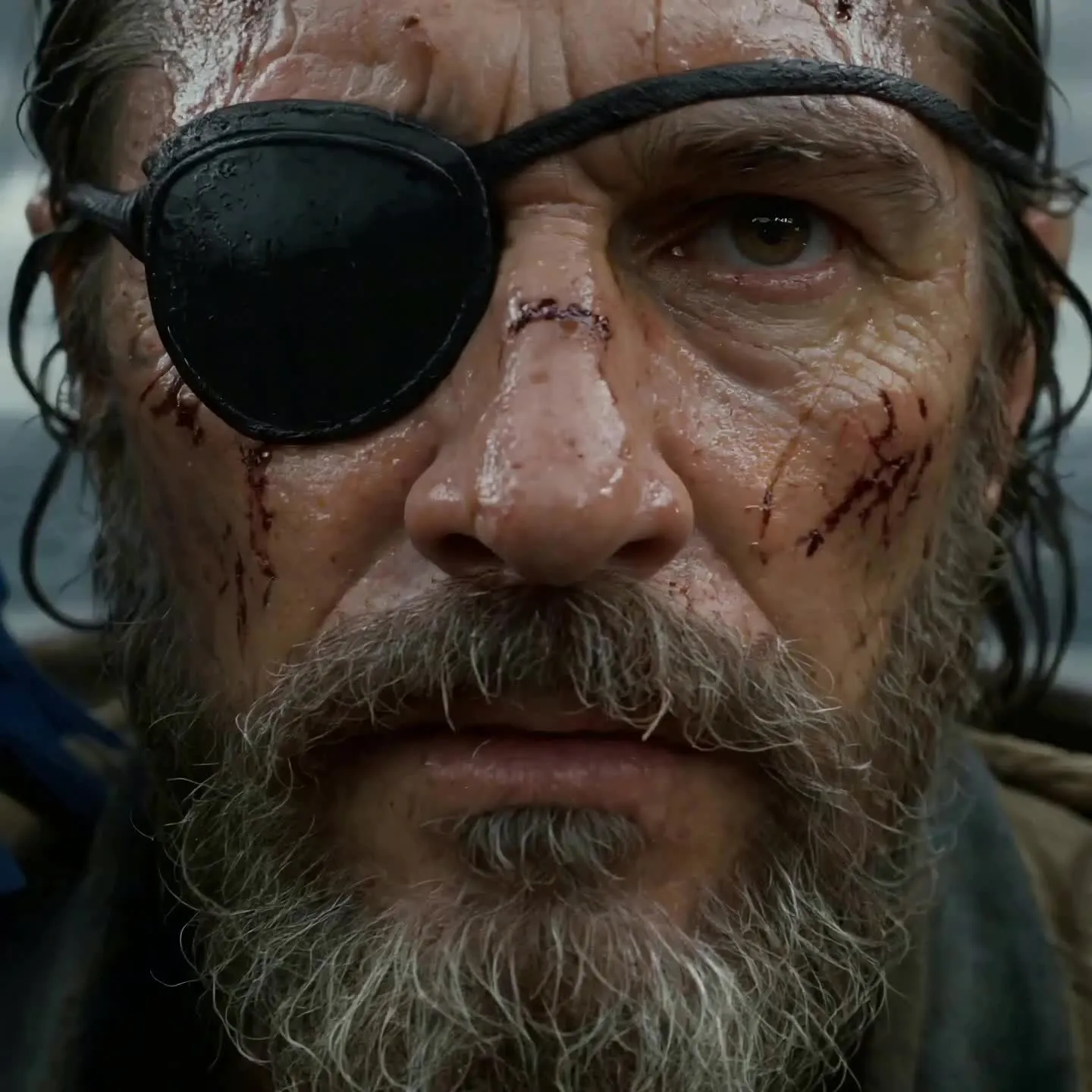
-poster.webp)
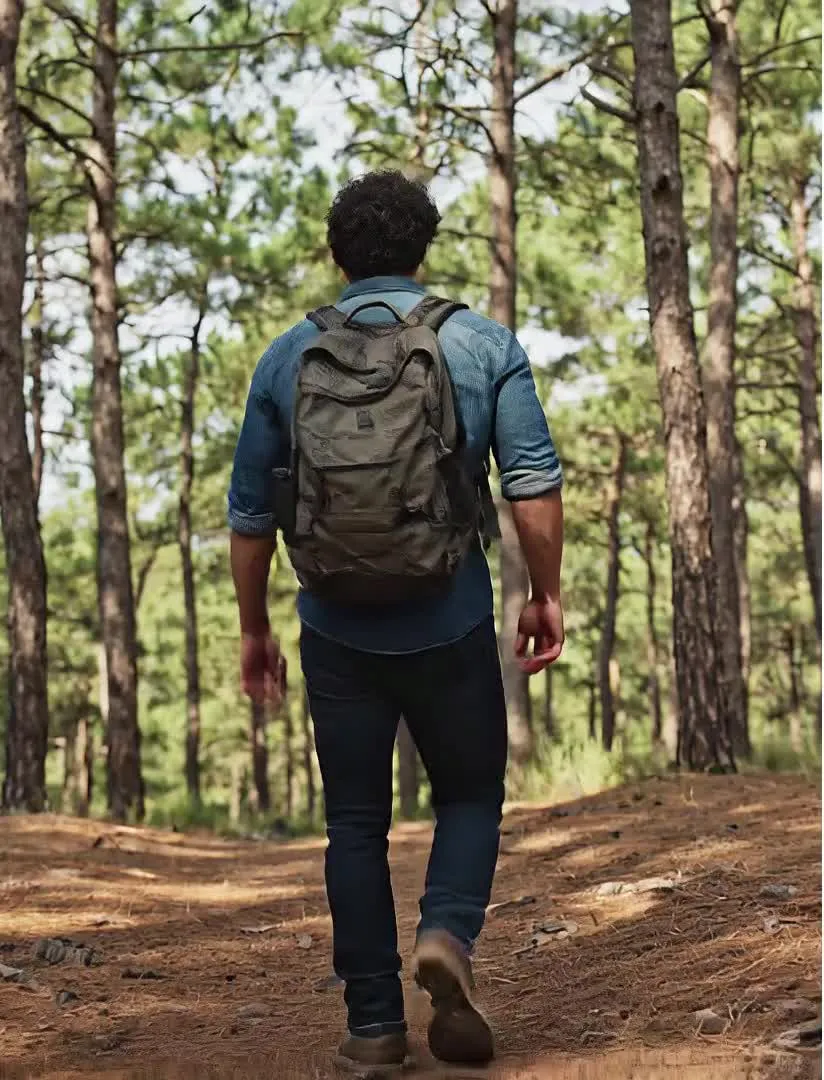
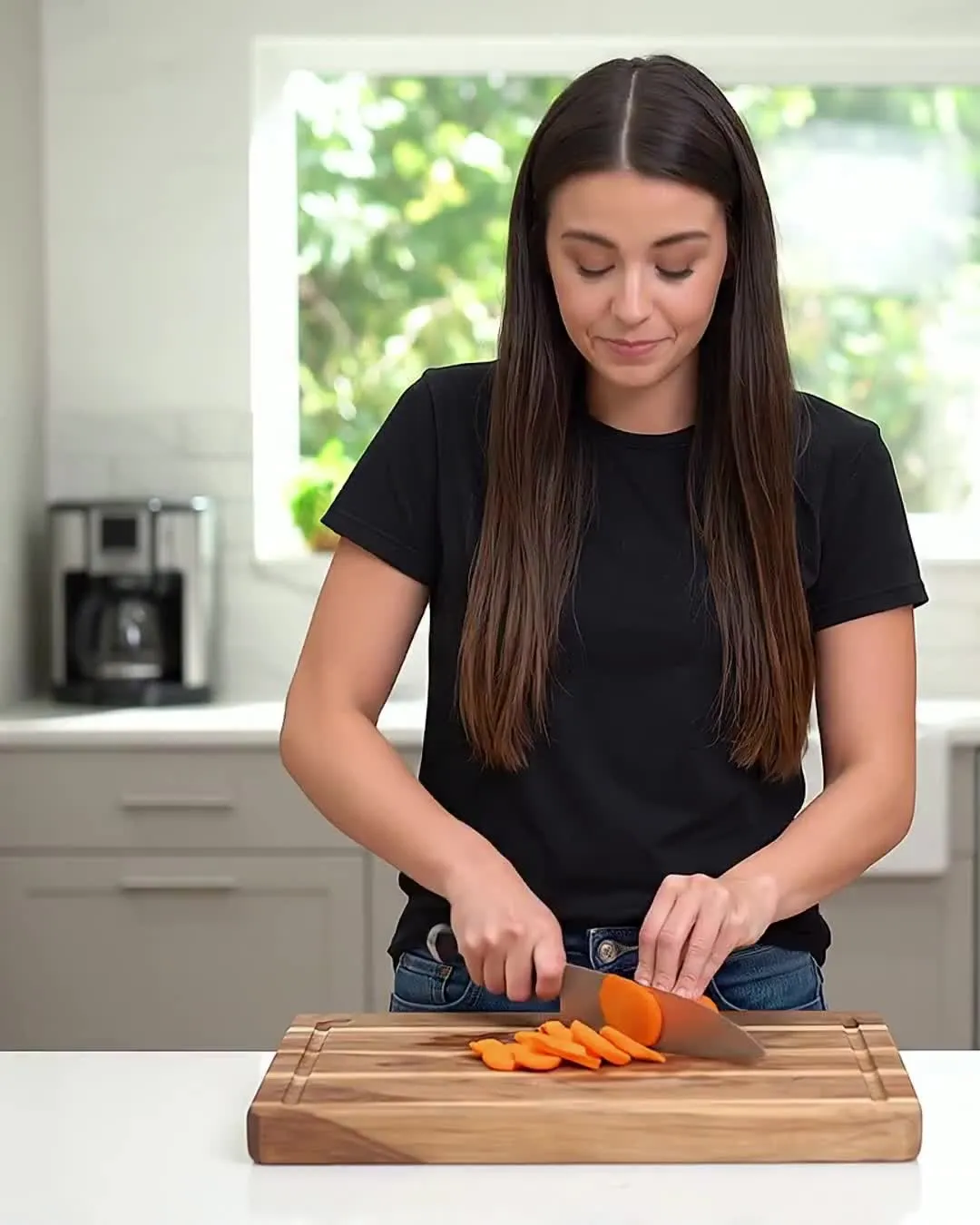
AI characters for every type of creator
In any video format — 16:9, 1:1, 9:16, and more
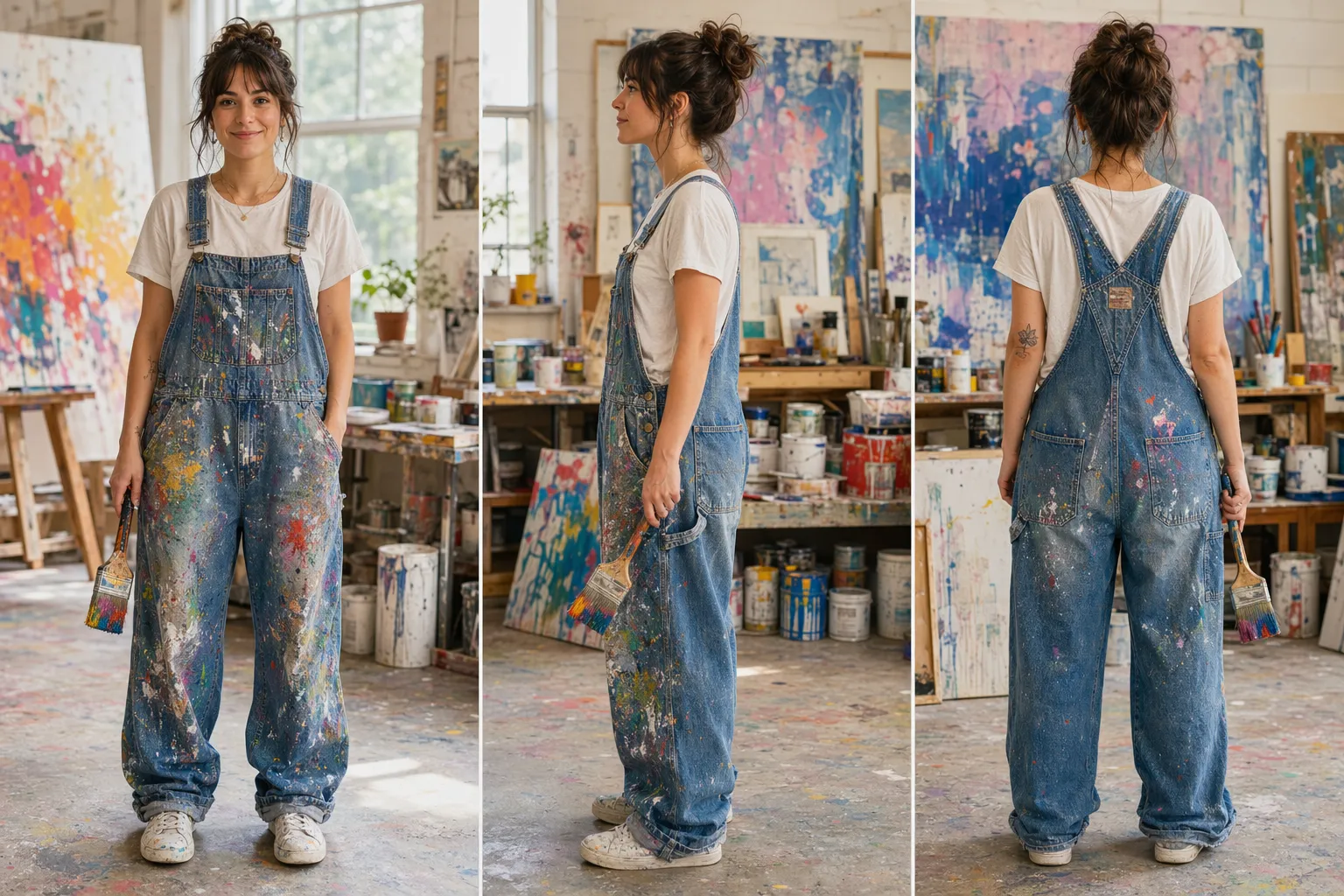
Character Design
Game developers, writers, and product marketers use an AI character maker to rapidly explore different looks, styles, and personalities
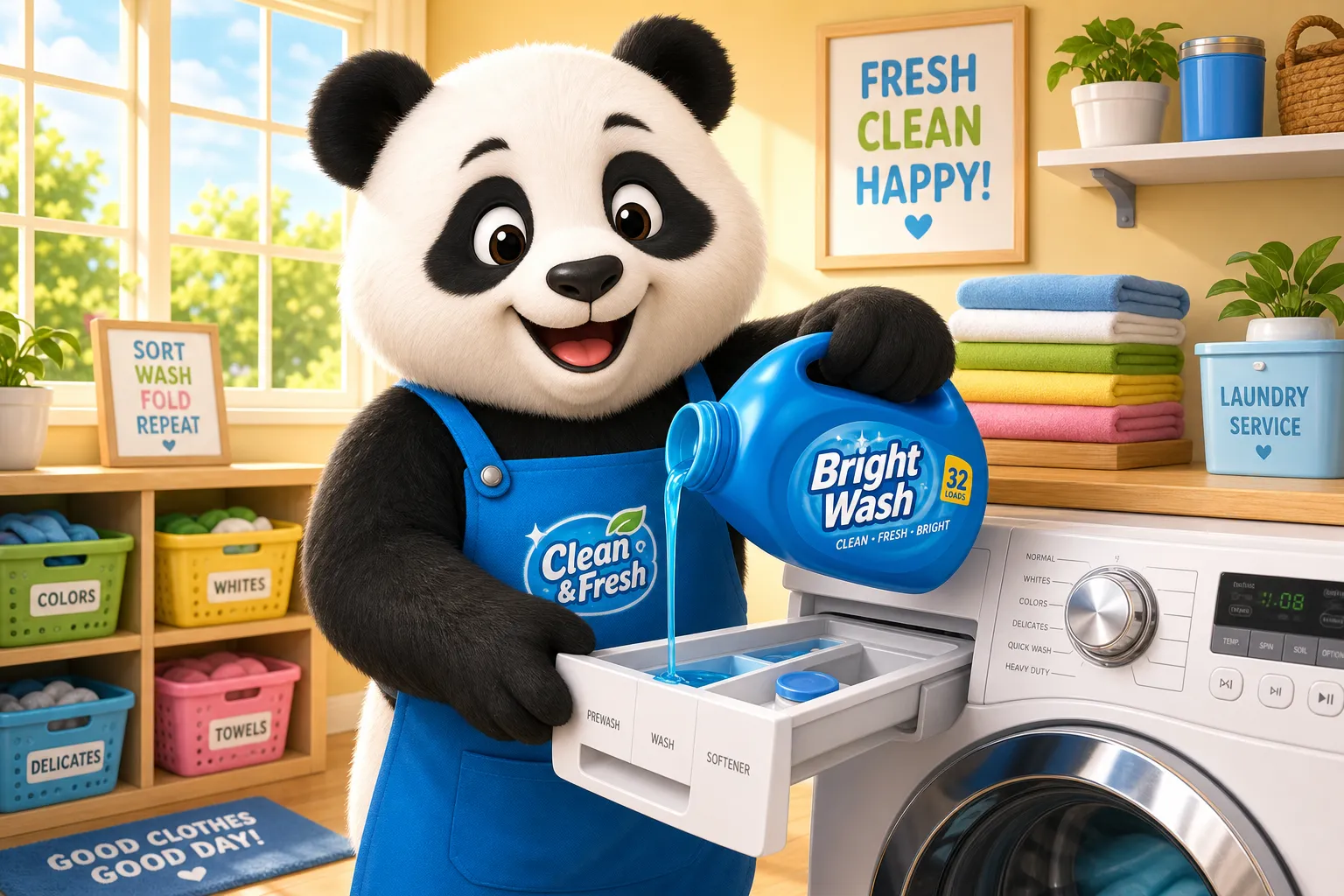
Brand Campaigns
Marketing teams and advertisers create consistent AI characters for campaigns, ensuring every social post and video ad features the same recognizable identity
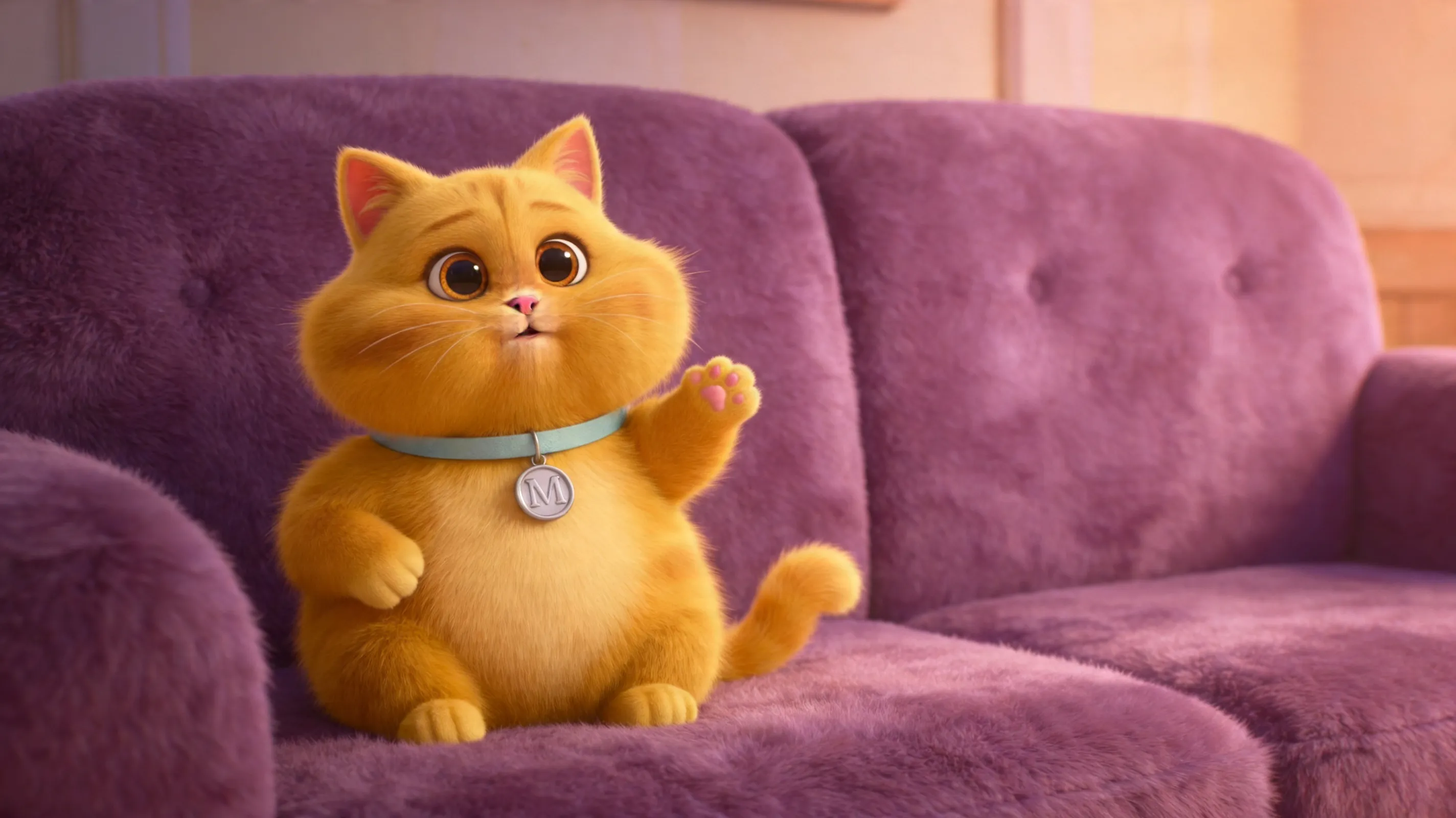
Kid-Friendly
Create cute, kid-friendly cartoon, fantasy, or animated characters, then direct them in short adventures for dynamic storytelling
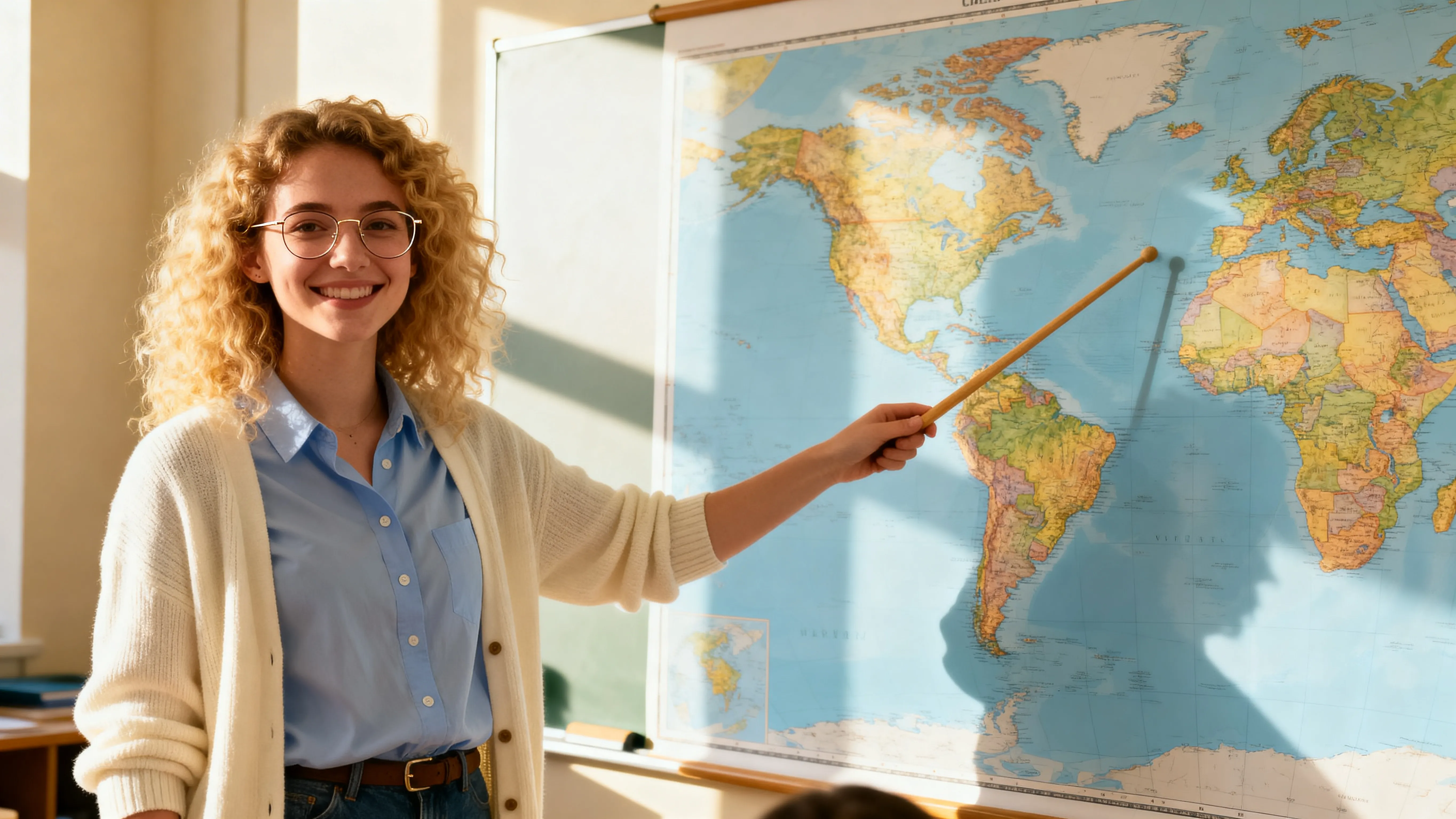
Informative & Educational
Educators, journalists, and product marketers deliver clear, repeatable content using realistic AI characters, reducing production time while explaining complex topics
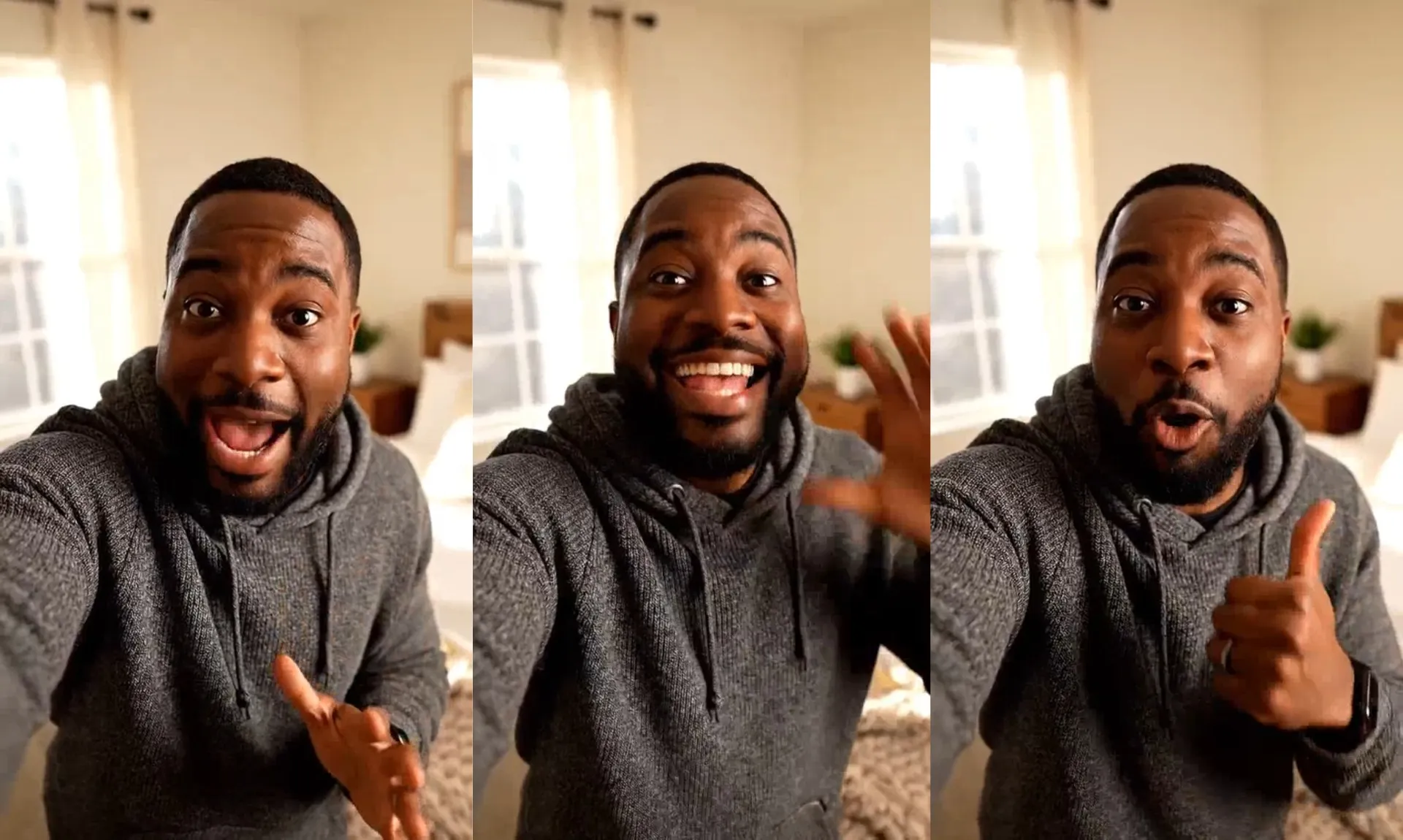
UGC
UGC creators and social media managers create AI generated characters that mimic authentic content styles. Test ideas without relying on new creators or reshoots for every variation.
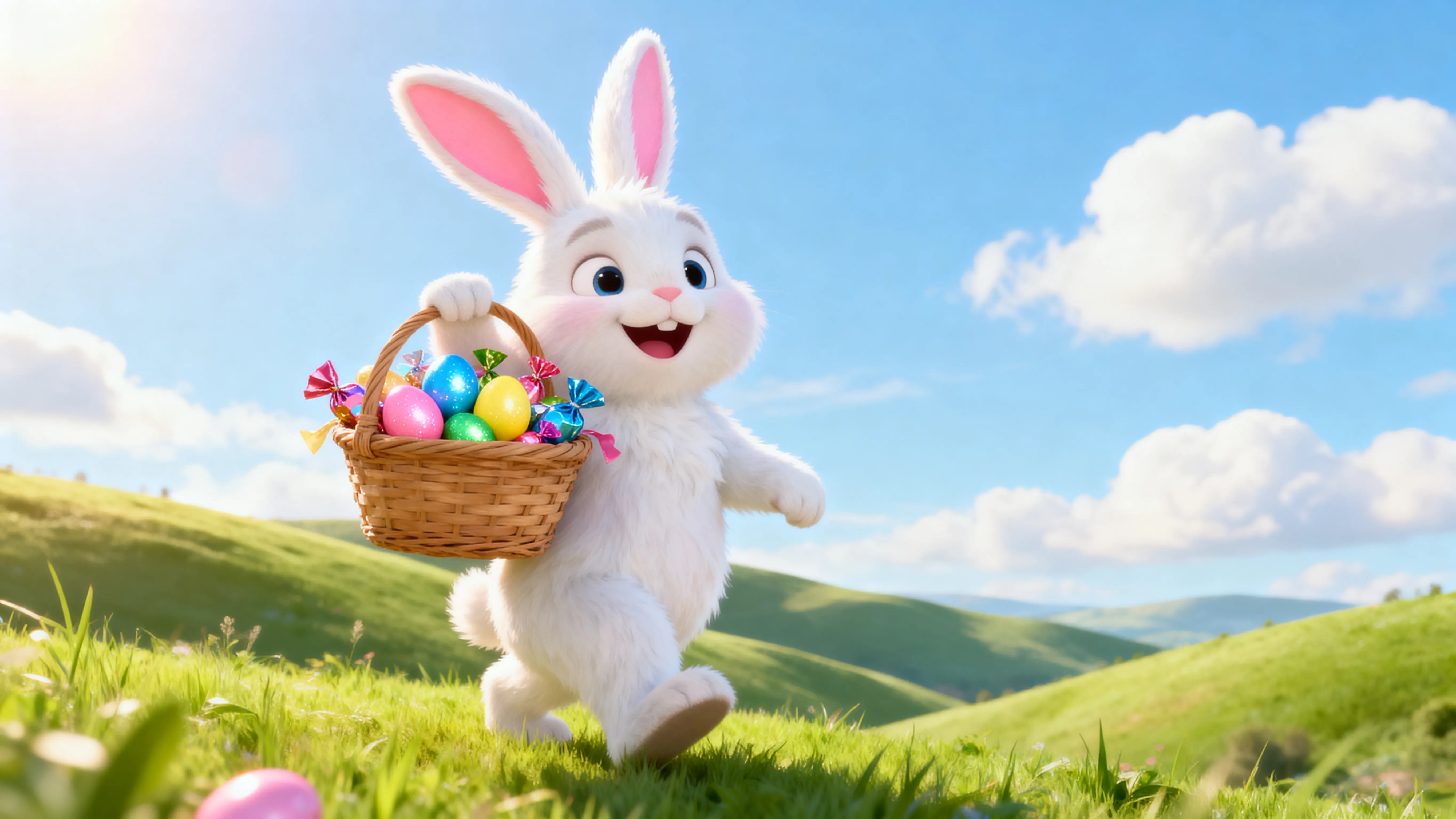
Holiday
Customize our Santa Claus or Easter Bunny characters — or design your own — then create personalized messages and scenes to share with family or followers
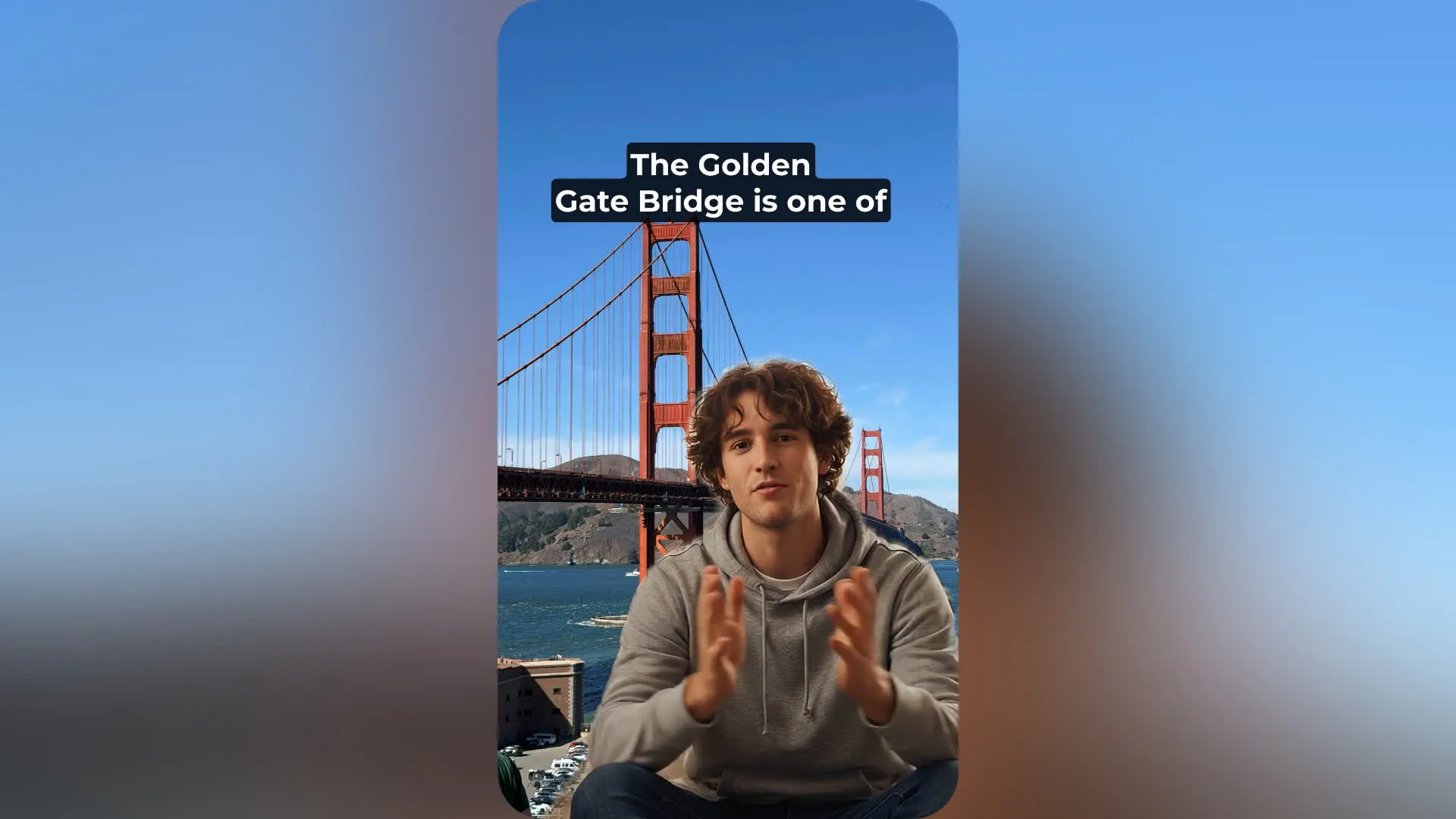
Talking Head
Instead of filming, marketers and thought leaders use an AI character generator to create consistent talking head videos that match their brand voice and visual identity
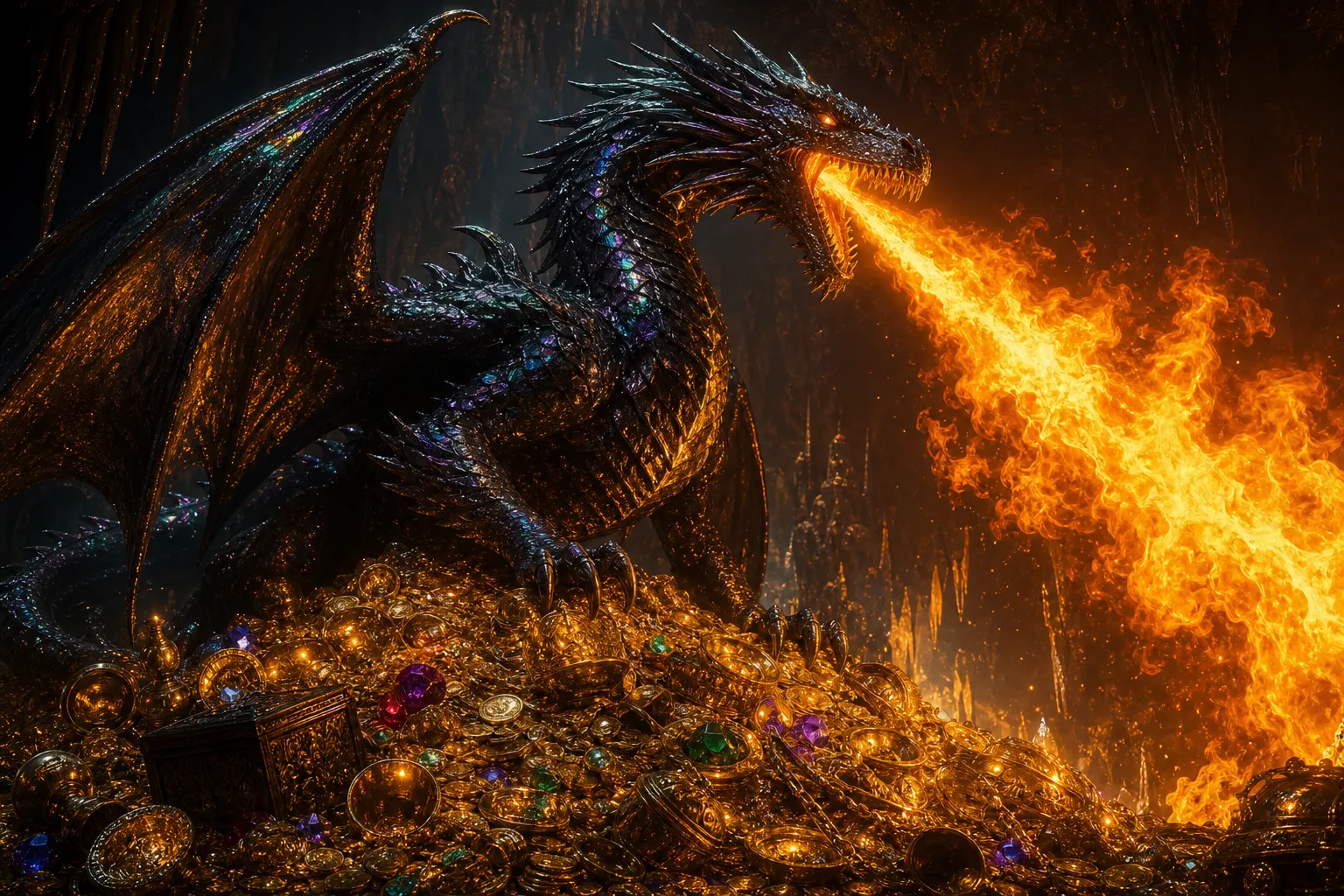
Fantasy & Anime
Creative teams and hobbyists experiment with an AI fantasy or anime character generator to produce stylized characters for games, comics, and digital art without needing illustration skills
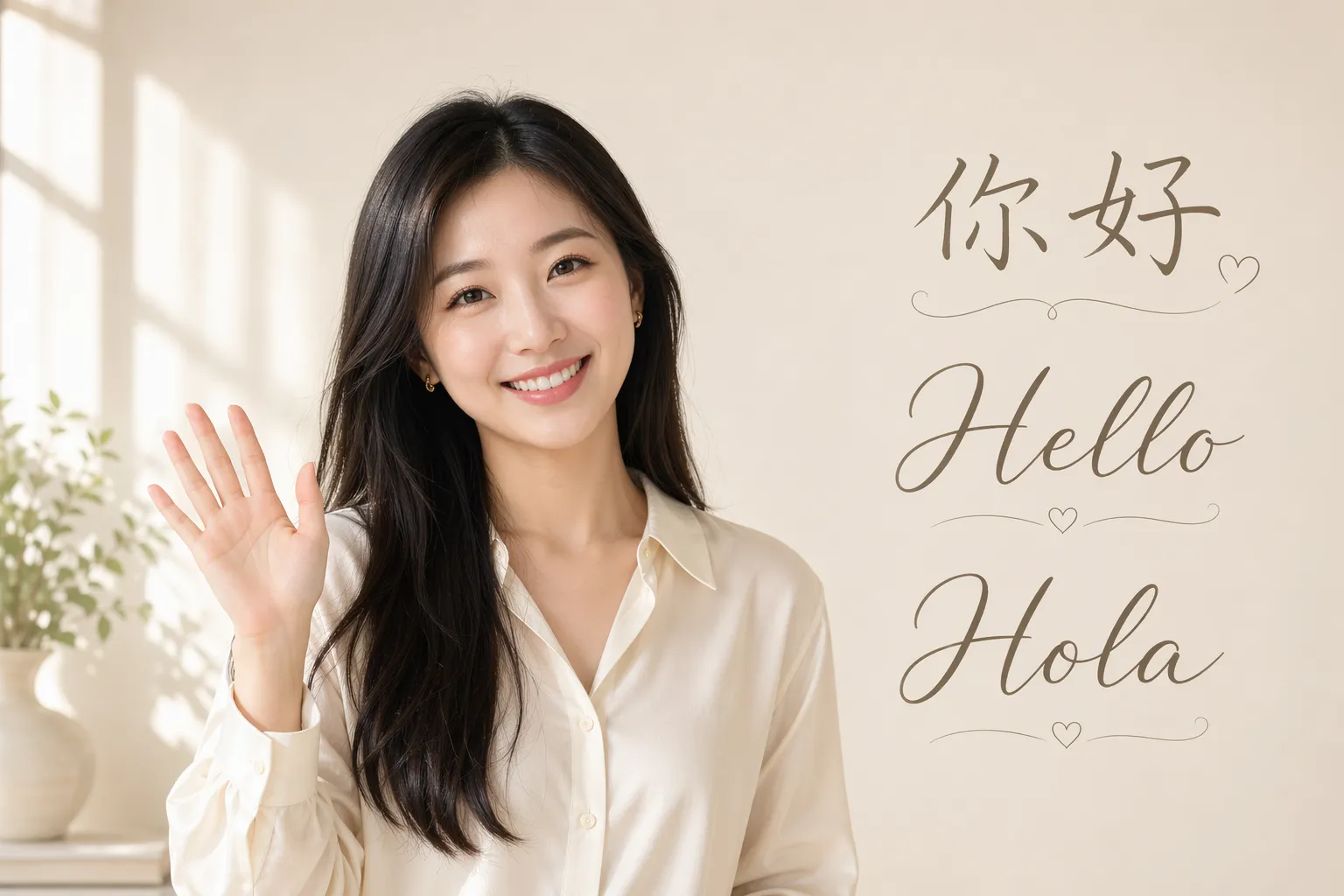
Localized Content
Translation teams and international marketing teams customize AI characters for localized content, ensuring brand identity remains intact worldwide
Customize characters — then turn them into engaging content
Tag your AI characters into every project. Export as MP4 in up to 1080p.
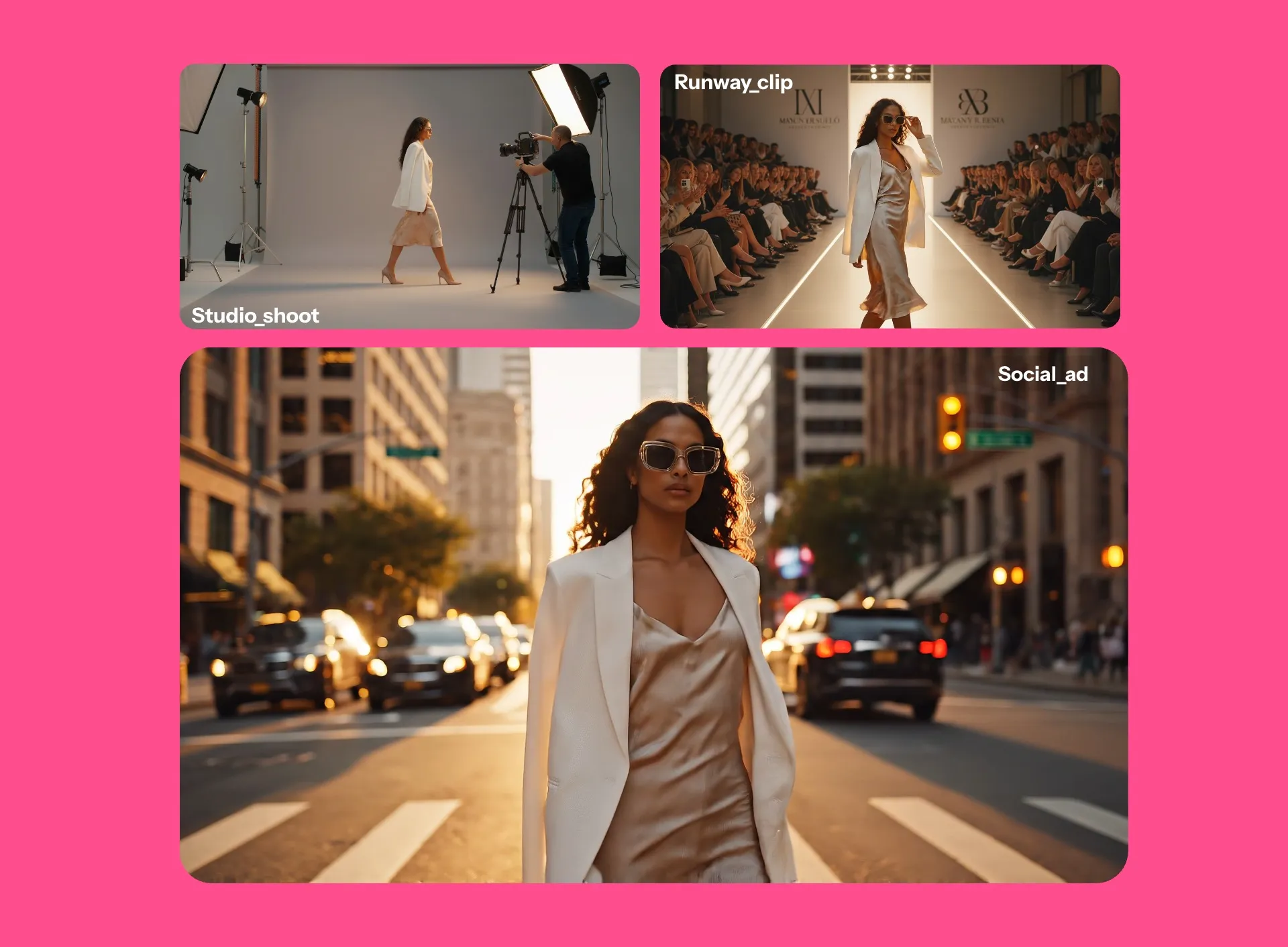
Visualize your characters in studio-quality images and videos
Generate your characters in new settings, scenes, and styles with AI-powered image and video tools. Place them into existing visuals or create entirely new environments from a prompt. Generate in every aspect ratio you need, from 16:9 to 9:16.
Animate still images with the AI Image to Video Generator, or generate videos from scratch by describing a scene and tagging your characters directly into it.
From realistic photoshoots to fully animated worlds, you stay in control of the action, setting, and style. Explore character concepts, storyboard ideas before filming, or create polished content ready for TikTok, YouTube, and beyond.
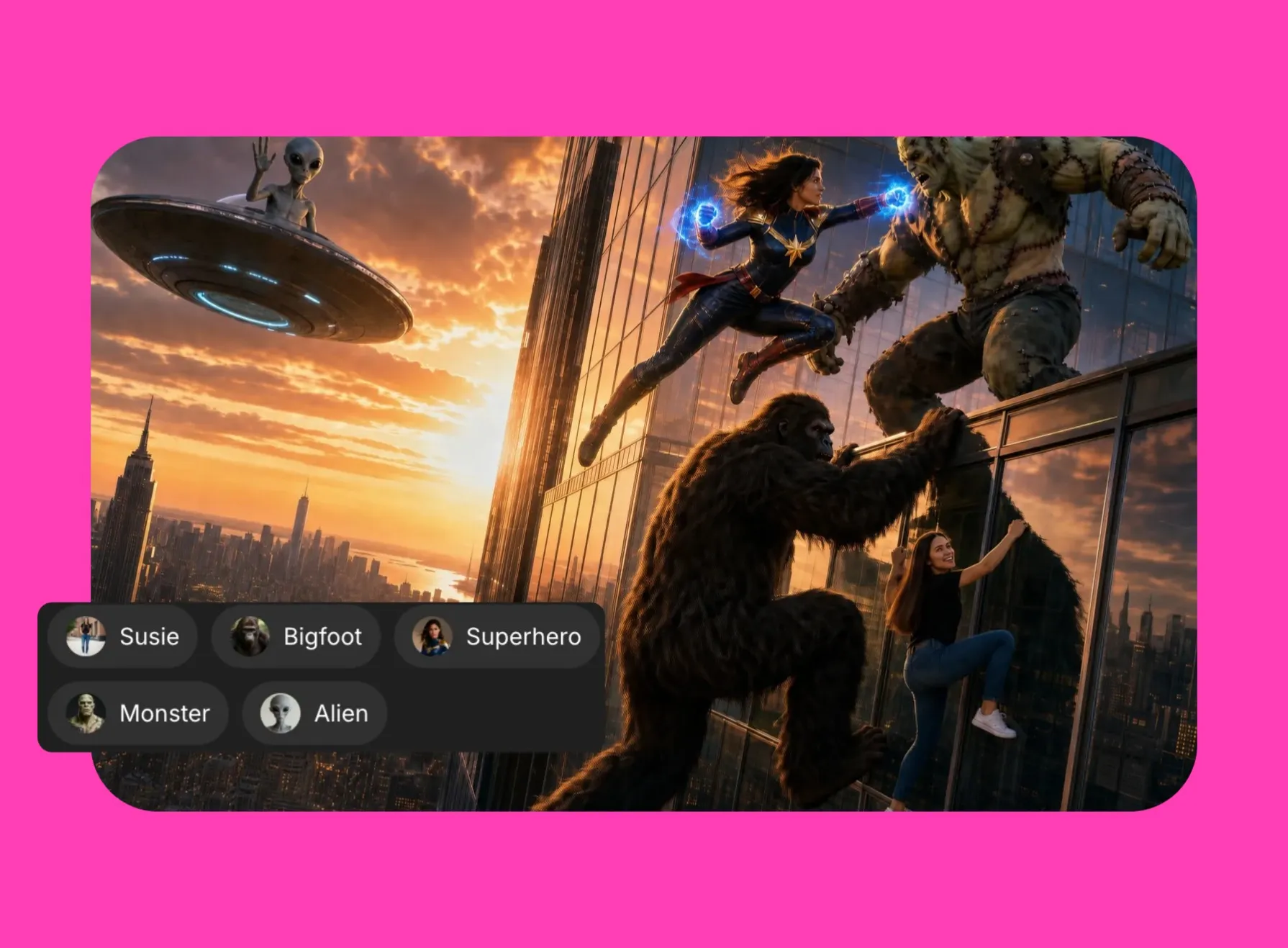
Keep characters consistent in every frame
Use recognizable characters in every image, scene, and project. Kapwing's built-in character consistency helps your AI characters maintain the same identity across scenes, outfits, hairstyles, poses, and environments.
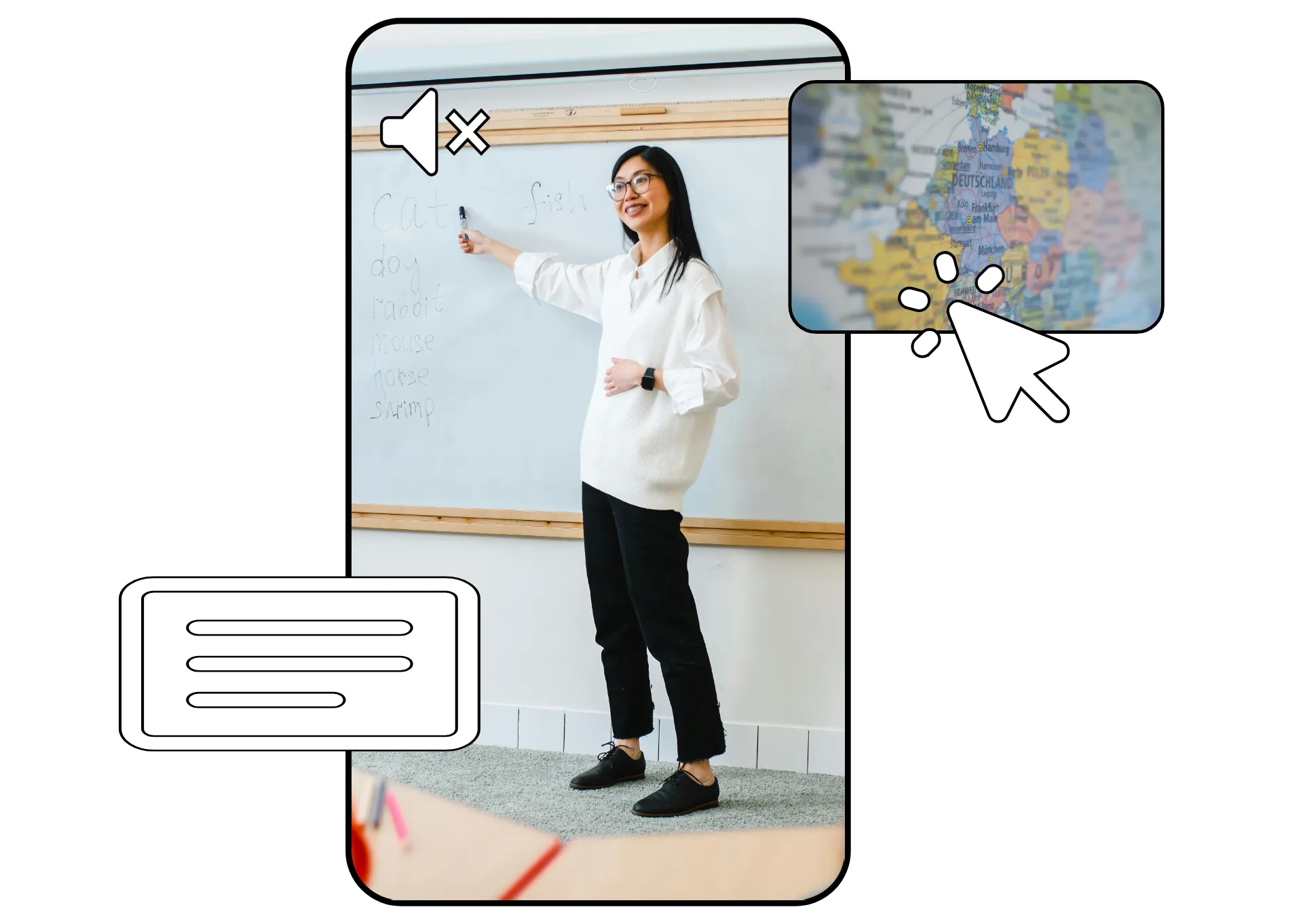
Add a consistent AI voice powered by ElevenLabs, with matching pitch, tone, emphasis, and intonation across your lip-synced generations.
Realistic, customizable voices with auto-lip sync — in 40+ languages
Don't stop at visuals: give your AI characters a speaking role. Choose from our stock voices or clone your own voice, then create videos with lifelike speech synced to your character's lip movements. Tell your story with advanced ElevenLabs AI voice technology.
Create personalized messages from Santa Claus or Cupid. Explain concepts or tell stories with talking head videos featuring your unique characters.

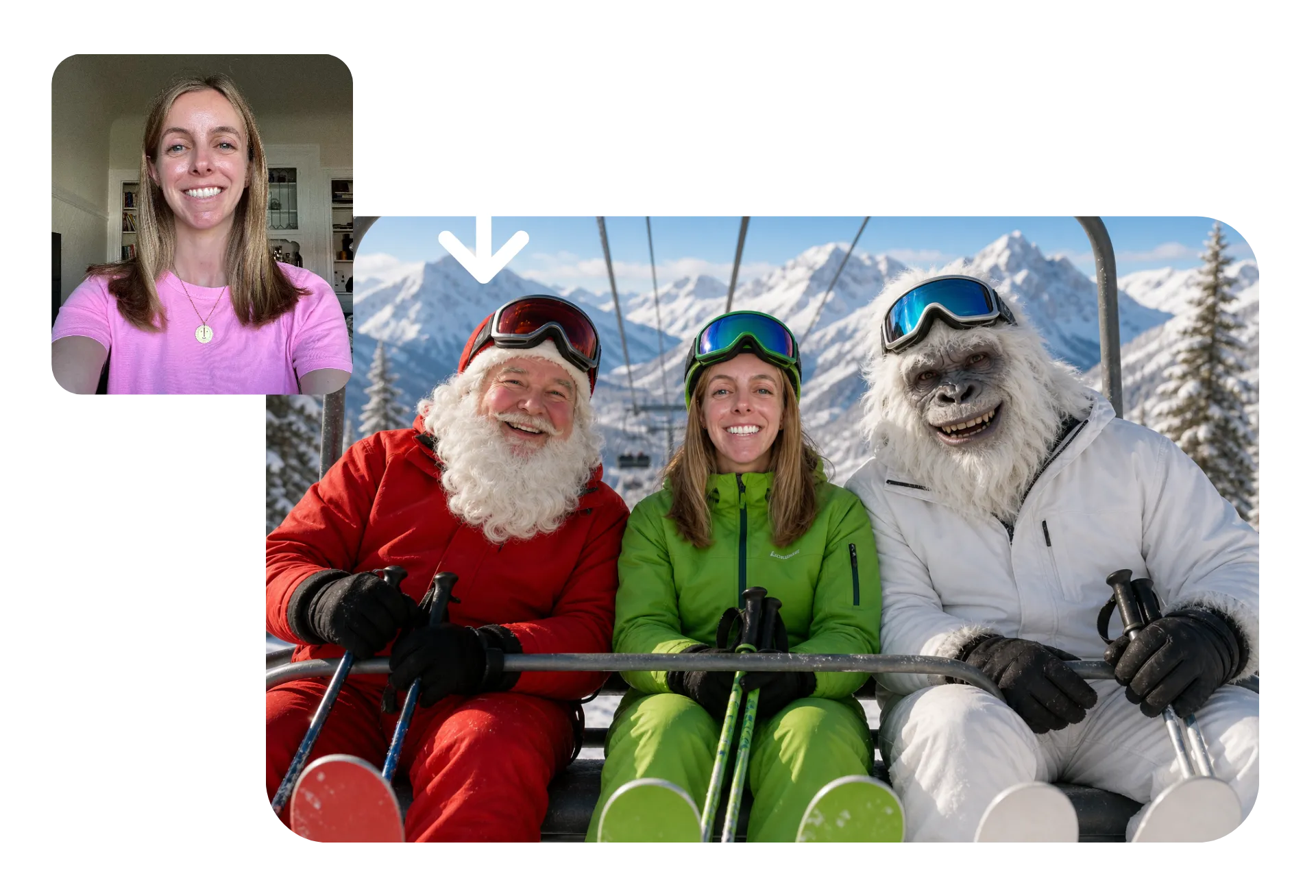
Put yourself in any image or video
Create characters that look like you — or add yourself to the scene.
Upload a photo to transform yourself into a werewolf, mermaid, or pirate. See yourself as an anime, Pixar-style, or cartoon character. You can also realistically add yourself, friends, or pets into original scenes alongside your characters.
Kapwing’s advanced AI models preserve key features from your appearance, so you stay recognizable across every style, world, and story you create.
How to Create Characters with AI
- Step 1Design character
Open a chat with Kapwing AI and describe the character you want to create. Refine the image with follow-up prompts, then download it.
- Step 2Save character
Click the @ icon in the prompt box and select "Add character". Upload your character reference image, add a voice if needed, then save.
- Step 3Use character
Tag your character's name in any AI prompt to generate images and videos featuring them. Speech will be delivered with automatic lip-sync.
Already transforming video creation across industries
Hear directly from the teams who publish faster, collaborate better, and stay ahead.


Get creative with a professional editor
Generate AI characters, then customize the full video in Kapwing’s drag-and-drop editing timeline
Edit and polish in an online studio
The AI Character Generator is built into Kapwing’s online image and video editing studio, making it easy to move from generation to final delivery in a single workflow.
Add subtitles, overlays, transitions, filters, and music, adjust lighting and colors, trim clips, and resize content for different platforms without exporting between tools.
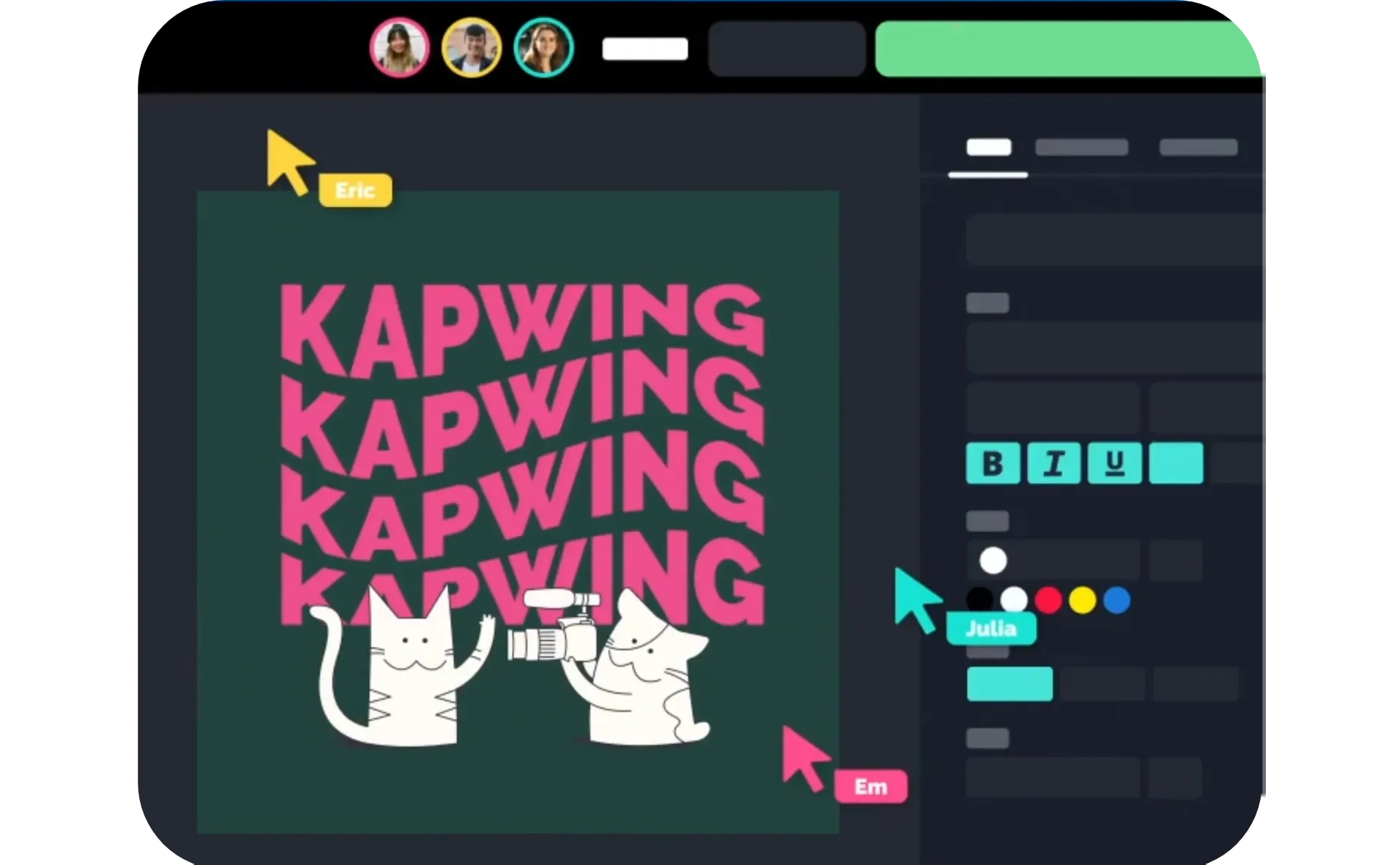
Save, organize, and reuse characters — as a team
Create your own AI character library and store reusable assets in one shared workspace. Teams can combine multiple AI characters into realistic scenes while also saving logos, fonts, subtitle presets, brand colors, and watermarks for on-brand content creation across projects.
Real-time editing and feedback make it easier for distributed teams to review concepts, refine scenes, and maintain a unified visual identity across campaigns.
What's different about Kapwing?



Frequently Asked Questions
We have answers to the most common questions that our users ask.
Is the AI Character Generator free?
Yes, anyone can try Kapwing’s AI Character Generator for free without watermarks, including generating a unique character image or using characters from the stock library. To save a custom character and reuse it consistently across projects, you’ll need a Pro account.
How to create a character with Kapwing AI
To create an AI generated character, start by opening a new chat with Kapwing AI. Enter a prompt describing your character, including details about age, facial features, body type, clothing, and setting. Click the generate arrow to create the image, then download it.
Click @ in the prompt box and select "Add character" from the dropdown. Select "Create new character". Give your character a name and description, and choose a voice from our stock library or upload reference files to create a voice clone. Finally, attach the reference image(s) of your character and save. After saving, you can use your character in any video or image project by tagging them in your prompt.
You can also upload a character image from your device instead of generating through Kapwing AI.
Can I create AI characters from photos?
Yes, you can use Kapwing as an AI character generator from photo or text. If you have a specific vision, upload a photo or sketch and include a description of your AI character. You can also just enter text to create a full cartoon, fantasy, DND, anime, or realistic character.
Transform an existing image into a stylized or fictional version of yourself, a friend, or even a pet. Upload a selfie or portrait and turn it into a fantasy warrior, anime protagonist, cartoon character, pirate, mermaid, or cinematic avatar while preserving recognizable facial features.
Kapwing also supports both realistic and stylized transformations. The platform uses uploaded reference images to maintain visual continuity across scenes and styles, which is especially useful if you want to insert yourself into videos or create a recurring digital persona for content creation. This approach is popular among influencers, streamers, marketers, and creators building AI-generated characters for storytelling or branded content.
Can I add voices to my characters?
Yes, you can combine visual generation with AI voice generator characters to create fully interactive or speaking personas. Kapwing's AI character voice generator, powered by advanced ElevenLabs AI voice tech, allows you to assign a voice to your character, create dialogue, narrate stories, or build talking head videos without recording live footage.
Kapwing includes built-in voice features that let you select stock voices or clone your own voice for more personalized results. This is especially useful for educators, marketers, YouTubers, and social media creators who want to scale content production while keeping a recognizable on-screen identity. Once paired with video generation tools, AI characters can deliver presentations, tutorials, product explainers, or entertaining short-form content.
Will the characters be consistent across multiple generations?
Absolutely, you can save your AI generated characters to your Brand Kit, then tag to generate additional images and videos featuring them. Kapwing's Consistent Characters will ensure that your character's appearance remains exactly the same in every new image and video, no additional prompting or reference images needed.
How can I use my AI characters?
AI character generators like Kapwing are used across industries for storytelling, branding, education, advertising, gaming, and social media. Game developers create concept art, marketers build recurring brand mascots, educators create engaging explainers, and creators produce consistent UGC-style videos without filming new footage every time.
Because AI characters can be reused across images and videos, they’re also valuable for scalable content production. Businesses use them for localized campaigns, creators use them for virtual influencers, and hobbyists use them for D&D campaigns, comics, and personal creative projects. Kapwing’s workflow combines character creation, editing, subtitling, dubbing, and video production in one platform, making it easier to move from concept to publish-ready content.
Are the AI characters okay to use commercially?
Yes, you have full rights to any characters you create with Kapwing, so you are free to use them for professional and personal projects.
How should I write my prompt for the best results?
A strong AI character description generator prompt usually includes details about appearance, personality, clothing, pose, setting, and visual style. The more specific your prompt is, the more control you have over the final output. Helpful details include age range, hairstyle, lighting, facial features, camera angle, mood, accessories, art style, and environment.
For example, instead of writing “fantasy warrior,” you could write: “A battle-worn fantasy knight with silver armor, glowing blue eyes, braided hair, cinematic lighting, standing in a snowy mountain village.” You can also upload reference images to guide the AI character image generator.
Which AI models does Kapwing use?
Kapwing's AI Character Generator uses the latest advanced AI models. To generate your character reference images, choose between Seedance, Google Nano Banana, and GPT Image, or let Kapwing AI automatically pick the best model for you. For high quality, realistic video generations with your characters, Kapwing uses Kling Omni.
What file formats and aspect ratios can I export?
You can export videos as MP4 files and images as JPEG or PNG.
Kapwing supports popular formats like 9:16, 16:9, 1:1, and more for TikTok, YouTube, Instagram, ads, and presentations.
Discover Resources
Tips, templates, and deep dives to help you create faster and share with confidence.
View all


Get started with your first video in just a few clicks. Join over 35 million creators who trust Kapwing to create more content in less time.