Explore the AI video models powering Kapwing — Seedance, Veo, Happy Horse, Kling, MiniMax, and more
AI video generation models inside Kapwing
10+ AI video models. Free to start.
Seedance 2.5
Seedance 2.5 generates videos up to 30 seconds long, giving it the longest maximum duration of any AI video model in Kapwing.
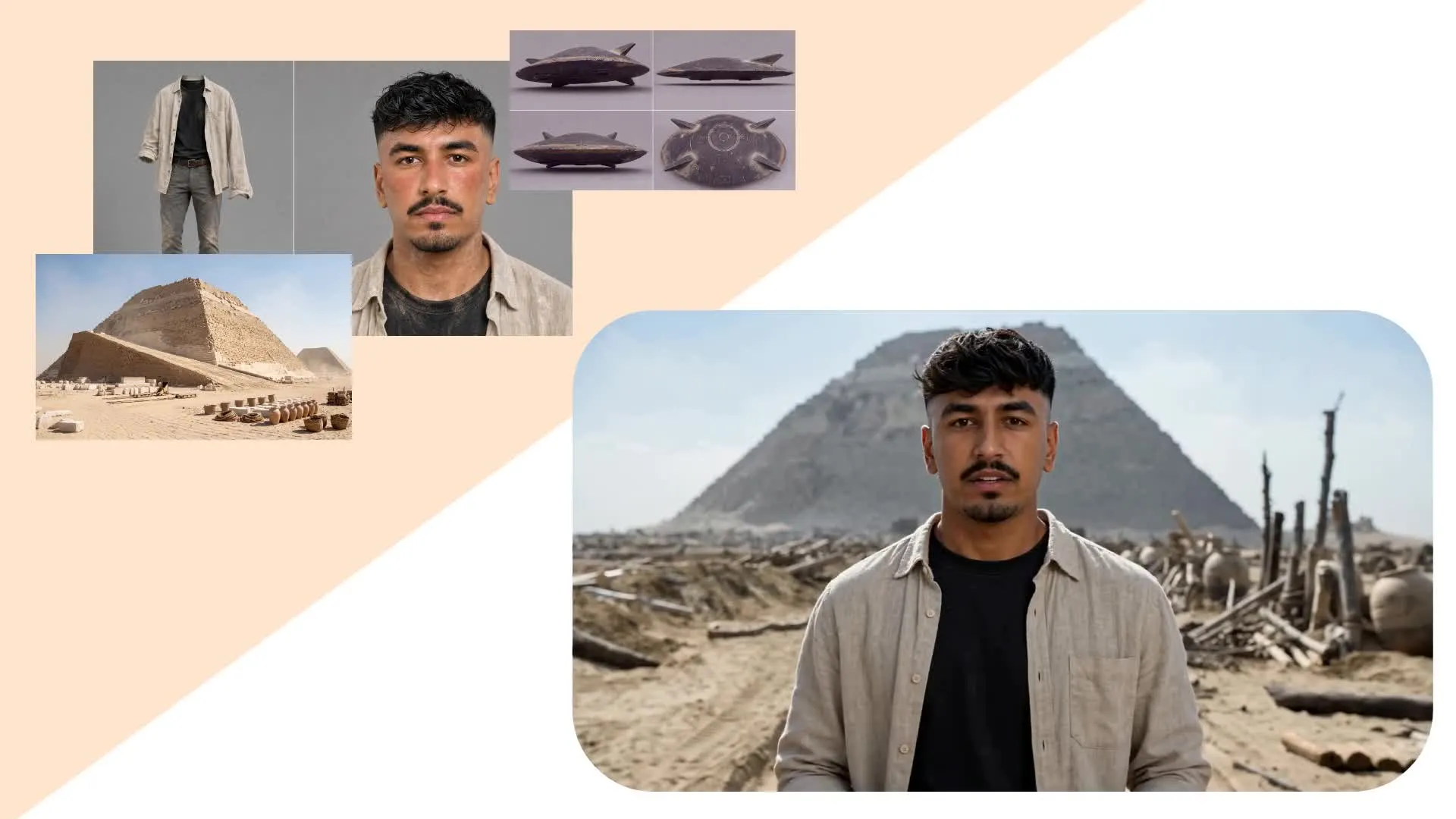
Generate from a text prompt alone, or combine the prompt with either a start frame or up to 30 reference files.
Best for: Longer AI videos, reference-guided character and product scenes, multi-shot sequences, and videos with native audio.
Veo 3
Kling Motion Control
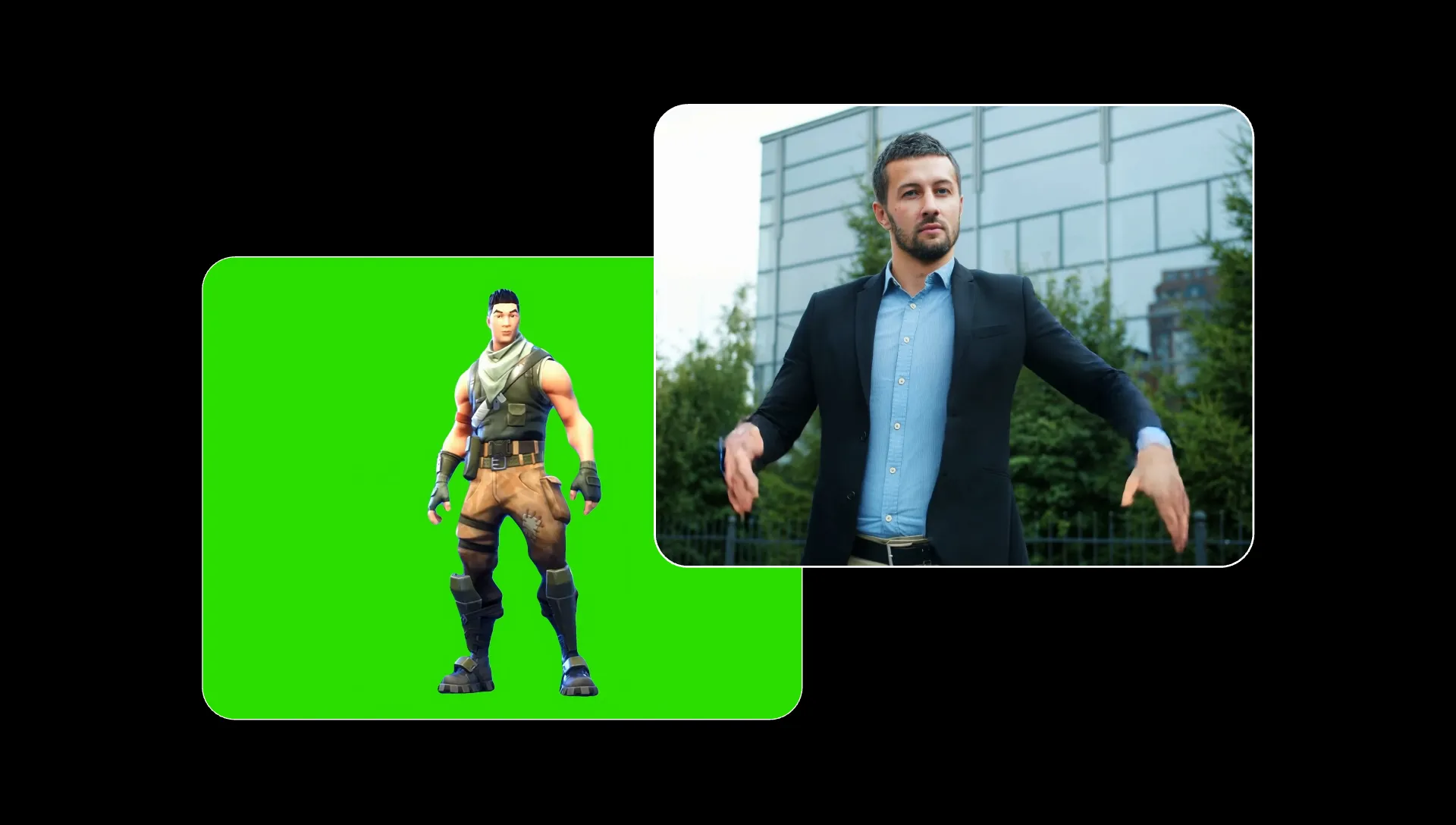
Designed for motion transfer rather than general text-to-video generation.
Transfer motion from a reference video to any character using Kling Motion Control. It gives greater control than trying to describe a specific performance through a text prompt alone.
Best for: Dance videos, character performances, gestures, expressions, and recreating specific movements or choreography.
Seedance 2.0
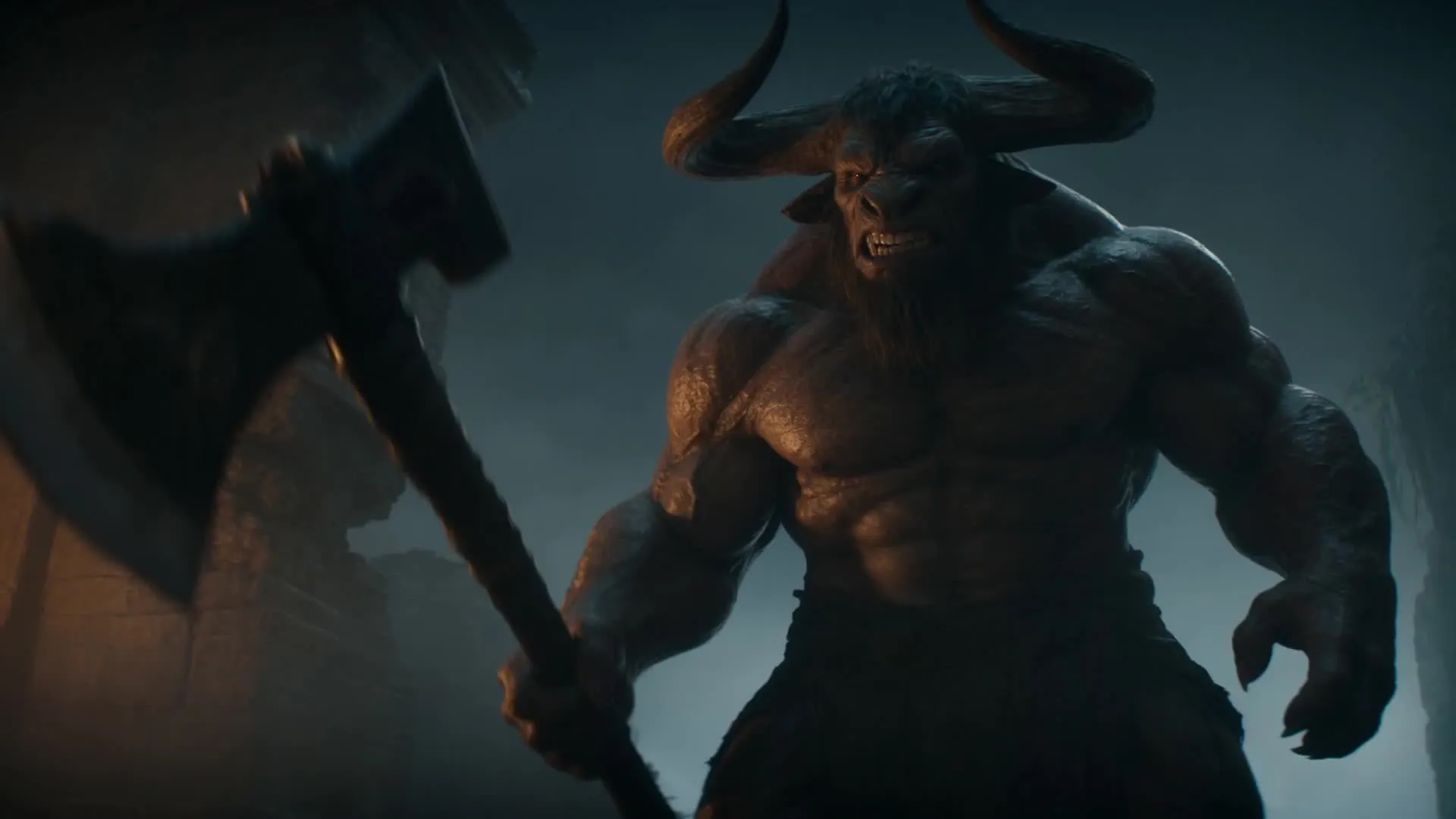
A versatile option for cinematic, action-heavy, and character-led video generation with up to 15 reference files. Seedance 2.0 combines fluid movement, deliberate camera direction, and synced audio.
Best for: Character-led stories, stylized action sequences, and scenes involving complex movement or choreography.
MiniMax H3
MiniMax H3 offers one of the best balances of cost and quality among Kapwing’s AI video models.
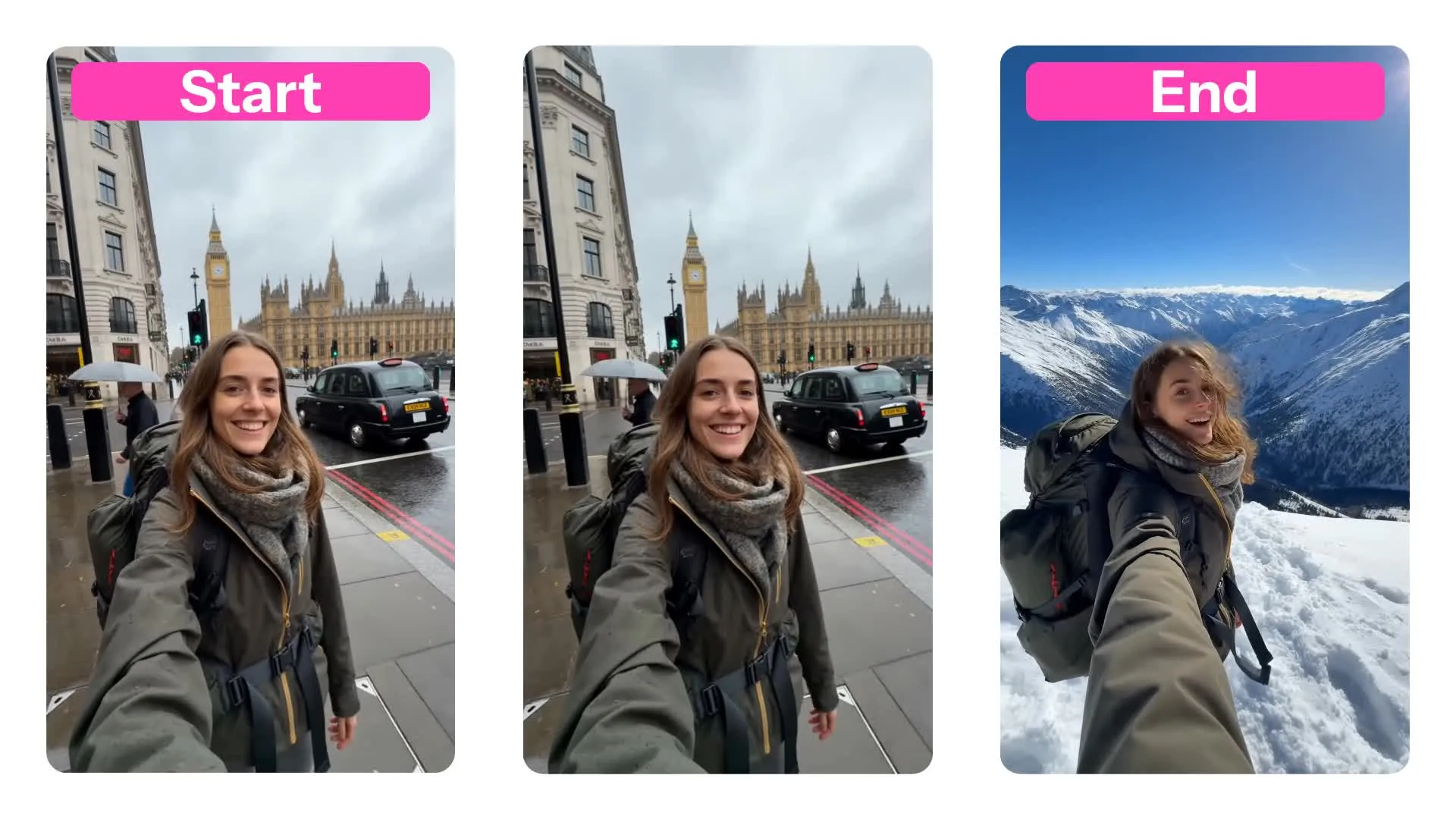
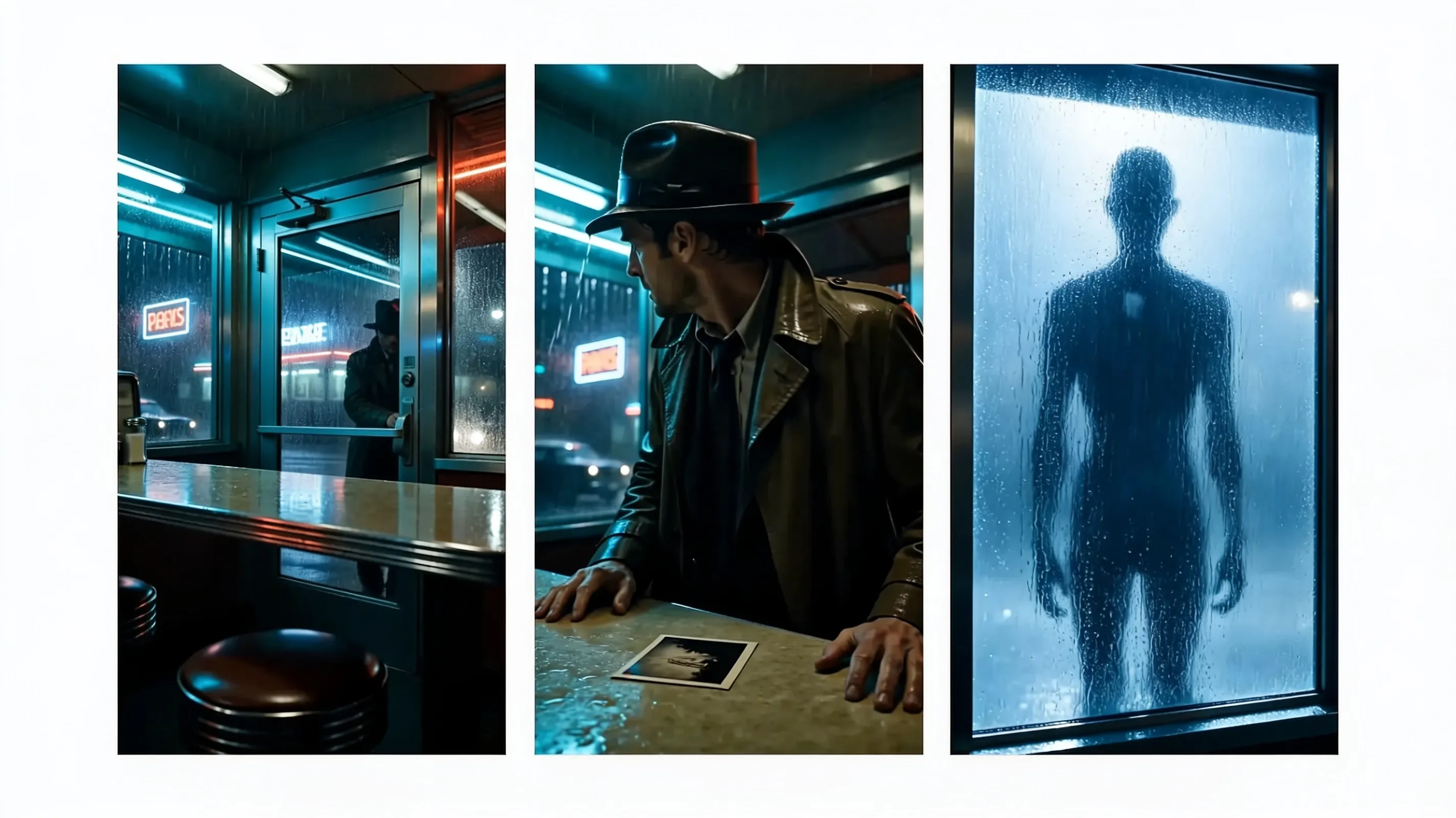
Generate videos up to 15 seconds long from a text prompt, opening image, or using start and end frames. Generations include native audio such as dialogue, sound effects, and music.
Best for: Short commercials, dialogue-led videos, animating from one image to another, product reveals, and videos that need to finish on a precise end frame.
Grok Imagine Video
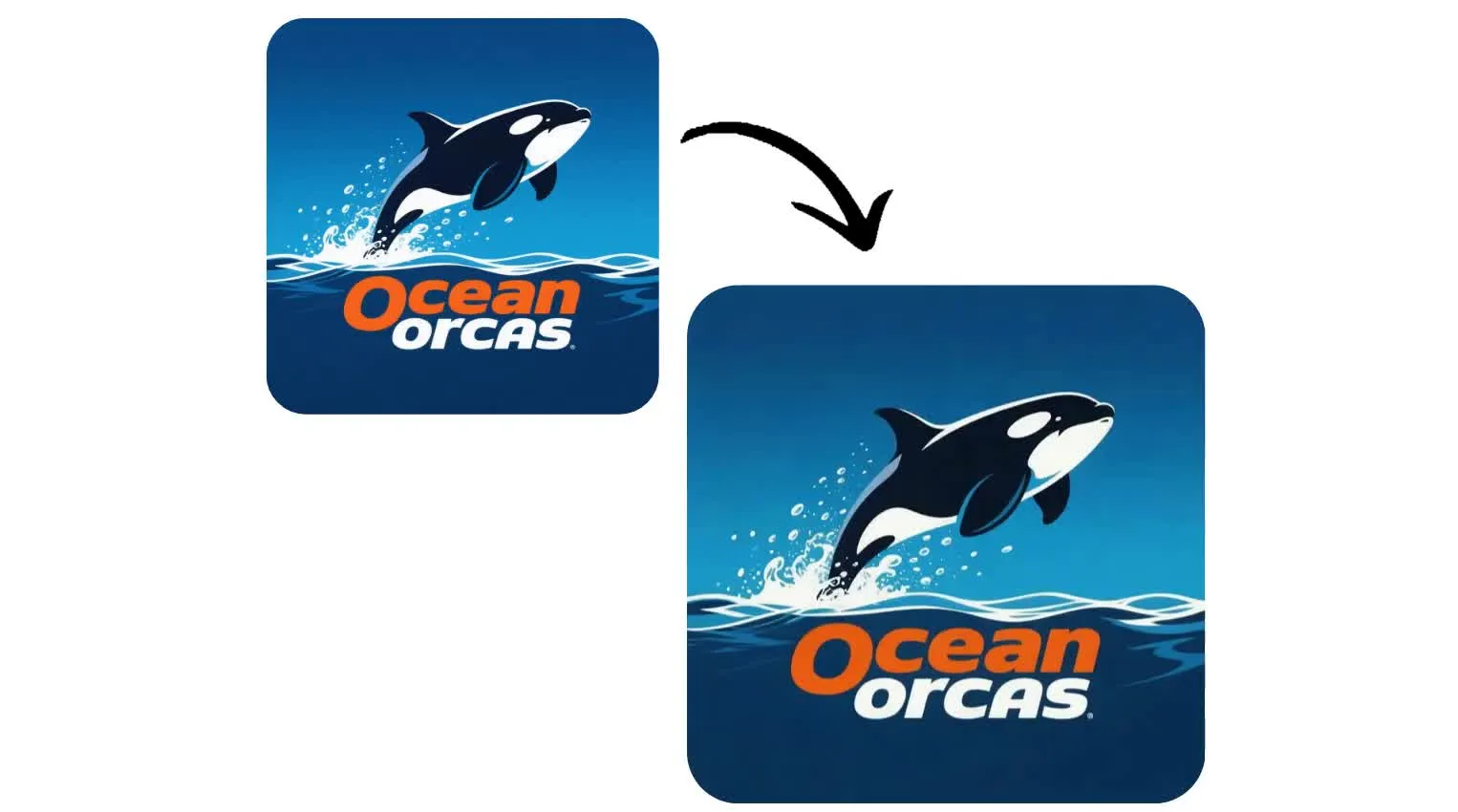
Grok Imagine Video generates clips from 1 to 15 seconds, making it a strong choice for ultra-short social content and quick image or logo animations.
Best for: Animating still images, social media videos, logo reveals, and short, attention-grabbing clips.
Happy Horse 1.0
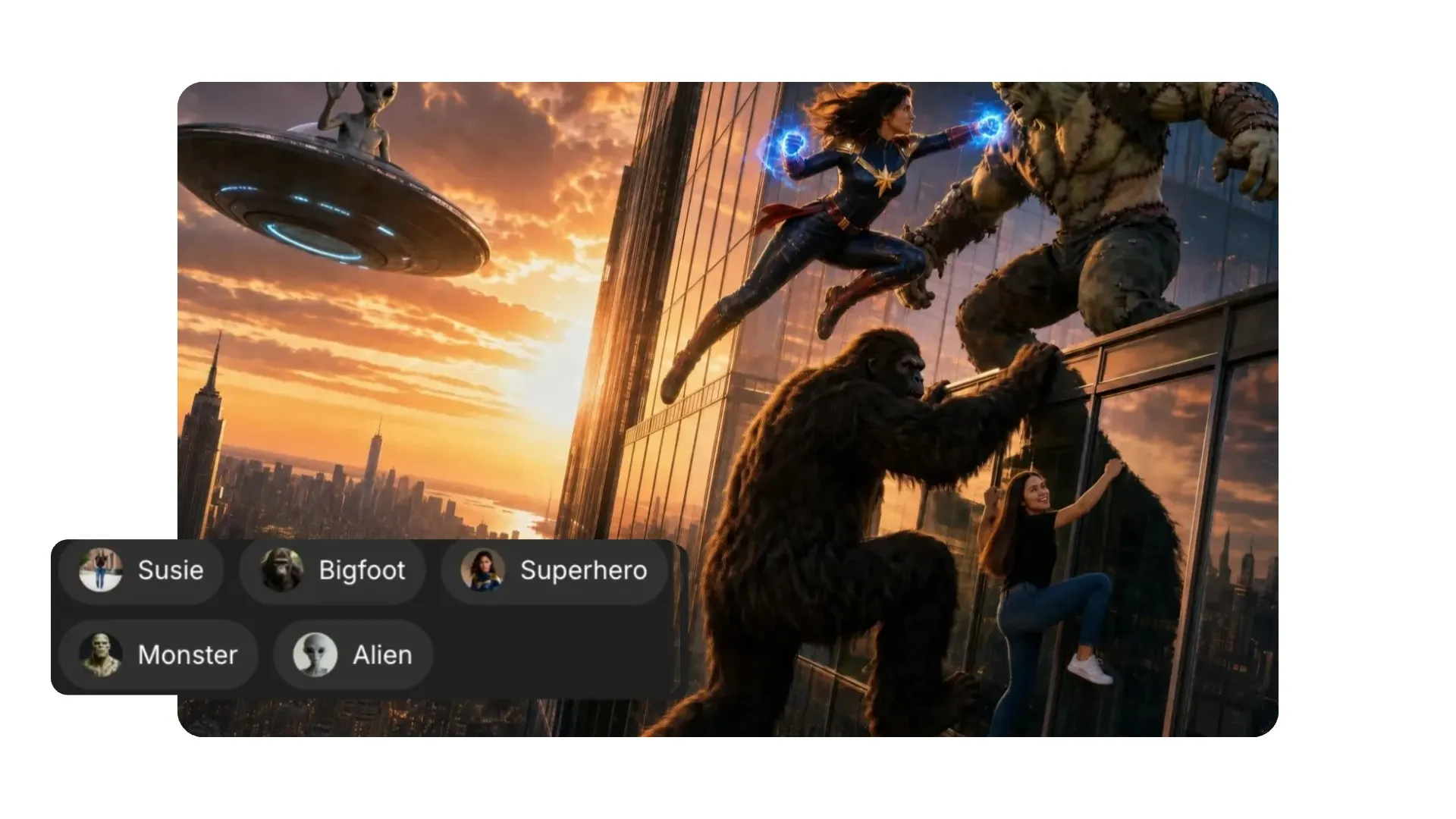
Happy Horse 1.0 is Kapwing's only dedicated text-to-video model. It generates entirely from a written prompt and does not support image-to-video.
Best for: Creating social clips, product ads, and dialogue scenes when you’re starting with an idea rather than an image.
Kling Omni
Kling Omni generates video from text or a start frame, and can use up to seven images as visual references. It creates 5 or 10-second clips in three aspect ratios; landscape, portrait, or square.
Best for: Reference-guided character scenes, product videos, and testing different versions of the same subject or setting.
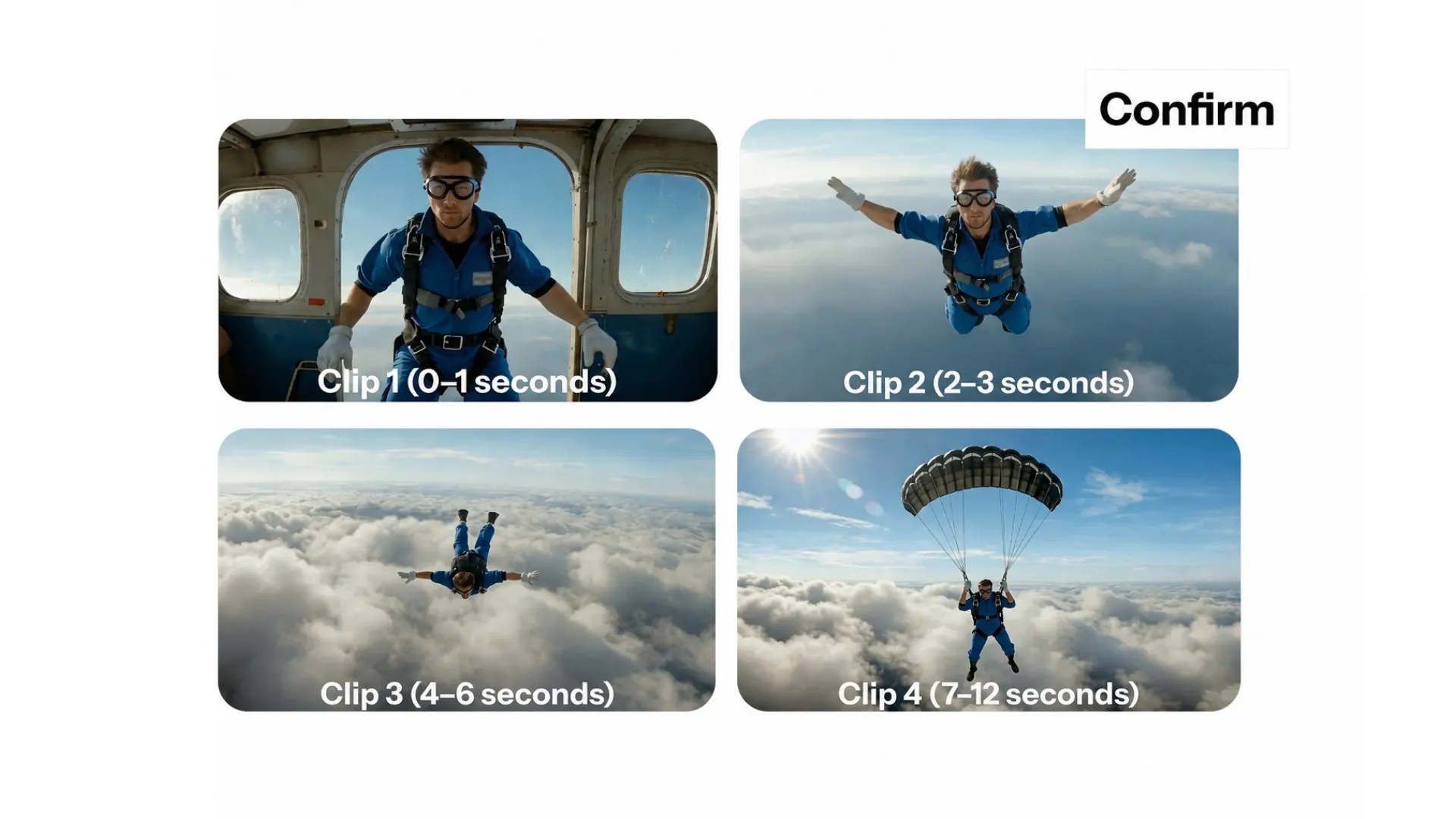
Seedance Pro
Seedance Pro generates cinematic video from a text prompt or opening image, with clips lasting between 4 and 12 seconds. It supports resolutions up to 1080p and six aspect ratios.
Best for: B-roll, product shots, character scenes, and stylized action.
How to Use an AI Video Model
Generate in minutes. Polish inside a full timeline editor.
Open Kai
Kapwing's AI Video Generator


Select
from multiple AI video models
Generate
and edit in one workflow
Why Kapwing uses multiple AI models
Giving you the best AI model for every creative task
Realistic motion.
Multi-shot scenes.
Consistent characters.
No single AI model excels at every creative task. Some AI models are designed for realistic motion and cinematic continuity, others prioritize speed, cost efficiency, animation, or transformation.
Kapwing AI integrates multiple best-in-class generative models to use in different stages of the creative process.
Rather than forcing creators into a one-model-fits-all system, Kapwing use the AI model best suited to the task.
.webp)
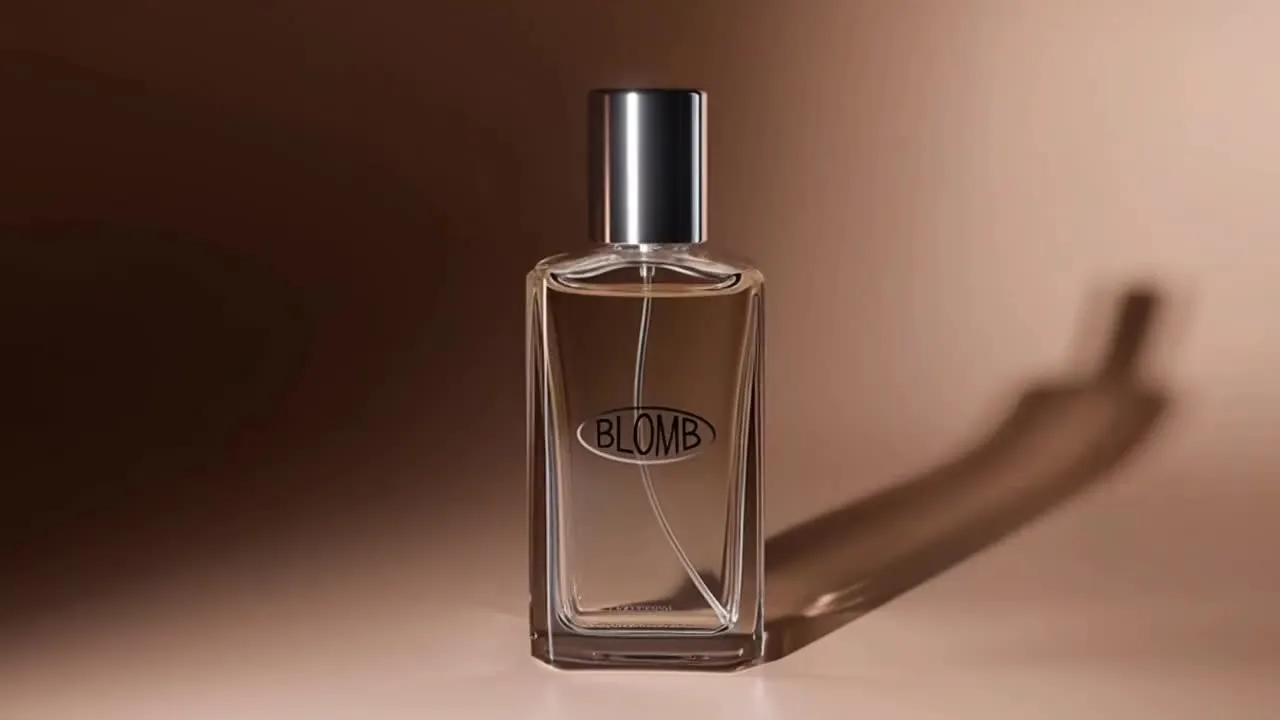
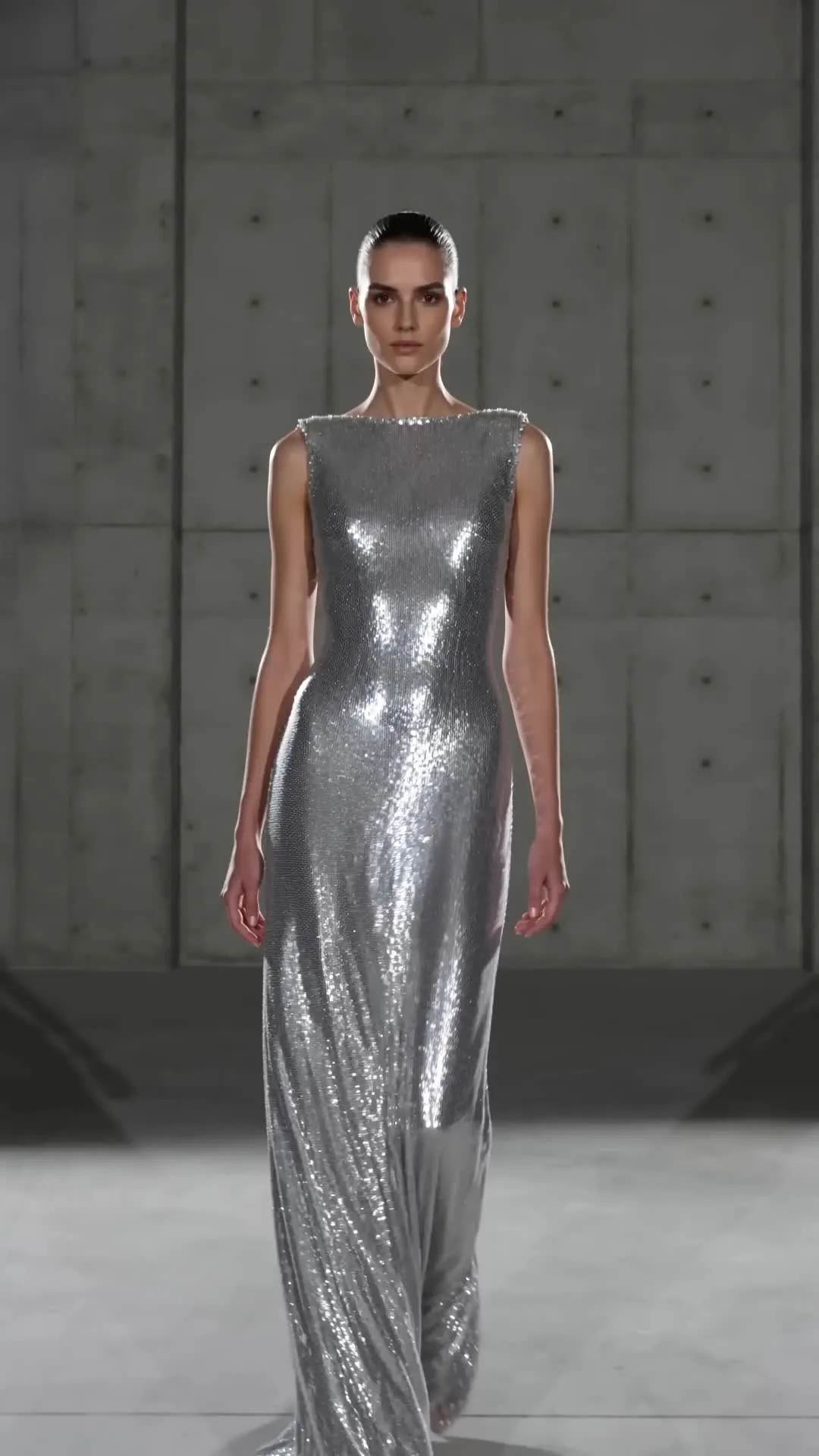
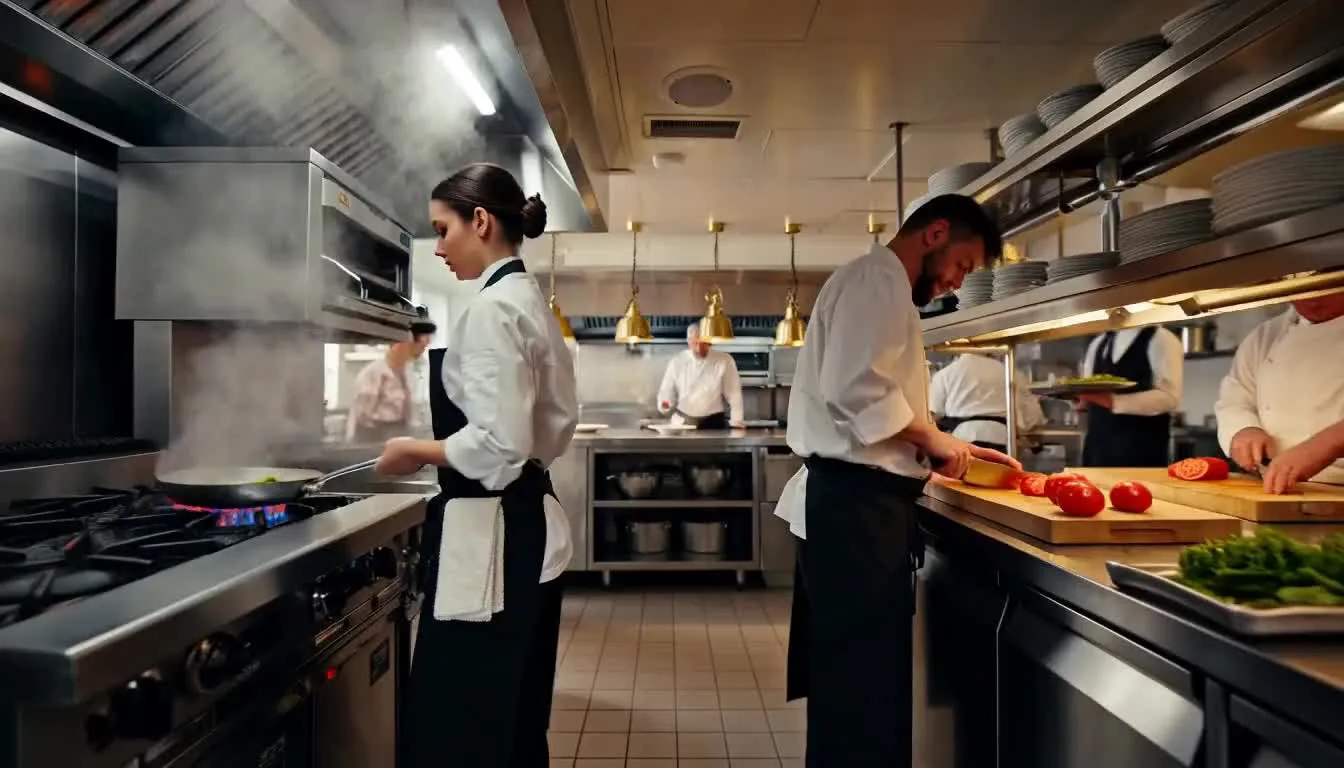
Made with multiple AI models — inside Kapwing
No watermark. Fully online.
-poster.webp)
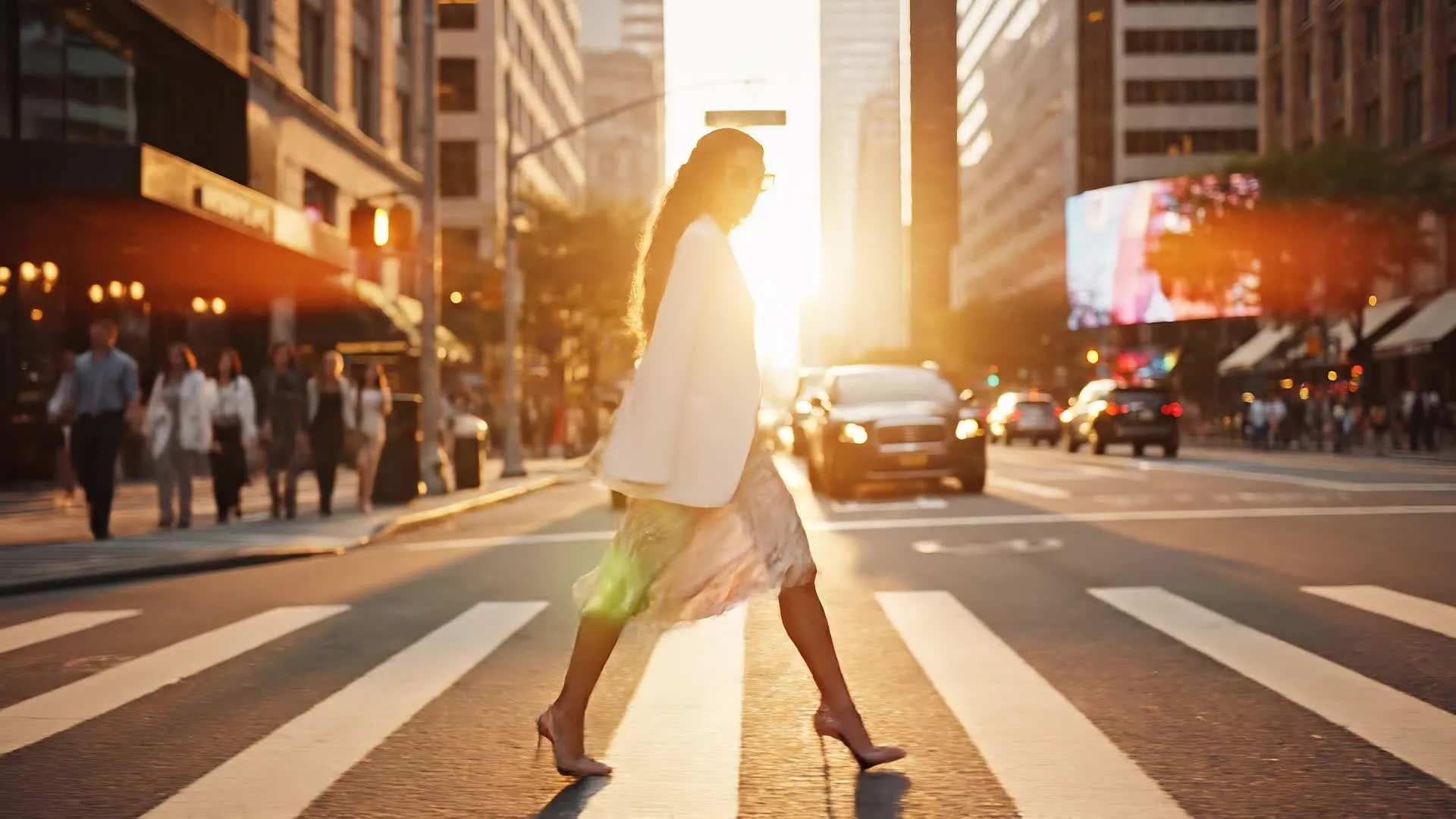
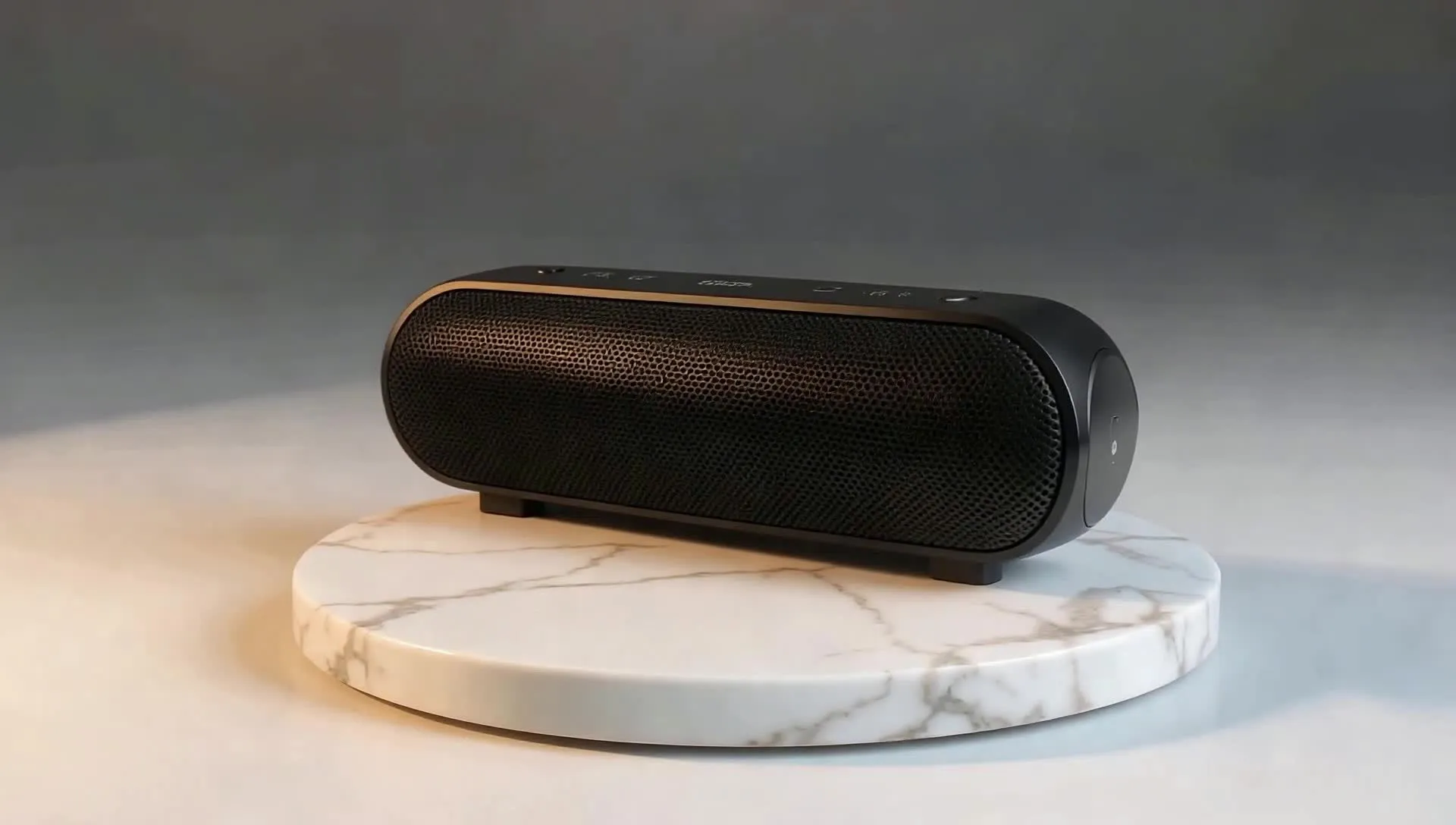

-poster.webp)

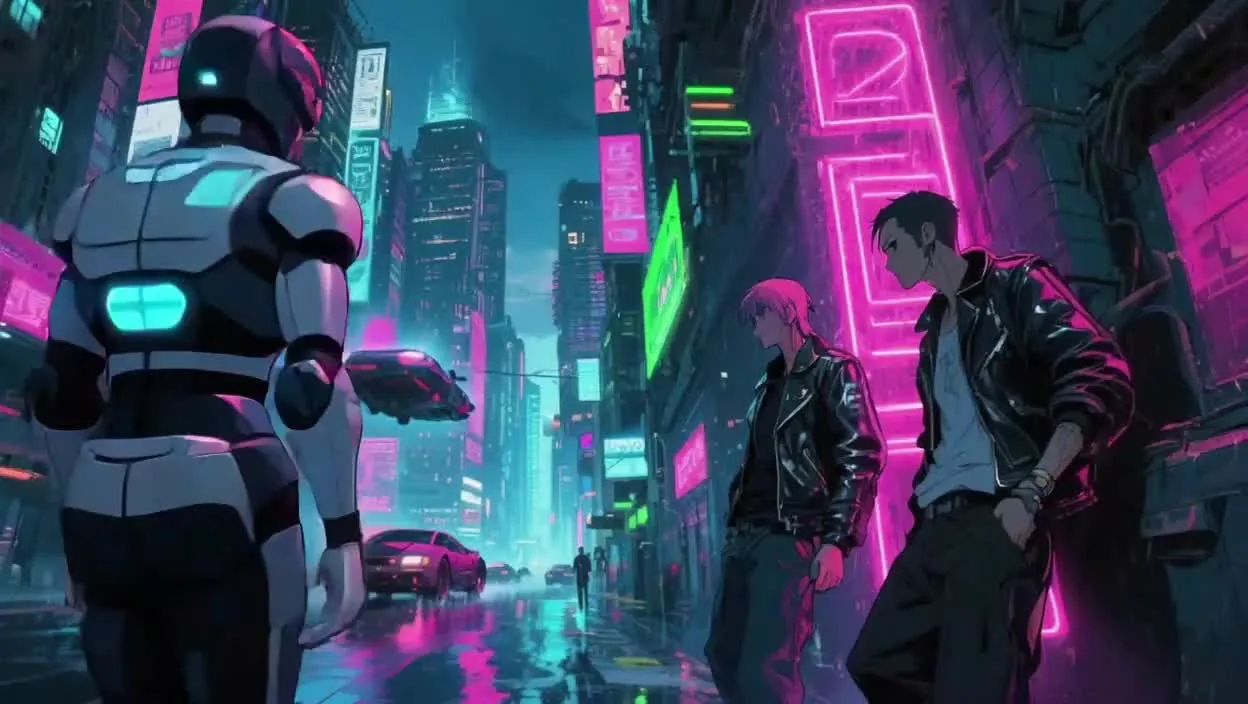
How different AI models power creative workflows
Applied across ideation, generation, and refinement
Kapwing applies different categories of AI models at different stages of the creative process. Each model type is selected based on the kind of problem being solved — whether that’s generating new content, transforming existing media, or understanding language and sound.
Rather than relying on a single system, Kapwing combines generative, transformation, and understanding models to support end-to-end video creation while keeping the workflow simple for creators.
- Generative models: Used to create new visual, audio, or video content from text or prompts, including video scenes, images, music, and animations.
- Transformation models: Used to modify, refine, or repurpose existing content — such as editing video with text commands,extracting clips, enhancing audio, or translating speech.
- Understanding models: Used to analyze and interpret media and language, enabling tasks like subtitle generation, dubbing, lip sync, and content structuring.
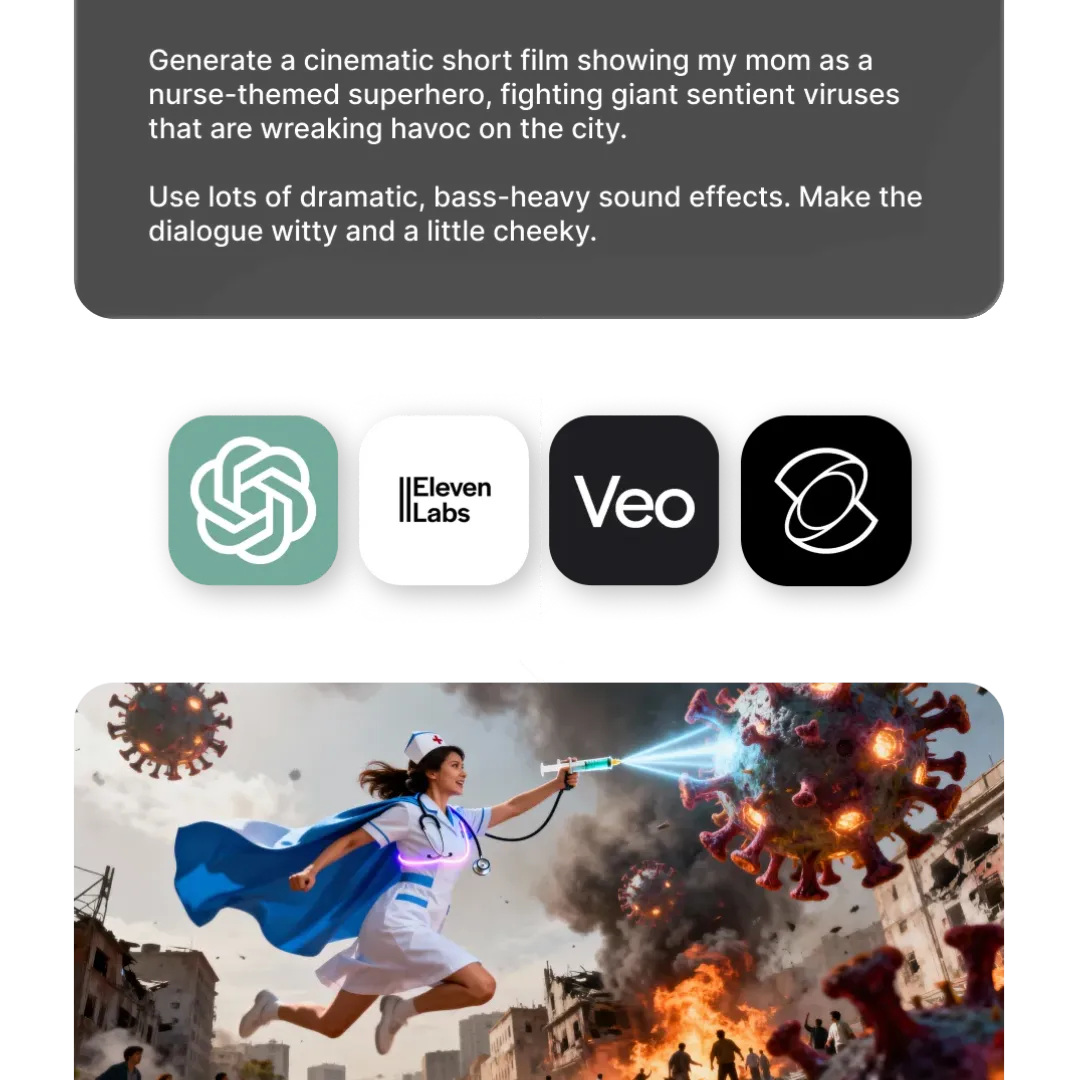
Image and audio models to support every project
Kapwing integrates specialized models that support visuals, sound, and post-production tasks

ChatGPT Image 2
Create production-ready visuals that support every stage of an AI video workflow. Use ChatGPT Image 2 to design start frames, reference character sheets, storyboards, title cards, and text- assets that can guide generation or be added during editing.

Google Nano Banana
Generate and refine visual assets with precise, object-level control. Nano Banana is especially useful for editing start frames, adjusting props or wardrobe, and editing individual elements while keeping the wider image visually consistent.

MiniMax 3.0, 2.0
Create custom songs, background music, and instrumentals using MiniMax 3.0. Add custom soundtracks to your videos, turn your own lyrics into songs in any genre, or generate music from scratch.
Seedream 5.0, 4.5
Transform existing ideas and source images into new visual directions. Seedream is well suited for developing start frames, alternate environments, reference character sheets, style explorations, and reimagined scenes.
Grok Imagine Image
Generate supporting imagery for AI video concepts, scenes, and characters. Use it to standalone image projects or to create start frames, visual references, storyboard panels, thumbnails, and alternate compositions.
ElevenLabs Music v2
Use ElevenLabs Music v2 to generate original background tracks and custom songs. It works well for audio-first projects and can also add a tailored soundtrack to AI-generated videos, edited content, and projects built from uploaded footage.
Google Lyria 3.5
Create high-quality soundtracks for cinematic, branded, and social video projects. Lyria supports the full editing process with polished background music tailored to the mood of any project.
Frequently Asked Questions
We have answers to the most common questions that our users ask.
What is an AI model?
An AI model is a trained system that learns patterns from large datasets to generate, edit, or analyze content such as text, images, audio, or video. In tools like Kapwing, AI models power generative features, turning prompts into videos, creating images, producing voice overs, and enhancing media automatically.
Which AI video models does Kapwing support?
Kapwing currently integrates over 10 AI video generation models. This includes; Seedance models 2.5 and 2.0, MiniMax H3, Veo 3, Kling Motion Control, Kling Omni, Seedance Pro, Happy Horse 1.0, and Grok Imagine Video
Are the AI models free?
Yes, most Kapwing AI models are free to try. Each model uses a different number of AI credits, and some advanced models, such as Veo, require a paid plan. Upgrading to Pro gives you more credits, higher export limits, and access to multiple AI models in one workspace without separate subscriptions.
What did Kapwing’s AI Diversity Report find on AI models?
Kapwing’s AI Diversity Report found that many AI-generated videos under-represent women and people of color and can reinforce biased portrayals of roles and professions. The findings highlight industry-wide challenges in generative AI and the importance of transparency and ongoing efforts to improve fairness.
Can I choose which AI model Kapwing uses?
Yes, when using AI generation tools for images, video, or audio, you can choose which AI model to use. In other cases, Kapwing automatically selects the most appropriate AI model based on your task. This helps simplify the creative process while delivering optimal results.
Will Kapwing add new AI models in the future?
Yes. Kapwing actively evaluates and integrates new AI models as the technology evolves. This ensures creators always have access to the latest advancements across video, image, audio, and language generation.
What’s the difference between AI models and AI tools?
AI models are the underlying systems trained to generate, analyze, or transform content, such as video, images, audio, or text. They provide the core capabilities — for example, AI video generation, AI image creation, or speech synthesis. AI tools are the user-facing features built on top of those models. In Kapwing, tools combine AI models with an editor, controls, and workflows so creators can apply model capabilities easily without interacting with the models directly.
Does Kapwing train its own AI models?
Kapwing primarily integrates third-party AI models developed by leading AI research organizations and technology companies. These models are incorporated into our platform to power creative workflows across video, image, audio, and language tasks.
Is Kling Motion Control available to use on Kapwing?
Yes, Kapwing integrates Kling 2.6 Motion Control as one of the advanced AI video models used across its creative workflows.
Which AI model is best for creating realistic animals?
According to Kapwing’s testing, Kling 2.6 consistently produces the most realistic animal videos — it excels in animal anatomy, surface texture, natural movement, and environmental interaction, scoring highest across realism, motion, and scene integration
Do Kapwing's AI models support start frames, end frames, and reference media?
Yes. Kapwing offers AI models that support reference media, start frames, and end frames. Seedance supports the most reference uploads: up to 30 image, audio, and video files with Seedance 2.5, and up to 15 with Seedance 2.0.
Is Seedance 2.0 available to use on Kapwing?
Yes, Kapwing integrates Seedance 2.0 as one of the advanced AI video models used across its creative workflows.
Is Seedance 2.5 available to use on Kapwing?
Yes, Kapwing integrates Seedance 2.5 as one of the advanced AI video models used across its creative workflows.
Get started with your first video in just a few clicks. Join over 35 million creators who trust Kapwing to create more content in less time.