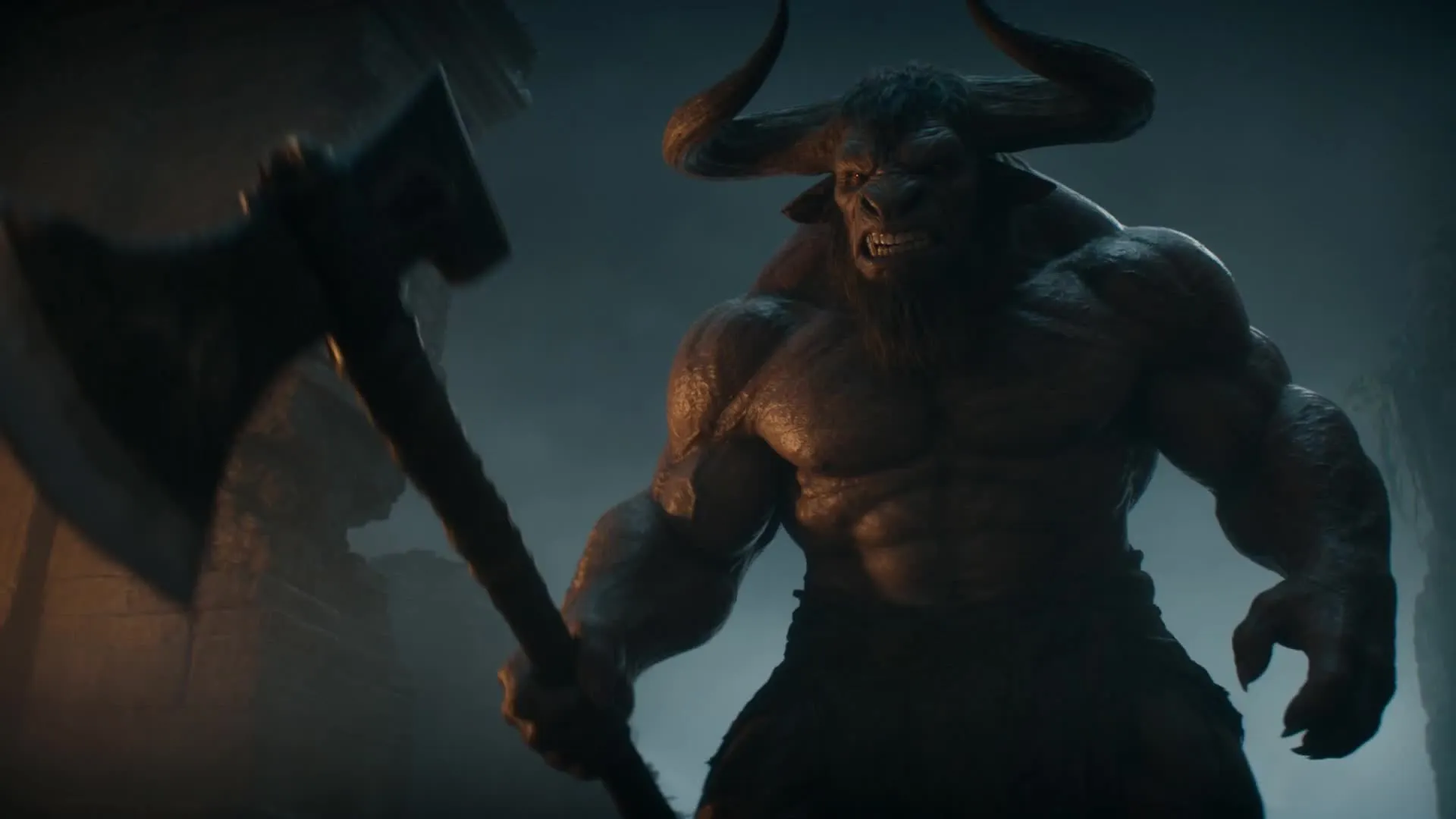
Seedance 2.5 AI video generator
Generate cinematic 30-second videos from a single prompt
Direct your AI masterpiece with any reference input
Generate up to 30 seconds of continuous action, dialogue, and camera movement from a single prompt.
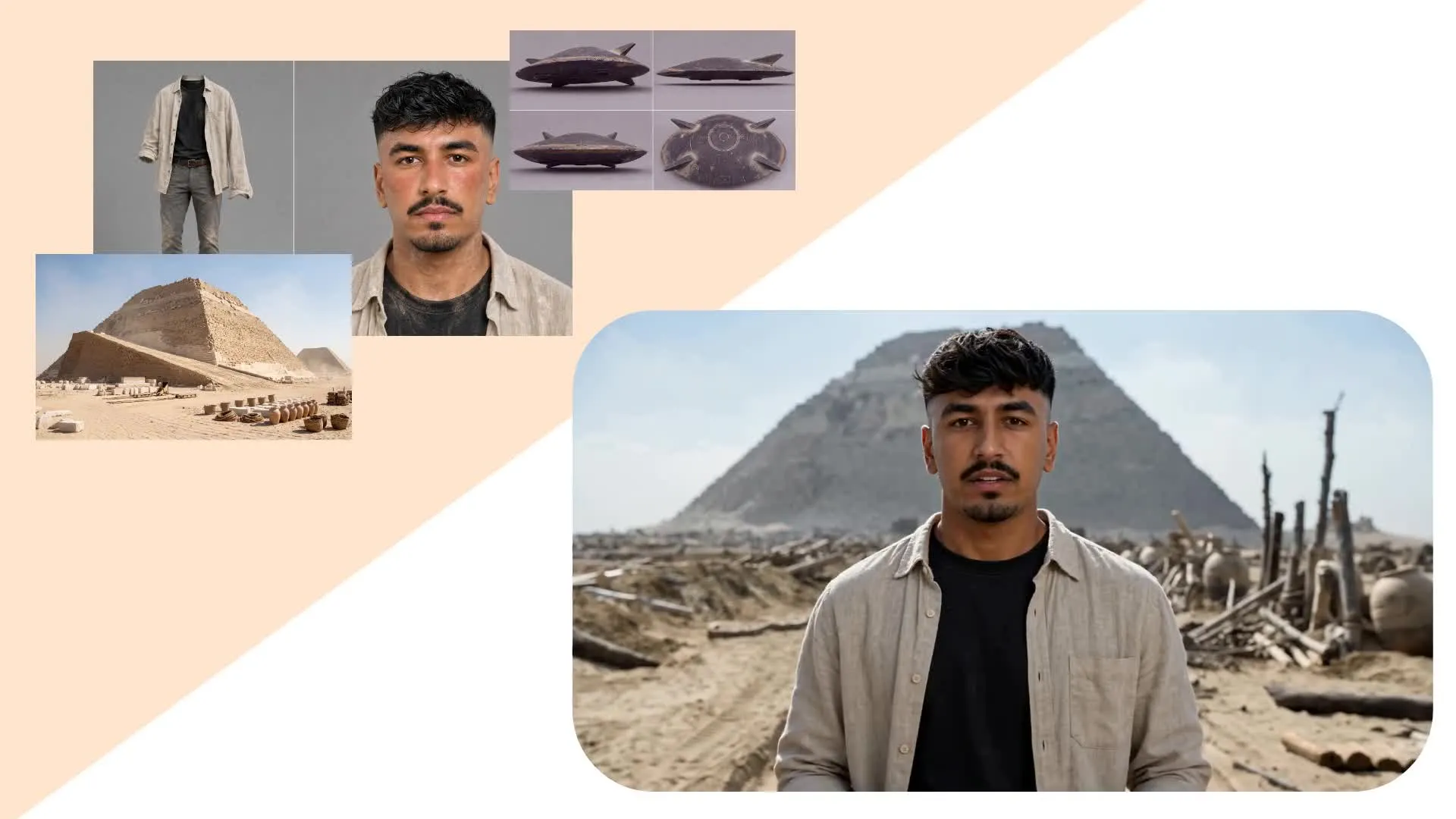
Anchor characters, products, motion, and style, using up to 50 reference files including images, videos, and audio. Control where characters stand and move, how they interact, how each shot is framed, and how the camera follows the action.
Seedance 2.5 also supports reference-to-video generation. Upload green-screen footage, animations, or recorded performances to guide character movement, positioning, and interactions.
Direct your scene by defining the era, camera lens, and cinematic genre, or upload a specific hex code to pinpoint a color palette. No AI video model gives greater control.
What you get with Seedance 2.5
Studio-grade AI videos with reference-guided direction
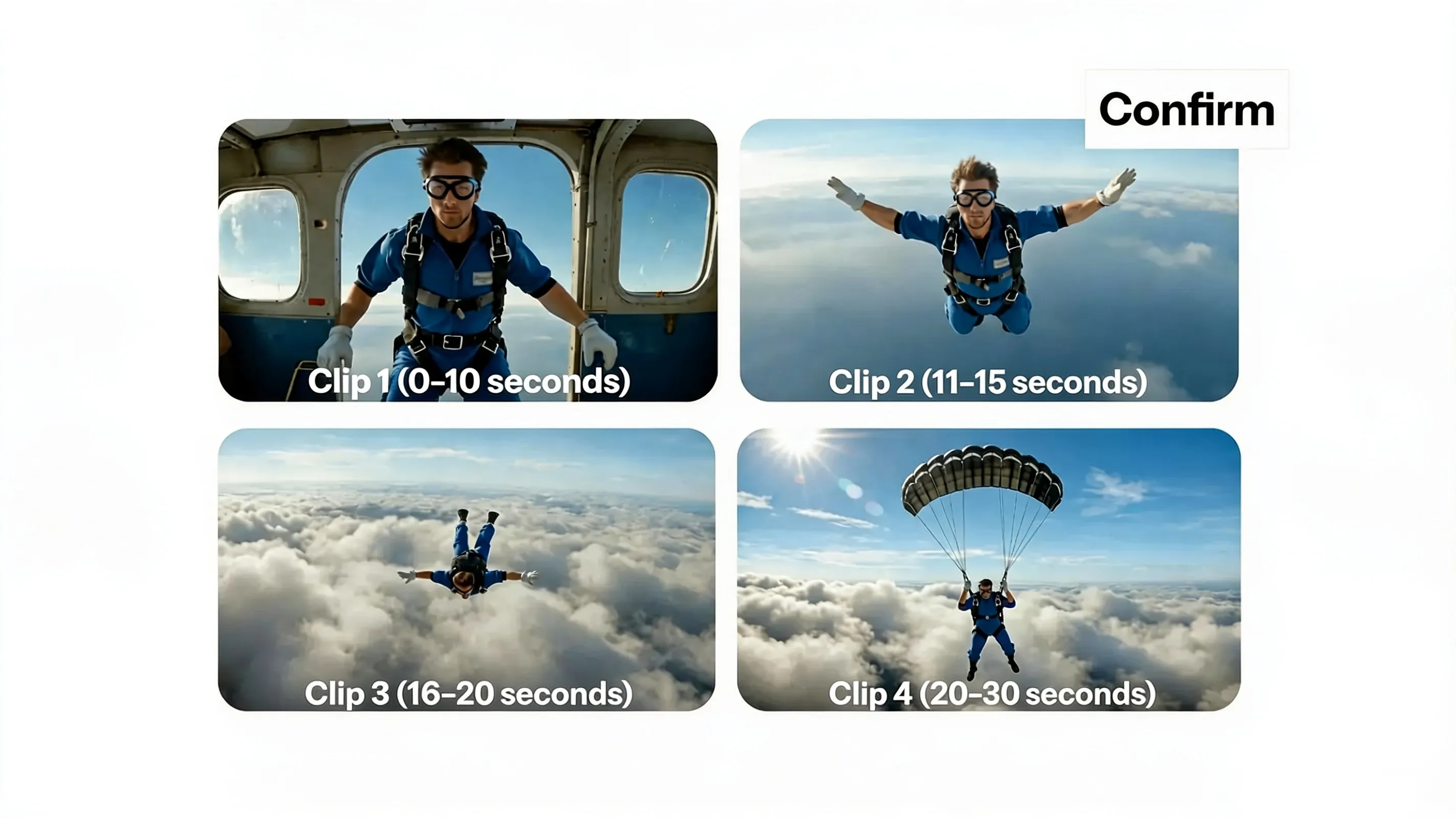
30-second Video Clips
Generate up to 30 seconds of continuous action, dialogue, and camera movement. Keep characters, objects, and environments consistent across multi-scenes, with fewer clips to stitch together at the end.
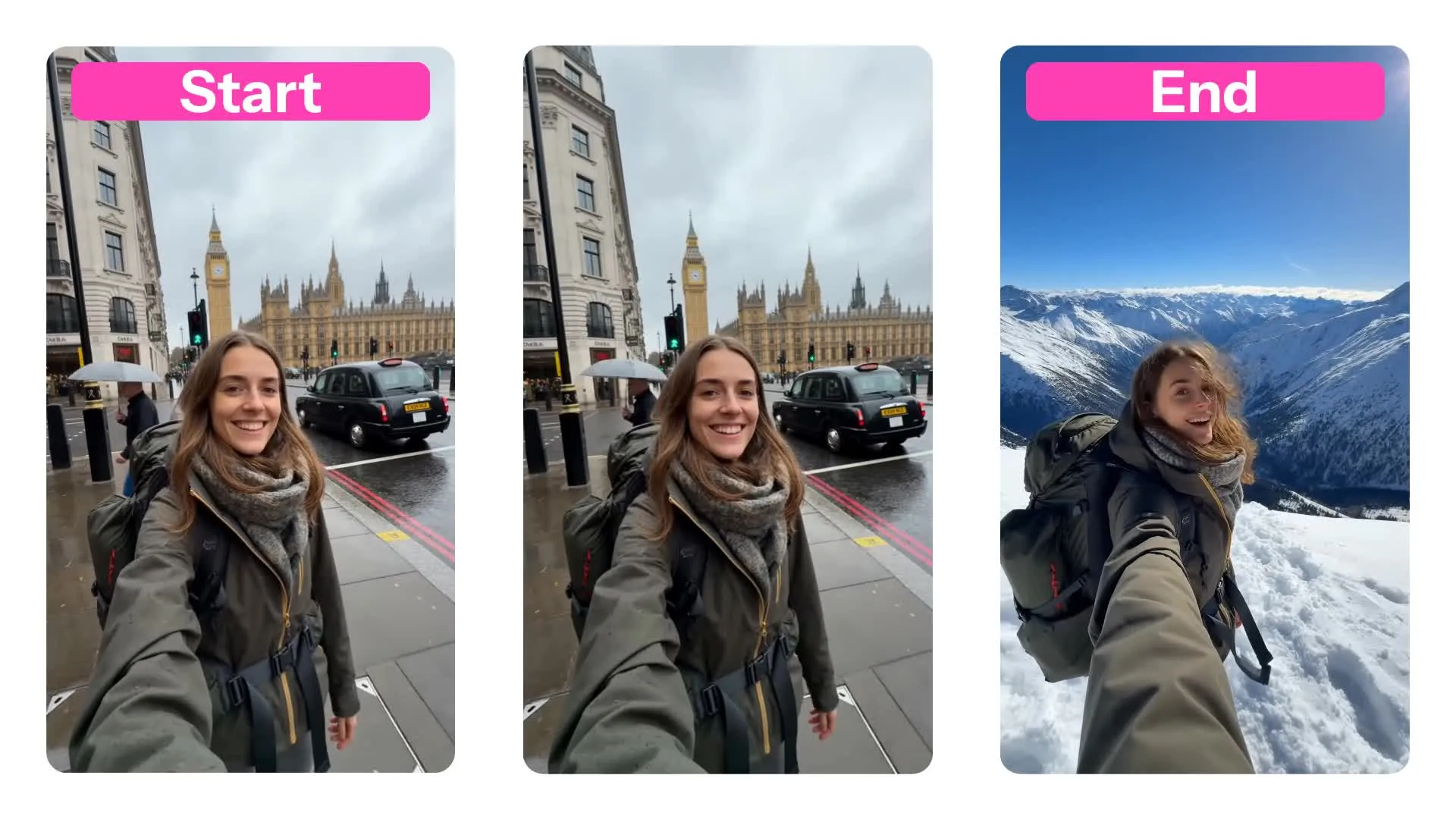
Start frames, end frames, and reference inputs
Combine start frames and end frames with up to 50 reference files to guide the subjects, setting, camera angles, movement, sound, and style
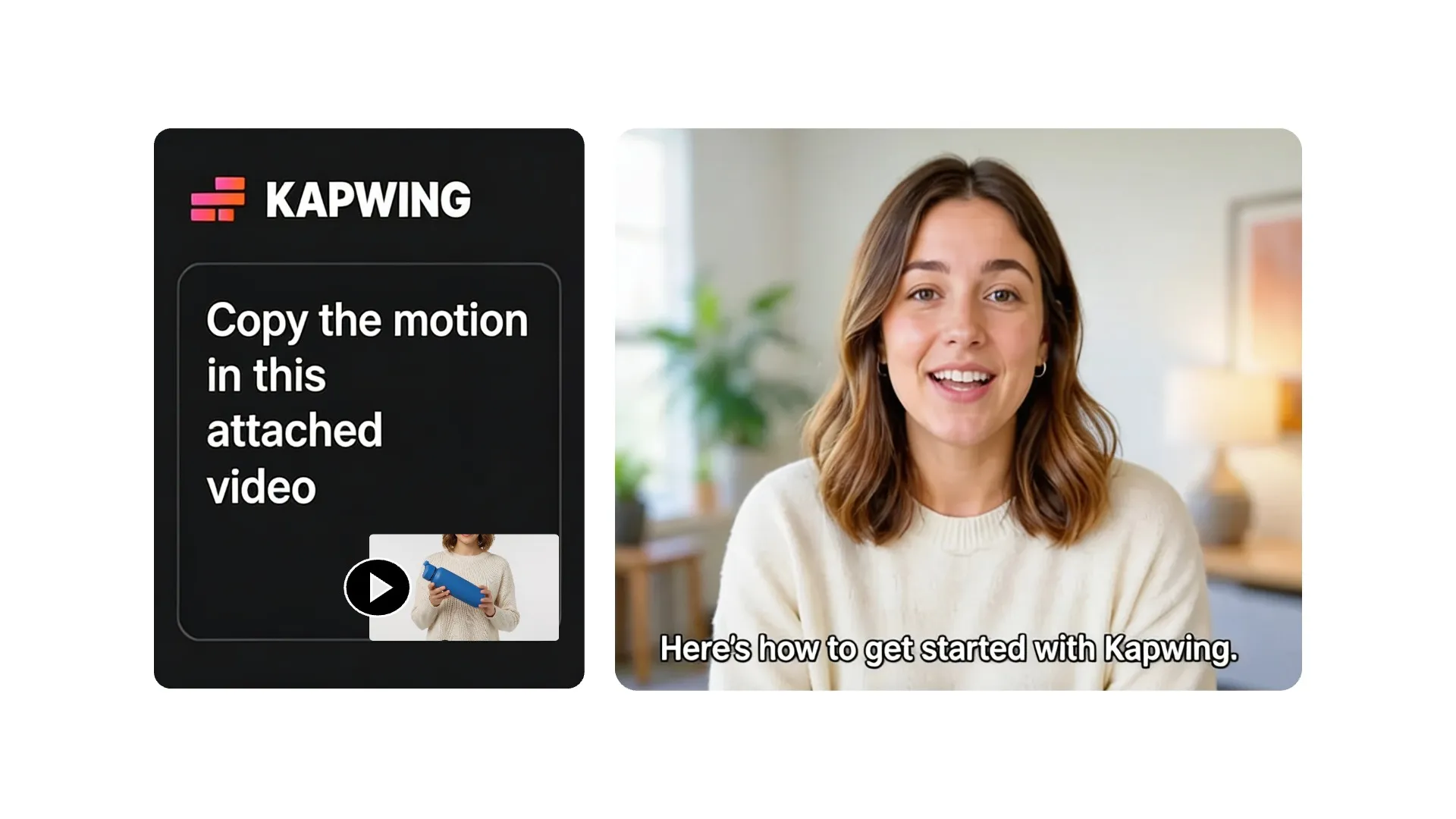
Reference to Video
Upload a reference video to show Seedance 2.5 how characters should move and interact. It uses the action and camera movement as a guide when creating your new scene. Kling's Motion Control more directly transfer movements and choreography.
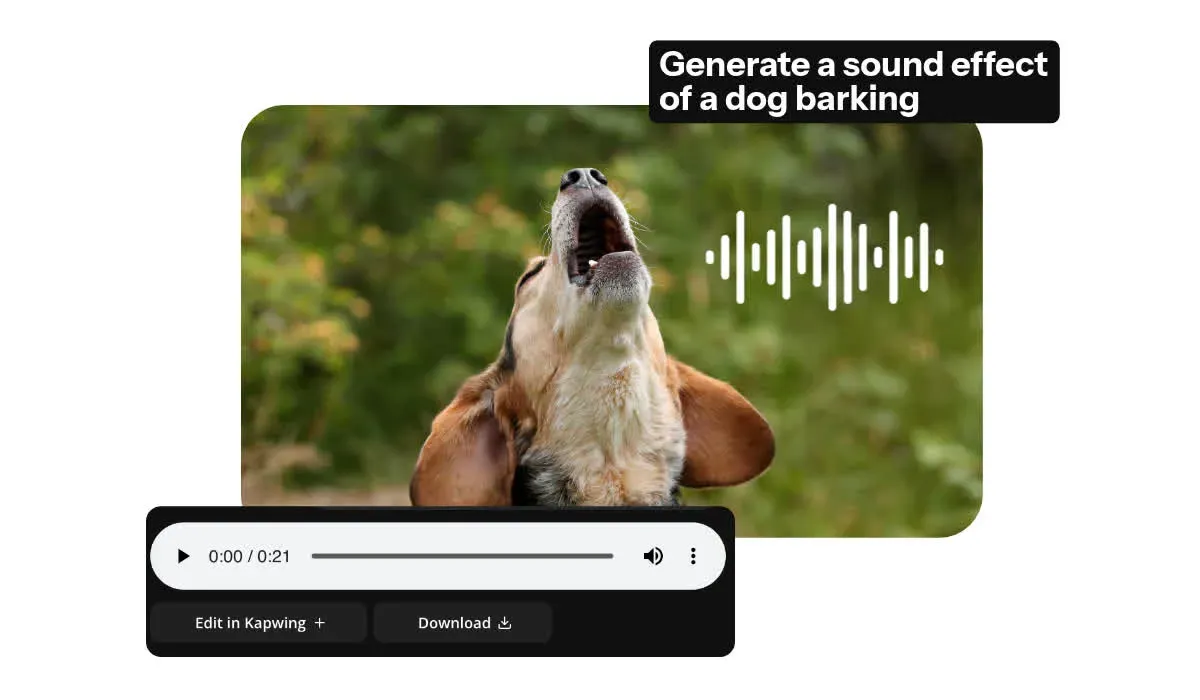
Synchronized Audio
Get auto-synced dialogue, ambience, music, and sound effects alongside your visuals. Seedance 2.5 matches voices, footsteps, impacts, and environmental audio to the action throughout longer scenes.
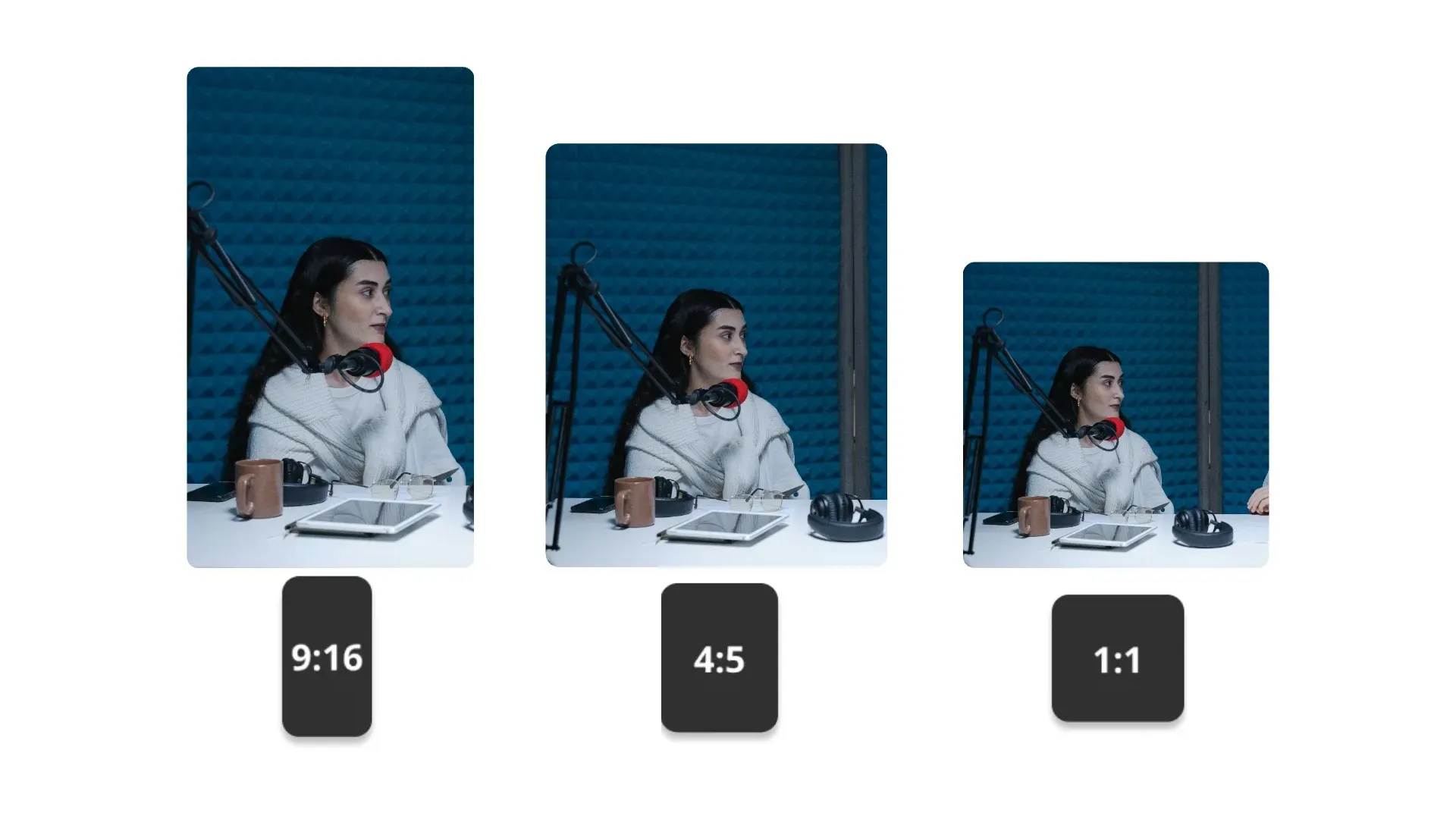
Social-ready Aspect Ratios
Generate videos in 16:9, 9:16, 1:1, 4:3, 3:4, or 21:9. You can also resize your finished video in Kapwing for cinematic trailers, product campaigns, music videos, and short films.
Why use Seedance 2.5 in Kapwing
Build the full video in one generation, then add final touches in Kapwing
Generate.
Edit.
Export.
Seedance 2.5 gives you more usable footage per generation. Kapwing turns that longer, more directed scene into a complete production workflow.
- Generate up to 30 seconds of footage
- Bring prompts, images, and other files into one reference-led workflow
- Cut, reorder, crop, and resize in Kapwing's online video editor
- Add subtitles, voice-over, dubbing, music, and sound design
- Combine Seedance 2.5 with Seedance 2.0, Veo, Sora, Wan, Kling, and more leading AI models
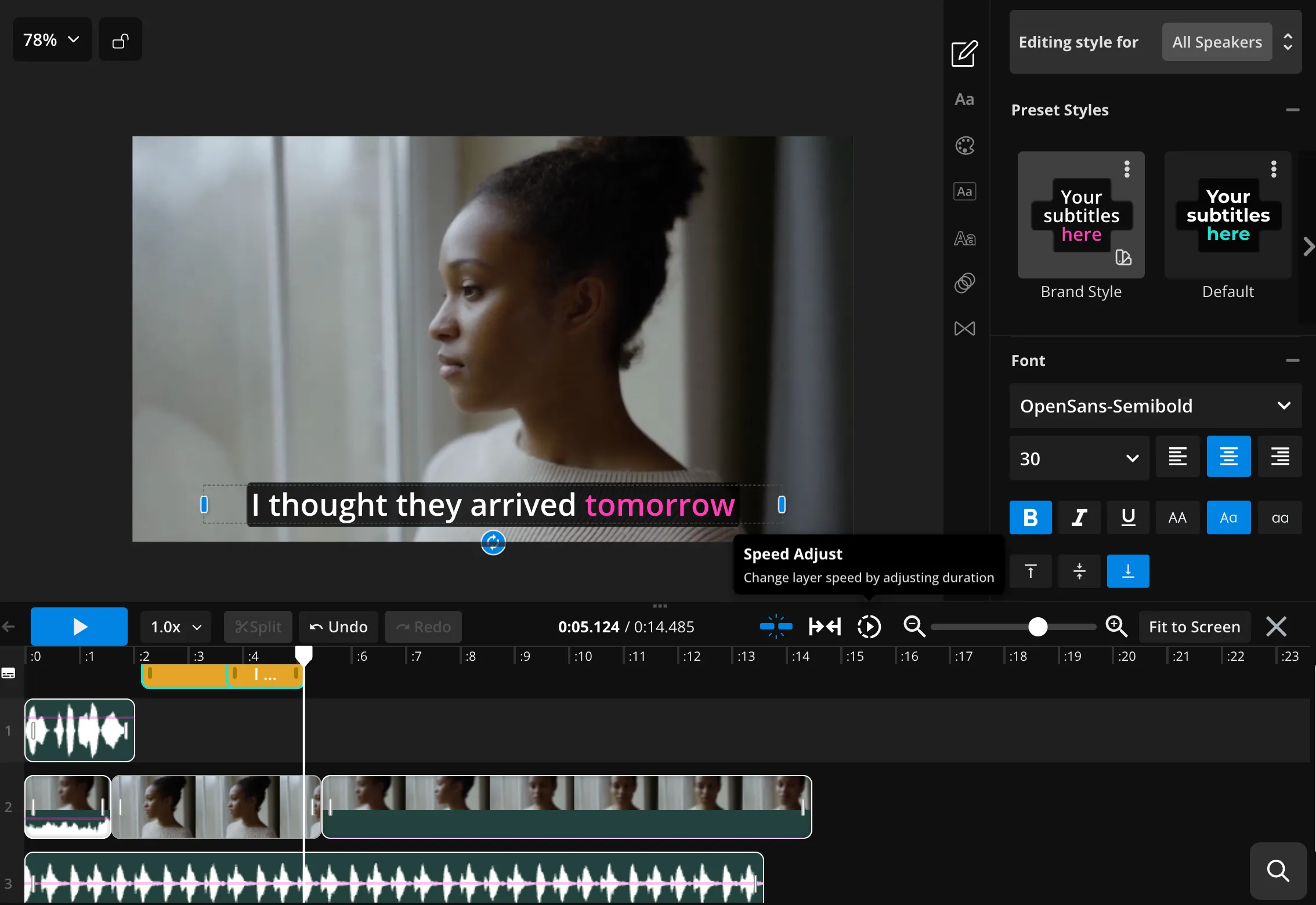
Built for complete scenes, not isolated clips
Over 35M teams, businesses, and creators use Kapwing
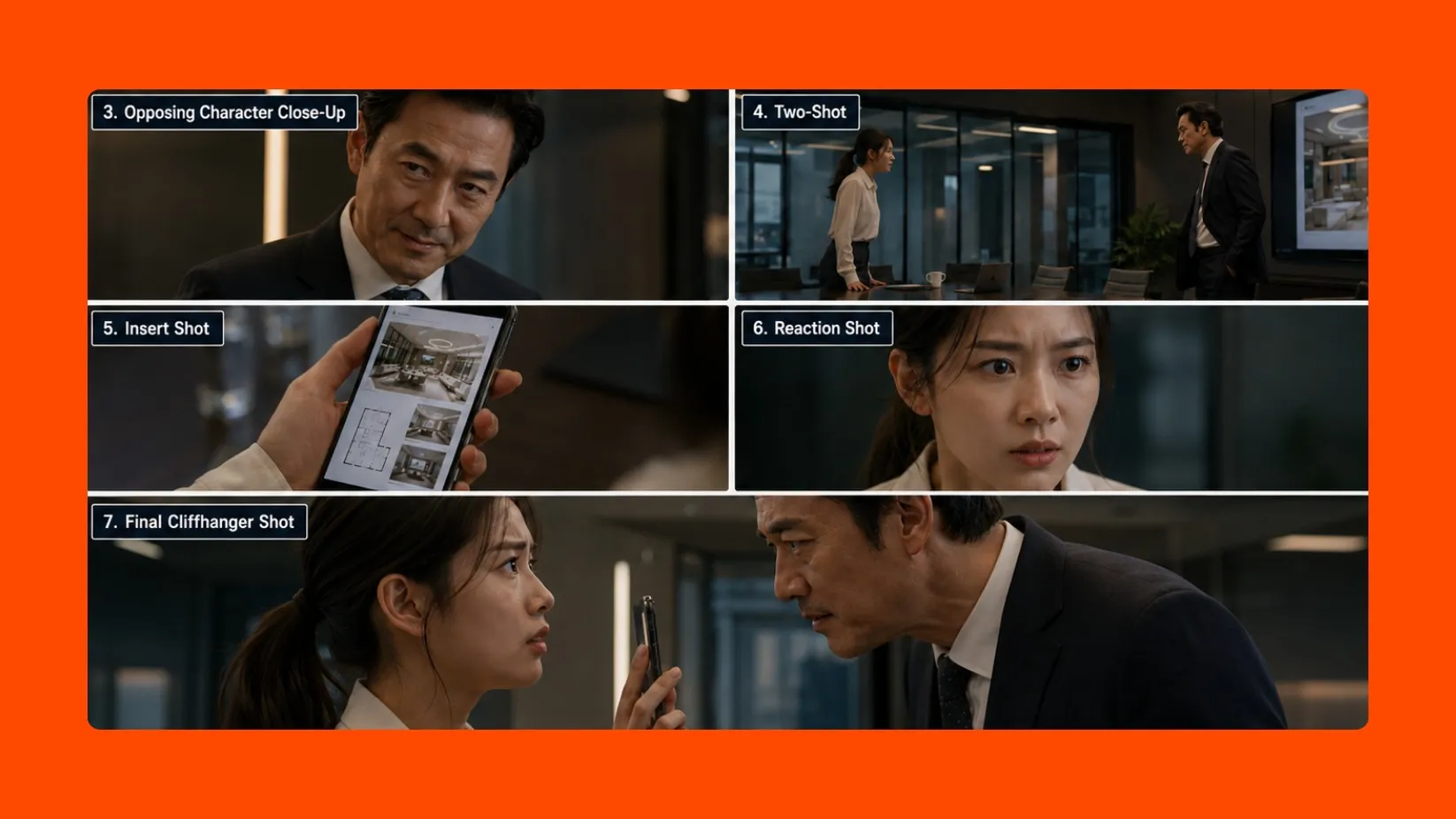
Short Dramas
Direct dialogue, entrances, reactions, character movement, and camera changes within a single generation. Great for social series and micro-dramas.
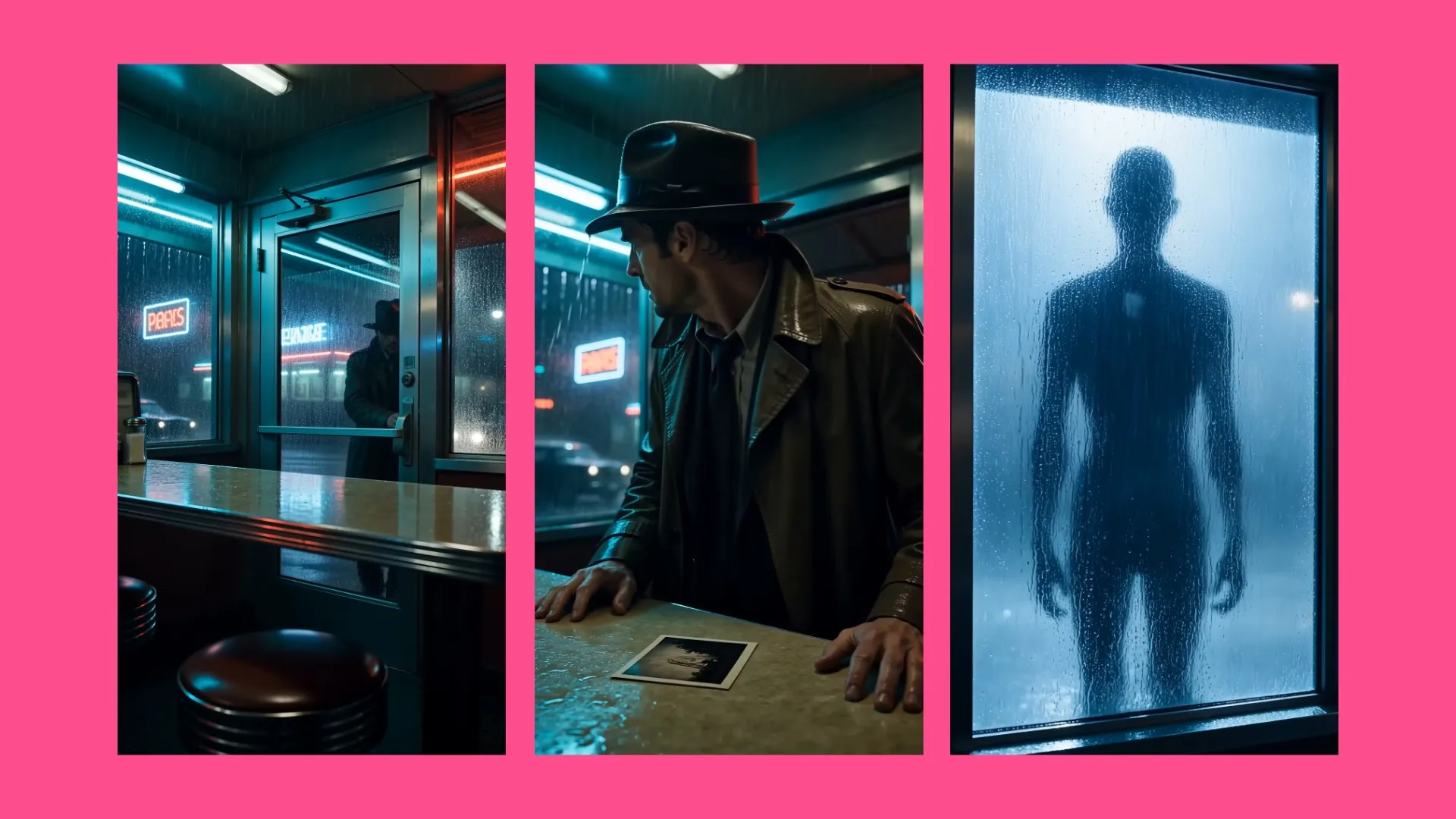
Trailers & Teasers
Create a setup, escalation, and reveal within one generation. Use the longer timeline for concept trailers, title sequences, mini-films, and campaign teasers.

Product Ads
Fit a hook, product demonstration, key benefit, and call to action into a single generation. Help keep the product, presenter, and camera direction consistent throughout the video.
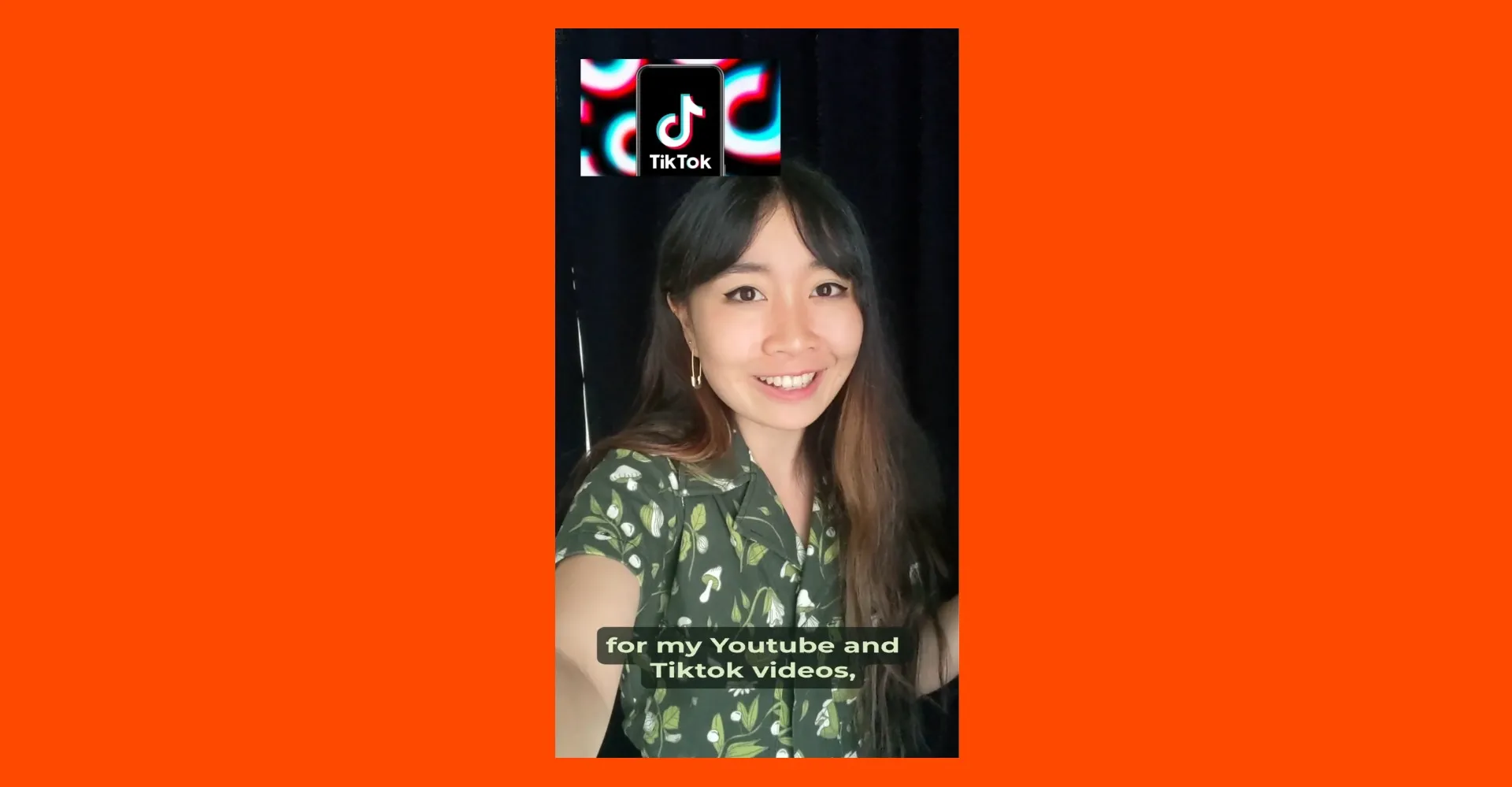
UGC Videos
Create natural-looking product demos, testimonials, and creator-style ads. Use reference images and videos to keep presenters, products, and branding consistent.
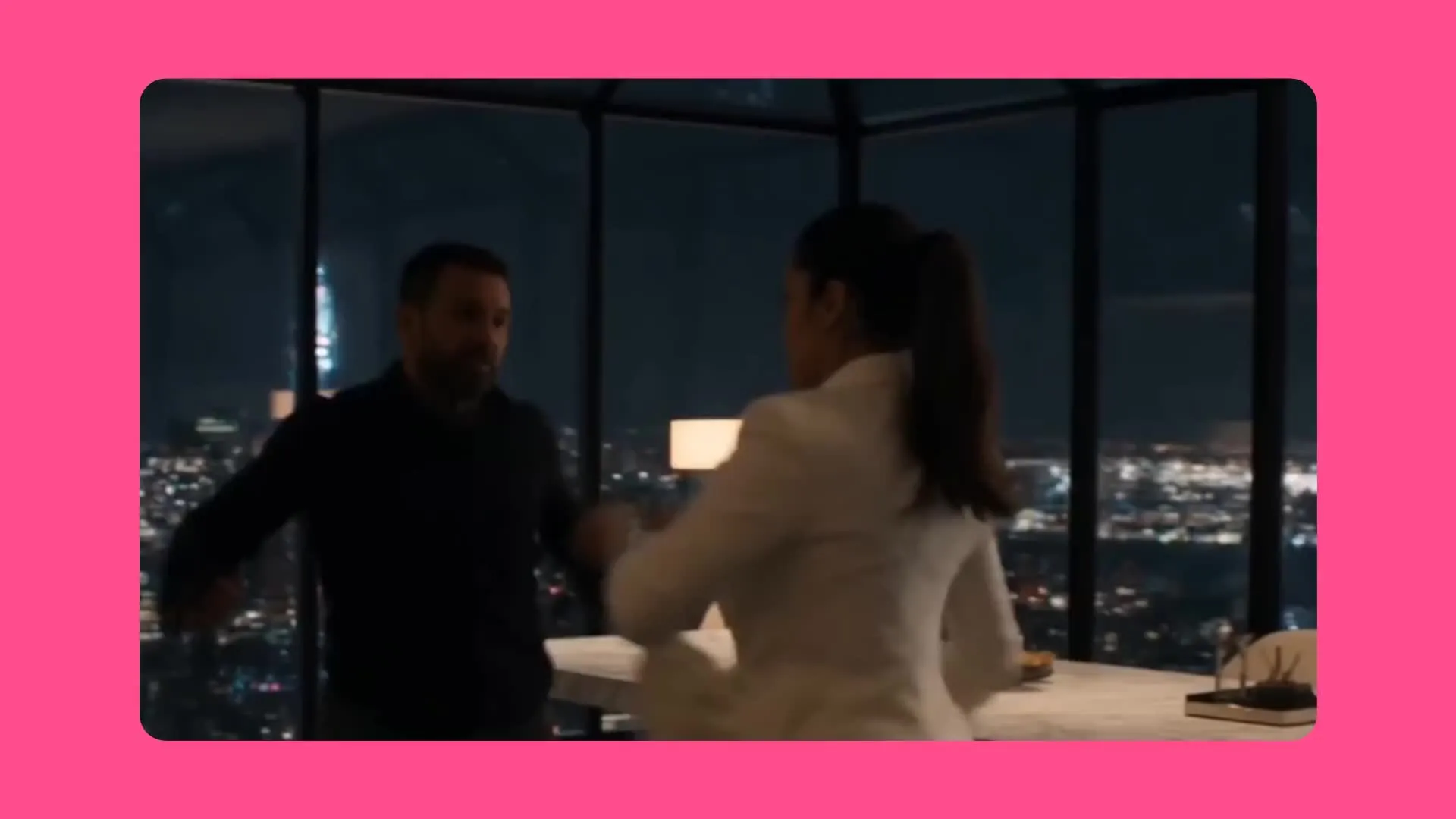
Cinematic Scenes
Create longer tracking shots, walkthroughs, reveals, and action sequences within a single generation. Direct how the camera follows characters, products, and movement as the scene develops.
Build a reference pack. Direct scenes with confidence.
Combine Kapwing's 19 AI models for stronger source material
Give Seedance 2.5 clearer visual direction
Combine Kapwing’s image and audio models to prepare the characters, settings, products, and sound Seedance 2.5 should follow.
- ChatGPT Image 2
Create character sheets, product boards, environments, storyboards, and opening images from scratch using ChatGPT Image 2.
- Google Nano Banana
Refine a reference image before animation. Change clothing, props, backgrounds, lighting, or composition while preserving the details you want Seedance to follow.
- MiniMax 2.5
Generate music, ambience, and sound for your scene. Use the audio as a Seedance reference file, or layer it over your finished video in Kapwing’s timeline editor.
Frequently Asked Questions
We have answers to the most common questions that our users ask.
What is Seedance 2.5?
Seedance 2.5 is ByteDance’s newest AI video model, built to generate videos up to 30 seconds long. It offers better reference control, smoother movement, and more control over where characters move and how the camera follows the action.
How do I use Seedance 2.5 in Kapwing?
Open Kai (Kapwing AI), select Seedance 2.5 from the video-model menu, and enter a text prompt or upload a supported image or reference. Explain the desired video duration, resolution, and aspect ratio in your prompt.
Do Seedance 2.5 videos contain watermarks?
No. Videos generated and exported through Kapwing do not include a separate Seedance watermark.
Is Seedance 2.5 safe to use?
Seedance 2.5 runs inside Kapwing’s browser-based editor, so no separate software is required. Generations remain subject to Kapwing’s content policies, safety filters, and community guidelines.
How long can Seedance 2.5 videos be?
Seedance 2.5 is designed to generate a complete scene up to 30 seconds in a single generation. You can trim that scene or combine multiple generations for a longer project in Kapwing’s video editor.
Can I edit a Seedance 2.5 video in Kapwing?
Yes. After generation, open the video in Kapwing to reorder footage, add transitions, subtitles, overlays, voice-over, dubbing, music, and sound effects, then resize and export the finished project with Kapwing’s trim tool.
What is the difference between Seedance 2.5 and Seedance 2.0?
Seedance 2.0 is built for short, character-led videos with believable interactions across multiple shots. Seedance 2.5 extends those capabilities to videos up to 30 seconds, follows reference images and footage more closely, and gives you greater control over camera and character movement.
Can Seedance 2.5 generate video with audio?
Yes. Seedance 2.5 jointly generates visuals and audio, including lip-synced dialogue, ambience, music, and action-matched sound effects. You can replace, mix, or add audio layers afterward in Kapwing’s audio editor.
Does Seedance 2.5 support text, image, and reference-to-video generation?
Yes. Seedance 2.5 supports text-to-video and image-to-video workflows, and its reference system is designed to interpret the subjects, framing, motion, and cinematic language of supported visual inputs.
Does Seedance 2.5 support motion control?
Seedance 2.5 can use prompts and supported reference videos to guide movement, framing, subject staging, and cinematic intent. It is designed for creative interpretation across a scene rather than strict one-to-one choreography transfer; for exact performance transfer, Kling Motion Control is the more specialized option.
Can I create UGC and product ads with Seedance 2.5?
Yes. The 30-second runtime can fit a hook, demonstration, benefit, and call to action into one connected scene. Use visual references to keep the product and presenter recognizable, then finish paid ads, explainers, testimonials, and UGC-style videos with Kapwing’s UGC generator.
What resolutions and aspect ratios does Seedance 2.5 support in Kapwing?
Kapwing offers Seedance 2.5 generation at 480p, 720p, and up to 1080p, with 16:9, 9:16, 1:1, 4:3, 3:4, and 21:9 aspect ratios. You can also resize the finished video for TikTok, YouTube, Instagram, and other platforms.
Can I use Seedance 2.5 on iPhone or Android?
Yes. Kapwing is browser-based, so you can use Seedance 2.5 through a compatible browser on iPhone or Android without installing separate Seedance software.
Discover Resources
Tips, templates, and deep dives to help you create faster and share with confidence.
View all


Get started with your first video in just a few clicks. Join over 35 million creators who trust Kapwing to create more content in less time.