Kapwing / AI Prompting Guides
AI Camera
Controls
Where the camera sits, how much it sees and how it moves decide whether an AI clip feels directed or random. Below: interactive references for angle, movement and shot size, plus the vocabulary video models respond to. Every prompt copies with one click.
- 1 Bind the reference
- 2 Describe the scene
- 3 Keep the look consistent
- 4 Direct the camera
Angle
Where the camera sits relative to the subject's eyeline. Same person, six heights.
Lens view · Eye level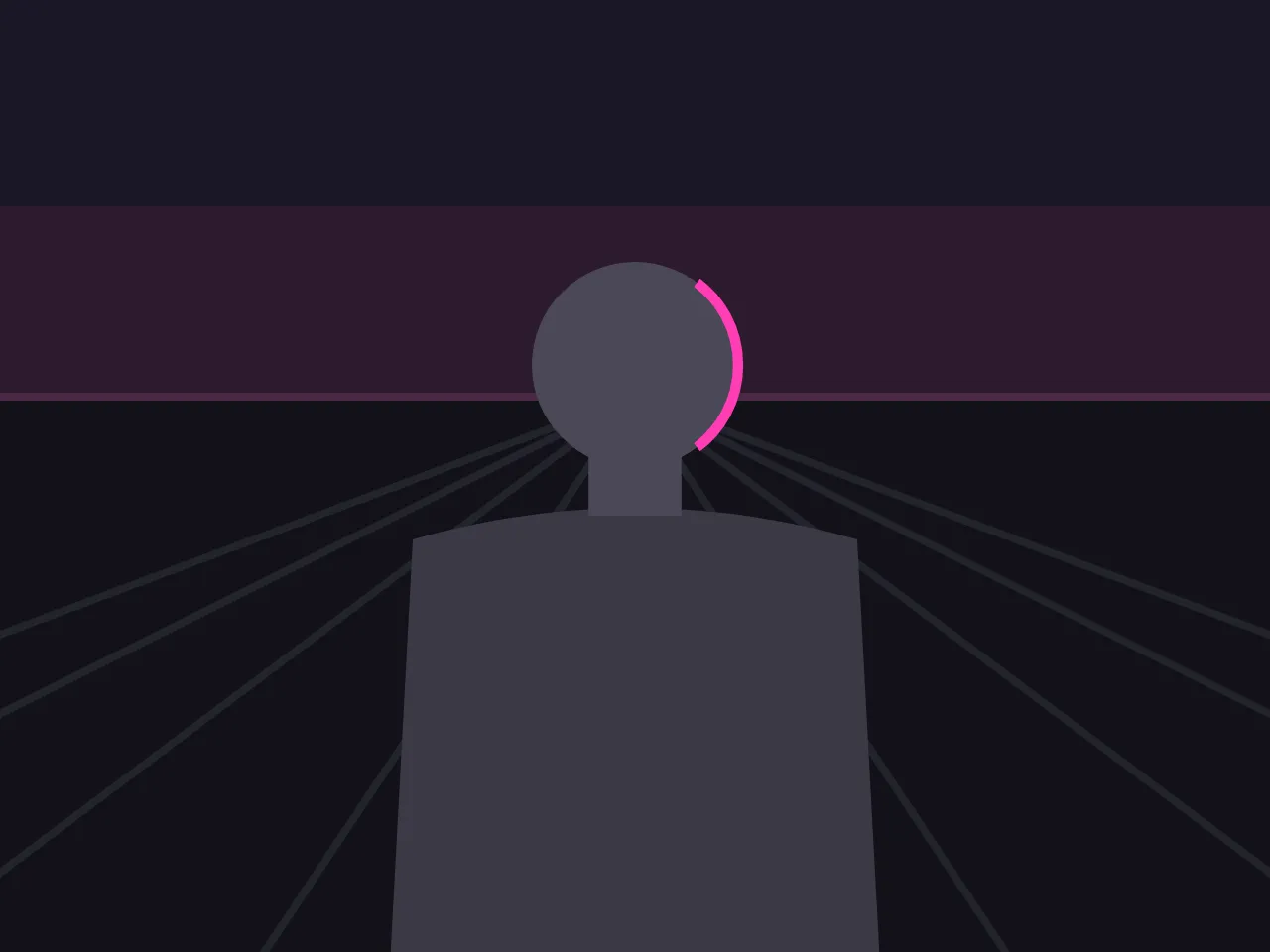
Click a camera positionMovement
What the camera physically does during the shot. Watch how near and far layers separate.
Tilt upPan / Tilt
Zoom inZoom / Lens
Rack focusZoom / Lens
Dolly inDolly / Track
Dolly outDolly / Track
Truck leftDolly / Track
Clockwise orbitPhysical
Crane upDrone / Crane
HandheldHuman Camera
Dolly zoomSpecials
Whip panSpecials
Shot Size
How much of the subject is in frame. Nine sizes, one figure. Drag the marker along the scale.
Extreme WideEWS
Common Terms
The vocabulary models respond to. Click a term for its definition and to jump to an example that uses it.
Dolly in01 / 09