AI Storyboard Generator
Turn scripts and ideas into storyboards with AI.
Go from storyboard to video in the same online studio.
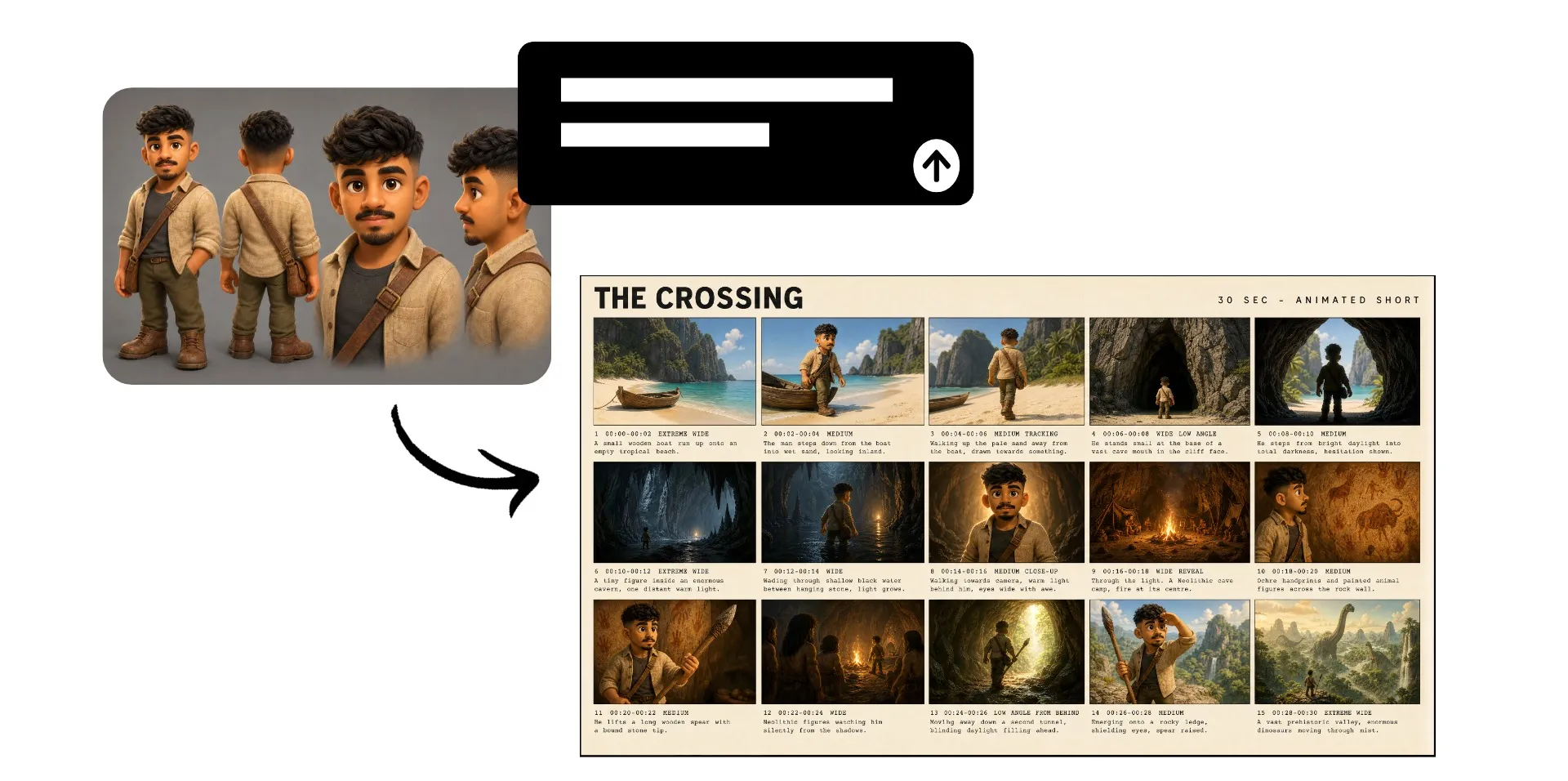
Turn scripts into visual storyboards with AI
Plan every shot before production
See your story before you create it
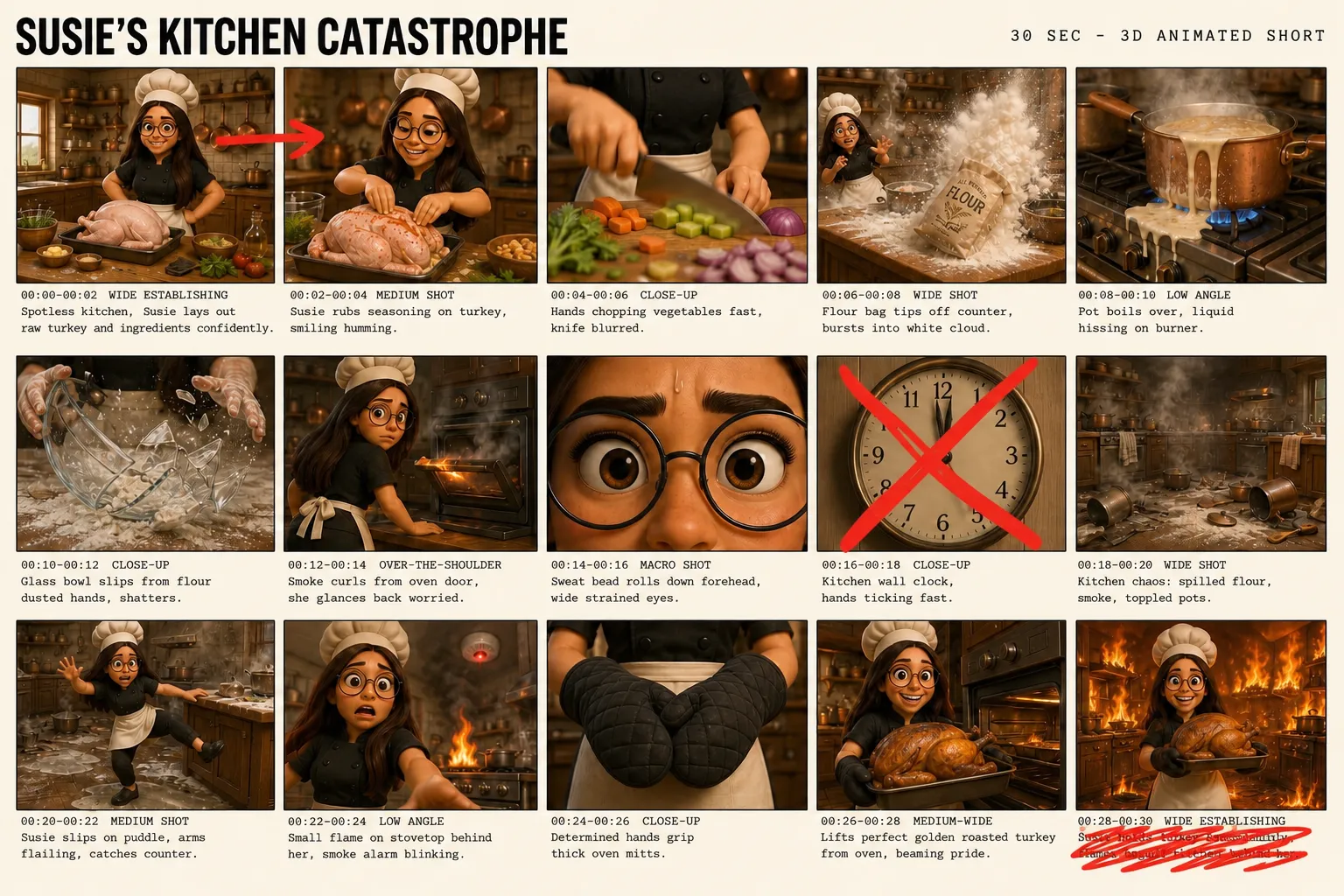
Turn a script, prompt, or rough video idea into a production-ready AI storyboard. Kapwing's Storyboard Generator maps out characters, settings, camera angles, and story beats so you can see your concept take shape before generating the full video.
Plan an AI short film, rough out a video ad, or visualize a social campaign in minutes. Test different shots, catch gaps in the story, and establish a consistent visual direction before spending time and credits creating your video.
Export your finished storyboard as a watermark-free JPEG to share or use in production, or bring it directly to the AI Video Generator as a visual reference for your video.
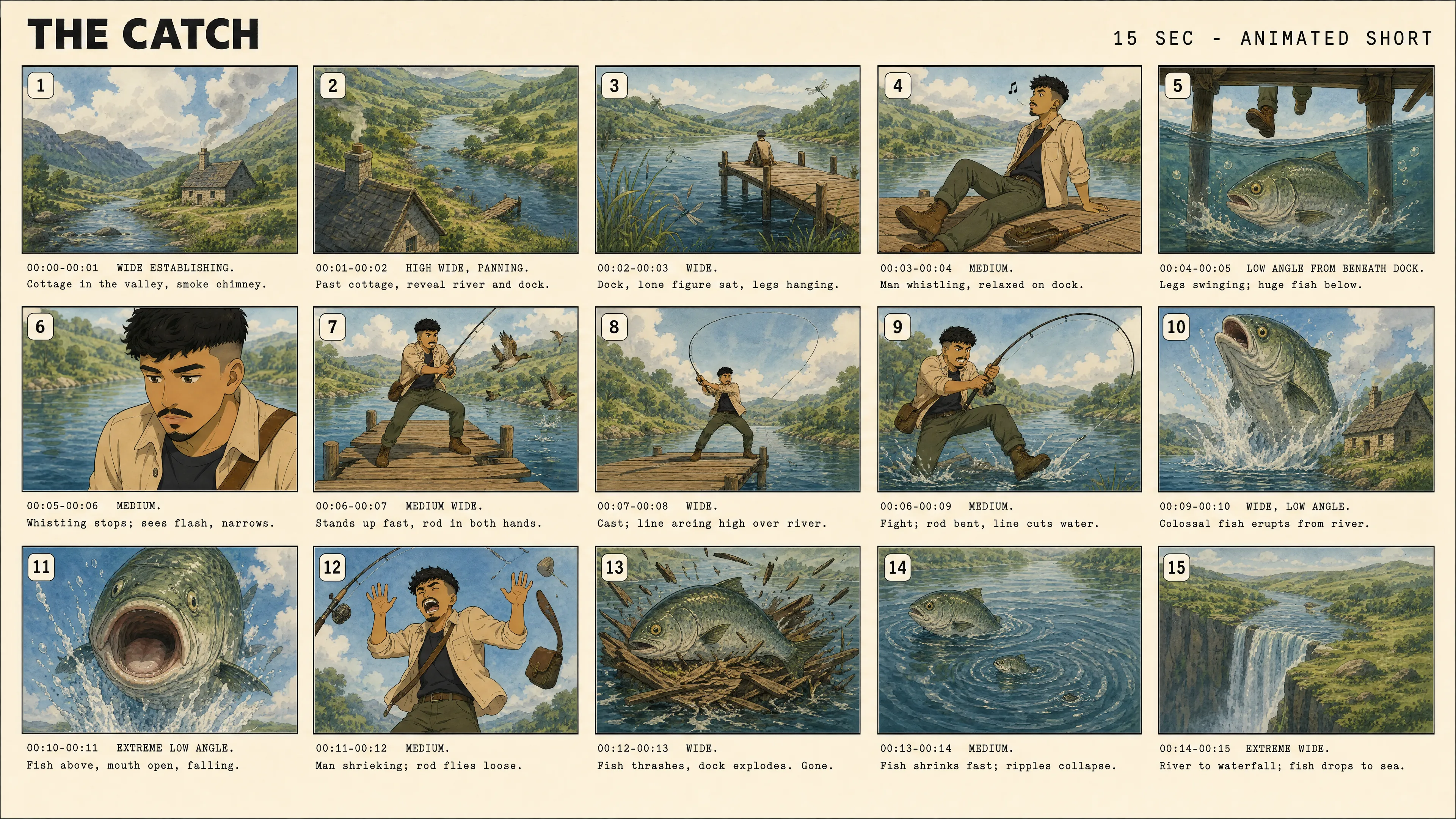
Create a storyboard in three steps
No downloads or extra software. Export in high resolution without watermarks.
Prompt
Kapwing AI to create a storyboard from your script or video ideas


Generate
your AI storyboard and fine-tune pacing, shots, and composition with follow-up prompts
Export
your storyboard as a JPEG, or use it as a reference for AI video generation
Storyboard any video idea
Visualize stories, refine shots, and establish creative directions
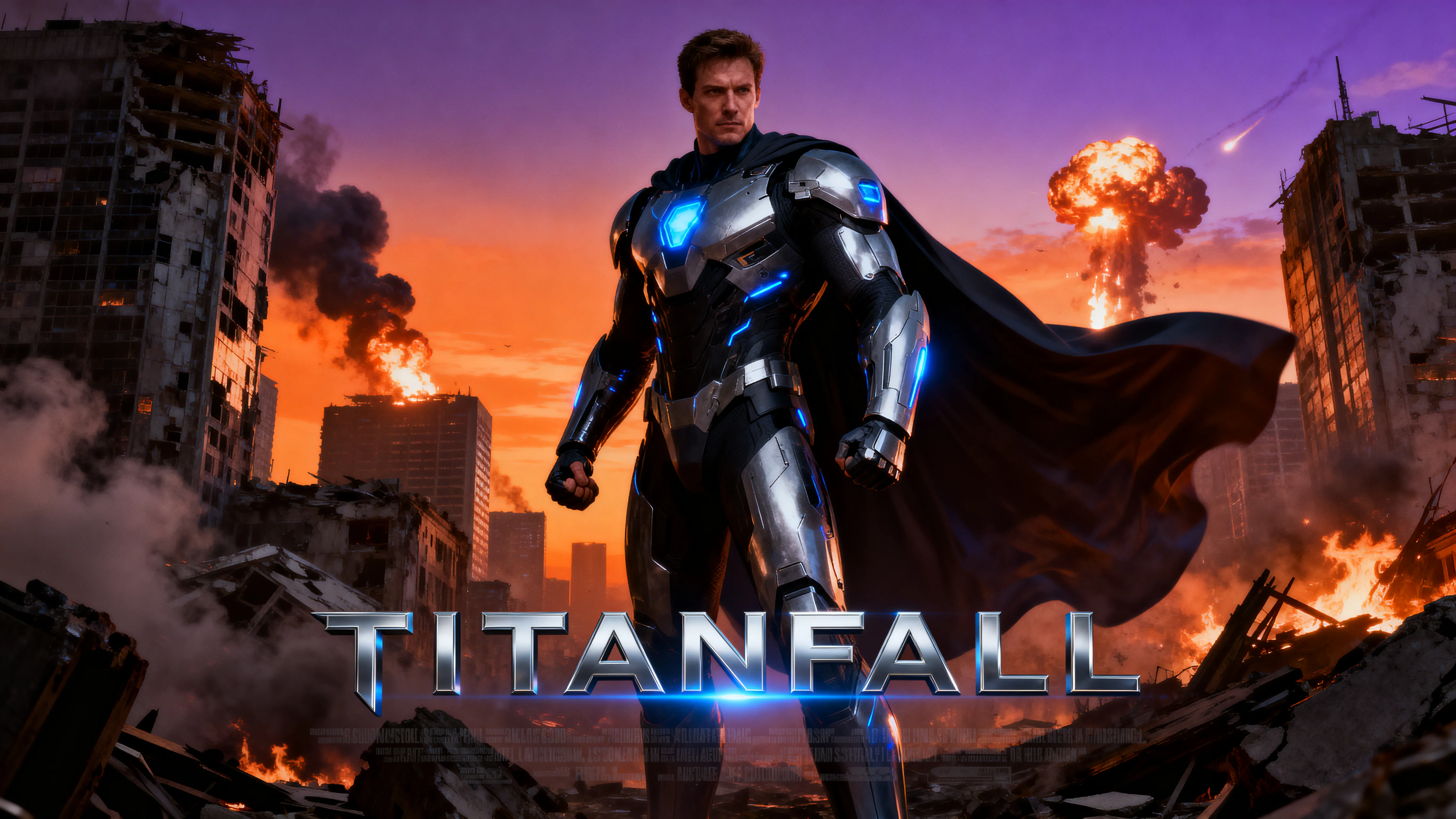
AI Short Films
Map out characters, locations, camera shots, and story beats before generating a multi-scene film. Keep the narrative and visual direction consistent from scene to scene.
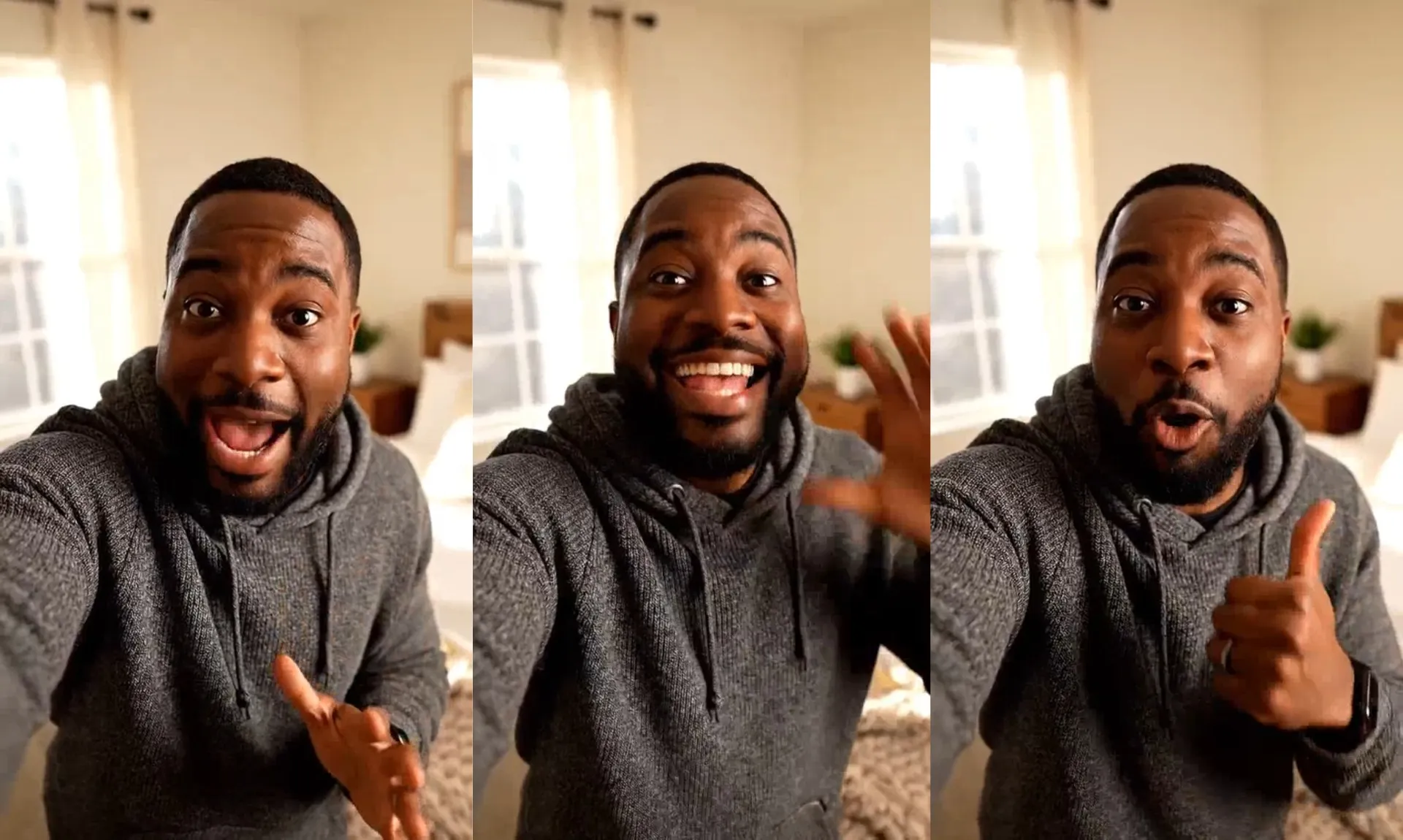
Social Campaigns
Plan the shots and pacing for TikToks, Reels, Shorts, and multi-video campaigns. Give your team a visual direction to follow across each piece of content.
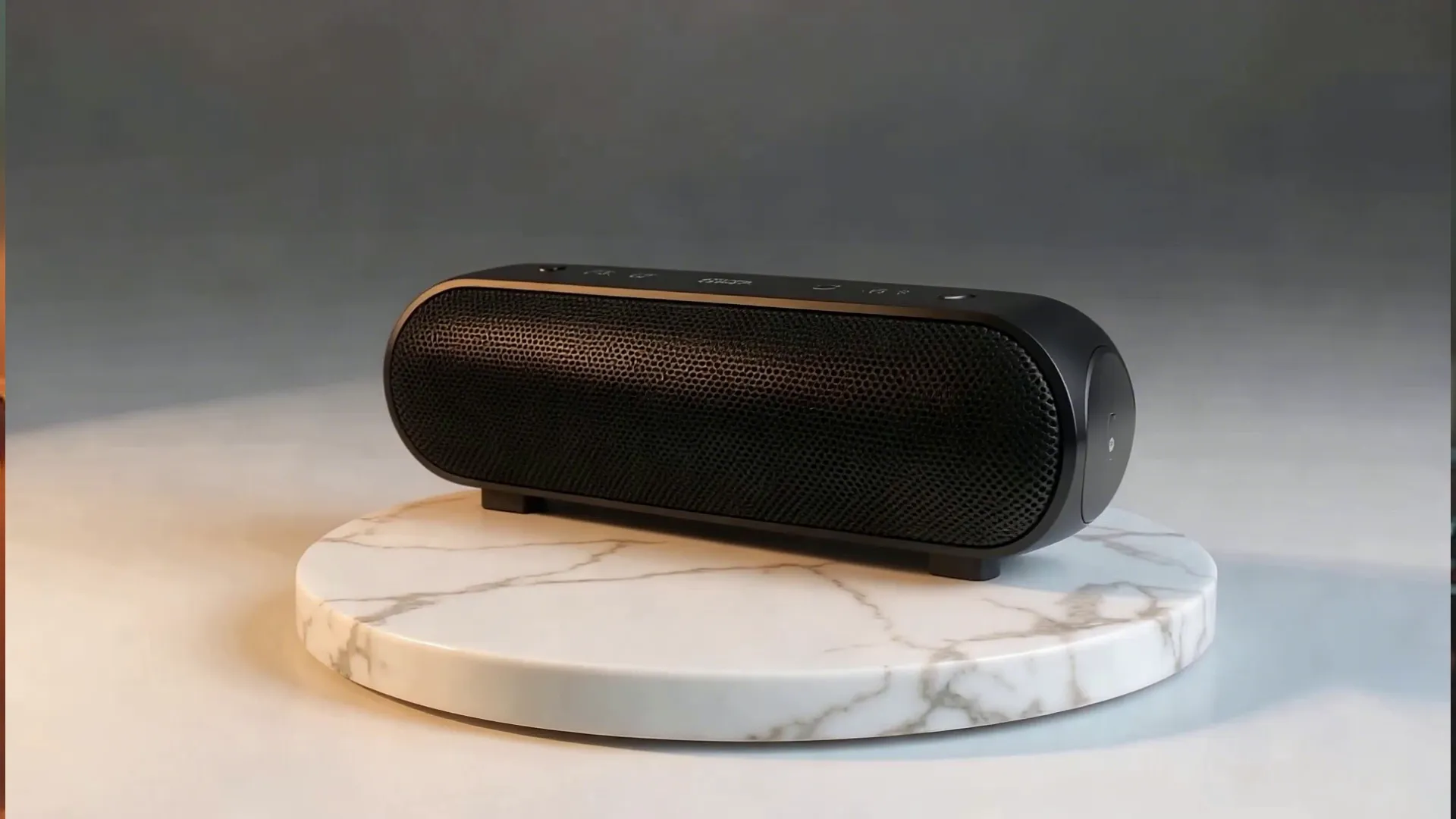
Video Ads
Map out the hook, product reveal, key benefit, demonstration, social proof, and CTA before generating your ad. Compare different openings or shot sequences.
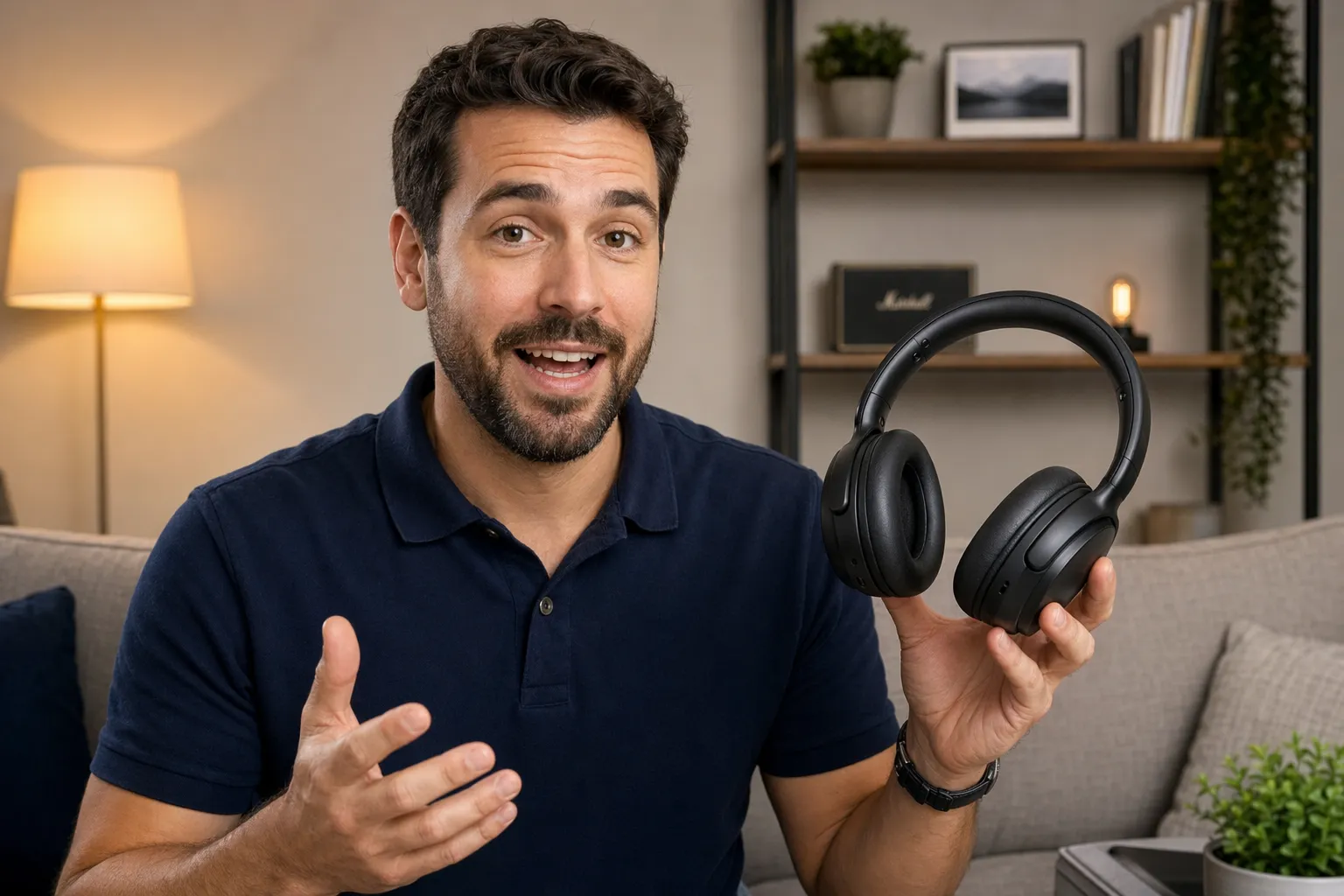
Product Demos
Visualize close-ups, product demonstrations, lifestyle scenes, and transitions before creating the video. Refine how and where your product appears across each shot.
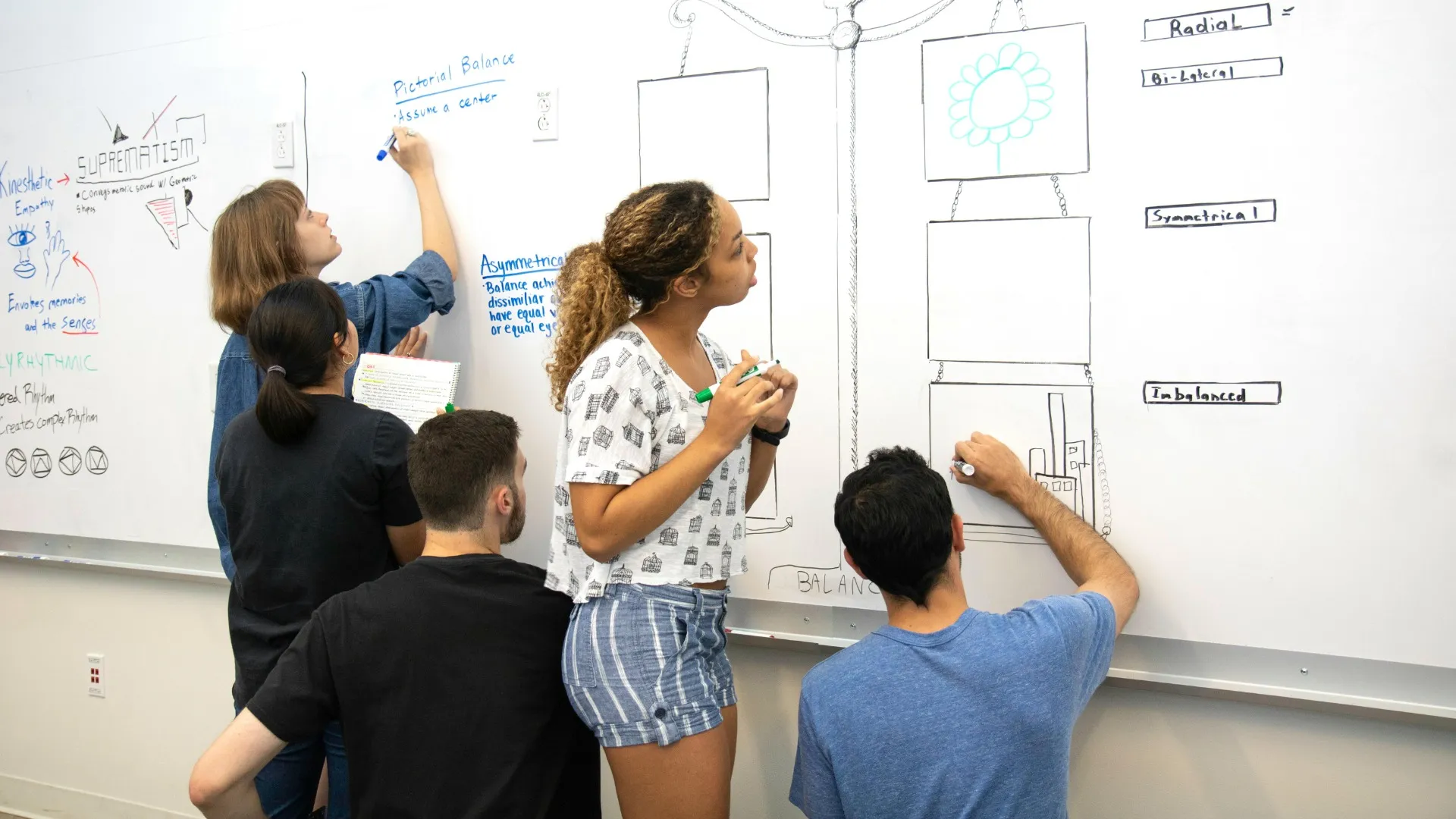
Pitches & Concepts
Turn an early video idea into a visual sequence that clients, teammates, and stakeholders can review. Communicate the concept, collect feedback, and align on the direction before production.
Build a storyboard ready for production
Plans visuals with a storyboard, then generate and edit in the same place
Keep characters consistent across storyboard scenes
Create a character reference sheet before building your storyboard to establish how your character should look from different angles and poses. Use those references as you generate scenes to maintain facial features, clothing, hair, proportions, and other defining details throughout your storyboard.
Kapwing's AI Character Consistency tools help you reuse the same character across new scenes, settings, and compositions. Carry the character reference into video generation alongside your finished storyboard to give the AI consistent visual context from the first frame through the final video.
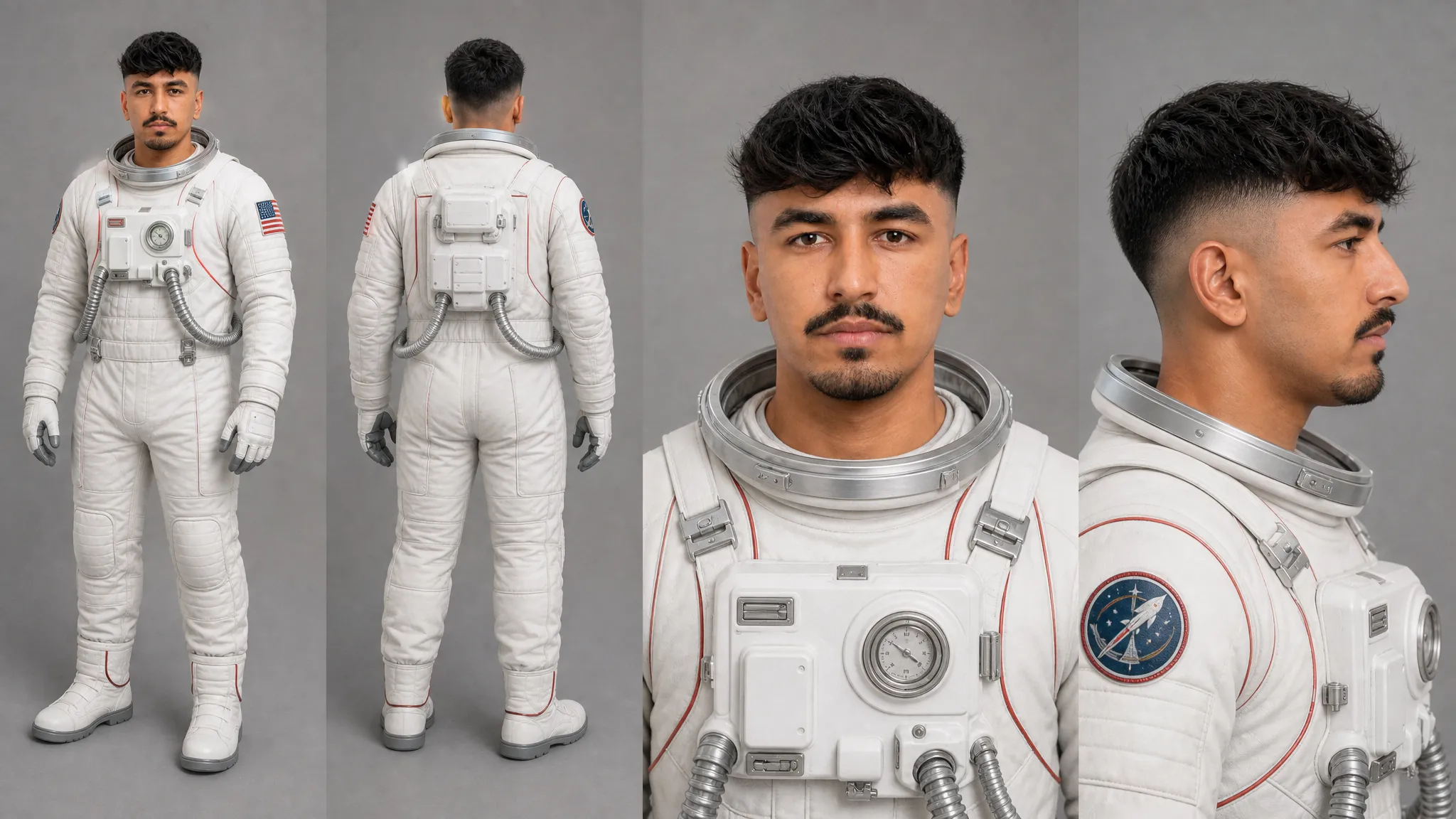
Refine shots before generating videos
Use your AI storyboard to make creative decisions, catch problems, and compare shots. Adjust camera angles, shot composition, character placement, settings, and visual style, then review how each scene connects to the next.
For team projects, move your storyboard into a shared Kapwing project to review and edit together in real time. Teammates and stakeholders can leave comments or use the Draw tool to mark up frames with visual feedback, making it easier to align on shots and creative direction before generating the full video.
Turn storyboards into videos
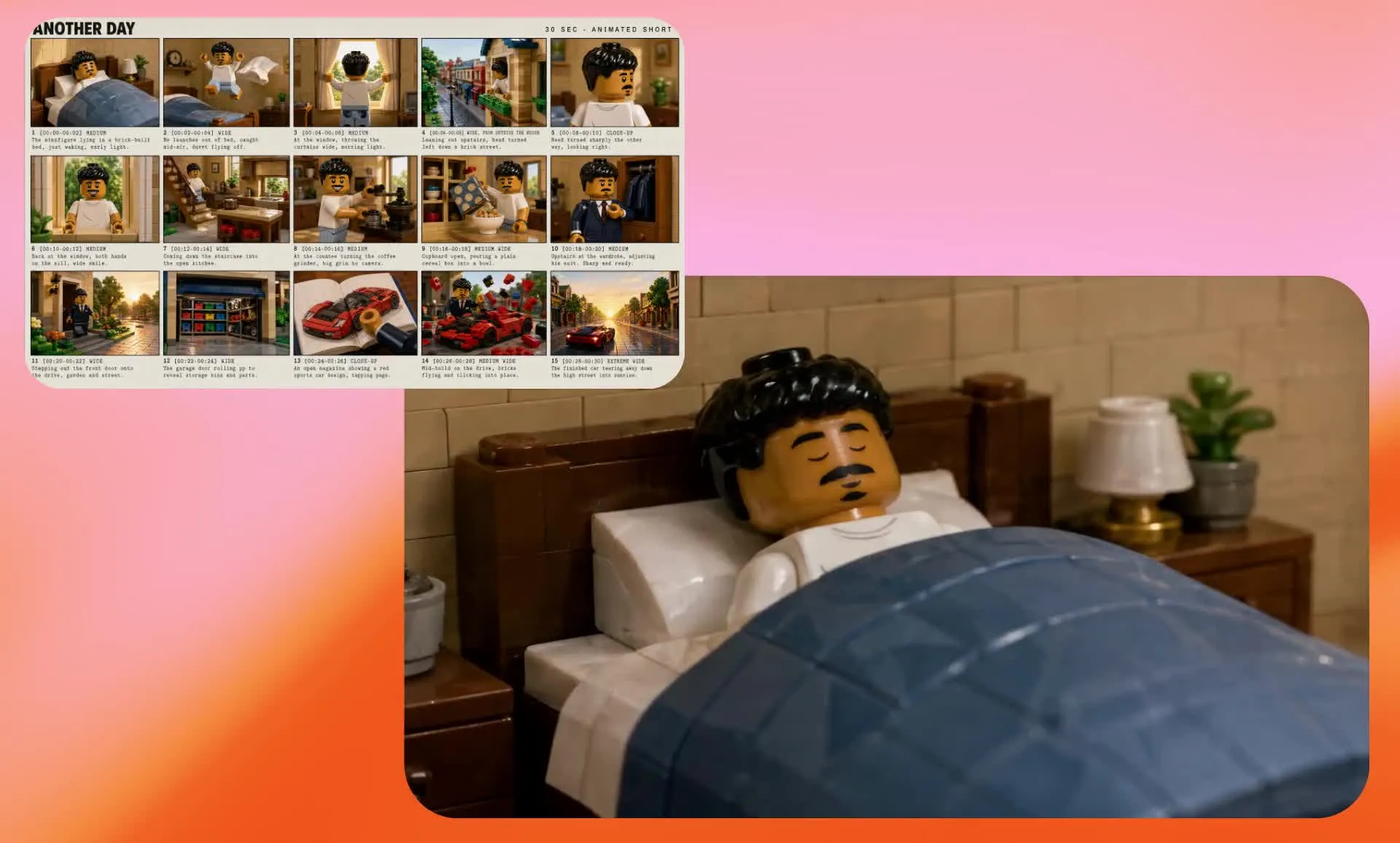
Use your finished storyboard as a visual reference for AI video models like Seedance 2.5 or MiniMax H3. Instead of generating from a text prompt alone, give the model a visual sequence to follow so your video stays closer to the characters, settings, compositions, and story beats you've already planned.
The storyboard helps Kai, Kapwing's AI Video Assistant, develop and connect each scene while keeping the full story in context. Pair it with your character reference image, then ask Kai to generate the video, make changes, or refine specific moments through follow-up prompts without starting over.
How to Create a Storyboard with AI
- Step 1Write prompt
Create a new chat with Kai and click to attach a character reference sheet if needed. Enter a detailed prompt requesting a film production storyboard and describing each scene, including timestamps, beats, characters, and visual style.
- Step 2Generate storyboard
Click the arrow to generate your storyboard. Enter follow-up prompts to adjust elements like camera angles, pacing, scene order, and overall style.
- Step 3Download
Click to download your storyboard as JPEG. You can also prompt Kai to turn your storyboard into a full video using Seedance 2.5.
Already transforming video creation across industries
Hear directly from the teams who publish faster, collaborate better, and stay ahead.


Frequently Asked Questions
We have answers to the most common questions that our users ask.
What is an AI video storyboard?
An AI storyboard is a visual sequence of scenes generated from a script, prompt, or video idea. It helps you plan characters, settings, camera angles, composition, and key story beats before creating the full video. Unlike a traditional hand-drawn storyboard, an AI storyboard can generate the initial visuals for you and provide a reference for later AI video generation.
Is Kapwing's Storyboard Generator free?
Yes, anyone can try Kapwing’s AI Storyboard Generator for free without watermarks. Our AI tools run on a credit system, with each feature costing a set number of credits. For maximum creativity and the best value, upgrade to a Pro account to unlock the full power of AI-driven content creation.
Hows does the Storyboard Generator work?
Start by creating a character reference sheet that establishes your character's appearance, clothing, and visual style. Then open a new chat with Kai, attach the reference sheet, and enter a detailed prompt requesting a "a printed film production storyboard sheet" and describing your video scene by scene. Include key details such as actions, settings, camera shots, timestamps or pacing, and visual style to give Kai clear direction for the storyboard.
Once generated, review the storyboard and prompt Kai to refine individual shots or story beats. Download the finished storyboard as a JPEG, or use it as a visual reference to generate the full video with a supported AI video model.
Why should I create a storyboard before generating an AI video?
Storyboarding lets you make creative decisions before spending time and AI credits generating the full video. You can visualize the sequence, identify missing story beats, test shot choices, establish characters and settings, and refine the overall creative direction first.
A finished storyboard can also give an AI video model more visual context than a text prompt alone, helping guide the look and progression of the generated video.
Can I edit the video storyboard?
Yes, you can edit your storyboard by chatting with Kapwing's AI assistant, Kai. Request character, scene, style, or timing changes and regenerate your storyboard before downloading it.
Do I need AI experience to use the tool?
No, Kapwing’s AI Storyboard Generator is designed to be simple and intuitive. You can create a storyboard by typing a prompt or pasting a script — no technical or AI experience required. To make it even easier, take a look at our how to guide, complete with a prompt-writing skill you can use with LLMs like Claude.
Can I turn an AI storyboard into a video?
Yes, your finished storyboard can be used as a visual reference for AI video generation. Upload the storyboard to a chat with Kai and select a compatible AI video model, such as Seedance 2.5, to give it visual context for your characters, composition, settings, and story progression.
The resulting video will interpret the storyboard and recreate it as a sequence of visual beats connected into a continuous video.
Can I use my own character, face, or product in the storyboard?
Yes, you can upload images, products, or reference visuals and use them as part of your storyboard. You can also save characters to your Brand Kit to maintain character consistency across scenes and projects, ensuring your visuals stay aligned with your brand.
What can I use AI storyboards for?
AI storyboards can help plan short films, video ads, social media campaigns, product videos, animations, music videos, and other multi-scene video projects. Use them to explore a concept visually, communicate creative direction to collaborators, or create visual references for AI video generation.
Can I keep characters consistent throughout the storyboard?
Yes, to ensure character consistency in your storyboard, start with a character reference sheet that establishes defining details such as facial features, clothing, hair, proportions, and visual style. Use the same character reference when generating your storyboard to give the AI consistent visual context across different scenes and camera angles.
You can also reuse your character reference alongside the finished storyboard when generating videos with AI to help maintain continuity from storyboard to video.
Discover Resources
Tips, templates, and deep dives to help you create faster and share with confidence.
View all

Get started with your first video in just a few clicks. Join over 35 million creators who trust Kapwing to create more content in less time.