Create character-led, multi-shot AI videos with synchronized sound using Seedance 2.0 in Kapwing

Seedance 2.0 AI video generator
Join Kapwing for free. Access Seedance 2.0 today.
Generate realistic movement and character interactions
Seedance 2.0 is designed for character-led sequences where consistency, movement, and sound must remain realistic as the camera and setting change.
Turn a text prompt or start image into a multi-shot video with transitions, scene changes, and multiple camera angles. Seedance can coordinate multiple subjects, preserve character appearance, and keep complex actions coherent from one shot to the next — from a subtle glance to fight scenes and dance routines.
Videos include lip-synced dialogue, ambient sound, music, and detailed Foley such as footsteps, impacts, and background audio.
Generate with Seedance then add subtitles, dub dialogue, refine the soundtrack, combine scenes, and resize the finished project for TikTok, YouTube, Instagram, and other platforms inside Kapwing.
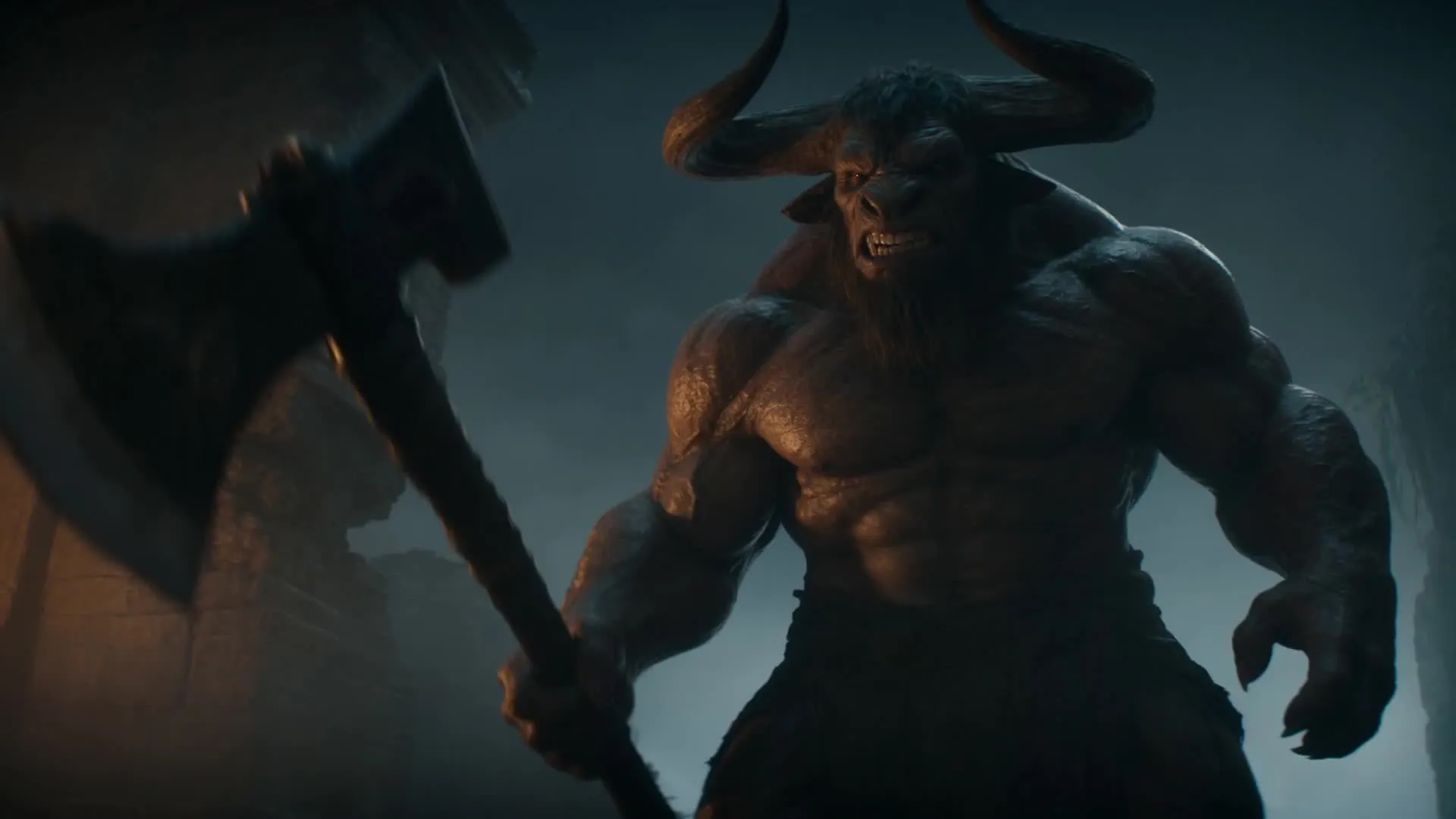
What to expect with Seedance 2.0
Detailed action sequences. Subtle expressions. Consistent identities.
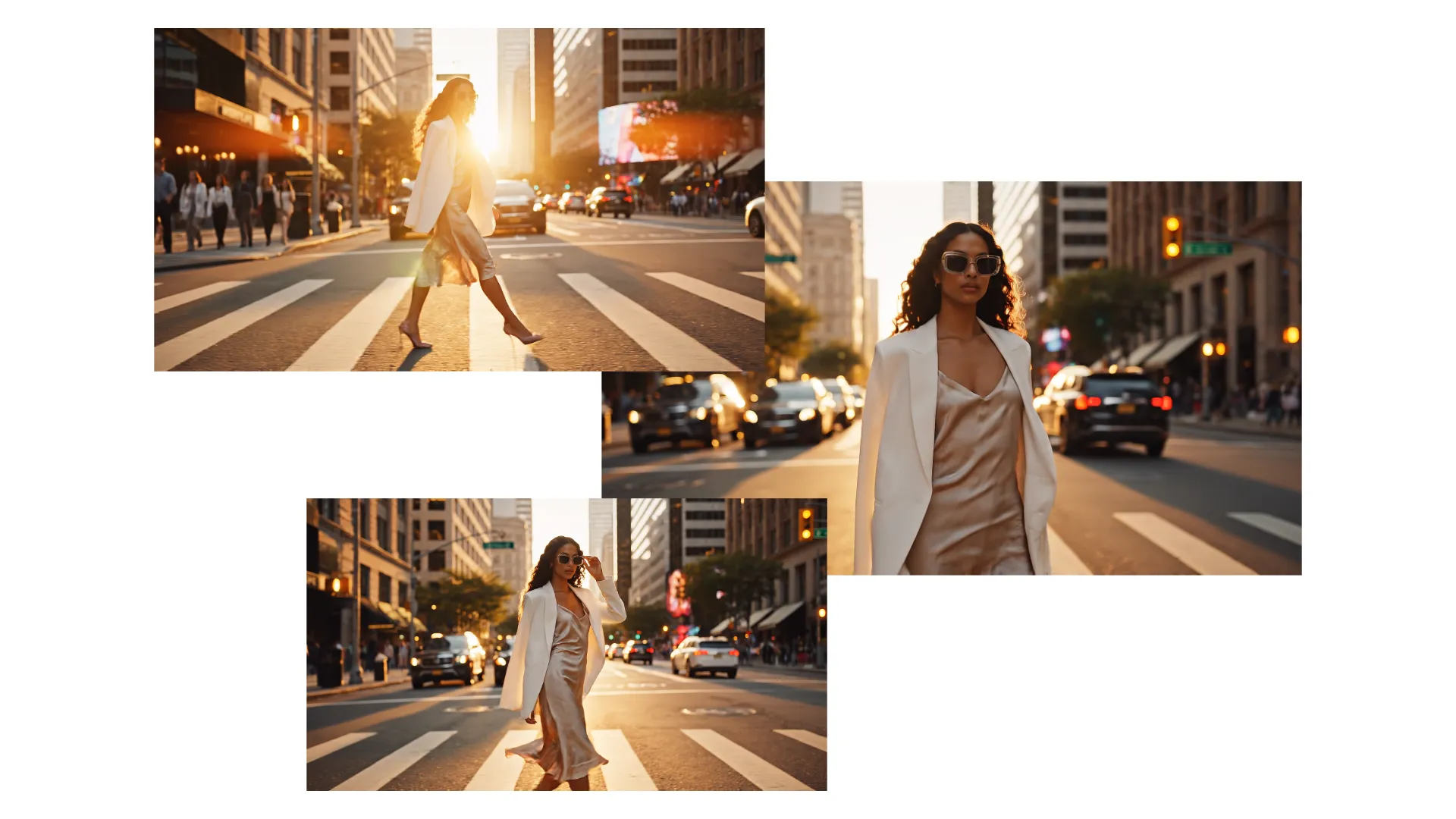
Multi-scenes with Transitions
Generate multi-scene videos from a single prompt. Describe your scene, along with cuts, transitions, and camera angles, to create a connected sequence rather than an isolated shot.
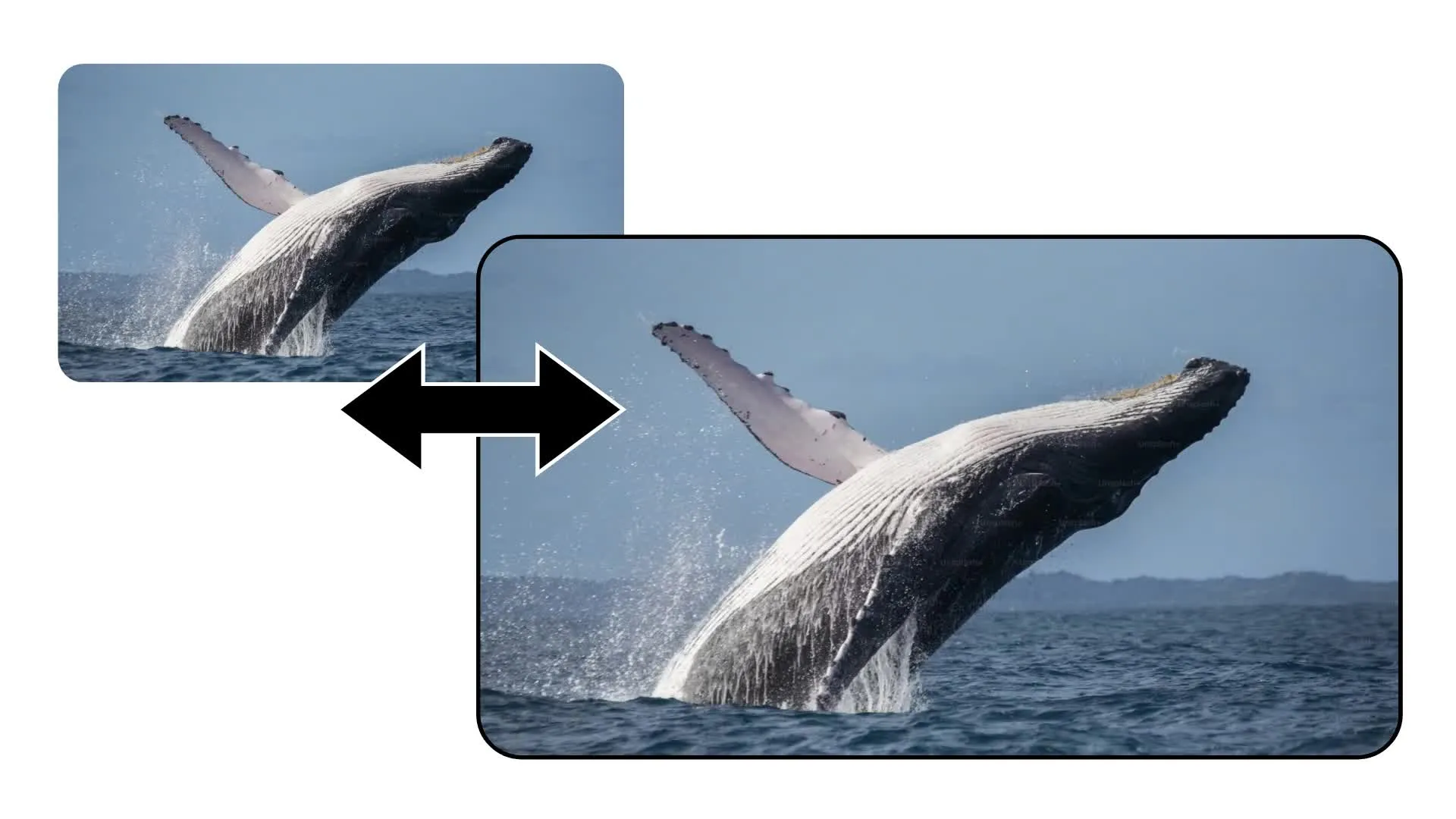
Text or Image to Video
Start with a written prompt or upload an image as the opening frame. Start frames and end frames gives Seedance a visual foundation for the character, environment, composition, clothing, and style it should animate.
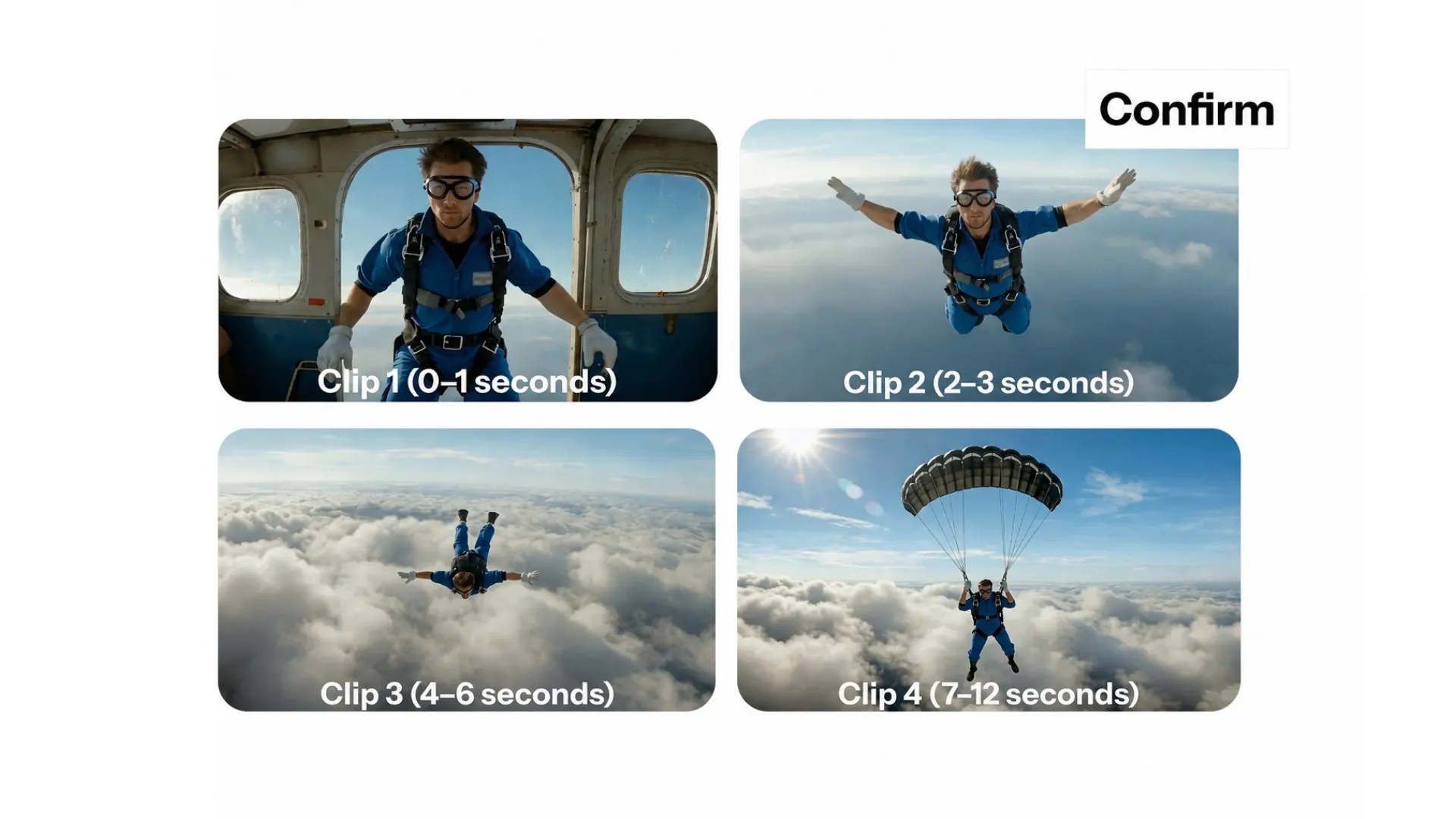
Complex Character Interactions
Create fight scenes, coordinated performances, sporting action, and other multi-subject interactions. Seedance is built for greater motion stability, physical plausibility, and logical action flow.
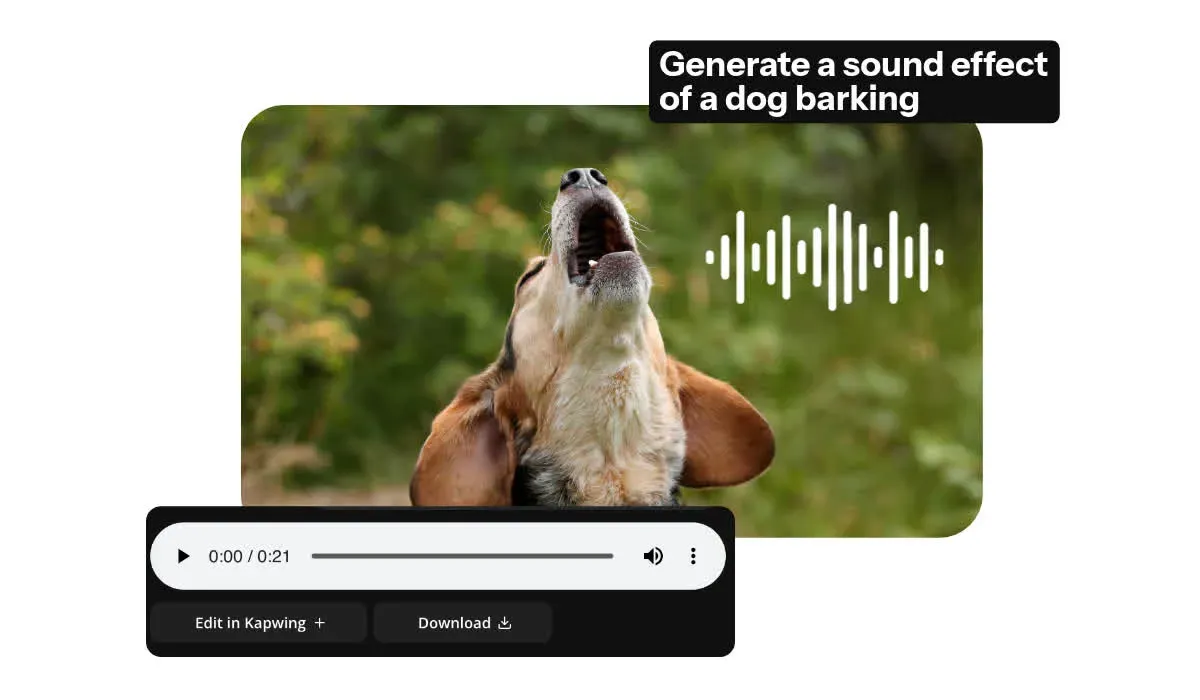
Audio and Lip Sync
Generate dialogue, ambience, music, and detailed sound effects alongside your visuals. Seedance aligns voices and Foley with movement, ensuring dialogue-led scenes feel natural.
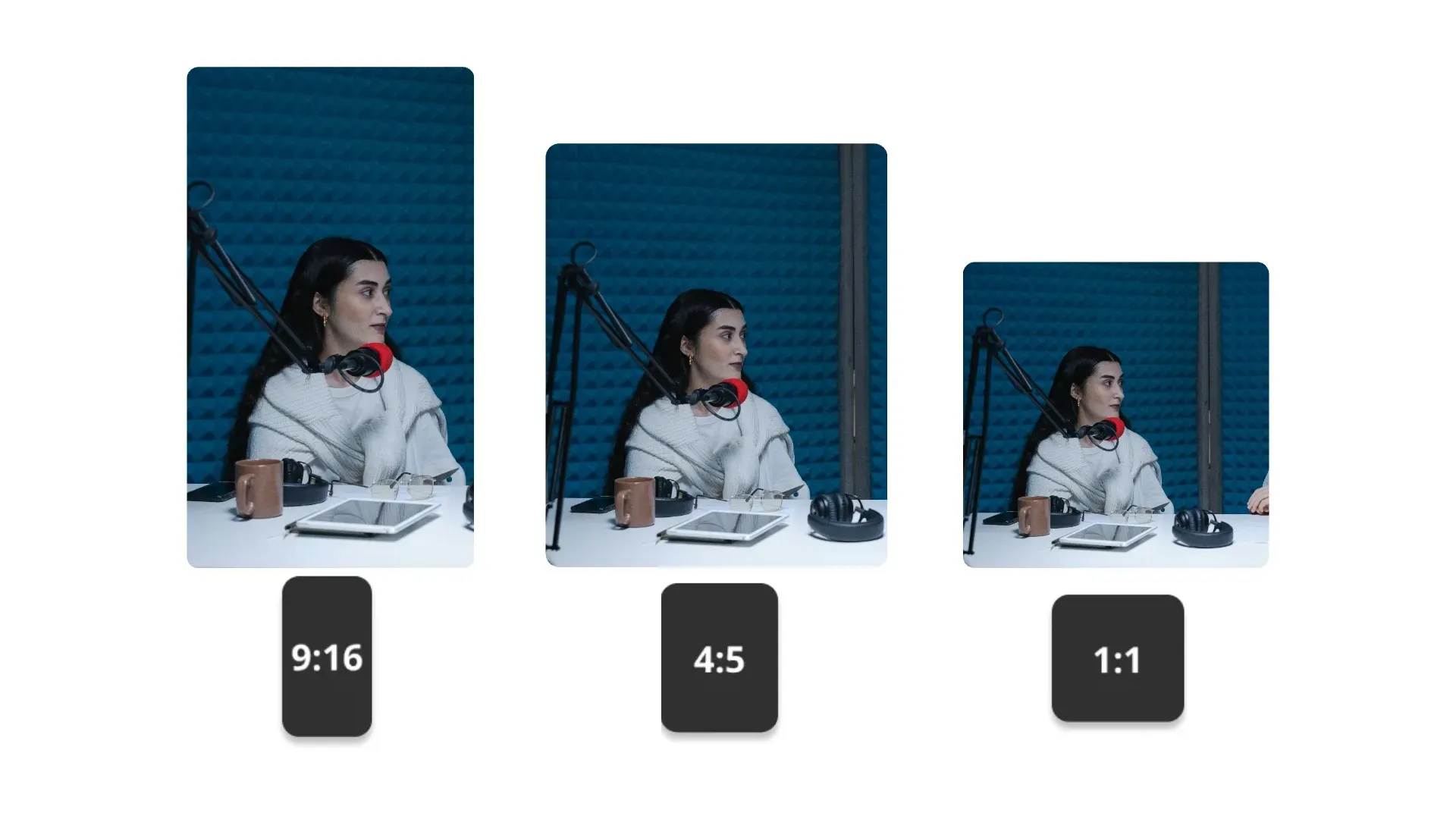
Social-Ready Aspect Ratios
Generate in 16:9, 9:16, 1:1, 4:3, 3:4, or 21:9, or resize the finished video in Kapwing for TikTok, YouTube, Instagram, and other platforms
How to Use Seedance 2.0
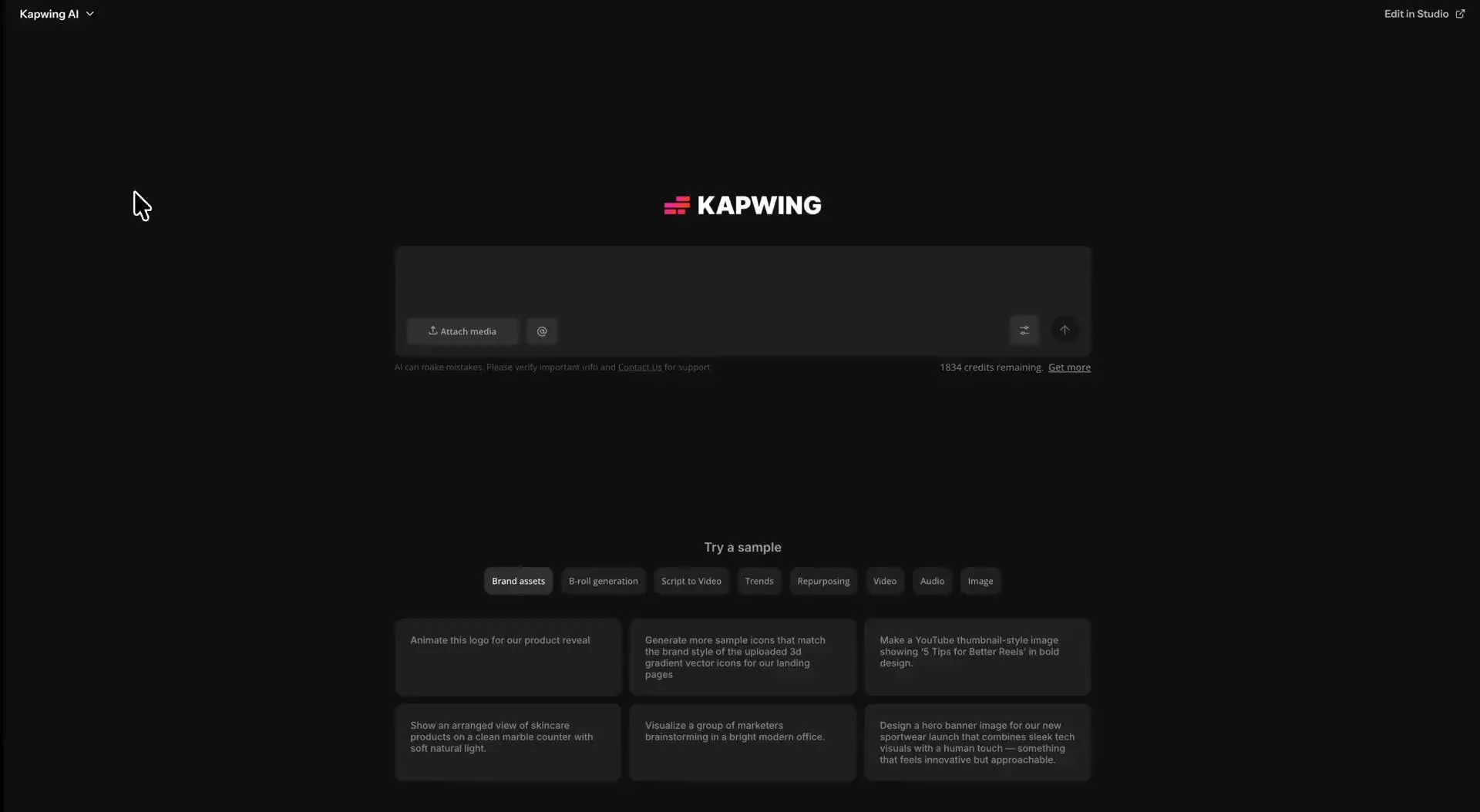
- Step 1Open Kai
Go to kapwing.com/kai to open Kapwing’s AI Video Assistant (Kai)
- Step 2Enter prompt
Describe the video you want to create, including your preferred aspect ratio and length. Upload a start frame, an end frame, or both.
- Step 3Select Seedance 2.0
Click the video model dropdown menu and select “Seedance 2.0.” Other AI video models include Veo, Wan, Happy Horse, and Kling.
Created with Seedance 2.0 — inside Kapwing
Free to start. No watermark. Fully online.
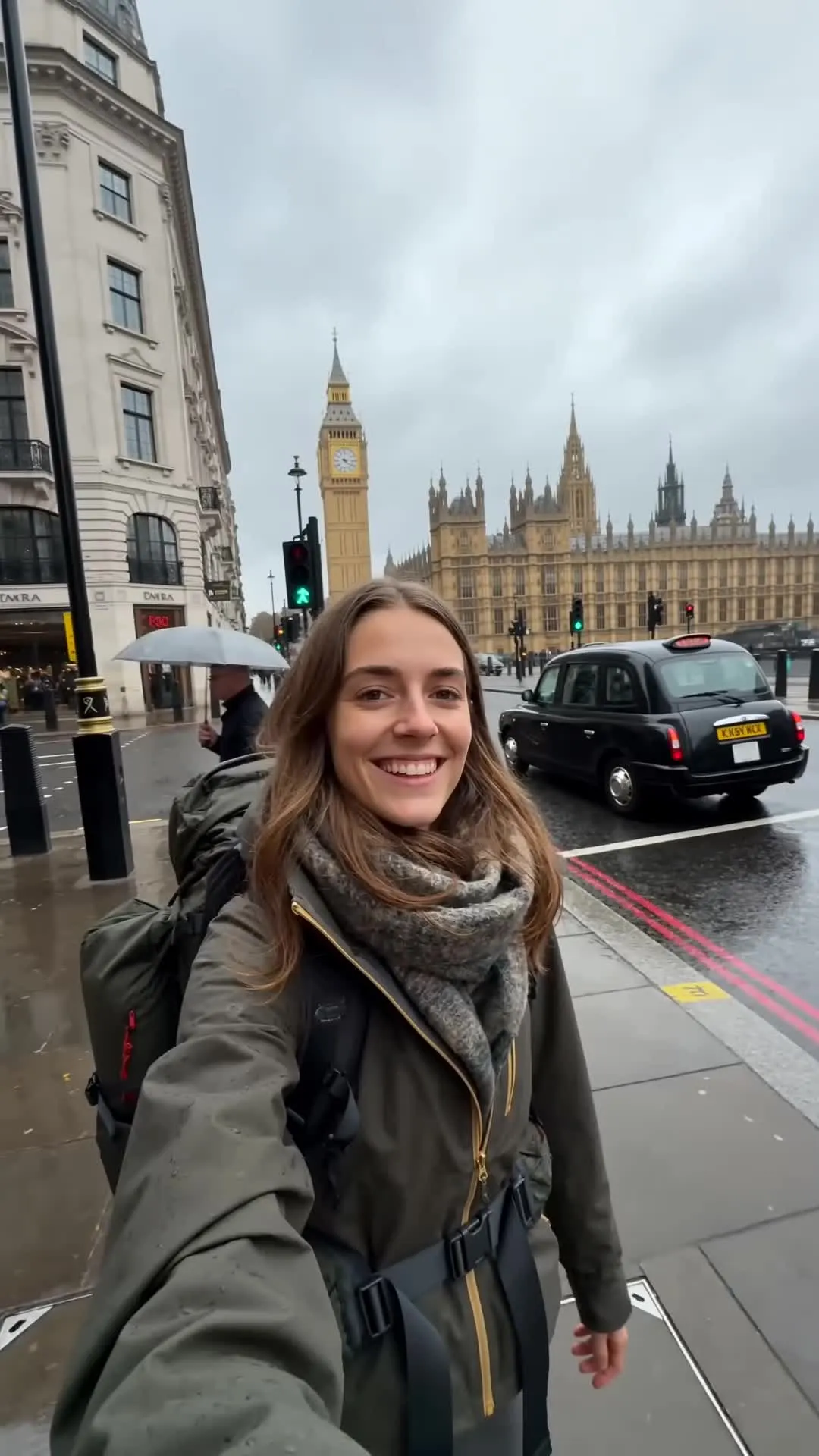
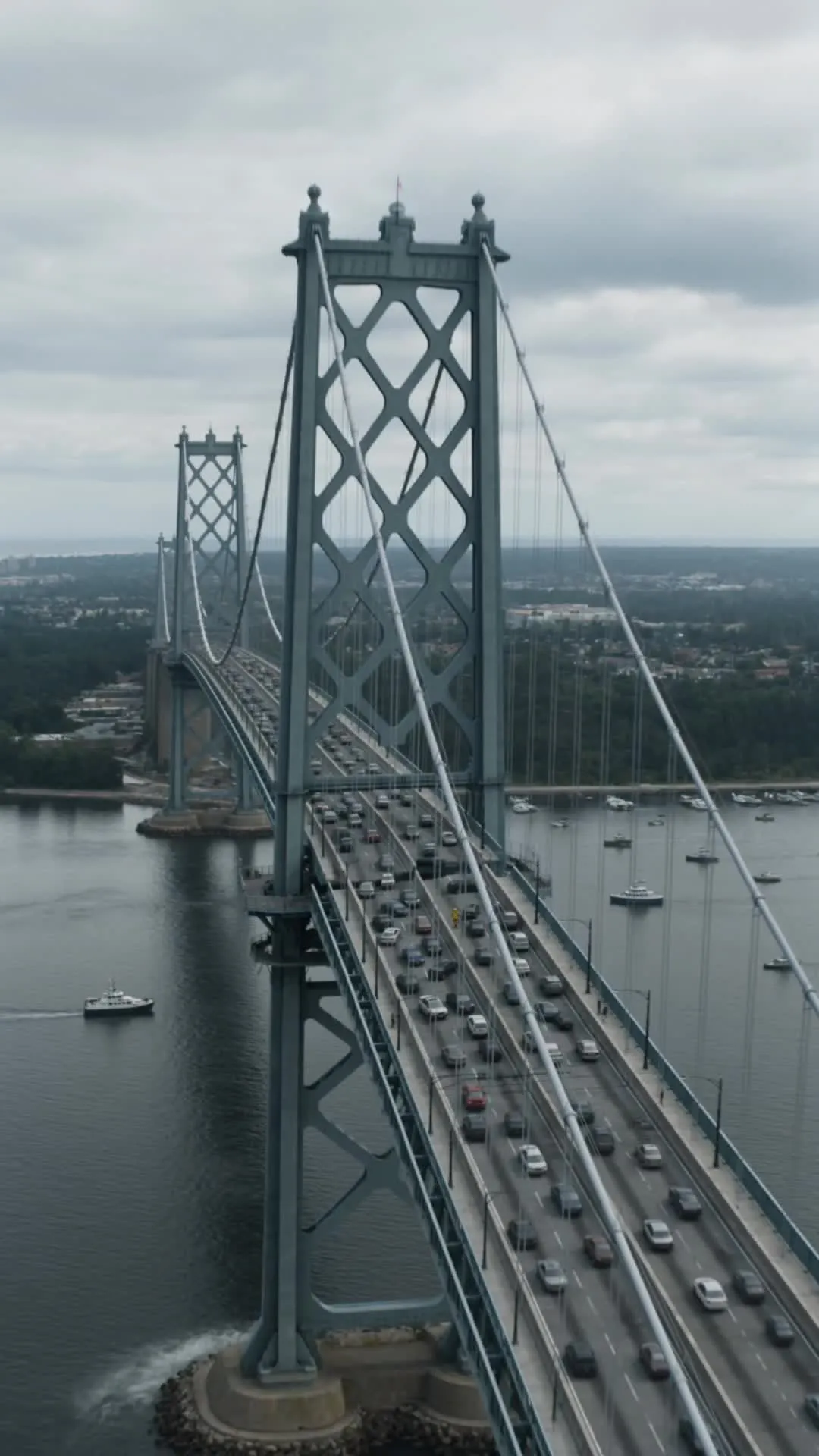
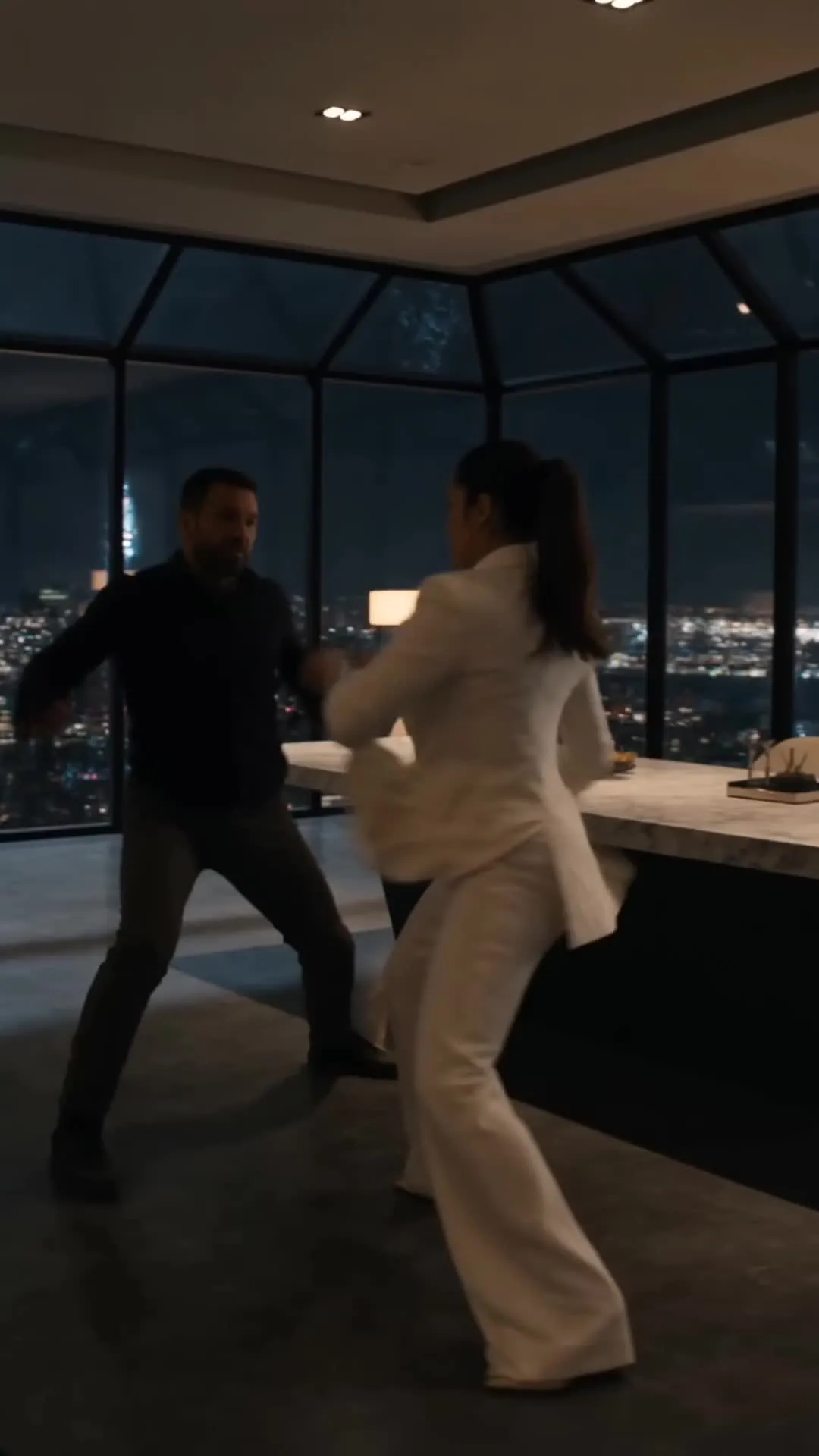
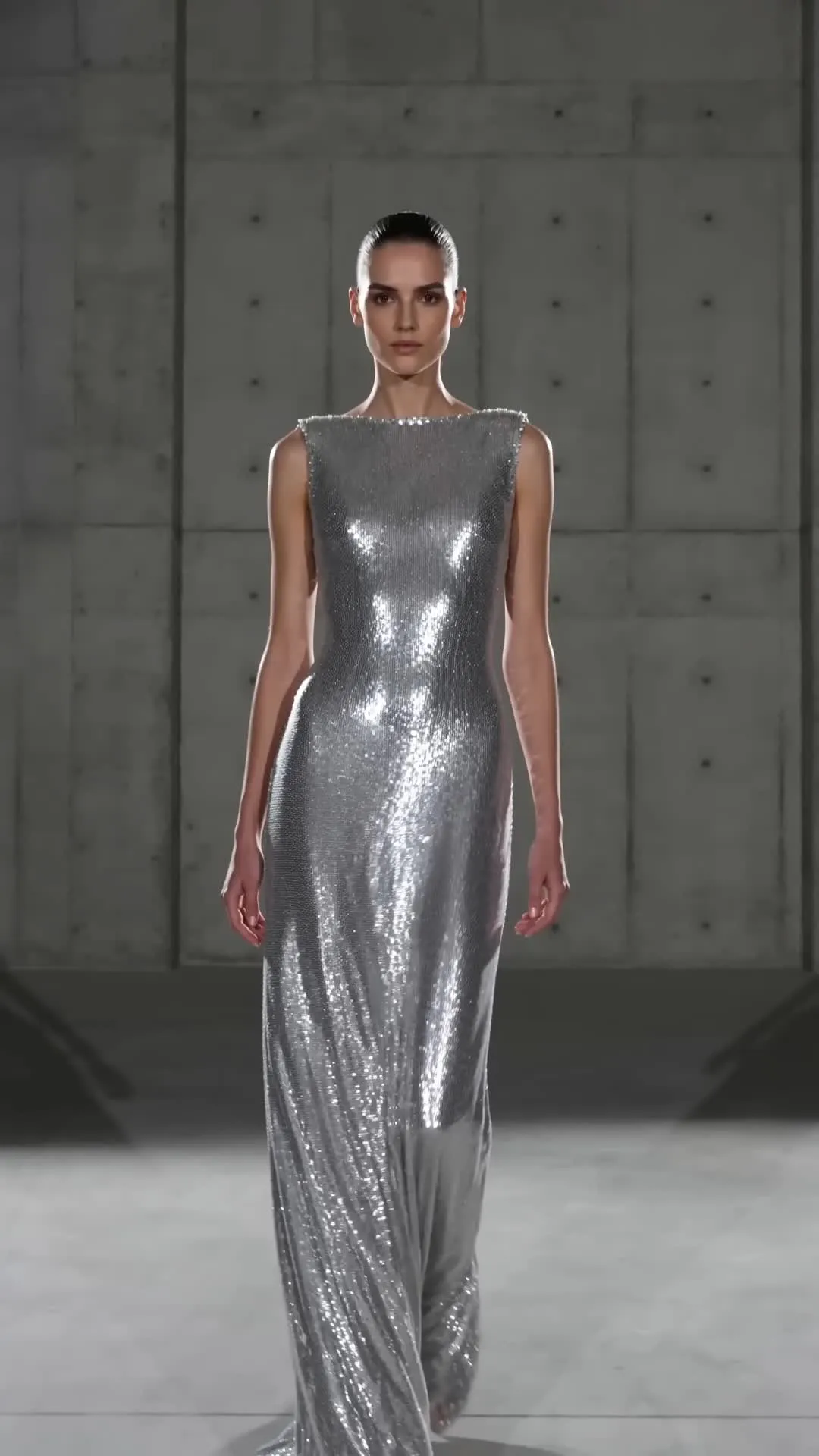

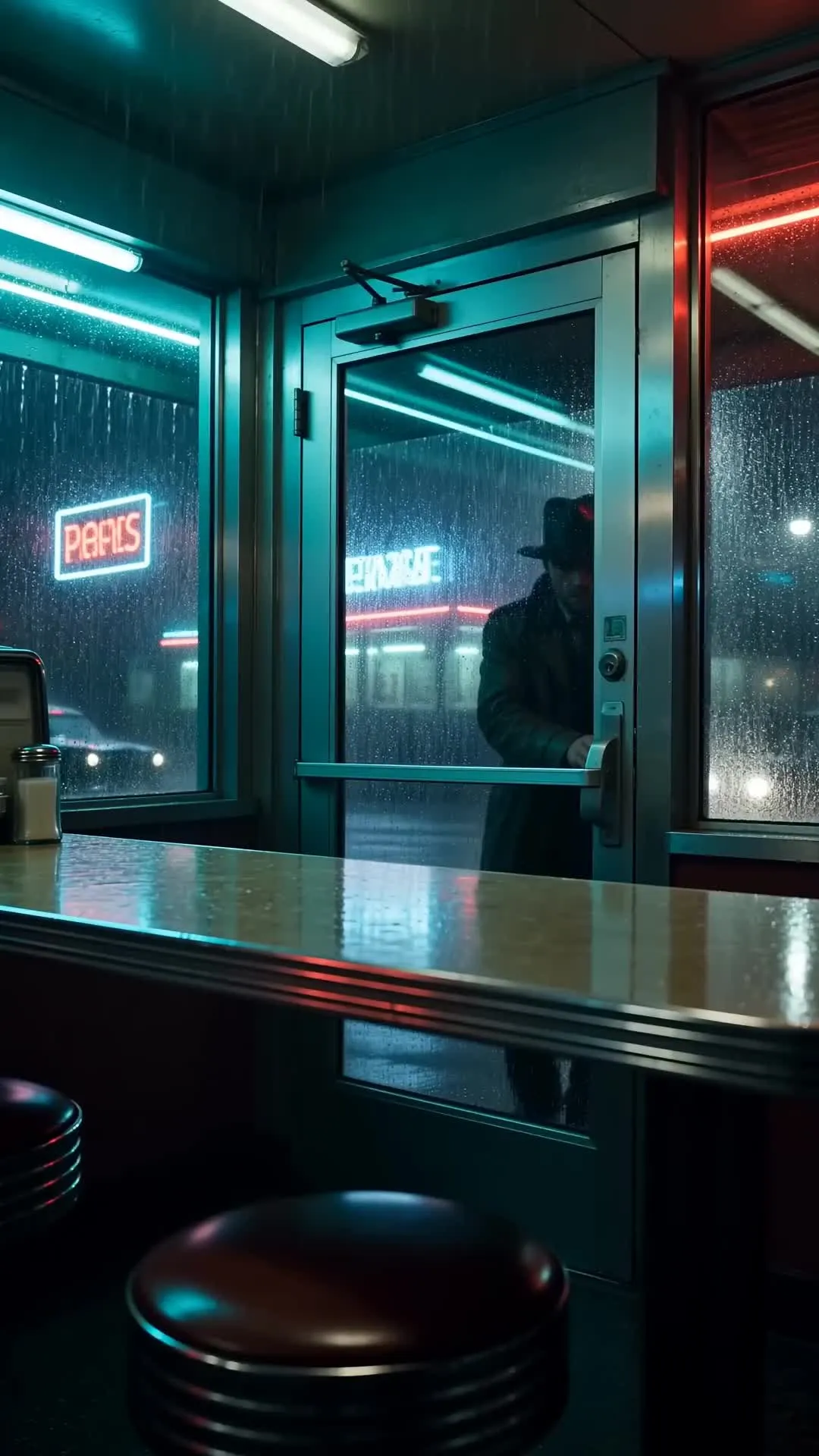
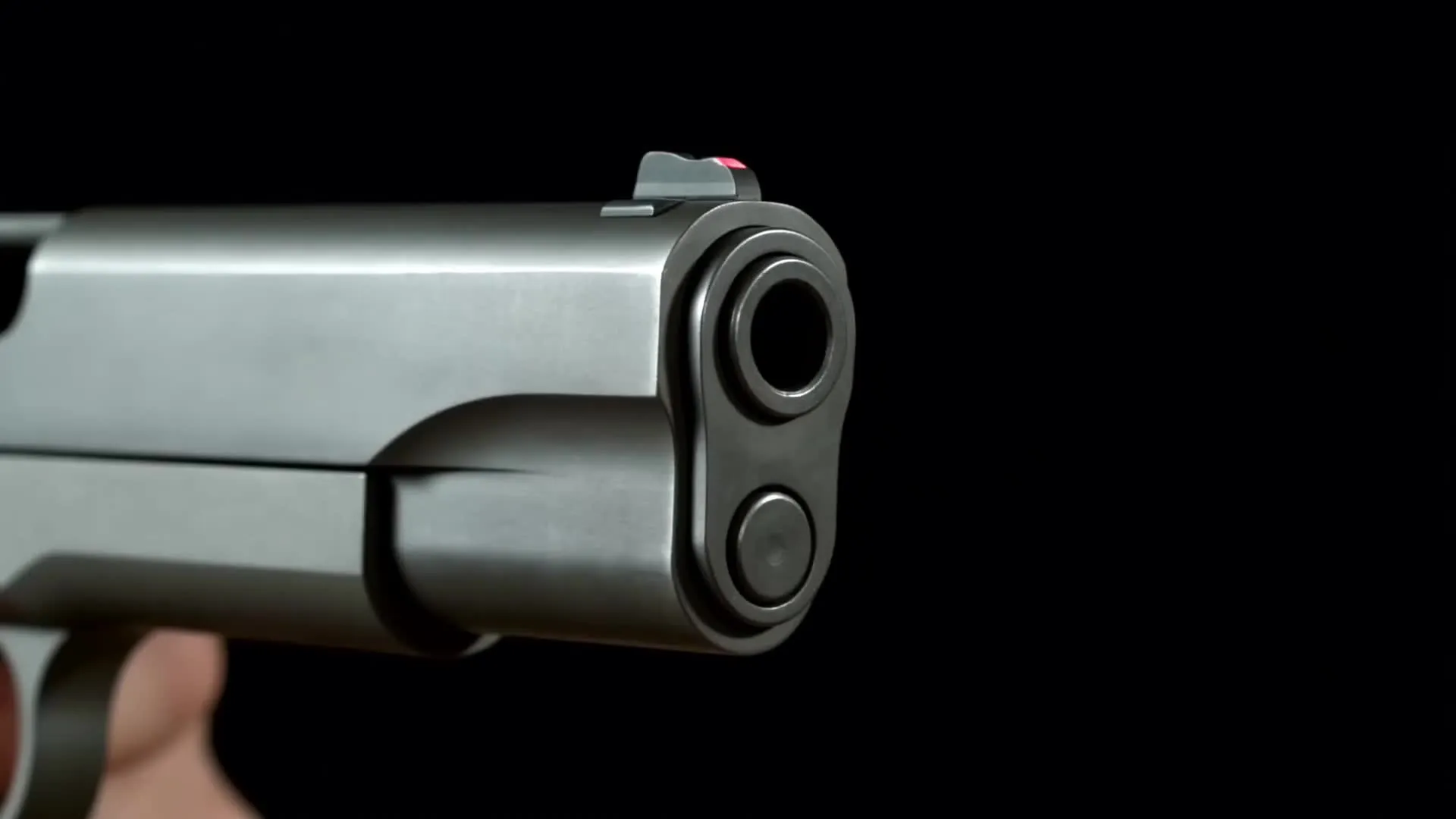
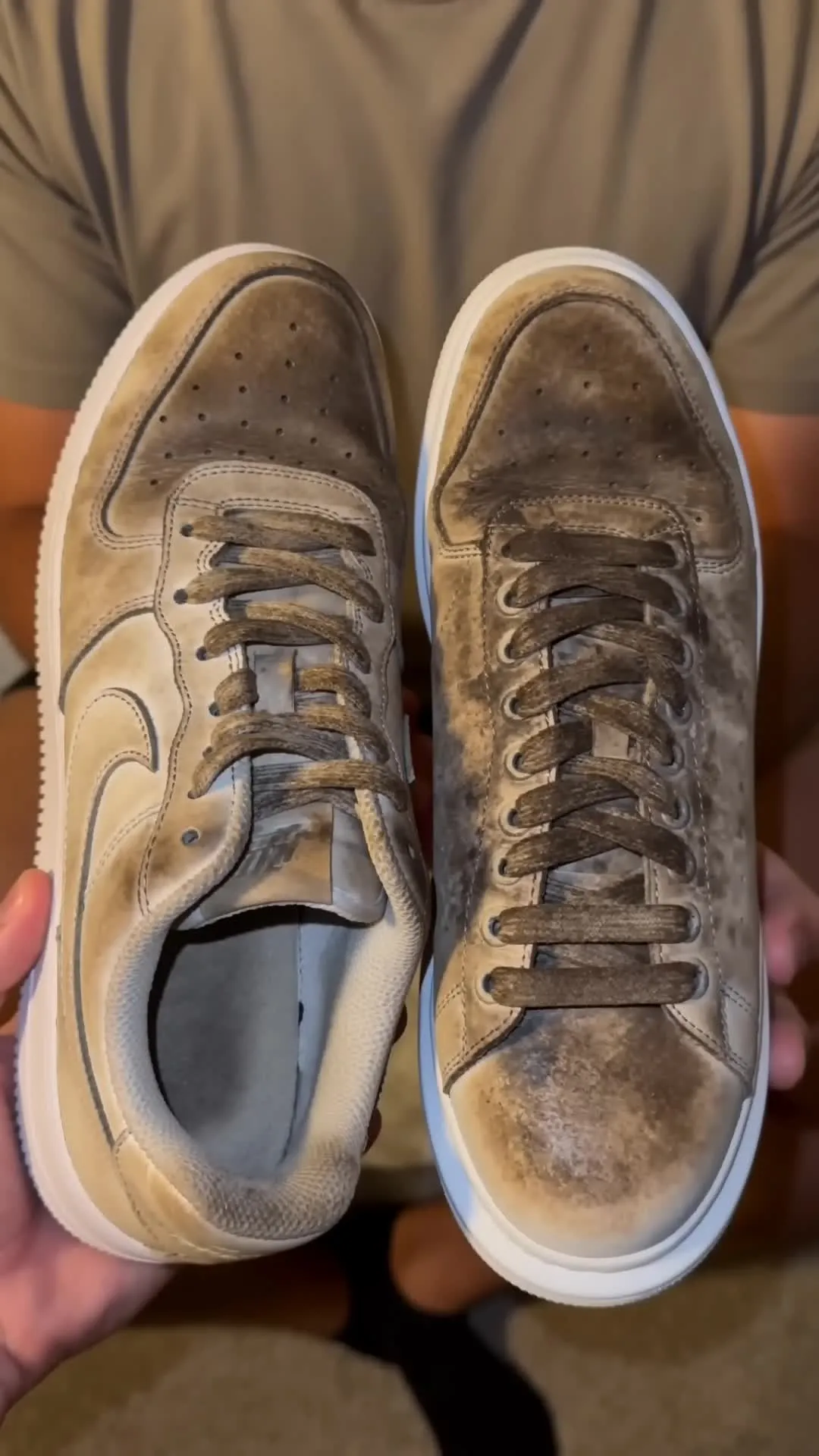
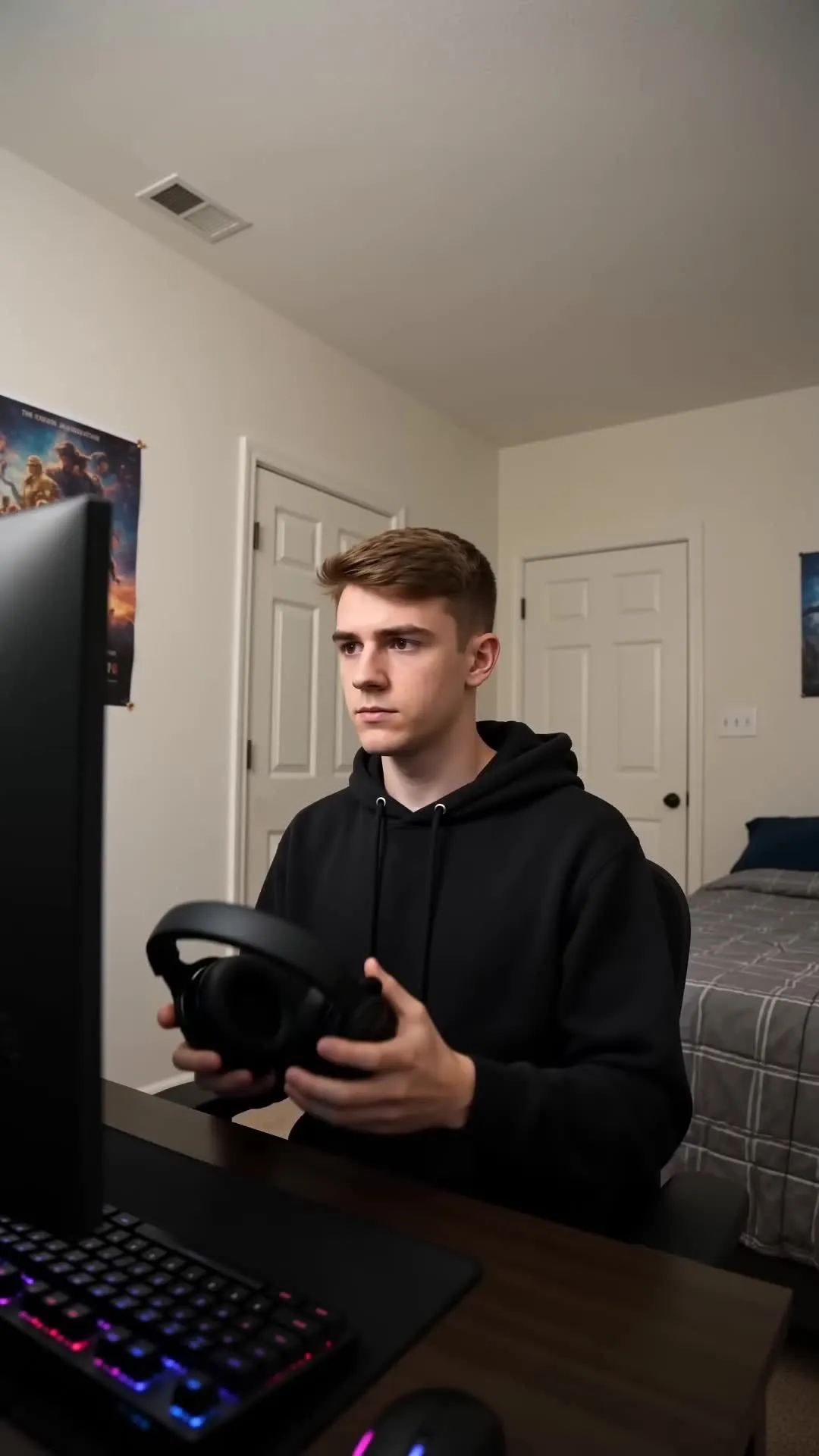
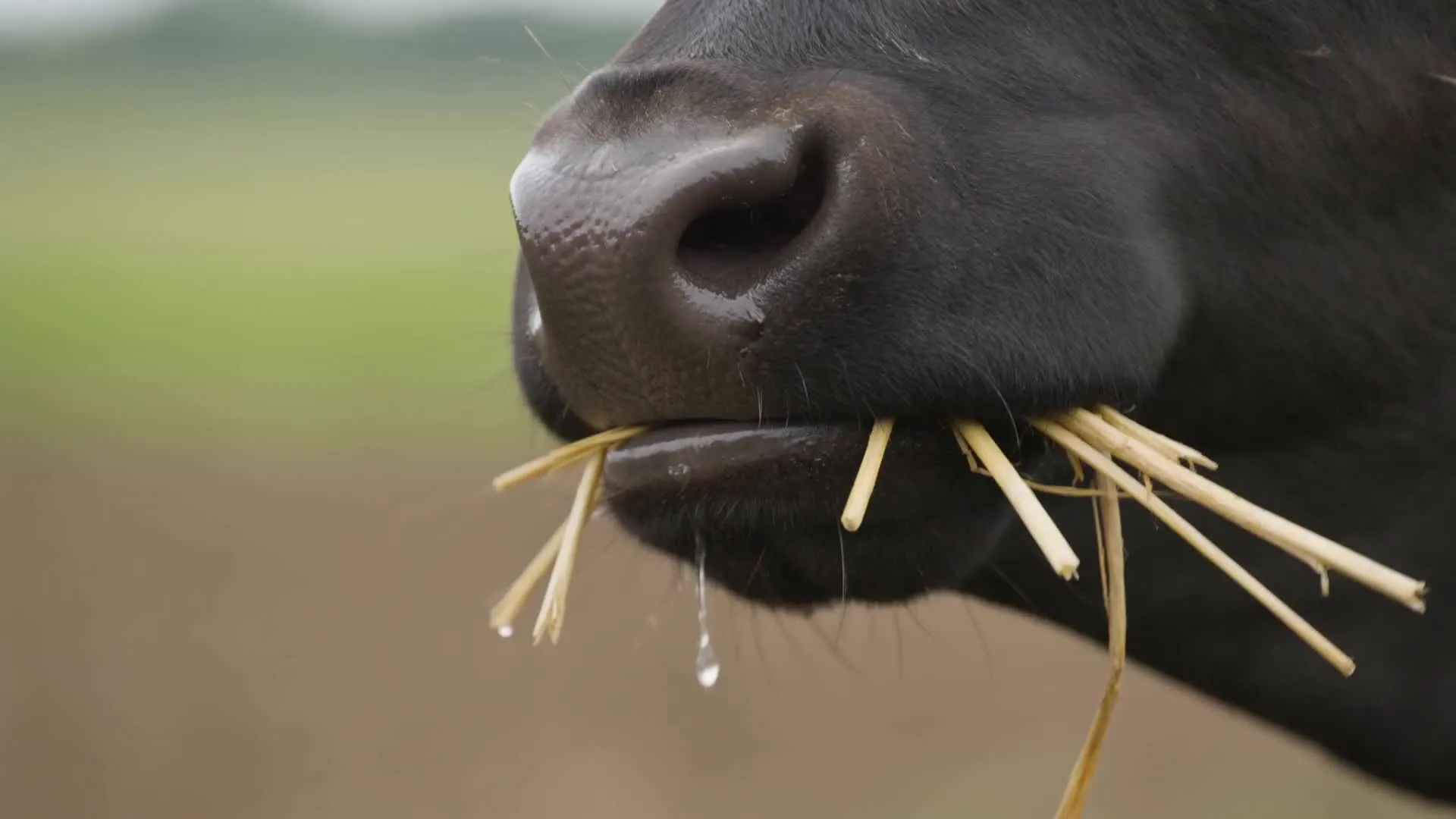
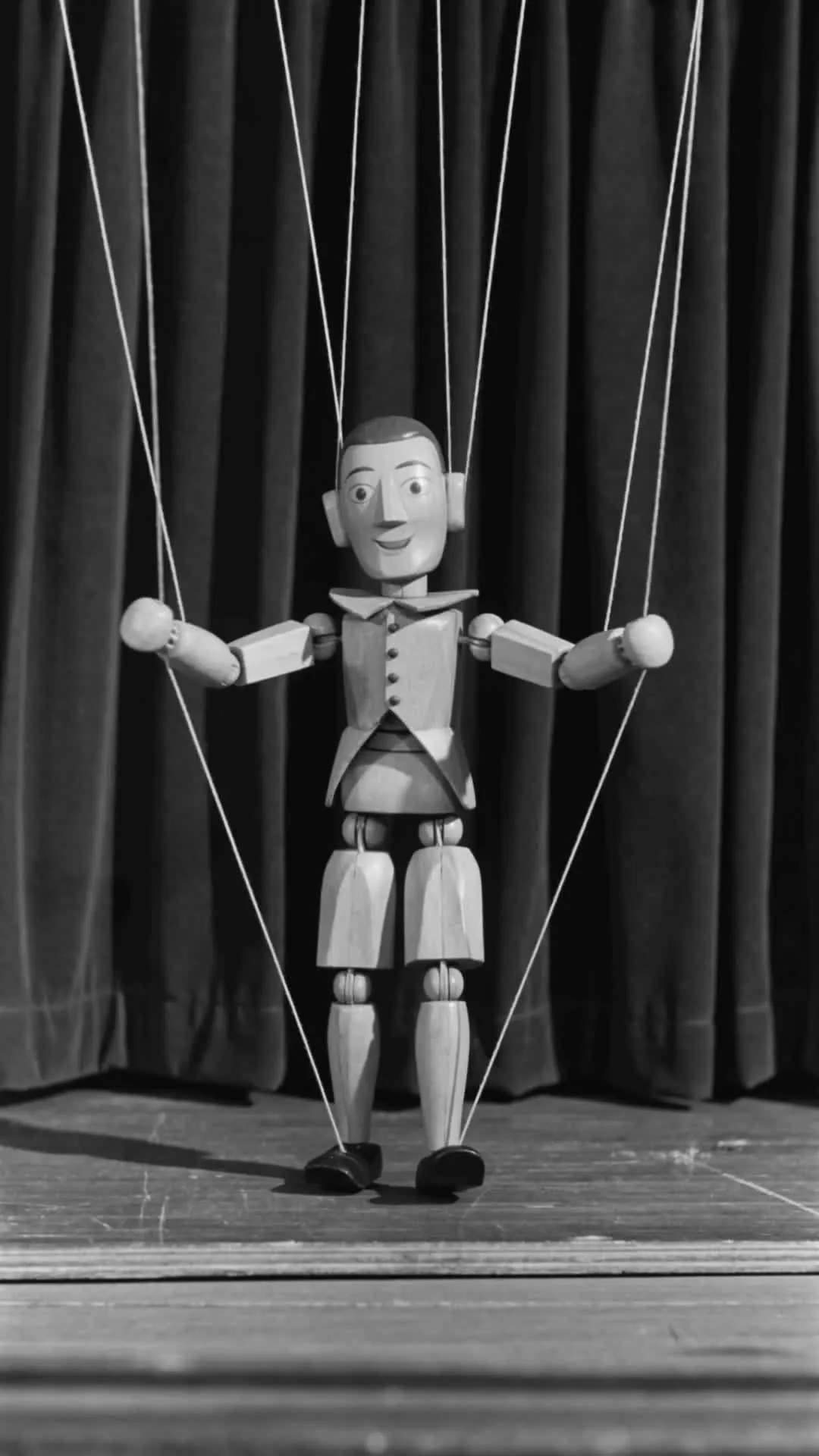
Why use Seedance 2.0 in Kapwing
Turn AI scenes into complete video projects — in one workflow
Generate
Edit
Export
Instead of moving between AI models and editing software, Kapwing turns Seedance 2.0 into a complete video-production workflow — from prompt to publish.
- Generate character-led, multi-scene videos directly in your browser
- Maintain character consistency in both text and image-to-video workflows
- Prompt complex interactions, detailed action sequences, camera changes, and transitions
- Build on dialogue, music, ambience, and sound effects with subtitles, voice-overs, and dubbed translations
- Combine Seedance clips with other leading AI models, including Seedance 2.5, Veo, Sora, and Wan AI
- Resize and export platform-ready videos without a Seedance watermark
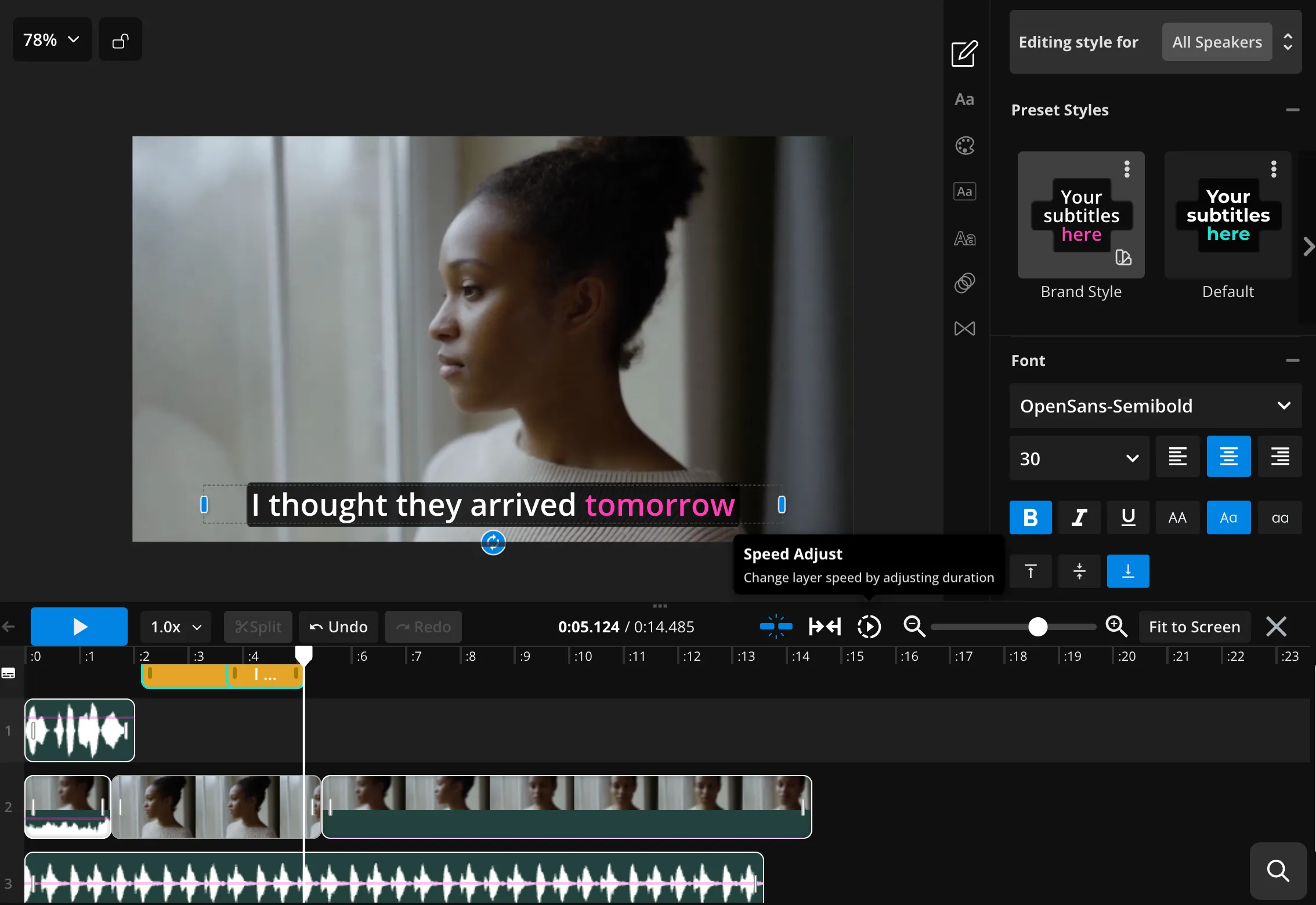
Seedance 2.0 + online video editing
Over 35M teams, businesses, and creators use Kapwing
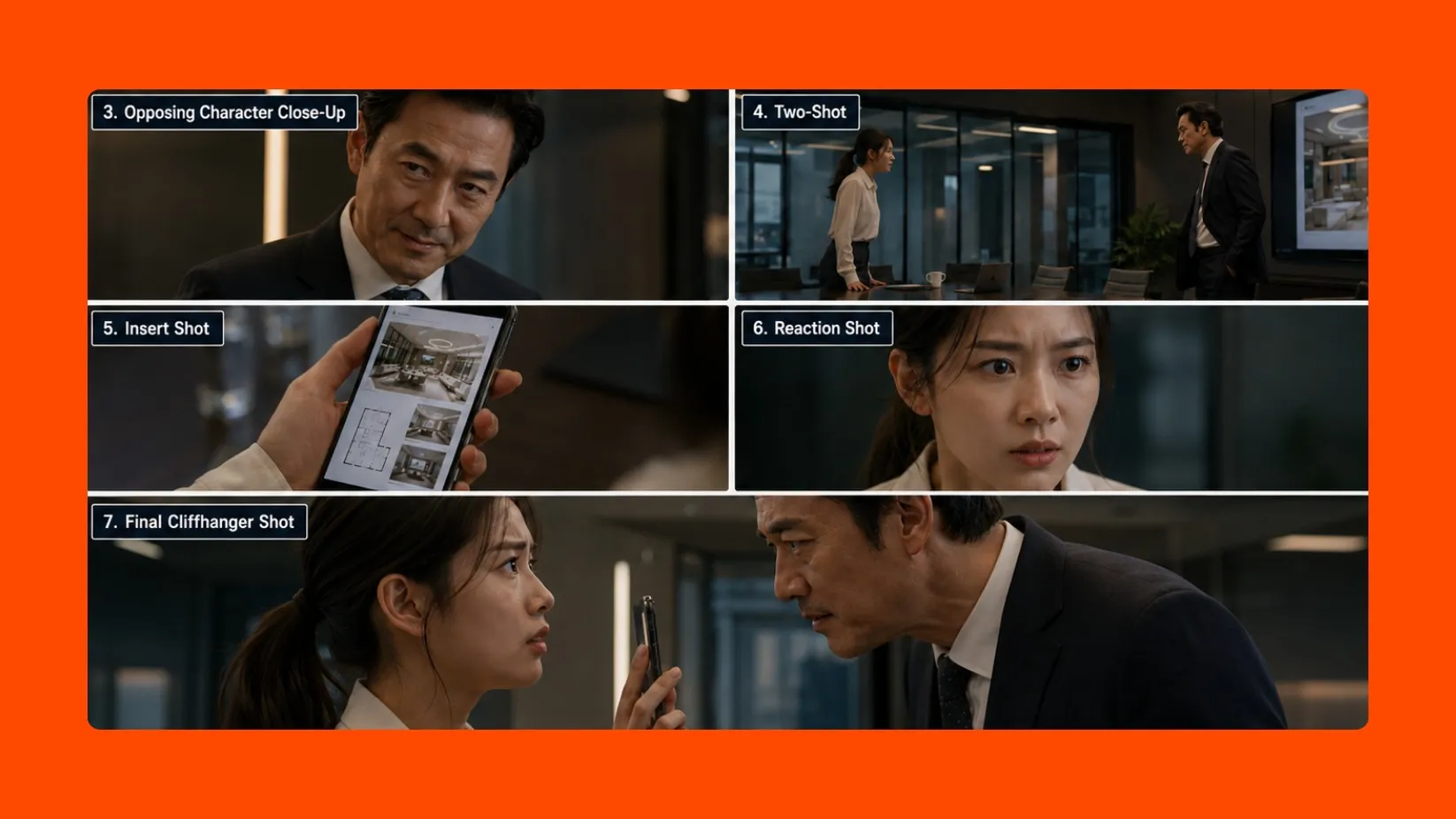
Character-Led Skits
Create short stories where characters remain recognizable as the camera angle, location, and emotional tone change. Great for short skits, historical recreations, micro-dramas, and episodic content.
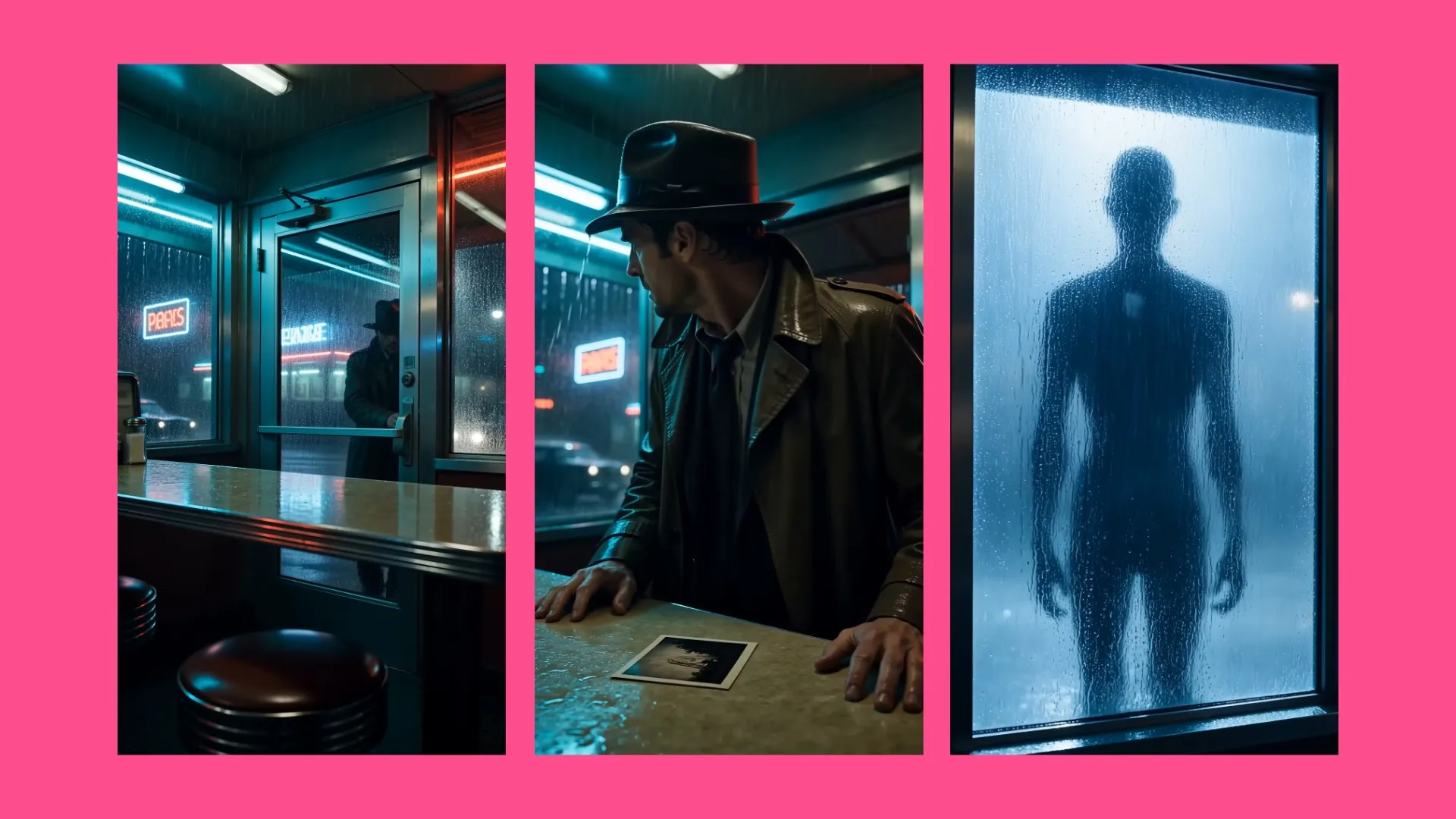
Short Films & Trailers
Generate fight scenes, dance routines, sporting action, and coordinated performances involving multiple subjects. Stitch together Seedance clips in Kapwing to build trailers, short films, and action sequences.

Product Demos
Create realistic AI presenters who handle, wear, or interact with your product across multiple shots. Start by brainstorming a concept then turn your script and shot-list into a structured explainer or tutorial video.
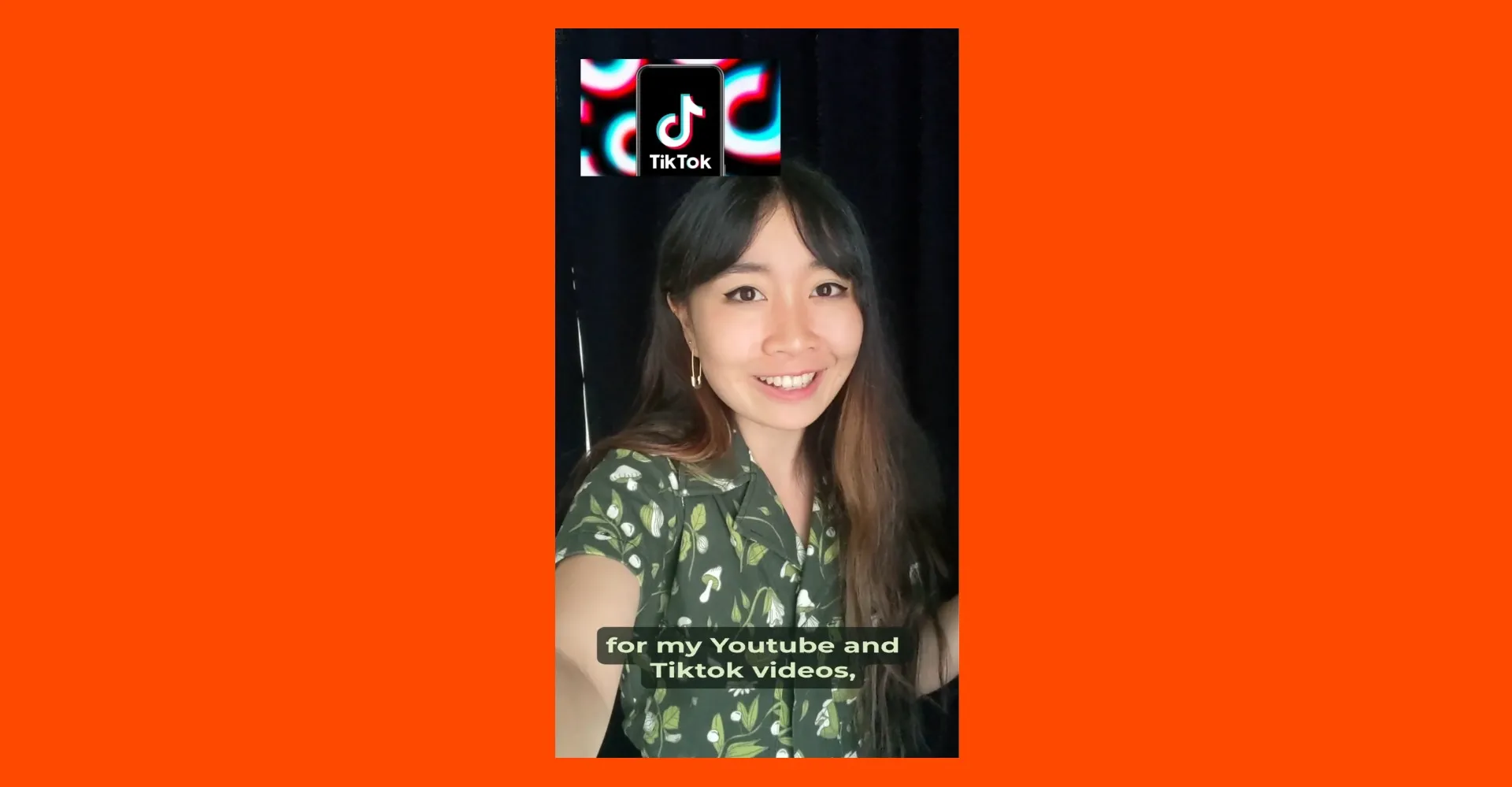
UGC Videos
Create UGC-style videos featuring natural expressions, lip-synced dialogue, and social-first framing. Build product testimonials, creator promos, and paid ads with a consistent presenter in every project.
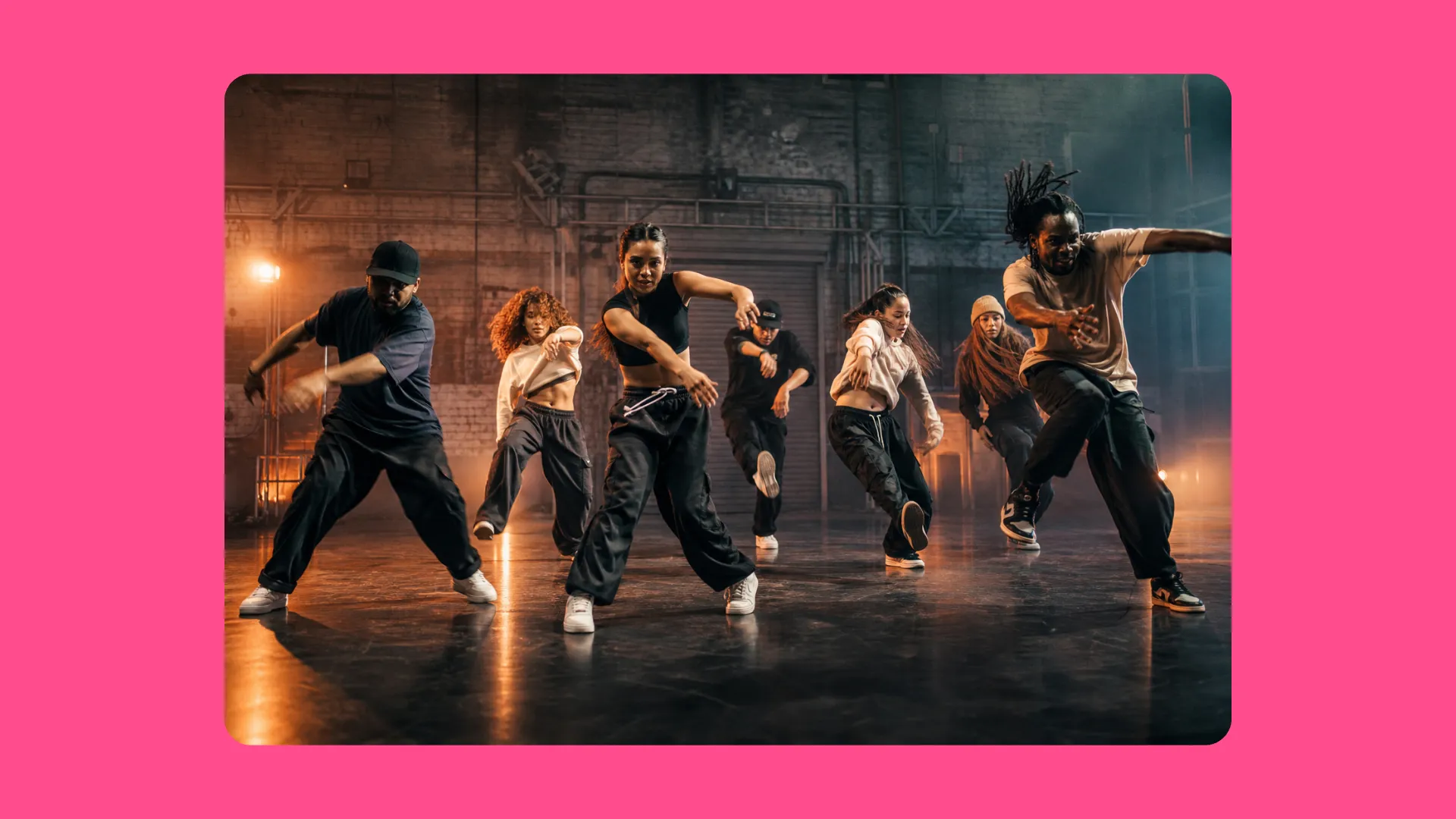
Music & Performance
Use Seedance 2.0 to create dance videos, performance clips, visualizers, and short-form music videos with expressive motion. Combine the generated scenes with uploaded audio and footage in Kapwing.
Enhance your Seedance workflow with multiple AI models
Design and refine the start frame — control how it moves
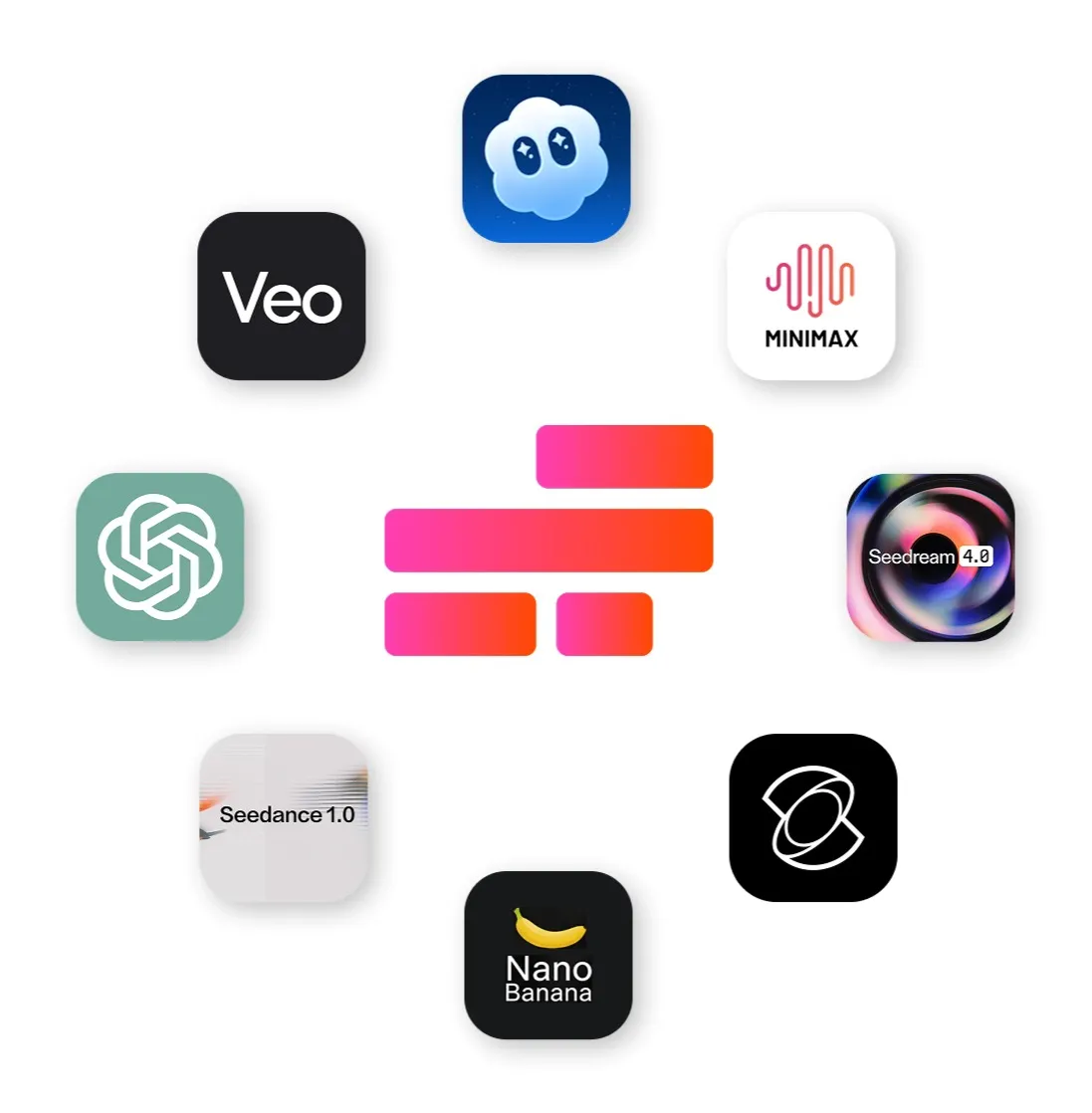
Combine AI models to prepare stronger inputs and expand what you can create with Seedance 2.0.
- ChatGPT Image 2
Generate characters, environments, products, and start frames or end frames from scratch using ChatGPT Image 2. Then transform those images into dynamic videos.
- Google Nano Banana
Refine start-frame images before animation. Adjust clothing, locations, props, backgrounds, and composition while preserving the visual details that define the character and scene.
- Kling Motion Control
Upload a reference performance and transfer its choreography straight to your video using Kling. Combine with Seedance generations and uploaded footage in Kapwing’s timeline editor.
Frequently Asked Questions
We have answers to the most common questions that our users ask.
What is Seedance 2.0?
Seedance 2.0 is ByteDance’s latest AI video model for generating character-led, multi-shot videos with realistic motion and synchronized audio. The new version is designed to handle complex interactions, detailed action sequences, consistent subjects, dialogue, music, ambience, and Foley across changing shots.
How do I access Seedance 2.0?
Open Kapwing AI (Kai), choose Seedance 2.0 from the video-model menu, and enter a text prompt or upload an image as the start frame. Select the duration, resolution, and aspect ratio, then generate the video. After generation, you can edit the clip, add subtitles, dub dialogue, adjust the audio, combine scenes, and export the finished project in Kapwing.
How do I write effective Seedance 2.0 prompts?
Describe the characters, setting, action, camera direction, shot changes, dialogue, and sound in a clear sequence. For multi-scene videos, divide the prompt into individual story beats and explain how one shot should transition into the next. Include specific details about appearance, clothing, expressions, movement, ambience, music, and sound effects when they need to remain consistent.
For example:
A two-person sword fight in a rain-soaked bamboo forest. Begin with a wide shot as both fighters circle each other, then cut to a close-up of their expressions. They charge and clash swords as rainwater sprays from the impact. Include synchronized footsteps, rainfall, breathing, and metallic Foley.
Do Seedance videos contain watermarks?
No, videos generated through Kapwing do not contain a separate Seedance watermark.
Is Seedance 2.0 safe to use?
Seedance is integrated into Kapwing’s secure browser-based editor, allowing safe video generation without installing additional software. Kapwing applies usage policies, content filters, and community guidelines to help ensure outputs are appropriate.
How long are Seedance 2.0 videos?
When using Seedance 2.0 inside Kapwing, generated video clips can range from 4 to 15 seconds in length. For longer projects, you can combine multiple clips in Kapwing’s editing studio.
Can you edit videos generated with Seedance?
Videos generated with Seedance can be edited directly in Kapwing’s full video editor. After generation, you can trim clips, add text, transitions, overlays, audio, and other edits just like any other video project within Kapwing.
Seedance 2.0 alternatives
Seedance isn’t the only AI video model available inside Kapwing. Depending on your creative goals, other models may be a better fit.
- Veo is a strong alternative for creators who want high-quality, polished video clips with precise visual control, making it well suited for branded content and professional marketing videos.
- Kling is optimized for advanced motion control, allowing you to precisely guide subject movement, camera paths, and dynamic scene choreography.
- Sora: creates cinematic, lifelike AI videos with narrative coherence and synchronized audio, making it a versatile choice for storytelling and social video content.
Does Seedance 2.0 include audio?
Yes, Seedance 2.0 can generate video with audio. Inside Kapwing, you can also add, replace, or layer music, voice over, and sound effects using the built-in audio editor.
Does Seedance 2.0 support lip sync?
Yes, Seedance 2.0 supports lip sync in supported generations. Include dialogue in your prompt to generate speaking motion.
Does Kapwing have Seedance 2.0 and Seedance 2.5?
Yes, Kapwing has multiple Seedance AI models integrated into the online video editor, including Seedance 2.0 and Seedance 2.5.
Seedance 2.0 is built for short, character-led videos with believable interactions across multiple shots. Seedance 2.5 extends those capabilities to videos up to 30 seconds, follows reference images and footage more closely, and gives you greater control over camera and character movement.
Does Seedance 2.0 support multi-scenes and character consistency?
Yes, Seedance 2.0 supports multi-scenes and character consistency within Kapwing AI (Kai).
Does Seedance 2.0 support motion control?
Seedance can interpret prompts describing character movement, action, camera direction, and transitions. However, Kapwing’s Seedance integration does not support reference-video motion control, where movement is transferred from an uploaded performance.
For reference-video motion transfer, use Kling Motion Control.
Can I create UGC videos with Seedance 2.0?
Yes. Seedance can create short, presenter-led videos with natural expressions, spoken dialogue, social-first framing, and multiple shots. This makes it useful for product testimonials, creator promotions, paid ads, demonstrations, and other UGC-style videos.
What resolutions and aspect ratios does Seedance 2.0 support?
Inside Kapwing, Seedance 2.0 supports 480p, 720p, and 1080p generation. Available aspect ratios include 16:9, 9:16, 1:1, 4:3, 3:4, and 21:9.
Can I use Seedance 2.0 on iPhone or Android?
Yes, Kapwing is browser-based, so you can open it through a compatible browser on an iPhone or Android device without installing separate Seedance software.
Does Seedance 2.0 support start frames and end frames?
Yes, Seedance 2.0 supports start frames and end frames within Kapwing.
Discover Resources
Tips, templates, and deep dives to help you create faster and share with confidence.
View all


Get started with your first video in just a few clicks. Join over 35 million creators who trust Kapwing to create more content in less time.