ChatGPT 80s Trend — Prompt Guide and Examples
The 1980s called... they want their prompts back.

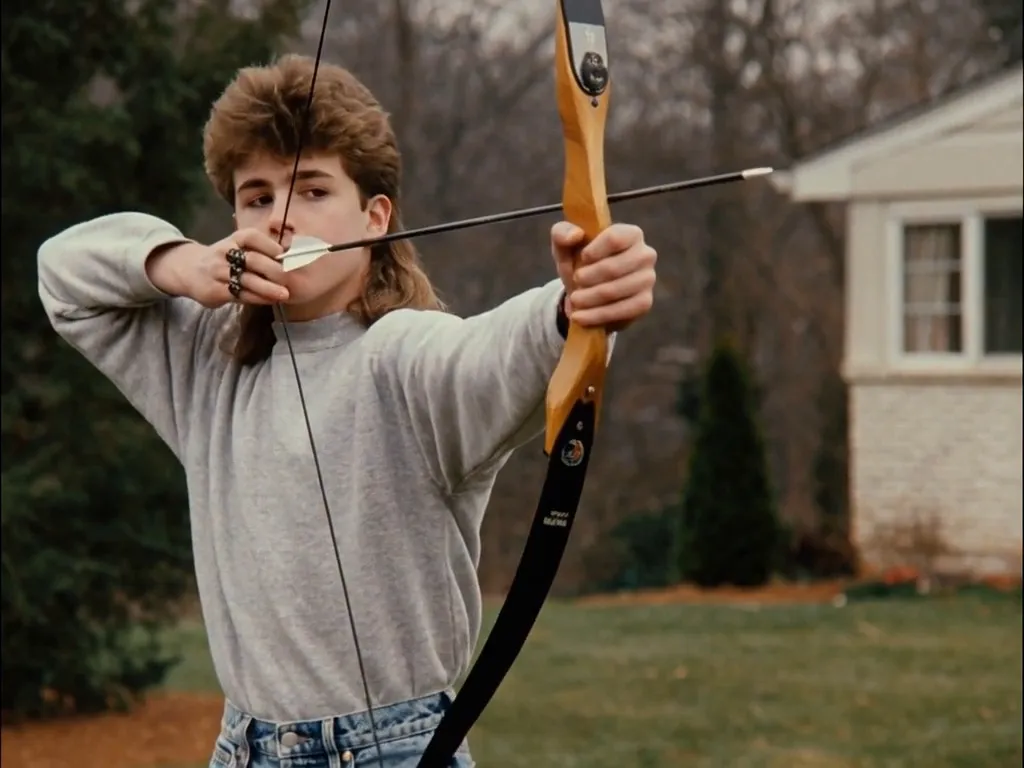
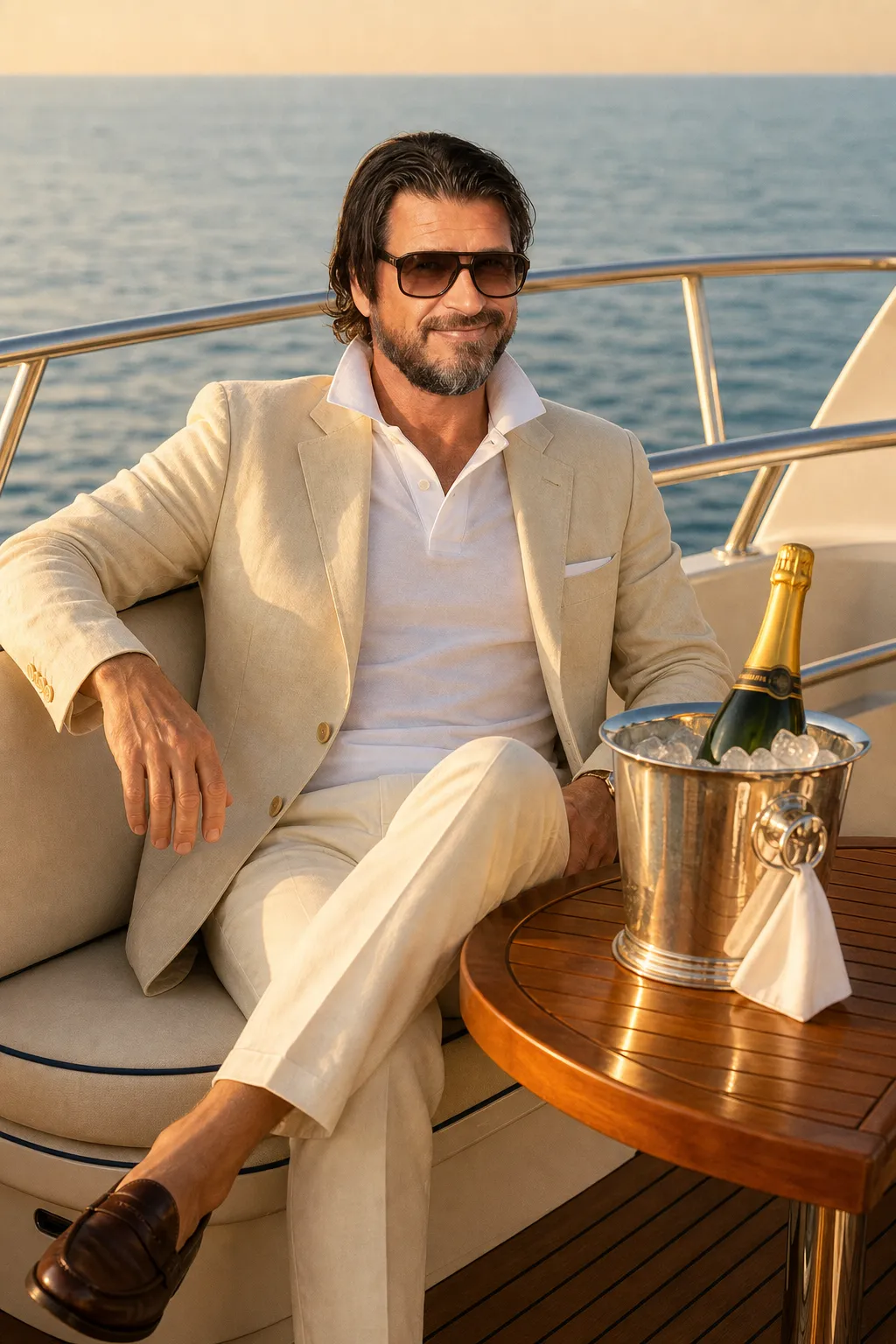
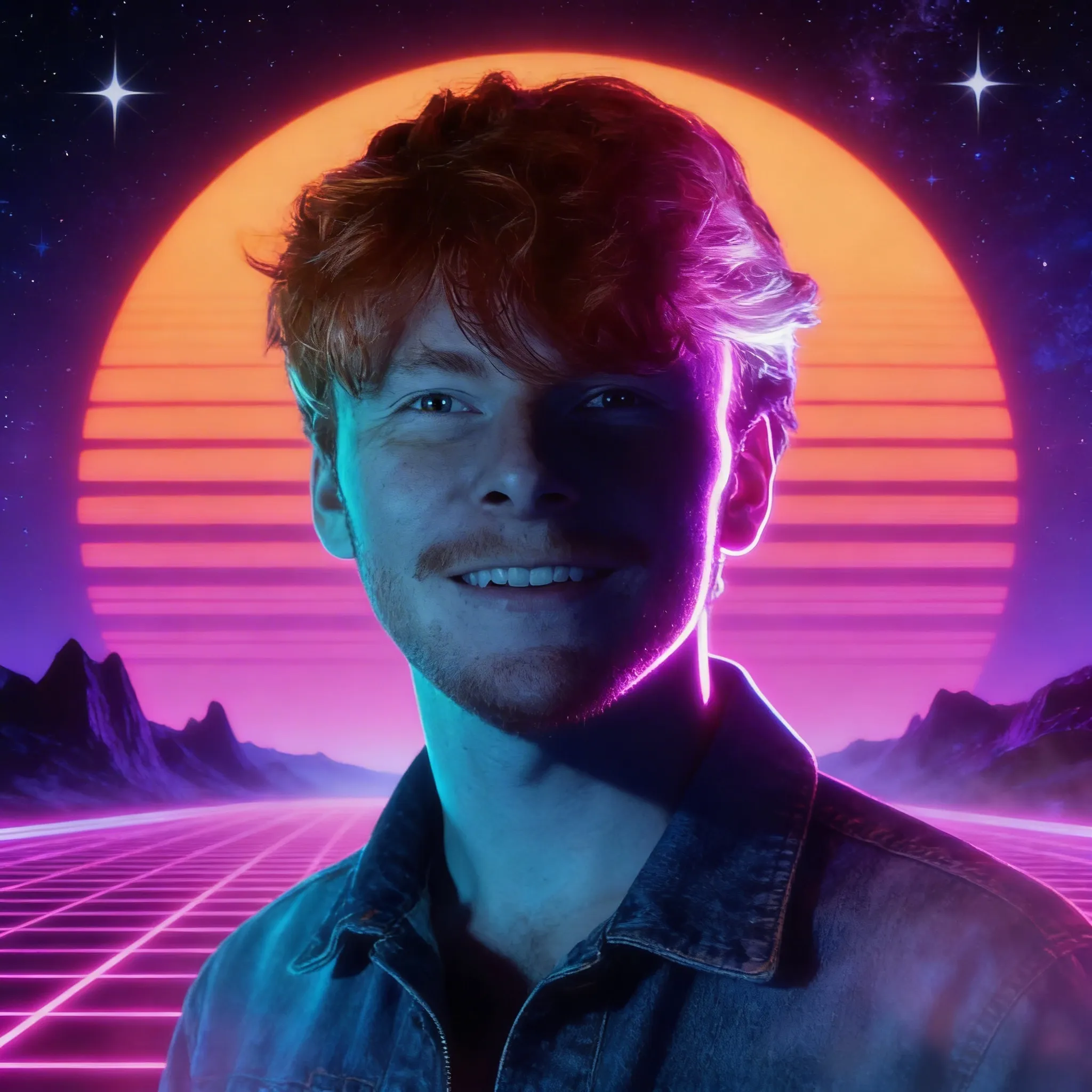
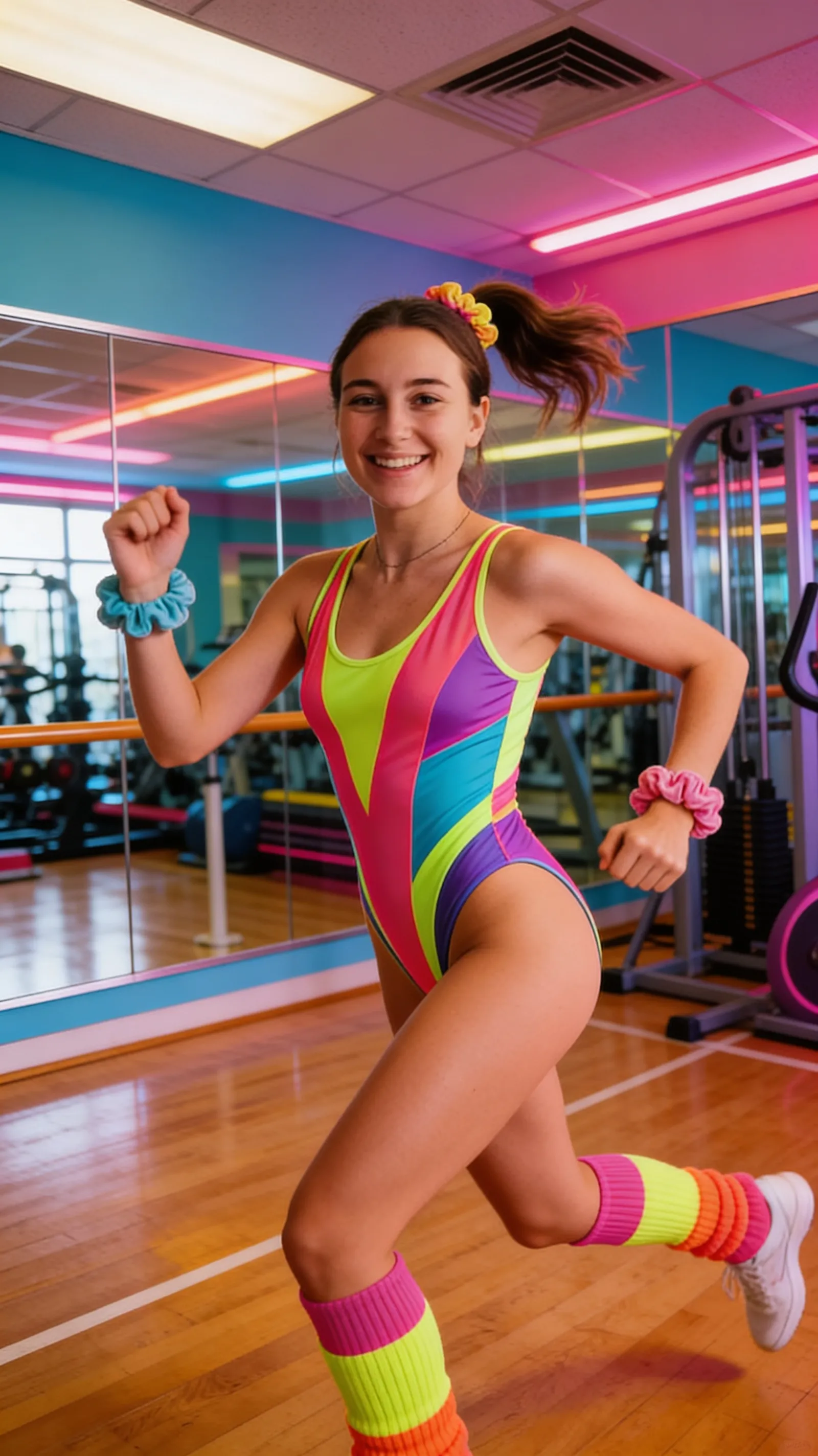
Whether you're trying to jump on the latest trend or sincerely wondering "what would I look like in the 1980s?" big hair, bright colors, blue jeans, and Miami Vice aesthetics are now just a prompt away using ChatGPT within Kai.
Below, we will go over how to generate 80s-style AI images with ChatGPT, including copyable prompts for you to use. Plus, we will look at a few specialized Custom Kai models that require no prompting at all.
How to do the ChatGPT 80s Image Trend
- Open the Kai AI Image Generator. Then, set ChatGPT as your desired image model by tapping on the generation settings icon.
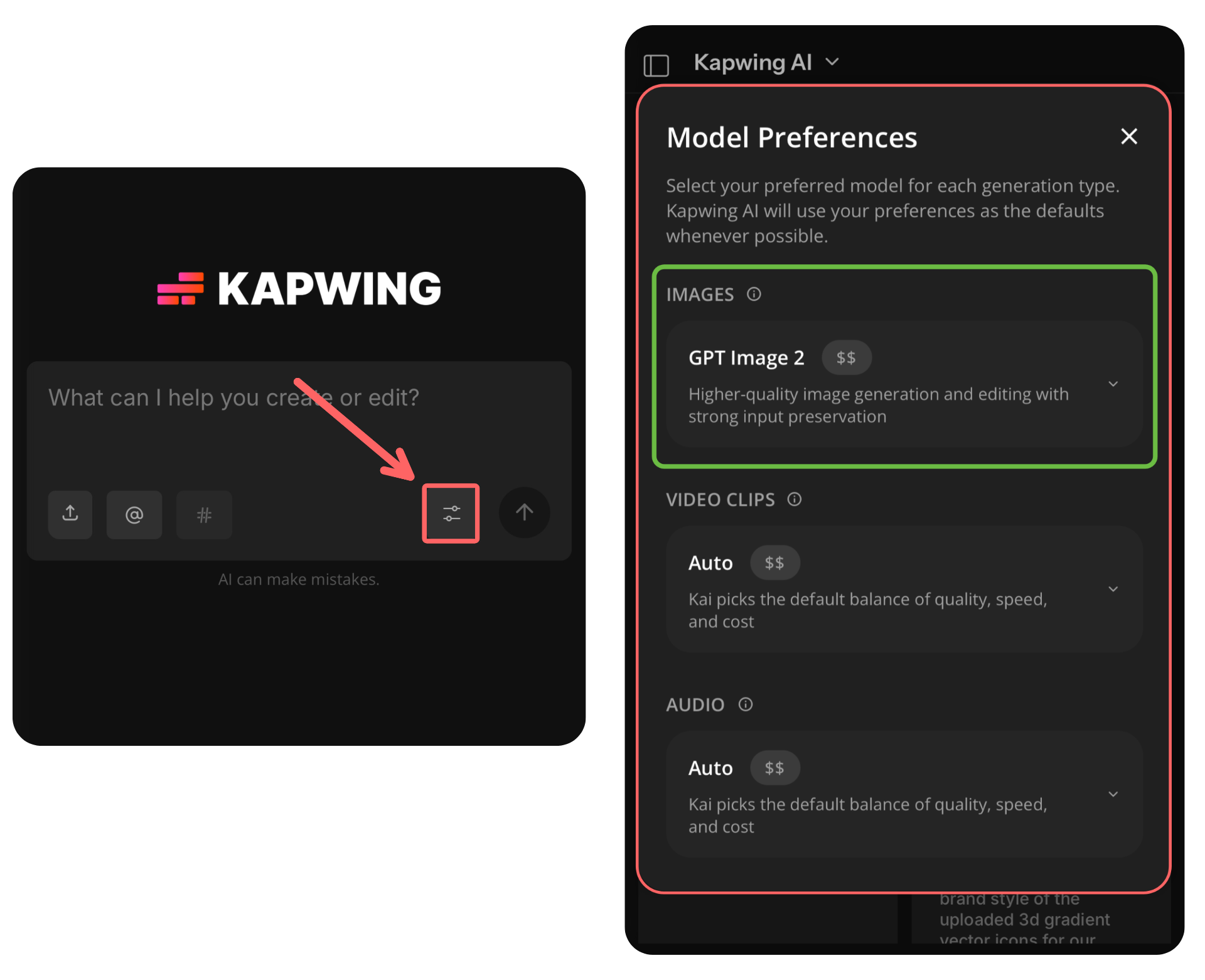
Note: Any image model can be used to generate 1980s-themed photos. However, the ChatGPT model has certain distinctions, like stronger text capabilities and accurate subject recreations, that make it better suited for detailed image generations like the 80s trend.
- Upload Your Image. Select the upload icon to take a photo or upload one from your device's camera roll.
- Add an 80s ChatGPT Prompt. Either paste or write your own 1980s-themed AI prompt to begin generating. When writing your own prompt, include mention of any specific elements you want to see in the final image: details like the setting, clothing, accessories, and lighting.
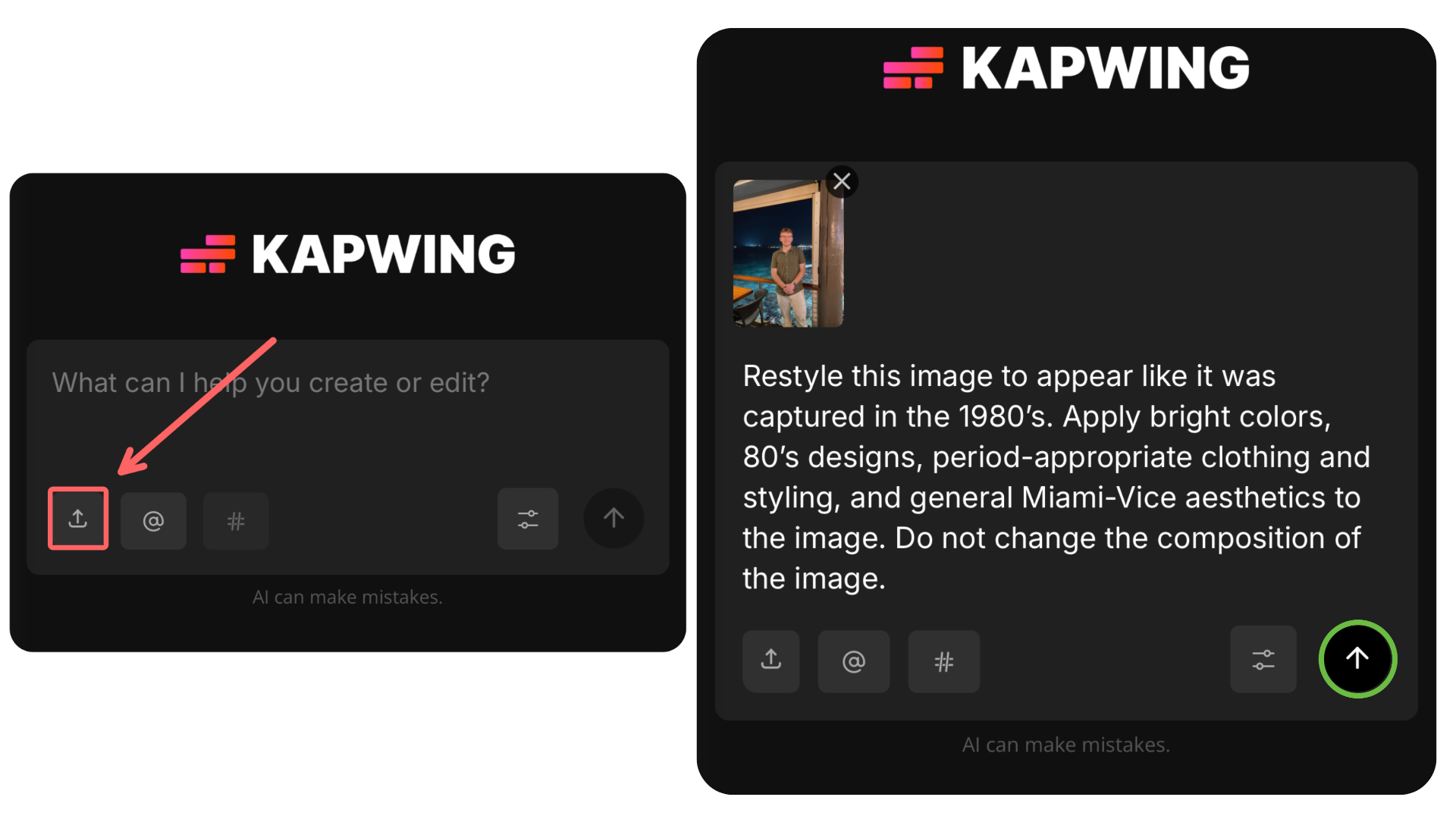
Copyable ChatGPT 80s Prompt
Restyle this image to appear like it was captured in the 1980s. Apply bright colors, 80s designs, period-appropriate clothing and styling, and general Miami-Vice aesthetics to the image. Do not change the composition of the image.
- Download Your Image. Save your image once generated by selecting the download icon.
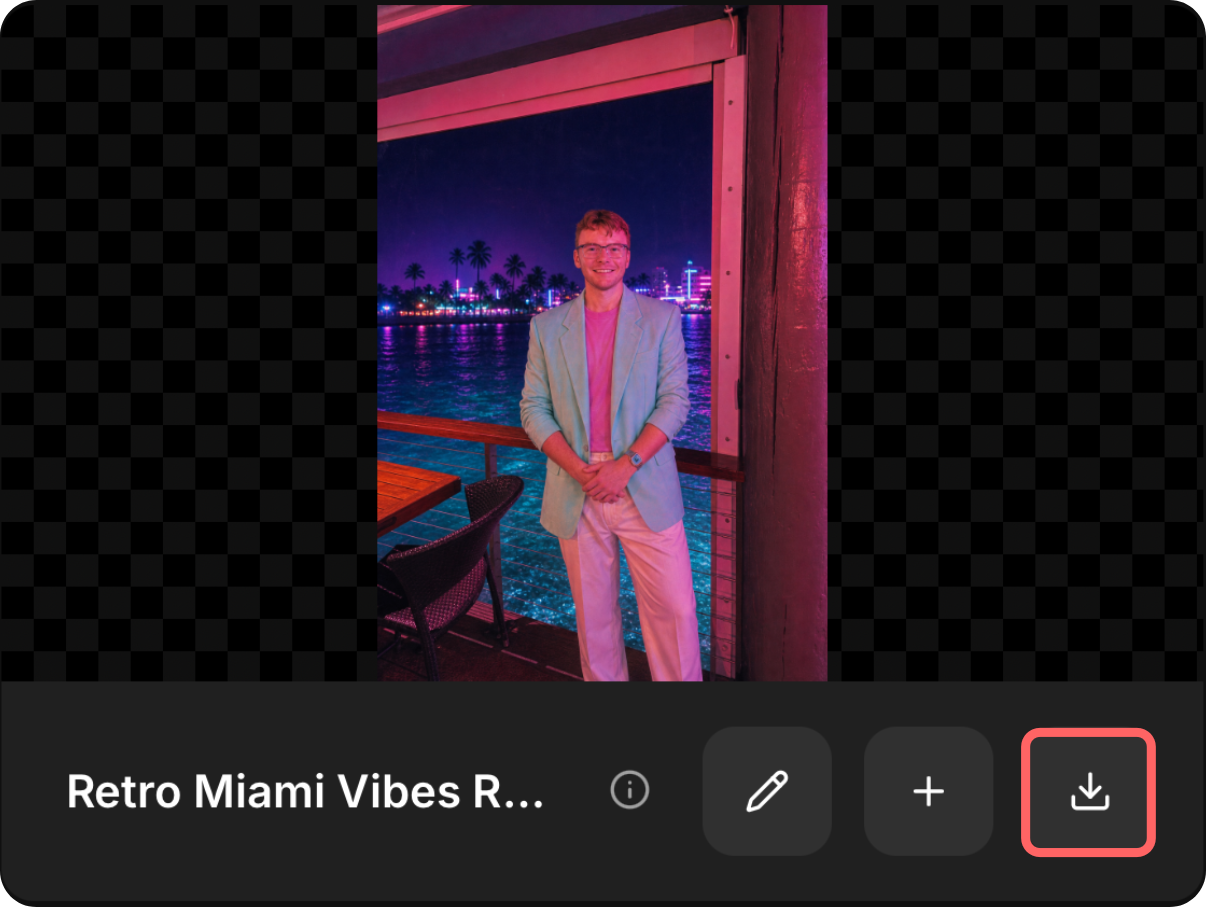
If your generated image doesn't quite match your desired aesthetic, send another message in the same chat to make edits. Be as specific as possible when describing the desired change.
For example, a follow-up prompt such as "remove the chair from the image and give the man a mullet" will have greater success than "make the image clearer and give me an 80s haircut."
ChatGPT 80s Trend Prompts
The 80s were home to many iconic aesthetics ranging from pop-culture neon to cigarette-stained brown.
Whatever look you want to recreate can be achieved with a simple process: upload your image and attach one of the following prompts.
What would you look like in the 80s?
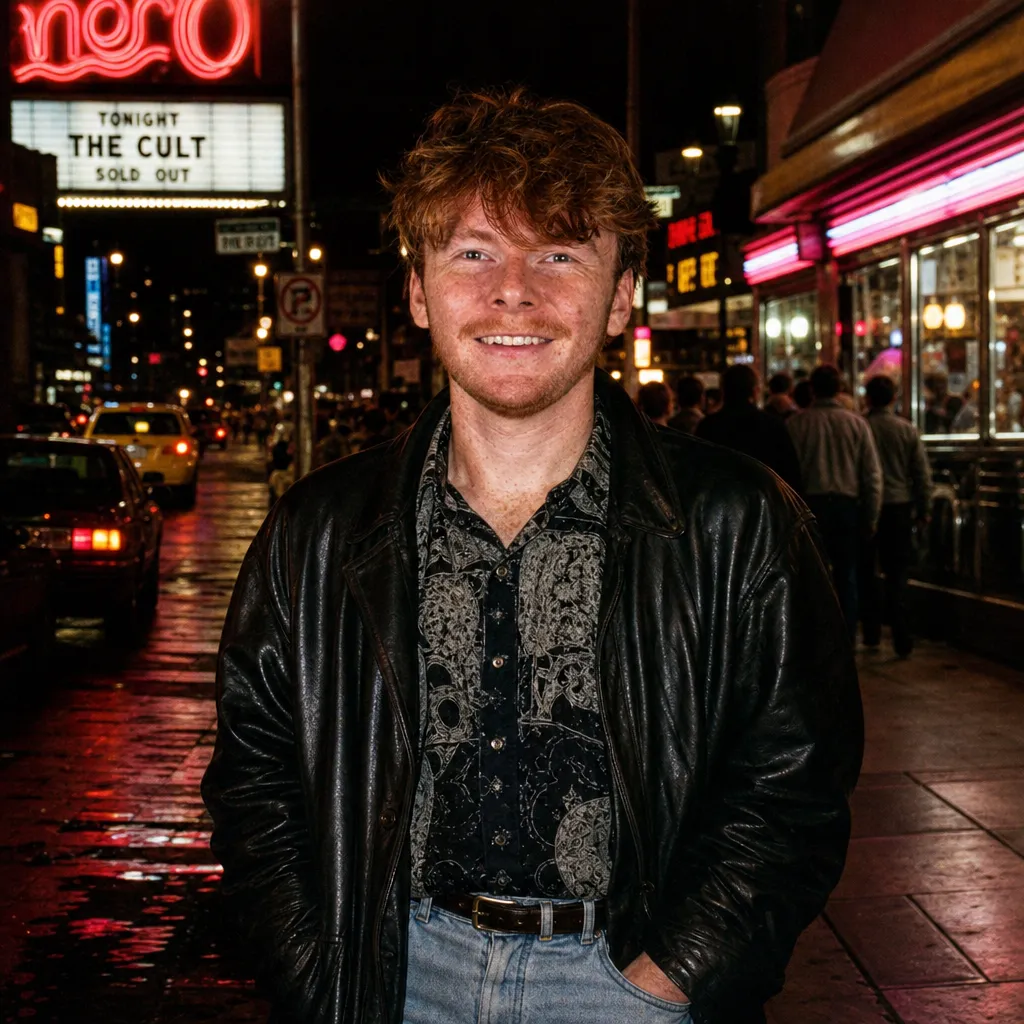
After-Dark 80s City
Cinematic nightlife, direct flash, leather, denim, and glowing city streets.
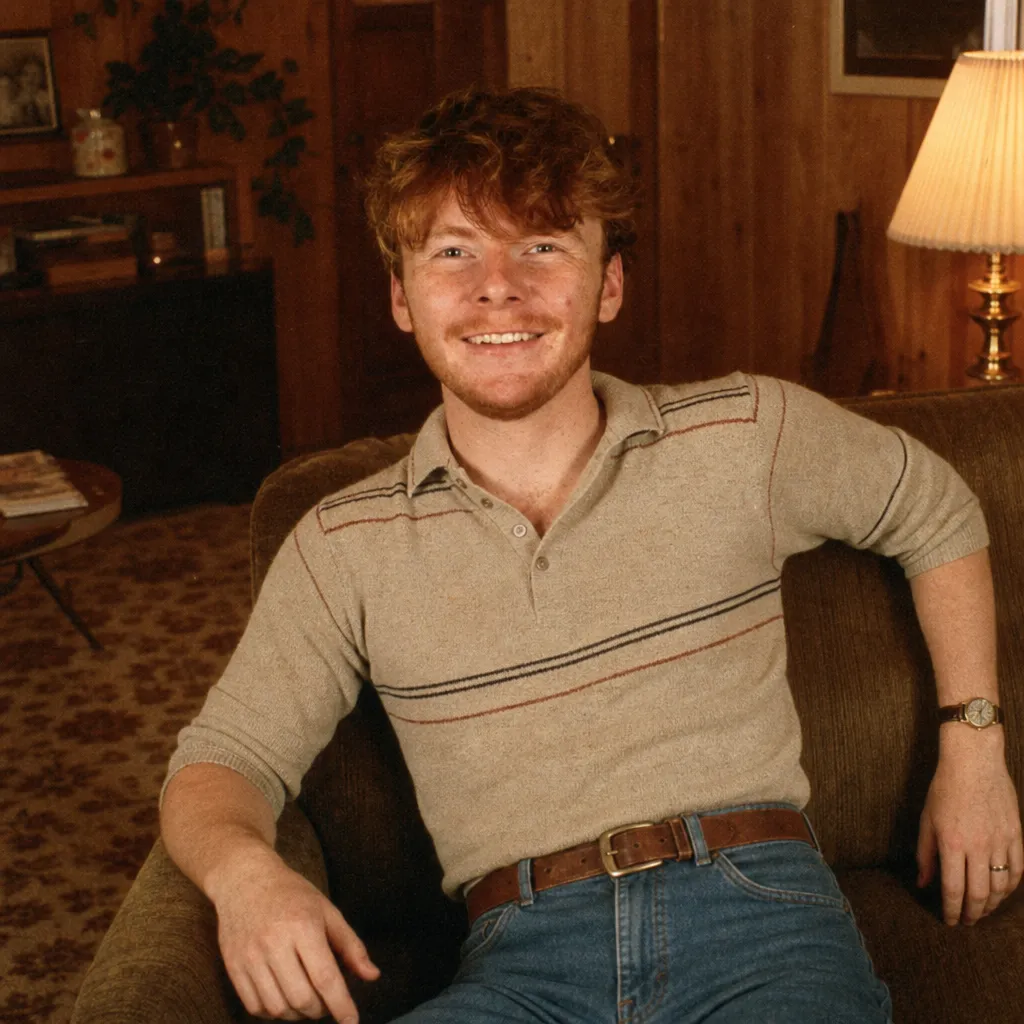
Wood-Paneled Suburban 80s
Warm wood tones, brass details, patterned carpet, and lived-in suburban nostalgia.
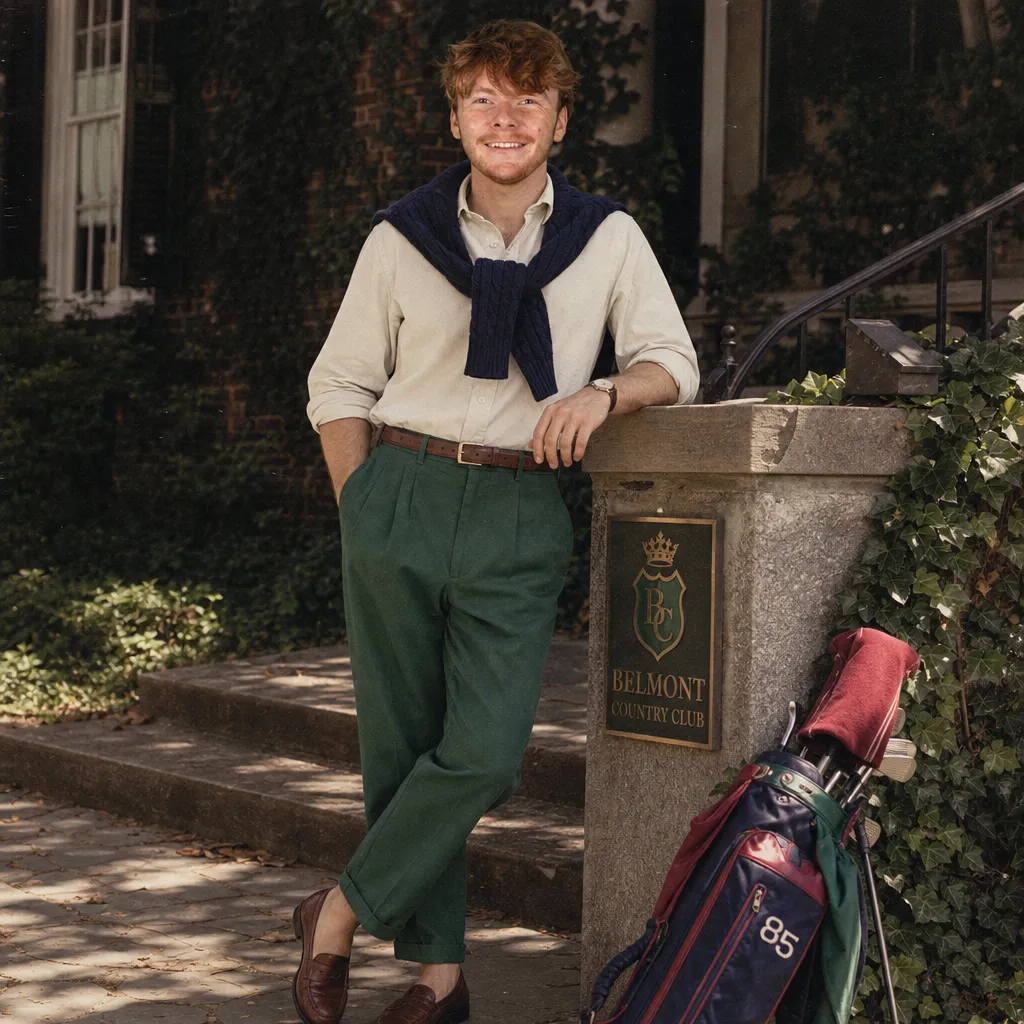
Preppy 80s Catalog
Collegiate layers, classic knits, faded print colors, and polished Americana.
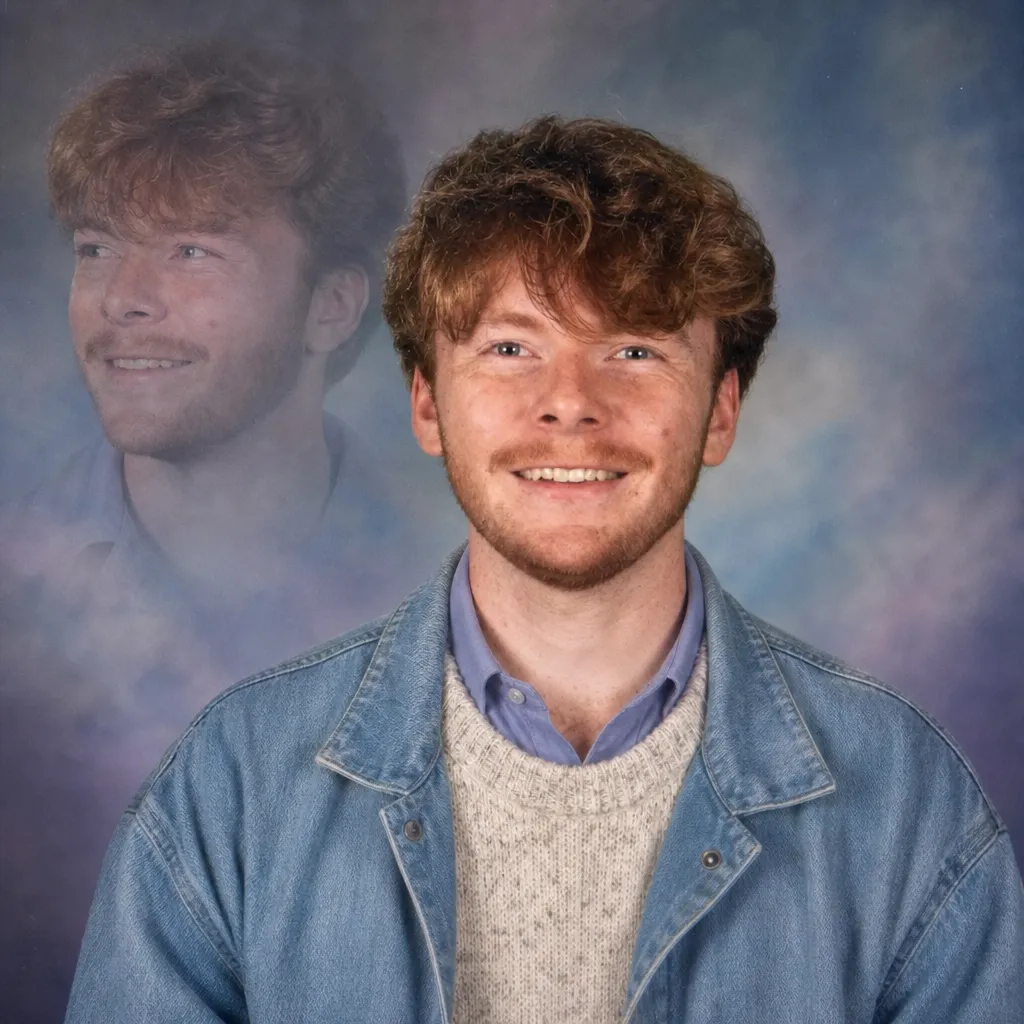
1980s Mall Portrait
Dreamy painted backdrops, soft diffusion, and classic shopping-mall portrait styling.
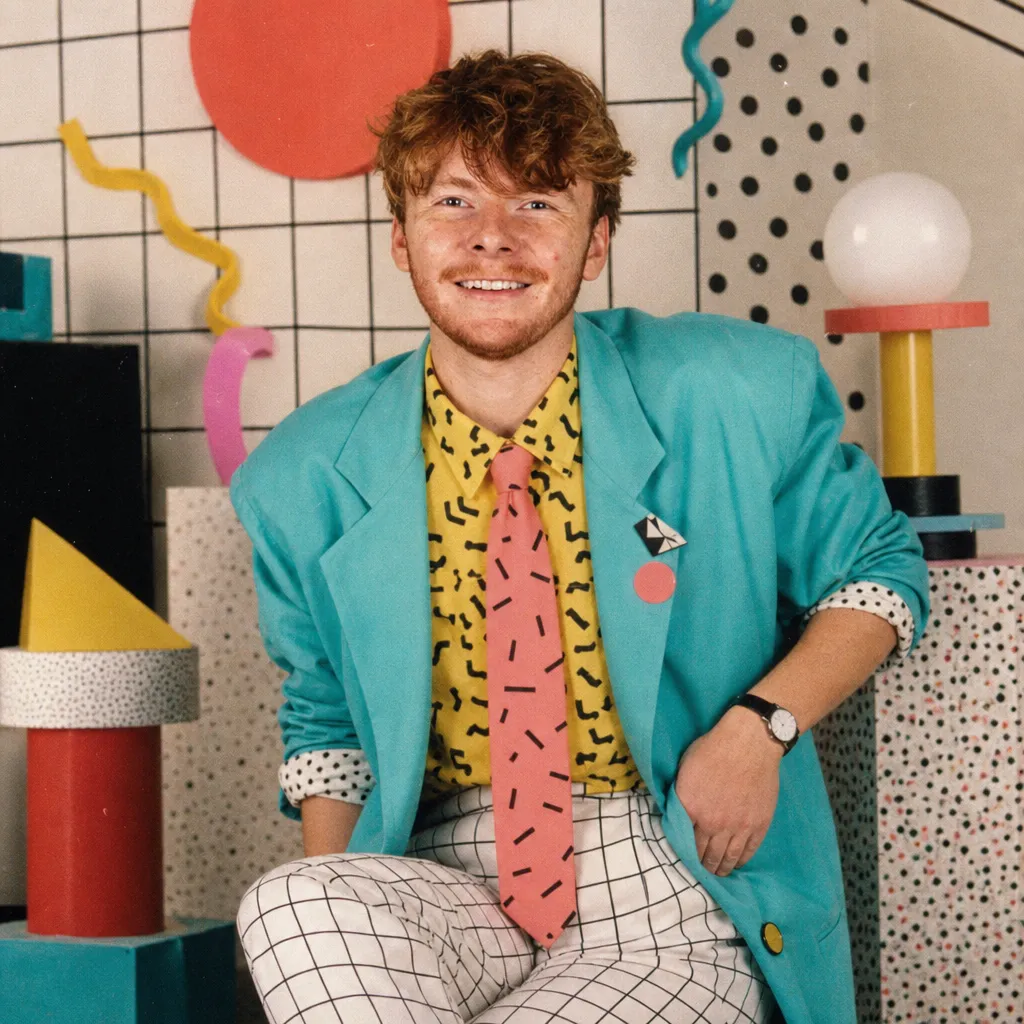
Memphis Design Portrait
Graphic shapes, squiggles, bold color, and playful postmodern styling.
More 1980s AI Models — No Prompt Needed
Create your own 80s-inspired look
Explore AI generators for retro photos, videos, profile pictures, aerobics looks, and over-the-top 1980s aesthetics.
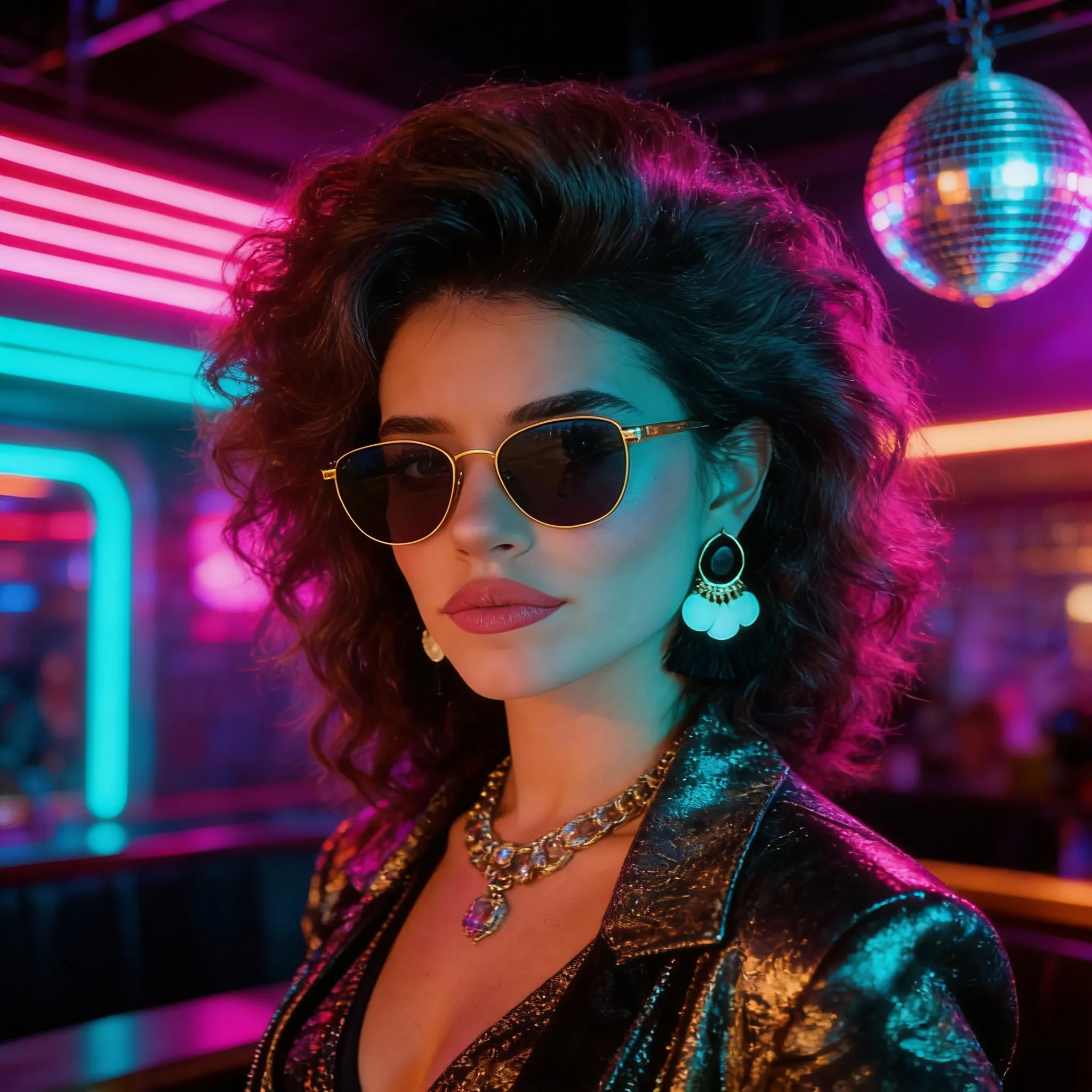
1980s Image Trend AI Generator
Turn any idea into a bold retro image inspired by classic 1980s colors, styling, and visual trends.