AI Script to Video
Turn scripts into fully editable videos with AI — free to start
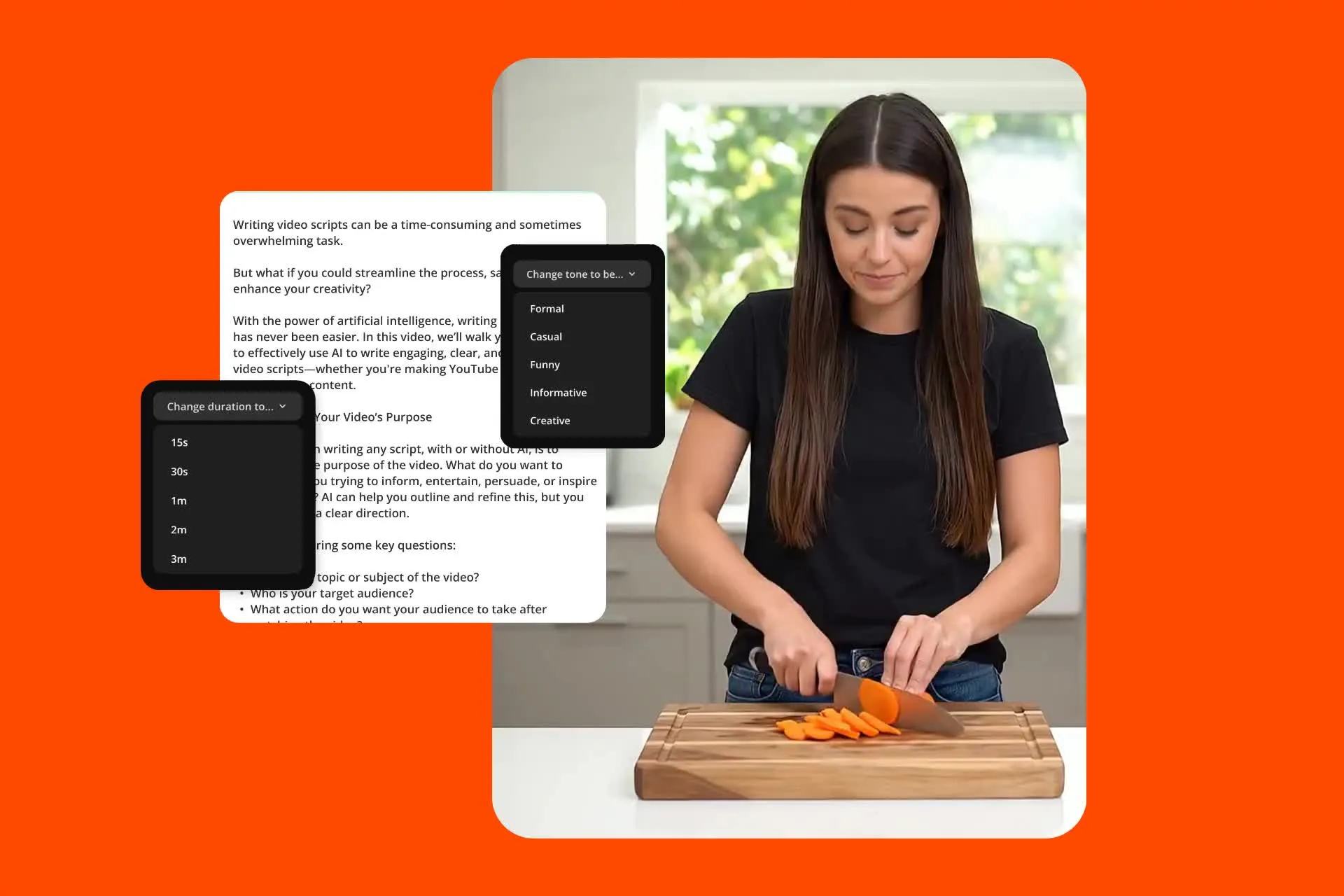
Paste your script — Kapwing AI handles the rest
Generate a video with B-roll, voice over, subtitles, talking-head characters, sound effects, and background music in minutes
Create videos faster with storyboard-level control
Paste your script into Kapwing AI and instantly get a frame-by-frame storyboard.
Fine-tune every detail before using any credits, including the voice over, shot list, aspect ratio, subtitles, and AI characters.
Generate, edit, then export as an MP4 in any format — 9:16, 16:9, 1:1, and more.
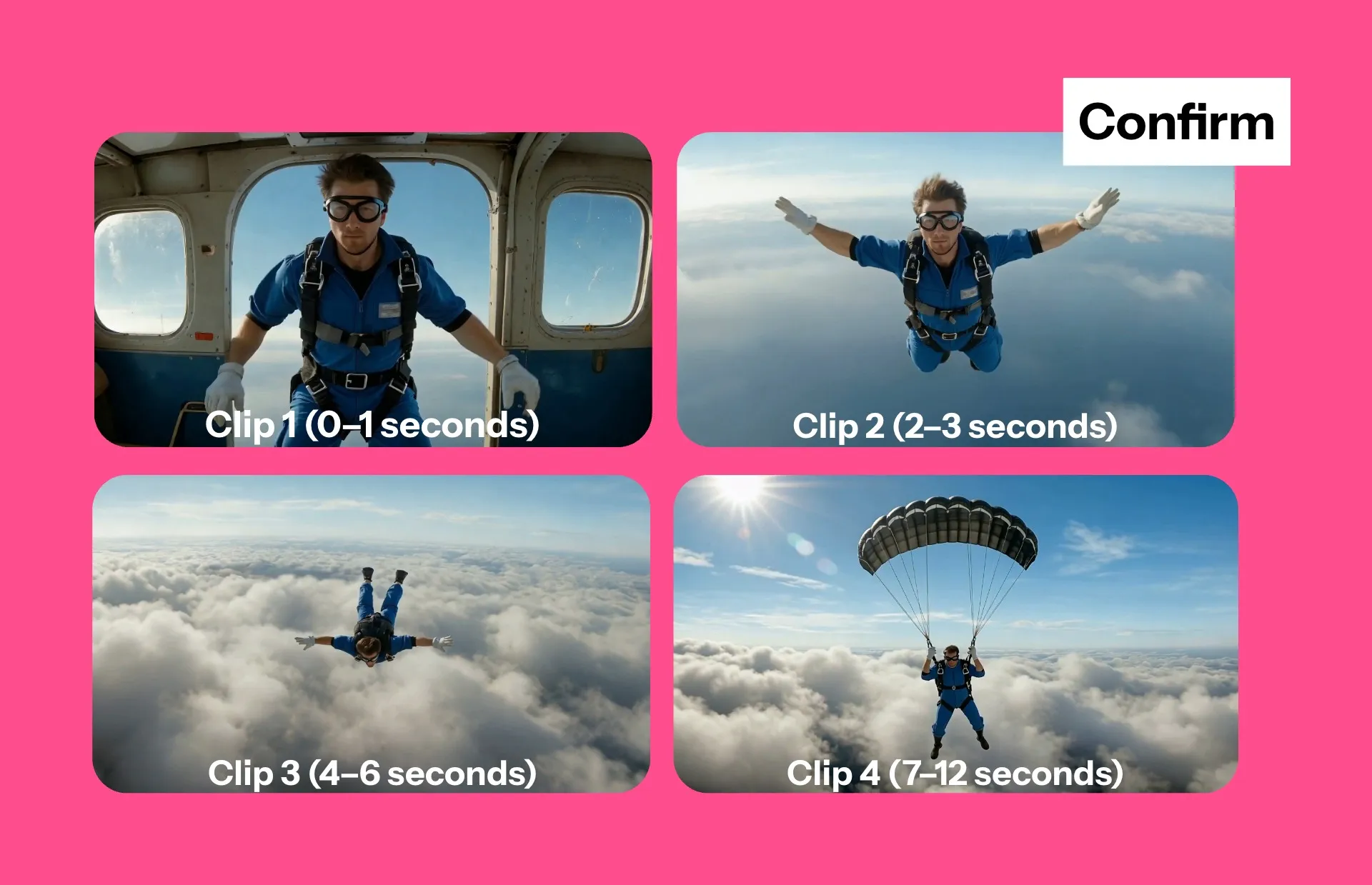
Automatically match any script with B-roll
Kapwing's AI analyzes your script and pulls from a library of licensed stock videos and images, or creates bespoke footage for your content using AI
Every clip is royalty-free and cleared for commercial use, including YouTube monetization — no need for additional Shutterstock or media library subscriptions.
Create short-form videos optimized for TikTok, YouTube Shorts, and Instagram Reels. Or build longer projects like marketing explainers, product demos, training videos, and press announcements.

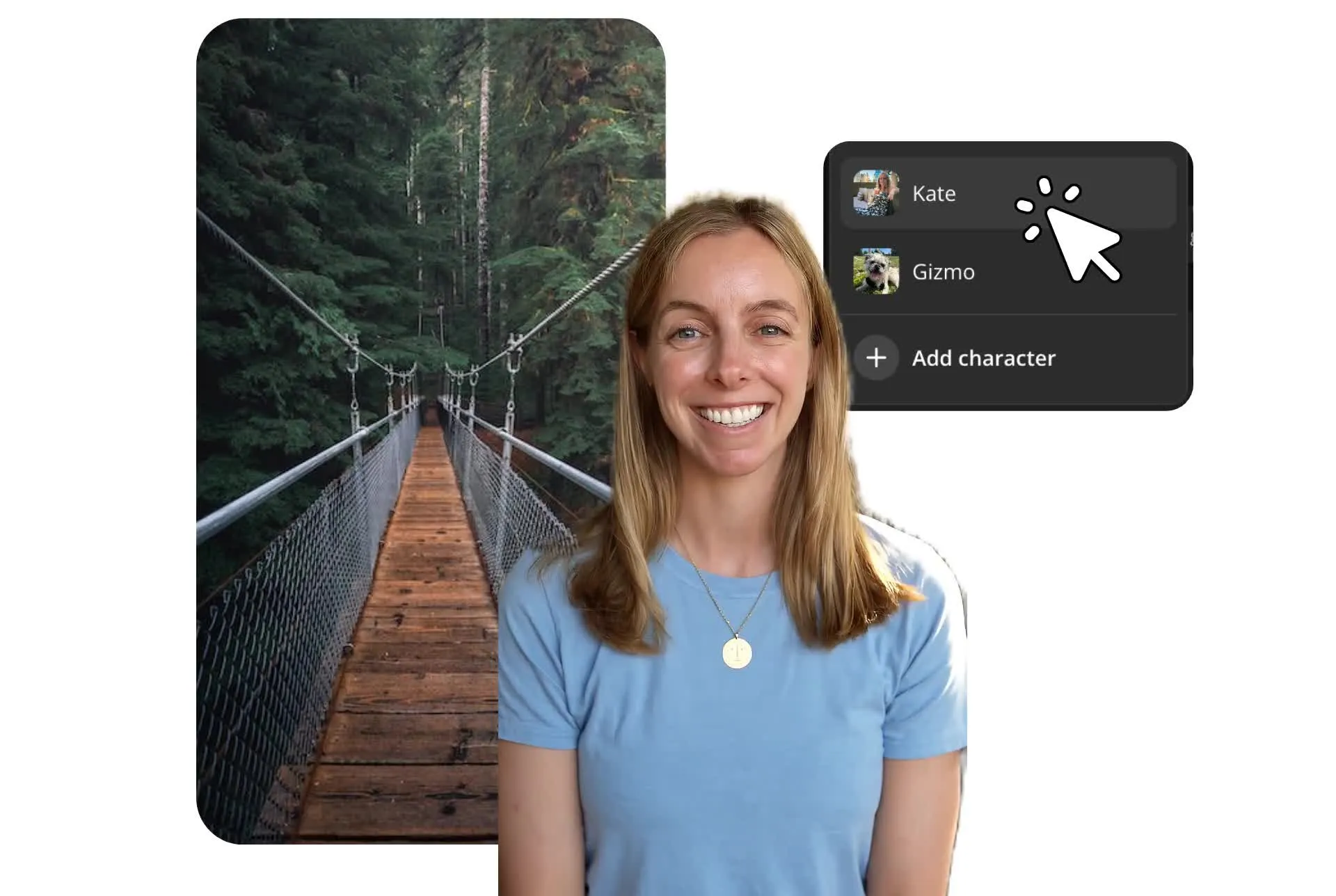
Design a custom character to deliver your script
Create an AI character to deliver your script with realistic, lip-synced speech.
Build a library of diverse characters for any project — whether it’s an AI UGC creator, animated persona, digital spokesperson, or even a clone of yourself.
Use AI voices in 40+ languages combined with automatic subtitles for polished international-ready content in 4K.
Keep your brand consistent across every video
Every AI-generated video comes fully assembled, ready to customize or publish straight to social media.
Edit each layer in the timeline studio with drag and drop functionality — swap B-roll clips, change voice over, edit subtitle fonts and colors, or replace background music.
Save brand colors, fonts, subtitle styles, and even characters to a Brand Kit. Access them across any team project with real-time feedback and shared links for streamlined collaboration.

Script to Video vs Text to Video
Idea to video in one workflow — whatever your prompt
Text-to-video tools generate videos from short prompts — AI-generated scenes, short social media videos, AI adverts, and content up to 60 seconds long.
Script-to-video tools are designed for longer content like YouTube scripts, marketing copy, or podcast transcripts.
Kapwing supports both workflows.

Already transforming video creation across industries
Hear directly from the teams who publish faster, collaborate better, and stay ahead.


Script to video works for every format and team
Trusted by 35 million creators worldwide — from podcasters to marketing teams

Podcast Promos
Podcasters use Kapwing's AI Script to Video to transform scripts into engaging video teasers, making it easier to attract listeners on social media
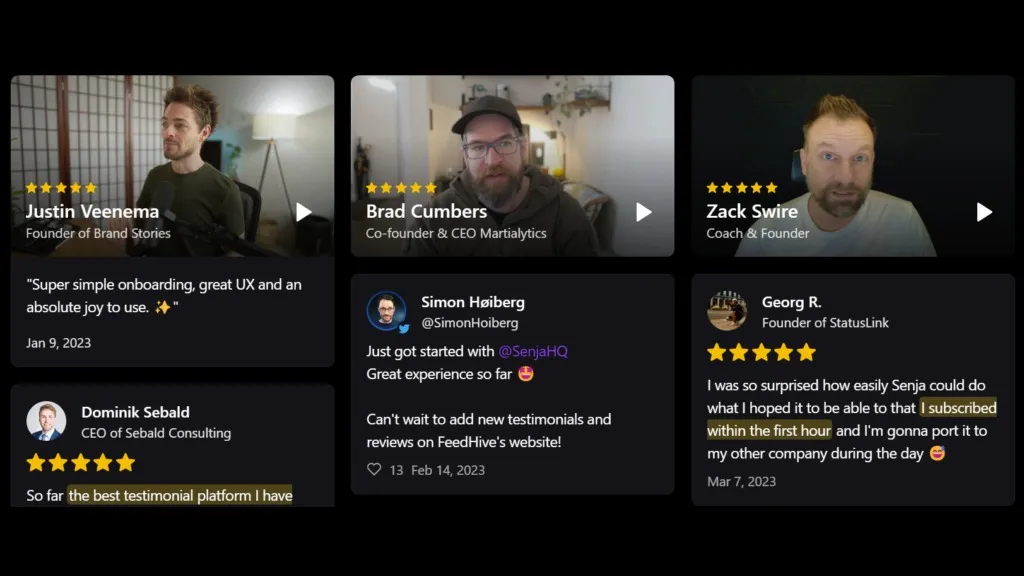
Customer Testimonials
Communications professionals transform commercial copy into review videos for their websites, using AI avatars as the face of customer reviews.
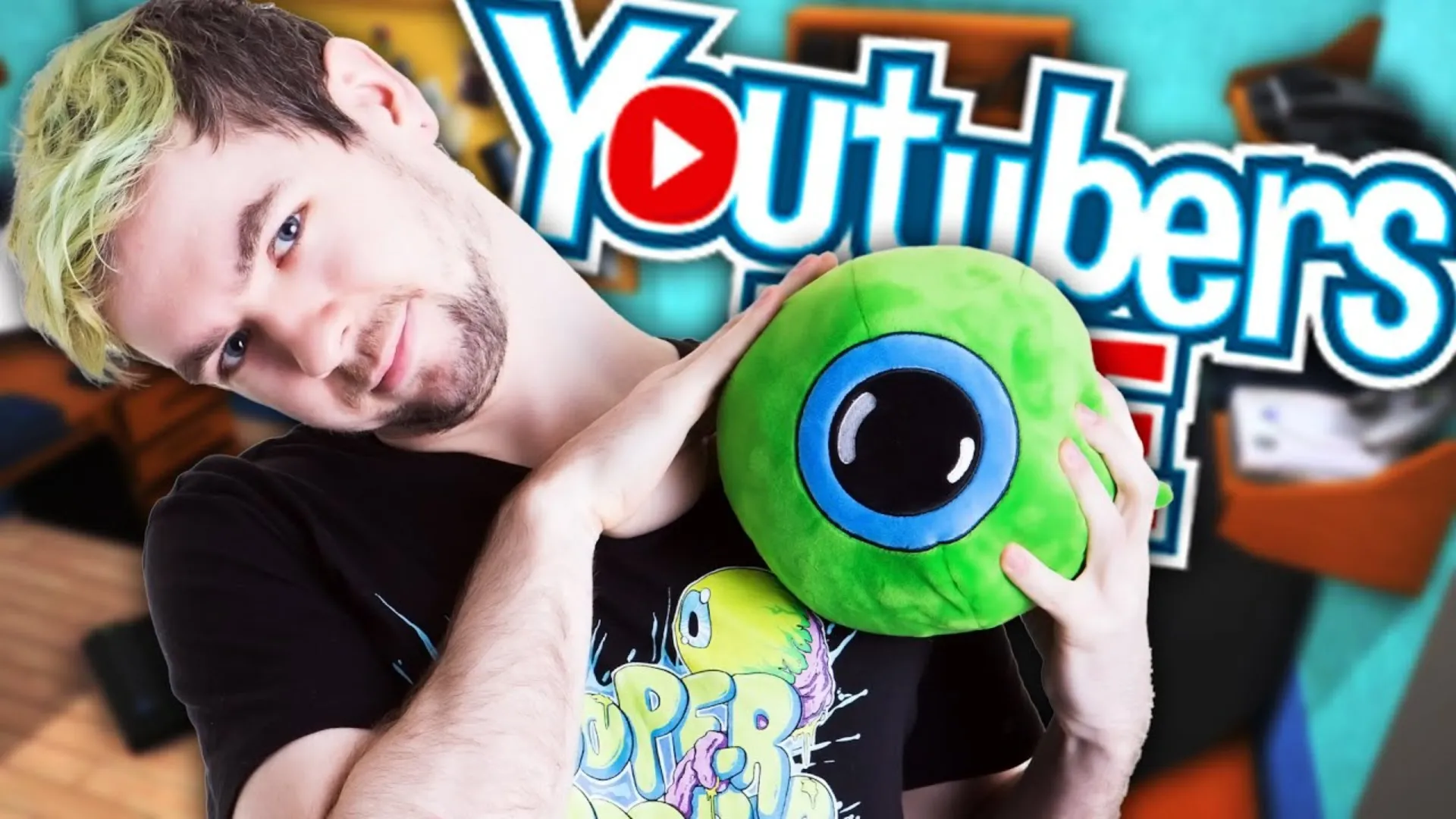
YouTube Shorts
Kapwing's AI Script to Video is the perfect tool to assist YouTubers in their creation journey, especially shorter 1-3 minute formats like Shorts
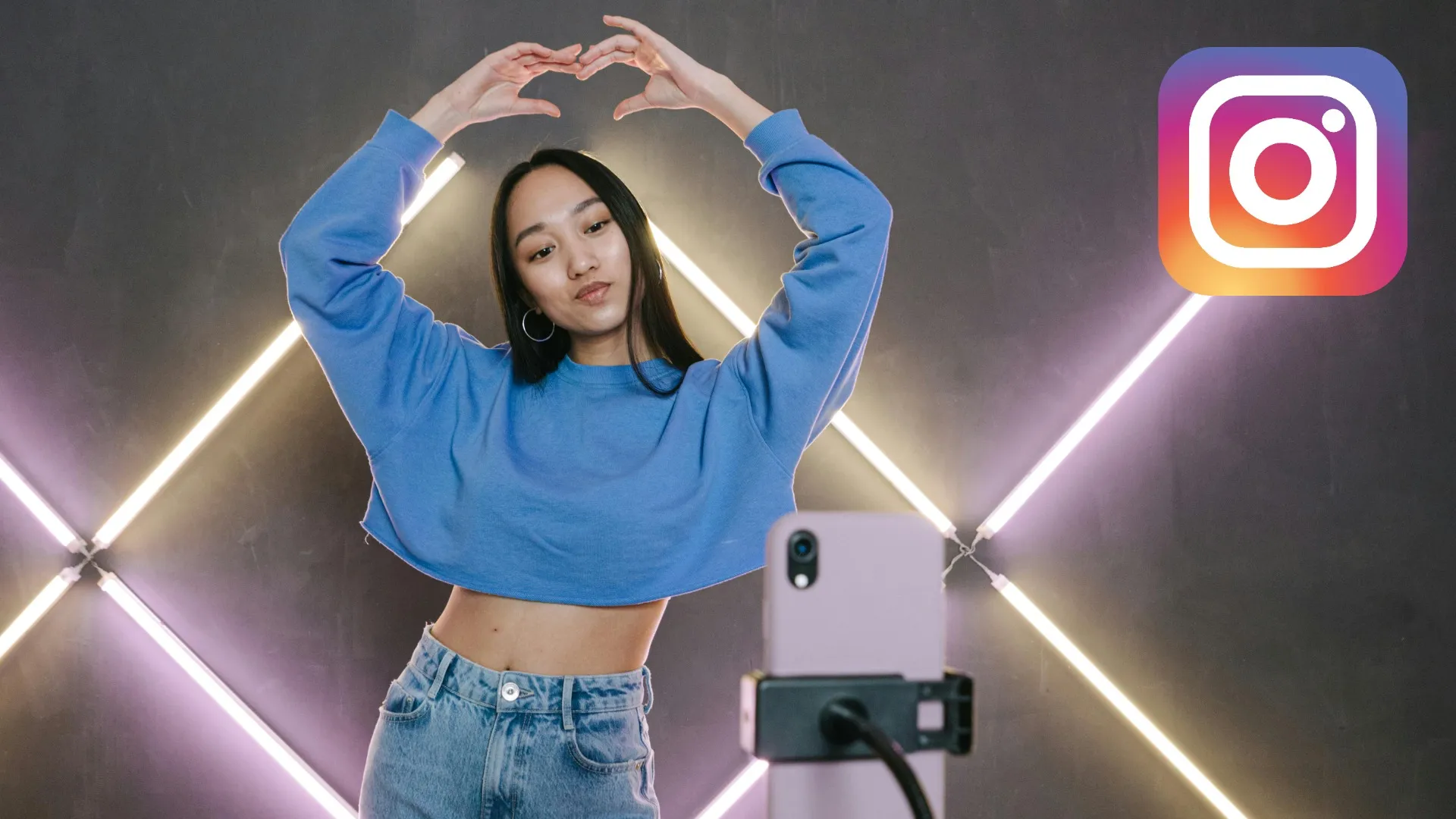
Instagram Videos
Influencers and content creators create eye-catching videos for platforms like Instagram, saving time and maintaining consistency in brand messaging
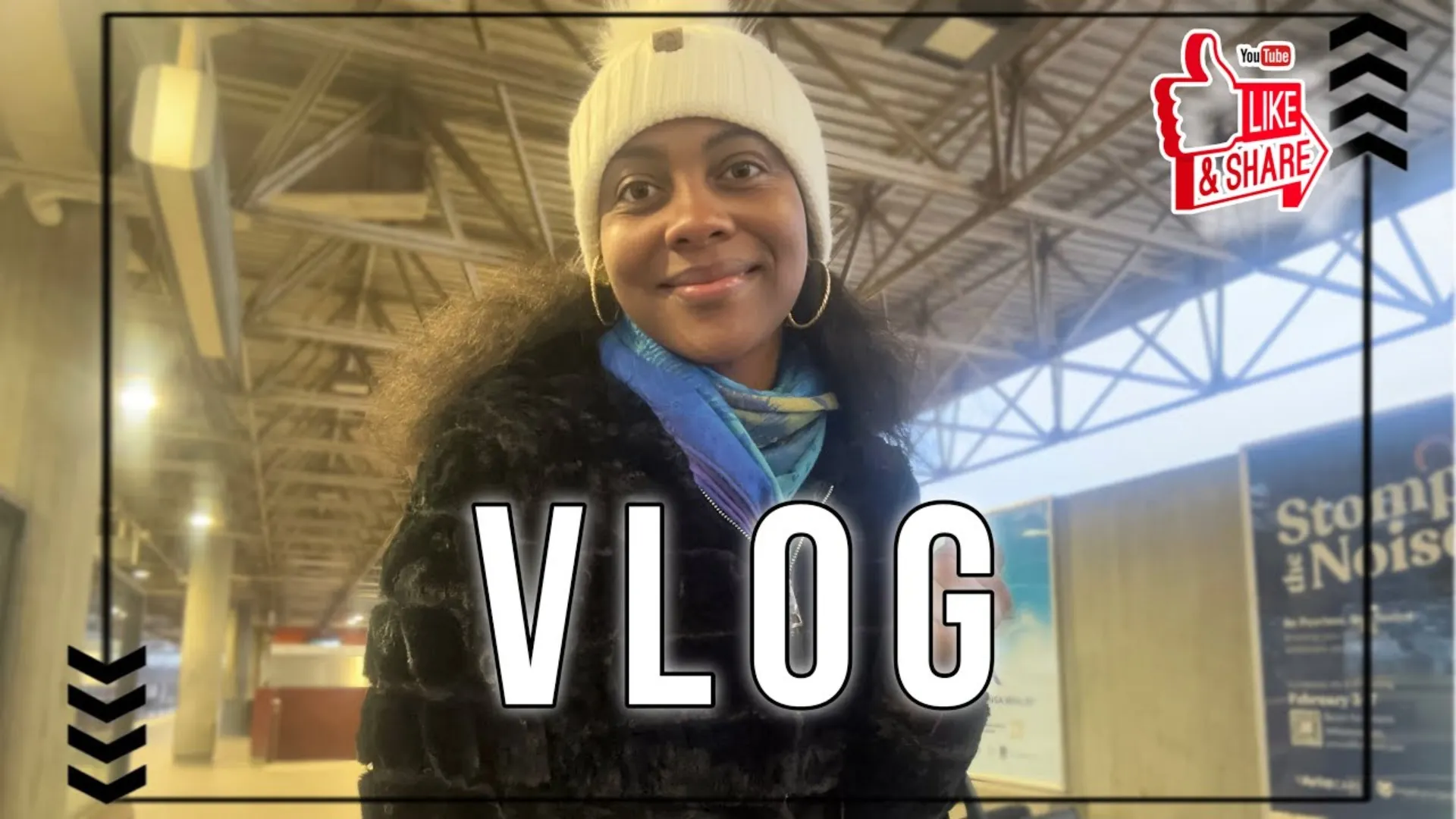
Vlogging
Vloggers use Kapwing's AI to generate visually engaging intros and highlight reels, speeding up the editing process and enhancing storytelling
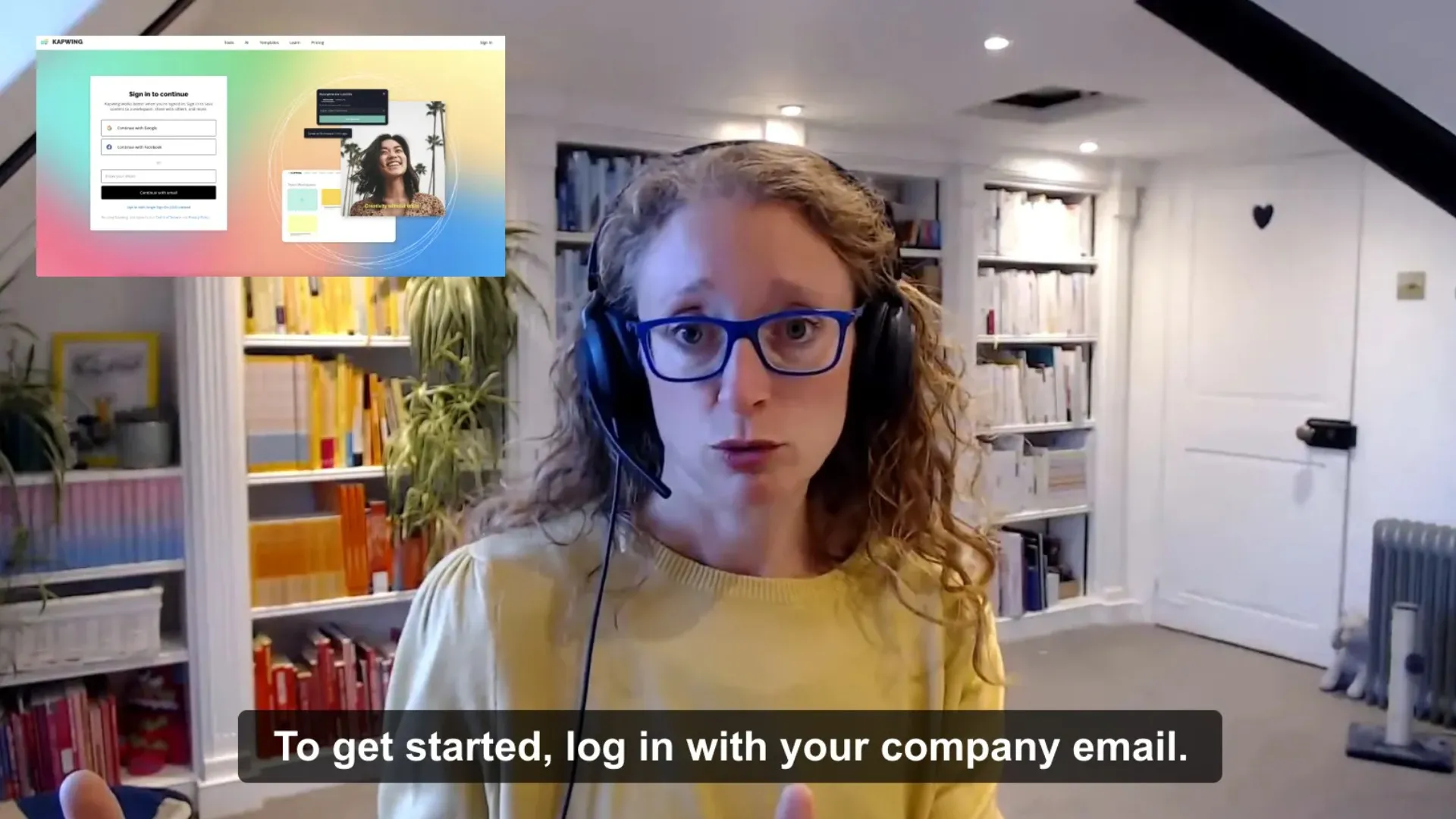
Training & Tutorials
HR and L&D teams can quickly generate training and tutorial videos, simplifying the process of developing educational content for employees
Marketing & Video Ads
Marketers turn scripts into high-quality promotional videos without a large budget — no studio, agency, or production team required
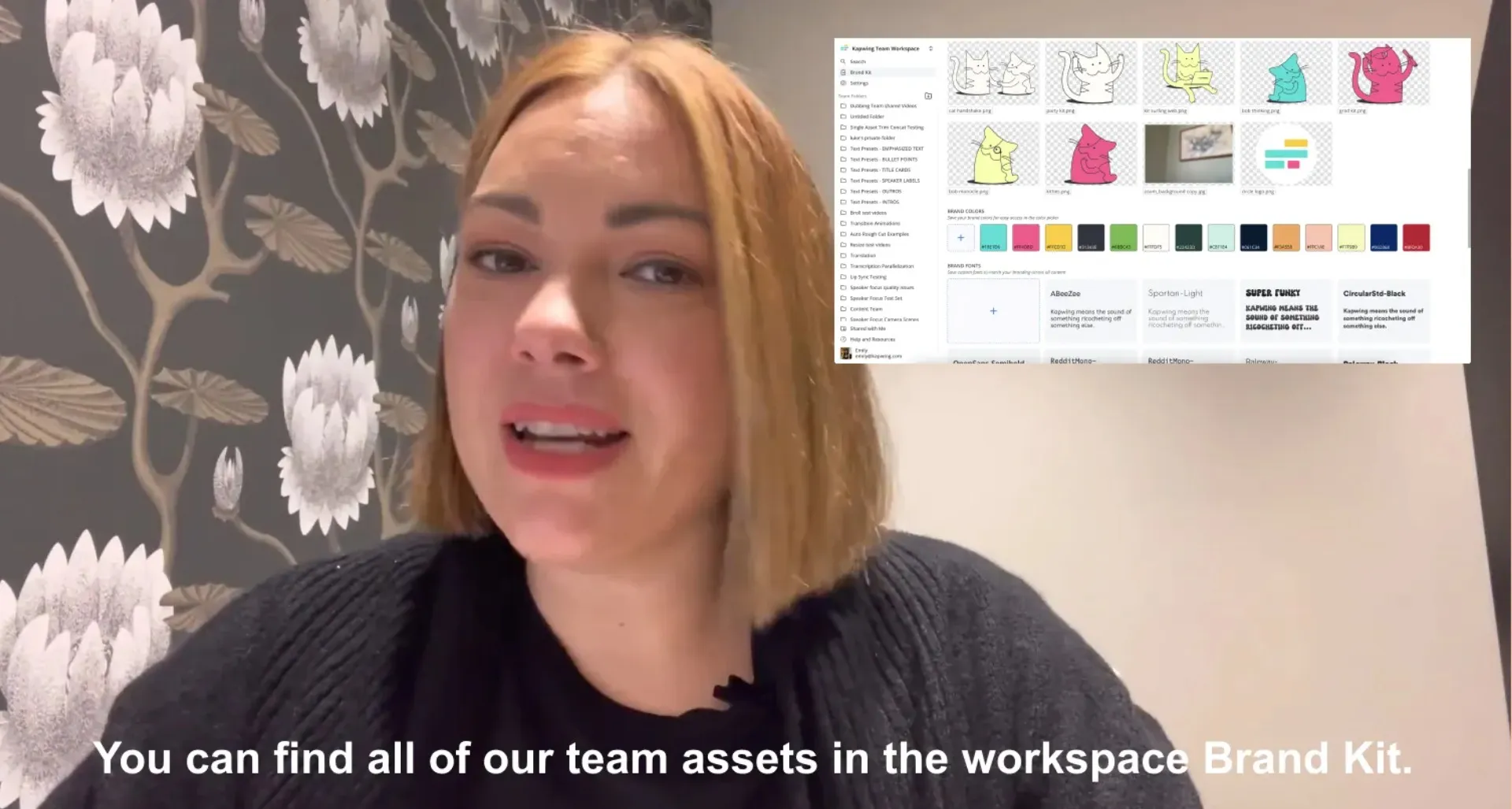
Online Courses
Online Coaches transform course outlines into polished video lessons, enhancing the learning experience for students

Educational Videos
Educators and teachers convert scripts into video content to help keep students engaged and make complex topics easier to understand
F&Q & Help Videos
Turning common FAQs into video content makes it easier for customers to find solutions and reduces the burden on support staff
How to Create Videos From Scripts
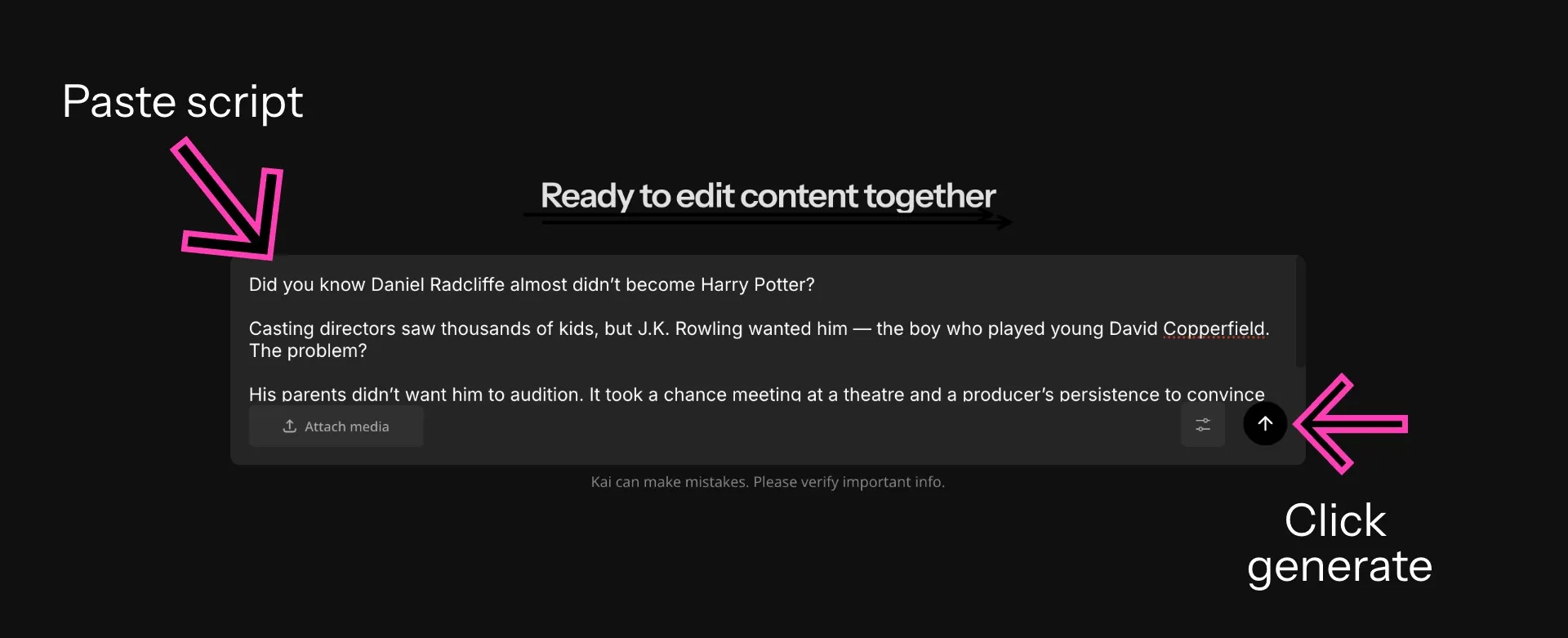
- Step 1Open Kapwing AI
Start by opening Kapwing AI in any browser — no download or app required.
- Step 2Paste script
Paste your script into the text box and click "Generate." Give the AI further context with guidance on the aspect ratio, B-roll, voice over, background music, text overlay, and subtitles. Optionally, select a character for the video using the @ symbol.
- Step 3Generate video
Select "Generate Video" to complete your project. Edit any element by chatting with the AI or clicking directly in the editor. Finally, export and download or add further edits.
What's different about Kapwing?



Frequently Asked Questions
We have answers to the most common questions that our users ask.
Is Kapwing's Script to Video tool free?
Yes, Kapwing’s AI-powered Script to Video tool is free for all users. However, to access all of Kapwing’s AI tools with extended usage limits, a paid subscription is required.
Is there a watermark on exports?
Yes, free exports include a Kapwing watermark. To remove the watermark and export in 4K, upgrade to Kapwing Pro.
How long should a video script be for a talking head video?
For top performance on social media, draft a video script of at least 500 characters, which would result in a video around 30 seconds long. Here are the recommended characters and words for other video durations.
- 30-second video: 300-600 characters (80–90 words)
- 1-minute video: 750–900 characters (125–150 words)
- 2-minute video: 1,500–1,800 characters (250–300 words)
- 3-minute video: 2,250–2,700 characters (375–450 words)
Can AI videos be monetized on YouTube and other social platforms?
Yes, AI videos be monetized on YouTube, TikTok, Facebook, Instagram, and other social media channels. Kapwing's audio, image, and video library is royalty-free. Every social media network has a unique set of community standards, copyright laws, and platform restrictions, so make sure you read them in full to best understand monetization policies. In 2025, YouTube released new guidelines saying it plans to de-monetize creators making mass-produced or repetitive content.
How does AI match B‑roll footage to my script?
Based on the subject of your script, AI selects relevant clips from licensed stock libraries. Then, it analyzes the candidate visuals, comparing them to the keywords in the script outline, to choose the best cut of the video to feature. Kapwing's Smart B-Roll feature uses Google's Gemini, a multimodal LLM, to get intelligence about the best video selects.
Are AI video generators safe to use?
Kapwing is safe to use and we have strict moderation guidelines and ethics policies in place. You can read more under our full Terms of Service and Privacy Policy.
Can I customize the voice, tone, or avatar in script-to-video tools?
Kapwing's AI Video Generator enables full customization:
- Script: After generating a script from a video prompt, edit or refine the script through our AI Script Generator. Insert emphasis, pauses, or inflection to refine the emotional tones in the video.
- Avatar: Choose the face and voice of the speaker from hundreds of stock avatar options, create an AI Twin of yourself, or design an AI character from scratch
- Music: Replace the suggested background tunes with your own soundtrack or audio file.
- Voice over: After generation, edit or change the words, volume, pacing, or tone of the TTS.
- Aspect ratio: Choose the dimensions of the generated output to make it best for the platform you're publishing on
How long do AI videos take to generate?
The speed of AI generation depends on the length of your script. Kapwing's AI video generator takes about 30 seconds per minute of video to generate.
What AI models does Kapwing use?
What is the difference between script-to-video AI and text-to-video AI?
Script-to-video AI generates videos from longer written content like scripts, articles, or outlines. Text-to-video AI usually works from short prompts. Tools like Kapwing support both methods, allowing creators to paste full scripts or enter simple prompts to generate video content automatically.
- Script to Video: Best for YouTube, marketing, courses, explainers
- Text to Video: Best for clips, ads, creative visuals, social content
What video formats and aspect ratios does Kapwing export?
Kapwing exports videos as MP4. You can choose 16:9 (YouTube, LinkedIn), 9:16 (TikTok, Reels, Shorts), 1:1 (Instagram), alongside other aspect ratios.
Can I use my own footage or images in a script-to-video project?
Yes. After generating your initial video, you can replace B-roll clip with your own video files, images, or screen recordings directly in the Kapwing editor.
Discover Resources
Tips, templates, and deep dives to help you create faster and share with confidence.
View all

Get started with your first video in just a few clicks. Join over 35 million creators who trust Kapwing to create more content in less time.