Generate videos with Seedance Pro, Seedance 2.0, and Seedance 2.5 — compare the results, then keep creating with your favorite model

Every Seedance AI video model in one subscription
Join Kapwing for free. Access Seedance today.
Choose the AI model based on your workflow — not the newest version number
Seedance is a family of ByteDance AI video models available inside Kapwing. Every option supports prompt-led video creation, image-to-video generation, multiple aspect ratios, and editing after generation.
Choose a model for each shot, then trim, subtitle, dub, resize, and combine every generation in one Kapwing project.
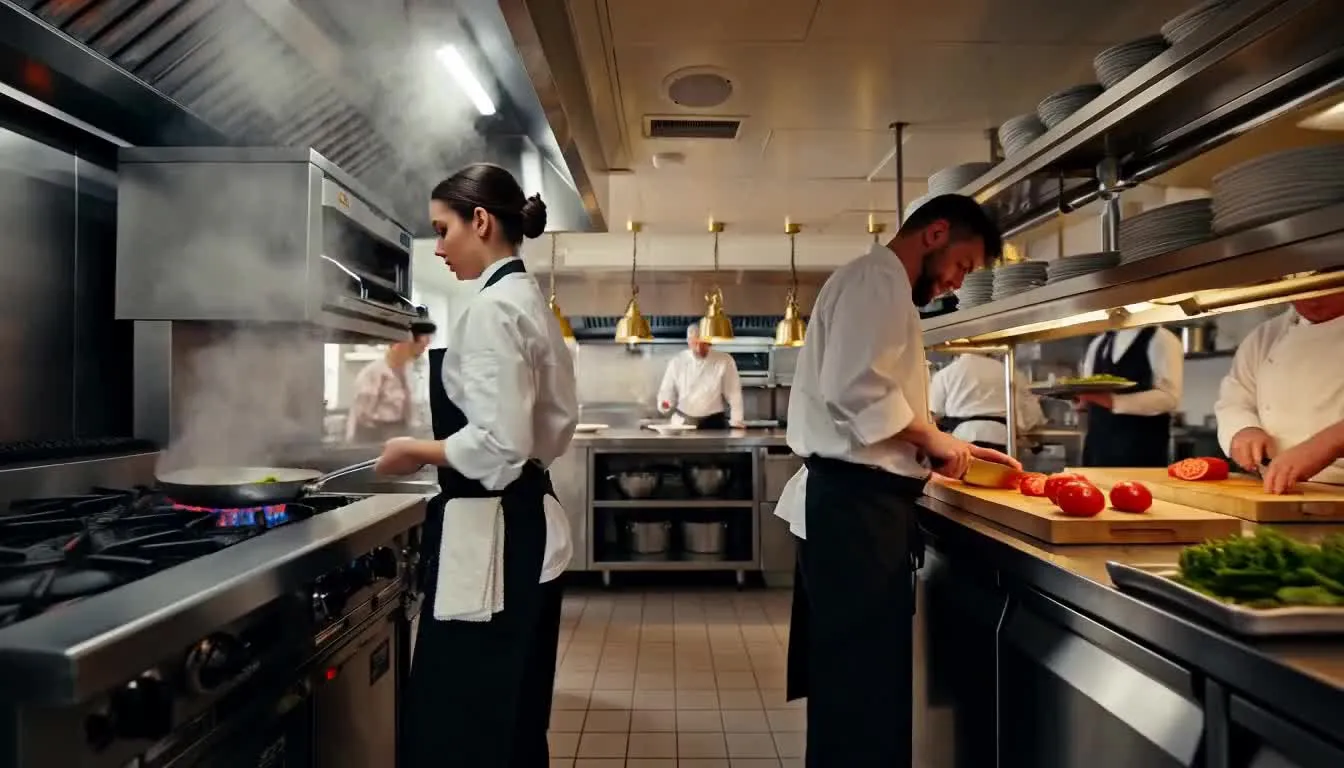
Seedance AI in Kapwing
Seedance Pro. Seedance 2.0. Seedance 2.5.
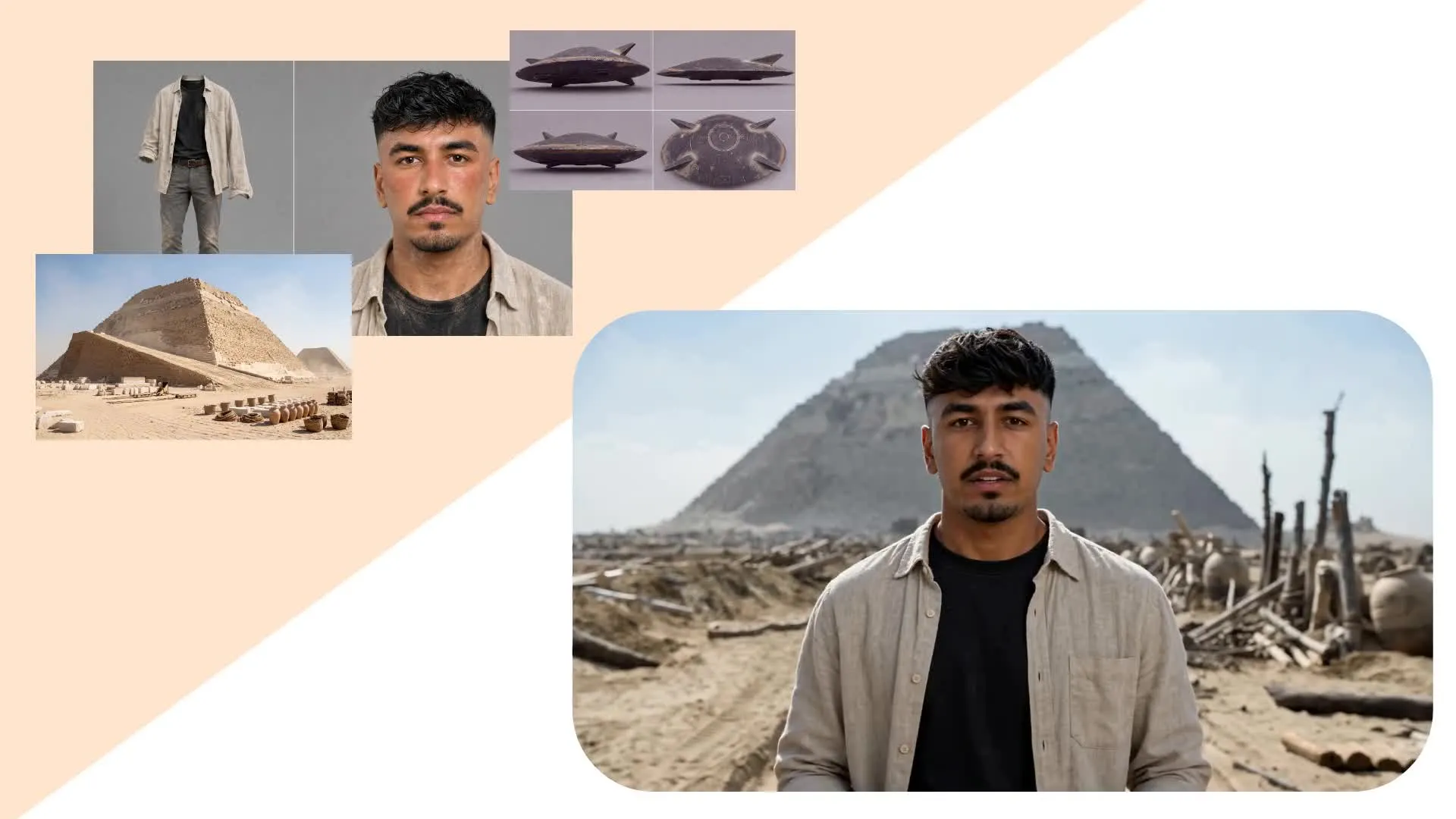
Character-led Narratives
Seedance models 2.0 and 2.5 support character consistency, even between multi-scene videos as locations and camera angles change. Use them for short skits, dialogue-heavy scenes, and episodic content.
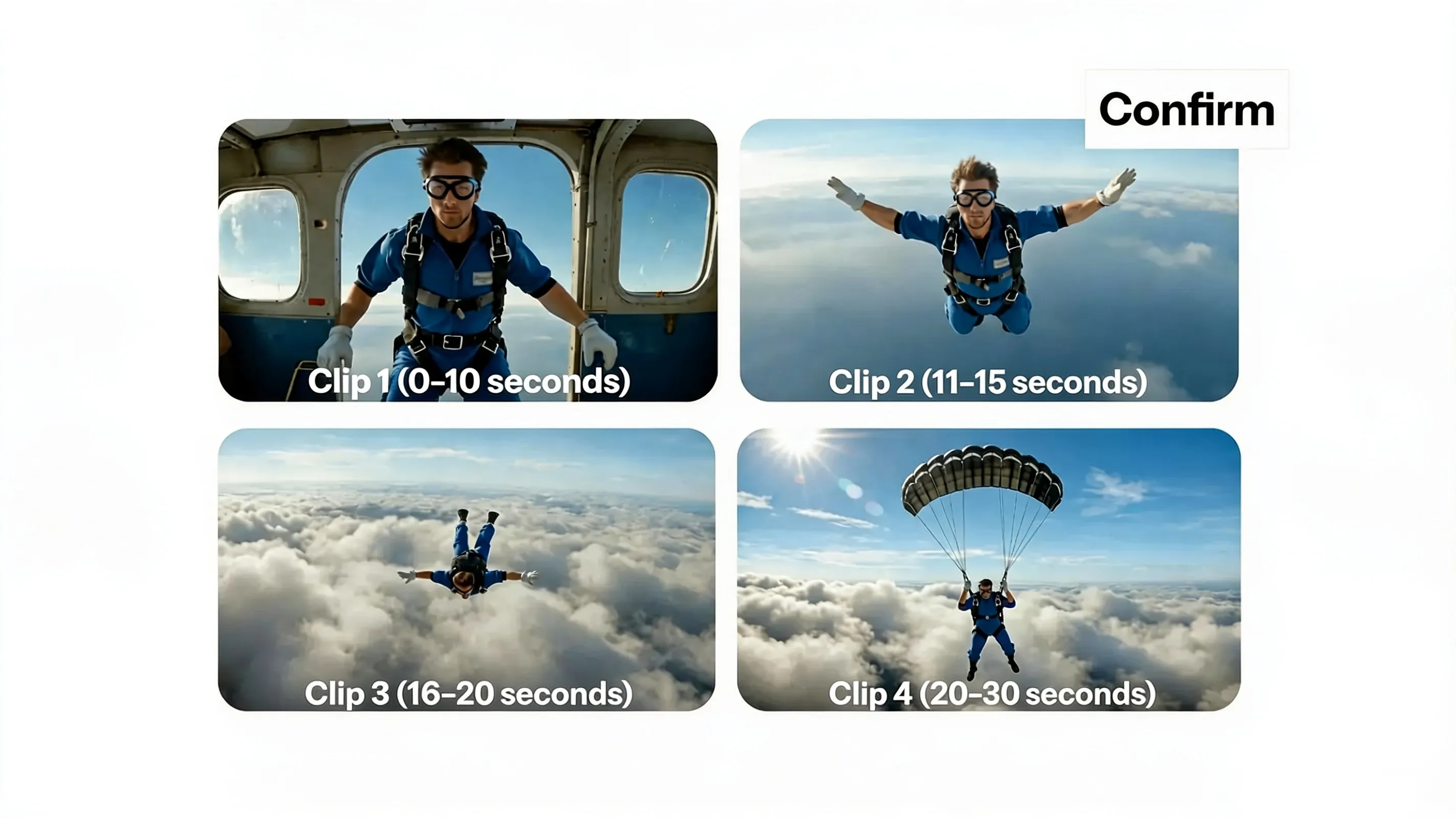
30-Second Videos
Seedance 2.5 generates videos up to 30 seconds long from a single prompt. Create scenes with continuous action, dialogue, and camera movement without stitching together multiple clips.
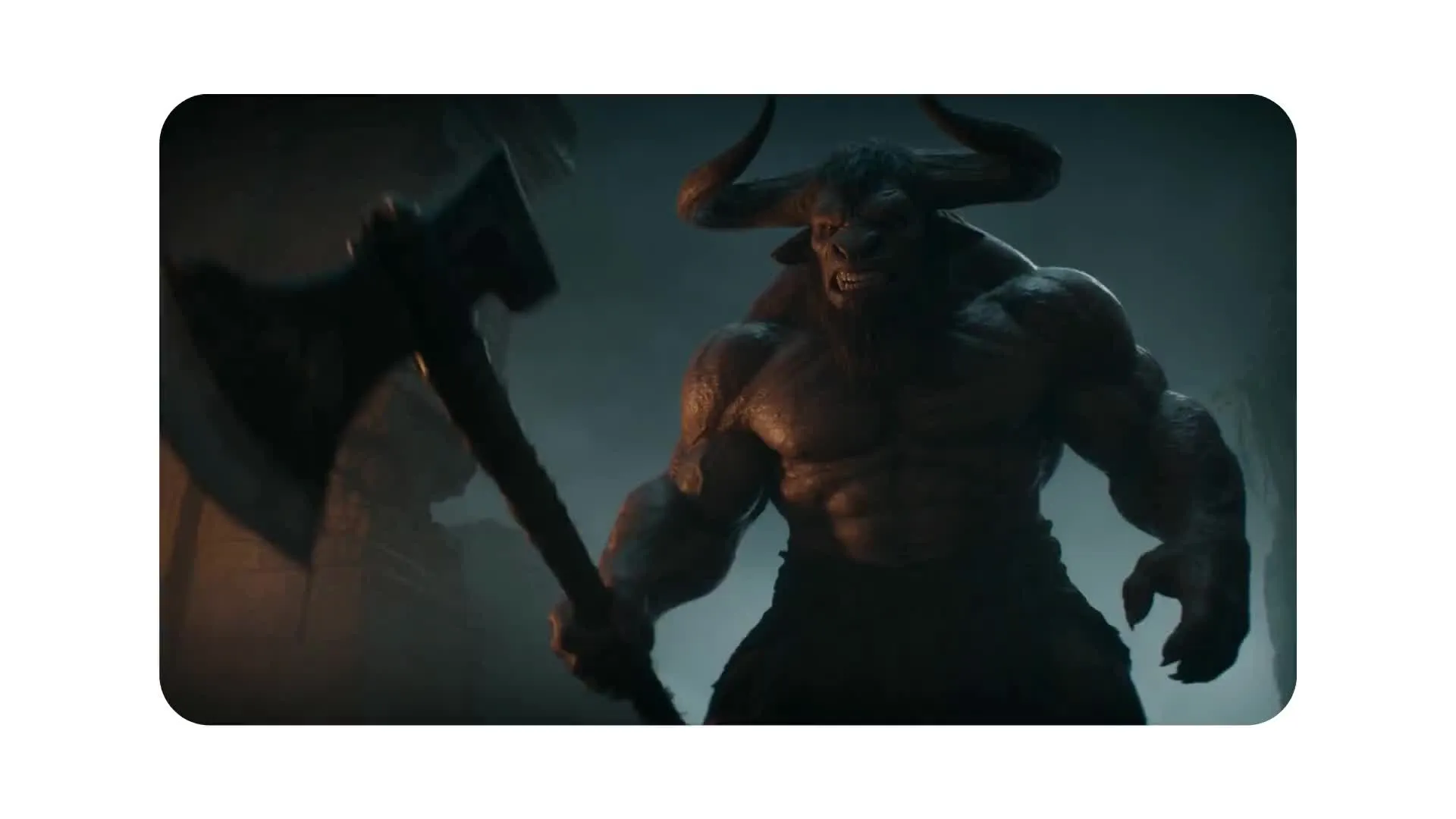
Complex Action Scenes
Coordinate multiple characters through fight scenes, dance routines, sporting action, and other complex interactions while maintaining natural movement
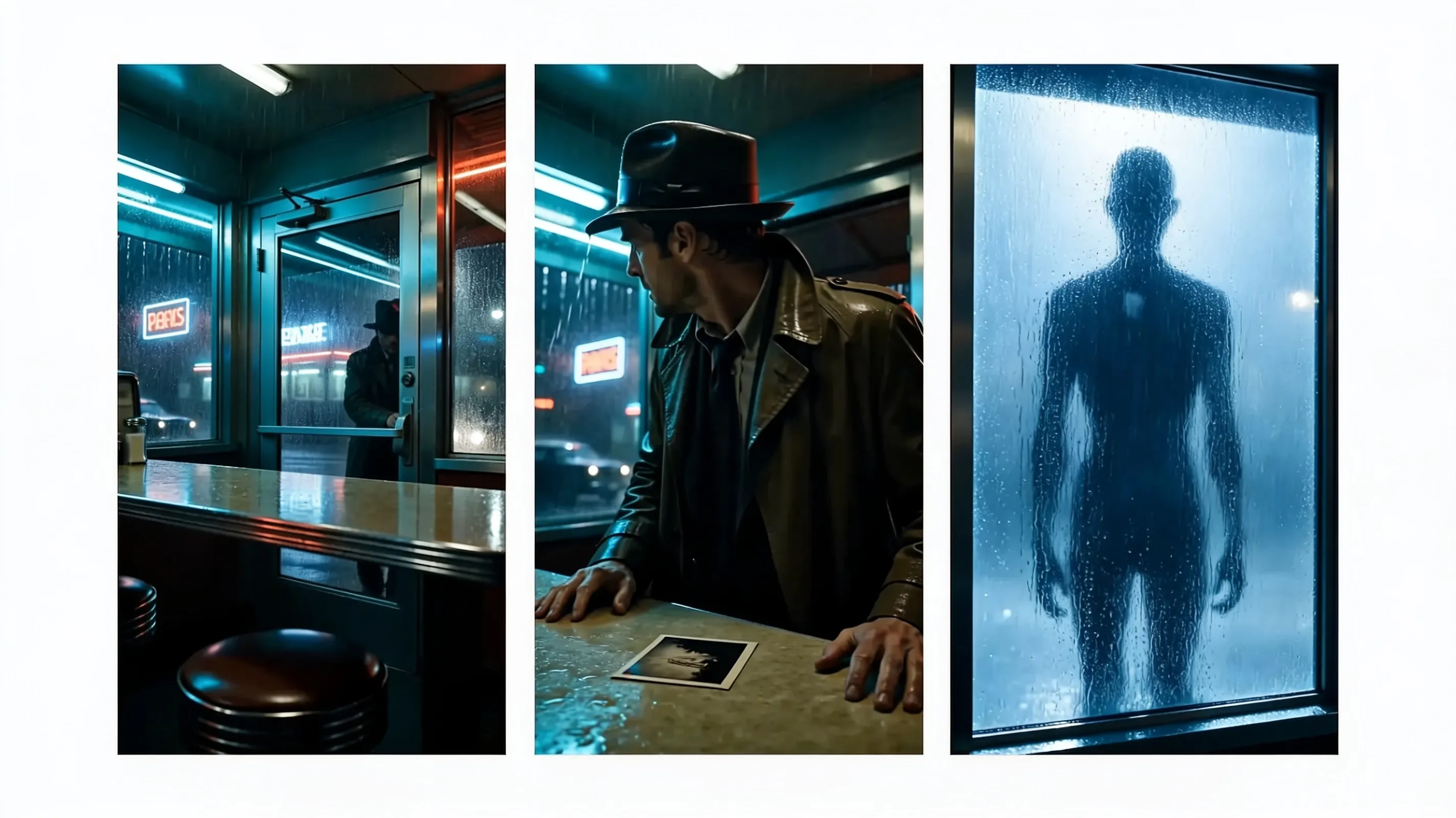
Multi-scene Stories
Describe cuts, transitions, and camera angles to create a connected multi-shot sequence that moves smoothly from one scene to the next using a single prompt
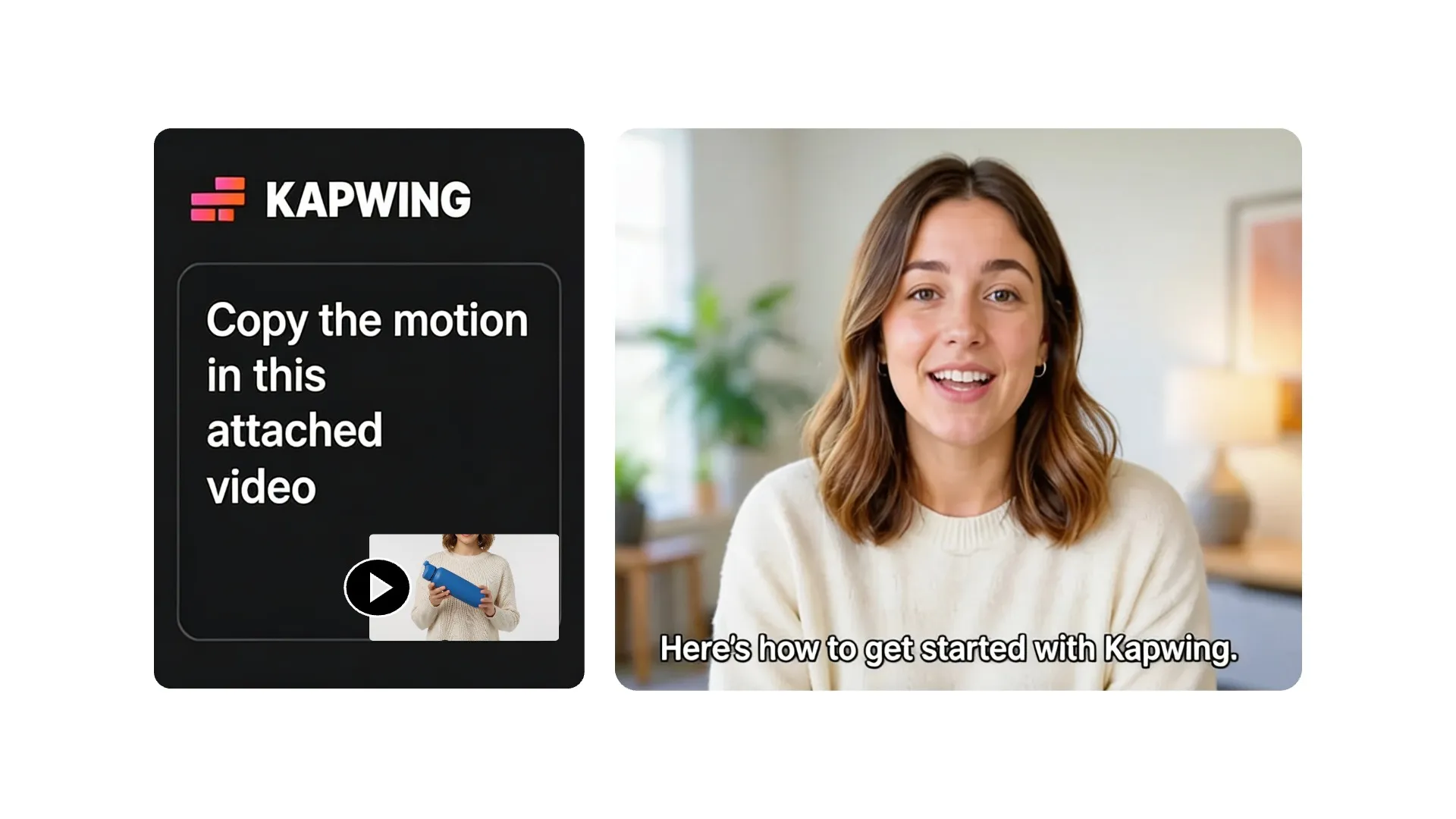
Reference-led Videos
Select Seedance 2.5 to upload up to 30 reference files, including images, videos, and audio files. Use them to guide storyboards, characters, products, settings, movement, sound, and style.
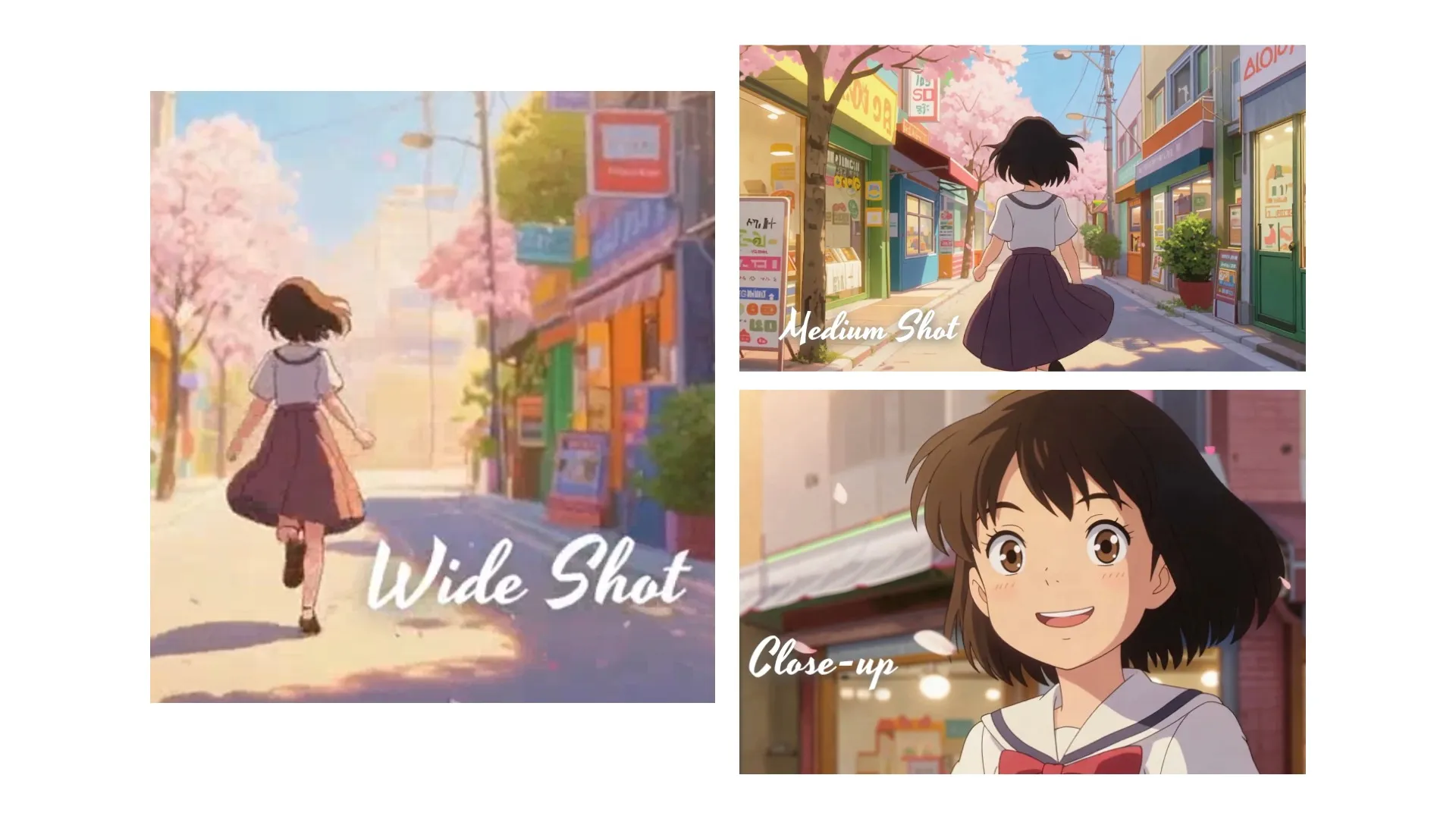
Cinematic Control
Direct every element of your scene with detailed prompts. Specify shot types, camera lenses, eras, and cinematic styles so Seedance captures your creative vision.
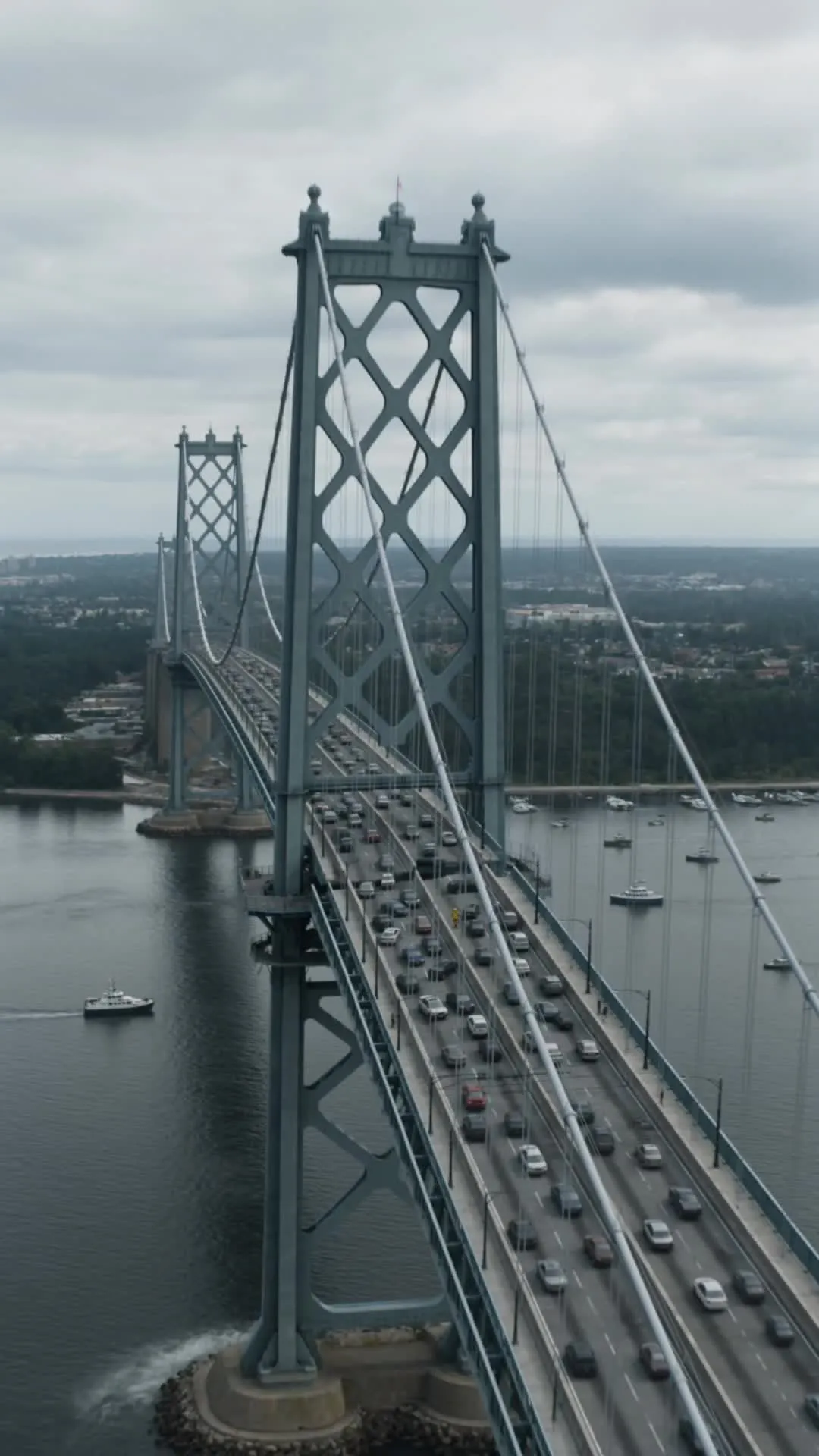
Made with Seedance AI — polished in Kapwing
Free to start. No watermark. Fully online.

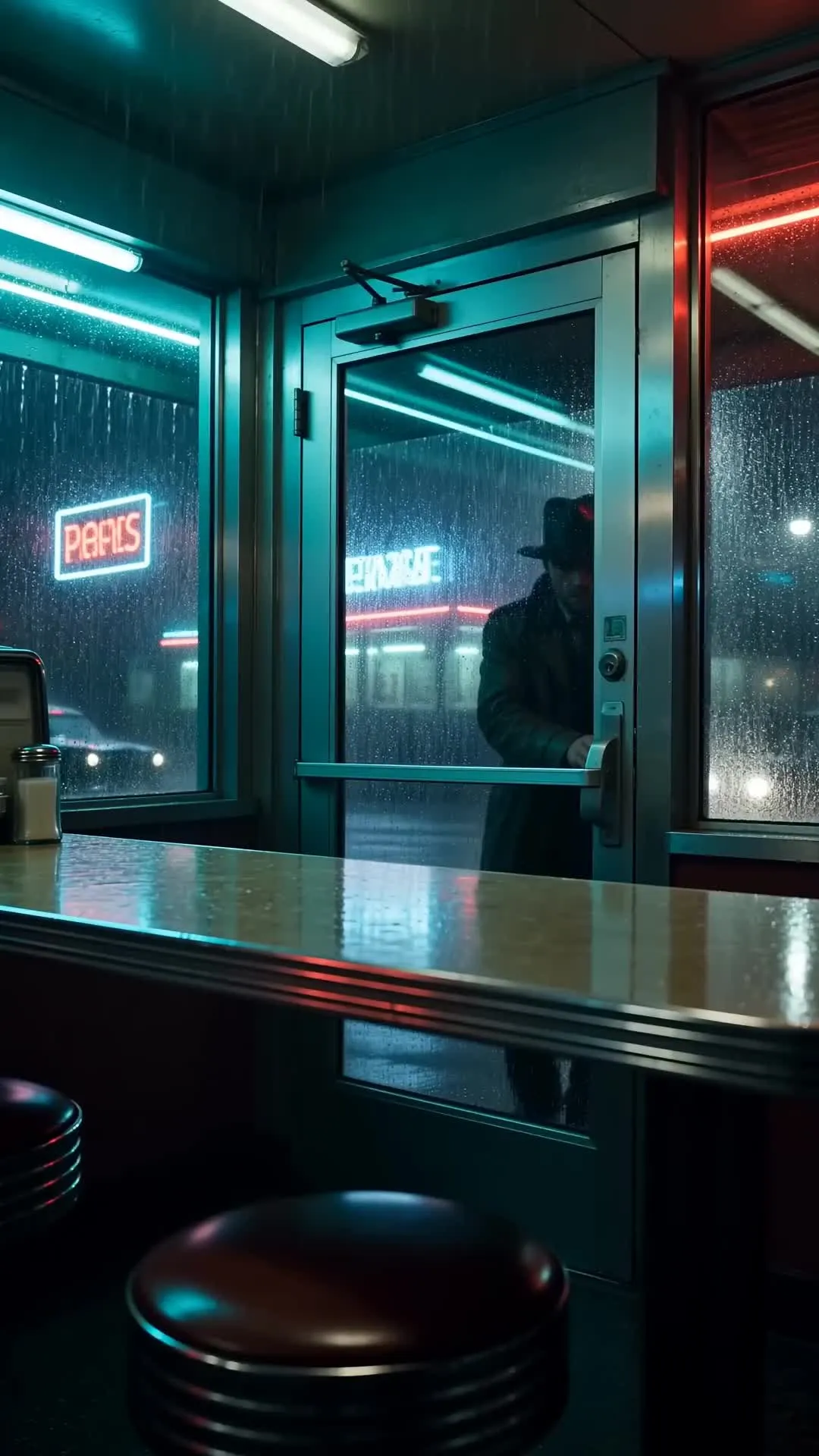
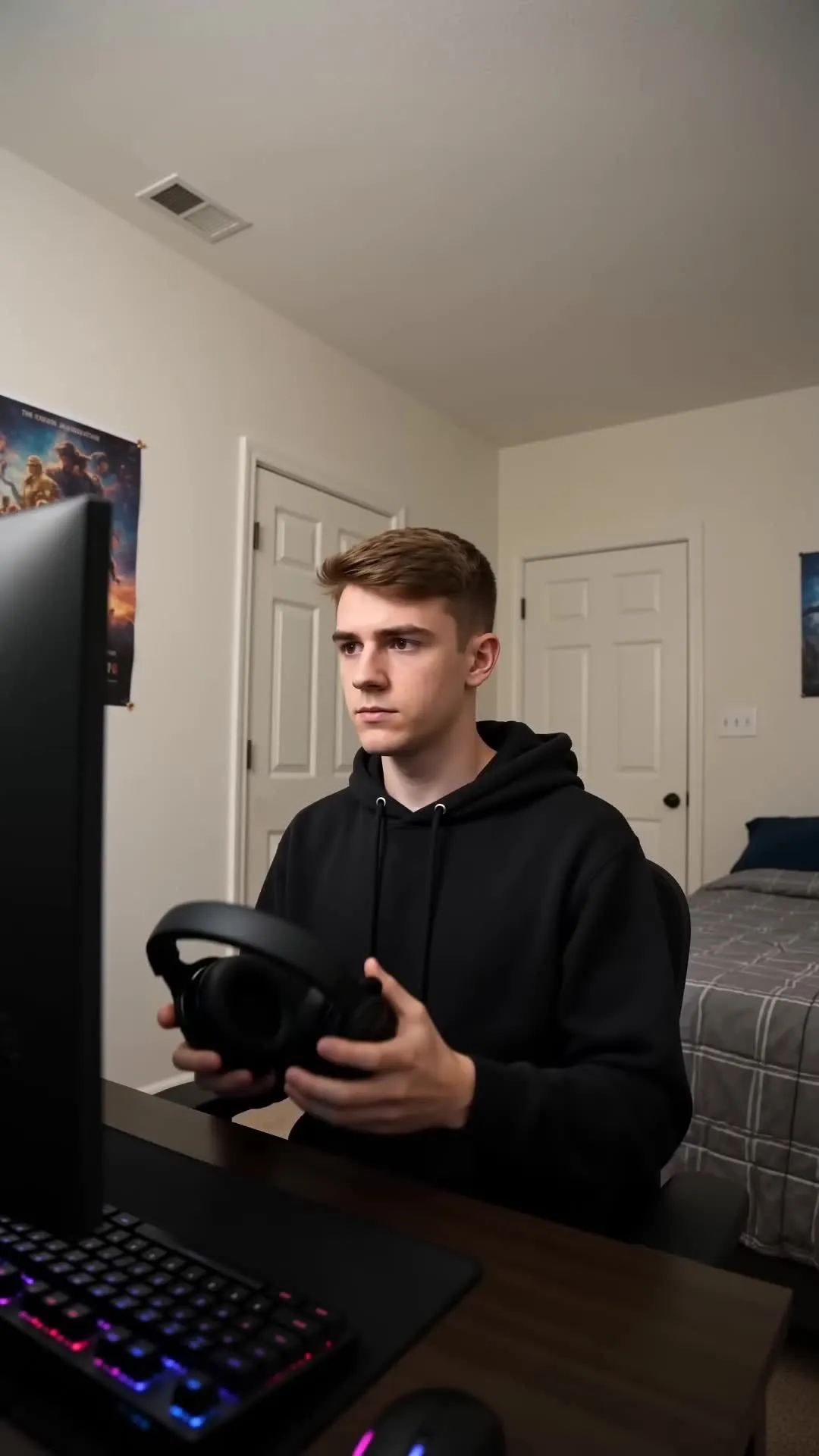
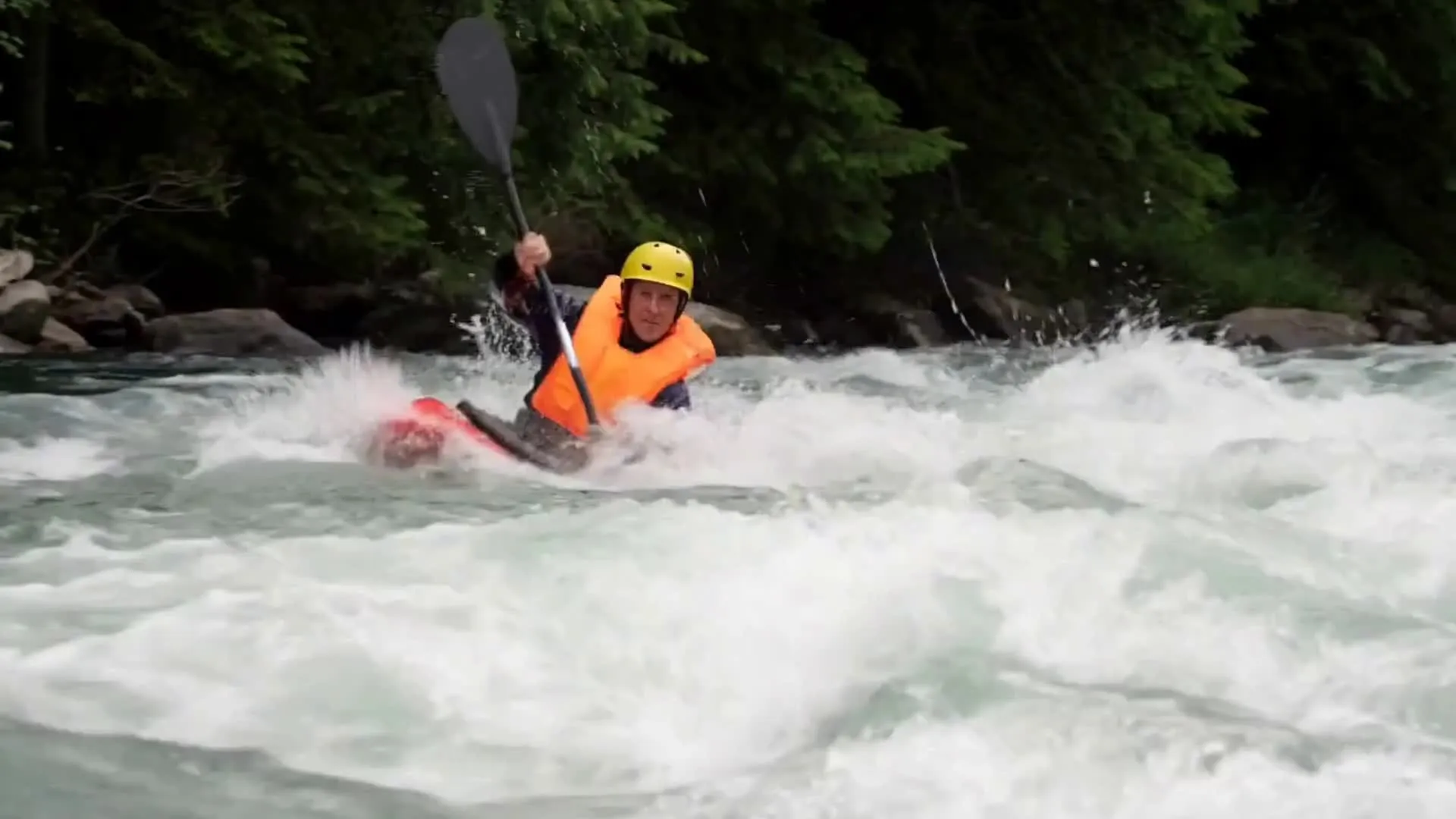
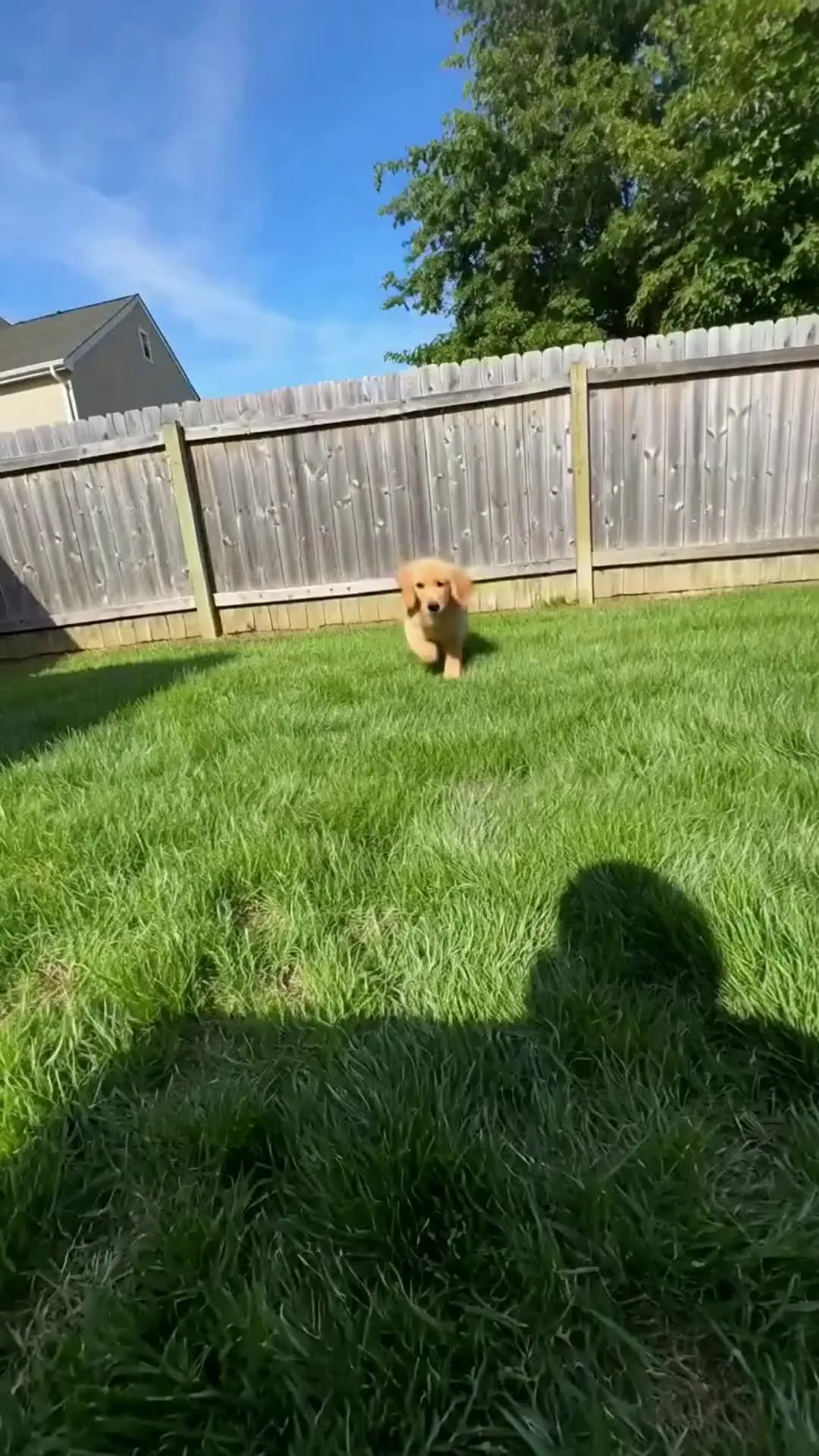
How to Use Seedance AI Video Models
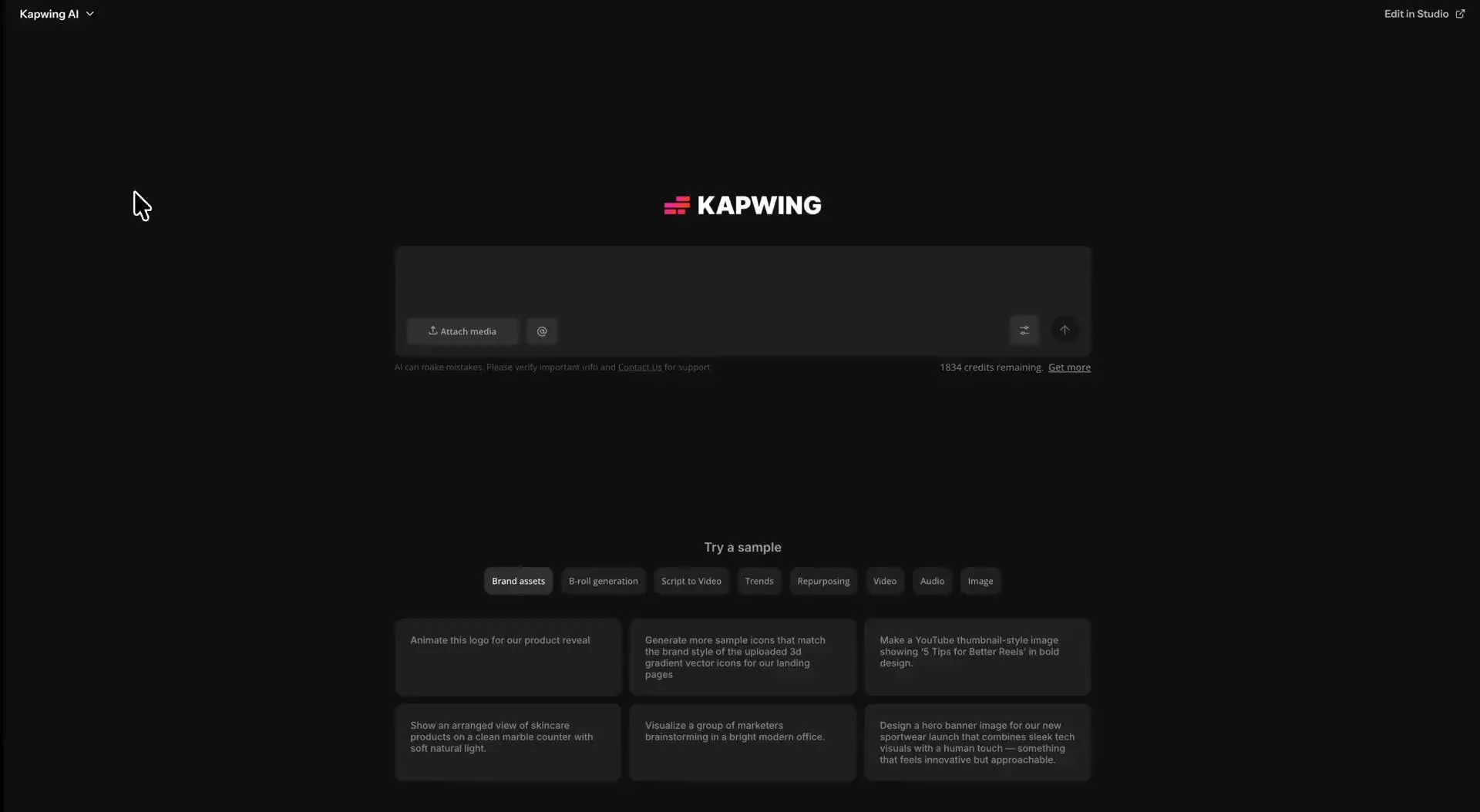
- Step 1Open Kai
Go to kapwing.com/kai to open Kapwing’s AI Video Assistant (Kai)
- Step 2Enter prompt
Describe the video you want to create, including your preferred aspect ratio and length. Upload a start frame if needed, along with reference files.
- Step 3Select Seedance AI model
Click the video model dropdown menu and select one of the Seedance AI video models. Alternatively, use a different AI model such as Veo, MiniMax, Happy Horse, and Kling.
Compare Seedance Pro, 2.0, and 2.5
Test different AI models. Combine the best scenes. Publish from one timeline.
Seedance 2.5
Designed for videos that need time to develop and resolve a complete scene, with generations up to 30 seconds long. Of the three models, Seedance 2.5 offers the most advanced control over references, camera direction, and character movement with a total of 30 reference files.
.webp)
Seedance 2.0
Built for scenes where characters and their surroundings need to respond naturally within 15 seconds. Choose it for interaction-heavy, multi-shot sequences that require consistent identities, believable physical reactions, and synchronized audio. Up to 15 reference files included.
Seedance Pro
A versatile choice for quickly creating polished videos from text or images. Built for everyday projects, although Seedance 2.0 and Seedance 2.5 are now the more popular choices.
Why use Seedance in Kapwing
Switch models between shots without rebuilding your production workflow
Different AI models suited to every task
Seedance can generate your main scenes, while Kapwing’s other AI models help you prepare references, refine inputs, or create shots suited to different tasks.
- ChatGPT Image 2
Create character sheets, products, locations, storyboards, and opening images for Seedance to animate.
- Google Nano Banana
Adjust clothing, props, backgrounds, lighting, and composition before turning an image into video.
- More AI video models
Switch between Kling, Wan, Veo, Happy Horse, Grok Imagine Video, and other models for specialized tasks such as motion transfer, rapid concepting, controlled transitions, prompt-only generation, and short social animations.
Frequently Asked Questions
We have answers to the most common questions that our users ask.
Seedance is ByteDance’s family of AI video-generation models. The models turn text prompts and images into cinematic video, with strengths spanning multi-shot storytelling, character interaction, camera movement, synchronized dialogue, music, ambience, and sound effects.
Kapwing includes Seedance Pro, Seedance 2.0, and Seedance 2.5. You can select a model for an individual generation, compare the results, and combine clips from different versions in one editing project.
Seedance Pro is the simpler all-rounder: fast short-form generation, strong prompt following, cinematic camera movement, multilingual dialogue, and native audio. Seedance 2.0 is the better specialist when a scene contains several interacting subjects, detailed physical reactions, identity continuity, and action-matched audio.
Seedance 2.0 focuses on difficult character-led action across videos up to 15 seconds. Seedance 2.5 extends the workflow toward complete scenes up to 30 seconds, with richer reference interpretation, smoother long-scene motion, camera direction, and broader production control. Seedance 2.5 supports up to 30 image, audio, and video reference files, compared with 15 in Seedance 2.0. Read a full Seedance 2.0 vs 2.5 comparison here.
Seedance 2.5 can generate the longest scenes, up to 30 seconds.
All three models can generate audio. Choose Seedance Pro for expressive or multilingual dialogue and efficient lip-synced social video; Seedance 2.0 for detailed Foley synchronized with physical action; and Seedance 2.5 when dialogue, ambience, music, and effects must remain coordinated across a longer directed scene.
Yes. All three Seedance models support text-to-video and image-to-video workflows in Kapwing.
Yes, both Seedance 2.0 and Seedance 2.5 are designed to interpret supported reference videos. Howeverm Seedance models do not provide strict one-to-one AI motion transfer in Kapwing. For exact transfer, use Kling Motion Control.
No. Videos generated and exported through Kapwing do not include a separate Seedance watermark.
Kapwing offers Seedance generation at 480p, 720p, and up to 1080p. Available aspect ratios include 16:9, 9:16, 1:1, 4:3, 3:4, and 21:9, so you can create for TikTok, YouTube, Instagram, presentations, and widescreen projects.
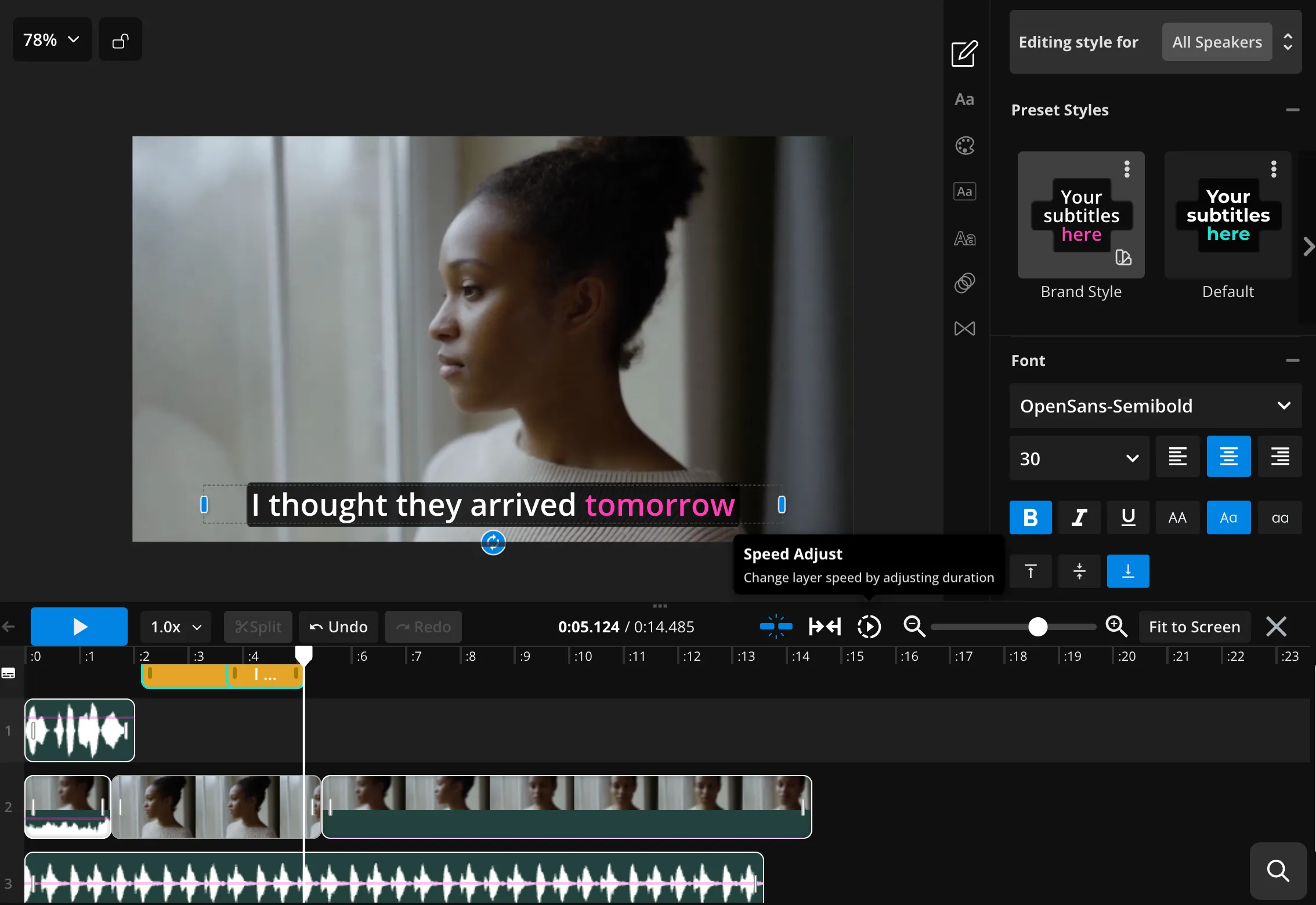
Yes. Generate different shots with Seedance Pro, 2.0, or 2.5, then bring them into one Kapwing project. Trim and reorder clips, add transitions, subtitles, dubbing, overlays, music, and sound effects in the video editor.
Kapwing is browser-based. Open Kapwing AI (Kai) on a compatible desktop or mobile browser, choose Seedance Pro, 2.0, or 2.5 from the video-model menu, enter a prompt or upload a supported image, and generate the video without installing separate Seedance software.
Discover Resources
Tips, templates, and deep dives to help you create faster and share with confidence.
View all


Get started with your first video in just a few clicks. Join over 35 million creators who trust Kapwing to create more content in less time.