AI Motion Capture
Turn videos into simplified motion capture animation.
Start for free in your browser.
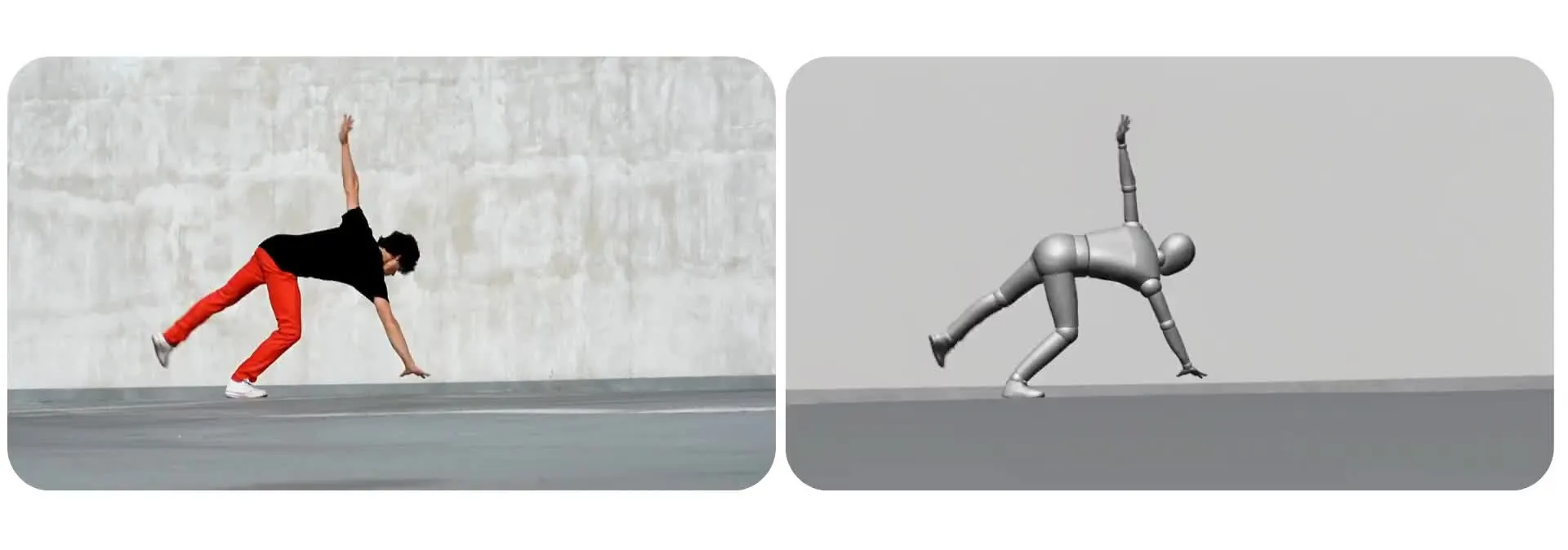
Turn videos into motion capture animations
Capture movement, gestures, and expressions from any video
Create reusable mocap videos with AI
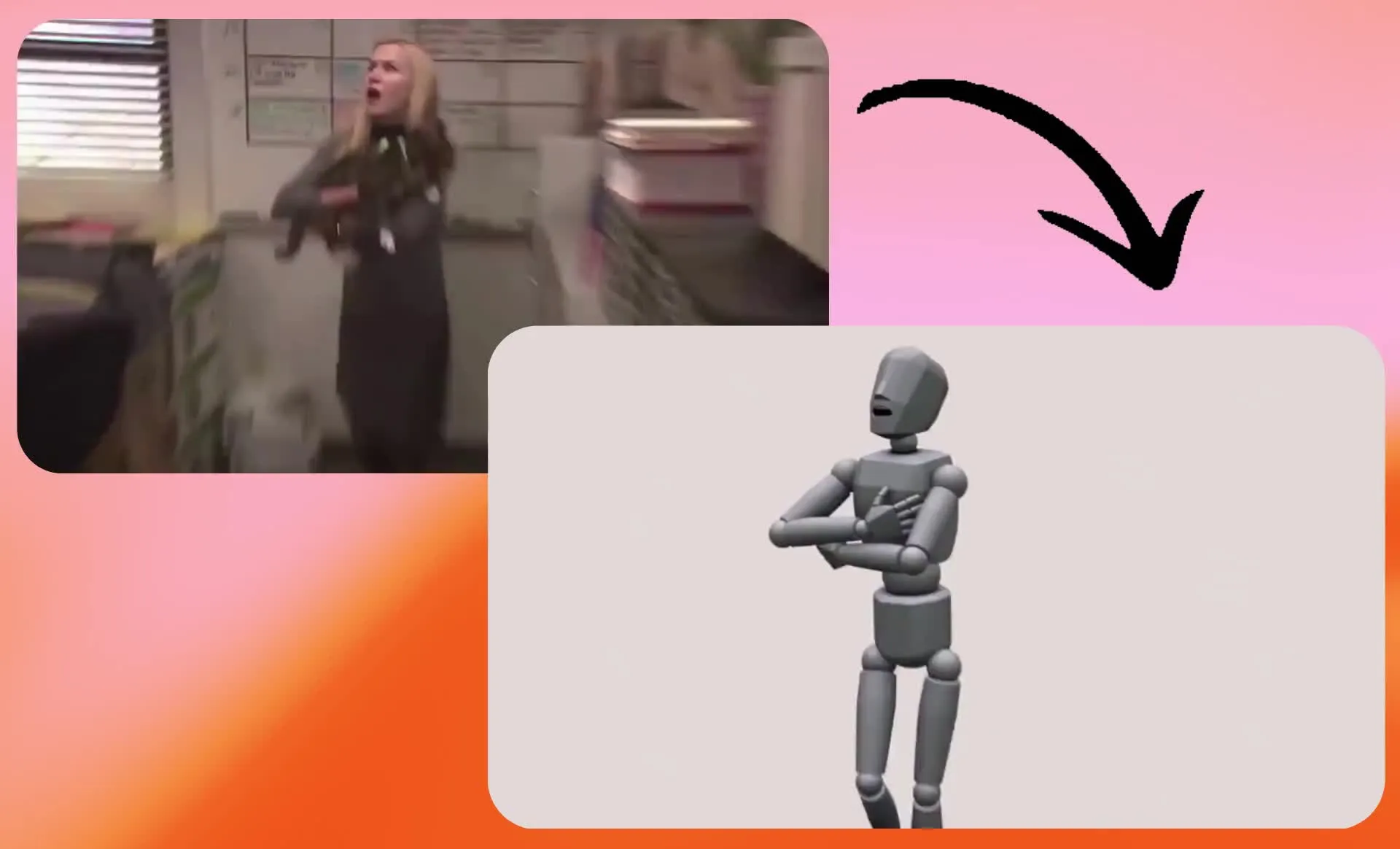
Use Kapwing's AI Motion Capture tool to transform a video into a simplified 3D motion capture visualization. The tool uses Seedance 2.5 to accurately replicate the subject’s movement, timing, direction, and facial expression cues while replacing their appearance and visual style with a geometric figure.
Adjust your prompt to change the mocap style, from the shapes and materials to the background and level of detail. Save the rendered clip as a motion reference for dances, sports moves, or game character concepts, or use AI Motion Transfer to apply the movement to character, model, or influencer images.
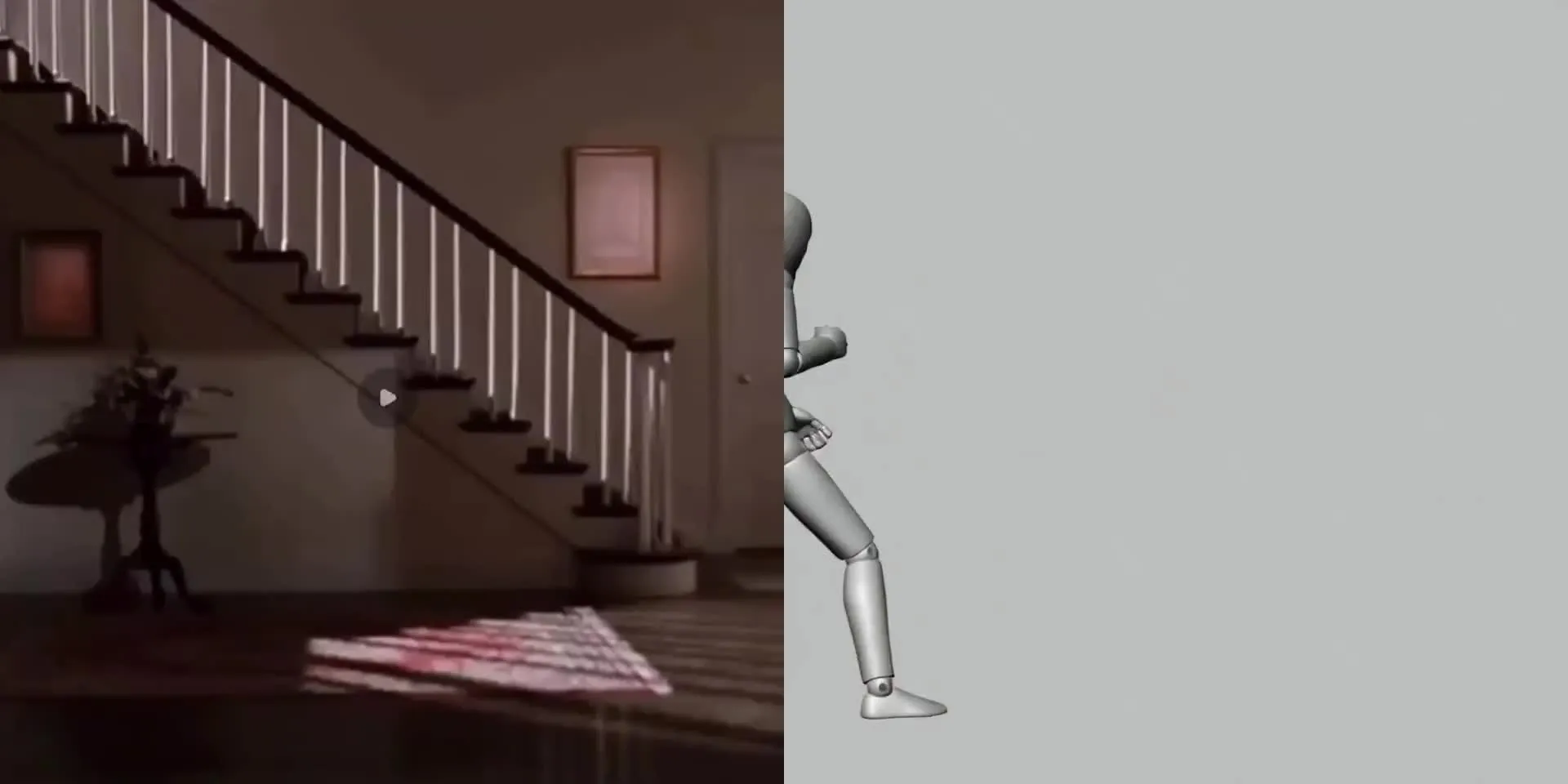
How to make a mocap animation in 3 steps
Reduce any video to simplified mocap in under a minute. Works in your browser.
Upload
your video to a new chat with Kai, Kapwing's AI assistant
Prompt
Kai to turn your video into motion capture. Copy the prompt below and adjust style if needed
Download
your mocap animation as watermark-free MP4, or reuse for AI motion transfer
Motion capture for every kind of creator
Turn real movement into a simplified video reference for character concepts, choreography, coaching demos, and creator content
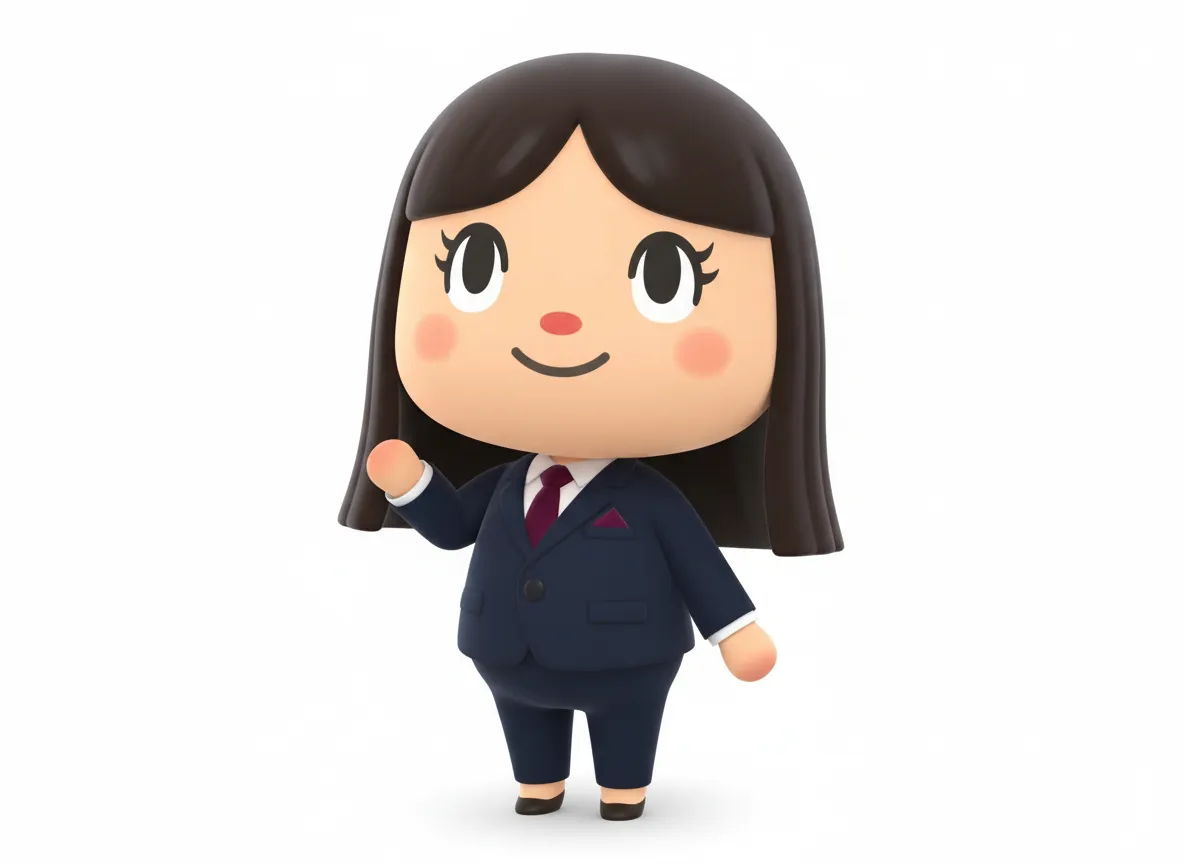
Game Developers
Visualize a jump, dance, or fight move as a mocap-style clip while developing a character concept for gaming
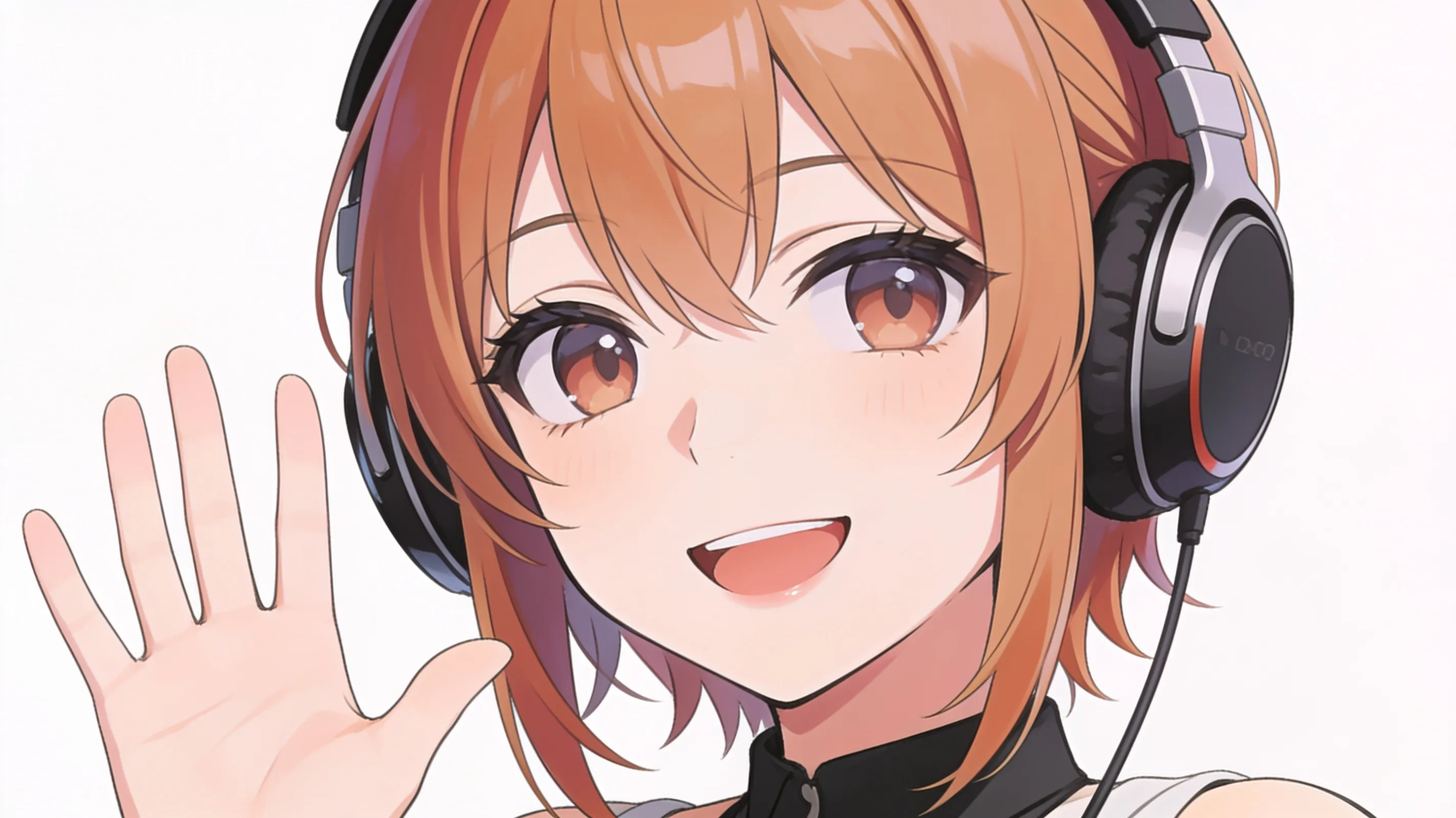
VTuber Creators
Turn your own gestures or performance into a simplified motion reference, then try the same movement with different avatar designs
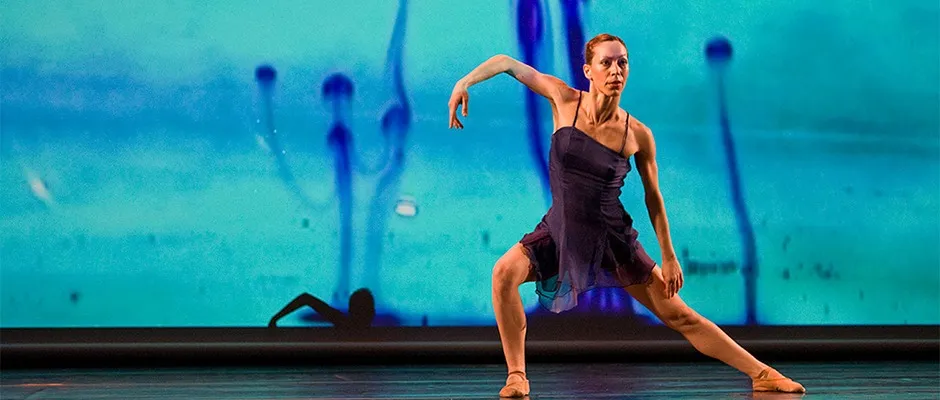
Dance Creators & Choreographers
Show choreography as a geometric animation that makes the movement easy to follow, then create character versions for social videos
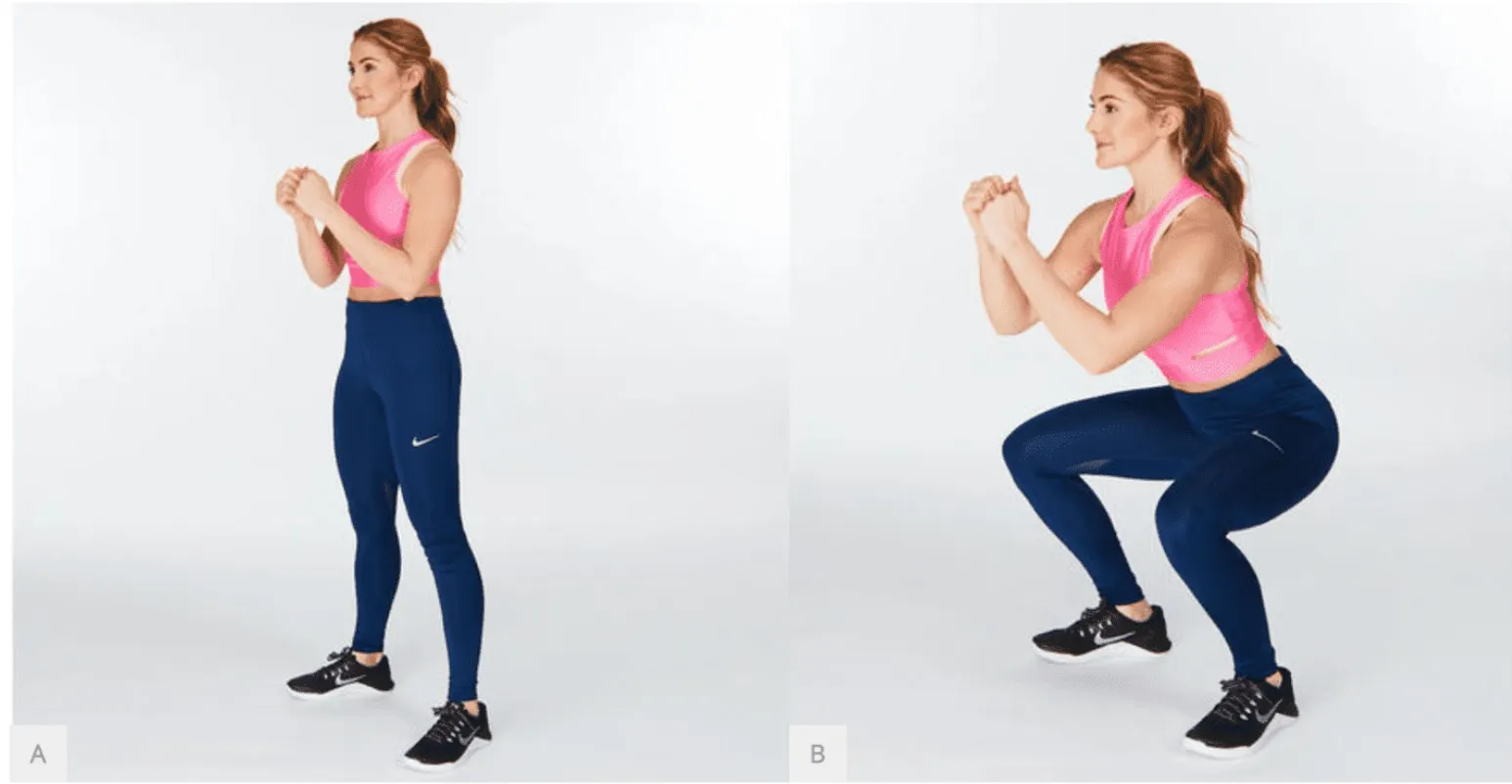
Coaches & Educators
Make a clear visual demo of a sports drill, exercise, or classroom movement without keeping the original subject’s appearance
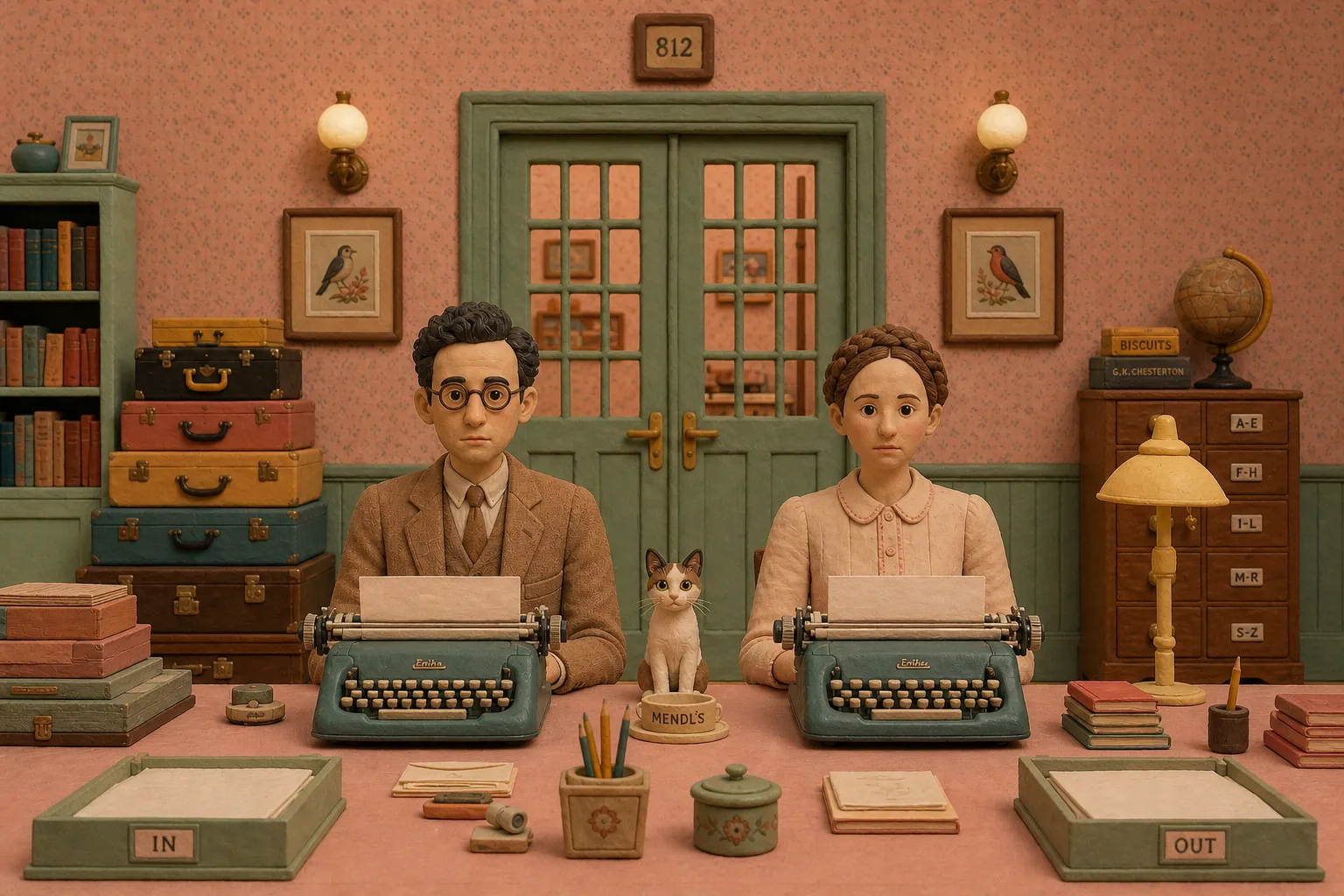
Animators & Storyboard Artists
Explore how a character might move in a scene before settling on its final look or animation style
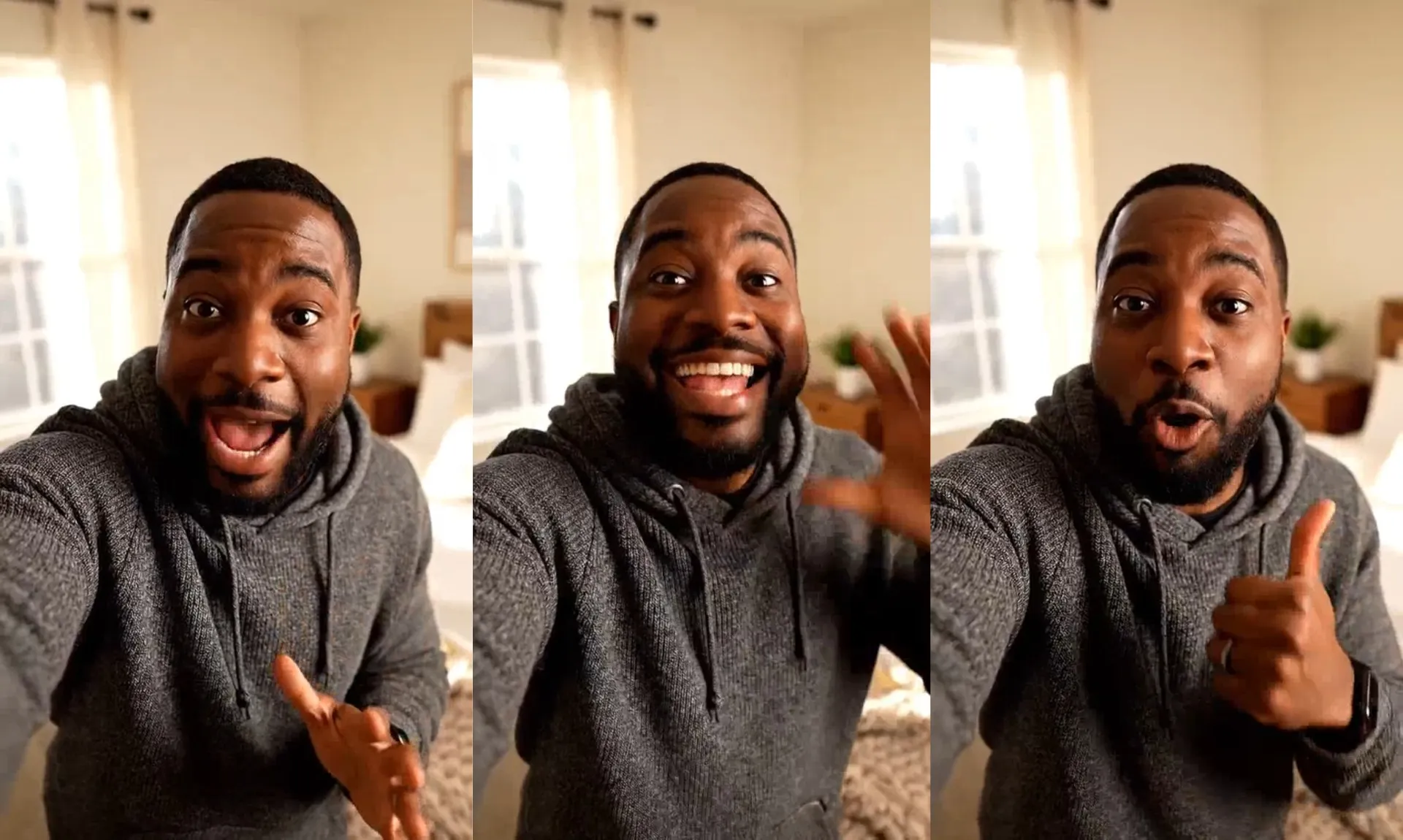
Social Media Creators
Give a dance, reaction, or physical gag a distinctive mocap-style look, then reuse the movement in new character videos
Capture full-body movement without distracting details
Convert motion into simplified mocap videos — without the visual noise
Accurately capture movement, expressions, and gestures
Turn a source video into a mocap-style animation with Seedance 2.5. The tool captures skeletal motion from the original footage, including walking patterns, dance moves, athletic movements, hand gestures, and changes in body and camera position. Your motion capture video preserves the original pacing while removing visual clutter.
Motion capture can also preserve smaller performance details, including facial expressions, eye movement, and lip movement. Transform the person into a sketch, wooden figure, or geometric rig while keeping the movement and performance of the original clip recognizable.
Reuse motion with different characters
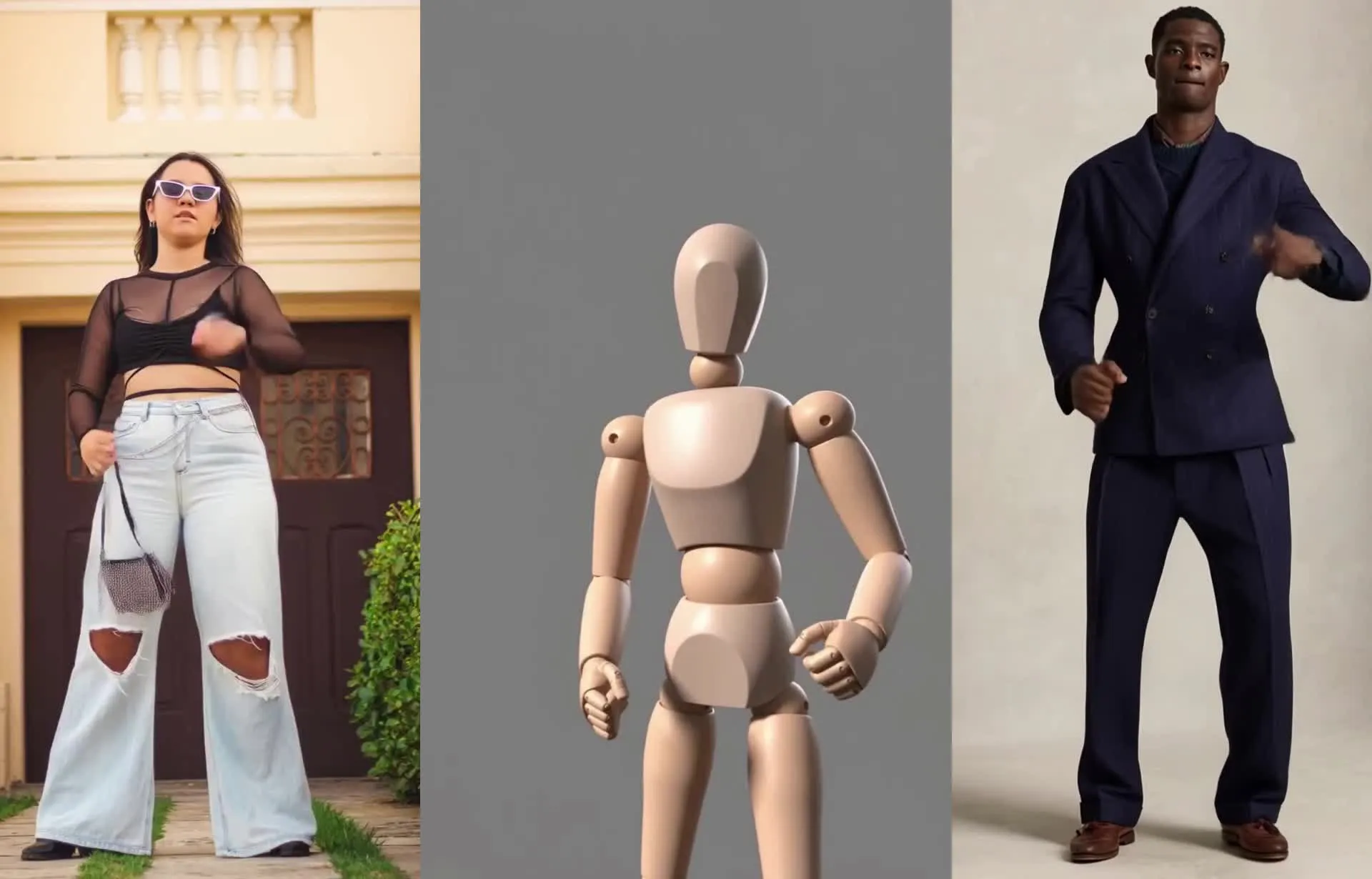
Capture a movement once, then use it as a reference for new characters and videos. Walking patterns, dance routines, athletic actions, gestures, and facial movements can all carry over from the original performance.
Use your motion clip with Kapwing's AI Motion Transfer to apply the performance to a character, model, or influencer-style image. Reuse the same movement across different subjects to create character videos, social content, campaign variations, and new takes on the same performance.
How to Create AI Motion Capture Videos

- Step 1Upload video
Create a new chat with Kapwing AI, then click "Attach media" to upload your motion reference video.
- Step 2Enter prompt
Paste the motion capture prompt into the prompt box and select "Seedance 2.5" from the AI model dropdown menu. Optionally, adjust the style or level of detail in the prompt.
- Step 3Generate mocap
Click the arrow to generate your motion capture video. When it's ready, download as MP4 to share or use anywhere.
What's different about Kapwing?


Frequently Asked Questions
We have answers to the most common questions that our users ask.
Is the AI Motion Capture tool free?
Yes, anyone can try Kapwing’s AI toolkit for free without watermarks. Our AI tools run on a credit system, with each feature costing a set number of credits. For maximum creativity and the best value, upgrade to a Pro account to unlock the full power of AI-driven content creation.
How to create AI motion capture from videos
Start by creating a new chat with Kapwing's AI assistant, Kai. Upload a video with a movement you want to recreate, then select Seedance 2.5 from the model selector in the prompt box. Enter a prompt requesting a simplified motion capture video. We recommend starting with the prompt linked above and found in the FAQ just below this, though you can also write a mocap prompt from scratch.
Your source footage will guide the subject’s pose, timing, direction, and overall movement. Once your video is generated, you can click to download it as MP4, request changes with additional prompts, or use it as a motion transfer reference video by uploading a character image.
What prompt can I use to generate AI motion capture?
Here is a prompt you can use to generate an AI mocap video:
Transform the input video into a simplified 3D motion-capture visualization. Preserve the original subject’s pose, timing, direction, and overall movement, but replace their appearance with basic geometric forms: spheres for joints and simple cylinders or tapered capsules for limbs and torso. Reduce details and smooth out small, incidental movements while keeping the main actions easy to read.
Use a clean, consistent 3D style with uniform matte materials, simple lighting, and a plain background. Keep the subject fully visible and centered. Maintain the original camera angle and framing, and keep the geometry attached to the body as it moves. Add facial features and expressions but do not add clothing, textures, props, extra limbs, or new actions. The result should look like a basic animated mocap rig made from simple 3D shapes, not a realistic person or a static diagram.
Note: You can adjust it to request no facial expressions or a different look, like a sketch, wooden block figure, or geometric 3D rig. You can adjust the style and level of detail using your prompt, even as you keep the main action recognizable.
What movements can AI mocap capture?
Use AI motion capture to visualize full-body skeletal movement, including walking patterns, athletic actions, dance moves, and martial arts. It can also carry hand motion and gestures, such as waving or pointing, from the source clip.
Seedance 2.5 can recreate facial expression cues too, including eye and lip movement. The result gives you a simplified way to show body language and expressions in a video.
What AI models does Kapwing use?
Kapwing uses the latest AI models, including Kling, Veo, Happy Horse, Minimax, and Seedance. For the best results, select Seedance 2.5 from the dropdown model selector menu in the Kai prompt box.
What kind of footage works best for AI motion capture?
Choose a clip where the subject and their movement are easy to see. Clear framing and fewer cuts or obstructions can help Seedance follow the action and keep the subject visible in the result. The best reference videos feature one or two clear human subjects.
For hand motion, facial expressions, or detailed footwork, use footage where those movements are visible. A clear reference makes it easier to recreate the gestures and timing you want to show.
Can I reuse a mocap video with different characters?
Yes, you can use your generated mocap video as a movement reference in AI Motion Transfer, then pair it with a character, model, or influencer-style image. The reference clip can help guide new performances across different subjects.
Save clips for movements you may want to reuse, such as a walk, dance, gesture, or athletic move. That gives you a growing library of motion references for future videos.
What can I use AI motion capture videos for?
Create mocap-style references for game character concepts, choreography, sports demonstrations, martial arts sequences, or instructional videos. The simplified look can help make a movement easier to follow or give a video a distinct visual treatment.
You can also use the generated clip as a starting point for character videos, social content, or creative variations. Since the result is a rendered video, it works as footage you can edit and share.
Can I change the motion capture style?
Yes, you can adjust your prompt to create different motion capture styles from the same source footage. Try sketch lines, wooden block figures, or simple shapes like spheres for joints and cylinders for limbs.
You can also describe materials, the background, and how much detail to include. This gives you a way to make the movement clearer or fit the video’s visual style.
Discover Resources
Tips, templates, and deep dives to help you create faster and share with confidence.
View all

Get started with your first video in just a few clicks. Join over 35 million creators who trust Kapwing to create more content in less time.