A suite of AI tools built into Kapwing's online video editor
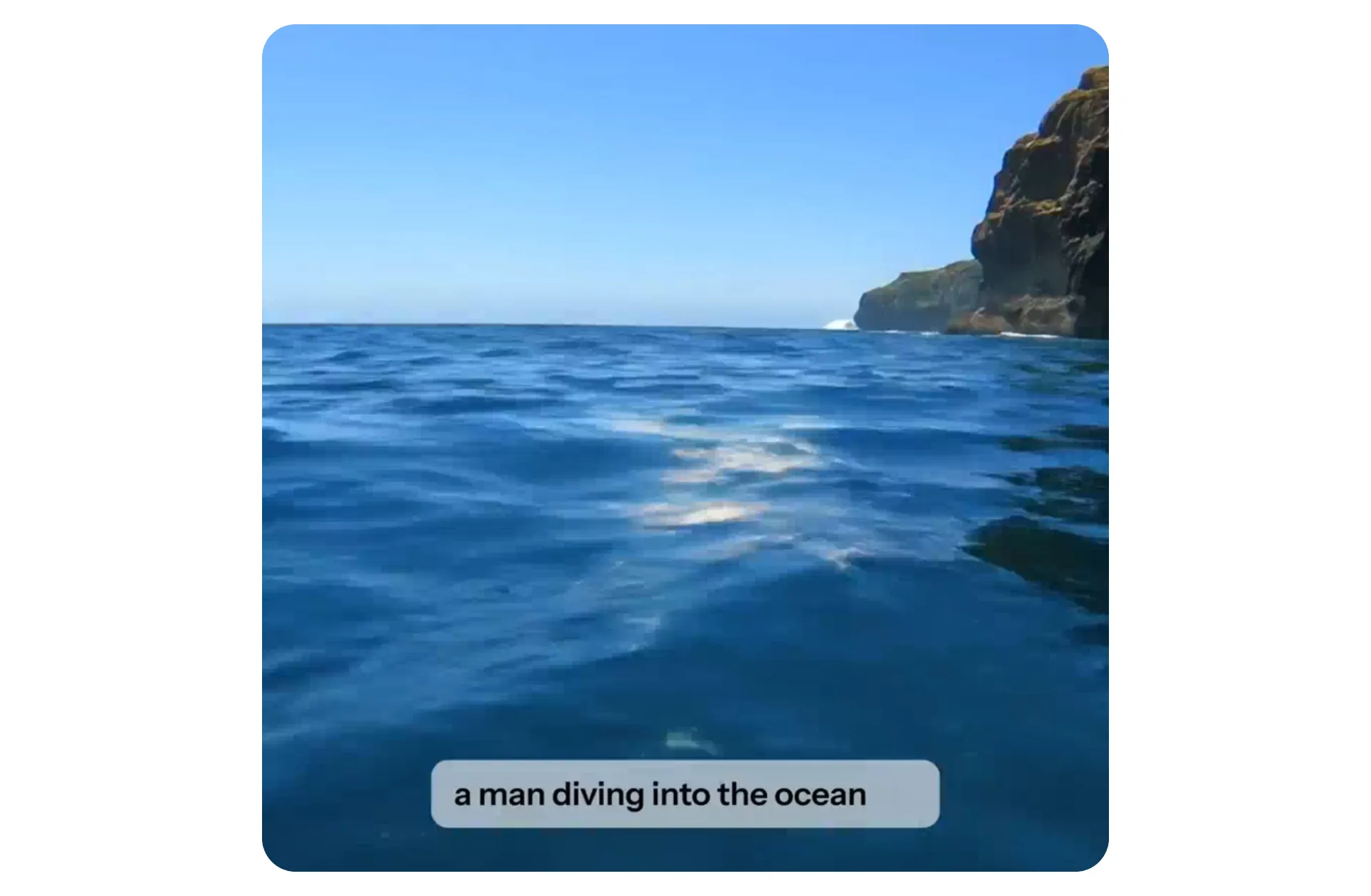
What is Kapwing AI?
Fully browser-based. No download required.
AI tools built into an online video editor
Kapwing AI is a suite of AI tools built into Kapwing's online video editor.
Millions of creators replace the manual, time-consuming parts of content creation with Kapwing's AI toolkit.
Features include an AI video generator, AI video editor, dubbing, auto-subtitles, voice over, AI image generation, lip sync, and 30+ other tools.
Kapwing AI runs in your browser and powers everything from short-form social clips to long-form explainers and ads.
Produce professional AI video content — fast
Powered by 9 leading AI models

AI Video Generator
Generate videos with start frames, end frames, multi-scenes, motion control, and consistent characters using Veo, Wan, Seedance, or Kling
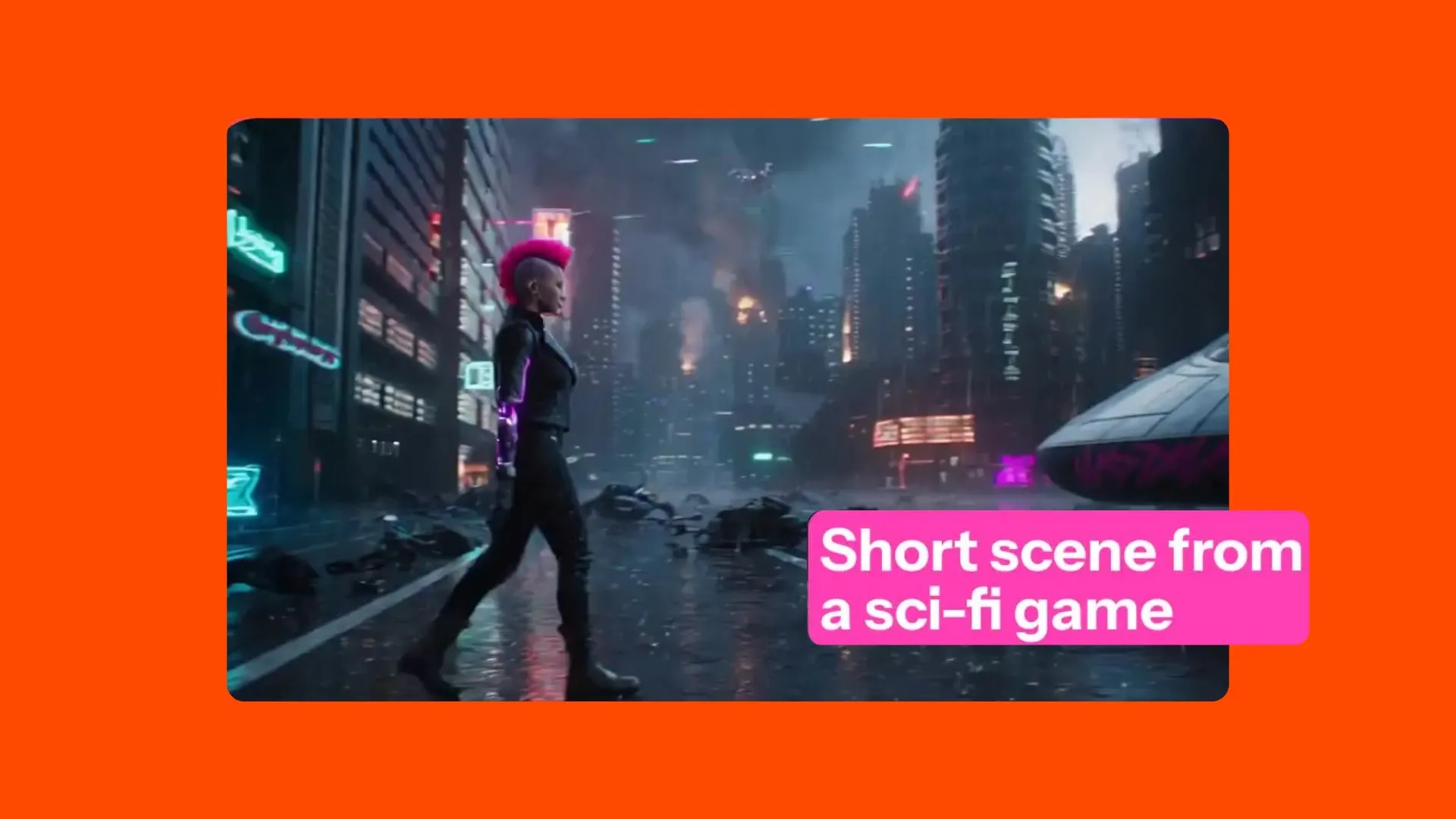
Text to Video
Turn a short prompt, full video script, article, or PDF into a fully-edited video project

Image to Video
Animate any still image into an AI video, whether a produc shot upload or an AI-generated image start frame
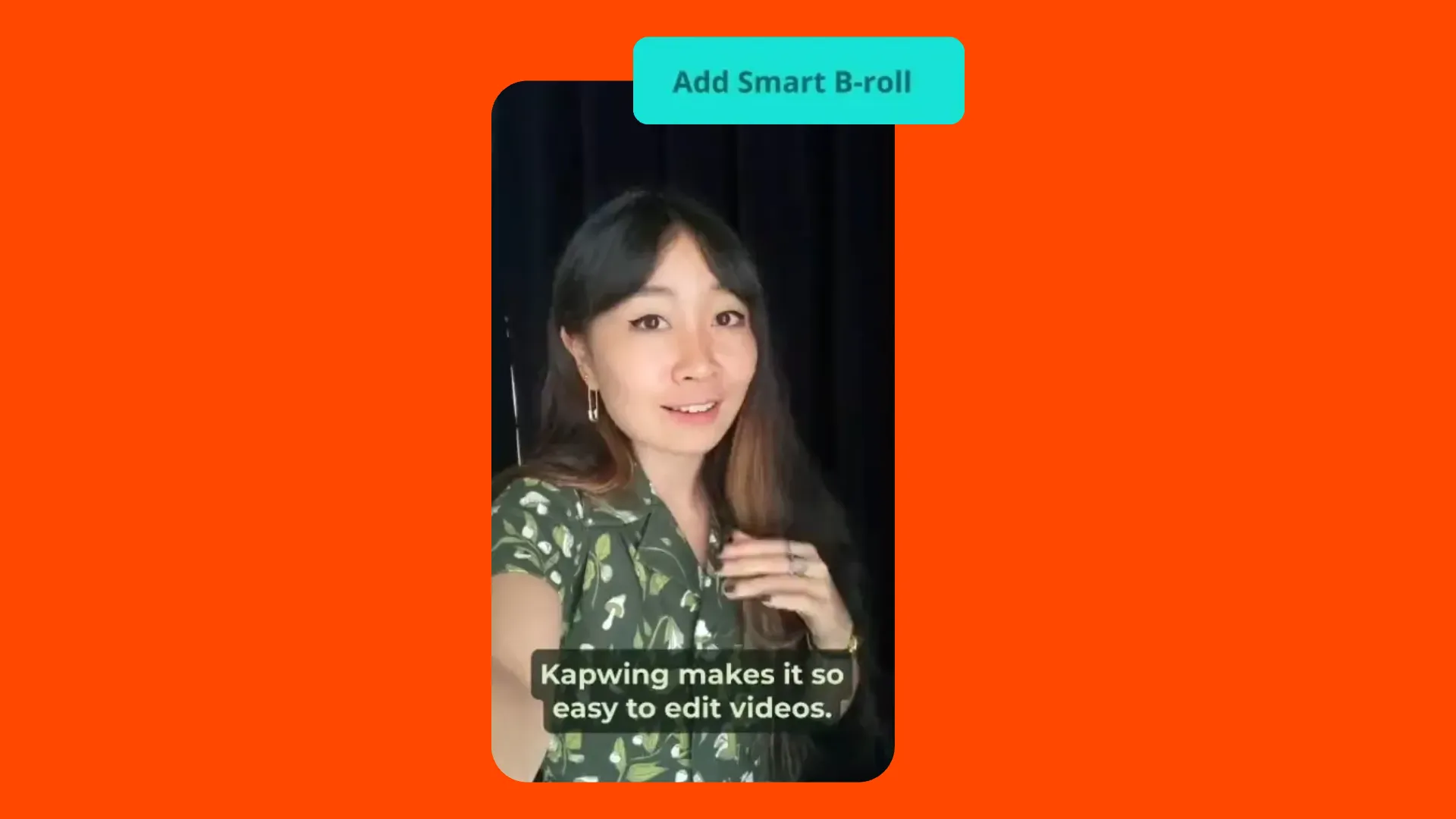
B-roll Generator
Automatically add relevant images and video clips to match your video script
.webp)
AI Avatars
Lifelike AI presenters that read your script on camera — no recording required
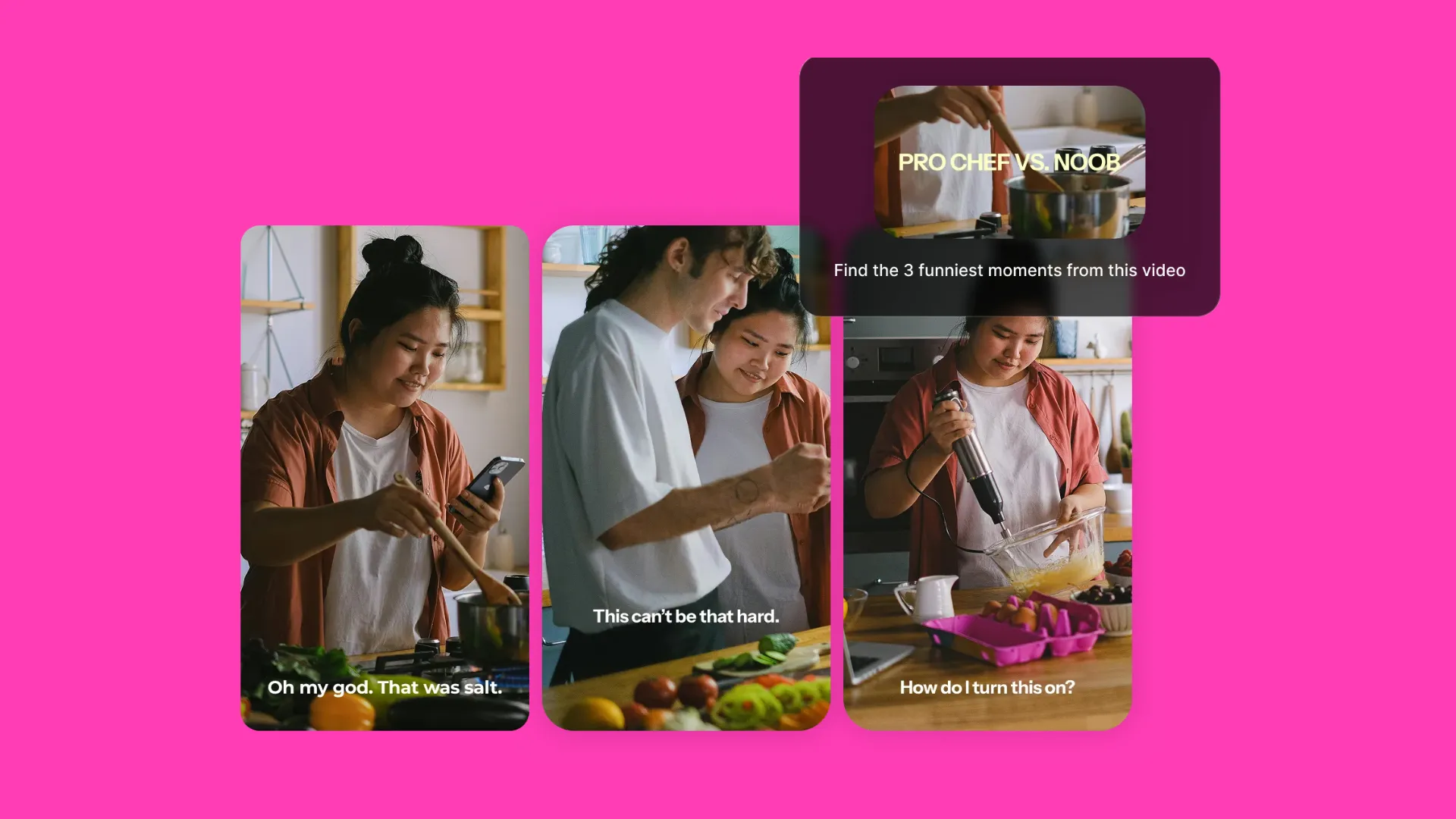
AI Clip Maker
Auto-clip long videos into social-ready posts in multiple aspect ratios
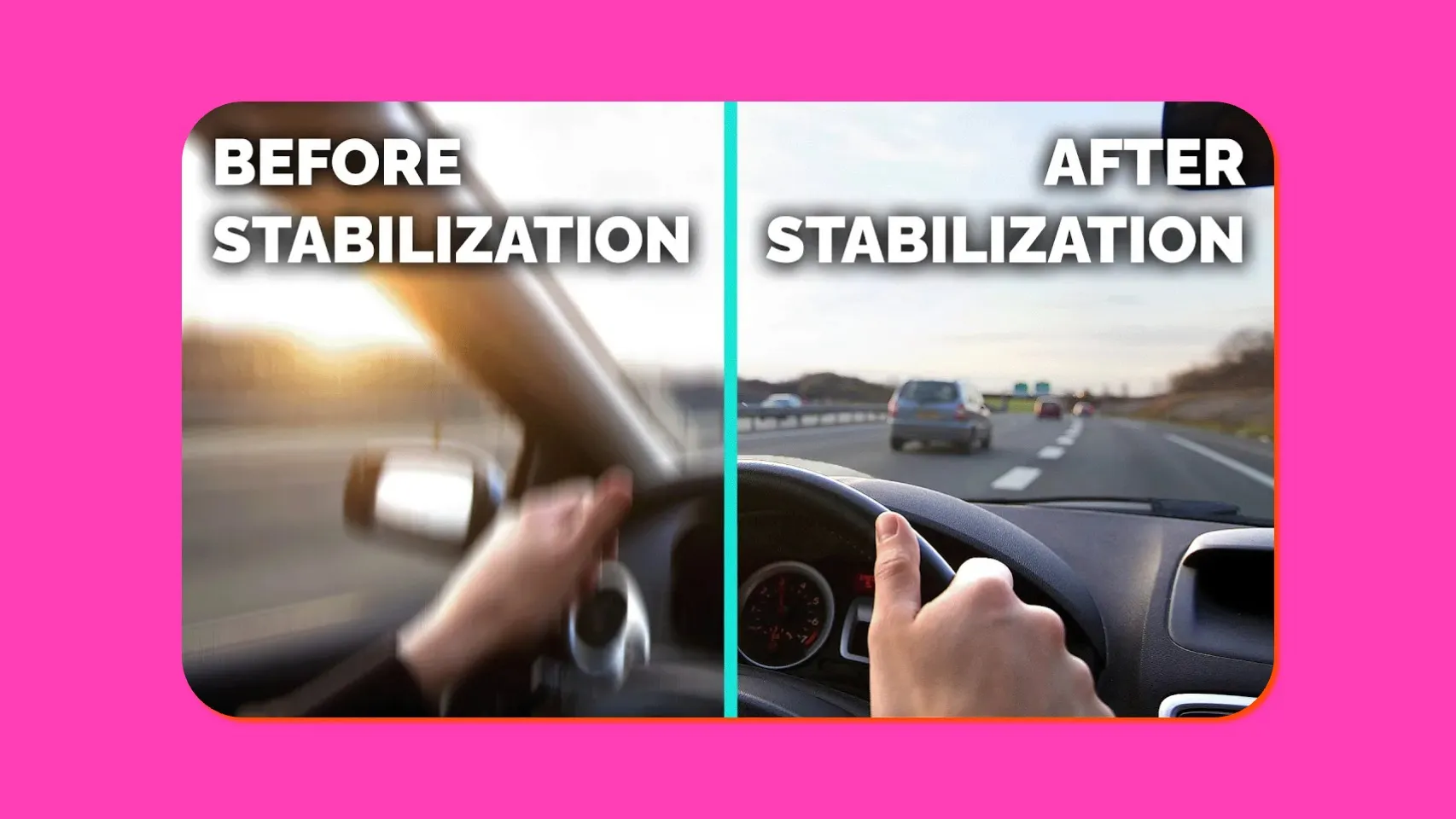
Video Stabilizer
Smooth out shaky footage automatically with AI-powered video stabilization
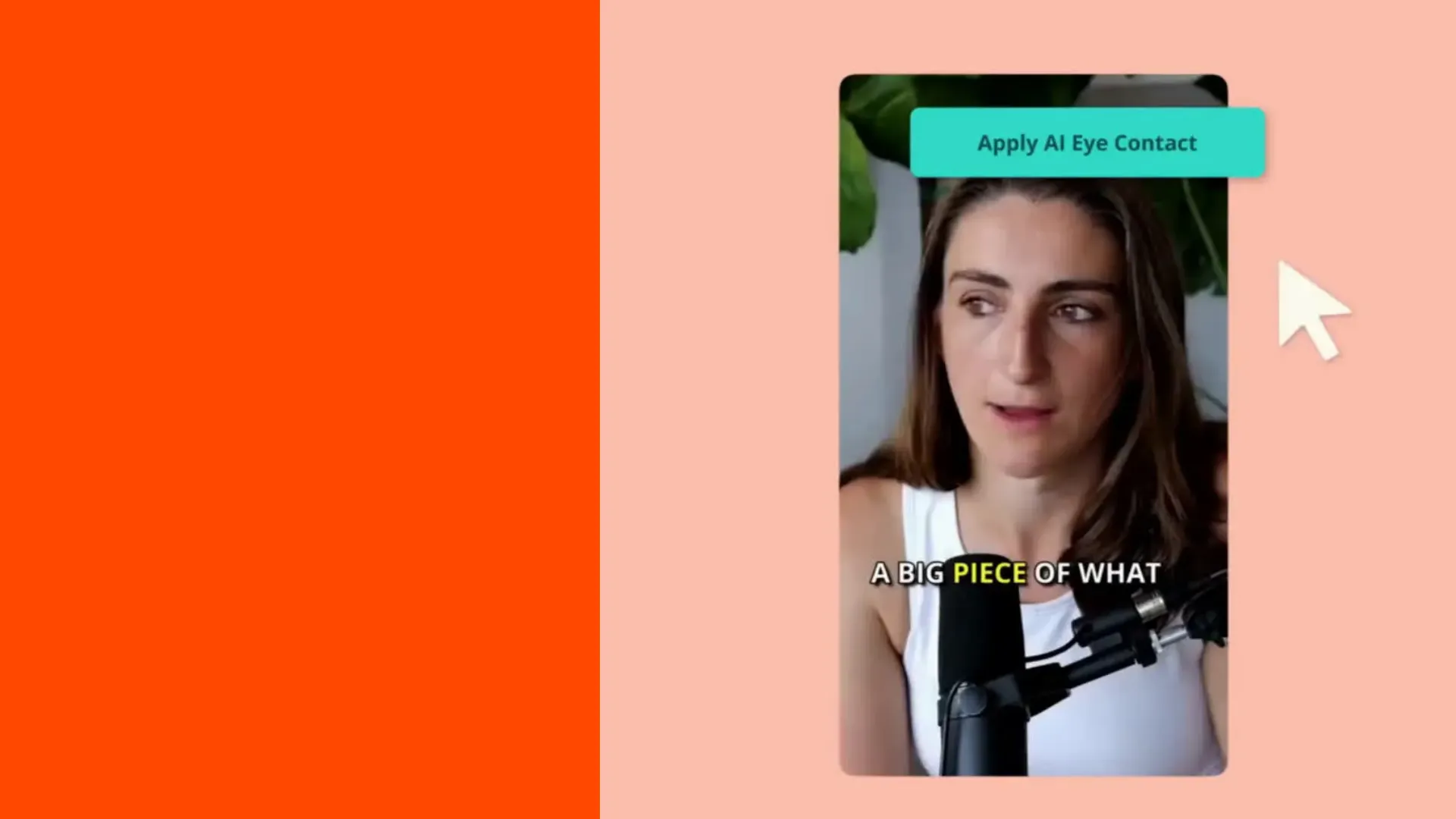
AI Eye Contact
Correct gaze toward the camera automatically for professional on-camera delivery
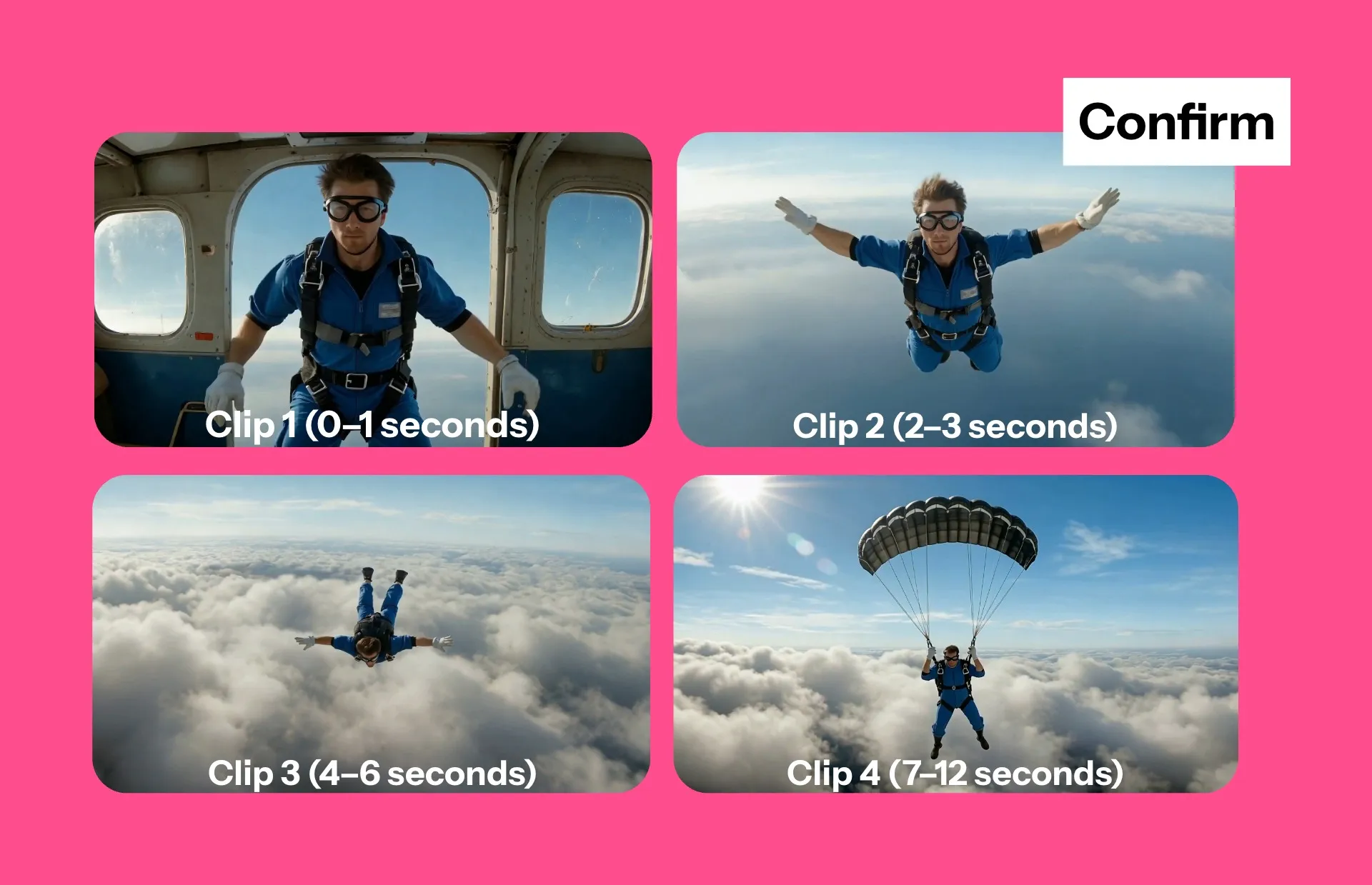
Video Storyboards
Every video starts with a storyboard, complete with a time-stamped shot list of every scene
.webp)
Article to Video
Upload an article or PDF and transform it into a fully edited video project — from 30-second clips to 10+ minute videos
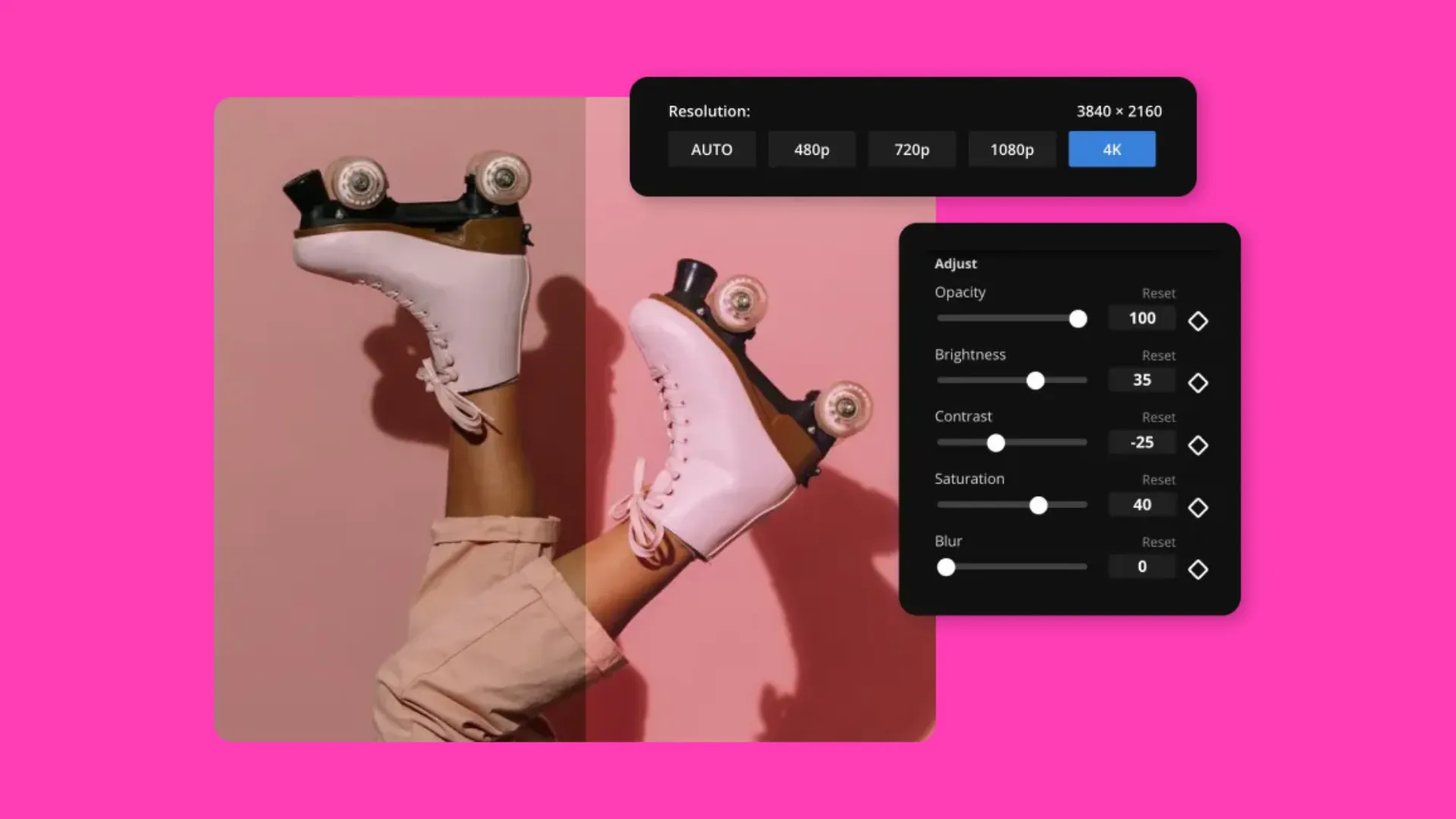
Video Enhancer
Enhance low-resolution videos into 1080p or 4K with AI-powered upscaling
What makes Kapwing AI different
Free to start. No watermark on Pro.
Every Kapwing AI output is fully editable
Every video, image, and audio file produced by Kapwing AI stays editable — refine messaging, swap visuals, adjust branding, and tweak timing without starting over.
Our AI video tools are built to support real production workflows. Add brand assets, callouts, transitions, or templates. Resize videos instantly for any platform, and make changes simply by editing text.
Everything runs in one shared workspace, so updates are fast and consistent across projects.
.webp)
Built for real production workflows — not one-off videos
With Kapwing AI you can go from a text prompt, script, article, or raw clip to a polished, social-ready video in minutes.
Kapwing AI is used by 35+ million creators, students, marketers, and educators to create short-form videos for TikTok, Reels, and Shorts, as well as long-form explainers, announcements, ads, and PR videos.
Generate footage with leading models like Veo, Wan, Seedance, and Kling. Auto-subtitle, dub, and translate into 100+ languages.
Clean up audio, remove filler words, and sync lips automatically. Generate thumbnails and overlays with Kapwing AI's image tools — all without leaving the editor.
Polished audio and subtitles, accessible to everyone
Auto-generated lip-sync in 40+ languages
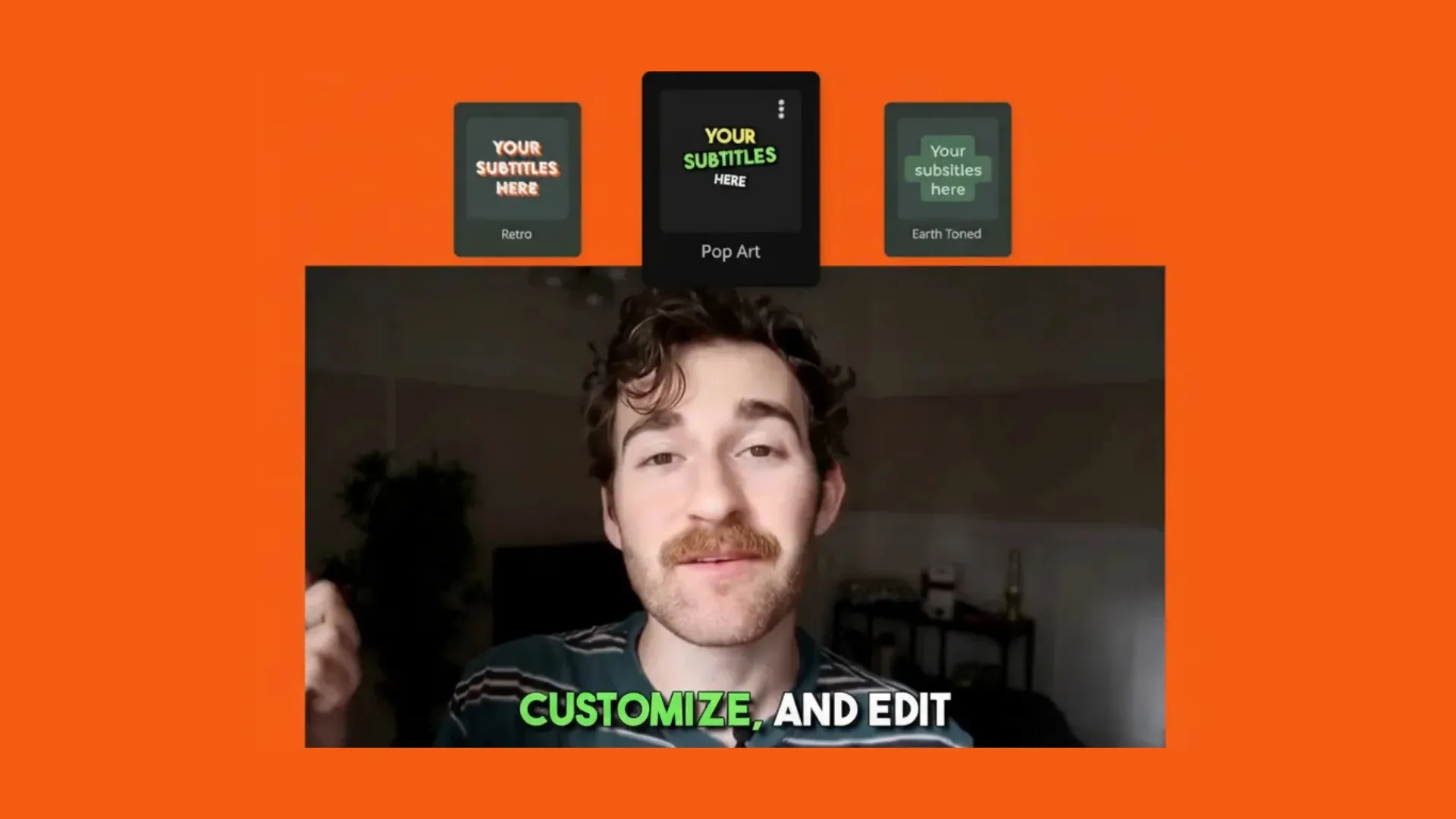
Auto-subtitles
Generate customizable on-brand subtitles with 99% accuracy
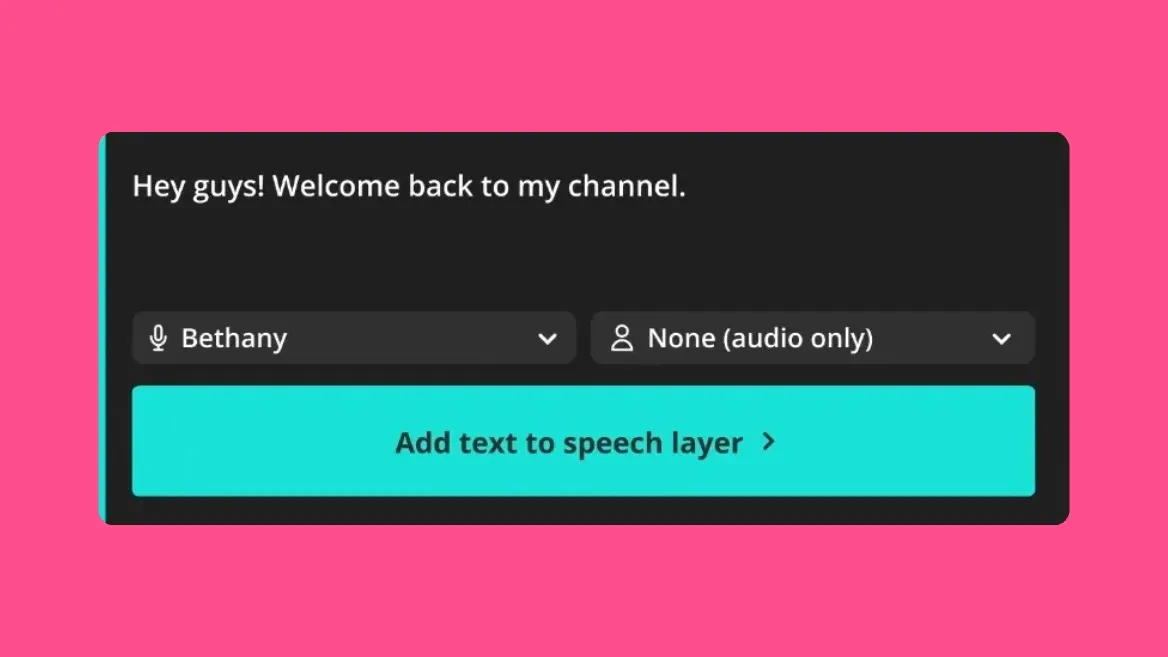
Text to Speech
Realistic AI voice over from text, with stock and cloned AI voices
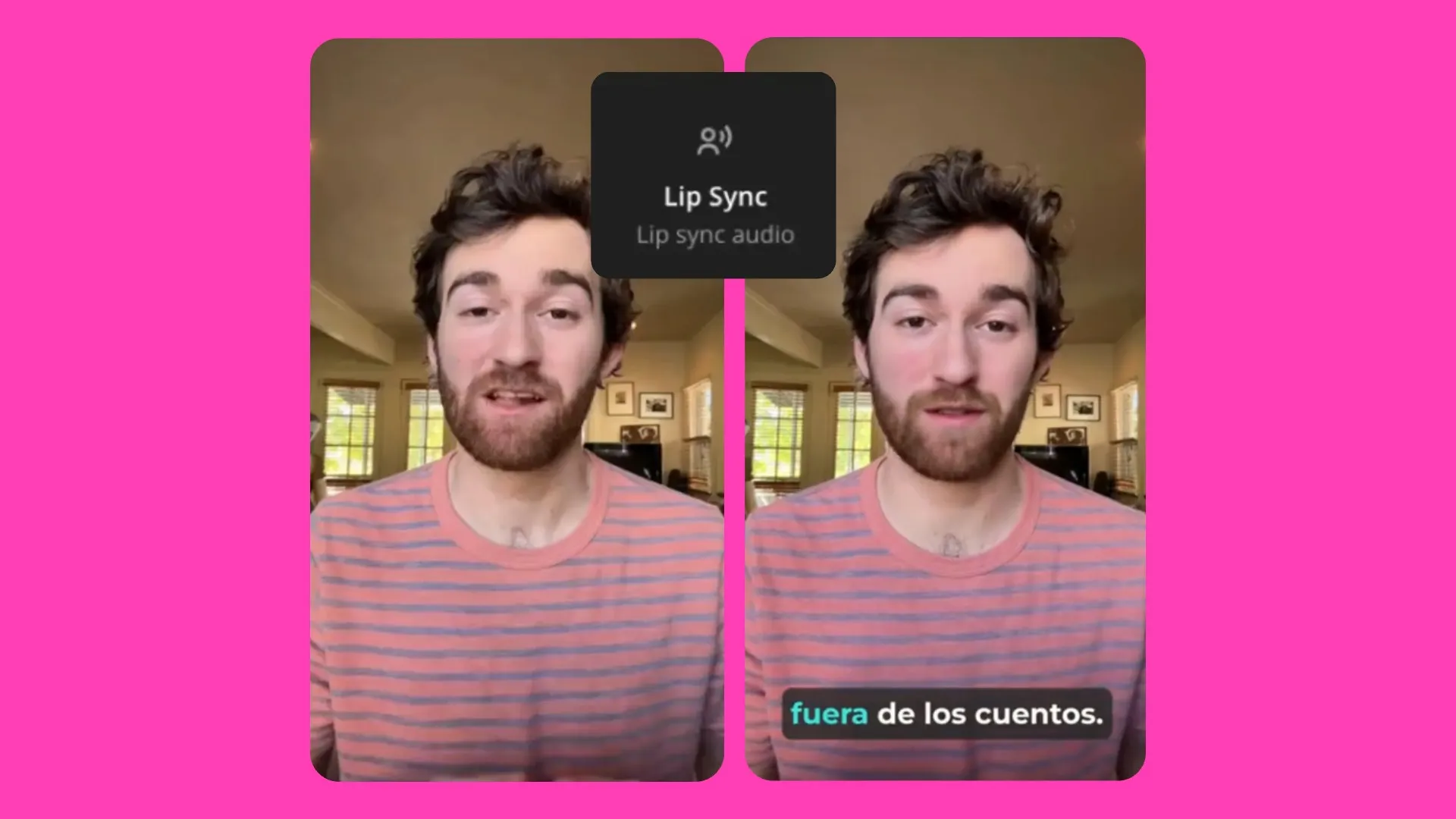
Lip Sync
Match lip movement to translated audio
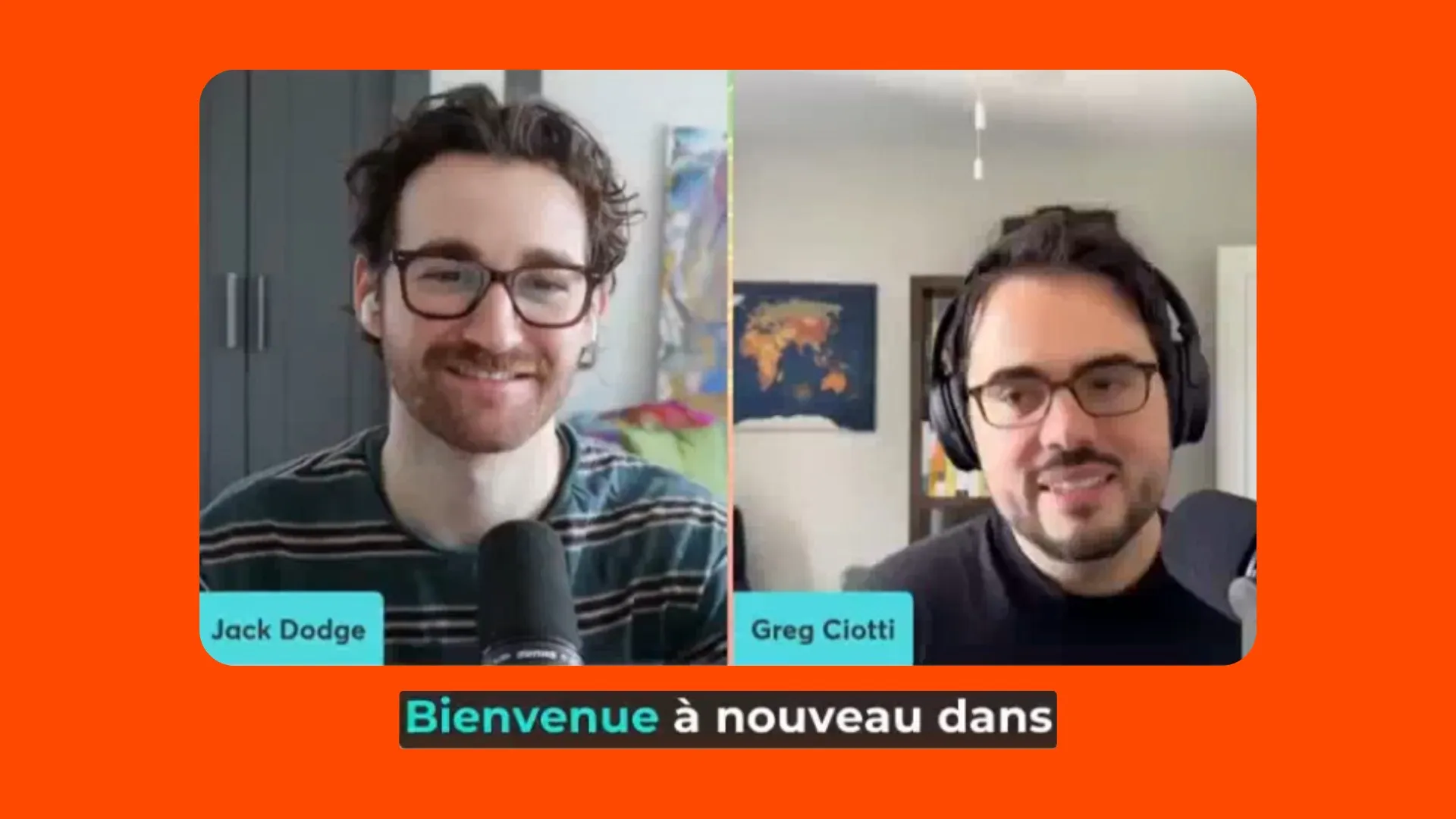
AI Dubbing
Translate audio and videos into 100+ languages
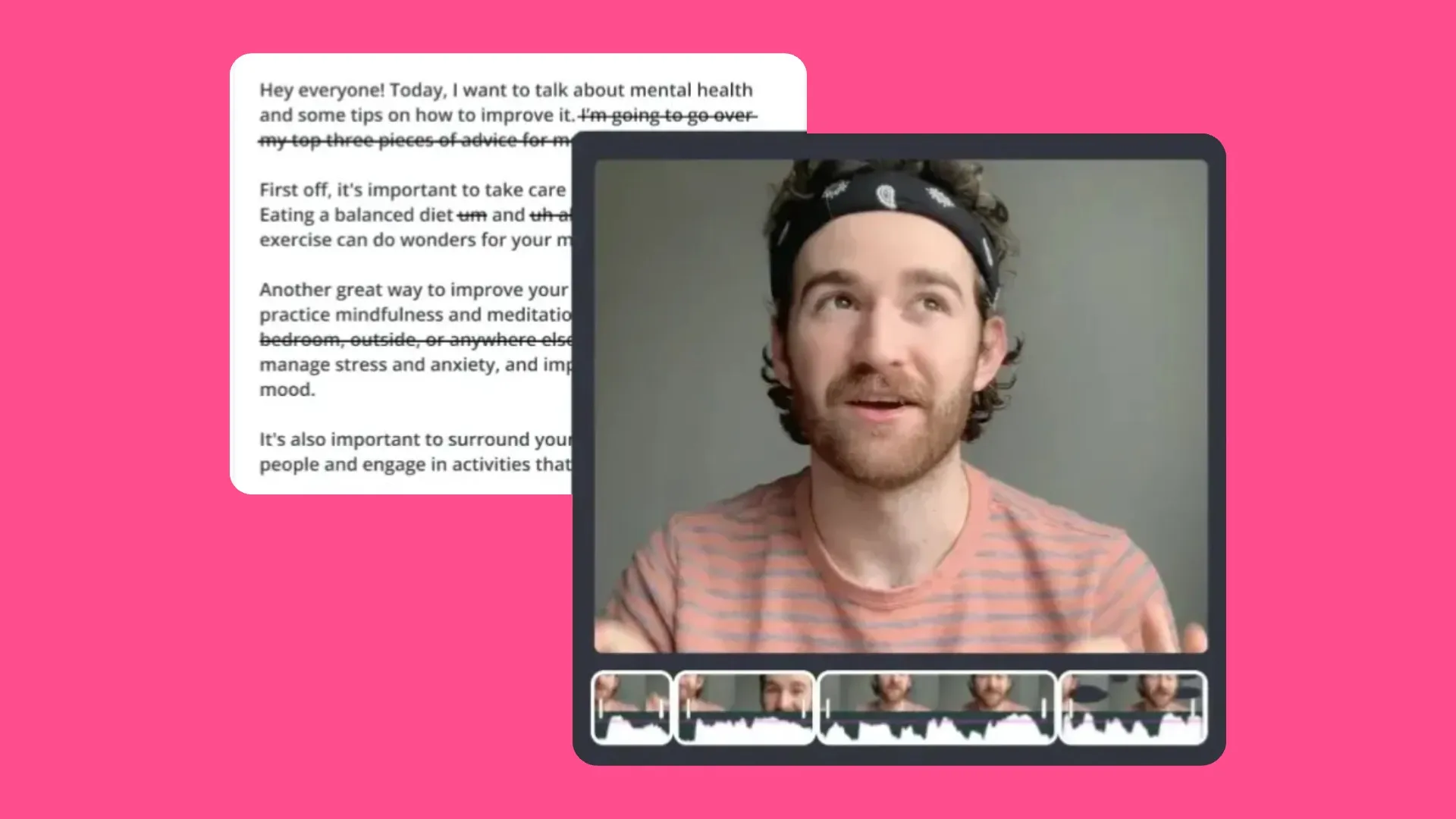
Smart Cut
Auto-remove silences and filler words for polished audio
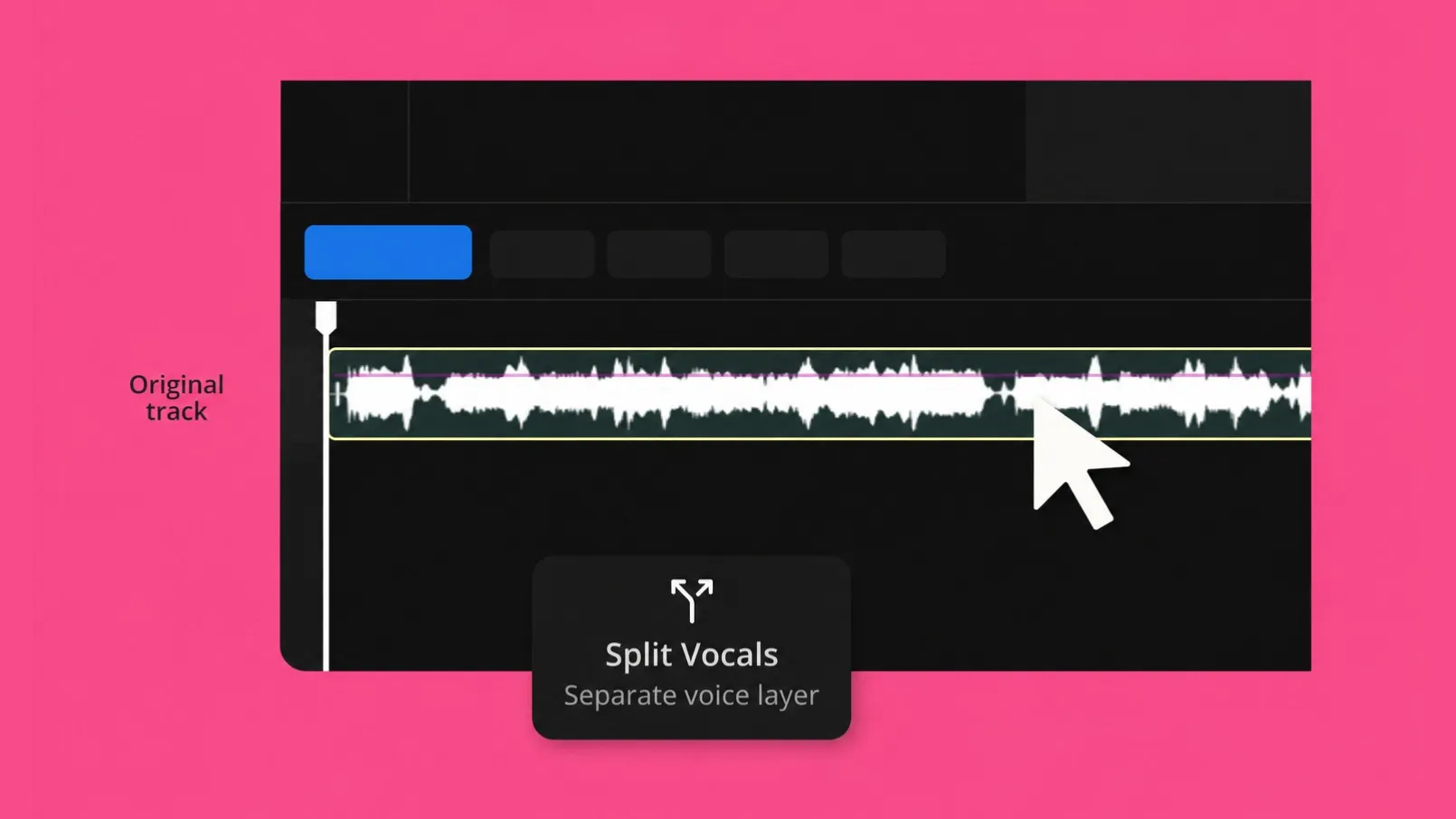
Split Vocals
Separate vocals from instrumentals
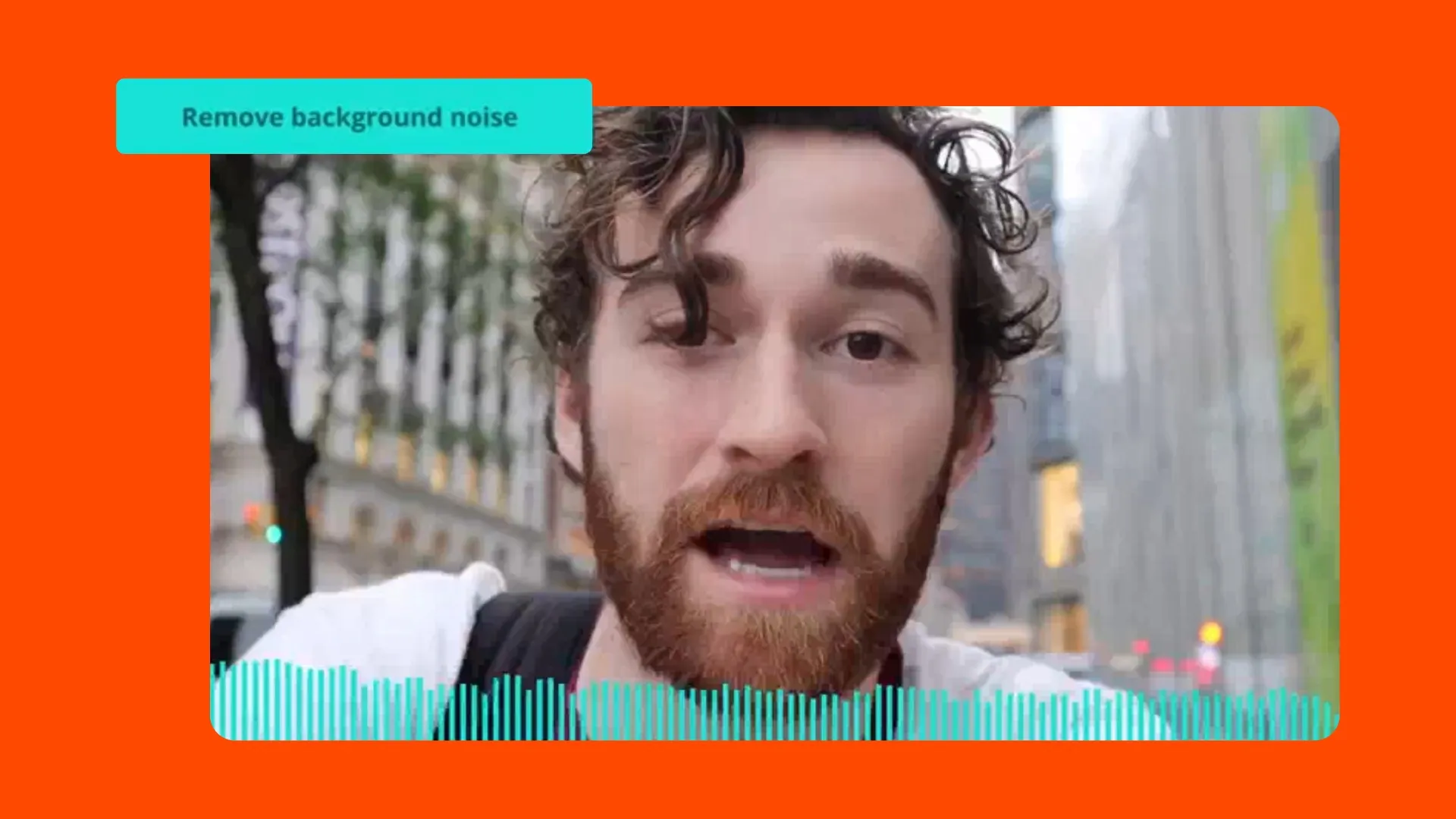
Clean Audio
One-click background noise removal
From start frame to thumbnail — all in one place
AI image generation and editing tools designed to work alongside your video projects
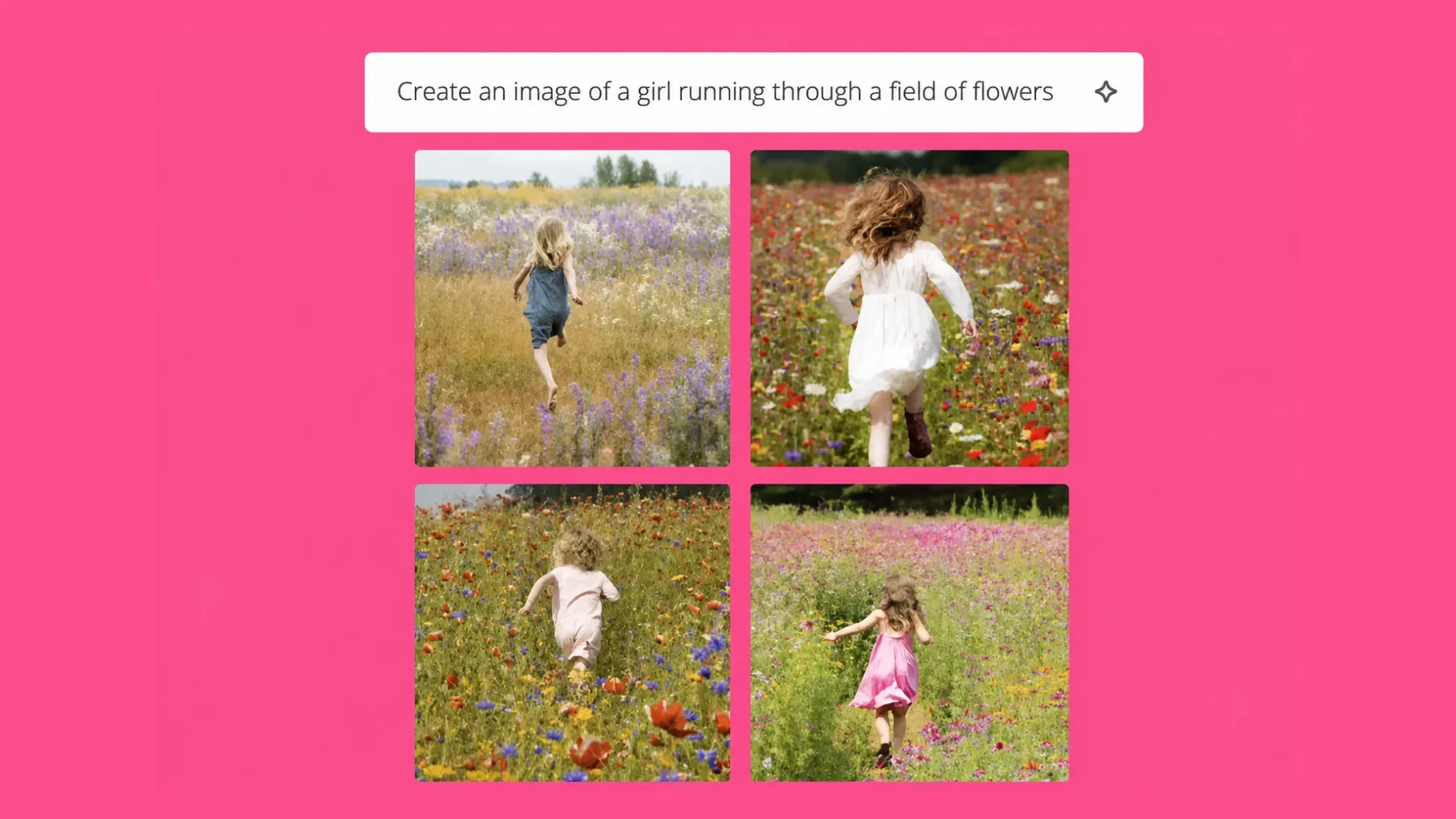
AI Image Generator
Generate images with Nano Banana, Seedream, and ChatGPT Image
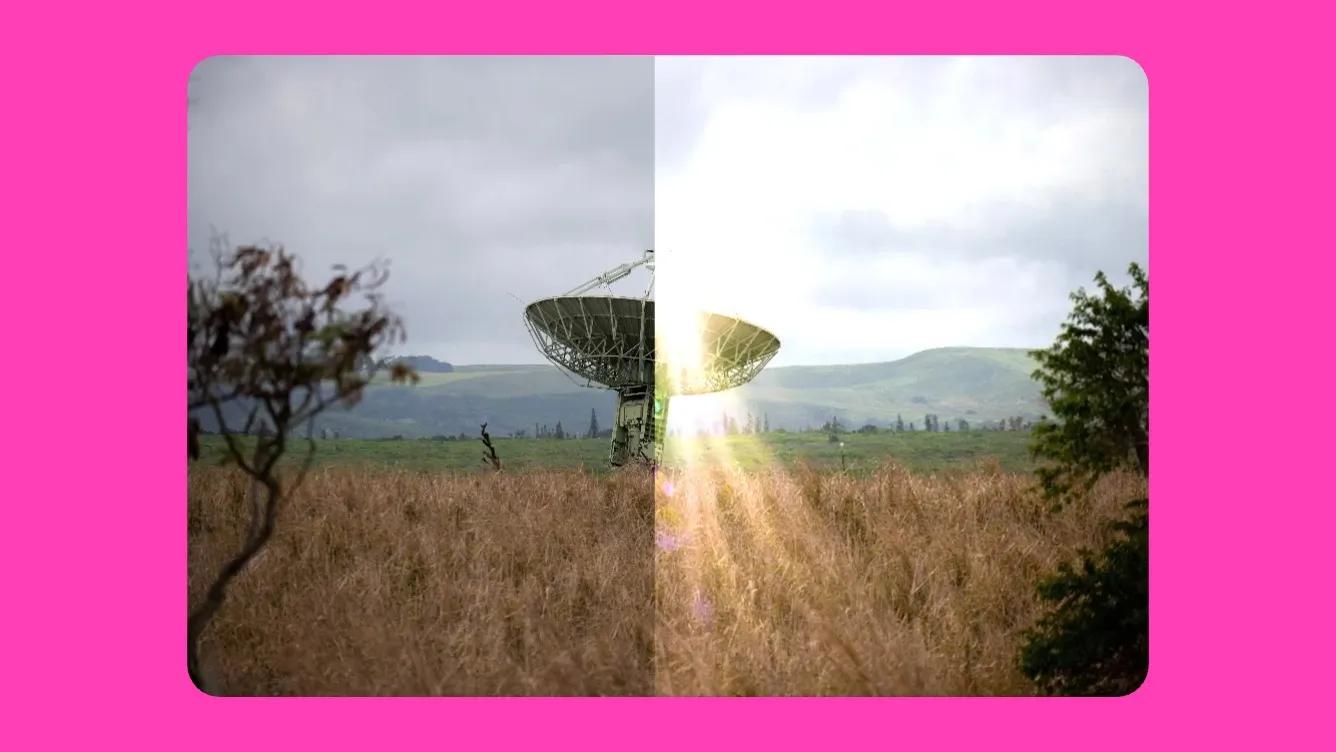
AI Image Editor
Object removal, face swap, outfit change, outpainting.
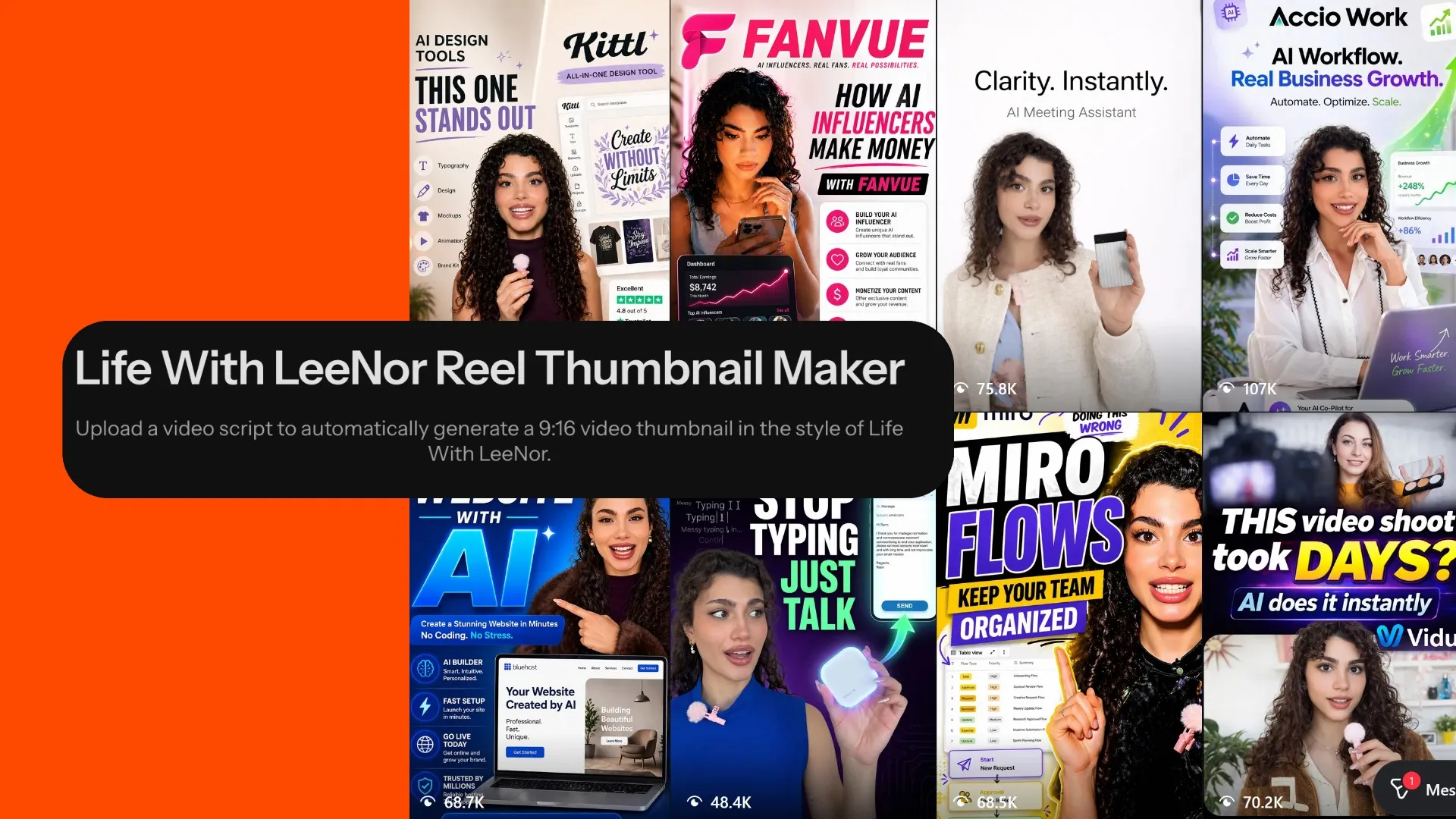
Custom Kais
Saved reusable AI image and video styles for consistent on-brand AI generations without repeated prompt engineering
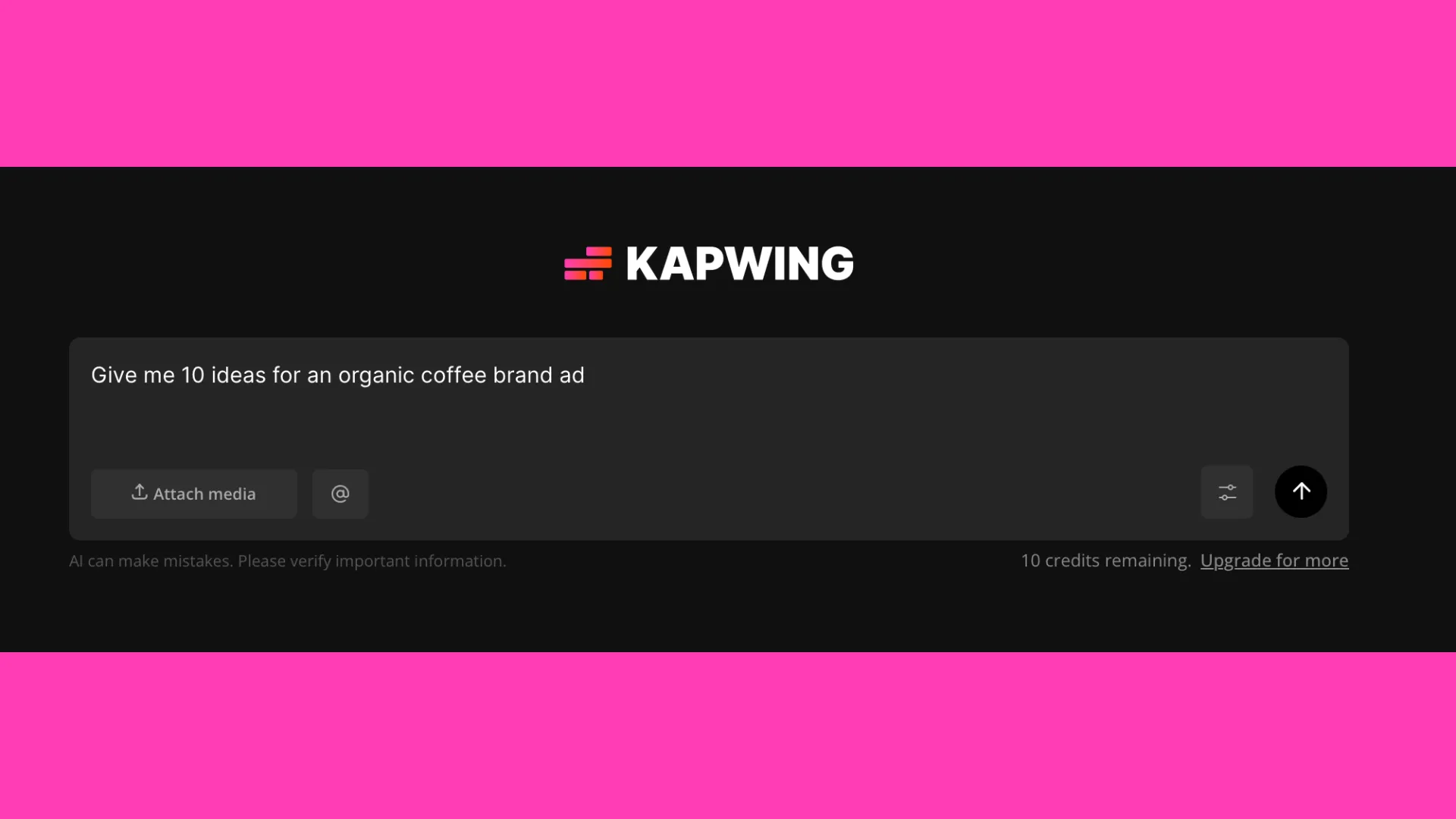
Kapwing AI
Conversational AI tool for image, audio, and video generation and editing with guided iterations
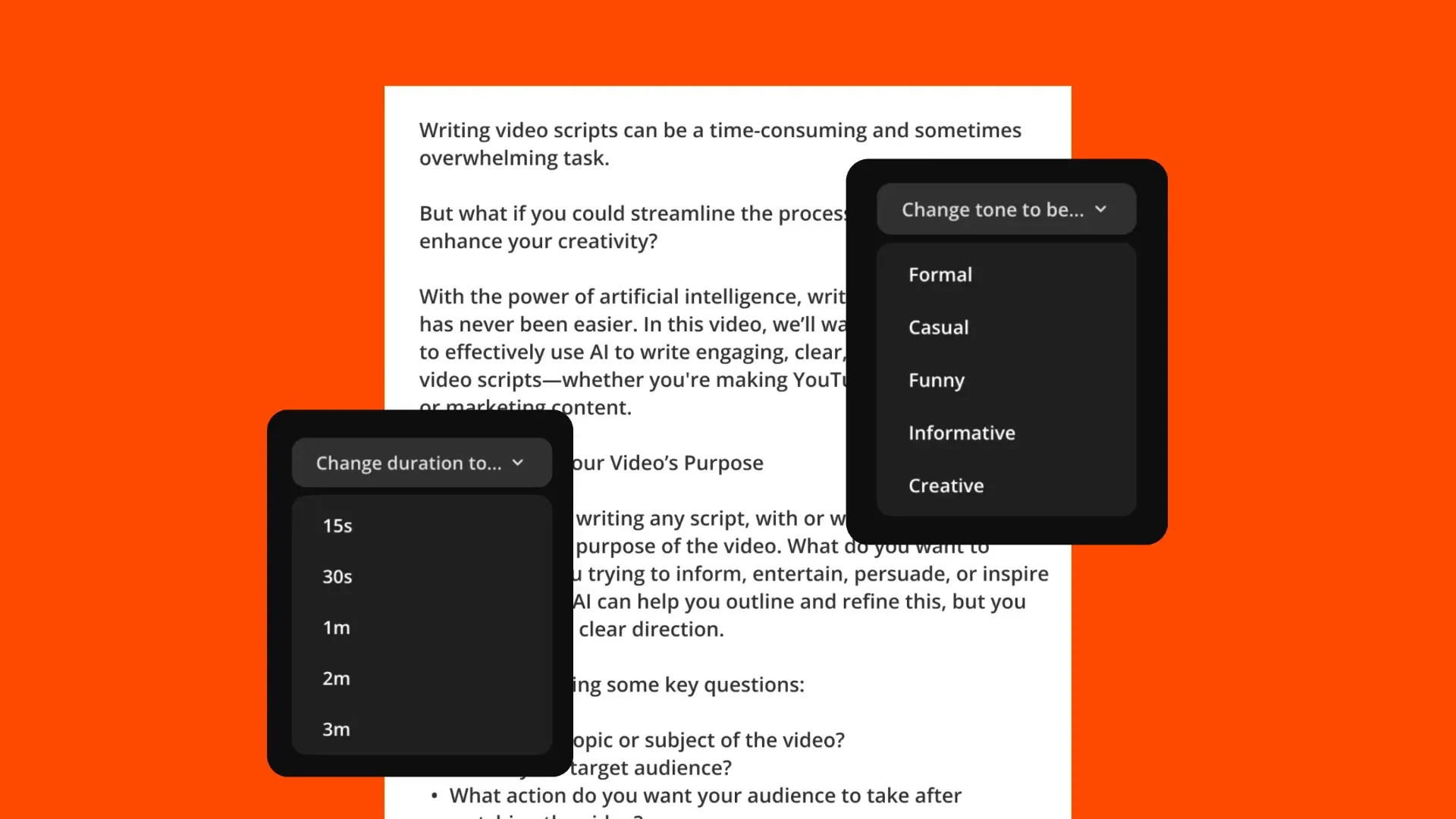
Script Generator
Generate a video script from any topic, including breaking news
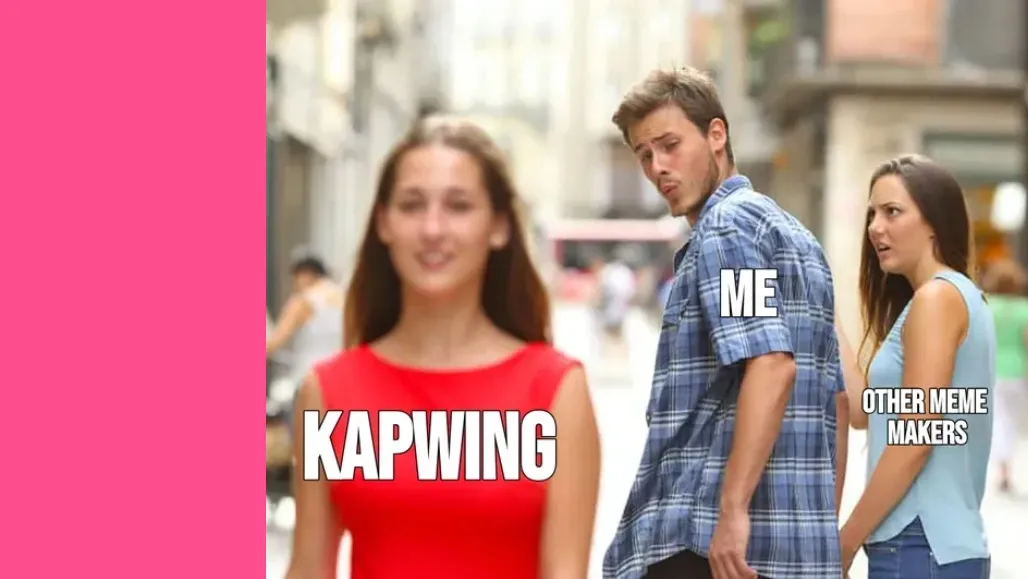
Meme Generator
AI-assisted meme creation for images, GIFs, and text overlays
Apply leading AI models across your workflow
Create content in any aspect ratio — 16:9, 1:1, 9:16, and more
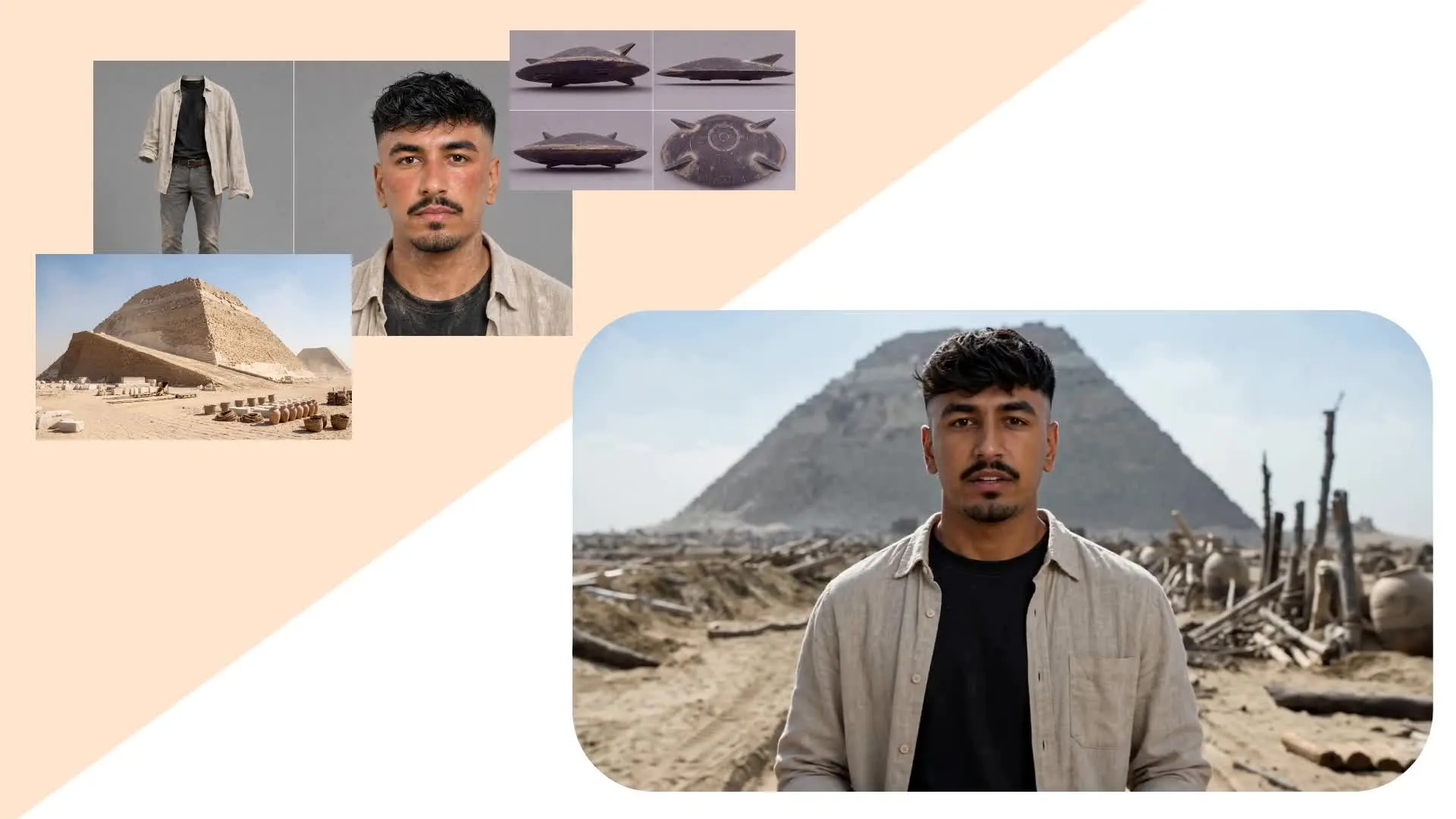
From motion control to character consistency
Kapwing AI is powered by 18 leading AI models, including Veo, Seedance, Wan, Kling, Nano Banana, GPT Image, MiniMax and more.
Creators trigger more than 400,000 interactions with Kapwing's AI assistant every month, and Kapwing AI helps export over 1 million videos every single month.
Enhance, stylize, and refine video content without switching tools, including character consistency, start frames, end frames, motion control, and multi-scenes.
How to Use Kapwing AI
- Step 1Open Kapwing AI
Open Kapwing AI and start a new chat.
- Step 2Create, edit, or enhance
Use text prompts to generate videos, add subtitles, translate content, and edit. Access more AI tools in the studio editor.
- Step 3Export and share
When ready, click “Export Project” to download the final version, share it via a Kapwing link, or publish directly to social media. 1080p export as an MP4, with 4k upscale.
How AI improves team workflow
Trusted by 35M creators worldwide
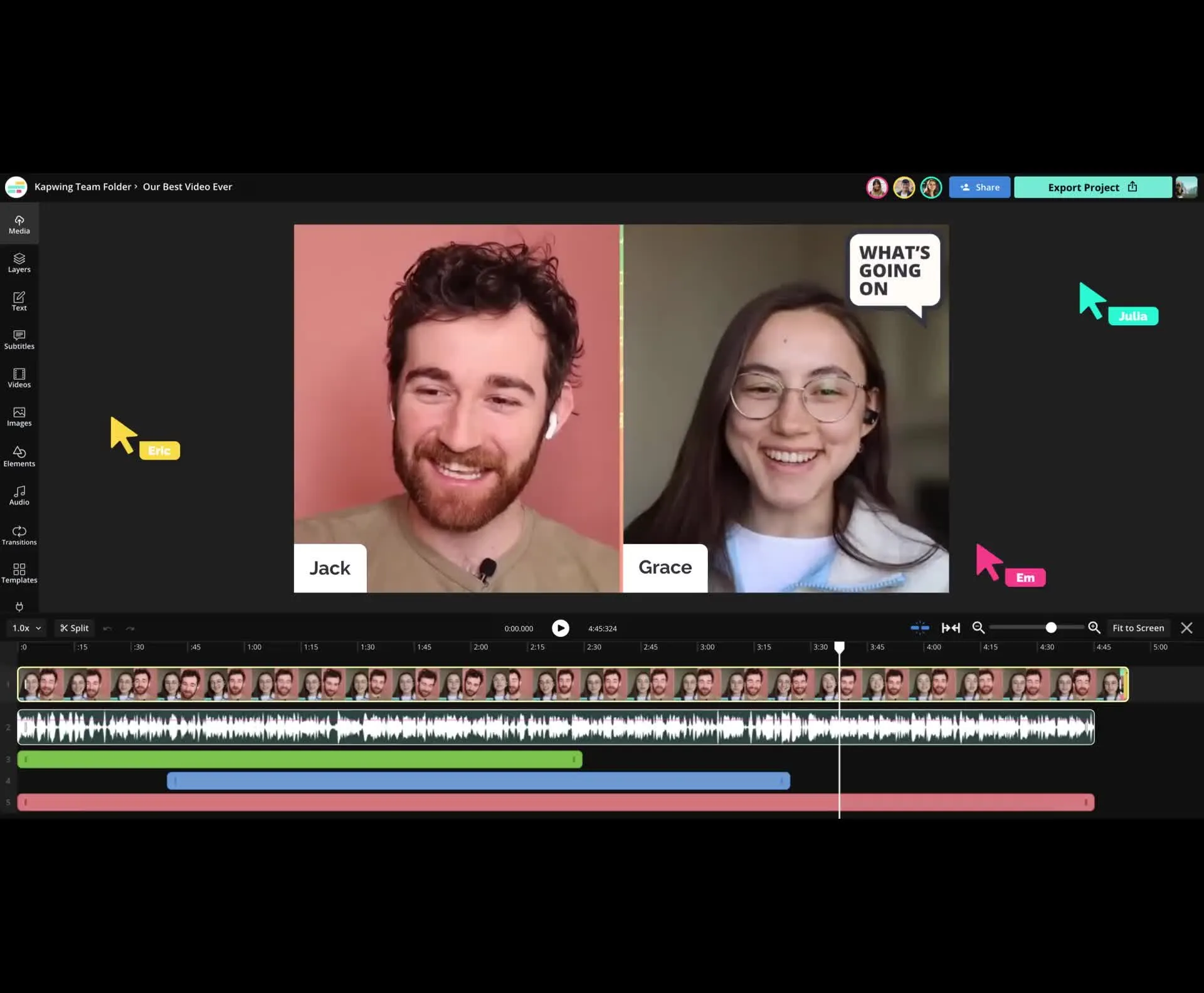
Collaborate efficiently with your team
Say goodbye to scattered video files, brand assets, and email chains full of feedback. Kapwing serves as a central workspace where creators can easily create, edit, and review content together.
Collaborate with your team online without leaving kapwing.com.
Leave comments directly on videos for a streamlined review process and eliminate the need for back-and-forth messages on Slack, Teams, or email. Faster feedback means more time for content creation for teams of any size.
The studio is built for journalists, social media teams, and PR professionals who need to respond quickly to breaking news or trending topics with live feedback and up-to-date information powering their scripts.
Already transforming video creation across industries
Hear directly from the teams who publish faster, collaborate better, and stay ahead.


Frequently Asked Questions
We have answers to the most common questions that our users ask.
What is Kapwing AI?
Kapwing AI is a suite of 30+ AI tools built into Kapwing's online video editor. It includes an AI video generator, AI editor, auto-subtitles, dubbing, voiceover, lip sync, AI image generation, and more — all running in your browser with no download required.
Is Kapwing AI free?
Yes, Kapwing AI is free to try. Every account includes free AI credits that can be used across the full suite, including the AI video generator, image generator, dubbing, and subtitles. Upgrade to Pro for more credits, watermark-free exports, higher resolution, and longer video lengths.
Is Kapwing's AI safe?
Kapwing takes data privacy and safety seriously. We have strict moderation guidelines, ethics policies, and security measures in place to protect user data. For detailed information, you can refer to Kapwing's Terms of Service and Privacy Policy on our website.
How do I use Kapwing AI?
To use Kapwing AI, go to kapwing.com, open a project, and click the lighbulb icon in the top toolbar to launch the Kapwing AI toolkit. From there you can generate video, generate images, dub, subtitle, or run any other Kapwing AI tool with one click.
Does Kapwing AI have a watermark?
Yes, all content exported on a free account include a small watermark. Upgrading to Kapwing Pro removes the watermark from every Kapwing AI output, including AI-generated videos, dubbed videos, and exported clips.
What AI models does Kapwing use?
Kapwing uses a selection of cutting-edge AI video models to power today’s most viral and creative video trends. This includes AI video models Seedance, Veo, Kling, Wan, Happy Horse, Grok Imagine Video
Other AI models include:
- Image AI models: ChatGPT Image, Seedream, Nano Banana, Grok Imagine Image
- Audio AI models: Minimax, Google Lyria, ElevenLabs
Can I download Kapwing AI?
Kapwing AI doesn't require a download — it runs entirely in your web browser at kapwing.com. There's no Kapwing AI desktop app to install. You can use Kapwing AI on Mac, Windows, Chromebook, iPad, or any device with a modern browser.
What aspect ratios, file sizes, and display resolutions are supported?
Kapwing'AI works with all popular file types for video, image, and audio, including MP4, AVI, MOV, WebM, JPG, PNG, WebP, MP3, and more.
- Aspect ratios in: 1:1, 9:16, 16:9, 4:5, 5:4, 3:4, 4:3, 2:3, and 21:9.
- Resolution support: 480p, 512p, 768p, 720p, and 1080p.
How can I get tips for writing better AI prompts?
Check out our blog on advanced AI video prompts for a deeper look at how to write and use them effectively, alongside this guide for AI image prompts.
What is a Custom Kai?
Custom Kais are pre-built AI image and video effects in Kapwing. Our team has created hundreds of them so you can instantly produce eye-catching content — no prompt writing required. Just apply a Custom Kai and the style is handled for you.
You can also create your own Custom Kai to capture your brand’s unique look and reuse it anytime for consistent, on-brand content with one click. This makes the process of generating images and videos in an identical filter style a seamless and automated process.
How does Kapwing AI compare to Runway, InVideo, and Canva?
Kapwing AI differs from Runway, InVideo, and Canva by combining AI generation with a full multi-track video editor in one browser tab. Runway focuses on model-level generation, InVideo focuses on templated AI video, and Canva focuses on graphic design — Kapwing AI covers generation, editing, dubbing, subtitling, and collaboration in a single workflow.
What can I do with Kapwing AI?
With Kapwing AI you can generate videos from text or images, auto-subtitle and dub into 100+ languages, generate AI images and thumbnails, clone your voice, fix eye contact, sync lips, remove filler words, and repurpose long videos into short-form clips for TikTok, Reels, and Shorts.
Discover Resources
Tips, templates, and deep dives to help you create faster and share with confidence.
View all
Get started with your first video in just a few clicks. Join over 35 million creators who trust Kapwing to create more content in less time.