AI Document to Video
Turn document text into videos with AI.
Works in your browser. No watermarks.
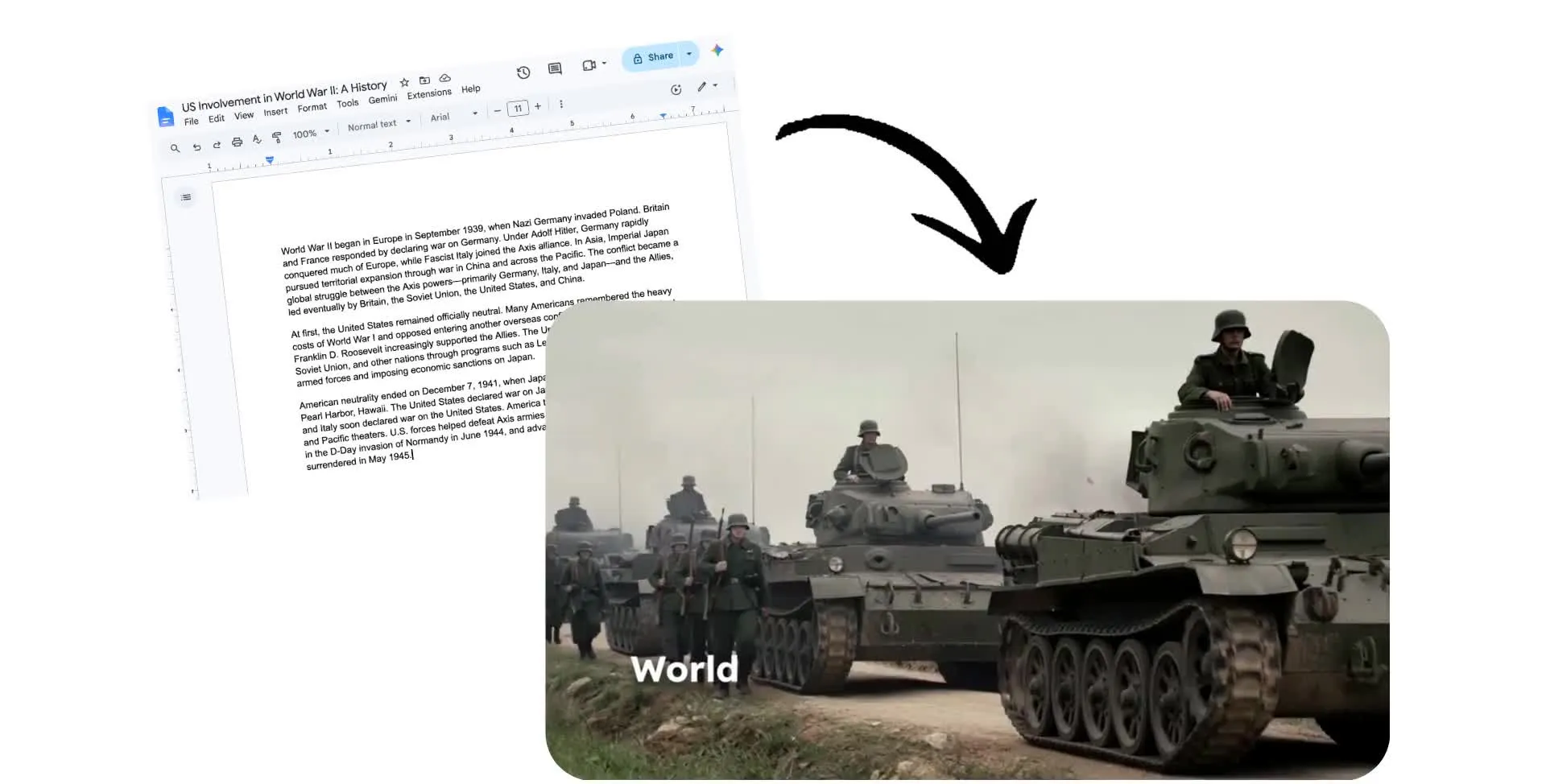
Document to video in a single prompt
Generate detailed videos that match your text — just by asking AI
Transform written content into dynamic videos
Turn reports, lesson plans, meeting notes, scripts, and company updates into videos without starting from a blank page. Paste the text from Microsoft Word or Apple Pages documents directly into the Kapwing AI prompt box.
Kai identifies the key ideas, structures them into a clear video, and drafts a script you can review before anything is generated. Add a prompt to shape the direction, highlight what matters most, or tailor the video for a specific audience.
Open your draft in Kapwing Studio to make edits, refine the timing, swap visuals, update branding, or polish the audio before exporting a share-ready video.
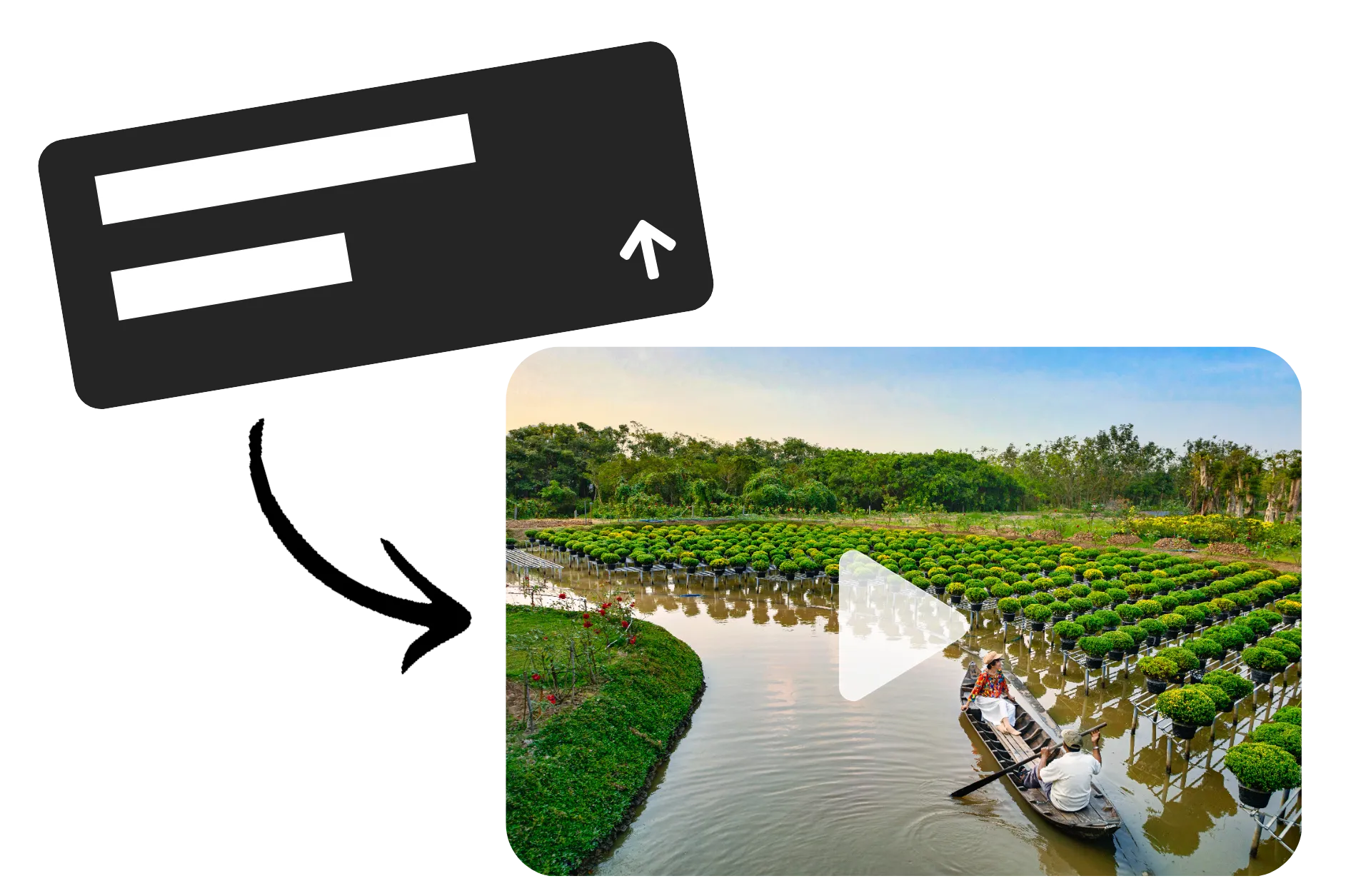
Turn documents into videos in minutes
Copy document text into Kapwing AI -> create unique videos
Start
a new chat with Kai, Kapwing's AI video assistant


Paste
in the text from your document, along with a prompt describing your video
Generate
a video with voiceover, visuals, and subtitles, then download as MP4
Repurpose text documents into shareable videos
Generate scripts, voiceovers, subtitles, and visuals from your documents
Transform plain text into engaging videos
Take the copy from Microsoft Word documents or other text files and instantly convert into multimedia-rich MP4s.
The AI-powered Document to Video tool starts by turning your text into an engaging script, then uses the script to generate a video — complete with voice over, subtitles, background music, and B-roll. Just paste your text into the prompt box.
Starting specifically with a PDF? Use the AI PDF to Video tool to upload a readable PDF and generate a video based on its contents.

Quickly generate visuals without editing experience
From uploading your document to creating an MP4, Kapwing's AI Video Generator process takes less than three minutes.
No prior video editing experience is needed, making the document to video converter the perfect tool for creators looking to turn presentations, meeting notes, lecture copy, press releases, and training material into engaging visual content.
Presenting or summarizing information never has to be dull again.

Skip uploads with published URLs
Create a video from a published article or document URL, no downloads, conversions, or uploads required. This makes it easy to repurpose written material without restructuring everything into a video script first.
Use the Video Project tab in Kapwing's legacy AI toolkit to turn URLs into shareable videos.

Maintain brand style AI-powered edits
Although your document is automatically converted into a video, Kapwing's AI Video Assistant ensures you remain in control of the tone of voice.
Use conversational prompts to adjust the tone, style, and content of your video script and visuals. If your video needs a new focus, simply ask Kapwing's advanced AI to explore specific talking points related to your document. Once you're done, use the AI Video Editor to continue personalizing with a diverse range of narration voices and caption styles.

Already transforming video creation across industries
Hear directly from the teams who publish faster, collaborate better, and stay ahead.


A community of creators empowered by AI
Millions of creators transform text docs into videos using Kapwing

Presentations & PDF Decks
Converting presentations and PDF slide decks into video content is completed within minutes using Kapwing AI, quickly helping creators repurpose their content

Educational Content
From lecture slides to class notes, Kapwing's AI tool acts as a video summarizer that allows educators and teachers to create and share video content as MP4 files

Training Material
It's easy to create helpful video tutorials and manuals from written company documents, providing visual guidance for complicated topics and converting Word to video

Press Releases
PR Executives convert press release documents into visually appealing videos, perfect for distributing news in a more engaging format

HR Updates
HR Teams create multimedia-rich videos for company updates or employee communications, making internal announcements more engaging as they transform Word to MP4
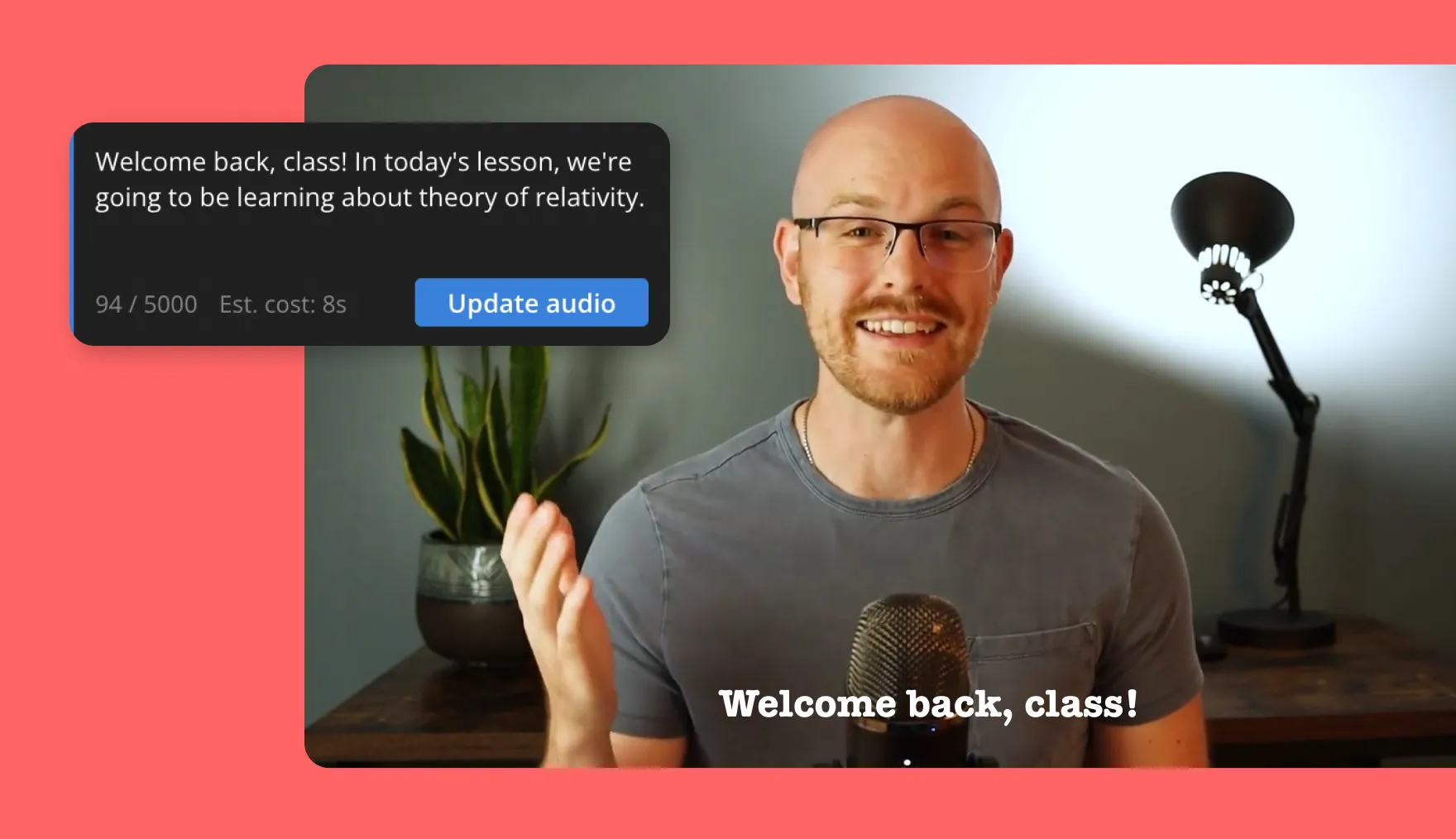
Online Courses
Online coaches transform lesson plans or course notes into interactive video lessons, enhancing the learning experience for their audience

E-books
E-books are converted into a more visually appealing and easily digestible format with Kapwing's Document to Video tool

Business Reports
Important company documents can be quickly summarized with a video script and matching B-roll footage — which anyone can try for free

Study Material
Students use Kapwing to turn research papers and case studies into shareable MP4s that condense key information while improving engagement
.webp)
Promotional Content
Business owners create compelling videos from product brochures or marketing documents, strengthening brand visibility

Nonprofit campaigns
Fundraisers convert campaign messages or impact reports into emotional, shareable videos to inspire and engage supporters
How to Convert Document to Video with AI

- Step 1Start chat
Create a new chat with Kapwing's AI assistant, Kai.
- Step 2Upload document text
Paste your document text into the prompt box. Add a prompt describing the specific video you want to create.
- Step 3Generate video
Click the arrow to generate an editable video plan. Make any changes, then confirm to turn your document into a video. Download as MP4 or continue editing with prompts.
Turn ideas into content within seconds
Generate videos, scripts, and images using AI
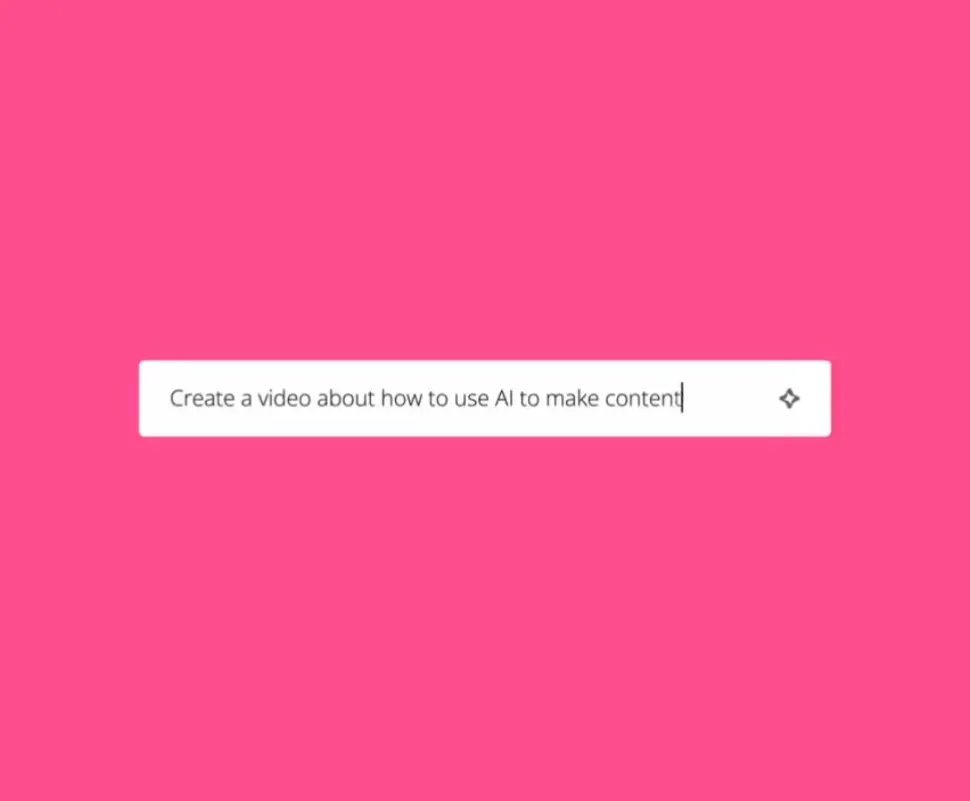
Generate complex videos from simple text prompts. Describe your topic and Kapwing will create a video up to 5 minutes long, auto-adding voiceover, subtitles, and B-roll.
What's different about Kapwing?



Frequently Asked Questions
We have answers to the most common questions that our users ask.
Is Kapwing's AI Document to Video Generator free?
Yes, anyone can try Kapwing’s AI-powered Document to Video Converter for free without watermarks. Our AI tools run on a credit system, with each feature costing a set number of credits. For maximum creativity and the best value, upgrade to a Pro account to unlock the full power of AI-driven content creation.
How to turn documents into videos with AI
To turn a text document into a video using Kapwing AI, first start a new chat with Kai. Write a prompt like "Turn this text into a video with voiceover and visuals," then paste your document text into the prompt box. Click "Generate" to create your video plan, and edit as much as you want before confirming. Once your video is ready, you can fine-tune in the Studio or click to download as MP4.
Can you upload documents to Kapwing?
Although you cannot upload Microsoft Word or Apple Pages documents to Kapwing, you can copy and paste the text from your document into the Kai prompt box. However, you can use the PDF to Video tool by uploading PDFs from your device.
Can AI videos be monetized on YouTube and other social media platforms?
Yes, AI videos be monetized on YouTube, TikTok, Facebook, Instagram, and other social media channels. Kapwing's audio, image, and video library is royalty-free, meaning there is no copyright tied to the 1,000s of features at your disposal. Every social media network has a unique set of community standards, copyright laws, and platform restrictions, so make sure you read them in full to best understand monetization policies.
Can I edit the AI-generated video?
Yes, after generating a video from your document, you can fully customize the content to suit your project. Remove images and videos, adjust subtitles, add sound effects, incorporate branding elements, or even record your own voiceover.
Can you convert articles using Kapwing?
Yes, Kapwing supports converting articles into videos. Simply paste any published URL into the 'Use an article' prompt in Kapwing's legacy AI Toolkit. The tool will automatically pull images from the article to use as B-roll footage, saving you from having to manually upload relevant visuals.
What document file types can I turn into a video?
You can turn any text-based document into a video with Kapwing’s AI Document to Video tool. This includes content from Microsoft Word documents (.doc or .docx) and other written files like reports, essays, lecture notes, or scripts. Simply copy and paste the text from your document into the tool.
Discover Resources
Tips, templates, and deep dives to help you create faster and share with confidence.
View all


Get started with your first video in just a few clicks. Join over 35 million creators who trust Kapwing to create more content in less time.