Audio Silence Remover
Remove silence from audio — in one click
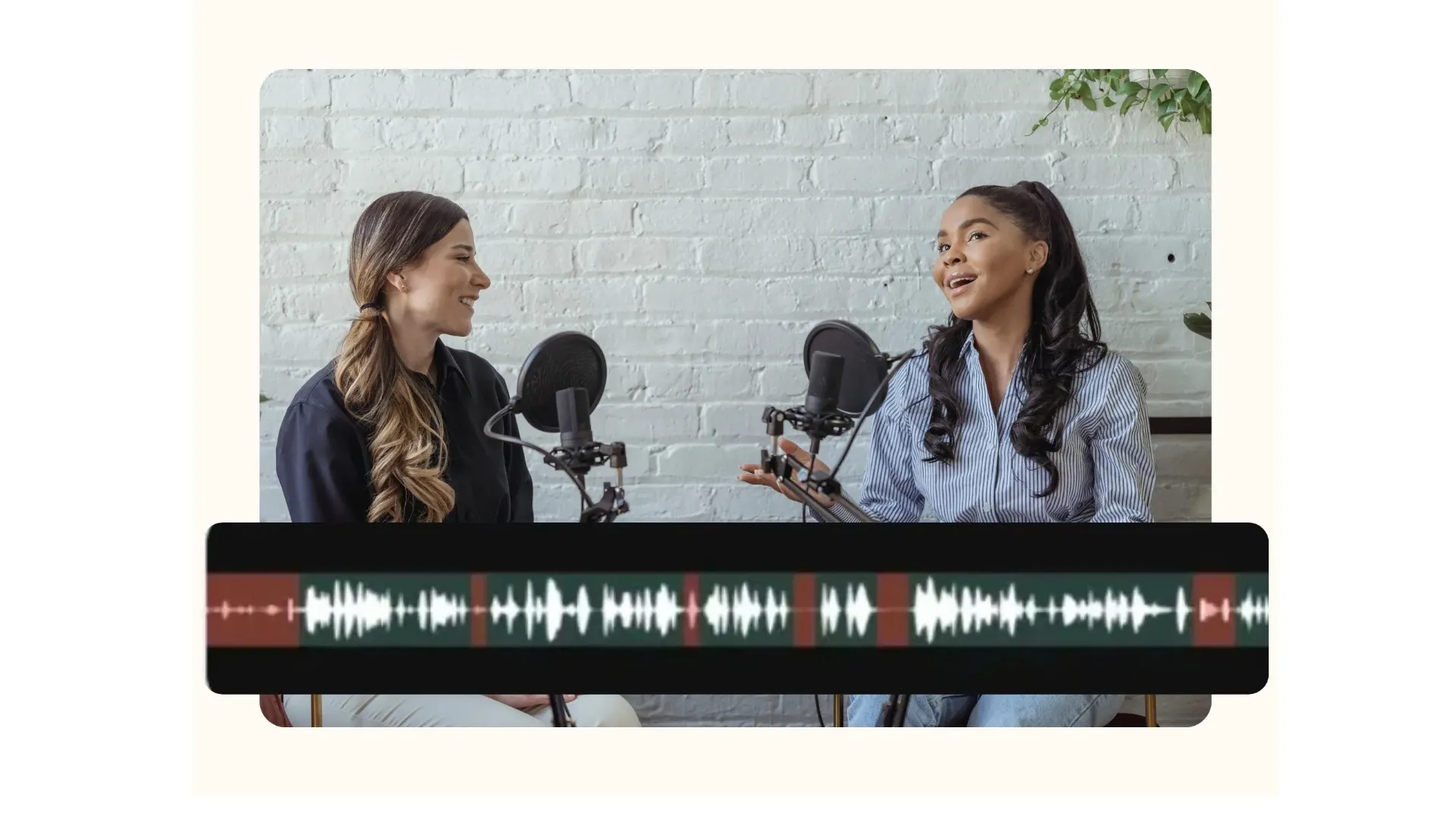
Automatically clean any audio file with Smart Cut
Save hours of editing. Get studio-quality results instantly.
Accurate audio silence remover — no experience needed
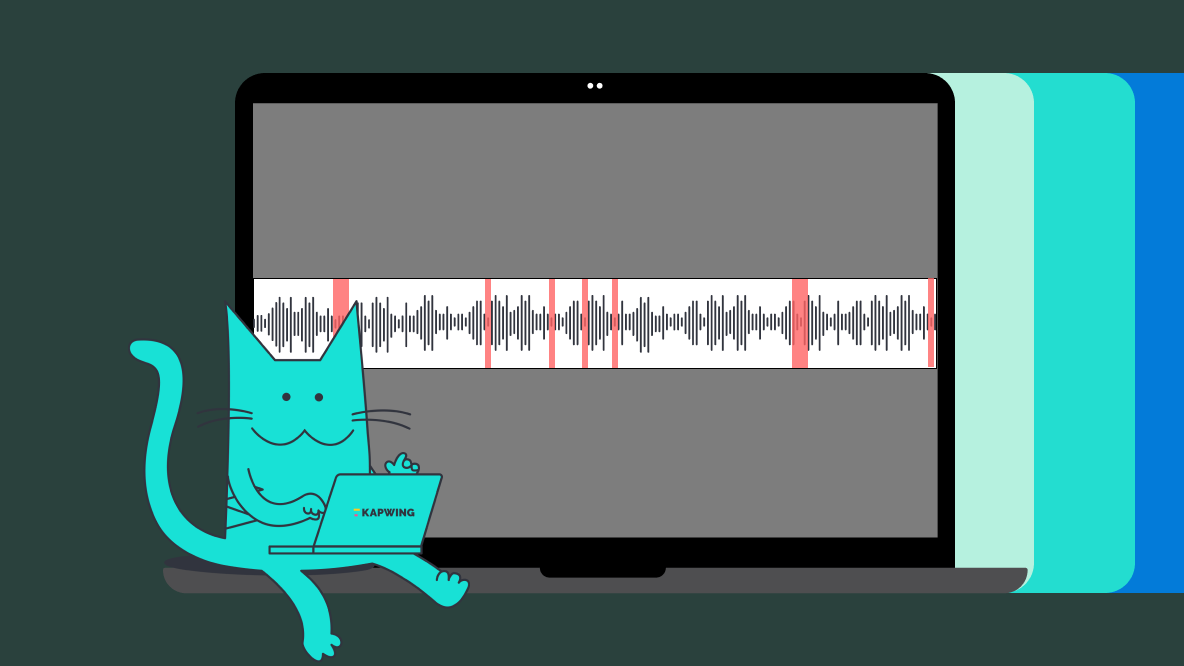
Kapwing’s Smart Cut automatically detects and removes silence from your audio in a single click. Our AI-powered engine identifies awkward pauses, dead air, and unnecessary gaps — so your audio sounds tight, professional, and easy to listen to.
Stop manually scrubbing timelines and speed up your workflow with precise, natural-sounding cuts in seconds.
Designed for fast-moving podcasters, content creators, and educators who want better audio without complicated editing. There’s no software to download — just upload your file, click Smart Cut, and export in MP3, WAV, M4A, or FLAC.

Control every detail of your audio — and video
Not all pauses are bad. Our smart sensitivity controls let you decide what counts as "silence", so you can preserve natural pacing while removing long, awkward gaps.
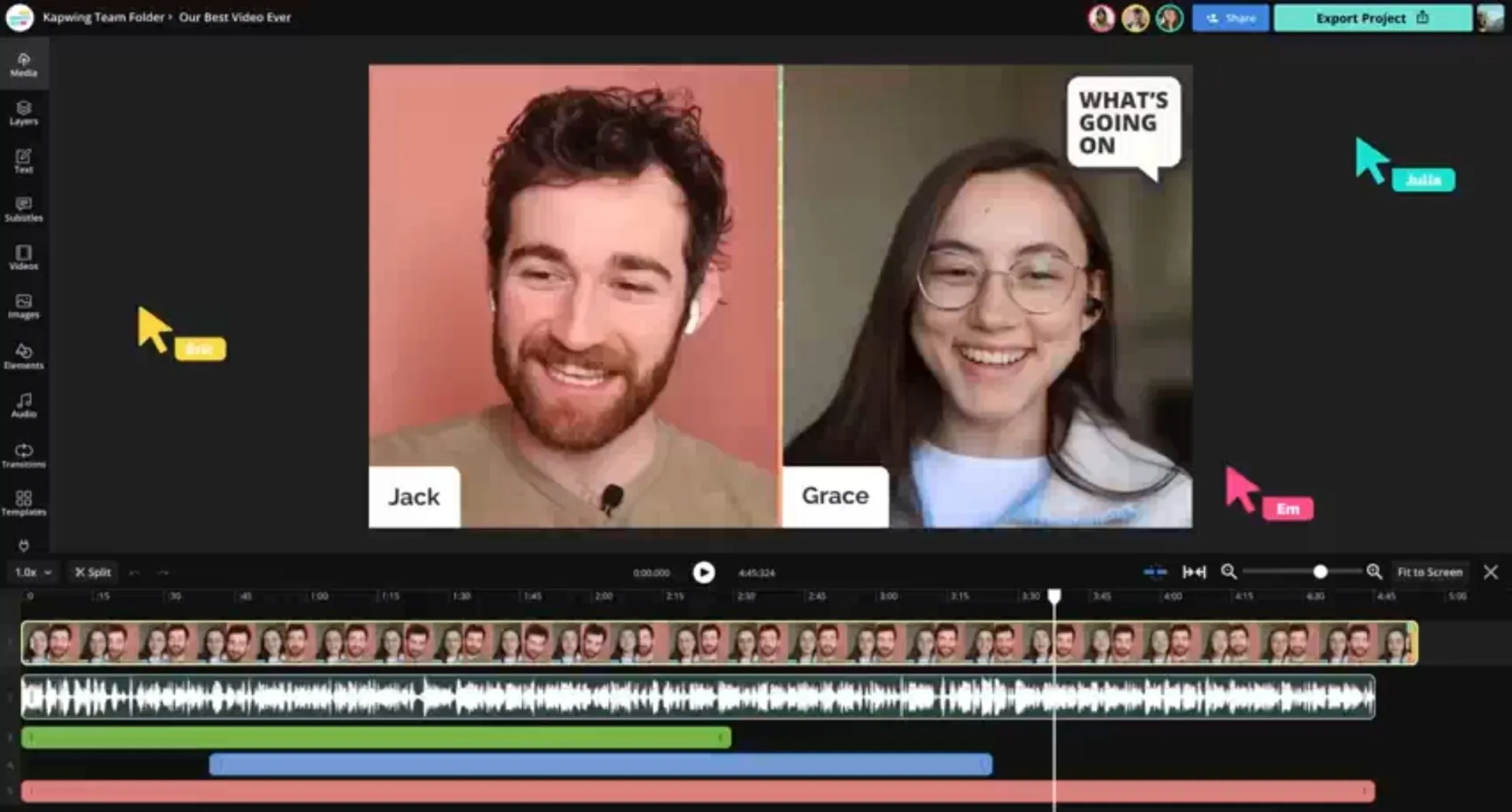
Need more than silence removal? Kapwing includes a full audio and video editing suite. Split tracks to isolate voices and instruments, clean up audio quality, automatically remove filler words, and build complete video projects — without leaving your browser.
Whether you're editing podcasts, voice overs, audiobooks, or faceless videos, Kapwing supports teams through real-time collaboration and processes files up to 2 hours long without quality loss.
Designed for global teams, businesses, and creators
Automated editing without sacrificing quality
Batch Processing
Process multiple audio and video files at once, editing and exporting in one workflow
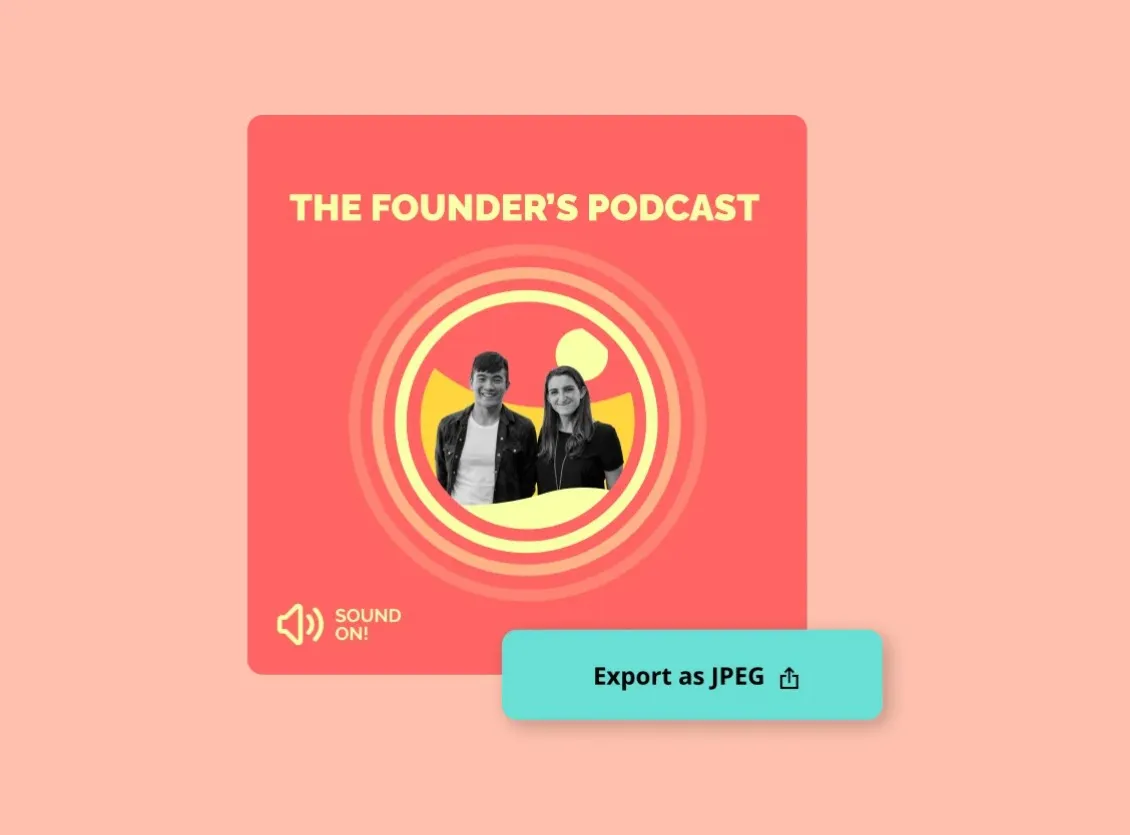
Built for Long-form
Handle long recordings such as podcasts, webinars, and interviews up to 2 hours long
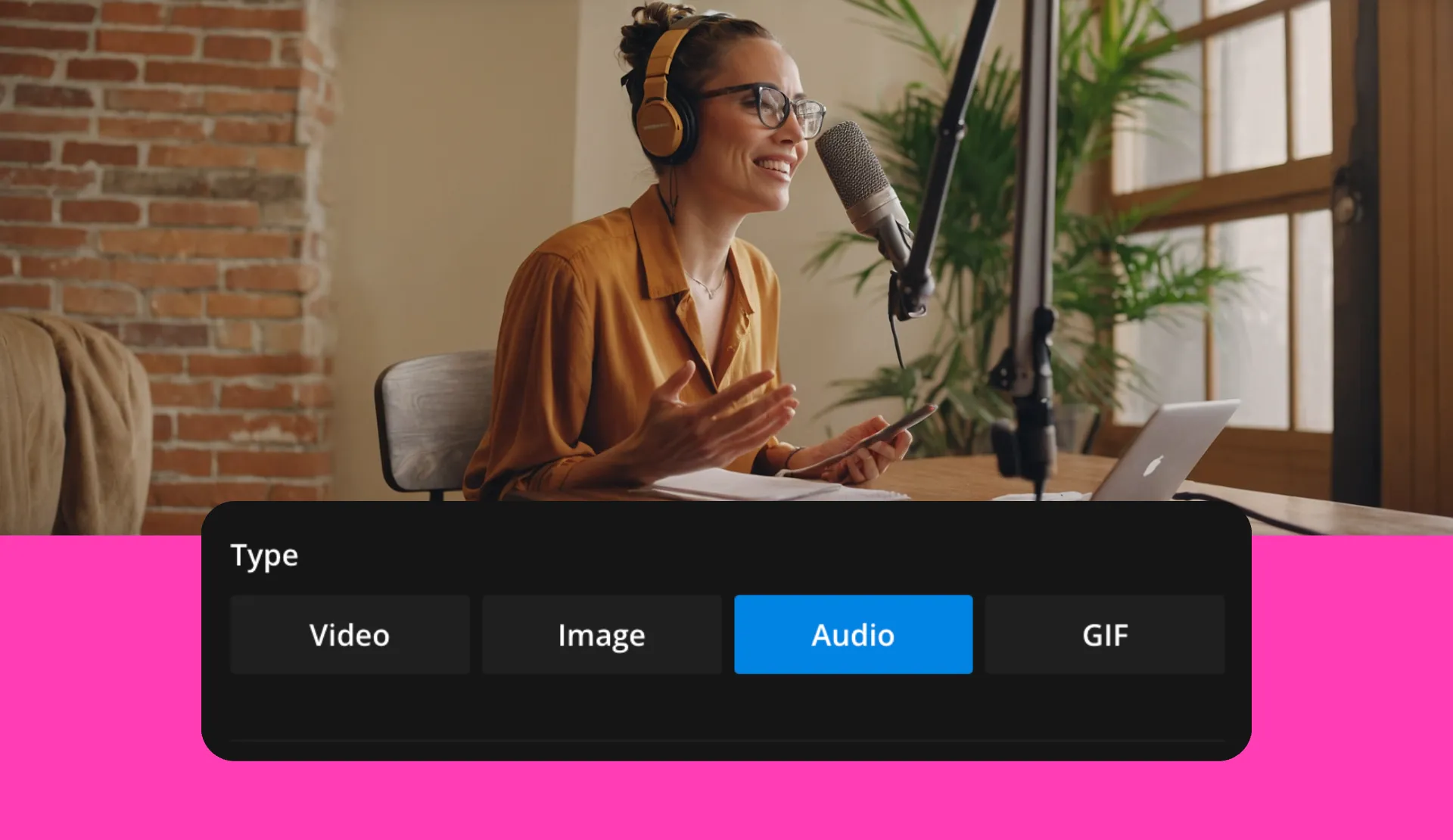
Export in any Format
Export in a variety of audio and video formats including WAV, MP3, MP4, AAC, WebM, and MOV

Real-time Collaboration
Collaborate online seamlessly with real-time feedback and shareable links, perfect for teams and brand collabs

Free to Start
Start for free, with subscription options for more advanced audio editing and video tools
Already transforming video creation across industries
Hear directly from the teams who publish faster, collaborate better, and stay ahead.


How to Remove Silences from Audio (Smart Cut)
- Step 1Upload Audio
Start by uploading an audio file from your device or pasting a URL link.
- Step 2Apply “'Smart Cut”
Select your audio layer and click "Smart Cut" in the right-hand sidebar to auto cut silence automatically. You can adjust the silence threshold to control how pauses are removed.
- Step 3Edit and Export
Keep editing by adding sound effects, background music, or visuals like an audio waveform. When you’re ready, export and download your file in formats such as MP3 or MP4.
Every creator needs tighter audio
Built for podcasters, YouTubers, and any team that needs sharper content

Podcasts
Podcasters remove pauses from audio and dead air while keeping natural conversational timing intact

Social Media
Social media editors clean up talking-head videos in seconds, using our audio space remover to eliminate gaps that make Reels, TikToks, and Shorts feel slow or disengaging

Voice Over
Kapwing ensures long pauses disappear instantly while expressive timing stays intact — perfect for marketers, creators, and small businesses recording voice overs in home setups
.webp)
Online Courses
Educators refine lesson audio without flattening pacing, combining Smart Cut with translation and subtitles to improve accessibility

Training Videos
Smart Cut keeps instructions flowing while removing silence-heavy moments, helping L&D teams shorten internal training recordings without sacrificing clarity

Interviews
Journalists and thought leaders publish cleaner interviews that still feel human and authentic, as dead air is removed without damaging conversational rhythm

Webinars
Executives and marketers remove silence at scale, making long recordings easier to watch and repurpose online

Audiobooks
Authors and voice talent preserve storytelling cadence while speeding up post-production with Kapwing's online and AI-powered Audio Silence Remover

Marketing & UCG
Automatic removal of gaps, pauses, and filler words helps marketers and UGC creators produce sharper explainer videos and ads
Frequently Asked Questions
We have answers to the most common questions that our users ask.
Is the Audio Silence Removal tool free?
Yes, Kapwing’s Audio Silence Remover is free to try. The free plan applies a small watermark to exported videos, while upgrading to Pro unlocks the full experience and advanced editing features.
Is there a watermark on exports?
If you are using Kapwing on a Free account then all exports contain a watermark. Once you upgrade to a Pro account you can export podcast videos and audio without a watermark.
How does Smart Cut decide what counts as silence?
Smart Cut analyzes volume levels and timing to identify gaps that disrupt flow. You can adjust the silence threshold to control how aggressive the cuts are, ensuring natural pauses remain while awkward gaps are removed.
Will removing silence make my audio sound rushed or unnatural?
No. By tuning sensitivity settings, you can keep intentional pauses while removing only the silences that slow listeners down.
Can I remove filler words like “um” and “uh” as well?
Yes. Alongside silence removal, Kapwing offers tools to automatically remove filler words. Many creators use both together to tighten audio while keeping speech natural and expressive.
What types of audio files can I upload?
You can upload common audio formats such as MP3, WAV, M4A, and FLAC. Smart Cut also works on video files, making it easy to clean audio for podcasts, interviews, webinars, and social videos in one workflow
How long can my audio file be?
Kapwing supports long-form recordings up to 2 hours, making Smart Cut ideal for podcasts, audiobooks, interviews, and webinars without splitting files or losing quality.
Do I need editing experience to use the Audio Silence Remover?
No editing experience is required. Smart Cut works in one click, with optional controls for users who want more precision. Beginners and professionals alike can get clean results in seconds
How do I create an audiogram?
In marketing circles, an audiogram is the conversion of an audio snippet into a video clip. Audiograms usually include waveforms to visualize audio and subtitles to help engage viewers. They can also be edited to include video or image backgrounds, graphics, emojis, and other visual elements.
Does Kapwing support online collaborative editing?
Yes, Kapwing supports collaborative video editing by allowing users to create free, shared workspaces they can invite team members to join. 100+ collaborative video editing tools to streamline the creative process are also available in the online video editor. Teams can also upload a Brand Kit to their workspace or set one up together in real time, helping ensure that assets are readily available and organized.
What's different about Kapwing?



Discover Resources
Tips, templates, and deep dives to help you create faster and share with confidence.
View all





Get started with your first video in just a few clicks. Join over 35 million creators who trust Kapwing to create more content in less time.