Create, compare, and combine MiniMax AI video and audio models in Kapwing
MiniMax AI for publish-ready video and audio
Hailuo 3 Video. Music 3.0. Music 2.0.
Multiple MiniMax AI models in one subscription
Kapwing brings MiniMax video and music models into one workspace. Use Hailuo3 H3 to create realistic short-form videos from a prompt or start frame.
Choose Music 3.0 for expressive vocal songs using your own lyrics or auto-generated lyrics. Or, start with Music 2.0 for lower-cost audio drafts and testing song styles.
Generate the assets you need, then trim video, mix audio, add subtitles, resize, combine outputs with 19 other AI models, and export — all inside one online video editor.

MiniMax AI in Kapwing
AI videos. AI songs. AI backing music.
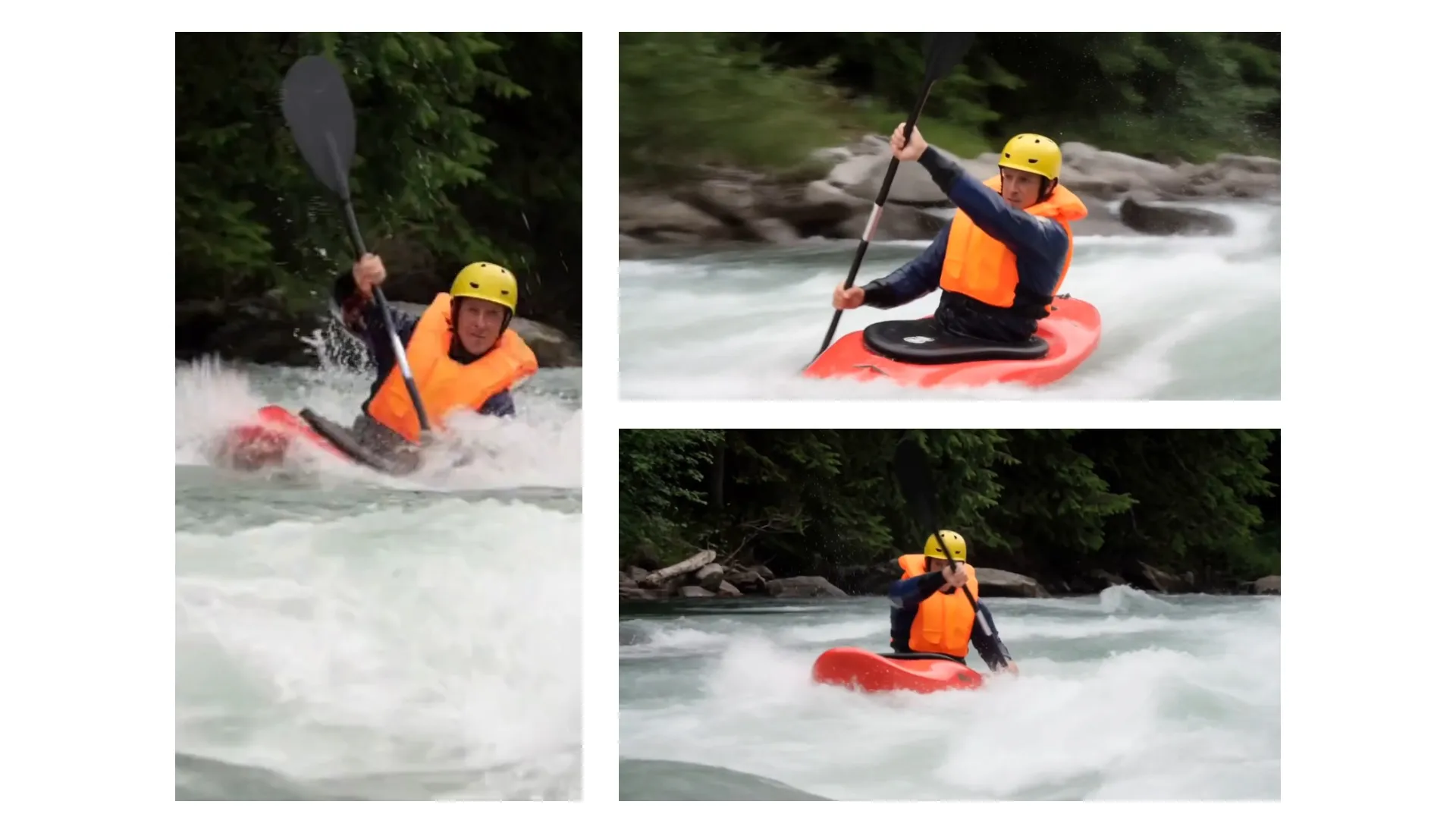
Natural Motion
Use MiniMax H3 for short scenes with realistic sound effects and backing music. The AI video model works well for people, products, animals, and environmental motion.
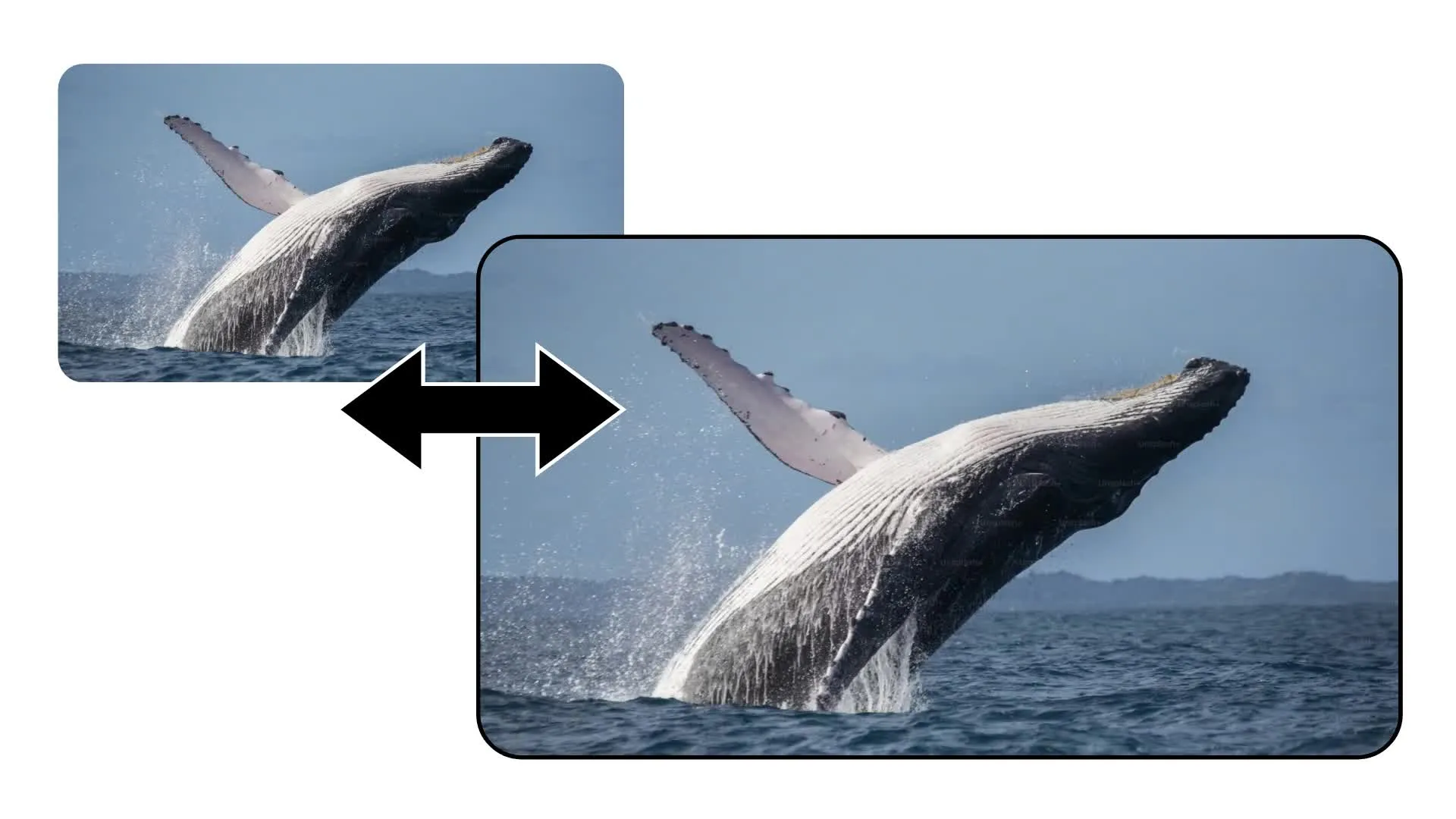
Text and Image to Video
Generate video clips up to 15 seconds long starting with a text prompt or image upload. Choose from six aspect ratios for social, widescreen, square, or portrait projects.
Realistic Vocals
Generate music up to 5 minutes long with realistic singing voices. Prompt MiniMax Music 3.0 for any genre and delivery, including tags for the [Verse], [Chorus], and more.
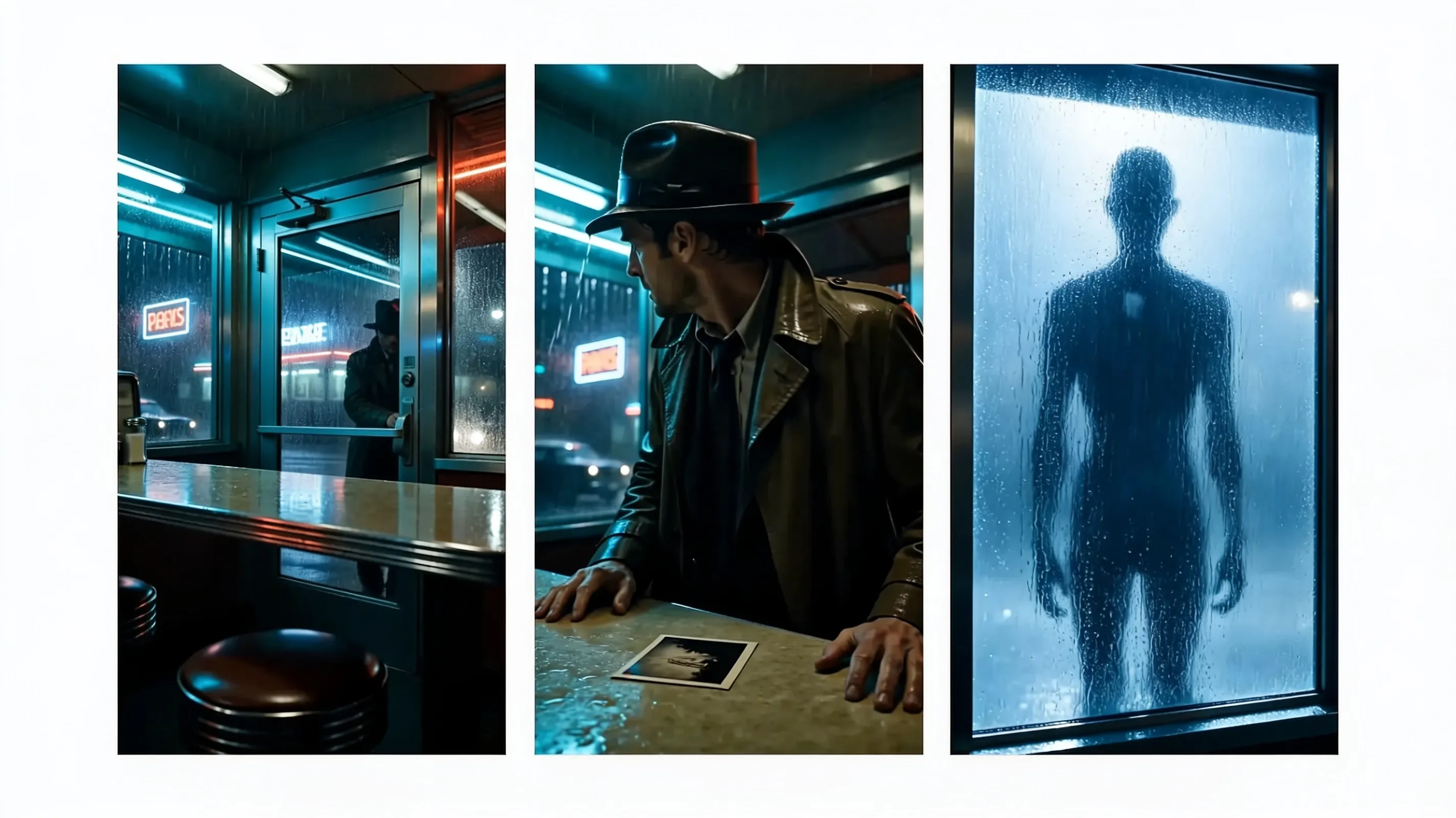
Start/end Frames
Combine start frames and end frames to guide the subjects, setting, camera angles, movement, sound, and style. MiniMax H3 is also the only model in Kapwing that supports reference audio.
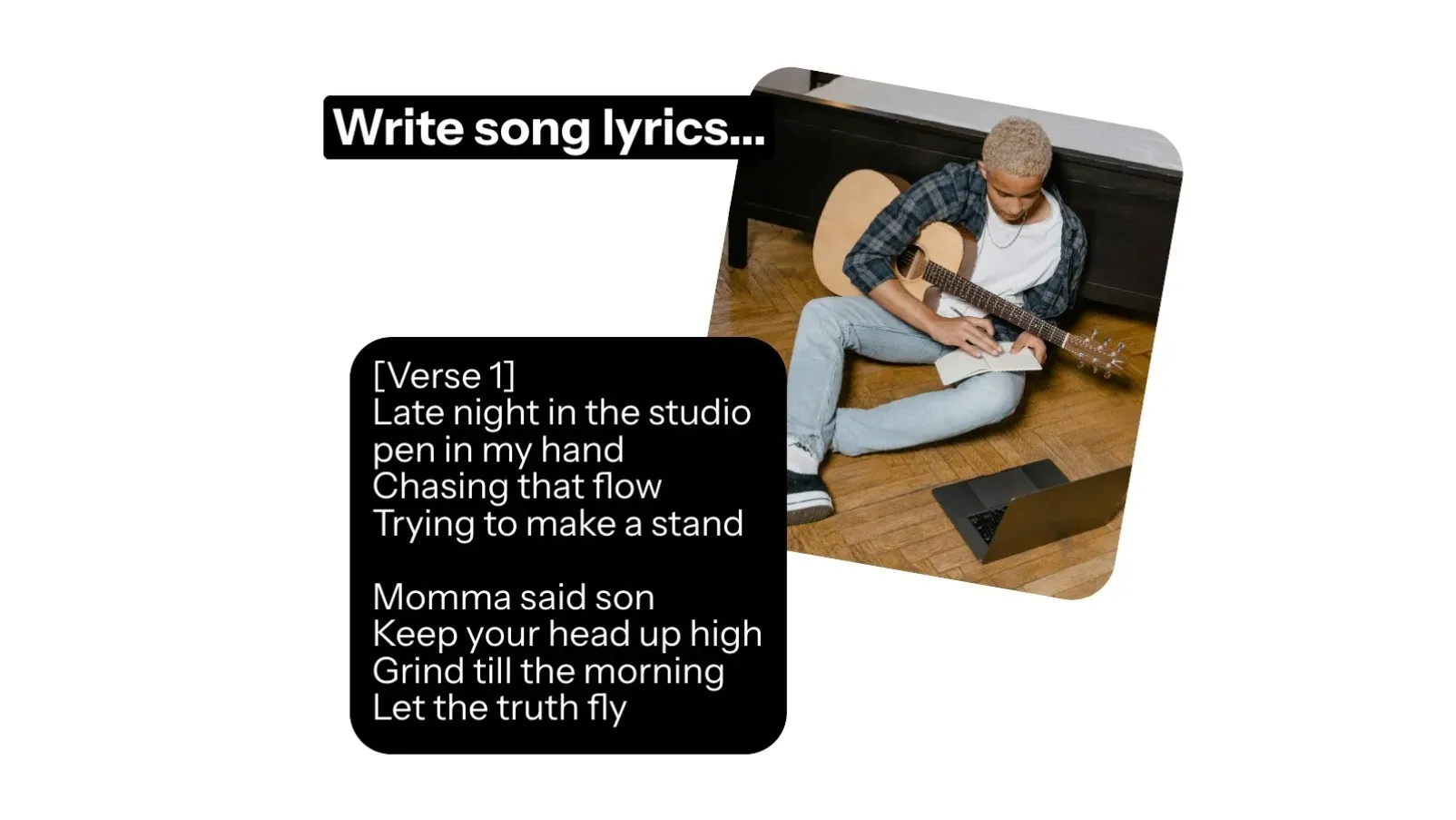
Auto or Manual Lyrics
Let MiniMax Music 3.0 write lyrics from your concept, or provide your own words when the message and phrasing need tighter control
Low-cost Music Drafts
Use MiniMax Music 2.0 for quick song ideas, background tracks, and early creative tests before committing more credits to a final version
How to Use MiniMax AI Models
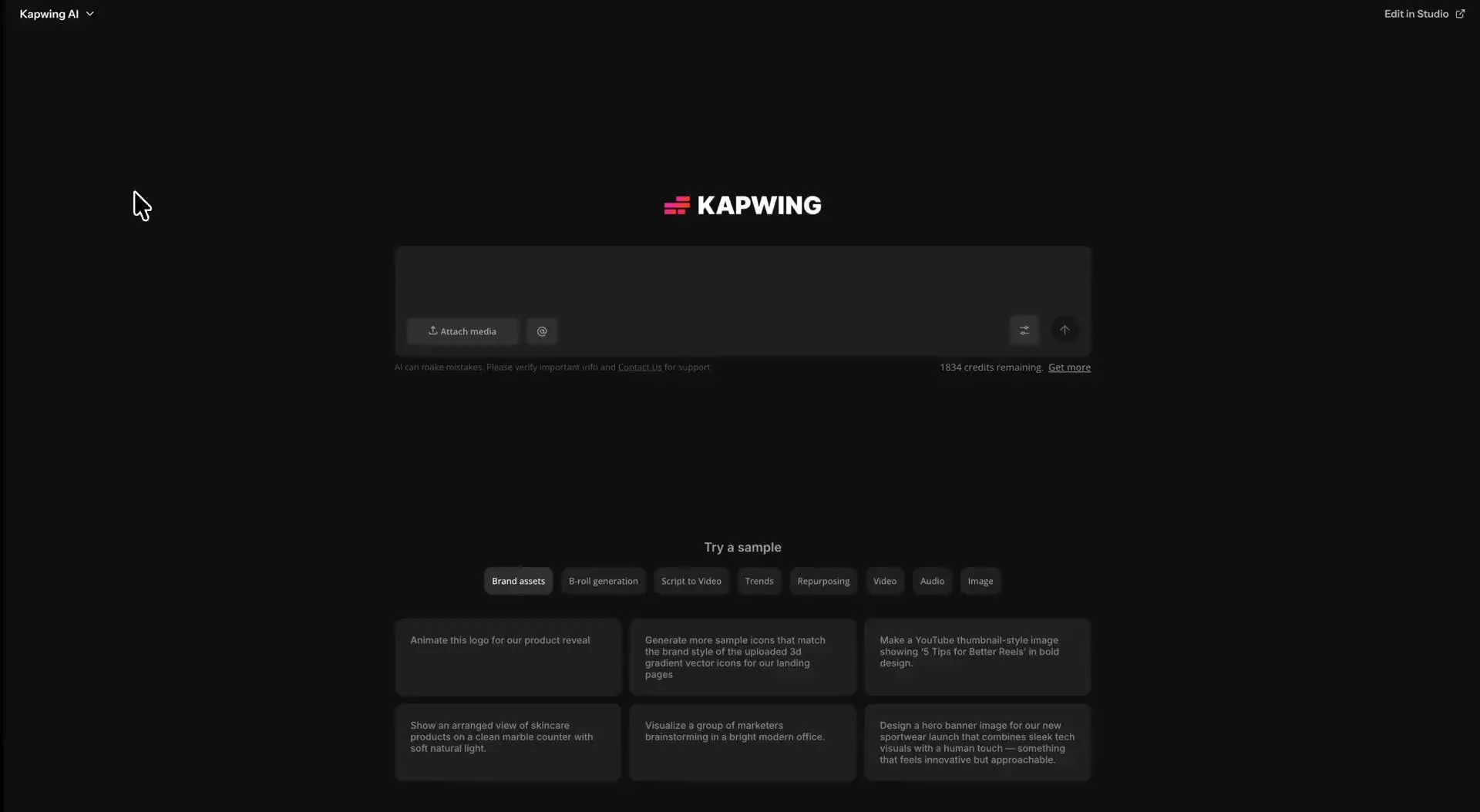
- Step 1Open Kai
Go to kapwing.com/kai to open Kai, Kapwing's AI Assistant. Here, all Minimax video and audio models are available in the AI model dropdown.
- Step 2Select MiniMax
Use the dropdown menu to select from MiniMax H3, MiniMax Music 3.0, MiniMax Music 2.0, or select a different AI model.
- Step 3Prompt & Generate
Describe your video or song. Add any start frames, end frames, or reference media you want to use. Click Generate, then refine the result in Kapwing’s Studio.
MiniMax H3, Music 2.6, and Music 2.0
Combine for realistic AI videos, low-cost music drafts, and finalize songs up to five minutes long
MiniMax Hailuo 3 Video
Use MiniMax H3 when you need realistic short-form motion from a text prompt or opening image. In Kapwing, Hailuo 3 generates up to 15-second videos at 768p across six aspect ratios.
MiniMax Music 3.0
Choose Music 3.0 for expressive vocal songs, realistic delivery, clear genre styling, and the option to use automatic or manual lyrics
MiniMax Music 2.0
MiniMax Music 2.0 is great for lower-cost song ideas, background tracks, and early creative drafts including vocals, instruments, and musical structure
Why use MiniMax in Kapwing
Generate the asset — keep building the project
Video and music belong in the same workflow
MiniMax can create multiple shots within a single generation. When your prompt needs more scenes, Kapwing generate several MiniMax clips and combines them into one cohesive sequence.
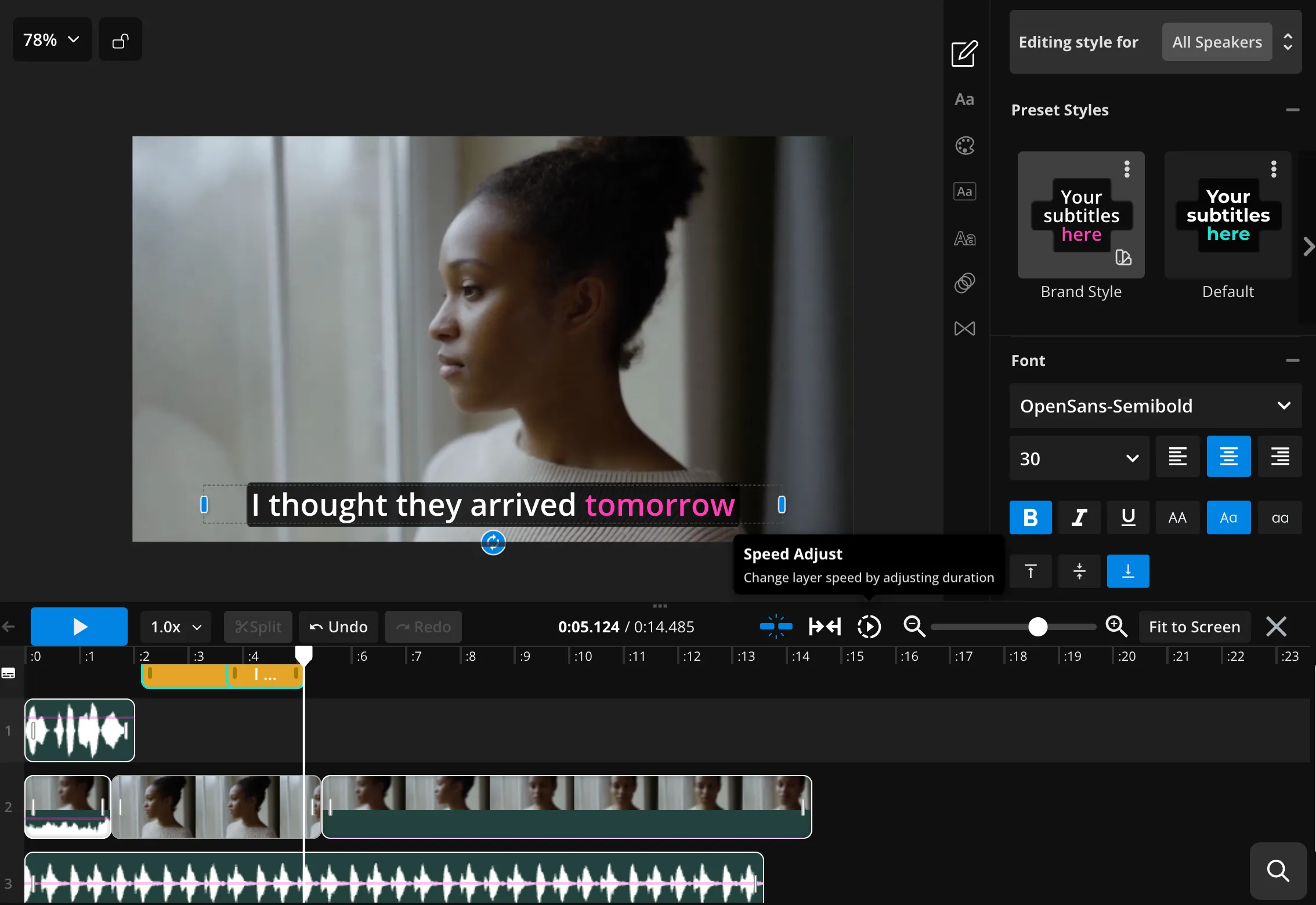
Crop, subtitle, translate, and resize the result in Kapwing’s timeline editor. Create a custom soundtrack with MiniMax Music 3.0 or Music 2.0, add it directly beneath your footage, and adjust the mix.
You can also use other Kapwing AI models — including ChatGPT Image, Nano Banana, Kling, and Seedance — to create reference images, additional footage, and sound effects. All from your browser, without paying for separate subscriptions.
Frequently Asked Questions
We have answers to the most common questions that our users ask.
What is MiniMax AI?
MiniMax is an AI company that develops models for video, music, speech, and language. In Kapwing, the MiniMax models available for direct generation are MiniMax H3 for video and MiniMax Music 3.0 or Music 2.0 for songs.
Which MiniMax models are available in Kapwing?
Kapwing currently includes MiniMax Hailuo 3 Video, MiniMax Music 3.0, and MiniMax Music 2.0. H3 creates short video from text or an opening image. Music 3.0 focuses on expressive finished songs, while Music 2.0 is a lower-cost option for drafts and everyday tracks.
What is MiniMax H3?
MiniMax Hailuo 3 is MiniMax’s newest general-purpose multimodal generation model. Kapwing’s H3 integration focuses on realistic short-form video generation from a text prompt or opening image.
How do I use MiniMax H3 in Kapwing?
Open Kapwing AI (Kai), choose video generation, and select MiniMax H3 from the dropdown model menu. Enter a prompt or upload an opening image, detail your desired duration and aspect ratio, then generate and edit the result in Kapwing.
Does MiniMax H3 support text-to-video and image-to-video?
Yes. In Kapwing, MiniMax H3 can generate video from a text prompt or animate an uploaded opening image.
How long are MiniMax H3 videos in Kapwing?
MiniMax H3 generates videos up to 15 seconds long. If your prompt requires a longer video or additional scenes, Kapwing AI will create multiple H3 generations and stitch them into one sequence for you.
What resolution and aspect ratios does MiniMax H3 support in Kapwing?
Kapwing’s MiniMax H3 integration generates at 768p. Text-to-video supports 16:9, 9:16, 1:1, 4:3, 3:4, and 21:9. Image-to-video adapts the framing to the uploaded opening image.
Does MiniMax H3 generate audio in Kapwing?
Yes. Kapwing’s current MiniMax H3 integration generates synchronized audio, including sound effects and background music. However, it does not support lip-synced dialogue. Seedance 2.0 or 2.5 is recommended for this.
What is MiniMax Music 3.0?
MiniMax Music 3.0 is Kapwing’s higher-quality MiniMax song model. It creates expressive vocal music with strong genre styling and realistic delivery, using either automatically generated lyrics or lyrics you provide.
Can I edit MiniMax videos and music in Kapwing?
Yes. Trim and combine H3 clips, add subtitles or translations, resize for social platforms, and mix MiniMax songs with voice-over and sound effects in the same Kapwing project.
Discover Resources
Tips, templates, and deep dives to help you create faster and share with confidence.
View all


Get started with your first video in just a few clicks. Join over 35 million creators who trust Kapwing to create more content in less time.