AI Human Generator
Create realistic AI humans from text prompts or photos. Fully online and free to start.
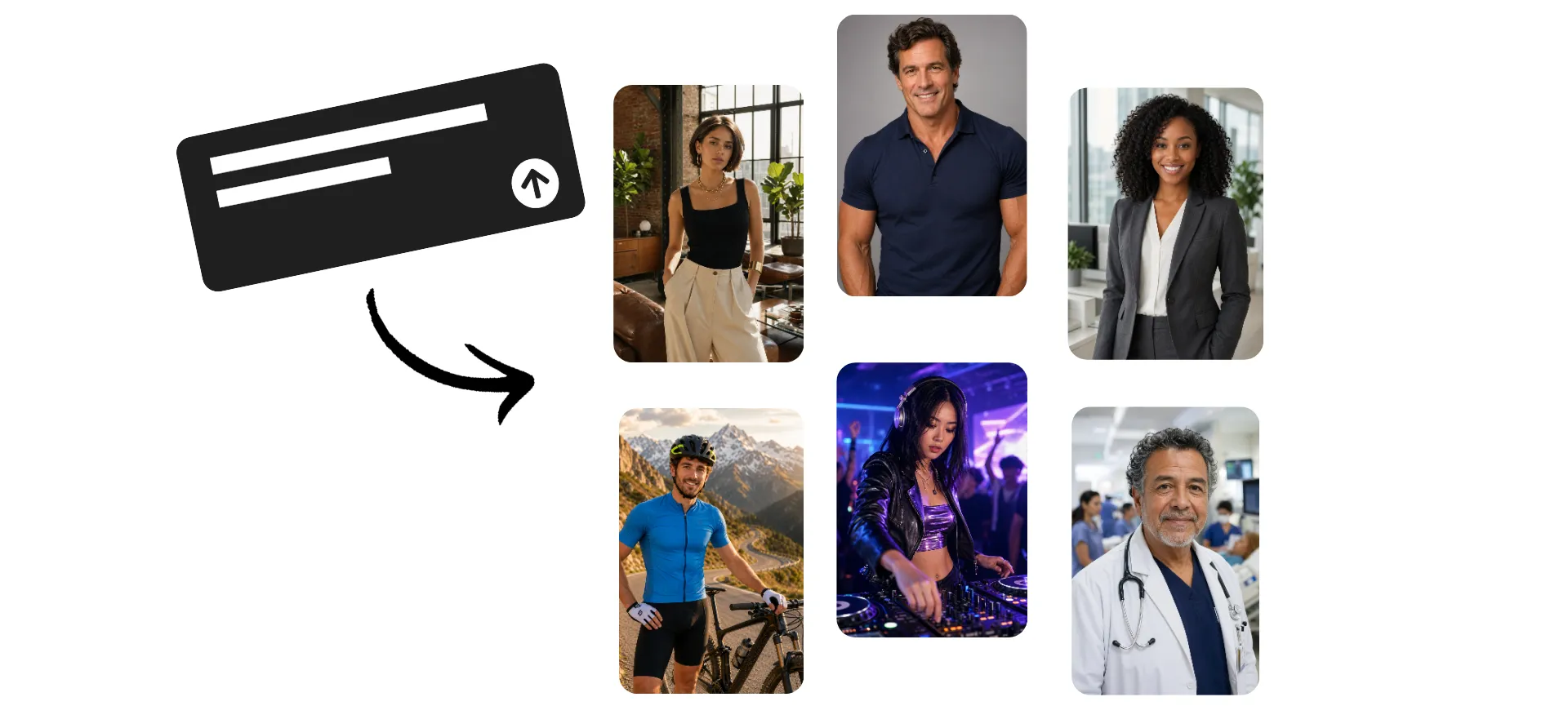
Create a realistic AI human — in minutes
Full commercial rights. Free to start.
Enter a description — create an AI human
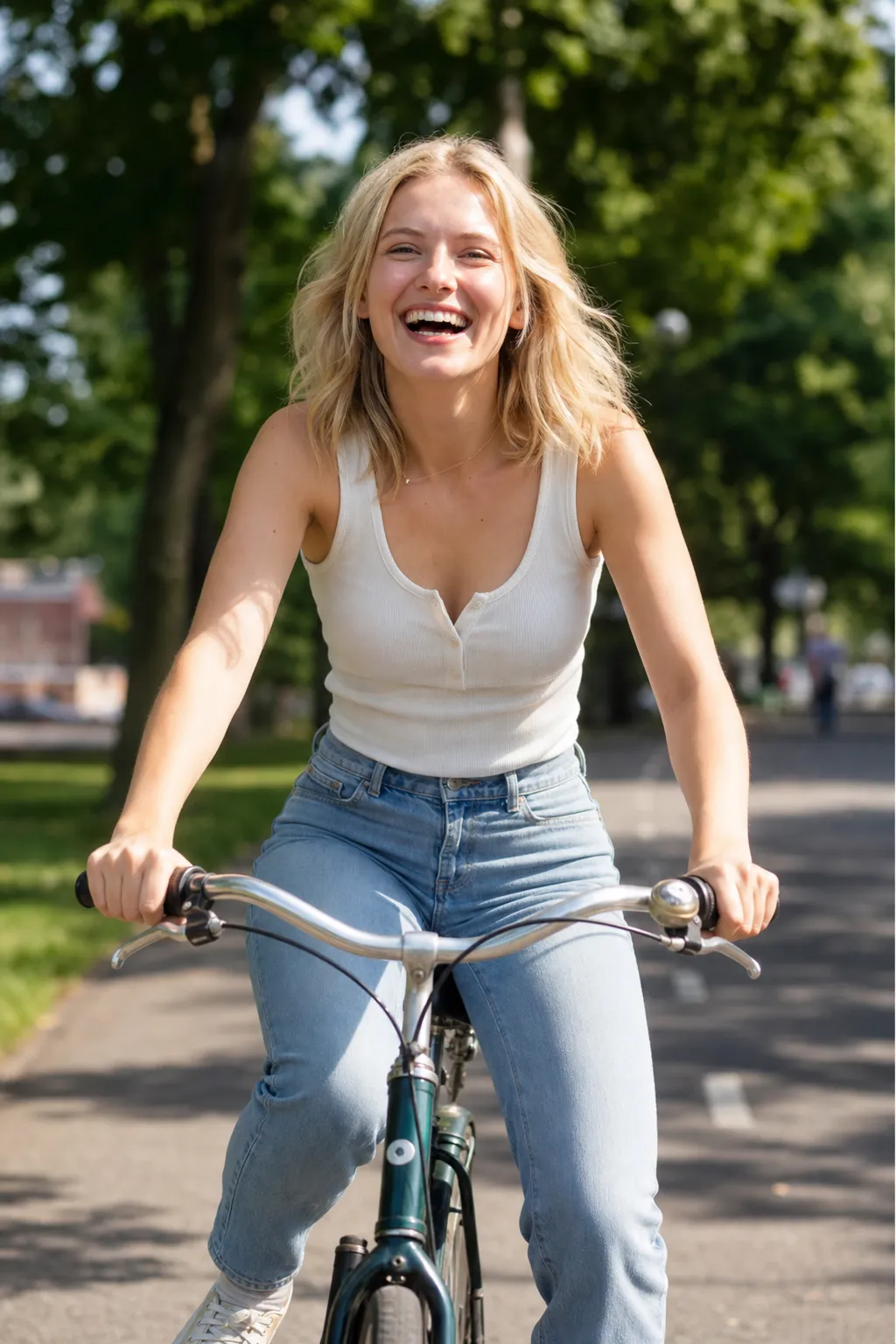
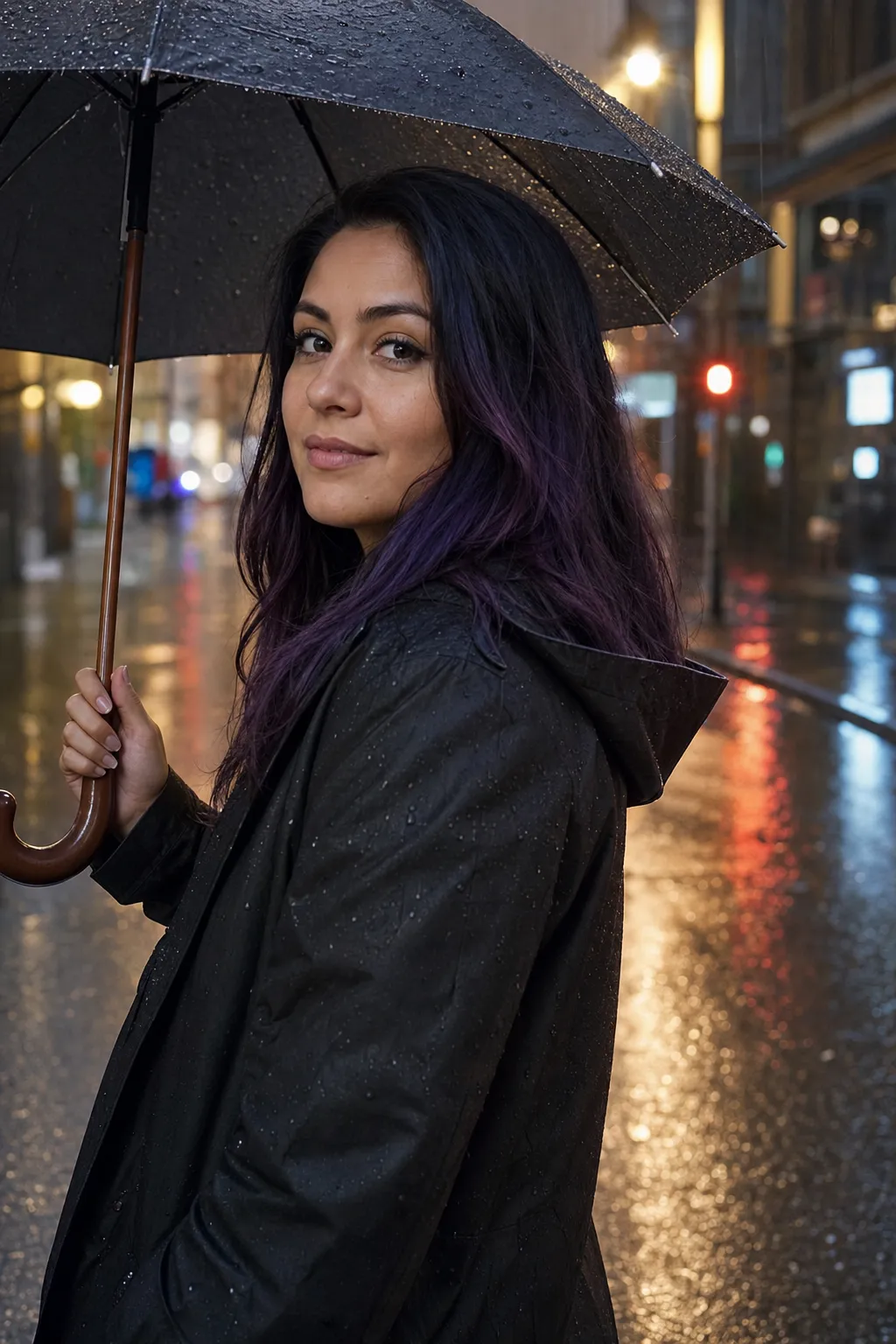
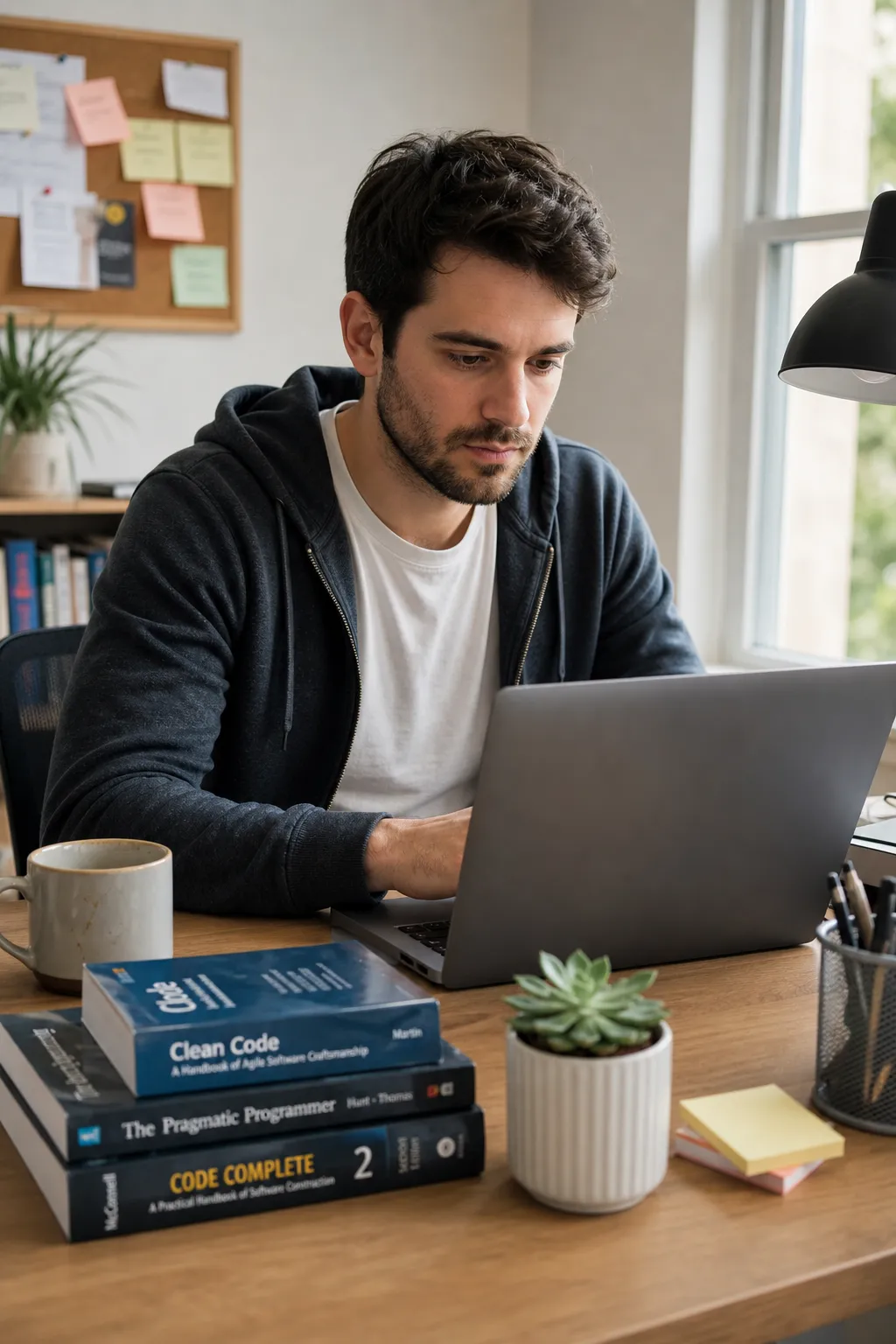
Describe the person you want to create — from facial features and hairstyle to body type, style, gender, and overall look — and Kapwing’s AI Human Generator turns your prompt into a lifelike character in seconds.
Built-in prompt enhancement helps you get polished results without complicated inputs.
Download high-resolution images instantly, or animate your character with the AI Image to Video Generator so you human talks, moves, and interacts realistically.
Save your favorite AI people to your Brand Kit and reuse consistently.
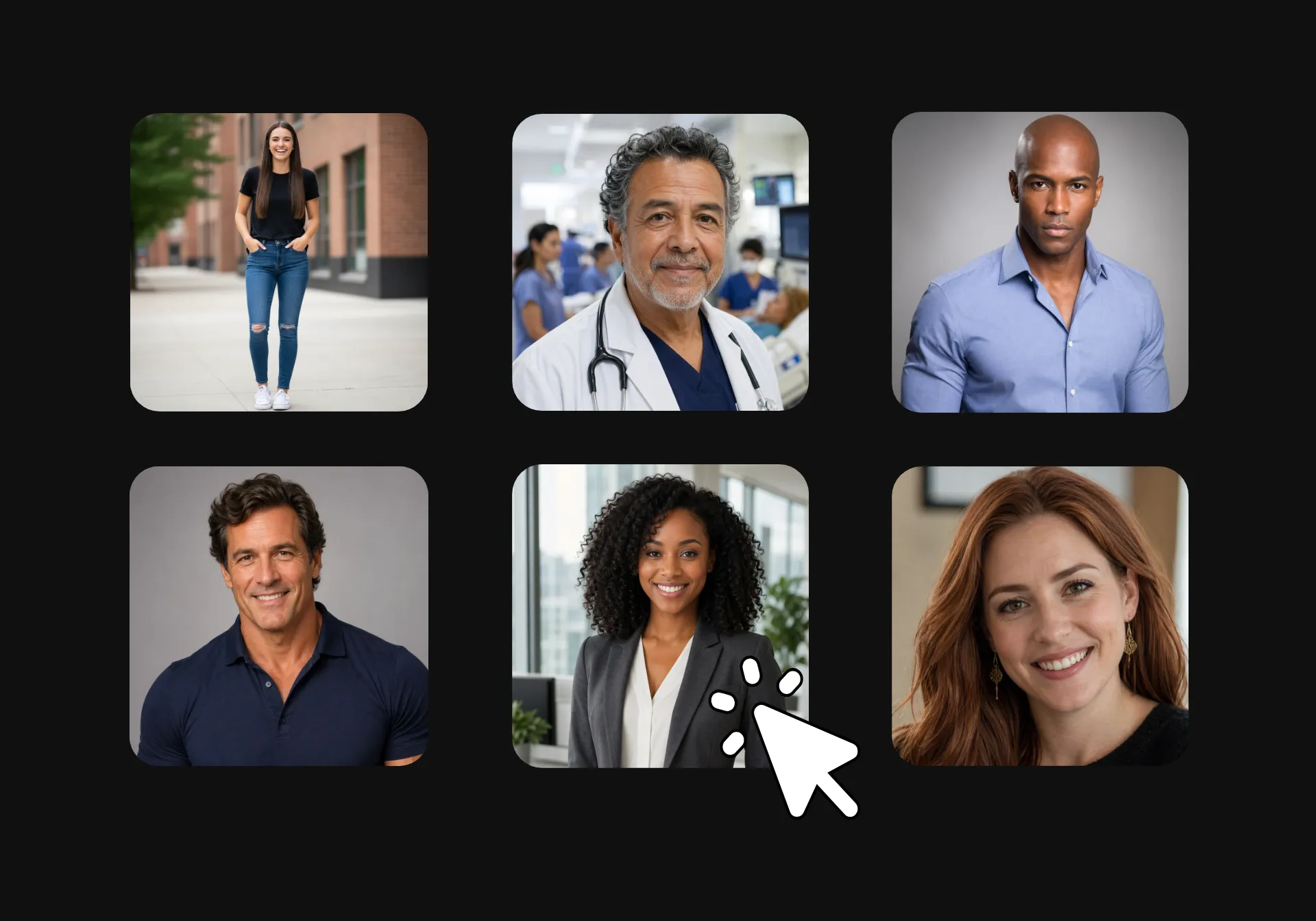
Any person you can describe — created by AI
100% online. Trusted by 35M creators. No watermark on Pro.
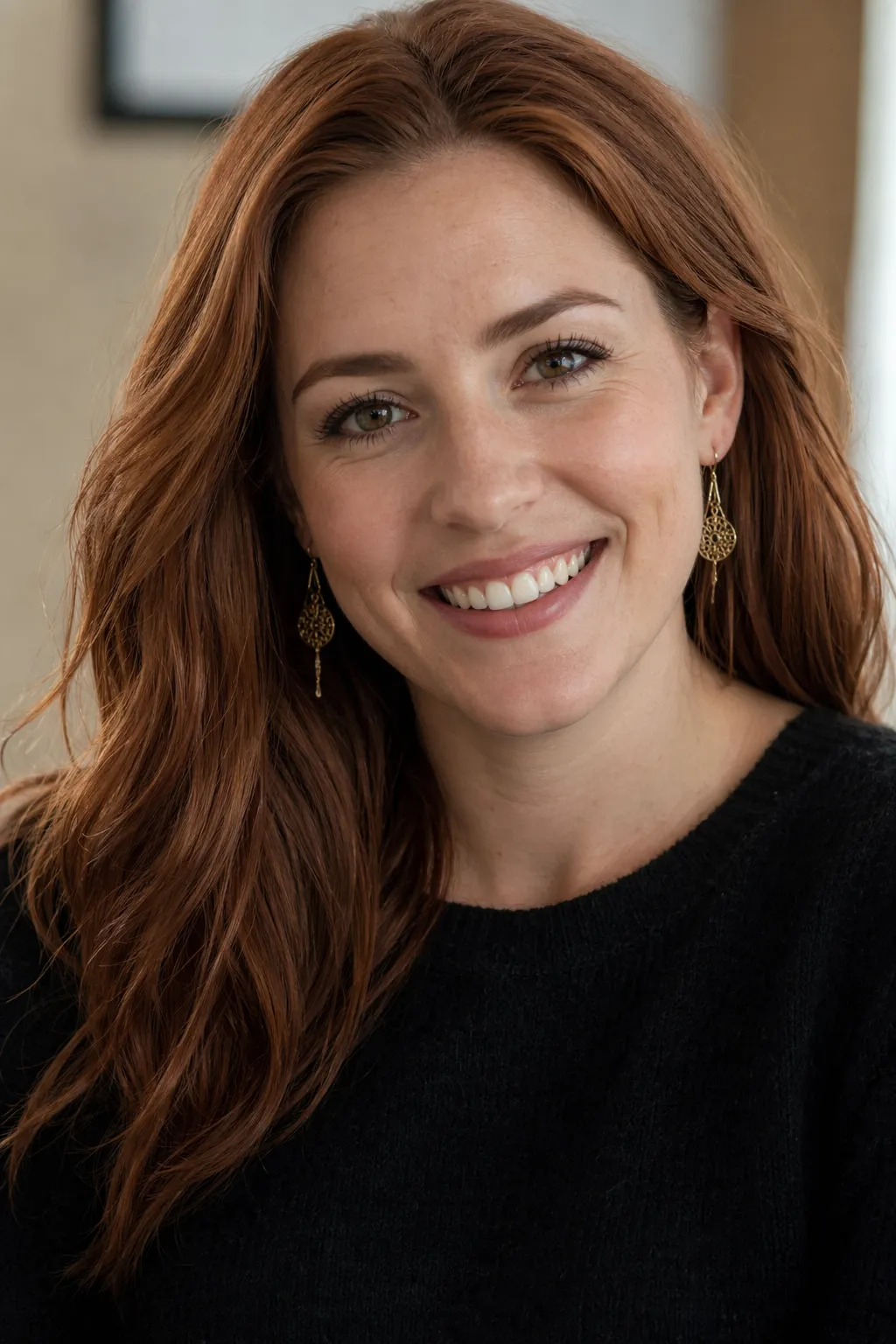
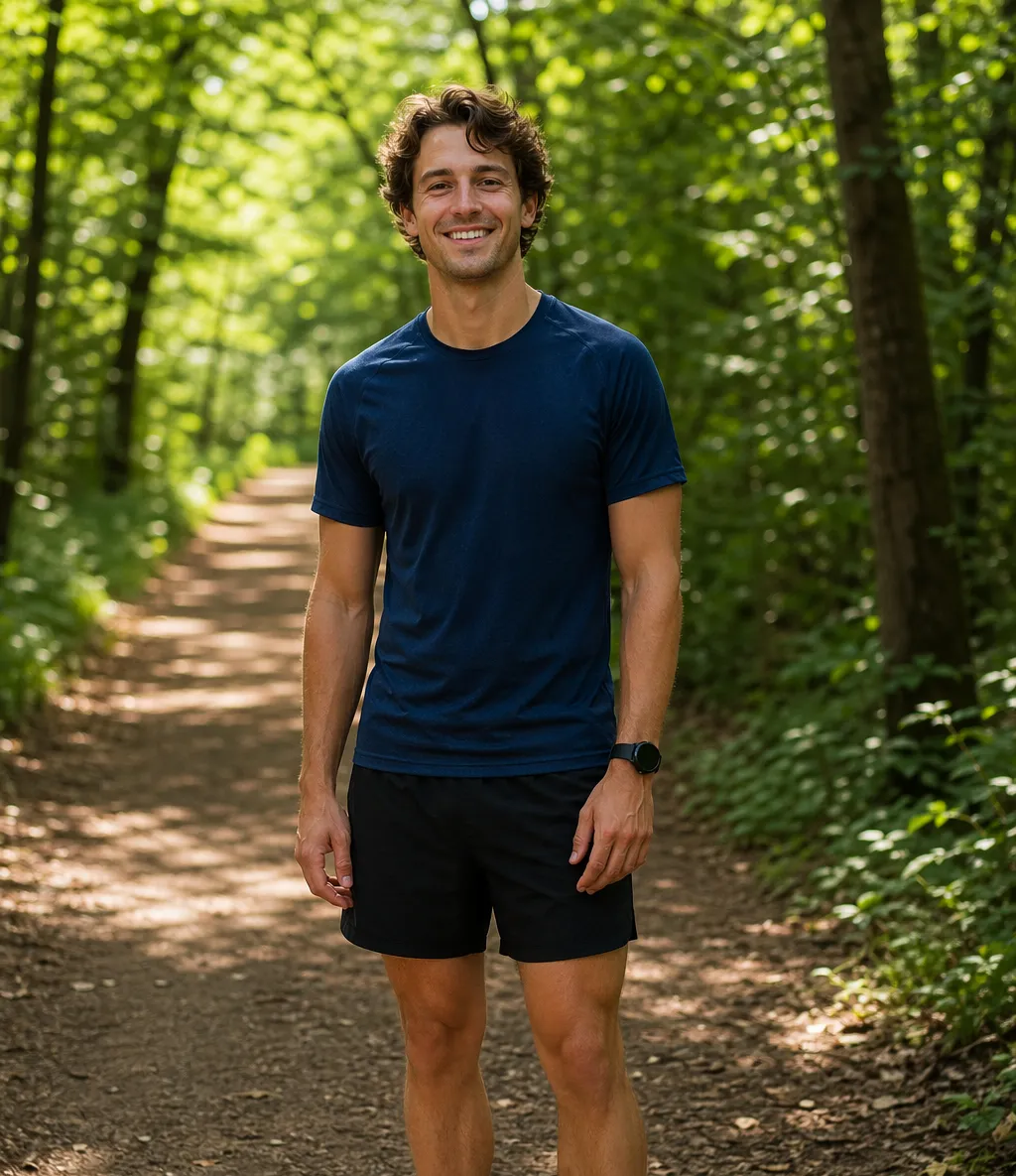
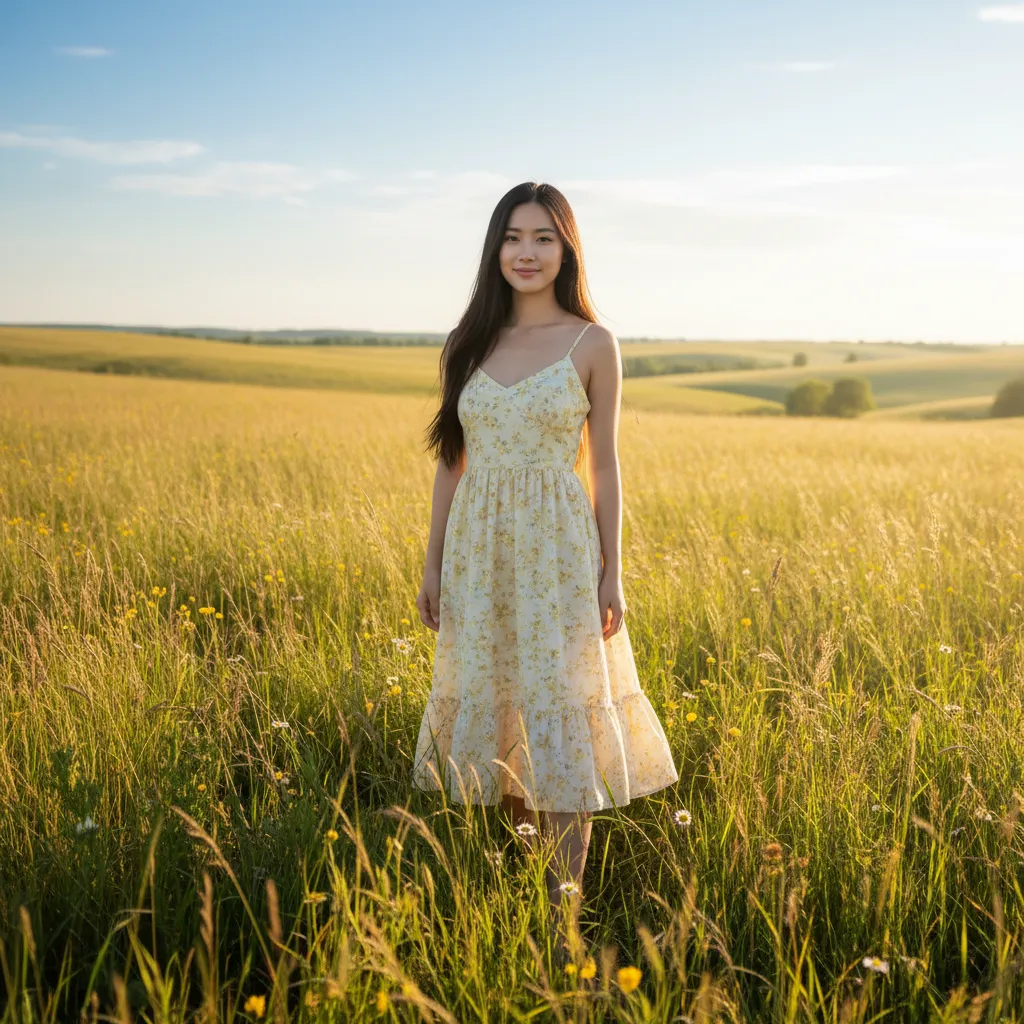
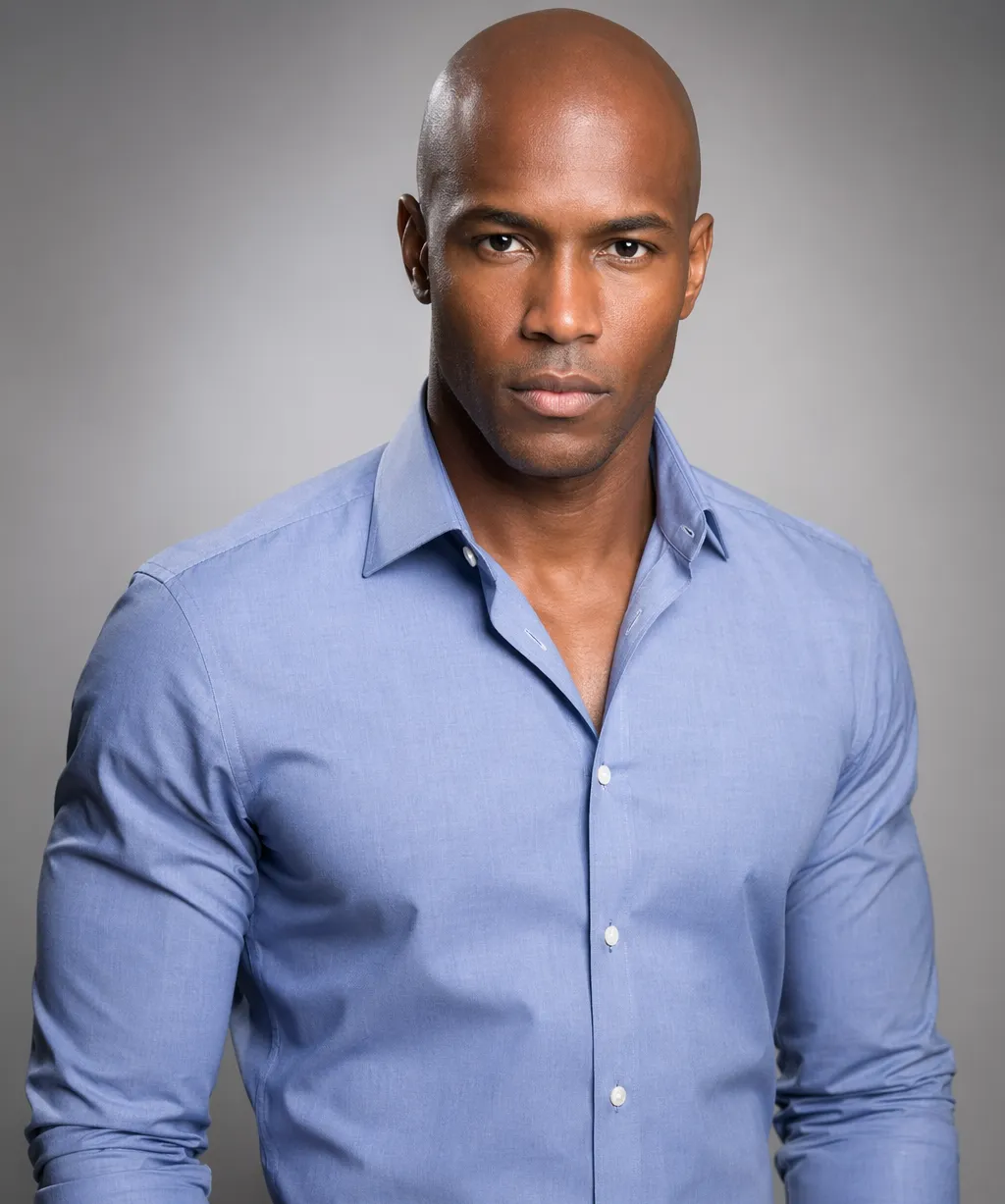
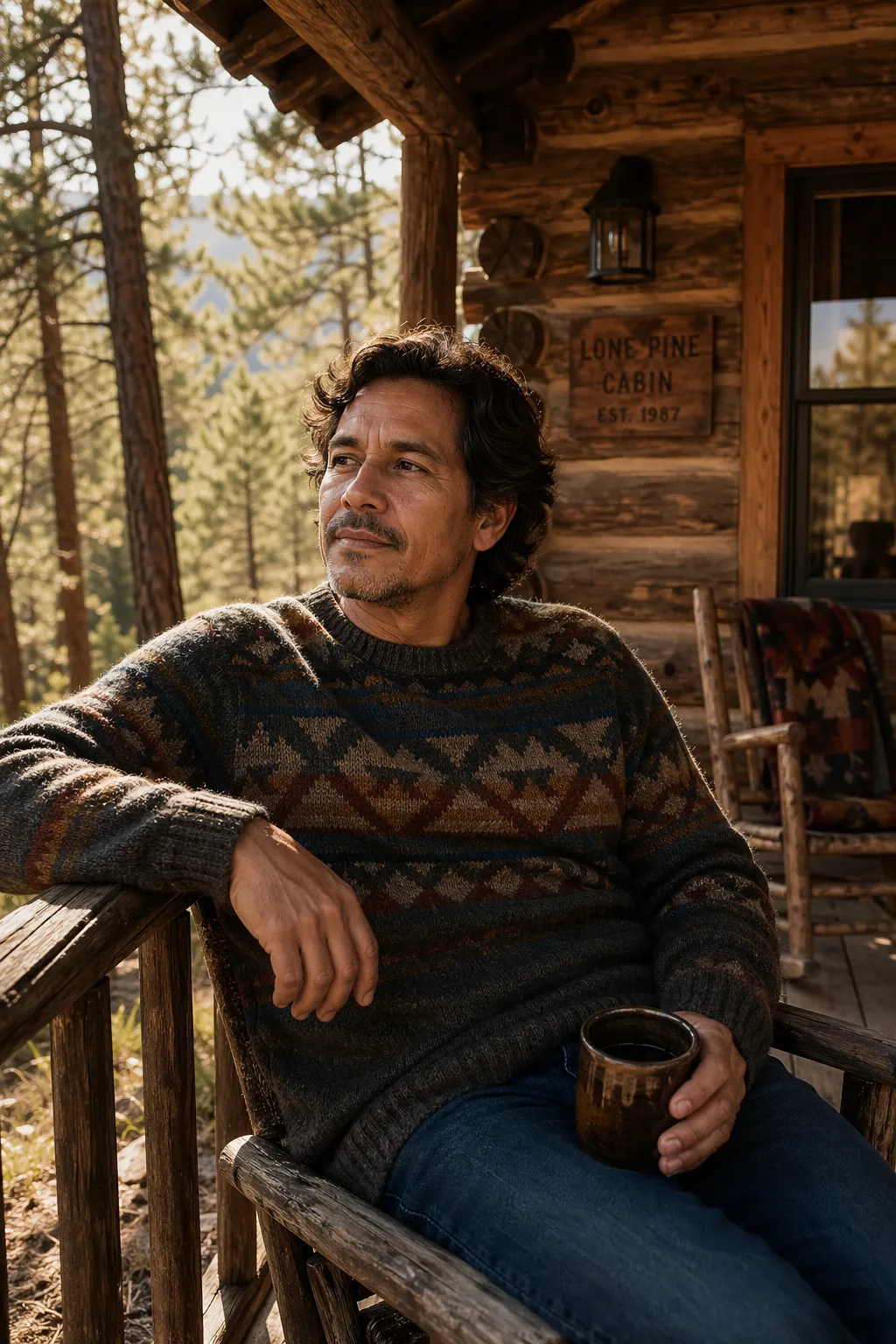
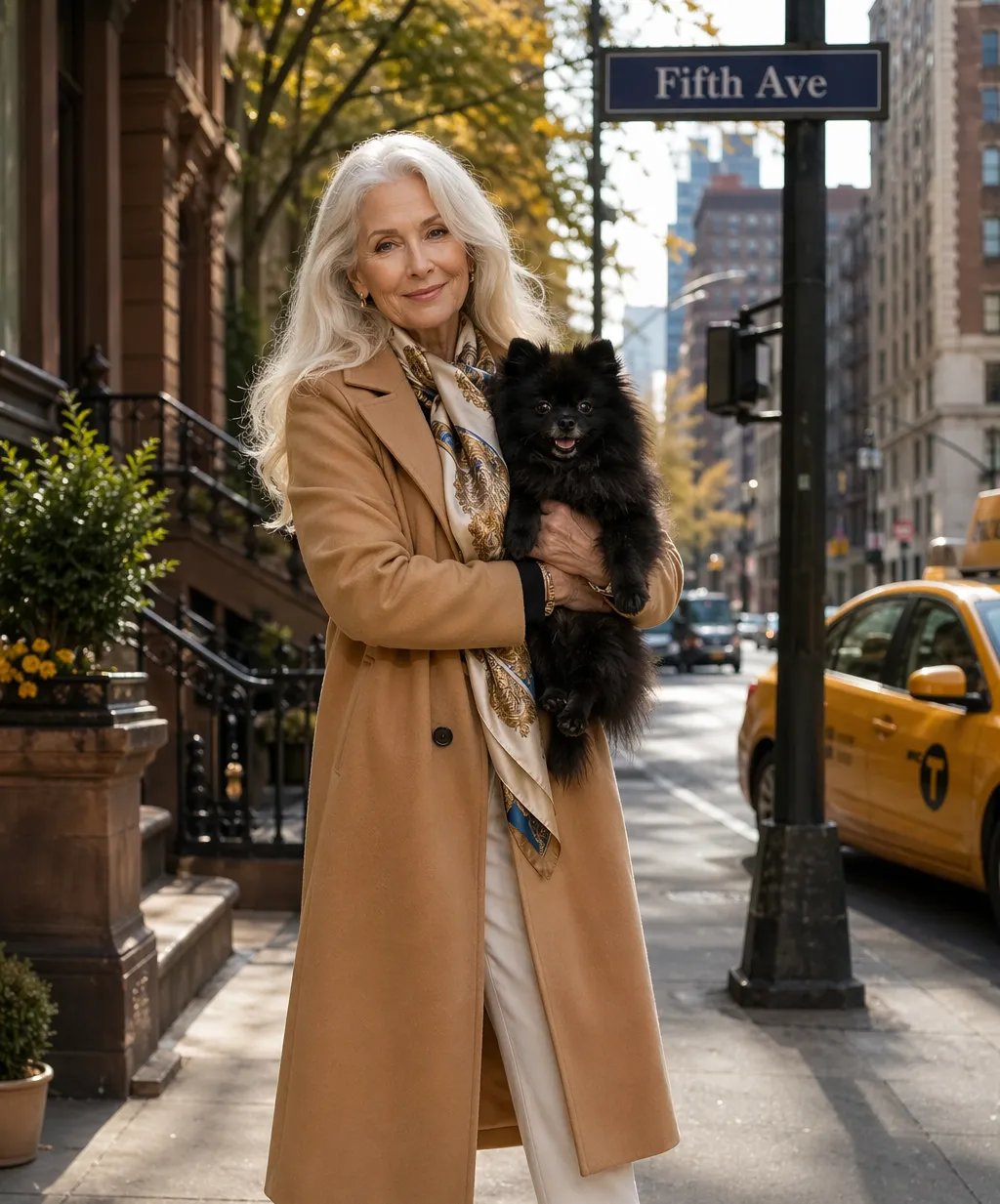
How to create an AI person in under 60 seconds
Content in any aspect ratio — 16:9, 1:1, 9:16, and more
Create
your AI human using reference images and a voice recording


Generate
videos and images using your AI human, simply by tagging them
Customize
your AI human in the Brand Kit any time — modify clothes, style, voice, and physical appearance
Custom AI humans for every niche
Create unique people — for your unique content
Stock Photos
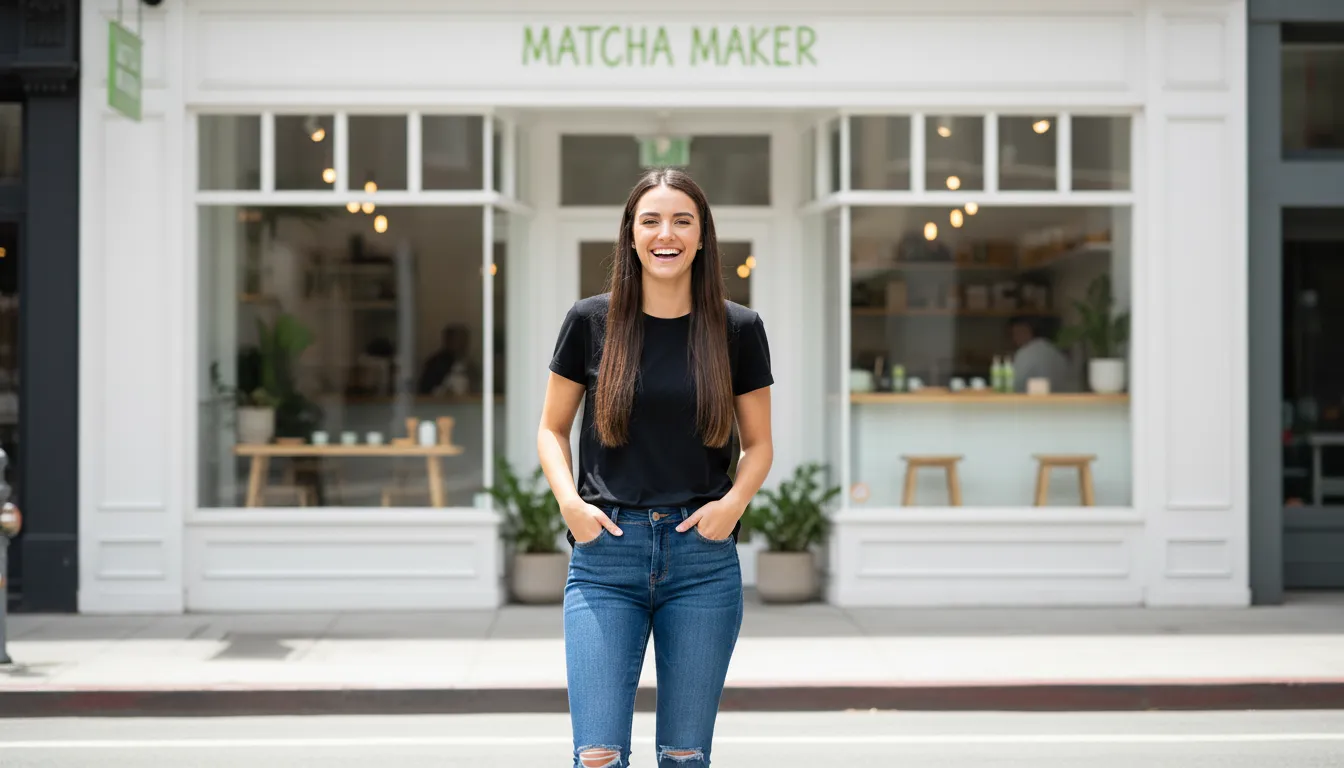
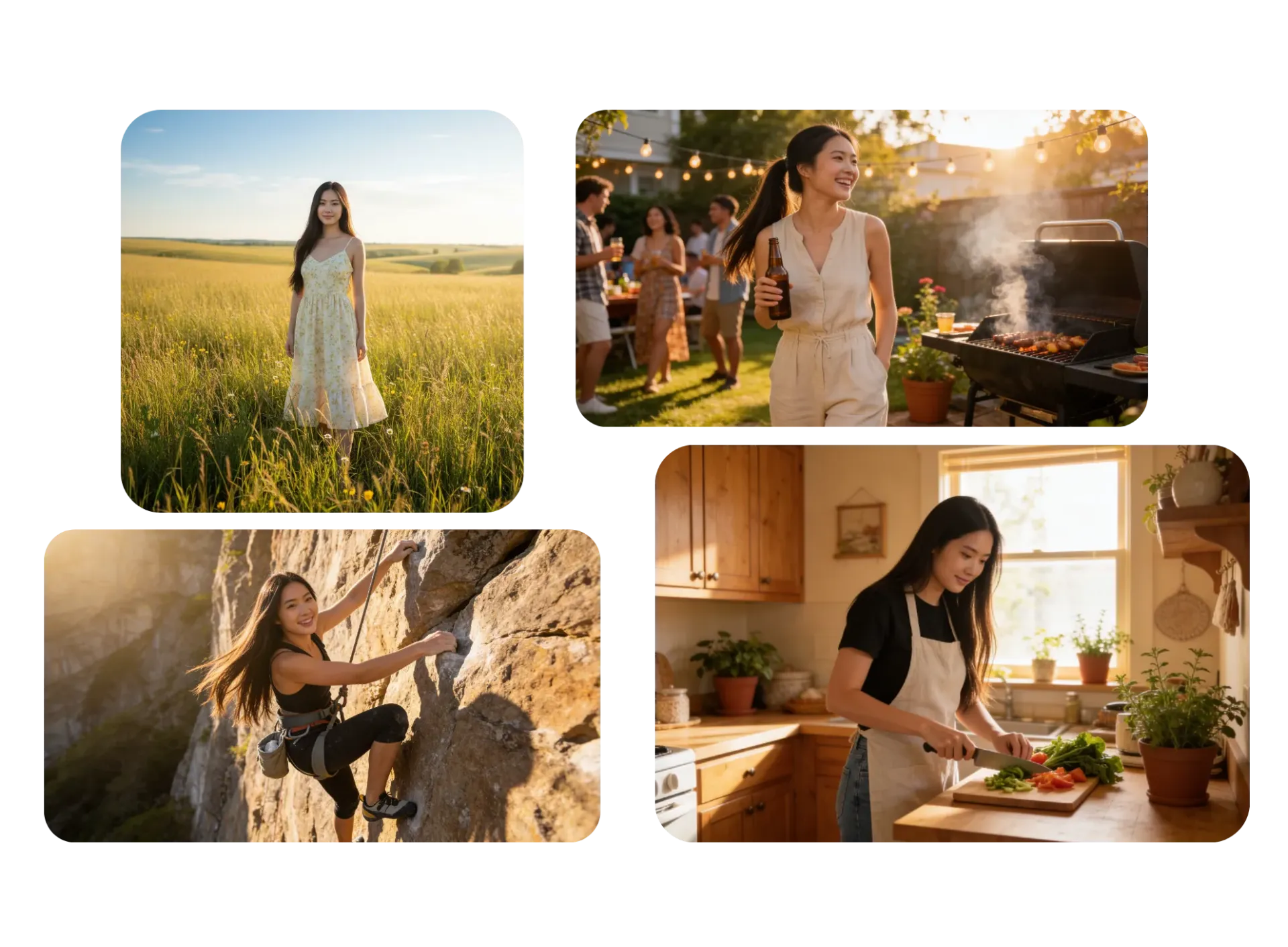
Instead of sourcing generic visuals, marketers and bloggers generate unique AI people tailored to their content — no more expensice stock libraries
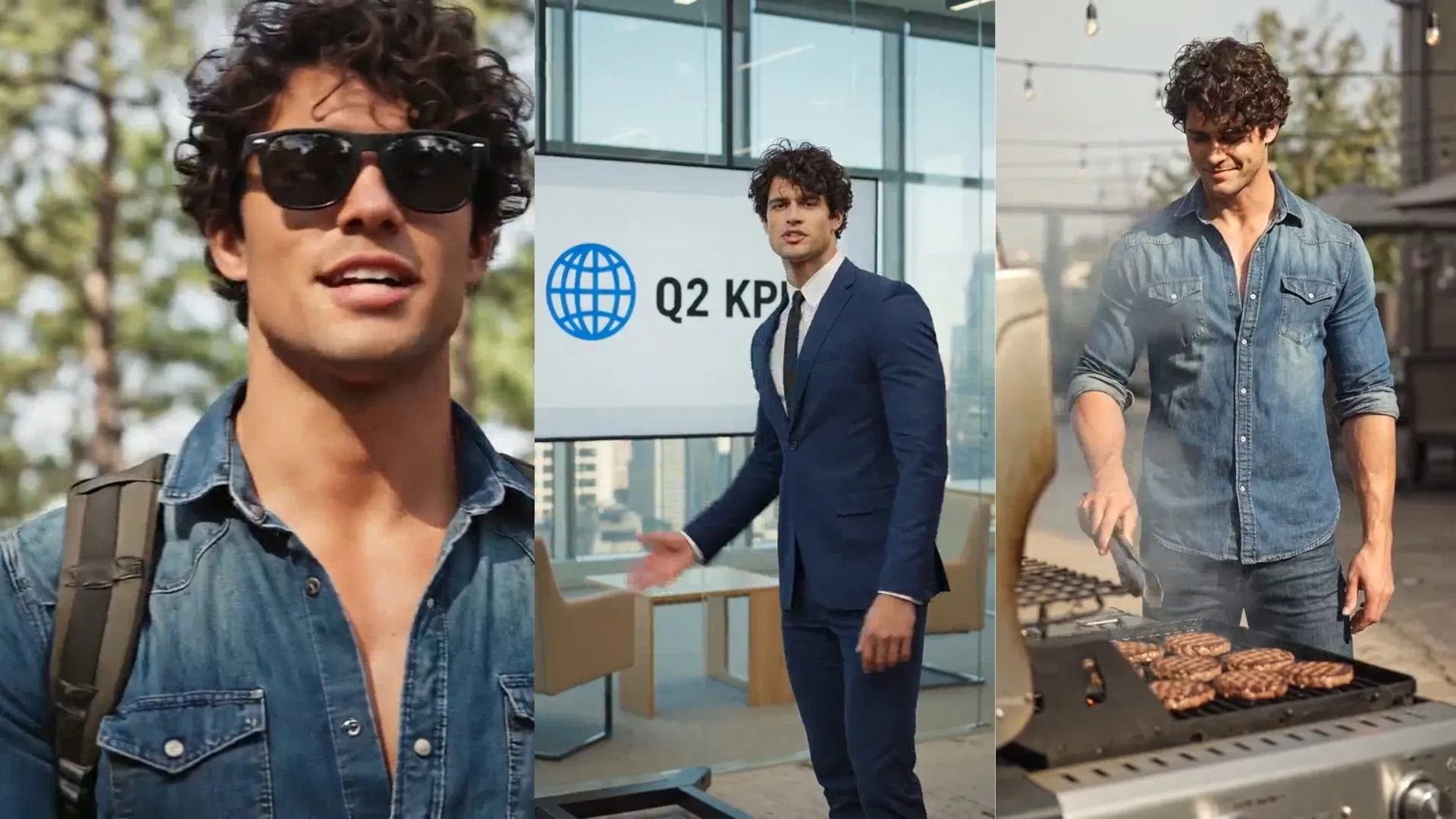
Social Content
Content creators and influencers create recognizable AI generated people that appear consistently across posts and campaigns
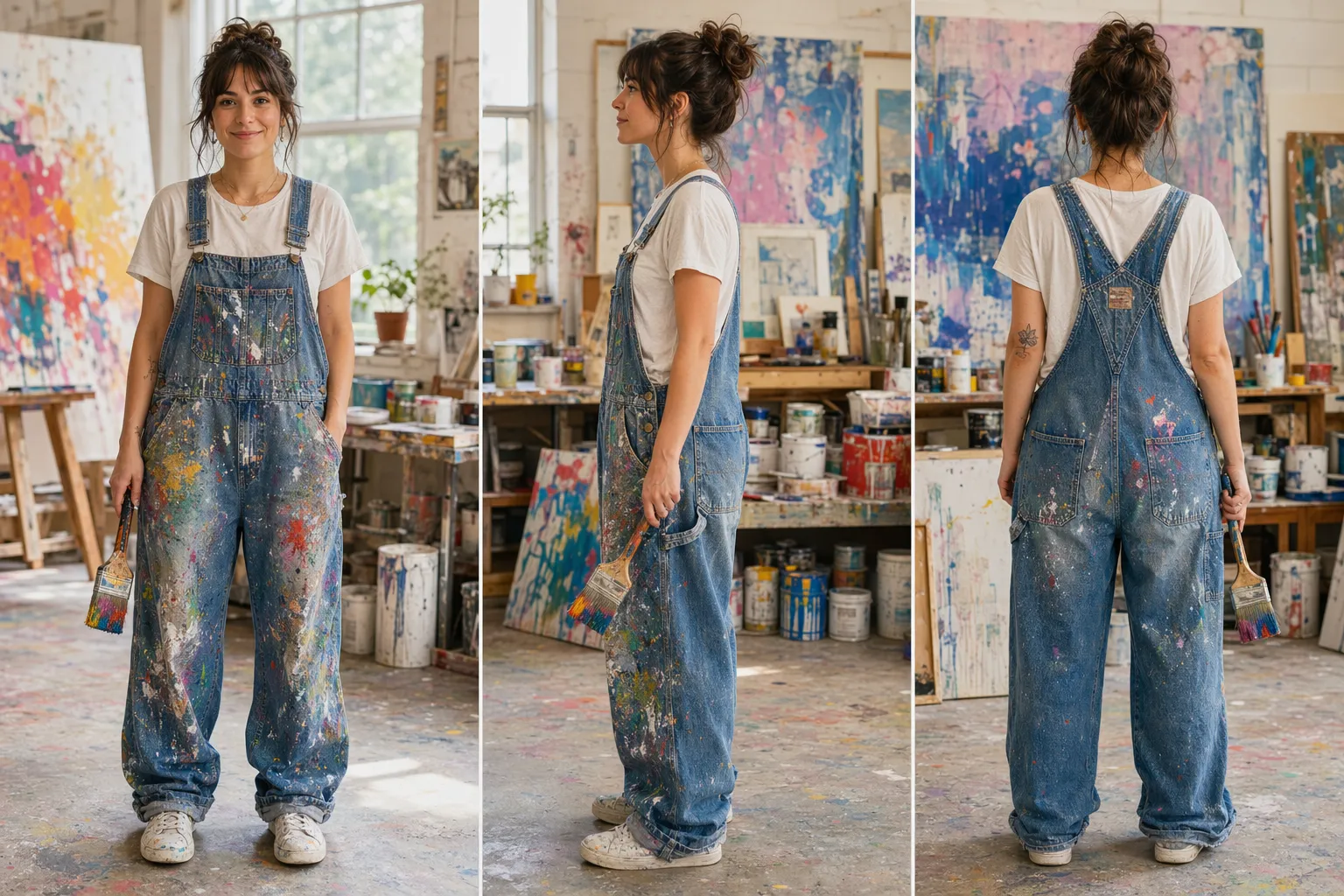
Character Design
Game developers, writers, and creative teams build detailed AI generated humans for storytelling, concept art, and pre-visualization
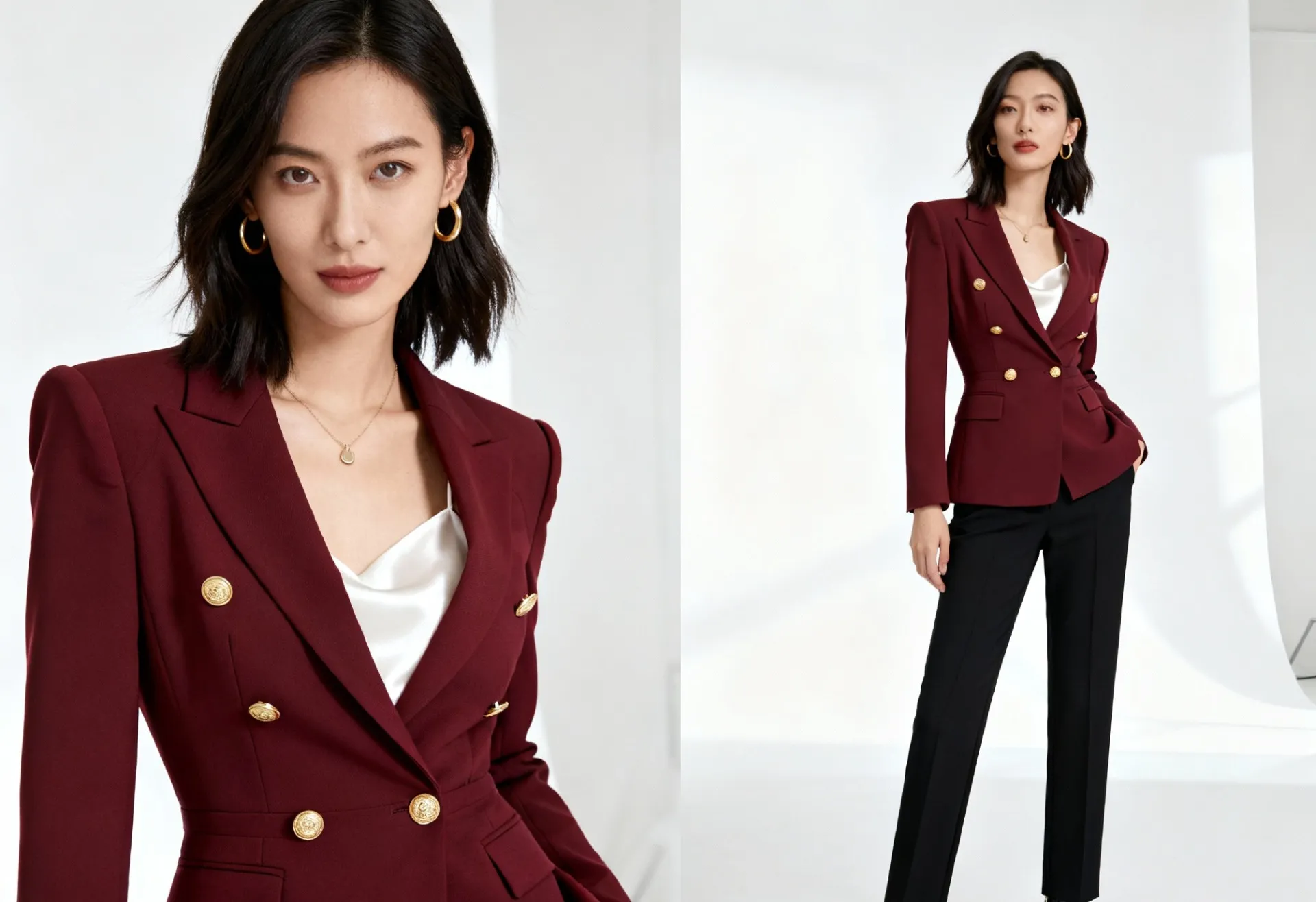
Full-Body Characters
Fashion brands, fitness creators, and digital artists use AI person generator full-body outputs to showcase outfits, movement, or styling concepts
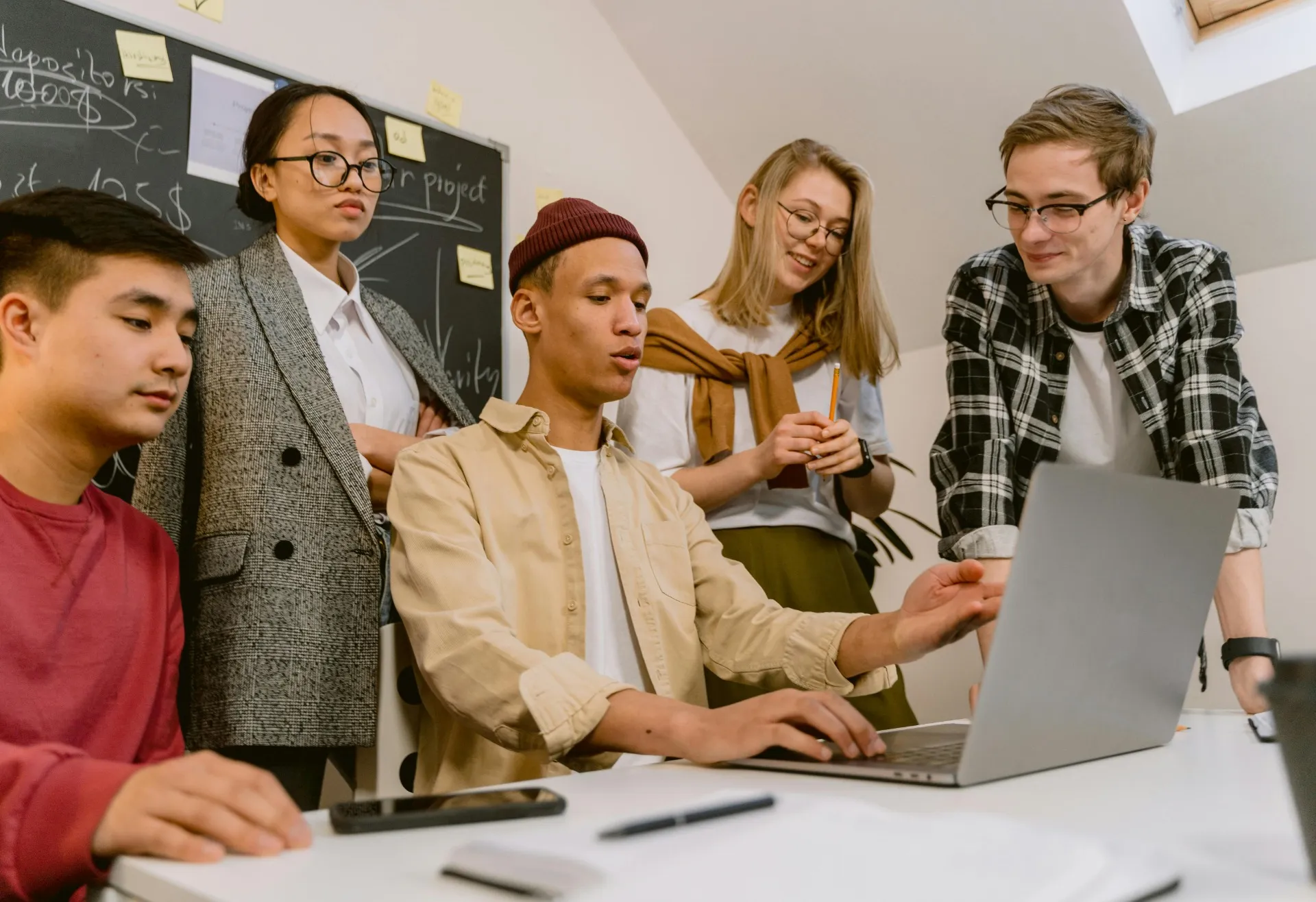
Diverse Representation
Create AI humans that reflect a wide range of identities, backgrounds, and appearances — inclusive visuals without the limitations of casting or stock.
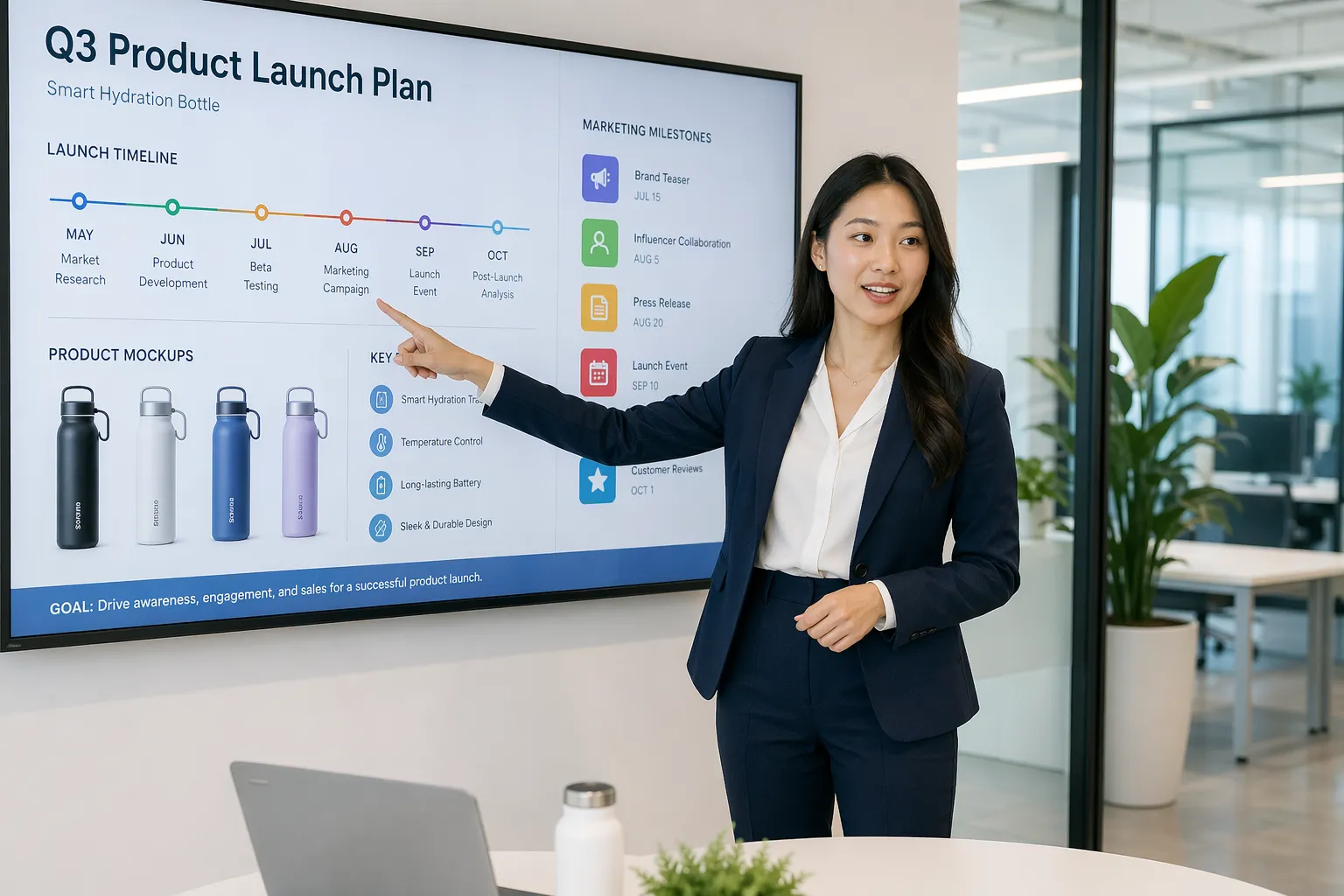
Localization
Localize and customize content without recreating assets from scratch. Get tailored visuals for different audiences, making AI personalization scalable.
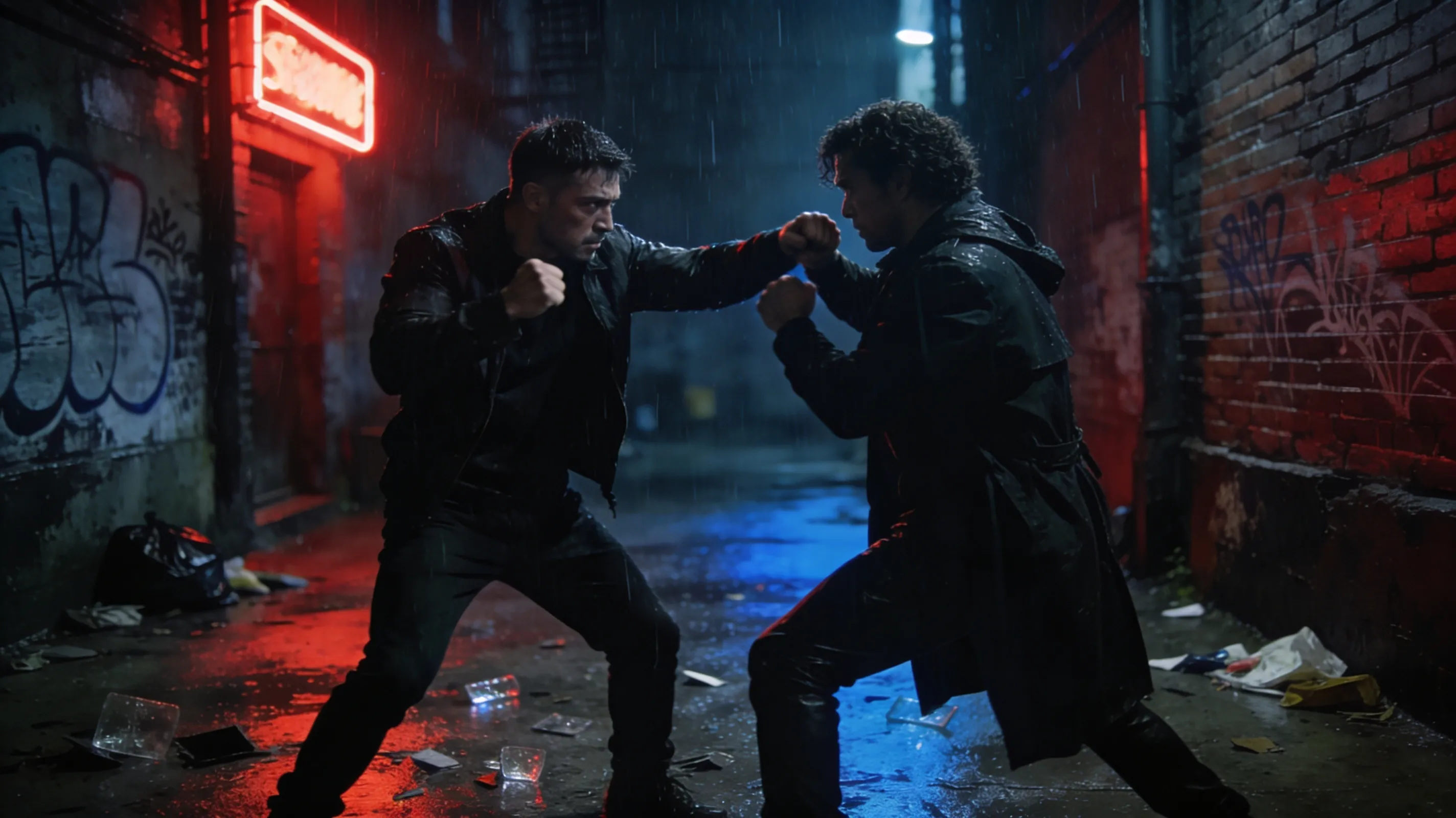
Visual Storytelling
Develop AI generated people as part of storyboarding and narrative planning. Maintain continuity from concept to production with an AI person creator.
AI humans in images and videos — no technical skills needed
Generate consistent human characters for every project
Customize every attribute in seconds
Customize your AI person to match your brand or aesthetic, using simple prompts.
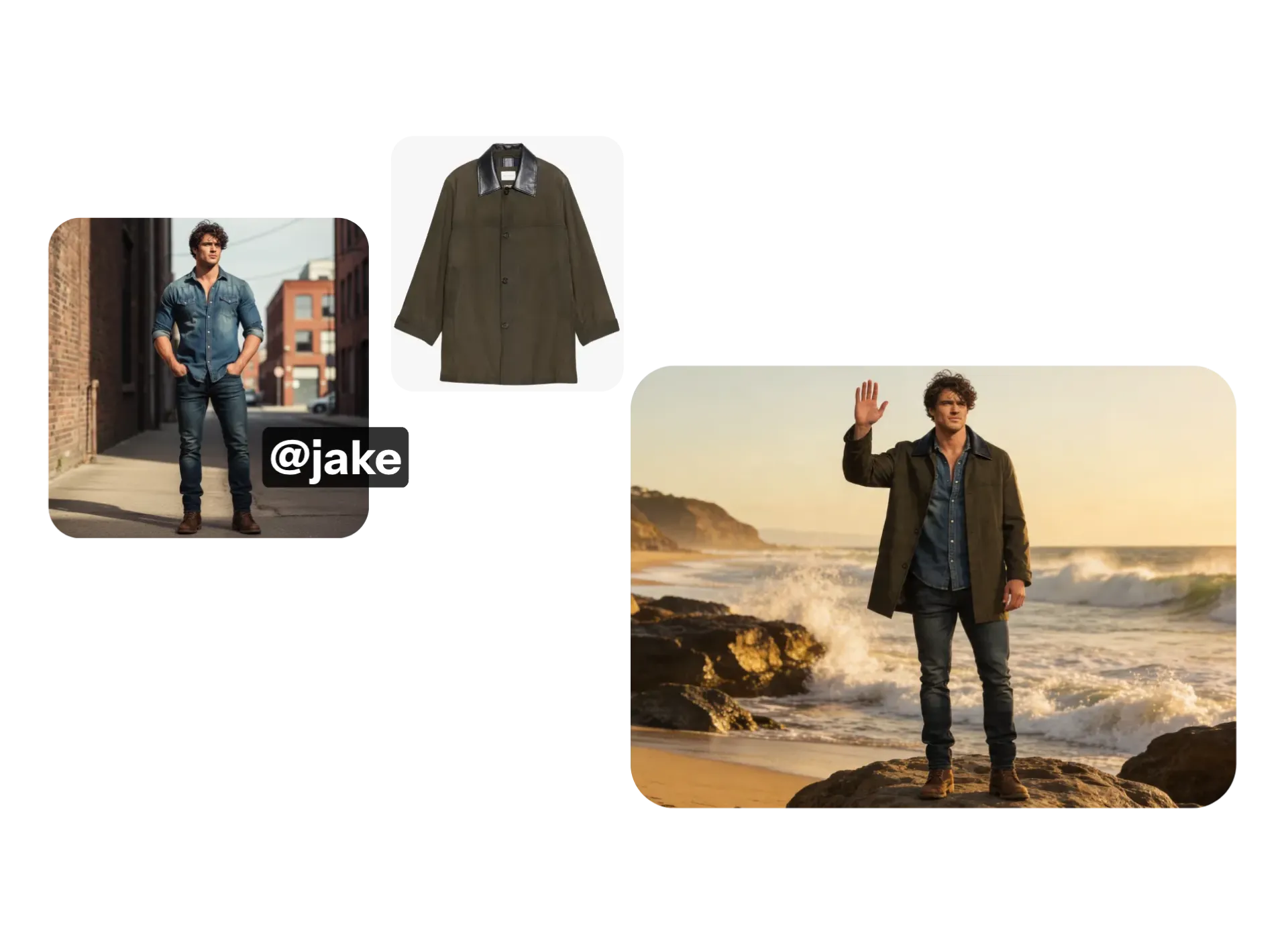
Put your AI human in a new outfit, change the background, or adjust the pose and expression. Upload an image of a real shirt and instantly see your AI human modeling it. Or describe a new background and watch it come to life.
Kapwing's AI person maker uses AI inpainting to add, remove, or change any element of your pictures while maintaining photorealism.
ElevenLabs-powered AI voice technology locks in your speaker's pitch, tone, emphasis, and intonation across every video, so episode 1 sounds exactly like episode 50.
Fast, collaborative editing for any team size
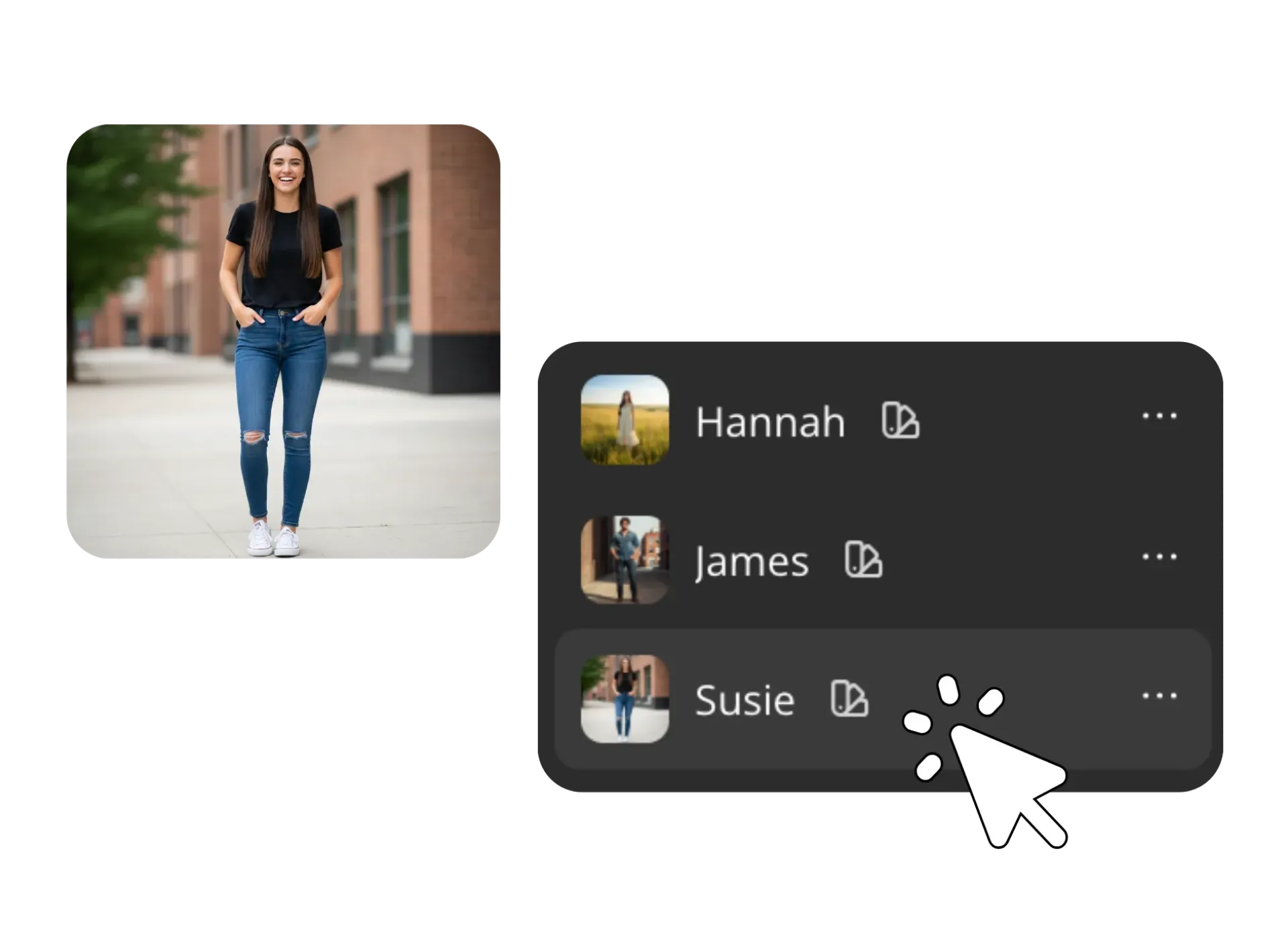
Save your AI-generated humans to your Brand Kit, and anyone on your team can instantly use them across images and videos, without handoffs or re-uploads.
Character Consistency ensures your AI humans stay recognizable across every image and video. Generate freely without worrying about drift: facial features, style, and identity remain aligned from one output to the next.
No matter the size of your team, stay in sync with shared character, voice, font, and asset libraries.
Get started with 50+ stock AI humans
Browse over 50 free human-realistic characters in our stock library, then customize details to fit your project.
Each character is built with marketing, social, ads, and internal training in mind — with a range of professional, casual, and creator personas.
Use them to build cohesive stock photos, model shots, or B-roll that actually match.
Create and edit in one online studio
Kapwing's AI Human Generator is integrated with a powerful online editor. Ceate AI humans, feature them in images and videos, then fine-tune and share projects — all in the same online studio.
Adjust coloring and lighting, apply filters, or add text and image overlays. Trim, cut, and rearrange video clips. Automatically resize your content to fit any platform.
Make real-time updates, leave comments, and keep projects moving without version confusion. When you're ready, export in high resolution or share directly to social media.
.webp)
What's different about Kapwing?



How to Create an AI Human
- Step 1Create AI human
Create a new chat with Kapwing AI. Enter a detailed prompt describing the person you want to generate, including hair, body type, race, gender, and facial features.
- Step 2Save and reuse
Customize with additional prompts, then save your AI humans to your Brand Kit to use in every project.
- Step 3Edit and export
Edit content with your AI human in the full editing studio. Export as an MP4 or JPG in any aspect ratio — 16:9, 1:1, 9:16, and more.
Frequently Asked Questions
We have answers to the most common questions that our users ask.
Is the AI Human Generator free?
Yes, anyone can try Kapwing’s AI Human Generator for free without watermarks, including generating an image or using an AI human from the stock library. To create and save a custom human character and reuse it consistently across projects, you’ll need a Pro account.
How to make an AI human
To create a custom AI human, create a new chat with Kapwing AI. Enter a prompt describing your AI person's facial traits, race, gender, body type, and hair in as much detail as you want. Then click the arrow to generate. Continue customizing with additional prompts or download your AI human as an JPEG.
Can I save my AI humans to my account?
Yes. Create an AI human using Kapwing's AI chat, then download the image. Click the @ icon in the prompt box and select "Add character" from the dropdown. Give your human a name and description, then upload your image as a reference image to save it.
Can I customize my AI-generated people?
Yes, you can customize nearly every aspect of your AI human. You can change clothing, expressions, poses, and environments using simple text prompts. You can even upload real-world items, like a shirt or product, and visualize your AI human wearing or interacting with them.
Kapwing also uses AI inpainting, which allows you to add, remove, or modify specific parts of an image while keeping everything photorealistic. This makes it easy to iterate quickly and get exactly the look you want.
Will my AI humans stay consistent across different projects?
Once you create and save an AI human to the Brand Kit, their facial features, style, and voice (if assigned) will remain consistent across multiple images and videos. This is especially useful for branding, storytelling, or social media campaigns where recognizable characters matter. Kapwing uses multiple AI models to ensure character consistency no matter what you're changing in new generations.
Do I need design or technical experience?
No, no experience is required. The tool is designed to be beginner-friendly, with a simple prompt-based interface that handles the technical complexity for you. You don’t need to learn prompt engineering or install any software. Just describe a person and receive a realistic image in seconds.
Because everything runs in your browser, you can create, edit, and share your AI humans from any device. This makes it accessible for individuals, teams, and creators of all skill levels.
How can I use my AI-generated humans?
AI humans are useful across a wide range of creative and professional workflows. Marketers and bloggers use them to create unique visuals instead of relying on generic stock images. Content creators build recognizable characters for social media, UGC-style content, and marketing campaigns.
They’re also useful for storytelling, product visualization, localization, and inclusive representation. From concept art to full production assets, AI humans make it faster and easier to create tailored visuals for any audience or niche.
What AI models does Kapwing use?
Kapwing is integrated with the latest AI models, including Veo, Seedance, Wan, and Kling. You can also generate images of your AI humans using Seedream, GPT Image, and Google Nano Banana. You can choose your preferred model using the prompt box settings, or let Kapwing AI intelligently select the best model for your generation.
Can I create videos with my AI people?
Absolutely, you can use the AI Image to Video Generator to turn pictures of your AI humans into realistic videos. You can also use your image as a start frame for a lifelike video. Or save your AI people as reusable characters, then tag them into a prompt to create any video. Saved AI humans will appear the same in every new generation.
Discover Resources
Tips, templates, and deep dives to help you create faster and share with confidence.
View all

Get started with your first video in just a few clicks. Join over 35 million creators who trust Kapwing to create more content in less time.