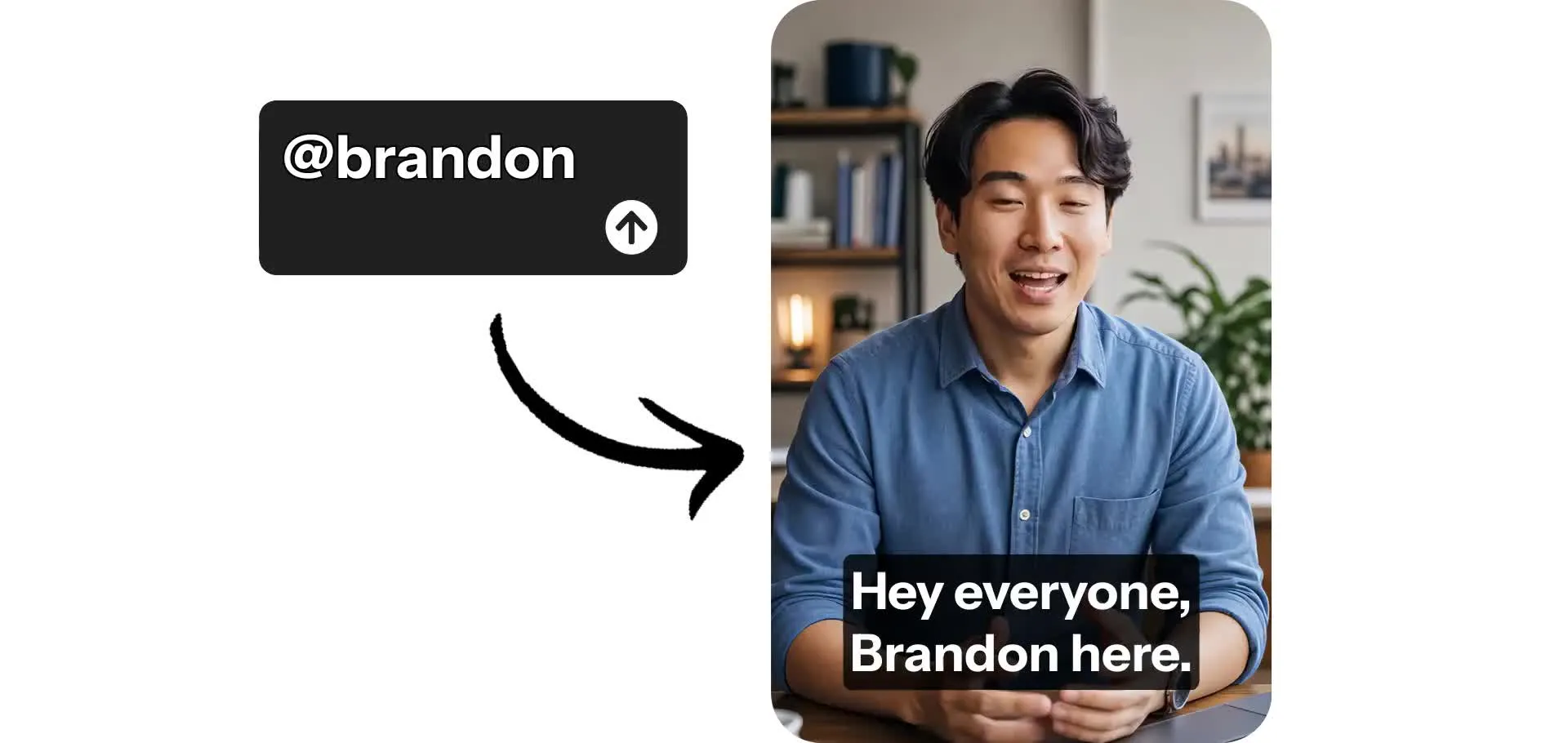
AI UGC creators – talking, wearing, and interacting realistically
Full commercial rights. Free to start.
Realistic UGC videos — featuring your product
Create authentic UGC videos for your product or brand in minutes. No coordinating with creators, no quality issues, no contracts.
Just describe a person and a setting, add the dialogue, and generate ready-to-share videos. Incorporate your product by uploading reference images, then prompt your AI UGC creator to realistically hold, wear, or use it.
Create high-resolution ads, tutorials, and product demos — optimized for social media with 9:16, 1:1, or 16:9 aspect ratio.
Get UGC creators that talk, move, and interact realistically. Then add animated subtitles, stickers, and logo overlays. Download in 1080p or 4K or share directly to social media, all without leaving your browser.
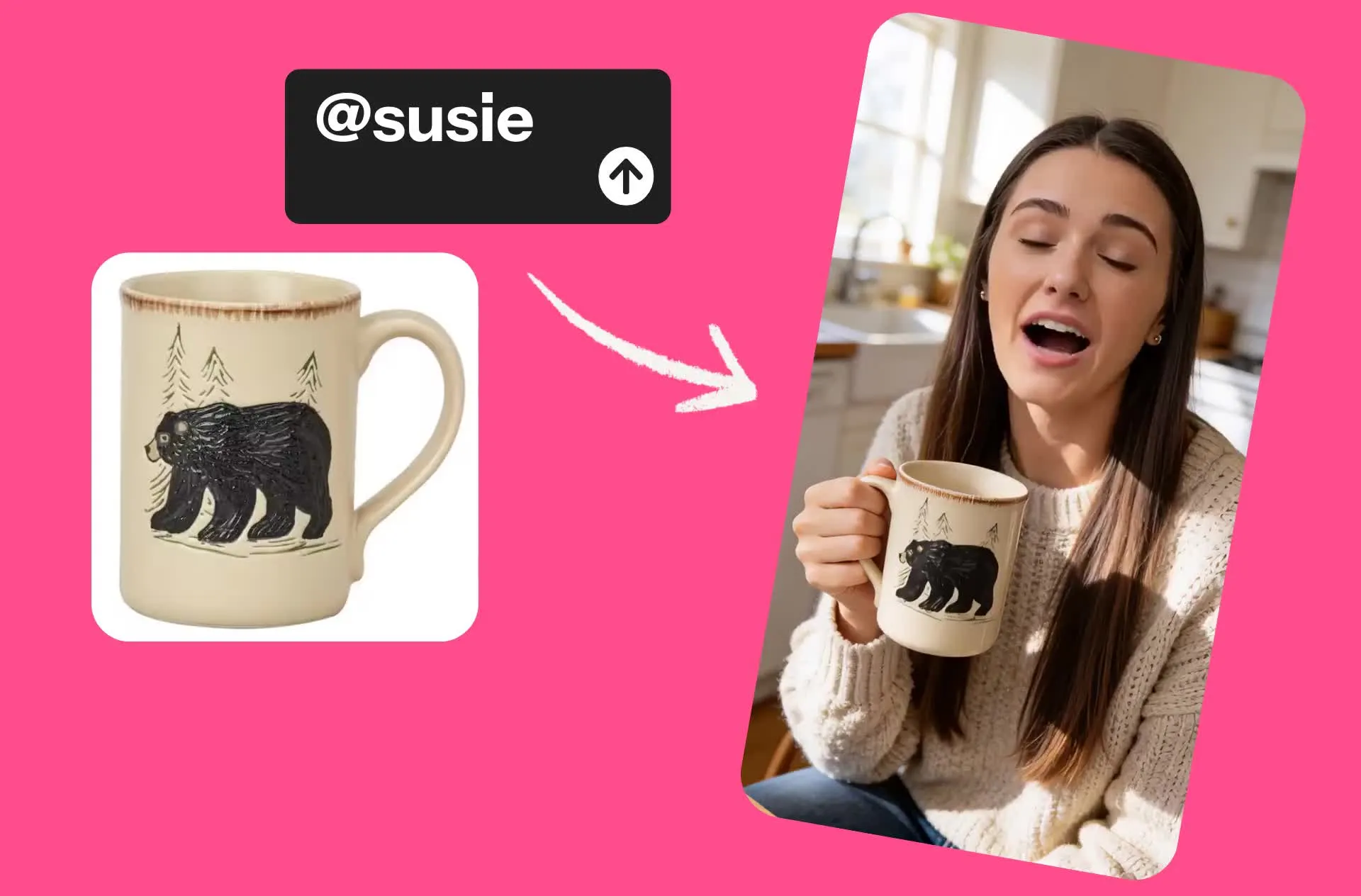
UGC tailored to any product or brand
ElevenLabs-powered voices with lip-sync in 40+ languages
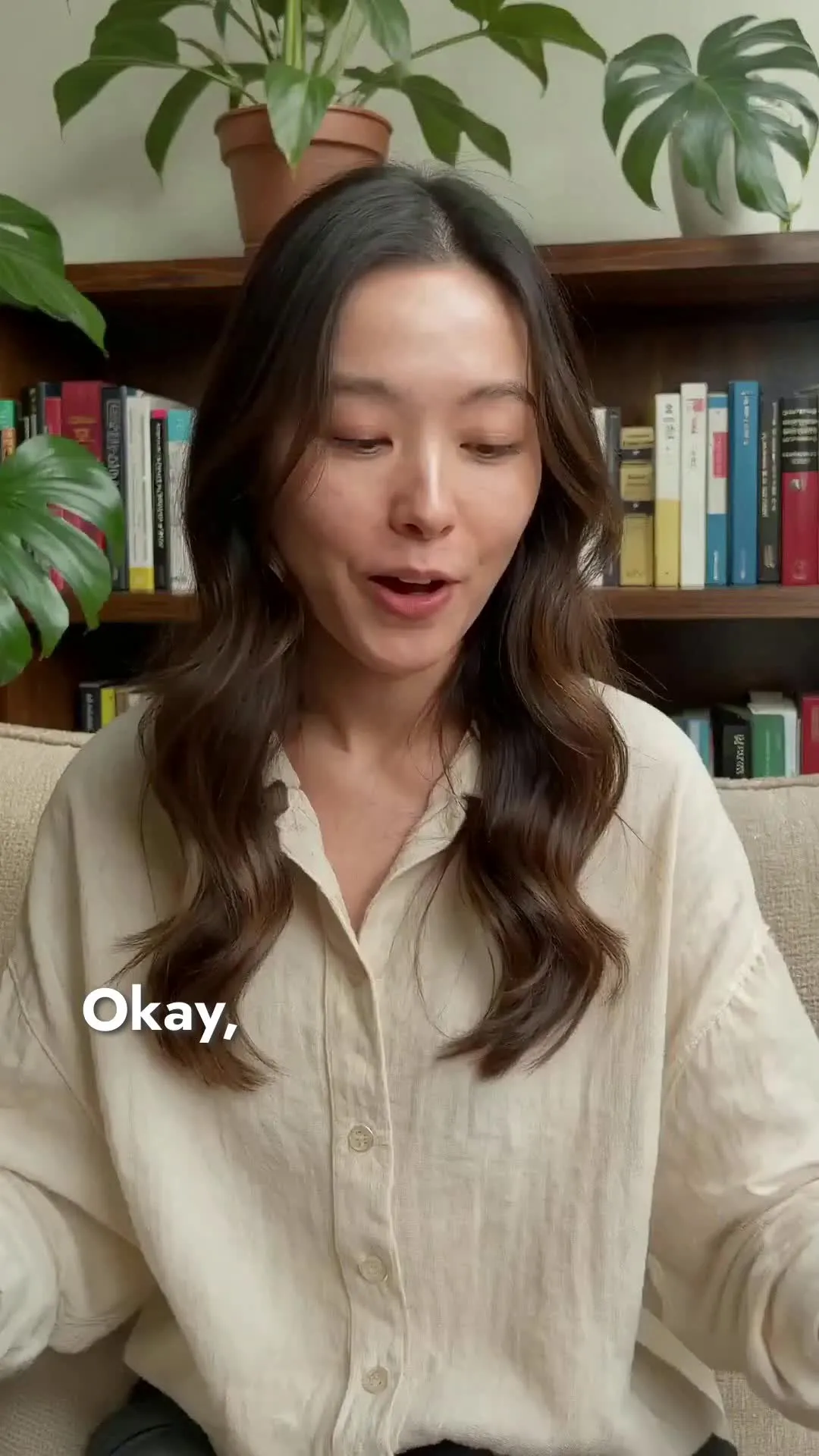

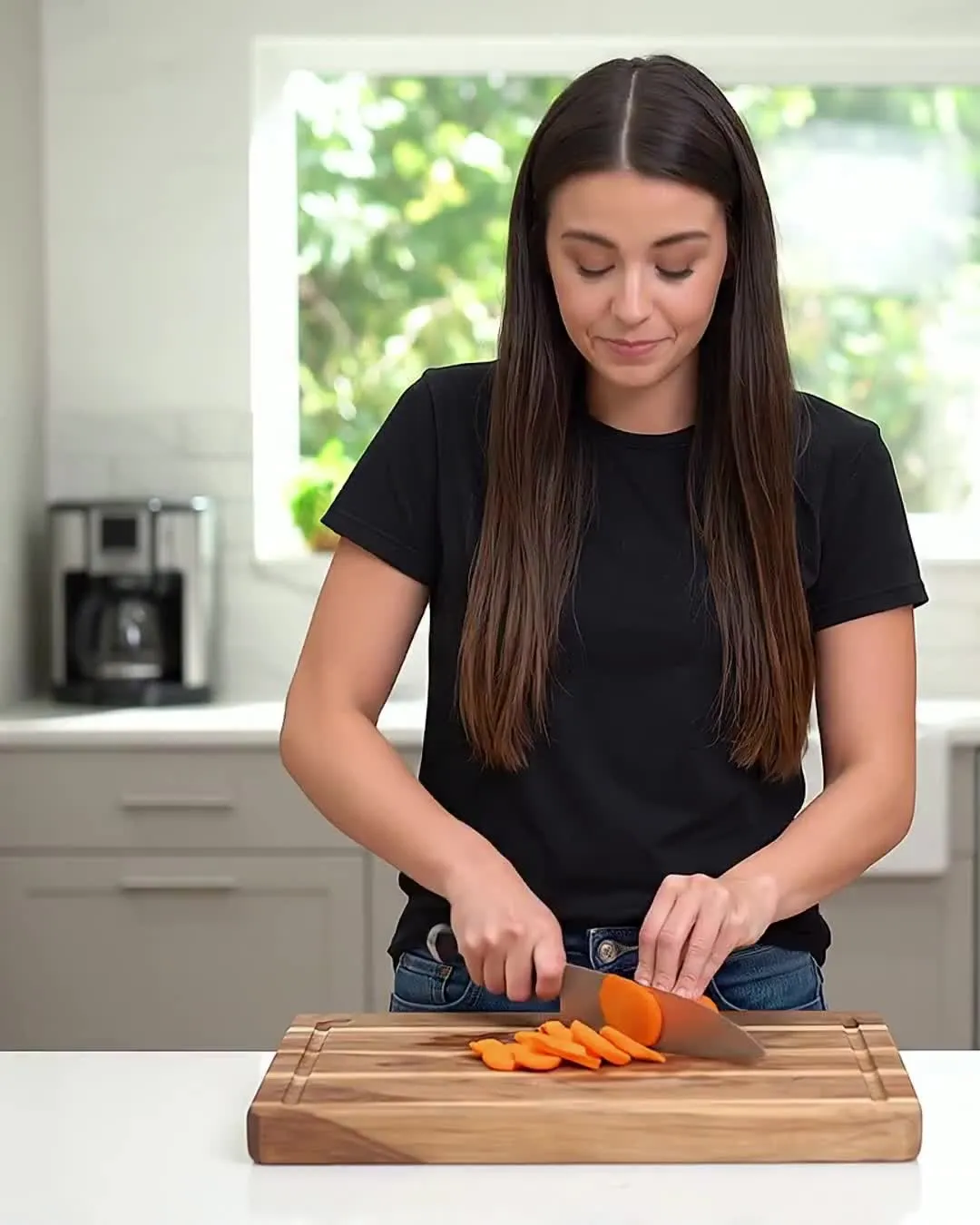
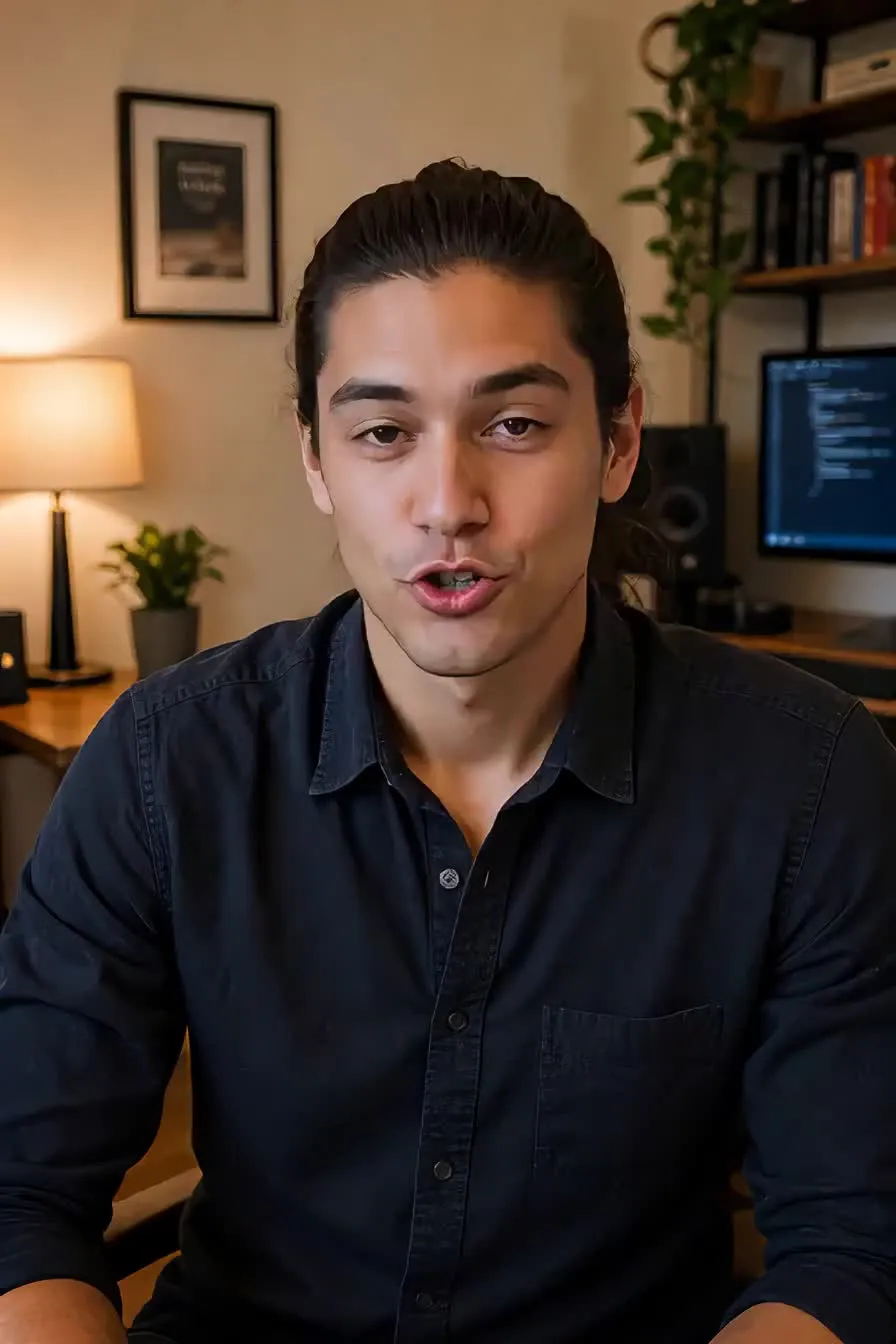

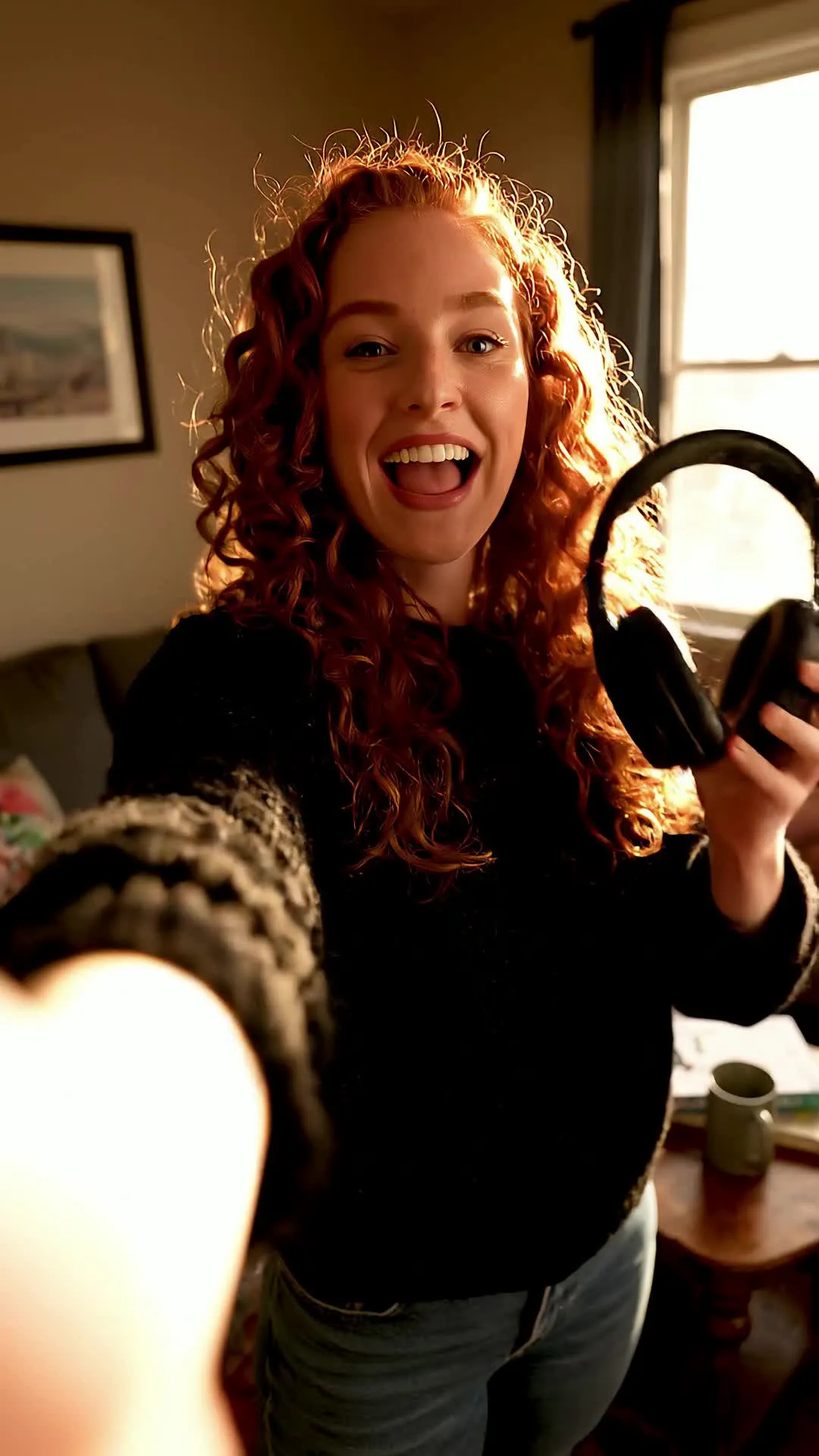
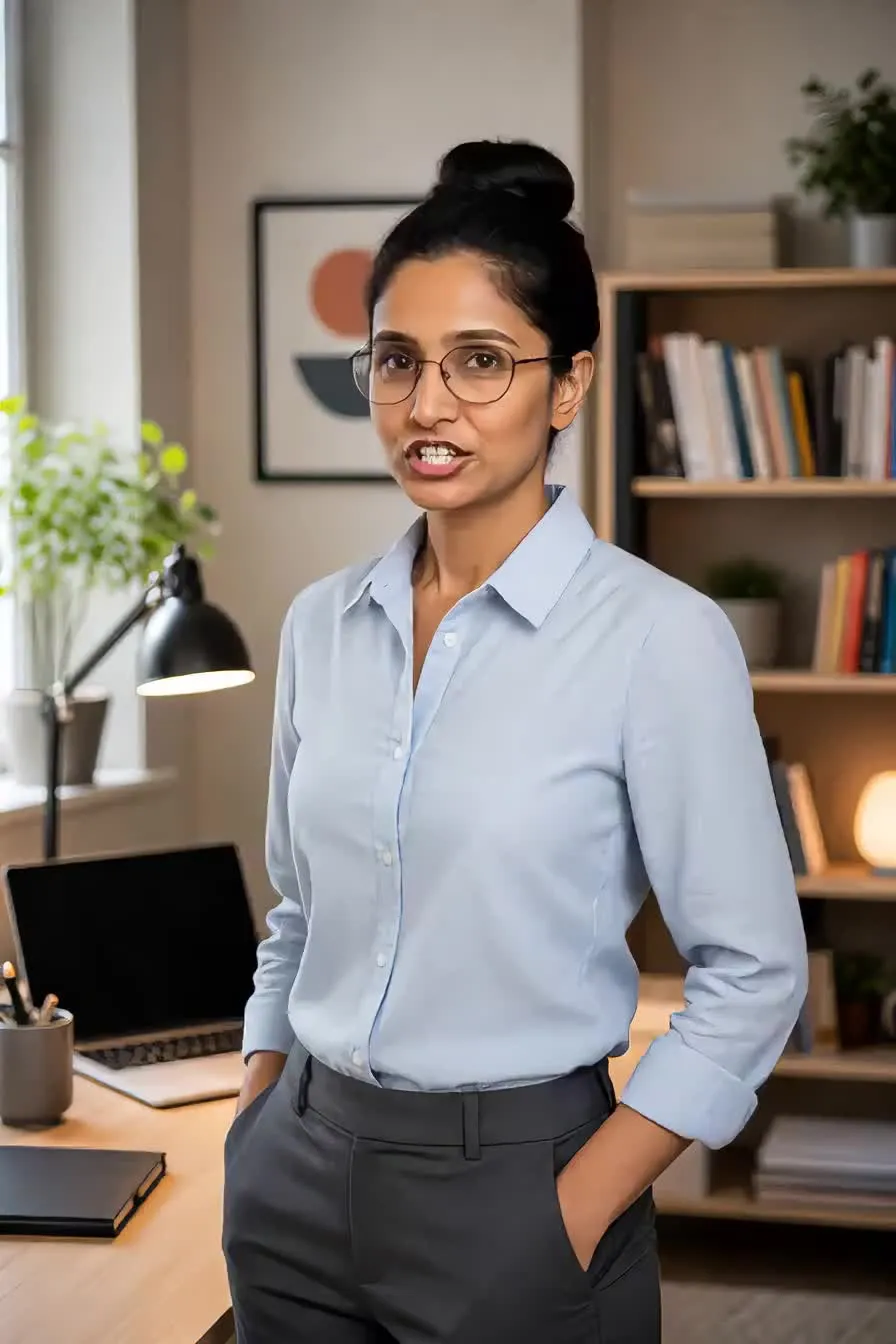

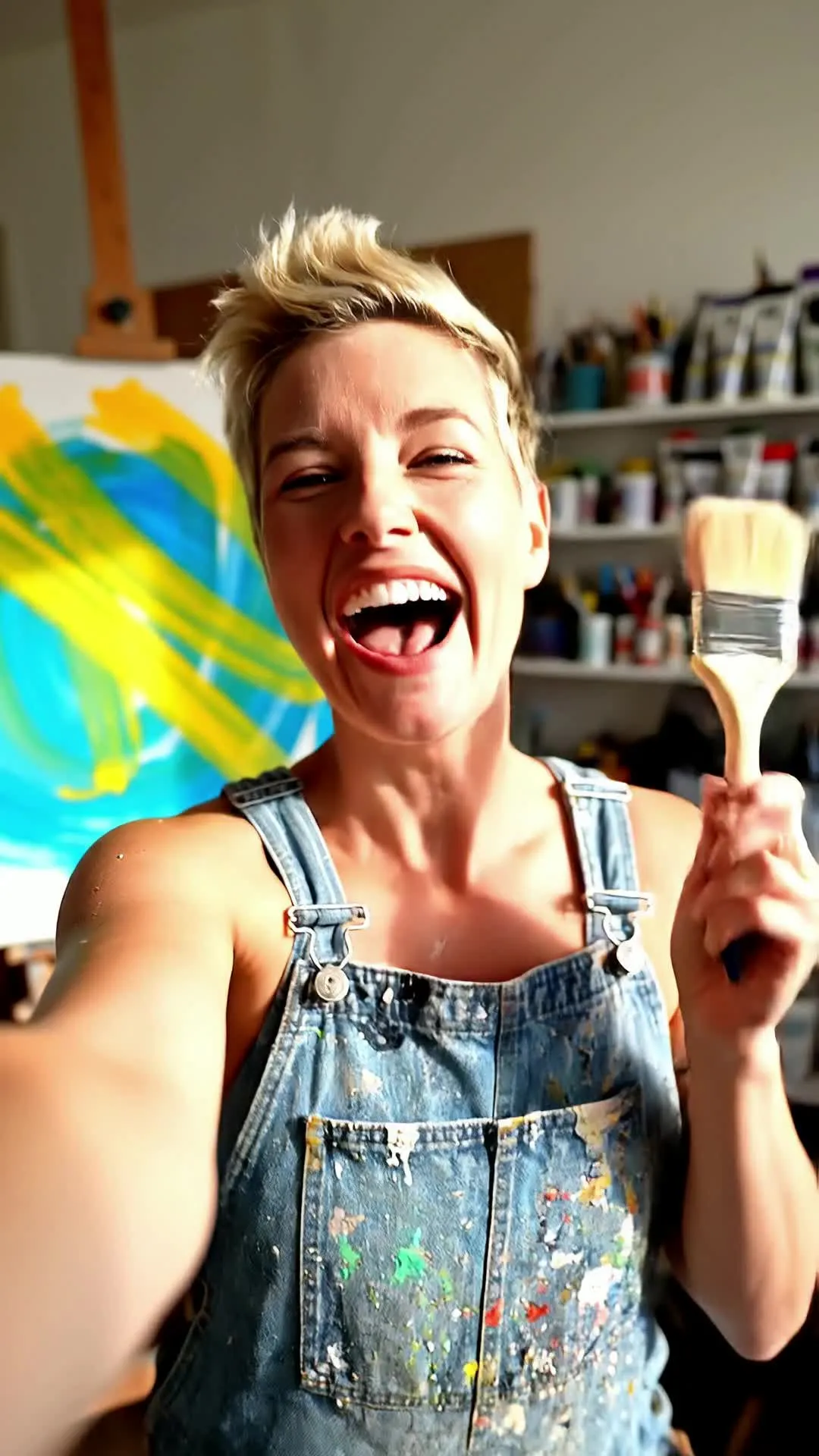
Add a UGC creator to any video in minutes
Characters maintain the same face, voice, and look across all content — built for product demos, social media ads, and UGC explainers
Design
your UGC creator and save them in the Brand Kit


Tag
your characters into UGC videos with automatic lip-sync
Generate
realistic videos, then download as MP4 in up to 1080p
Customized UGC content for every niche
Create authentic ads, demos, and testimonials
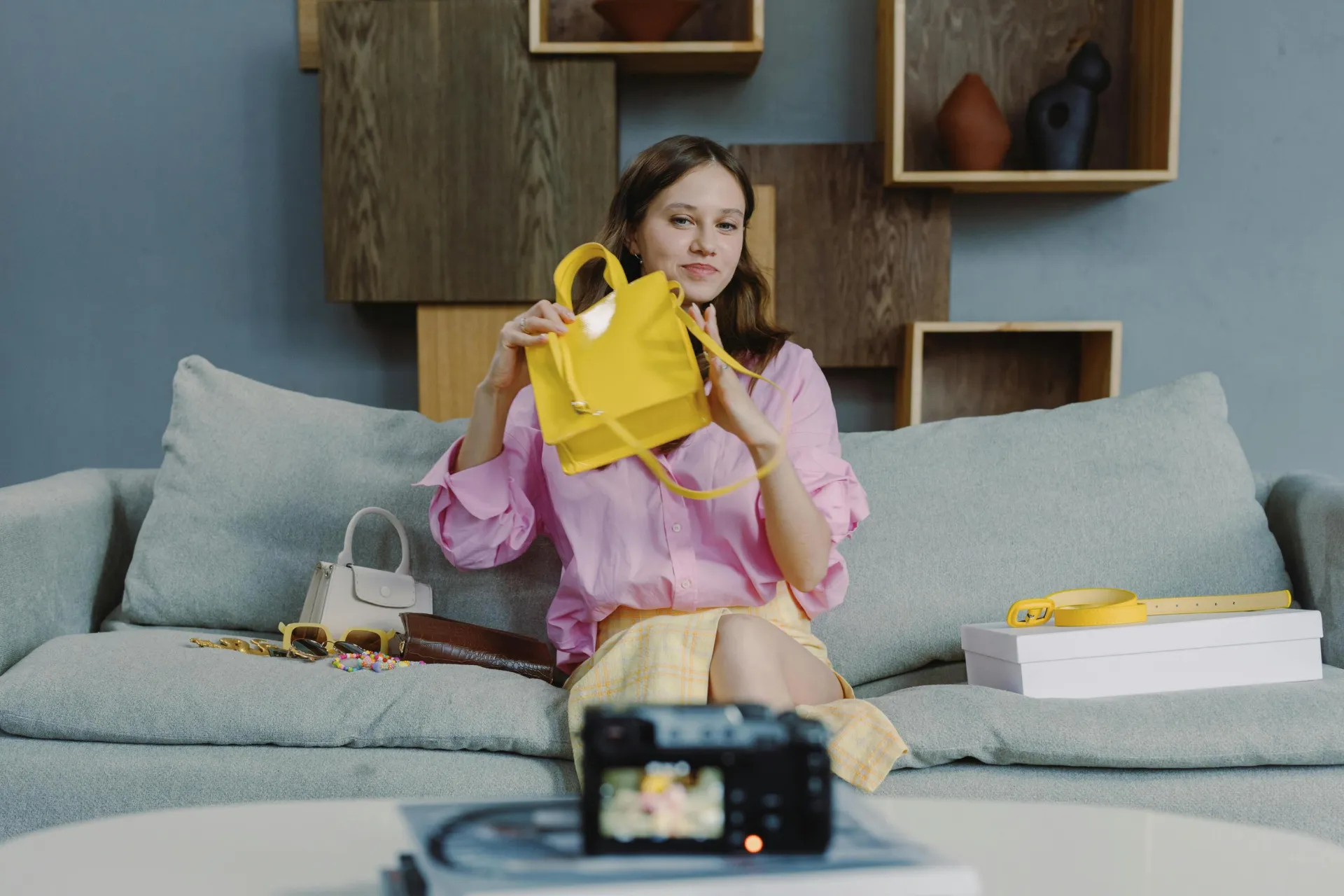
Social Ads
Advertising teams, entrepreneurs, and small business owners create UGC ads with AI that mirror native TikTok and Instagram formats, helping campaigns blend in with organic content
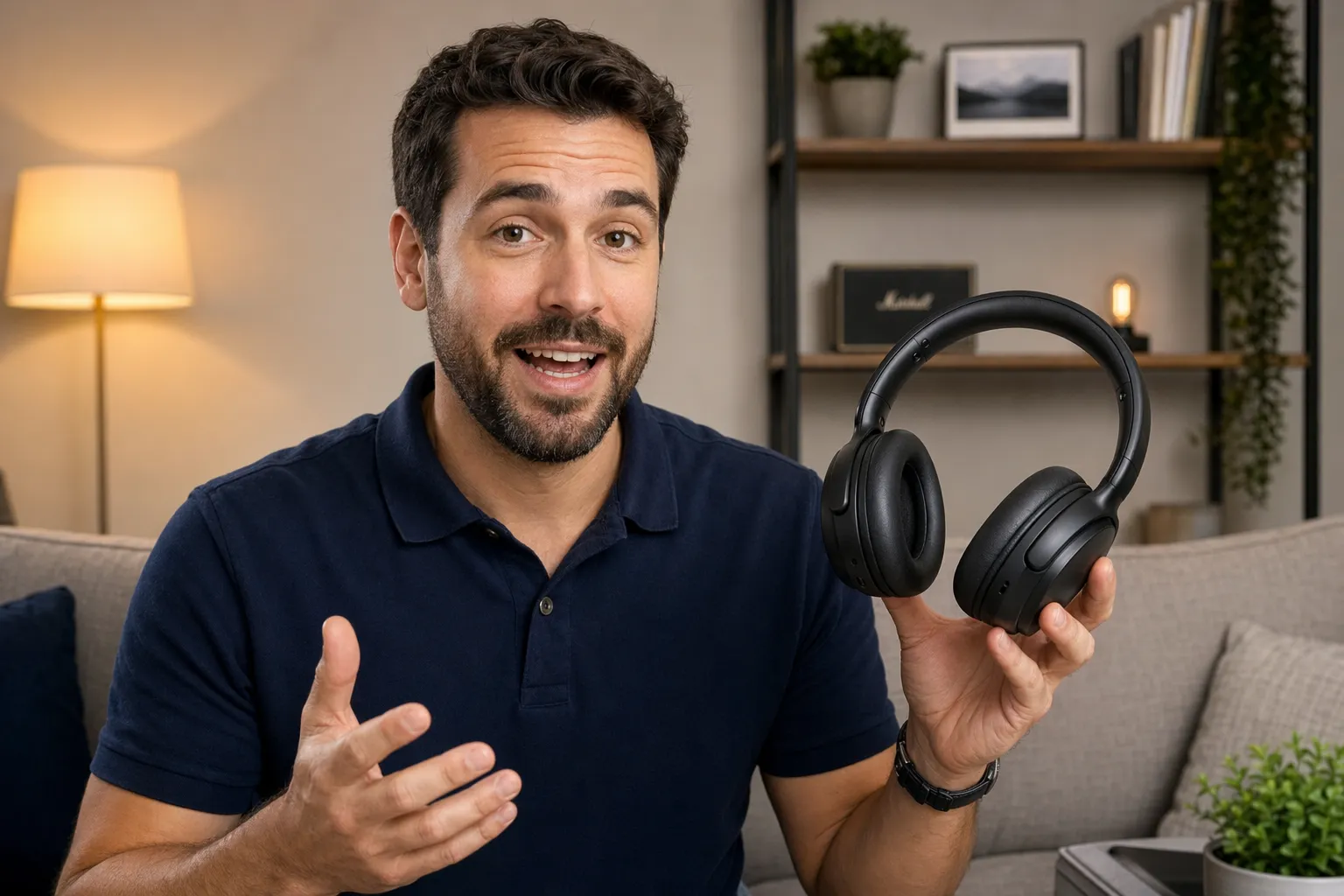
Product Demos
Marketers use an AI UGC video generator to create product walkthroughs that feel like authentic recommendations, not scripted ads

Testimonials
Customer success teams and sales reps generate AI UGC videos that visualize real customer feedback, helping showcase product value without filming
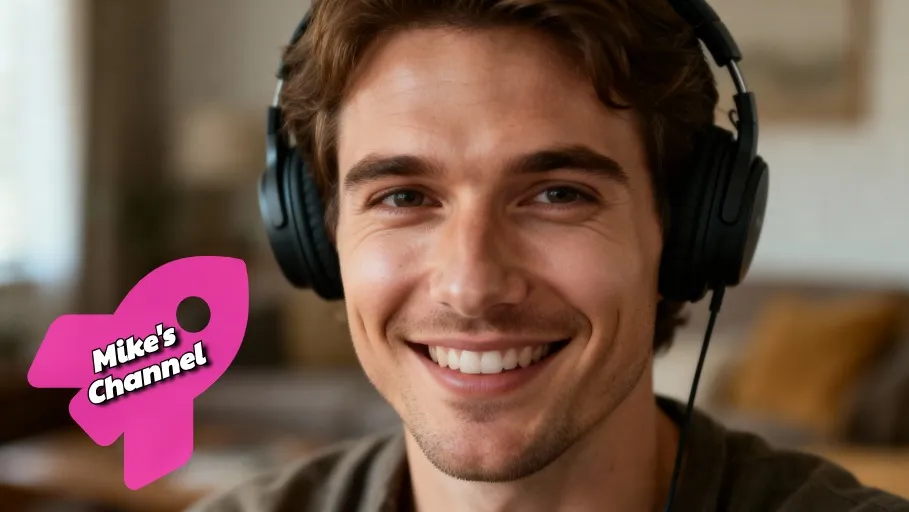
YouTube Shorts
YouTubers and streamers create AI UGC videos designed for short-form discovery. Video editors can repurpose long-form content into multiple UGC-style assets in minutes.
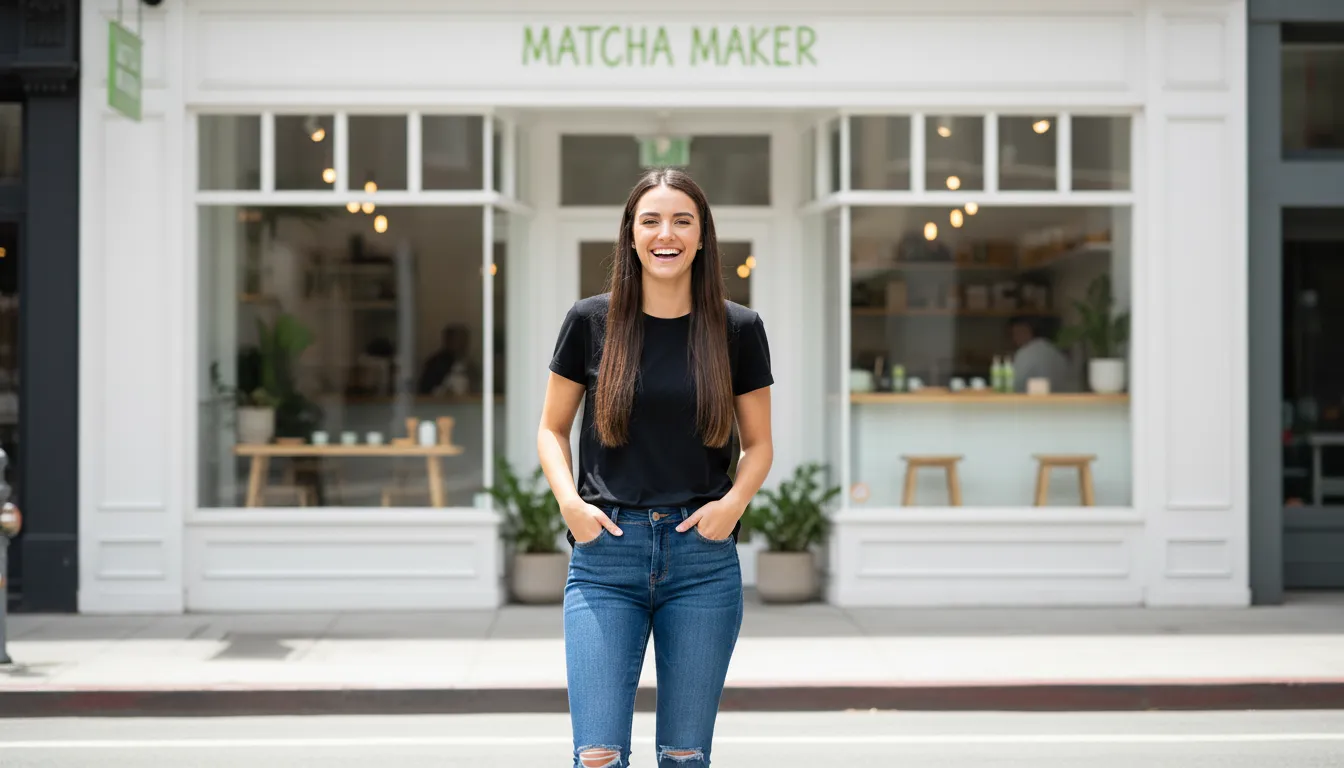
Brand Updates
Executives and PR teams use AI UGC generators to communicate announcements through creator-style messaging that resonates with modern audiences

Tech Walkthroughs
Product marketers use AI UGC tools to demonstrate app features through step-by-step, creator-style explanations. Support teams also create quick guides that reduce onboarding friction for new users.
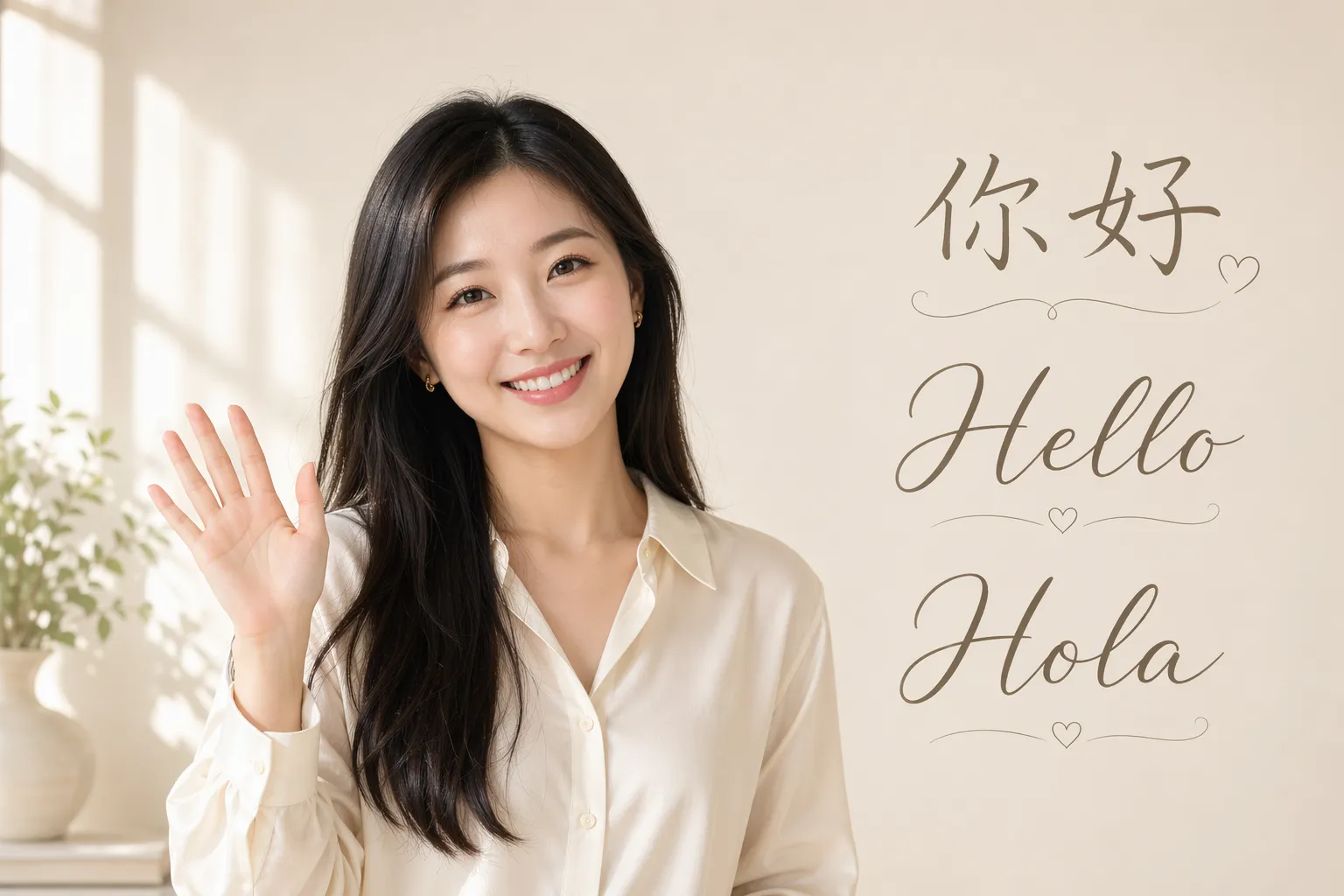
Multilingual Content
Translation teams create AI UGC videos adapted for different regions, maintaining tone while reaching new audiences. Scale campaigns across languages without reshooting content.

Event Promotion
Marketing teams and content agencies use AI UGC creators to promote events with creator-style announcements and highlights. These videos feel more authentic and help increase engagement across social channels.
UGC Generator built into a full video editing suite
Trusted by 35M+ creators. Fully browser-based.
Design UGC creators to fit your brand
Create unique, realistic UGC videos featuring custom AI influencers that match your brand's personality.
Get started instantly with our library of stock characters, or design your own creator from scratch, including features like hair, voice, and body type.
Save characters to your Brand Kit, then tag to feature them in new UGC videos. With built-in character consistency, your UGC creators stay recognizable even as you change outfits, settings, and movement.

Lifelike voices and accurate subtitles in 40+ languages
Create AI UGC with natural-sounding voices powered by ElevenLabs, then generate dialogue in more than 40 languages.
Choose from a library of professional voices across different ages and tones, or upload recordings to create a custom voice clone. Voices stay consistent with matching pitch, tone, emphasis, and intonation across your lip-synced generations.
Add subtitles and quickly customize fonts, colors, placement, and animation styles to match your brand and platform.
Fine-tune content in a studio built for social video
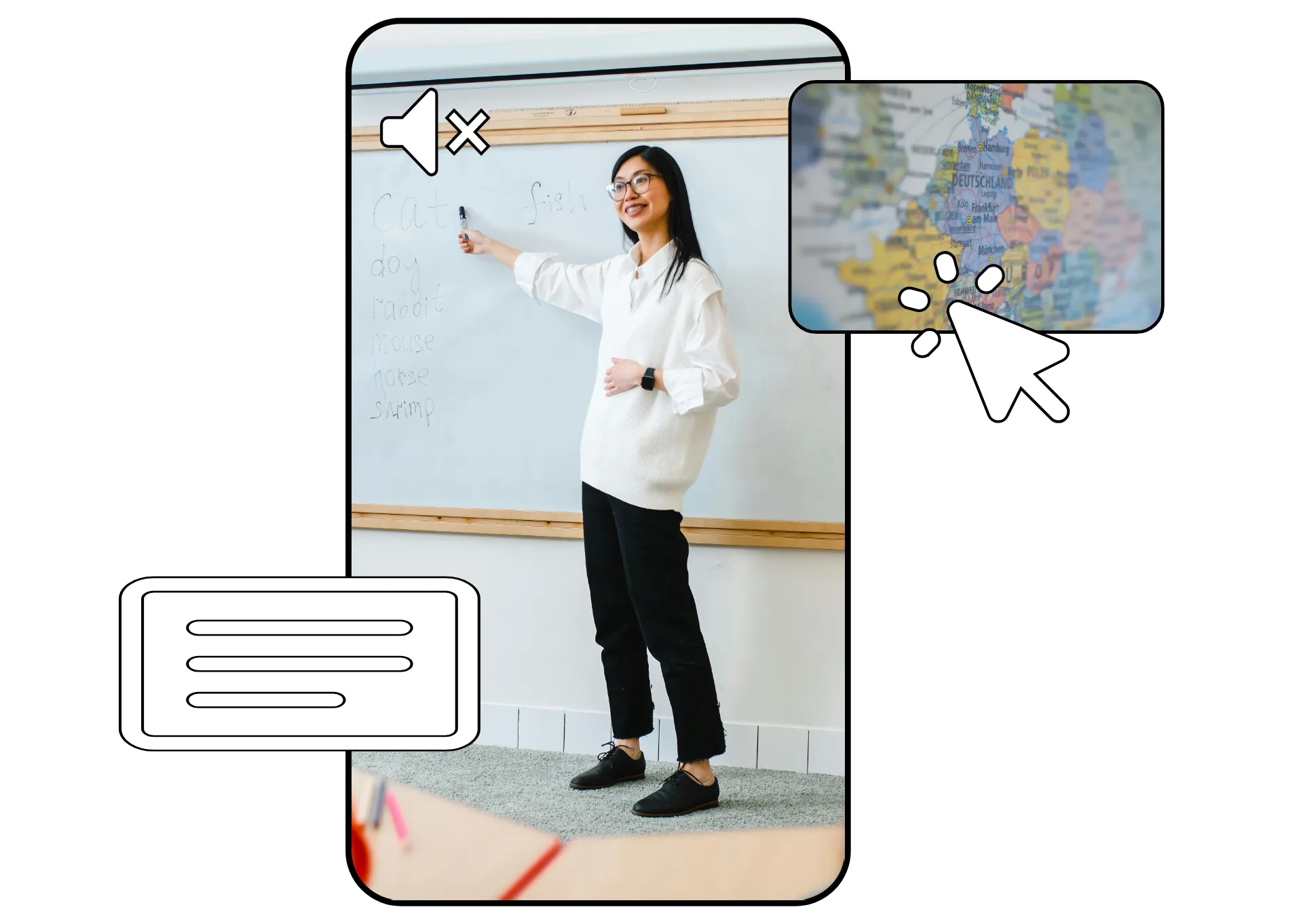
Generate ready-to-post AI UGC, then edit and polish every clip in the Kapwing Studio.
Built for social media workflows, the editor makes it easy to resize videos for TikTok, YouTube, or Instagram, keep important content inside platform-safe zones, and remove video backgrounds in one click.
Add captions, titles, logos, and product visuals to match your brand. Bring in B-roll, fine-tune layouts, and publish directly to your social channels, all from one online workspace.
Already transforming video creation across industries
Hear directly from the teams who publish faster, collaborate better, and stay ahead.


How to Make UGC AI Videos
- Step 1Prompt
Create a new chat with Kapwing AI. Enter a prompt describing the creator, setting, and speech for your UGC video.
For consistent reuse, save your UGC creator to the Brand Kit by clicking the @ icon.
- Step 2Generate
Click the arrow to generate. If you want to make changes, enter additional prompts or move your video to the Kapwing Studio.
- Step 3Edit and export
Edit by adding subtitles, music, watermarks, or by trimming and cutting. Download your UGC video in high resolution or share directly to your TikTok or YouTube account.
What's different about Kapwing?



Frequently Asked Questions
We have answers to the most common questions that our users ask.
Is the AI UGC Generator free?
Yes, anyone can try Kapwing’s AI UGC Generator for free without watermarks, including generating a unique UGC image or using characters from the stock library. To save a custom UGC character and reuse it consistently across projects, you’ll need a Pro account.
How to create AI UGC videos
To create AI UGC videos, start a new chat with Kapwing AI. To create a one-off UGC video, type in a prompt describing your UGC creator, the background, and what you want them to say. Then click the arrow to generate. Kapwing AI will create an editable version.
If you want to create multiple videos with the same AI UGC creator, start by generating a reference image. Enter a prompt describing your UGC creator, including details like hair, facial features, gender, and background. Click to generate, then download your image. Click the @ icon in the prompt box and choose "Add character" from the dropdown menu, then upload your reference image and add a name, description, and voice.
After saving the UGC character, you can tag your them in future prompts to include them in your generation.
What is UGC content?
UGC (which stands for user-generated content) refers to photos, videos, reviews, or posts created by real people rather than brands. It’s typically filmed in a casual, authentic style, often on a phone, and shared on platforms like TikTok, Instagram, or YouTube. In marketing, UGC is used by brands to showcase products through the perspective of everyday users or creators, making the content feel more relatable and trustworthy.
Instead of relying on actual customers or creators, many brands use AI tools like the AI UGC Generator to create realistic, casual-style content, like selfie videos, product testimonials, or social media posts, that mimic the tone, setting, and behavior of traditional UGC.
What AI models does Kapwing use?
Can I also create UGC-style images?
Absolutely, Kapwing's AI UGC tool can generate realistic images and videos, all in the same chat. Create AI UGC videos for advertising, testimonials, and product demos. Create AI UGC images to use as start frames for videos or for on-brand images for your company website or social accounts.
Can I create multiple UGC videos featuring the same AI creator?
Yes, you can customize and save AI UGC creators to your Brand Kit, then tag to create videos and images featuring them.
Can my AI UGC videos interact with my product?
Absolutely, you can easily include your product in images and videos. Upload a photo of your product to Kapwing AI, then prompt to have your characters interact with it in a video or picture. For example, upload a picture of a pair of headphones, then tag your character in a prompt like "@Jamie in a video showing off the headphones in the reference picture." Include details like the background and actions you want to see.
You can also generate an image of a character wearing or holding a product, then use it as the start frame for a realistic video.
Can AI UGC creators talk?
Yes. Kapwing supports talking AI UGC creators with lip-synced dialogue and realistic voice generation.
Can I make UGC videos in different languages?
Yes. Kapwing supports AI voices and lip-synced UGC videos in 40+ languages.
Can I edit my AI UGC video after generating it?
Yes. After generating a video, you can edit it in Kapwing Studio by adding subtitles, stickers, logos, overlays, B-roll, captions, and platform-specific resizing.
What formats can I export AI UGC videos in?
You can export UGC videos as MP4 files and resize them for TikTok, Instagram, YouTube, and other platforms using 9:16, 1:1, or 16:9 aspect ratios.
Discover Resources
Tips, templates, and deep dives to help you create faster and share with confidence.
View all


Get started with your first video in just a few clicks. Join over 35 million creators who trust Kapwing to create more content in less time.