Consistent Characters
Create consistent characters with AI — tag to use in images and videos. Fully online.
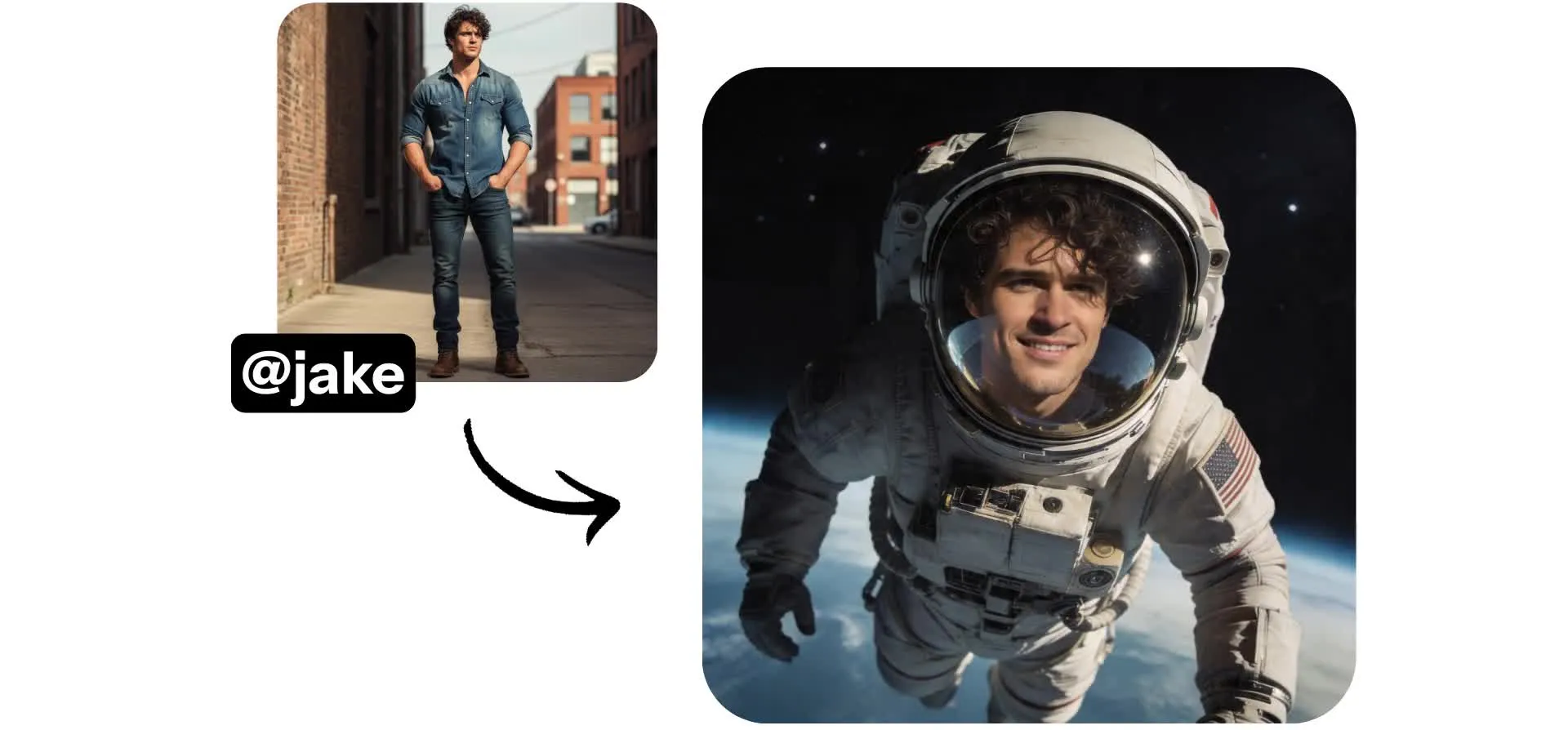
Create a character once — use in every project
Any aspect ratio. HD quality.
Consistent AI characters — simple prompts
Create a reusable AI character in under 60 seconds using only reference images — no video upload required.
Save your character, then tag them in any prompt to generate new images or videos with the same identity.
Your character’s saved facial features, voice, and visual identity stay consistent, even as you change their pose, expression, outfit, or setting.
Generate high-resolution visuals in formats like 9:16, 16:9, or 1:1, then export ready-to-share MP4s or JPEGs in just a few clicks.
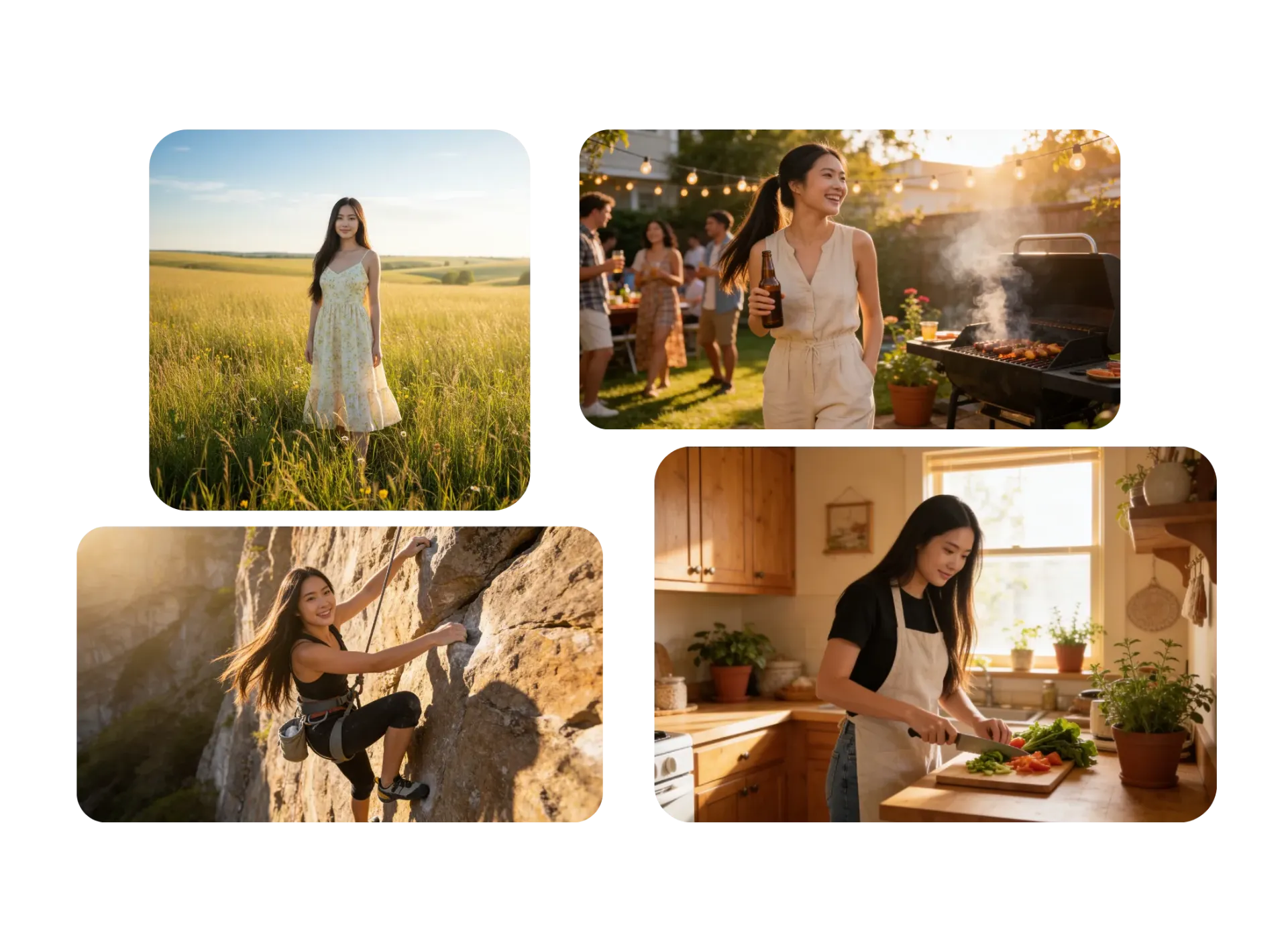
Generate with consistent characters
Works in your browser. Watermark-free on Pro.
Create
an AI character image using Kapwing AI


Save
your character image using the @ icon
Generate
content with the same character by tagging them in any prompt
Stay consistent, no matter what you're creating
Realistic or stylized images and videos for every niche. Free to start.
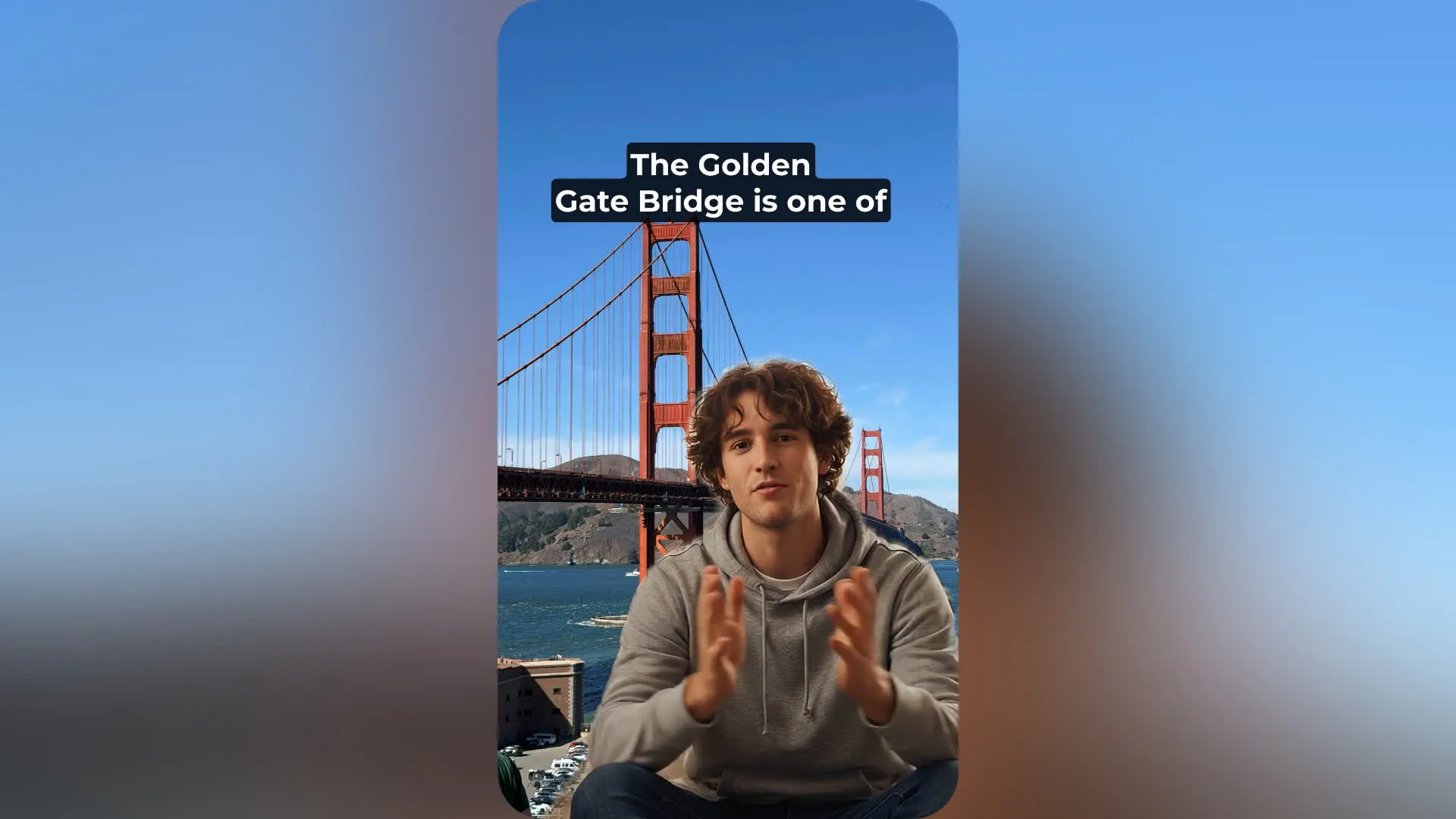
Faceless Videos
Online coaches, creators, and entrepreneurs use consistent character AI to publish faceless explainers, product walkthroughs, and short-form videos without appearing on camera
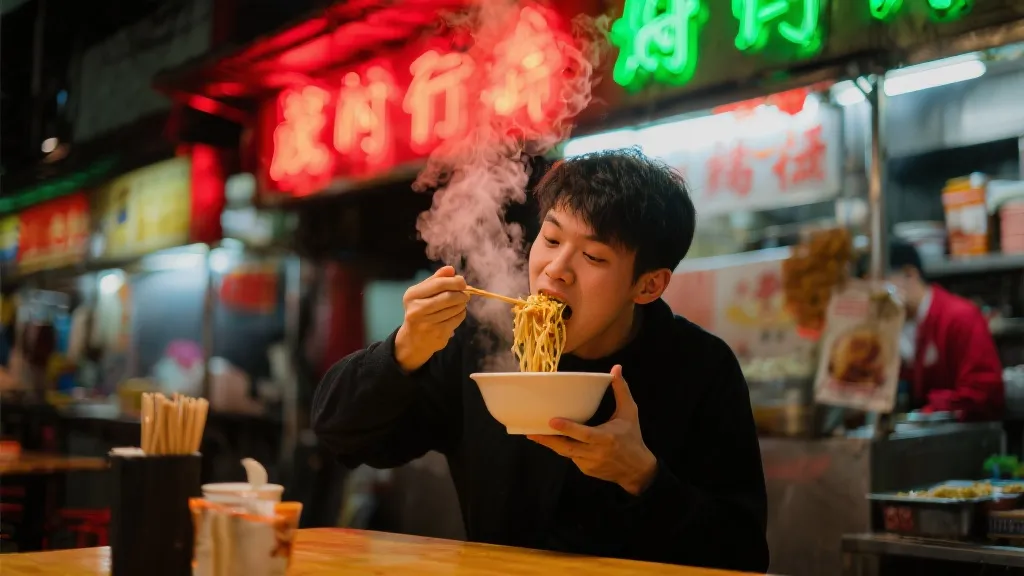
Stock Images
Marketers use an AI image generator with consistent characters to replace generic stock visuals with branded campaign assets that feel connected across ads, emails, and landing pages
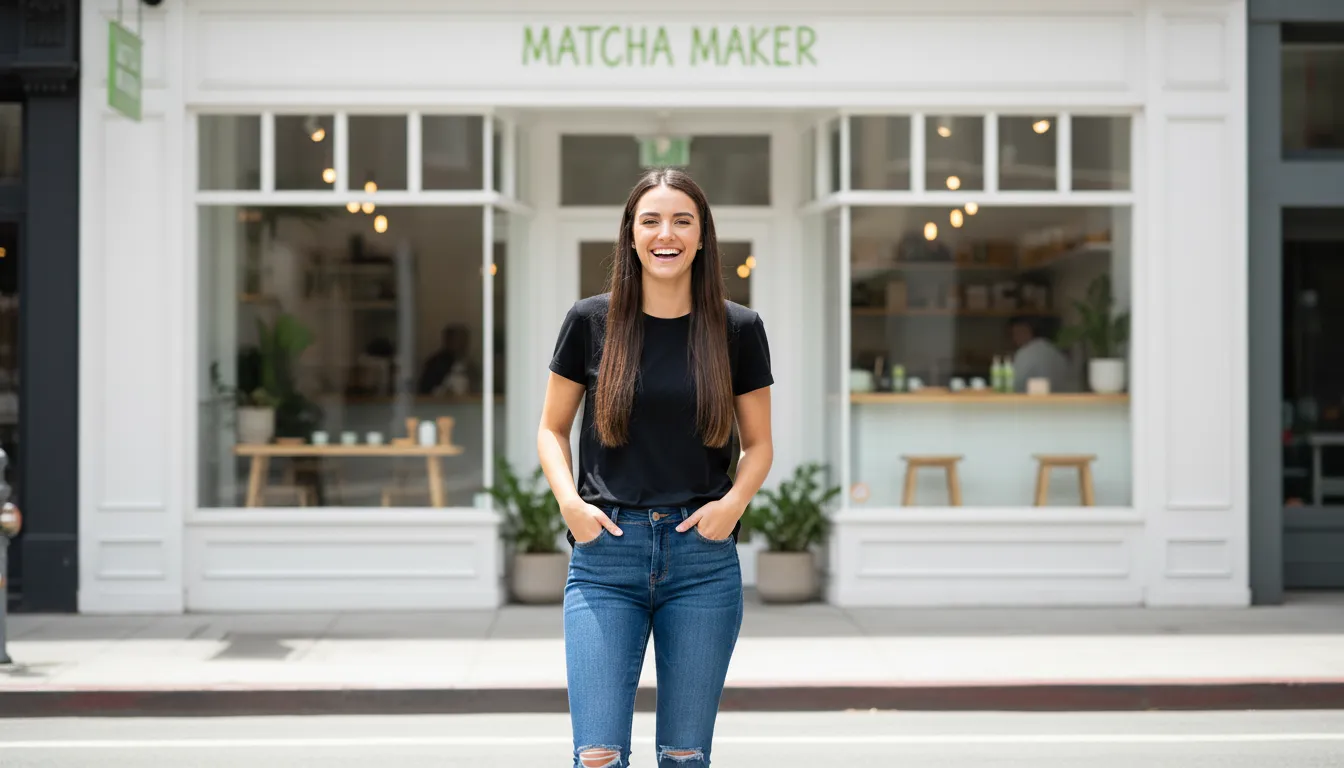
B-Roll Inserts
Video editors and content agencies use consistent AI characters to fill empty sections between talking points or scenes while staying on-brand
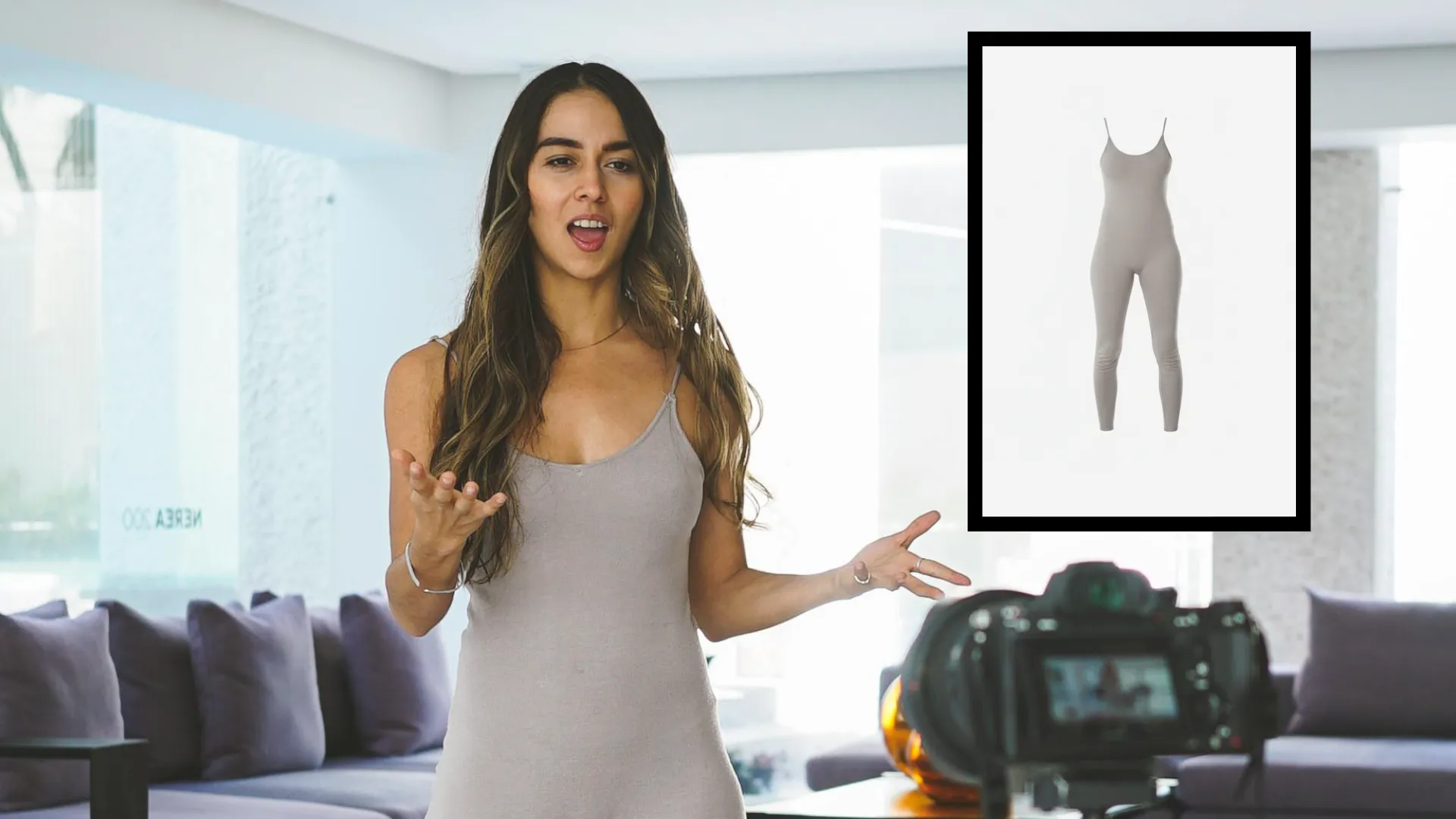
UGC Ads
E-commerce teams and UGC creators create a consistent AI character for paid social ads, allowing products to be presented by the same recognizable spokesperson in every campaign

Filming Gaps
YouTubers, streamers, and video professionals use consistent character AI tools to patch missing footage, replace reshoots, or extend unfinished scenes without restarting production
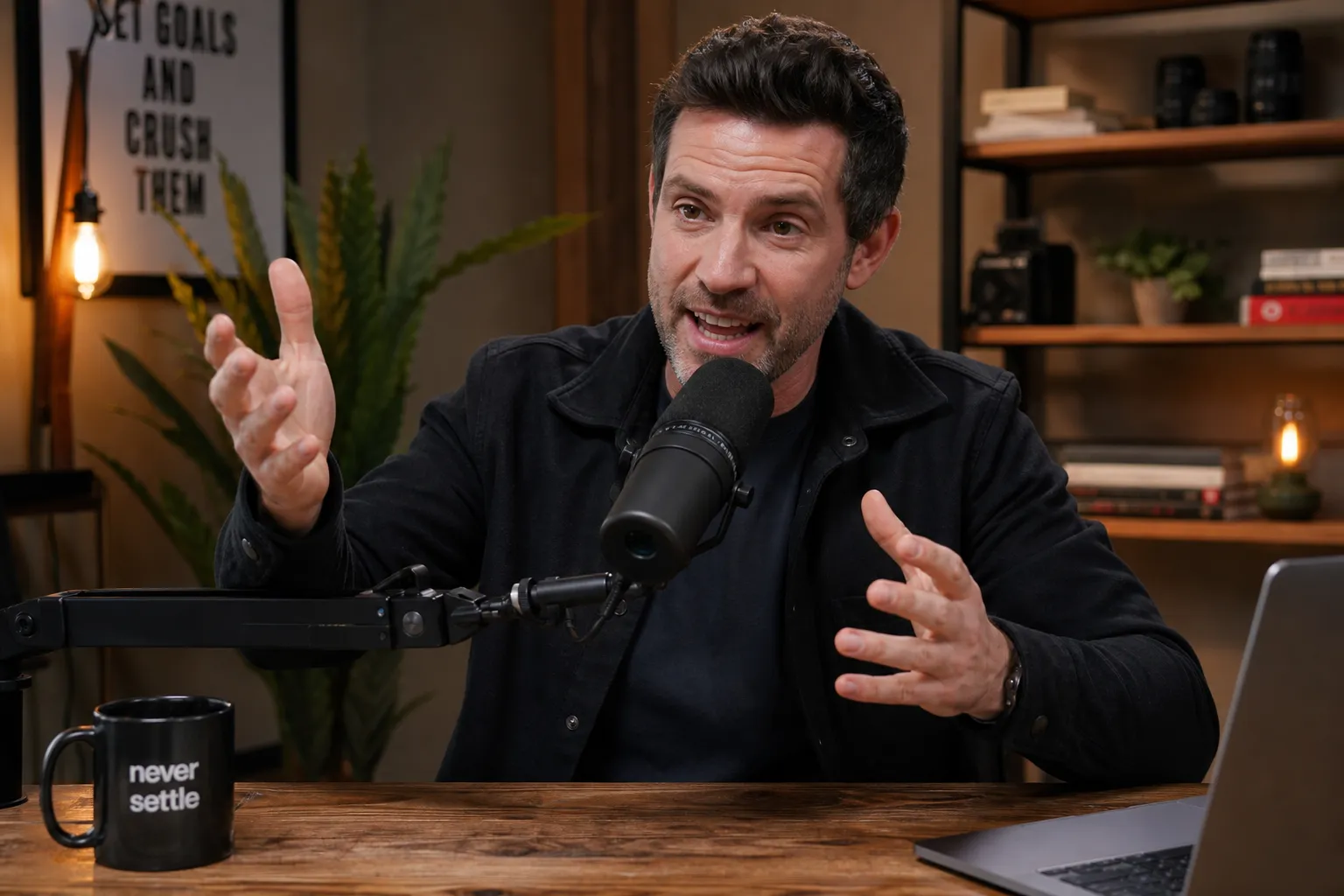
Podcast Clips
Podcasters turn audio conversations into visual content using AI with consistent characters that react, speak, and appear across multiple episodes
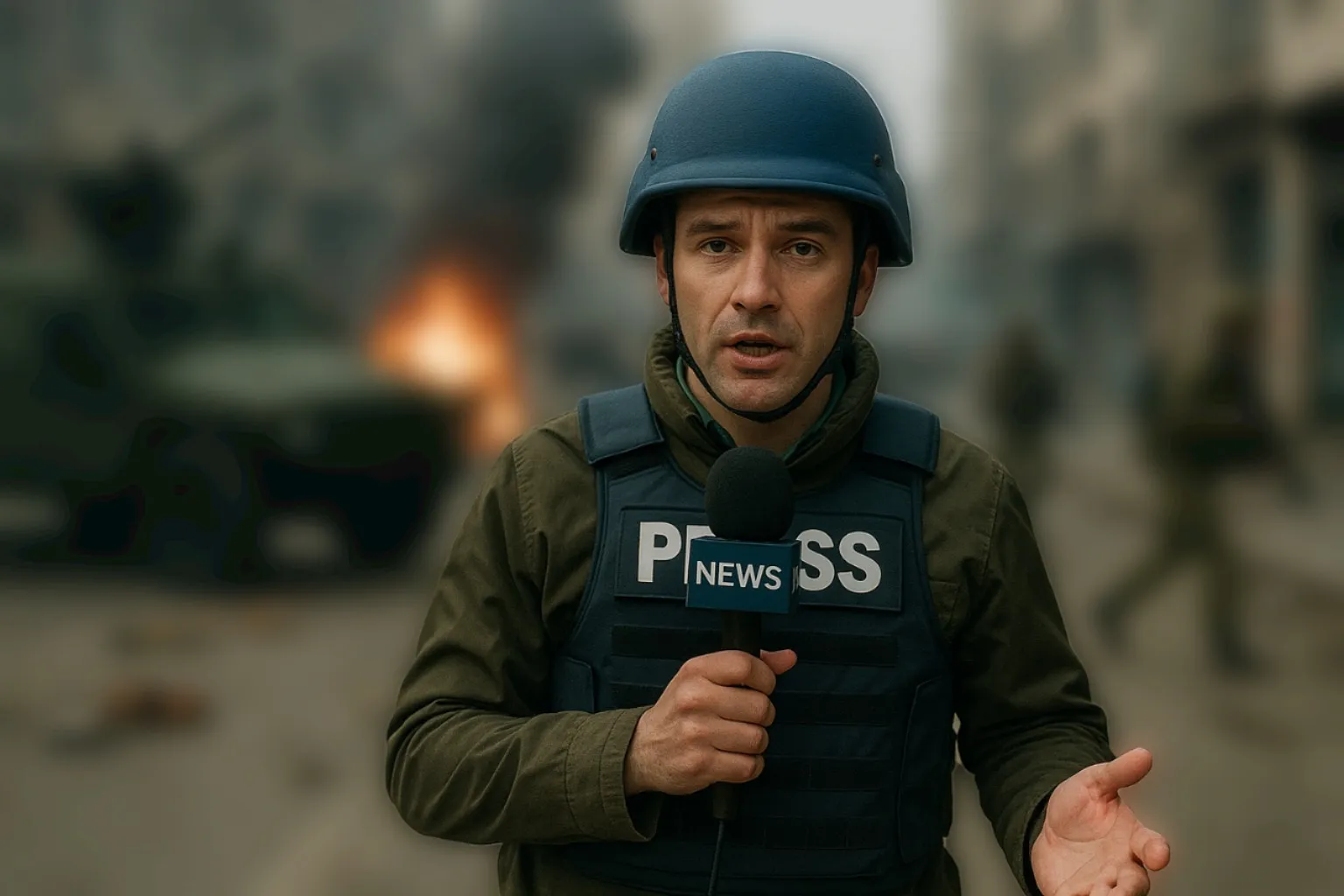
News Recaps
Journalists and media teams use consistent AI characters to deliver daily explainers, election coverage, and social-first news updates without coordinating live shoots

Customer Support
Support teams create consistent characters with AI for onboarding walkthroughs, FAQ videos, and help center content. Build trust by keeping the same guide across every tutorial.
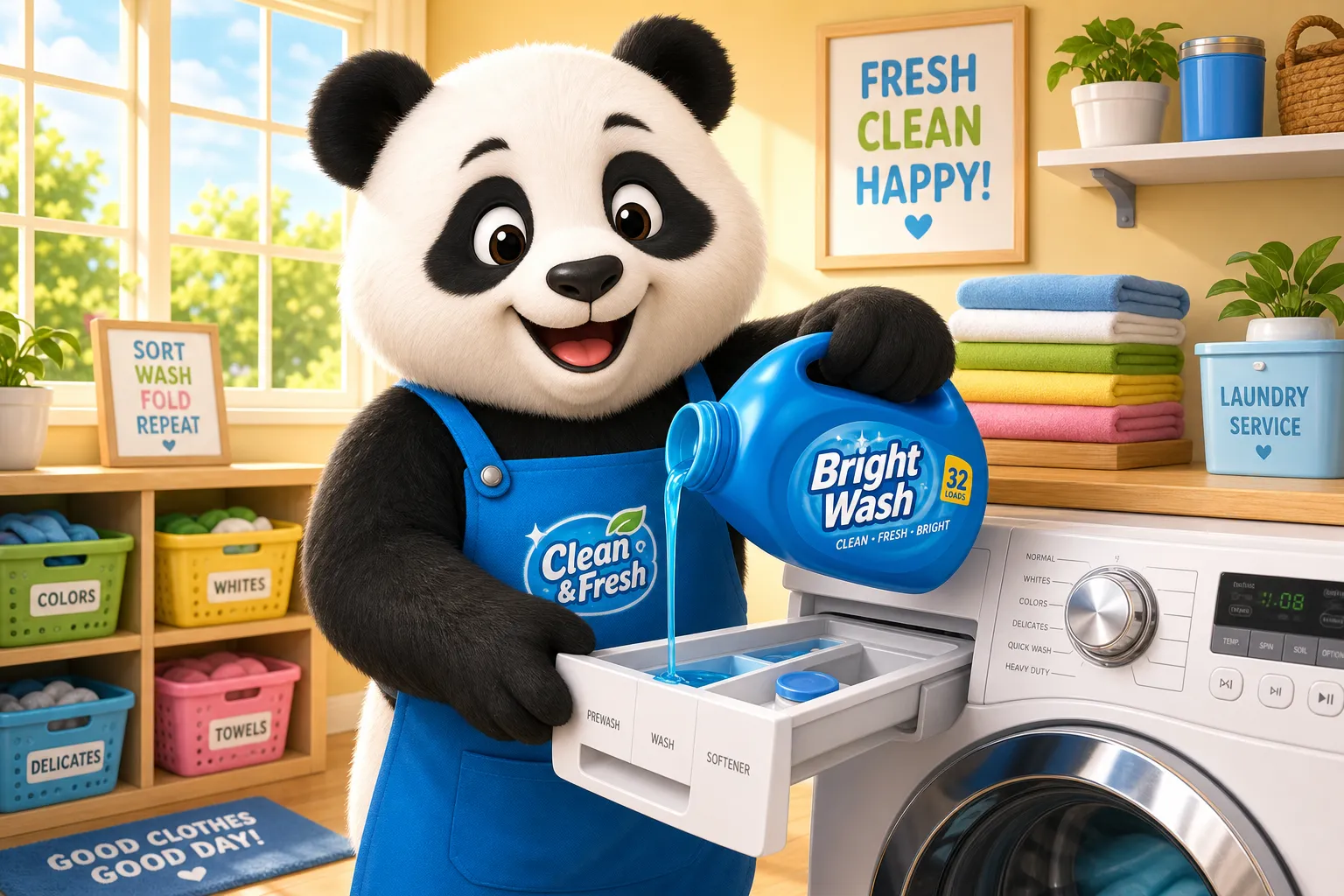
Brand Mascots
Advertising teams and small business owners use an AI consistent character generator to develop mascots and spokespeople for recurring campaigns, social posts, and seasonal promotions
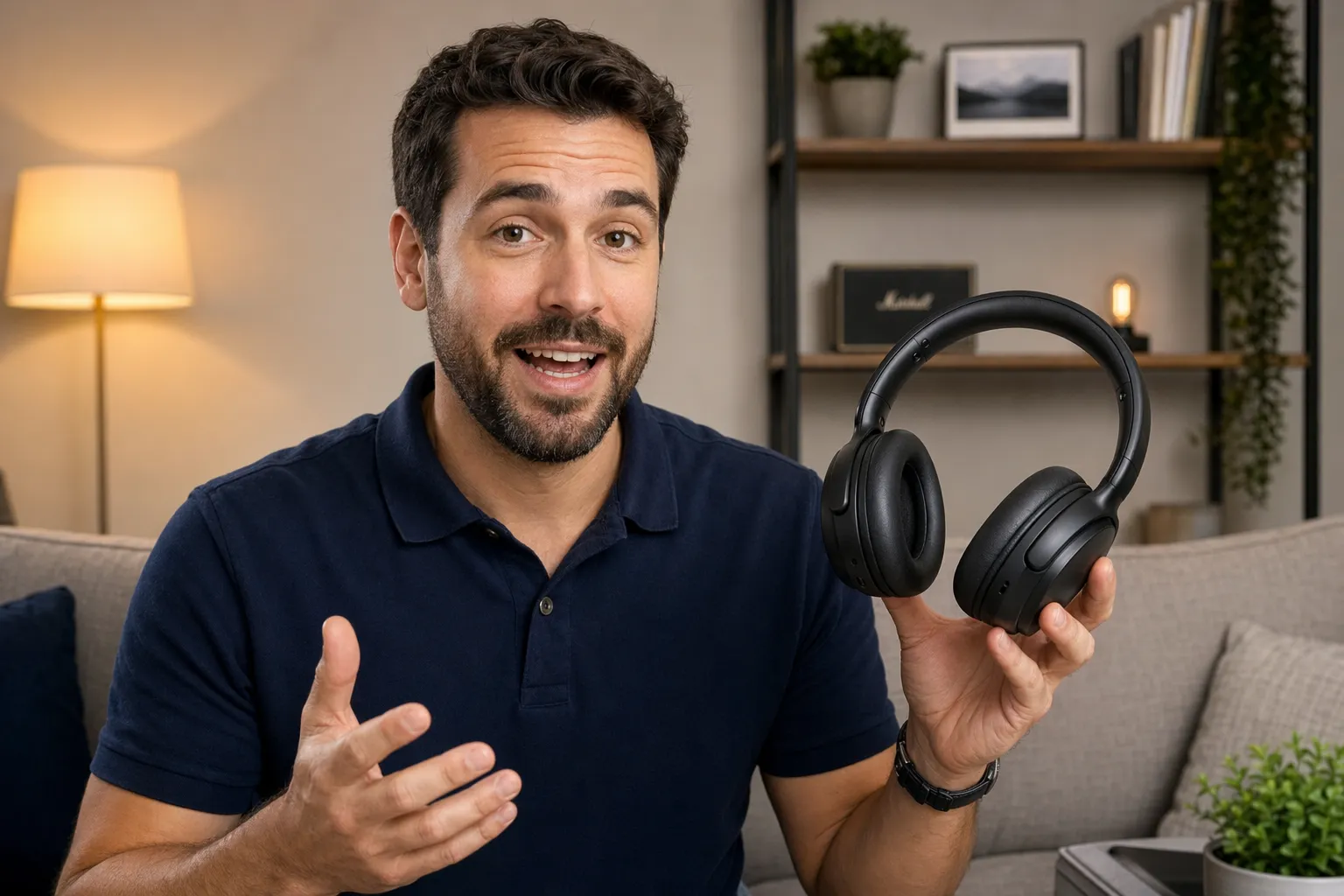
Product Demos
Product marketers create consistent characters with AI to guide viewers through new products, software walkthroughs, and feature launches
Consistent AI characters for every project
Powered by ElevenLabs voices and advanced AI video generation
Plan scenes and content around your characters
Keep characters and storylines consistent with saved character profiles and built-in AI storyboarding, including editable shot lists and visual plans.
Map out scenes and customize characters before generating, so you can refine ideas without wasting credits.
Kapwing helps creators maintain character consistency across long-form projects and recurring series for any platform or medium.
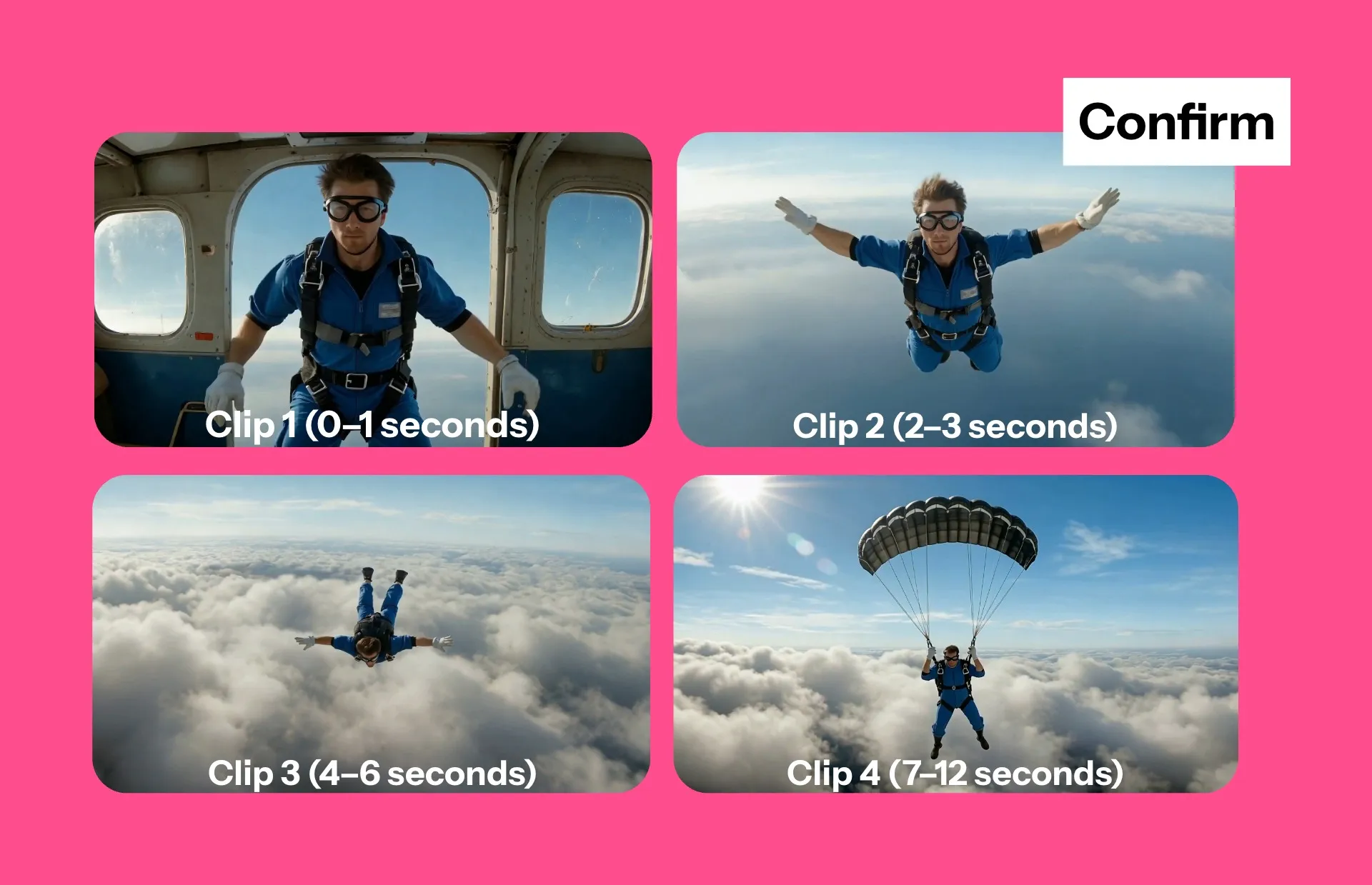
Realistic, customizable voices with auto-lip sync
Pair each consistent character with a stock or cloned voice to produce engaging videos faster.
Podcasters, training teams, and faceless YouTube channels can write scenes with the script generator, assign dialogue to characters, and generate clips where the same character delivers accurate lines every time.
Auto-add subtitles or translate videos into 40+ languages inside the same online editing studio.

Share characters with your whole team
Design characters for your brand, social media account, or recurring series, then save directly to your team Brand Kit alongside logos, fonts, colors, and subtitle presets.
Reuse the same characters and assets across campaigns so everyone works from a shared visual system instead of recreating styles manually.
Collaborate on edits in real time, leave feedback directly in the project, and reuse approved characters in future videos or images.
.webp)
Built into a professional editing studio
Kapwing's Consistent Characters are integrated into a full video editing studio.
Remove backgrounds, place characters over gameplay footage or live-action B-roll, and add animated subtitles without exporting to another tool.
For creators building tutorials, social ads, or serialized content, the AI video generator consistent character workflow keeps production streamlined while making it easier to create consistent characters with AI from concept to final edit.
.webp)
Already transforming video creation across industries
Hear directly from the teams who publish faster, collaborate better, and stay ahead.


How to Create a Consistent AI Character
- Step 1Create reference image
Create a new chat with Kapwing AI. Enter a prompt describing your character to create a reference image. Click to download.
- Step 2Save character
Click the @ icon in the prompt box and choose "Add character". Give your character a name and description, choose a voice, and upload your reference image. Click "Create character" to save.
- Step 3Generate
In Kapwing AI, describe an image or video you want to create. Tag your character's name in the prompt box using the @ symbol. Speech will be delivered with automatic lip-sync.
What's different about Kapwing?



Frequently Asked Questions
We have answers to the most common questions that our users ask.
Are Kapwing's Consistent Characters free?
Anyone can try generating characters with Kapwing for free, but you will need to upgrade to a Pro account to save them to your Brand Kit and generate with the character multiple times. Upgrading also unlocks the full suite of AI-powered image and video editing tools.
How to create consistent characters
To create an AI generated character, start by opening a new chat with Kapwing AI. Enter a prompt describing your character, including details about age, facial features, body type, clothing, and setting. Click the generate arrow to create the image, then download it.
Click @ in the prompt box and select "Add character" from the dropdown. Select "Create new character". Give your character a name and description, and choose a voice from our stock library or upload reference files to create a voice clone. Finally, attach the reference image(s) of your character and save. After saving, you can use your character in any video or image project by tagging them in your prompt.
You can also upload a character image from your device instead of generating through Kapwing AI.
Which AI models does Kapwing use?
Kapwing is integrated with the latest advanced AI models so you can create realistic or stylized characters that stay consistent across every generation. This includes Veo, Seedance, MiniMax, Grok, Happy Horse, and more. For images, choose between GPT Image, Google Nano Banana, and Seedream, or let Kapwing AI intelligently select the best model for you.
What types of projects benefit from consistent character AI?
Consistent AI characters are commonly used for faceless YouTube channels, podcast clips, training videos, brand mascots, social ads, onboarding tutorials, and serialized storytelling. Any project that depends on recognizable recurring characters can benefit from a consistent character workflow.
Businesses also use consistent characters to strengthen branding and make visual content feel more cohesive across platforms and campaigns.
How do I write the best prompt for consistent characters?
Kapwing's Consistent Characters replace the need for complex prompting or re-uploading reference images. Once you save your characters, all you need to do is tag them into your prompt, then describe the image or video you want to create. You can also tag in our pre-built stock characters by typing @.
For example, type a prompt like "Generate a video of @Dracula eating popcorn in a movie theater." Add descriptions for movement, outfits, expressions, camera focus, speech, and background for a more specific result.
What is a consistent AI character?
A consistent AI character is a reusable AI-generated human, avatar, or mascot that keeps the same appearance, voice, and identity across multiple images and videos. Instead of generating a different face every time, consistent character AI helps maintain recognizable features between scenes and projects
Do I need video footage to train my AI character?
No. Kapwing lets you create consistent AI characters using reference images only, without recording or uploading training videos.
Can I edit AI-generated videos after creating them?
Yes. Kapwing includes a full drag-and-drop editor where you can trim scenes, add subtitles, replace backgrounds, add music, edit scripts, and customize your AI-generated videos.
What file formats and aspect ratios can I export?
You can export videos as MP4 files and images as JPEG or PNG.
Kapwing supports popular formats like 9:16, 16:9, 1:1, and more for TikTok, YouTube, Instagram, ads, and presentations.
Can I create an AI version of myself?
Yes. Upload reference images and a voice recording of yourself to create an AI clone.
Discover Resources
Tips, templates, and deep dives to help you create faster and share with confidence.
View all

Get started with your first video in just a few clicks. Join over 35 million creators who trust Kapwing to create more content in less time.