Give images a studio-grade edit — simply by asking AI
Advanced image editing. No experience needed.
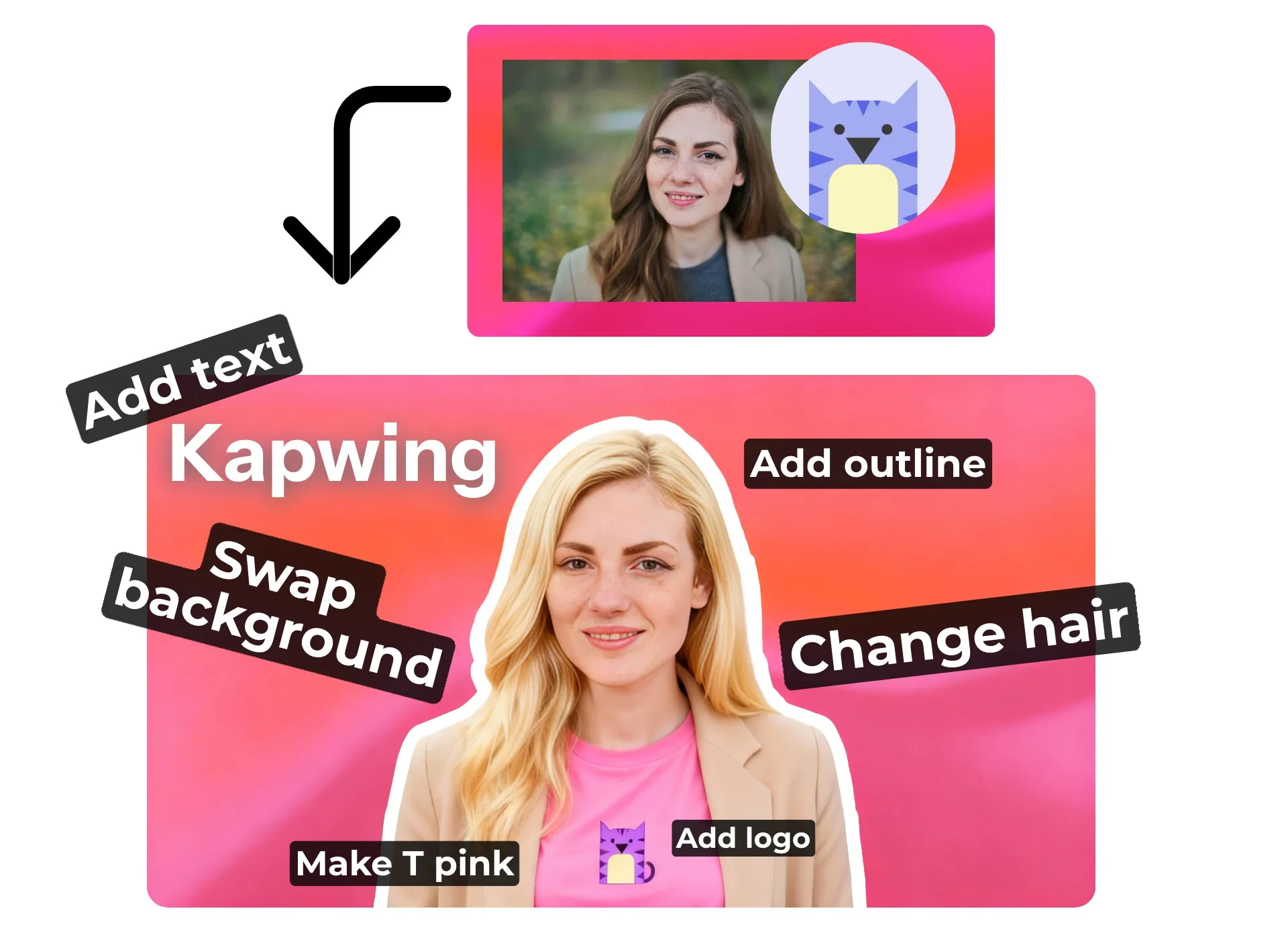
Detailed photo edits using simple text prompts
Built for beginners with limited editing experience and pros who want a faster workflow, simply ask Kapwing's AI to edit your image in seconds.
With auto-prompt enhancements, speak to our assistant like you're asking a friend, or use technical camera directions like a photographer — the AI adapts to both for maximum results.
Each AI edit is photorealistic, matching your original upload and preserving subtle style details for consistent results.
No limits. Just creativity.
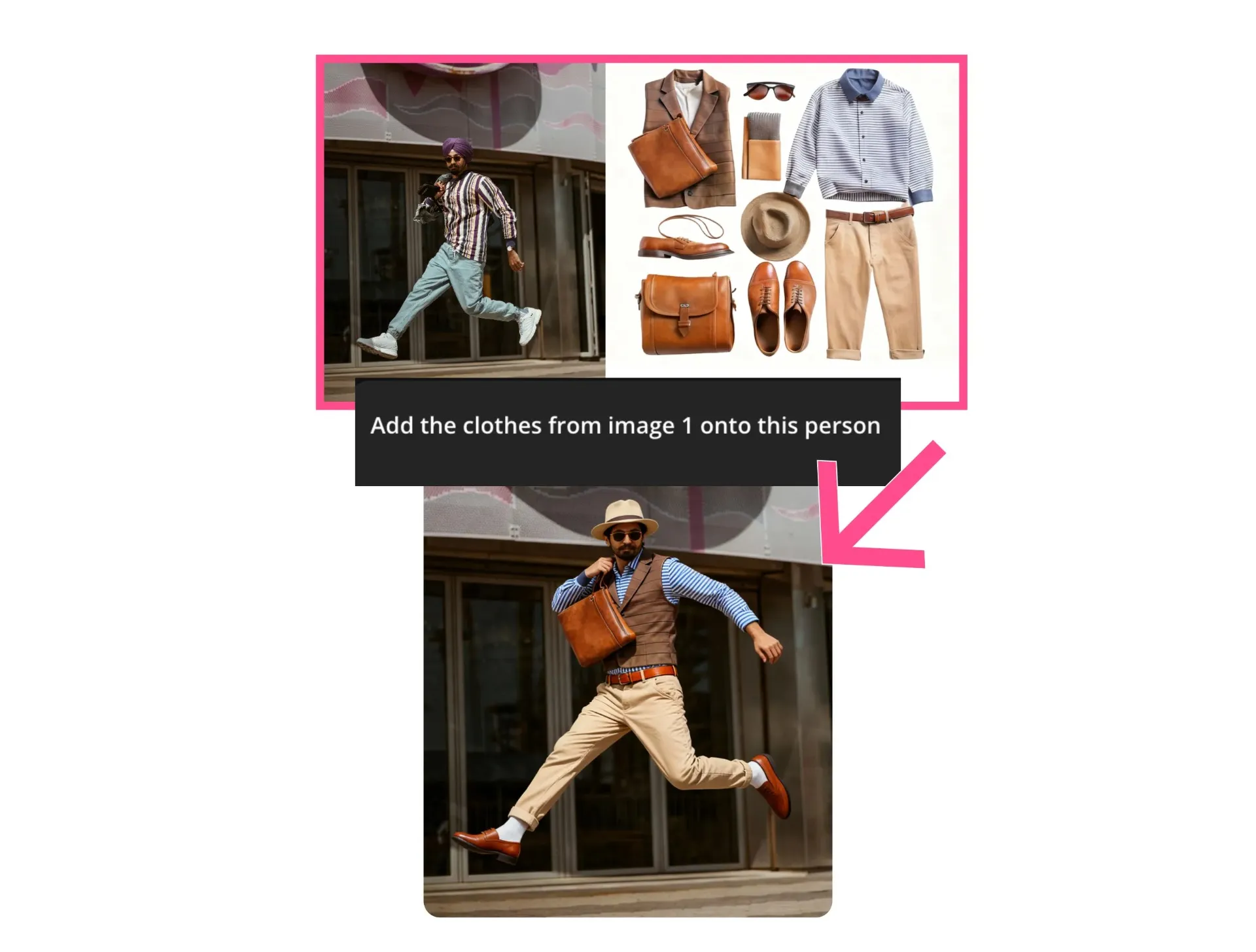
Make subtle fixes like removing glare or correcting closed eyes, add accurate text in complex fonts, or go bold with dramatic style changes — from oil painting to line art or turning real photos into 3D cartoons.
Whether you're designing for marketing, education, or just unhinged fun, Kapwing’s online Image Editor offers unlimited artistic styles to match your goals.
Graphic design at your fingertips
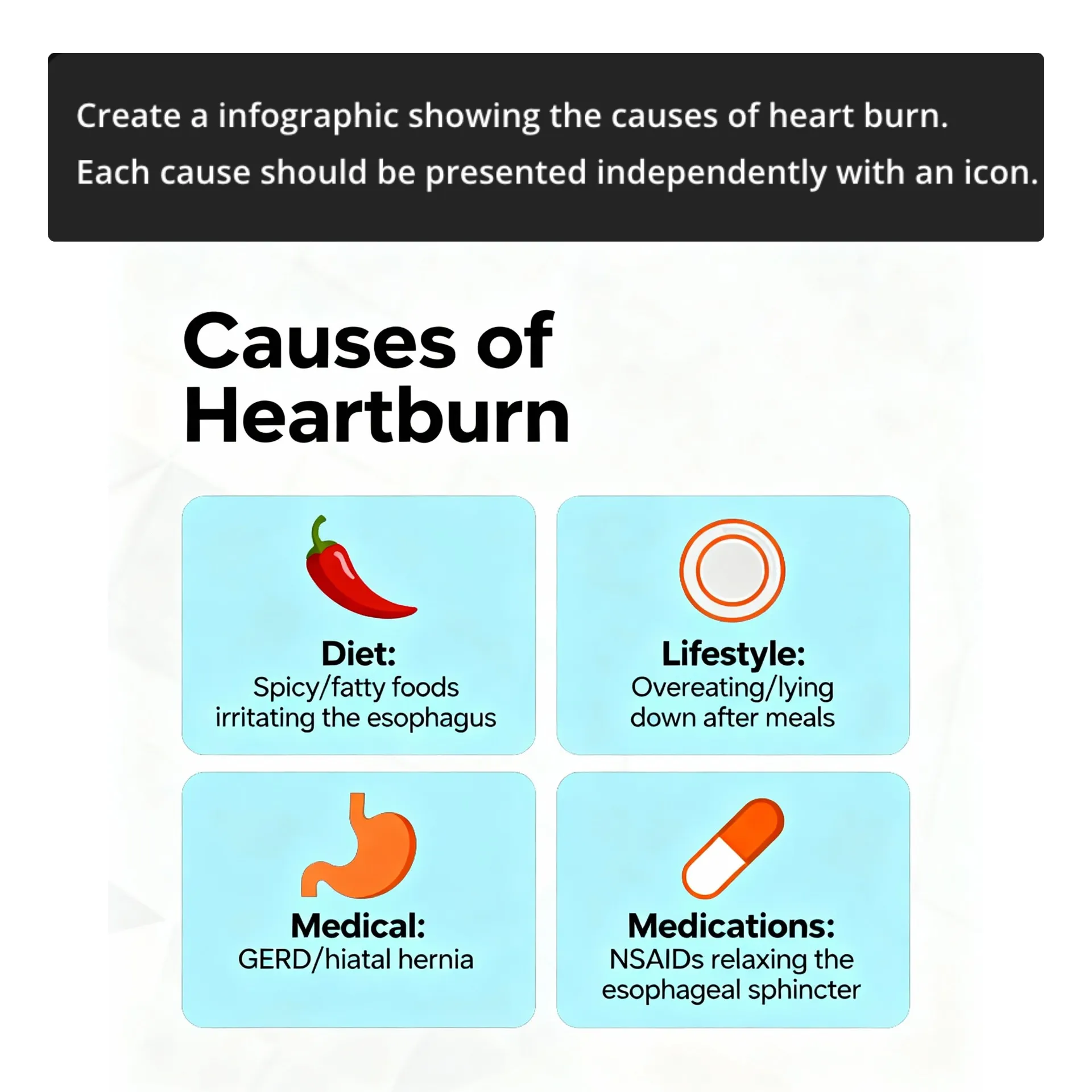
Generate and customize detailed graphics, from posters to illustrations, with editable text, icons, logos, and image design elements.
Edit history allows you to view past versions, helping all creators save time, avoid 'editing' frustration, and create polished images with the skill of a graphic designer.
From idea to final image — instantly
With an AI Image Generator built into the editor, you can create images from scratch using simple text prompts. Generate ready-to-share pictures or reference images to use with the AI video generator.
Update, enhance, edit, or imagine entirely new visuals for adverts, marketing campaigns, and branded content.
And once you’ve landed on a favorite edit — whether it’s a signature aesthetic or branded effect — you can save it as a Custom Kai for reuse anytime.
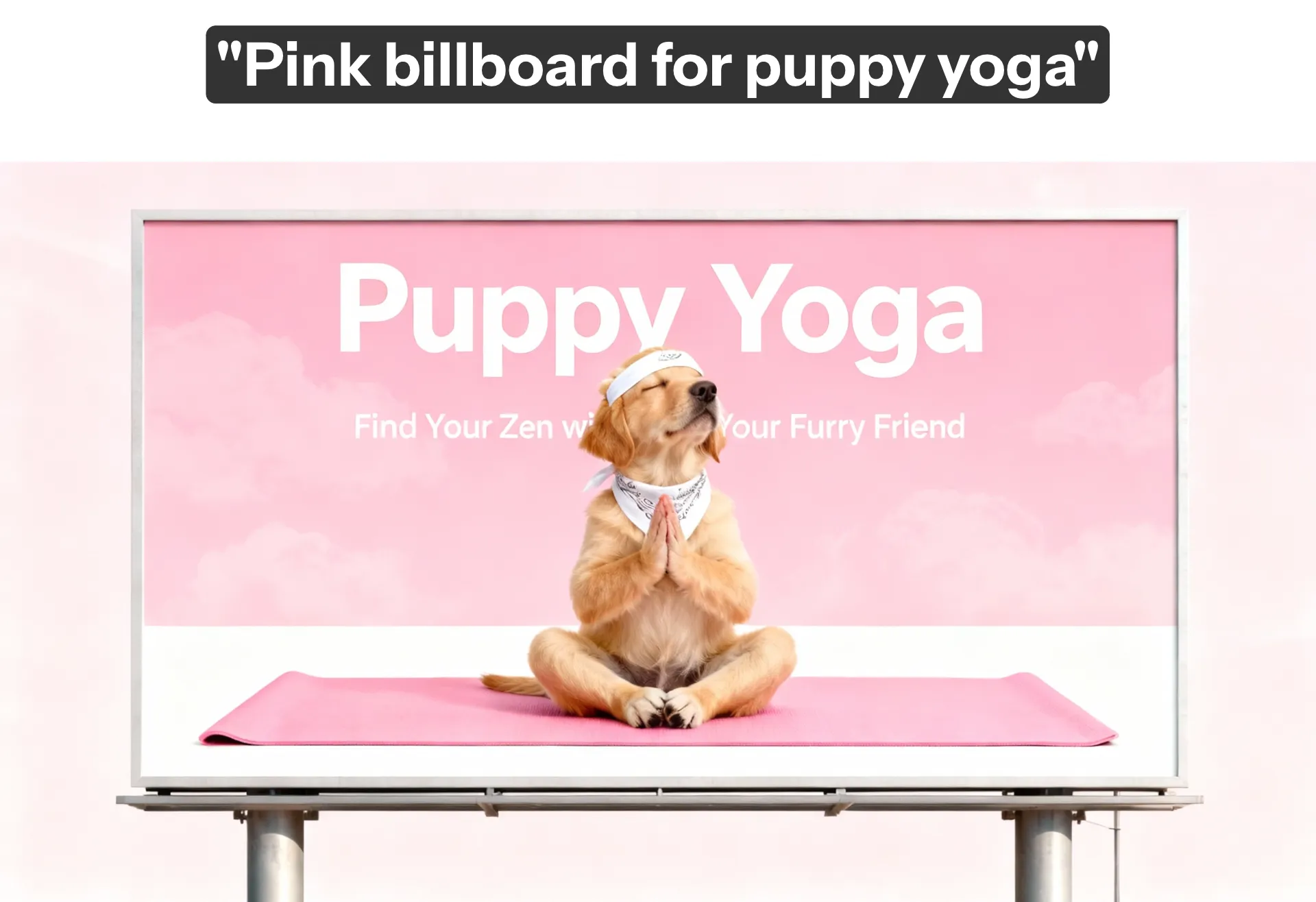
Save hours with instant image editing
Fix. Adjust. Enhance. Reimagine

Remove Object
Effortlessly erase unwanted objects or people from photos and preserve the original background
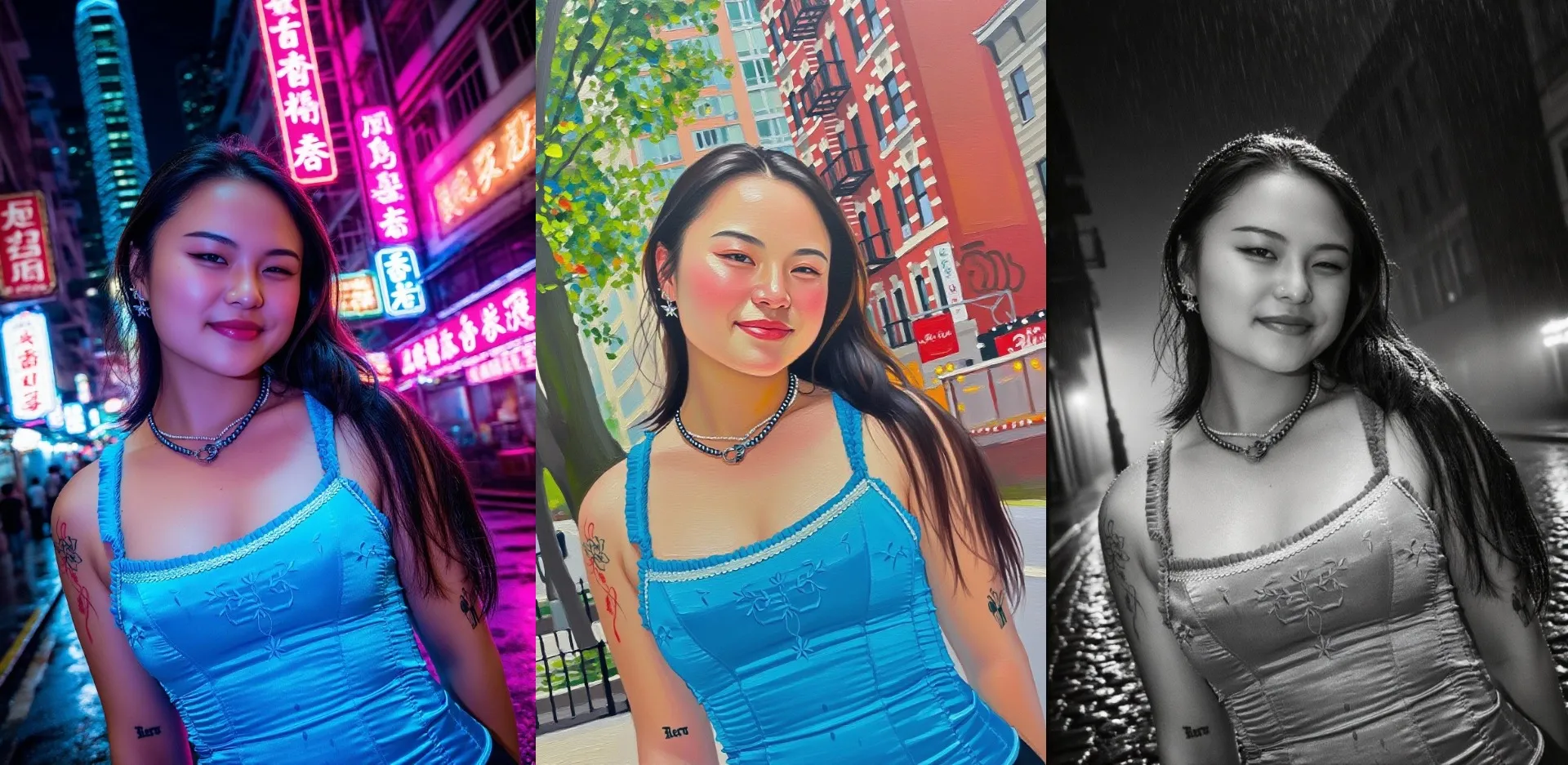
Alter Styles
Redesign pictures by changing the style of your image background or subjects
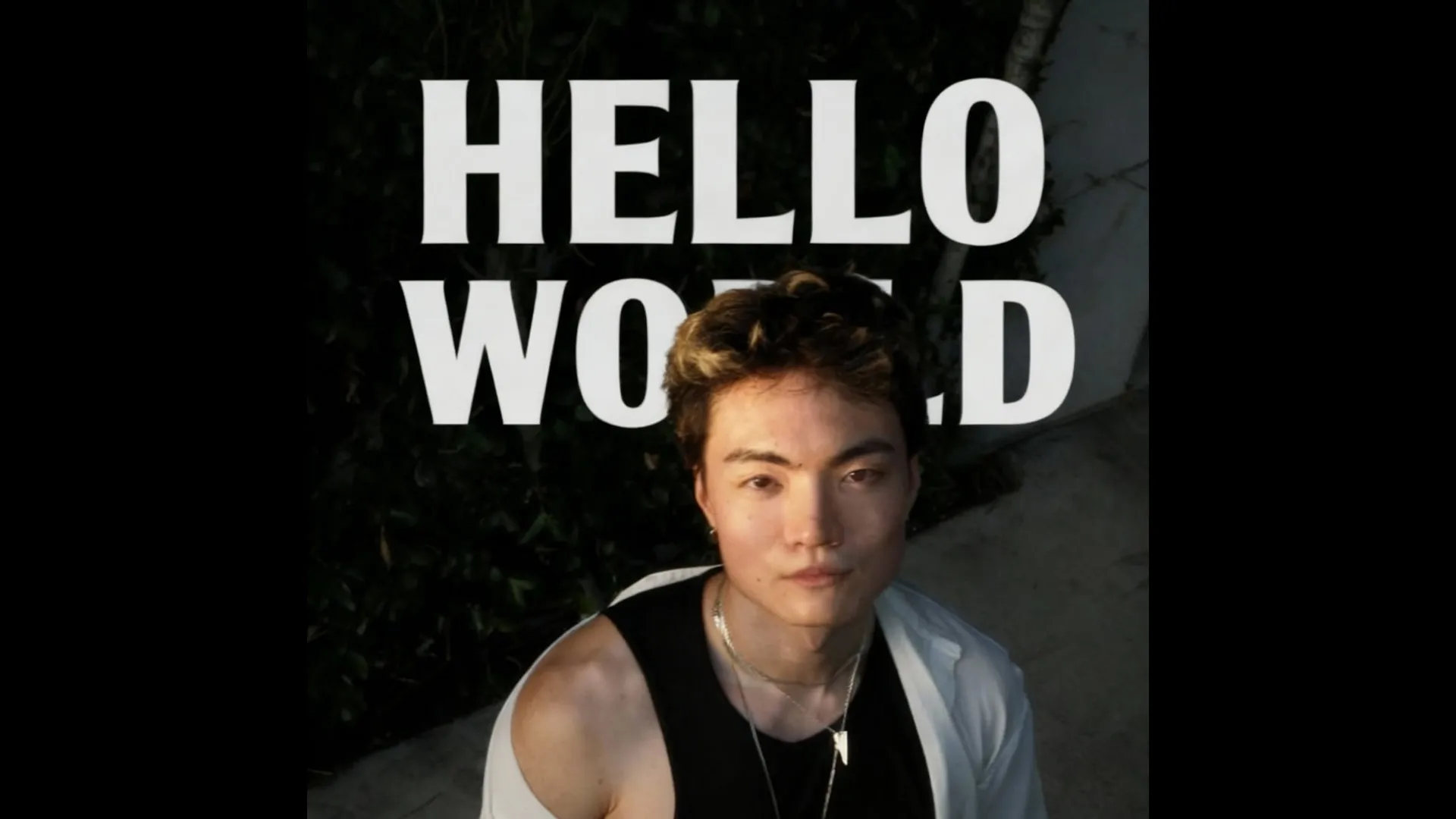
Add Text
Unlike most tools, Kapwing’s AI Image Editor produces accurate, correctly spelled text
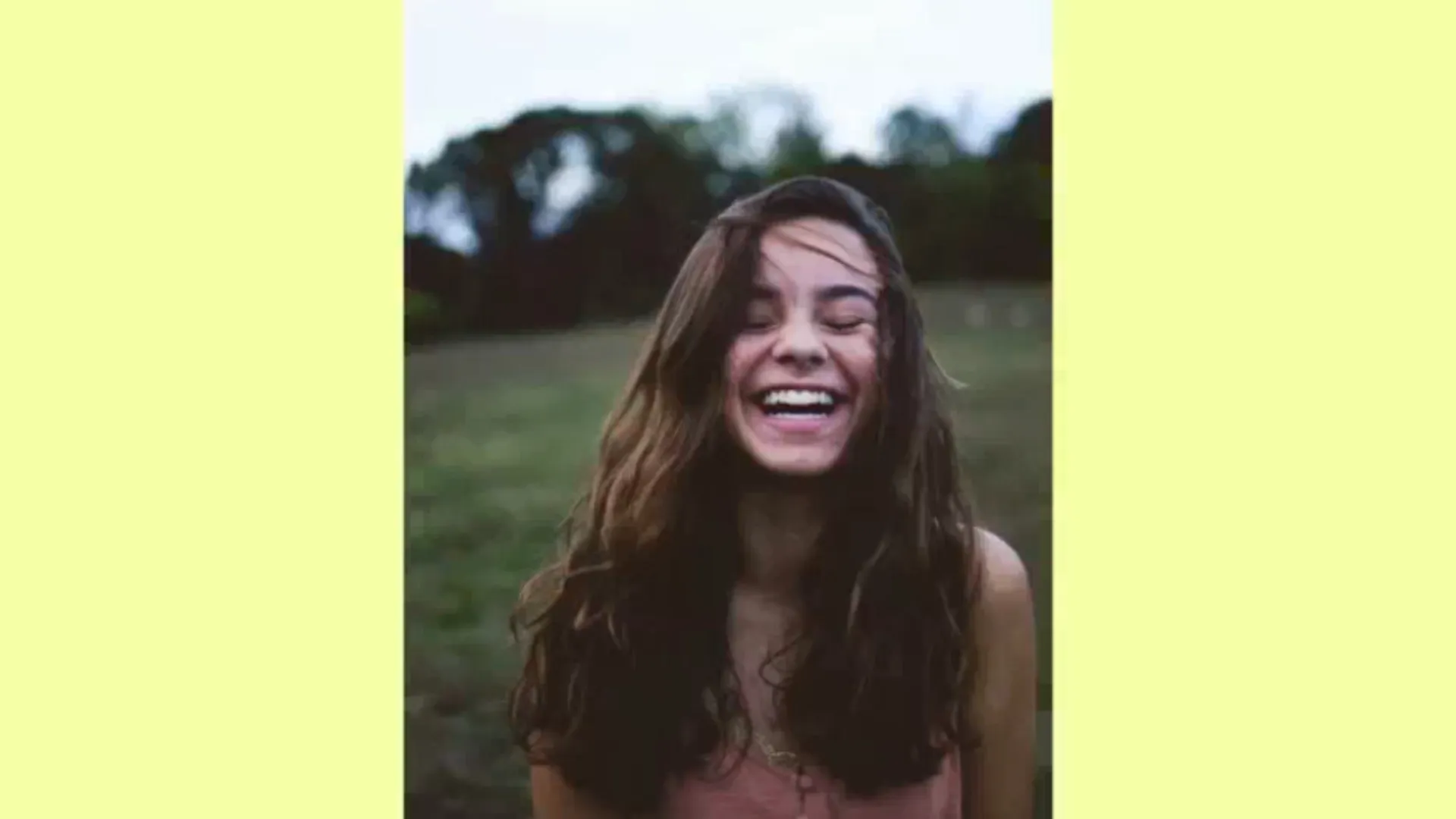
Generative Fill
Resize images for any platform with AI generative fill that extends backgrounds naturally and fills in missing details

Remove Watermarks & Logos
Instantly remove watermarks and other baked-in image details
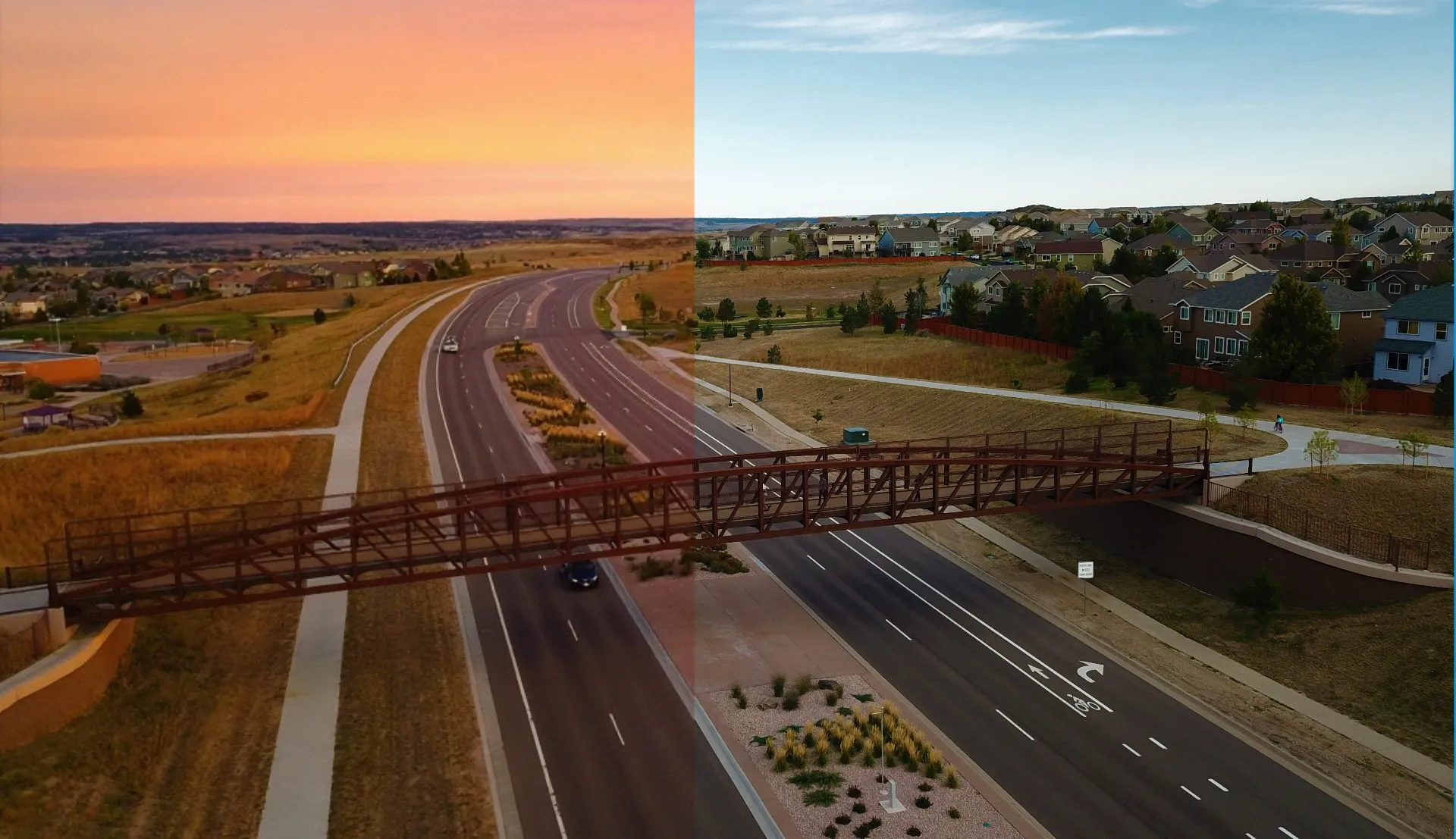
Change Background
Swap or replace backgrounds instantly to give your image a new setting or mood
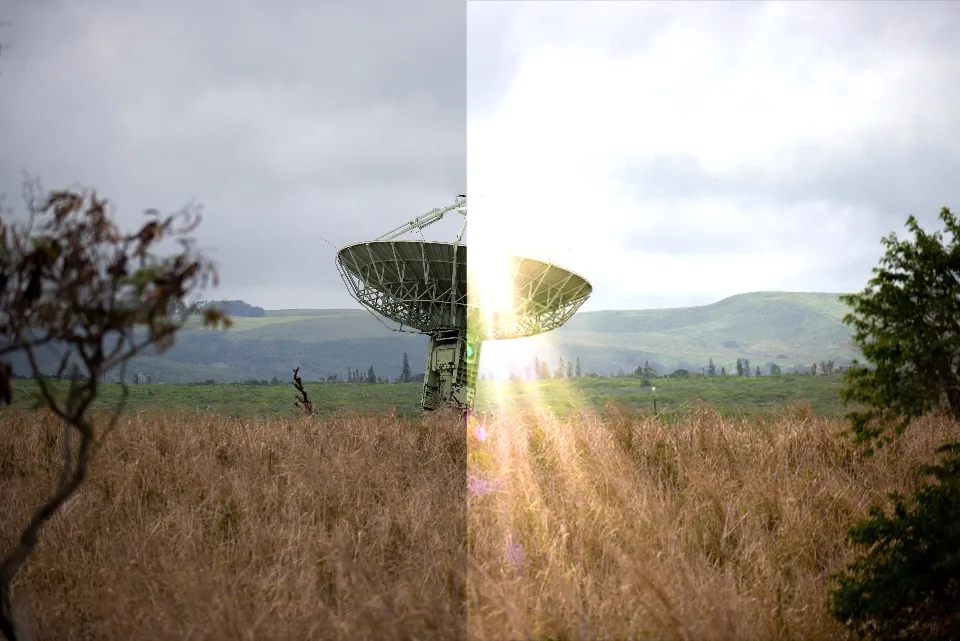
Fix Photo
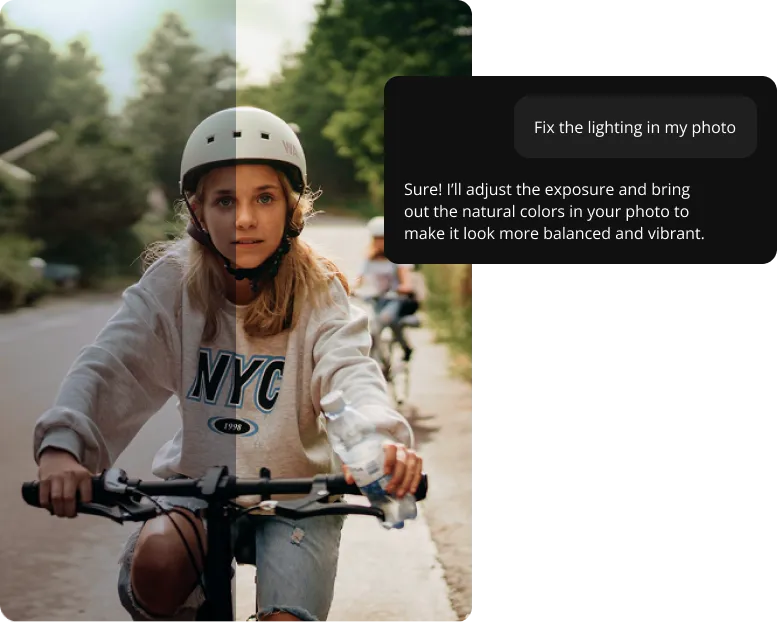
Fix common issues like glare or closed eyes in group shots
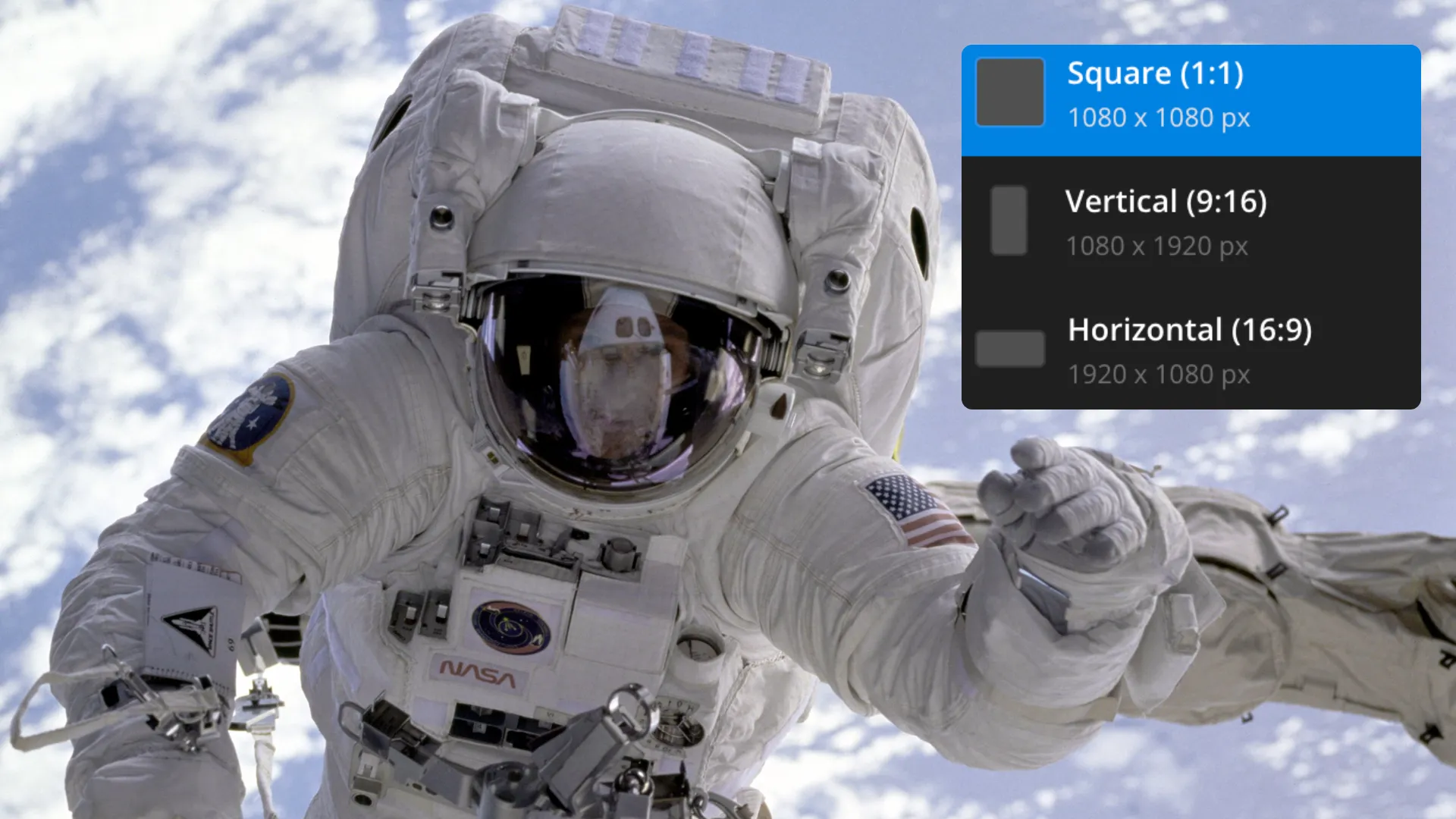
Resize
Instantly change the aspect ratio for any picture using the AI Image Editor
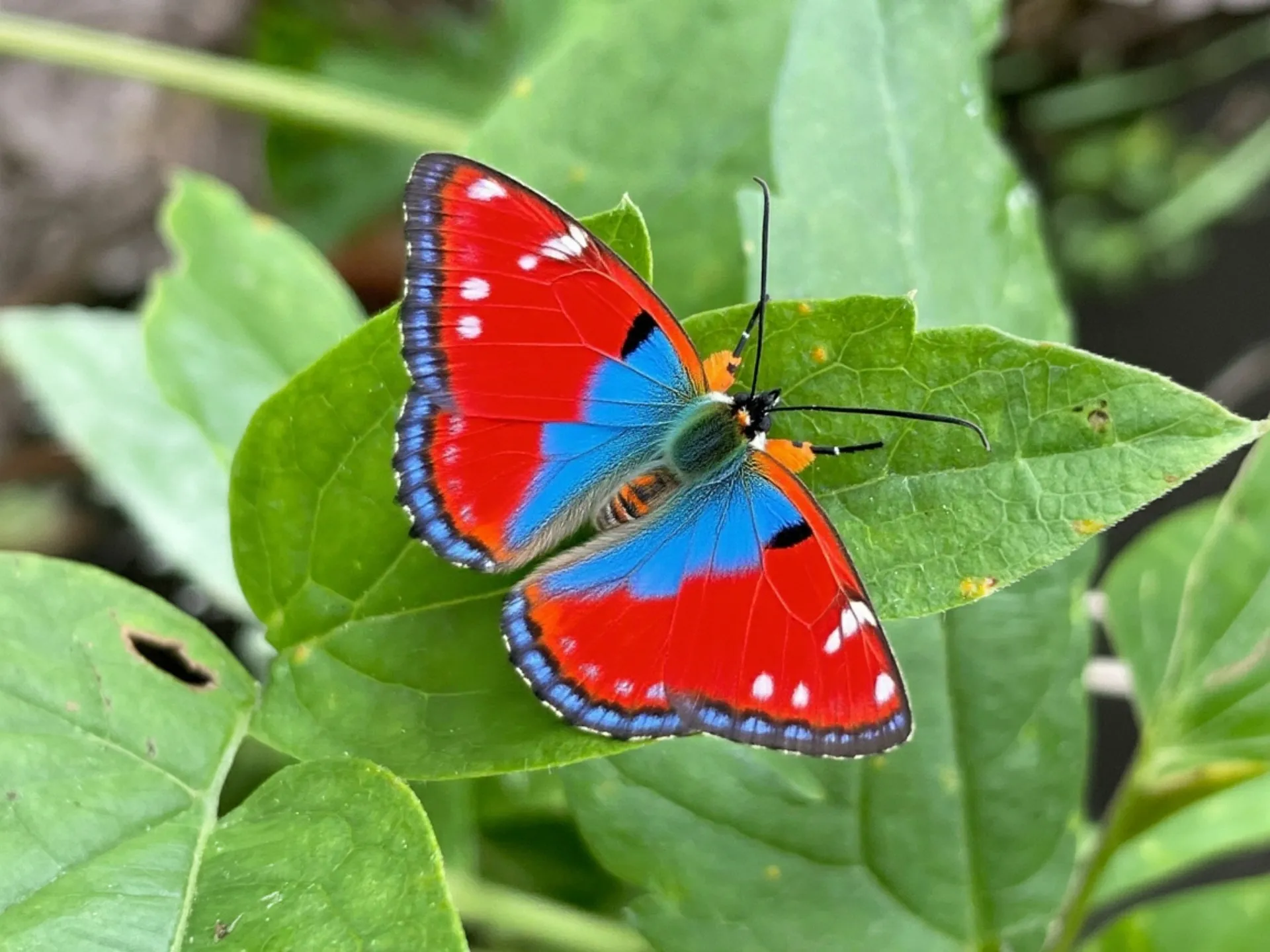
Correct Color
Adjust fine details like brightness, contrast, and saturation automatically to refine image quality

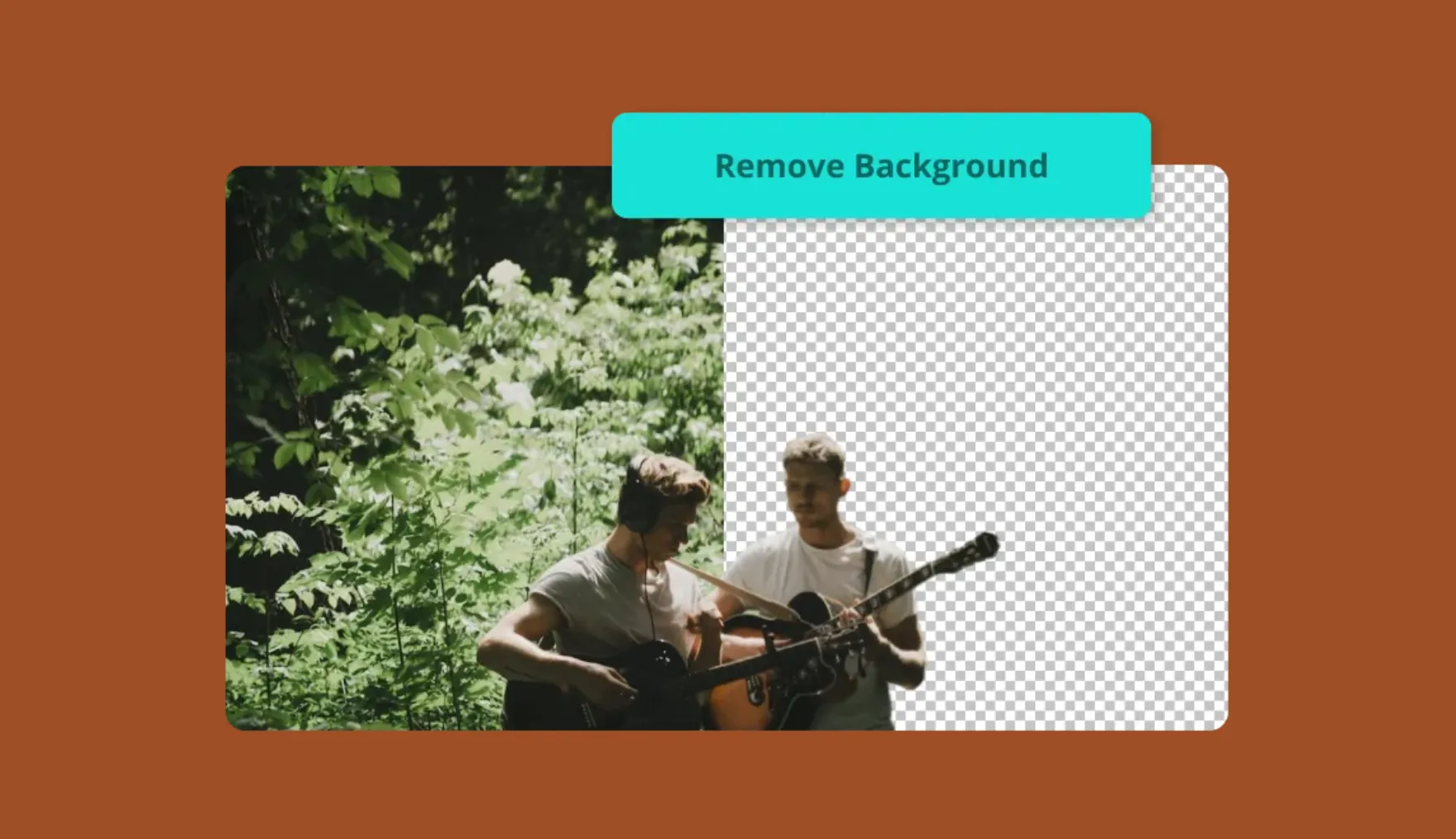
Remove Background
Remove backgrounds in images to substitute in new settings or create a transparent layer
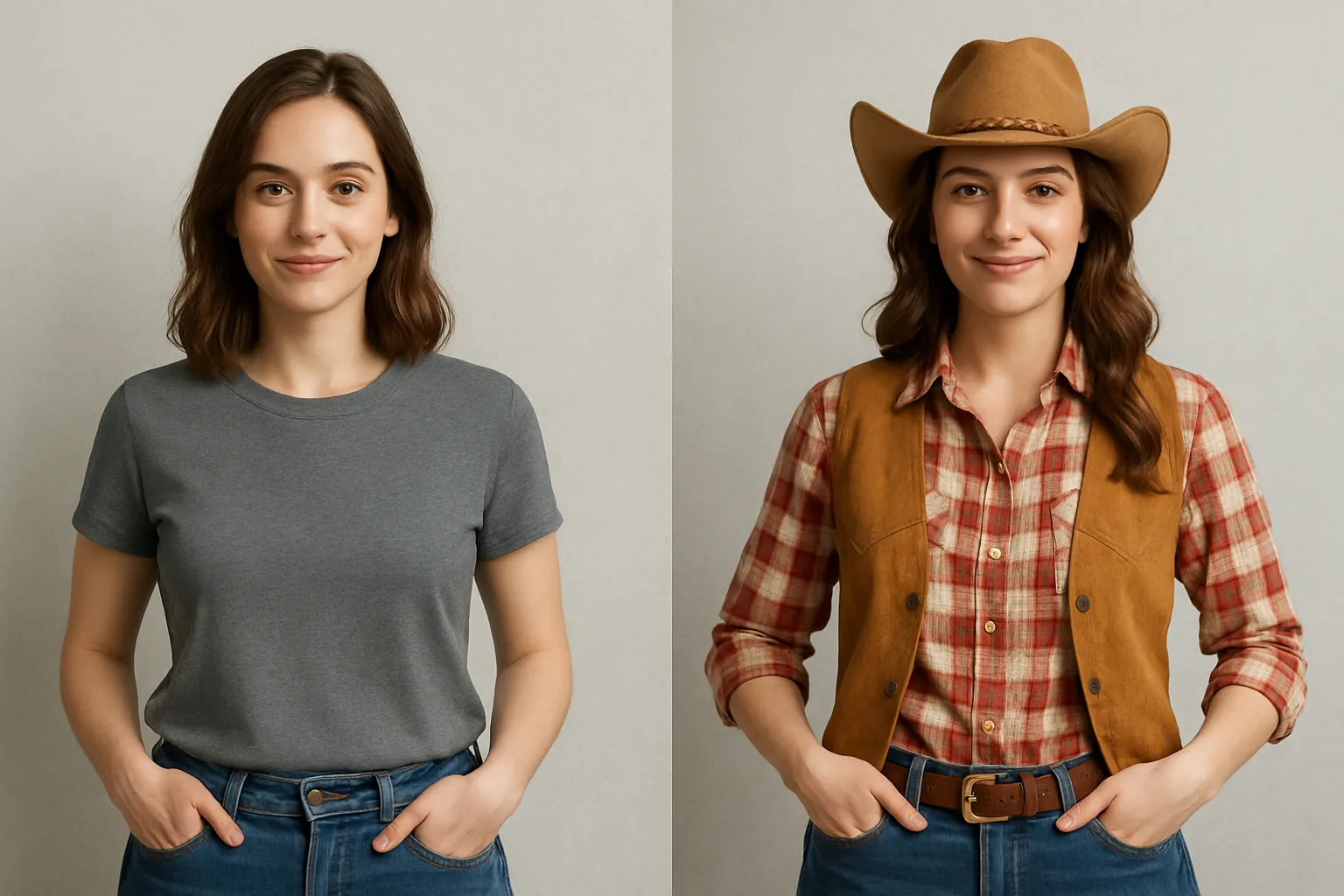
Change Appearance
Change your appearance by using AI to create new outfits and environments in seconds
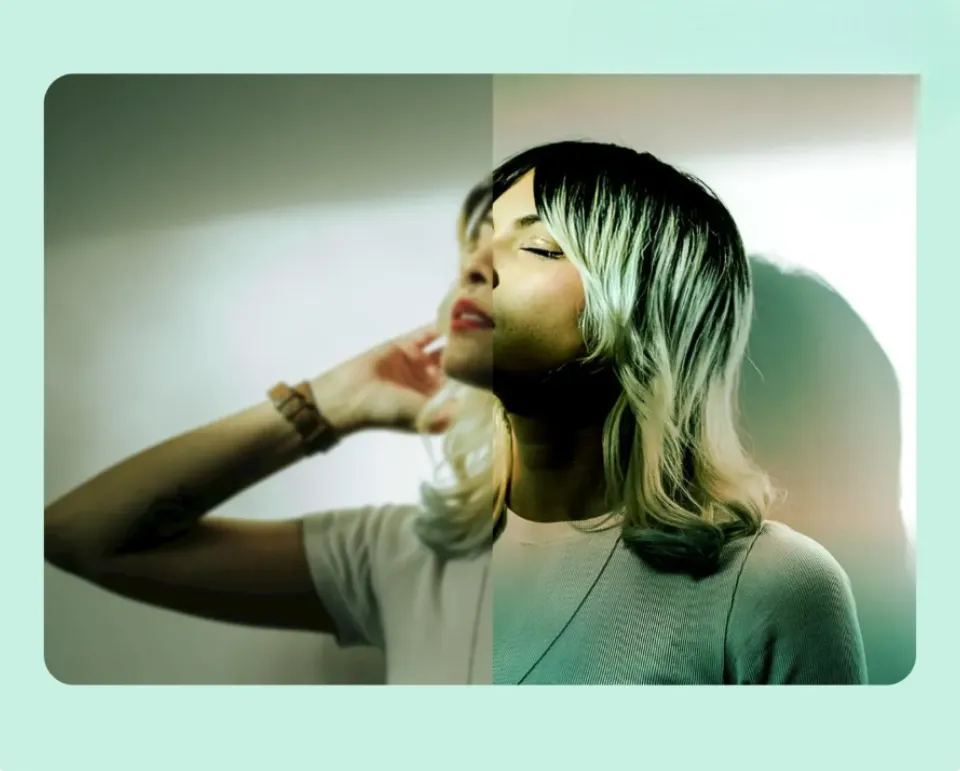
Enhance Image
Sharpen low-resolution images and increase clarity due to poor lighting or focus
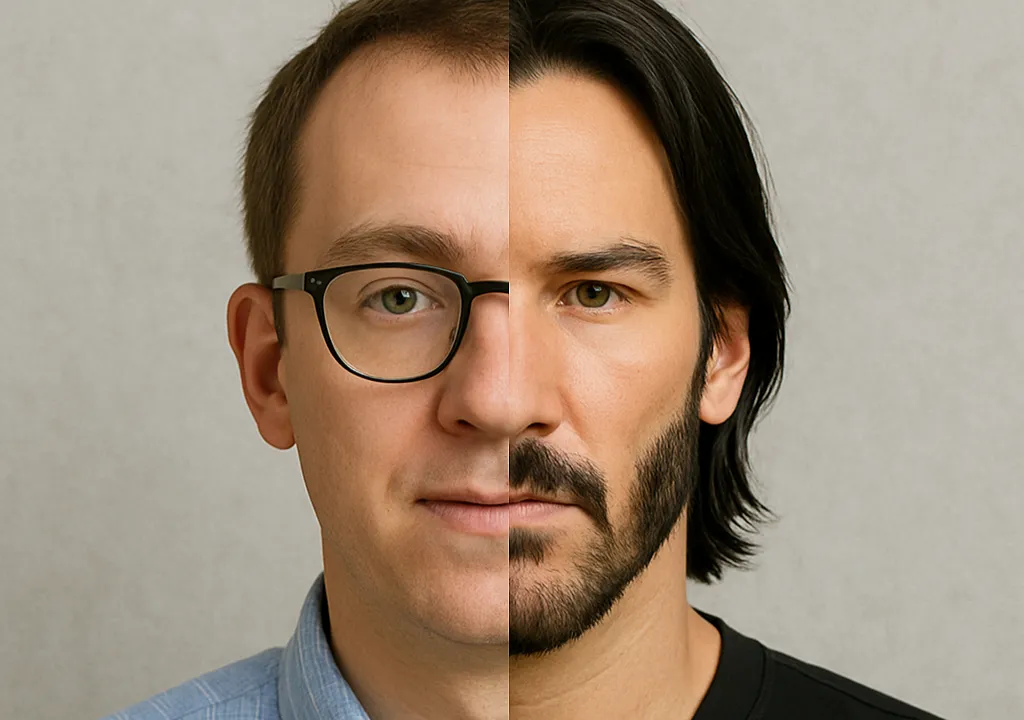
Swap Faces
Swap faces with real or fictional characters to create custom images
Already transforming video creation across industries
Hear directly from the teams who publish faster, collaborate better, and stay ahead.


Endless editing options — one online studio
Combine images with audio, video, and design elements
Kapwing’s AI Image Editor is built into a full creative studio. Generate images from text prompts, transform pictures into videos, or use one-click tools like background removal, photo enhancement, color correction, and automatic resizing.
With hundreds of integrated tools for video, design, and audio, you can take ideas further by building everything from documentaries and presentations to posters, templates, and more.
Millions of creators trust Kapwing's AI Assistant to streamline workflows and eliminate tedious editing tasks. By speeding up experimentation, it's easier to share more often, discover new creative approaches, and keep content fresh without the time sink of traditional editing software.
Because everything runs online, teams can collaborate in real time, leaving feedback directly on projects and streamlining reviews.
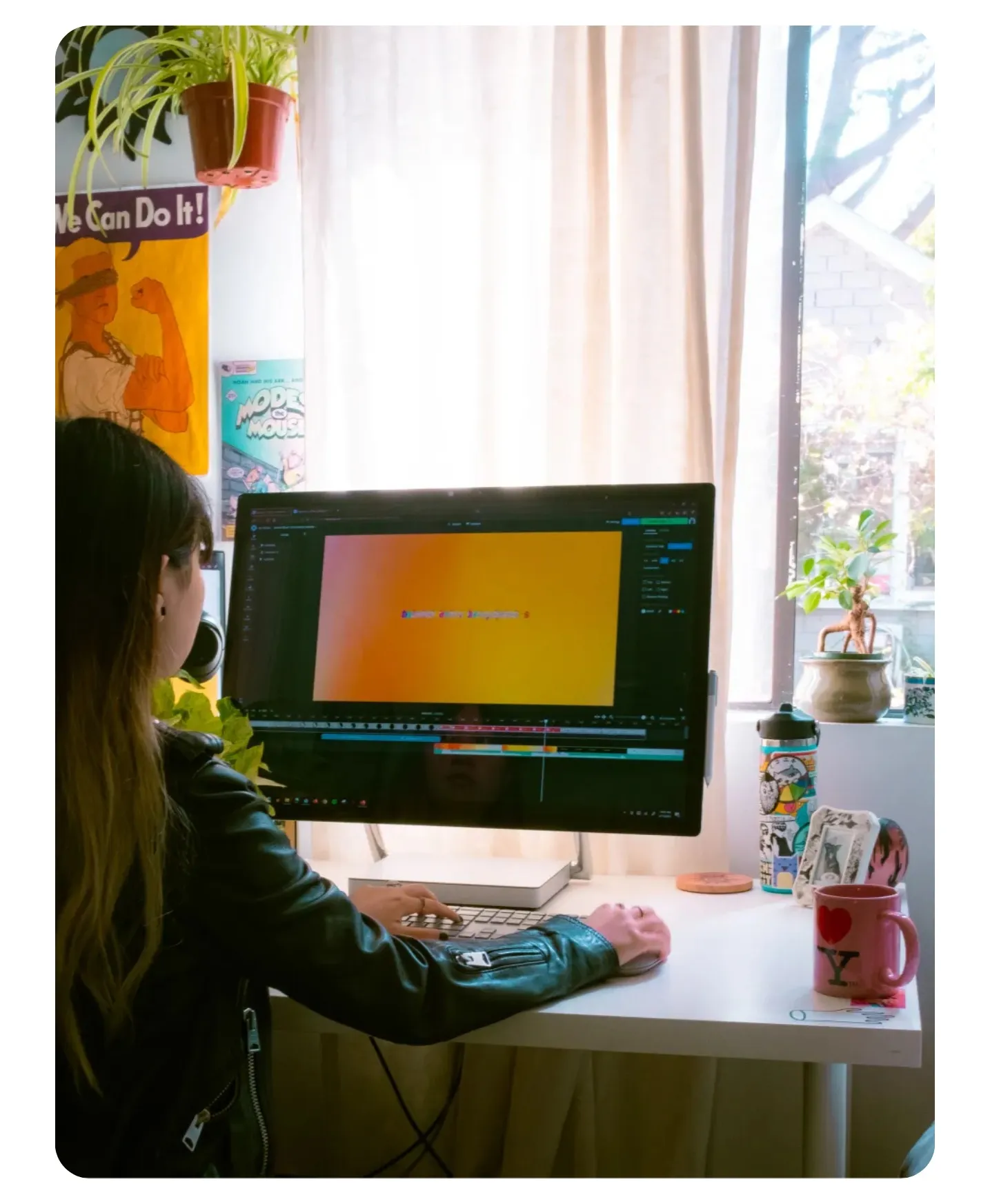
AI-Powered editing, built for every type of creator
Trusted by millions to turn ideas into content

Social Media Creators
Create better posts in less time. Resize photos for Instagram Stories, generate graphics to match TikTok trends, or clean up YouTube thumbnails to boost clicks
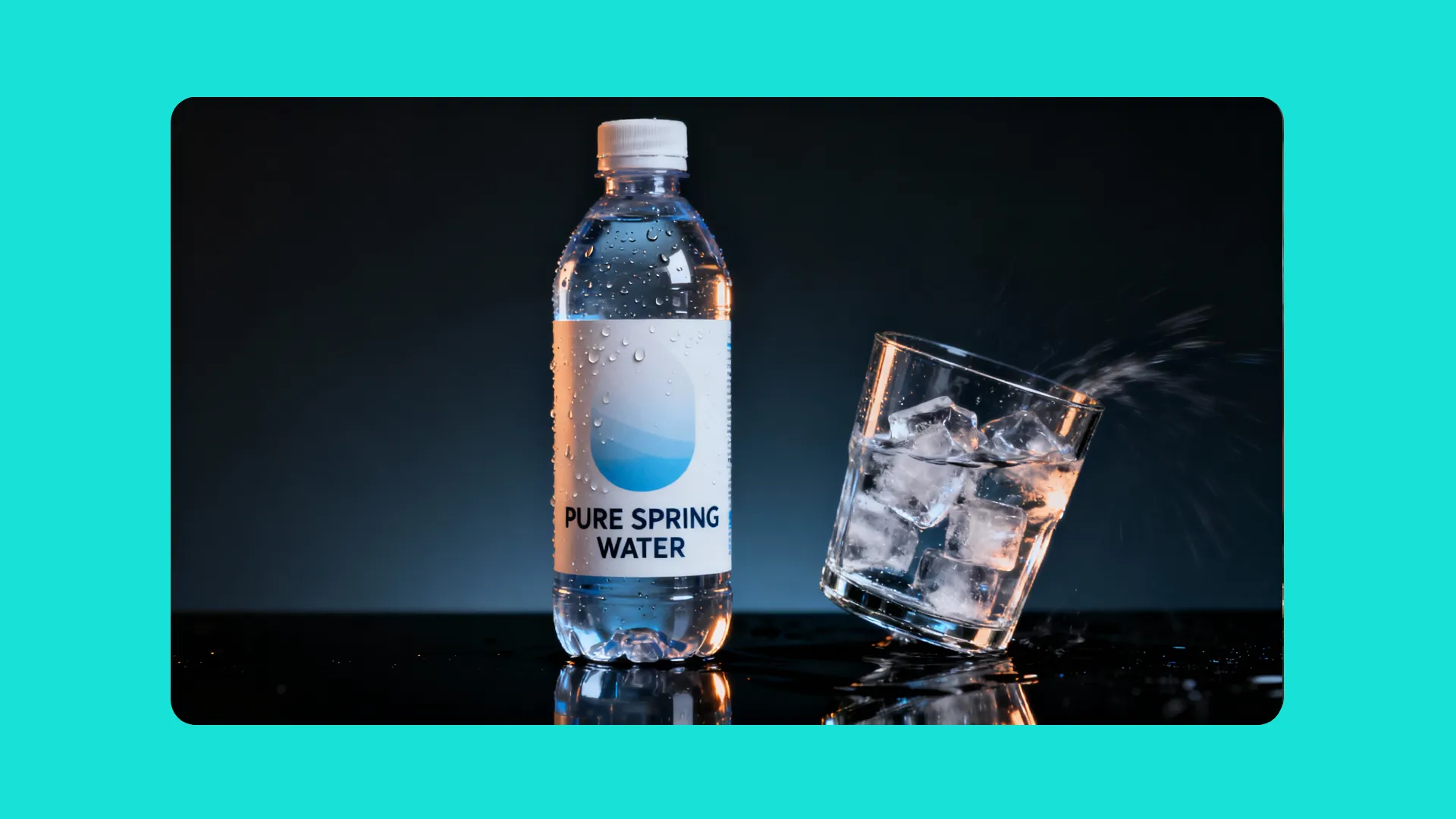
Digital Marketers
Adapt visuals quickly for any campaign. Adjust image details, change locations, and remove unwanted objects instantly. An AI photo editor gives you control across every platform.

Business Owners
Make professional visuals without juggling multiple tools. Generate custom product backgrounds, design simple logos, and save brand preferences like colors and fonts.
Designers
Automate repetitive edits and spend more time on creative decisions. Test background variations, refine concepts, and use AI to speed up delivery without sacrificing visual quality.
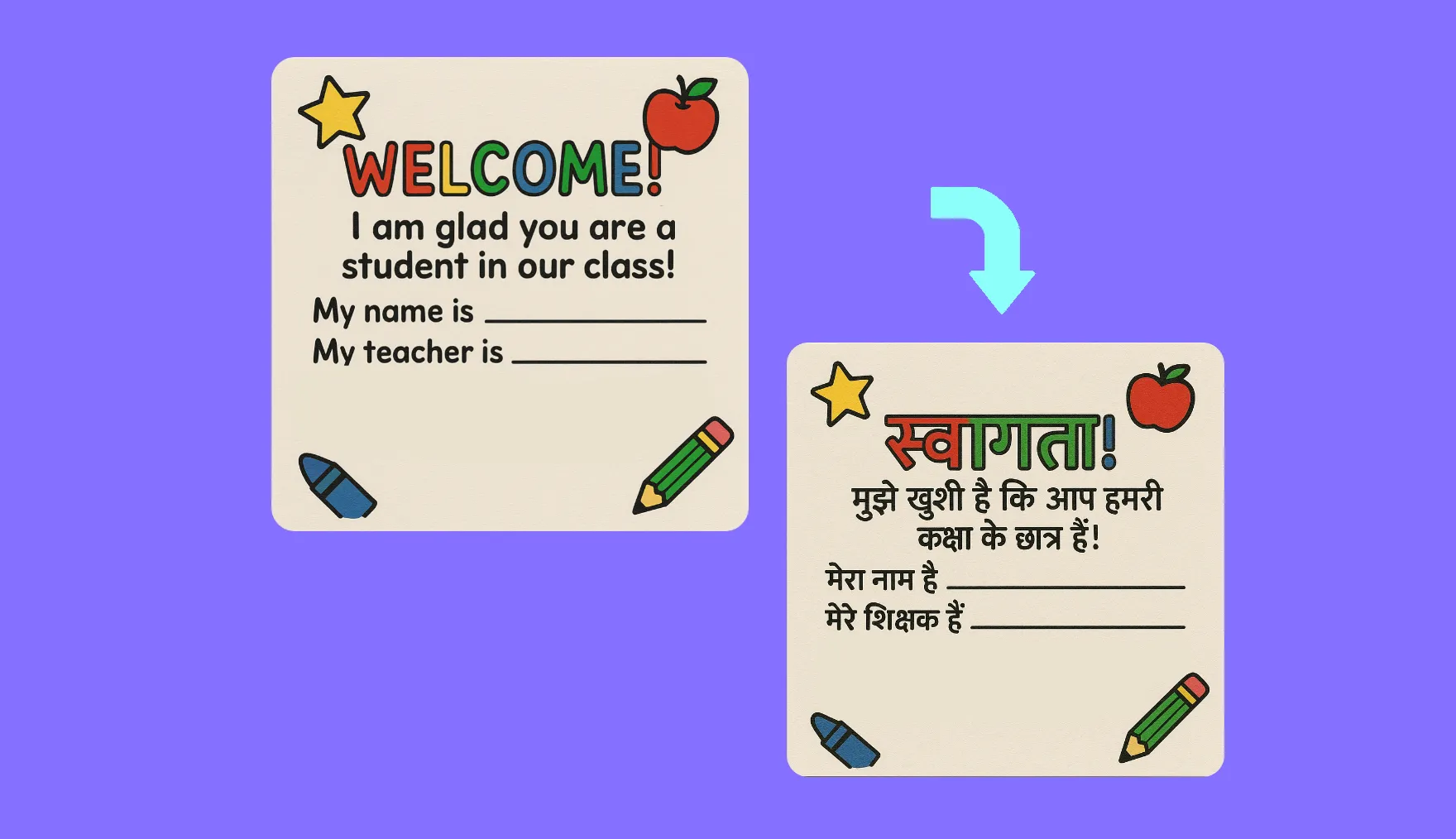
Educators
Translate classroom diagrams, study materials, and presentation slides with an AI image editor. Multilingual support makes lessons accessible and ensures students everywhere can follow along.
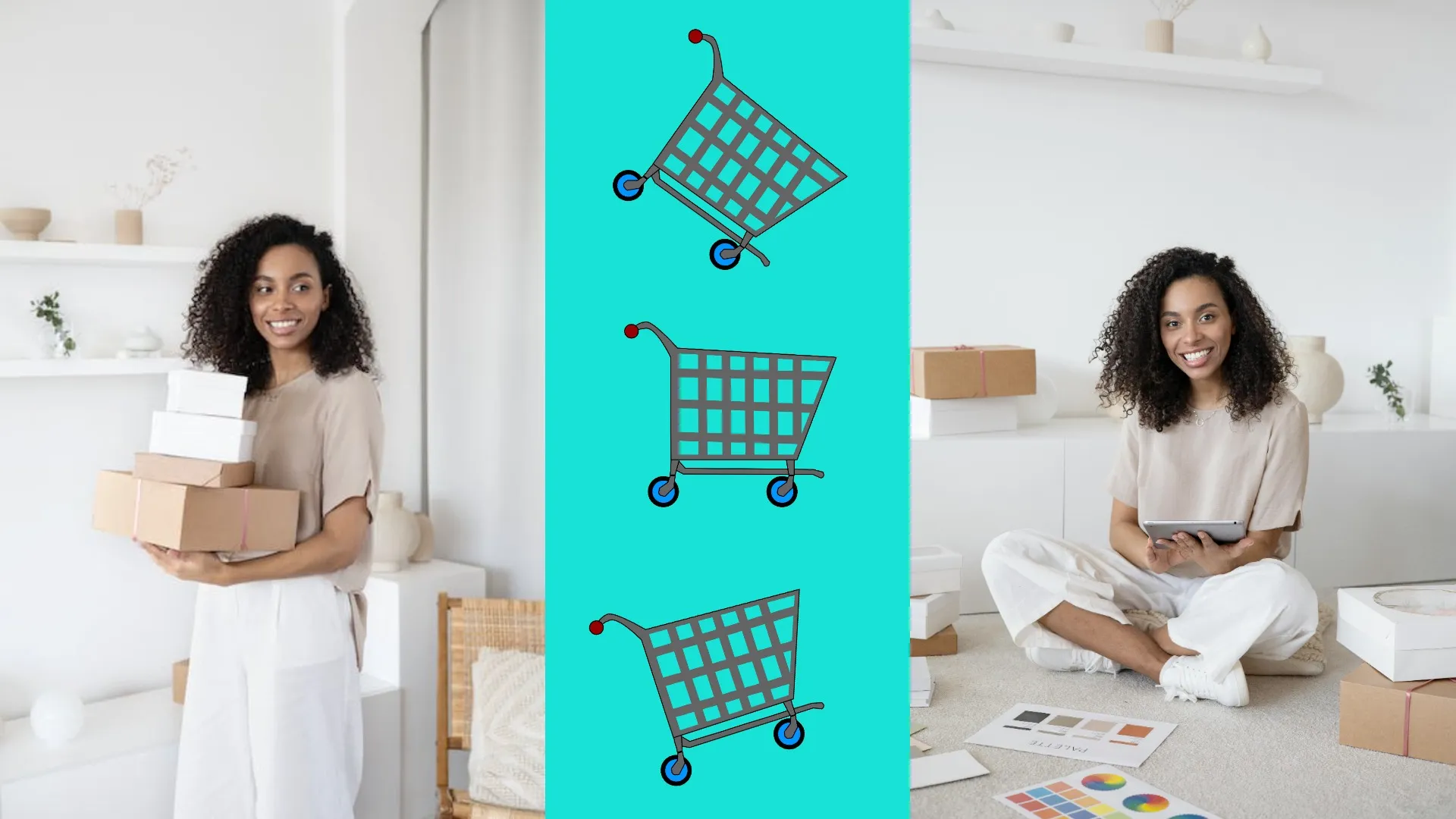
E-commerce Sellers
Increase conversions with better first impressions. Enhance product photos before posting and remove distracting elements so shoppers can clearly view important features.

Bloggers & Publishers
Even in text-heavy formats, images drive engagement. Use AI to resize headers, clean up distracting details, or generate graphic overlays that give readers context and keep them scrolling.
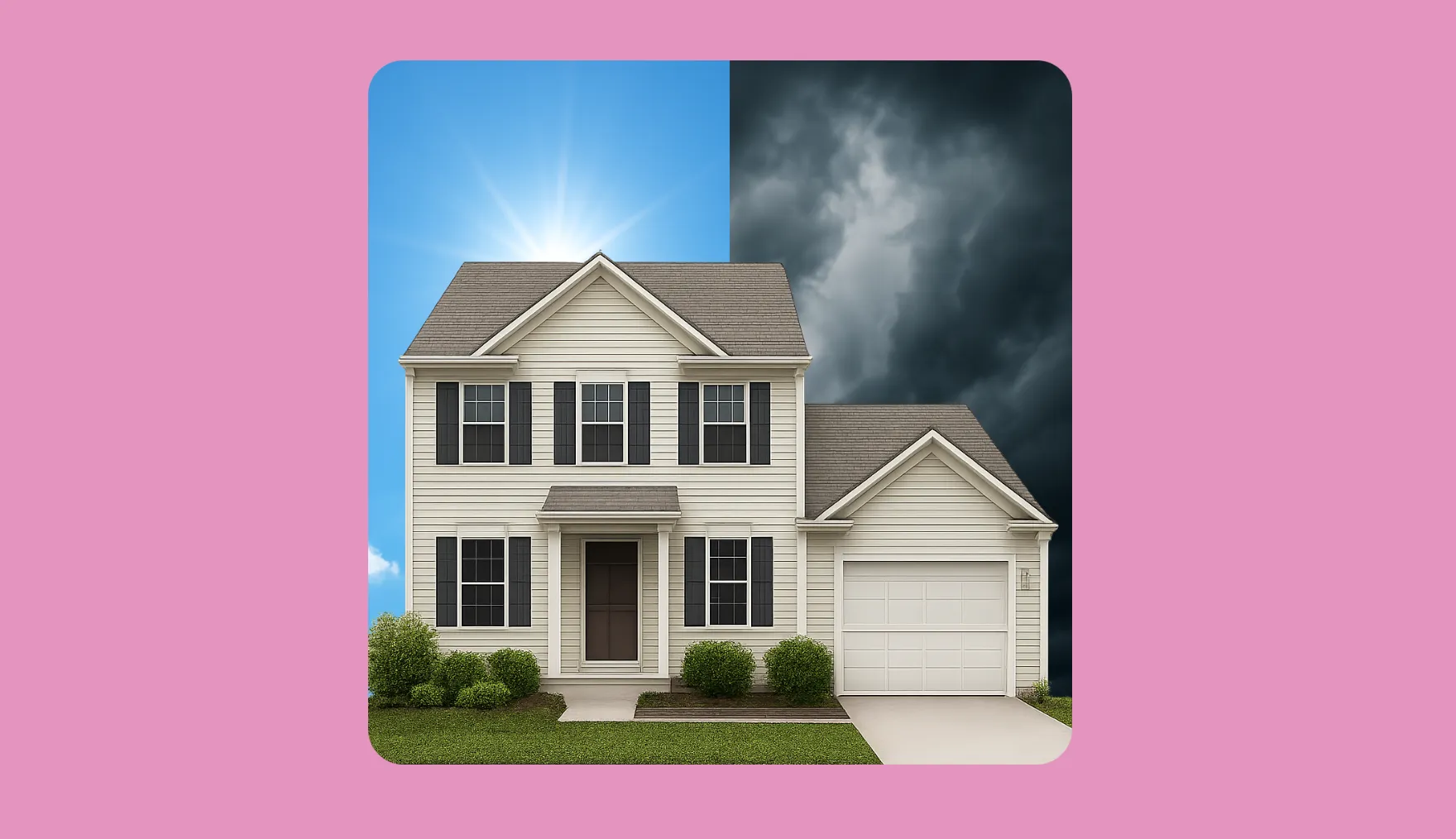
Real Estate Agents
Showcase every property at its best. Use AI to brighten photos, swap dull skies for blue, or remove clutter so listings feel more inviting to potential buyers.
Photographers
Use AI tools in your photo editing process to save time. Touch up blurry shots, upscale images for print, or remove backgrounds to create seamless composites and polished final pieces.

Public Services
Reach broader audiences with clearer visuals. Translate text inside posters, clean up low-quality images, or adjust formatting so public-facing materials are accessible and easy to understand.
How to Edit Images With AI
- Step 1Open Kapwing
Start by opening Kapwing's AI Assistant.
- Step 2Add Image and enter prompt
Upload your image and enter a prompt describing your desired edit. Once processed, the AI model will return your edited image in the chat feed.
- Step 3Make further edits or export
After generating, either select the "Add to Project" button to add further edits, or click "Export" to save it to your device.
What's different about Kapwing?



Frequently Asked Questions
We have answers to the most common questions that our users ask.
Is the AI Image Editor free?
Yes, anyone can try Kapwing’s AI Image Editor for free without watermarks. All our AI tools run on a credit system, with each feature costing a set number of credits. For maximum creativity and the best value, upgrade to a Pro account to unlock the full power of AI-driven content creation.
What AI image editing functions can I use?
Alongside the AI Assistant for text-based image editing, Kapwing’s studio also includes:
- AI Image Generator — Create original images from text prompts.
- AI Image to Video — Create custom videos from images
- AI Background Remover — Remove image backgrounds in one click
- AI Object Remover — Remove objects and people from images
- AI Photo Enhancer — Improve clarity and increase resolution.
- AI Image Translator — Translate embedded text into 75+ languages with styled overlays.
- AI Image Extender — Resize photos with auto-generated background fill.
Do I need design experience?
Kapwing’s AI photo editor is built to be simple and accessible for everyone. With one-click tools for background removal, upscaling, resizing, and text translation, you can create professional results without any design experience. For additional support, read our image editing help guide.
Which AI image models does Kapwing use?
Kapwing's AI studio is powered by multiple AI models.
- Video AI models: Wan, Veo, Seedance, Kling
- Image AI models: ChatGPT Image, Seedream, Nano Banana
- Audio AI models: Minimax, Google Lyria, ElevenLabs
Do I need to download software to use Kapwing?
No downloads are required, Kapwing runs entirely in your browser. You can access the AI image editor from:
- Desktop browsers like Chrome, Firefox, and Safari
- Mobile devices on iOS and Android
- Tablets and Chromebooks
Everything is cloud-based, so your projects stay accessible across devices.
Can I use Kapwing to generate images?
Yes, in addition to editing, Kapwing includes AI image generation tools. You can create new images from scratch using text prompts, then refine or enhance them directly in the Kapwing studio with the full editing toolkit.
Does Kapwing preserve image quality when editing?
Yes, eery edit is designed to keep your photo clear and consistent with the original. Kapwing uses AI upscaling and photorealistic rendering to maintain resolution, sharpness, and style details.
Can I change the style of a photo with AI?
Absolutely. Kapwing’s AI Image Editor lets you transform the look of your photos in seconds. You can apply subtle filters, swap visual styles (like realistic → 3D cartoon), or completely reimagine the mood and aesthetic of your image with a simple text prompt.
Can Kapwing remove objects from photos automatically?
Yes, you can instantly erase unwanted people, text, or objects from your photos. Kapwing’s AI fills in the background automatically, keeping your image clean and professional without manual editing. Just tell the AI what to remove.
What image file types does Kapwing support?
Kapwing supports all major image file formats including WebP, PNG, JPG, and more.
What is Text to Image and Image to Image?
Kapwing supports both Text to Image and Image to Image.
Text to Image means generating an image from scratch using only a written prompt. For example, typing “a sunset over a mountain lake in watercolor style” will produce a brand-new image based on that description.
Image to Image means transforming or editing an existing image with AI. Upload one or more photos, then use prompts to change styles, adjust details, or merge elements
What makes a great AI image prompt?
Use natural language to edit your photo — start with clear verbs like “add,” “make,” “write,” “remove,” “combine,” or “give.”
For best results, apply edits one at a time. AI performs more accurately when given specific, singular instructions. For example, if you want to remove the background and add a logo, submit each request separately.
If you're not sure what to write, Kapwing’s AI Assistant can help refine your prompt. You can also explore our AI image prompt guide for more tips and examples.
What AI image trends can you create in Kapwing?
Kapwing can replicate all the viral AI image trends from social media. Inside the studio, you can recreate popular formats like AI Saree Design, the Polaroid Generator, Outfit Generator, the 3D Figurine Trend, Ghostface Trend, and more.
What is a Custom Kai?
Custom Kais are pre-built AI image and video effects in Kapwing. Our team has created hundreds of them so you can instantly produce eye-catching content — no prompt writing required. Just apply a Custom Kai and the style is handled for you.
You can also create your own Custom Kai to capture your brand’s unique look and reuse it anytime for consistent, on-brand content with one click. This makes the process of editing images to identical styles a seamless, automated process.
Discover Resources
Tips, templates, and deep dives to help you create faster and share with confidence.
View all
Get started with your first video in just a few clicks. Join over 35 million creators who trust Kapwing to create more content in less time.