Use Wan 2.2 for text to video and image to video generation inside Kapwing's full video editor
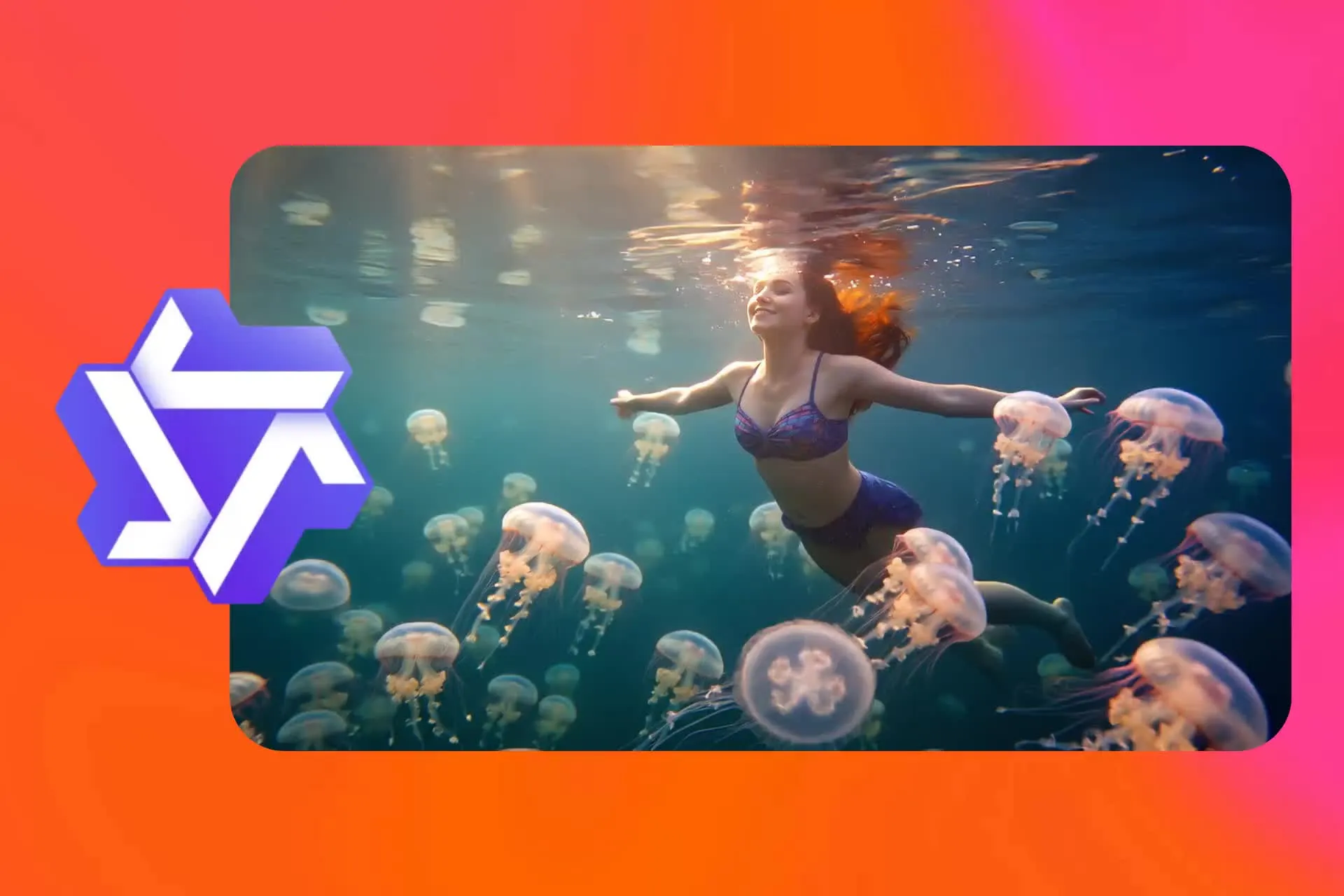
Wan 2.2 — fast, cost-effective AI videos in Kapwing
Powerful image to video and text to video capabilities
AI videos built for style variation and iteration
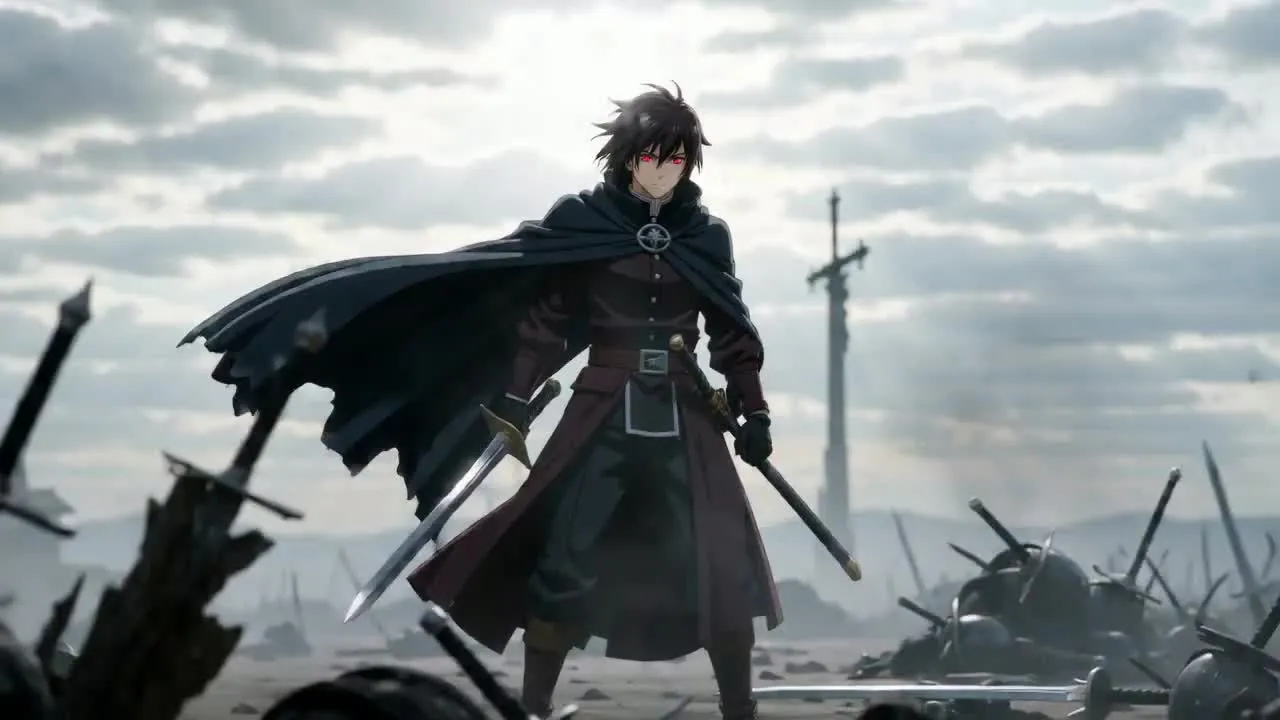
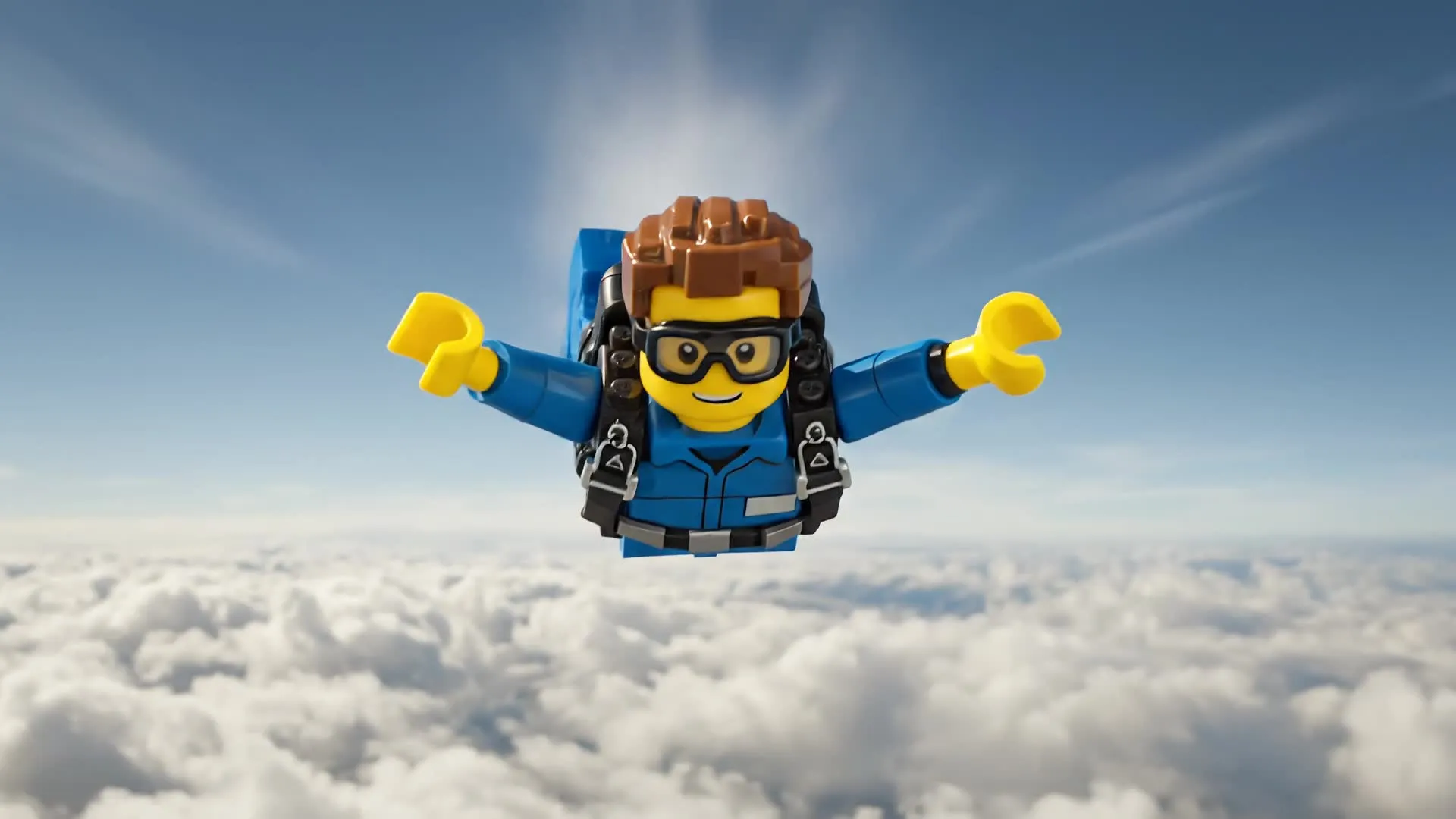
Wan 2.2 is a versatile AI video generator built into Kapwing AI. It's designed for creators who need multiple visual styles. Start with a text prompt or a start frame image to generate styles ranging from cinematic to anime and photorealistic in seconds.
Inside Kapwing, Wan 2.2 is available to try for free as part of a full online video editor — on desktop, mobile, iPhone, and Android. Instead of generating a clip in isolation, videos can be immediately refined by adding voice over, subtitles, adjusting aspect ratios, and exporting finished content in multiple formats.
The Wan AI video generator is Kapwing's most cost-effective AI video tool, making it practical to generate multiple style variations or compile A/B tests without burning through credits.
As Alibaba continues to develop the Wan AI model series, Kapwing keeps the integration current so the latest generation quality and Wan AI workflow improvements are always available — without switching tools or running a local setup via Hugging Face or ComfyUI.
What to expect with Wan 2.2
Get style-versatile horizontal (16:9) AI videos at speed
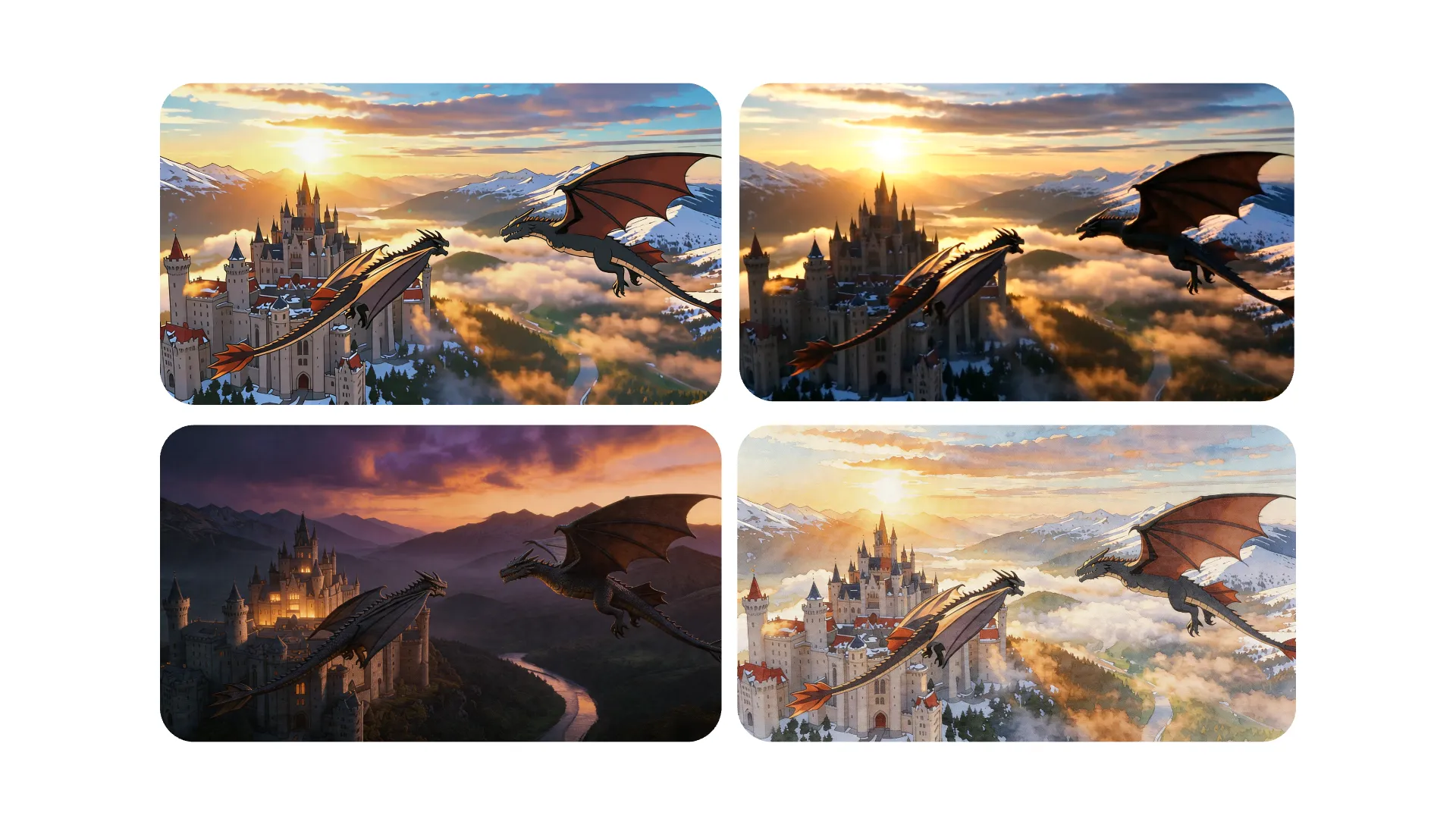
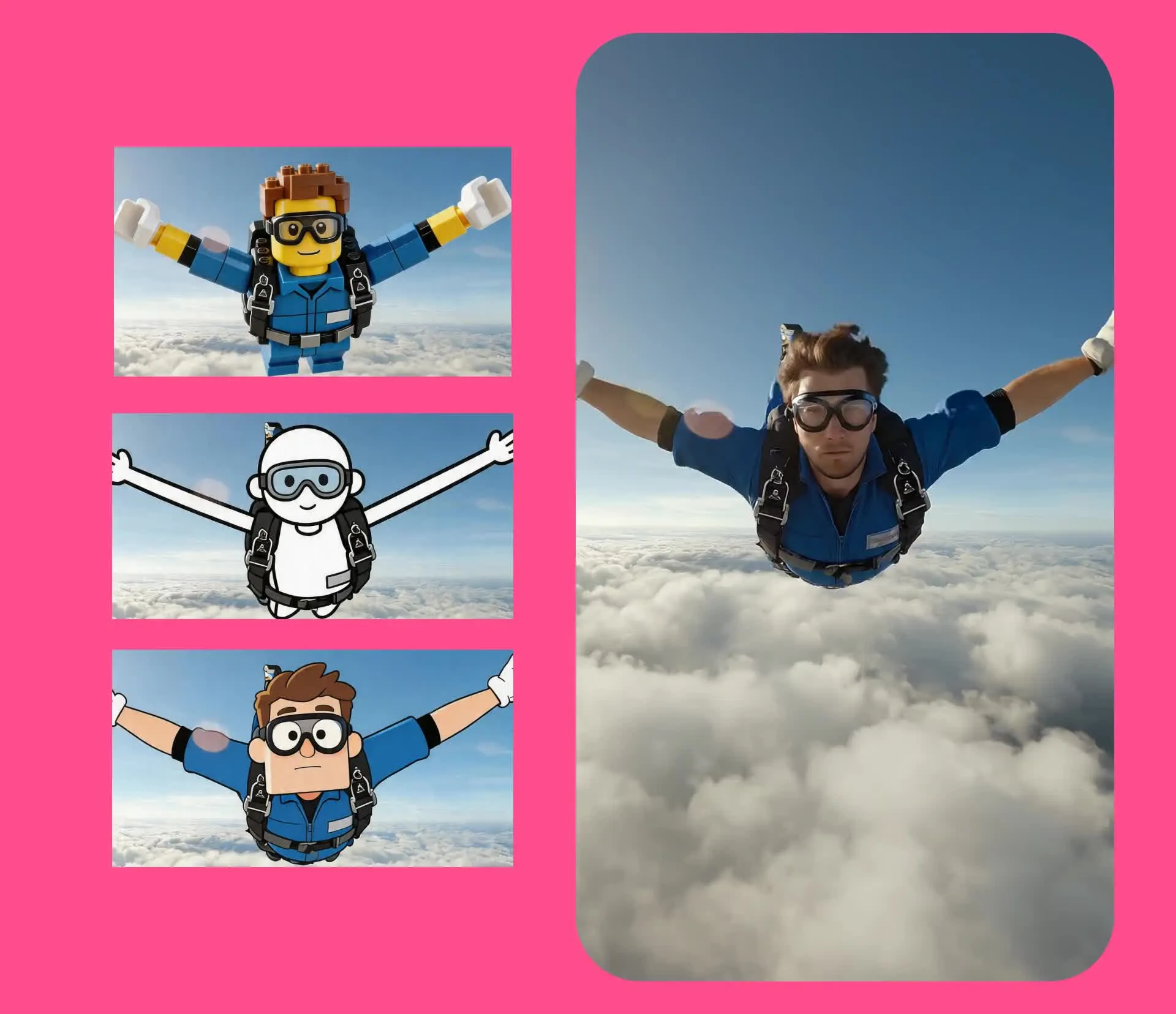
Style Range
The Wan AI video generator covers a wider range of visual aesthetics than most AI video models — making it a practical all-rounder for creators who work across different content styles
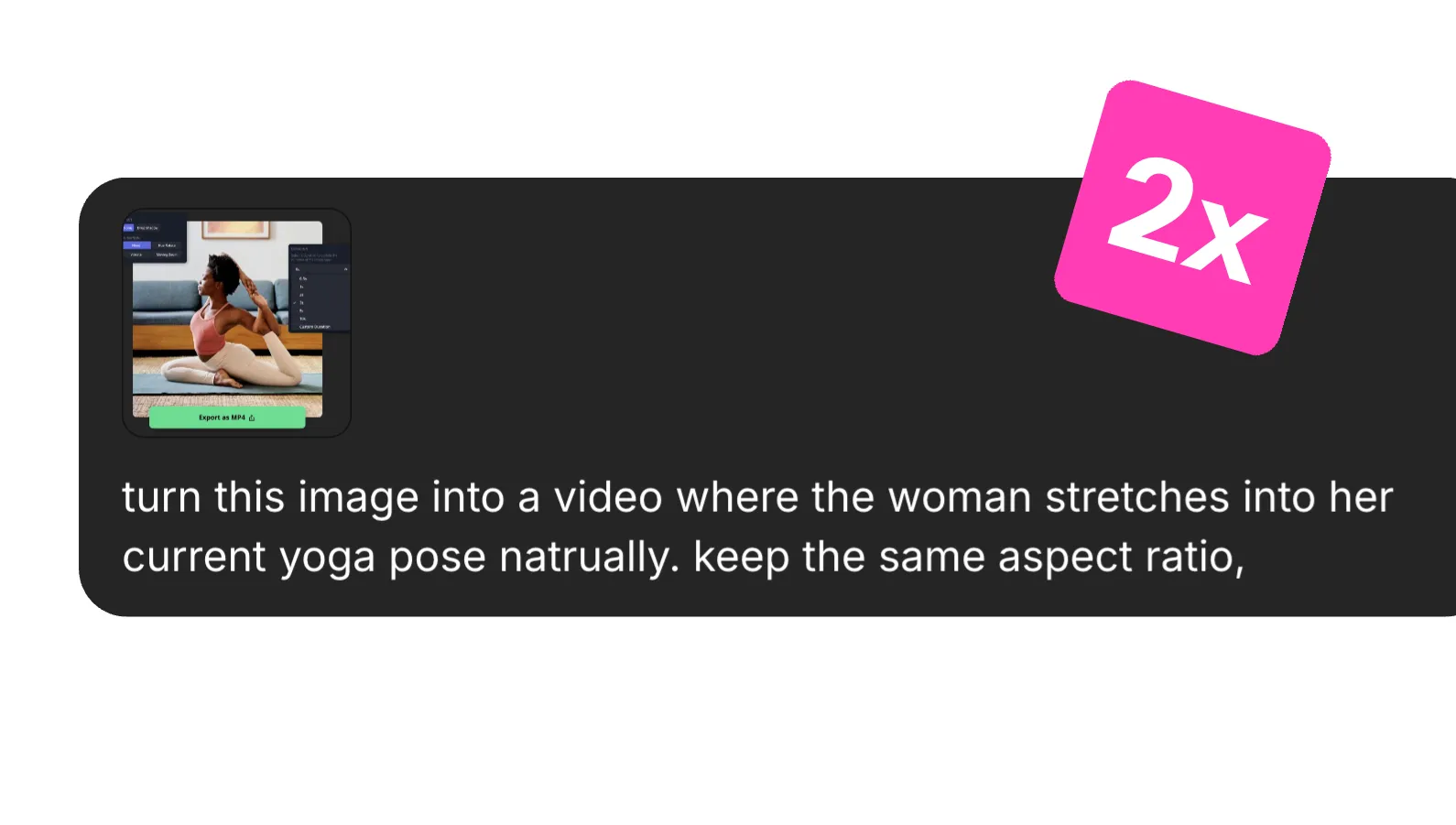
Speed
Wan 2.2 is built to generate videos fast without sacrificing output quality. For creators producing multiple variations across styles and scenes, including multi-scene generations, speed makes iteration seamless
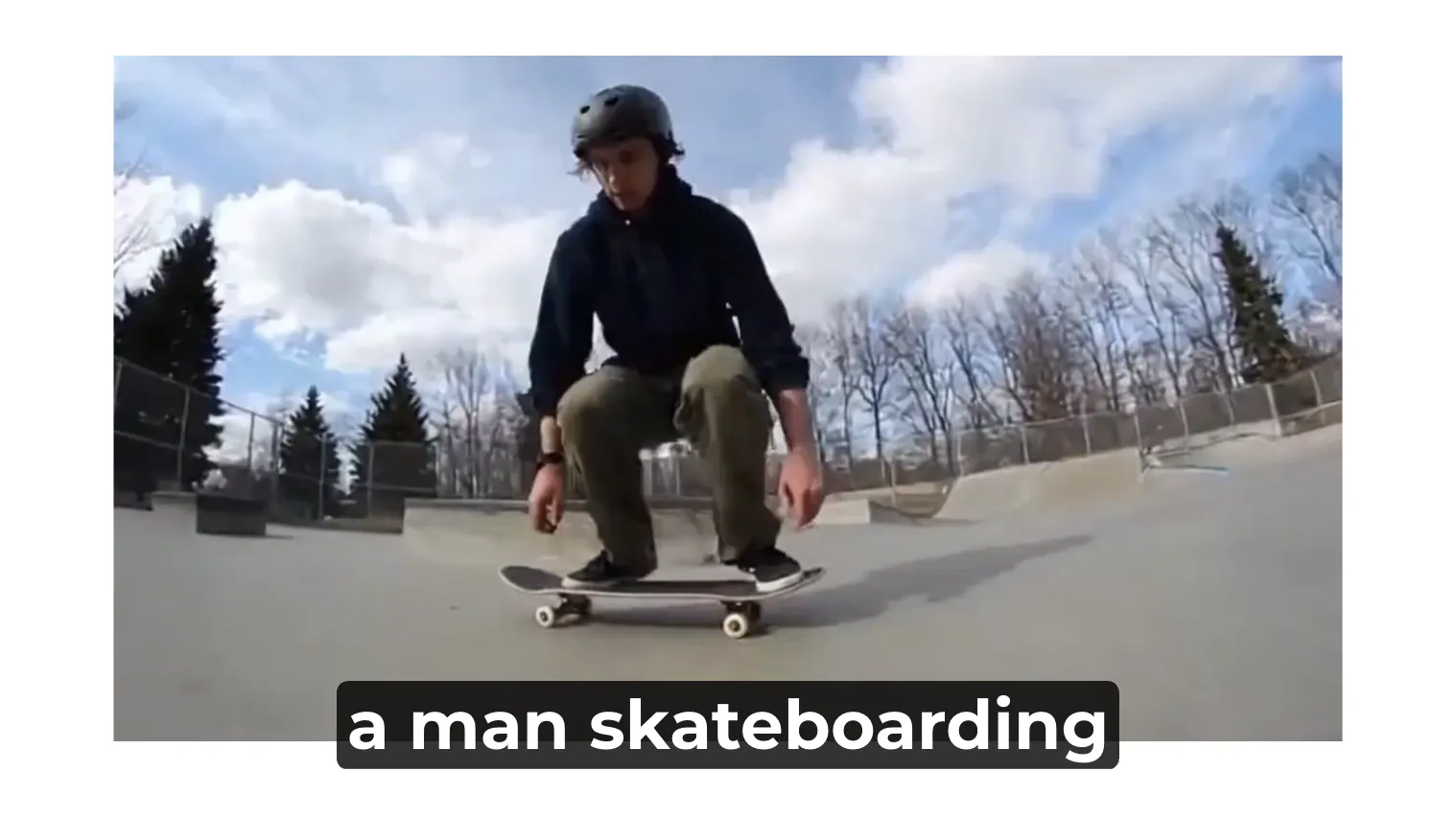
Text and Image to Video
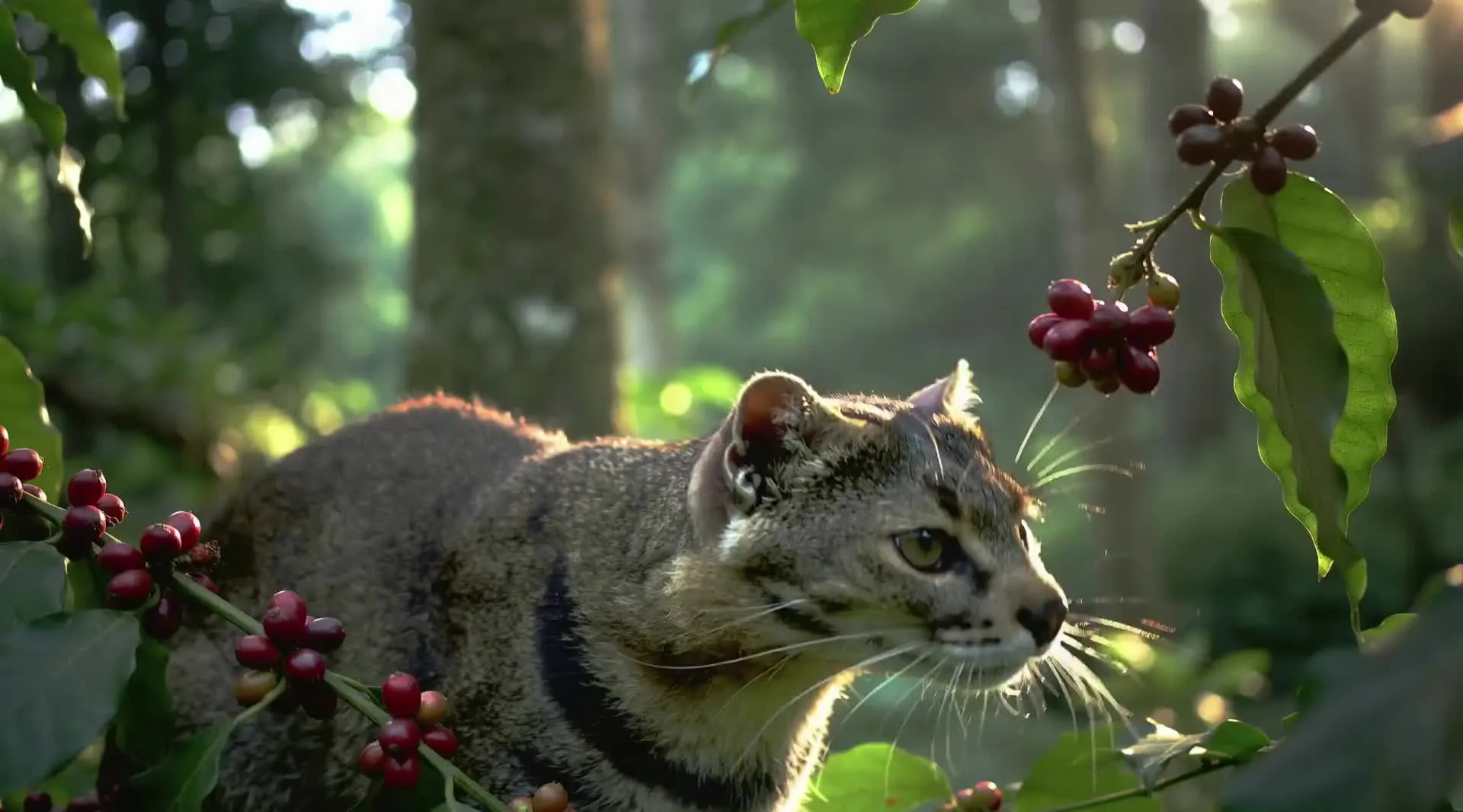
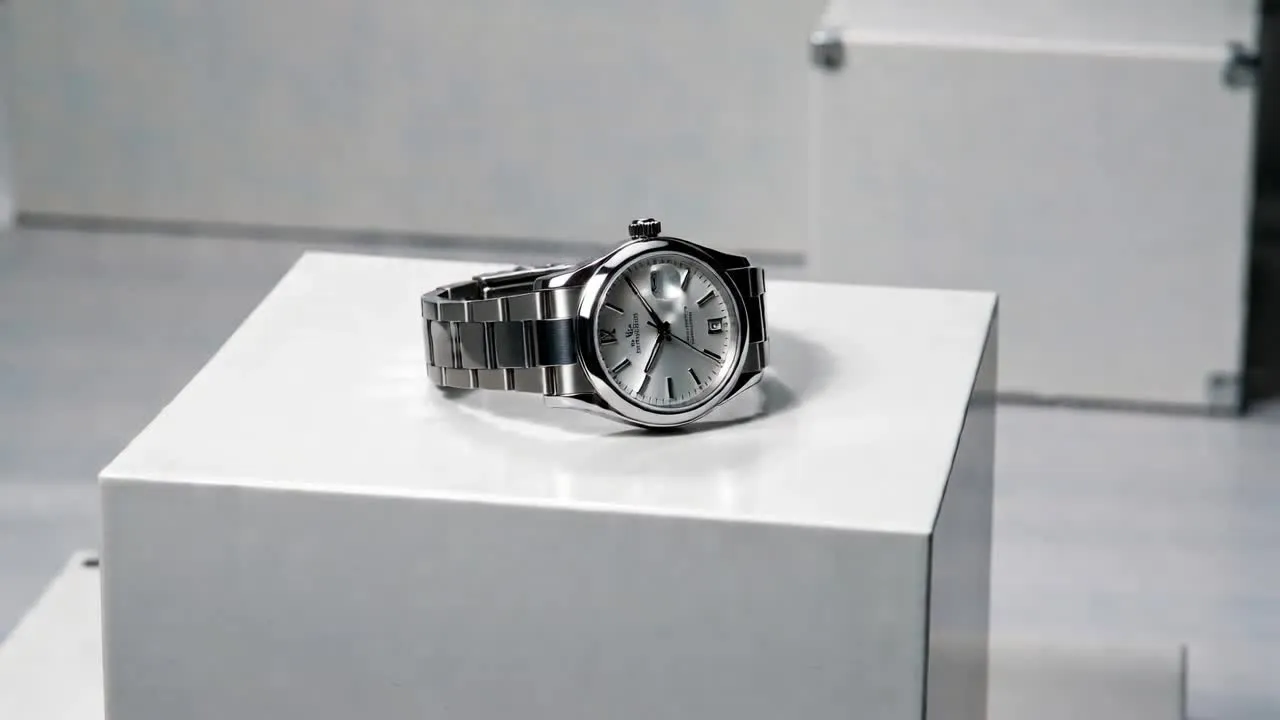
Create video scenes from text prompts or a start frames. Wan's AI image to video capabilities ensures everything from anime action sequences and surreal environments to product close-ups and natural B-roll
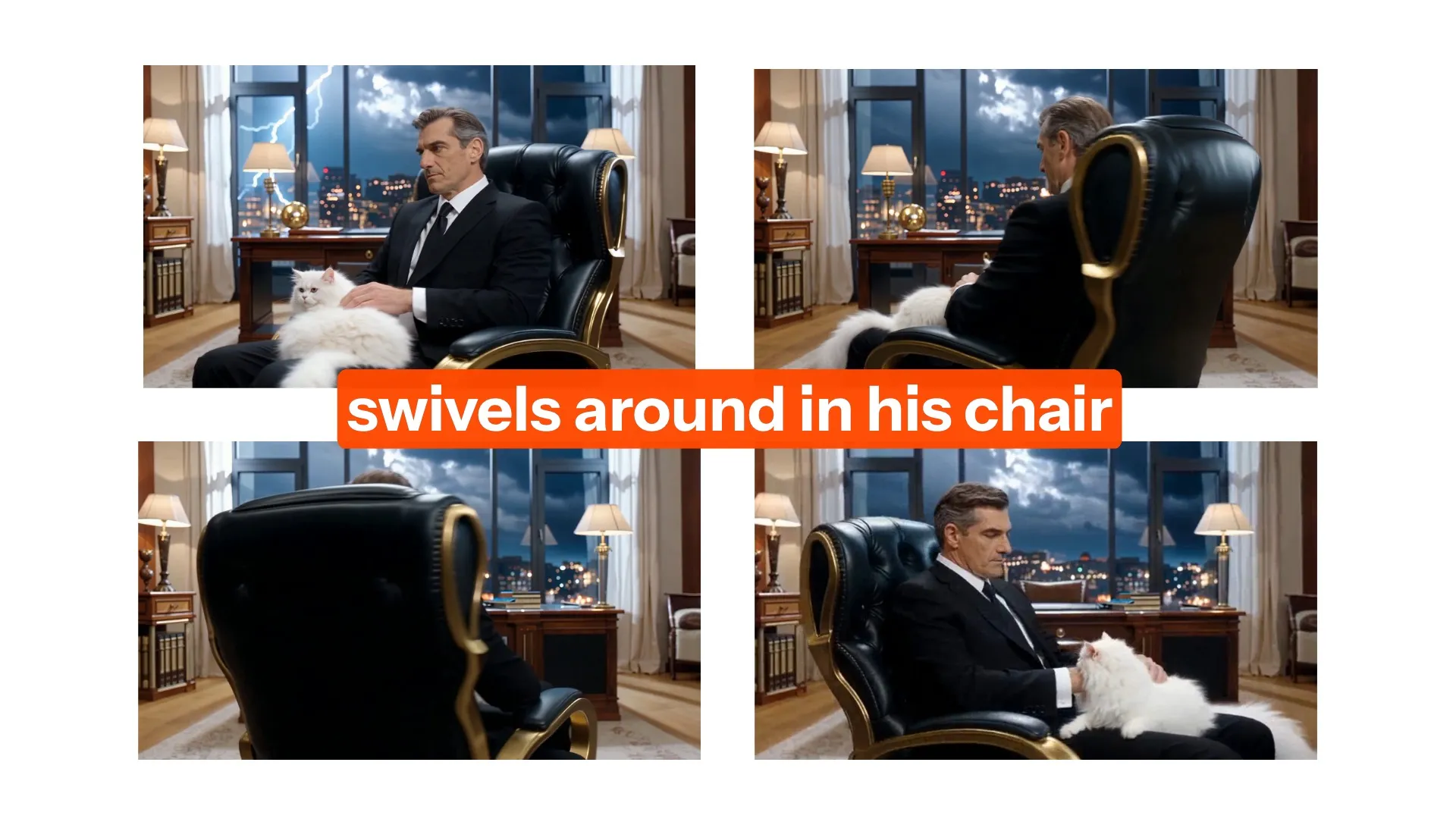
Camera Control
Describe your scene, camera path, lighting, and mood or add specific camera motion like pans, dollies, zooms, and tracking shots. Wan 2.2 follows creative direction reliably. Kling is needed for reference video uploads
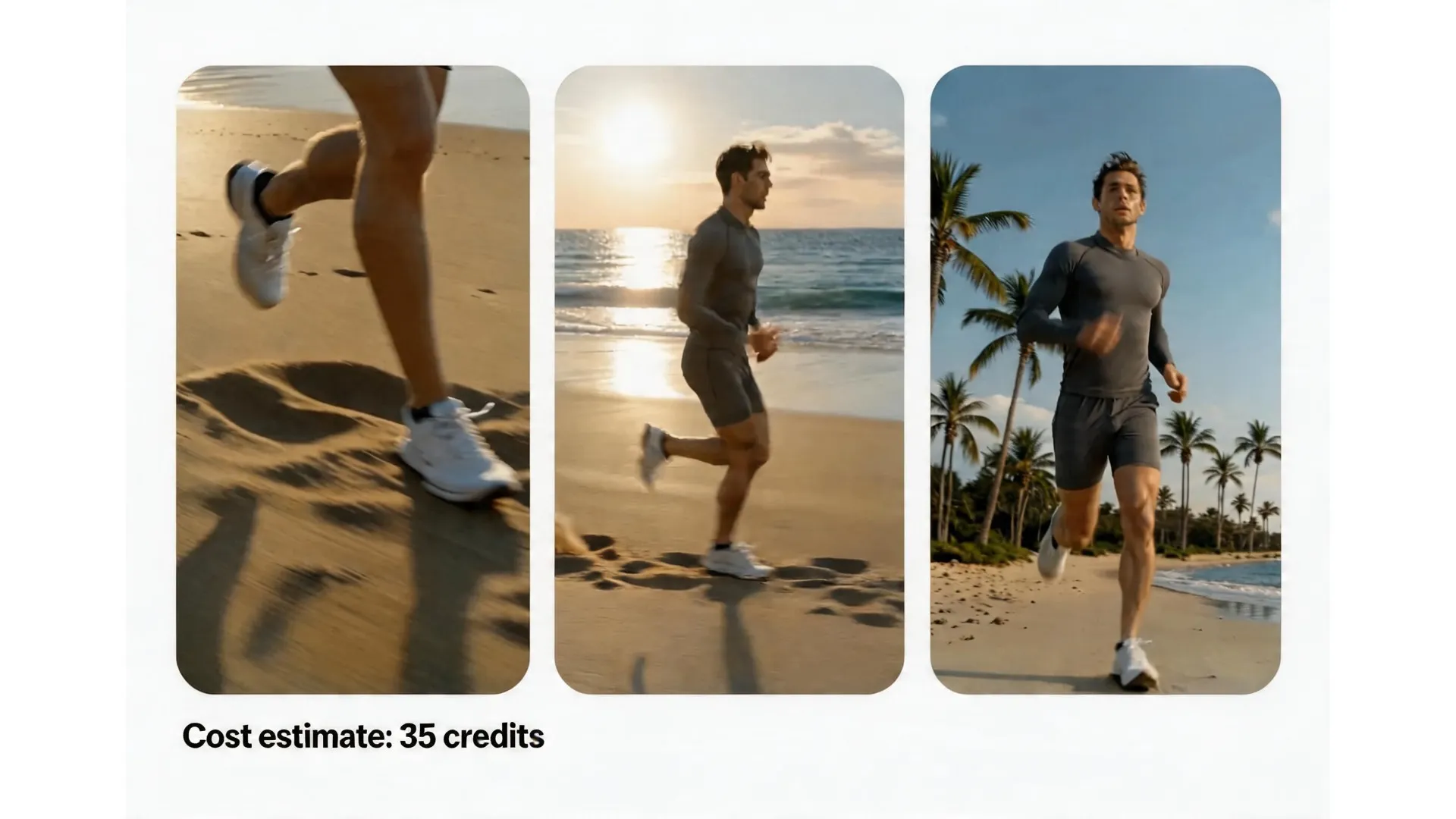
Affordability
Wan 2.2 is Kapwing's most cost-effective AI video model, making it practical to generate A/B test variations, localised content, or high volumes of B-roll without accumulating significant credit costs
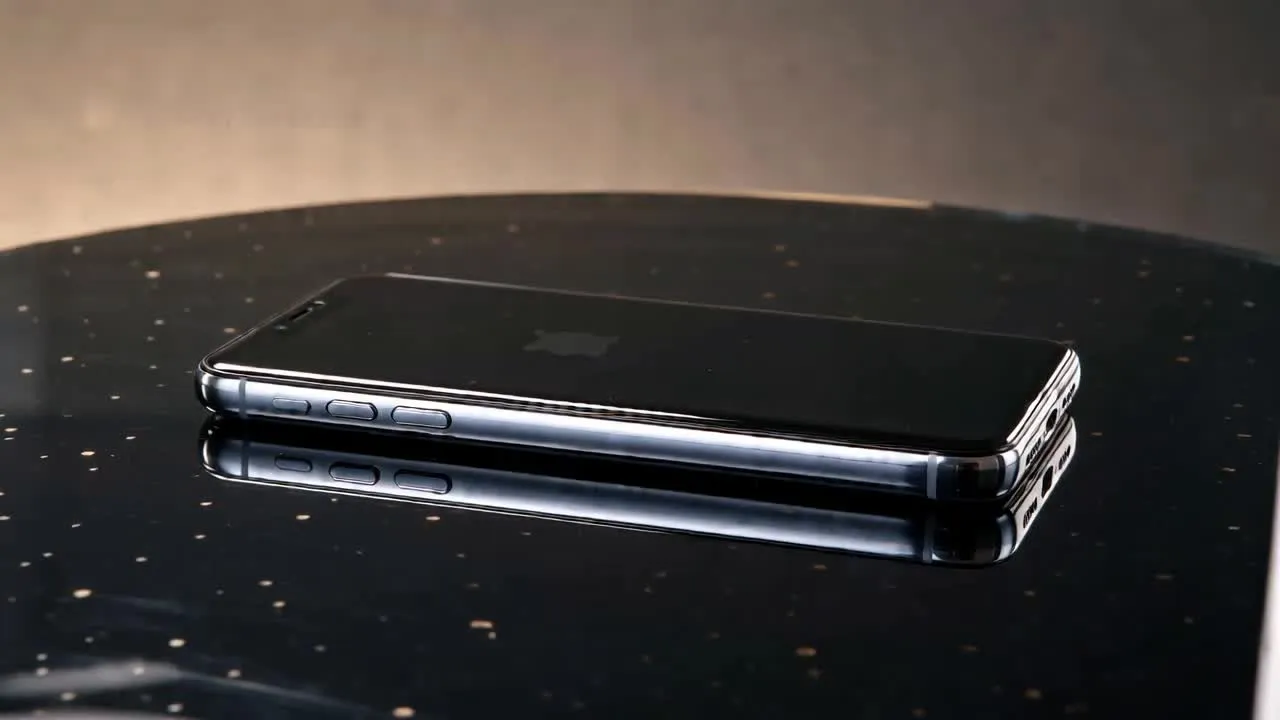
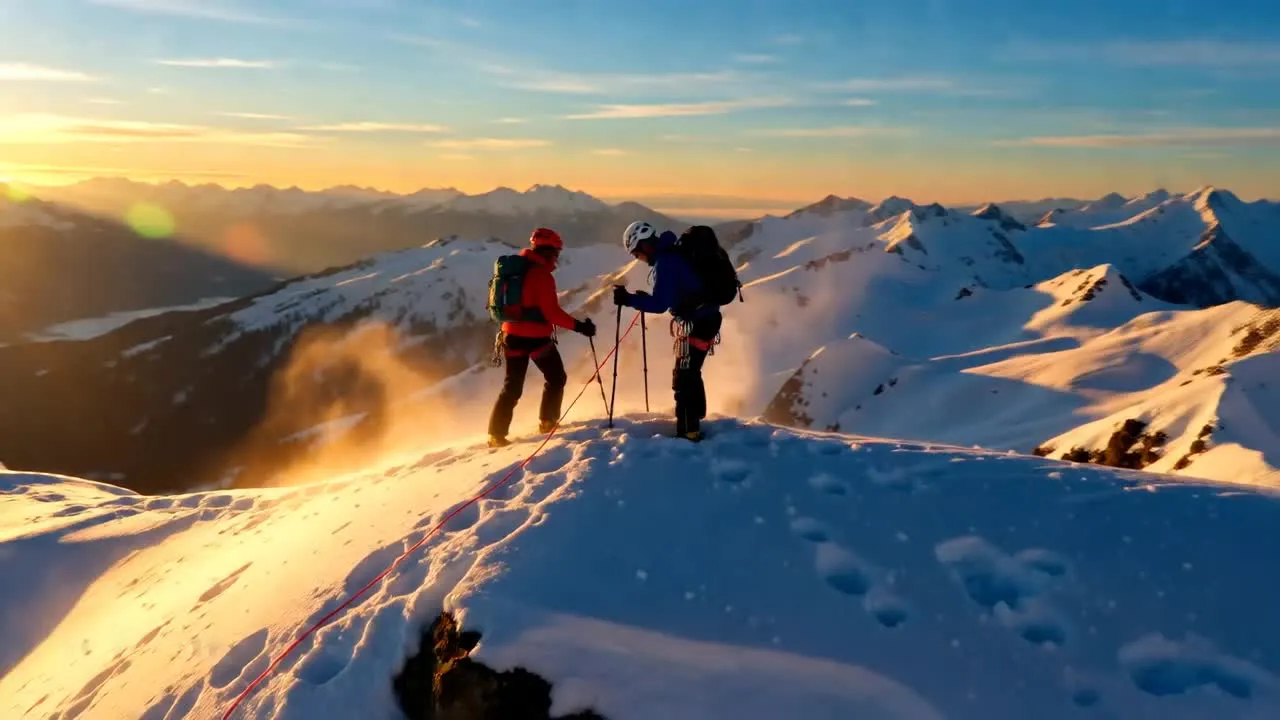
Created with Wan AI video generator — in Kapwing
Free to start. No watermark. Fully online.
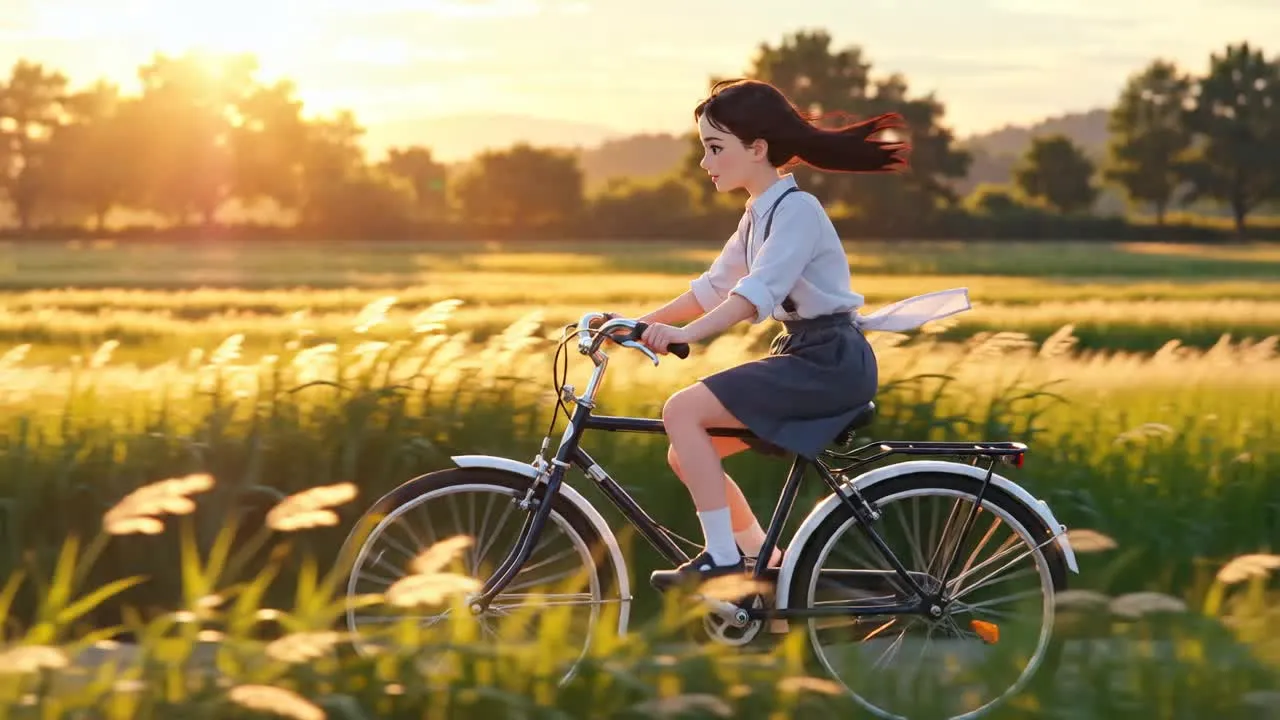
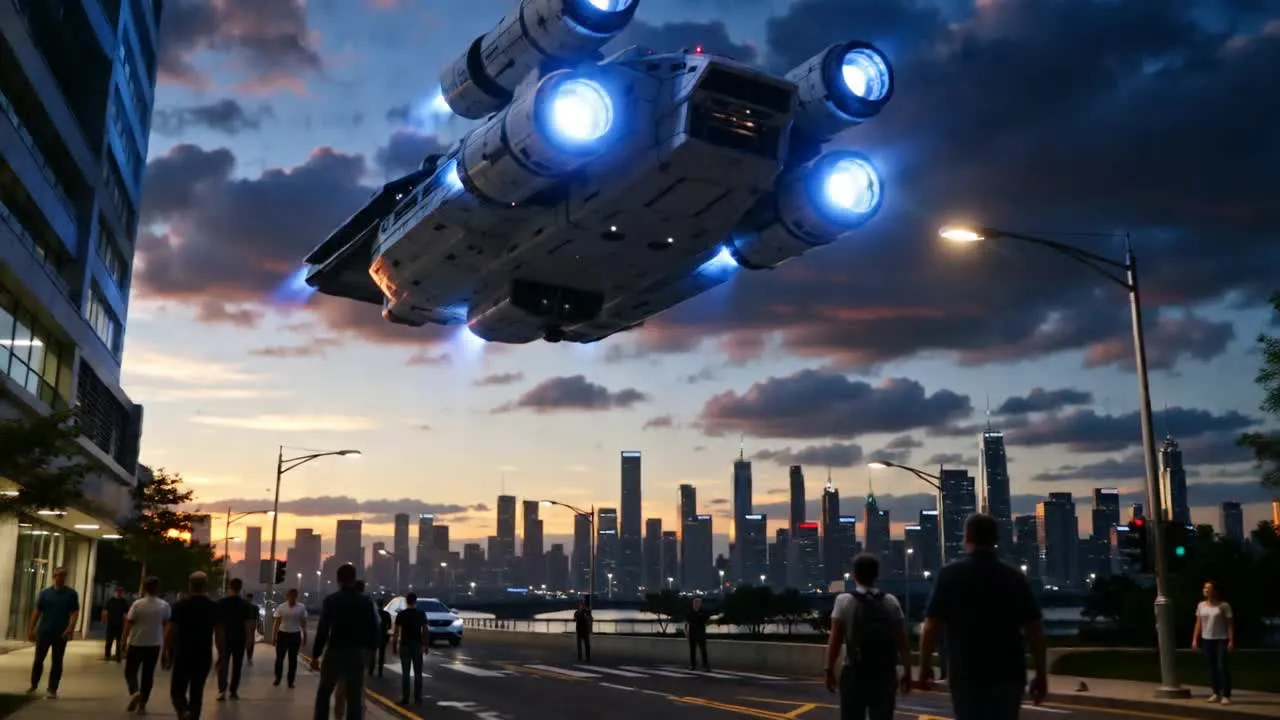
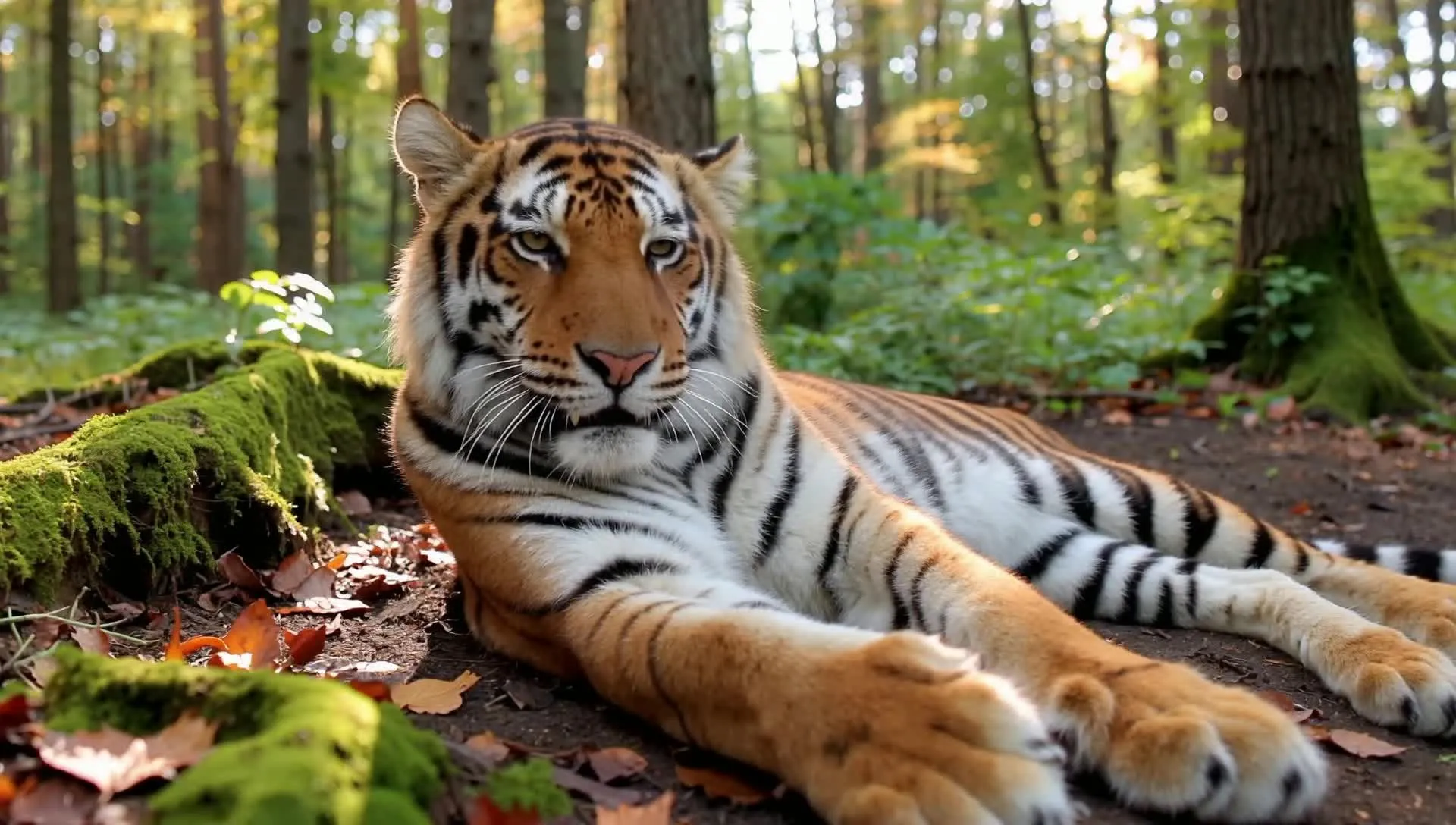
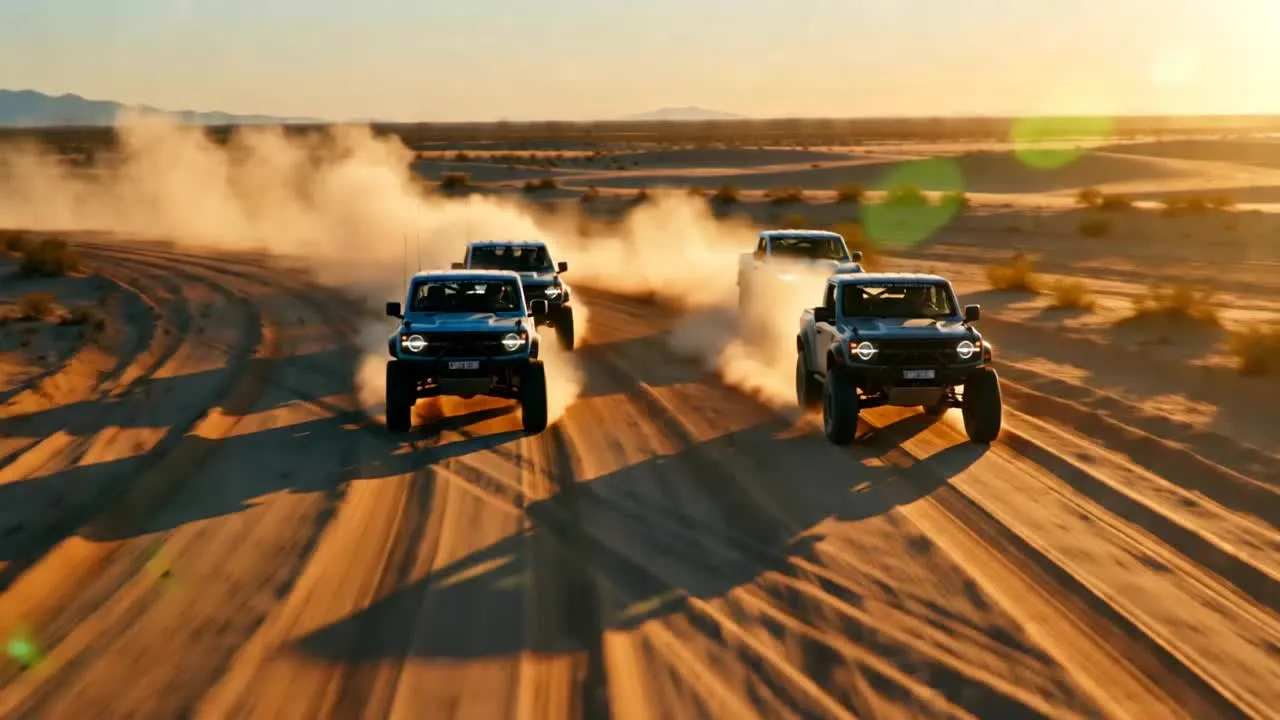
How to Use Wan AI Video Generator
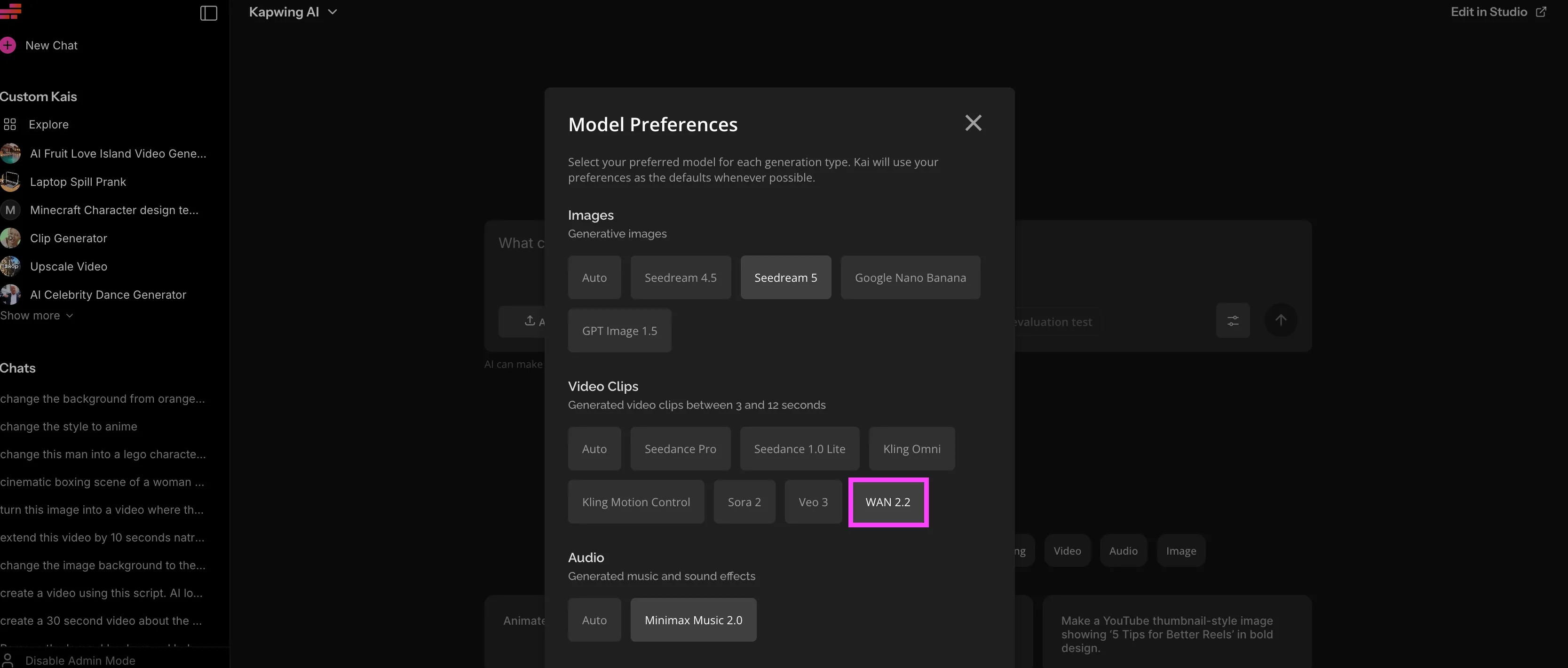
- Step 1Open Wan AI in Kapwing
Open Kapwing's AI Studio in your browser on desktop, iPhone, or Android. Open Model Preferences in the bottom-right corner and select 'Wan 2.2' under Video Clips.
- Step 2Enter prompt or upload start image
Type a text prompt to generate from scratch, or upload an image as a start frame for image-to-video. Wan 2.2 generates horizontal 16:9 video only.
- Step 3Generate, edit, and export
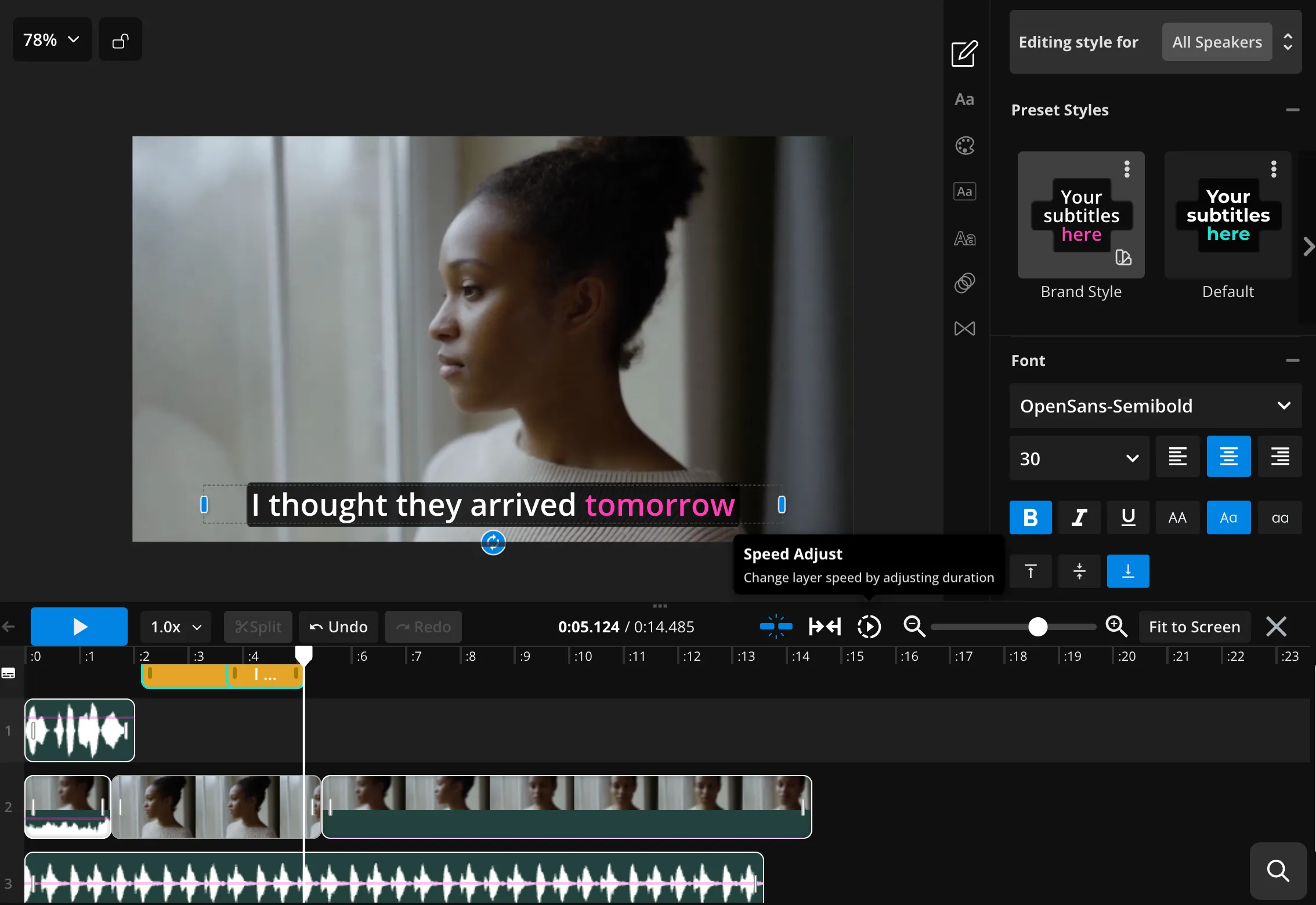
Click 'Generate'. Once your video is ready, edit it directly in Kapwing's timeline — add subtitles, voice over, audio, or combine clips into a multi-scene video.
Why use Wan AI video generator in Kapwing
Turn ideas into fully-edited video projects — in one workflow
Generate
Edit
Export
Instead of bouncing between AI generators and editing software, Kapwing turns Wan 2.2 into a complete video production workflow — from prompt to publish.
- Generate high-quality videos with Wan 2.2 directly in your browser
- Use start frames and multi-scenes
- Fine-tune scenes immediately after generation
- Build on auto-generated audio with subtitles, voice overs, and dubbed translation
Combine with other leading AI models likeVeoandSeedanceto build multi-scene videos in a single workflow
- Export platform-ready videos with no third-party watermark
Wan 2.2 + video editing studio
Join millions of creators using Kapwing's online editing toolkit
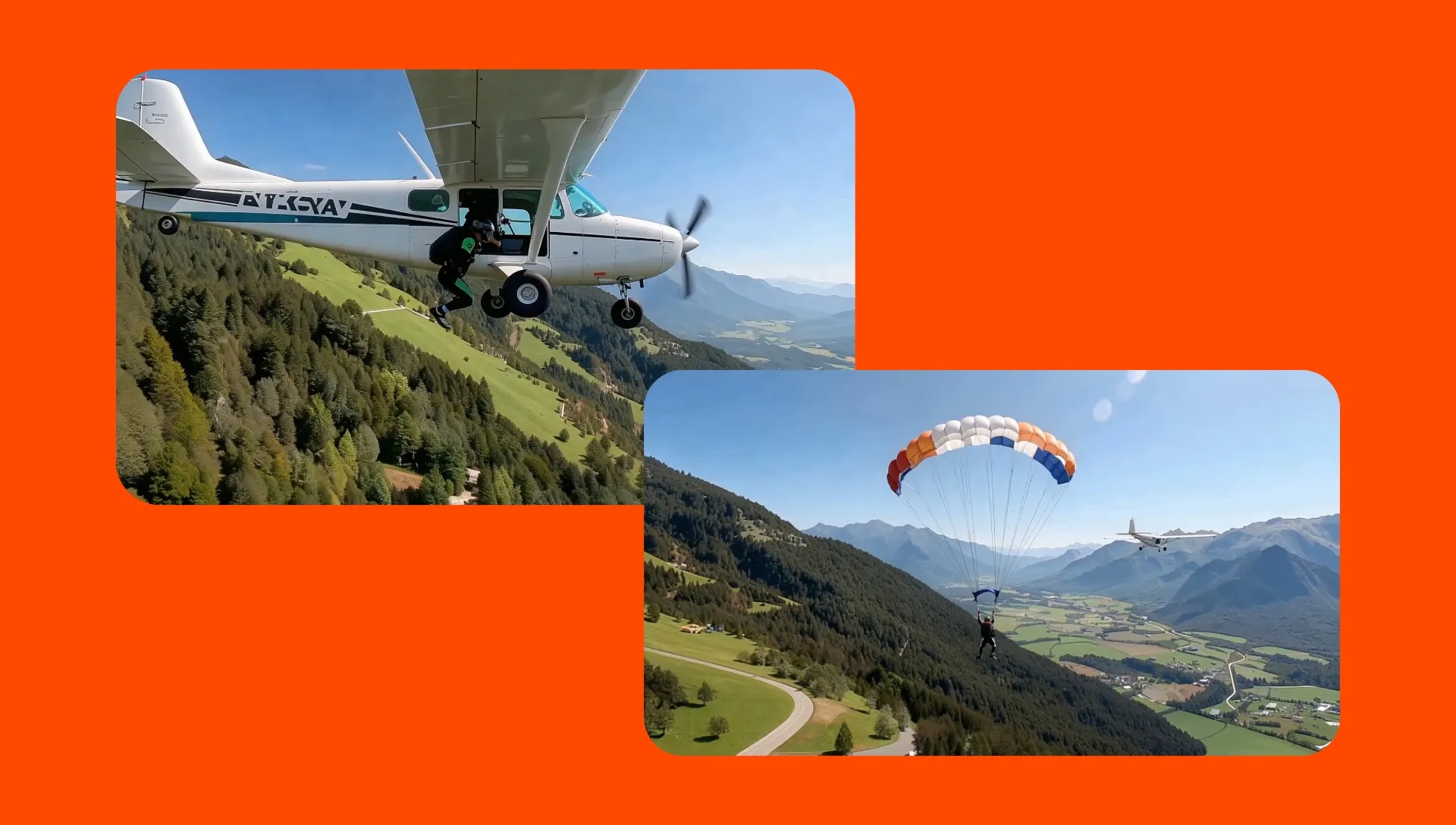
Cinematic Scenes
Describe a dolly-in, tracking shot, or slow pan in your text prompt and the Wan AI video generator follows it. Designed for creators and teams who plan their shots in advance, with storyboards included.
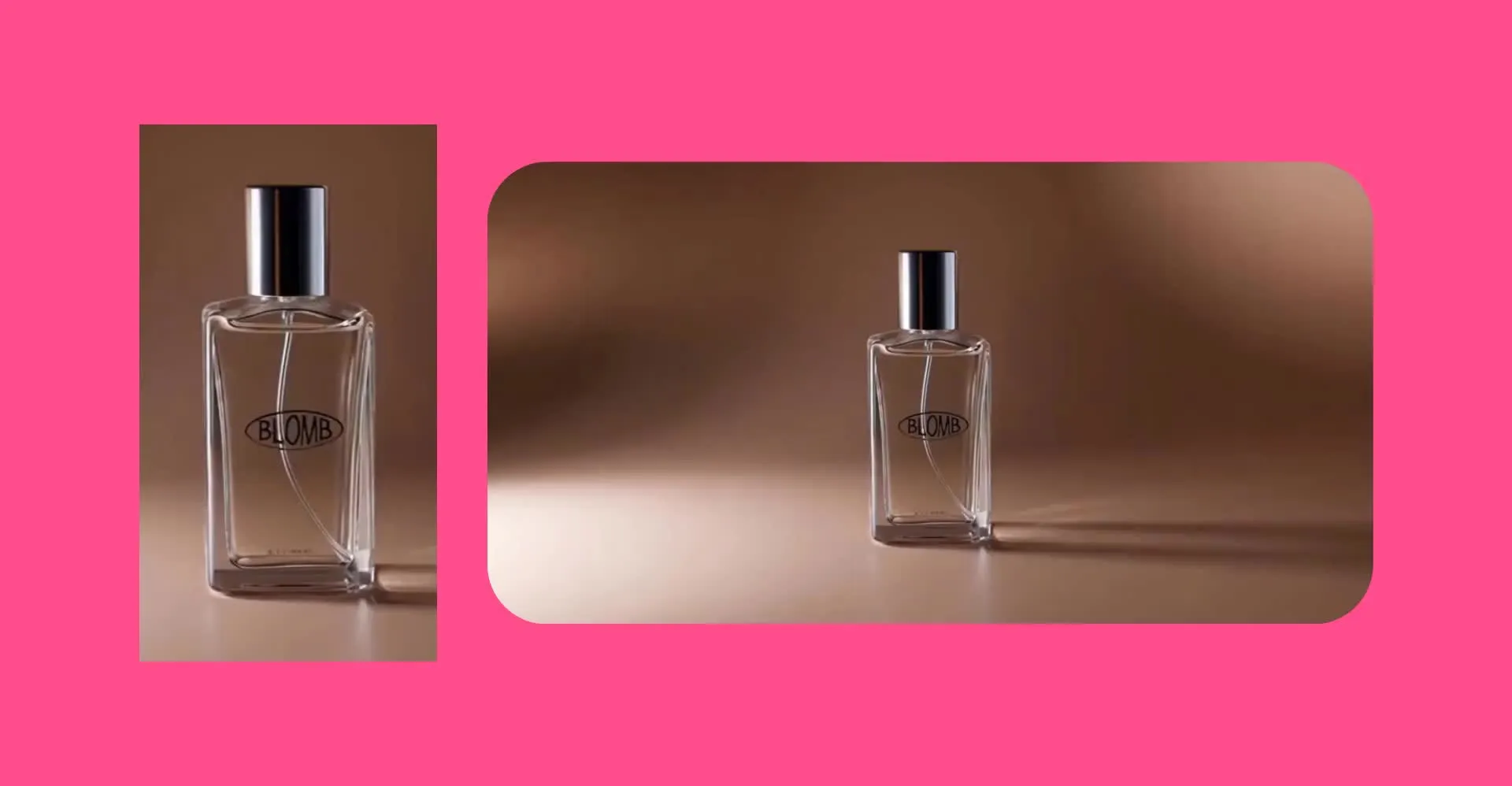
Commercial & Product
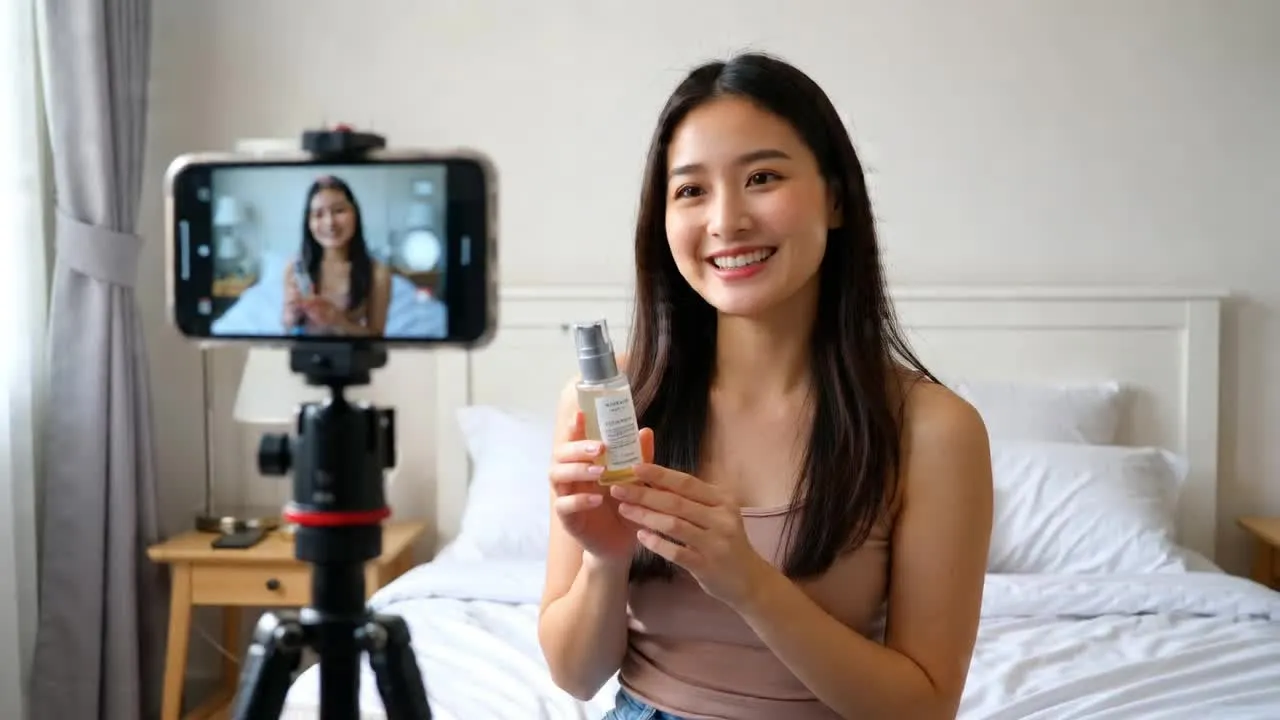
Create product videos with cinematic camera movements, dramatic reveals, and professional lighting — designed for brands generating product B-roll or ad variations at scale
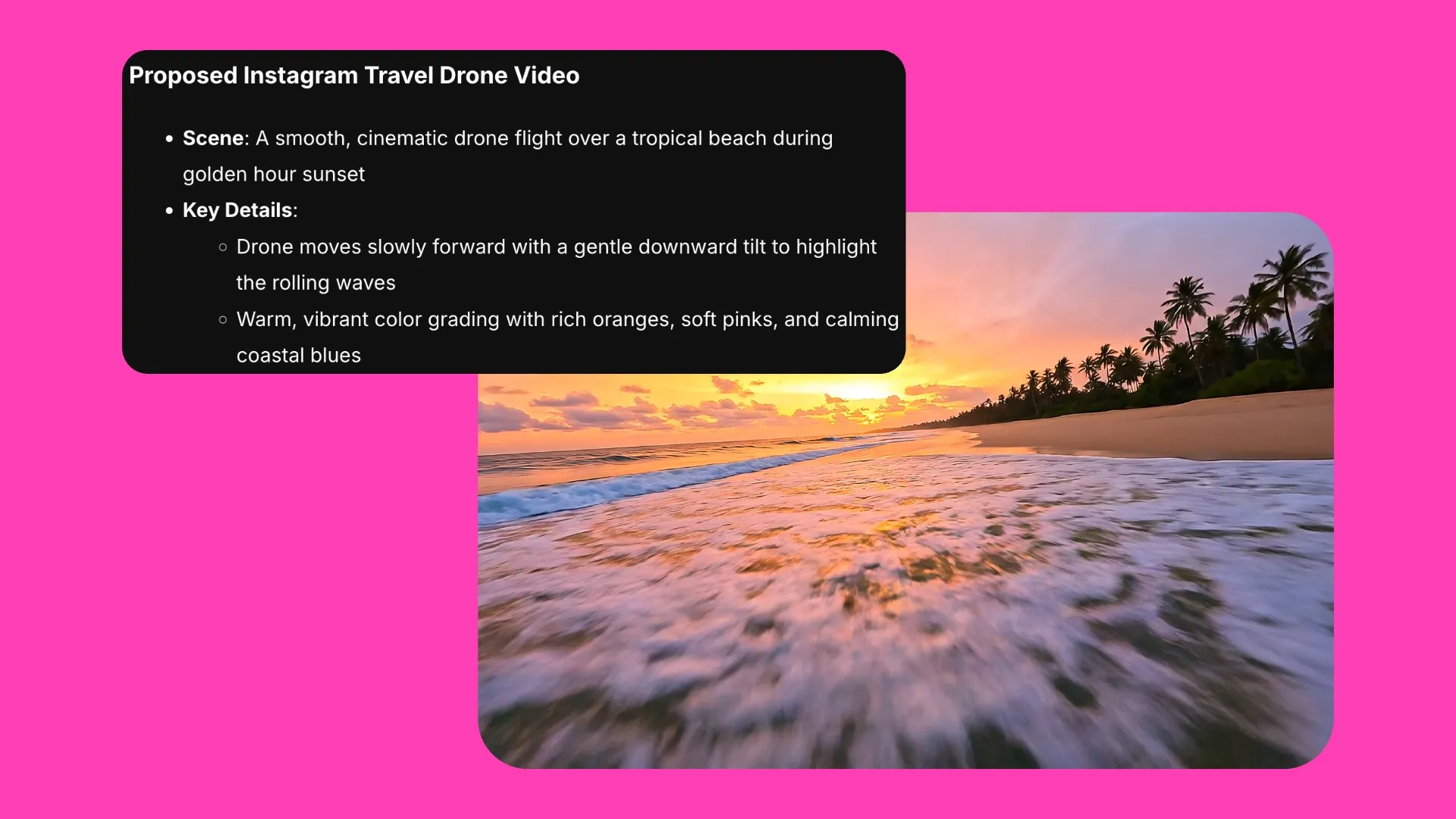
B-roll
Get street scenes, interiors, landscapes, and ambient backgrounds that blend naturally alongside real footage. A fast, affordable alternative to stock for social content, YouTube, and branded video.
.webp)
Style Testing
Produce the same scene across multiple visual styles to test what performs best. Wan 2.2's speed and low credit cost makes it perfect for variation-led workflows.
Enhance your workflow with multiple AI models
Edit and refine everything — from visuals to sound production
- ChatGPT Image 2
Generates high-quality images from text prompts with strong style consistency. ChatGPT Image 2 is commonly used alongside Wan AI video generator to create clean character references, YouTube thumbnails, and B-roll images that are ready to animate.
- Google Nano Banana
Edits, generates, and transforms images with object-level control and consistent style. Used to refine start frames before animation — adjusting backgrounds, inserting objects, fixing details, and making sure the image is “motion-ready”.
- MiniMax 2.0
Create custom music, ambience, and sound effects to match Wan-generated scenes. While Wan can generate video with synchronized audio, MiniMax helps add extra atmosphere, pacing, and professional sound design with full creative control.
Frequently Asked Questions
We have answers to the most common questions that our users ask.
What is Wan in Kapwing?
Wan is an AI video model integrated directly into Kapwing’s online editor. It allows creators to generate videos from text prompts or images, with support for high-quality motion, cinematic outputs, and multi-scene video generation.
How do I access the Wan AI video generator?
You can access the Wan AI video generator directly inside Kapwing’s AI Studio. As part of your subscription, you get access to multiple AI models in one place, including Wan and other leading generative tools
How do I make videos using Wan?
To create a video with Wan, open Kapwing’s AI Studio and select Wan 2.2 from the AI models menu. Enter a text prompt or upload a start image, then click "Generate" to create your video.
Do Wan AI videos contain watermarks?
Videos generated with Wan inside Kapwing do not include a watermark in the final export.
How long are Wan AI videos?
When using Wan inside Kapwing, generated video clips can range from 1 to 6 seconds in length. For longer projects, you can combine multiple clips in Kapwing’s editing studio.
Does Wan include audio?
Yes, Wan generations in Kapwing can include synchronized audio. After generating your clip, you can also add music, voice over, or sound effects.
Can you edit videos generated with Wan?
Yes, videos generated with Wan can be edited directly in Kapwing’s full video editor. After generation, you can trim clips, add text, subtitles, overlays, audio, and other edits just like any other video project in Kapwing
Can Wan AI support image-to-video generation?
Yes, Wan supports image-to-video generation. You can upload an image as a starting point, and Wan will generate motion and video output based on that visual input.
Does Wan support multi-scene generation?
Yes, the Wan AI video generator supports multi-scene video generation, making it easier to create more dynamic outputs from a single workflow.
What aspect ratio and resolution does Wan support?
In Kapwing, Wan currently generates videos in horizontal (16:9) only, and up to 720p.
Does Wan AI support end frames?
No, Wan AI does not support end frames in Kapwing.
Wan AI vs Kling
Wan AI and Kling are both powerful AI video generators available in Kapwing, but they excel in different areas. Kling is known for precise motion control and prompt-driven camera direction, giving creators more control over how subjects move and how scenes are structured. You can upload a reference video and Kling will replicate the motion. This makes Kling better suited for highly specific, controlled sequences.
The Wan AI video generator is better for visual quality and stylistic range. On average, it also costs fewer credits to use. Many creators use both depending on the type of video they want to produce.
Wan AI alternatives
The best Wan AI alternative in Kapwing depends on whether you prioritize motion control, visual quality, or cinematic storytelling.
- Kling 2.6 (Motion Control) is best for transferring the movement from a reference video onto a character or subject image, including dance routines, gestures, and choreographed performances.
- Veo 3 is best for polished 1080p clips, controlled transitions, and videos that need defined start and end frames.
- Seedance 2.0 is best for cinematic, character-led videos involving complex movement, deliberate camera direction, and multi-shot storytelling.
Wan 2.2 remains the better choice for quick, cost-efficient 720p generation, particularly when creating multiple drafts, testing prompts, or producing supporting B-roll.
Does Kapwing include Wan 2.2 Animate (character swap)?
No, Kapwing does not currently include Wan 2.2 Animate (character swap) as a feature. While Wan 2.2 in Kapwing supports text-to-video and image-to-video generation, character replacement or swap functionality is not available.
Discover Resources
Tips, templates, and deep dives to help you create faster and share with confidence.
View all


Get started with your first video in just a few clicks. Join over 35 million creators who trust Kapwing to create more content in less time.