Grok Imagine Video
Turn text or images into short video clips with native audio — up to 15 seconds in 720p
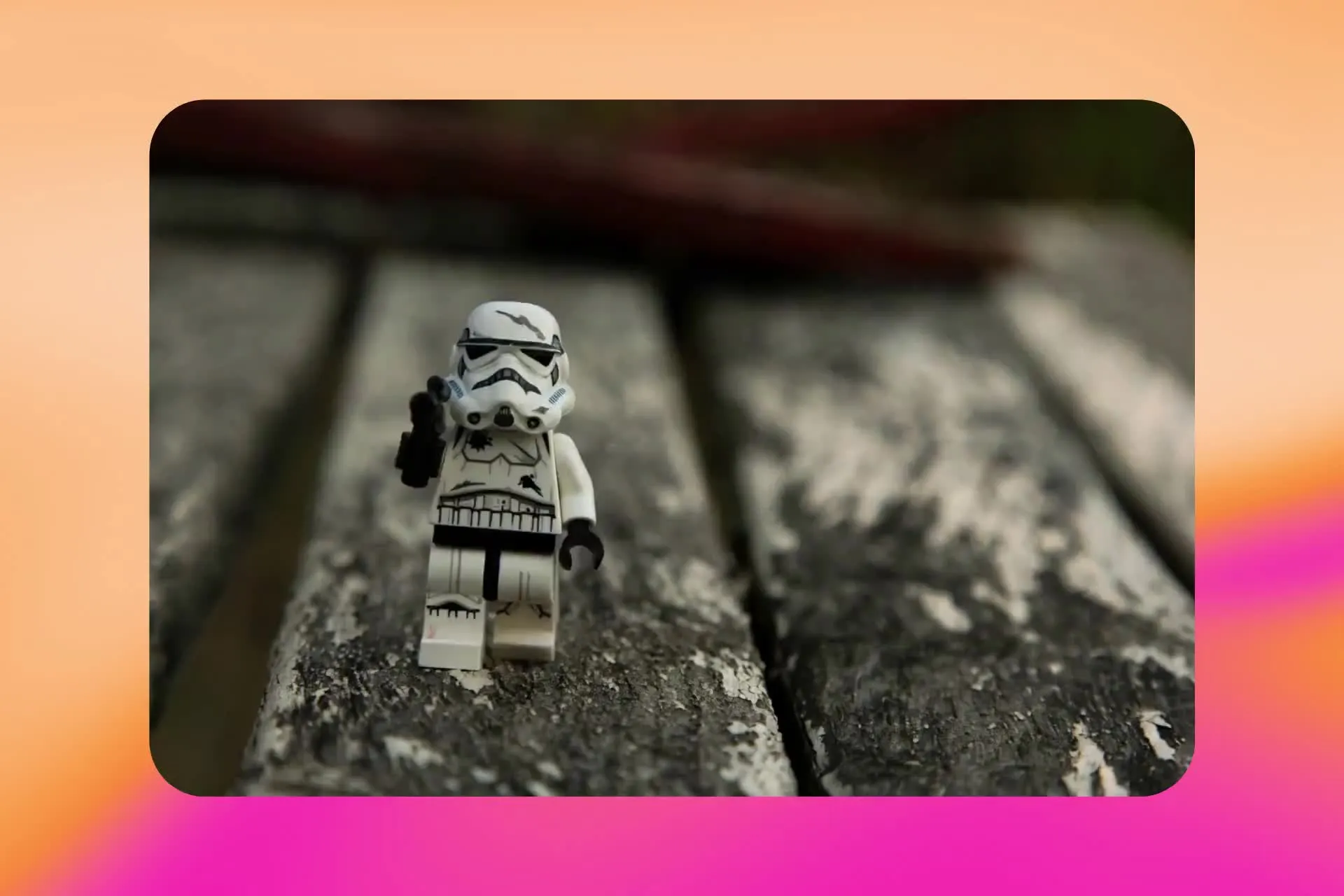
Grok Imagine AI video generator in Kapwing
Free to start. No watermark. Fully online.
Turn ideas into short video clips — fast
Grok Imagine Video is xAI’s model for AI video generation.
Start with a text prompt or use an image as the first frame — great for animating graphics, logos, illustrations, and product photos.
Describe the action, camera movement, aspect ratio, and audio, then generate video clips up to 15 seconds long.
Build attention-grabbing clips, social media intros and hooks, or quickly A/B test video ideas.
Finish everything in Kapwing's full timeline editor by adding captions, arranging scenes, and applying branding.
Grok Imagine video in 3 steps
Prompt
Describe your scene, movement, and audio


Generate
Create 1–15-second clips in 720p
Edit
Edit in the timeline and export as an MP4
What you get with Grok Imagine Video
Generate videos with built-in audio, sized for your next social post, ad, or creative project.
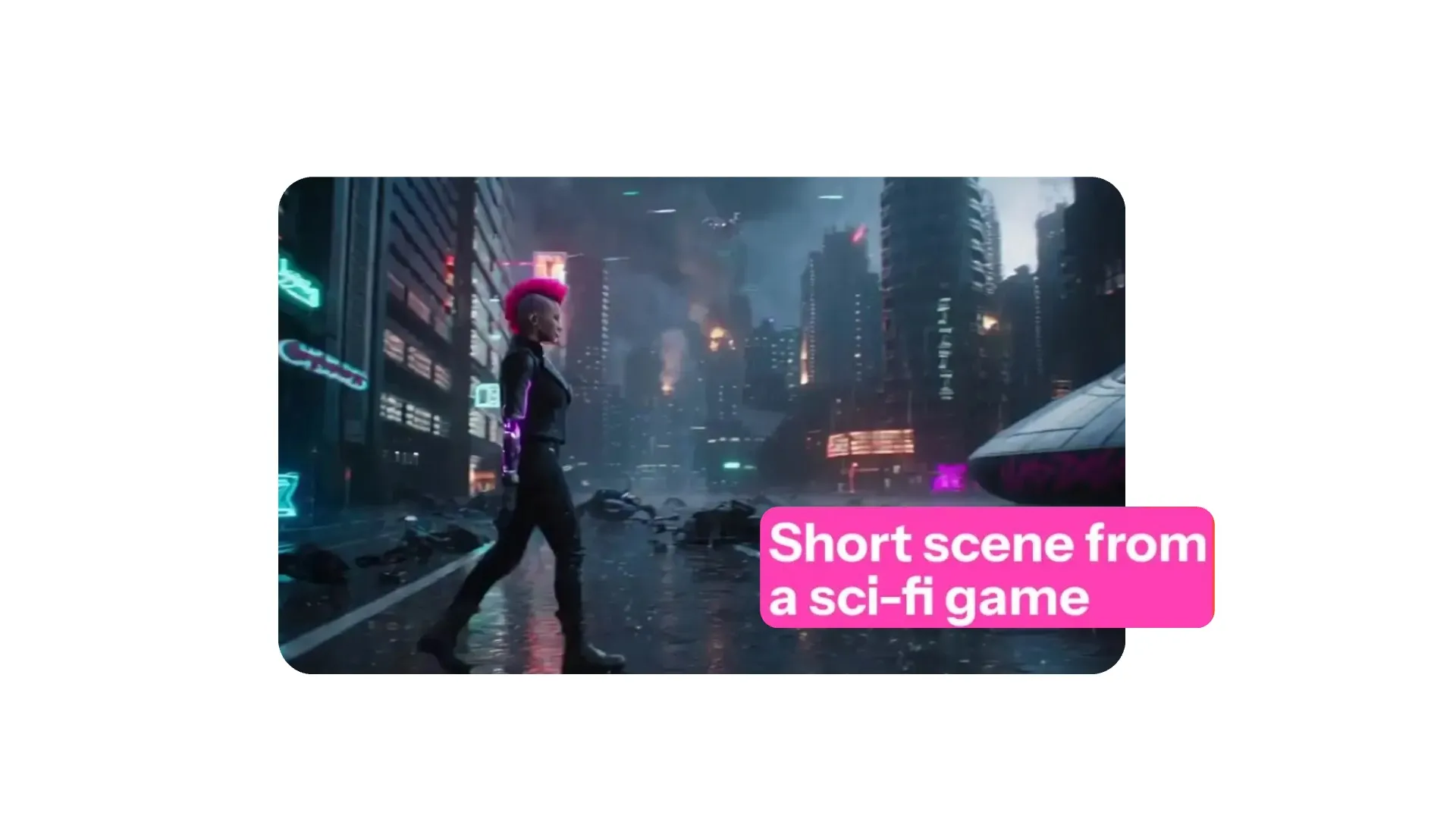
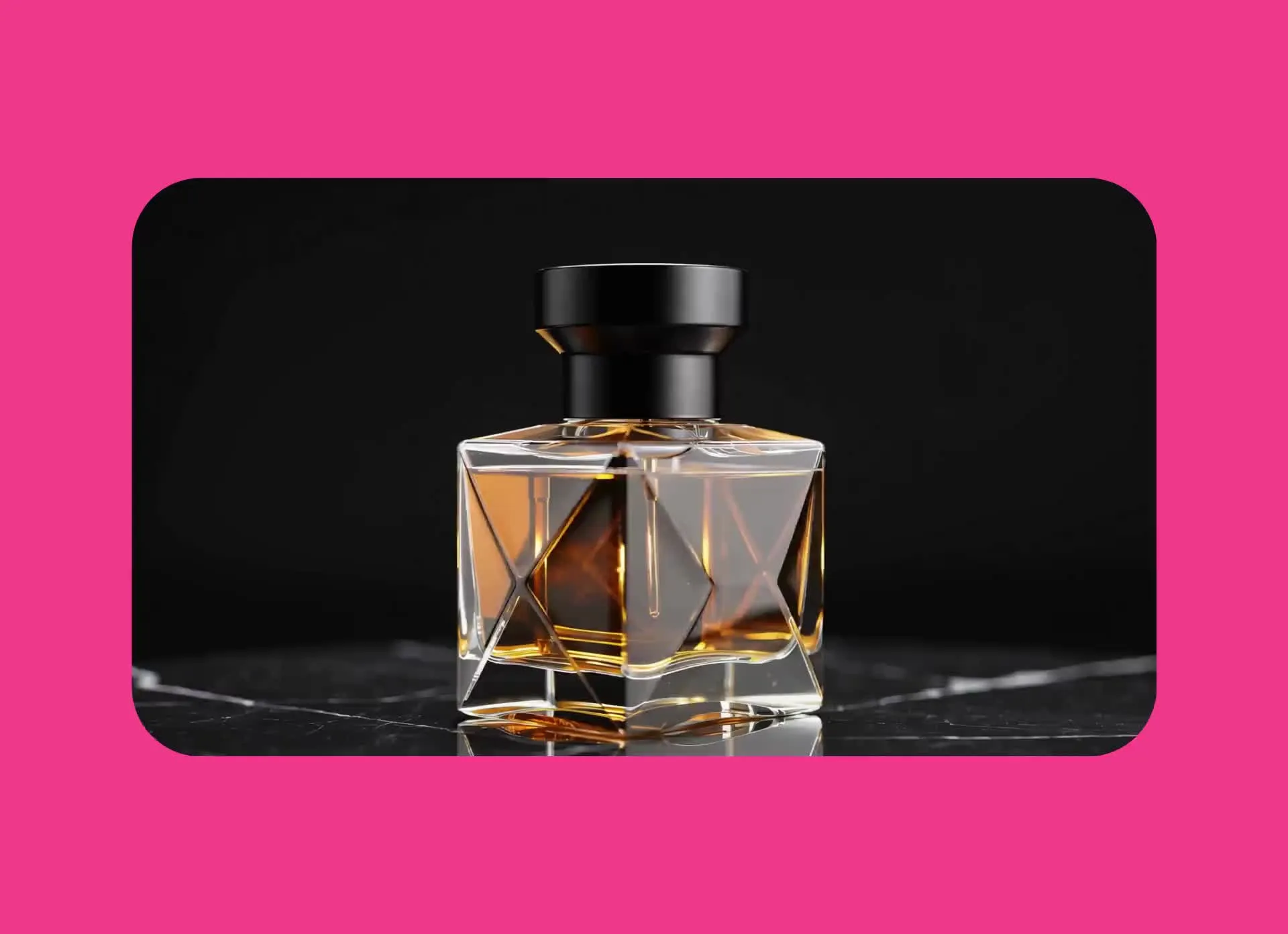
Start from a prompt
Describe your subject, setting, action, and camera movement to generate videos using plain language. Create short social hooks, product promos, or B-roll for your next video.
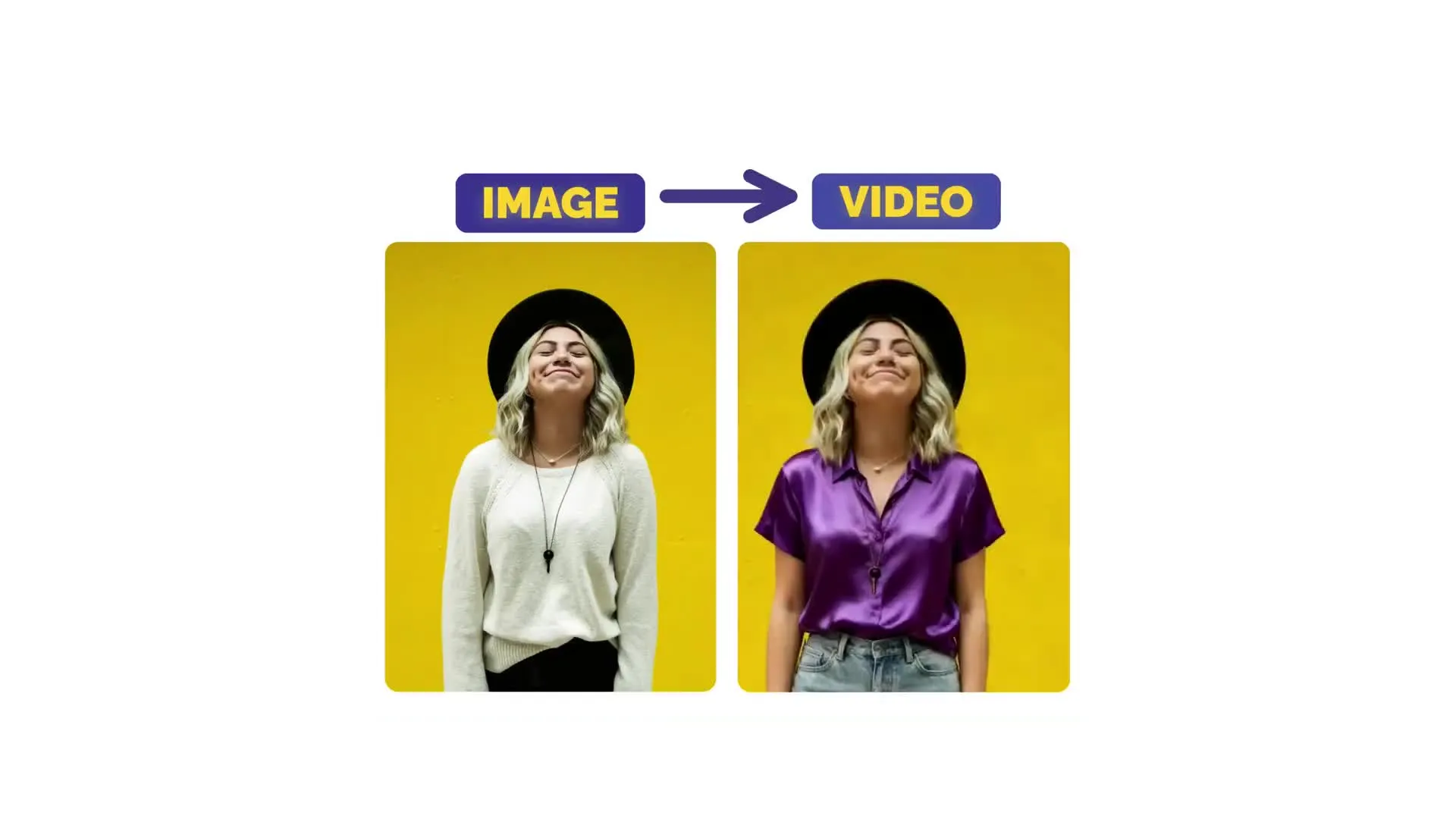
Animate a starting image
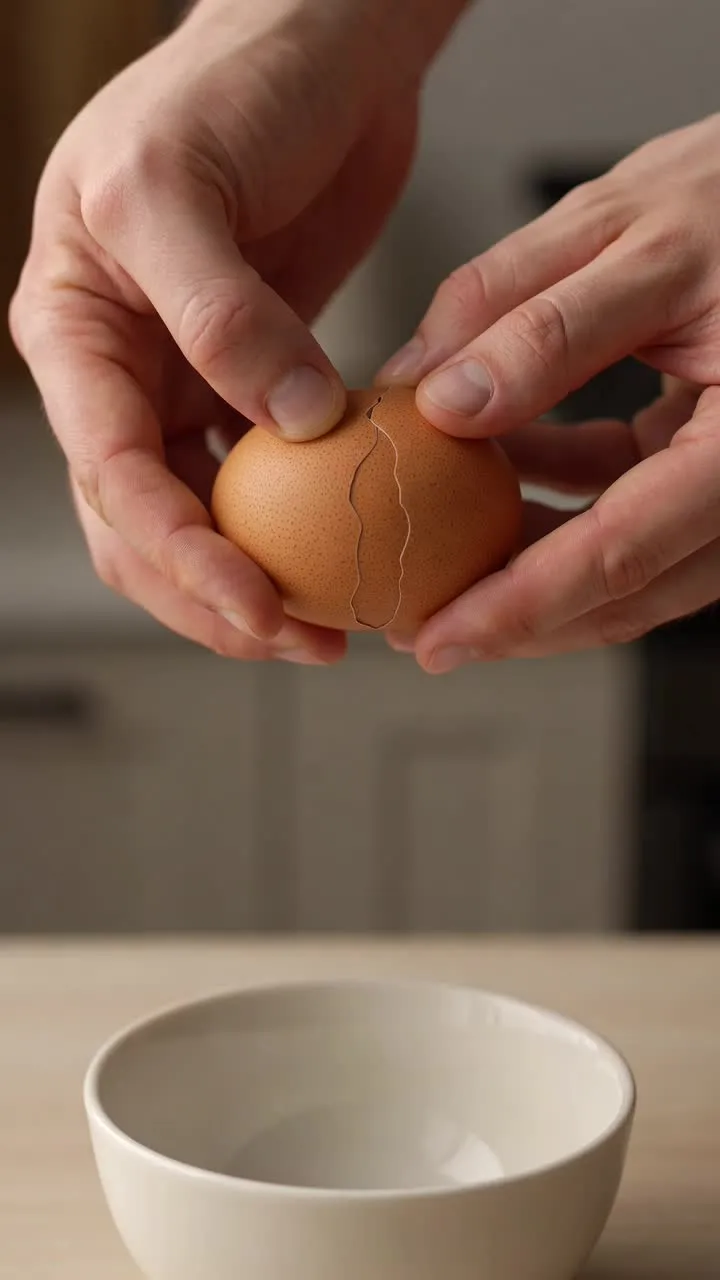
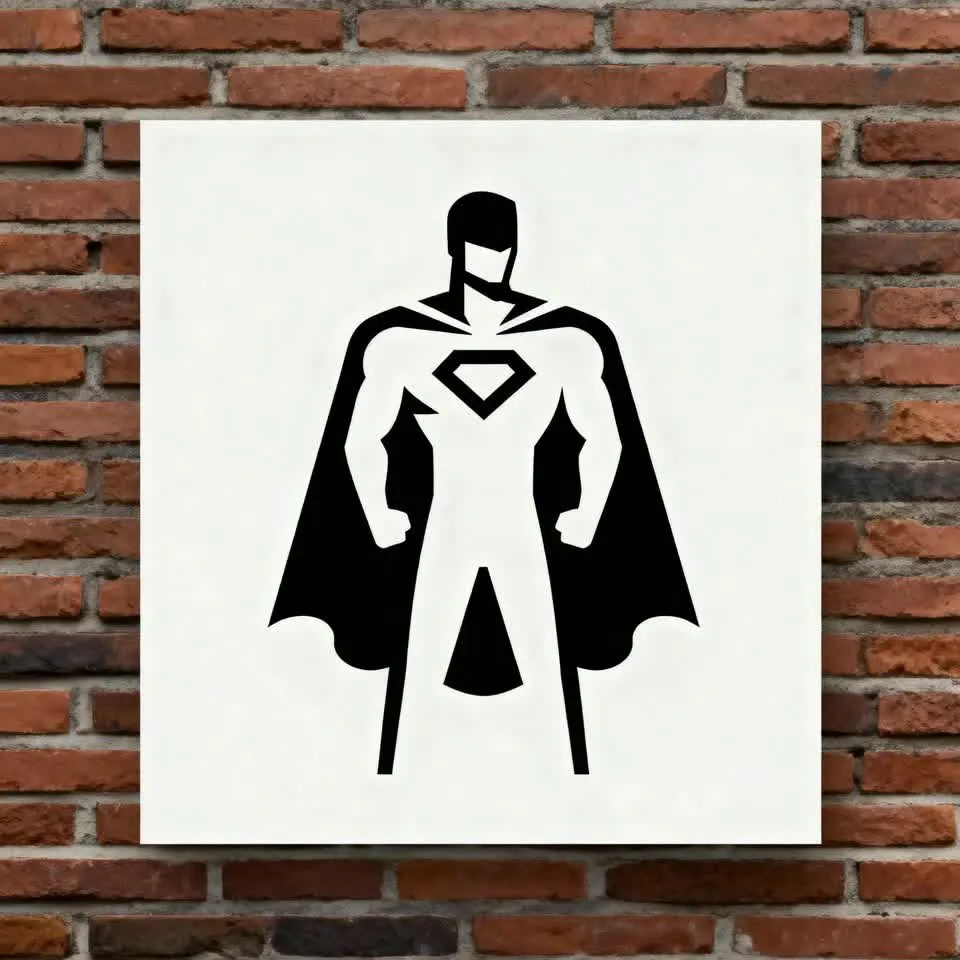
Upload an image as the start frame, then describe what happens next. Animate an illustration, logo, or graphic, bring a product photo to life, or turn a portrait into a moving character.
-poster.webp)
Generate native audio
Describe the sounds you want to hear alongside your video — rain against a window, footsteps across a room, or a can opening. Generate video and audio together, then refine in Kapwing.
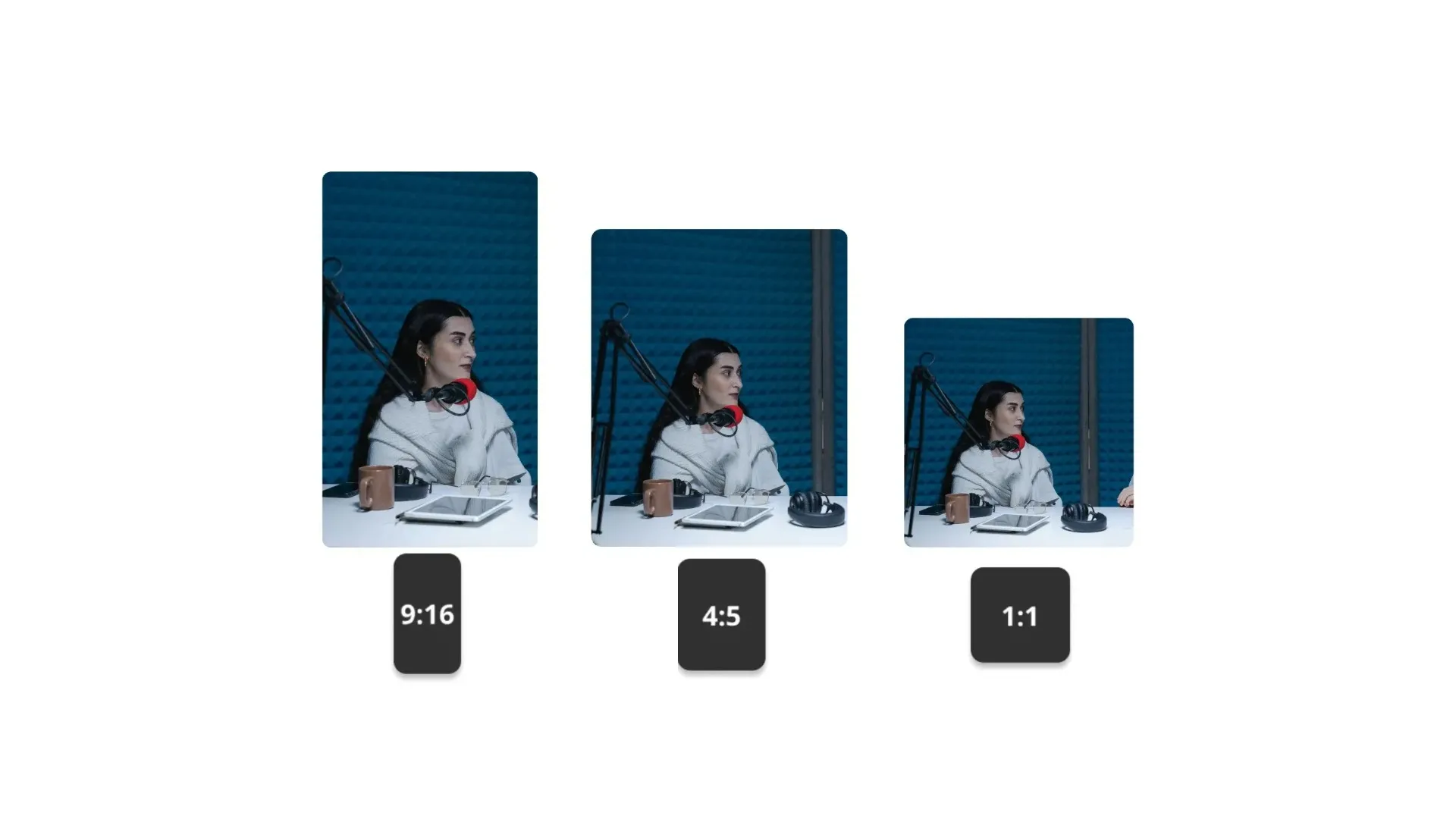
Create in six aspect ratios
Generate clips up to 15 seconds long. Pick from six aspect ratios (16:9, 9:16, 1:1, 4:3, 3:4, 2:3) to suit your social posts, ads, or wider video project.
Generated with Grok Imagine Video — in Kapwing
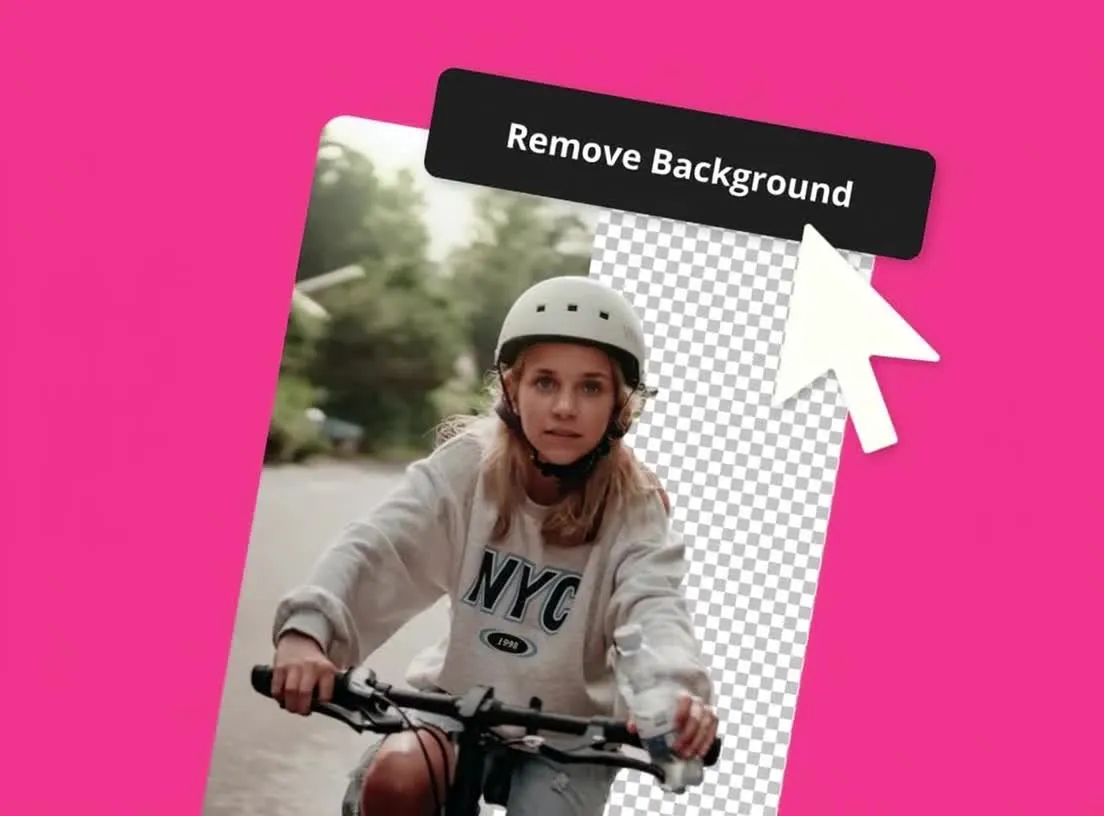
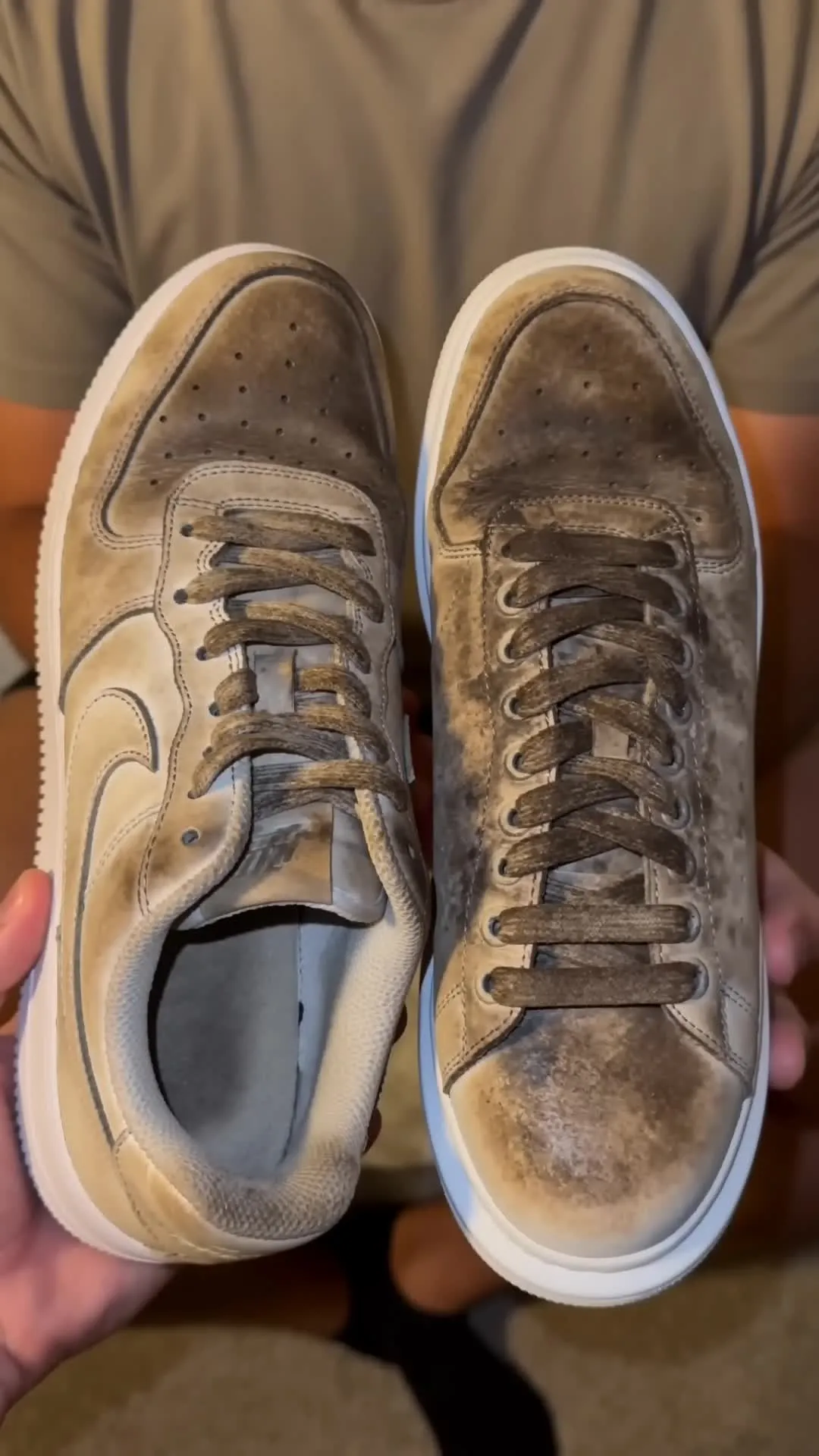
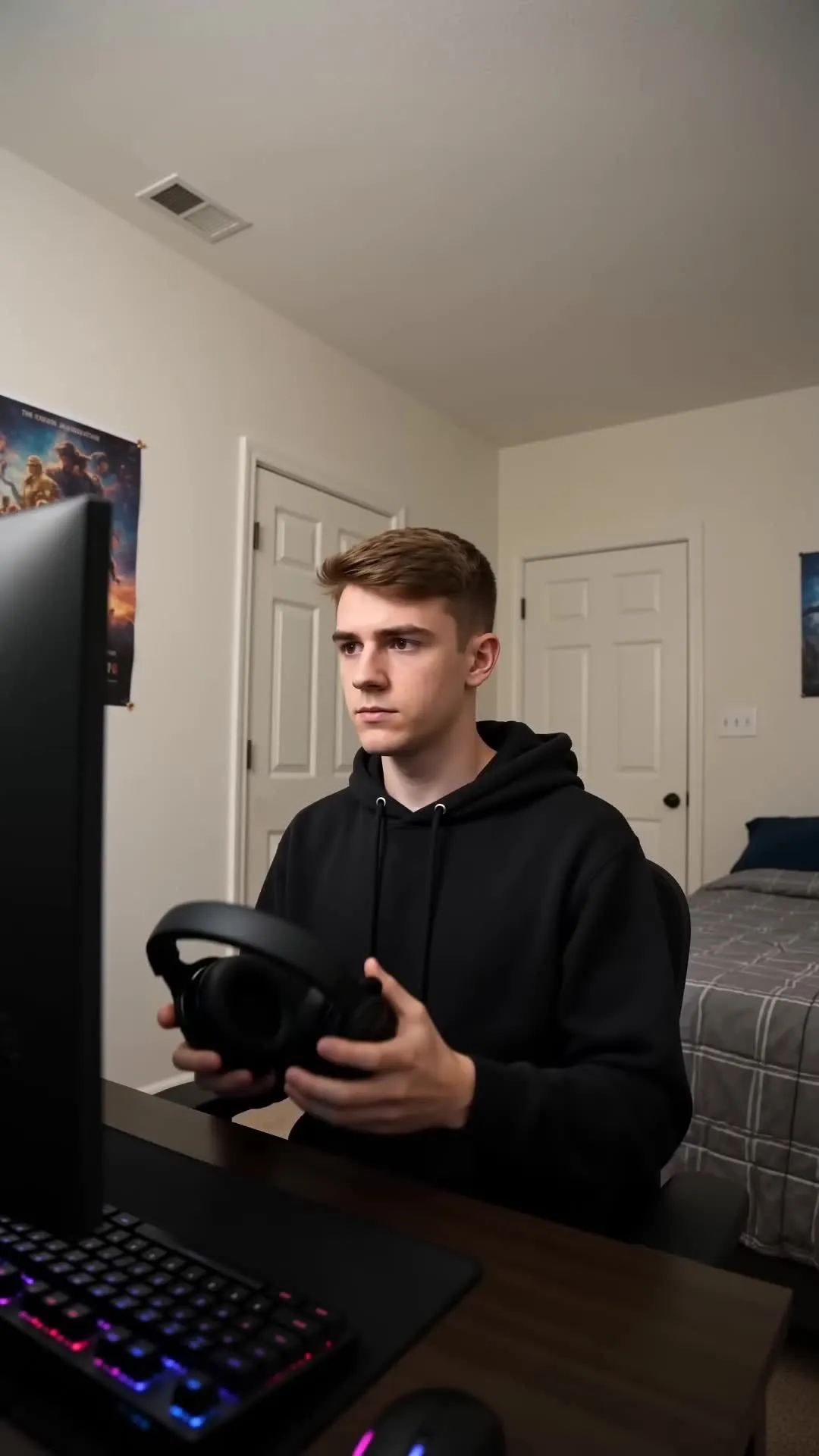
UGC, product ads, cartoons, and animations

-poster.webp)


How to Use Grok Imagine Video
- Step 1Open Kai
Go to kapwing.com/kai to open Kapwing’s AI Video Generator (Kai).
- Step 2Write your prompt
Describe the subject, action, setting, camera movement, visual style, pacing, and sound. Include the duration, resolution, and aspect ratio. Upload an image as a start frame if needed.
- Step 3Generate & edit
Select 'Grok imagine Video' from the dropdown video model menu. Generate the clip, then edit, subtitle, resize, or combine videos in Kapwing. Export in HD as an MP4.
Why use Grok Imagine Video inside Kapwing
From first idea to fully-edited video in one workspace
Generate.
Edit.
Export.
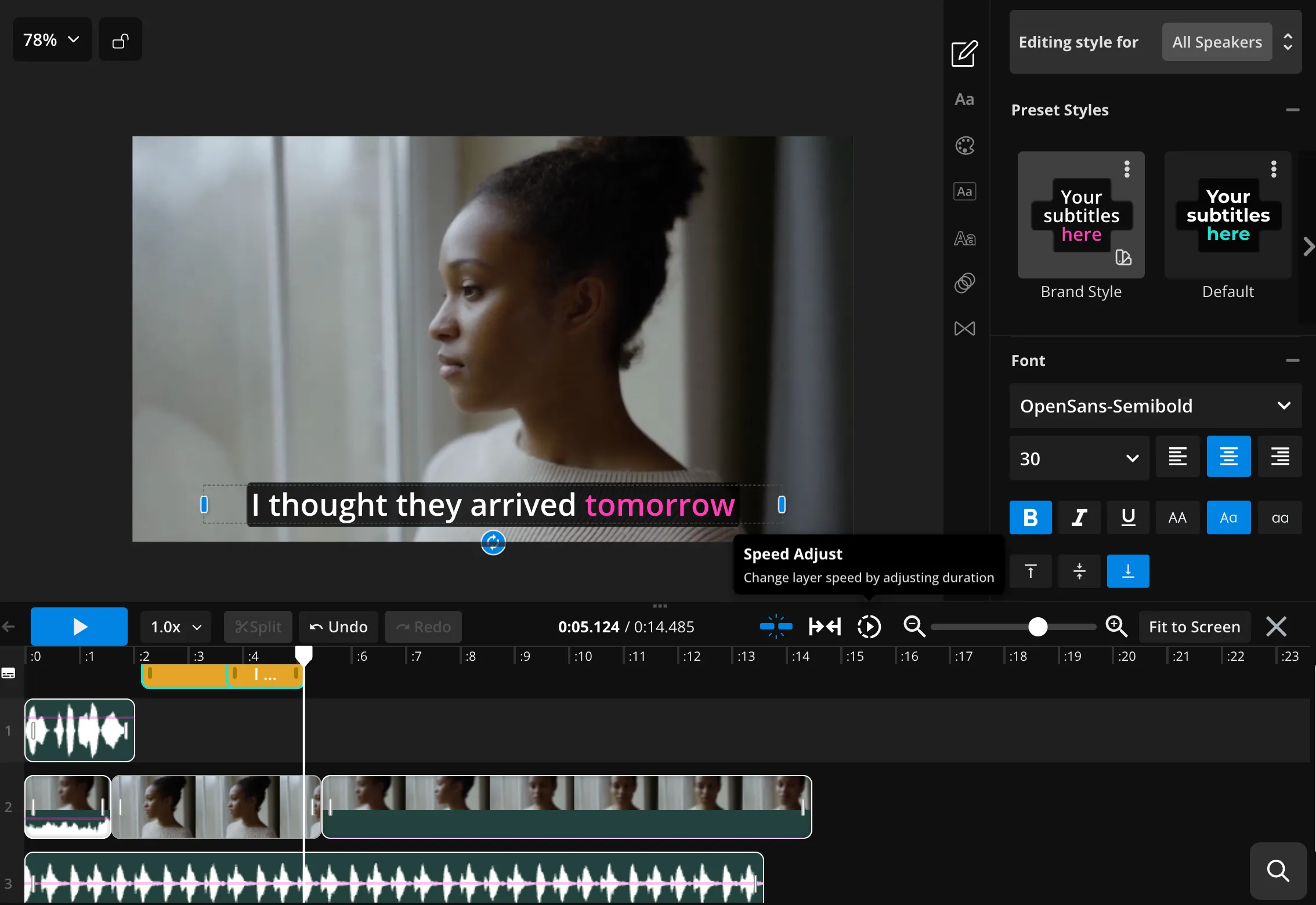
Kapwing brings Grok Imagine Video into a full video editing workflow, letting you turn a prompt or image into a video with audio, then edit and export it without switching tools.
- Start with a text prompt or animate an image
- Create clips up to 15 seconds long with audio
- Edit clips immediately after generation
- Adjust aspect ratios, framing, and timing
- Add subtitles, music, sound effects, and voice overs
- Access multiple AI models, including Veo 3 and Seedance 2.5
- Export videos as an MP4
AI video creation guides
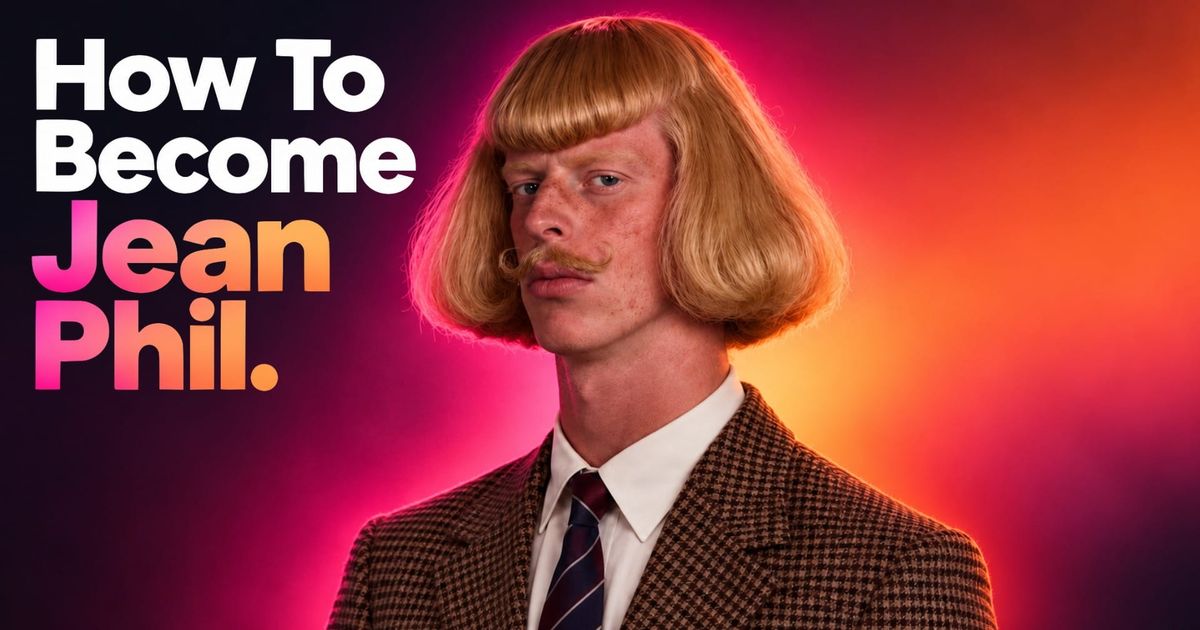
Learn how to prepare images, write prompts, and edit your generated clips


Frequently Asked Questions
We have answers to the most common questions that our users ask.
What is Grok Imagine Video?
Grok Imagine Video is xAI’s video-generation model. The model is integrated into Kapwing, where you can use it to create short 1-15 second video clips from a text prompt or a starting image.
How do I use Grok Imagine Video in Kapwing?
Open Kapwing AI, then click open the Model Preferences dropdown menu. Under Video, choose Grok Imagine Video. Enter a prompt describing your scene, or attach one image and explain the motion you want. Finally, click the arrow to generate your video.
Can Grok turn an image into a video?
Yes. Supply one image as the starting frame and describe the action and camera movement. You can upload a photo or first create a still with Grok Imagine Image.
Does Grok Imagine Video generate audio?
Yes. Native audio is supported in the Grok Imagine Video workflow. Describe the intended sound in the prompt and review the result. You can adjust or replace audio afterward in Kapwing.
How long can a Grok video be, and at what resolution?
In Kapwing, request a clip from 1 to 15 seconds at 480p or 720p. To make a longer video, generate separate clips and arrange them in the editor.
What aspect ratios can I use?
Grok Image Video supports a range of aspect ratios: 1:1, 16:9, 9:16, 4:3, 3:4, and 2:3. To request a specific aspect ratio, just include the number in your prompt.
What makes a effective Grok video prompt?
Describe one scene: the subject, action, setting, camera movement, and sound. Include your desired length and framing. For image-to-video, explain how the existing scene should move instead of redescribing every visible detail. For full guidance, read our advanced AI prompt guide.
Can I use Grok videos for commercial projects?
Yes. You can use Grok Imagine videos created in Kapwing for commercial projects, including ads, social media campaigns, product demos, and client work. Videos downloaded straight from your Kai chat do not have watermarks, and you have full commercial rights for them.
Do generated videos have a watermark?
Videos downloaded directly from the Kai chat do not have watermarks, but if you move them to the Kapwing Studio to edit with additional tools, you will have a watermark on Kapwing’s Free plan. Upgrade to a Pro, Business, or Enterprise plan to export without the Kapwing watermark.
Get started with your first video in just a few clicks. Join over 35 million creators who trust Kapwing to create more content in less time.