Generate AI songs up to 5 minutes long — start with an idea or upload your lyrics
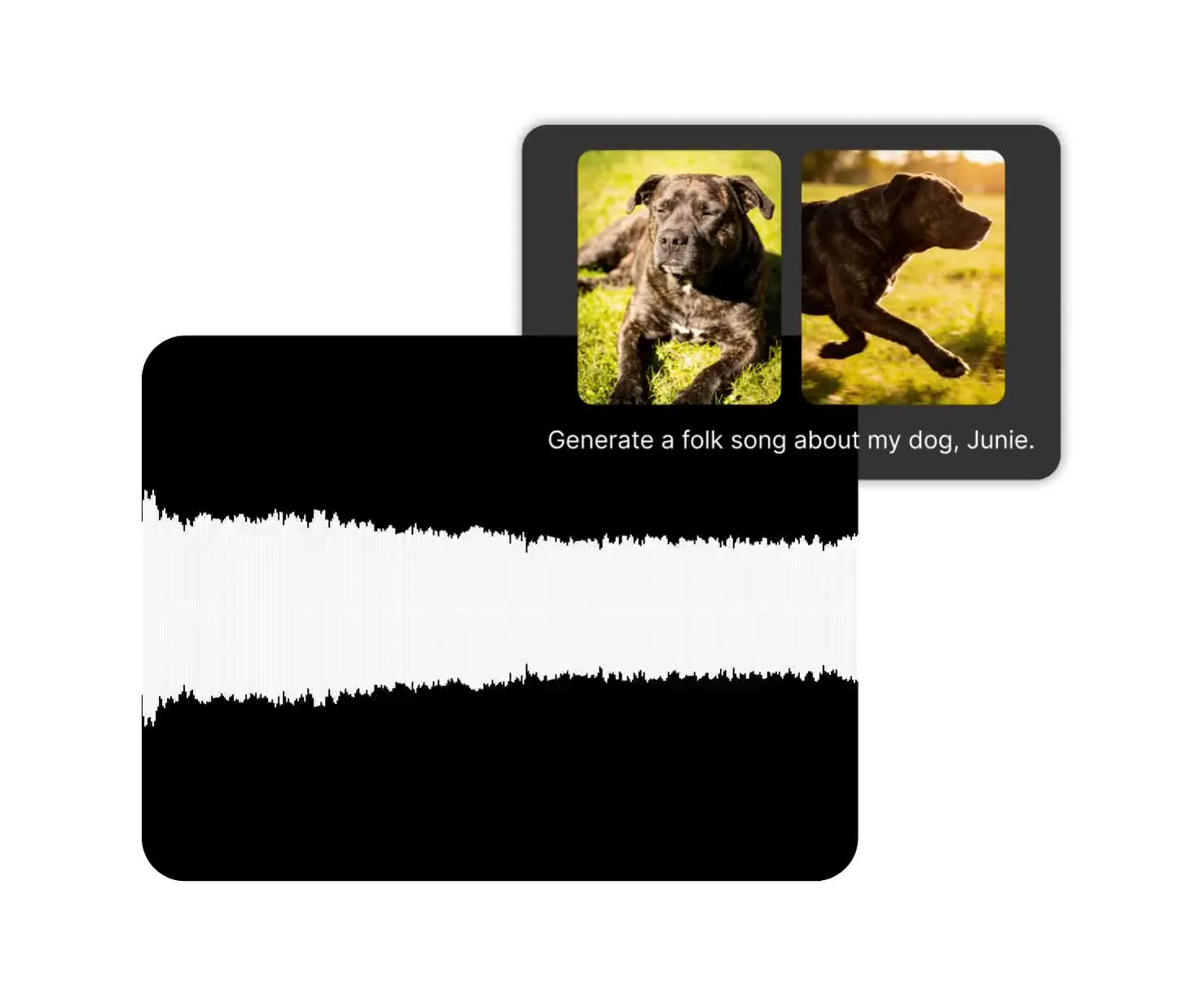
MiniMax Music 3.0 — expressive songs using AI
Natural vocals, clear instruments, and production-quality music across any genre
Start with a text prompt. Generate any song.
Start with your own lyrics, let AI write them, or create an instrumental track up to five minutes long.
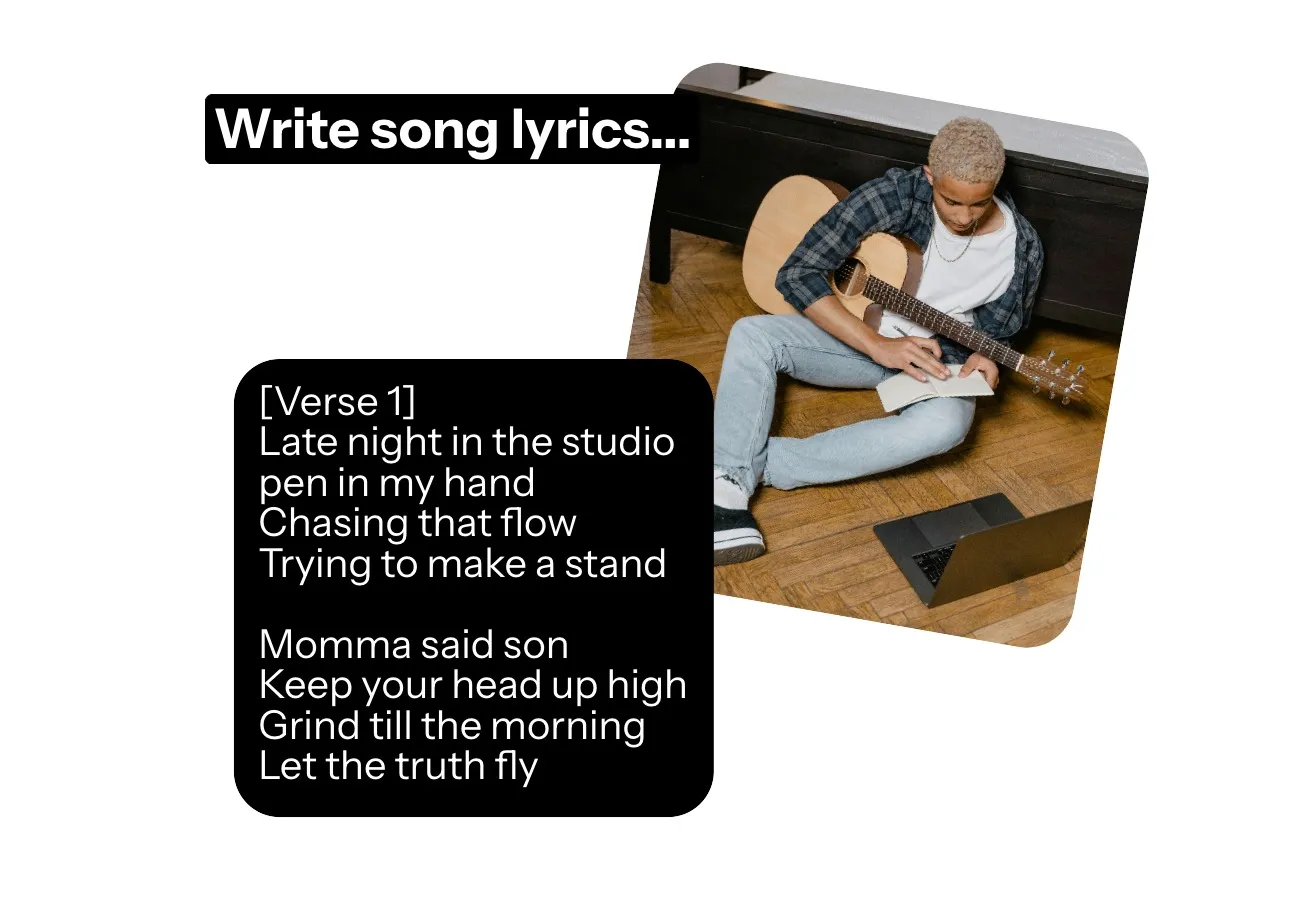
Use everyday language to describe the genre, mood and singing style — or add advanced details such as [Verse], [Chorus], and [Bridge] tags with up to 3,500 lyric characters.
Create copyright-free music for advertising campaigns, backing tracks, trailer soundtracks, jingles, and any project that deserves its own unique sound.
Add your AI song into Kapwing’s timeline editor to trim the audio, adjust the volume, add fades, or combine with video.
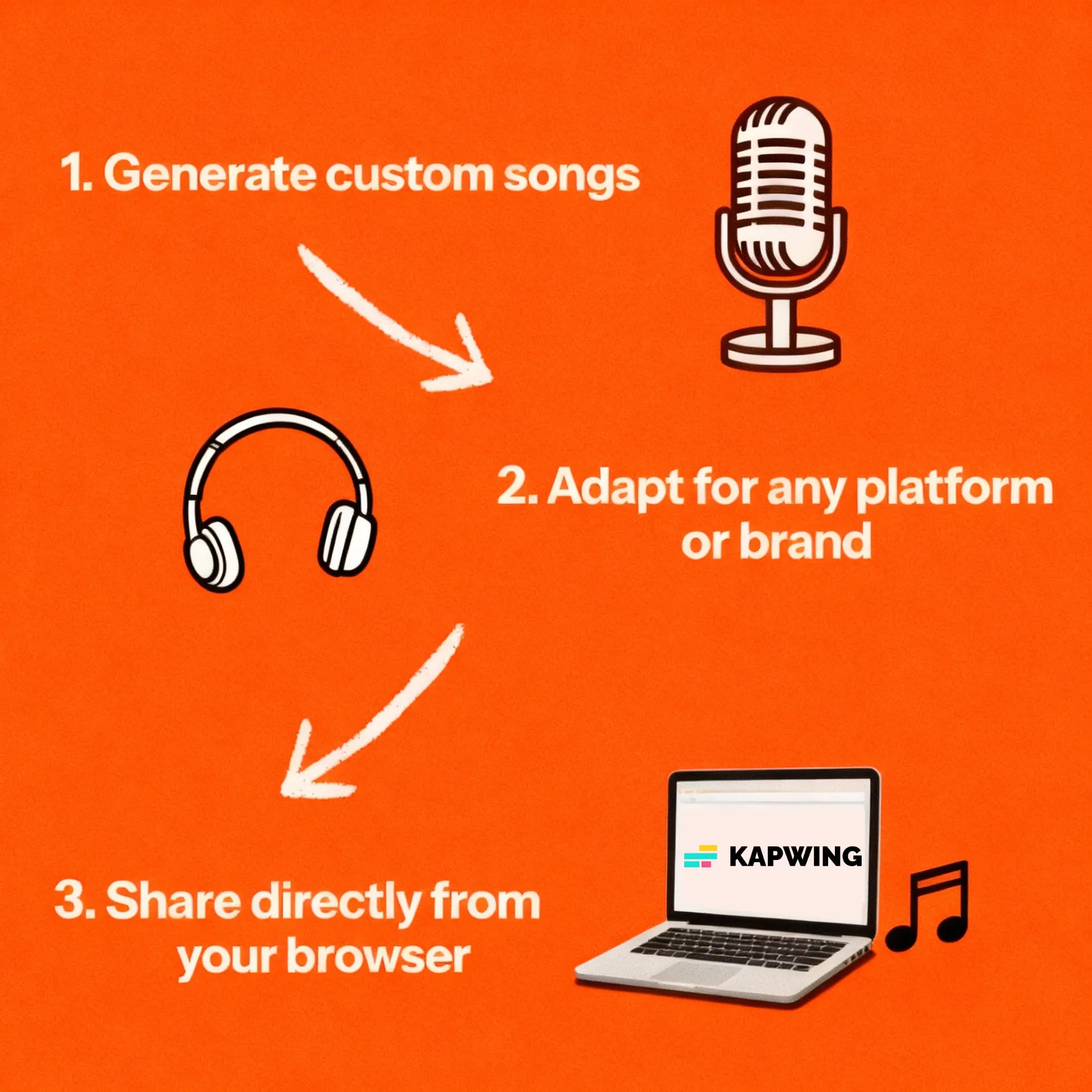
MiniMax Music 3.0 in Three Steps
Fully online. Start for free.
Lyrics
Upload your lyrics, describe your song to generate lyrics, or request an instrumental


Music
Set the genre, instruments, tempo, emotion. and singing style in your prompt
MP3
Select MiniMax Music 3.0, then generate, edit, and export your song
Why choose MiniMax Music 3.0 in Kapwing
Songs up to 5 minutes. Full commercial ownership.
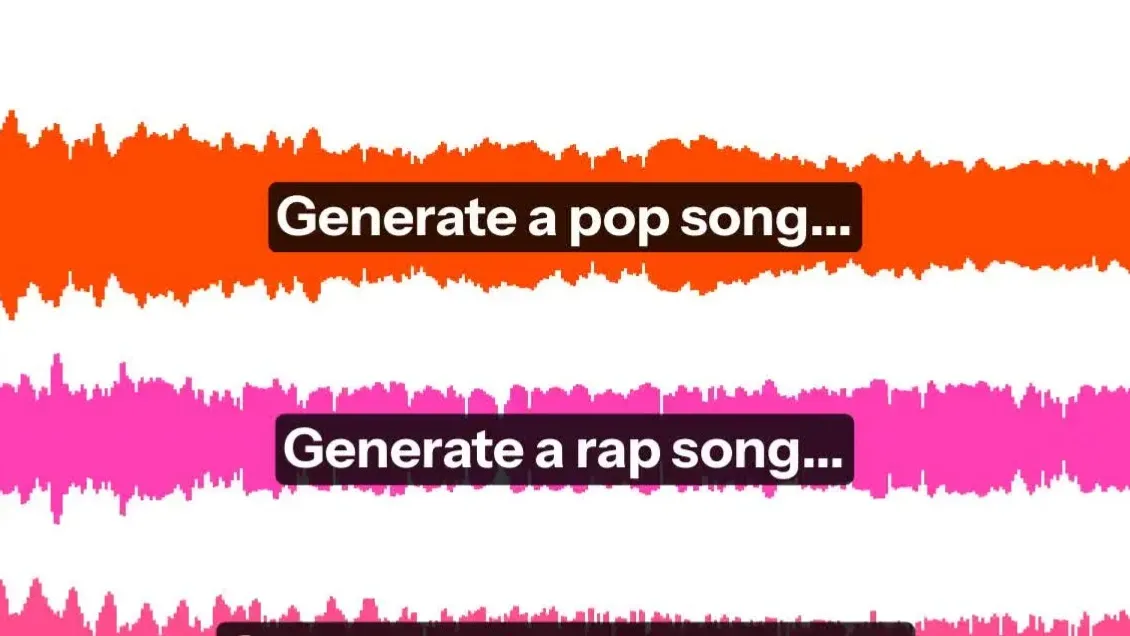
Full songs
Create songs with verses, choruses, and a clear ending. MiniMax 3.0 focuses on progression, contrast, and resolution and avoids short loops or disconnected audio fragments. Use your own lyrics or let MiniMax write them.
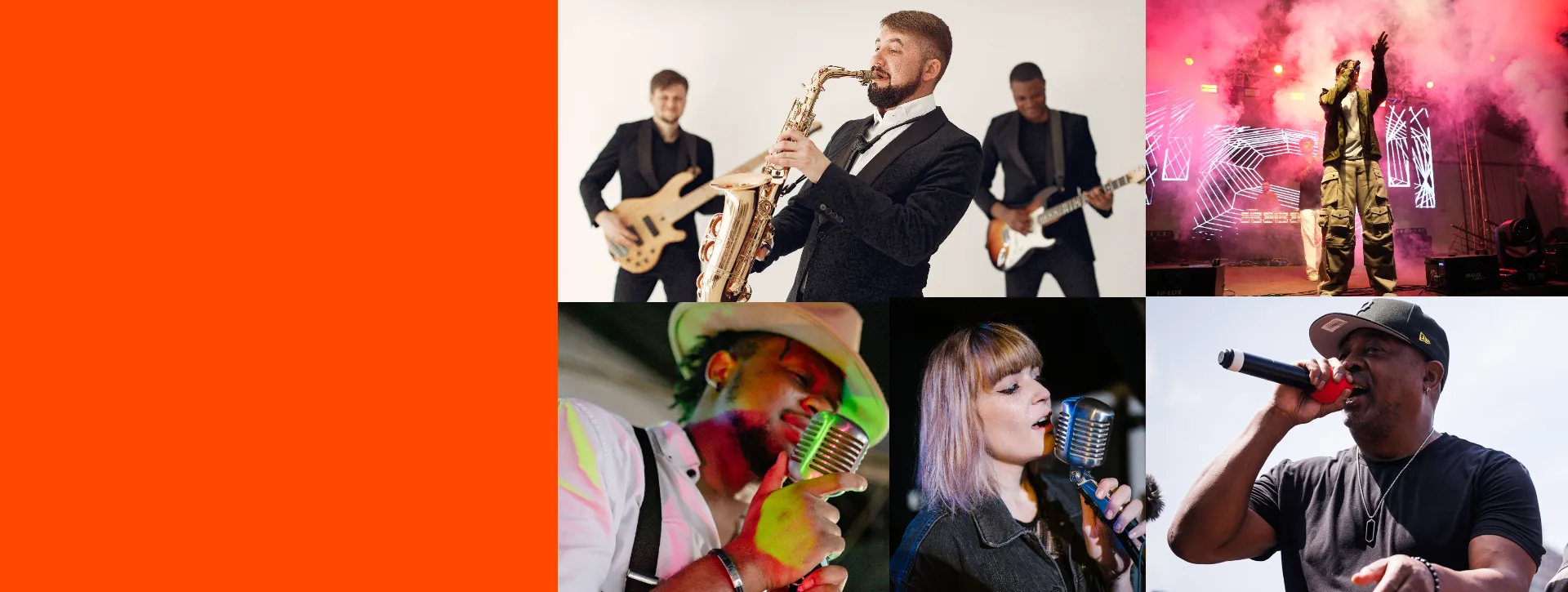
Controlled output
Describe the genre, tempo, instruments, and mood. Give direction for each section, from a quiet acoustic verse to an energetic chorus — 3.0 has the best prompt adherence from all the MiniMax AI models.
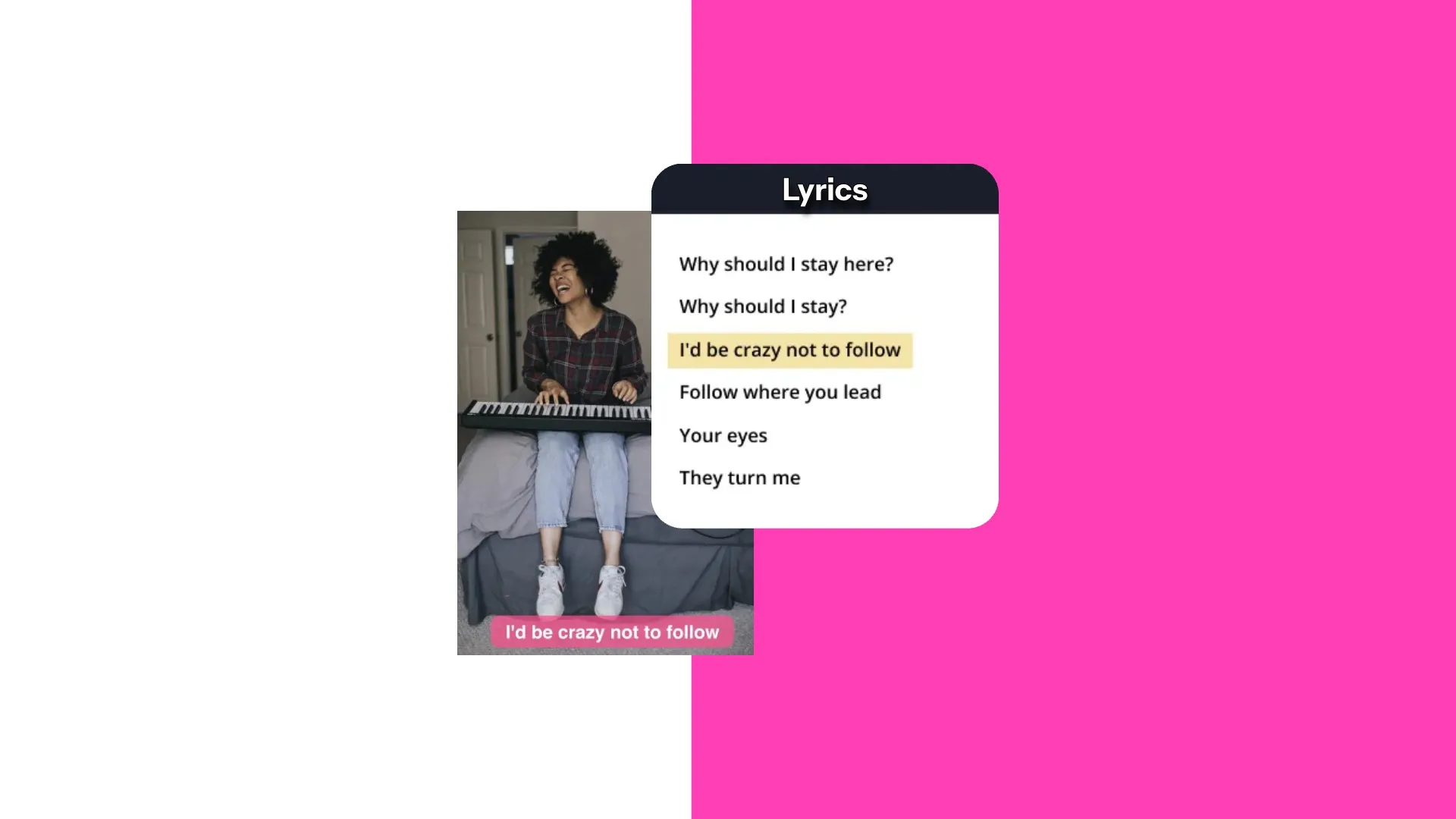
Natural, expressive vocals
Shape the singing style, pronunciation, and emotion. Specify the vocal tone and language, or request everything from breathy vocals to falsetto and layered harmonies.
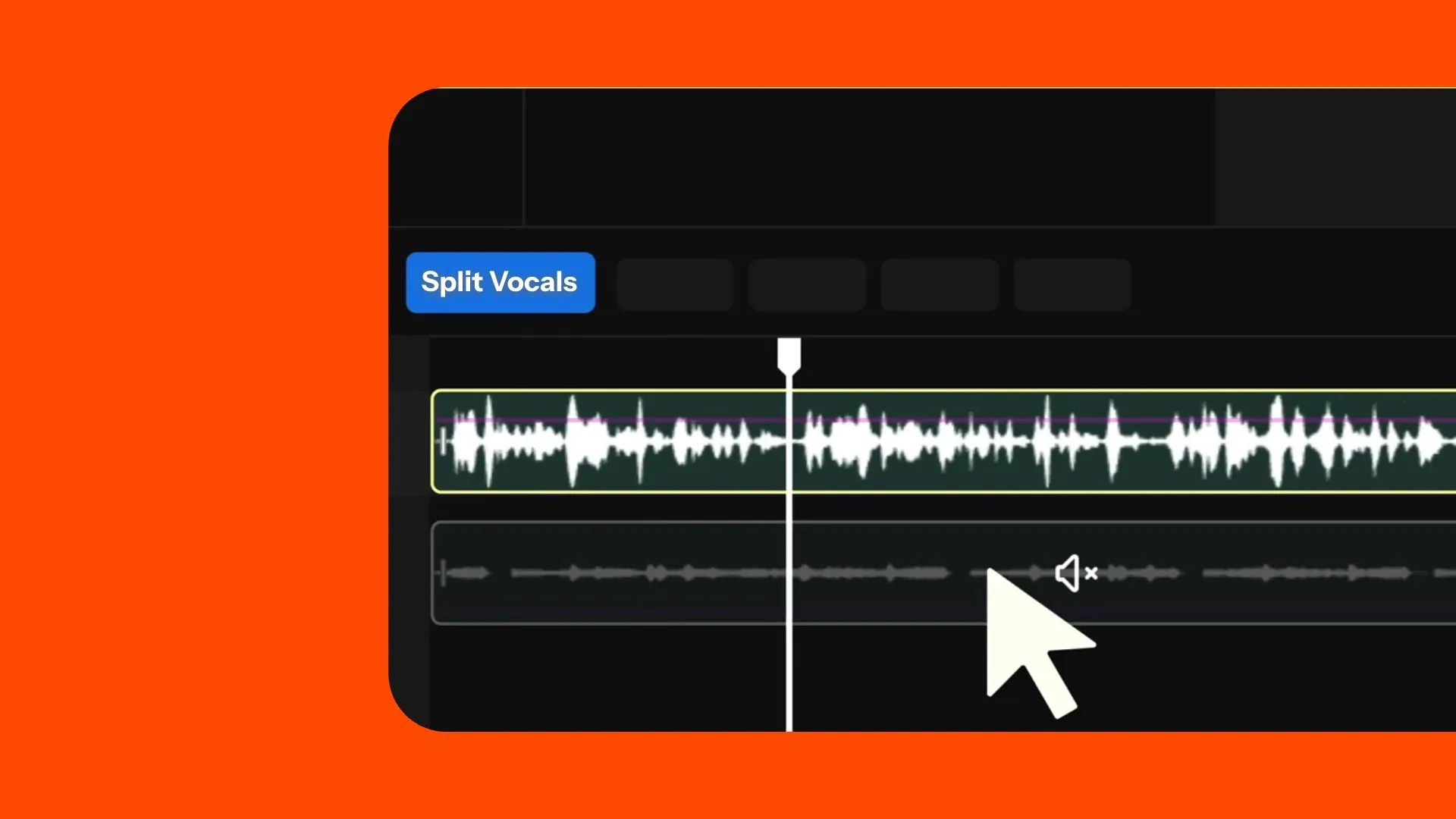
Generate, edit, combine
Create tracks with clear instruments and rich arrangements. Split vocals from the instrumental to edit each independently, then trim, adjust the volume, add fades, and combine your music with video.
How to Use MiniMax Music 3.0 in Kapwing
- Step 1Describe song
Open Kai and describe the genre, mood, instruments, tempo, language, and singing style you want.
- Step 2Choose lyrics
Select MiniMax Music 3.0. Let AI write the lyrics, add your own, or create an instrumental track without vocals.
- Step 3Generate & edit
Generate your song, then add it to Kapwing’s timeline. Trim it, adjust the volume, add fades, combine it with video or voice overs, and export.
Turn songs into videos in one workflow
100+ audio and video editing tools. MP3 and MP4 exports.
Prompt.
Generate.
Edit.
Create a song with MiniMax Music 3.0, then bring it into Kapwing’s timeline.
Trim the track, balance it against voice-over, and combine it with footage and subtitles.
- Structure with [Verse], [Chorus], [Bridge], [Hook], and [Outro]
- Add up to 3,500 characters of lyrics
- Describe the genre, mood, instruments, tempo, and singing style with up to 2,000 characters
- Trim, mix, and fade your generated track
- Add uploaded footage, stock media, or clips created with Kapwing’s AI Video Generator
- Try MiniMax Music 2.0 for lower-cost generations
Already transforming video creation across industries
Hear directly from the teams who publish faster, collaborate better, and stay ahead.


Frequently Asked Questions
We have answers to the most common questions that our users ask.
What is MiniMax Music 3.0?
MiniMax Music 3.0 is an AI music model available in Kapwing. Create vocal songs from an idea or your own lyrics, or generate instrumental tracks.
How do I use MiniMax Music 3.0 in Kapwing?
Open Kai, choose MiniMax Music 3.0 under Audio in Model Preferences, and describe your song. Include your lyrics, ask for lyrics from your idea, or request an instrumental without vocals. Generate your track, then refine it in Kapwing.
Can MiniMax Music 3.0 write lyrics automatically?
Yes. Describe the subject, mood and musical style, and ask for a vocal song without supplying lyrics. MiniMax Music 3.0 can develop lyrics from your idea.
Can I use my own lyrics with Music 3.0?
Yes. Kapwing accepts up to 3,500 characters of lyrics. Use line breaks and tags such as [Verse], [Chorus], [Bridge], and [Outro] when you want to guide the song structure.
Can Music 3.0 generate instrumental tracks?
Yes. Ask for an instrumental track with no vocals and do not supply lyrics. Describe the instruments, mood and style you want in your prompt.
What audio format does MiniMax Music 3.0 generate?
MiniMax Music 3.0 generates MP3 audio in Kapwing at 44.1 kHz and 256 kbps. Add the generated track to your project to edit it and combine it with other media.
Can I choose an exact track length?
MiniMax Music 3.0 can generate songs up to five minutes long in Kapwing. The model determines the length based on your input; you cannot specify an exact duration. You can trim the generated track in Kapwing to fit your project.
Can I edit a Music 3.0 track in Kapwing?
Yes. Add the generated song to the timeline to trim it, change volume, create fades, layer voice-over or sound effects, and sync it with video.
What genres and styles can Minimax Music 3 generate?
MiniMax Music 3.0 can generate music across genres such as pop, rock, hip-hop, electronic, jazz, classical, and folk. Describe the genre, mood, instruments, tempo, and vocal style in your prompt, or combine styles to experiment.
Discover Resources
Tips, templates, and deep dives to help you create faster and share with confidence.
View all

Get started with your first video in just a few clicks. Join over 35 million creators who trust Kapwing to create more content in less time.