AI Animate Image
Animate images however you want — just by asking AI
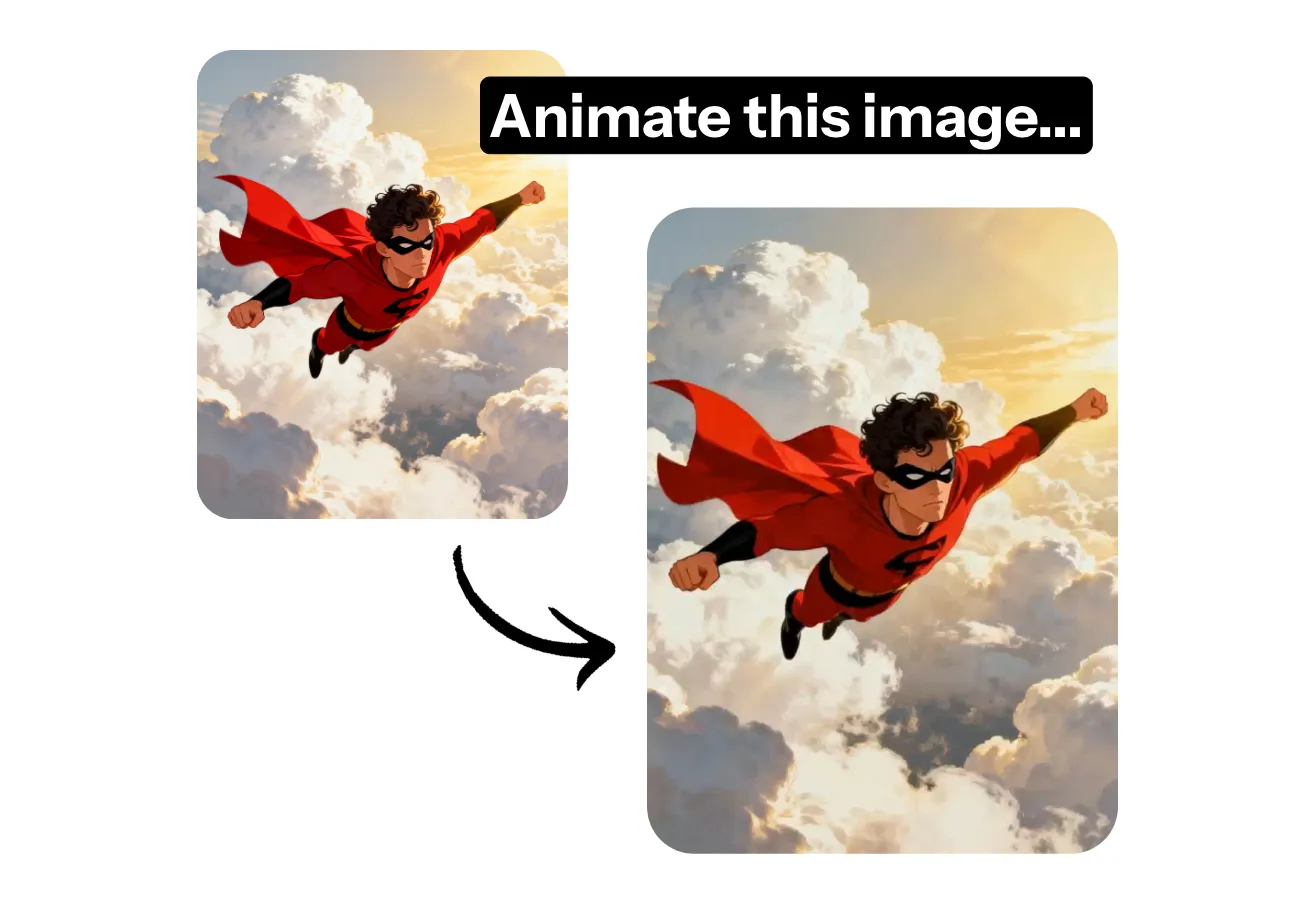
Dynamic animations from any image
Instant high-quality animations — no design skills required
Animate anything in seconds
Instantly bring any picture to life with Kapwing’s AI Animate Image tool. Chat with the AI Assistant, and make animation requests as naturally as you’d message a friend thanks to Kapwing’s built-in prompt enhancement technology.
Transform photos, cartoons, logos, icons, product shots, infographics, or even profile pictures into high-quality animations for any campaign or creative project.
Then download your animation as a video or GIF, or share directly to social media — all without leaving your browser. It’s the fastest way for creators to go from idea to upload.
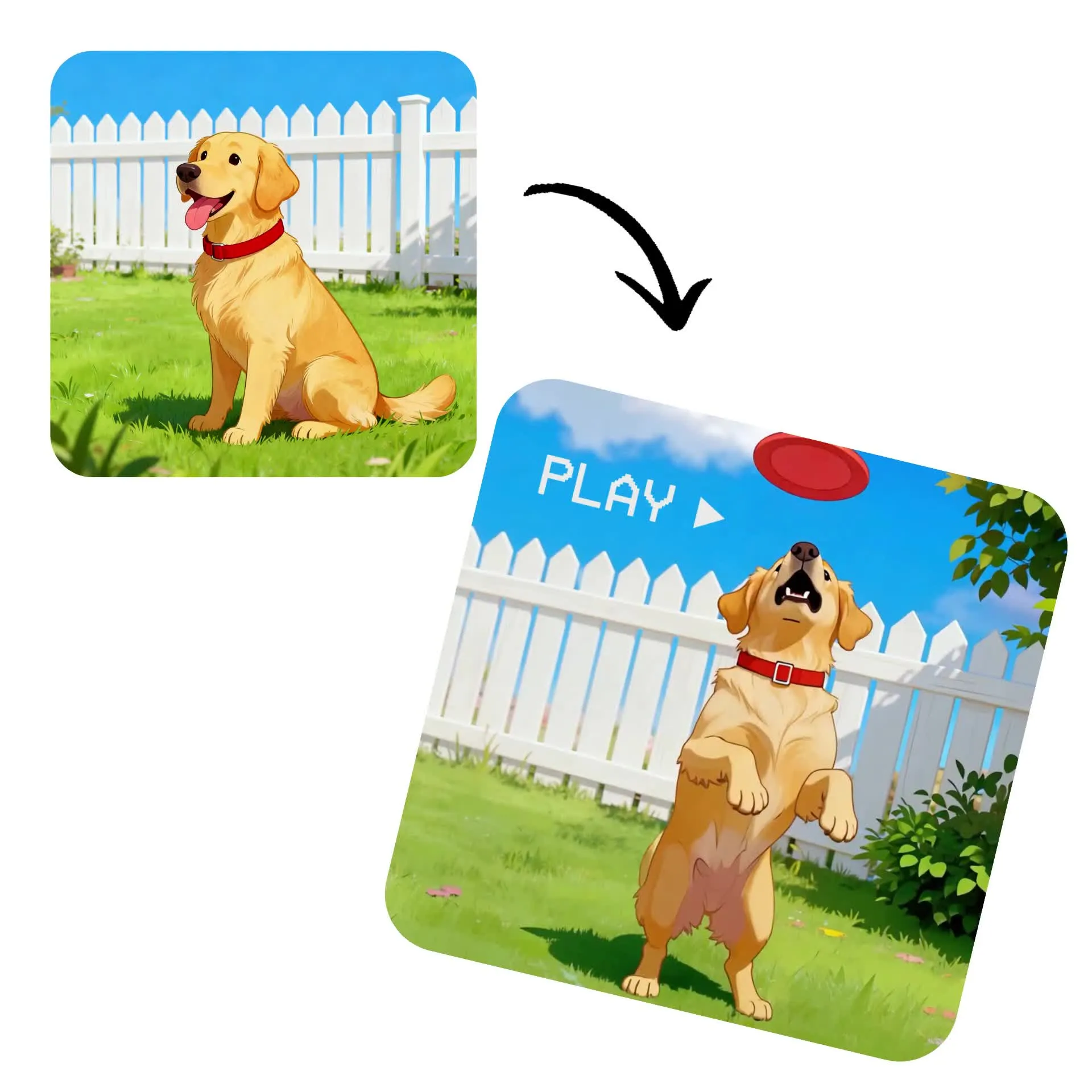
Studio-quality visuals without editing experience
Built for marketers, content creators, and small businesses, Kapwing’s AI Image Animator makes it easy to create scroll-stopping, professional-quality animations for any platform or aspect ratio.
Keep your brand consistent by creating a Custom Kai that automatically applies your chosen animation style to product photos or icons — no technical skills required.
Plus, streamline teamwork with collaborative editing and bulk export tools for complete image generation and editing in one workflow.
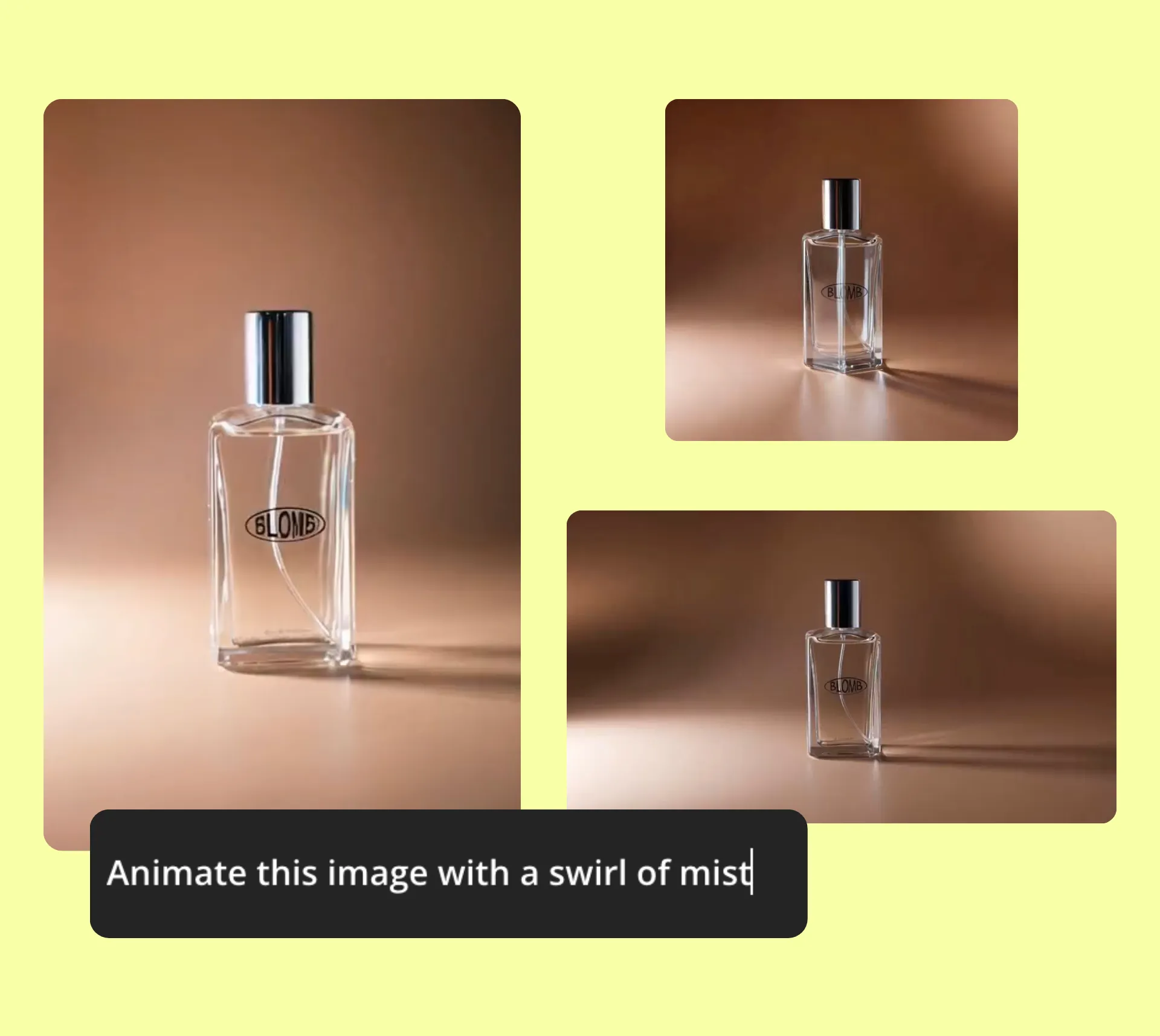
Maximum creativity. Complete control.
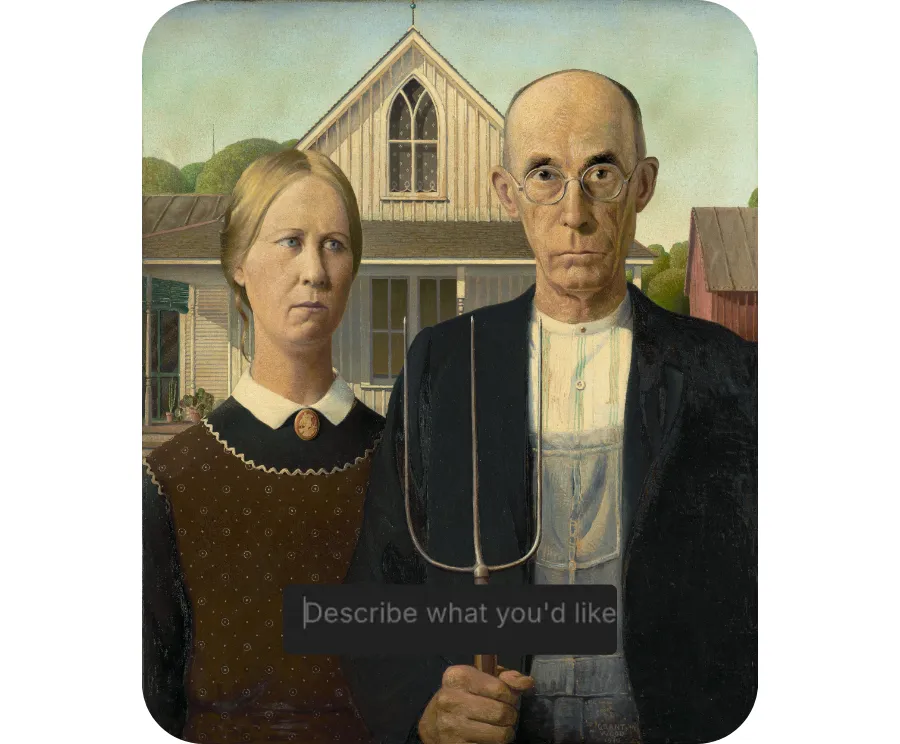
Turn your favorite painting into an animation. Bring an old family photo to life. Create a realistic time-lapse of a city or landscape from a single still, or design animated backgrounds for your YouTube channel or website.
With Kapwing, whatever you can imagine, you can create.
Move your animations into Kapwing’s online editing studio, where you’ll have access to hundreds of video editing tools . From color correction and text overlays to borders, frames, sound effects, and more.
Already transforming video creation across industries
Hear directly from the teams who publish faster, collaborate better, and stay ahead.


How to Animate Images With AI
- Step 1Open Kapwing
Open a new chat in Kapwing.
- Step 2Upload Image
Click "Attach media" to upload an image.
- Step 3Generate Animation
Enter a prompt like "Animate this image," specifying the desired movement. Tweak with additional prompts and download.
What's different about Kapwing?



Frequently Asked Questions
We have answers to the most common questions that our users ask.
Is the AI Animate Image tool free?
Yes, anyone can try Kapwing’s AI tools for free. Our AI tools run on a credit system, with each feature costing a set number of credits. For maximum creativity and the best value, upgrade to a Pro account to unlock the full power of AI-driven content creation.
Can you use AI to animate a still image?
Absolutely, you can use Kapwing's AI Animate Image tool to animate any still image. Just upload your image (or use Kapwing's AI Image Generator to create one) and prompt the AI to animate it however you'd like.
Does Kapwing support online collaborative editing?
Yes, Kapwing supports collaborative video editing by allowing users to create free, shared workspaces they can invite team members to join. 100+ collaborative editing tools to streamline the creative process are available in the online editor. Teams can also upload a Brand Kit to their workspace or set one up together in real time, helping ensure that assets are readily available and organized.
What kinds of images can I animate?
Kapwing's AI photo animator can animate any picture, including real photos, generated images, cartoon and anime stills, and even your favorite drawings and paintings. Bring your old family photos to life or animate product photos, business logos, and profile pictures.
If you're not starting with an image, you can also use the AI Animation Generator to create a polished animation from a prompt.
Can I edit the animations after I generate them?
Yes, chat with Kapwing's image to animation AI tool until you're happy with your creation. Remove objects, change pacing or lighting, and adjust setting and movement, all with simple conversational prompts. If you want more editorial control over your animated picture, you can also move your creations to Kapwing's fully online editing studio.
Can I turn an image into an animated GIF?
Absolutely, you can download any animation as a high-resolution GIF. Just move your animation to Kapwing's editing studio, click Export Project at the top right, and select GIF from the file types. Adjust resolution and compression level, then download a high-resolution, ready-to-share GIF.
What file types does Kapwing support?
Kapwing's AI animation generator supports most popular image file types, including PNG and JPEG. When you're ready to download, save your animation as an MP4, MOV, WEBM, or GIF.
Can ChatGPT animate images?
No, not directly. ChatGPT can help you plan, script, or write prompts for animations, but it can’t actually generate or render moving images on its own.
To animate an image, you’ll need to use a dedicated AI animation tool, such as Kapwing’s AI Animate Image, which turns photos, paintings, or graphics into smooth, realistic animations.
What are Custom Kais?
Custom Kais are pre-built AI image and video effects in Kapwing. Our team has created hundreds of them so you can instantly produce eye-catching content — no prompt writing required. Just apply a Custom Kai and the style is handled for you.
You can also create your own Custom Kai to capture your brand’s unique look and reuse it anytime for consistent, on-brand content with one click. This makes the process of animating images to identical styles a seamless, automated process.
Which AI models does Kapwing support?
Discover Resources
Tips, templates, and deep dives to help you create faster and share with confidence.
View all
Get started with your first video in just a few clicks. Join over 35 million creators who trust Kapwing to create more content in less time.