Vertical Video Editor
Edit, trim, and crop vertical videos in an online studio.
Free to start. Download in up to 4K.
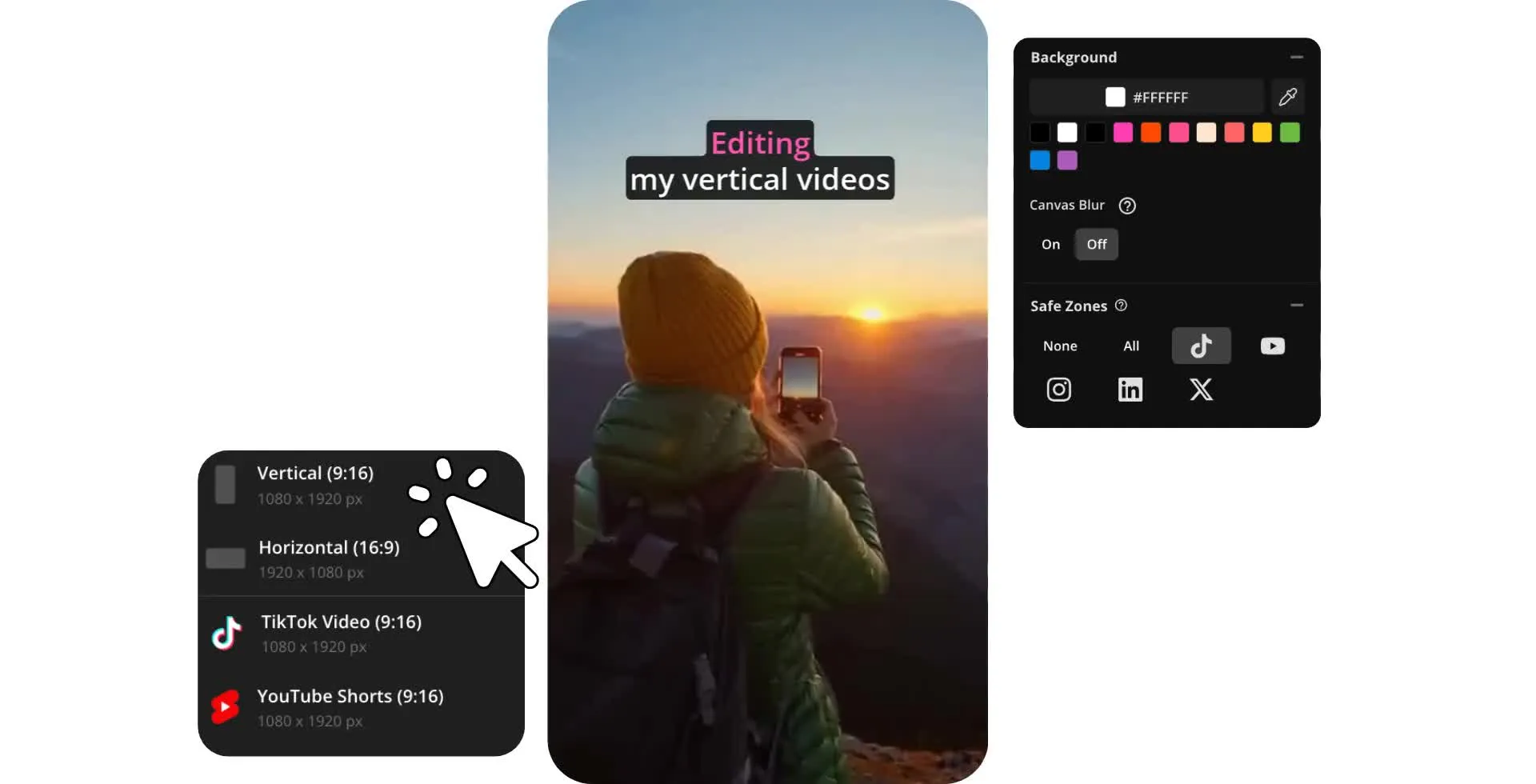
Create vertical videos for any platform
Create in 9:16, 4:5, or 3:4 aspect ratios. Download as MP4 for free.
Efficient short-form video editing
Create professional vertical videos with an online editor built for creators, marketers, and social media teams. Start with presets for 9:16, 4:5, and 3:4 aspect ratios to make content for TikTok, Instagram Reels, YouTube Shorts, and other mobile-first platforms. Import pictures and videos from your camera.
Keep important content visible with built-in safe zones for faces, subtitles, logos, and calls-to-action. Trim, cut, and rearrange clips on a simple timeline, then add transitions, filters, effects, and color adjustments to polish your video.
Edit from any device with Kapwing's cloud-based studio — no downloads required. Work seamlessly on your phone, tablet, or desktop, then export in up to 4K resolution and publish wherever your audience watches.
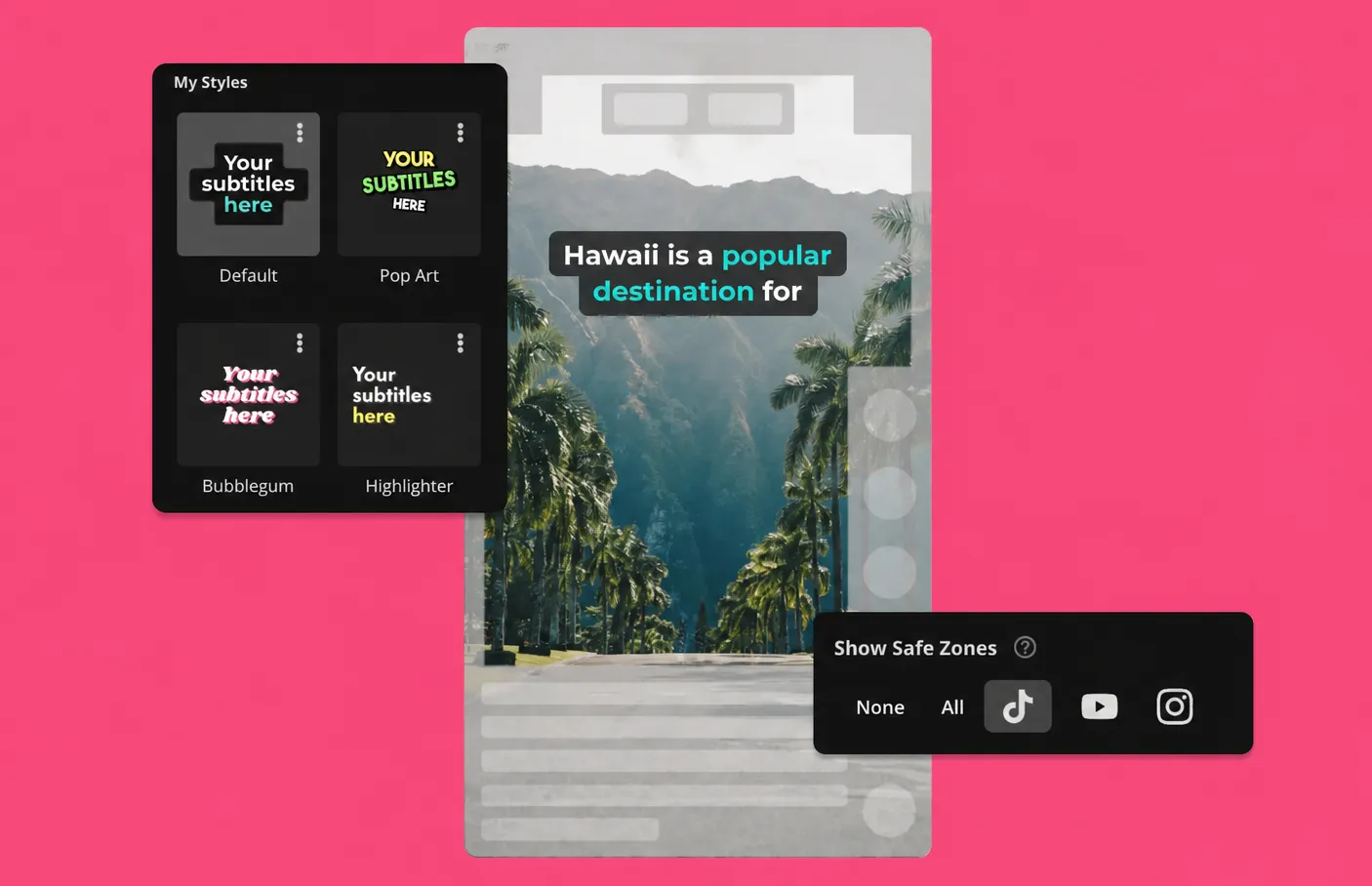
Vertical videos reach more viewers
Improve engagement and build your audience. Start for free in your browser.
Publish more short-form content faster
Use 100+ online video editing tools. No watermark with Pro.
Build your audience with a vertical-forward editor
Grow your channel with a vertical video editor built for social media. Edit and optimize full screen videos for TikTok, Instagram Reels, and YouTube Shorts with one-click subtitles, customizable text animations, and safe zones that help keep captions, graphics, and calls-to-action visible on every platform. Make videos more engaging with royalty-free music and sound effects.
Create standout short-form content from your phone, tablet, or desktop with a cloud-based studio. When your video is ready, publish directly to your social channels in just a few clicks.
.webp)
Optimize any video for mobile platforms
Convert horizontal videos to vertical formats with blurred canvas or custom background options that preserve your original footage. Use smart cropping to keep the focus on your subject while removing unnecessary edges.
For podcasts, interviews, and talking-head videos, Speaker Focus automatically keeps the active speaker centered and in frame as your video is resized. Choose from built-in aspect ratio presets like 9:16 (used for TikTok, Instagram Reels, and YouTube Shorts), 4:5 (used for Instagram and Facebook posts), and 3:4 (used for educational or website content) to quickly optimize videos for vertical platforms.
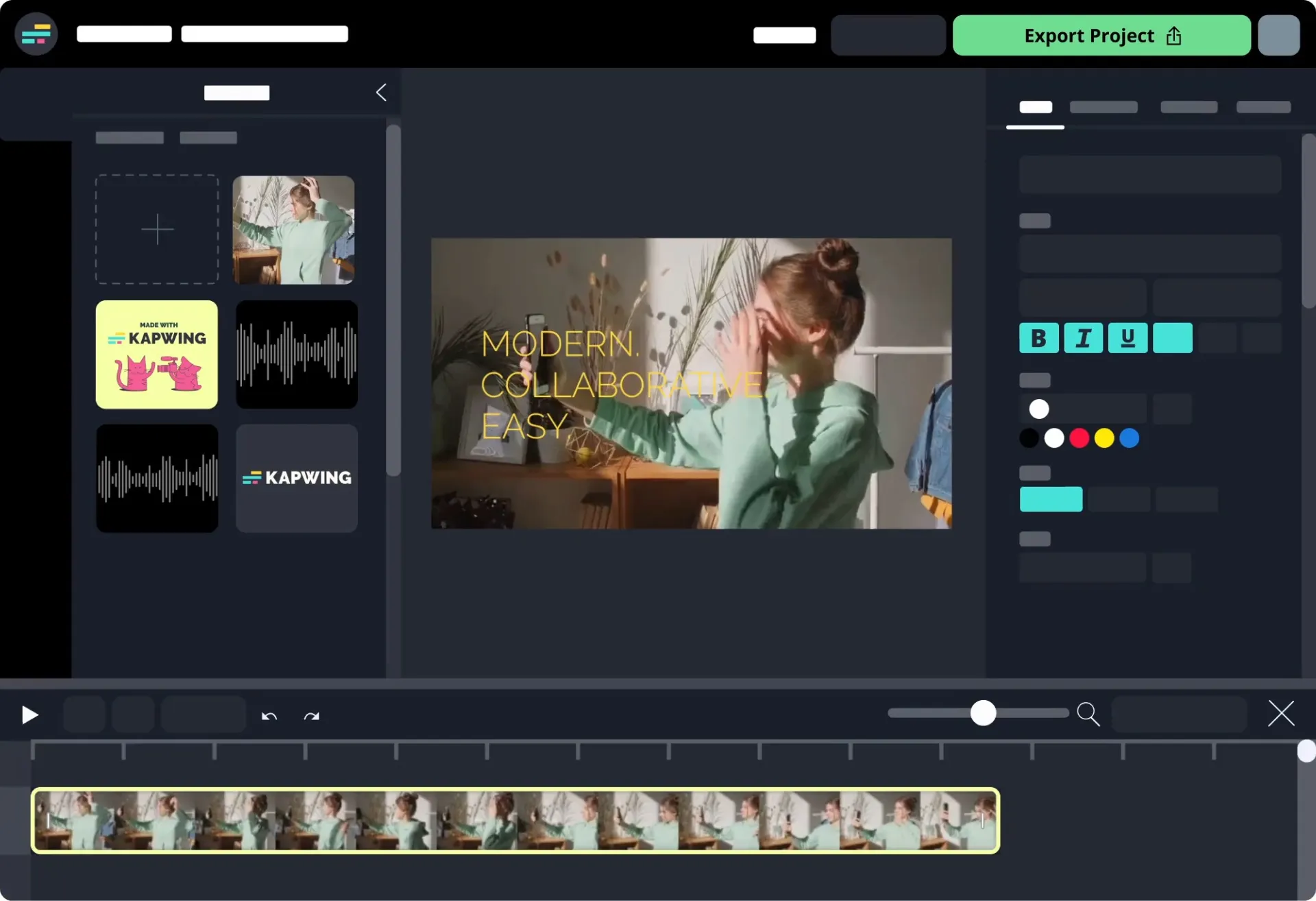
Speed up your workflow with AI tools
Create vertical videos faster with AI tools designed for short-form content. Have Kapwing AI analyze your video to find highlights and intelligently reframe them for a vertical canvas. Transform a landscape video into vertical by adding a blurred background or using the drag-and-drop interface to Zoom and Crop.
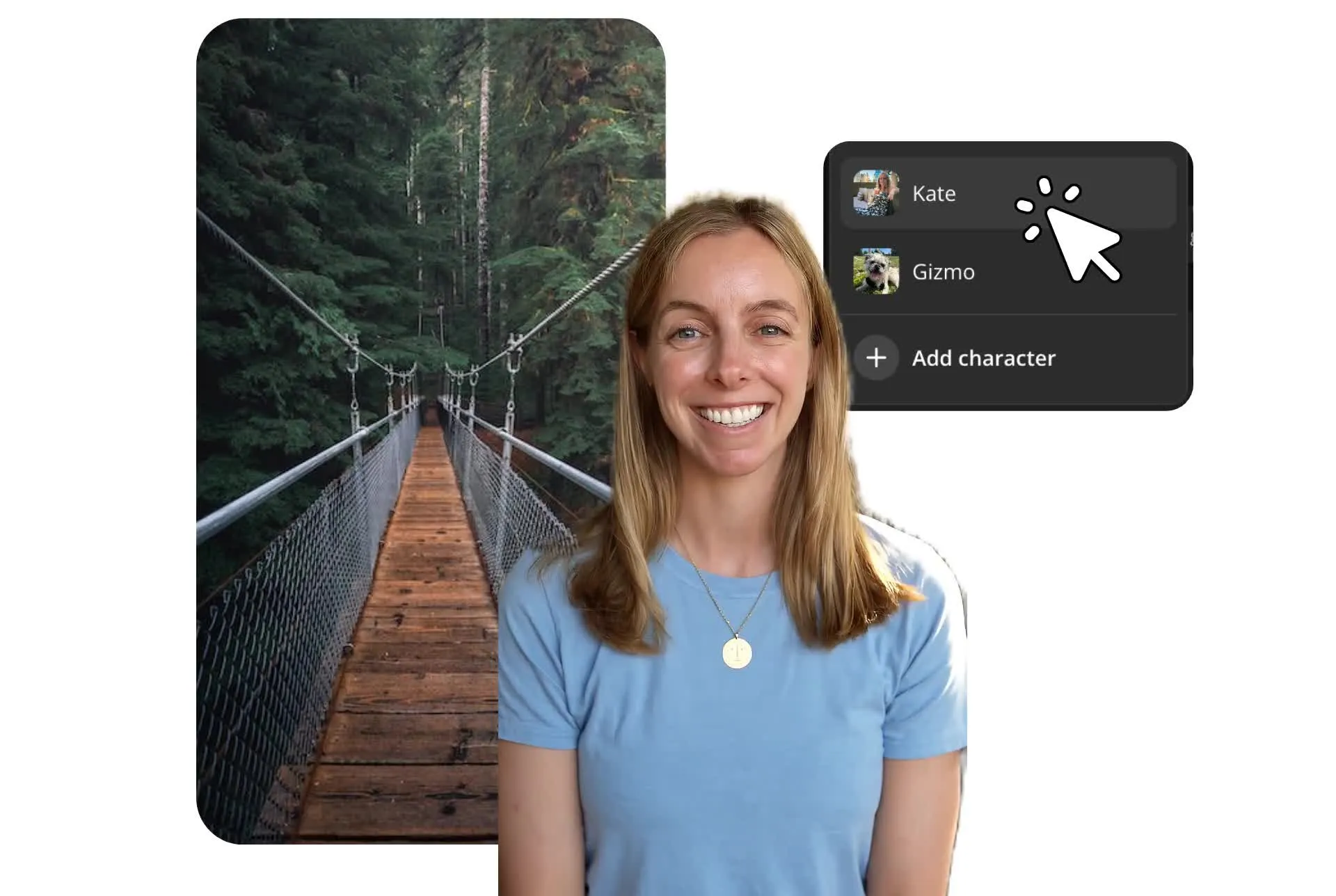
Skip filming and generate 9:16 video clips through the built-in prompt to video tool. Clone your voice or turn yourself into a reusable character, then generate ready-to-share vertical videos with custom voiceovers.
Edit short-form videos collaboratively
Keep vertical video projects moving with mobile-friendly collaborative editing built for content creator teams and client workflows. Create, edit, and leave feedback in real time on full-screen videos from your computer, iPhone, or Android.
Keep TikTok and Reels videos on brand and platform-specific with a shared Brand Kit for logos, fonts, subtitle styles, and colors. Upload assets once, organize them in your in-studio media library, and make it easier for your team to create consistent social content.
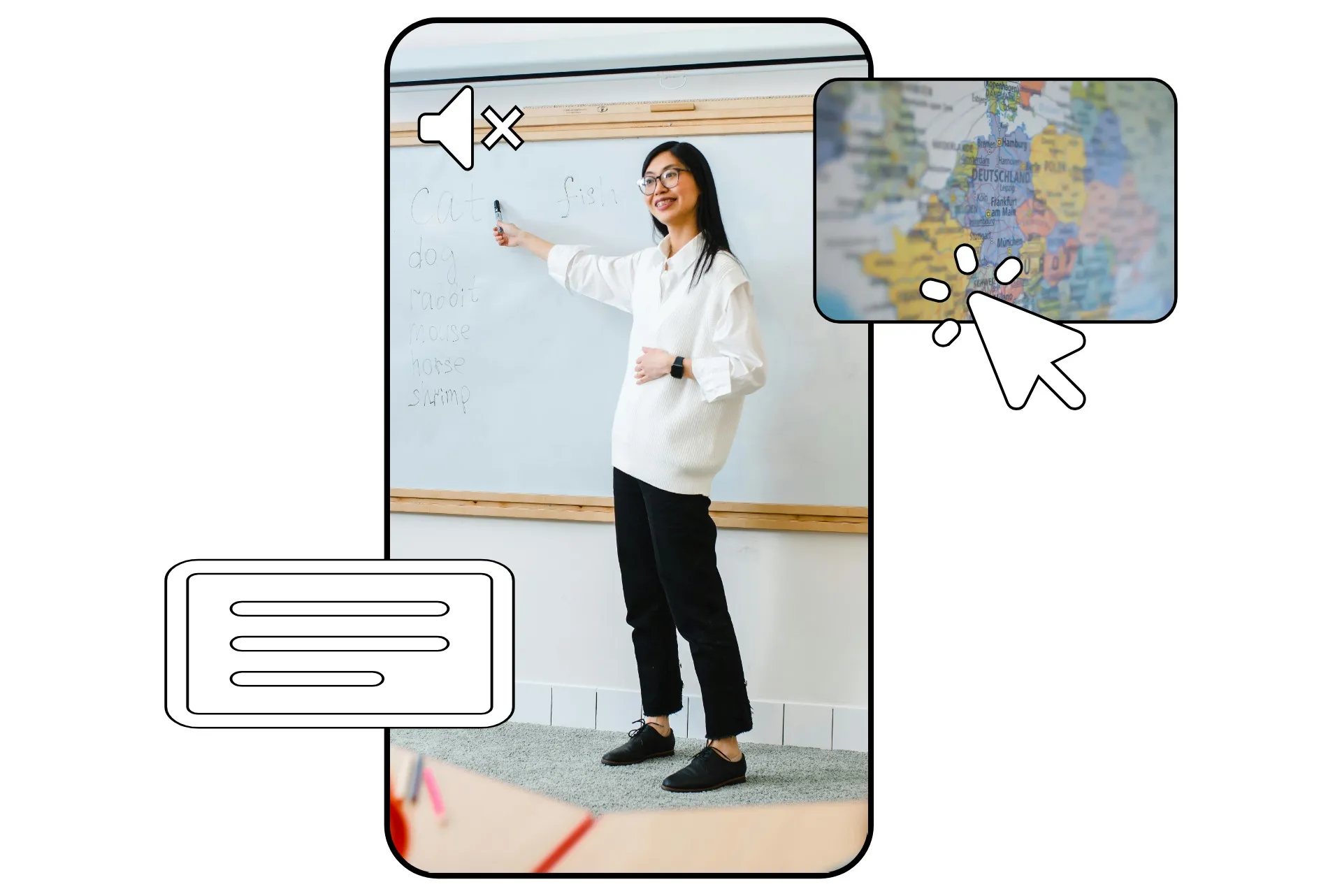
Create vertical videos for every platform
Trusted by 35M+ creators worldwide. Download in up to 4K.

Interview and Podcast Clips
Podcasters convert long-form conversations into short vertical video clips with captions and speaker tracking, making it easier to grow audiences across TikTok, Reels, and YouTube Shorts

YouTube Shorts
YouTubers use the vertical video editor to transform existing content into 9:16 YouTube Shorts format, extending the reach of every upload without creating new content from scratch
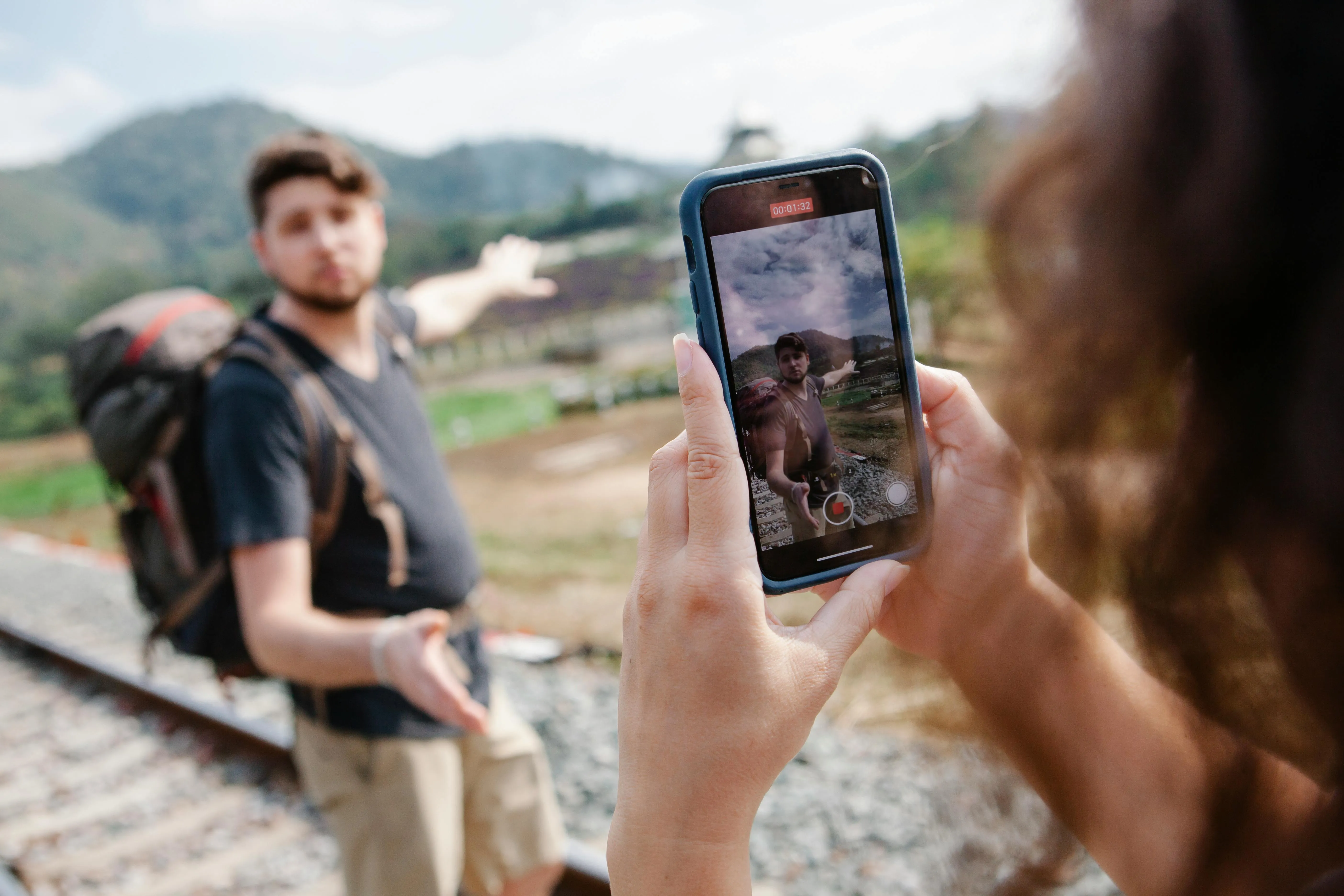
Social Posts
Social media managers create consistent vertical video content for multiple channels, resizing footage and adapting creative for each platform's preferred vertical video dimensions
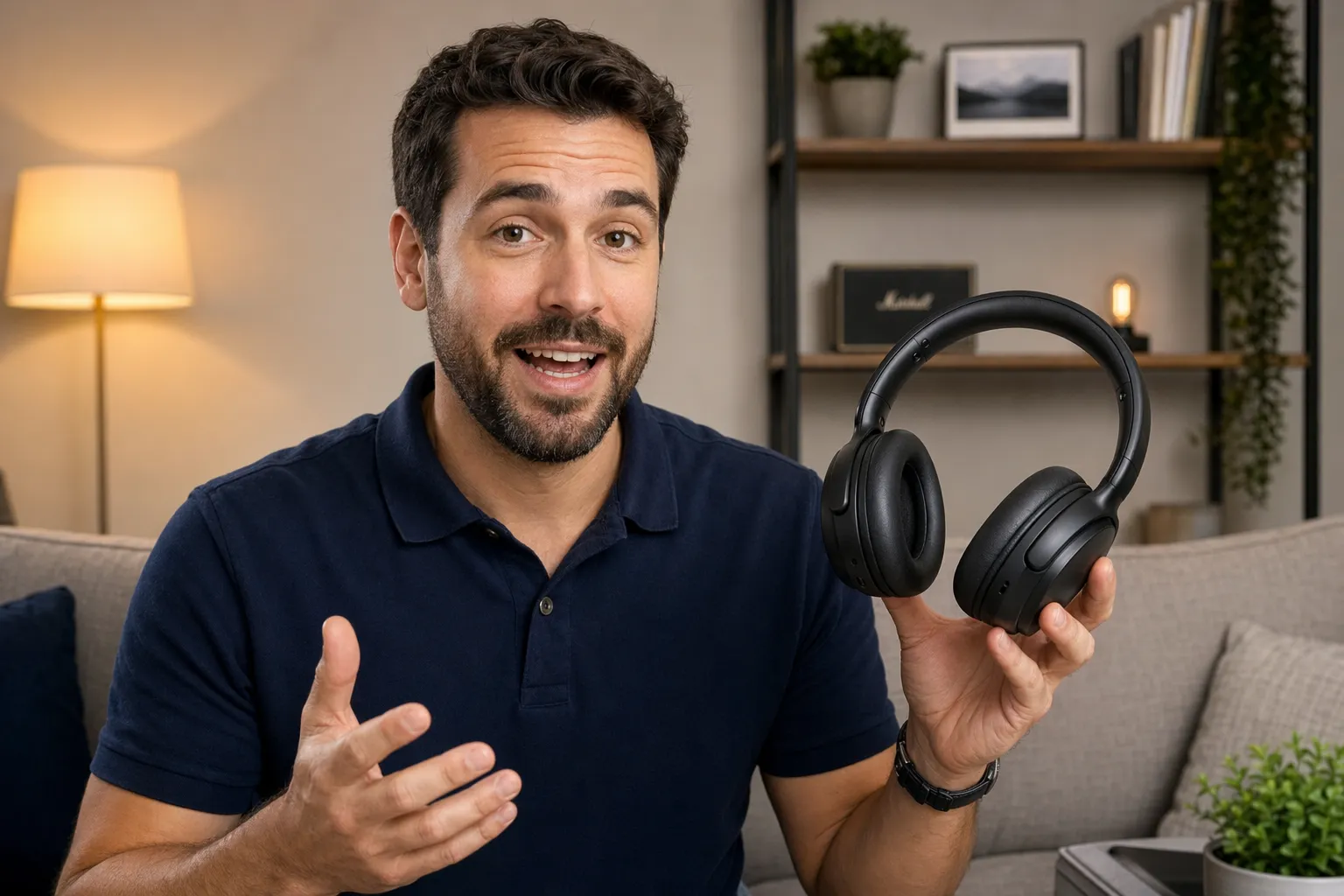
Product Demos
Product marketers turn walkthroughs and feature announcements into engaging vertical videos that help explain products quickly across social and mobile-first channels
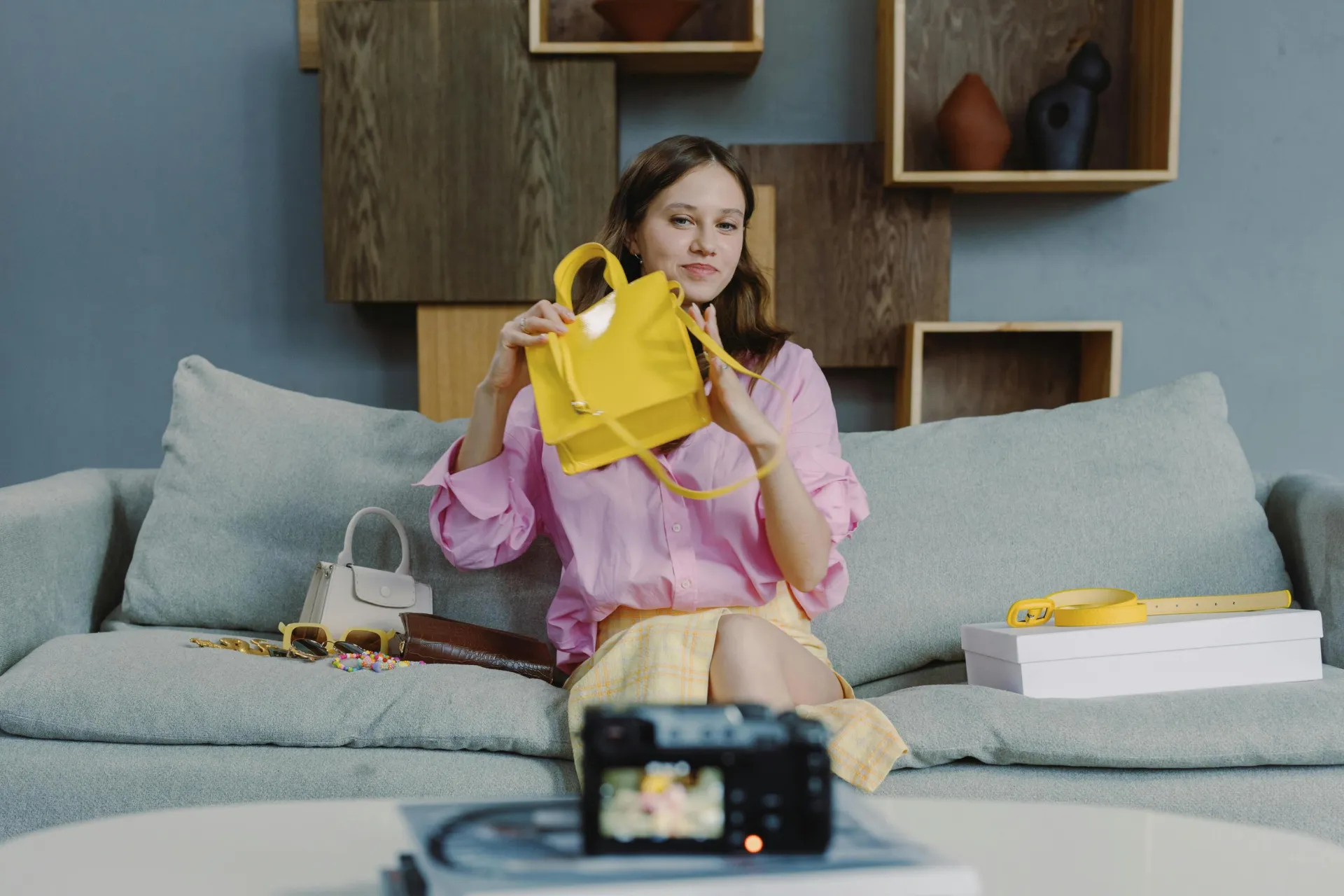
UGC Ads
UGC creators and advertising teams edit customer testimonials, product reviews, and promotional videos into short-form content designed for paid social campaigns

Sales Outreach
Sales reps create personalized vertical video messages that stand out in mobile inboxes and help build stronger relationships with prospects
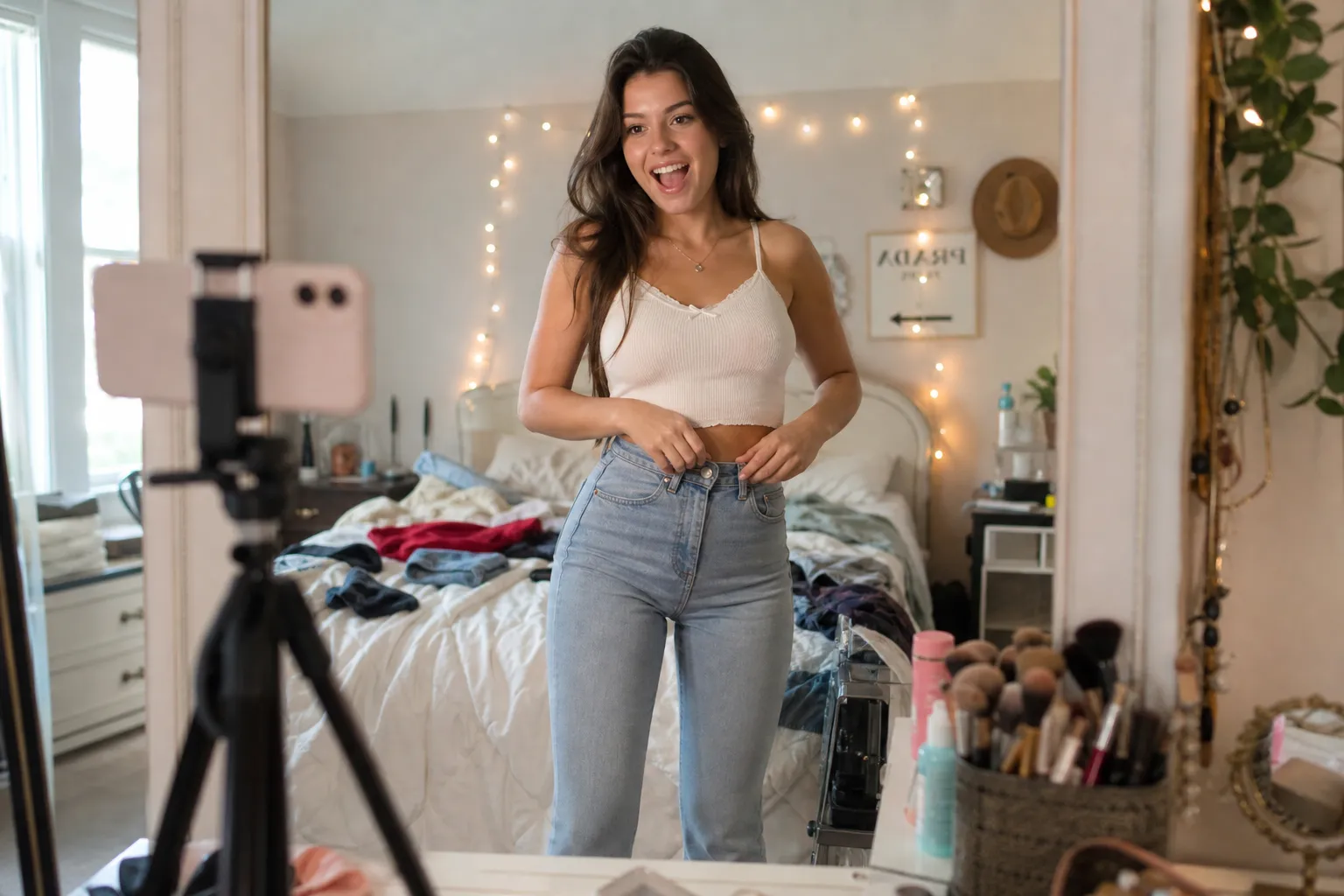
Vlogs
Vloggers use the vertical video editor to create mobile-first content from daily recordings, maintaining consistent formatting across platforms

Event Highlights
PR executives and marketers transform event footage, keynote sessions, and media appearances into shareable vertical videos for social distribution
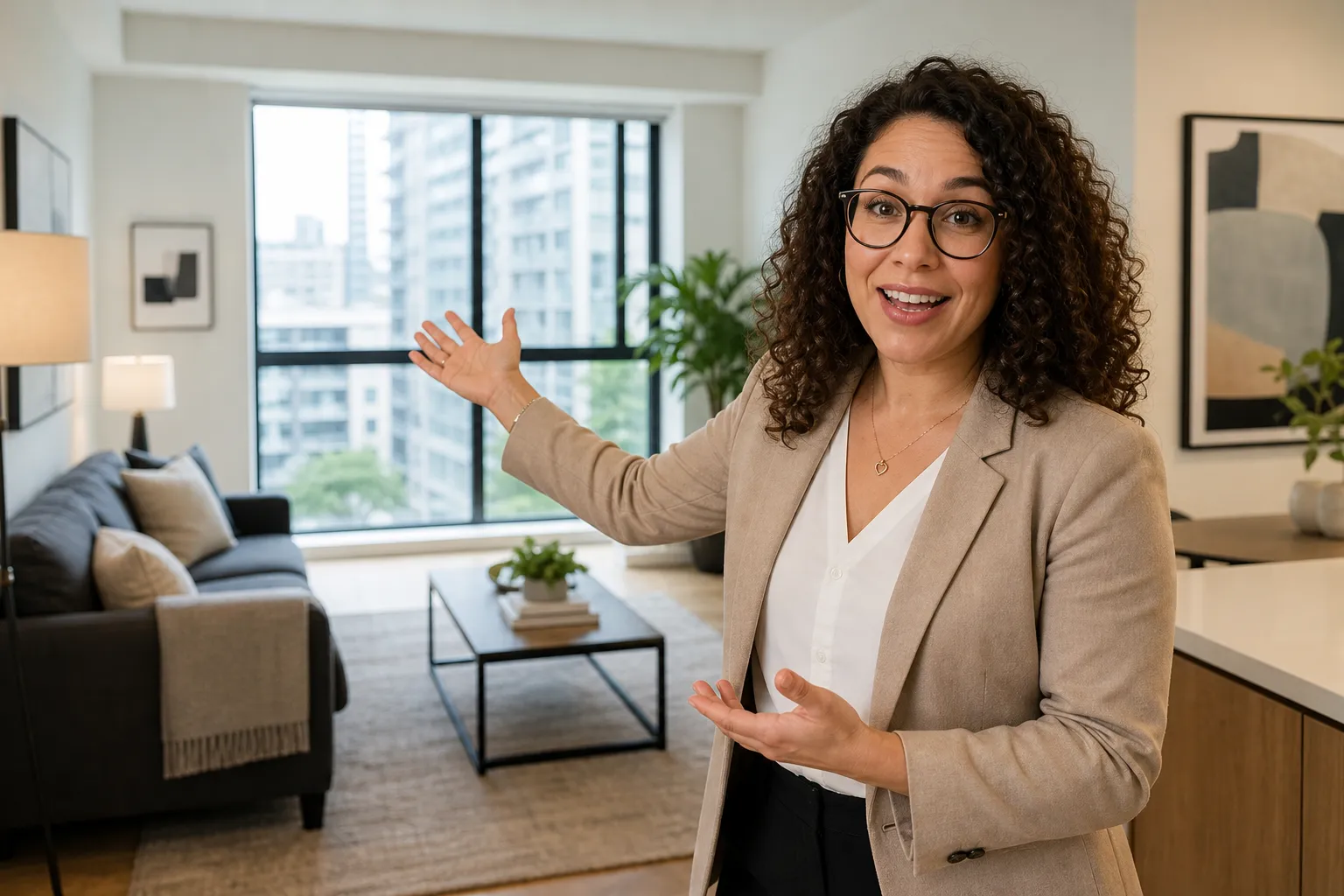
Real Estate Tours
Realtors produce vertical property walkthroughs optimized for social media feeds, helping listings reach more potential buyers

Translation Projects
Translation teams adapt vertical videos for international audiences by combining subtitles, captions, and localized edits into a single workflow

Brand Updates
Customer success teams share product updates, onboarding tips, and feature highlights through vertical video content that is easy for customers to watch and understand
Already transforming video creation across industries
Hear directly from the teams who publish faster, collaborate better, and stay ahead.


How to Create a Vertical Video
- Step 1Create project
Open the Kapwing Studio and create a new project. Choose the 4:5 or 9:16 canvas aspect ratio for a vertical video.
- Step 2Edit video
Upload videos and click to add them to your project. If needed, crop to a vertical format, then continue editing.
- Step 3Export & share
When you're ready, click "Export project" in the upper right to download your video as MP4, MOV, or WebM. You can also share directly to TikTok or YouTube Shorts.
What's different about Kapwing?



Frequently Asked Questions
We have answers to the most common questions that our users ask.
Is the Vertical Video Editor free?
Yes, Kapwing's Vertical Video Editor is free for all users. For access to the full range of professional tools, including AI-powered tools like Upscale, Remove Background, and Speaker Focus, upgrade to a Pro account.
How to create vertical videos with Kapwing
To make vertical videos, create a new project in the Kapwing Studio. Select a 9:16 or 4:5 canvas size and click or drag to upload your footage. You can resize any individual clip by selecting it in the timeline or canvas and clicking "Crop" in the righthand sidebar. Add text overlays, use automatic subtitling, and apply social media safe zones for TikTok or YouTube.
When you finish editing, click "Export project" at the upper right to download or share your video straight to social media.
What vertical video dimensions should I use?
The standard recommended vertical video dimensions are 1080 x 1920 pixels. The vertical video aspect ratio needed for social platforms like TikTok, YouTube Shorts, and Instagram is 9:16, but Kapwing also has easy presets for 4:5 (Instagram posts) and 3:4 (Threads posts).
When should I use 9:16, 4:5, or 3:4 aspect ratios for videos?
Use a 9:16 aspect ratio when creating full-screen vertical videos for app platforms like TikTok, YouTube Shorts, Snapchat, and Instagram Reels. This vertical video format fills the entire mobile screen, helping maximize visibility and engagement while providing the most immersive viewing experience.
Use a 4:5 aspect ratio for content posted to Instagram feeds, LinkedIn, Facebook, and other scrolling feeds where slightly shorter videos often fit better within the platform layout. If you're unsure which format to choose, a vertical video editor can quickly resize your content between 9:16 and 4:5 dimensions, making it easy to optimize videos for every platform.
3:4 offers a balance between vertical and traditional video formats, making it useful for tutorials, presentations, and repurposed content where preserving more of the original frame is important. It provides a portrait viewing experience without requiring the tighter crop often associated with 9:16 videos.
How to make a horizontal video vertical
To make a horizontal video vertical, you'll need to either add a blurred background above and below your land scape video or use a combination of zoom and crop tools.
You can do this in the Kapwing Studio by creating a new project and uploading your video. Then click "Resize project" in the top right sidebar to crop video to vertical. Select "Vertical" from the size dropdown or choose your preferred vertical aspect ratio, including 4:5 for Instagram posts or 3:4 for Threads posts. You can also choose "Custom size" and type in the exact width and height you need in pixels.
Next, choose your crop settings. "Fill and Crop" will crop the edges of your video, keeping the speaker or subject centered while removing the space around them. "Fit to Center" keeps your entire video intact and adds either a canvas blur or a color of your choice as padding. Click "Resize Project" to crop video to vertical.
You can also make a vertical video horizontal using the same process.
What is vertical video?
Vertical video is a video format that is taller than it is wide, typically using a 9:16 aspect ratio. Unlike traditional horizontal video, vertical videos are designed to fill a smartphone screen when viewed upright, creating a more immersive viewing experience without requiring users to rotate their device.
As mobile viewing has become the dominant way people consume content, vertical video has become the standard format for short-form platforms like TikTok, Instagram Reels, YouTube Shorts, Snapchat, and Spotify video clips. A vertical video editor makes it easy to create, resize, and optimize content for these platforms, whether you're recording on a phone or converting existing footage into a vertical video format.
What platforms are best for vertical videos?
The vertical video format performs best on mobile-first platforms where users naturally scroll through content in portrait mode. TikTok, Instagram Reels, YouTube Shorts, Snapchat Spotlight, Facebook Reels, LinkedIn video posts, Pinterest Idea Pins, and Spotify video clips all prioritize vertical video because it occupies more screen space and often leads to higher engagement.
Creators, brands, and businesses frequently use a vertical video editor to adapt content for multiple channels at once. Whether you need to convert horizontal video to vertical, adjust vertical video dimensions, or create platform-specific versions, vertical content helps maximize reach across today's most popular social media and video-sharing platforms.
Can I edit vertical videos on my phone?
Yes, you can edit vertical videos right from your mobile browser, including on iPhone or Android devices. Create, trim, resize, and publish vertical videos without downloading an app. Whether you're editing footage you've just recorded or updating an existing project, you can access the same editing tools from your phone, tablet, or desktop device.
Discover Resources
Tips, templates, and deep dives to help you create faster and share with confidence.
View all


Get started with your first video in just a few clicks. Join over 35 million creators who trust Kapwing to create more content in less time.