Instagram Reels Editor
Edit, resize, and export a ready-to-post Reel in minutes. Upload MP4 or MOV to start for free.
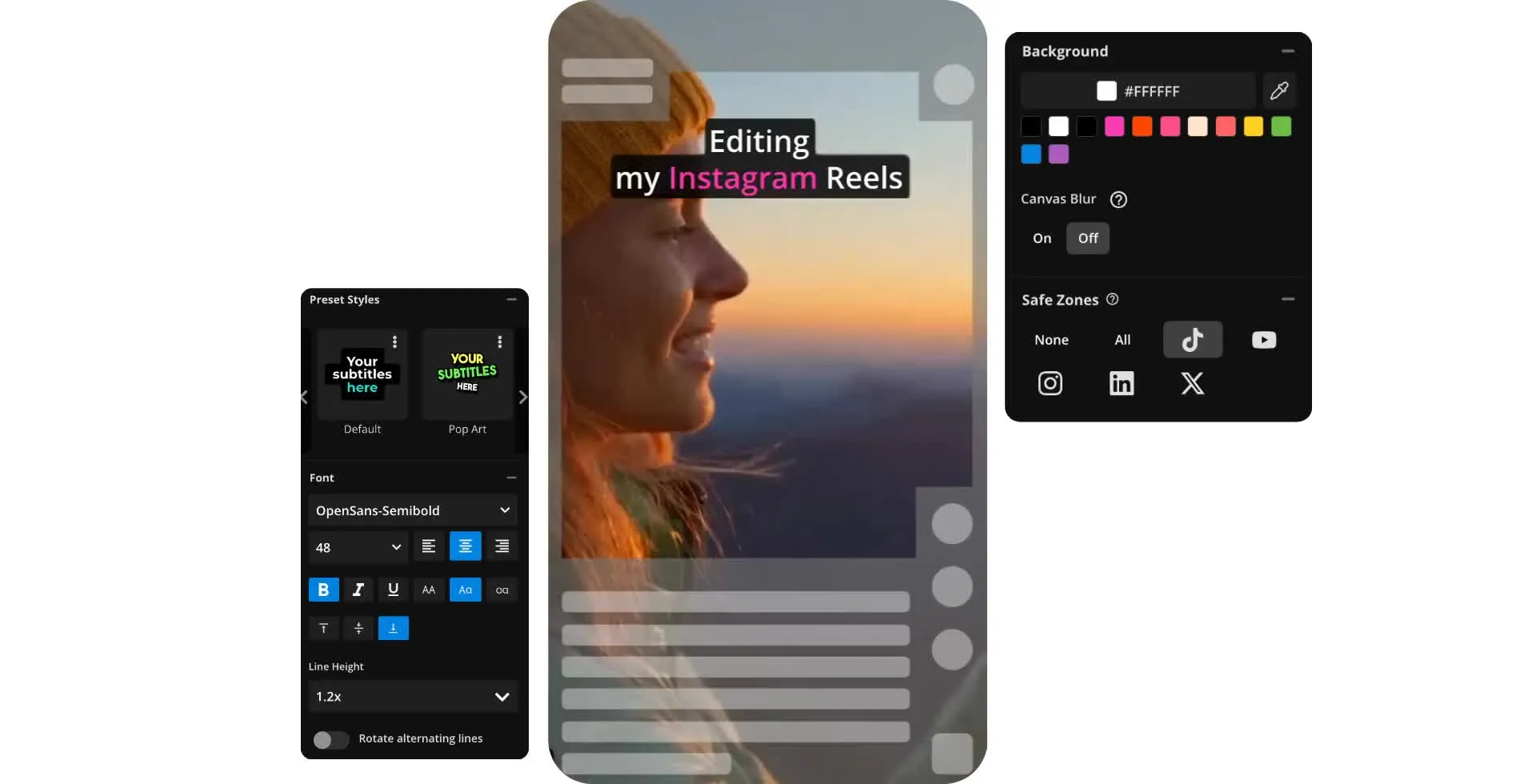
Edit viral Instagram Reels — from your browser
Turn footage into polished Reels with a free online editor
Create more Reels in less time
Speed up your editing workflow with a video editor designed for Instagram Reels, including preset 9:16 aspect ratio and automatic subtitles. Kapwing’s free online Instagram Reels Editor works on desktop and mobile, so you can edit faster without losing creative control. From precise trimming to multi-clip editing, it includes the tools you actually need to produce polished Reels.
Use the timeline to trim, split, and reorder clips in seconds, or batch-edit multiple videos at once. Keyboard shortcuts and right-click controls keep your workflow efficient—whether you’re refining a single Reel or managing a full content calendar.
Start with footage from YouTube, TikTok, or your camera roll, or build something new from scratch. Edit manually for full control, or let AI identify your best moments and generate a first cut. When you’re ready, export as a ready-to-publish MP4.

High quality Instagram Reels — fast
Consistency matters on Instagram, but keeping up with Reels can be time-consuming. Kapwing helps you maintain high production quality while scaling your output.
Use preset 9:16 formatting optimized for Reels, plus a one-click safe zone to keep text, captions, and visuals perfectly framed. Create sharp, engaging content that looks polished and Instagram-ready, without complicated tools or expensive software.
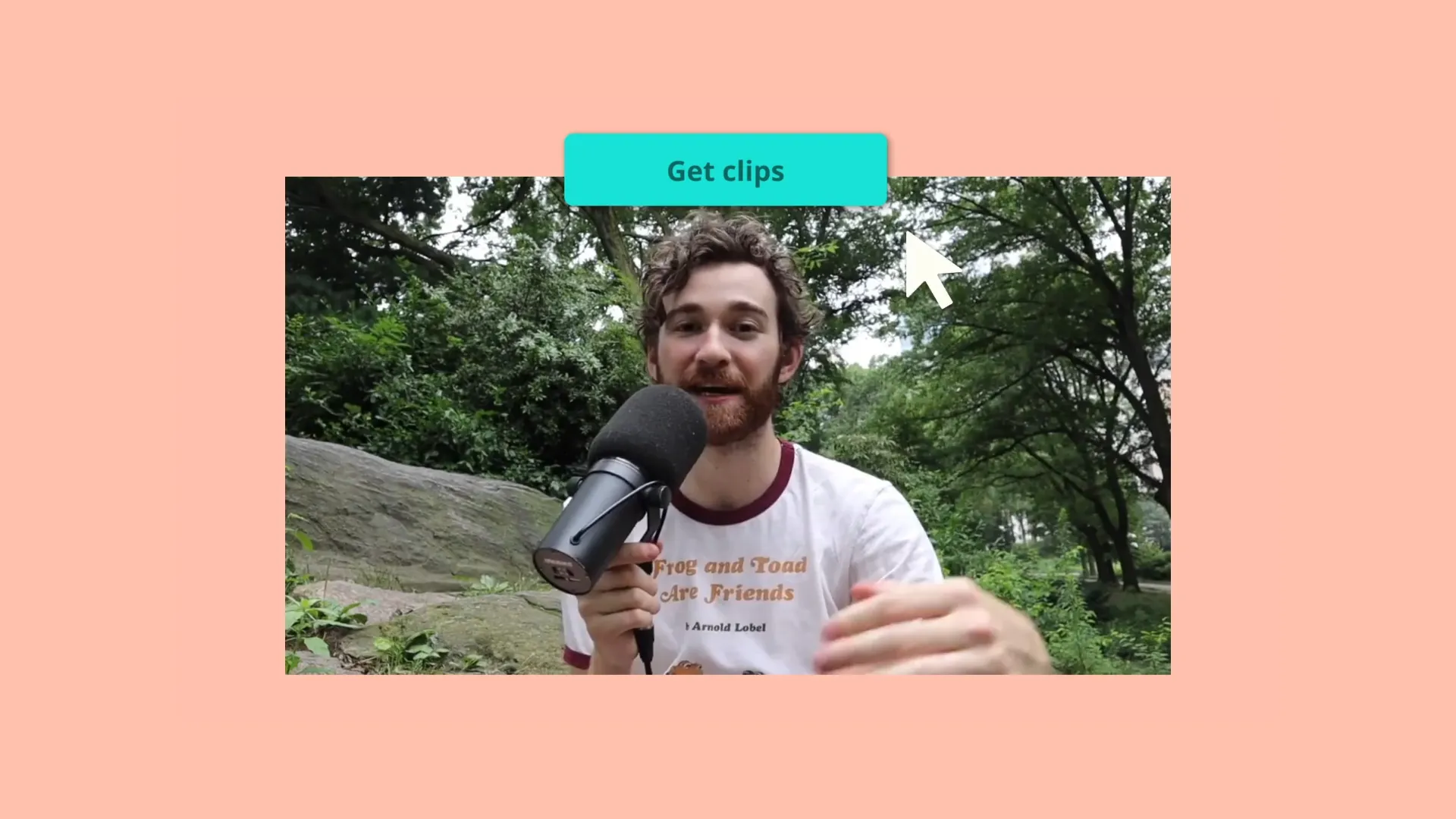
Create Reels without recording your voice or showing your face
There’s no need to hop in front of the camera, fuss with ring lights, or attempt to record the perfect audio. Kapwing's built-in AI tools can take you from idea to published Reel without filming.
Kapwing’s text-to-speech feature makes it easy to produce high-quality faceless videos in minutes. Try the AI Script Generator for fresh ideas or enter your own script and select from one of our realistic AI voices to recite it for you naturally. Overlay royalty-free songs and sound effects from our stock library, or generate your own audio with Kapwing AI.

Already transforming video creation across industries
Hear directly from the teams who publish faster, collaborate better, and stay ahead.


Stand out on Instagram Reels with unmatched editing features
Create Instagram Reels with automatic subtitles, customizable brand templates, and a workspace for video clips
Hook your audience with scroll-stopping subtitles
Subtitles are an absolute must for beating the algorithm for Instagram Reels and getting more eyes on your video content. Kapwing autogenerates subtitles so you never have to spend time typing them out for engaging content.
Edit the subtitles as needed and choose from one of our existing styles. Or, create your own look with options for fonts, colors, shadows, and animation.

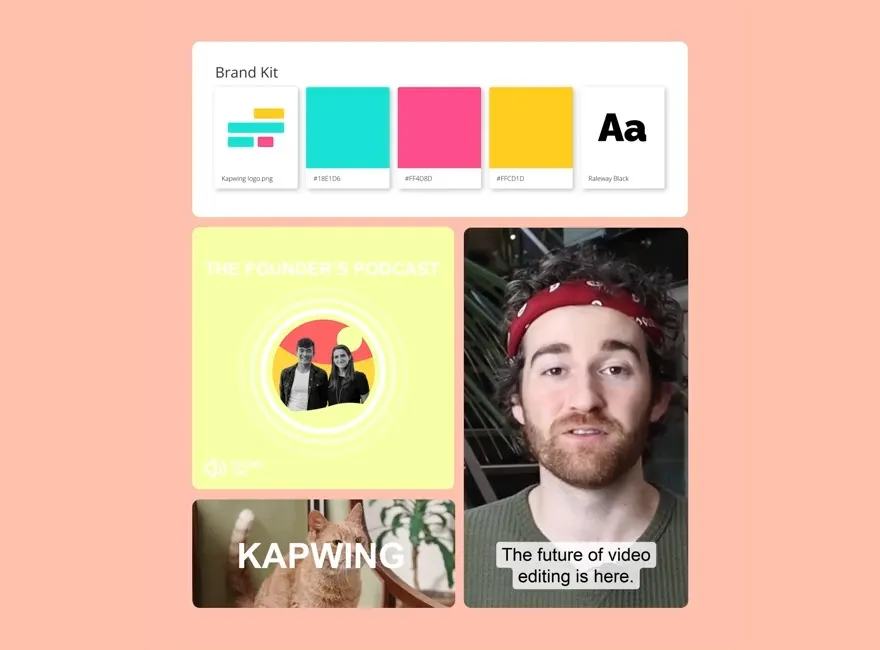
Create and save your own branded templates for future Reels
With Kapwing, you can store your favorite subtitle styles, video intros, AI voices, and more as branded presets. Teams can save their own brand templates and add personal touch to each video.
Speed up teamwork while maintaining brand consistency with our professionally designed templates. Save time as an individual creator or eliminate handoffs and confusion while editing as a team.
Edit your Reels as easily as editing a text doc
Win time back from dragging the playhead around to find the perfect spot to trim or split a video. Upload a video, autogenerate an accurate transcript, and then edit that transcript to make the perfect Instagram Reel.
Kapwing removes the corresponding footage for the text you delete. No tedious manual editing required.

Start with a Template
Get inspired for your next Reel. Replace the content with your own.

What's different about Kapwing?



How to Make Instagram Reels

- Step 1Upload video
Start a new project in the Kapwing Studio and click to upload your video.
- Step 2Edit Reel for Instagram
Automatically resize to 9:16, add subtitles, and edit the style. Overlay the Instagram Reels safe zone using the sidebar.
- Step 3Download and share
When you're finished editing, click "Export project" to download your Instagram Reel as a ready-to-share MP4 file.
Frequently Asked Questions
We have answers to the most common questions that our users ask.
Is the Instagram Reels Editor free?
Yes, Kapwing's Instagram Reels Editor is free for all users. Creators can use Kapwing to add images, background music, and smooth transitions — all for free.
Is there a watermark on exports?
If you use Kapwing on a Free account, then all exports — including the Instagram Reels Editor — contain a watermark. Once you upgrade to a Pro account, the watermark is completely removed from your creations.
How do you edit video for Instagram Reels?
Easily create Instagram Reels with Kapwing's Video Editing suite. Create a new project, then click or use the drag-and-drop tool to upload your videos and images. In the righthand sidebar, click to apply the Instagram Reels safe zone to ensure captions and titles stay visible. Use a one-click tool to automatically transcribe and create subtitles, then adjust every aspect of your subtitle styling, including animations, fonts, and colors, using sidebar tools. Trim, clip, rearrange, and add text, image, and video overlays. Resize to a 9:16 aspect ratio using an automatic tool.
When you're ready, click "Export project" to save your Instagram Reels as a high-resolution MP4 file, ready to post straight to Instagram. The Kapwing Studio is packed with tools to help content teams reach a broader audience across Instagram and social media platforms like YouTube, TikTok, and LinkedIn.
Does the Kapwing Studio have music and subtitle tools?
Yes, the Kapwing Studio isi built for creating video content with trending background music, realistic voice overs, and accurate subtitles. Teams typically use Kapwing to create a viral Instagram Reel or video content for other social media platforms.
Can I also edit videos for other platforms like TikTok?
Yes, you can repurpose videos for other platforms, like TikTok, YouTube, and LinkedIn, using Kapwing's convenient repurpose tool.
Discover Resources
Tips, templates, and deep dives to help you create faster and share with confidence.
View all


Get started with your first video in just a few clicks. Join over 35 million creators who trust Kapwing to create more content in less time.