4K Video Editor
Edit and download high-resolution 4K video.
Free to start. No watermark with Pro.
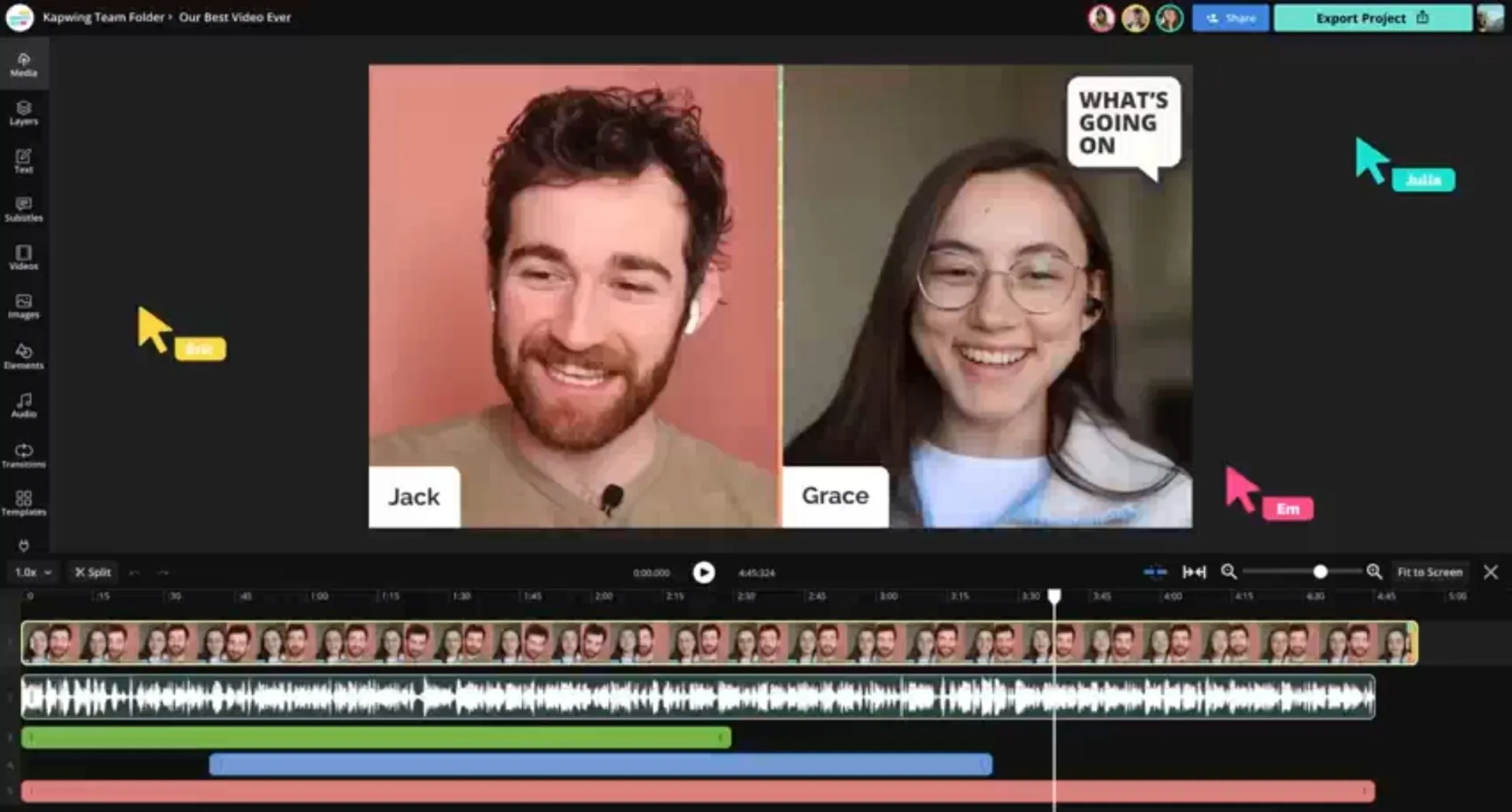
Edit in HD — download in 4K
Create 4K videos in a free online studio. Download as MP4 or MOV.
Edit and export 4K video without losing quality
Create and edit 4K videos online, then export high-resolution content without sacrificing quality. Kapwing’s 4K Video Editor helps you move from first draft to final export faster, with the flexibility to make changes at any stage.
Keep footage in its original 4K resolution throughout the editing process, or use AI upscaling to enhance lower-resolution videos to ultra high-definition. No downloads or extra software required — everything works in your browser.
Publish polished 4K videos to YouTube, download files for professional campaigns, or embed high-quality content on your website. Whether you're creating marketing videos, tutorials, or social content, Kapwing's video editor makes it easy to deliver sharp, professional results.

Create crisp, high-resolution videos online
No watermark on Pro. Start for free in your browser.
Upload
footage in 4K, or use AI upscaling to increase video resolution


Edit
and enhance with 100+ professional tools
Download
your 4K video as MP4, MOV, or WebM
Professional 4K editing — directly in your browser
Edit and enhance high resolution videos online
Edit in 4K from start to finish
Keep your original video quality intact from import to export. Kapwing's 4K Video Editor lets you edit, collaborate, and publish in crisp 4K resolution without compromising clarity.
Trim clips, rearrange scenes, add transitions, adjust colors, and enhance your footage, all in a collaborative online editor. Work with teammates from any device, review changes in real time, and keep projects moving.
When your video is ready, export in 4K and publish anywhere with confidence.
.webp)
Upscale lower-resolution video to 4K
Working with lower-resolution clips? Use AI-powered upscaling to increase video resolution up to 4K, making lower-quality clips look sharper and more consistent alongside newer high-resolution footage. Enhance videos even more with one-click AI tools to fix shaking, background noise, and eye contact issues.
Whether you're combining archival recordings with recent content, preparing videos for YouTube, or creating assets for your website and marketing campaigns, editing in 4K helps your videos look more polished and professional.

Capture attention on every screen
Create videos that look sharp on high-resolution displays, from Retina screens to 4K TVs and professional monitors. Then repurpose your content for every platform without leaving your browser.
Resize a 4K YouTube video for TikTok, Instagram, or Shorts with built-in presets, safe zones, and one-click formatting. Publish directly to social media and keep your workflow moving from creation to distribution.

Built for polished professional workflows
Any aspect ratio, any platform. Trusted by 35M+ creators worldwide.

YouTube Videos
YouTubers use 4K video editing software to trim gameplay footage, add subtitles, and upload sharper videos that hold quality across large screens and TV playback

Podcast Clips
Podcasters make videos 4K-ready by turning studio recordings into high-resolution clips for YouTube, Spotify, and social media. Keep multi-camera interviews crisp for every platform.
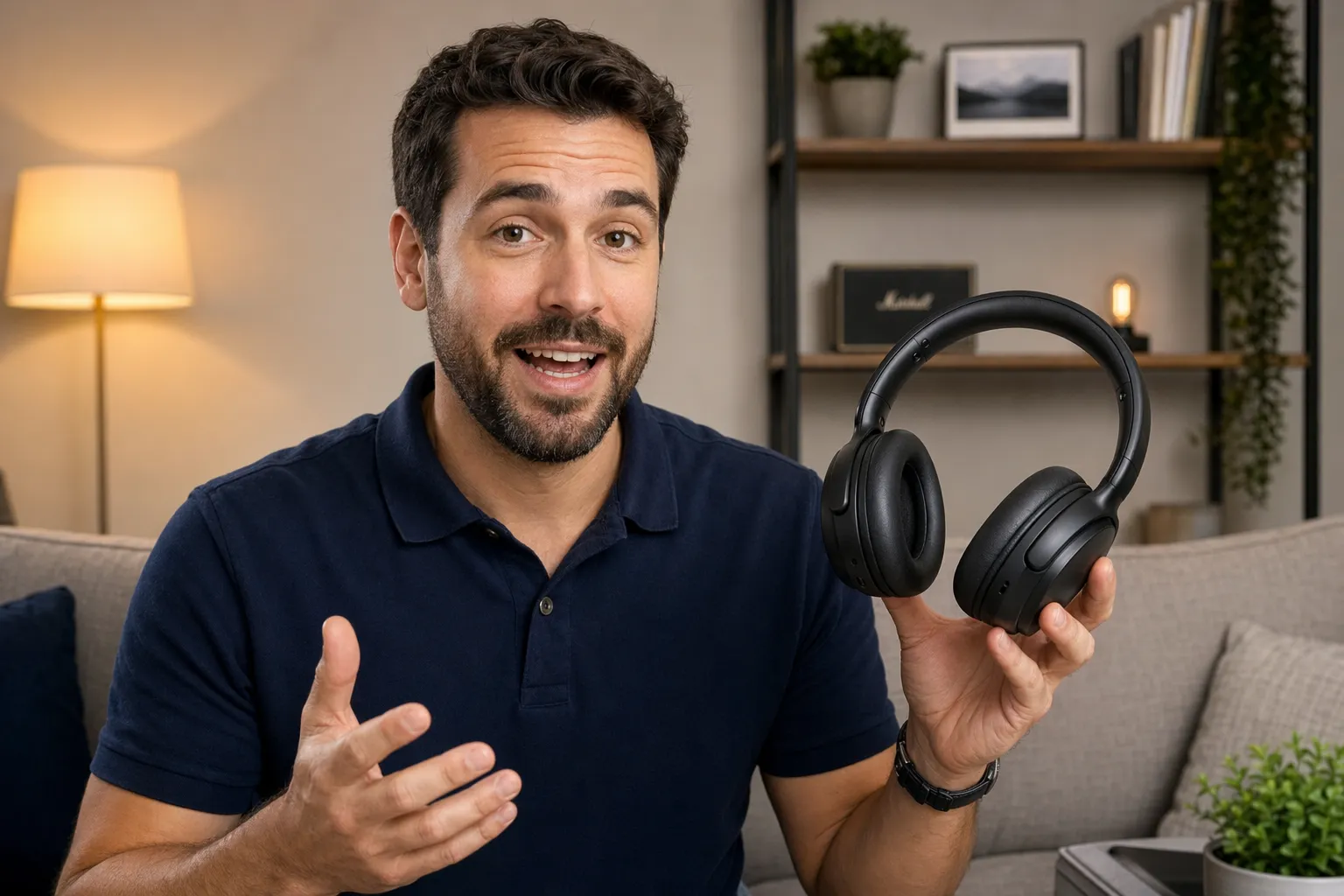
Product Demos
Product marketers and customer success teams use the 4K video maker to showcase software walkthroughs, tutorials, and feature launches with readable text and clean visuals
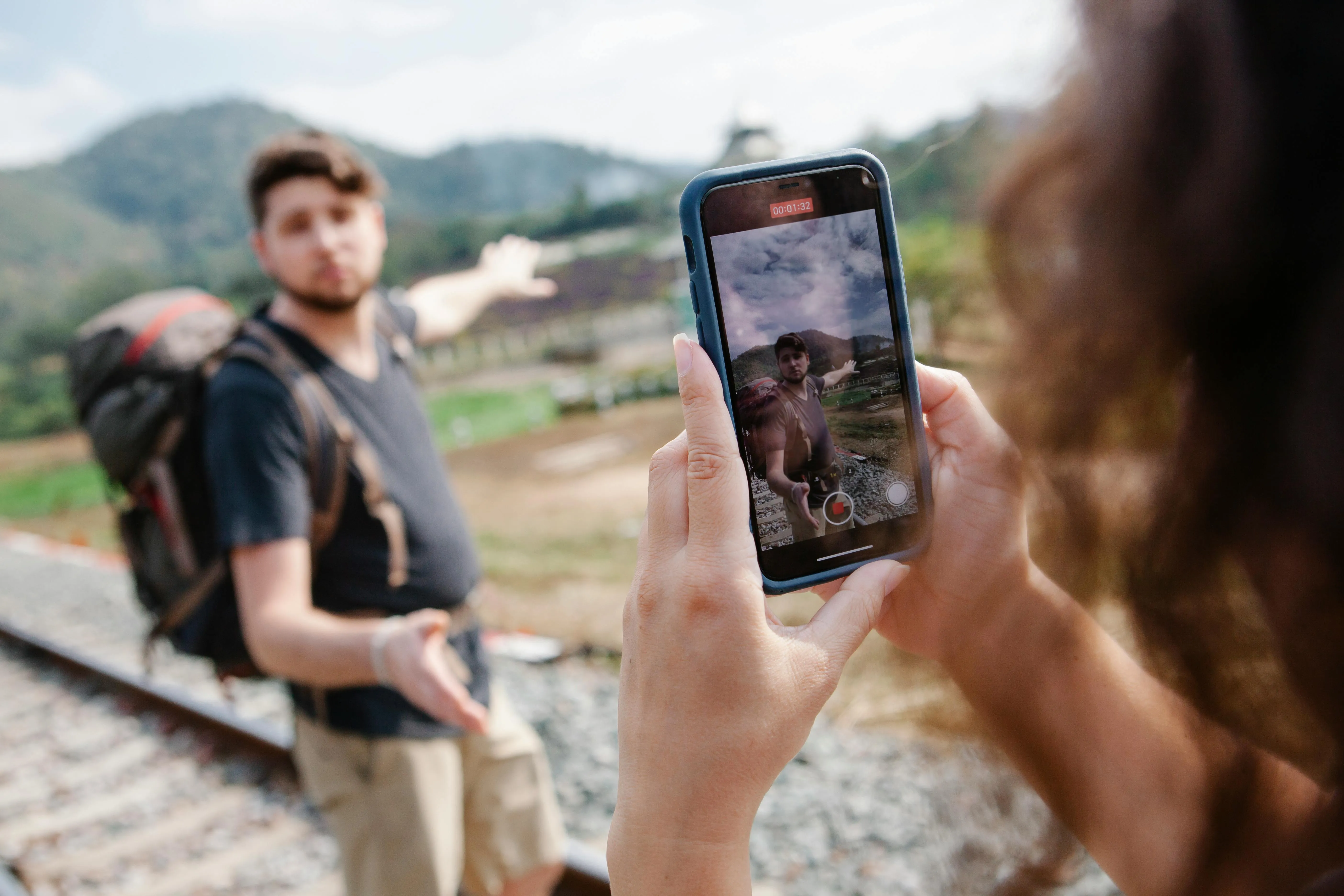
Social Campaigns
Social media managers editing 4K video content can crop, resize, and repurpose footage for TikTok, Instagram Reels, LinkedIn, and YouTube Shorts without sacrificing clarity after export

Interview Content
Journalists and thought leaders use a 4K video maker to edit interviews, remove mistakes, and preserve high-quality footage for documentaries, podcasts, and editorial features

Training & Onboarding
HR teams and L&D departments make video 4K training materials for onboarding and internal education programs. Clearer visuals help distributed teams stay engaged.
How to Edit 4K Video
- Step 1Upload video
Create a project in the Kapwing Studio. Click or use the drag and drop tool to upload your videos.
- Step 2Edit
Use Kapwing's 100+ video editing tools to create your video. Overlay text and images. Trim, cut, crop, and rearrange clips. Upscale any lower resolution footage using AI.
- Step 3Download in 4K
Click "Export Project" and ensure the resolution dropdown is set to 4K. Click to download your video in 4K resolution.
What's different about Kapwing?



Frequently Asked Questions
We have answers to the most common questions that our users ask.
Is the 4K Video Editor free?
Yes, Kapwing's 4K Video Editor is free for all users. For access to the full range of video editing tools, including AI-powered tools, upgrade to a Pro account.
Is there a watermark on exports?
If you use Kapwing on a Free account, then all exports — including from the 4K Video Editor — contain a watermark. Once you upgrade to a Pro account, the watermark is completely removed from your creations.
How to edit 4K videos with Kapwing
To edit 4K videos using Kapwing, create a new project in the Studio and click to upload the videos you want to include. If you have lower-quality clips, you can use the AI Upscale tool to increase the resolution up to 4K. Use over 100 professional video editing tools, including adding transitions, removing background noise and silences, and overlaying text and stickers. Apply accurate subtitles, resize for different platforms, and adjust lighting and colors.
When you're ready, click "Export project" and select 4K from the resolution dropdown. Then download your video in 4K to share anywhere.
What is 4K video?
4K video refers to ultra high-definition footage with a resolution of approximately 3840 × 2160 pixels — delivering four times more detail than standard 1080p HD. Creators use 4K video editing software to make videos 4K-ready for YouTube, social media, streaming platforms, presentations, and professional marketing content.
Editing 4K video helps preserve sharpness, improve visual quality, and create more flexibility during editing. Whether you want to crop footage, resize vertical videos, or make 4K quality video for large screens, higher resolution exports keep visuals crisp across every platform. Many creators also use a 4K video maker to future-proof their content and deliver more professional-looking results online.
Does Kapwing support other video sizes and resolutions?
Yes, you can choose your video resolution in the export settings. Leave your resolution on Auto to let Kapwing automatically use the best possible resolution for your project, or choose from 720p, 1080p, or 4K.
Which platforms support 4K uploads?
YouTube and Vimeo both support uploading and streaming 4K videos. You can also upload in 4K to X (Twitter) with a Premium account and to Instagram, TikTok, and Facebook, though you may see significant compression on these platforms.
Can I upload 4K videos using links?
Yes, with the Kapwing Studio, you can paste to upload a video from platforms like YouTube and Instagram. Just create a new project and paste your video link into the link box in the upload window. No need to download — just paste and start editing.
Can I use Kapwing to make videos 4K?
Absolutely, you can use Kapwing's AI Upscale tool to increase your video resolution up to 4K. Upload lower resolution videos, then select "Upscale" in the righthand sidebar.
Can I edit 4K videos on my phone?
Yes, Kapwing works entirely in your browser, so you can edit video from anywhere on your desktop, laptop, tablet, or phone. Open the Kapwing Studio in your mobile browser, then edit and export to your device.
Discover Resources
Tips, templates, and deep dives to help you create faster and share with confidence.
View all


Get started with your first video in just a few clicks. Join over 35 million creators who trust Kapwing to create more content in less time.