Collaborative Video Editing
Edit video collaboratively in a shared online workspace.
Saved brand assets, real-time comments, and cloud storage.
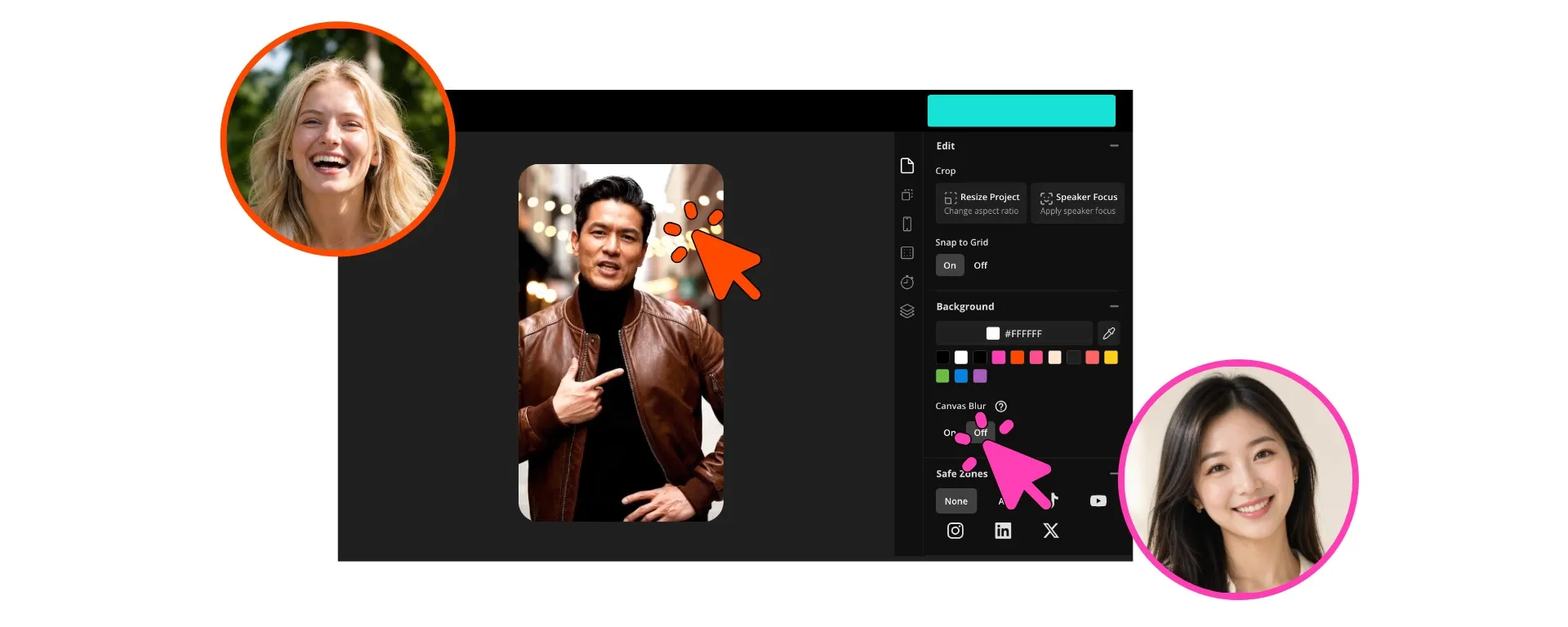
Edit video efficiently — as a team
Collaborate with teammates and clients online. No watermark on Pro.
Share a workspace with your clients and creative team
Create, review, and publish videos faster with a collaborative editing workspace built for modern content teams. Kapwing combines AI-powered editing tools, shared brand assets, and real-time feedback in one browser-based Video Editor, so your team can stay focused on creating instead of managing files.
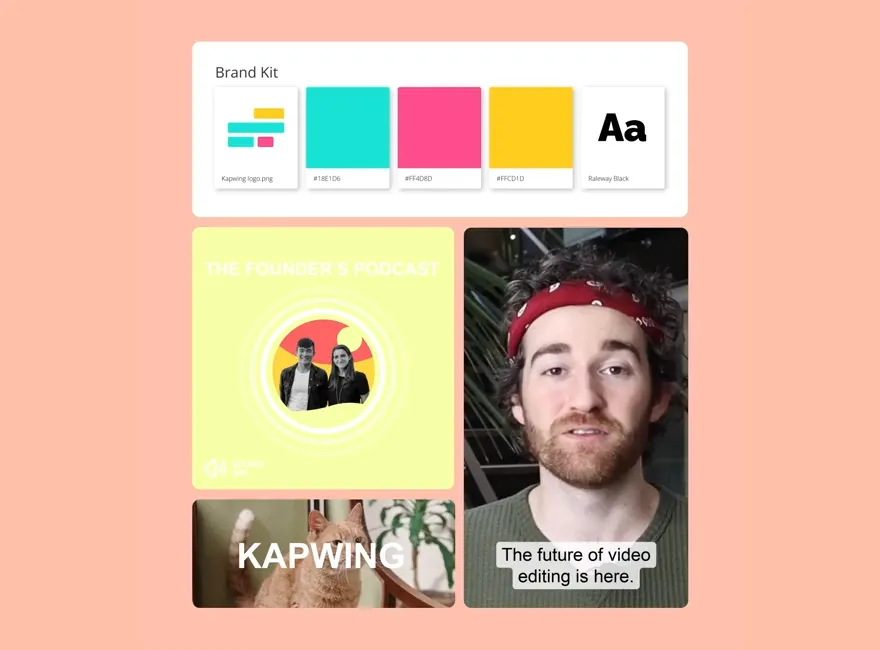
Upload and organize footage in a shared media library, then edit together in real time with tools like automatic subtitles, text overlays, resizing, background removal, and AI-generated B-roll. Leave frame-accurate comments directly on the timeline, share review links instantly, and keep every project aligned with shared fonts, logos, colors, subtitle styles, and templates in your Brand Kit.
From first draft to final publish, Kapwing gives teams everything they need to move faster without sacrificing creative control.
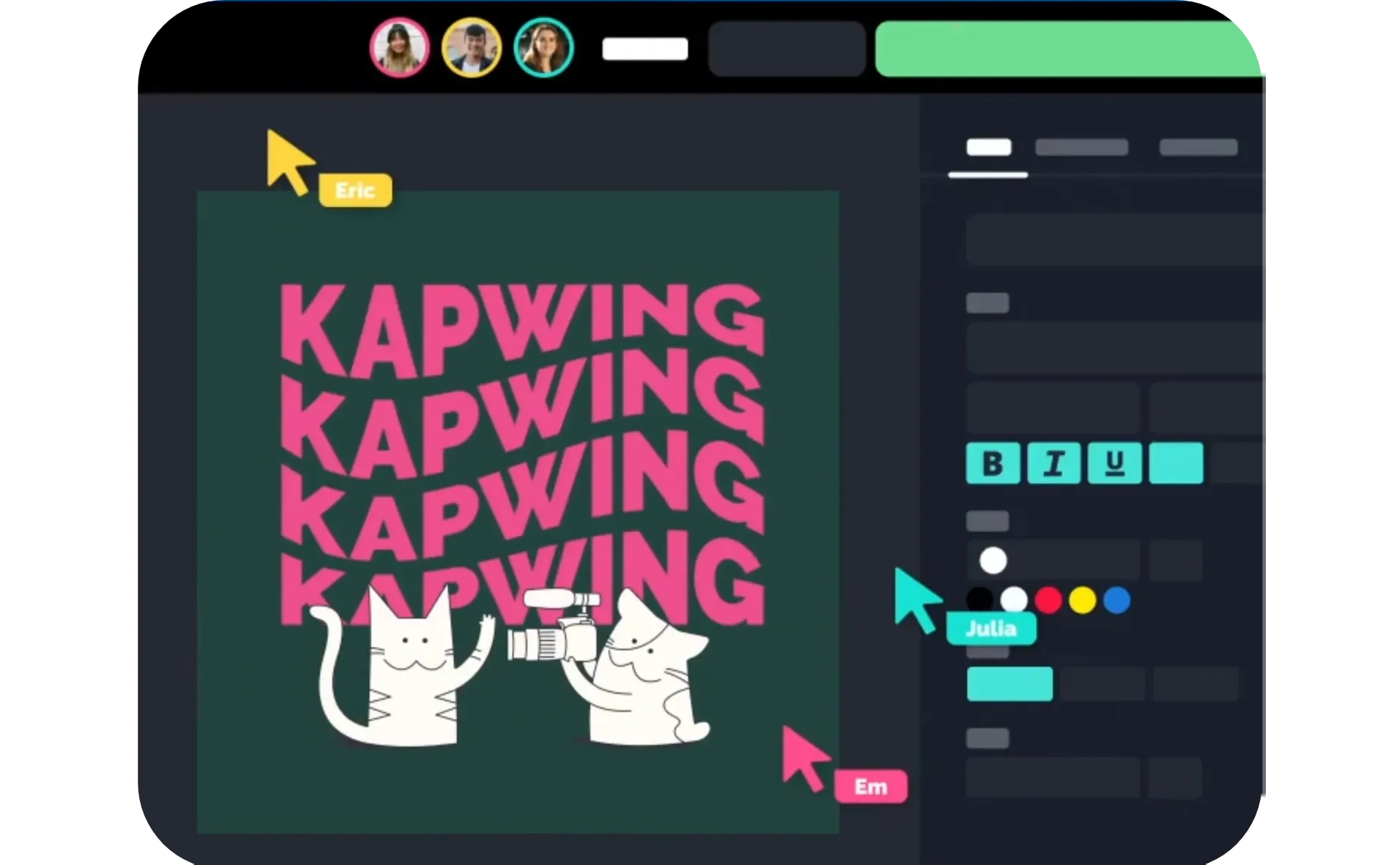
Collaborative video editing for any team size
Start for free in your browser. Download in up to 4K.
Create
a shared workspace with your teammates


Edit
videos simultaneously, with instant comments and shared assets
Share
project or video links for efficient feedback
Collaborative by design
Every tool your team needs to edit efficiently. Trusted by 35M+ creators.
Simultaneous Editing
Shared team projects allow you to edit simultaneously with anyone in your shared workspace

Shared Assets
Upload images, videos, and logos once, then use them team-wide from a shared asset library
Realtime Comments
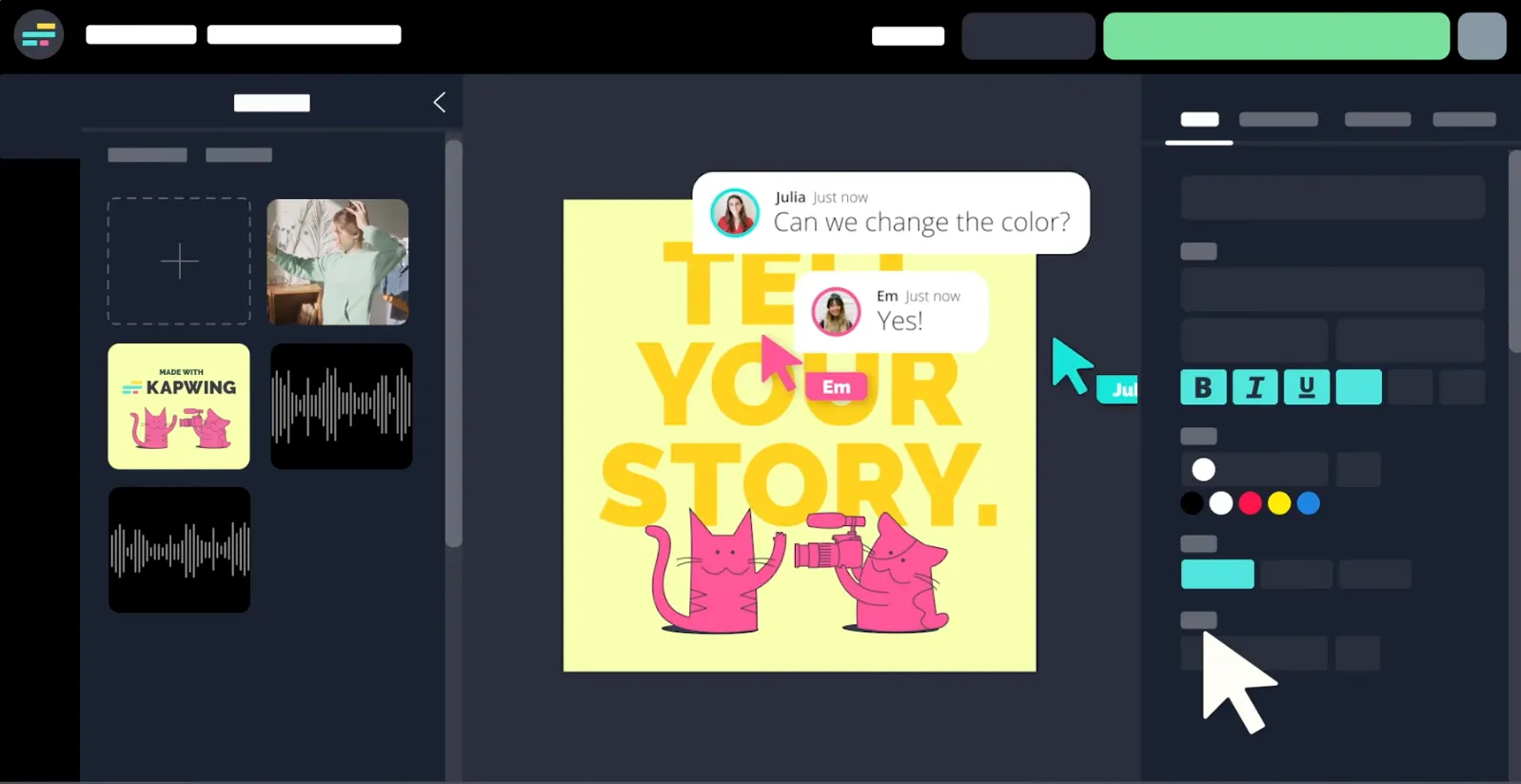
Share projects with managers, clients, or coworkers for instant feedback that you can address without slowing down

Saved Styles
Stay on brand by customizing subtitle styling, brand colors, and fonts for your whole team
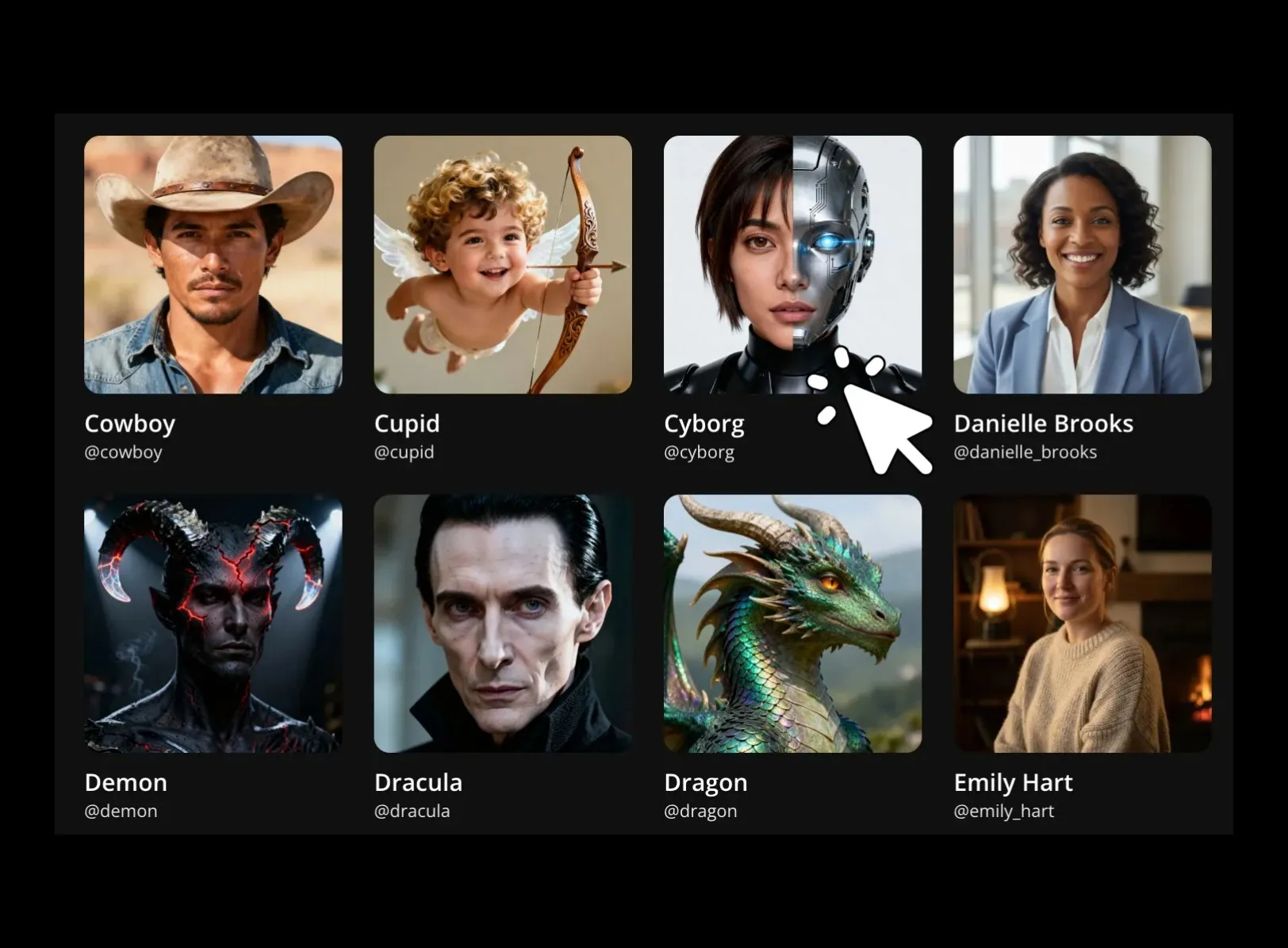
Consistent Characters
Design brand characters or personas and save them for use by anyone on your team

Custom Kais
Build a Custom Kai that applies the same complex prompt to every upload, then create on-brand generations team-wide
Take video projects farther with a fast, flexible editor
Built for efficient teamwork and feedback
Turn feedback into finished videos faster
Review cycles shouldn’t take days. Kapwing’s Video Editor makes it easy for clients and teammates to review, comment, and approve videos in one shared workspace, so projects move faster and everyone stays aligned.
Leave time-stamped comments directly on videos, respond to feedback instantly, and share updates with a simple link. With everyone collaborating in one cloud-based studio, you can move from first draft to final approval in hours, not weeks.
Streamline your workflow with shared assets and projects
Keep your templates, styles, and brand assets organized and ready to use in every project — no switching between tabs or digging through folders. Save a custom subtitle style with your preferred fonts, colors, and animations. Upload a watermark, logo, or icon once to use across projects.
Whether you're creating social clips, marketing videos, or team updates, Kapwing’s Brand Kit helps your team stay visually consistent while reducing repetitive editing work.
Generate on-brand content without rewriting prompts
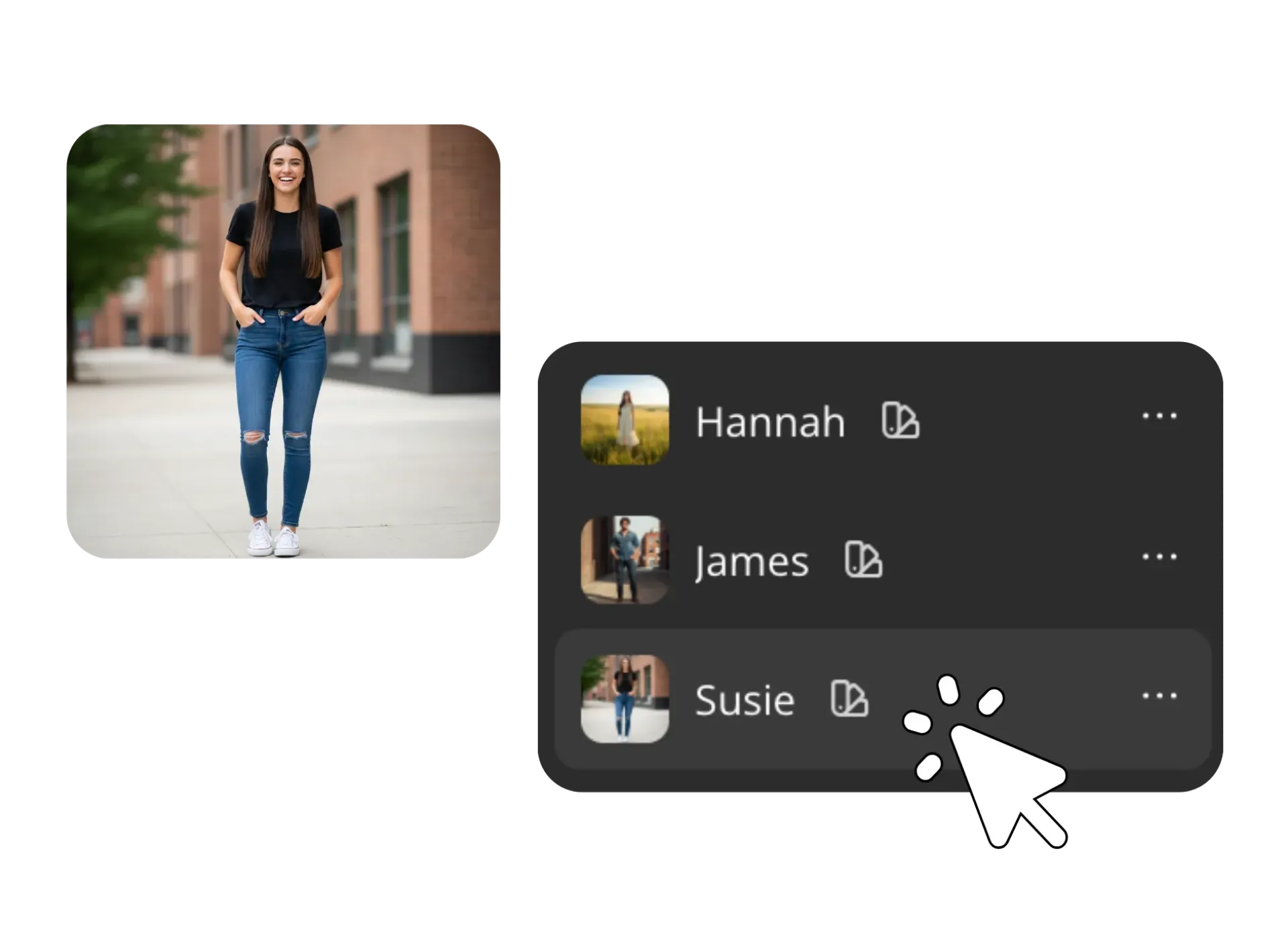
Create consistent AI-generated videos, images, and voiceovers across your entire team. Save custom voice clones as reusable brand voices for tutorials, ads, and social content. Build AI characters and personas once, store them in your shared workspace, and generate new content that stays visually consistent every time.
Instead of re-uploading reference images or rewriting detailed prompts, your team can reuse saved characters, voices, and styles with a click. Just tag a brand character to generate new scenes, marketing videos, or social content that matches your existing creative.
How to Edit Videos Collaboratively
- Step 1Create shared workspace
Create a free shared workspace with your team. Customize your shared workspace with your team's brand logos, colors, and custom fonts. Upload media to your Brand Kit for direct access as you edit videos together.
- Step 2Edit video collaboratively
Explore 100+ collaborative video editing tools to speed up the creative process. Cut and trim video, add background music, and use AI-powered video editing tools.
- Step 3Export and share
Speed through video reviews with real-time commenting features at specific timestamps marked directly on your video timeline. Once you've got your final video approved, export in 1080p or 4K, share via a video URL link, or publish directly to social media.
Explore Kapwing's video editing tools
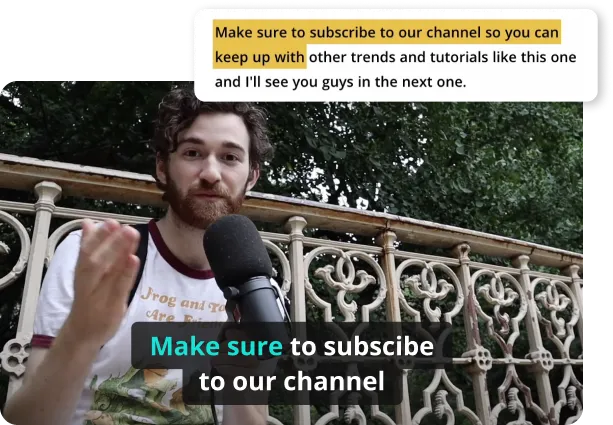
Generate and customizable captions that automatically sync to your video. Use our AI-powered tool to create a transcript of your video, and then customize your auto-synced subtitles to make them perfect for your content creation needs. Resize, swap out fonts, or add in professional animations and transitions. All your edits will instantly be applied to the entire video.
Frequently Asked Questions
We have answers to the most common questions that our users ask.
Is Collaborative Video Editing free?
Yes, Kapwing's collaborative video editing platform is free for all users. For access to the Brand Kit and the full range of AI video editing tools, upgrade to a Pro, Business, or Enterprise account.
Is there a watermark on exports?
If you use Kapwing on a Free account, then all exports — including those using Collaborative Video Editing — contain a watermark. Once you upgrade to a Pro account, the watermark is completely removed from your creations.
How to edit collaboratively with Kapwing
To use Kapwing's collaborative video editor, start by creating a shared Pro or Business account with your teammates. From there, you can upload assets like logos, images, and videos to your shared asset library. Customize everything from brand templates to subtitle styling. Create voice clones and AI personas that are shared among your whole team. Kapwing's video editing studio operates fully online, so you can simultaneously edit and comment with anyone in your shared workspace.
How can I share my videos for efficient feedback?
Kapwing offers several ways to share your video projects. For teammates in your shared workspace, you can send them a link to your project in the Studio. When logged in, they will be able to edit your video in realtime with you, as well as leave comments. If you want to share a completed video draft with a client or supervisor, you can either download your video and share it or export and share via a unique link hosted on the Kapwing website.
What is video collaboration?
Video collaboration is the process when multiple people edit the same project. Whether you're a marketing team, creative team, or freelancer, Kapwing's Collaborative Video Editor provides you with one central hub for a whole team or external stakeholders to monitor team projects.
Discover Resources
Tips, templates, and deep dives to help you create faster and share with confidence.
View all


Get started with your first video in just a few clicks. Join over 35 million creators who trust Kapwing to create more content in less time.