Gaming Video Editor
Create, record, and edit gaming videos online. Start for free.
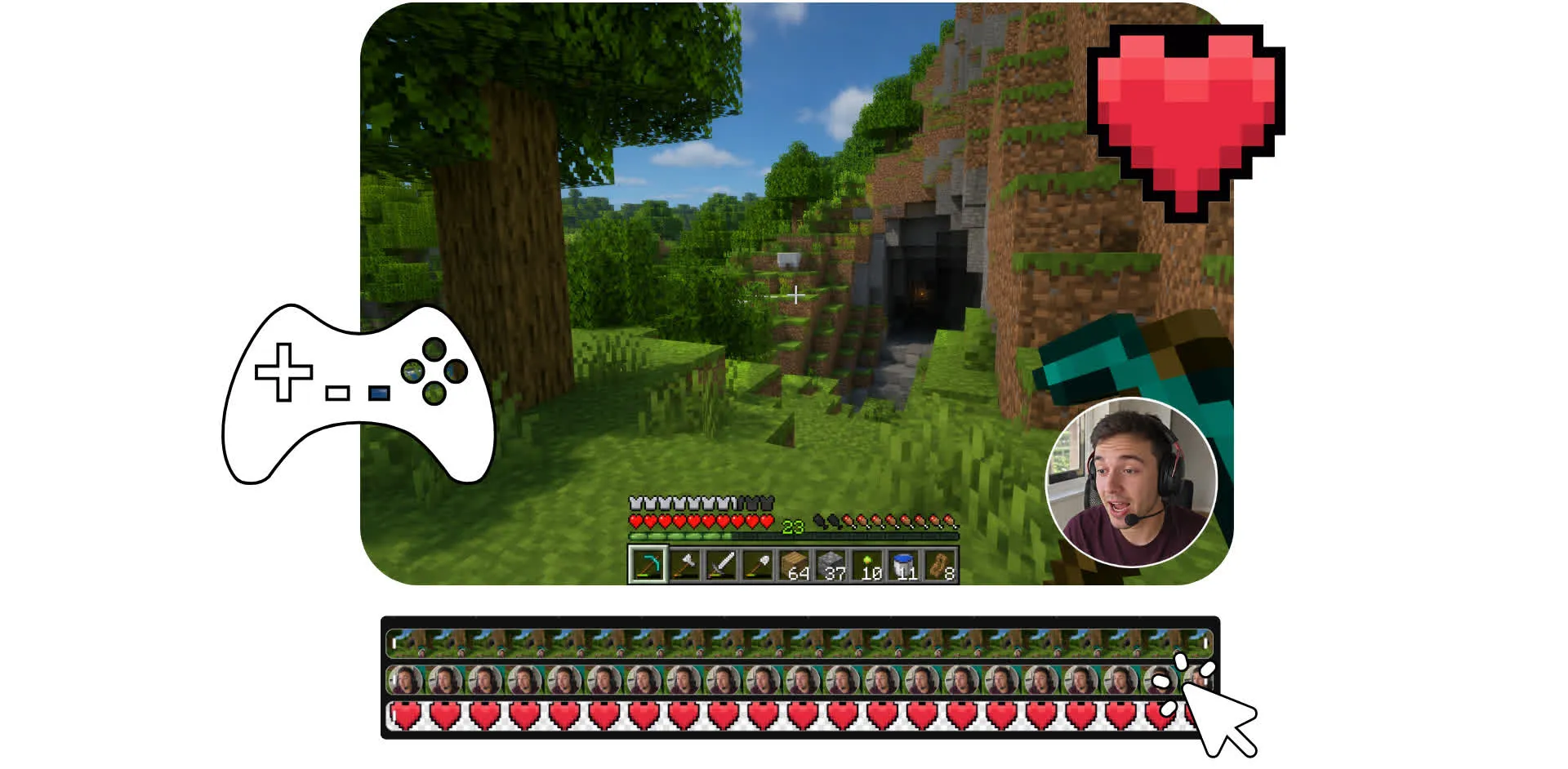
Edit gameplay videos for free
Fast online editing. No watermark on Pro. Download in up to 4K.
Record and edit game videos — all from your browser
Create, edit, and publish gaming videos in one online workspace. Upload gameplay footage, then trim, cut, and rearrange clips with a drag-and-drop timeline. Record gameplay, webcam footage, and voiceovers directly in Kapwing, then enhance your videos with automatic subtitles, sound effects, and animated stickers.
Speed up editing with AI-powered tools that remove background noise, correct eye contact, and upscale video quality in a click. Add transitions, filters, and color adjustments. Repurpose Twitch clips for YouTube or TikTok.
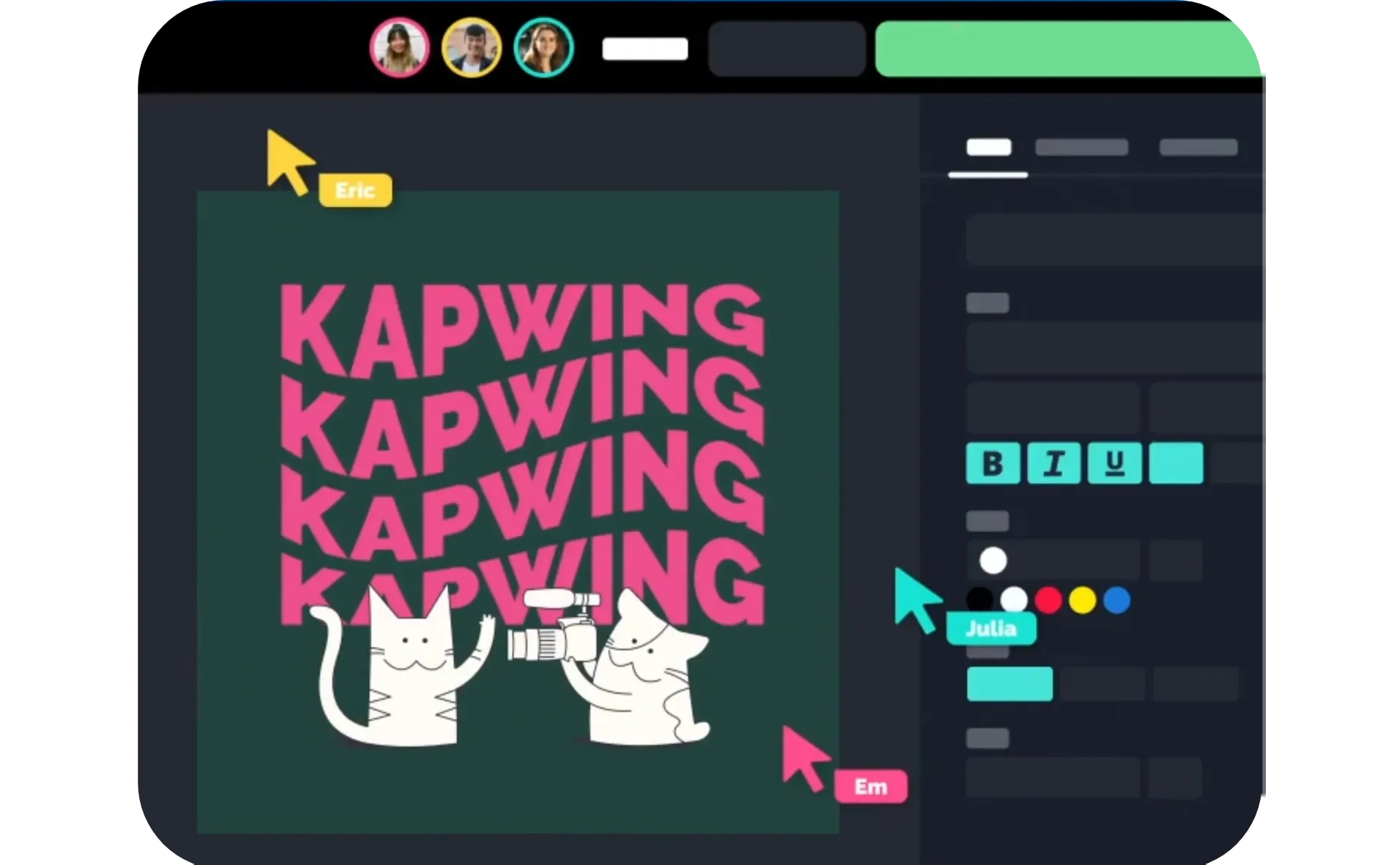
Because everything is cloud-based, you can collaborate with teammates in real time, share feedback instantly, and export videos in up to 4K resolution.
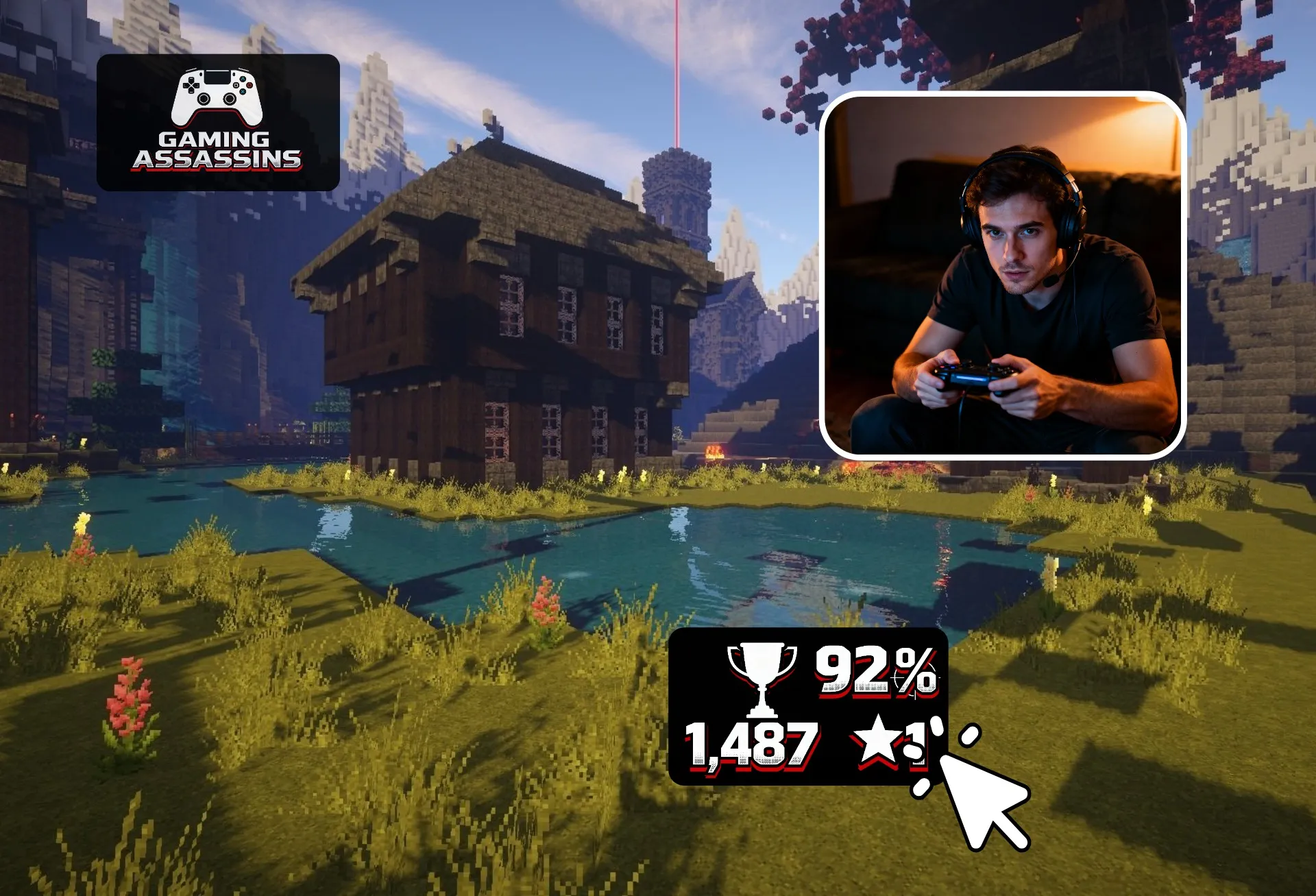
Turn gameplay footage into engaging content
Edit collaboratively online. Free in your browser.
Upload
gaming footage to the Kapwing Studio


Edit
videos in the timeline with 100+ tools, including overlays and subtitles
Export
gaming videos to your social platforms or download in up to 4K
Publish more gaming content with an efficient editor
Build your audience faster with an online gaming video editor
Create and edit gaming videos online
Record, upload, and edit your gaming content in one browser-based workspace. Capture gameplay, voiceovers, reactions, and talking head videos without switching between tools. Upload your footage once, then reuse clips from your in-studio asset library across any project.
Trim, crop, and rearrange clips. Add overlays, face cam footage, text, score boxes, logos, and other visuals. When your video is ready, share it directly to social media or export as a high-resolution MP4 or MOV.

Speed up editing and repurposing footage
Spend less time scrubbing through footage and more time publishing. Use AI to pull the best moments from long gameplay recordings, then upscale lower-quality clips and stabilize shaky footage. Remove the background and fix shakiness and eye contact issues in talking head overlays without re-recording.
Add accurate animated subtitles, customize them to match your gamer style, and resize videos for YouTube, TikTok, Shorts, and Reels with presets and safe zones that keep important gameplay, captions, and overlays in frame.
.webp)
Make audio immersive without expensive equipment
Make your gameplay audio sound clearer without upgrading your setup. Use AI tools to remove awkward pauses, reduce background noise, and enhance your voice so callouts, commentary, and reactions come through loud and clear.
Level up your videos with music and sound effects that match the action. Browse a library of royalty-free tracks and gaming-ready sound effects, then add them in a click. Or generate custom audio, from intro themes and victory stingers to unique sound effects and AI voiceovers, designed for your channel, brand, or content style.

Collaborate, share, and review game highlights faster
Edit gameplay videos with teammates, co-creators, or editors in one collaborative studio. Share drafts for feedback before publishing, and keep every video consistent with saved game and platform logos, overlays, watermarks, and brand assets. Upload clips once, then access your gameplay footage across any project.
Share videos with a link for quick reviews, or edit simultaneously with your team in a shared workspace. Export in up to 4K with fast render speeds.
Already transforming video creation across industries
Hear directly from the teams who publish faster, collaborate better, and stay ahead.


How to Make a Gaming Video

- Step 1Upload
Create a new project in the Kapwing Studio. Click to upload your gaming footage to the media library, then drag and drop your clips into the timeline.
- Step 2Edit
Use the timeline to trim and split clips within your footage to highlight the moments you want to include. Engage your audience by adding text, sound effects, animations, and other video effects.
- Step 3Export
Once you’re finished editing your gaming video, click “Export Video” and your final video be processed. Download your video and share it directly on your favorite social media platform.
What's different about Kapwing?



Frequently Asked Questions
We have answers to the most common questions that our users ask.
Is the Gaming Video Editor free?
Yes, Kapwing's Gaming Video Editor is free for all users. For access to the full range of video editing tools, including AI-powered tools, upgrade to a Pro account.
Is there a watermark on exports?
If you use Kapwing on a Free account, then all exports — including the Gaming Video Editor — contain a watermark. Once you upgrade to a Pro account, the watermark is completely removed from your creations.
How to make a gaming video
To make a gaming video, create a new project in the Kapwing Studio. Then start editing your gaming video by uploading footage, like recorded Twitch streams, or by recording your gameplay in your browser. Use studio tools to trim, crop, and rearrange clips. Add transitions, overlay text and sound effects, or apply automatic subtitles with a click. Resize your project using presets for landscape platforms like YouTube (16:9), or vertical platforms like YouTube Shorts, TikTok, and Instagram (9:16). When you're ready, click "Export project" to export your video in up to 4K.
Where can I publish gaming videos?
Gaming videos can be published on platforms such as YouTube, TikTok, Twitch, Instagram, Facebook, X, Reddit, and Discord communities. Each platform attracts different audiences and supports different types of content.
Many creators repurpose the same footage across multiple platforms. For example, a long YouTube video can be turned into several short clips for TikTok, Shorts, and Reels. Publishing across multiple channels can help increase reach and maximize the value of your content.
What kinds of gaming videos perform best?
Gaming audiences enjoy a wide variety of content, but highlight clips, funny moments, tutorials, walkthroughs, challenge videos, strategy guides, and reaction-style content tend to perform consistently well. Videos that showcase skill, personality, humor, or useful information often attract the most engagement.
The best-performing format varies by platform. Short-form clips typically thrive on TikTok, YouTube Shorts, and Instagram Reels, while longer tutorials, reviews, and gameplay series often perform better on YouTube. Testing different formats can help you discover what resonates most with your audience.
How long should gaming videos be?
Short-form platforms generally favor videos under one minute, although longer videos are increasingly supported. Many successful TikTok videos, YouTube Shorts, and Reels fall between 15 and 60 seconds because they are easy to watch and share.
For long-form content, YouTube videos often range from 8 to 20 minutes, depending on the topic. Tutorials, reviews, and walkthroughs may be longer if they provide valuable information, while highlight compilations usually benefit from faster pacing and shorter runtimes.
How do I make gaming videos more engaging?
Strong gaming videos typically get to the action quickly and remove unnecessary downtime. Viewers often respond well to fast pacing, clear storytelling, entertaining commentary, and highlights that showcase exciting or funny moments.
Simple editing techniques such as zoom effects, captions, sound effects, reaction shots, and music can help maintain attention. The goal is not necessarily to add more effects, but to keep viewers interested throughout the video.
Should I add subtitles?
Subtitles can improve accessibility and help viewers follow along even when they are watching without sound. This is particularly important on mobile devices, where many people browse social media with audio muted.
Captions can also emphasize jokes, reactions, important moments, or key instructions in tutorials. Clear subtitles often increase watch time and make videos easier to understand for a wider audience.
Discover Resources
Tips, templates, and deep dives to help you create faster and share with confidence.
View all


Get started with your first video in just a few clicks. Join over 35 million creators who trust Kapwing to create more content in less time.