Split Audio
Split audio files into multiple parts — for free
.webp)
Fast, one-click audio splitting
Create short clips, rearrange audio, and remove unwanted parts
Precision audio control made effortless
Splitting audio files doesn’t have to be time-consuming or technical. Kapwing’s free tool lets users divide audio into shorter clips with a single click — just press “S” or use the right-click menu.
With an intuitive visual timeline, drag and drop simplicity, and built-in shortcuts, anyone can accurately split audio clips and remove unwanted sections without editing experience.
And if you simply want to remove long pauses, use AI to auto-delete silences with a single click.

Split audio online without needless downloads
Keep your workflow clean and fast — no software installs, no cluttered files, and no tedious app updates. Kapwing gives you immediate access to powerful splitting tools in your browser, allowing you to divide audio clips without ever leaving the page.
Built for solo creators producing content on a tight schedule and marketing teams working across projects, cloud-based editing, real-time edits, and shared project access simplifies collaboration.
Start with common file types such as MP4, MP3, WAV, and MOV, or simply paste a URL from platforms like YouTube. Isolate your most important moments from interview quotes to social-ready soundbites, then export or publish directly to TikTok, YouTube, Facebook, and Vimeo.

.webp)
Social Clips
Podcasters and social media managers split long audio files into shorter highlights, making it easy to pair soundbites with visuals and share engaging insights across platforms

Interviews
Journalists, PR teams, and bloggers extract key quotes or moments from audio interviews with manual precision or by using Kapwing's AI Clip Maker to automate the process

Podcasts
Full episodes are split into intro, main content, and outro segments using the audio splitter, helping podcasters repurpose sections for highlight reels or online promotional use

Campaign Assets
Voice overs and brand recordings are split into reusable soundbites using Split Audio, helping marketing teams repurpose audio for ads and campaigns across different platforms

Voice Notes & Recaps
Entrepreneurs and vloggers cut longer recordings into concise voice memos, weekly updates, or video narration to use across newsletters, YouTube, or Reels
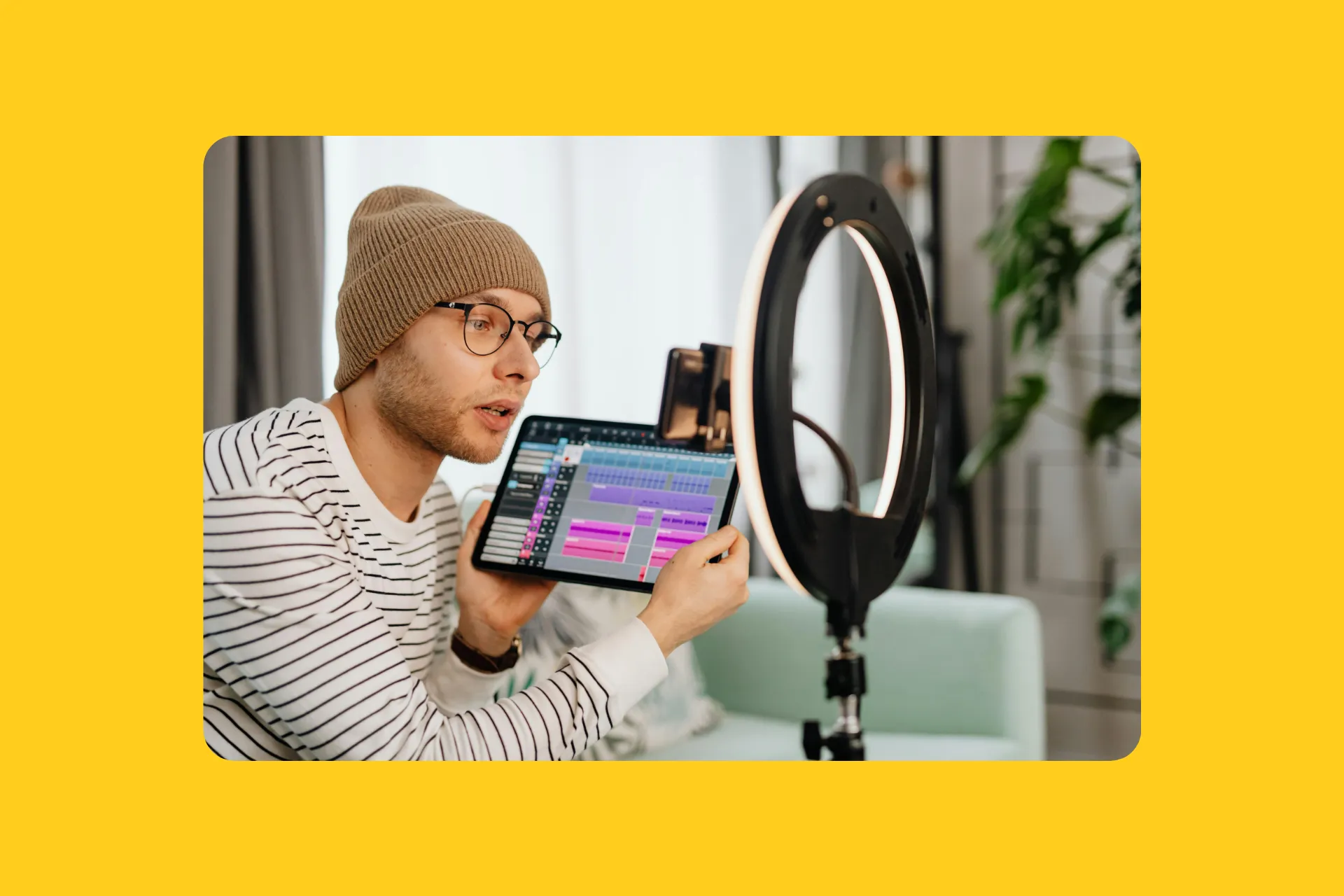

Audiobooks
Authors and publishers split long audio recordings into chapters or segments, making it easier to manage pacing, remove errors, and prepare files for audiobook platforms

Presentations
Thought leaders split and trim out pauses, mistakes, or tangents from lectures and webinars, creating focused, easy-to-follow listening experiences for free
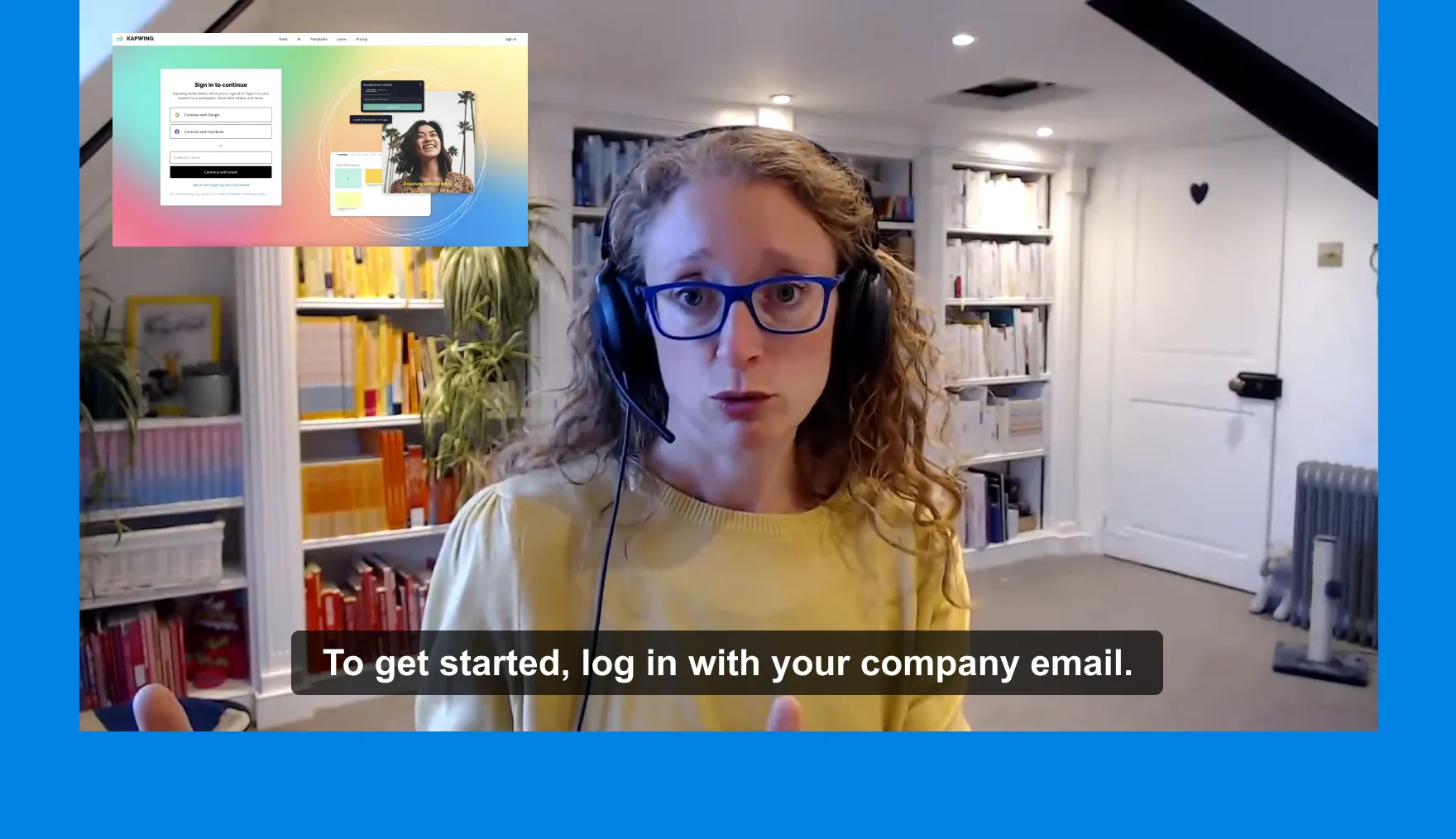
Training Materials
Outdated sections in onboarding or compliance videos can be isolated and updated using Split Audio, helping L&D teams and HR professionals refresh content without re-recording
Automatically split audio files in batches
One long file to multiple short clips — scale your content output instantly
Teams and businesses manage large libraries of footage but don’t have time to manually edit each recording. That’s where Repurpose Studio comes in.
The AI-powered clip maker can batch split audio or video files up to 2 hours long into shorter clips that range from 15 seconds to 3 minutes. Just describe the type of clips you want, then fine-tune the results with preferences like aspect ratio, subtitles, and speaker focus. The tool automatically generates clips from your upload while you multitask from another browser tab.
.webp)
Already transforming video creation across industries
Hear directly from the teams who publish faster, collaborate better, and stay ahead.


How to Split Audio
- Step 1Upload Audio
Upload your audio file directly to Kapwing.com, or paste a URL to import content from the web.
- Step 2Split Audio
Add the file to the timeline and move the playhead to where you want to split. Press “S” or right-click and choose “Split.” For video files, detach the audio first by right-clicking and selecting “Detach Audio.”
- Step 3Edit and Export
Make any edits then click “Export” in the top-right corner to download or share your finished audio online.
Edits beyond splitting — separate vocals, split music, enhance audio
Maximum audio control. Minimum effort.
Split Vocals is designed for creators who need greater control over their audio. It separates vocals from instrumentals, making it easier to clean up recordings, isolate dialogue, or create custom soundtracks for podcasts, videos, and radio content.
Add keyframes to pinpoint specific moments in your audio timeline, perfect for muting a section, adding fade-in and out transitions, or splitting songs on a certain beat. Combined with tools like Remove Background Noise, Kapwing's advanced Audio Editing Studio gives complete control over projects.

What's different about Kapwing?



Frequently Asked Questions
We have answers to the most common questions that our users ask.
Is the online Audio Splitter free?
Yes, Kapwing's online Audio Splitter is free for all users. The free plan includes some limitations to other editor features and applies a small watermark to the final video.
Is there a watermark on exports?
If you are using Kapwing on a Free account then all exports — including the Audio Split tool — will contain a watermark. Once you upgrade to a Pro account the watermark will be completely removed from your creations.
What is a split in audio?
Audio splitting is the process of dividing an audio track into separate segments or clips. It plays an important role in media production by helping creators isolate specific parts of a recording, such as dialogue, background music, or sound effects. This makes it easier to edit, rearrange, or enhance individual elements without affecting the entire track.
How to split audio from video
To separate audio from a video, right-click on the video and choose "Detach Audio." This creates separate audio and video layers, allowing you to edit each one independently.
Can you batch split audio automatically?
Yes, you can split the audio from long-form content using Kapwing's Repurpose Studio. The tool uses AI to automatically split content like interviews, podcasts, and webinars into shorter segments.
What audio files does Kapwing support?
Kapwing supports a wide range of audio file formats for both uploading and exporting. Supported upload formats includeMP3, WAV, M4A, OGG, FLAC, and AVI.
How to split instrumental music and vocals
To split instrumental music and vocals using Kapwing, use the Split Vocals tool. It automatically separates a song (including one created using Kapwing's Song Generator) into two tracks, one with only the vocals and one with just the instrumental. Select your media in the timeline and click "Split Vocals" under the "Audio" section in the right-hand toolbar.
How to split audio on iPhone and Android
To split the audio on a mobile device such as iPhone and Android, first add your media to the timeline. Place the playhead where you want to add a split and select the small scissor tool located above the file.
Can I add fade effects when I am splitting audio?
Yes, the Audio Split tool provides fade in, fade out, and crossfade effects.
Can you use the tool to make ringtones?
Yes, it is very easy to cut any audio file to the perfect ringtone length and download it in the format that will be compatible with both iPhone and Android devices.
Discover Resources
Tips, templates, and deep dives to help you create faster and share with confidence.
View all
Get started with your first video in just a few clicks. Join over 35 million creators who trust Kapwing to create more content in less time.