AI Sound Effect Generator
Create studio-grade sound effects — in seconds
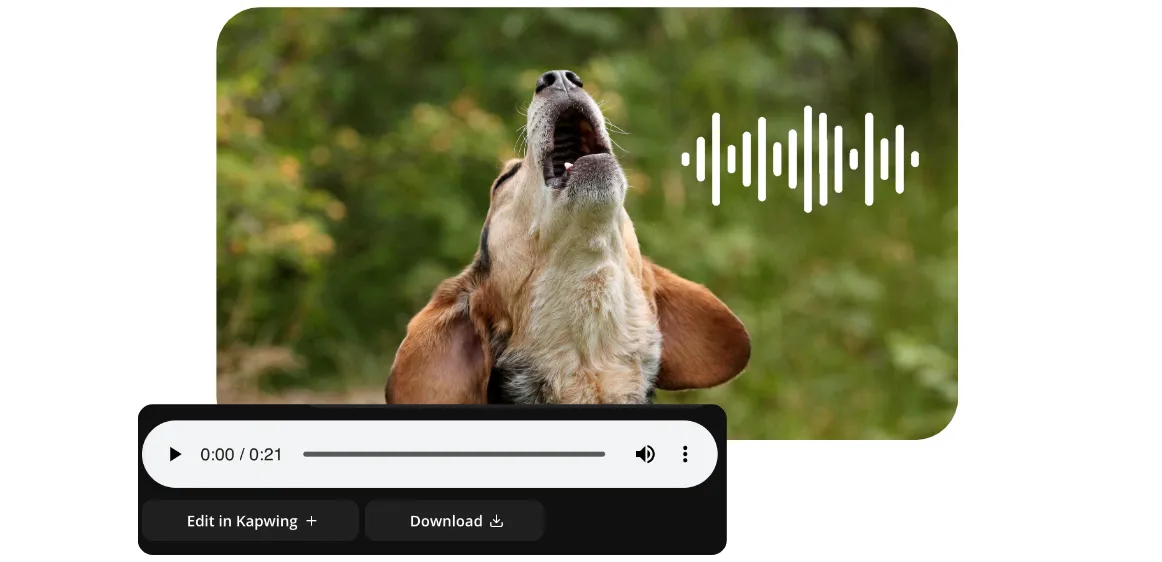
Custom sound effects for any project
No more scrolling through stock libraries — simply type what you need
Studio-quality sound effects in seconds
Generate custom royalty-free sound effects for any video, project, or campaign with Kapwing’s AI Sound Effects Generator. Enrich social media, marketing, advertising, and video game content effortlessly using simple, conversational prompts — no recording or technical skills required.
Now your TikTok and YouTube videos can stand out with unique, tailor-made SFX as varied as "rain on tent" to "sci-fi spaceship." Boost engagement with scary, funny, cinematic, or highly specific sound effects that you can tweak for the perfect pitch, tone, speed, and intensity — all generated in seconds.
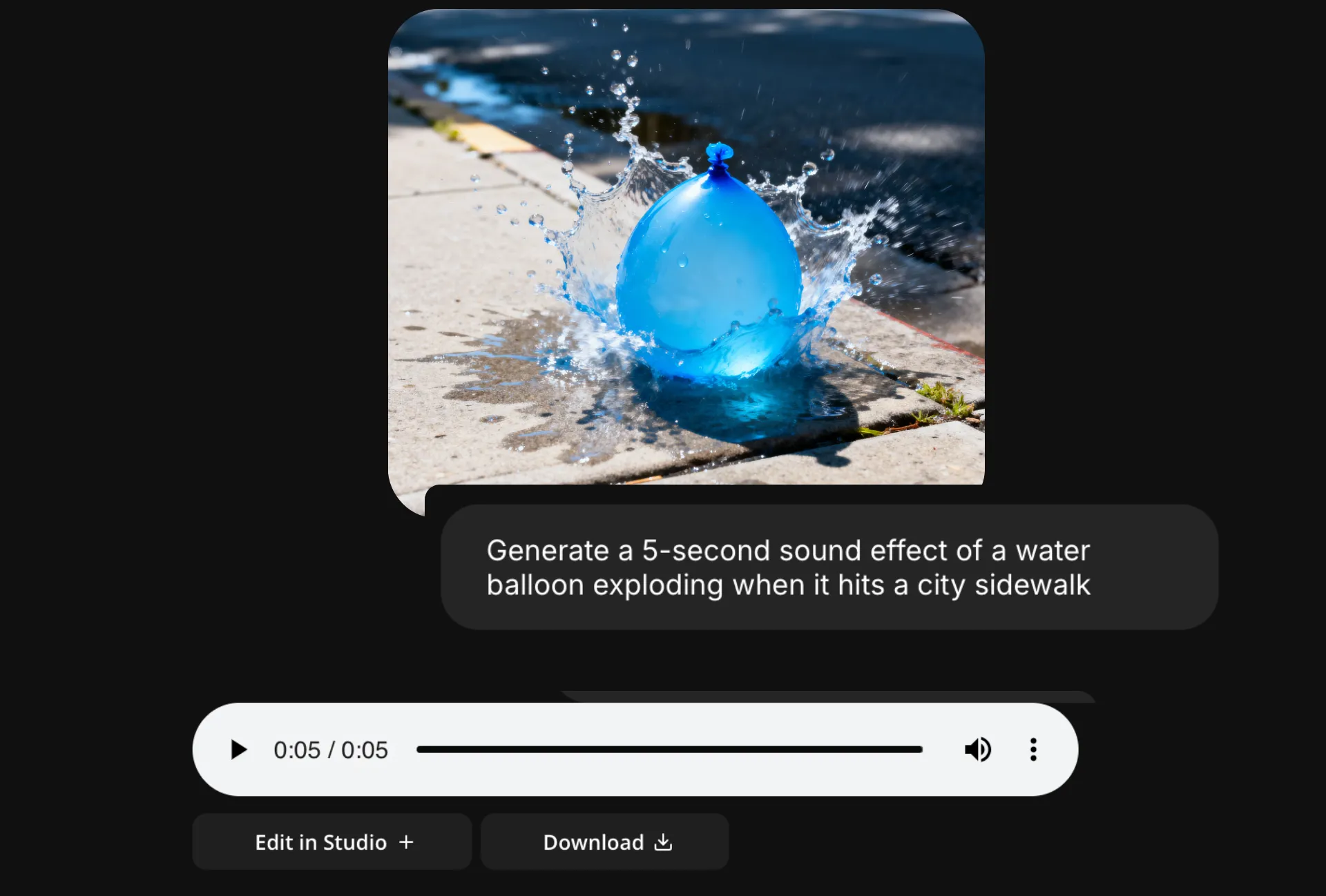
Create exactly what you need for any content
Skip editing frustration and save time by generating realistic sound effects that perfectly fit your content from the start.
Get as specific as you want, incorporate additional sounds (add the sound of a wolf howling), and adjust intensity and duration, all with straightforward prompts.
Then easily save sound effects to your Brand Kit to use across projects.

Full editorial control over your sound
Kapwing's full range of audio and video editing tools take you from concept to fine-polished video without leaving your browser tab.
Move your AI-generated sound to the studio to overlay your audio on images and video. Clone your voice, create an AI-powered text to speech voice over, or use extensive library of royalty-free sound effects and music to turn any project into an immersive audio experience from start to finish.
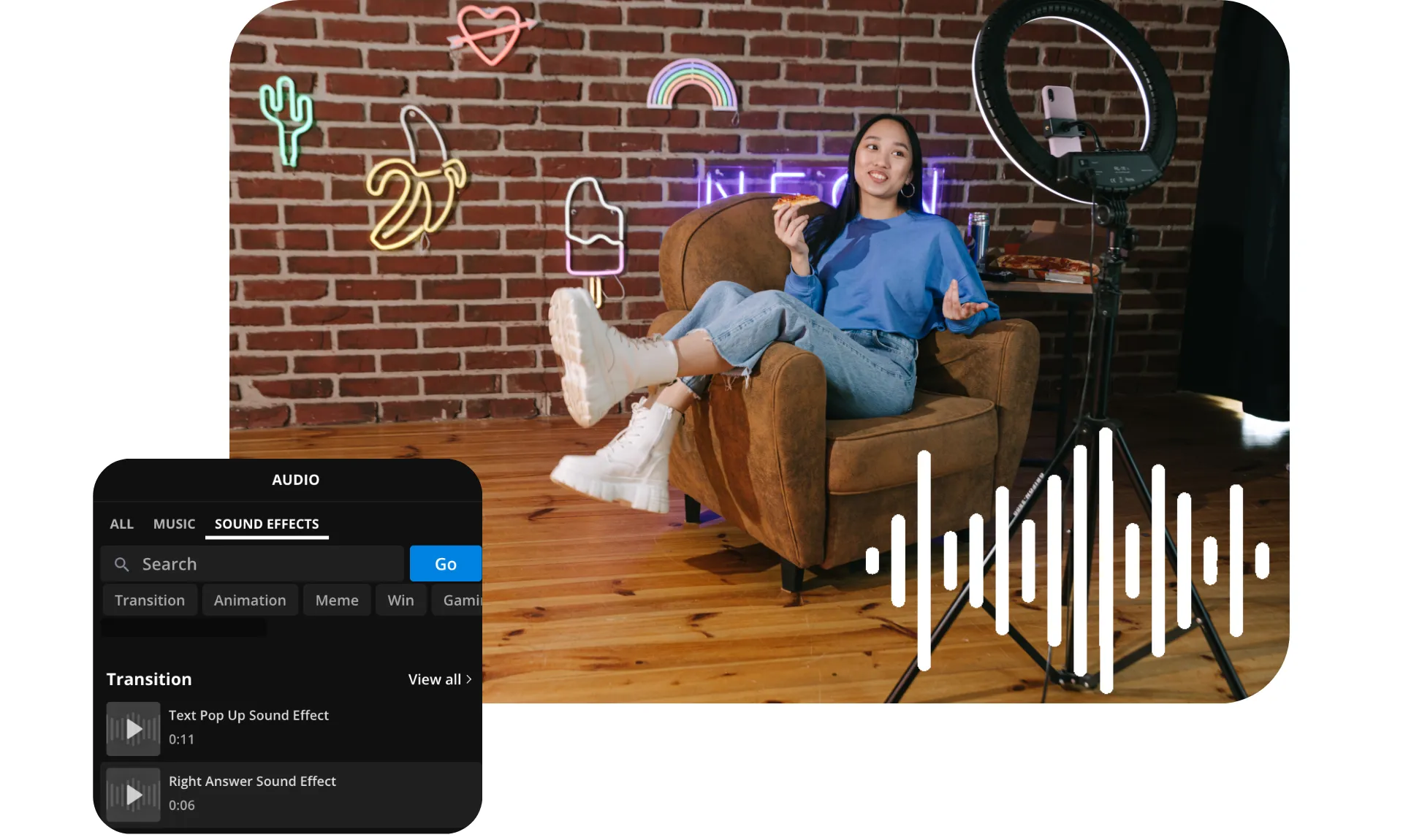
How to Make AI Sound Effects
- Step 1Open Kapwing
From your Kapwing workspace, open a new chat with the AI assistant.
- Step 2Enter prompt
Enter a prompt like "Generate a 6-second sound effect of a heavy rainstorm on a metal roof." Specify the number of seconds and describe the sound in detail.
- Step 3Edit or download
Edit your SFX by entering additional prompts, or download as an MP3.
Already transforming video creation across industries
Hear directly from the teams who publish faster, collaborate better, and stay ahead.


Frequently Asked Questions
We have answers to the most common questions that our users ask.
Is the AI Sound Effect Generator free?
Yes, anyone can try Kapwing’s AI Sound Effect Generator for free. Our AI tools run on a credit system, with each feature costing a set number of credits. For maximum creativity and the best value, upgrade to a Pro account to unlock the full power of AI-driven content creation.
Are my sound effects royalty-free and okay for commercial use?
Yes, the sound effects you create with Kapwing's AI Sound Effects Generator are royalty-free and available for commercial use, so you can use them anywhere, worry-free.
Can I use Kapwing to turn text into sound effects?
Yes, Kapwing's text to sound effect feature allows you to enter text prompts and turn them into customized SFX audio files. Enter a prompt like Generate a sound effect of a dog barking and the tool will create a custom downloadable audio file.
How should I write my prompts for the best results?
Kapwing's AI Sound Effect Generator has built-in prompt enhancement, so it works with simple prompts like Generate a sound effect of a thunderstorm. If you have more specific ideas, you can write a more descriptive prompt explaining exactly what you want to hear. For further guidance, read this sound effect generator guide.
Can I edit my sound effects after I generate them?
Yes, Kapwing is also an easy-to-use sound effect editor. You can tweak your sound effects by entering additional prompts, like Add the sound of a cat meowing. Or move your audio file into Kapwing's studio for access to a full range of free audio and video editing tools.
Can I add sound effects to videos?
Absolutely, you can generate custom sound effects using Kapwing and then add them to your videos in the editing studio. You can even generate a brand-new video using an AI Video Generator, then add generated sound effects to it.
How to use AI to create sound effects
To create AI sound effects, open the AI Sound Effect Generator and start a new chat. Enter a prompt describing your sound effect, like Generate a sound effect of heavy rain hitting a canvas tent. The AI Sound Effect Generator will create a downloadable audio file with your sound effect. Adjust it using further prompts, download your file, or move it into the Kapwing studio for access to the full set of audio editing tools.
What kinds of sound effects can I make?
You can use Kapwing's sound effect creator to generate almost any sound you can imagine, including funny sound effects like error, bruh, farts or laughter, scary sound effects like moaning or crashing, and dramatic sound effects like storms, gunshots, babies crying, booms or explosions. Try a relaxing, ASMR-style sound effect of heavy rain or ocean waves. Or create something fully customized to your content.
What file format will my sound effects be in?
Kapwing's AI generates sound effects as downloadable MP3 files. You can download sound effects by clicking "Download" in the chat to save the file to your computer. Or add sound effects to videos by moving them into Kapwing's editing studio.
Can Kapwing generate game sound effects?
Yes, Kapwing generates sound effects for any purpose, including video games, YouTube, TikTok, and Instagram.
How long or short can my SFX be?
You can generate sound effects as short as 1 second or as long as X seconds.
Which AI models does Kapwing support?
Kapwing supports AI models for both audio and video generation. For audio, MiniMax enable creators to generate custom music, sound effects, and ambient tracks directly from text prompts. For video, Kapwing integrates leading AI models including Kling (AI Motion Transfer), Seedance (videos up to 30 seconds), Veo (polished, cinematic clips), and MiniMax (low-cost, high-quality).
Discover Resources
Tips, templates, and deep dives to help you create faster and share with confidence.
View all
What's different about Kapwing?



Get started with your first video in just a few clicks. Join over 35 million creators who trust Kapwing to create more content in less time.