Google Nano Banana
Generate and edit images with Google Nano Banana.
Start for free in your browser.
.webp)
What is Nano Banana AI image generator and editor?
Built by Google.
Plugged into Kapwing.
Nano Banana is Google’s Gemini model for AI image generation and editing.
It lets you generate and edit photos with natural language prompts, delivering precise transformations, consistent characters and objects, and studio-quality visuals.
In Kapwing, creators use Nano Banana to create video frames, reference images, B-roll images, characters, and product shots for their AI video projects.
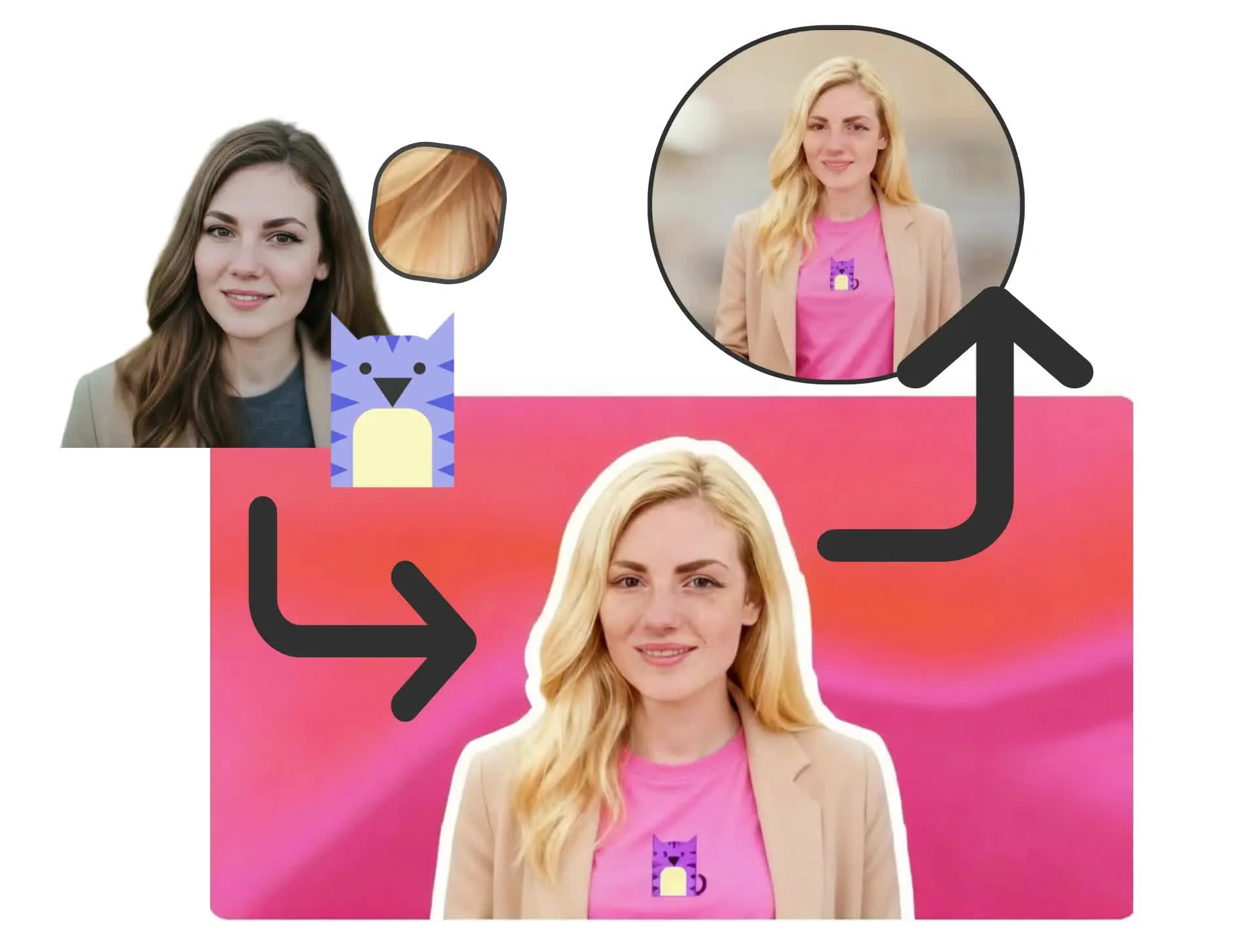
Create new images or transform the ones you have
Generate
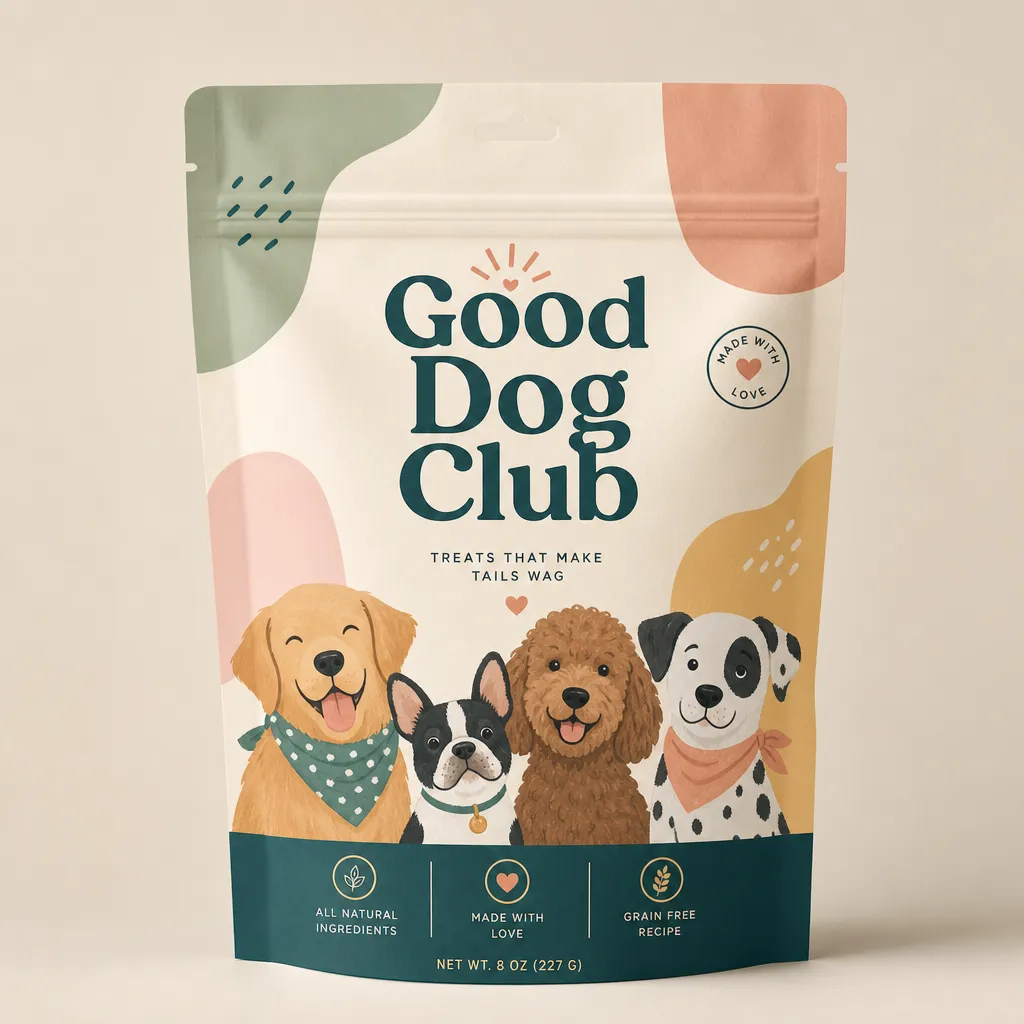
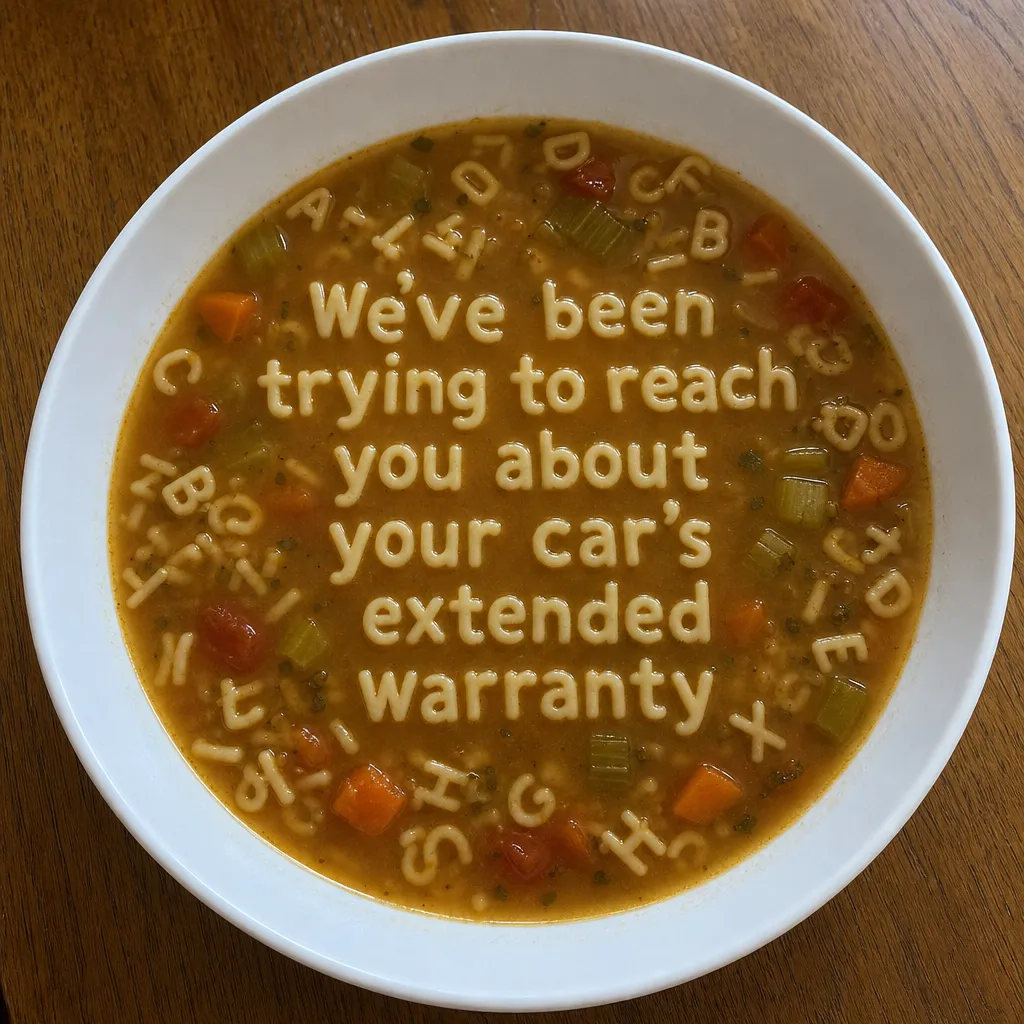
images from scratch, including photorealistic scenes, text-heavy visuals, detailed characters, and products photos
Edit
images using simple text prompts — remove the background, swap outfits, delete objects, and more
Nano Banana in Kapwing
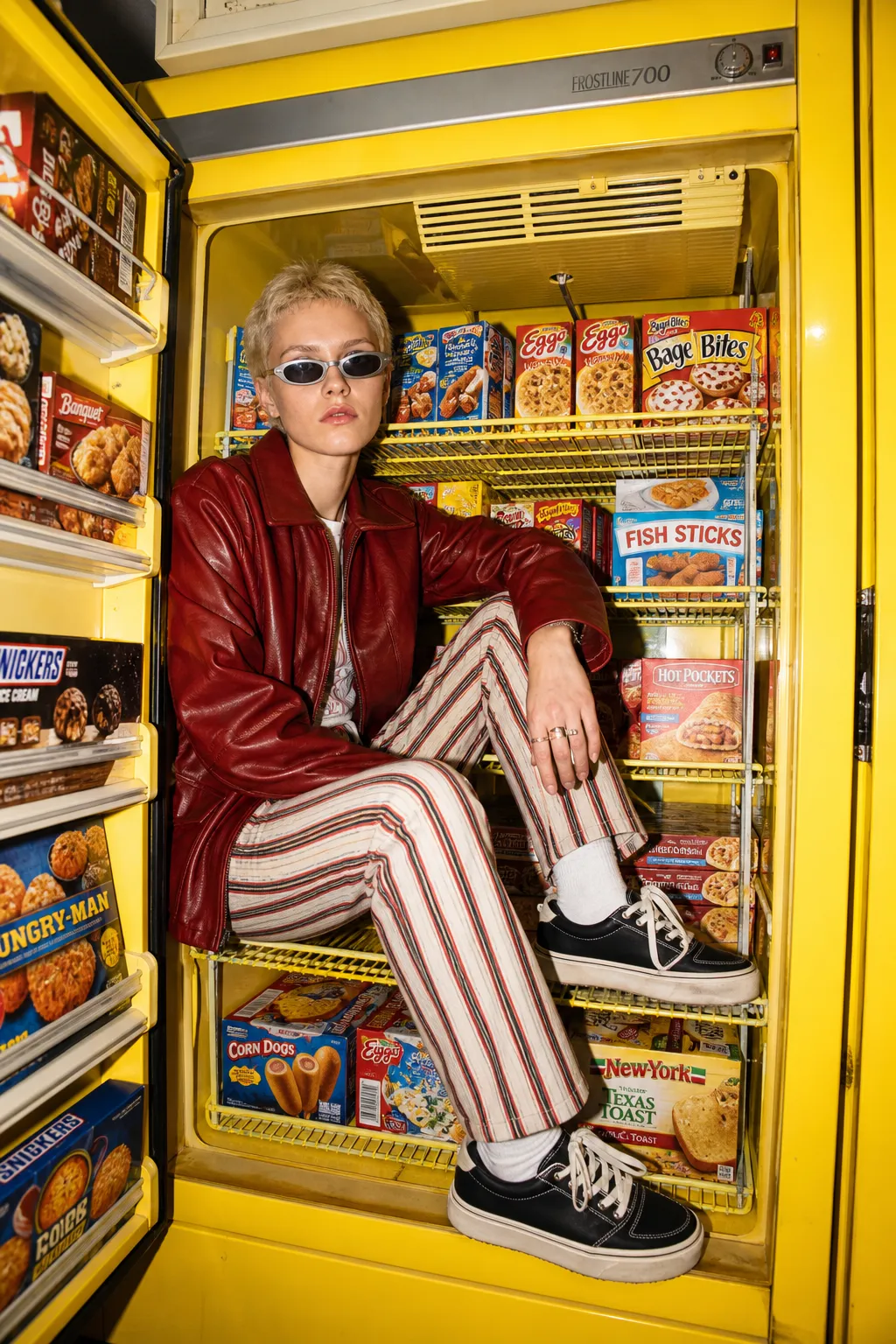
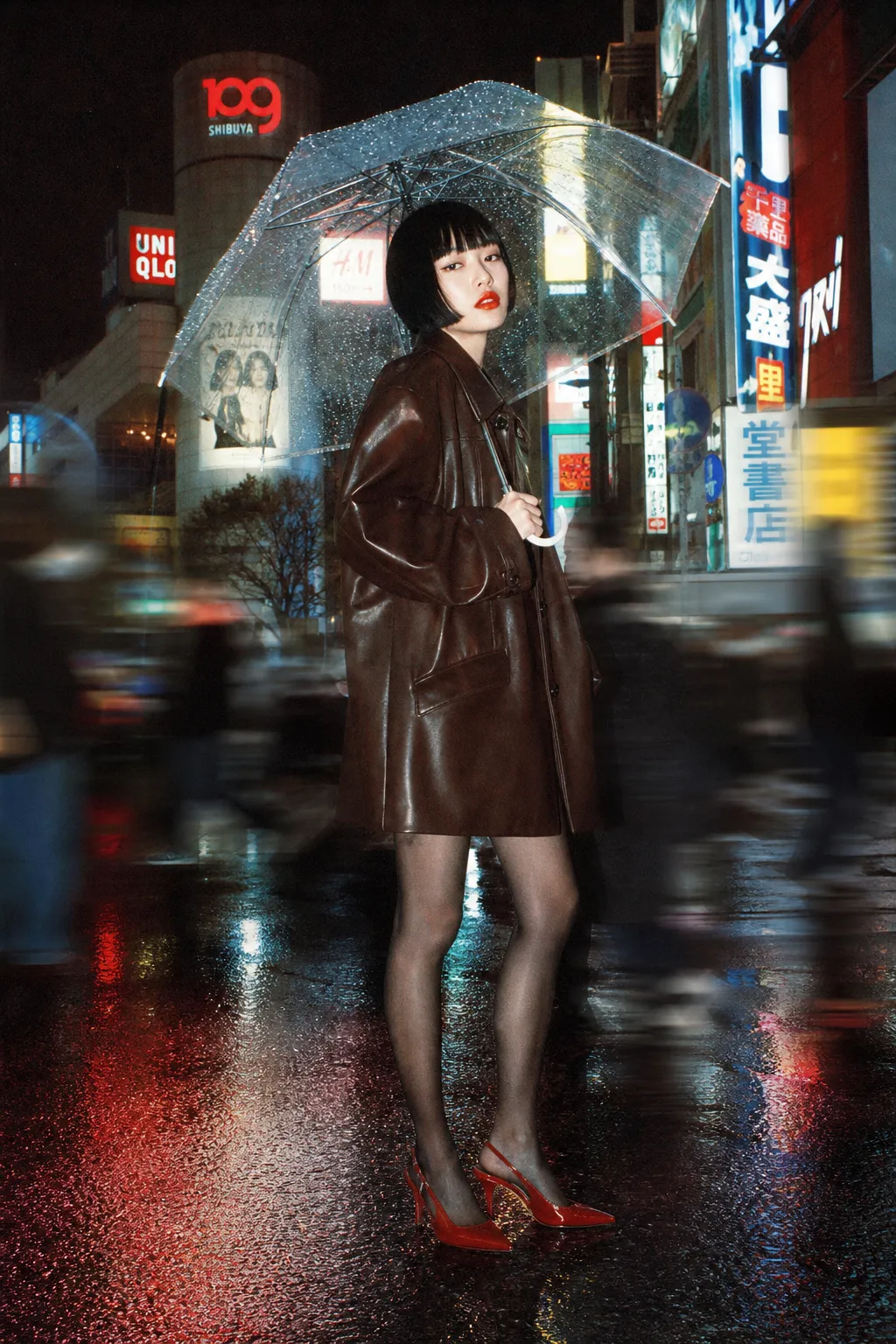
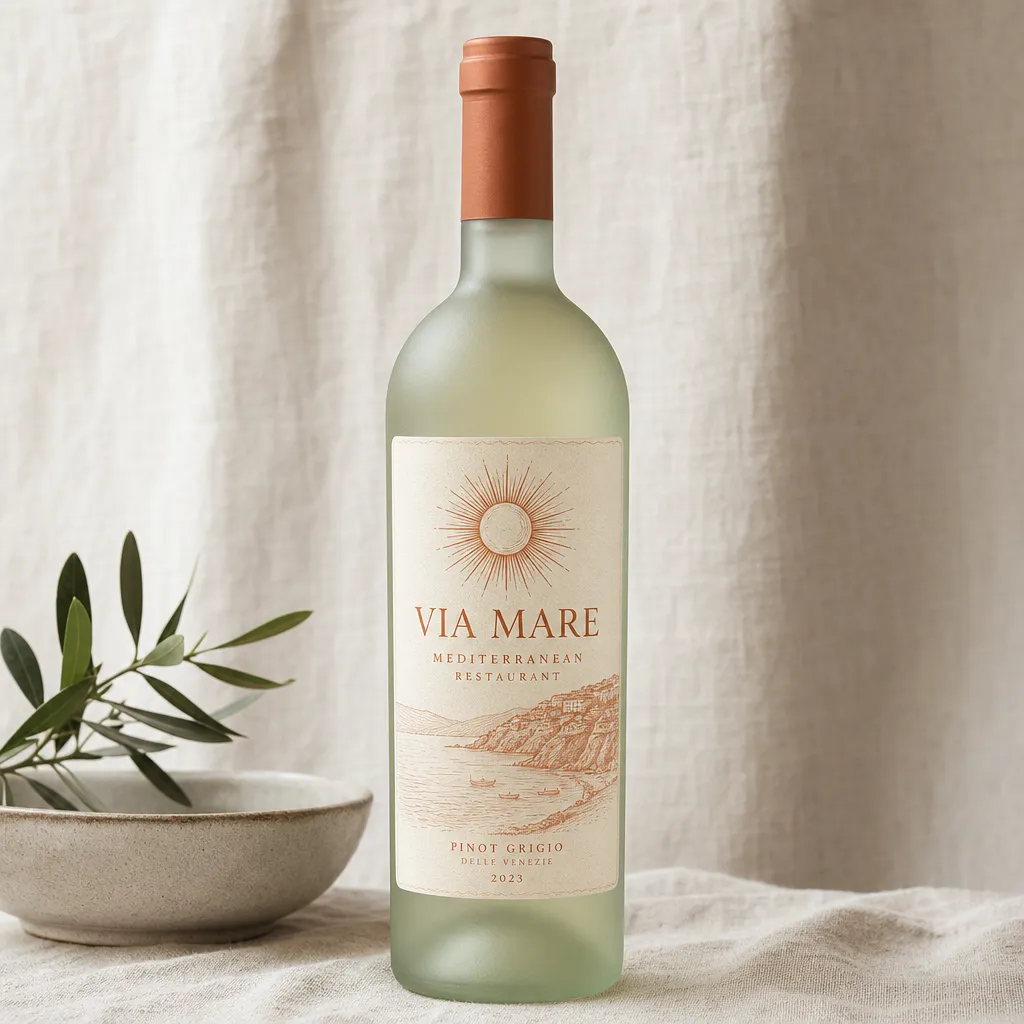
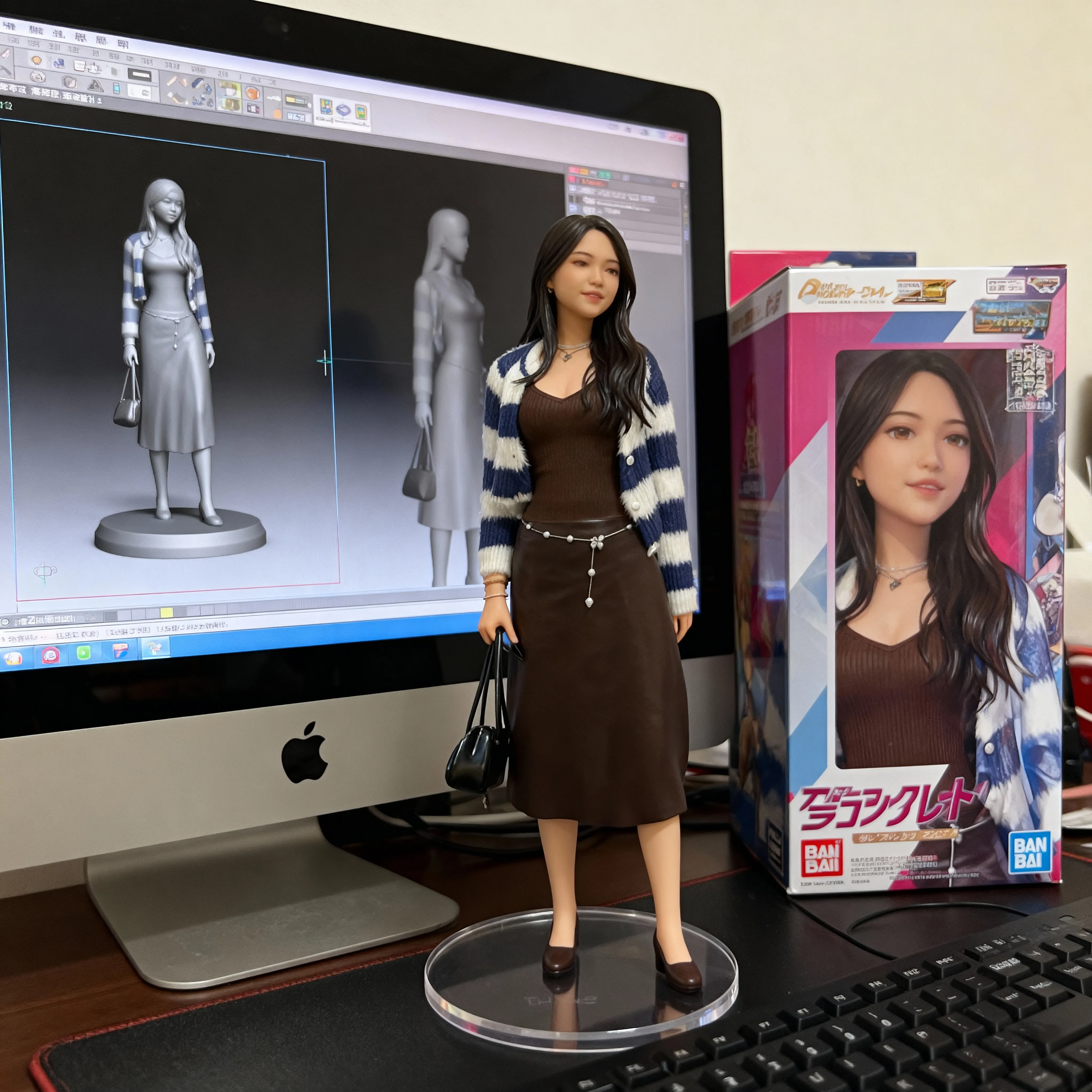
Try for free using a design below


Why choose Nano Banana?
Free to start. No watermark. Fully online.
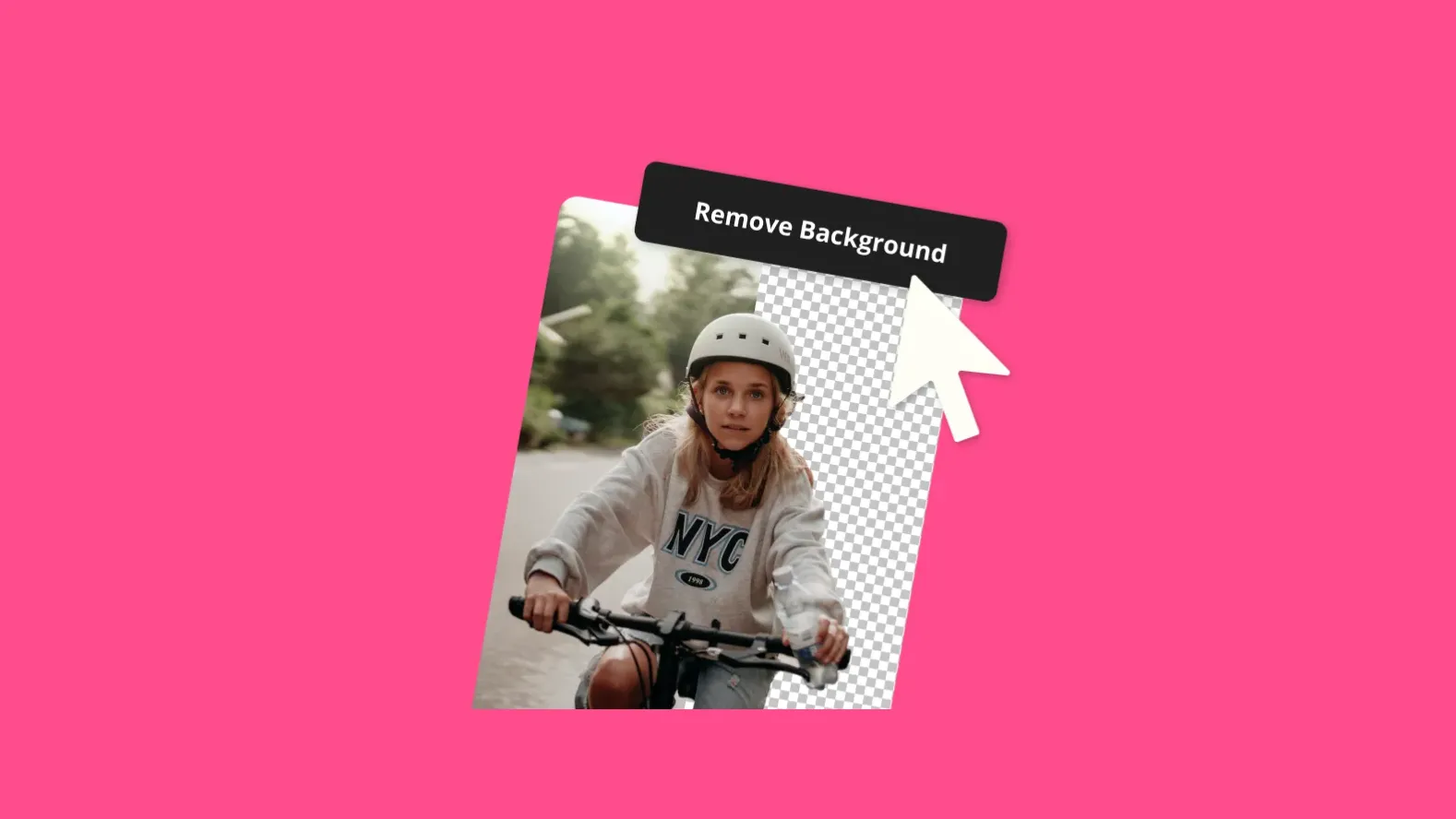
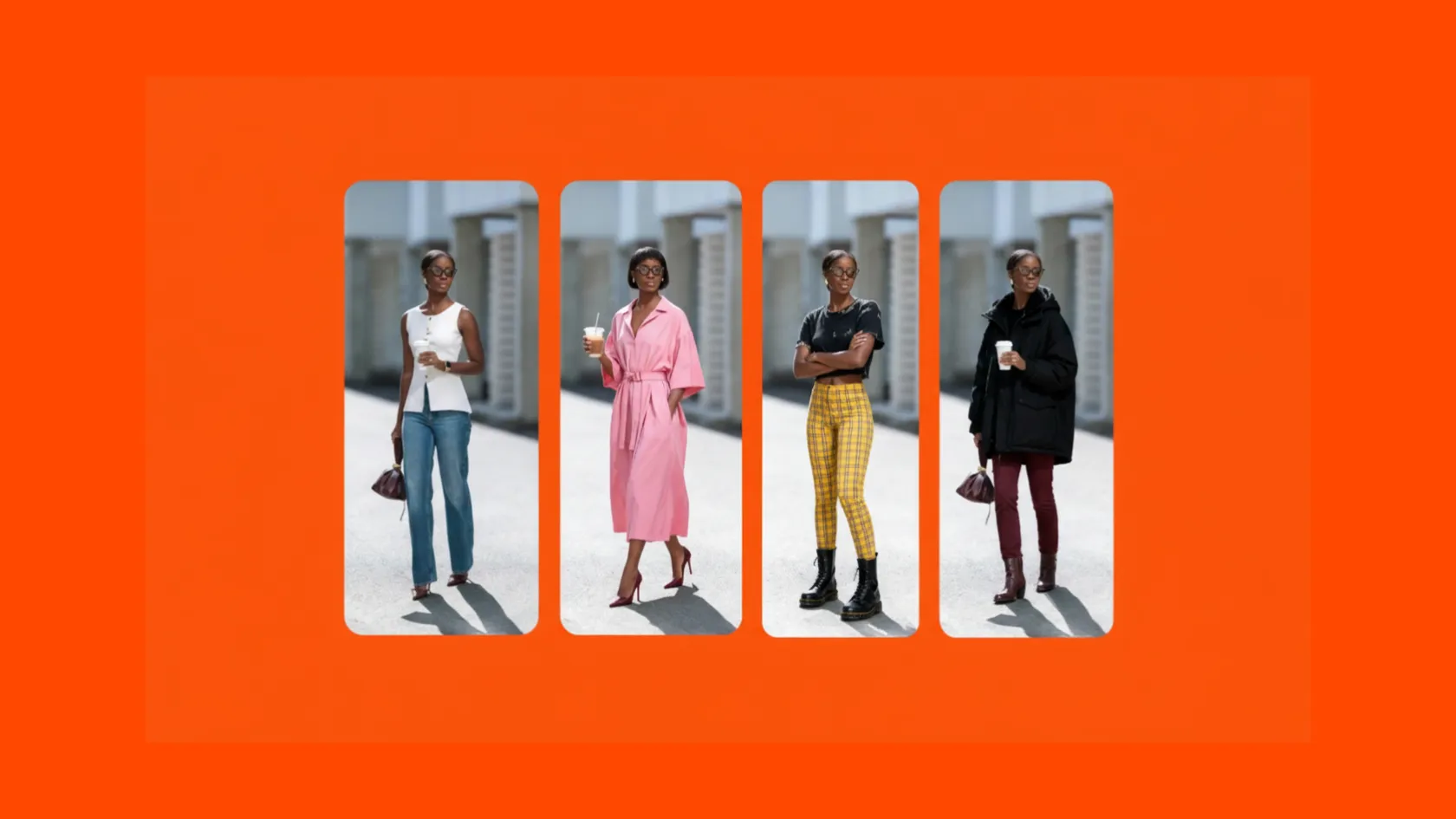
Edit specific elements
Replace a prop, change an outfit, or adjust the lighting with simple instructions. Apply changes to individual elements and describe which parts of the image should stay the same.
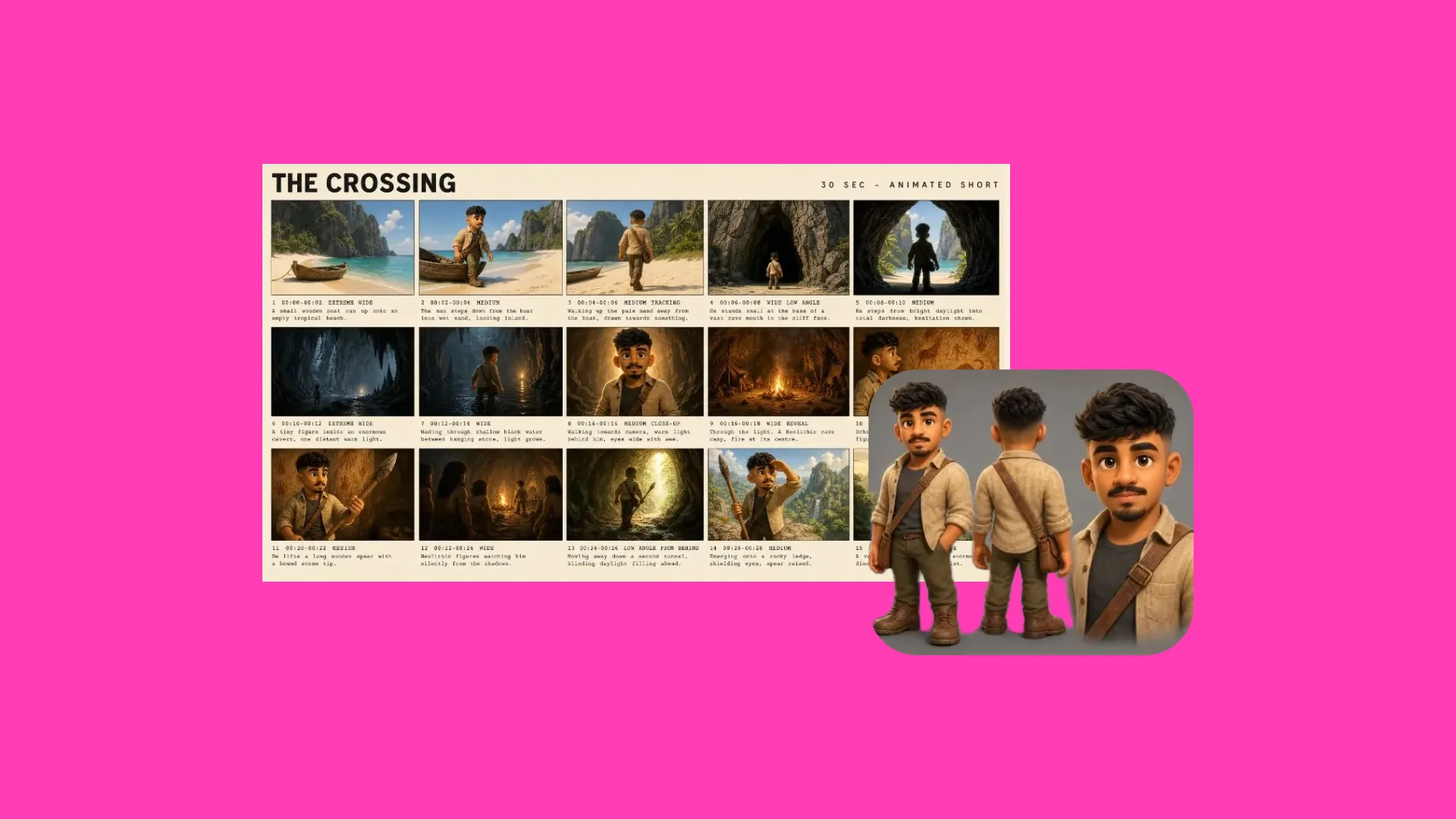
Create consistent characters
Use reference images or a create a character sheet to lock-in how your character looks. Use them across different scenes, poses, and environments with identical likeness.
Build with references
Guide your subject, style, and composition with up to 10 reference images. Explore a new aesthetic or recreate the look of existing photos, visual trends, and brand imagery.
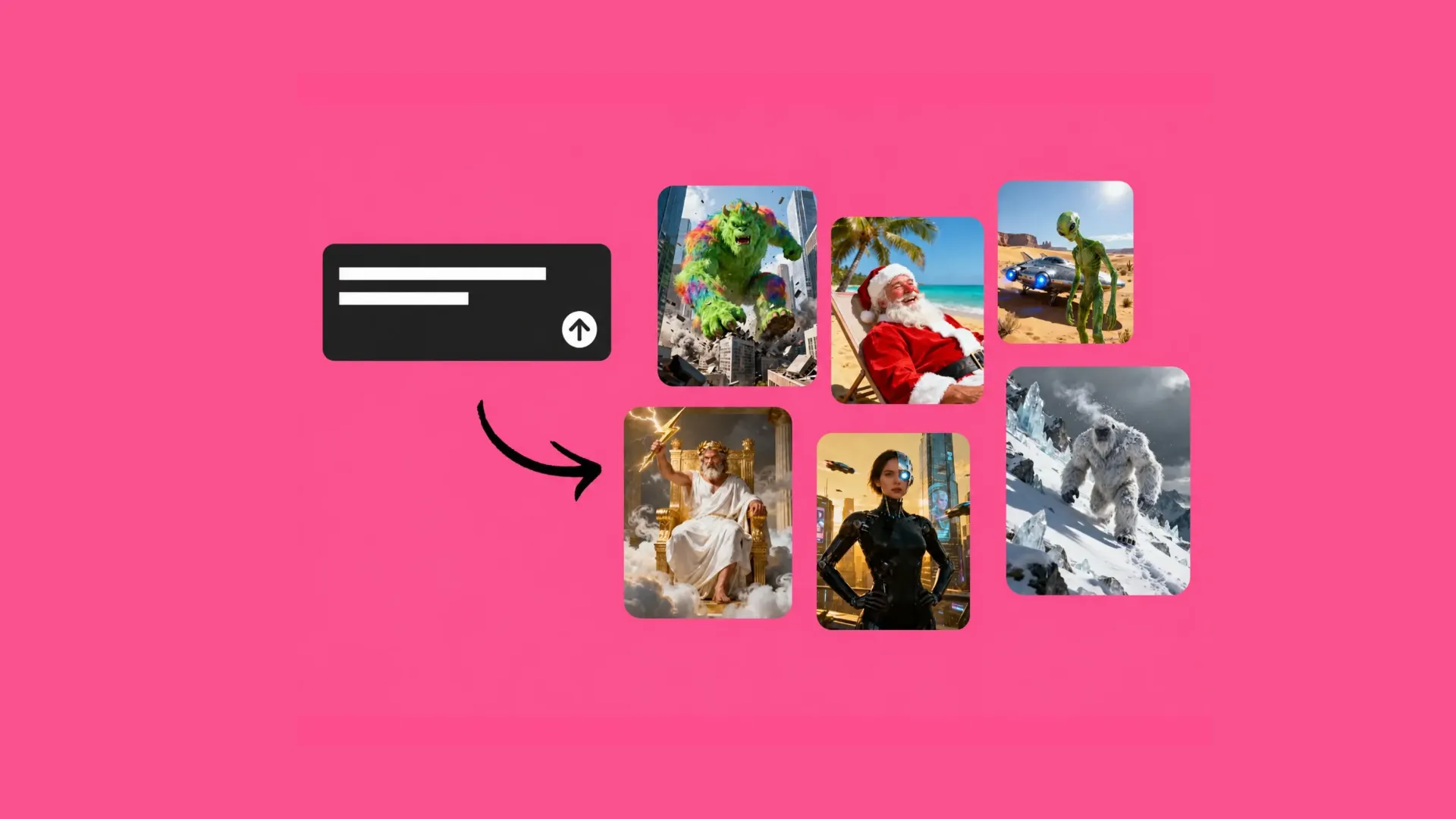
Natural-language prompting
Describe your subject, setting, lighting, and style to generate an image from scratch. Refine the result with follow-up prompts using everyday language and get images in any aspect ratio.
How to use Google Nano Banana
- Step 1Choose Nano Banana
Open Kapwing AI, open Model Preferences, and select Google Nano Banana under Images.
- Step 2Generate or edit
Describe a new image, or attach photos you want to edit. Name the subject, setting, lighting, and aspect ratio.
- Step 3Build your video
Review your image and download it. Or, add it to a video project. Ask Kai to use it as B-roll, a start or end frame, character reference, style reference, or product reference.
From Nano Banana to studio-quality videos
Start frames
Use Nano Banana to generate or edit your opening image. Then, animate it into a video using one of 10+ AI video models in Kai, adding audio and dialogue in a single generation.
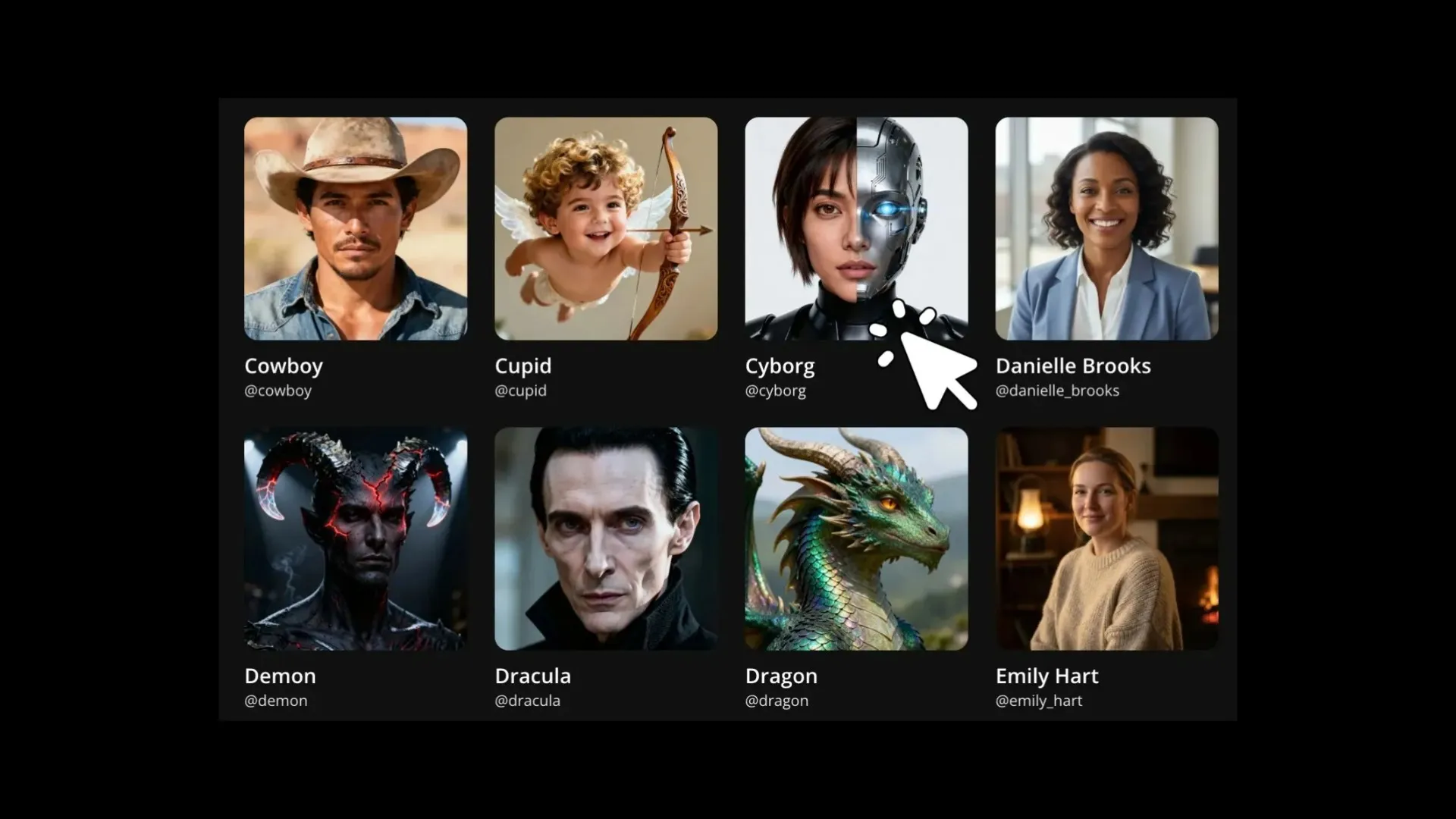
Characters
Create a character for your videos in any style — photorealistic, anime, cartoon, pencil drawing, and more. Generate your character from scratch or edit an uploaded photo.
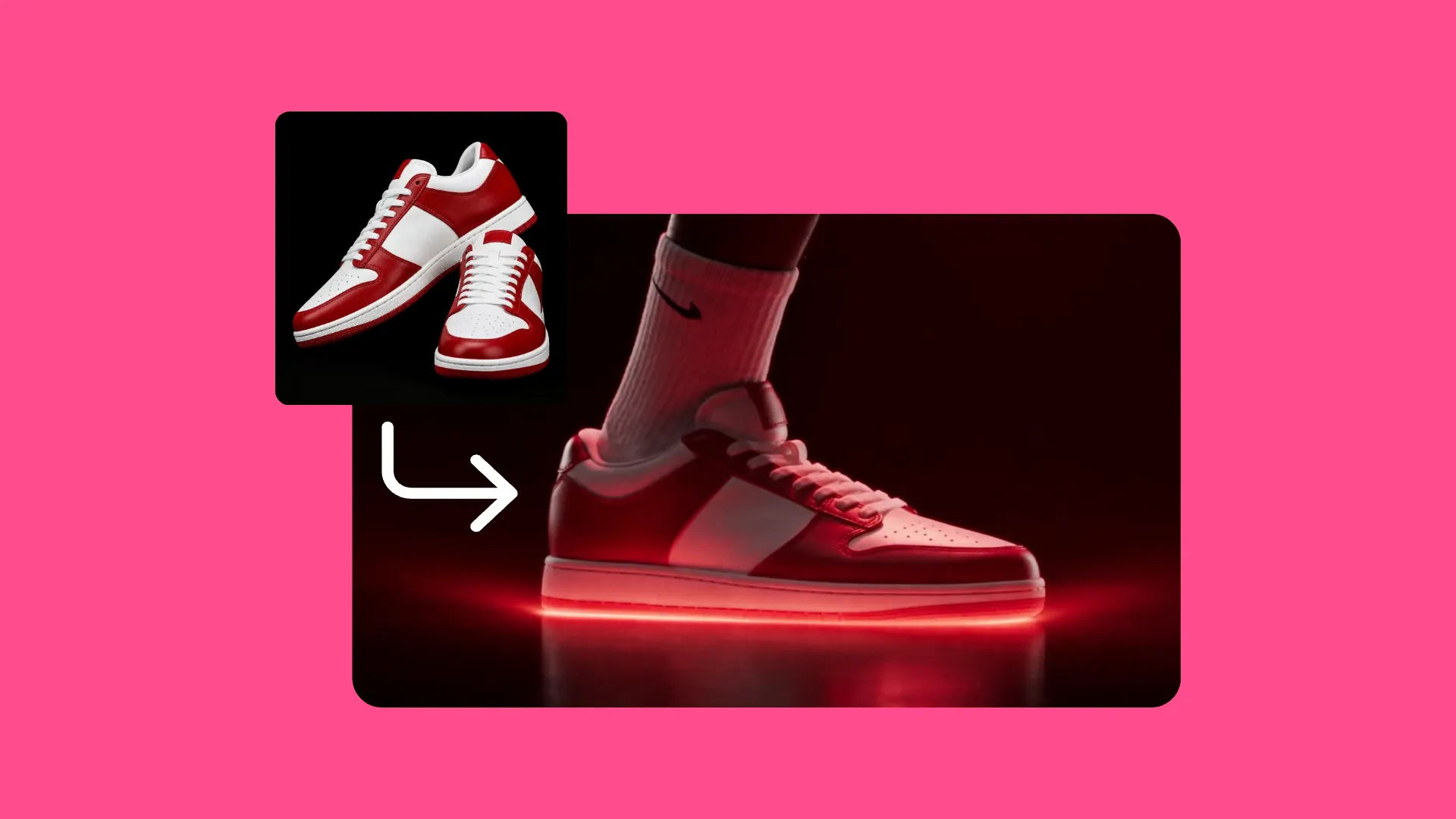
End Frames
Create your video’s closing image with Nano Banana, then use it as an end frame in Kai with a compatible video model — Seedance 2.5, Veo 3, or MiniMax H3
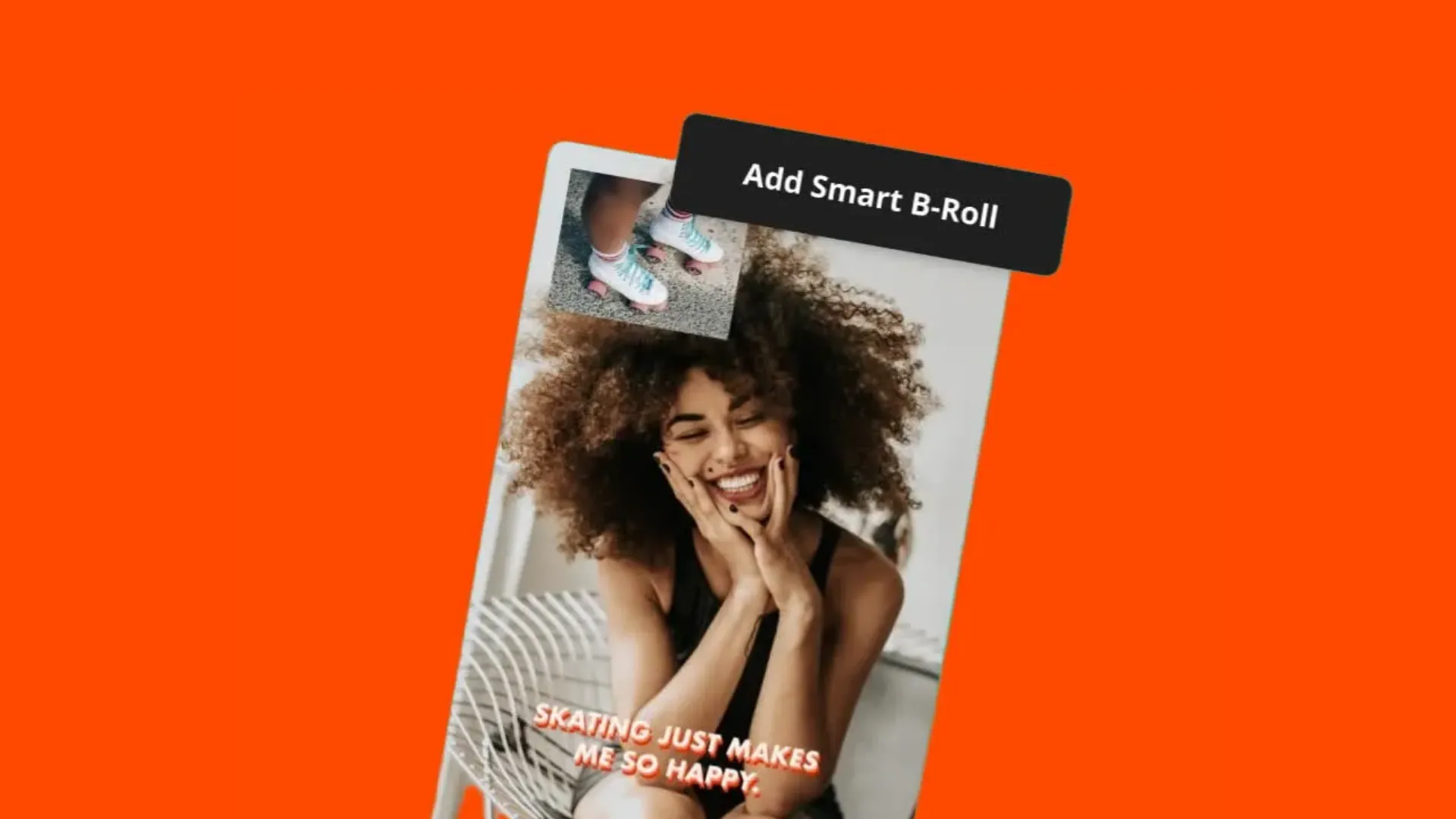
B-roll
Generate supporting images and add them as B-roll to video projects in the editing timeline or AI-generated videos in Kai
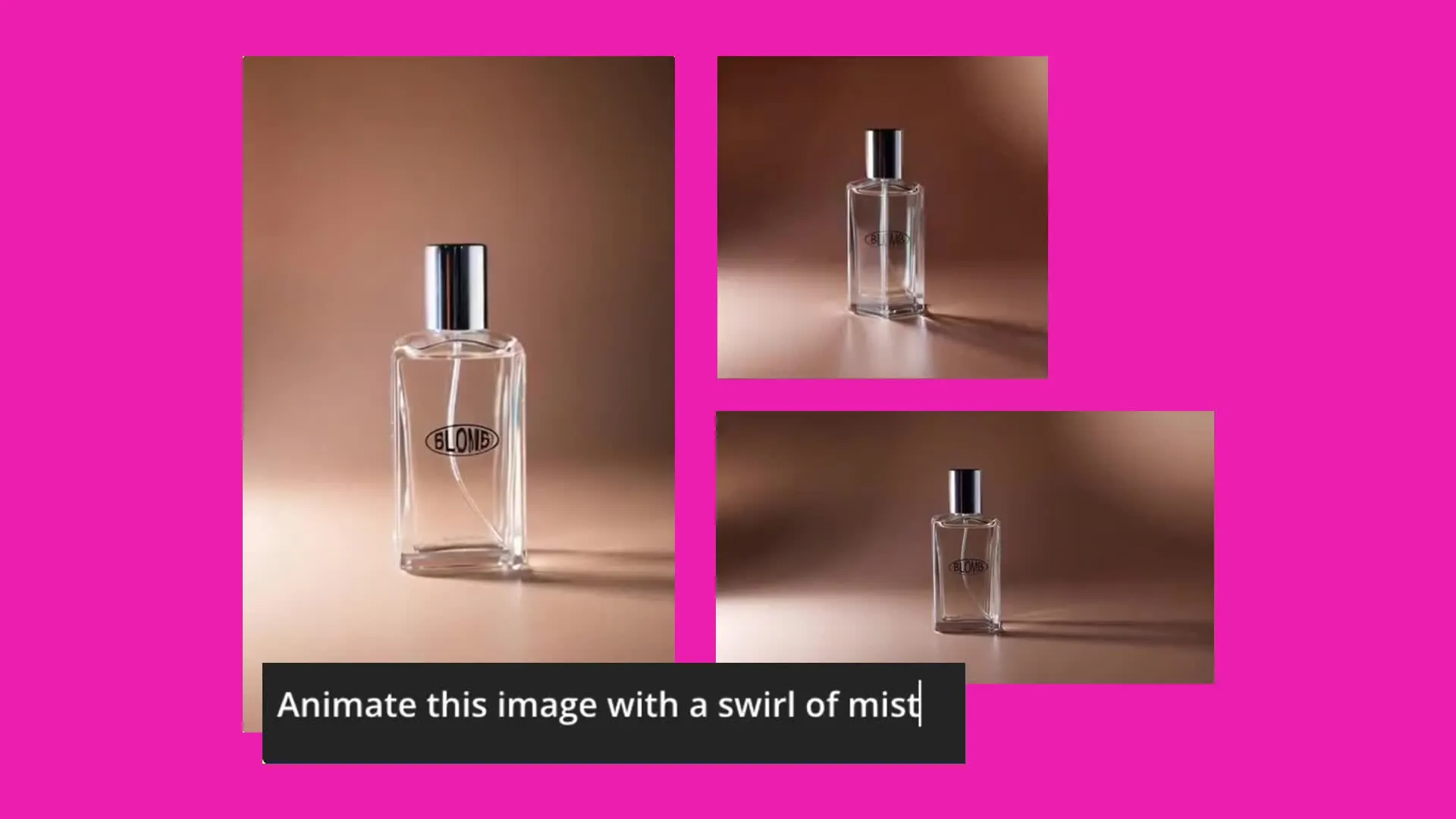
Products
Adjust your product image’s lighting, camera angle, and background, apply effects and filters, or change its aspect ratio. Then animate it for video ads, demos, and promotional clips.
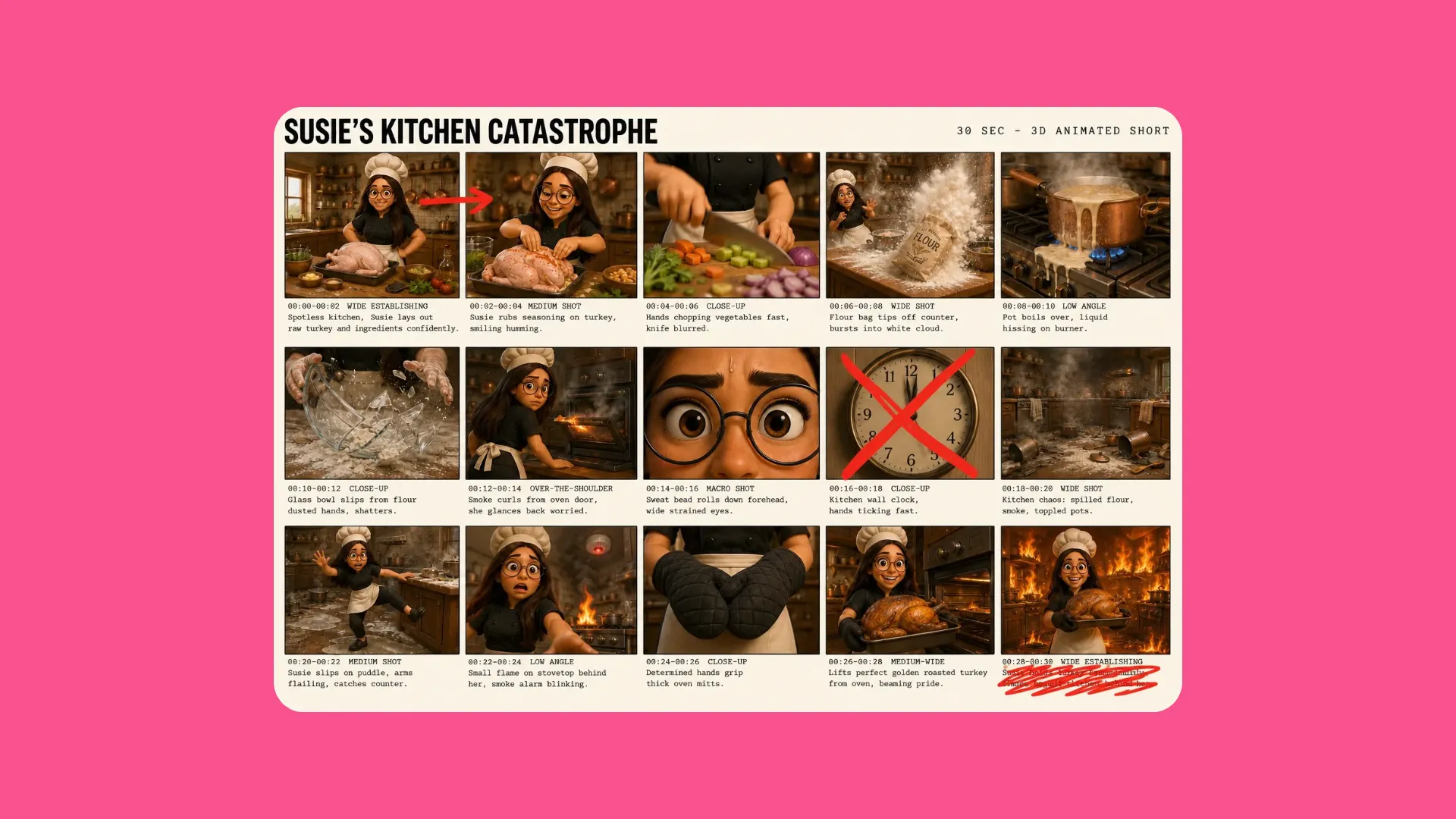
Storyboards
Use Nano Banana to generate or edit an image for each planned shot, then add those frames to a storyboard-to-video workflow in Kai
Prepare images for AI videos
Generate AI videos in Kapwing using up to 30 reference images


Already transforming video creation across industries
Hear directly from the teams who publish faster, collaborate better, and stay ahead.


Frequently Asked Questions
We have answers to the most common questions that our users ask.
What is Google Nano Banana?
Google Nano Banana is the name used for Google's Gemini image-generation and editing model family. In Kapwing, choose Google Nano Banana to create an image from text or edit an uploaded reference. Nano Banana can generate or edit photos and graphics, as well as help prepare images for use as video assets.
How do I access Google Nano Banana in Kapwing?
Open Kapwing AI, Kai. In Model Preferences, select Google Nano Banana under Images. Describe your image or attach a reference and request an edit. You can download and export the result or continue working on it in a Kapwing project.
Can I edit my own photos and use reference images?
Yes. Attach your photos in Kai and explain the changes you want. You can request a different setting, lighting, object, or style, and use references to guide the result. State which details should remain unchanged.
Can Nano Banana generate videos, audio, or lip sync?
No, Nano Banana generates still images, not video clips or audio. However, you can turn a still image into a video using Kapwing' AI Video Generator, which is supported by AI models such as Kling, Seedance, Grok Video, Happy Horse, and Veo.
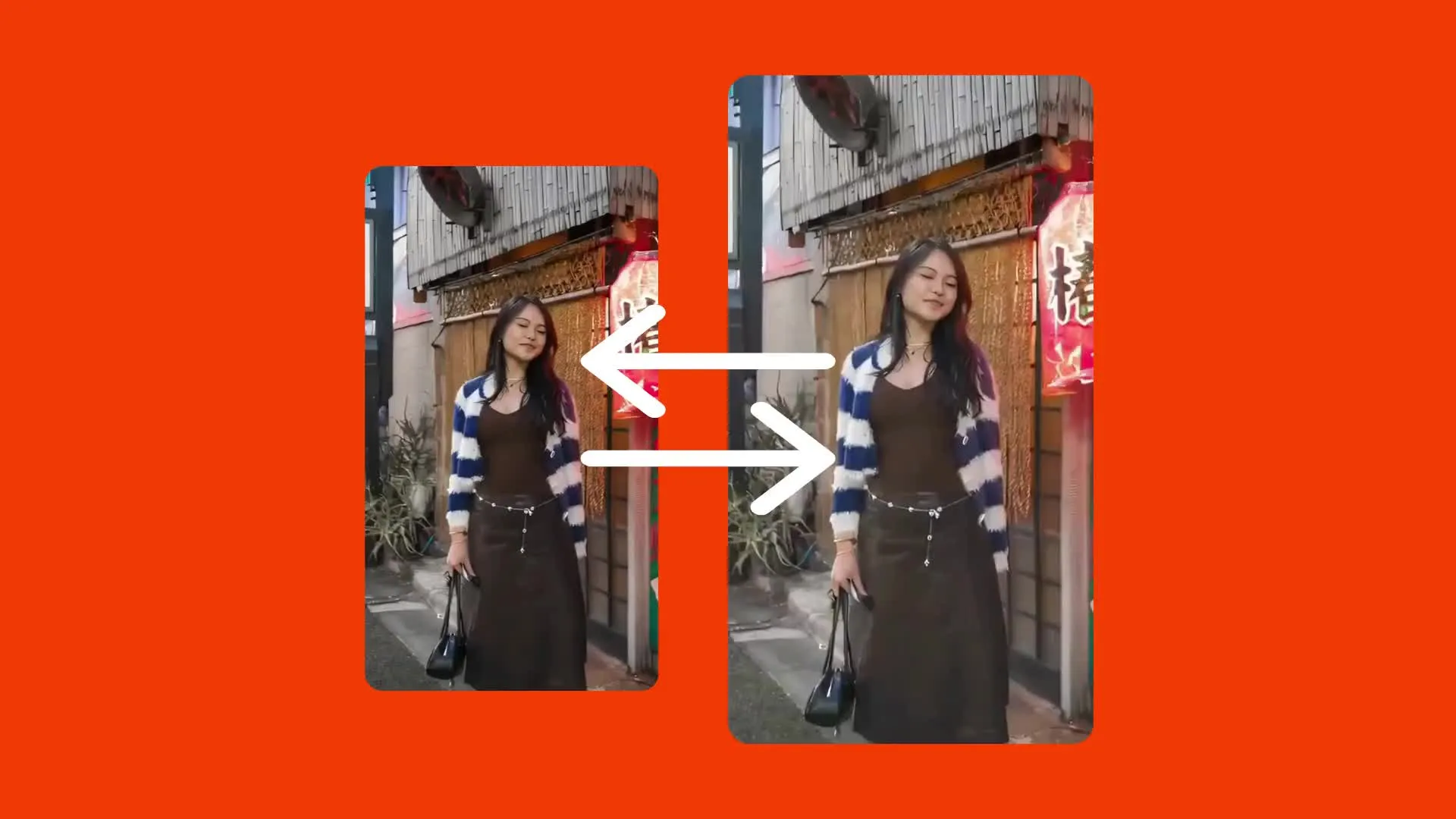
What aspect ratios and resolution can I use?
When using Nano Banana in Kapwing, you can request 1:1, 2:3, 3:4, 4:3, 4:5, 5:4, 9:16, 16:9, and 21:9 aspect ratios through Kai. Include your preferred aspect ratio in the prompt. Images are generated as PNG files.
Is Nano Banana free?
Yes, anyone can try Nano Banana image generator for free in Kapwing. On a free account, exports include a Kapwing watermark. Paid plans remove that watermark.
Can I use Nano Banana on iPhone or Android?
Yes, you can access Kapwing in a mobile web browser on iPhone, iPad, and Android. There is no separate Nano Banana app to install for this workflow.
What kind of content can I create with Nano Banana?
Create product images, campaign concepts, social media graphics, thumbnails, and visuals for video projects. Brands and marketing teams can explore campaign styles, while e-commerce businesses can place products in different settings. Agencies can develop creative concepts and variations for client review. Use reference images to guide the look, then bring your visuals into Kapwing to add text, build layouts, or animate them with a compatible video model.
What other AI image models are in Kapwing?
Alongside Google Nano Banana, Kapwing offers GPT Image 2, Seedream 4.5, Seedream 5, and Grok Imagine Image.
Get started with your first video in just a few clicks. Join over 35 million creators who trust Kapwing to create more content in less time.