How to Turn a Product Photo Into an AI Product Ad With Seedance 2.5
One product photo, one model reference, and a prompt are enough to build a full AI commercial.
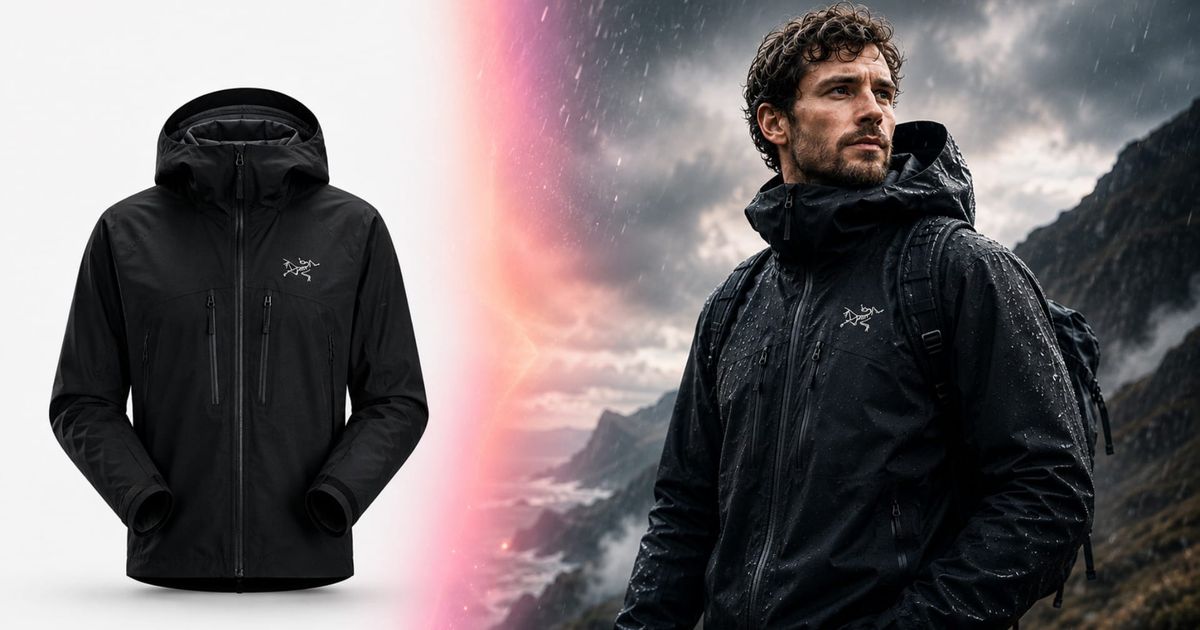
A product photo can look polished on its own. Turning it into a convincing commercial is a different challenge. A commercial has to hold together across multiple shots. The product needs to remain recognizable as the camera moves closer, the angle changes, the lighting shifts, and the model interacts with it. Small inconsistencies can quickly make the result feel artificial.
That is where a reference-driven AI video workflow can help. Instead of treating every clip as a separate image, you can use a consistent set of product, character, and style references to guide the same person and product through a sequence.
In the following guide, you’ll create a clean identity reference for the person wearing the product, turn the product references into a specific shot-by-shot prompt, and generate the sequence with Seedance 2.5 before finishing the strongest take in Kapwing.
How to Turn a Product Photo Into an AI Product Ad
- Step 1: Create a Clean Identity Reference
- Step 2: Write the Prompt
- Step 3: Generate the Ad
- Three Worked Examples
- Best Practices for AI Product Ads
- Frequently Asked Questions
Step 1: Create a Clean Identity Reference
If your commercial includes a person, start with a clean identity reference rather than a busy lifestyle photo. Backgrounds, clothing, lighting, and camera angles can distract the model from preserving the person's face.
You don't need a professional portrait photo. With ChatGPT Image 2, you can turn a clear image of your model into a clean identity reference. To begin, select a front-facing, head-and-shoulders image with even lighting, a plain background, natural skin texture, and minimal styling.
In Kai, attach that photo and select GPT Image 2. I used the following prompt:
Using the attached photo, generate a clean front-facing head and shoulders identity portrait of the exact same person.

Keep the person identical. Same face, same age, same hair and hairline, same facial hair, same skin tone and texture, same build. Do not restyle, idealise, slim, age or beautify them in any way. This is a reference photograph, not a flattering portrait.

Straight-on to camera, head and shoulders, eyes level with the lens, neutral relaxed expression, mouth closed. Shoulders square.

Plain flat neutral mid-grey background, no shadow on the background, no environment, no props.

Clean even studio lighting: soft key from the front and slightly above, gentle fill, no hard shadows across the face, no coloured light.

He wears a plain black crew-neck t-shirt with no print or lettering.

Photographic and natural. Real skin with visible pores and texture, no smoothing, no retouching, no plastic AI skin. Sharp focus on the eyes.

No text, no watermarks, no borders, no extra people.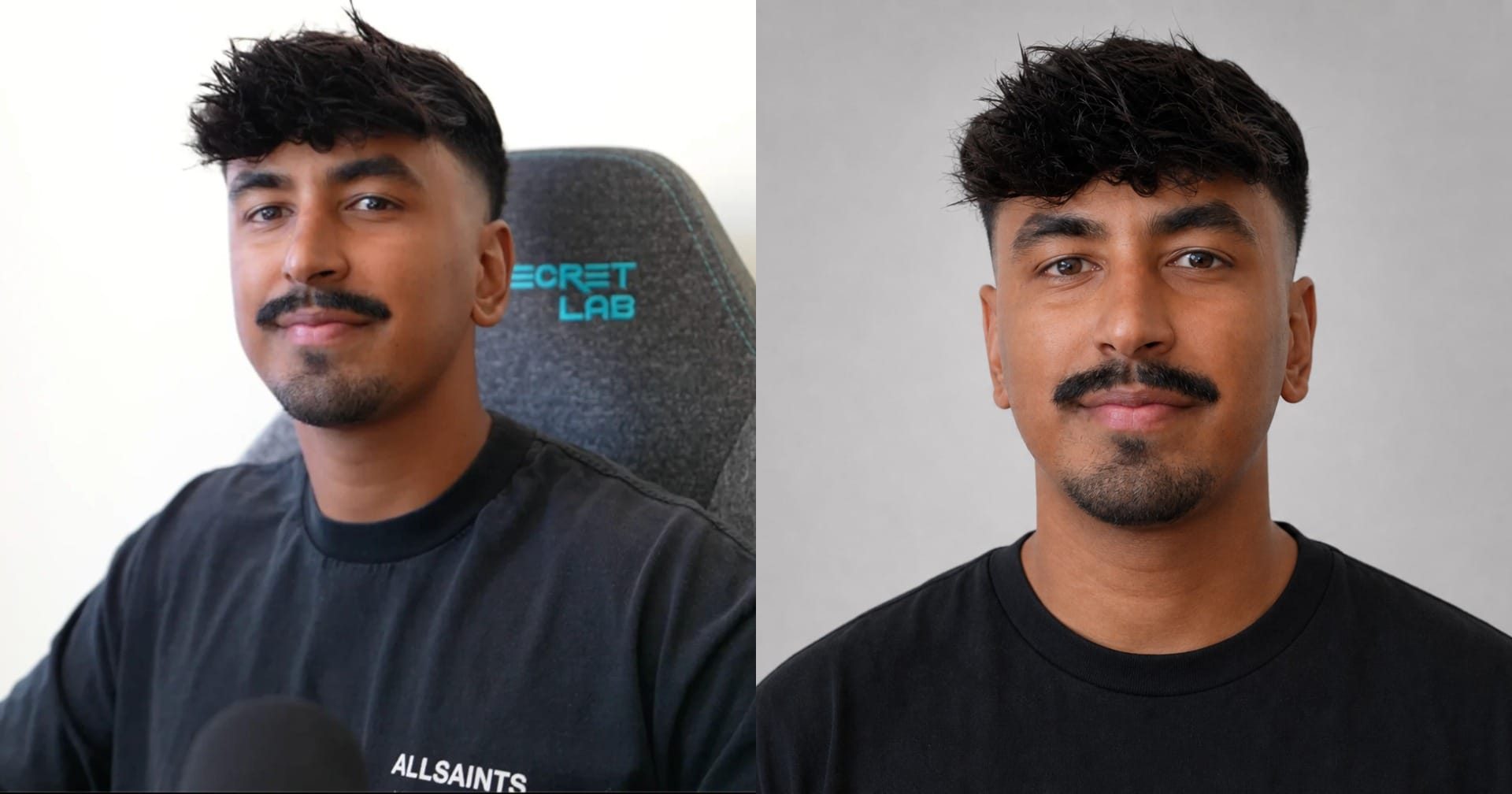
Step 2: Write the Prompt
Now you need to translate your product photography into instructions Seedance can actually use. I use a custom Product Ad Prompt Writer skill for this step. Download the file below and add it to Claude along with your product references.
The skill is designed to do one specific job: take your product assets and return a ready-to-paste prompt for a 10-second Seedance 2.5 AI commercial.
In Claude, upload: your product photos, the portrait from Step 1, your logo, if you want a brand logo end card.
For the product itself, use the cleanest photos you already have. One product image works, but three is better: a front, a side, and a detail. That extra coverage matters because a video model can only preserve details it can see or that are described to it.
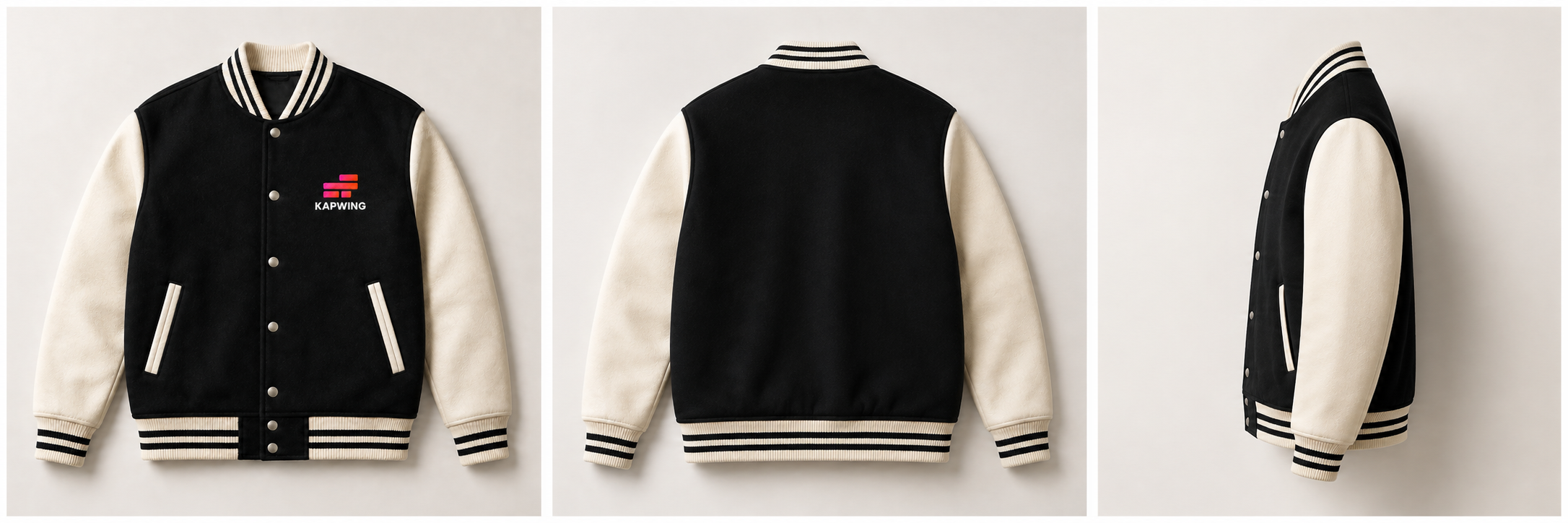
Once the references are attached, the prompt-writing skill does three important things:
- The skill researches the product and brand before writing the prompt. It identifies verifiable materials, intended uses, relevant features, and campaign language rather than inventing details for dramatic effect. For example, a technical jacket should not be described as waterproof unless that claim is supported by the product.
- That research determines the setting. The environment should give the product a reason to be there, not simply make the ad look expensive. A technical shell designed for bad weather belongs naturally in a wet, exposed setting, where rain, fog, or wind can reveal something about the product while creating a stronger visual.
- Finally, the skill writes a complete Seedance prompt. It specifies the product, character, environment, lighting, shot timing, detail shots, hero shot, and end card before generation.
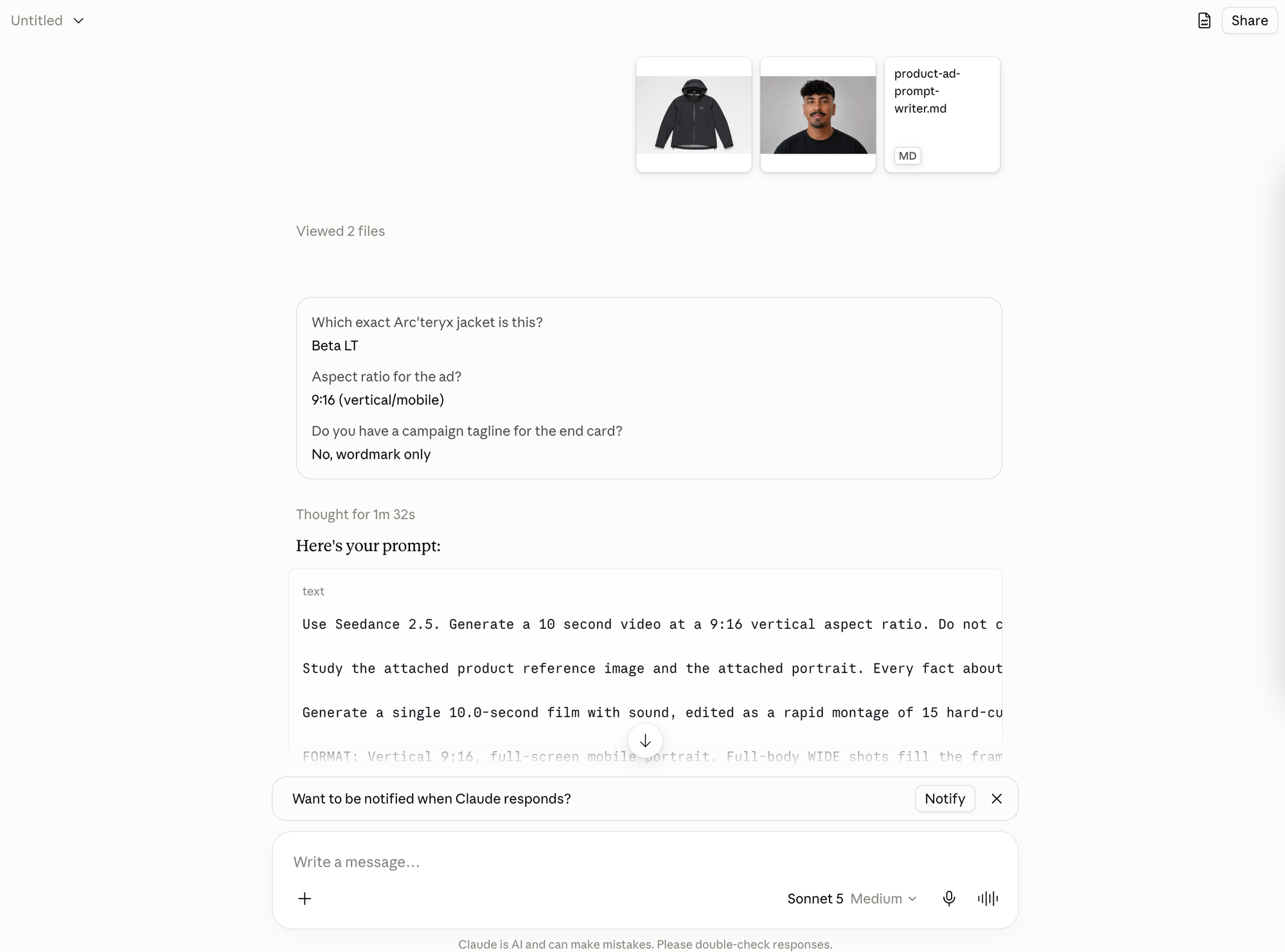
Step 3: Generate the Ad
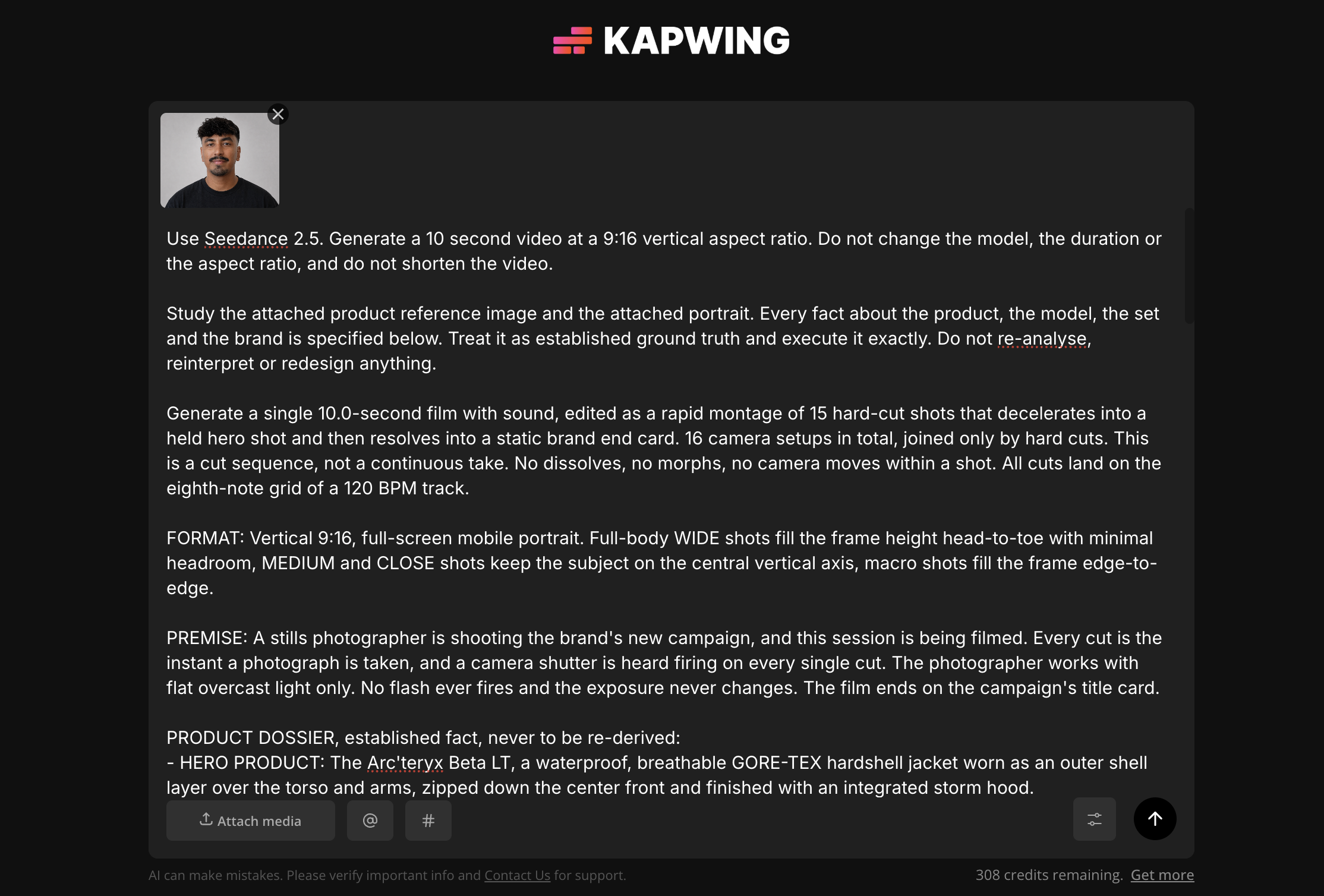
Once Claude returns the final prompt, head back to Kai and start a new generation.
Click attach media and upload your product image and your clean identity portrait. Paste the prompt, select Seedance 2.5, and generate.
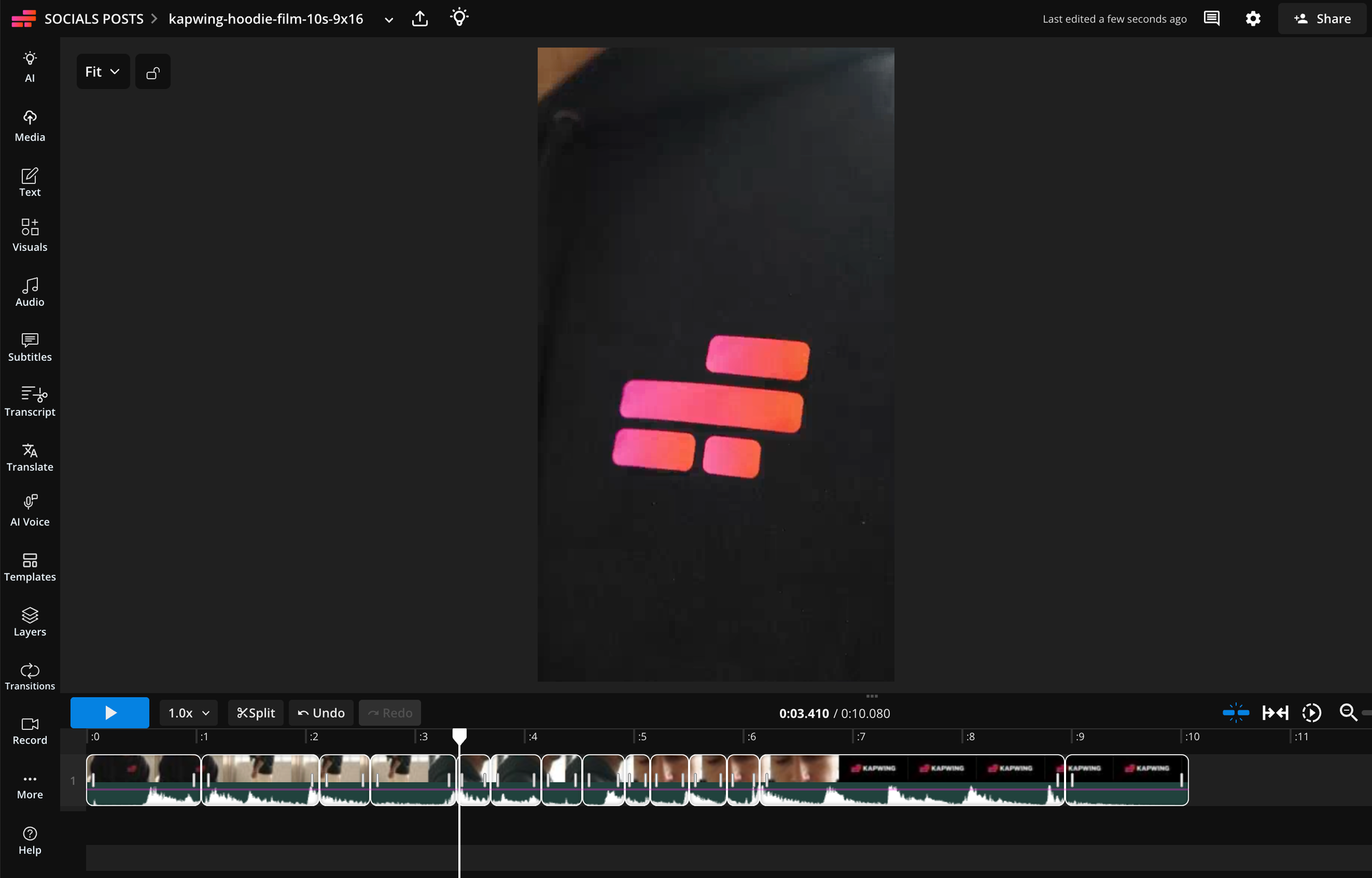
Once your video is finished generating, bring your ad into the studio if you want to tighten individual cuts, adjust pacing, replace generated typography with exact brand artwork, or repurpose for other platforms.
Seedance handles the resource-intensive parts — generating the location, talent, movement, camera setups, and product footage. The editor gives you precise control over the final details that need to be correct.
Three Worked Examples
The workflow stays the same across different products. What changes are the product references, the setting, and the details emphasized in the prompt.
In the first two examples, the product is an outerwear piece. The front, side, and detail references establish the jacket’s silhouette, hood, zipper, pockets, and fabric. The portrait keeps the model’s identity consistent while the prompt places the product in a weather-driven environment that supports its intended use.
In the third example, the product is a smaller wearable accessory. The prompt uses close-ups and controlled camera movement rather than relying on a wide environment to communicate the product.
Best Practices for AI Product Ads
Use Three Product Angles, Not One
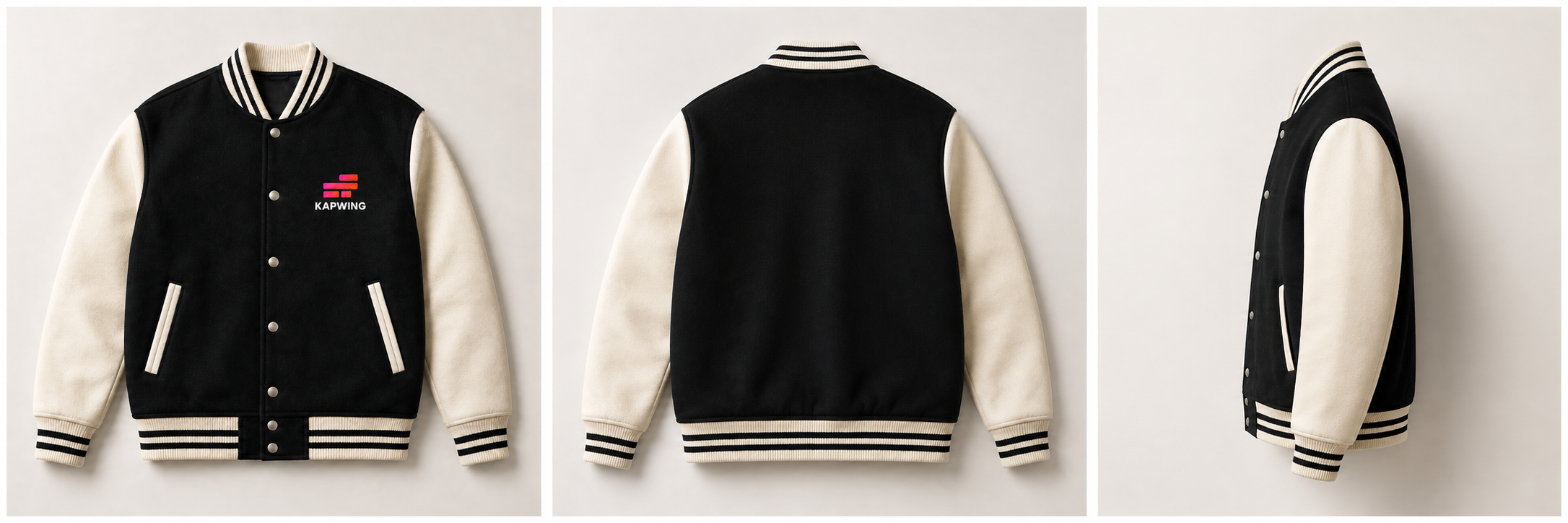
A single image is enough to start. But a front, side, and detail shot give it a much clearer understanding of the product's actual construction: seams, hardware, stitching, materials, closures, and silhouette.
That doesn't eliminate generation errors, but it reduces the number of details the model needs to infer independently in every shot.
Declare Anything That Opens or Closes
Moving product components are common sources of continuity errors.
If a component changes state during the commercial, specify when. Otherwise, the model can decide that a zipper is open in one shot and closed in the next or that a hood should disappear behind the collar and then suddenly return
Let the Product Be the Only Thing in Its Tone
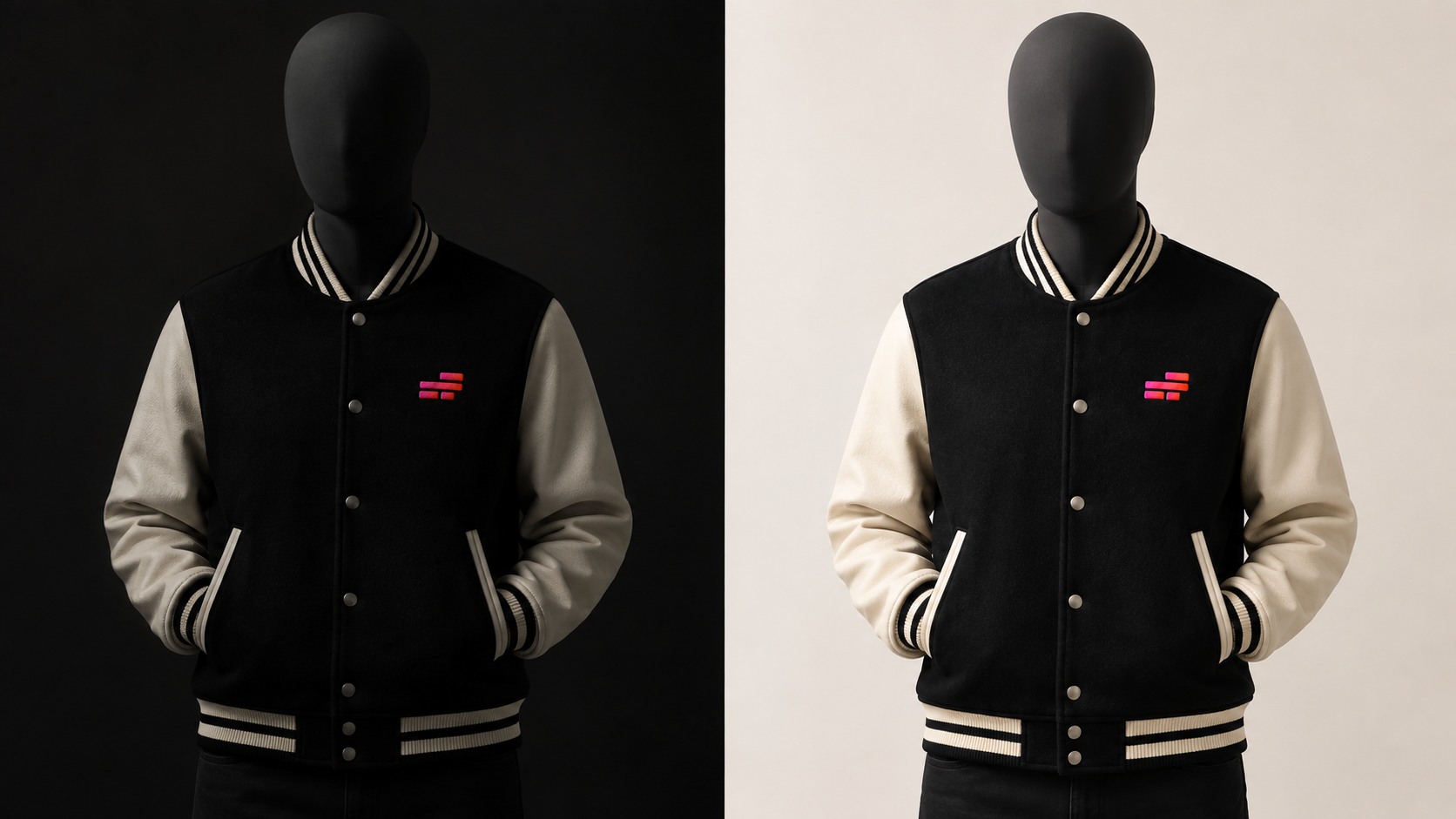
Product consistency is only useful if viewers can actually see the product. Choose wardrobe, background, and lighting so the item remains visually separated from the rest of the frame.
A black jacket against a black wall can lose its silhouette. A two-tone product can lose half of its construction if one color disappears into the background.
Generate Again Before You Rewrite
If a problem only appears once, generate another version first. If it appears repeatedly, then change the smallest relevant part of the prompt.
This makes iteration much easier to diagnose. When you rewrite several sections at once, you no longer know which instruction fixed the issue, and you may accidentally break parts of the generation that were already working.
Frequently Asked Questions
Can I turn one product photo into an AI video ad?
Yes. One clear product image is enough to use this workflow, especially for a simple product with a recognizable silhouette.
For better consistency across multiple camera angles, though, use several references when you have them. A front, side, and detail view give the prompt writer more information about construction, materials, logos, hardware, and proportions, which means Seedance has less to infer during generation.
What kinds of products work best for AI product ads?
This workflow works best for products worn on the body, including apparel, outerwear, footwear, eyewear, watches, jewelry, and headwear.
The person's body acts as a natural scale reference across shots, which can make it easier to maintain consistent proportions. Products that are carried or placed freely in a scene can still work, but they may require stronger reference images and more explicit scale instructions.
Do I need a model or product photoshoot?
No. You can start with product photography you already have and a clear photo of yourself or another model.
The model photo is converted into a clean identity reference in Step 1, while the existing product images define the product itself. That means you can build the source material for the ad without shooting new video footage.
How many reference images should I use for an AI product ad?
One product reference can work, but three is a stronger starting point: front, side, and detail.
The goal isn't to upload as many images as possible. It's to cover the details you need the model to preserve. If the logo, fastening system, material texture, or side construction is important, make sure at least one reference shows it clearly.
Why does my product change between shots?
Product drift usually happens when Seedance has to infer a detail that is missing or when the written prompt conflicts with the reference image.
Check the generated product against your source photography. If an important feature is not visible, add another reference angle. If the prompt describes something differently from the image, correct the text and treat the product photo as the source of truth.
For moving components such as hoods, straps, zippers, snaps, or collars, specify their state explicitly.
How do I keep the same person consistent throughout an AI commercial?
Use one clean identity portrait rather than relying on a casual selfie throughout the workflow.
A neutral, front-facing portrait removes most of the background, lighting, pose, and styling information that can compete with facial identity. Seedance can then use that image as a much clearer reference for the person across different shots and camera angles.