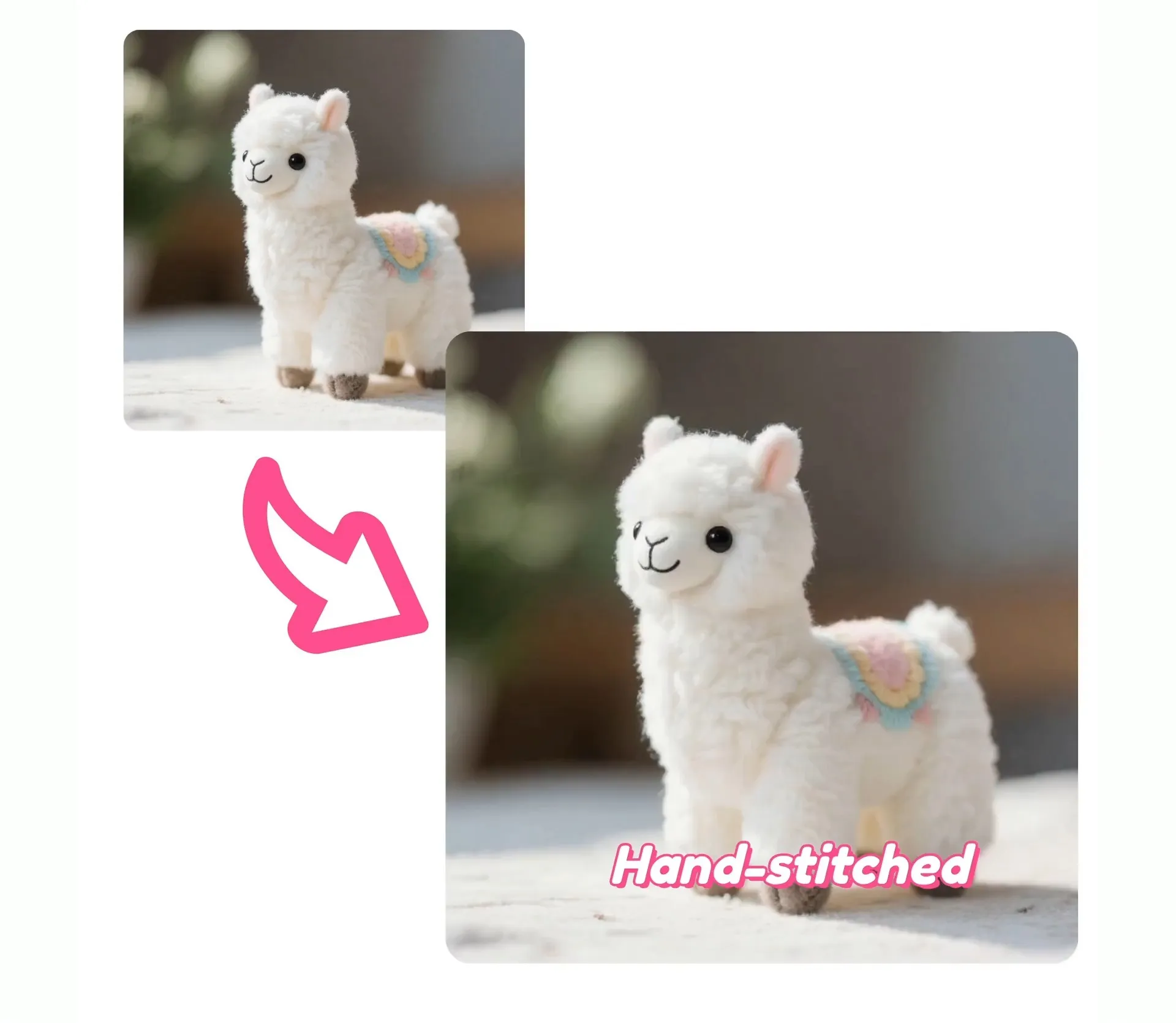
Your complete AI ad studio
Generate, edit, and publish on-brand video ads in minutes
Creative direction before you generate a single frame
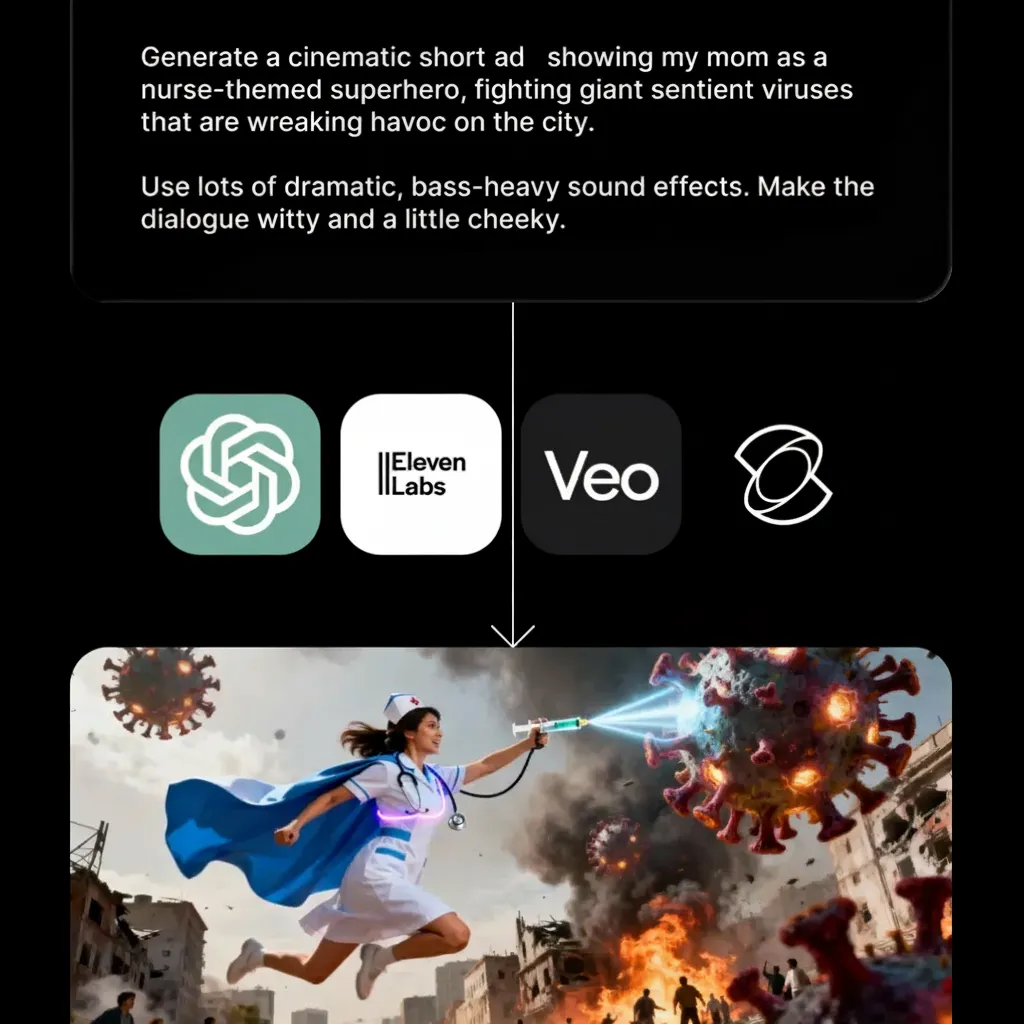
Add your prompt, product images, or full scripts to instantly generate short-form video ads or commercials with AI.
Kapwing's AI chatbot helps teams define creative direction before production begins — brainstorm angles, build a shot list, and lock in your script before generating a single frame.
Once you're ready to build, everything lands in a drag-and-drop timeline with Brand Kits, reusable templates, and scene-level controls. Swap visuals, adjust pacing, and refine messaging without starting over.
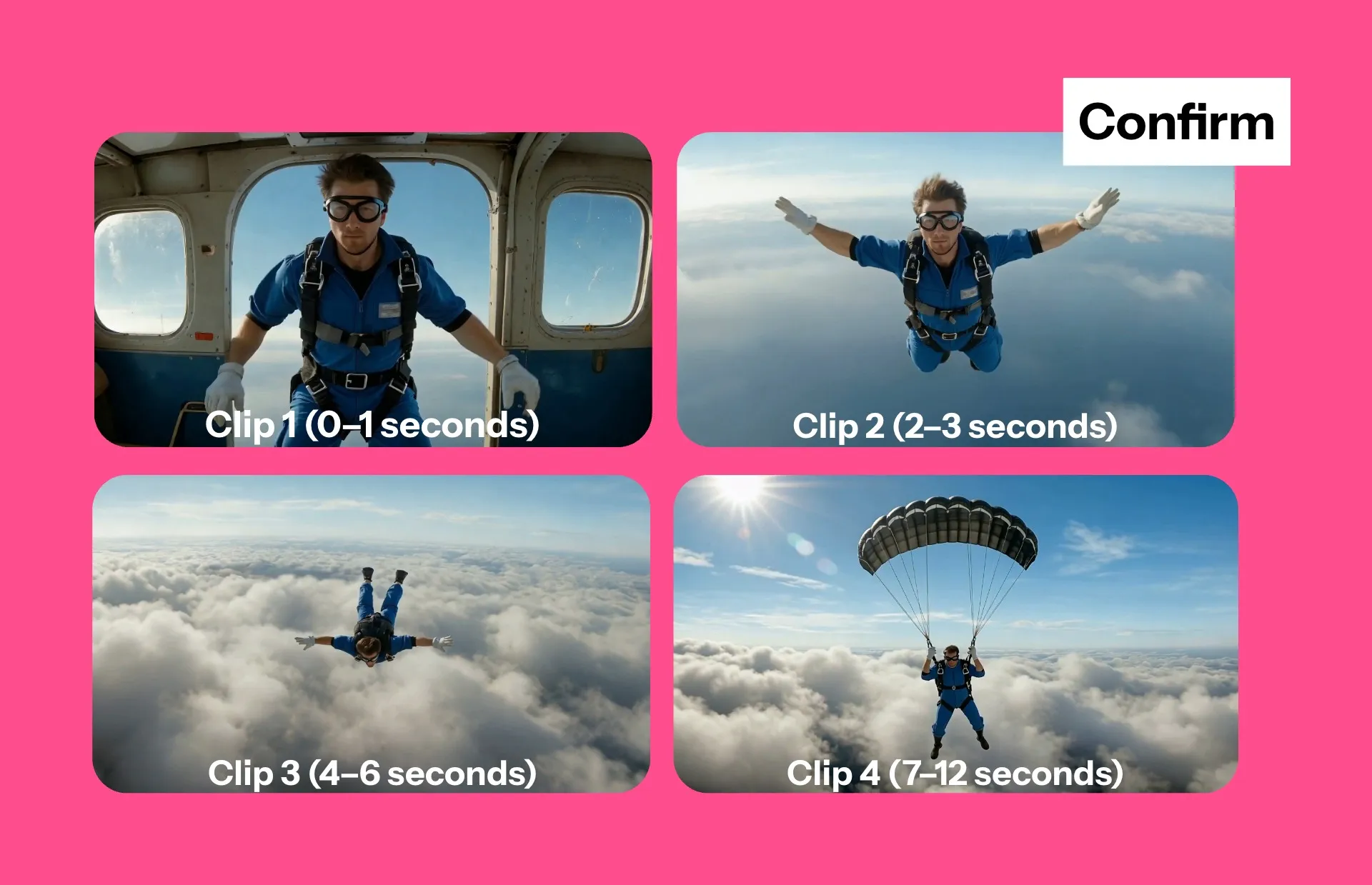
Create and test video ads faster with AI
Create AI video ads in minutes, not weeks. Kapwing’s AI ad maker helps teams move from idea to publish-ready creative fast, whether you’re launching Facebook ads, TikTok ads, or Google Ads campaigns.
Generate multiple variations with different leading AI models, refine them in the editor, and launch creative experiments quickly — all while keeping costs low and output high.
Instantly duplicate, edit, resize, and iterate across formats and aspect ratios to test hooks, CTAs, and messaging at scale.
Full editing power for global, multi-platform ads
Kapwing combines the power of an AI commercial generator with studio-grade editing tools. Add subtitles automatically, translate ads for global campaigns, customize audio, and optimize for any platform — vertical for TikTok, widescreen for YouTube, square for feeds.
Turn product images into video, generate scripts automatically, preview storyboards with shot lists, and produce UGC-style narratives or polished commercials without hiring a production team.
Whether you're running awareness campaigns, product launches, or performance marketing, Kapwing gives you the control to generate, edit, resize, translate, and publish — all in one place.
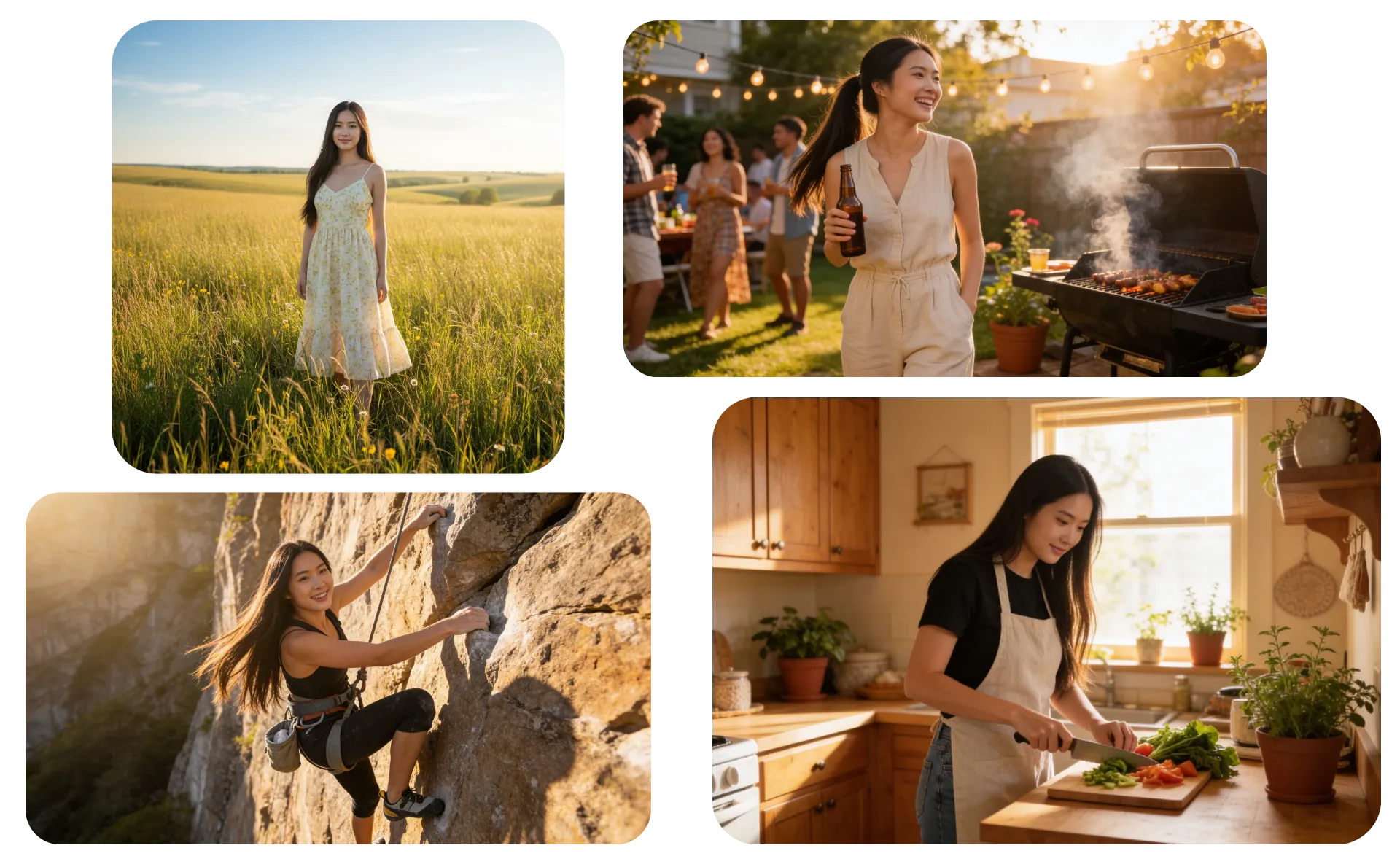
Consistent characters for every ad type — from UGC to animated
Save a character to your Brand Kit, then drop them into any video ad — from realistic influencer content to fully animated campaigns.
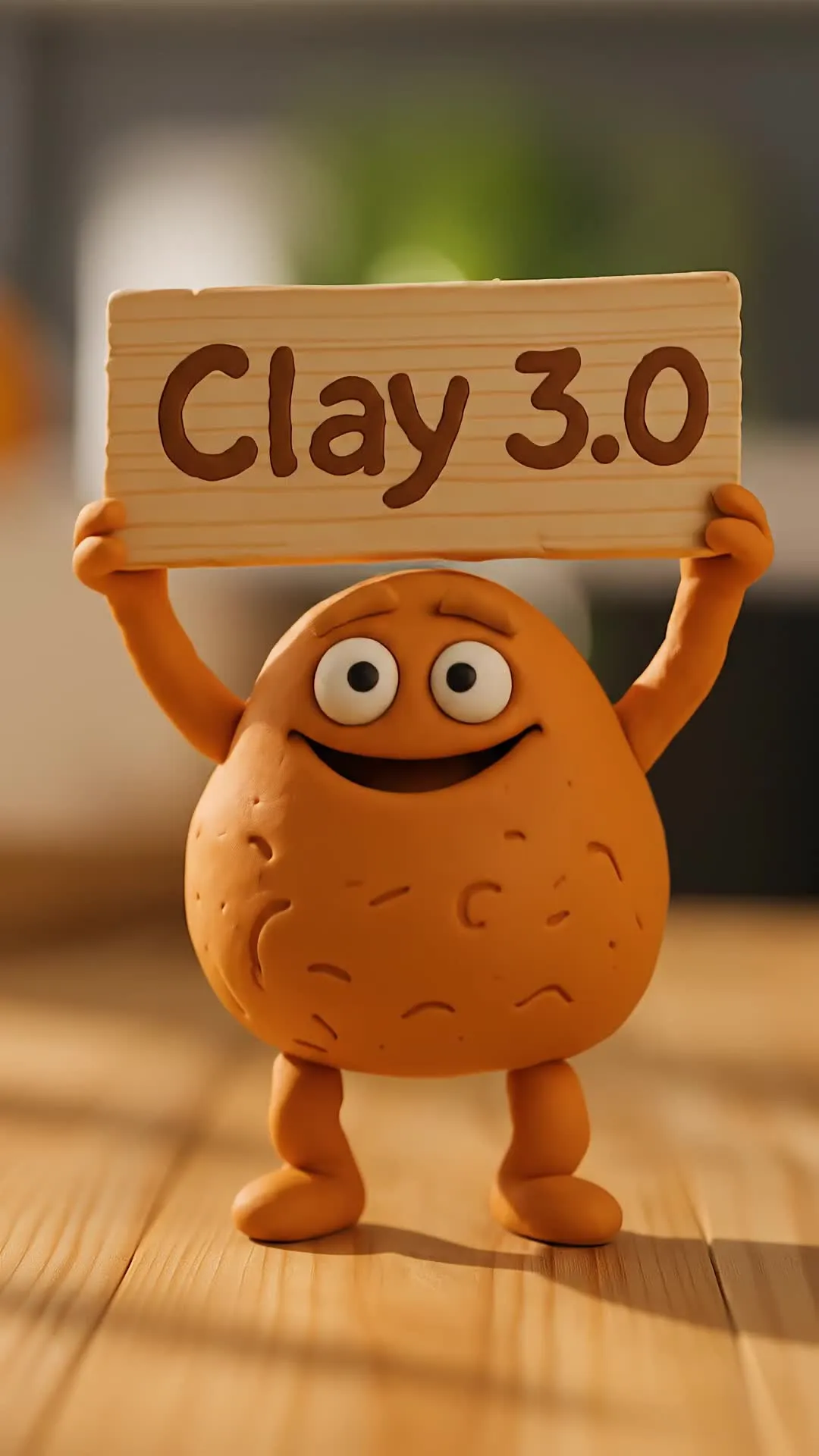
Use your saved character across any format. Whether a real-life spokesperson, cartoon character, or stop-motion animation, character consistency keeps them pixel-perfect in every generation.
Swap outfits and styles with a prompt tweak, then generate lip-synced ads with a consistent AI voice or alternate versions for A/B testing.
AI video ads made in Kapwing
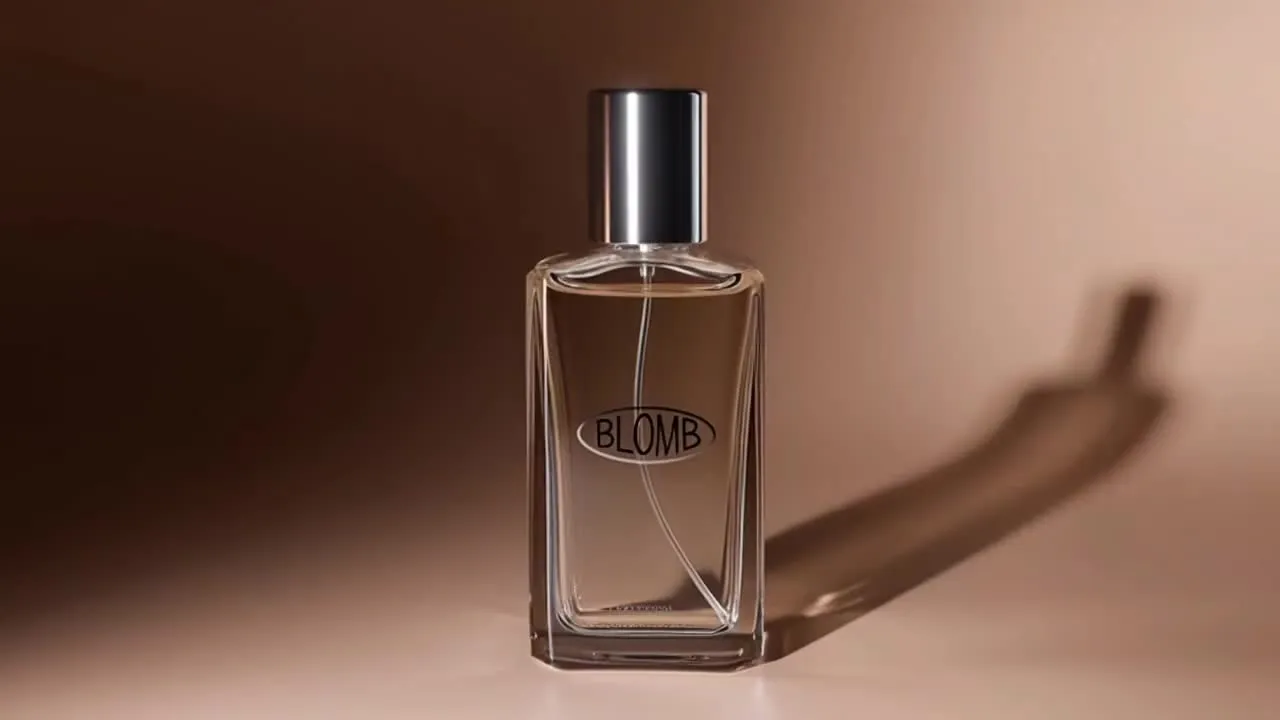
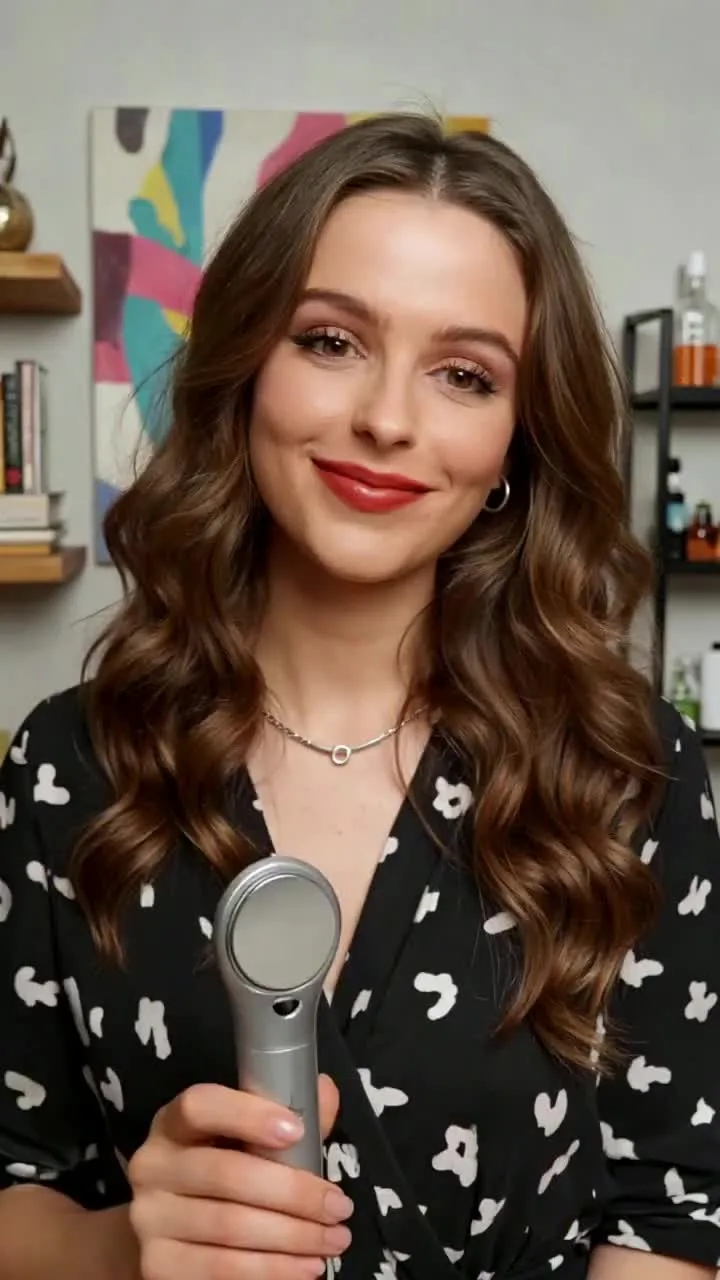
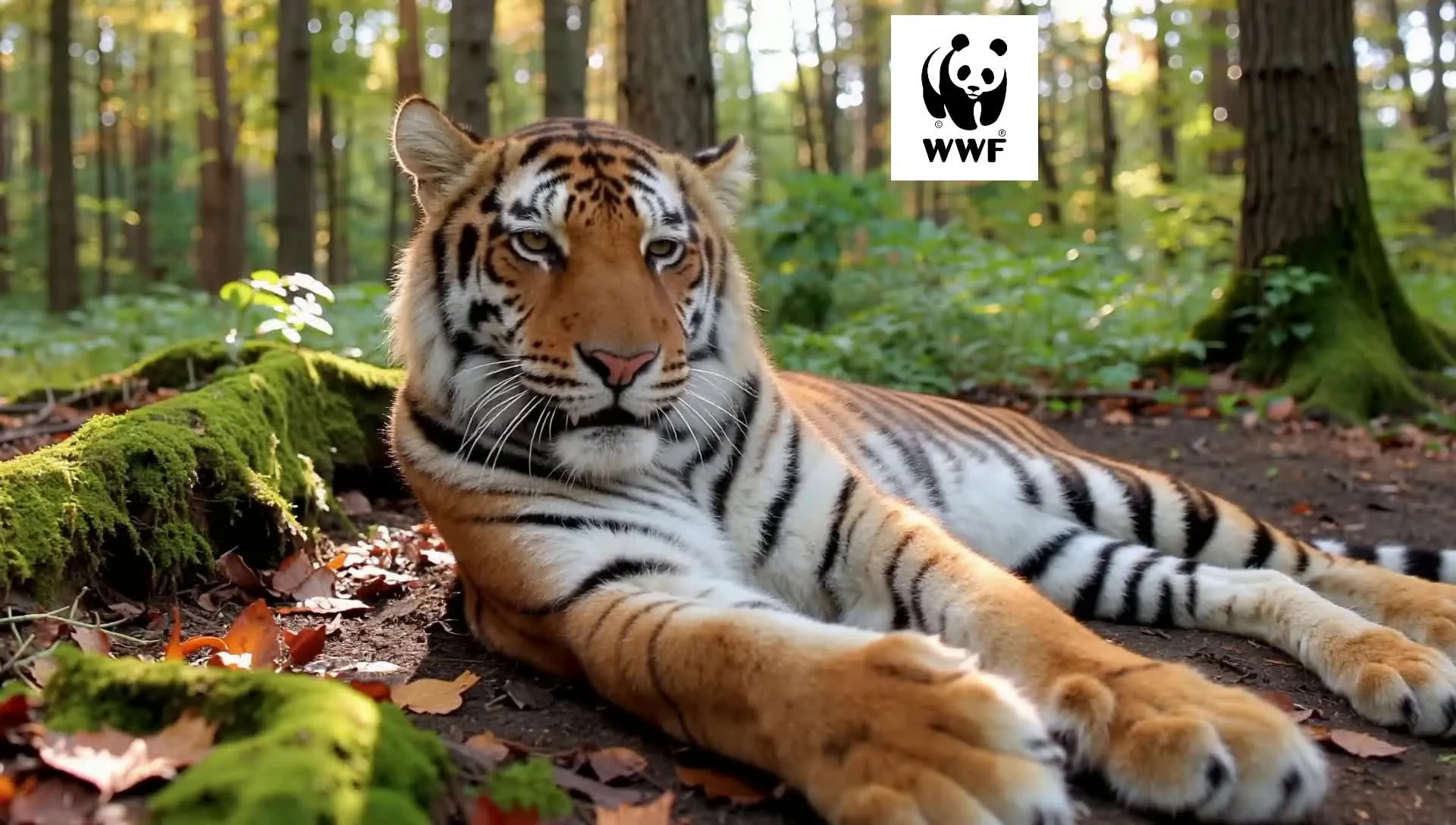
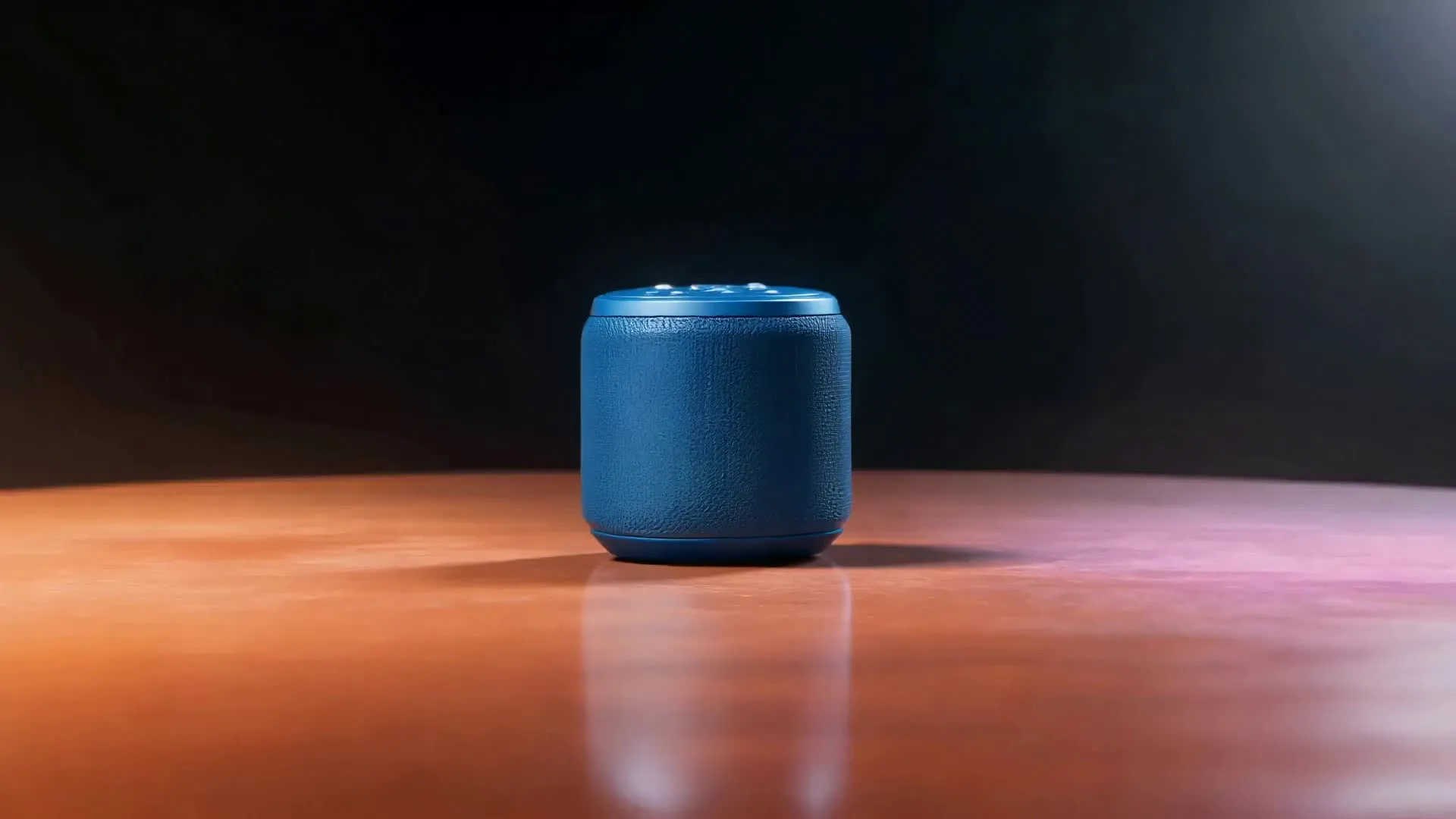
UGC-style social ads. product launches, and local lead-gen campaigns

-poster.webp)

Built for every stage of ad production
One subscription. No production team. Free to start.
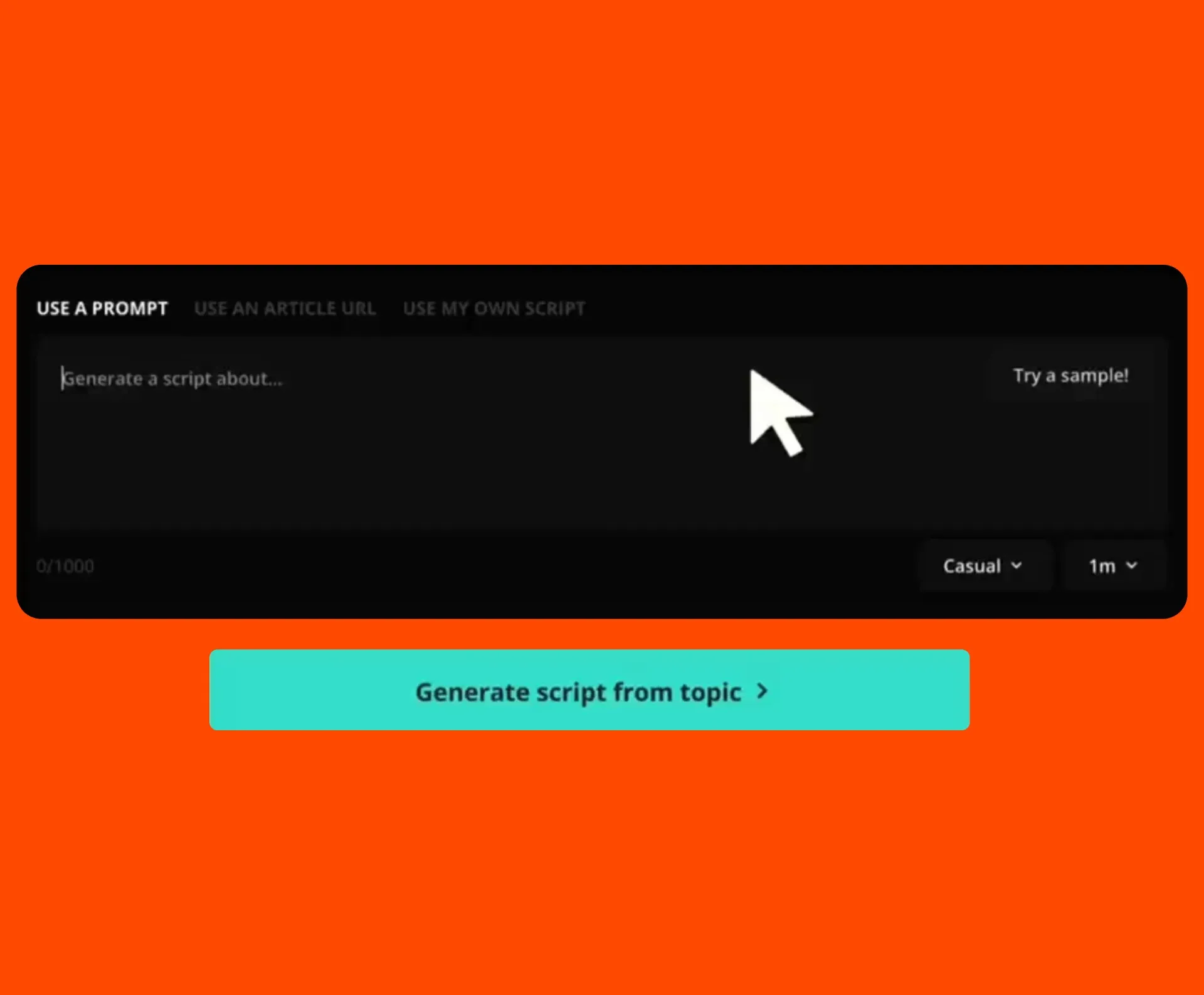
Text to Video
Turn a simple prompt or script into a structured video ad in minutes — designed for creators testing new hooks

Product Image to Video
Upload a product photo and generate dynamic video ads or GIFs from 3-12 seconds long — complete with advanced motion control
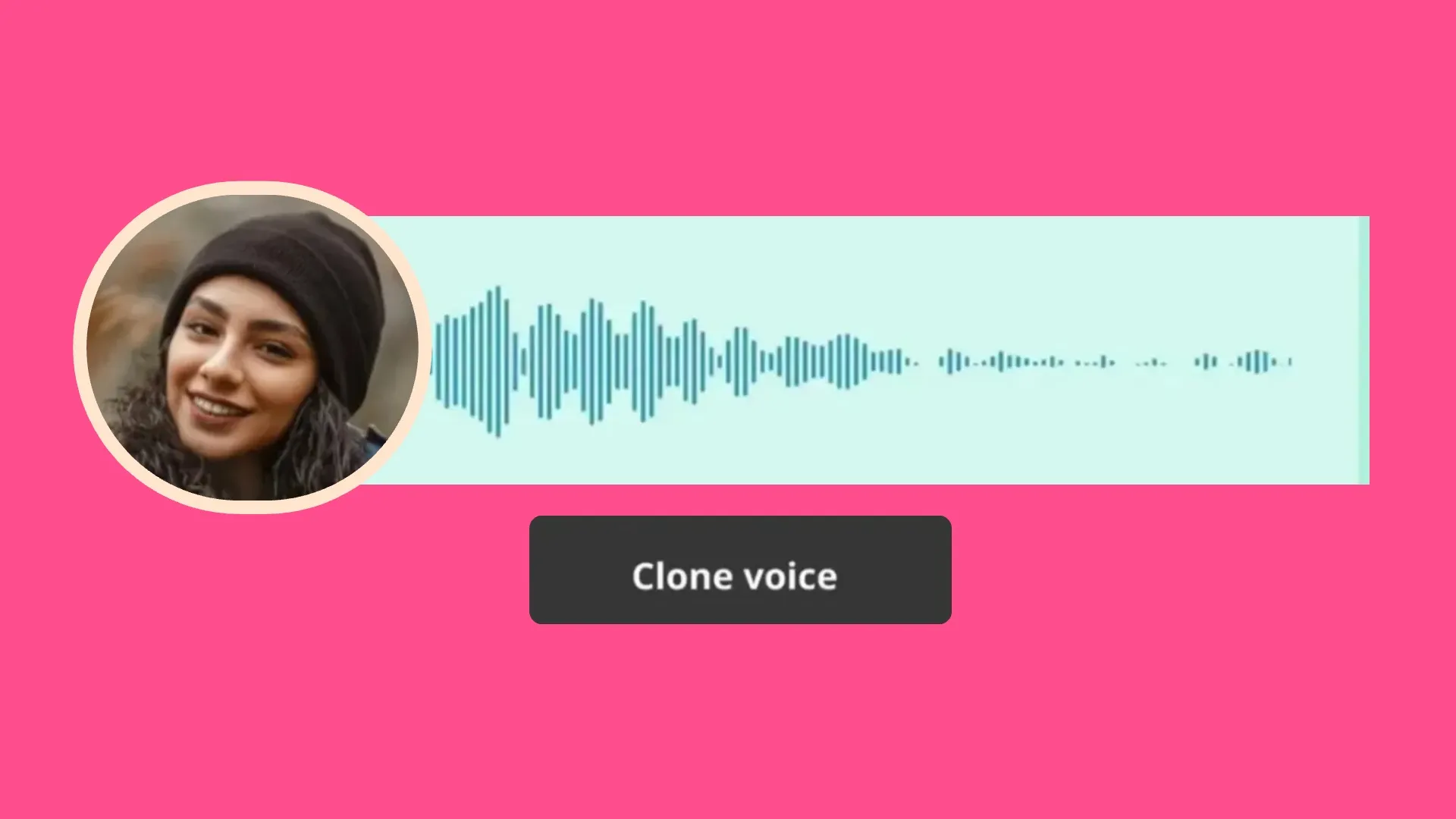
Voice & Persona Cloning
Clone your CEO, founder, or team’s voice and likeness to create authentic ads at scale
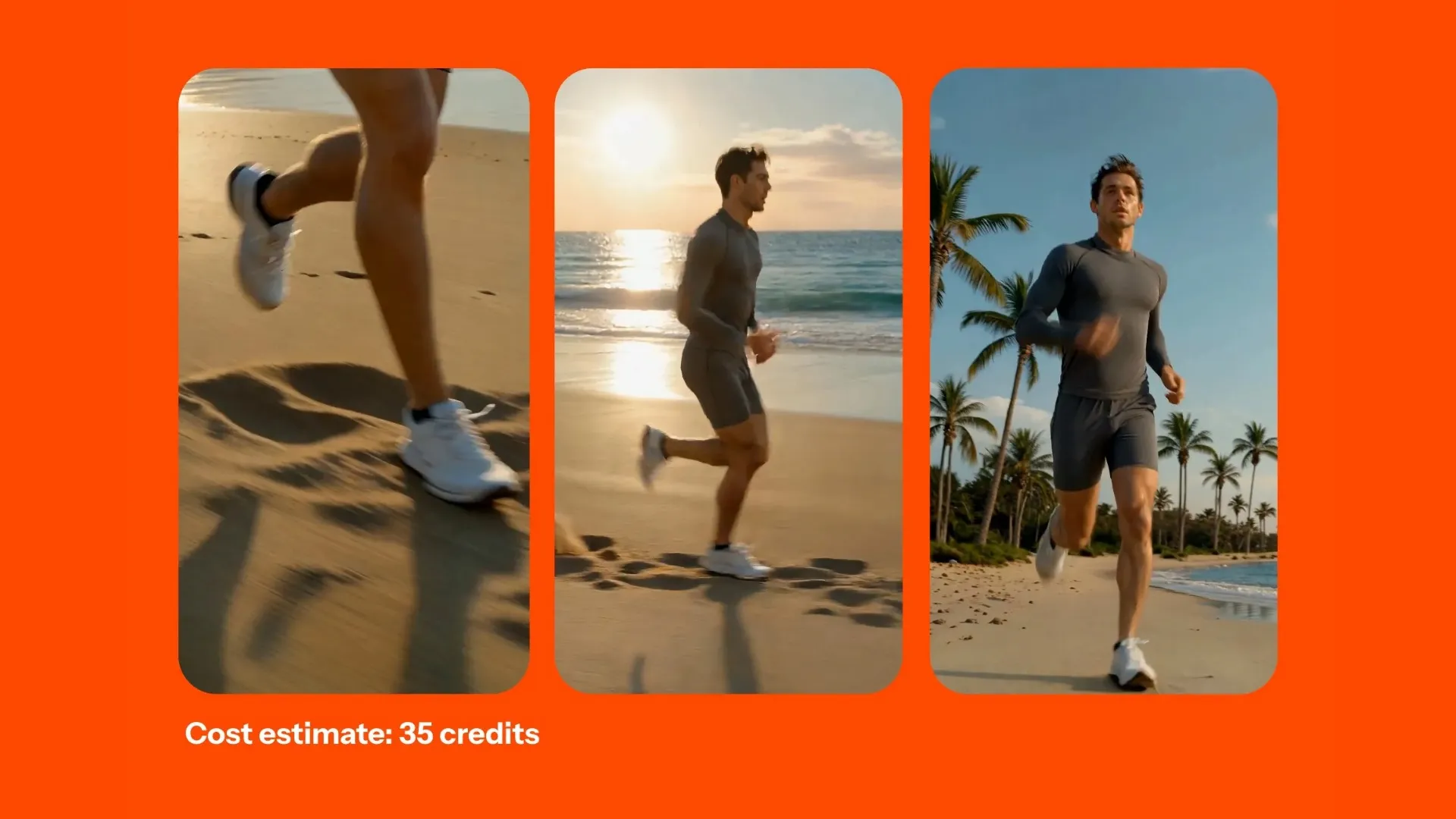
Storyboard with Shot List
Plan your ad before production with AI-generated storyboards and structured shot lists for clearer creative direction
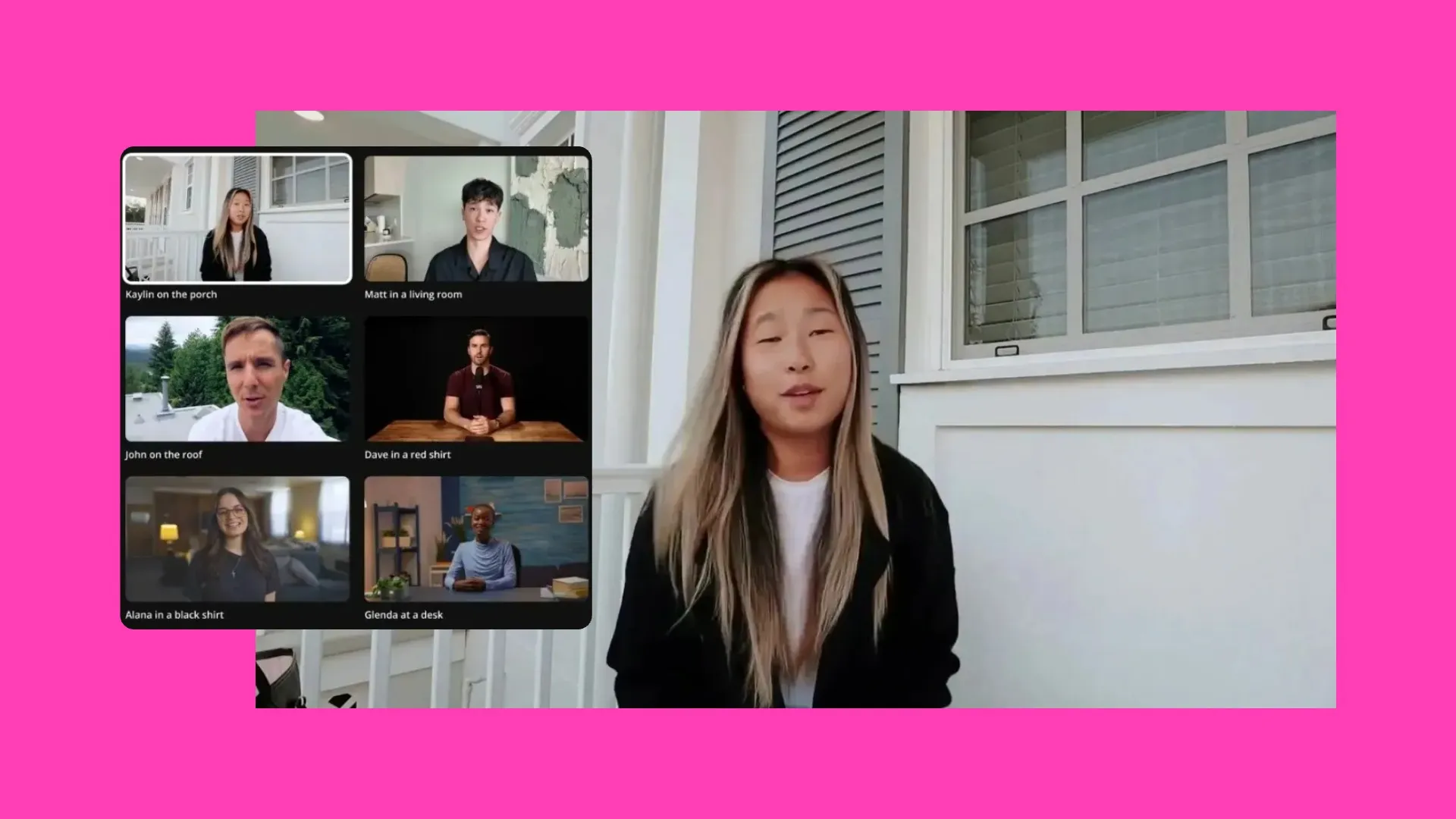
AI Avatars
Create spokesperson-style ads without filming. AI Avatars are great for scaling UGC, explainers, and global campaigns.
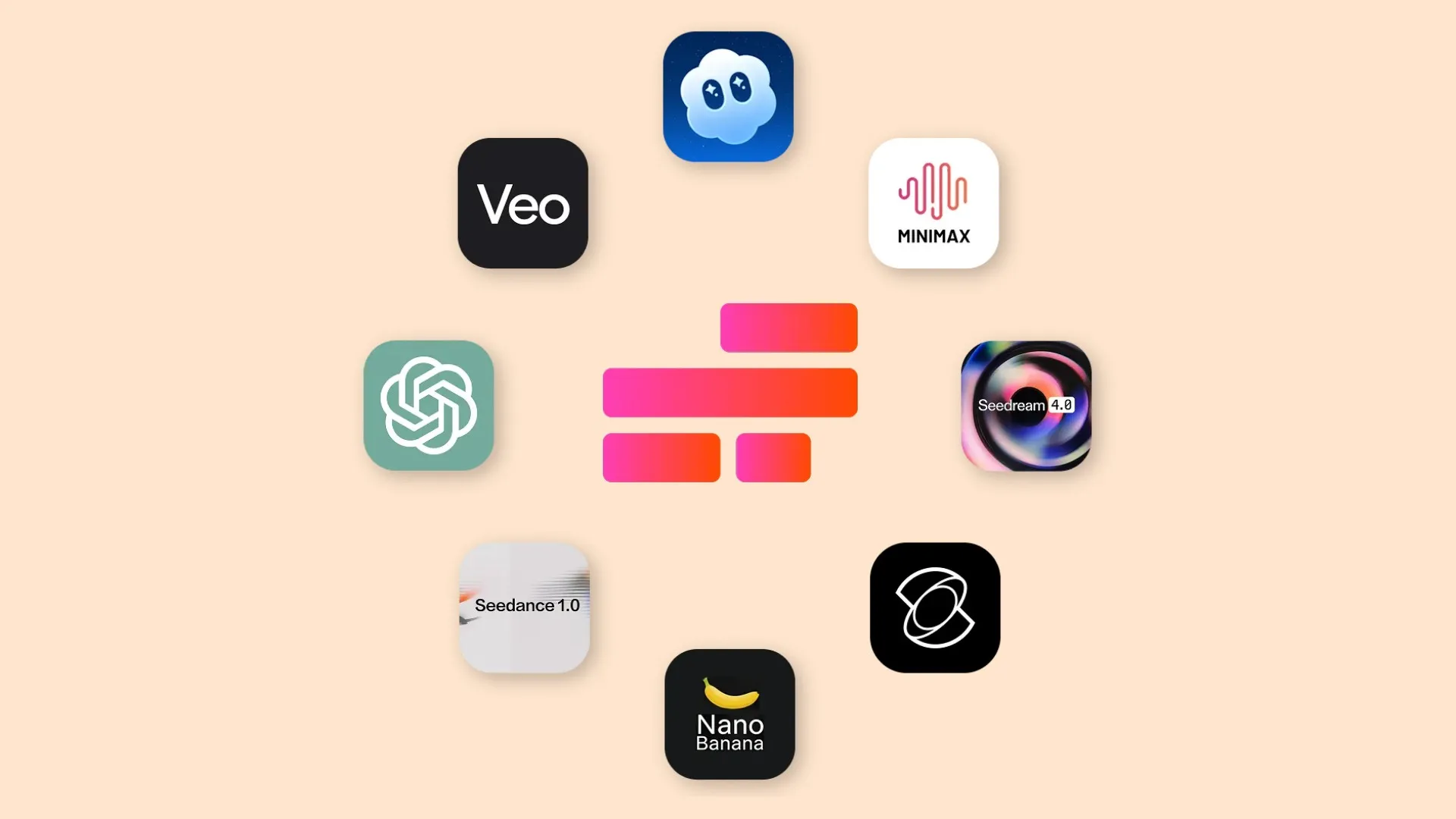
Multiple AI Models
Choose from leading AI models to generate different styles, tones, and creative variations — including Veo, Kling, Seedance, and MiniMax.
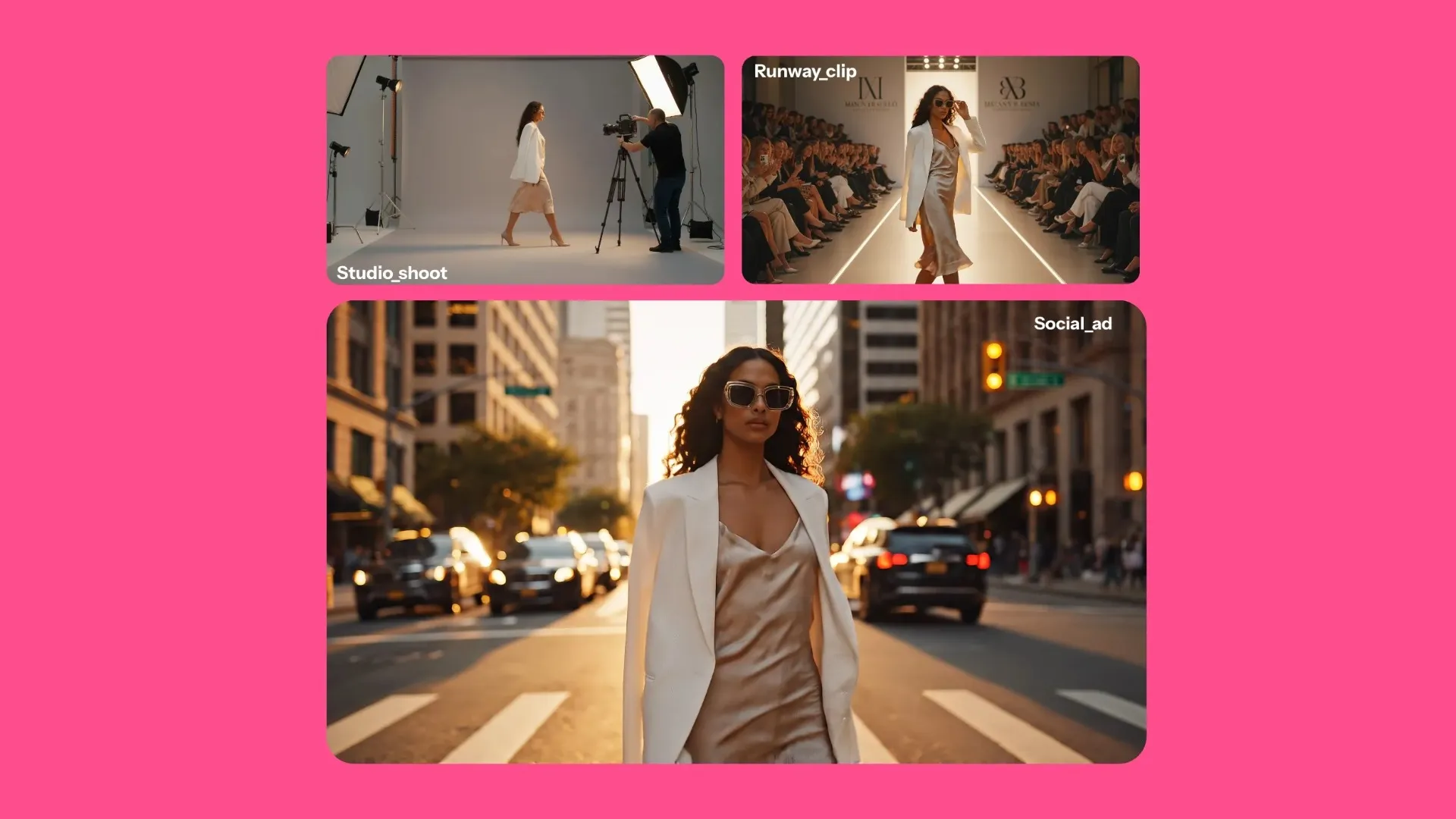
Character Consistency
Keep the same look or spokesperson across every scene with by saving a character to your Brand Kit
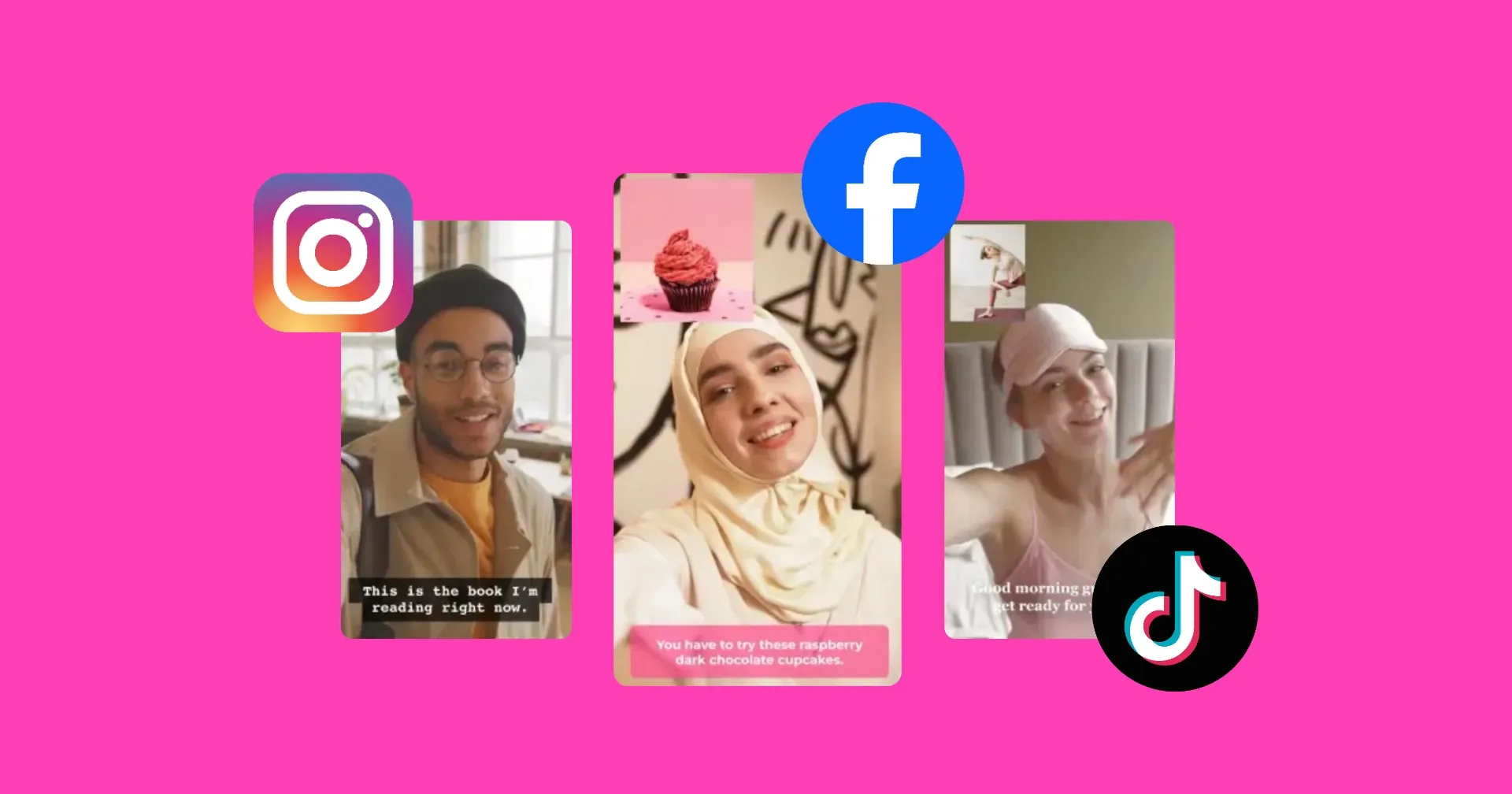
Publish Directly to Social
Export or publish straight to TikTok, YouTube, Instagram, and more to campaign launch without extra steps
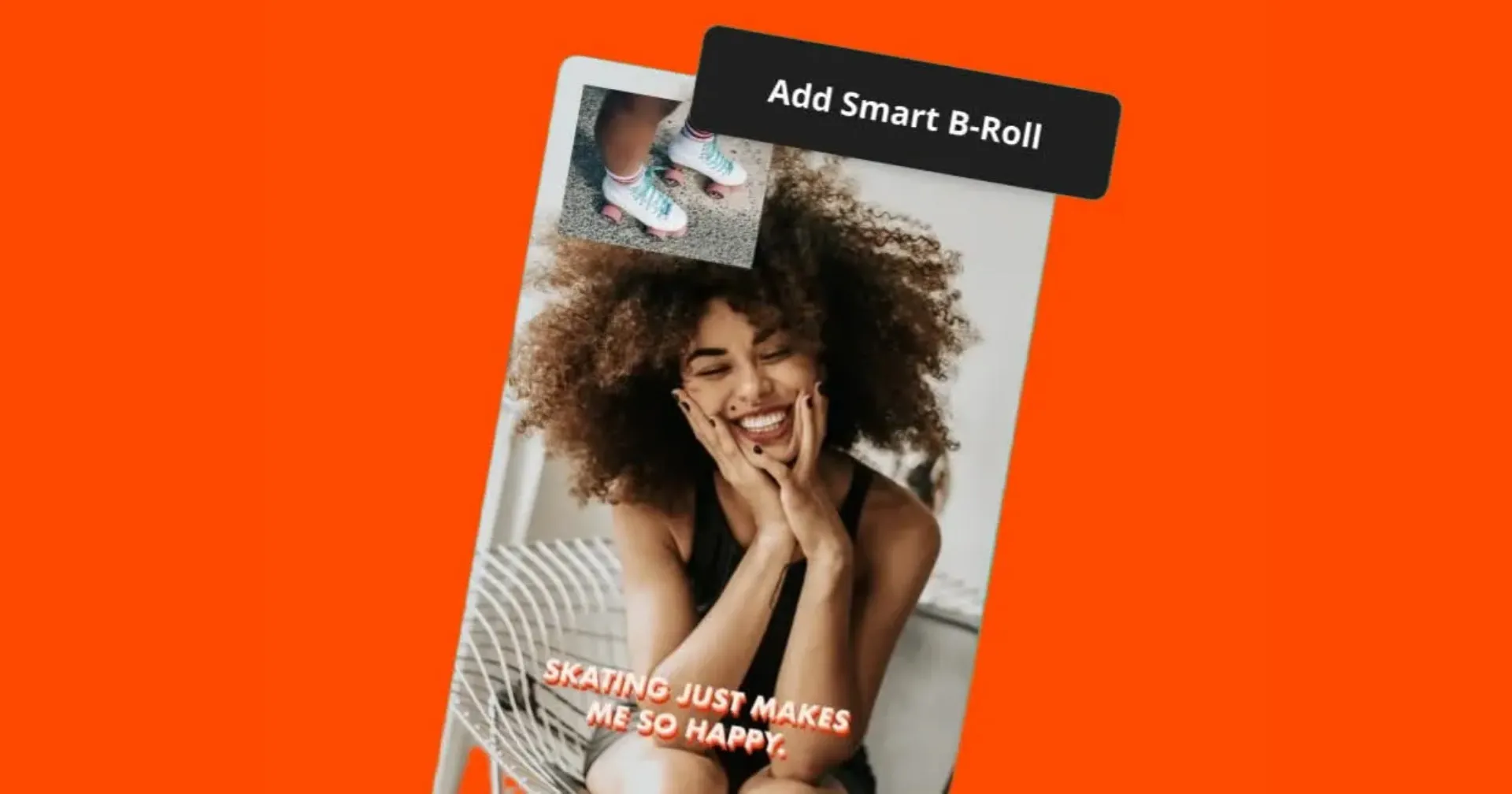
Commercial B-roll
Generate background visuals, B-roll, graphics, and short video scenes to support your ads
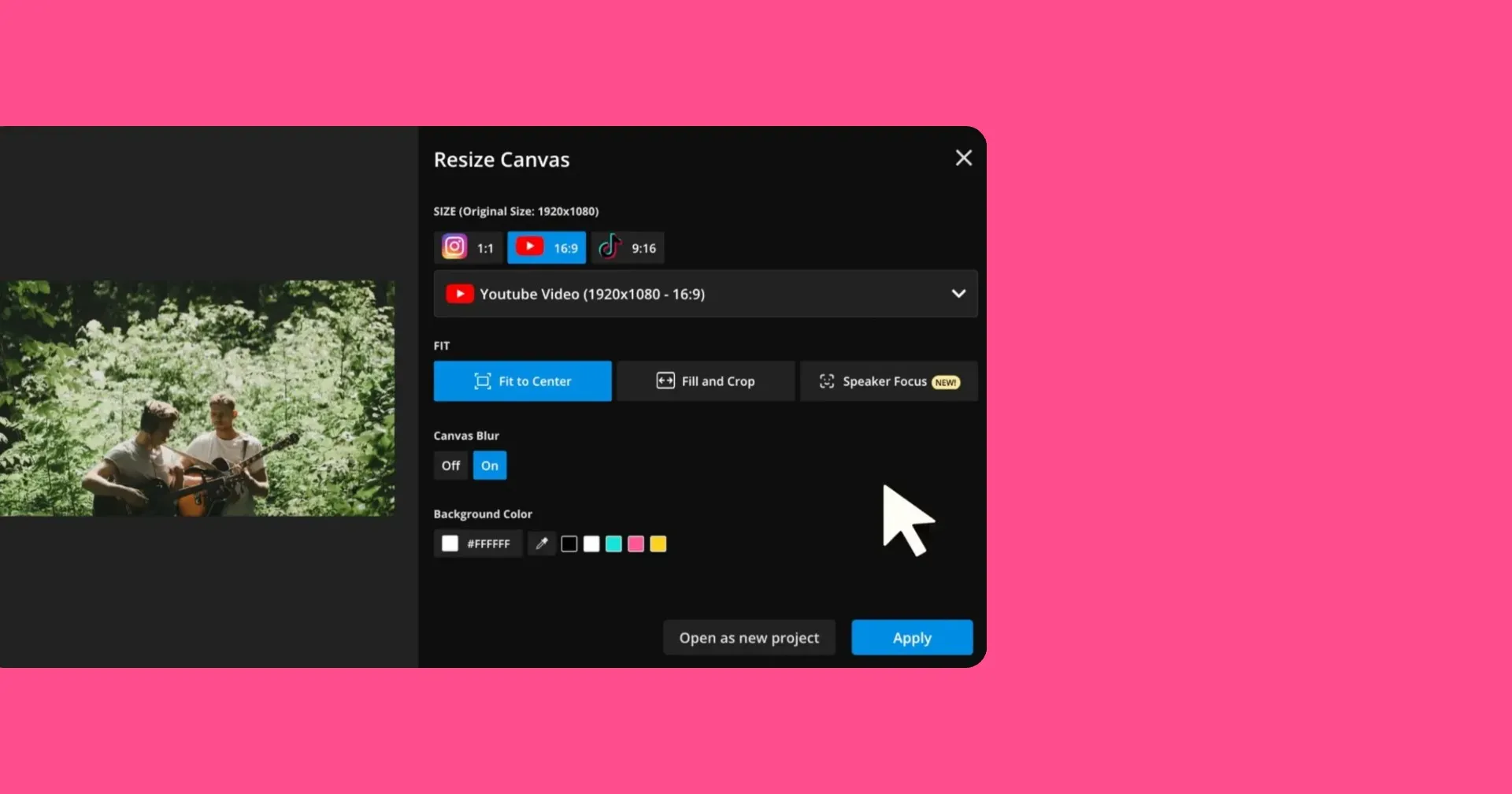
Any Aspect Ratio
Resize your ad for vertical, square, or widescreen formats
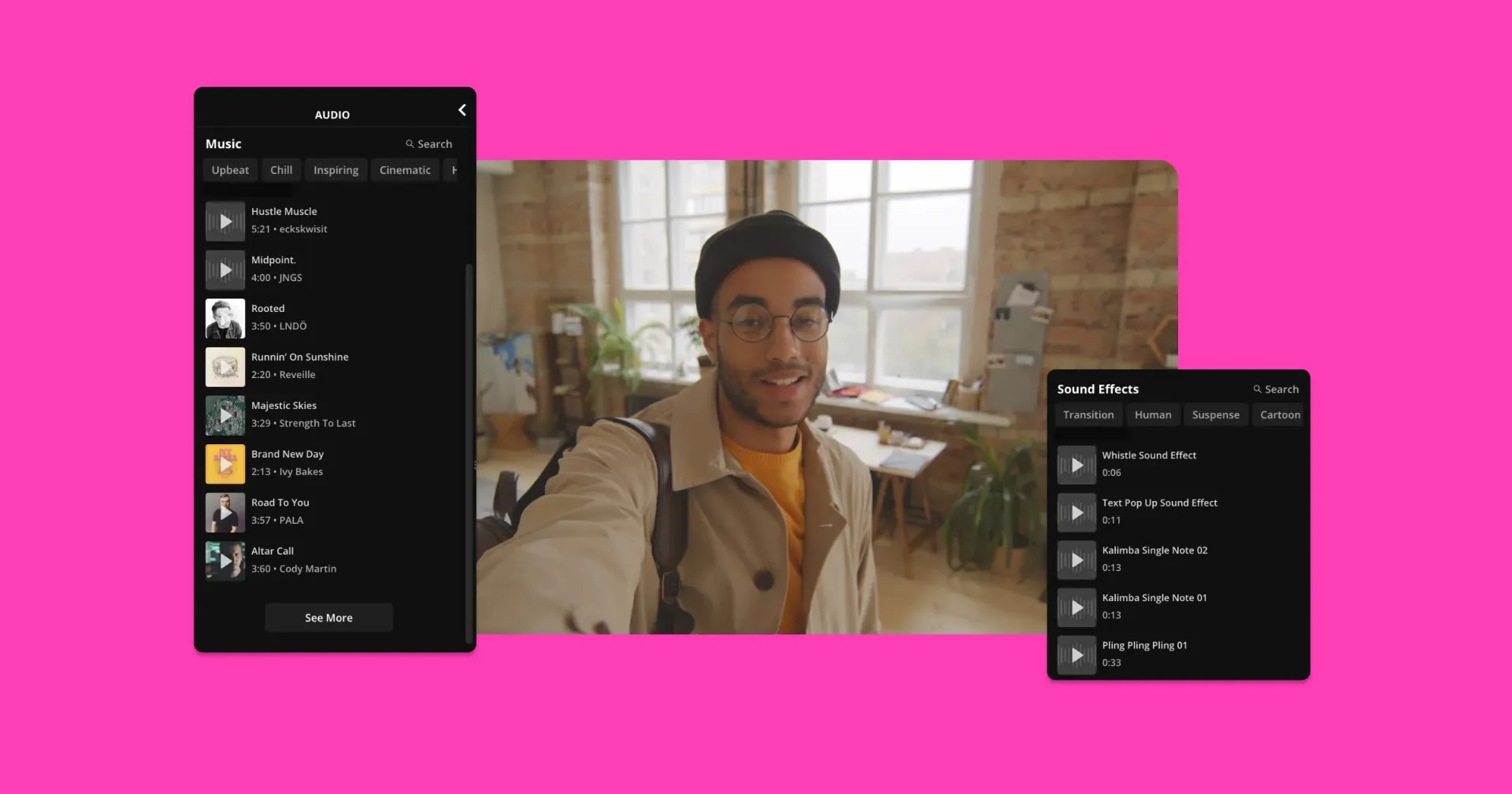
Custom Images & Audio
Blend AI-generated content with your own branded visuals and sound
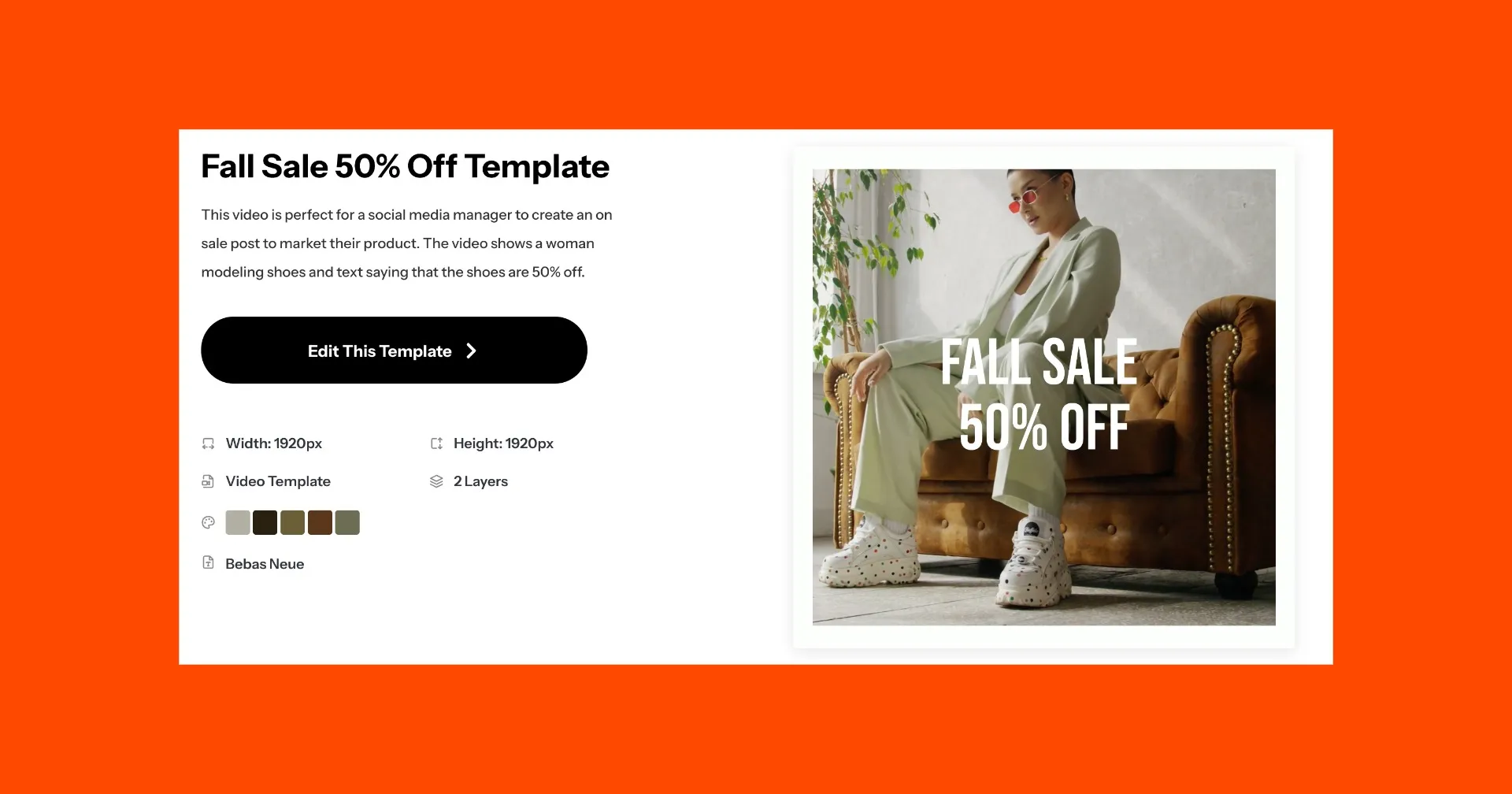
Template Library
Access a template library of video and image templates to use in your commercials
Already transforming video creation across industries
Hear directly from the teams who publish faster, collaborate better, and stay ahead.


AI is reshaping video advertising
Teams use Gen AI to streamline video production output
How to Make AI Video Ads
- Step 1Open Kapwing
Go to kapwing.com and launch the online editor to start creating your AI commercial.
- Step 2Generate with AI
Click on the "AI lightbulb icon" from the left sidebar and use the chatbot to generate a video from a text prompt, script, or product photo.
- Step 3Edit and export
Refine your video by prompting the AI to add subtitles, resize for social platforms, and more. Or switch to the drag-and-drop timeline for full manual control — add logos, watermarks, branding, and final edits before exporting.
Frequently Asked Questions
We have answers to the most common questions that our users ask.
What is an AI ad generator?
An AI ad generator is a tool that uses artificial intelligence to create video ads and commercials from a text prompt, script, or product image. While many tools only generate a finished template, Kapwing’s AI Ad Generator lets you fully edit the video afterward using features like avatars, voice cloning, subtitles, and more. It can also function as an AI commercial generator for longer-form branded campaigns.
Is Kapwing's AI ad creator free?
Yes, Kapwing’s AI Ad Generator is free to try without watermarks. However, each video generation costs a different number of credits. A Pro account is recommended to experience the full power of the AI Studio.
Can I translate my ads for global campaigns?
Yes, Kapwing includes automatic subtitles and translation tools so you can localize your ads for international audiences. Translate captions, voice overs, and on-screen text to expand your reach globally.
Can I use my own images, logos, fonts, colors, and footage?
Yes, you can upload custom images, video clips, audio, logos, fonts, and brand elements. Kapwing also supports Brand Kits and reusable templates or characters to keep ads consistent across campaigns.
What types of ads can I create?
You can create:
- UGC-style social ads
- Product launch videos
- Local service commercials
- Performance marketing creatives
- Short-form video ads
- Spokesperson-style avatar ads
- B-roll supported product ads
Do I need to record or film anything?
No. You can create AI-generated video ads without recording any footage. If you do need to record voice, video, or your screen, you can record directly inside Kapwing.
Is it legal to use AI to generate ads?
Yes, using AI to create ads is legal in most countries. However, like any marketing content, you’re responsible for ensuring your ad complies with advertising laws, platform policies, and intellectual property rules.
Are you allowed to post AI-generated ads on TikTok, Facebook, Google Ads, and YouTube?
Yes. Major ad platforms allow AI-generated content as long as it follows their advertising policies.
AI-generated ads must still comply with:
- Platform-specific ad guidelines
- Disclosure rules (where required)
- Copyright and trademark policies
- Misrepresentation rules
Are AI-generated ads customizable?
Yes — and that’s one of Kapwing’s biggest advantages. Unlike one-click ad generators that lock you into a template, Kapwing allows full customization after generation. You can:
- Swap visuals and scenes
- Adjust pacing and timing
- Add brand logos, fonts, and colors
- Resize for different platforms
- Translate subtitles for global campaigns
- Replace AI assets with your own
Are there any famous AI-generated commercials?
Yes — AI has already made its way into big-budget ad campaigns.
Coca-Cola’s 2025 “Holidays Are Coming” Christmas commercial was created with generative AI tools as part of the brand’s seasonal campaign and has over 2 million views on YouTube.
At Super Bowl LX, a significant number of advertisers leaned into AI. Companies like Anthropic, OpenAI, Google, and Svedka all featured AI in their Big Game spots.
Does Kapwing support start frames and end frames?
Yes, Kapwing supports both start frames and end frames, enabling more precise motion control and scene continuity. By uploading reference images, you can guide transitions, maintain character consistency, and improve the overall structure of multi-scene videos.
How do I create video ads using the same character?
You can maintain character consistency across your video ads in a few different ways, depending on your workflow.
Create an AI Avatar by uploading footage of a real person and creating a digital clone. Or, generate a character using the AI Video Generator and save it to your Brand Kit. Once saved, you can reuse the same character across scenes by tagging them with “@” in each new prompt.
For voice consistency, you can also use AI voice cloning to replicate the same voice across all your videos.
What AI models are best for video ads?
Kapwing supports multiple AI video models, including Kling, Seedance, and Veo. Each model is optimized for different types of video ads depending on your creative needs.
- Kling is best for ads that require precise motion control, including camera movement and guided motion using reference videos.
- Seedance is best for cinematic ads with multi-scene storytelling, smooth transitions, and action-driven sequences.
- Veo is best for ads that rely on strong audio, including ambient sound, sound effects, and background music.
Discover Resources
Tips, templates, and deep dives to help you create faster and share with confidence.
View all

Get started with your first video in just a few clicks. Join over 35 million creators who trust Kapwing to create more content in less time.