
How to Use Kapwing's AI Song & Sound Effect Generator

Kapwing AI is Kapwing's latest innovation in AI generation via chat.
With Kapwing AI, you can ask the AI to make almost anything, including music, songs, and sound effects. Learn how to generate audio content with Kapwing AI below.
Table of Contents
Creating a Song
Creating a Sound Effect (SFX)
Frequently Asked Questions
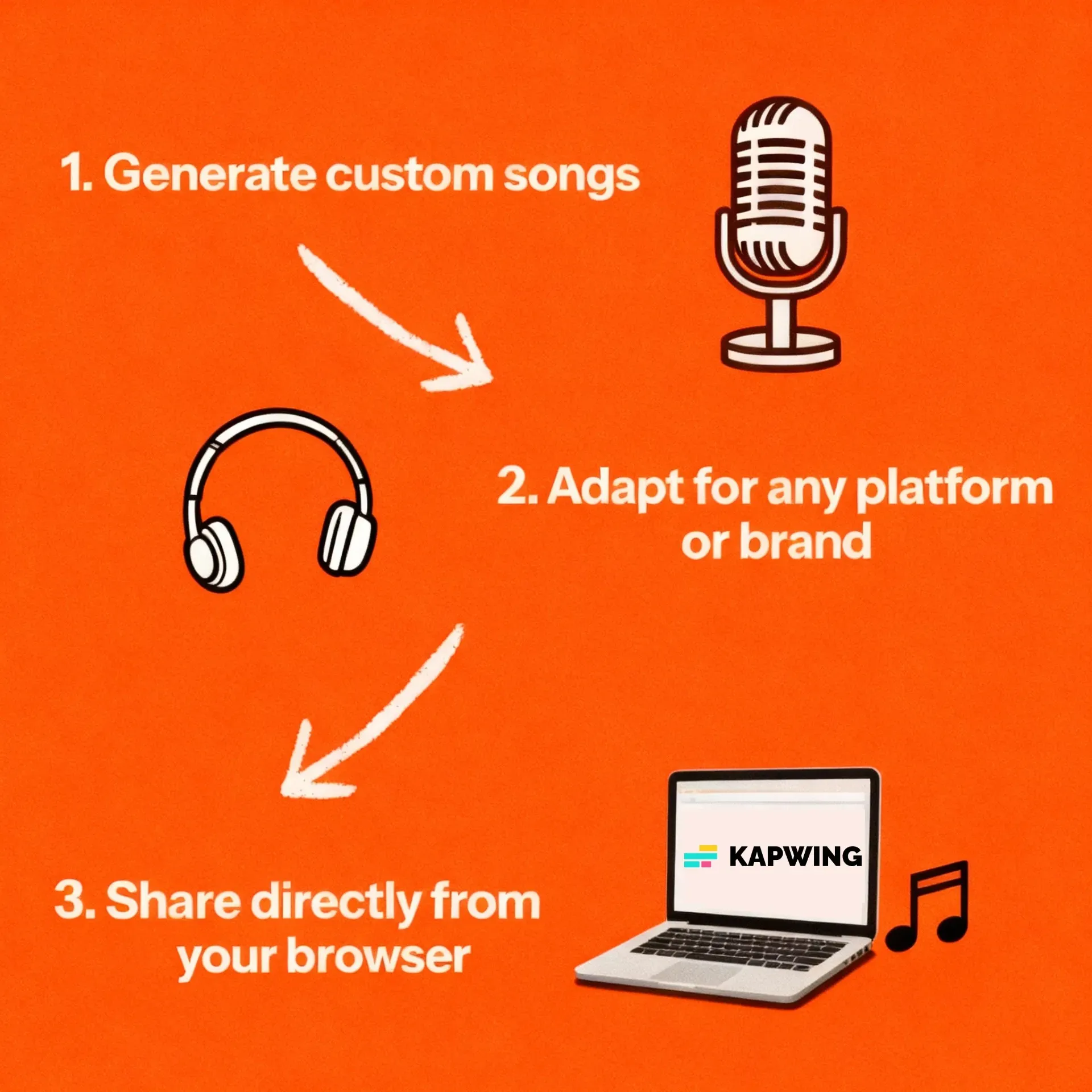
Creating a Song
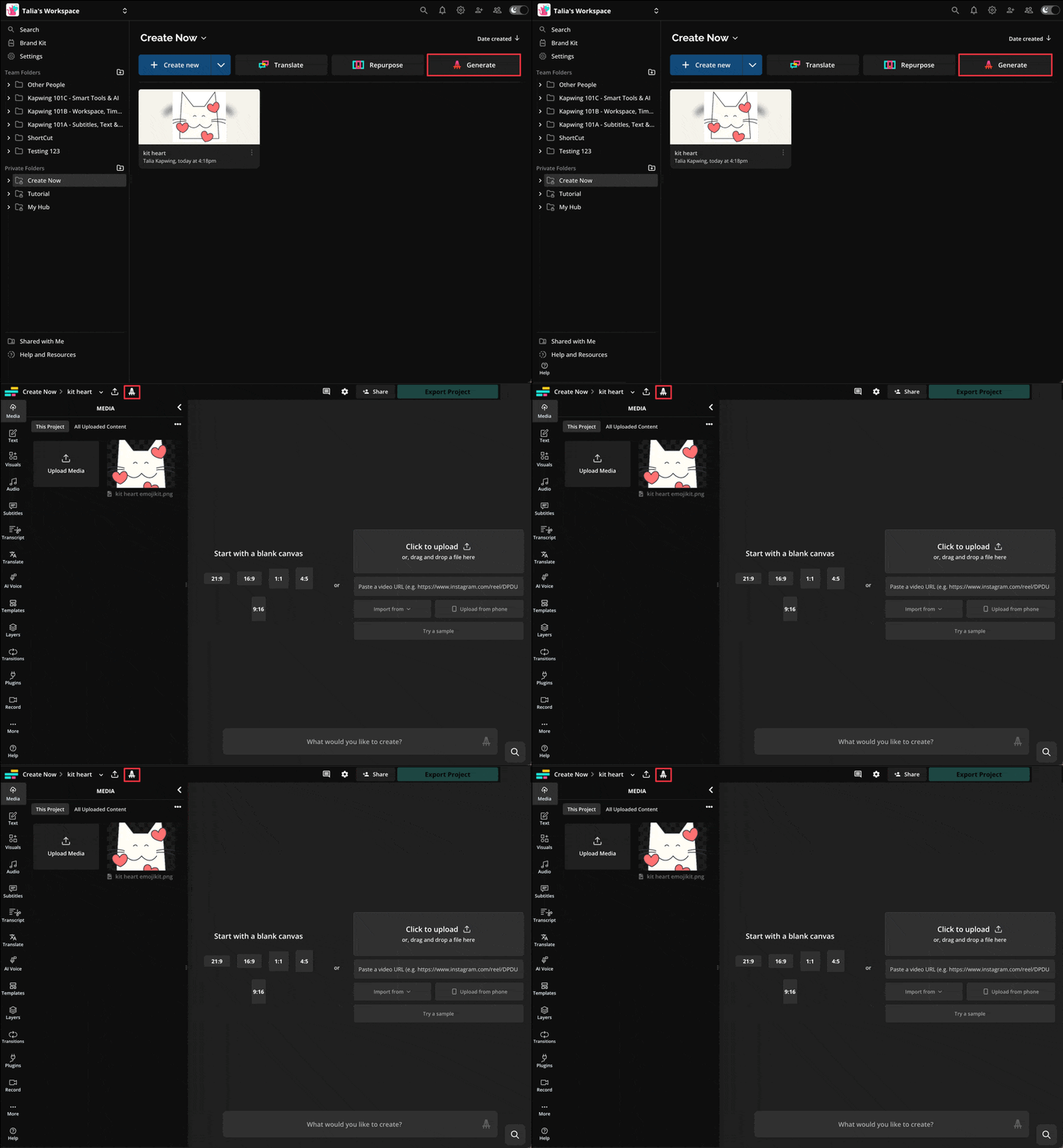
- First, go to Kapwing AI by clicking the chat icon anywhere in your workspace or studio, or click here.
- Within the chat, you can type out what kind of sound or song you want the AI to generate.
- There’s no way for the AI to generate a song of a specific length in seconds at this time, as the length of the song is actually determined by the lyrics that it generates.
- If you want a longer song, you should prompt that you want "more lyrics" or a “longer song”. If you want a short song, prompt that you want only a "few lyrics" or a "shorter song".
- Once the generation is to your liking, you can download it directly within Kapwing AI chat via the download button, or you can edit in Kapwing to add images and videos to the song.
Creating a Sound Effect (SFX)
- First, go to Kapwing AI by clicking the chat icon anywhere in your workspace or studio, or click here.
- Within the chat, you can type out what kind of sound or song you want the AI to generate.
- Sound effects can be requested in specific numbers of seconds, with a range of 1 to 10 seconds.
- If you want a longer sound effect, you should prompt that you want a “longer sound effect”. If you want a short sound effect, prompt that you want a "quick sound effect".
- Once the generation is to your liking, you can download it directly within Kapwing AI chat via the download button, or you can edit in Kapwing to add images and videos to the audio.
Frequently Asked Questions
Can I generate a song that does not have lyrics?
Yes. If you want a song without lyrics, simply mention you want an "instrumental song" or "a song without any lyrics".
Are my sound effects royalty-free and okay for commercial use?
Yes, the sound effects you create with Kapwing's Al Sound Effects Generator are royalty-free and available for commercial use, so you can use them anywhere, worry-free.
How should I write my prompts for the best results?
Kapwing's Al Sound Effect Generator has built-in prompt enhancement, so it works with simple prompts like Generate a sound effect of a thunderstorm. If you have more specific ideas, you can write a more descriptive prompt explaining exactly what you want to hear.
Can I use Kapwing AI to turn text into sound effects?
Yes, Kapwing's text to sound effect feature allows you to enter text prompts and turn them into customized SFX audio files. Enter a prompt like Generate a sound effect of a dog barking and the tool will create a custom downloadable audio file.
Can I edit my sound effects after I generate them?
Yes, Kapwing AI is also an easy-to-use sound effect editor. You can tweak your sound effects by entering additional prompts, like Add the sound of a cat meowing. Or move your audio file into Kapwing's studio for access to a full range of free audio and video editing tools.
Can I add sound effects to videos?
Absolutely, you can generate custom sound effects using Kapwing AI and then add them to your videos in the Kapwing editing studio. You can even generate a brand-new video using Kapwing AI's Video Generator, then add generated sound effects to it.
How to use Al to create sound effects
To create Al sound effects, open the Kapwing AI platform and start a new chat. Enter a prompt like Generate a sound effect of heavy rain hitting a canvas tent. The Al Sound Effect Generator will create a downloadable audio file with your sound effect. Adjust it using further prompts, download your file, or move it into the Kapwing studio for access to the full set of audio editing tools.
What kinds of sound effects can I make?
You can use Kapwing's sound effect creator to generate almost any sound you can imagine, including funny sound effects like error, bruh, farts or laughter, scary sound effects like moaning or crashing, and dramatic sound effects like storms, gunshots, babies crying, booms or explosions. Try a relaxing, ASMR-style sound effect of heavy rain or ocean waves. Or create something fully customized to your content.
What file format will my sound effects be in?
Kapwing AI generates sound effects as easily downloadable MP3 files. You can download sound effects by clicking "Download" in the Kapwing AI chat to save the file to your computer. Or add sound effects to videos by moving them into Kapwing's editing studio.



