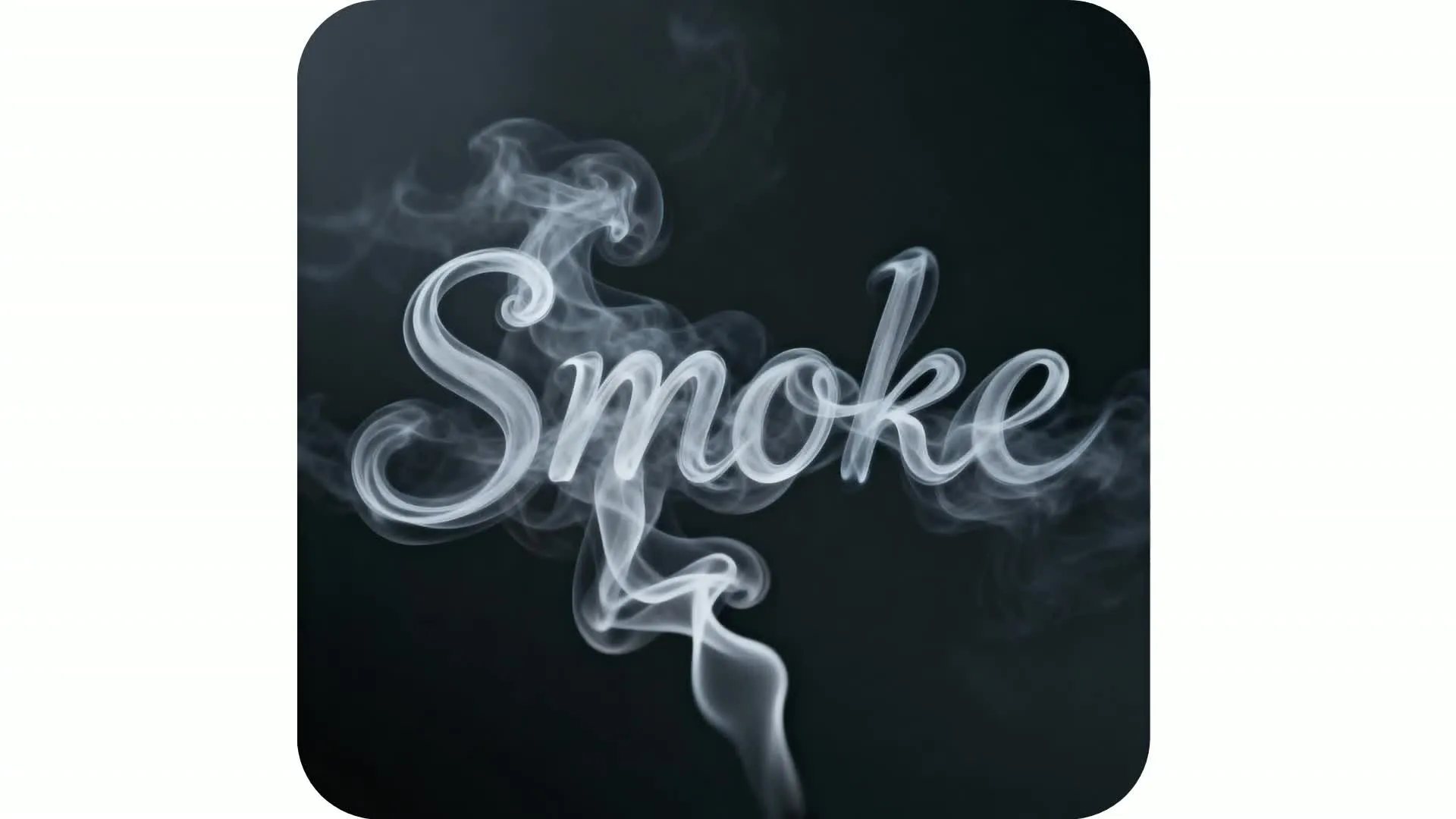
Designer-quality fonts — ready for any project
Generate polished, custom text art in seconds
Unique word art, no experience necessary
Create eye-catching text in endless styles with Kapwing’s AI Font Generator. Chat with our AI Assistant to design and edit unique word art using simple prompts anyone can master. Describe your vibe — realistic plant vines, spray-paint graffiti, computer glitch, metallic chrome, neon light — and watch the AI instantly bring your letters to life.
Save your exact style as a Custom Kai, and you’ll never have to retype your prompt again.
Easily adjust backgrounds, colors, aspect ratios, and 3D or flat styles — or even animate your text into a GIF. When you're ready, download your visual in HD (JPG, PNG, or WebP) for seamless use across all your marketing, branding, and social content projects.
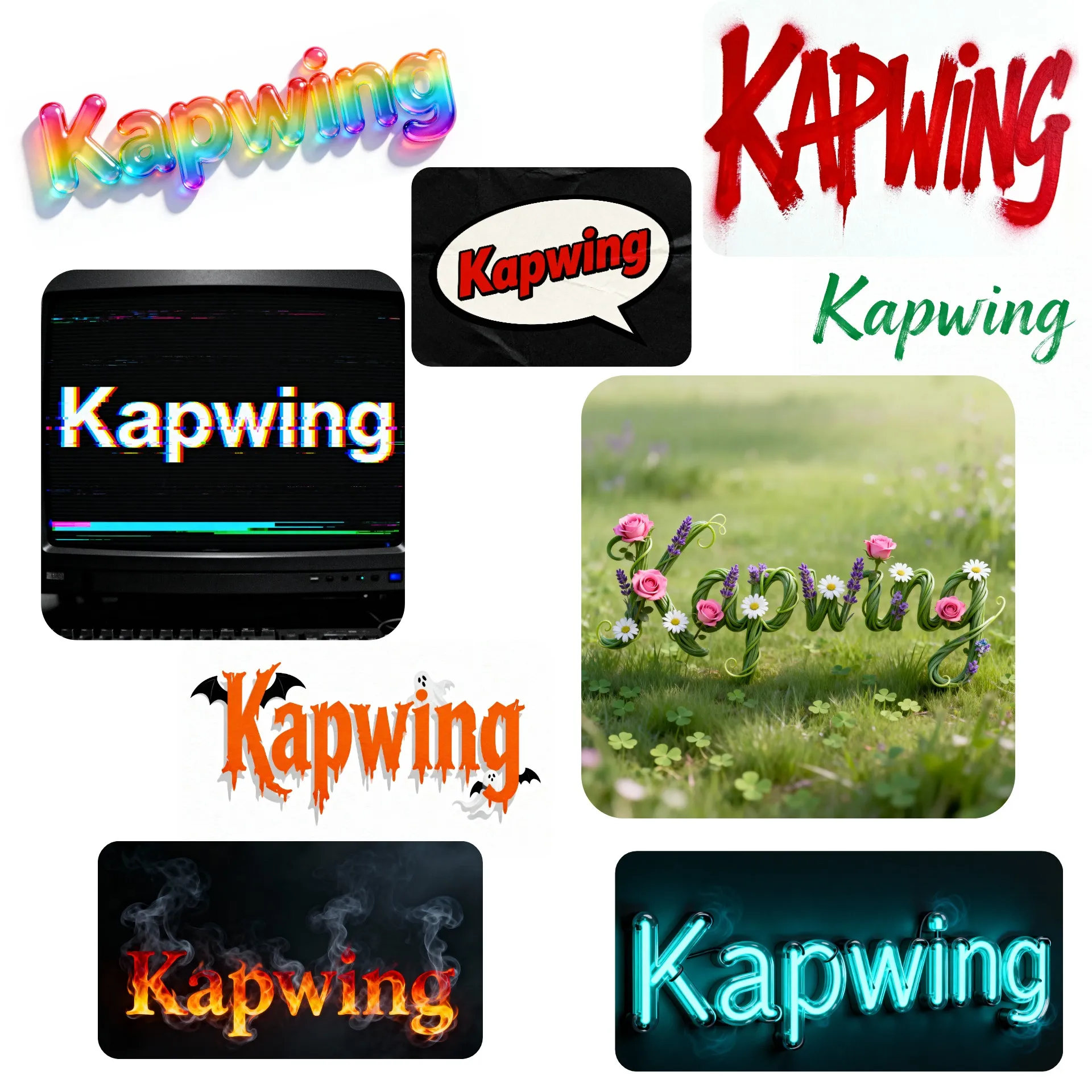
Pro text designs for any project or platform
Skip generic font libraries and templates: Kapwing’s AI text generator takes you from concept to high-quality text art through a simple chatbot interface that feels like talking to your own personal creative designer.
With support for transparent backgrounds (or the ability to remove backgrounds later in the studio), it’s never been easier to create high-quality logo wordmarks for your brand, store, or profile.
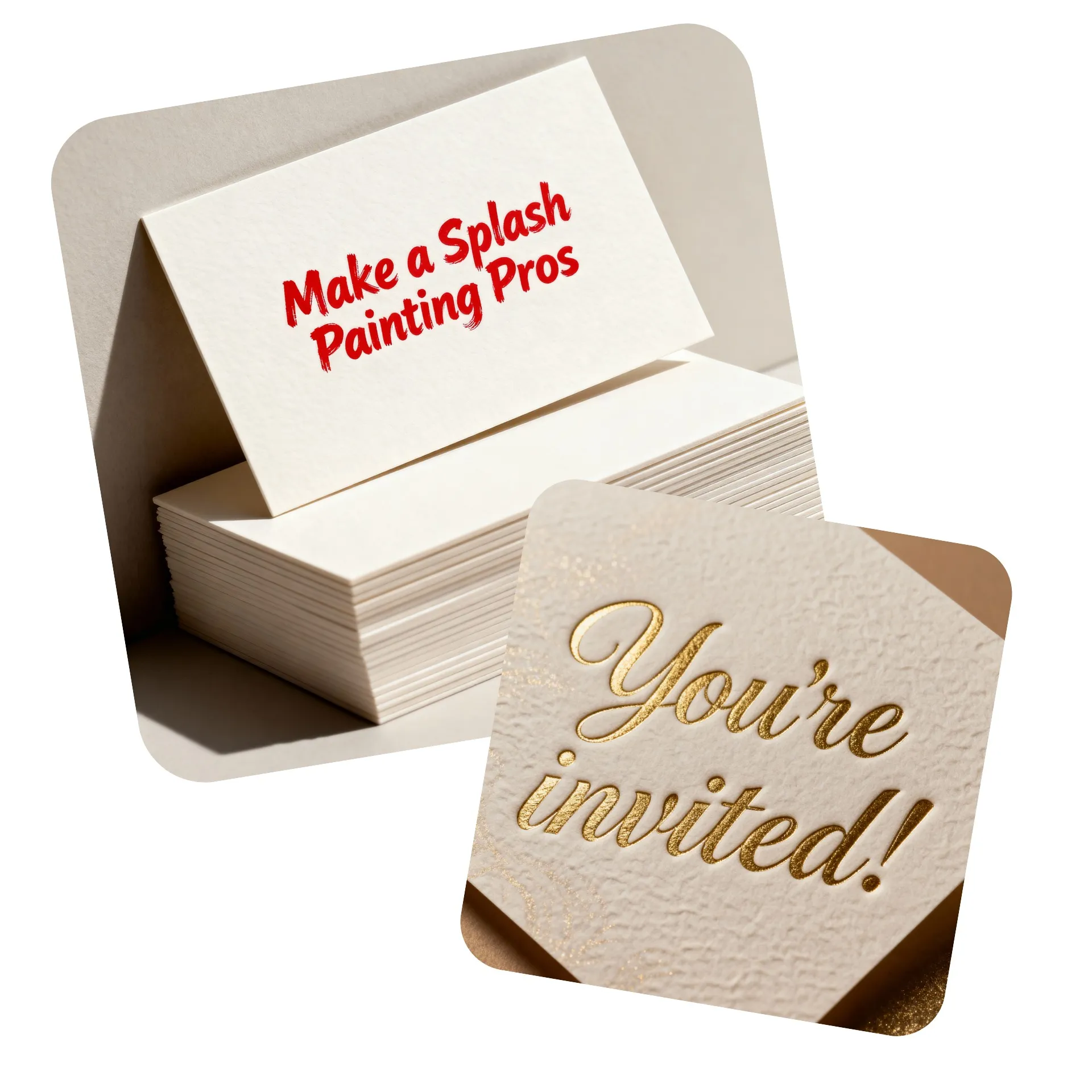
Customized business cards, invitations, the latest meme trend, or scroll-stopping text art for marketing and advertising campaigns — all of it is just a single prompt away.
Make your text move — and your audience stop scrolling
Supercharge engagement on social posts or websites with studio-quality text animations. Activate the animated font generator with a simple prompt like animate this image, then export your design as a video or GIF.
Choose any motion style you can imagine, from bounce to glow or distortion, and make sure your key messages, slogans, and product names get the attention they deserve.
Whether you're making a short-form video, a product promo, a creator intro, or a polished brand visual, animated fonts give your content the stopping power it needs to stand out.
Already transforming video creation across industries
Hear directly from the teams who publish faster, collaborate better, and stay ahead.


Eye-catching text for every project
Millions of creators trust Kapwing to create unique, stylized font designs
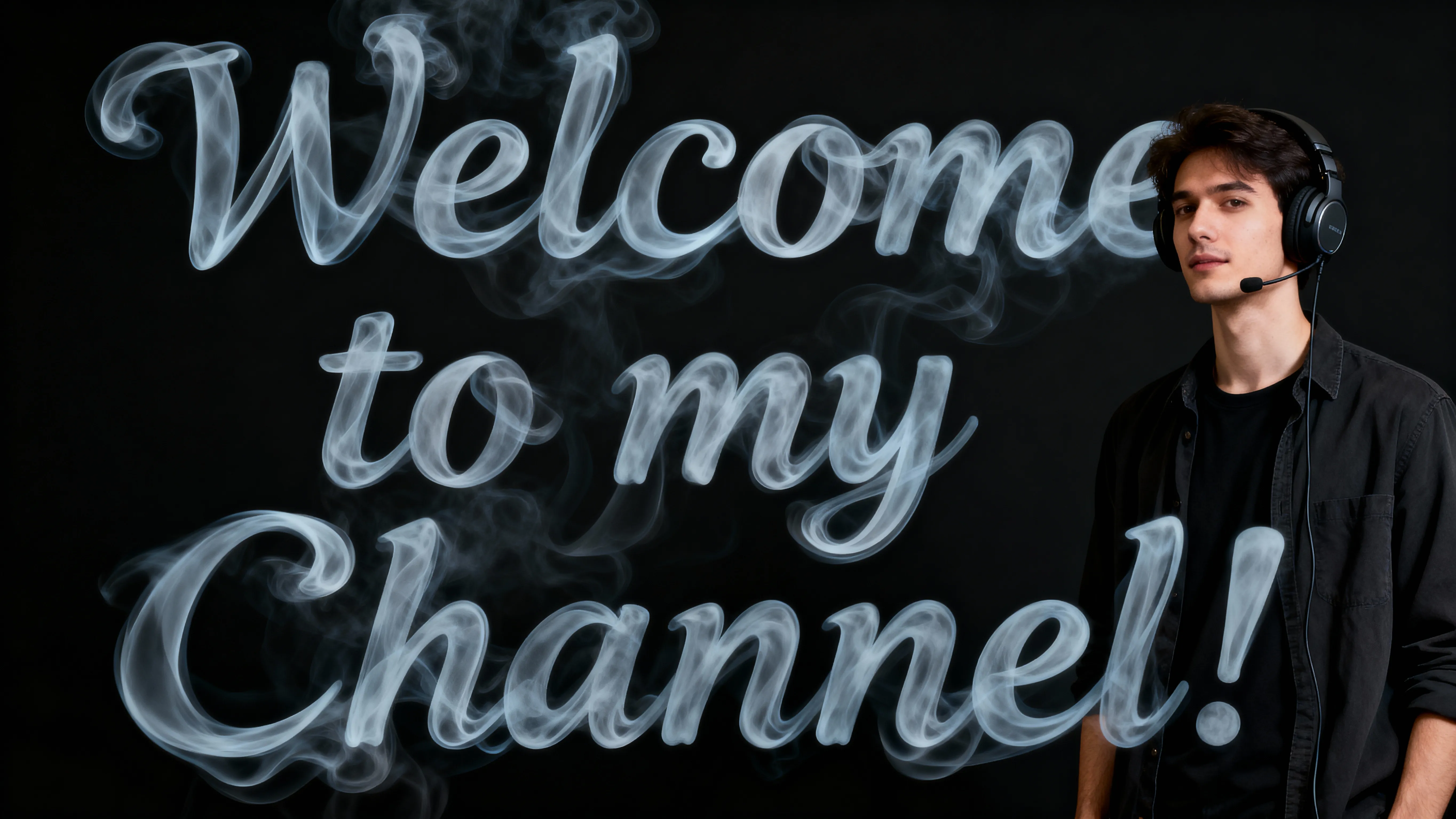
Thumbnail Designs
YouTubers and streamers create custom text for thumbnails that they can reuse through a Custom Kai, which saves the exact style and AI prompt

Video Editing
Video editors add stylized text overlays to intros, lower thirds, and motion graphics, giving videos a polished look that stands out in fast-moving feeds

E-commerce Graphics
Create custom fonts for product listings, promo banners, and storefront graphics that makes a brand feel more premium and increases shopper confidence
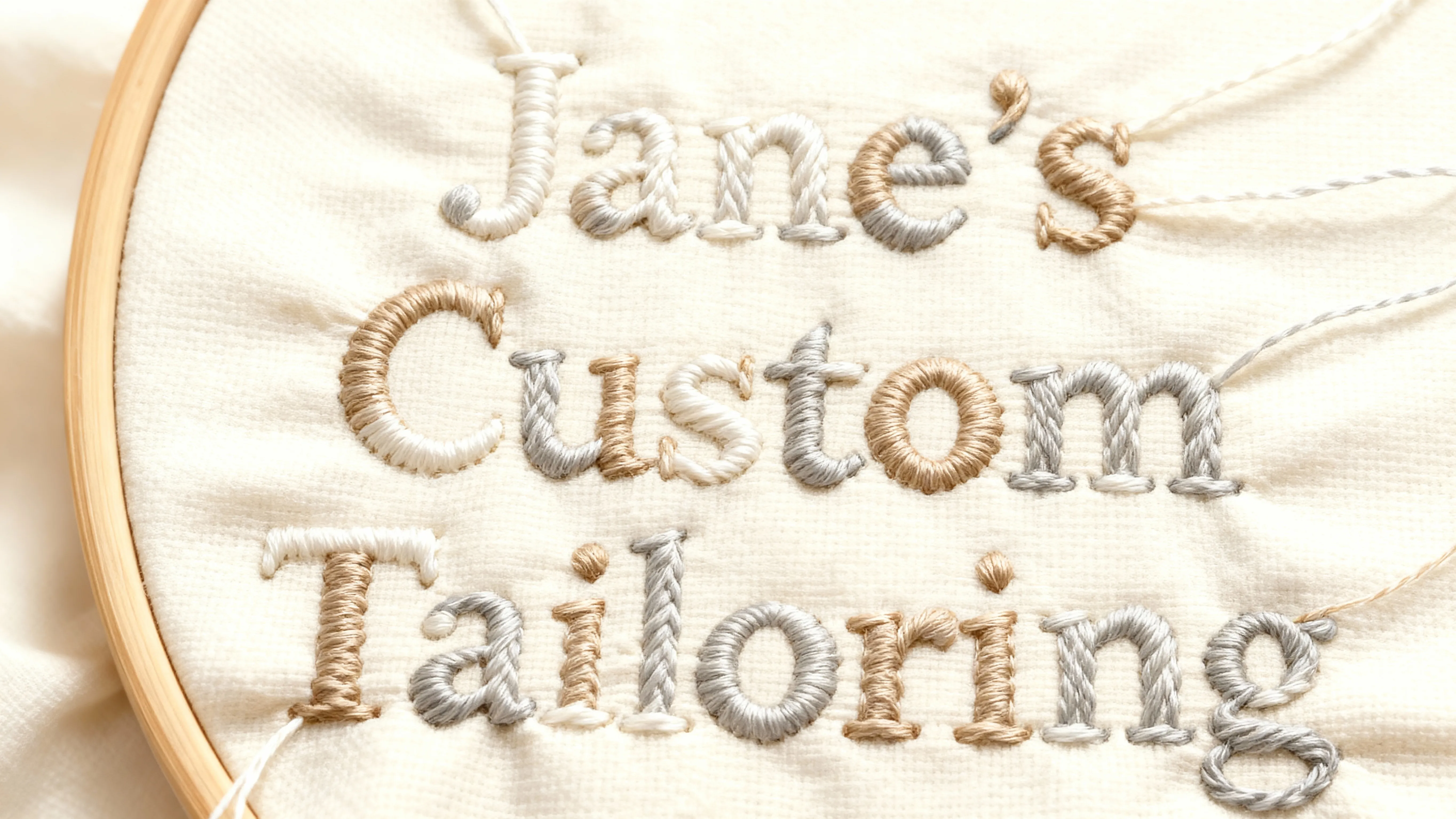
Logos & Wordmarks
Small business owners use the AI Font Generator to design distinctive logos and wordmarks — fully customizable and tailored to their brand identity
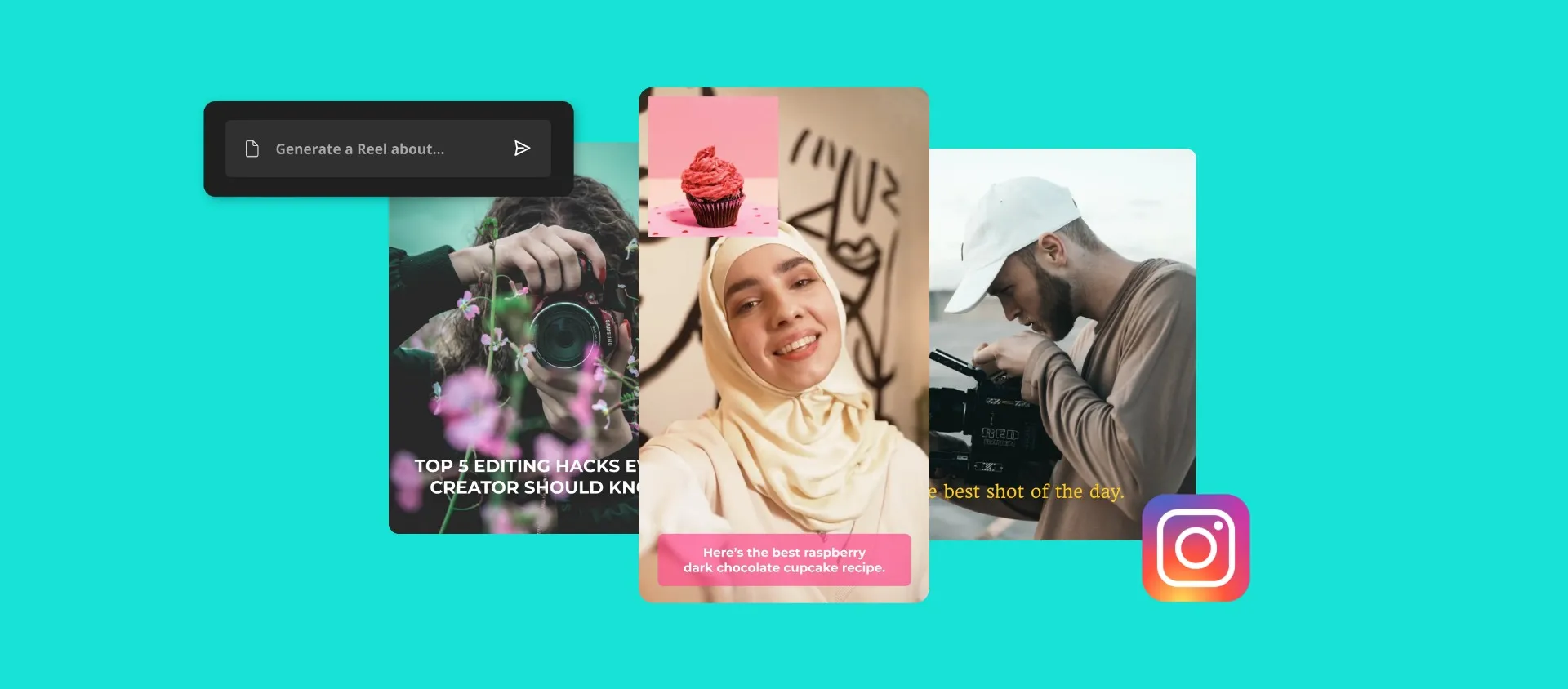
Social Templates
Social media teams design reusable, on-brand text styles for Reels, Shorts, and TikToks that keep content consistent and dramatically speed up production
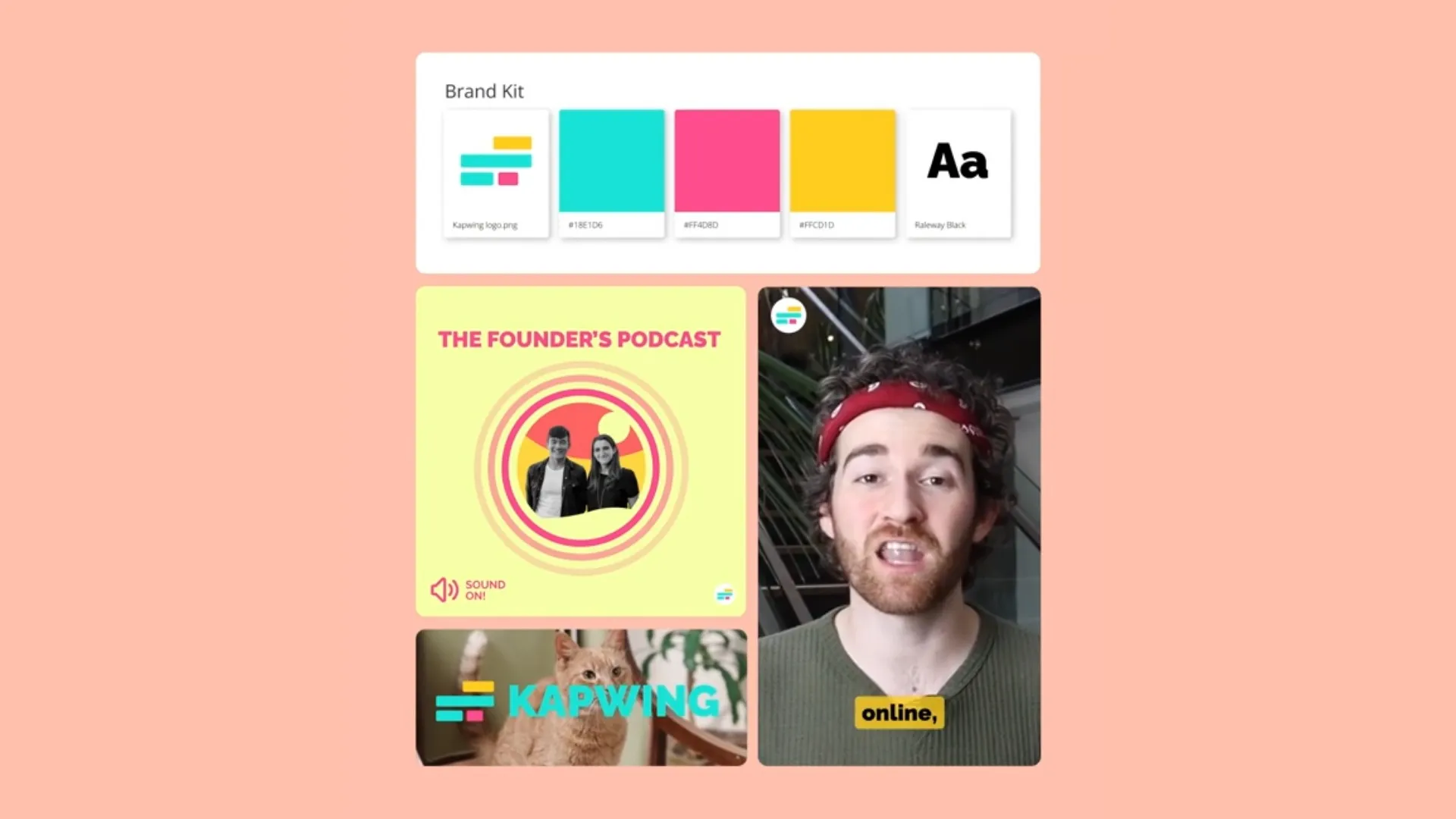
Podcast Branding
Podcasters design stylized text branding for episode covers, thumbnails, and show graphics that give their series a consistent, recognizable identity
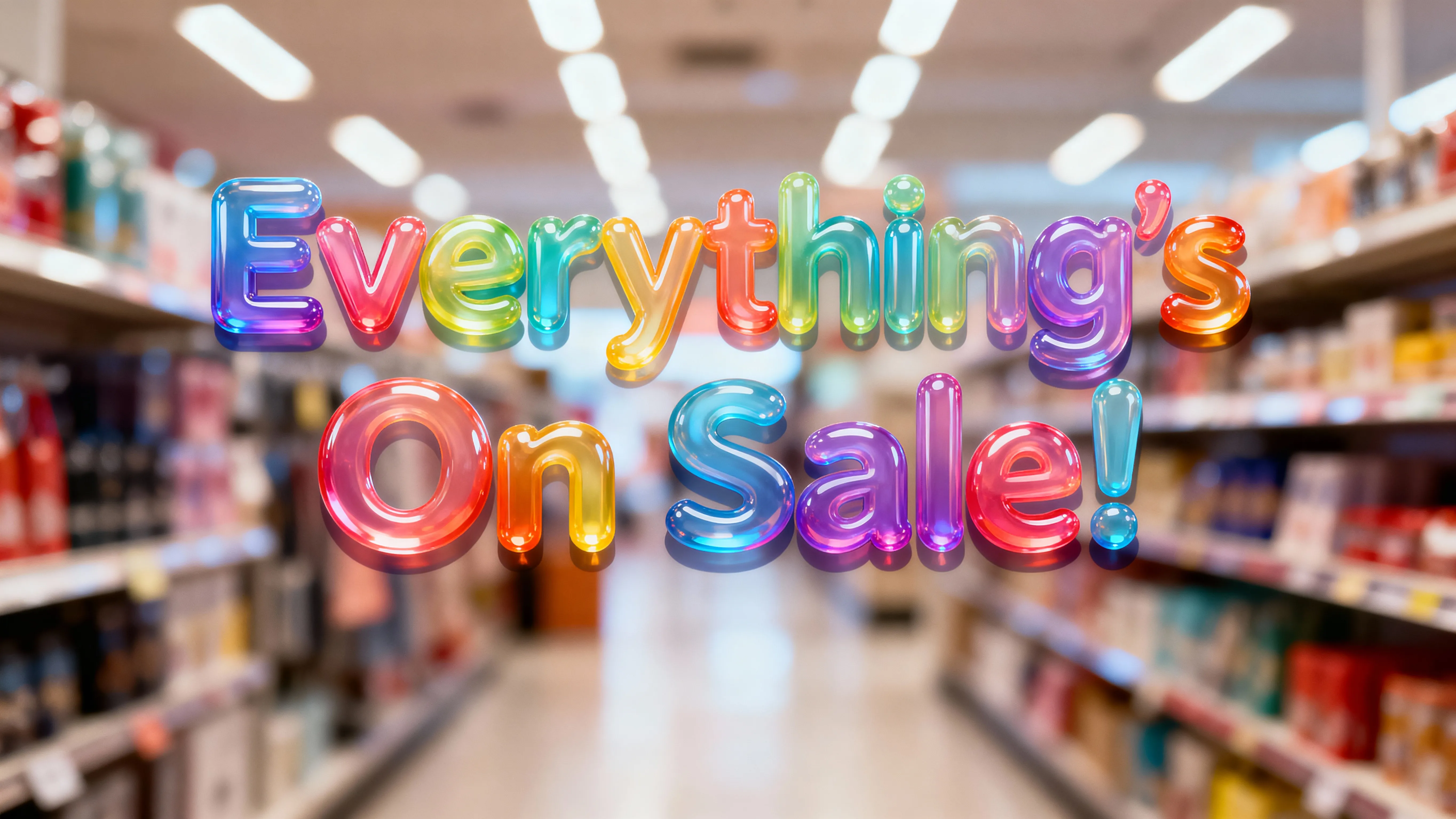
Ad Campaigns
Marketers and advertising teams create custom text styles that give campaigns a signature look and drive higher engagement
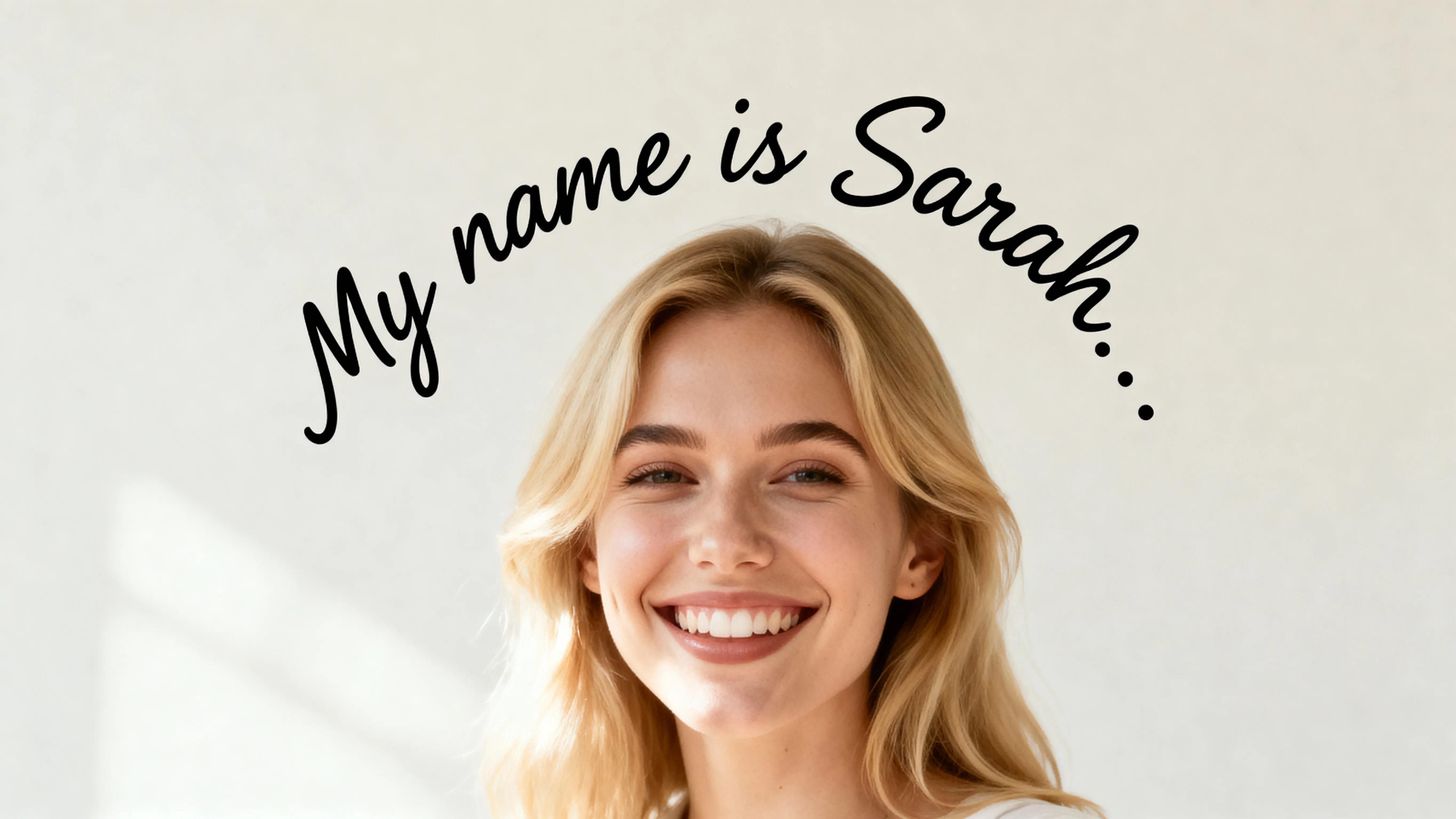
Profile Pictures
Creators and professionals generate text-based profile images that better communicate their personal brand instantly that imagery alone
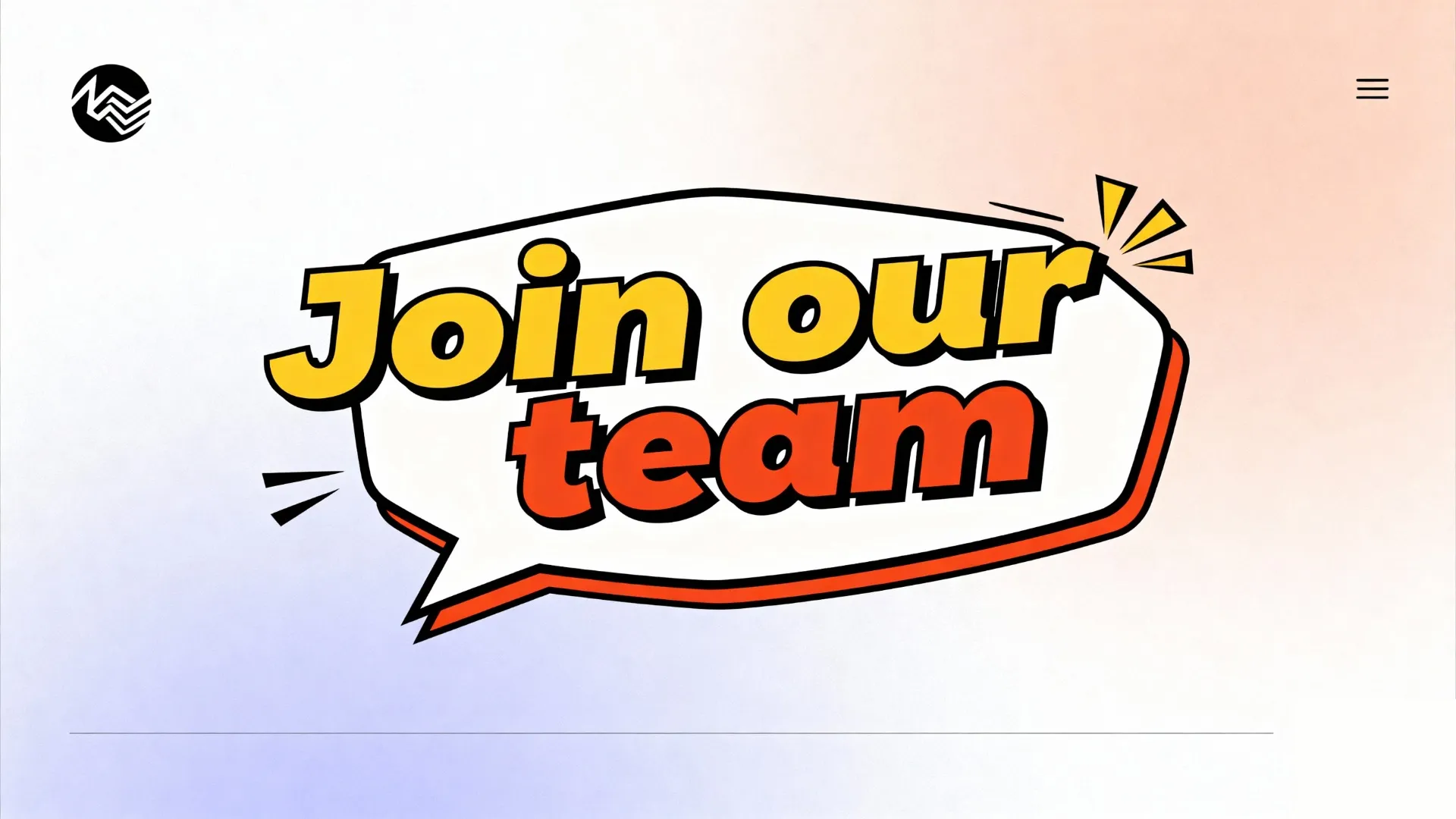
Websites
Web designers use the text art generator to create eye-catching fonts that keeps visitors engaged and improves scroll depth
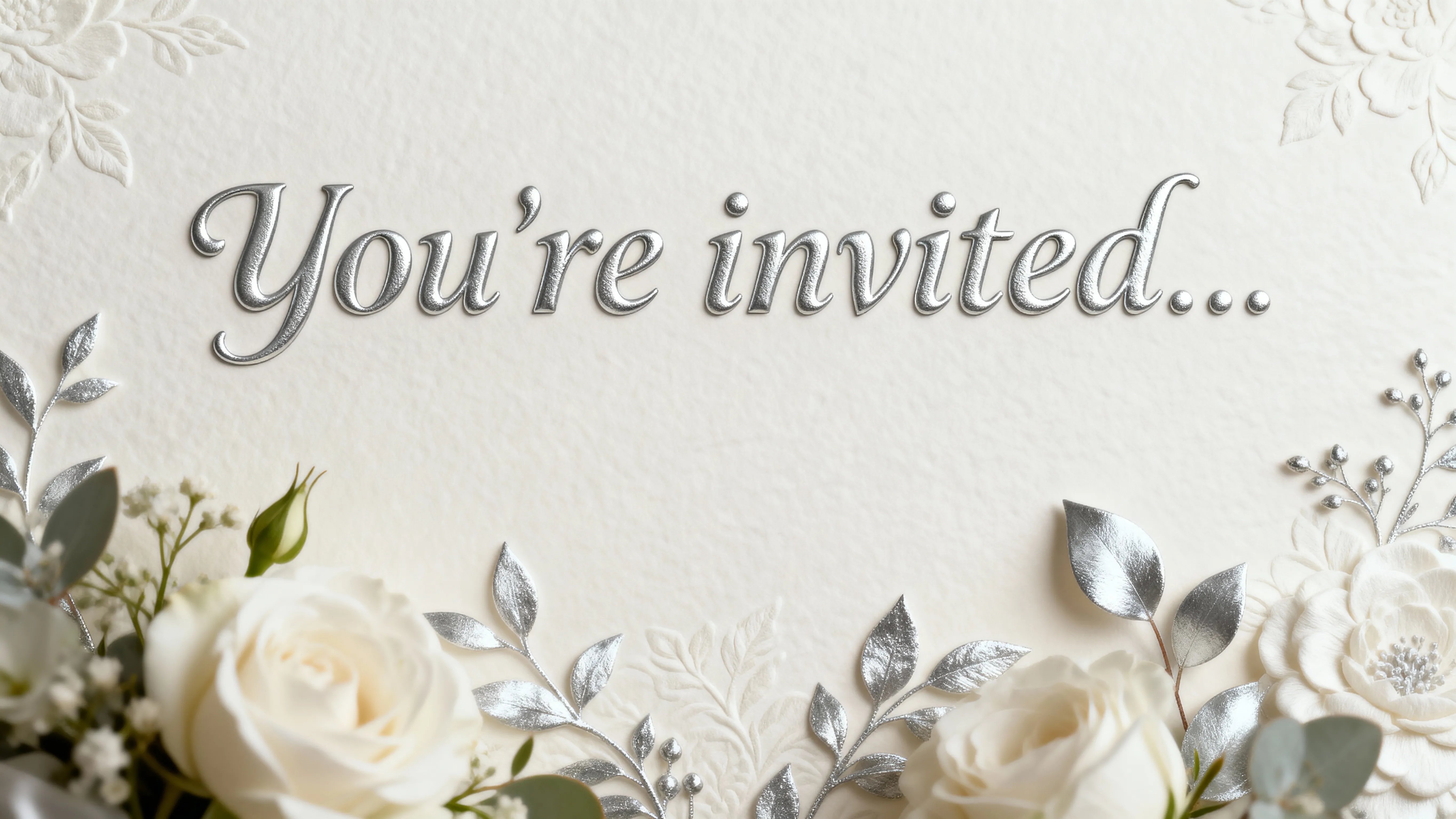
Invites
Event planners and designers use the AI text generator to craft unique, personalized invitations for weddings, parties, and special events
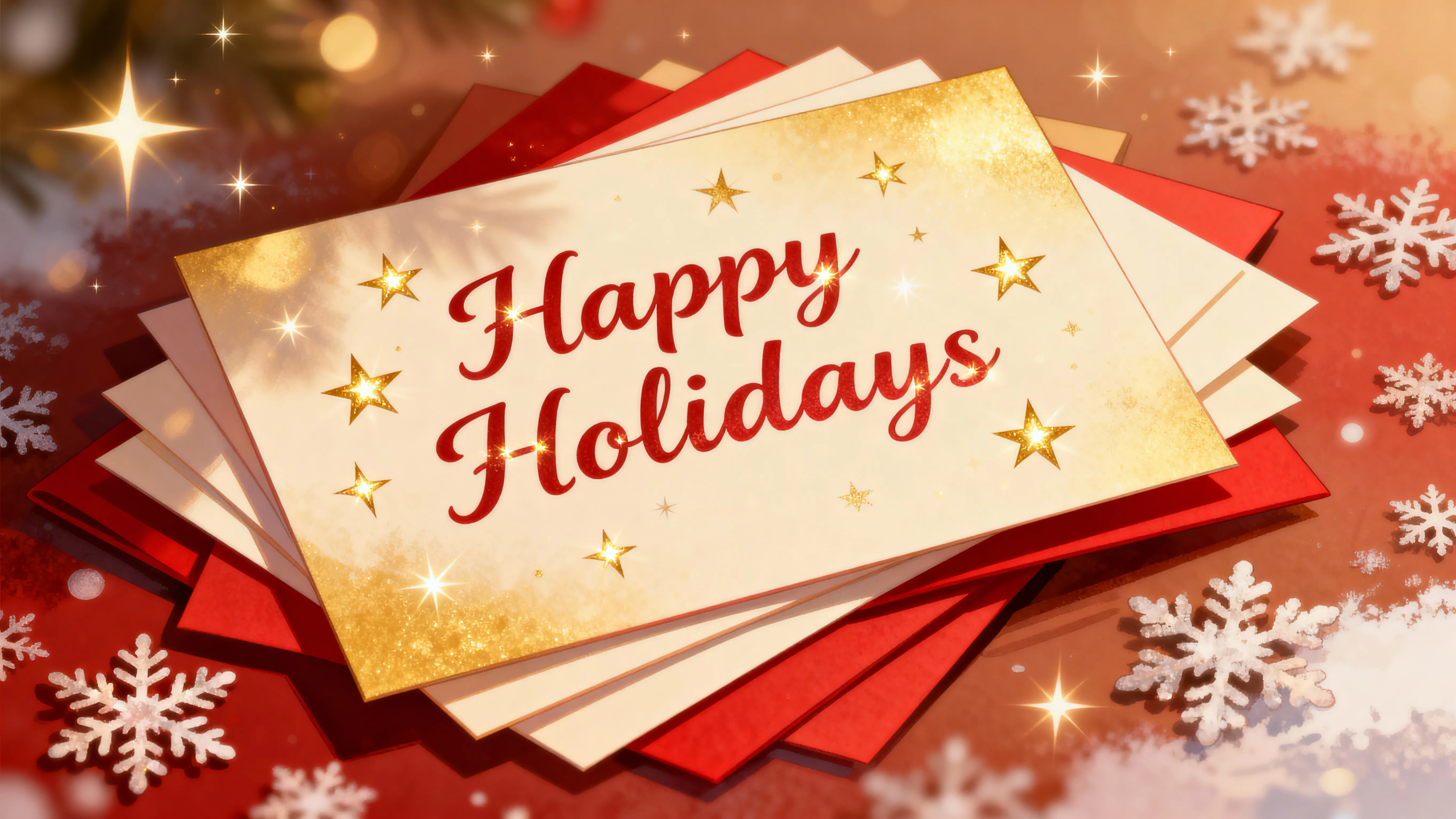
Holiday Cards
Creators and shop owners generate custom festive fonts for holiday cards, printables, and seasonal promotions that feel more personal and meaningful
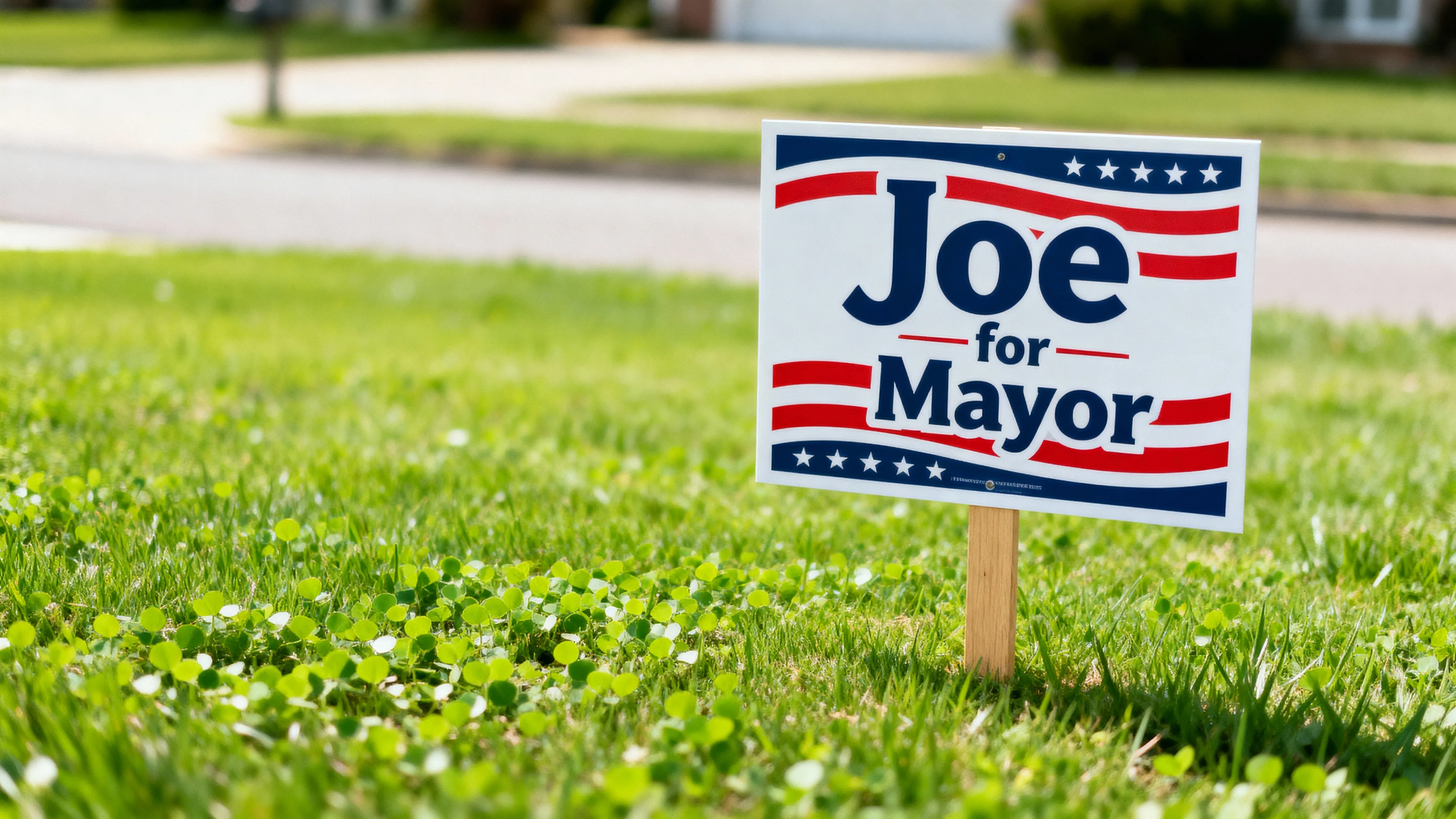
Posters & Signs
Campaign teams and event organizers use the AI Font Generator to produce bold, personalized posters and signs for rallies, events, and promotions
How to Make Your Own Font With AI
- Step 1Open Kapwing
Create a new chat in Kapwing's AI.
- Step 2Enter prompt
Enter a prompt like Write the words "Be Mine" in a red Valentine's Day font. Put the words in quotes, describe the font design, and specify background (such as transparent) and aspect ratio.
- Step 3Generate & download
Click the arrow to generate the text art image, then click "Download" to save the file.
Your AI fonts plug directly into a full content editor
Create, edit, share — all from one browser
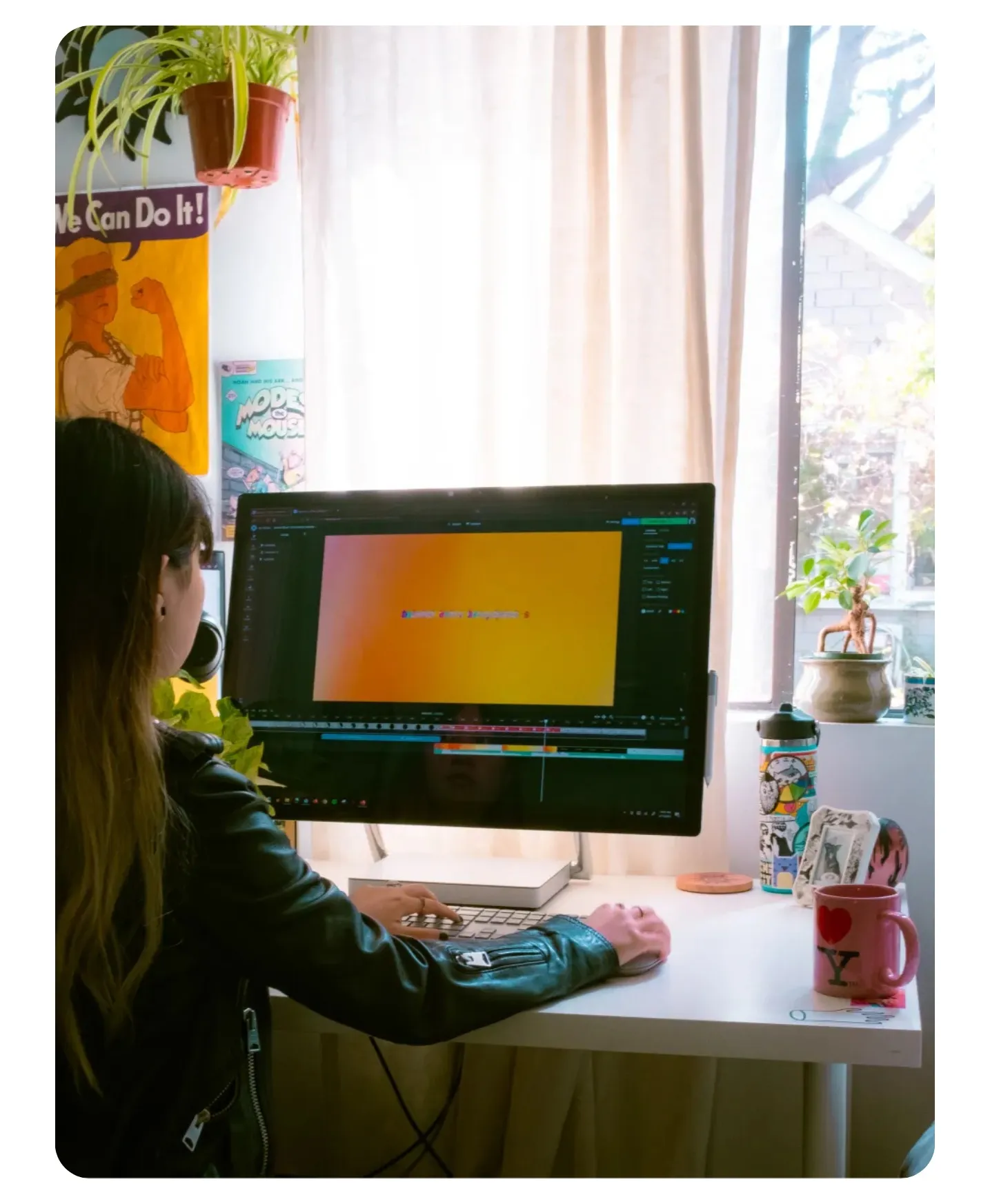
Kapwing’s AI Font Generator doesn’t stop at creating stunning word art; it plugs directly into a browser-based content studio.
No downloads or exporting between tools: your generated fonts are instantly ready to use in your studio media library.
Create custom AI fonts with transparent backgrounds, then easily drop them into any project.
Skip tedious editing with one-click AI tools, and use Safe Zones to ensure legibility across platforms.
Keep every creative asset organized in one place using the built-in Brand Kit.
Edit simultaneously with your team and leave feedback directly in the project, streamlining workflow and skipping endless Slack and email threads. Then share directly to social media, all without leaving your browser.
Frequently Asked Questions
We have answers to the most common questions that our users ask.
Is the AI Font Generator free?
Yes, anyone can try Kapwing’s AI Toolkit for free without watermarks. Our online AI tools run on a credit system, with each feature costing a set number of credits. For maximum creativity and the best value, upgrade to a Pro account to unlock the full power of AI-driven content creation.
How to create art from words with AI
To generate your custom text art, open a new chat in Kapwing's AI. Then enter a prompt like Write "Hi, Mom!" in a looping red handwriting font on a lined sheet of paper. Put the words you want generated in quotation marks, and describe the font, colors, background, and general style in as much detail as you can. Add aspect ratio (like 1:1 or 9:16) if you need your text art in specific dimensions.
What kinds of fonts can I create?
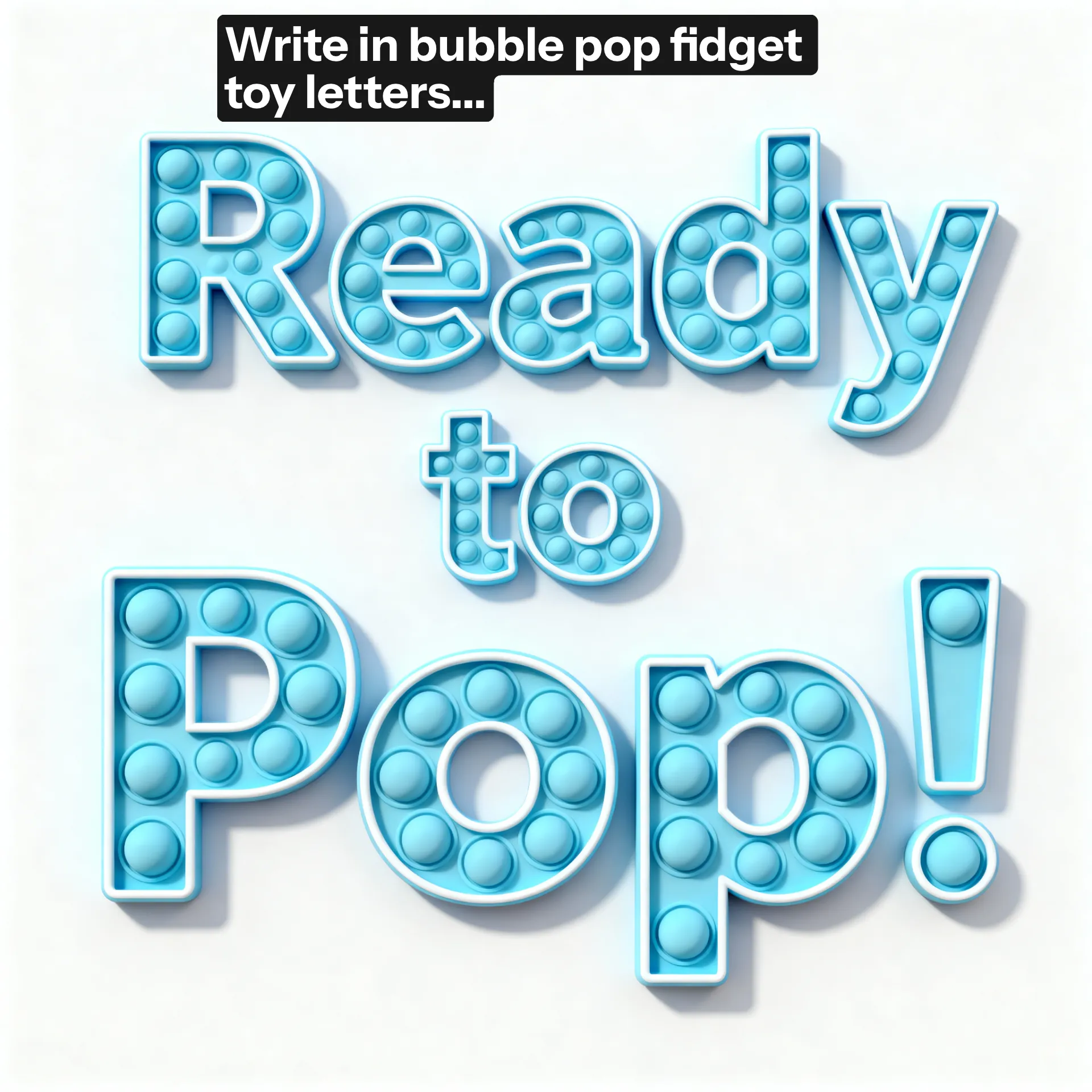
You can use the AI font creator to generate text in any kind of font you can imagine, including funny, scary, gothic, 3D, cursive, and comic book speech bubbles. Try requesting realistic 3D letters made out of growing plant vines, children's letter blocks, or water droplets. Or request calligraphy, creepy fonts, or graffiti. Kapwing's AI assistant will generate a unique font featuring your words based on your description.
Can I generate custom fonts on my phone?
Yes, you can use Kapwing's online AI font creator on your phone or tablet by opening a new chat using your mobile browser. From there, the process is the same: just enter a prompt describing the cool font you want to create, with your specific words in quotation marks.
What file format will my text art be in?
Kapwing generates text art as easily downloadable JPEG files. If you prefer your image in a different format, just click "Edit with Kapwing" to move it to the studio. From there, you can export your font image as JPEG, PNG, or WEBP.
How should I write my prompts for the best results?
To create the best AI fonts, write your prompt in this format:
Write "Custom Words" in STYLE & COLOR DESCRIPTION font with STYLE & COLOR DESCRIPTION background. Use a X:X aspect ratio.
For example: Write "Hello" in a realistic silver 3D metal letter font with a plain white background. Use a 16:9 aspect ratio.
Be as descriptive as possible in your prompt to ensure that you generate the exact text art you're looking for.
Are my AI generated fonts royalty-free?
Yes, when you use Kapwing's text art generator, your images are royalty-free and available for commercial use, so you can share or use them anywhere, worry-free.
How do I add animation to my text?
To animate your AI font, just enter a prompt like Animate this image for 5 seconds so the letters bounce. Be as specific as possible in describing the movement you want to see, and include a time duration if you need a specific length of text video.
Can I generate AI fonts with transparent background?
Yes, you can create AI fonts with transparent backgrounds by entering a prompt in Kapwing like "Make the background transparent". You can also move your generated font image to Kapwing's studio and use the Erase - Remove Background AI tool in the right sidebar.
Does Kapwing support non-English fonts?
Yes, Kapwing's AI Font Generator can create custom fonts in many languages. Just enter your prompt with the non-English text in quotation marks.
What AI models does the AI Font Generator use?
Kapwing's font maker uses the latest advanced AI models, including Seedream, Google Nano Banana, and GPT Image. You can set your preferred model using the slider icon next to the generate arrow at the right side of the prompt box.
Discover Resources
Tips, templates, and deep dives to help you create faster and share with confidence.
View all
What's different about Kapwing?



Get started with your first video in just a few clicks. Join over 35 million creators who trust Kapwing to create more content in less time.