Create studio-quality logos with AI.
Full commercial rights, no watermark.
Generate unique logos for any brand
Create and customize professional logos. Start for free online.
Design a distinctive professional logo in seconds
Quickly turn your business idea into a polished brand with Kapwing’s AI Logo Generator. Whether you're a small business owner, content creator, or branding professional, Kapwing's responsive logo maker helps you create and refine studio-quality logos and wordmarks in any style.
No generic graphic or font libraries here: use conversational prompts and upload sketches or reference images to bring a completely unique design to life. Or simply describe your business and let Kapwing's AI assistant generate a distinctive logo.
Remove backgrounds from logos with a single prompt, eliminating tedious manual editing, then download or drop them into any project.
How to generate a logo in 30 seconds
Start for free in your browser. No installs or watermarks.
Create
a new chat with Kapwing's AI logo maker


Describe
your logo ideas and business in a prompt
Generate
your logo, refine with additional prompts, and download to your device
Create logos that stand out
Adapt, animate, and start using your logos in every project
Redesign and adapt logos for any platform — as a team
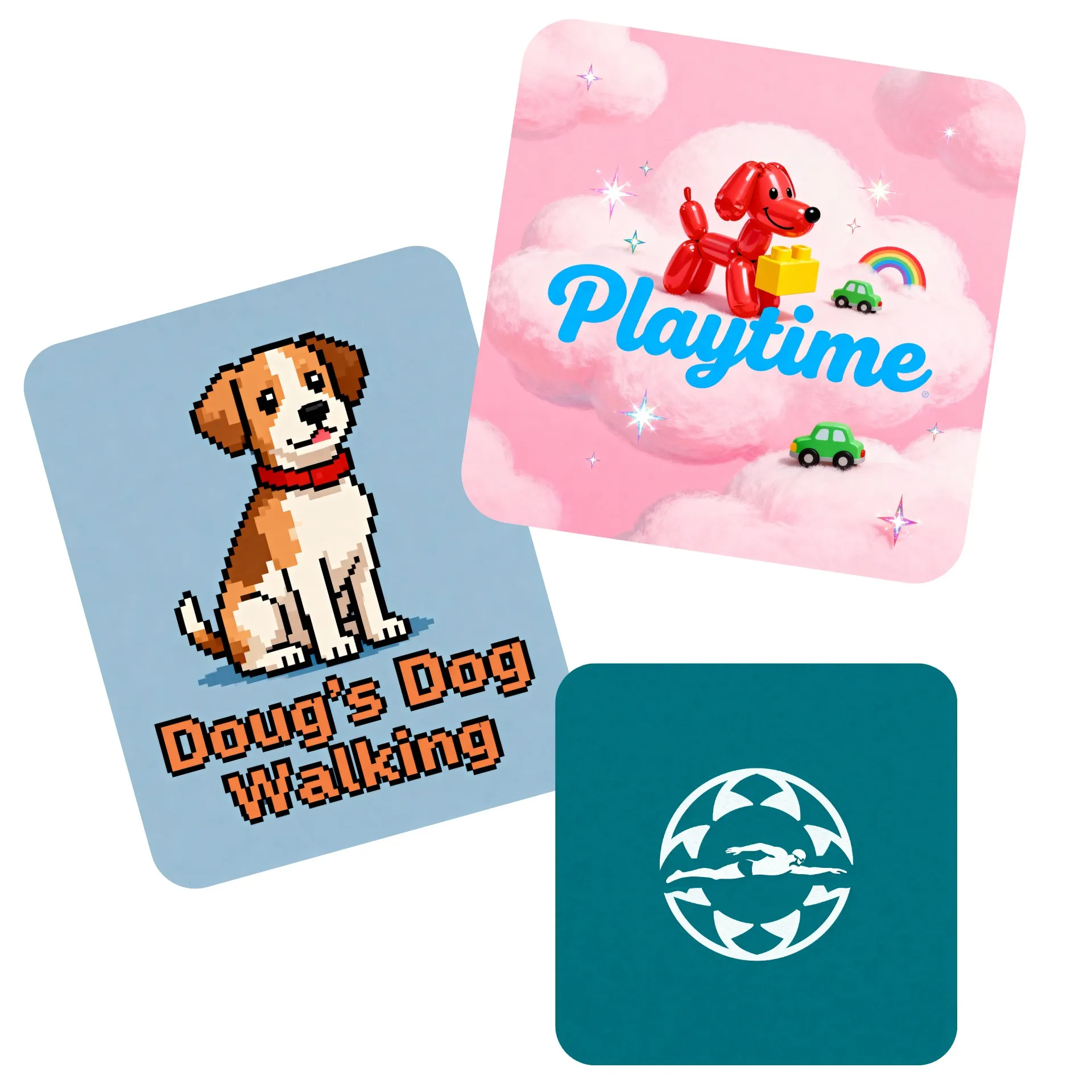
Create an AI-generated logotype, logomark, and full logo — all in the same intuitive online tool. Redesign existing logos or generate new variations for product launches, seasonal campaigns, trends, or different social platforms.
Future-proof your design or experiment with new concepts by asking the AI logo creator to build black-and-white, flat, and 3D versions using original fonts. Create a minimal logo, an animal logo, or a realistic 3D logo, all in the same generator.
When you’re ready, move into the creative suite for full control over finishing touches. Here, you can collaborate seamlessly with your team through live editing, and maintain brand consistency using a Brand Kit for all finalized logos.
Jumpstart marketing, no photoshoot required
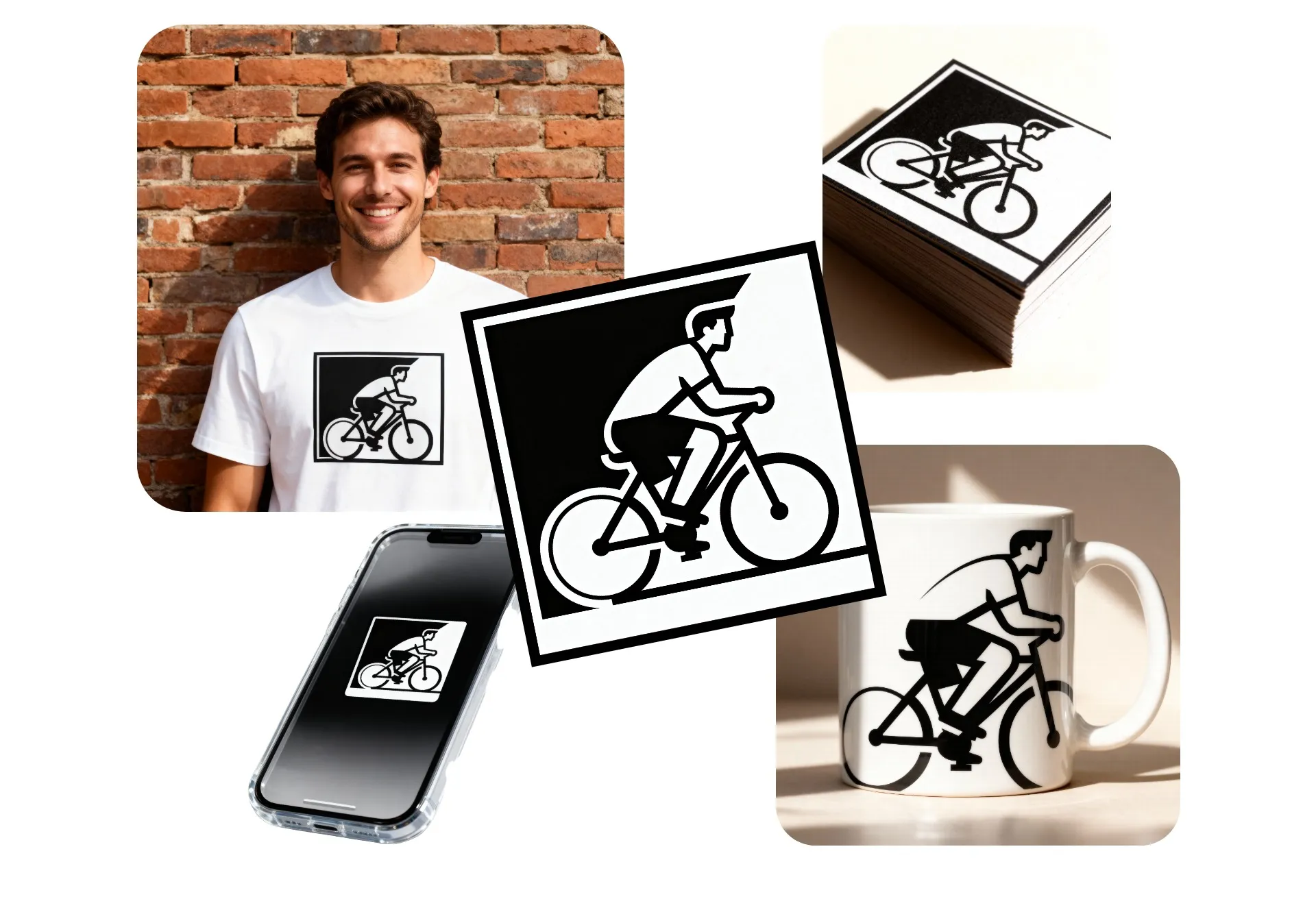
Streamline your go-to-market plan with ready-to-share product visuals and promotional assets generated by the AI logo maker. Create and refine your logo, then realistically incorporate it into images for your company website or social profiles, all in the same chat.
Preview conference swag or company shirts, visualize logo options in real world settings, or quickly update your branding with unlimited studio-quality branded images.

Stand out from your competitors with dynamic animations
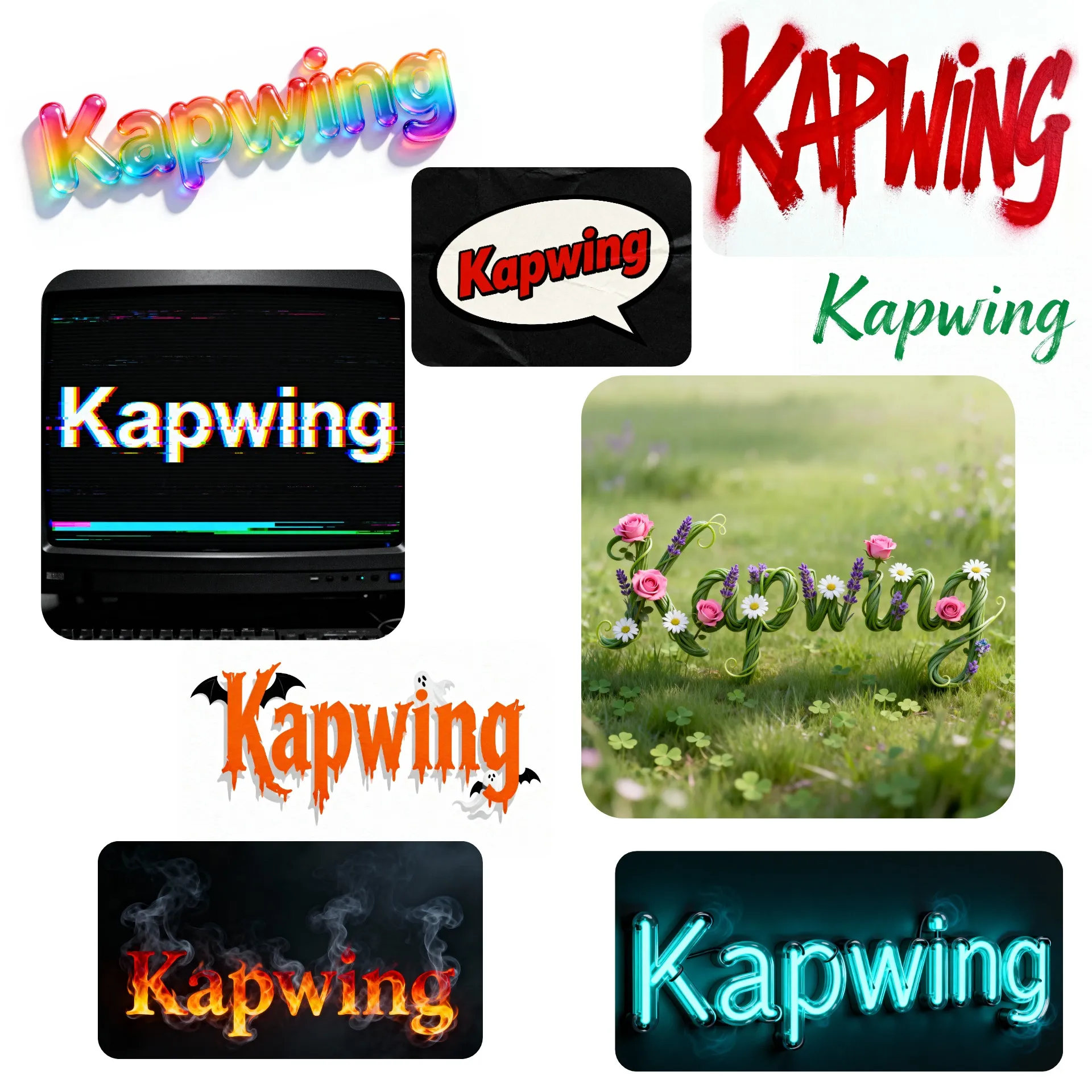
Make your logo unforgettable with with Kapwing's Animated Logo Generator. Simply chat with the AI Chatbot to direct the motion, creating eye-catching futuristic, glitchy, realistic, or cinematic movement that aligns with your brand personality.
Save your animations as MP4 or GIF, then use them as attention-grabbing profile pictures or visuals for company websites, streaming channels, or product launches.

Instant branding powered by AI
Join millions of professionals creating distinctive logos with Kapwing
Company Websites
Business owners use the AI logo creator to generate fine-polished, professional logos from text or image prompts, saving on design costs while building brand identity
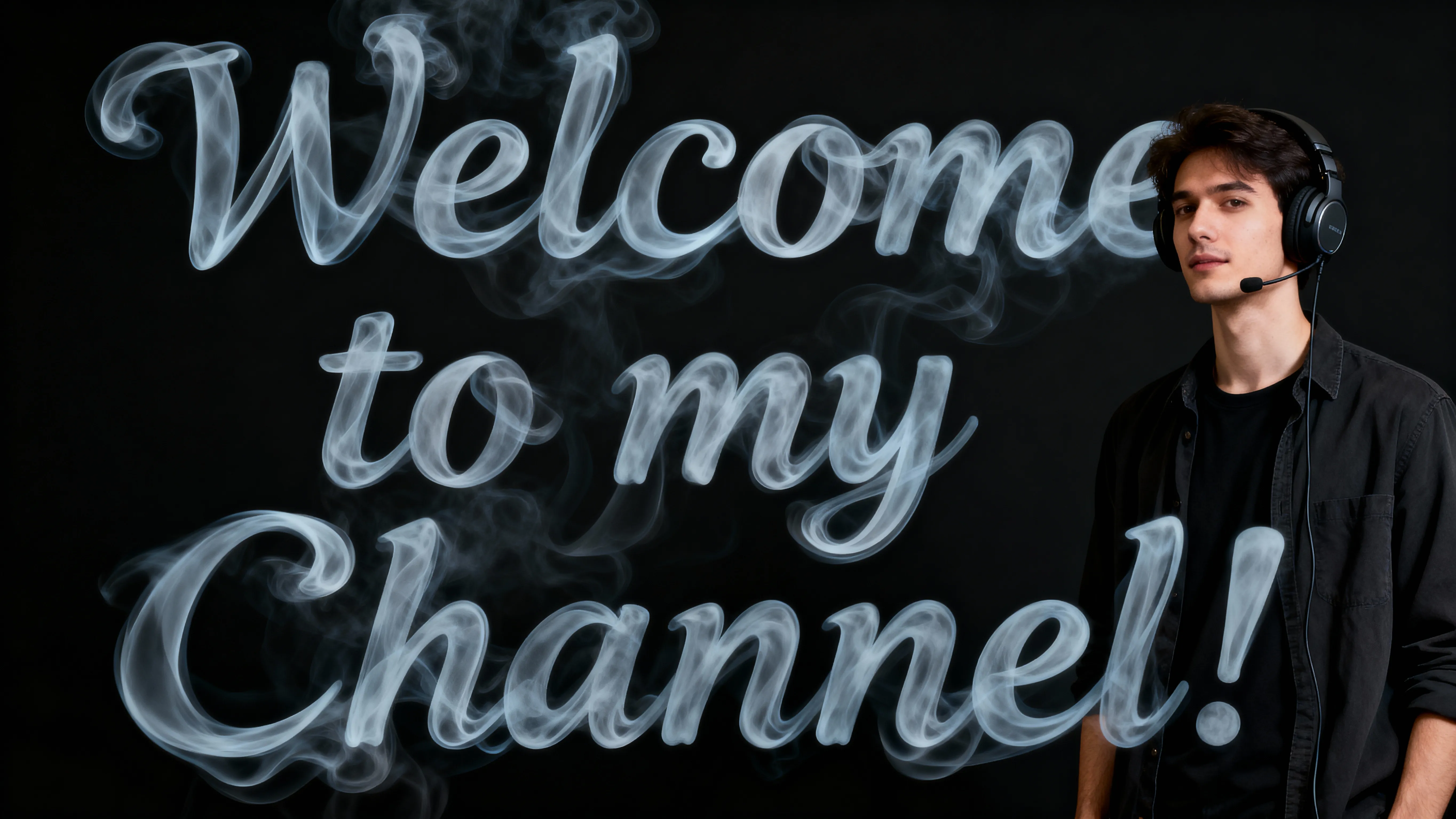
Thumbnails & Profiles
Influencers, vloggers, and podcasters use the AI Logo Generator to design unique icons and wordmarks for Instagram, TikTok, or YouTube channels
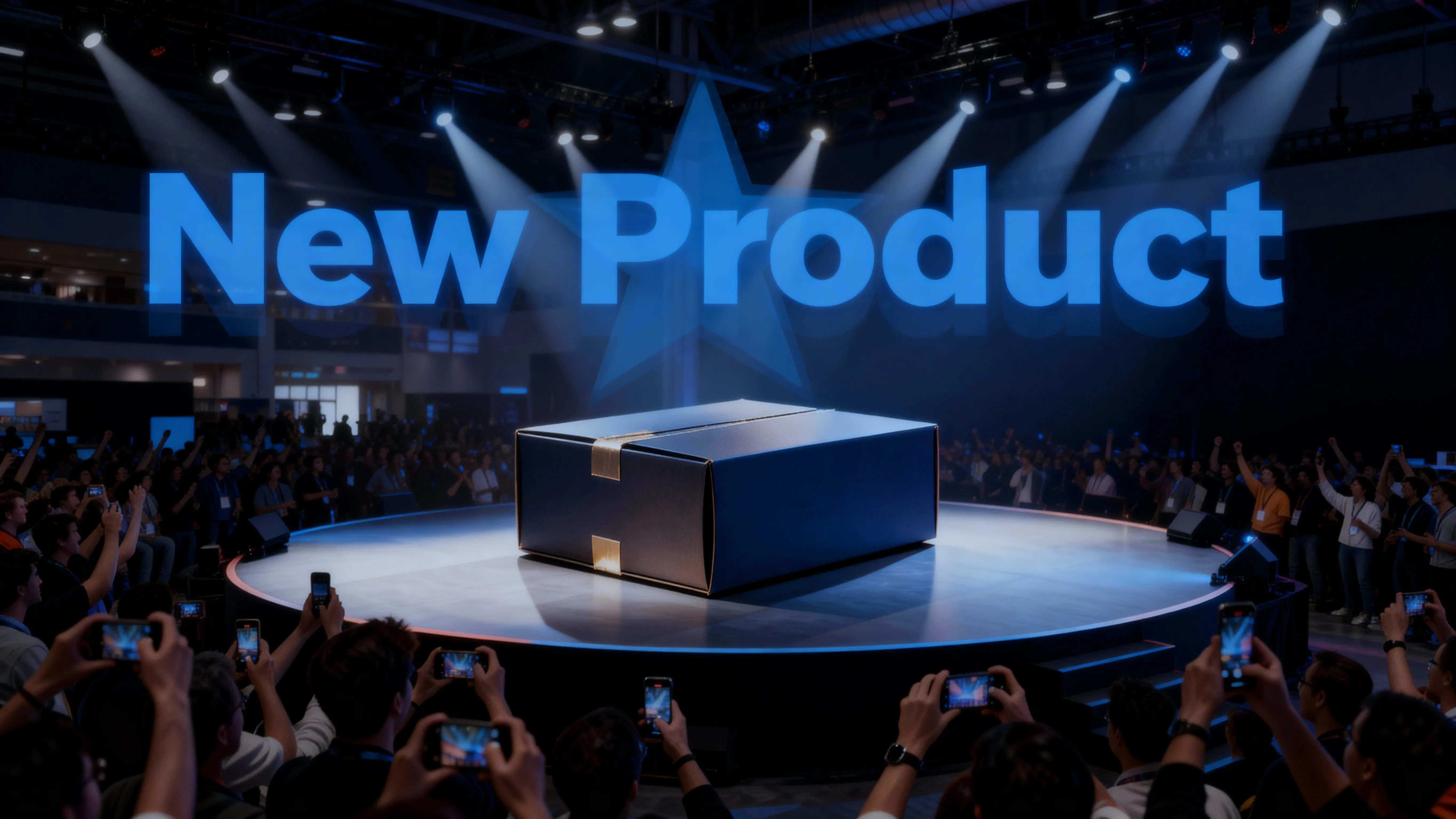
Marketing Campaigns
Quickly produce custom AI-generated logos for product launches, seasonal promotions, or ad campaigns, keeping branding sharp across every channel
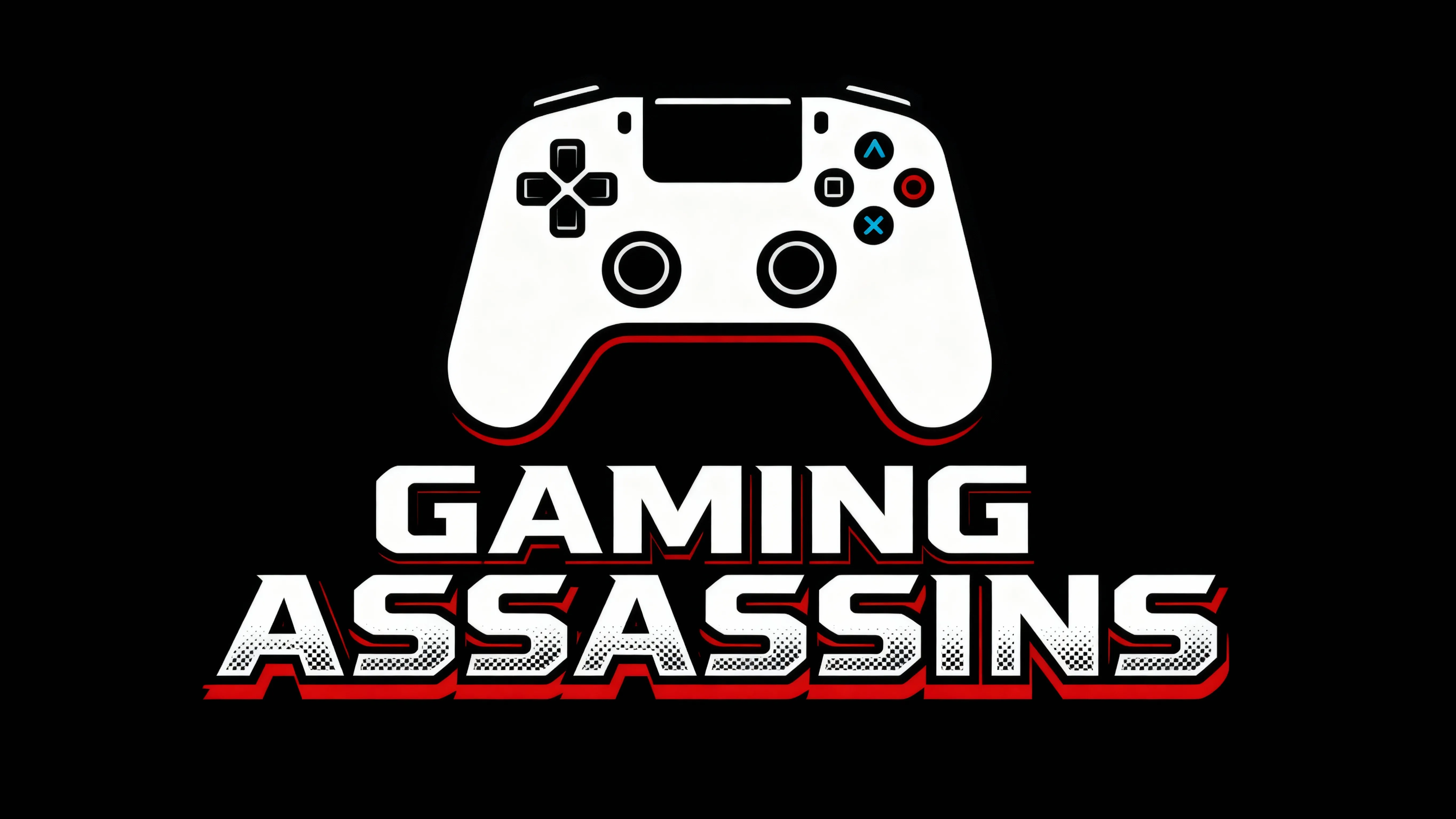
Gaming & Communities
Streamers, gamers, and online community managers generate professional gaming logos for their streaming channels using the AI logo maker
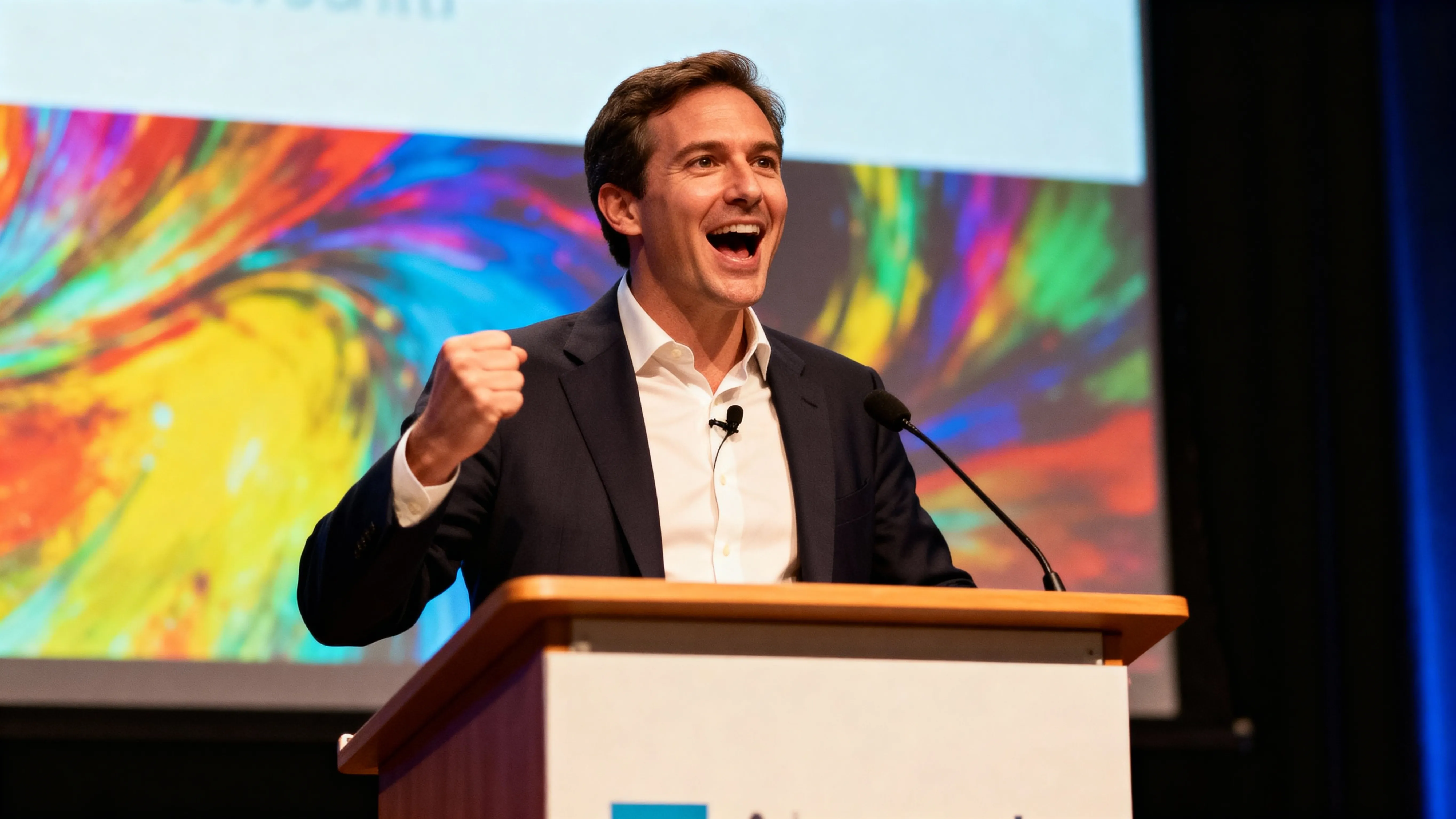
Events & Programs
HR teams and L&D managers use the AI Logo Generator to adapt logos for workshops, training programs, or internal events, keeping materials polished and on-brand
How to Generate an AI Logo
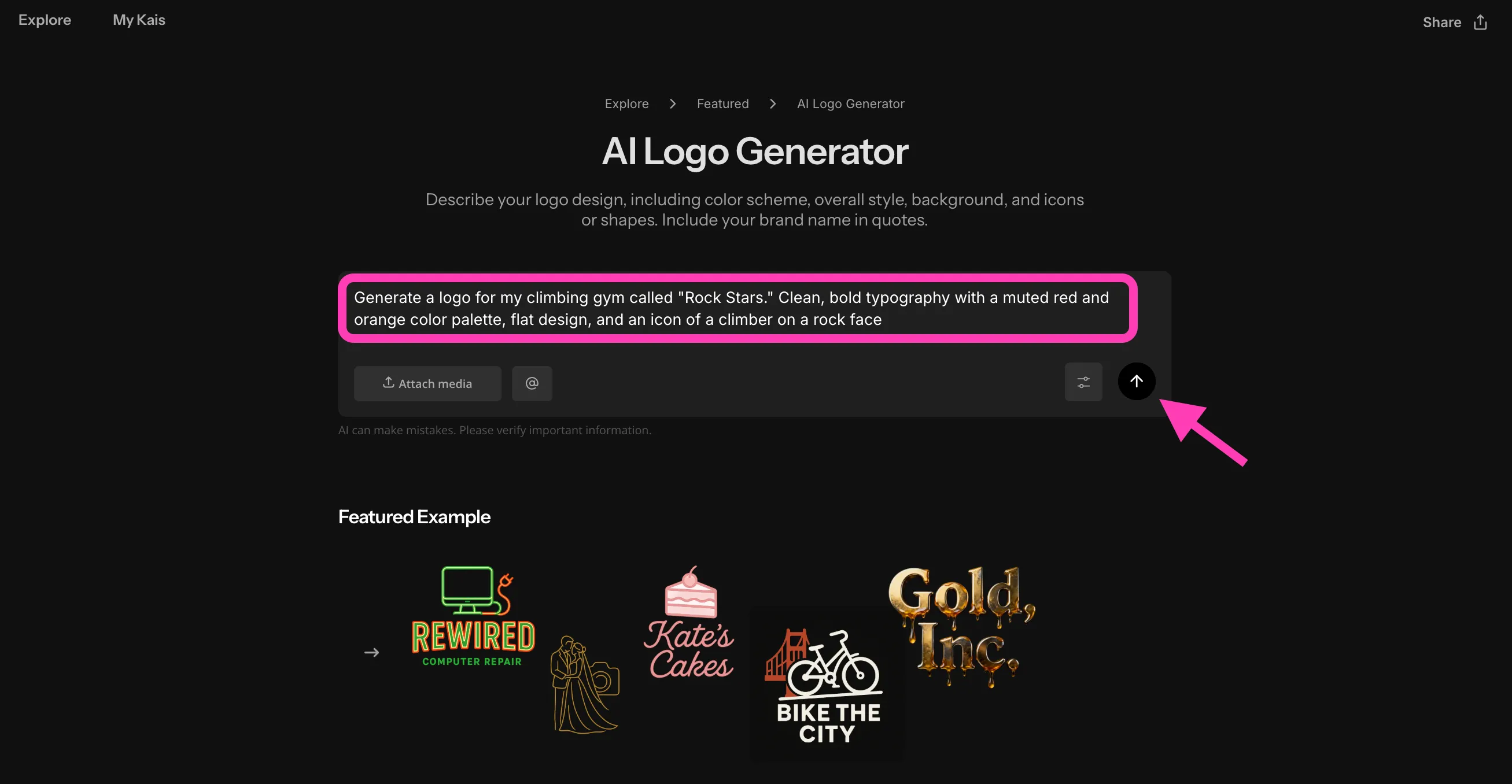
- Step 1Create chat
Create a new chat with Kapwing's AI Logo Generator.
- Step 2Write prompt
Write a prompt describing your logo design, including colors, style (minimalist, 3D, flat), and brand name in quotes. Optionally, upload reference images and sketches.
- Step 3Generate logo
Click the arrow to generate your logo. Make adjustments with additional prompts, or click to download your logo.
Frequently Asked Questions
We have answers to the most common questions that our users ask.
Is the AI Logo Generator free?
Yes, anyone can try Kapwing’s AI Toolkit for free without watermarks. Our AI tools run on a credit system, with each feature costing a set number of credits. For maximum creativity and the best value, upgrade to a Pro account to unlock the full power of AI-driven content creation.
How should I write my prompt for the best results?
Be as descriptive as possible when designing a logotype prompt. To ensure exact spelling, put your company or brand name in quotation marks. For more control over your logo, write an advanced AI image generator prompt specifying every detail.
Here is an example prompt: Generate a modern logo icon of a pink cupcake for my cupcake company. Under the icon, write "Susie's Cakes" in a green scripted font.
Can I create logos on my phone?
Kapwing works on any device and browser, though we recommend Chromium-based browsers like Google Chrome and Microsoft Edge. Kapwing also works on iOS and Android mobile devices. Since Kapwing is browser-based, it also works across Windows, Mac, and other desktop devices.
Can I customize the logo after generating it?
Yes, you can edit your AI-generated logo as much as you want. Chat with the AI Chatbot to change fonts, colors, styles, or layout, and even create animated versions. You can also switch between modern, flat, black and white, and 3D styles or add text directly to the design.
What file formats can I download my logo in?
You can download your logo in high-quality JPG, PNG, and SVG vector formats, making it easy to use across social media, websites, business cards, merchandise, and more.
Do I need design experience to use the AI Logo Generator?
Not at all, Kapwing’s AI Logo Generator is built for everyone — from small business owners to design professionals. The intuitive AI assistant responds to simple or complex prompts and lets you refine the design step by step.
Can I remove the background from my logo?
Yes, Kapwing's AI can easily remove backgrounds from logos with a simple prompt like Remove the background. You can also move your logo to Kapwing's full editing studio to use the free Remove Background tool. Then save your background removed logo as a PNG, or drop it straight into image or video content.
Does Kapwing support online collaborative logo editing?
Yes, Kapwing supports collaborative logo editing by allowing users to create free, shared workspaces they can invite team members to join. 100+ collaborative video and image editing tools to streamline the creative process are also available in the online editor. Teams can also upload a Brand Kit to their workspace or set one up together in real time, helping ensure that assets are readily available and organized.
Are my generated logos royalty-free?
Yes, the logos you generate with Kapwing are royalty-free and safe to use commercially on any platform.
Which AI models does Kapwing use?
Kapwing's AI assistant uses the latest advanced AI models, including Seedream, Seedance, Google's Nano Banana, ChatGPT Image, Kling, Veo, and more. You can choose your preferred model using the settings button in your AI chat, or let the assistant decide for you.
Which fonts can I use for my logos and wordmarks?
With Kapwing, you're not limited to a stock font library. Kapwing's AI Font Generator capabilities allow you to generate your own unique fonts from simple text prompts. Just describe your font and watch AI bring it to life.
What is a wordmark?
A wordmark is a type of logo that only consists of text, with no icons or illustrations. Wordmarks are generally highly customized and stylized, with unique fonts and letter design. You can create an AI logotype (wordmark) with Kapwing by entering a prompt like Write "Kate's Bookstore" in an old-fashioned red calligraphy font.
You can also ask Kapwing's AI to create a logomark, which is a logo that only consists of symbols or imagery. Or create a full logo with stylized text and a unique icon.
Discover Resources
Tips, templates, and deep dives to help you create faster and share with confidence.
View all
What's different about Kapwing?



Get started with your first video in just a few clicks. Join over 35 million creators who trust Kapwing to create more content in less time.