Generate custom songs, lyrics and sound effects — just by asking AI

Create unique audio in seconds
Enrich every project with SFX, songs, and lyrics — all completely original and tailored to your brand
Engage your audience with custom songs and sounds
Turn ideas into ready-to-use, royalty-free audio simply by chatting with Kapwing’s AI assistant. Just describe what you want to generate — whether it’s an AI-generated song, sound effect, or background music — and add it directly to YouTube intros, TikTok edits, podcast segments, or social ad campaigns.
Powered by AI and built-in prompt enhancement, Kapwing’s AI Audio Generator creates custom sound effects and ambience from text — so you can match the exact mood of your video without relying on stock libraries. Score cinematic trailers, build custom soundboards for apps or games, or give your explainer videos a signature audio style.
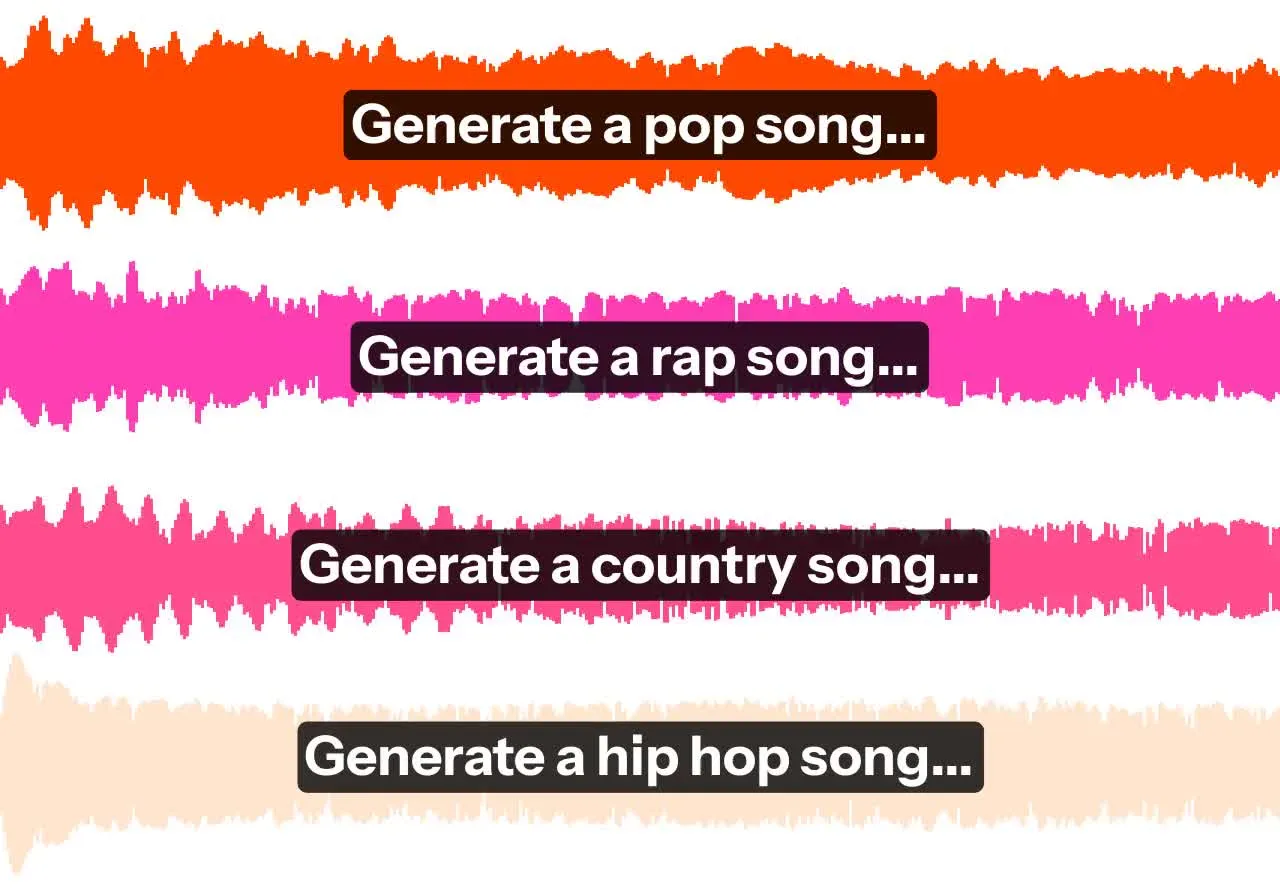
Accelerate your audio creation process
Kapwing is your personal music collaborator, available anytime, anywhere, and fully online. Compose songs in seconds, brainstorm lyrics across genres, and generate distinctive sound effects to elevate your content — no more wasting time digging through endless audio libraries.
Need more scale or creative control?
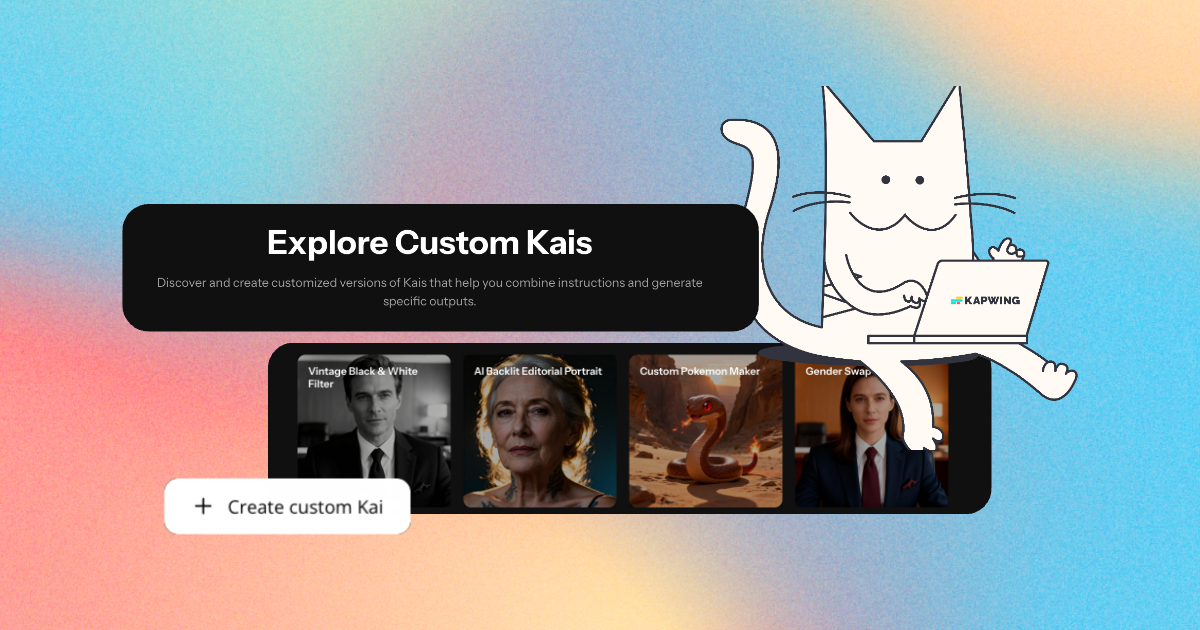
Build a Custom Kai sound studio to generate audio in your unique style — from personalized SFX to on-brand music loops.
Advanced audio editing made easy
Built for creators, musicians, and marketers, the AI audio creator works for any project, no matter your experience level.
Use follow-up prompts to adjust sound effect length, tweak song tempo, or refine lyric rhyme schemes, then send your audio to Kapwing’s Studio with a single click.
Access powerful, browser-based tools like Split Vocals and Clean Audio, and easily drop your sounds into video projects — all in one place.
.webp)
Sounds for musicians, creators & storytellers
Join millions of creatives using Kapwing to speed up their audio production
Content Creators
Supercharge engagement with unique audio transitions, YouTube intros, and TikTok sounds
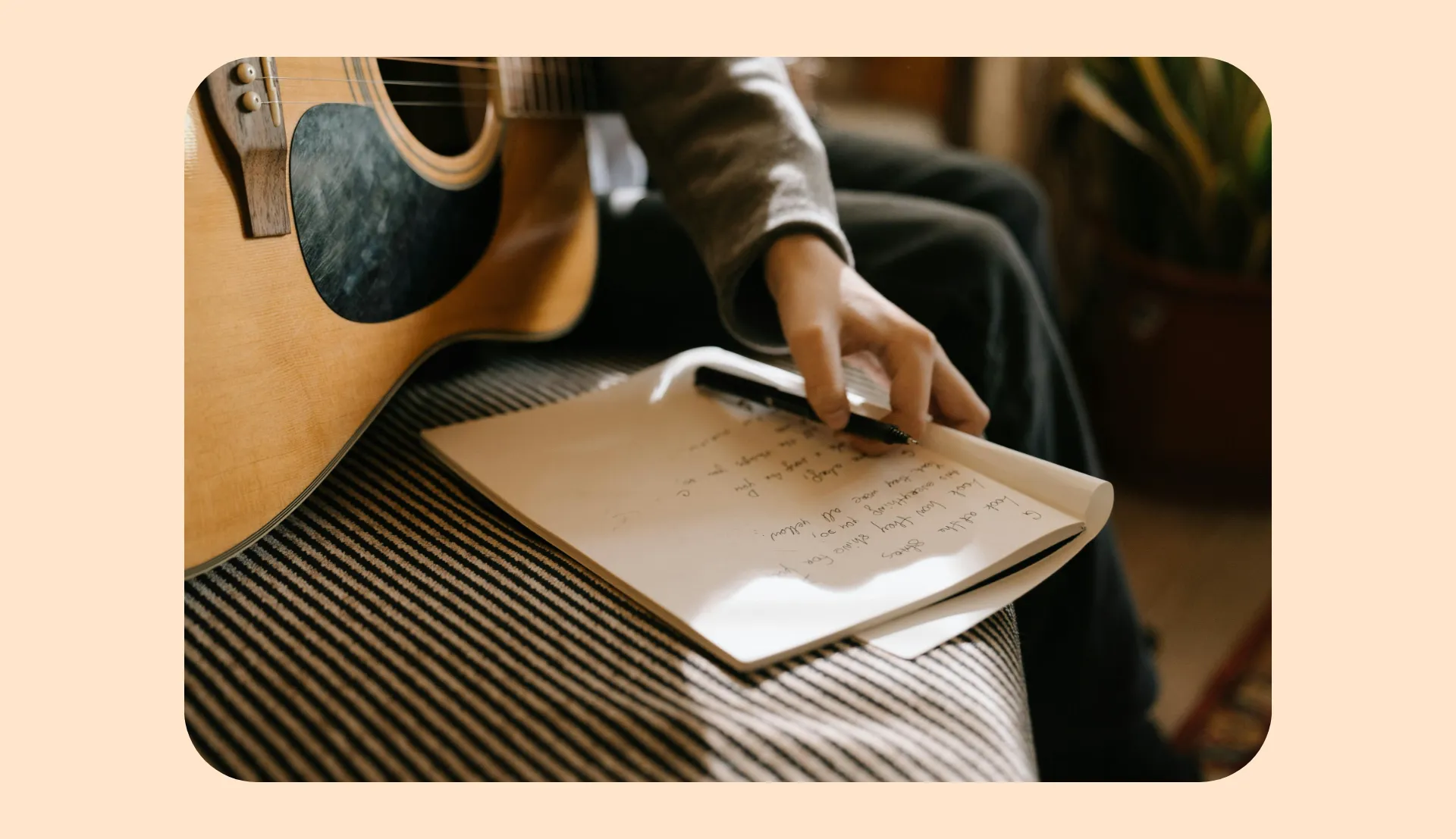
Artists & Producers
Turn lyric ideas into full songs and demo-ready tracks
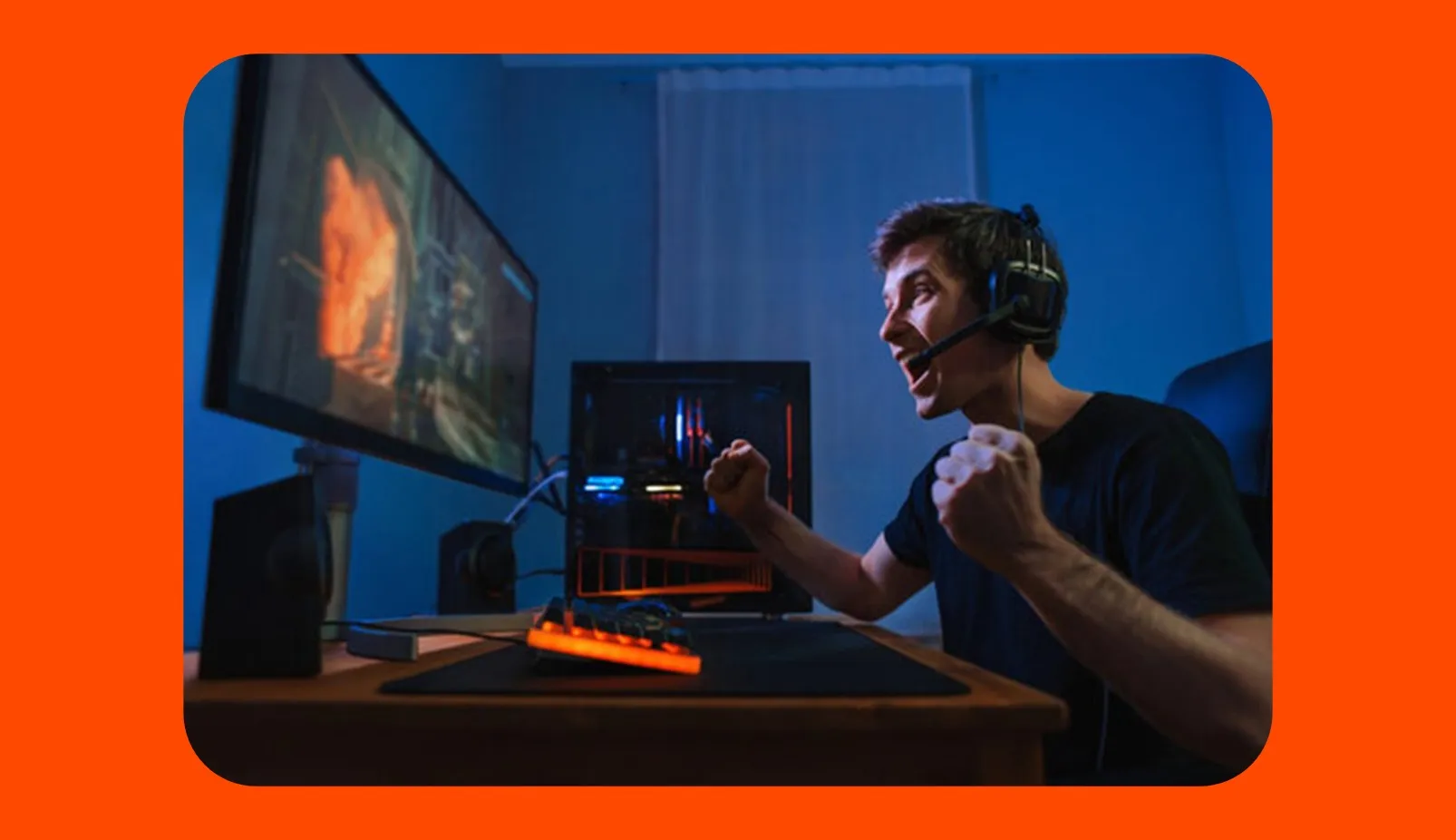
Game Developers
Design immersive sound effects and music for instant world-building
.webp)
Podcasters & YouTubers
Add intros, outros, and ambient backgrounds

Advertisers & Marketers
Create custom product jingles and royalty-free branded songs
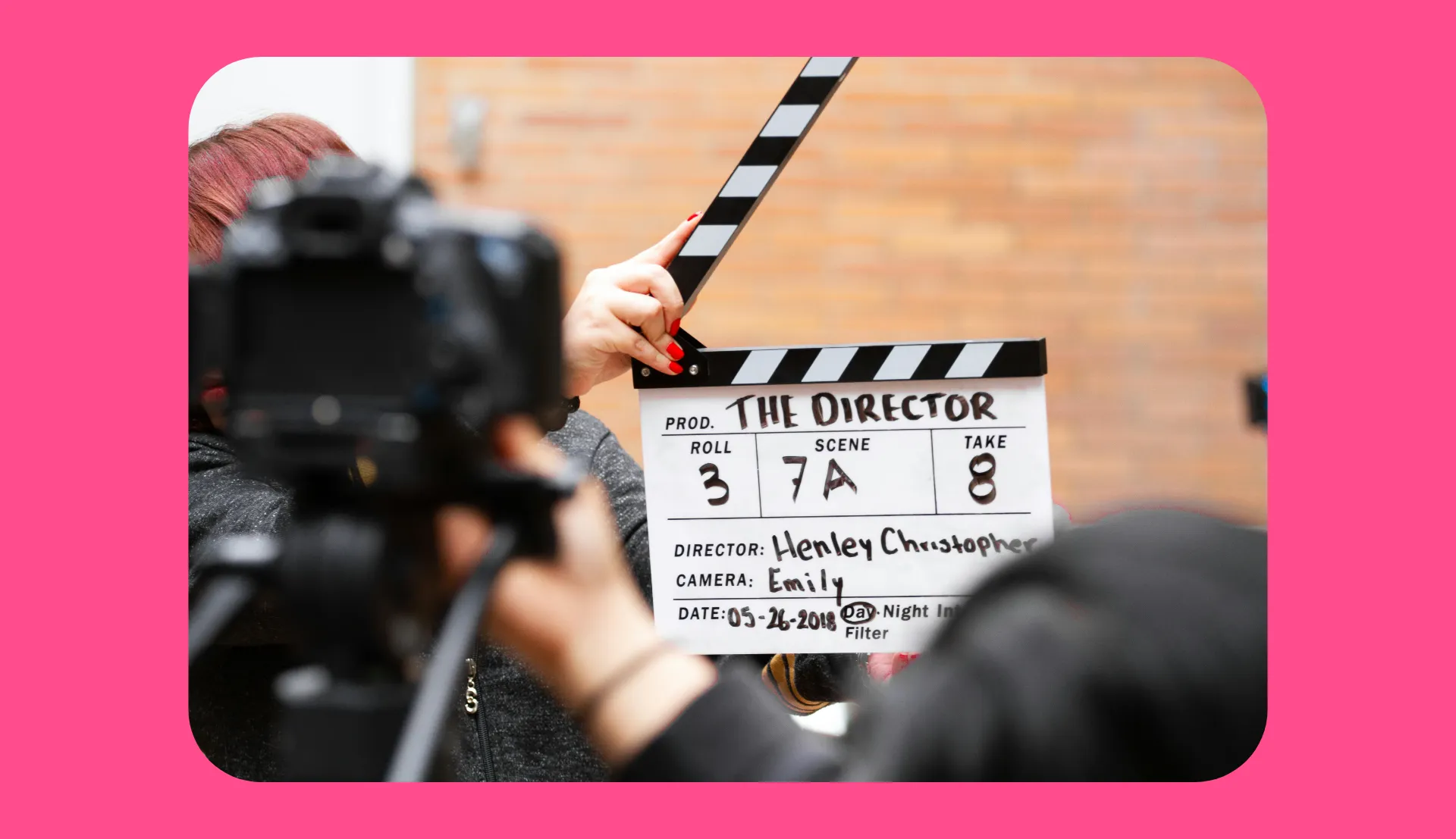
Filmmakers
Generate cinematic songs & SFX in seconds
Already transforming video creation across industries
Hear directly from the teams who publish faster, collaborate better, and stay ahead.


Enhance every project with AI audio
Create and refine sounds in one online tool
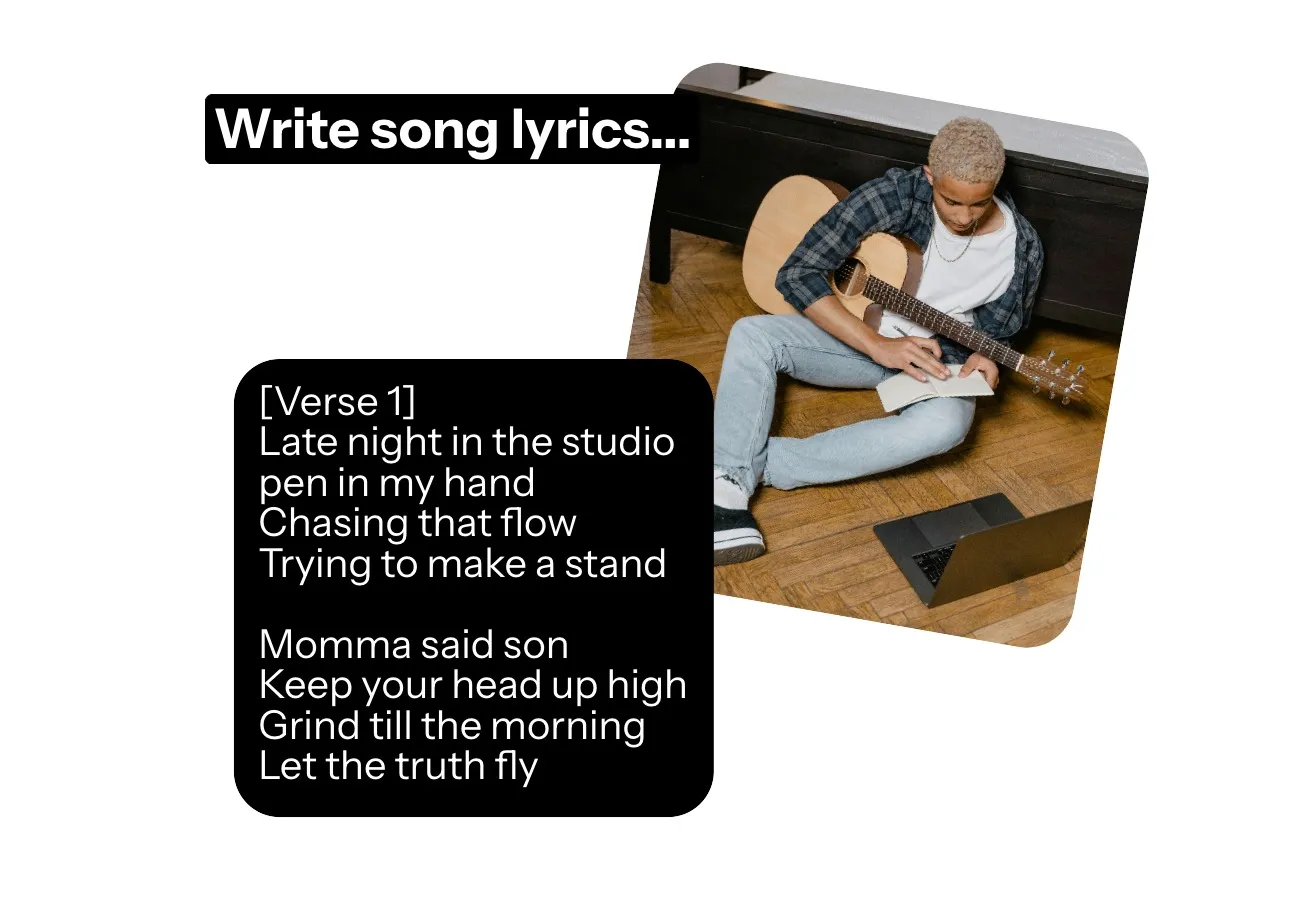
Original lyrics
Streamline your songwriting process and beat writer's block with Kapwing's AI Lyrics Generator. Complete your partial lyrics, create full song lyrics from general themes or concepts, and instantly test different rhyme schemes and tempos.
Catchy songs
Generate studio-quality songs and instrumental tracks from simple prompts using Kapwing's AI Song Generator. Easily adjust voices, tempos, genres, and lyrics, then publish your AI music to platforms like Spotify and YouTube.
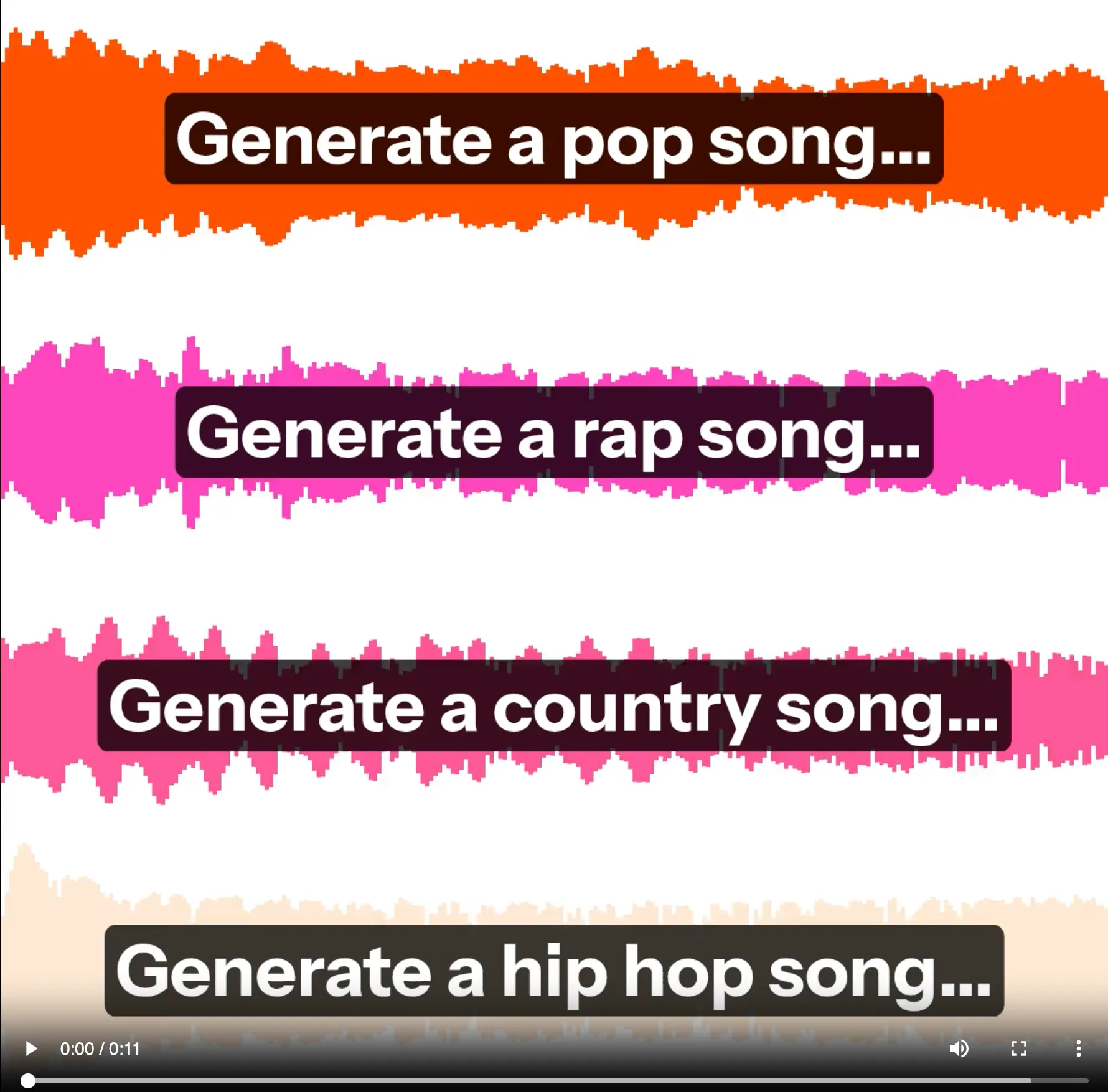
Realistic sound effects
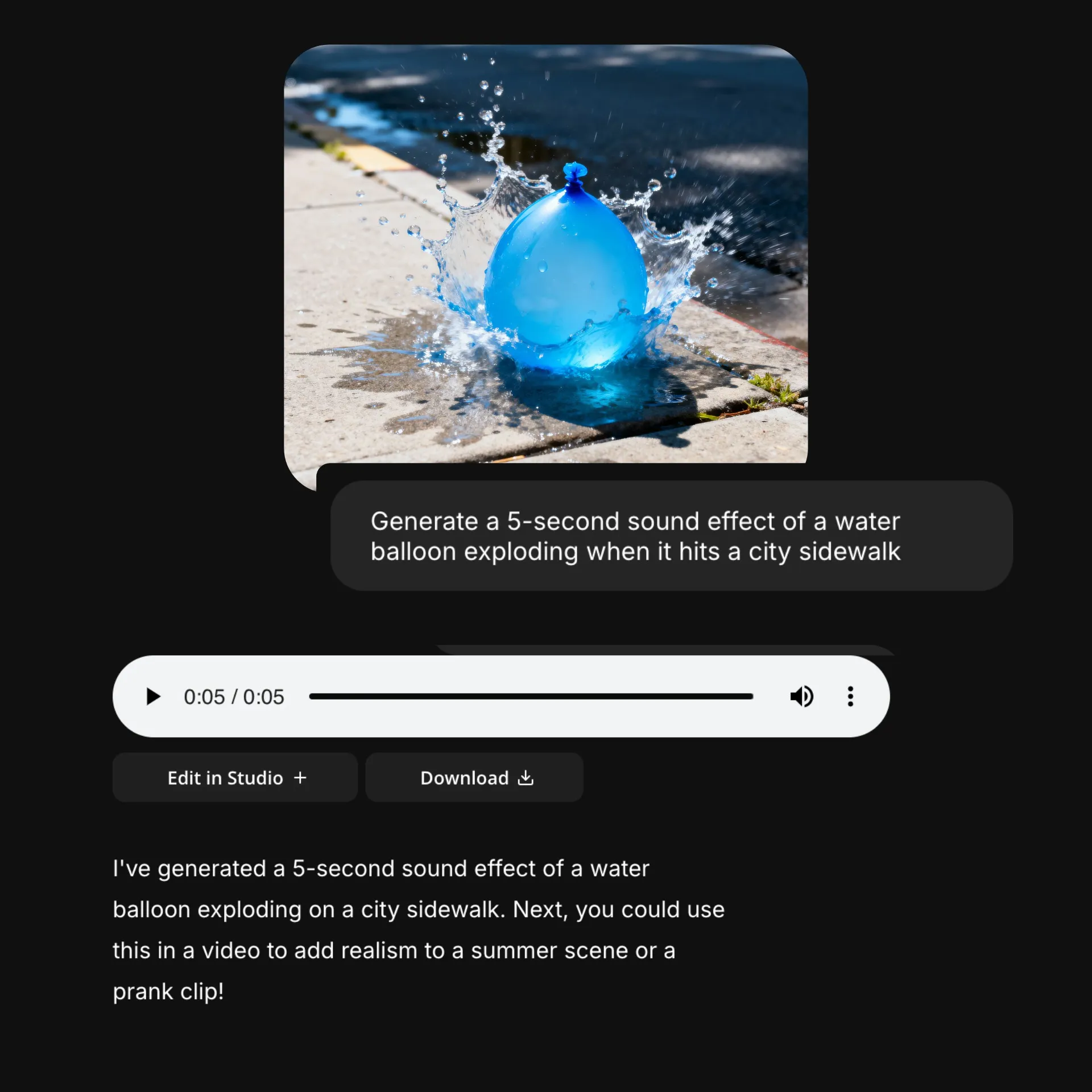
Create compelling sound effects and audio transitions with Kapwing's AI Sound Effect Generator. Instantly generate hyper-specific sounds at the exact duration you need, without needing to record anything.
What's different about Kapwing?



How to Generate Audio With AI
- Step 1Open Kapwing
Open Kapwing's AI studio and create a new chat.
- Step 2Enter prompt
Type in your prompt, specifying the type of sound you want and your ideas or themes. Include any specifications like song rhyme schemes or sound effect duration.
- Step 3Generate audio
Click the arrow to generate your audio file. Edit with additional prompts or click "Download" to save as MP3.
Frequently Asked Questions
We have answers to the most common questions that our users ask.
Is Kapwing's AI Audio Generator free?
Yes, anyone can try Kapwing’s AI Toolkit for free without watermarks. Our AI tools run on a credit system, with each feature costing a set number of credits. For maximum creativity and the best value, upgrade to a Pro account to unlock the full power of AI-driven content creation.
How to generate audio from text
To use Kapwing's text to audio generator, open a new chat. Then enter a prompt like Generate a 5-second sound effect of glass shattering or Generate a rap song about living in LA. The AI audio creator will generate your audio in the chat, and you can download as MP3 or move it into the studio to integrate with your images and videos.
Can I edit the AI audio after I generate it?
Yes, you can edit your AI audio files by entering additional prompts or moving the file into the studio. Kapwing's studio offers a full range of free audio editing tools like Split Vocals, Clean Audio, and Smart Cut.
Does the AI Audio Generator work on mobile?
Yes, you can easily use your phone or tablet to generate AI audio with Kapwing. Just open a new chat on your mobile browser, then start chatting to generate your sound effects, songs, or lyrics.
Can I directly download my songs or sound effects?
Absolutely, just click the "Download" button to save your audio file as an MP3. You can also click "Edit in Kapwing" to move it to Kapwing's full editing studio, where you can incorporate songs or sound effects directly into social media posts or videos.
Is the audio I generate royalty-free?
Yes, the lyrics, songs, music, and sound effects you generate with Kapwing's AI Audio Generator are royalty-free and available for commercial use. Easily generate your own sounds and skip the hassle of licensing fees and stock libraries.
What file formats can I download audio in?
When you generate audio with Kapwing, the default file type is MP3. If you want a different format, you can move the audio file into the Kapwing editing studio. From there, you can turn your musical creation into a video (including a lyric video) and download it as an MP4, MOV, or WEBM.
What kinds of AI audio can I create with Kapwing?
You can create sound effects, sound transitions, songs, instrumental tracks, or general music by chatting with Kapwing's AI Assistant. You can also create or complete song lyrics.
Which AI models does Kapwing support?
Kapwing supports AI models for both audio and video generation. For audio, MiniMax enable creators to generate custom music, sound effects, and ambient tracks directly from text prompts. For video, Kapwing integrates leading AI models including Kling (AI Motion Transfer), Seedance (videos up to 30 seconds), Veo (polished, cinematic clips), and MiniMax (low-cost, high-quality).
Discover Resources
Tips, templates, and deep dives to help you create faster and share with confidence.
View all

Get started with your first video in just a few clicks. Join over 35 million creators who trust Kapwing to create more content in less time.