Transcript Editor
Edit your transcript online — for free
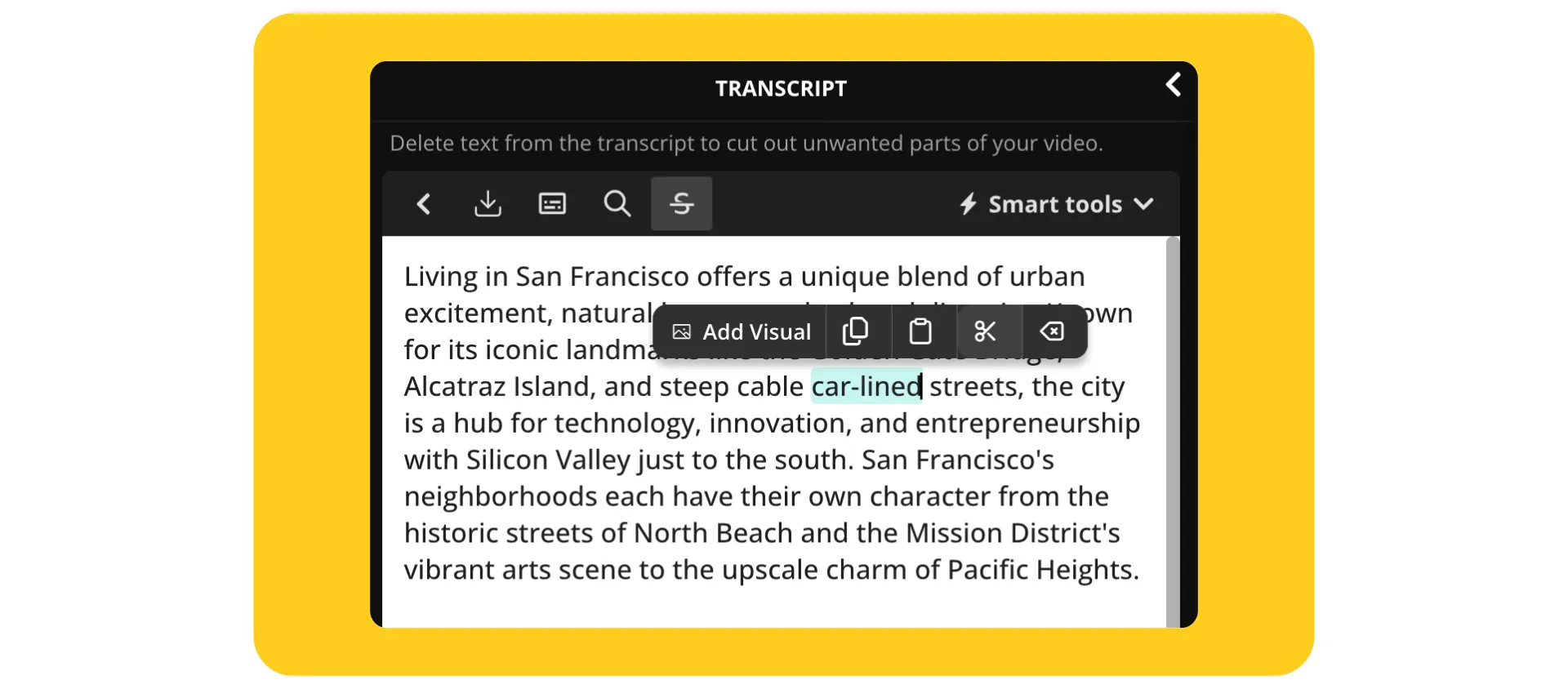
Fast transcript editing with AI-powered shortcuts
Clean up transcripts with tools for editing, timing, and Speaker Labels
Precision transcript editing made effortless
Filler words like “uh,” “like,” and “you know” are automatically removed from your transcript, streamlining cleanup from the start. Timestamps and Speaker Labels are added in the subtitles section, perfect for pulling quotes for blogs, newsletters, and social posts.
Fixing your transcript is as easy a regular text editor, with built-in Search and Replace to make updates in seconds. Why wrestle with transcripts manually when Kapwing's Transcript Editor can do the heavy lifting — online, and for free?

Edit audio and video in perfect sync
The Transcript Editor syncs to your audio or video upload in real time, allowing podcasters, educators, and interviewers to refine recordings up to 2 hours long without needing a separate tool for each task. No app downloads, no software installs, just intuitive online editing.
Click any word in the transcript to jump to that exact moment in the media timeline, making revisions across your entire project seamless and accurate. Then, simply delete words, phrases, or full paragraphs from the transcript to cut those moments from your media. Everything you edit is done in sync, helping you deliver polished content faster than your competition.

Collaborate with team members or clients across formats
Kapwing supports real-time collaboration, so you can highlight sections, leave time-stamped comments, and resolve edits as a team.
It’s built for agencies editing video content, media teams annotating interviews, podcast producers refining multi-speaker conversations, and social teams working with dialogue-rich clips. Forget scattered files and endless email chains, now everything lives in one shareable link.

Add translations in 100+ langauges
Whether you’re hardcoding subtitles into a video or downloading them as a TXT, SRT, or VTT file, Kapwing’s studio is a powerful tool for reaching new audiences and communicating globally, with support for translation in over 100 languages.
Adding subtitles and translations not only improves accessibility but also boosts engagement, viewer retention, and discoverability on platforms like YouTube, LinkedIn, and Instagram.

Already transforming video creation across industries
Hear directly from the teams who publish faster, collaborate better, and stay ahead.


Generate. Edit. Download.
Kapwing powers the full transcript workflow for millions of diverse creators

Podcasts
Transcript editing helps Podcasters create show notes, highlights, and searchable content as they remove filler words and errors so each episode is easier to share, reference, or repurpose
Interviews
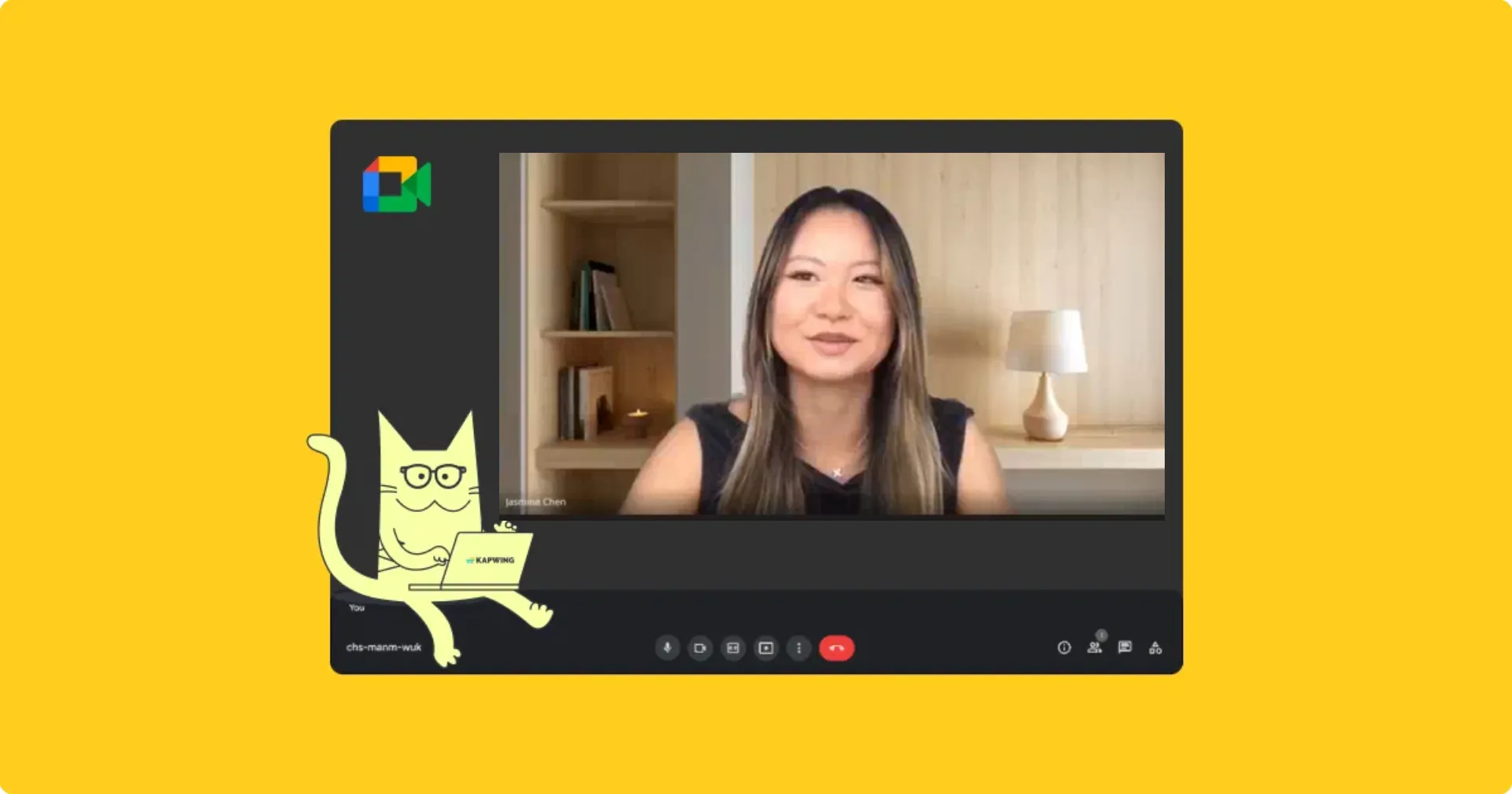
Transcripts from Zoom or Google Meet interviews are edited and repurposed into articles, briefs, and internal documentation by journalists, researchers, and hiring teams

Educational Content
Whether it’s a lecture, explainer video, or tutorial, educators benefit from polished transcripts that are easy to share with students as files like TXT, VTT, and SRT

YouTube Videos
YouTubers and long-form creators save hours by editing their transcript and video in one synced workflow, trimming intros, tightening voiceovers, and automatically removing filler words

Online Training
L&D teams generate transcripts from Zoom, Loom, and screen-recorded training sessions, then use Kapwing's Transcript Editor to clean them up and export as text-based training materials

Legal Documents
Legal teams generate transcripts from depositions, audits, or internal reviews, editing them to ensure a clear, searchable record using Speaker Labels and Timestamps

SEO Materials
SEO teams use the Transcript Editor to format transcripts for video content, making pages more searchable and helping them rank higher in search results

Sales
Editing transcripts helps sales and customer research teams turn messy conversations into clear, actionable assets, whether it’s for follow-ups, reporting, or team learning

Webinars
Webinar and event producers edit live recordings into transcripts that power replays, recaps, and blog posts, helping to extend the value of every session
How to Edit a Transcript
- Step 1Upload video or audio
Upload a video or audio file, or paste a URL link from YouTube, Vimeo, TikTok, etc.
*If you already have your text transcript you can upload it to Kapwing's AI tool to generate a video, and edit the transcript via this workflow instead.
- Step 2Generate transcript
Open the "Transcript" tab and select the language you want your transcription to be in. Then, click "Generate Transcript."
- Step 3Edit and export
Edit your transcript and click on the download icon that's just above the Transcript Editor. Or, use the Subtitles Editor to download a transcript in VTT or SRT format.
What's different about Kapwing?



Frequently Asked Questions
We have answers to the most common questions that our users ask.
Is the Transcript Editor free?
Yes, the Transcription Editor provides all users with 10 minute of transcription per month.
Is there a watermark on exports?
If you're using Kapwing with a Free Account, any transcript you download will be in a plain TXT file without any watermark. However, if you add visuals or subtitles to your transcript to create a video file then the MP4 export will contain a small watermark. Once you upgrade to a Pro Account, all watermarks will be removed from creations.
Can I upload a text transcript?
Kapwing’s Transcript Editor is designed to generate editable transcripts from video or audio content. If you only have a text transcript, you can paste it into the “Script” section of Kapwing’s AI Video Generator to create a video with an editable transcript. Currently, uploading a text-only transcript for editing is not supported.
How do I turn my transcript into subtitles?
To turn your transcript into subtitles, simply click the "Subtitles" button in the left-hand toolbar. Subtitles will appear in the timeline, where you can edit them as needed, including Speaker Labels and Timestamps.
How many languages does the Transcript Editor support?
Kapwing allows you to transcribe a wide range of languages to text. We support over 100 languages, including Chinese, French, Hindi, 21 variants of Spanish, and 17 variants of Arabic.
What video and audio files does Kapwing support?
Kapwing supports a large variety of popular video and audio formats, including MP4, MOV, WebM, MPEG, OGG, AVI, MP3, FLAC, and M4A.
Is there a limit to the video length for transcription?
You can generate transcripts for videos to 2 hours long. Longer videos may require trimming or breaking into smaller segments before uploading, especially on free plans. Paid plans offer more flexibility and faster processing for long-form content.
Can I turn links to transcripts?
Yes, you can either upload a file directly or paste a link into the editor to create a transcript from an online source.
Does the Transcript Editor support Speaker Labels and Timestamps?
Yes, Kapwing’s Transcription Editor automatically detects and includes Speaker Labels and Timestamps in your transcript. These features help organize multi-speaker conversations and make it easy to reference specific moments in your audio or video.
Discover Resources
Tips, templates, and deep dives to help you create faster and share with confidence.
View all


Get started with your first video in just a few clicks. Join over 35 million creators who trust Kapwing to create more content in less time.