Color pages, download, and print for free.
Upload your own or try fun coloring page templates for adults and kids.
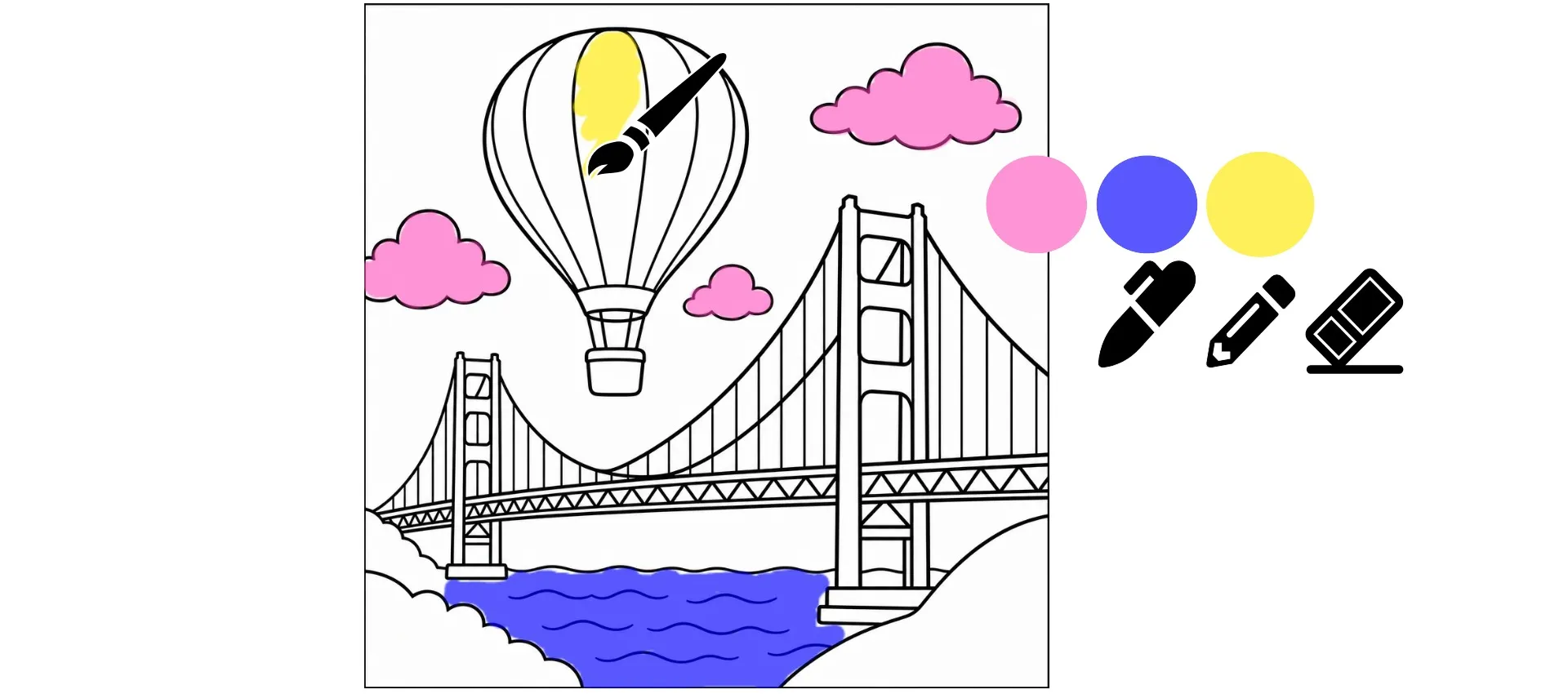
Color online for free — from your browser
Fun online coloring for adults and kids. Save and print your artwork for free.
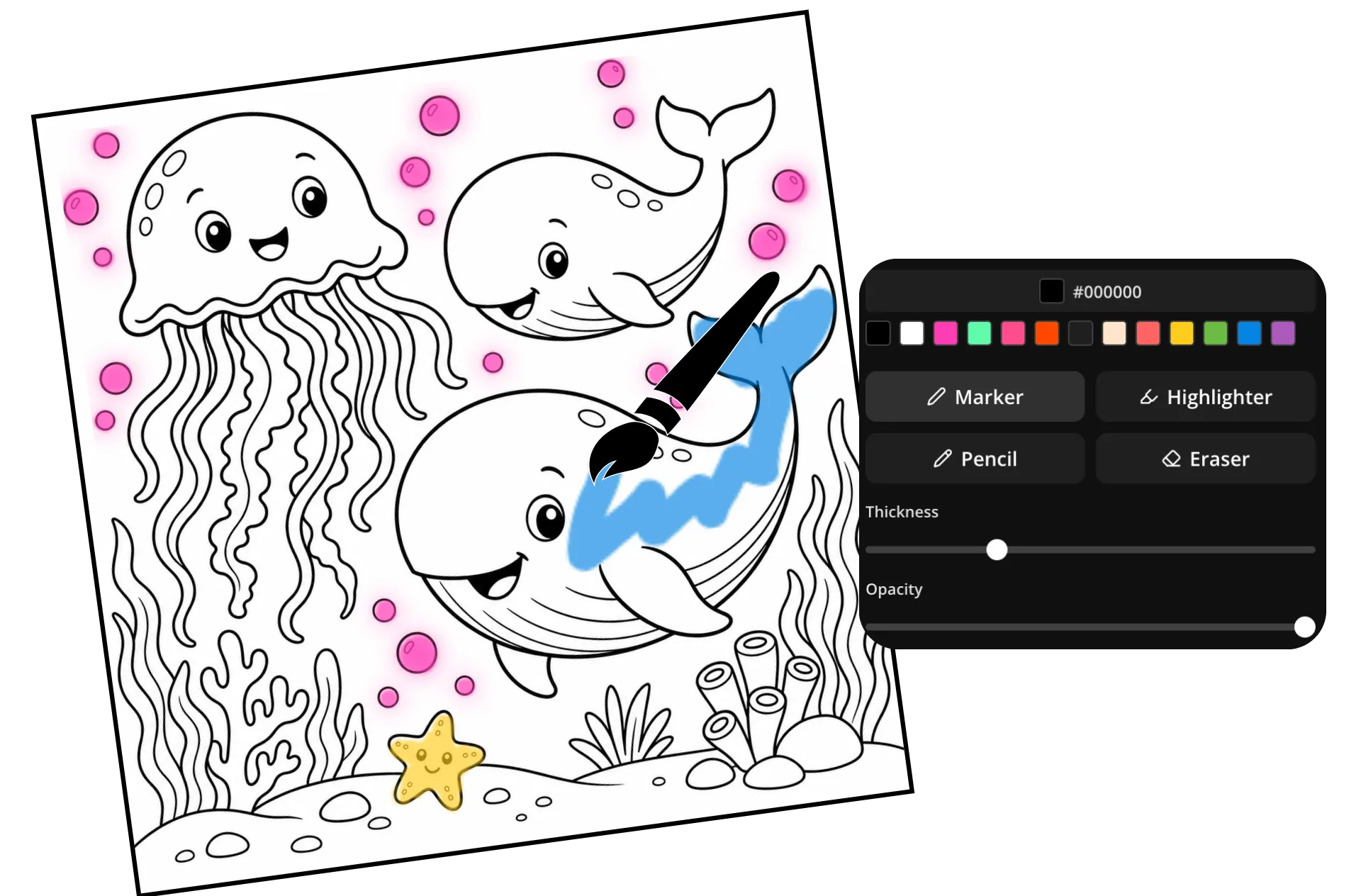
Color with markers, pencils, and highlighters
Color pages online for free. Pick from a library of kid-friendly coloring sheets, upload your own as JPG, PNG, or PDF, or create a brand-new page with AI. Describe a favorite animal, character, scene, or adventure, and Kapwing will turn it into a printable coloring page in seconds. You can even transform a photo into a custom coloring sheet.
Bring every page to life right in your browser with marker, pencil, and highlighter brushes. Choose from thousands of colors, adjust brush size and transparency, and keep outlines crisp as you color. Made a mistake? Use the eraser or undo button to jump right back in.
When you're finished, download your artwork as a printable JPG or PNG, or share it with friends and family using a simple link.
How to color pages online
Color for free in your browser. Make your own pages or start with ours.
Upload
coloring pages, try our templates, or generate with AI in your browser


Color
your pages using three brush types, unlimited colors, and an eraser
Download
as JPEG or PNG, or share as a unique link
Browse our free online coloring pages
Click on a coloring page design to print or start coloring online. Mandalas, popular characters, and more.

Digital coloring for kids and adults
Relax with fun coloring pages from our template library, or create your own with AI
Upload a coloring page — or start with ours
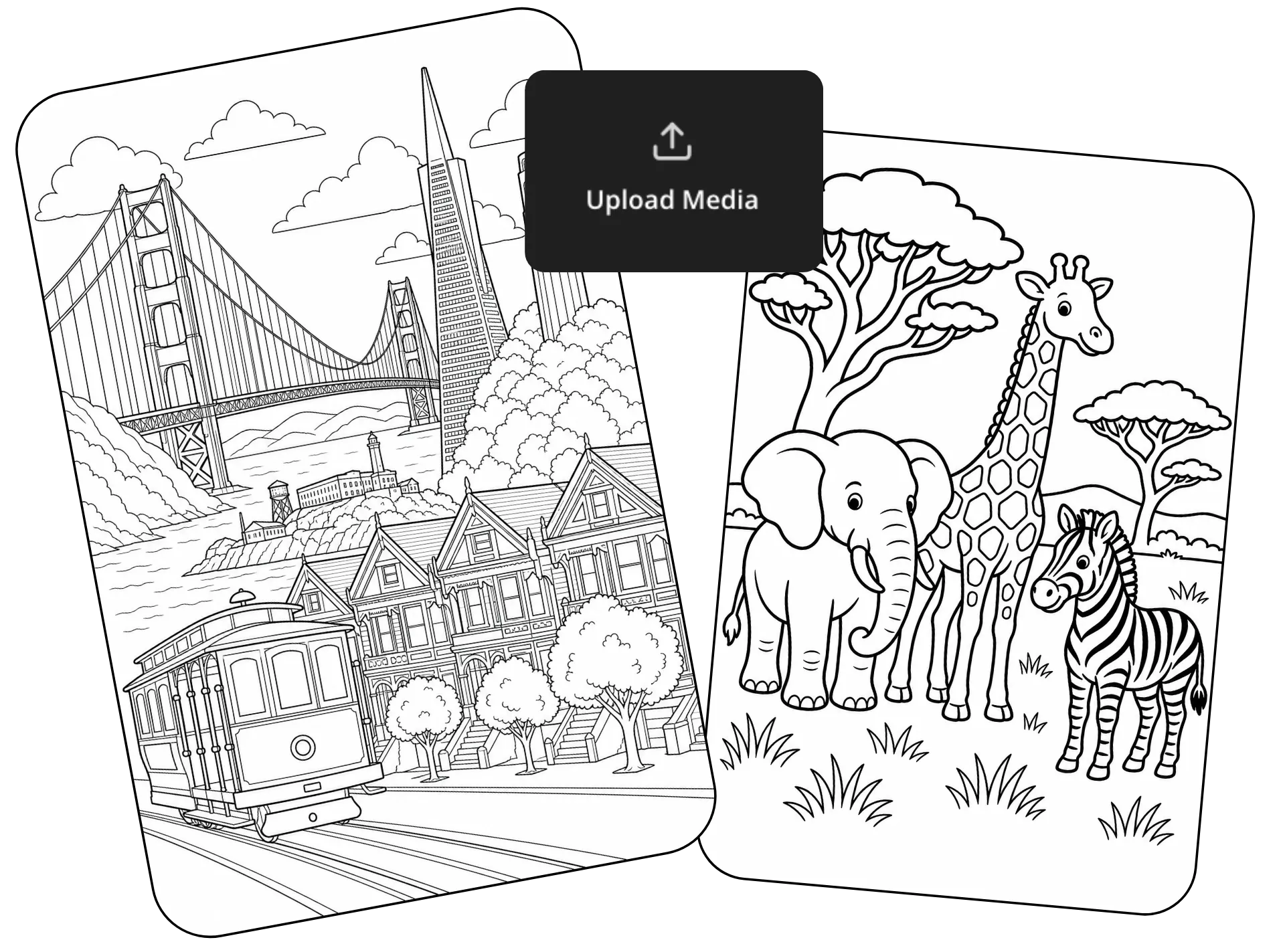
Already have a coloring page? Upload it and start coloring in seconds. Or explore our library of free coloring pages for kids and adults, with designs for every age and interest. Color in holiday pages for Halloween, Easter, and Christmas, or try a patterned mandala coloring page for adults.
Bring your own drawings, sketches, or printable coloring sheets, then color them directly in your browser. Use brush tools to stay neatly inside the lines, experiment with thousands of colors, and quickly erase any mistakes along the way.
Make your own coloring pages with AI
Turn any idea into a coloring page in seconds. Create a single coloring sheet or an entire coloring book with Kapwing AI, then print it at home or start coloring online right away with free brush tools.
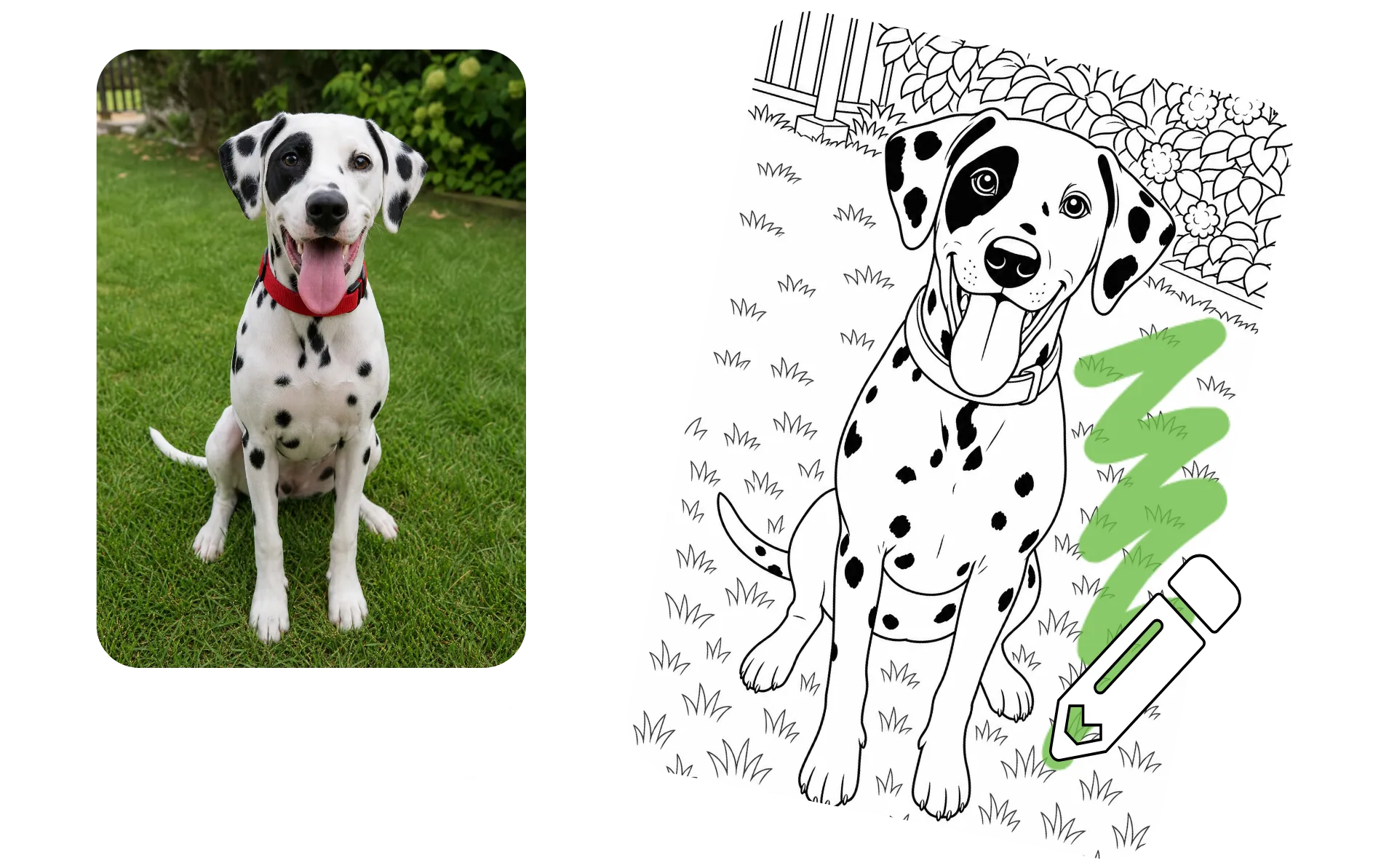
Transform a favorite photo into a coloring page, or describe a scene and watch AI turn it into a classic black and white outlined sheet. Create custom pages inspired by animals, holidays, lesson plans, family trips, fantasy worlds, and more. Add text, refine details, and make changes with simple follow-up prompts until your coloring page looks just right.
How to Color Pages Online
- Step 1Choose page
Browse our coloring page templates, upload a coloring page, or generate one with AI.
- Step 2Color
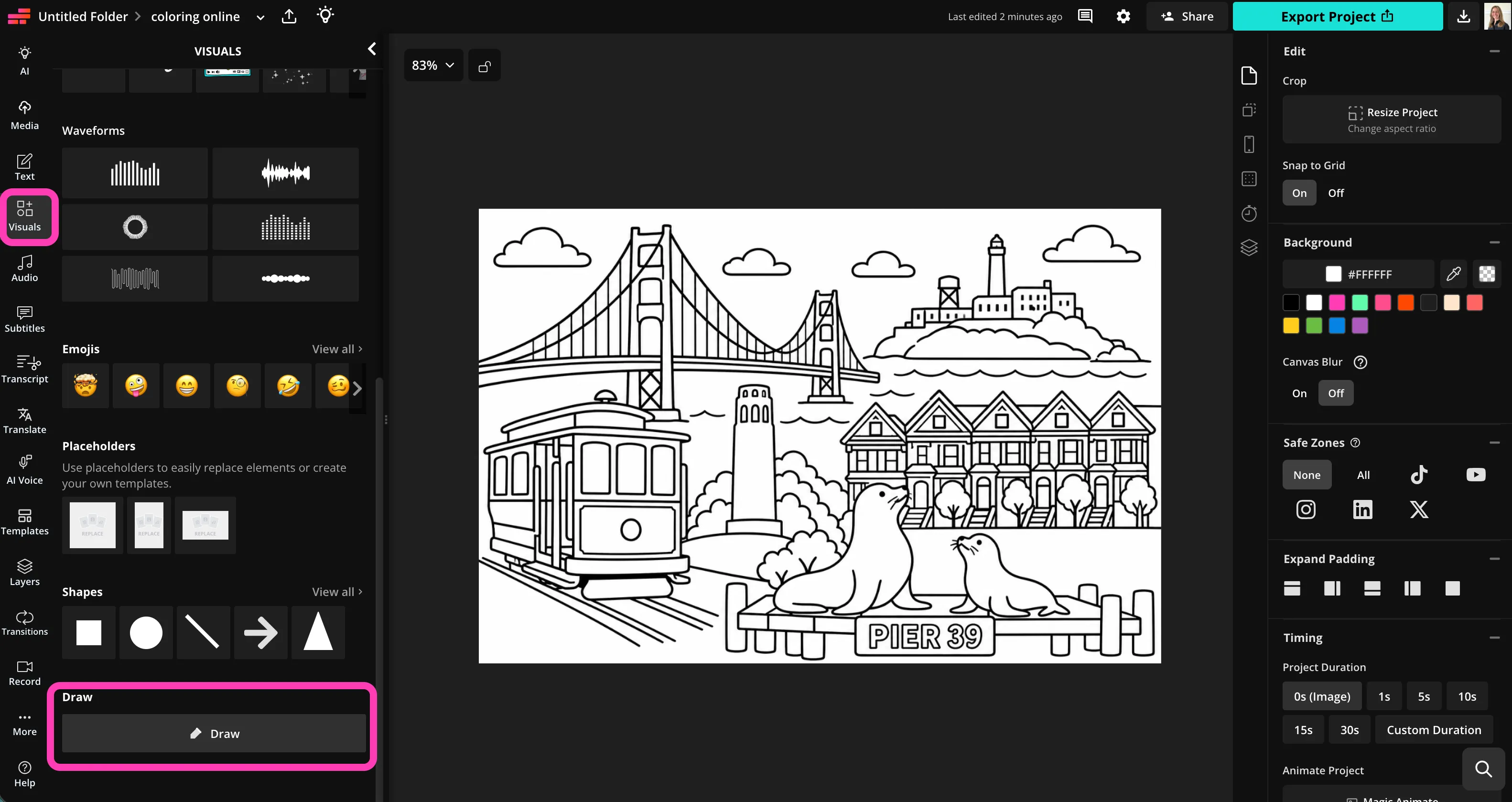
Click "Draw" in the "Visuals" menu on the lefthand side. Color your pages using three brush styles, unlimited colors, and an eraser tool.
- Step 3Download
Click "Export project" to download and print your coloring pages, or share via a unique link.
Keep the fun going with creative AI tools
Design memes from scratch or customize popular templates using Kapwing's online meme maker. Our extensive template library spans over a decade of pop culture, from classic Drake Hotline Bling memes to the latest trends in 2026.

What's different about Kapwing?



Frequently Asked Questions
We have answers to the most common questions that our users ask.
Is the Coloring Online tool free?
Yes, Kapwing's Coloring Online tool is free for all users. For access to additional image editing tools, including the AI coloring page generator, upgrade to a Pro account.
Is there a watermark on exports?
If you use Kapwing on a Free account, then all exports — including the Coloring Online tool — contain a watermark. Once you upgrade to a Pro account, the watermark is completely removed from your creations.
How to color pages online
To start coloring pages online, create a new project in the Kapwing Studio. Click to upload your coloring page, browse the template library of coloring pages, or click the AI icon at the upper left to generate your own coloring page using Kapwing AI. Once you have a coloring page in the studio, click the "Draw" button in the righthand toolbar, or click "Visuals," then scroll down to "Draw."
Inside the Draw window, you can use the hex color picker to choose from thousands of colors. Choose between three different brush styles (marker, highlighter, and pencil), then drag the sliders to adjust your brush size and transparency. To make your coloring easier, reduce the transparency so you can still see the black outlines of your page. This will also give your brush a watercolor or colored pencil effect. When you're finished coloring, click "Done" to return to the main studio, where you can download, save, and print your coloring page masterpiece.
Can I print my pages before or after I color them?
Absolutely, you can download and print your coloring pages at any point. Click "Export project" to export your coloring page in high resolution, complete with any colors you've added. Once you download the image, you can share or print it from your device.
Can I upload my own coloring pages?
Yes, you can upload coloring pages in JPG, PNG, or PDF format and start coloring immediately in your browser. This makes it easy to digitize pages from coloring books, worksheets, sketches, or printable coloring sheets you find online.
Once uploaded, you can use all available drawing tools to color pages online and then save or print your finished artwork.
Can I turn a photo into a coloring page?
Absolutely, create a chat with Kapwing AI, upload a photo ,and convert it into a clean line-art coloring page that you can print or color online right away. Family photos, pets, vacation pictures, and drawings all work well.
After the page is generated, you can continue editing with AI, or pass it to the Studio to start coloring. You can also download and print your AI generated coloring page to use real markers, colored pencils, or crayons.
How do online coloring pages work?
Online coloring pages are digital coloring sheets that can be colored directly in a web browser using virtual brushes, markers, or paint tools. Unlike printed coloring pages, they don't require paper, crayons, or downloading software.
Online coloring pages are popular with both kids and adults because they make it easy to start coloring instantly from any device. Pass the time, relieve stress, and create colorful masterpieces that are easy to print and share.
What kinds of pictures can I color online?
You can color a wide range of images, including animals, fantasy scenes, holiday illustrations, educational worksheets, mandalas, cartoons, landmarks, and custom artwork.
Many online coloring platforms, like Kapwing, also allow users to upload their own drawings or turn photos into coloring pages.
How do I choose the best colors for a coloring page?
Start with a limited color palette of three to five colors that work well together. You can use realistic colors, create themed color schemes, or experiment with imaginative combinations.
There are no rules—one of the biggest advantages of coloring online is being able to try different color combinations and make changes easily.
Discover Resources
Tips, templates, and deep dives to help you create faster and share with confidence.
View all


Get started with your first video in just a few clicks. Join over 35 million creators who trust Kapwing to create more content in less time.