AI Influencer Generator
Create speaking AI influencers from text prompts. Fully online and free to start.
AI influencers — talking, wearing, and interacting naturally
Full commercial rights. No watermark on Pro.
Engaging AI influencers — consistent and realistic in every video
Design an AI influencer from the ground up: define their look, voice, and personality.
Save your favorites to your Brand Kit, then drop them into any project with character consistency applied. Simply tag your influencer, describe your video, and generate ready-to-share content in minutes.
Stay in control of every element, including dialogue, background, outfits, and aspect ratio. Test new aesthetics or personalities, or build a roster of custom influencers to see what resonates.
No contracts or coordination. No risk of off-brand moments. Create, edit, and download — all without leaving your browser.
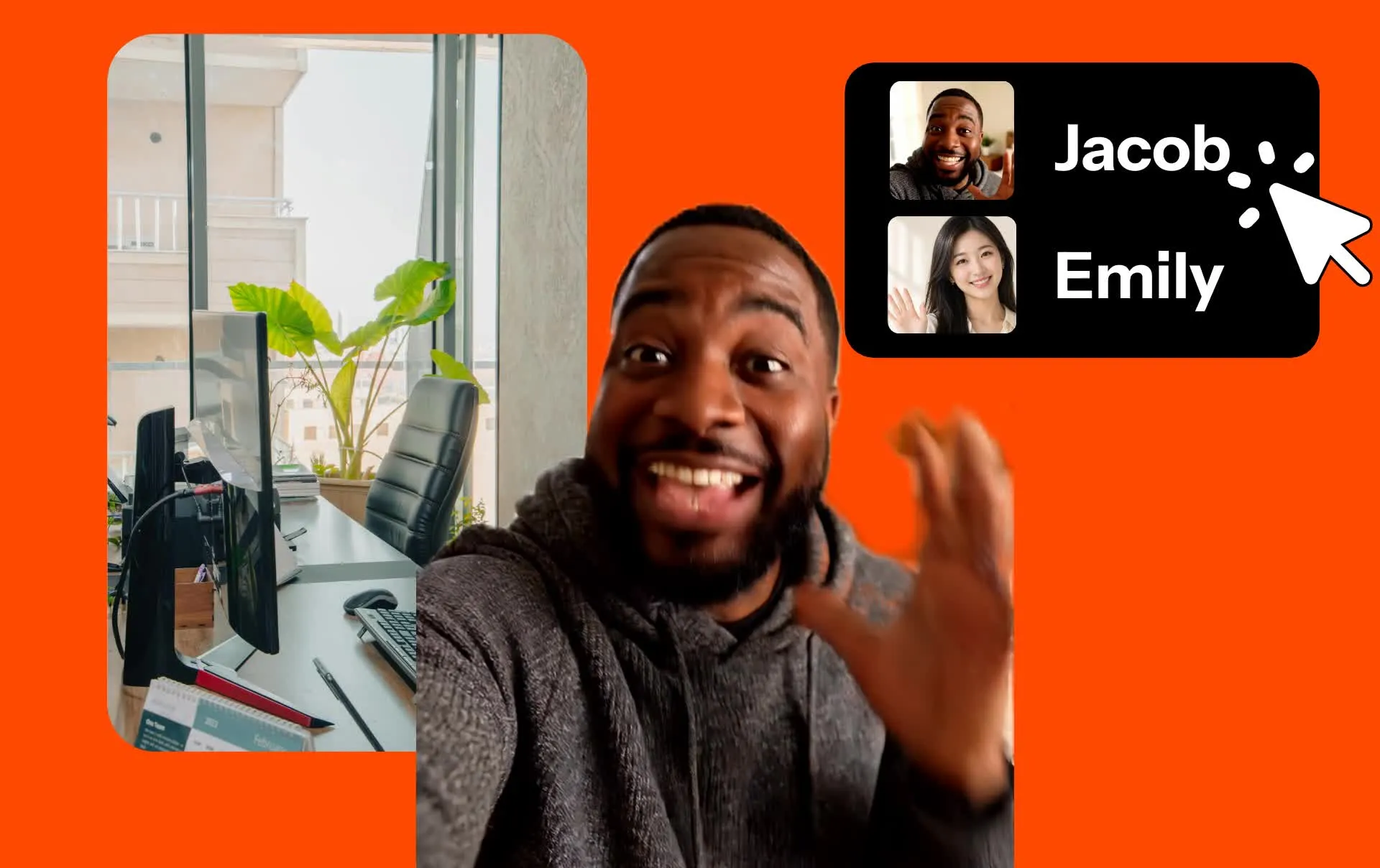
Describe your influencer — start making content
Any aspect ratio. Auto-generated lip-sync.
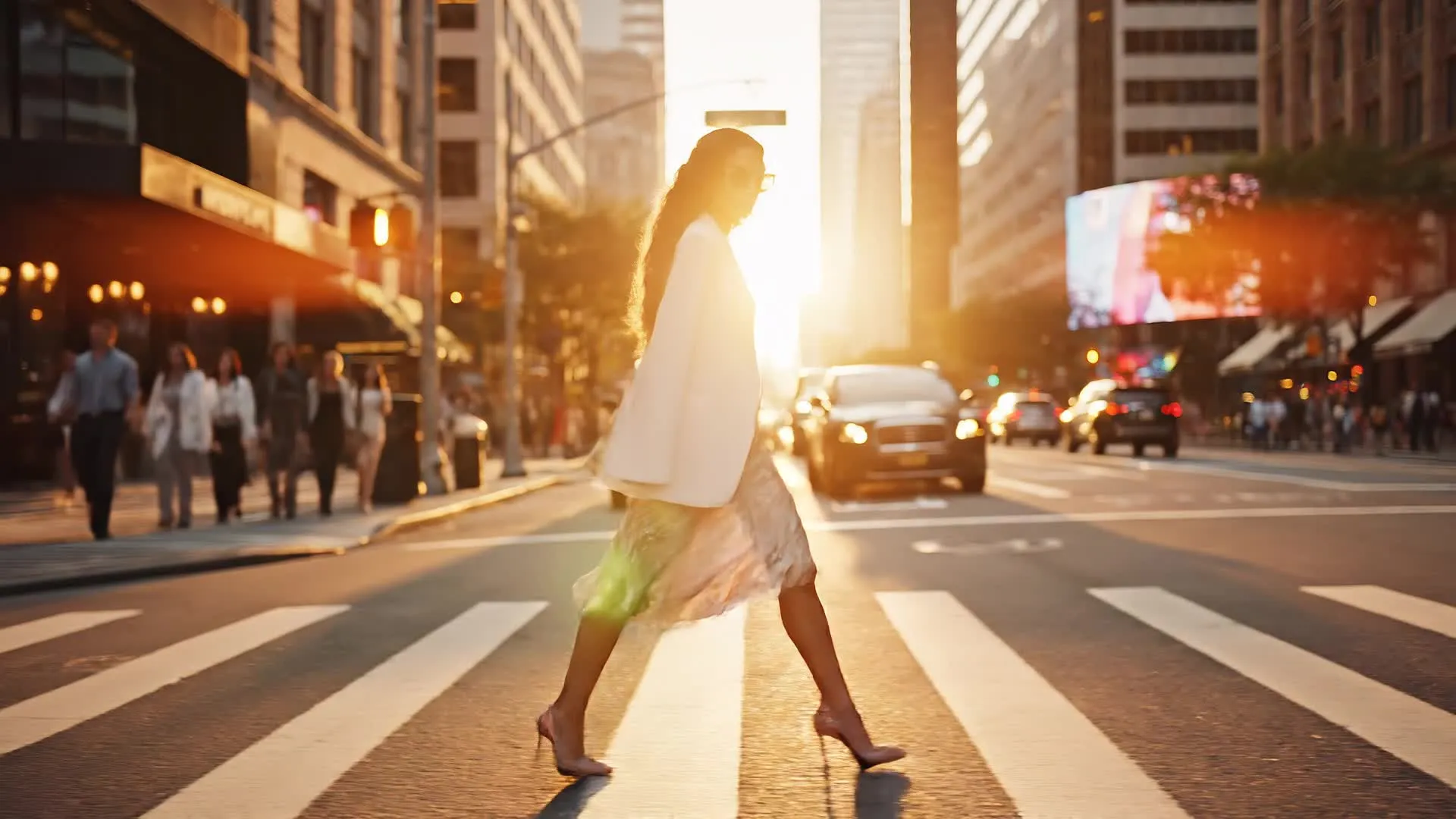
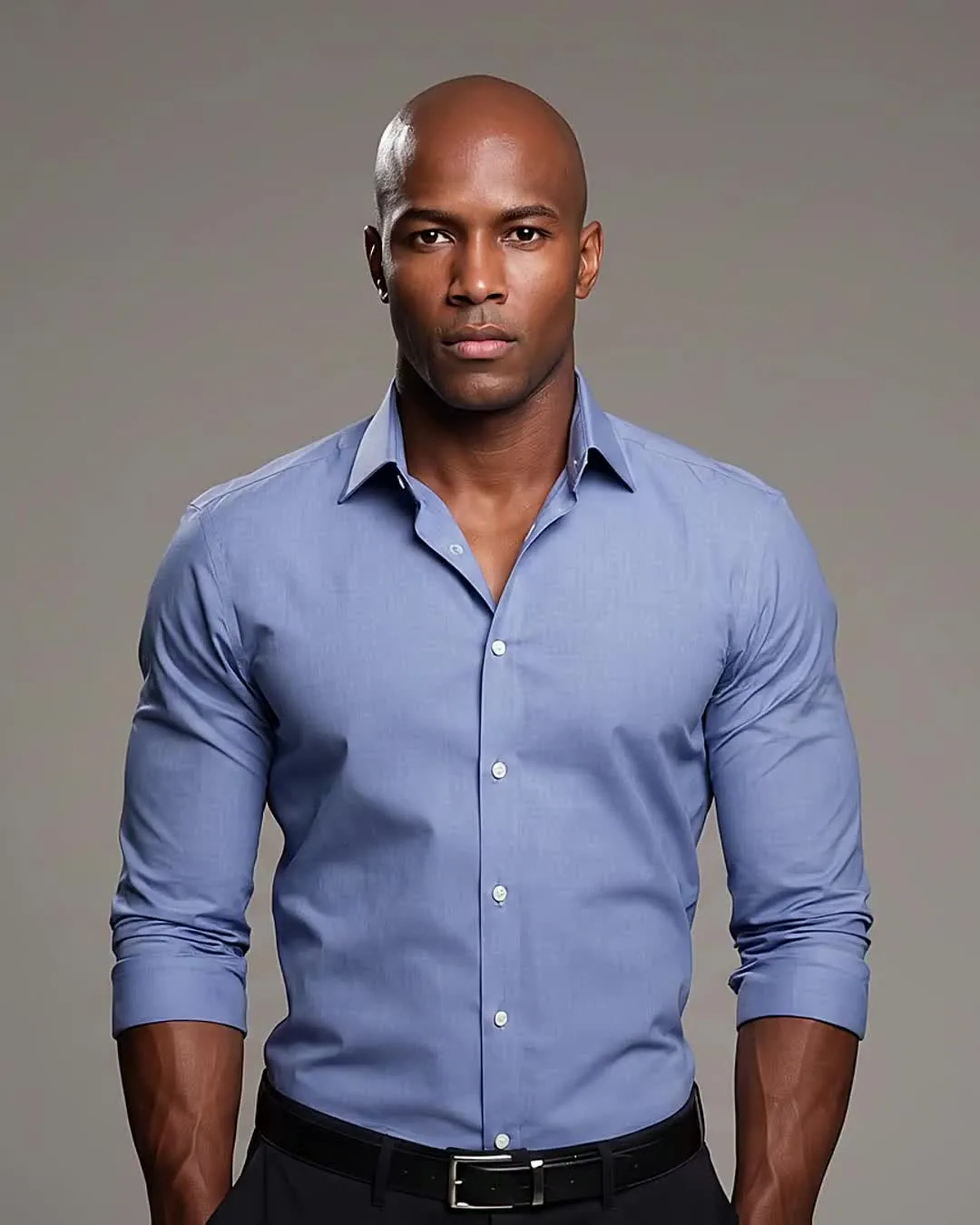
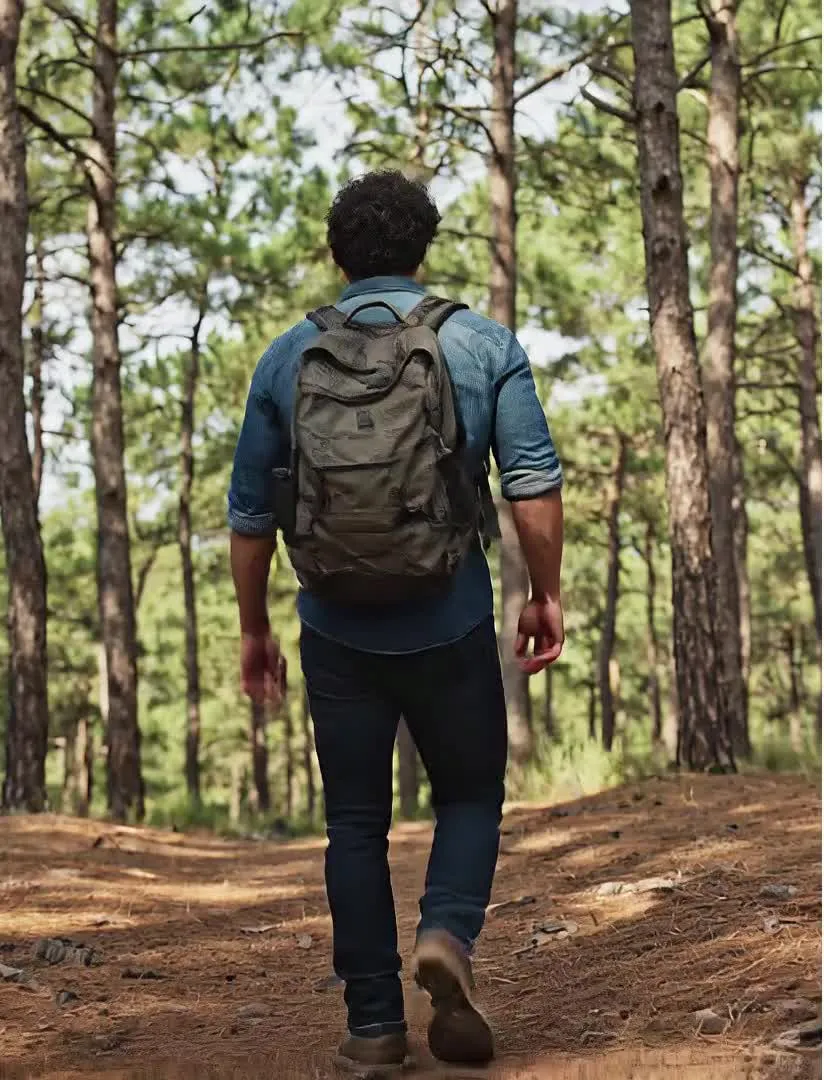
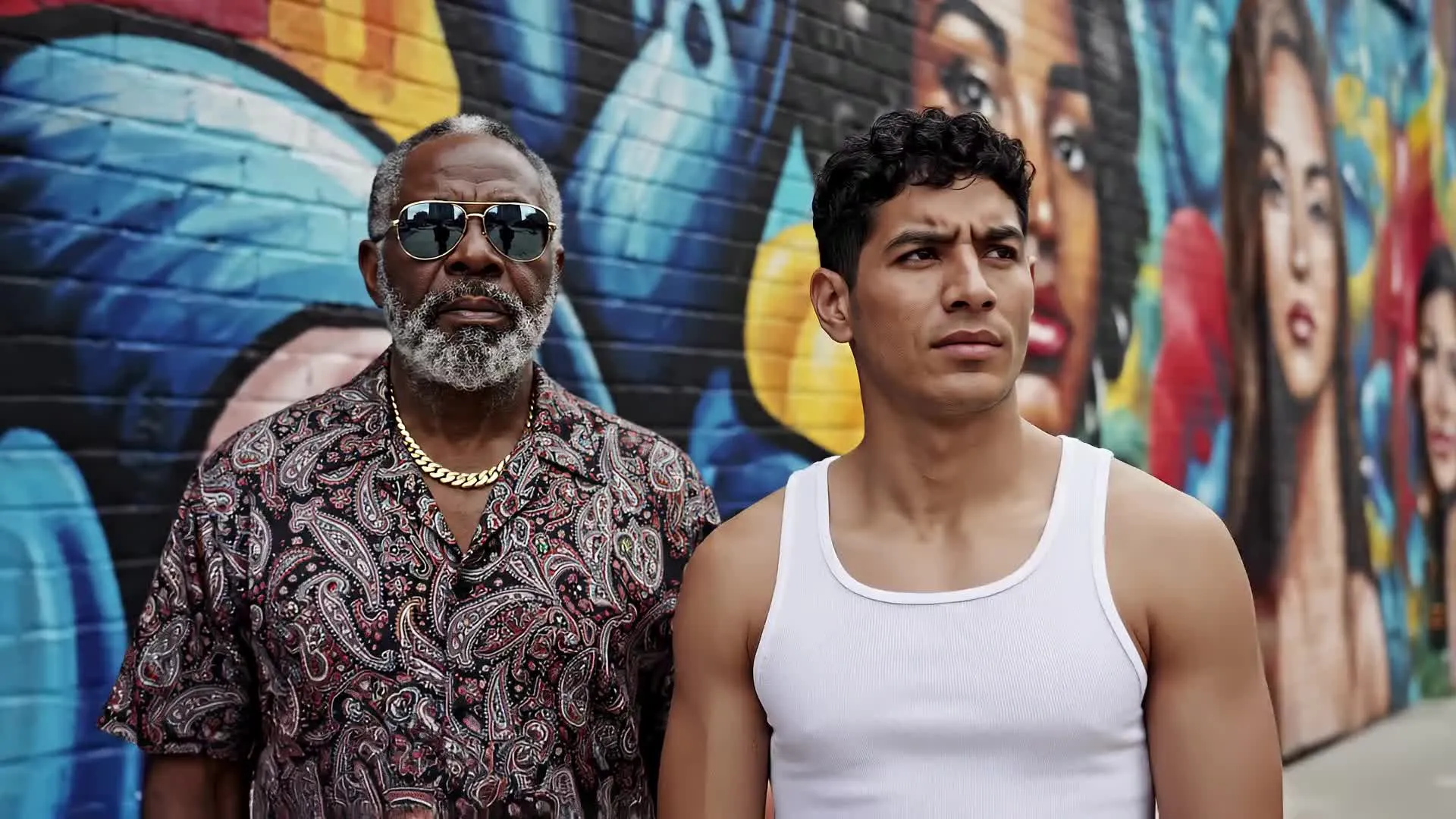
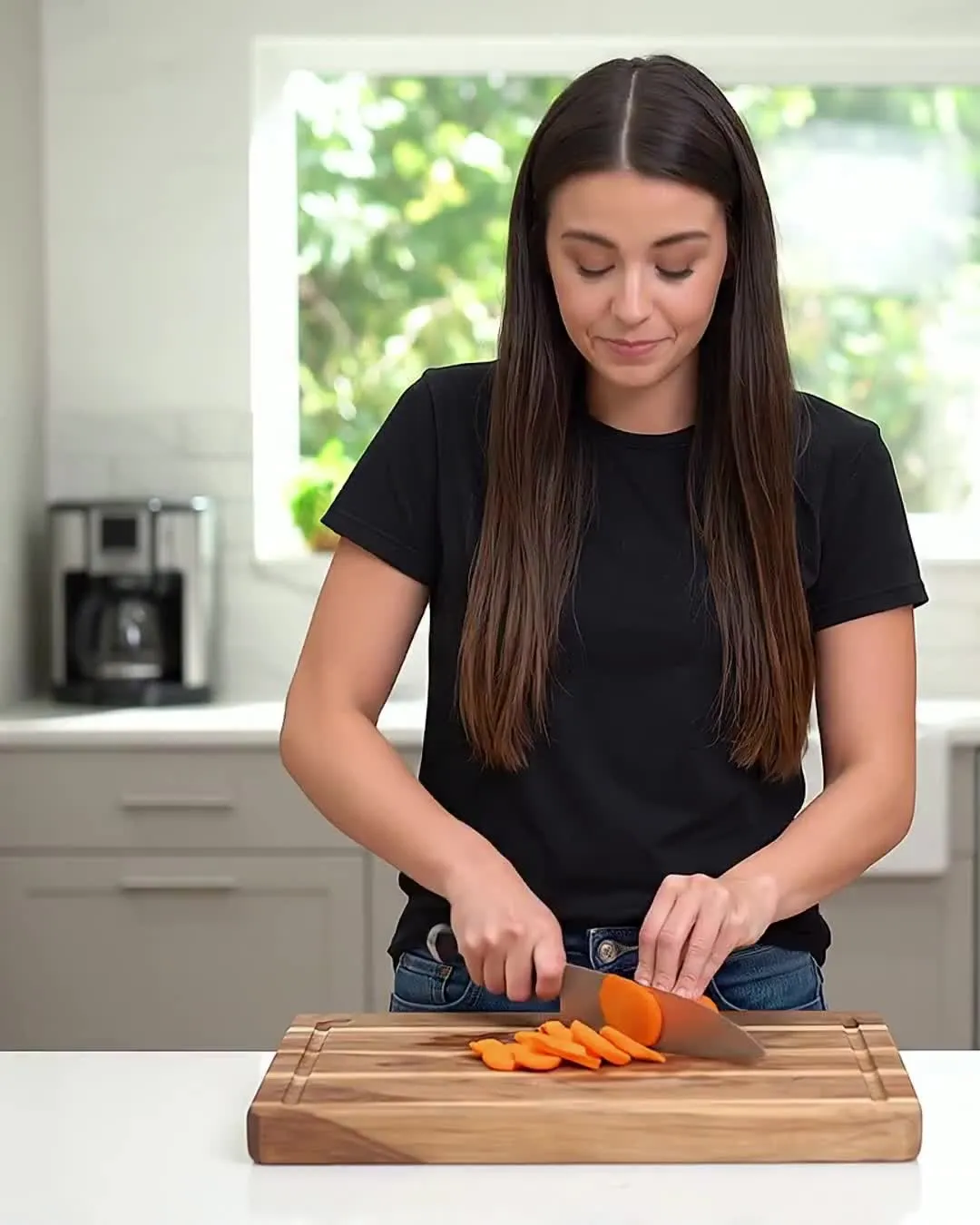
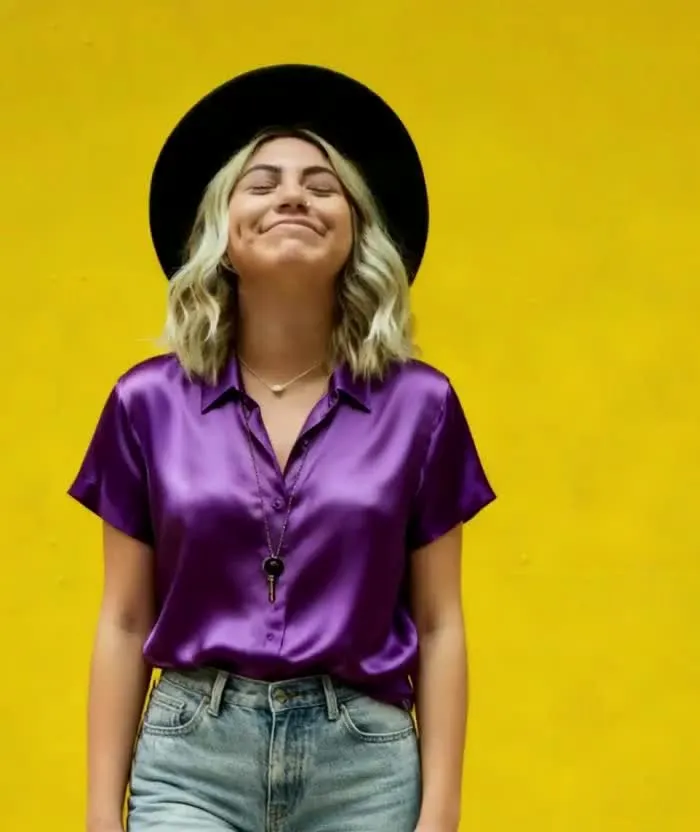

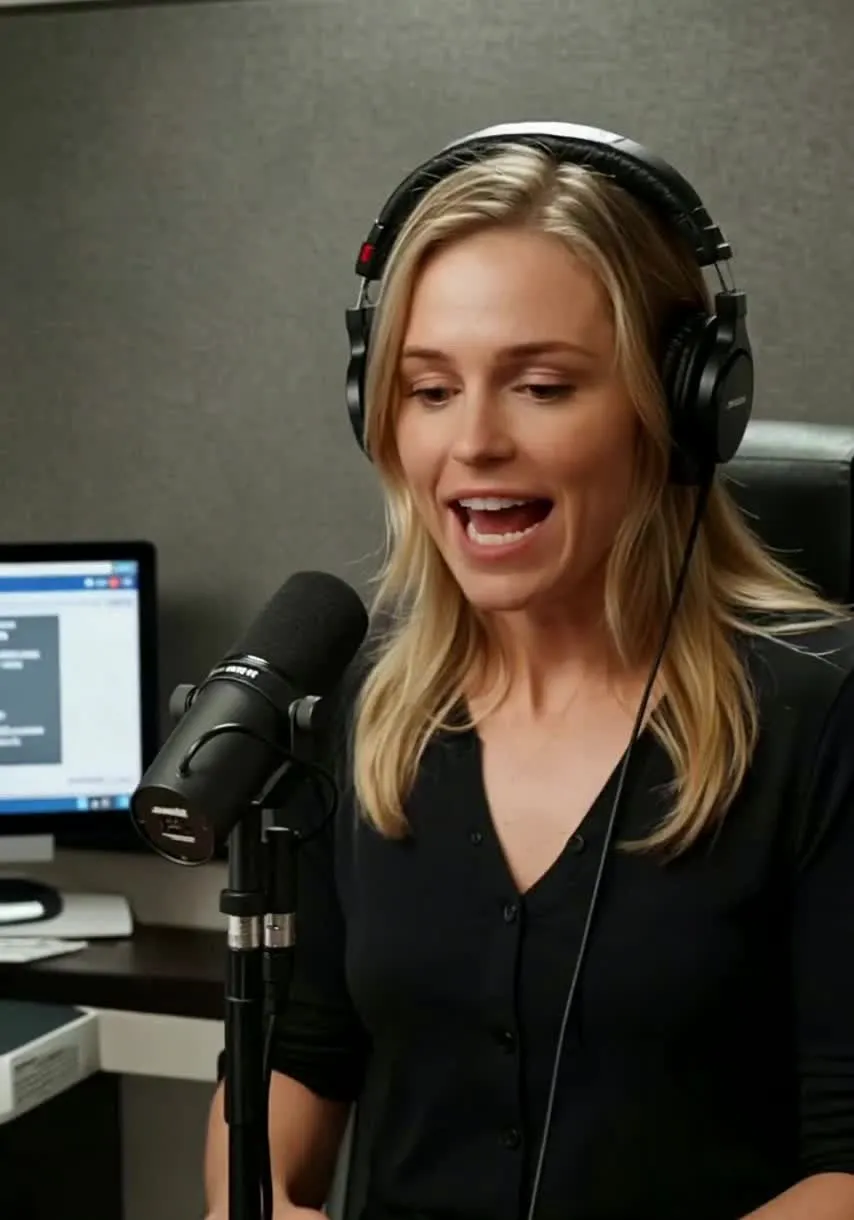
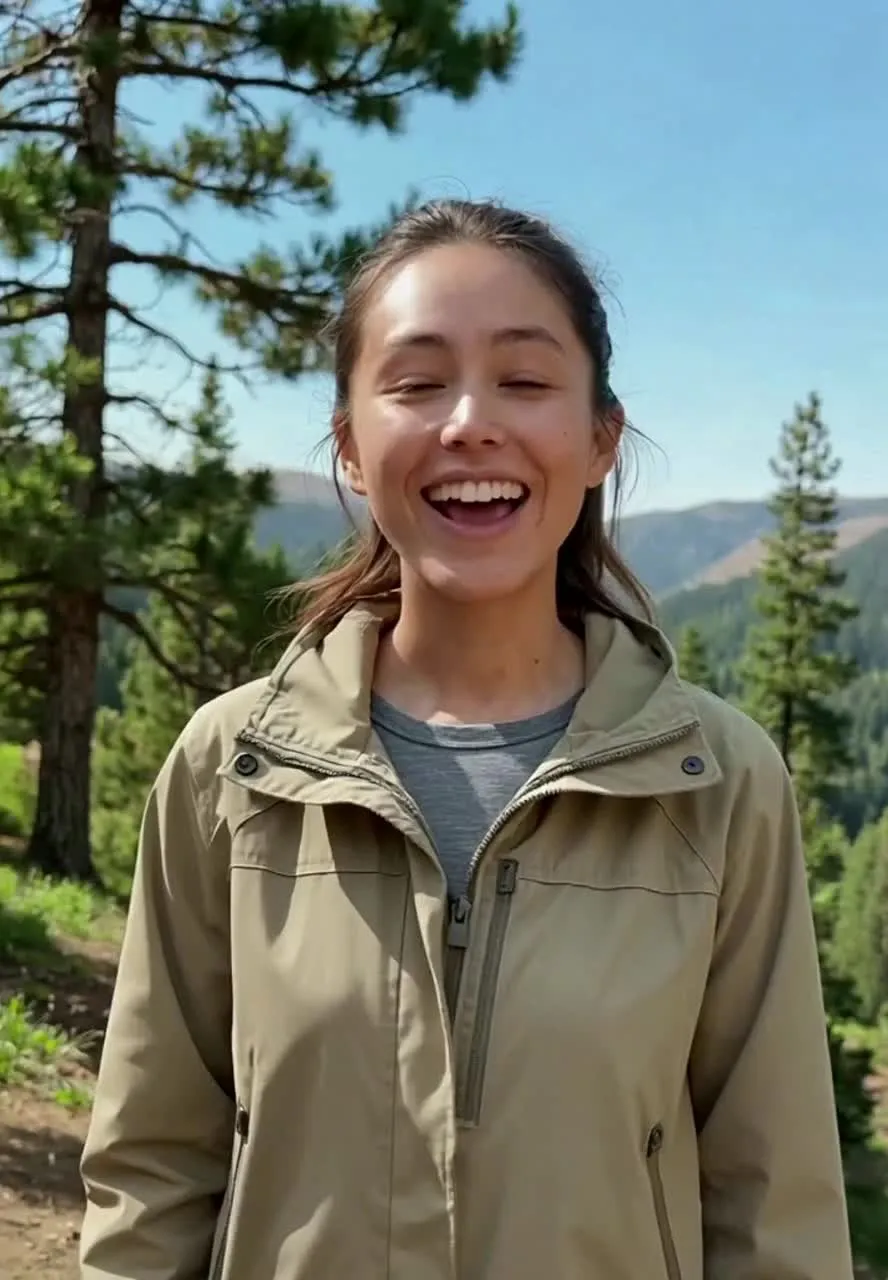
Create influencer videos in under 60 seconds
Export as MP4 in 1080p
Describe
your influencer's appearance, including hair, facial features, and body type


Save
custom influencers to your Brand Kit, complete with voice and name
Generate
images and videos featuring your influencer, just by tagging @name
AI influencers for every niche
Kapwing is trusted by 35M+ creators worldwide
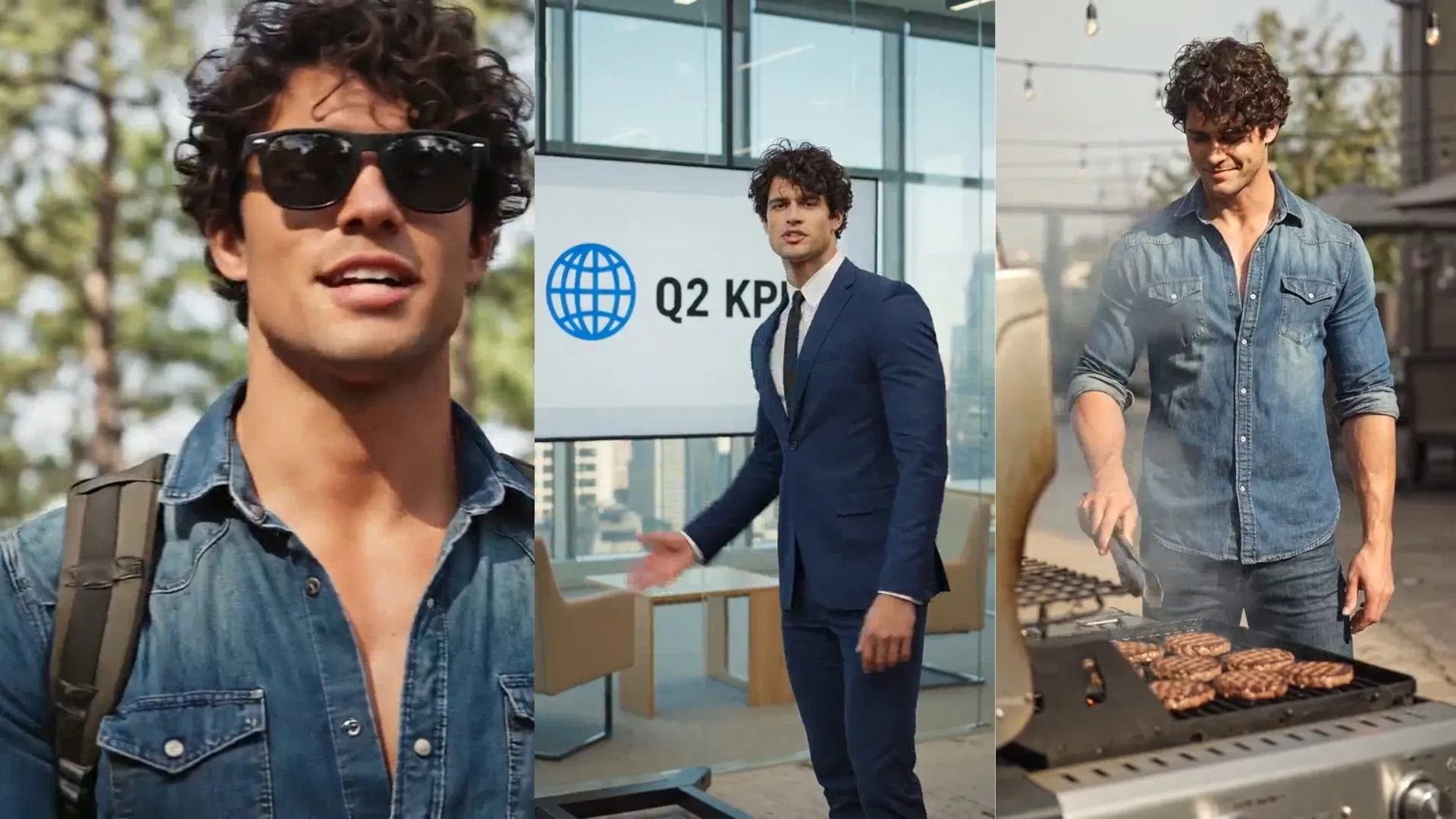
Social Media
Social media managers use the AI Influencer Generator to create consistent personalities for TikTok, Instagram, and YouTube accounts, generating fresh content for every platform in minutes
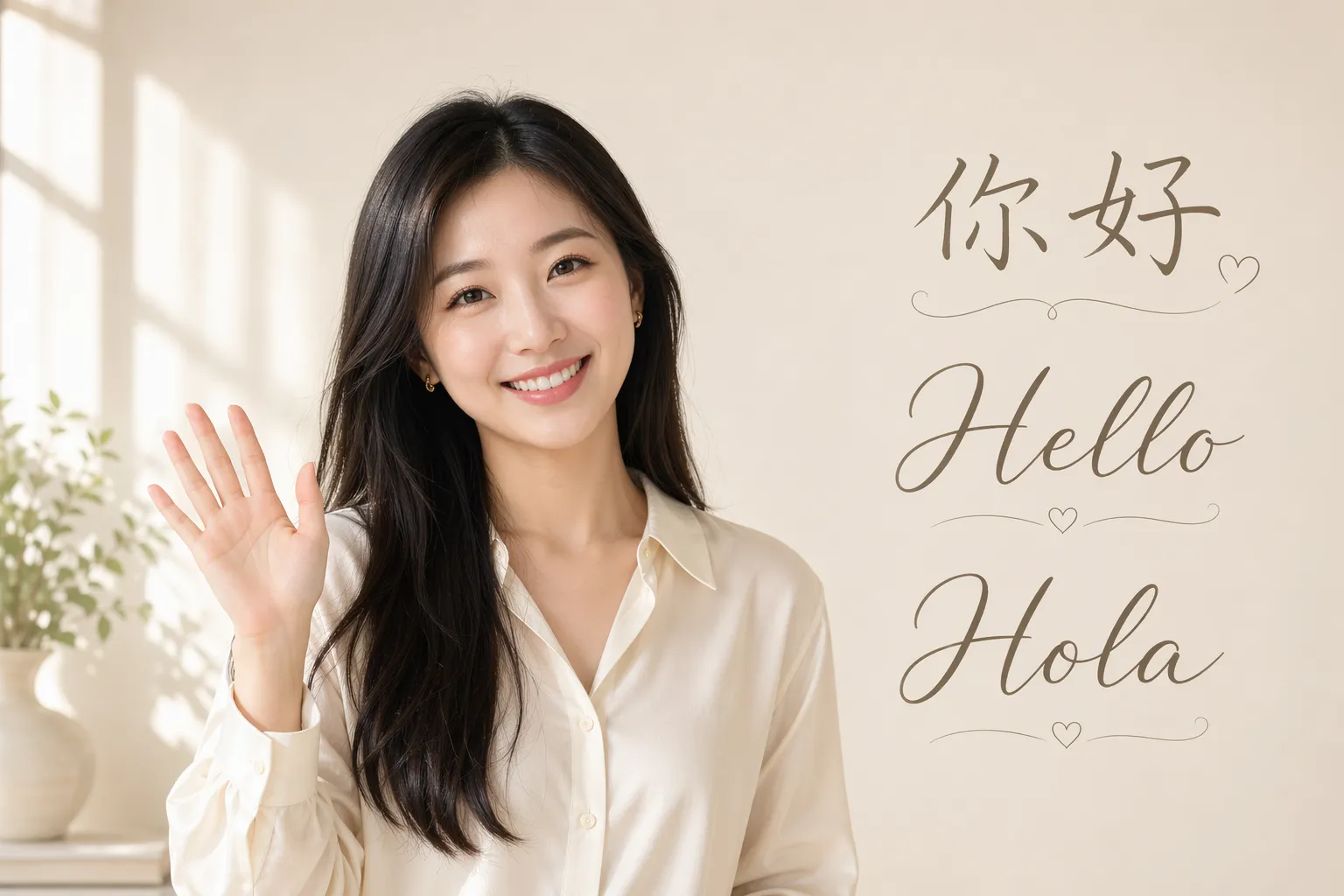
Brand Personas
Marketing teams build reusable AI influencers that represent a product line, campaign, or company personality across multiple channels and languages
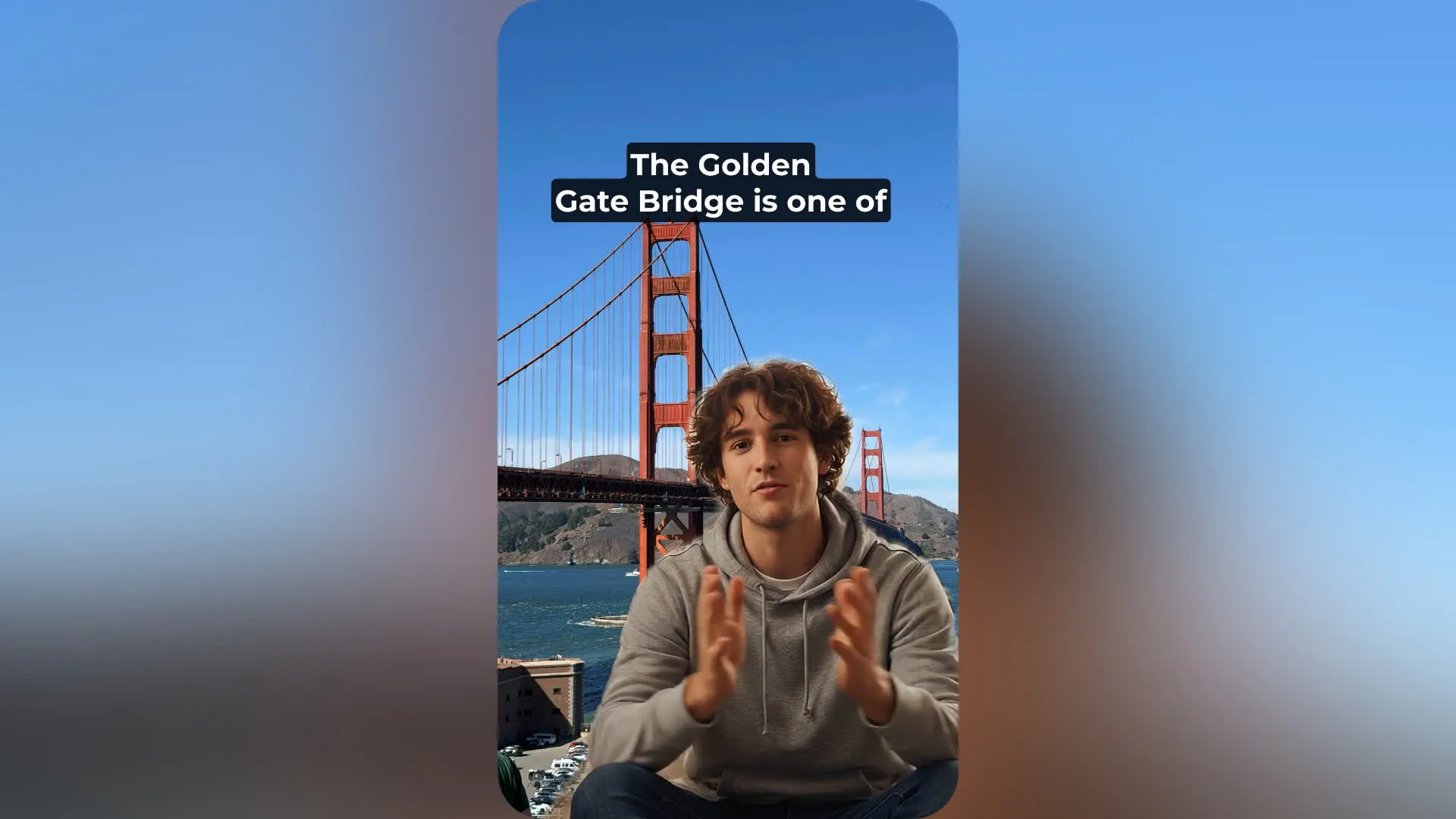
Faceless Channels
YouTubers, streamers, and entrepreneurs create AI influencers for faceless content channels. Produce commentary videos, reactions, explainers, or entertainment content without appearing on camera.
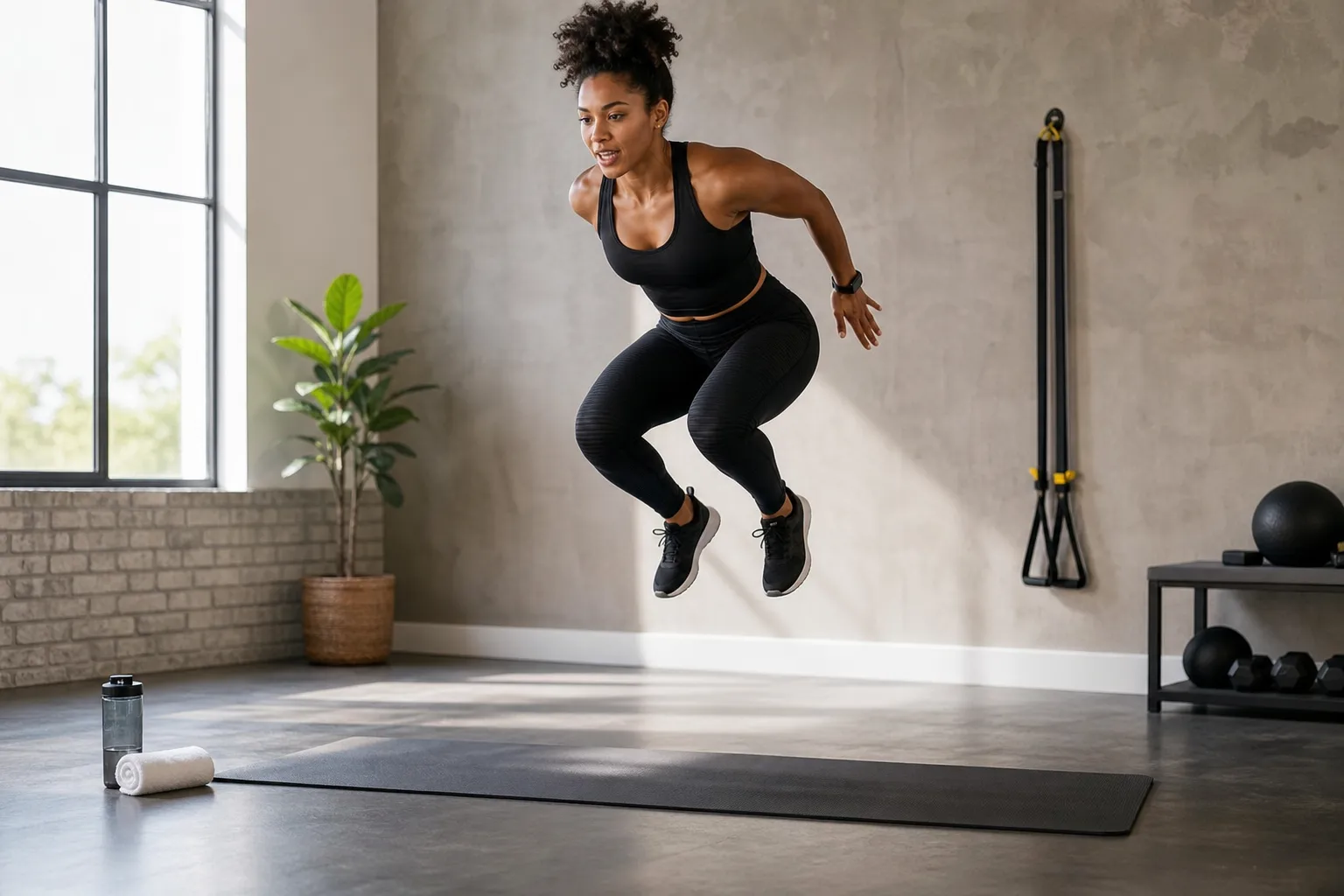
Fitness Brands
Create an AI fitness influencer for engaging workout tips, wellness content, supplement promotions, and lifestyle videos
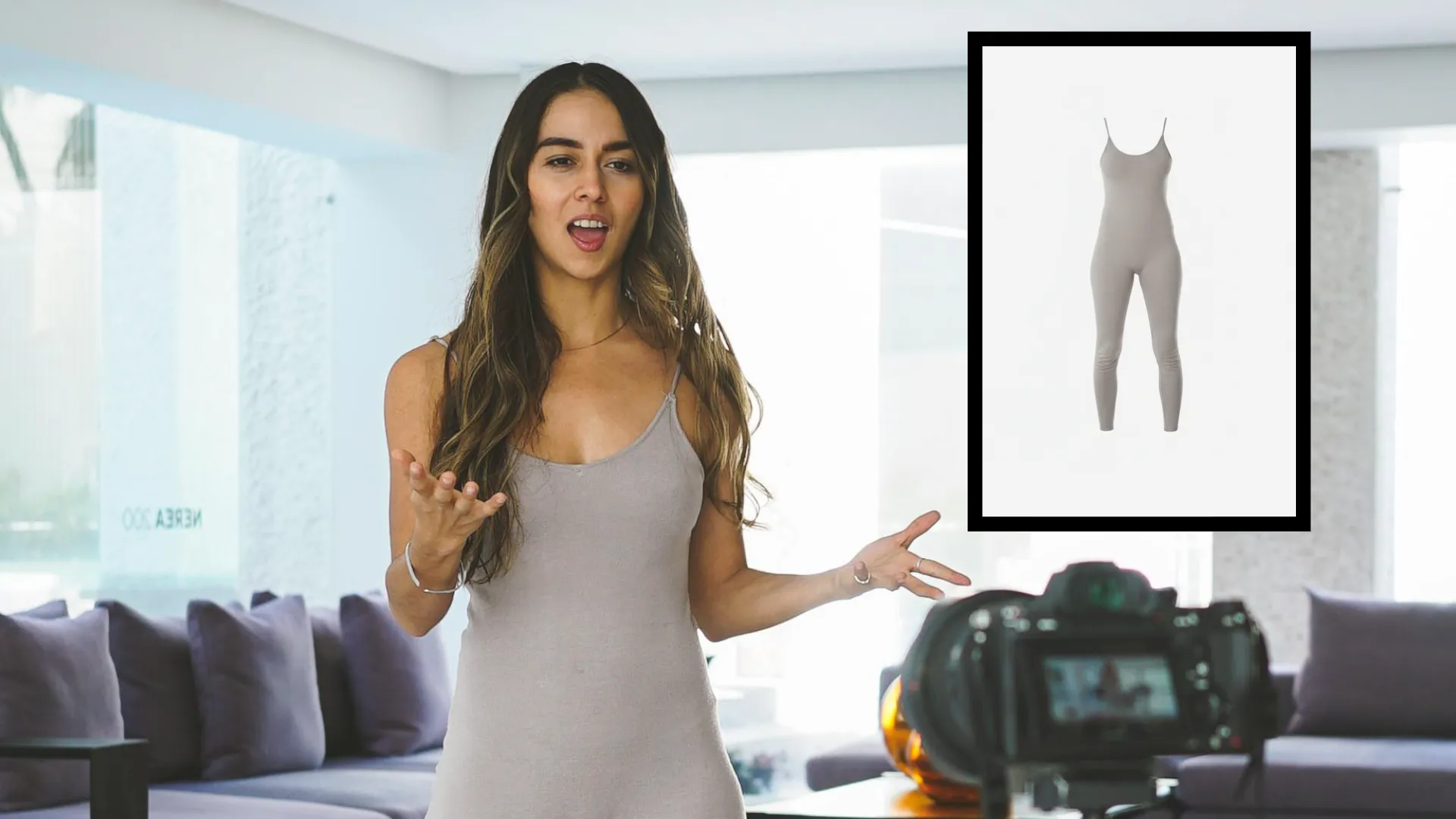
Sponsored Content
E-commerce teams and product marketers create AI generated influencer videos that showcase new products and explain features. Generate influencer-style demos, unboxings, and UGC videos.
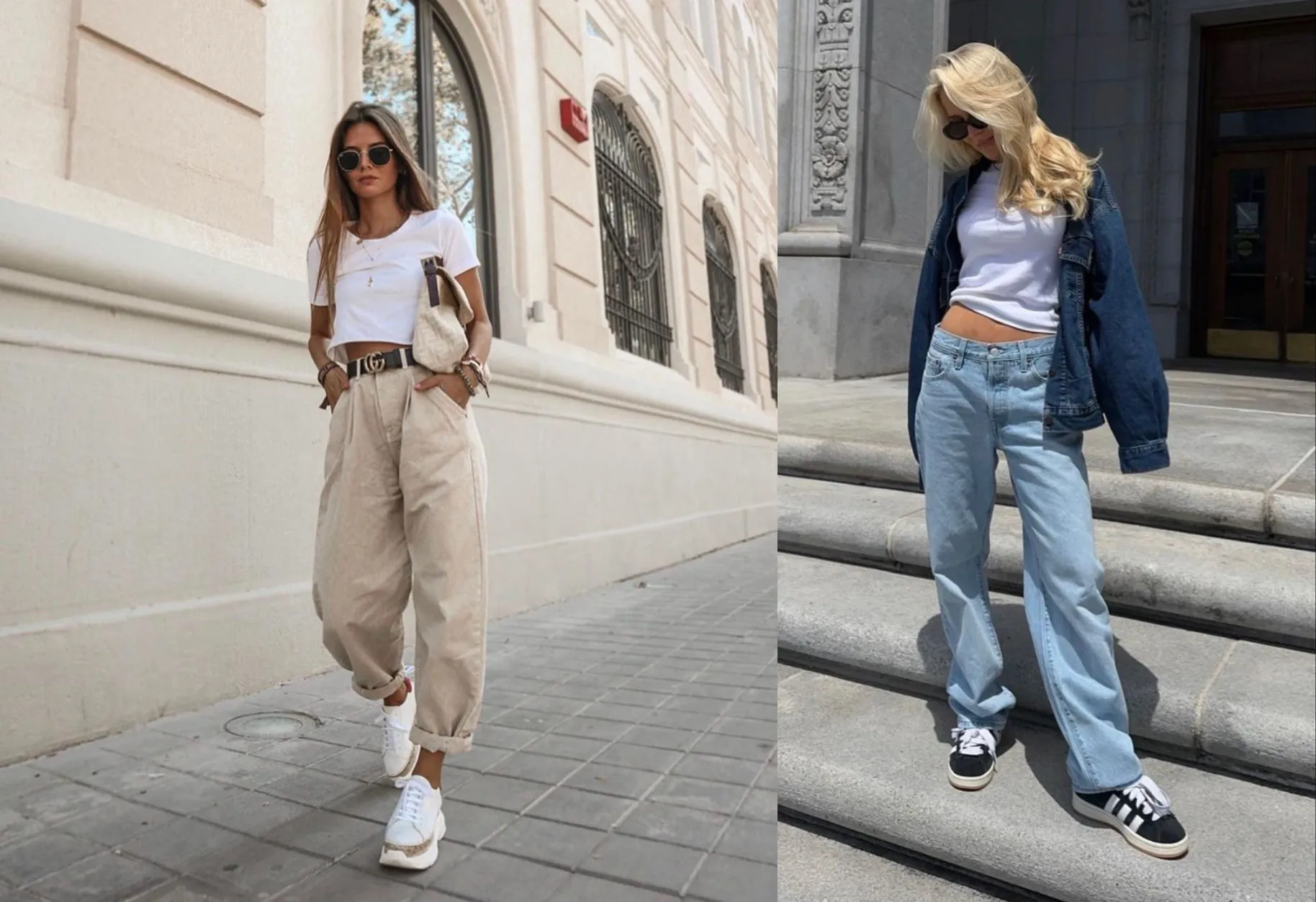
Style Experiments
Content agencies and UGC creators use the AI Influencer Generator to test multiple creator styles before launching campaigns
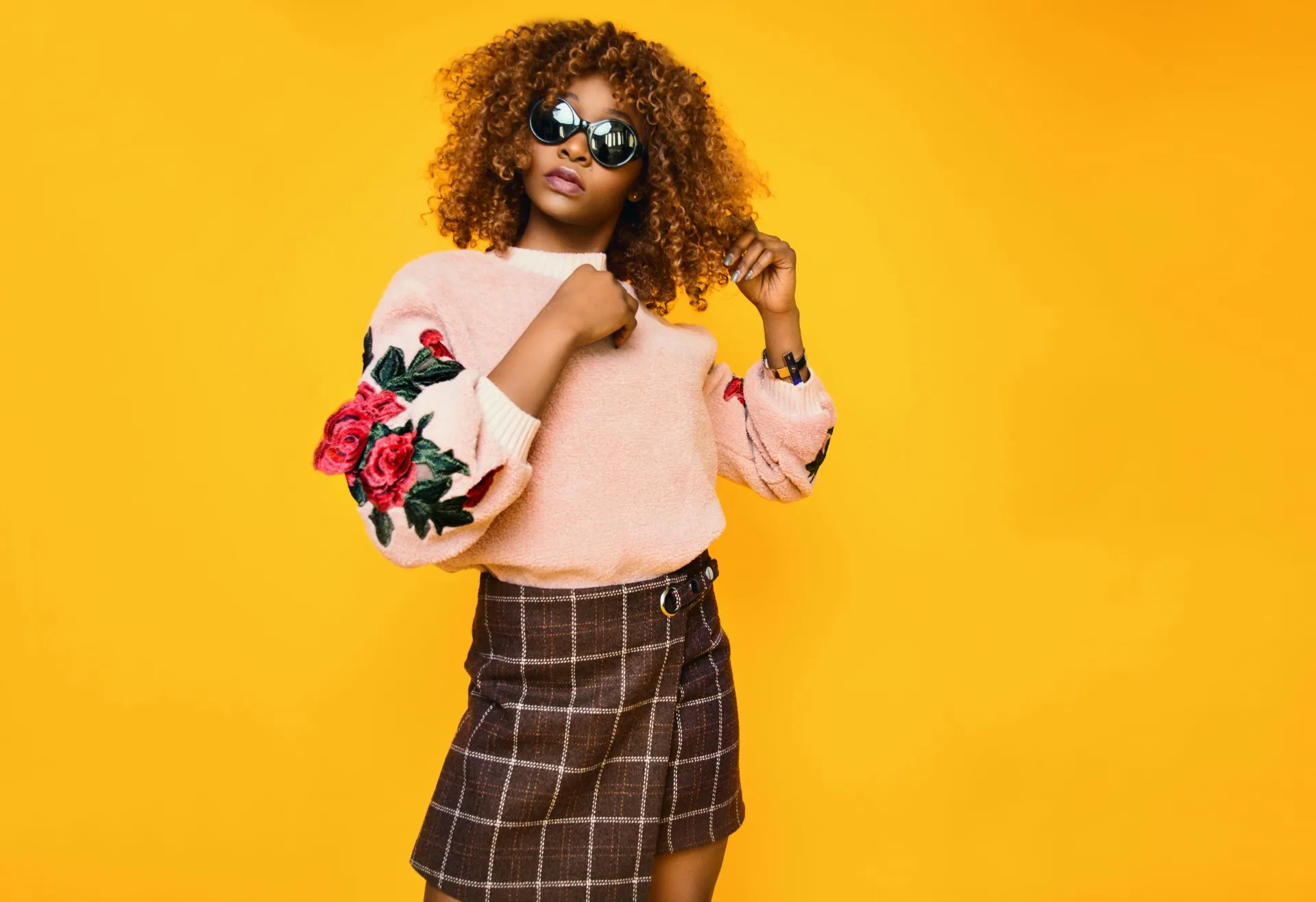
Trend Testing
Advertisers experiment with different AI influencer looks and personalities to gauge audience response. Test viral influencer AI concepts before investing in full campaigns.
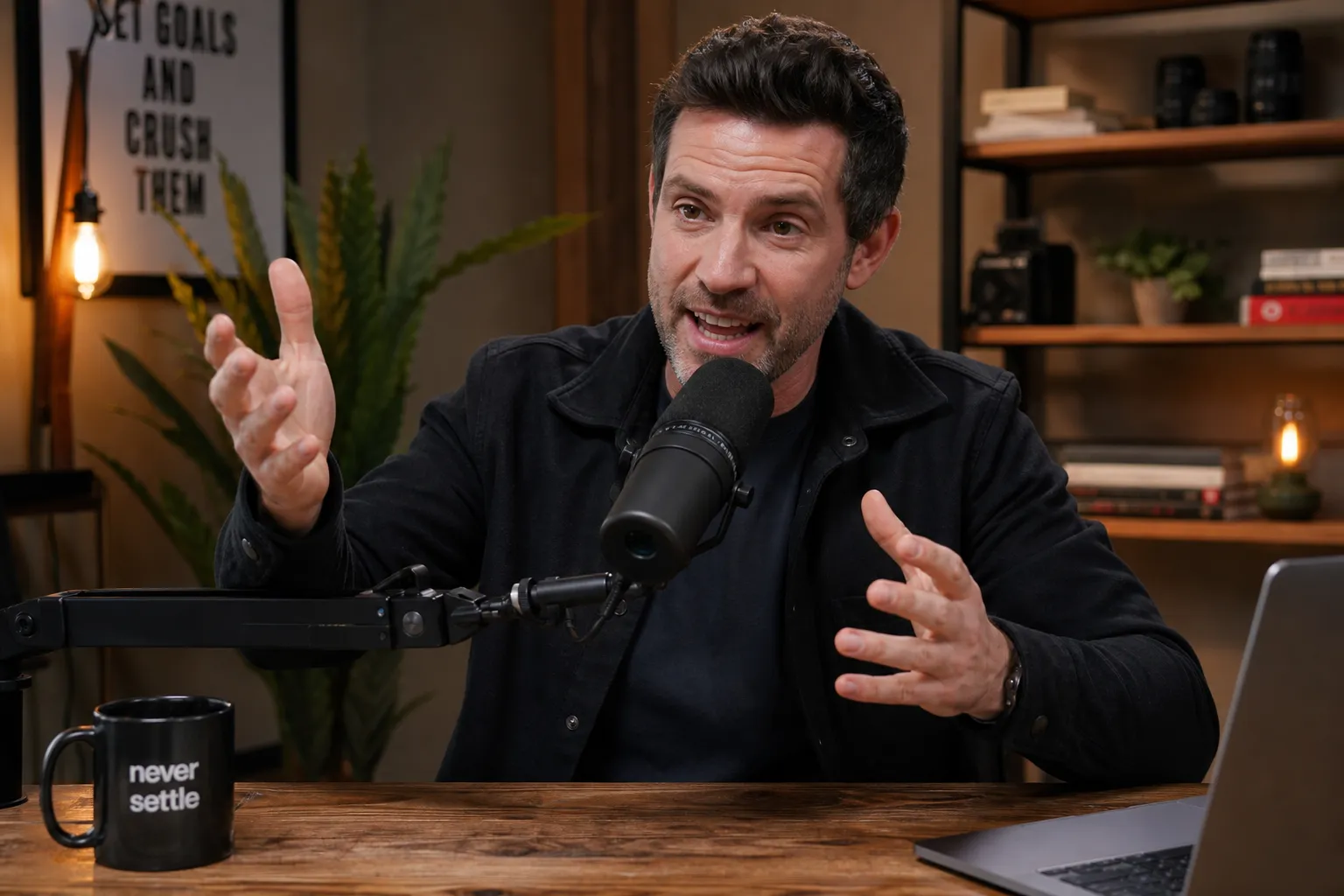
Podcast Clips
Podcasters turn episode highlights into short-form social content using custom AI influencer avatars and voiceovers. Promote episodes without recording footage.
Build and scale influencer content faster
Fully browser-based. No download required.
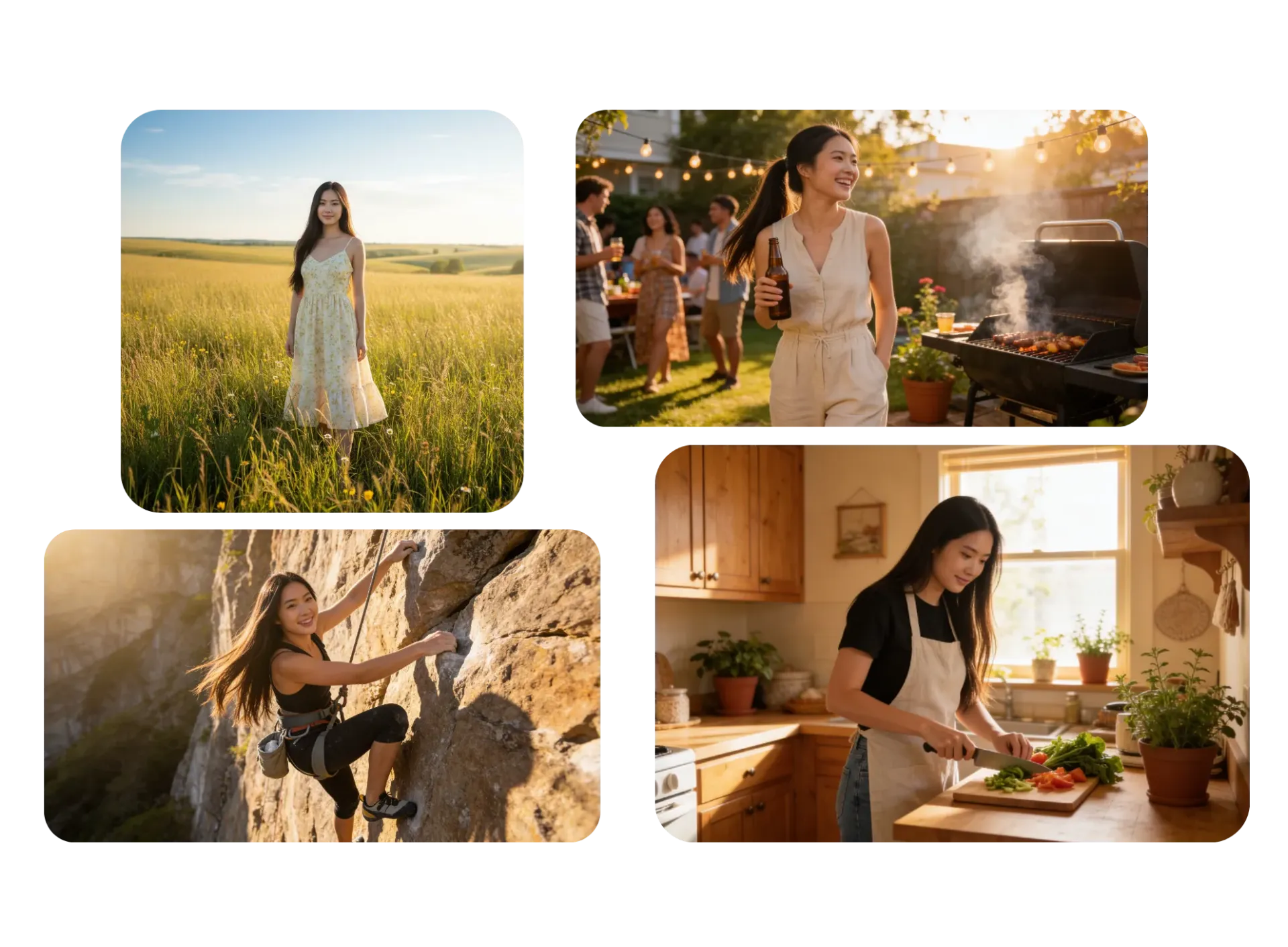
Consistent influencer content at scale
Built-in character consistency keeps your AI influencer recognizable across every image and video, so you can generate content faster without visual drift, distorted features, or constantly re-uploading reference photos.
Create a shared brand workspace where anyone on your team can produce on-brand content featuring the same influencer.
Collaborate in real time, leave feedback directly on projects, and access shared logos, fonts, colors, and templates to keep every post visually consistent across TikTok, Instagram, YouTube, and beyond.
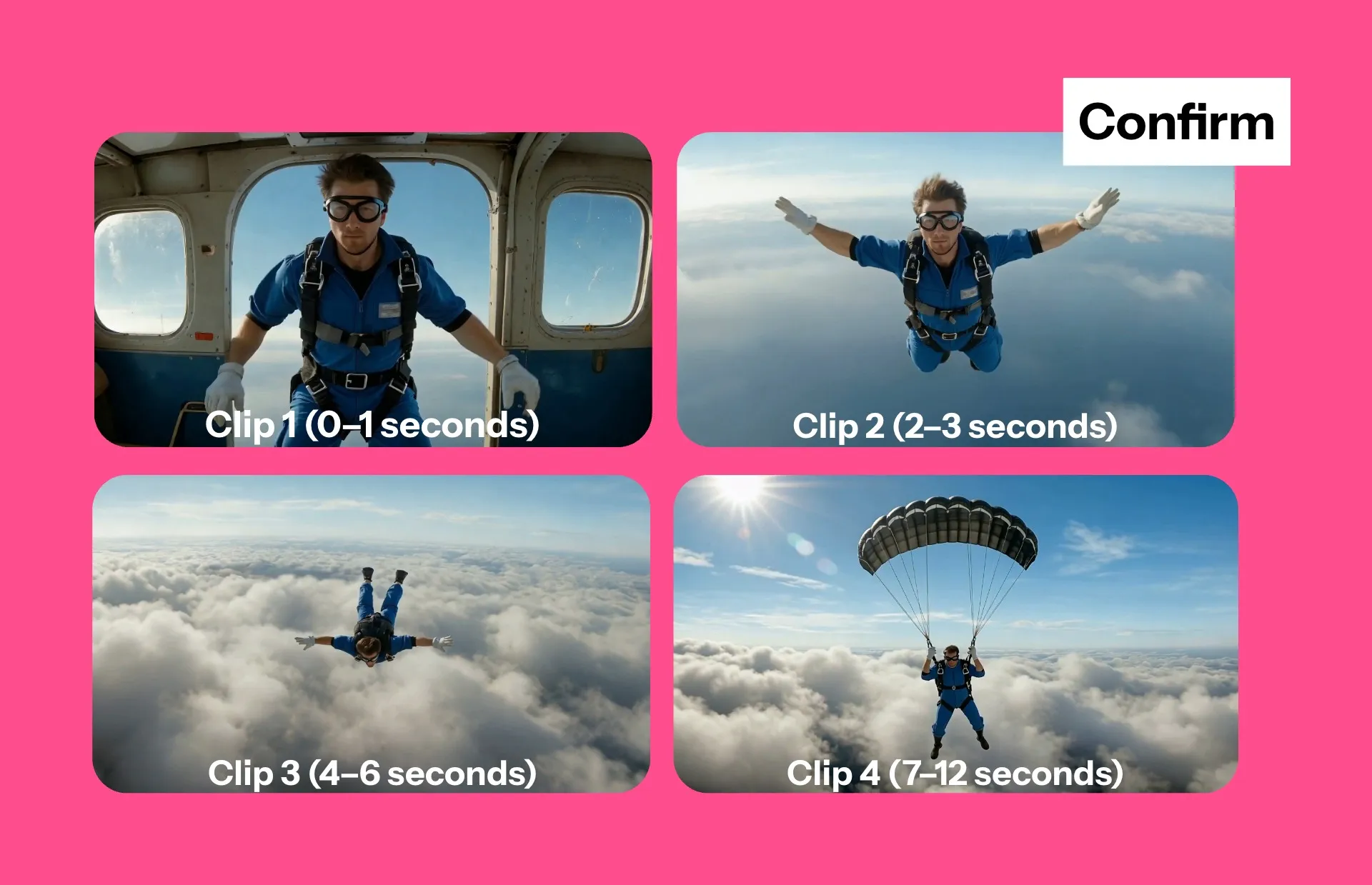
Stay in control of every frame
No more wasted credits: direct every scene with intelligent storyboards.
Kapwing AI creates editable video plans so you can adjust the action, timing, setting, and aspect ratio before you generate a single frame.
Work with the AI assistant to develop your video plan, choose the best advanced AI model, and fine-tune your generations.
Engage your audience with accurate subtitles — in any language
Use Kapwing's one-click automatic subtitle tool to generate accurate animated captions in 100+ of languages.
Customize font, color, and animation, then save your style to your Brand Kit to easily apply to every video.
Kapwing’s AI influencers can also speak in over 40 languages with synchronized subtitles and realistic lip movement built in, making it easy to localize content quickly without expensive production workflows.
.webp)
Already transforming video creation across industries
Hear directly from the teams who publish faster, collaborate better, and stay ahead.


Create engaging content in a fast, flexible editor
Create, edit, publish — without leaving your browser
Polish your content in a social-first studio
Kapwing’s AI Influencers are built into a complete online video editor. Create your influencer persona, generate realistic social-ready clips, and turn them into polished content without leaving your browser.
Design videos optimized for TikTok, Instagram Reels, and YouTube Shorts with built-in safe zones to keep captions, CTAs, and key visuals clear of UI overlays. Add transitions, logos, text, watermarks, and branded graphics in a few clicks.
Fine-tune your content with filters, lighting controls, and color adjustments, or crop and resize clips instantly for every platform. Edit video using the transcript and add royalty-free music and sound effects to boost engagement.
When your content is ready, export in 4K, 1080p, or 720p as MP4, MOV, or WebM — optimized for fast publishing across every social channel.
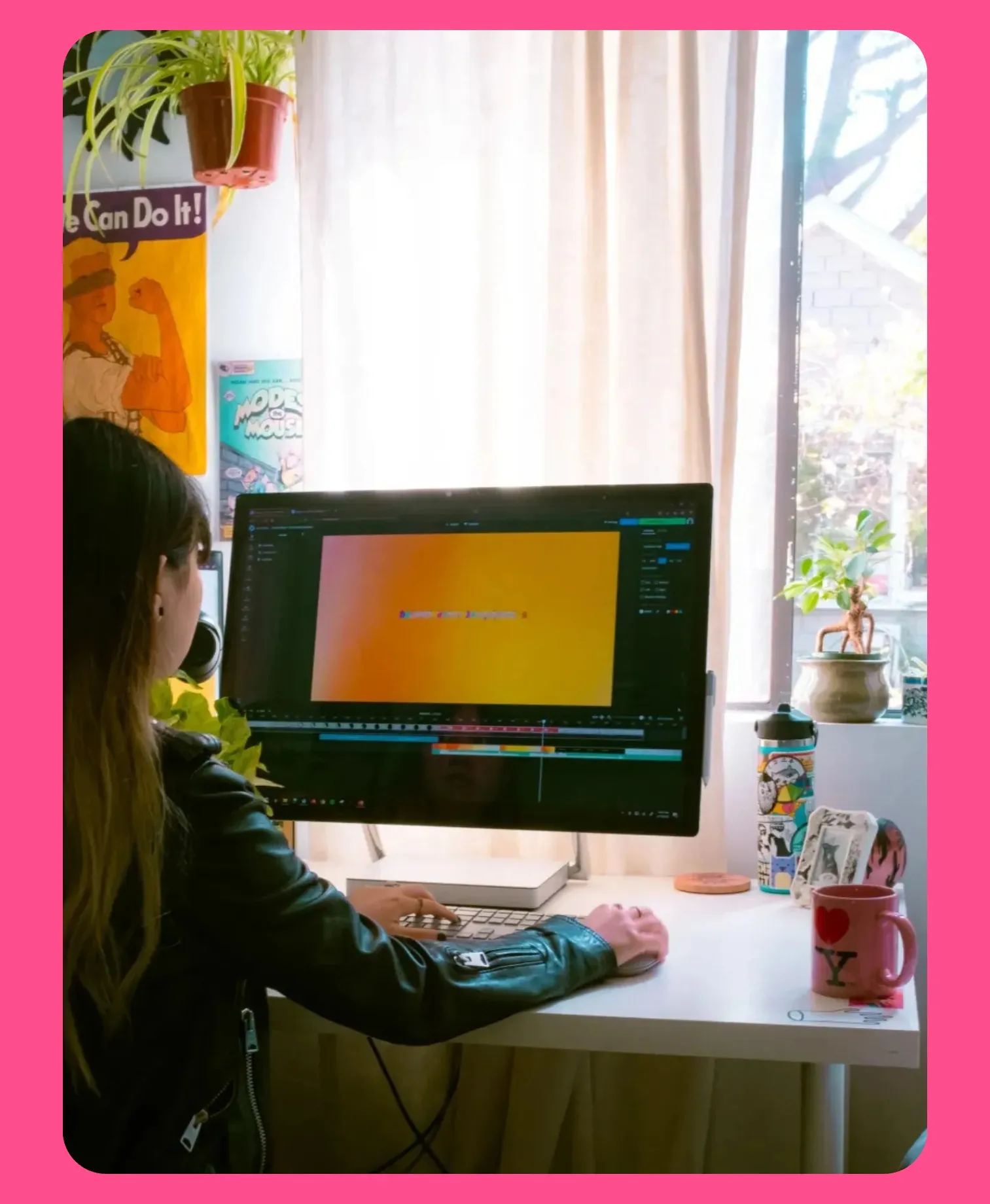
How to Create an AI Influencer
- Step 1Prompt
Create a new chat with Kapwing AI. Enter a prompt describing your AI influencer. Include details like facial features, body type, gender, race, outfit, and setting.
For consistent reuse, save your influencer to the Brand Kit by clicking the @ icon.
- Step 2Generate
Click the arrow to generate. If you want to make changes, enter additional prompts or move your video to the Kapwing Studio.
- Step 3Edit and export
Edit by adding subtitles, music, watermarks, or by trimming and cutting. Download your influencer video in high resolution or share directly to your TikTok or YouTube account.
What's different about Kapwing?



Frequently Asked Questions
We have answers to the most common questions that our users ask.
Is the AI Influencer Generator free?
Yes, anyone can try Kapwing’s AI Influencer Generator for free without watermarks, including generating a unique influencer image or using influencers from the stock library. To save your own custom influencer and reuse it consistently across projects, you’ll need a Pro account.
How to make an AI influencer
To create an AI influencer, open a new chat with Kapwing AI. Start by generating an image of your influencer using the AI Human Generator. Enter a prompt describing your influencer, including details like facial features, gender, hair, style, and setting. Click to download your image. Next, select the @ symbol in the prompt box and choose "Add character" from the dropdown.
Give your influencer character a name and a description. Choose from the library of stock voices, or upload voice recordings to create a clone of a real voice. Click to upload your reference image. Finally, click "Create character" to save your influencer to your Brand Kit.
For future projects, all you have to do is tag your influencer's name in the prompt box. For example, enter a prompt like "@Jeremy in a video talking about the benefits of protein shakes."
Follow a full step-by-step guide here.
What AI models does Kapwing use?
Kapwing uses multiple AI models to create realistic generations. The AI Influencer Generator can use Kling, Veo, Seedance, MiniMax, Happy Horse, or another AI video model to animate your characters into videos, complete with ElevenLabs-powered speech and synced lip movement. You can also use Seedream, Google Nano Banana, or GPT Image to generate AI influencer images.
Do I have the rights to my AI influencer?
Yes, you have full rights to your AI influencer, so you can use them for personal and commercial purposes.
Does TikTok allow AI influencers?
Yes, you can create AI influencers for content on TikTok. However, there are some rules to follow, like always using the "AI-generated content" toggle. The platform also requires you to avoid creating false impressions of products or events or copying the likeness or voice of a real person, particularly to suggest endorsements.
Can the AI influencers speak?
Absolutely, you can prompt your AI influencers to speak in realistic videos. You can choose a voice for each influencer from our extensive library of stock voices, or upload voice recordings to create a voice clone. Kapwing's voices are powered by ElevenLabs AI voice technology, and speaking character videos use Kling Omni to add accurate lip syncing.
Will my AI Influencer look the same in every image and video?
Yes, Kapwing's Character Consistency tool ensures that your saved influencer characters look exactly the same each time you generate with them. Just tag your influencer and describe the scene, dialogue, and action to generate consistent, recognizable content.
Which platforms can I use AI influencers on?
AI influencers can be used across most major social and content platforms, including TikTok, Instagram, YouTube, LinkedIn, X/Twitter, Facebook, Twitch, and Pinterest. Creators and brands use AI influencers for short-form videos, livestream-style content, product promotions, tutorials, podcasts, and AI influencer reels tailored to each platform’s preferred format and audience.
Many platforms, including TikTok and Meta platforms like Instagram and Facebook, allow AI generated influencer content when it follows their labeling and disclosure guidelines. With Kapwing’s AI Influencer Generator, you can create AI influencer videos in vertical, square, or widescreen formats, making it easy to publish platform-ready content wherever your audience is most active.
Discover Resources
Tips, templates, and deep dives to help you create faster and share with confidence.
View all


Get started with your first video in just a few clicks. Join over 35 million creators who trust Kapwing to create more content in less time.