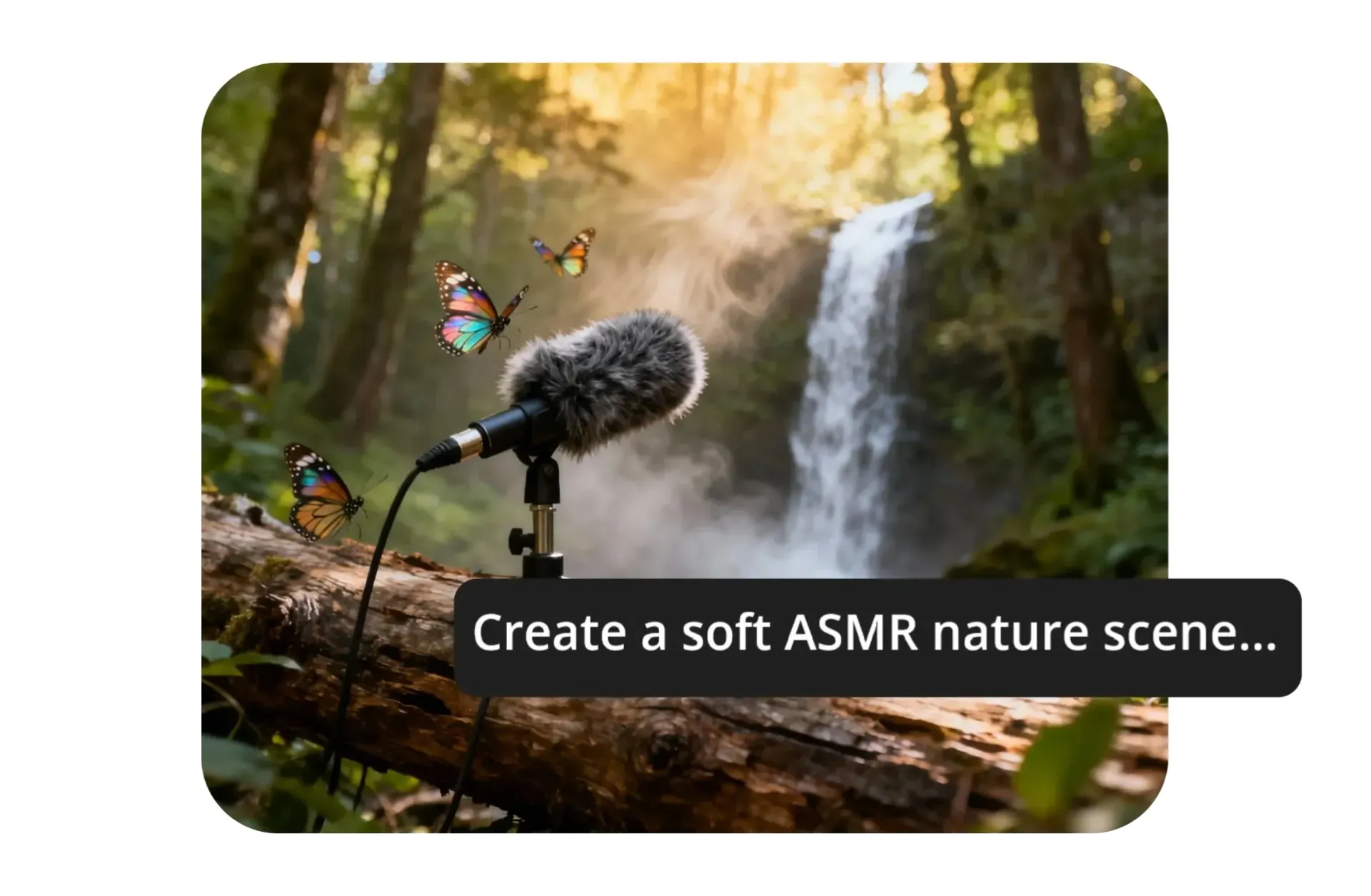
High-quality, realistic ASMR
Generate immersive audio and video — all from a single prompt
Hyper-realistic sounds — in sync with your video
Generate studio-quality ASMR audio with Veo, Kling, and other leading AI models with Kapwing AI.
Audio is automatically synced to your visuals for a fast, effortless, and precise workflow that's specifically designed for YouTubers, short-form creators, and ASMR artists.
Explore lifelike ASMR triggers like ice cracking, glass tapping, or water droplets, and react instantly to trending sounds with AI generation that takes just seconds.
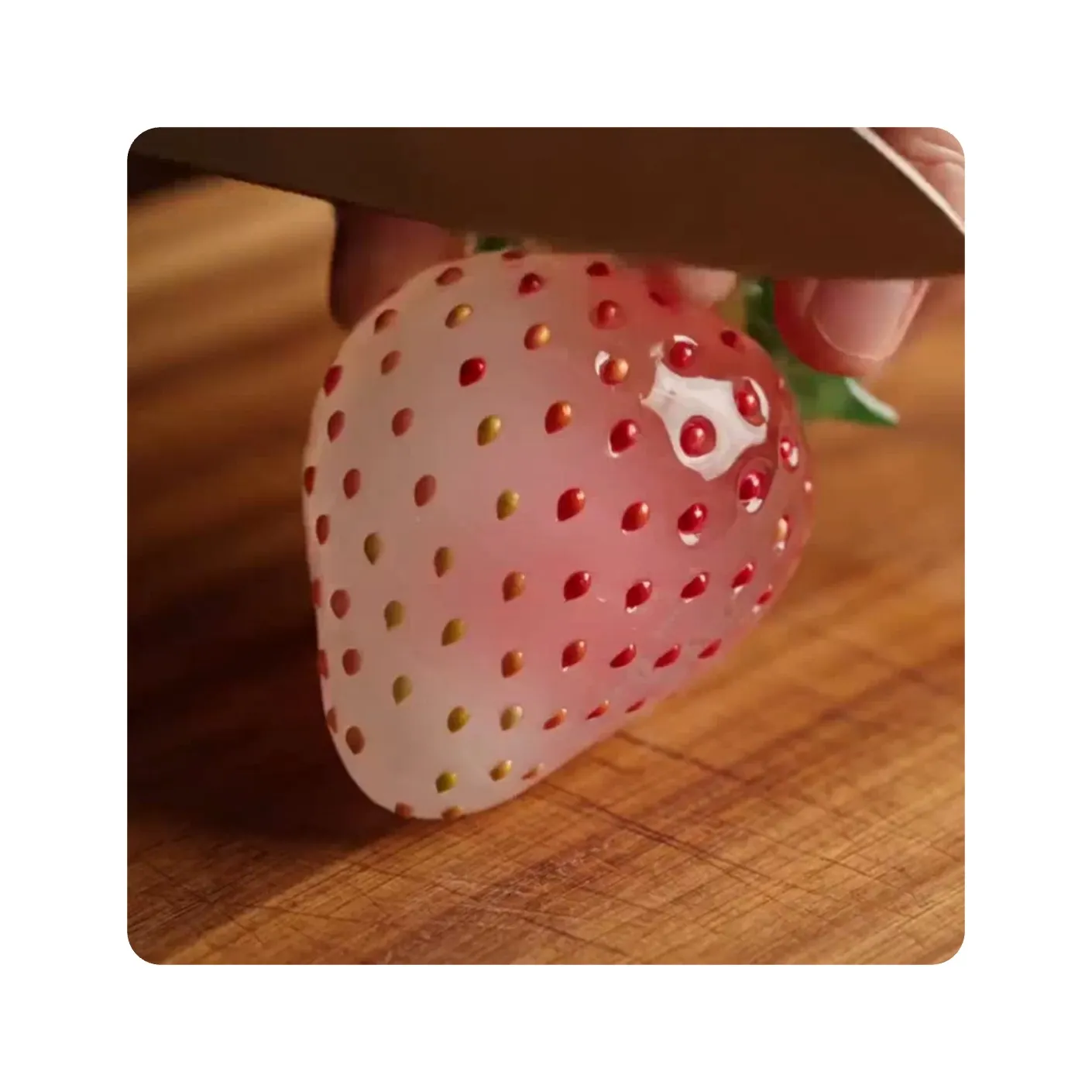
Unmatched video realism. Unlimited creativity.
Kapwing’s online AI ASMR Generator creates hyper-realistic, visually satisfying ASMR videos from simple text prompts. Just describe your vision, and our AI brings it to life — think of it like chatting with a creative partner.
Build intricate ASMR scenes from scratch or start with reference photos to generate jaw-dropping visuals for any triggers like fruit slicing, ice melting, or glass tapping.
Easily customize camera angles, lighting, textures, colors, and backgrounds to capture attention, increase watch time, and stop scrollers on social media.

Already transforming video creation across industries
Hear directly from the teams who publish faster, collaborate better, and stay ahead.


ASMR-Ready prompts
Copy and paste, or build your own unique prompt from these examples
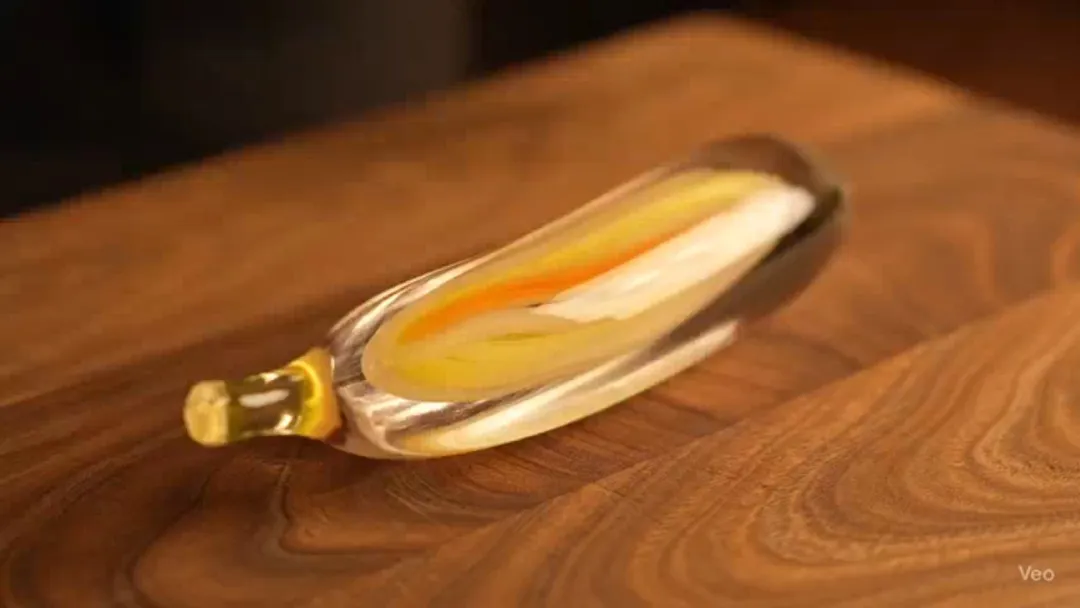
Glass Fruit Cutting
Create a cinematic video using a close-up angle of a person cutting a glass banana with yellow and orange accents. The banana is sitting on top of a cutting board made of rich warm wood. As the knife slowly cuts through the fruit, a crisp, satisfying sound is produced. The banana is sliced slowly, multiple times, with a sound on each slice.
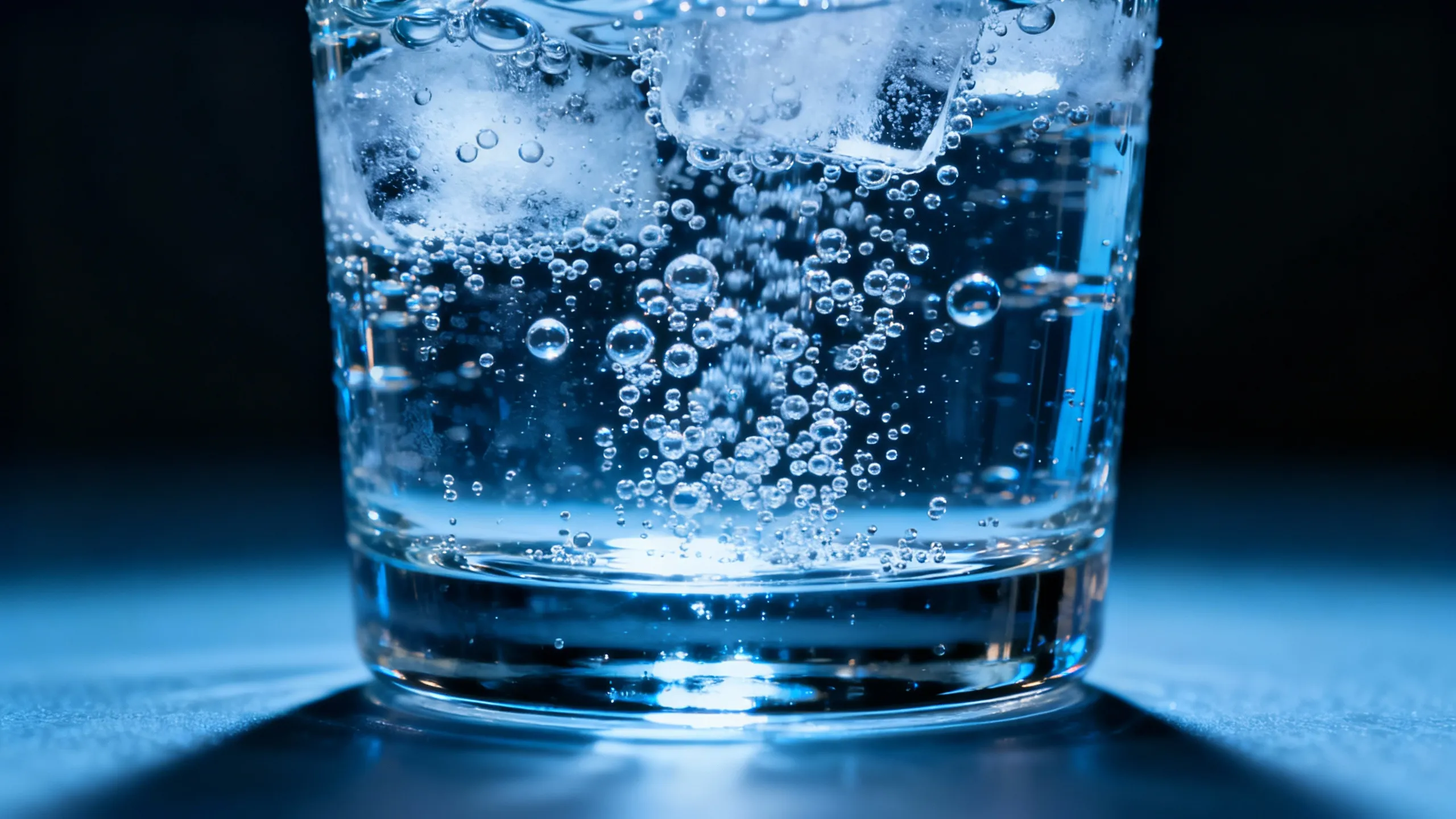
Fizzy Water
A close-up shot of a glass of an illuminated glass of water in an otherwise dark room. The water has bubbles quickly rising to the top, producing a soft fizzing sound as they reach the surface. The audio is continual and uninterrupted. No background noises are audible during the clip.
Dripping Popsicle
Create a cinematic close-up of a brightly colored popsicle being held above a sunlit, wooden picnic table. Beads of condensation glisten on its surface as the popsicle slowly begins to melt. The scene is perfectly silent, other than the sound of the popsicle dripping onto the table beneath with satisfying, plunk sounds. In the softly blurred background, a turqoise pool sparkles under the summer sun.
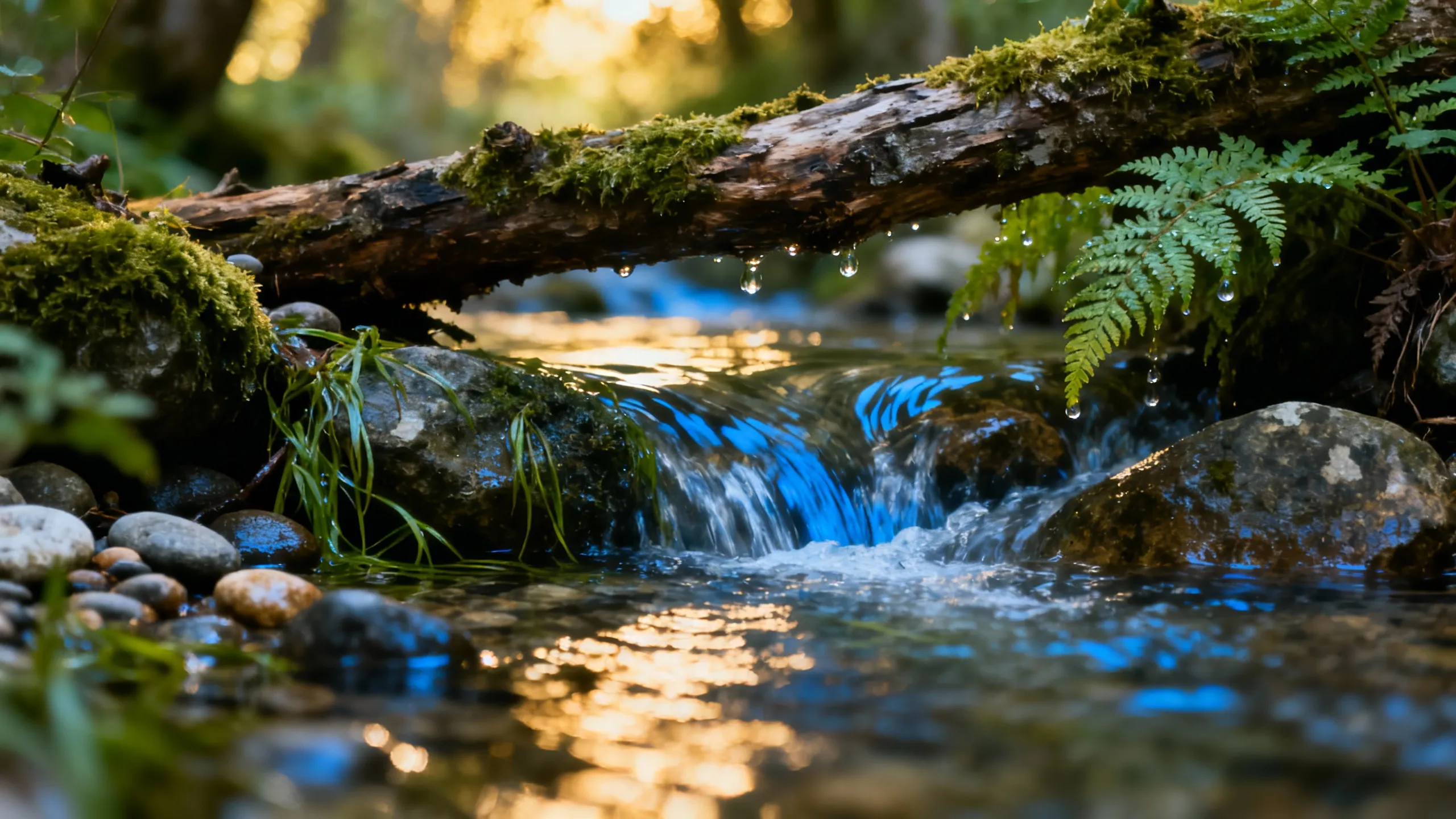
Babbling Brook
A close-up, intimate perspective of a gently flowing stream in a silent, wooded setting. The water moves over rocks and roots with soft gurgles, delicate ripples, and a steady, calming flow. The audio is clean, studio-quality, and deeply focused — no wind, birds, or ambient noise. Just the pure, uninterrupted sound of water, captured with ASMR-level clarity for a soothing, immersive experience.
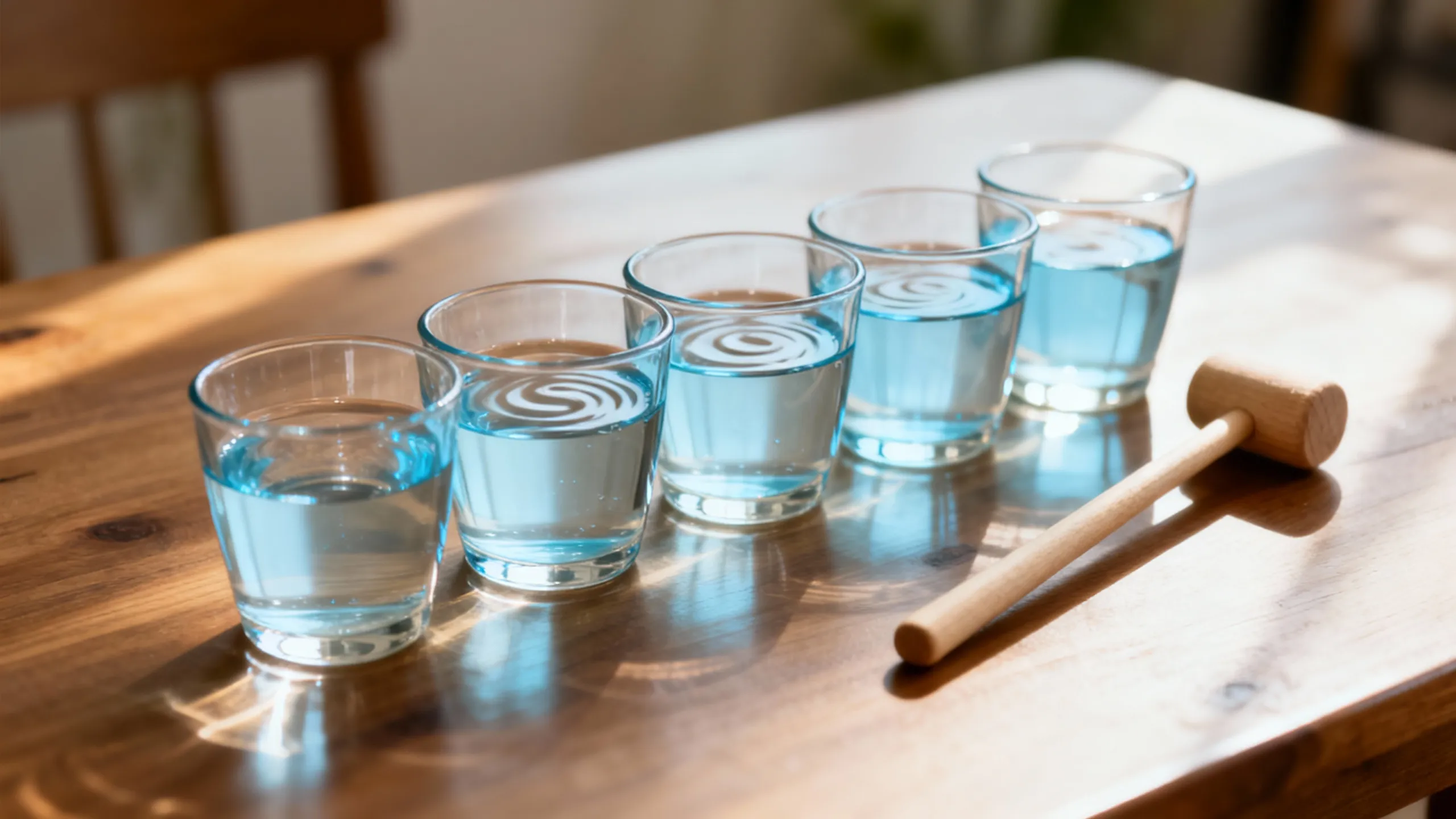
Water Xylophone
A colorful, reflective xylophone placed in a dim, empty space with soft spotlighting. One by one, large water droplets fall onto the metal bars, each impact producing a satisfying “plunk” followed by a clean, ringing note. The tones are soft, spaced out, and resonant — no ambient noise, just the pure interplay of water and melody in a quiet, immersive soundscape.
AI-powered ASMR with full creative control
From concept to polished product — without switching tools or any recording
Direct every detail of your ASMR scene
Pioneer new trends or put your own twist on existing concepts by changing colors, materials, or objects in the scene.
Experiment freely from any device using Kapwing’s built-in AI models — no microphones or recording gear required. Just describe your scene and instantly generate immersive ASMR audio.
Move from concept to a fully polished video without switching tools or leaving your browser. Enhance each generation with creator-focused editing tools, including automatic waveforms, an AI audio enhancer, and hundreds of manual controls.
For longer projects, merge clips, add overlays such as channel logos, and resize your content for every platform. When you’re done, export directly to TikTok, YouTube, or your preferred channel — all in one workflow.
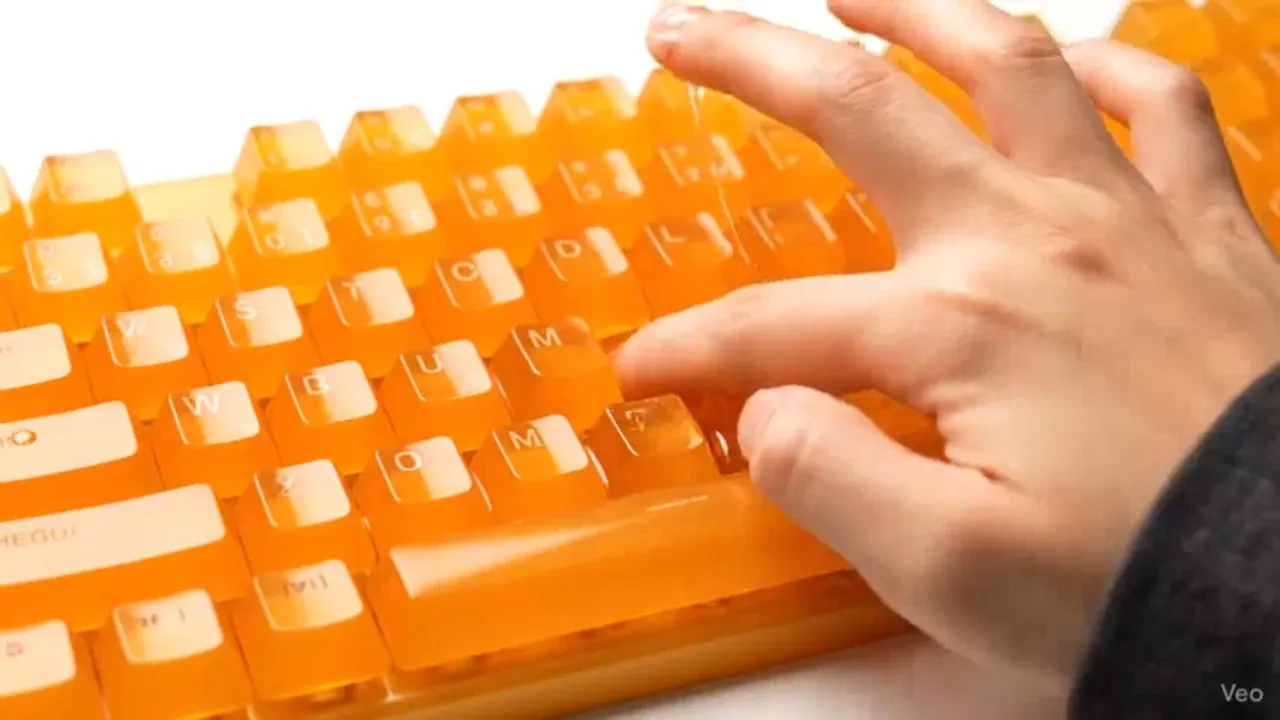
How to Create AI ASMR Videos
- Step 1Open Kapwing
Click the lightbulb icon at the top of the editor to access Kapwing’s AI Studio.
- Step 2Enter ASMR prompt
Describe what you want to generate, including both visuals and audio. Be specific about the types of sounds, objects, and actions you want in your ASMR video.
- Step 3Generate and Edit
Click "Generate" to create your video. Once it's ready, you can ask the AI to make edits or open the project in the studio for manual adjustments and export.
💡 For synced audio and the highest ASMR quality, we recommend choosing the Veo 3 model.
What's different about Kapwing?



Frequently Asked Questions
We have answers to the most common questions that our users ask.
Is Kapwing's ASMR Generator free?
Anyone can try Kapwing's AI ASMR Generator for free. All our AI tools run on a credit system, with each feature costing a set number of credits. For the best experience, upgrade to a Pro account to unlock the full power of the AI studio.
Can you make ASMR with AI?
Yes, AI can generate ASMR videos complete with custom sound triggers and voices. Whether you're imagining glass cutting, metal tapping, soft whispering, or something entirely unique, AI lets you bring those sensory ideas to life. With prompt-based generation, you can create immersive ASMR scenes in just minutes.
How realistic are AI-generated ASMR sounds?
AI generated ASMR has improved significantly to the point of perfect realism in the leading models. Many tools can replicate common ASMR triggers — like tapping, crinkling, and whispering — with impressive detail and clarity. While results can vary between tools, high-quality AI ASMR can sound nearly indistinguishable from human recordings, especially when layered and fine-tuned.
Can AI whisper or mimic soft-spoken voices?
Yes. With Kapwing, you can add narration to any video by using preset voice options or even cloning your own to control specific details like tone and annunciation.
Can every AI video model generate audio?
No, currently Veo 3 is the only video model that supports audio generation. To create ASMR videos, simply select the Veo 3 option from the model dropdown list before generating.
What types of ASMR triggers can Kapwing generate?
You can generate any ASMR trigger in Kapwing. Simply describe your desired sound — from tactile noises to soft brushes — and the generator will create the audio in perfect sync with your video.
Can I use my own audio or visuals with the ASMR generator?
Yes, Kapwing provides multiple ways to include your own images and audio when creating ASMR videos.
- Generate image to video: Upload an image to animate into a video. Describe what happens next in the scene and the AI will automatically convert your image into an ASMR video.
- Combine clips in the timeline: You can upload your own clips to the editor to create longer ASMR videos that combine AI generation and real video content. This allows you to scale your content while testing out new ideas.
Does Kapwing support looping audio or video for sleep content?
Not yet. Generated content is not automatically looped, but you can use editing tricks like looping and reversing your video to simulate a looping effect.
Which AI models does Kapwing use?
Kapwing’s ASMR Generator includes multiple built-in AI video models, including Happy Horse, Veo, Seedance, Grok, and Kling — along with MiniMax for generating custom audio.
Discover Resources
Tips, templates, and deep dives to help you create faster and share with confidence.
View all


Get started with your first video in just a few clicks. Join over 35 million creators who trust Kapwing to create more content in less time.