Combine multiple audio files into one track online.
Arrange, trim, overlap, and crossfade for free.
Join music and speech audio files online
Mix audio tracks and balance sound across multiple clips
Combine audio files in one timeline
Bring multiple audio files into one project without converting them to the same format first or downloading software. Upload recordings, music, voiceovers, and other supported audio to Kapwing’s online audio joiner, then drag and drop each clip onto the timeline.
Arrange and trim individual clips, adjust timing and volume levels, and preview how everything sounds together. Smooth transitions between recordings, balance audio from different sources, and make changes to each clip while building the finished track.
Join audio files back-to-back for one continuous track, or layer sounds to play at the same time. Build podcast episodes, combine separate recordings, mix music with speech, or assemble a soundtrack, then export the finished project as one audio file.
How to merge audio in 3 steps
Combine your audio files into a project, then download a finished track
Upload
audio files to the Kapwing Studio


Join
and edit audio tracks using the timeline and studio tools
Export
a complete MP3 or AAC audio track
Combine audio for any project
Join recordings, music, voiceovers, and other audio clips into one track
Podcast Episodes
Join recorded segments, intros, outros, ad reads, and music to build one complete podcast episode from separate audio files

Music Compilations
Merge songs or audio clips into a continuous listening experience, with control over the transition from one track to the next
Voice Recordings
Join multiple audio files from separate takes, interview responses, or recorded sections into one track that's easier to share and publish
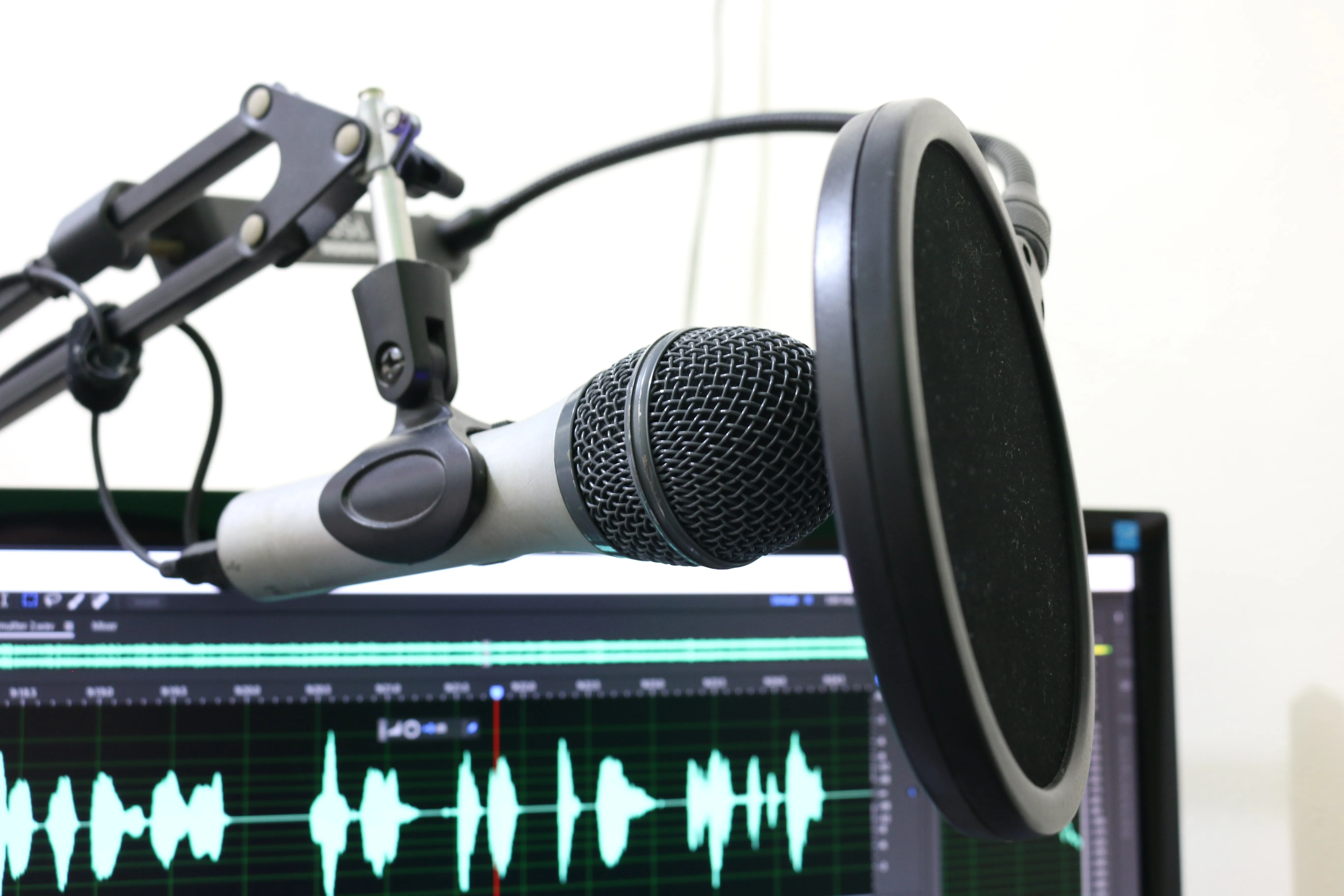
Soundtracks
Bring dialogue, music, ambient sound, and effects together to create a complete soundtrack from separate audio clips

Voiceovers and Music
Layer narration over background music and control where each track enters and ends without permanently altering the original files
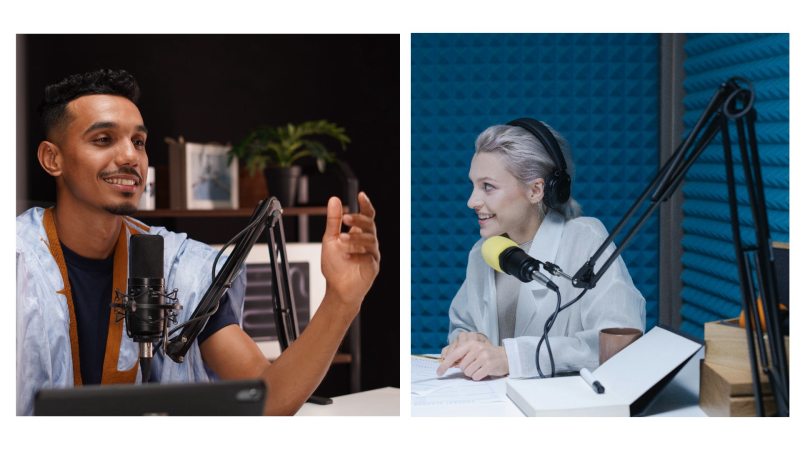
Multi-Session Recordings
Piece together lessons, meetings, presentations, or other long recordings captured across multiple sessions or files
Build one track from multiple audio files
Arrange clips, blend transitions, layer audio, and polish recordings online
Balance and blend audio clips
Drag and drop audio clips onto the timeline to set their order, trim unwanted sections, and control where each track starts and ends. Adjust the timing and volume of individual clips to help recordings from different sources flow together with more consistent sound.
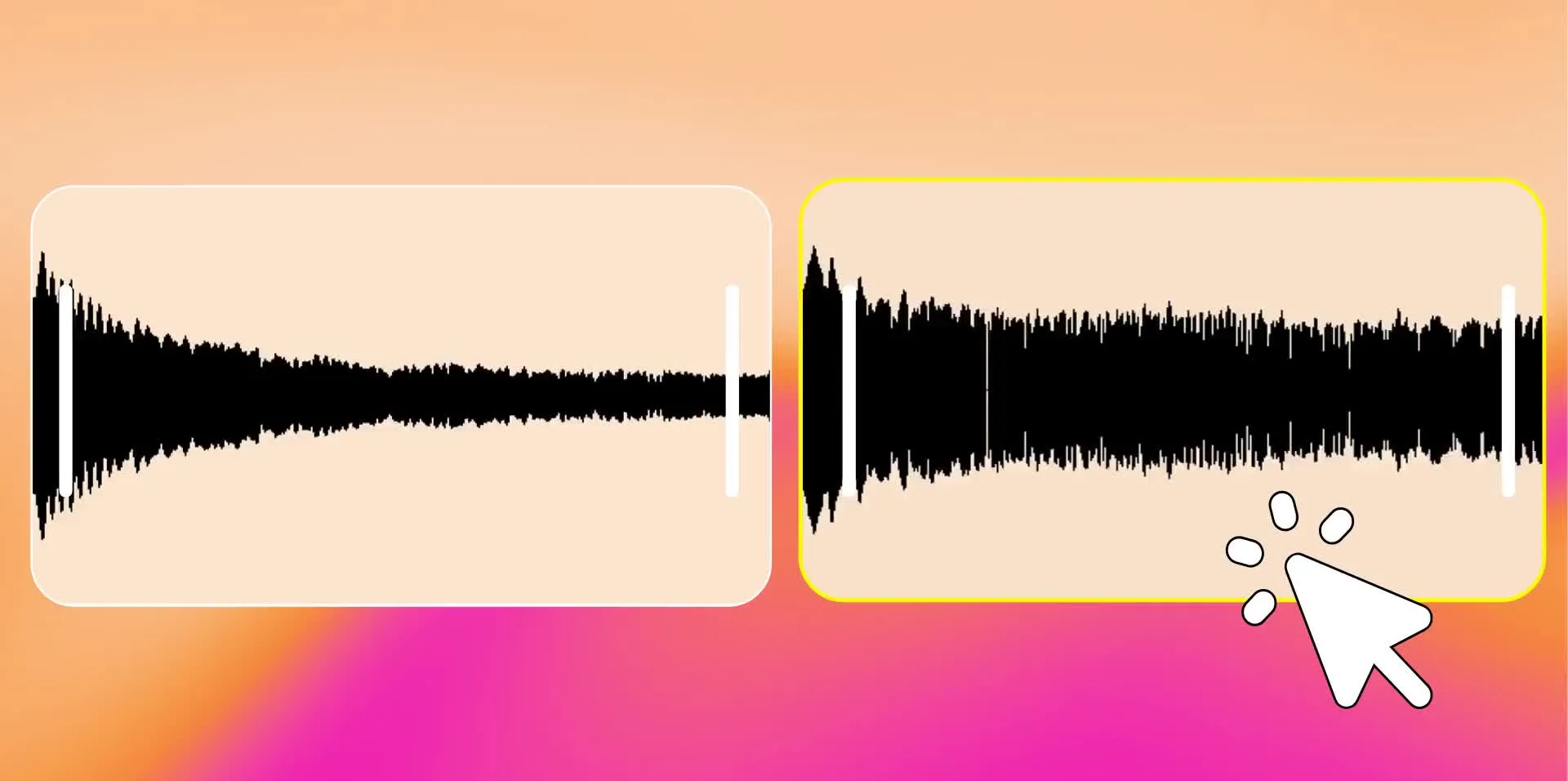
Fine-tune the transition from one clip to the next by balancing audio levels and removing abrupt changes in timing or volume. Fade in, fade out, or crossfade between audio tracks to blend clips together, then preview the combined track before exporting.
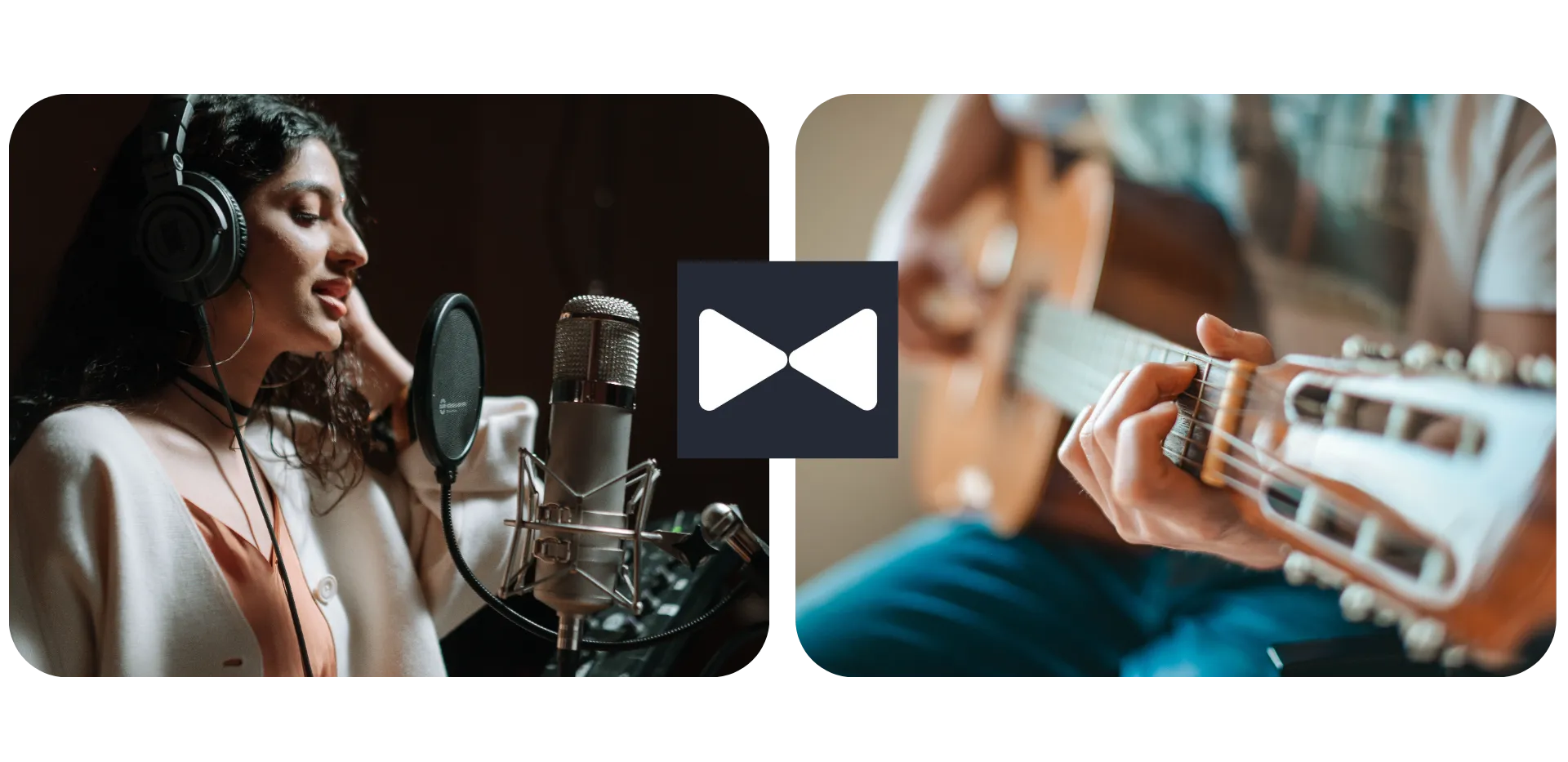
Join tracks and build full soundscapes
Join audio clips back-to-back to create one continuous track, or layer multiple files to build a full soundscape. Stitch podcast segments, interviews, songs, or voice recordings into a sequence, with control over how each part fits into the finished track.
Add depth by combining sounds that play at the same time. Keep music underneath dialogue, bring in ambient audio, place sound effects at specific moments, or overlap recordings to build a layered mix while keeping each track independently editable.
.webp)
Fine-tune merged audio in your browser
Polish separate audio clips as you bring them together. Trim or split recordings, balance volume between tracks, and adjust timing so audio recorded at different times or from different sources works together in one finished track.
Use Kapwing’s Audio Enhancer to take the edit further with tools to remove background noise and enhance voice recordings. You can also add images or video to give your finished audio a visual component, then continue editing everything in the same browser-based workspace.

Combine and export multiple audio file types
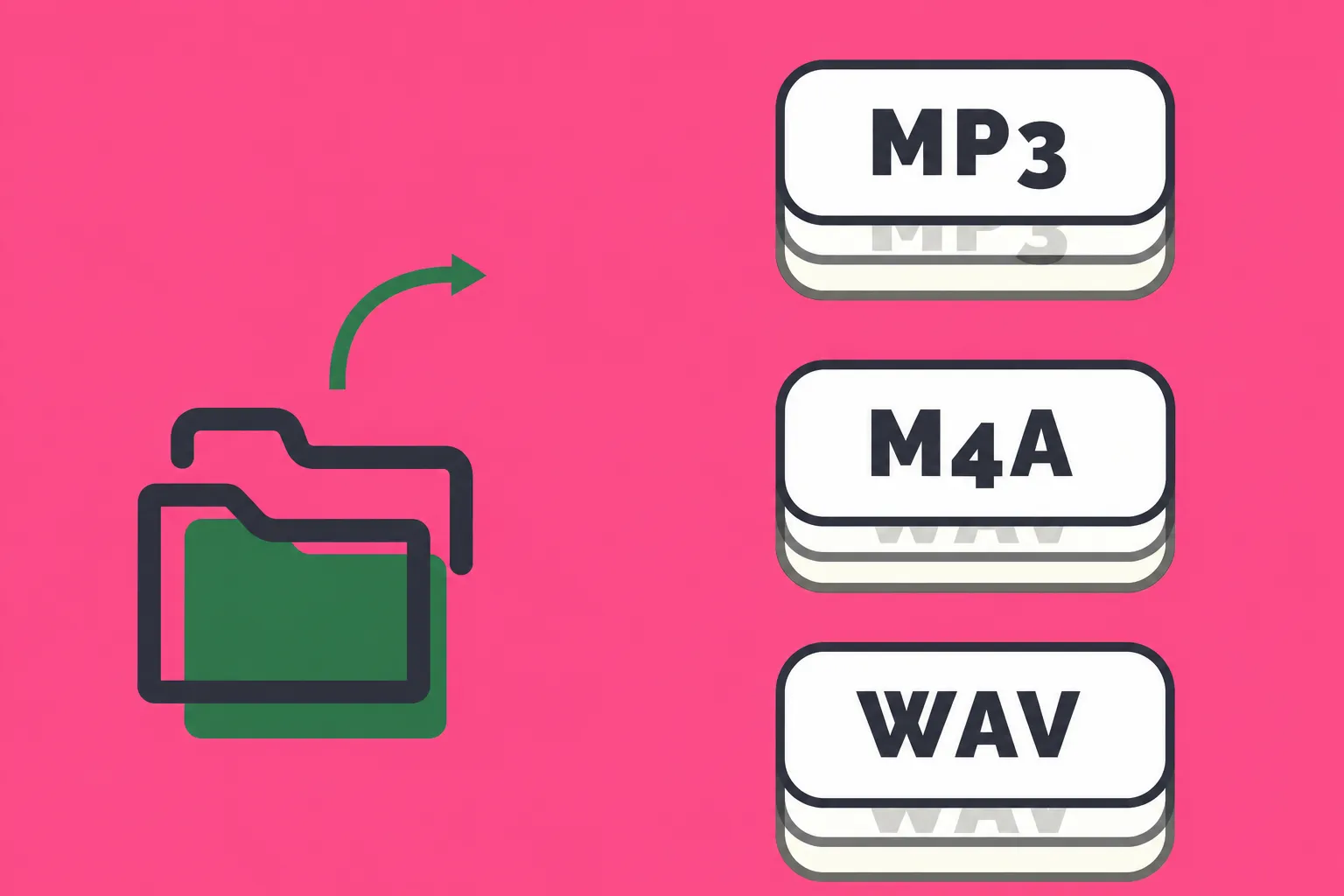
Combine audio files across a range of supported formats, including MP3, AAC, M4A, MP4, MPEG, OGG, WAV, WebM, and FLAC. Bring recordings, music, voiceovers, and other audio into the same project, even when your source files use different supported formats. You can also paste direct links from sites like YouTube.
Mix and match supported file types on the same timeline without converting to a common format first. Combine an M4A voice recording with MP3 music, add a WAV sound effect, or bring audio from an MP4 into the same project. Export as a single MP3 or AAC file.
How to Combine Audio Files

- Step 1Upload audio
Get started by uploading the audio files you want to combine (MP3, WAV, M4A, etc) to a new project in the Kapwing Studio.
- Step 2Merge audio
Place your audio files in the bottom timeline to start arranging, trimming, and adding a crossfade to your audio track.
- Step 3Export and download
Export your combined audio to an MP3, AAC, or MP4 file, and download it to share with others.
What's different about Kapwing?



Frequently Asked Questions
We have answers to the most common questions that our users ask.
Is the Merge Audio tool free?
Yes, Kapwing's Merge Audio tool is free for all users. For access to the full range of audio and video editing tools, including AI-powered tools, upgrade to a Pro account.
How to merge and join audio files with Kapwing
Upload your audio files to the Kapwing Studio, place them on the timeline, and drag each clip into the order you want them to play. Position clips back-to-back to join them into one continuous track, then preview the sequence before exporting.
You can also use the Audio Editor to shorten individual recordings and remove unwanted sections before combining them.
Can I merge audio files in different formats?
Yes, Kapwing supports MP3, AAC, M4A, MP4, MPEG, OGG, WAV, WebM, and FLAC, so your files do not need to start in the same format. You can add supported files to the same timeline and combine them in one project without converting each file first.
How can I make merged recordings sound more consistent?
Recordings captured with different microphones, devices, or environments can vary in volume and sound quality. After combining them, adjust individual tracks and use Kapwing’s audio tools to reduce background noise and enhance spoken audio.
Explore the Audio Enhancer for more ways to clean up and edit recordings.
Can I add fades and crossfades?
Yes, fades and crossfades can help smooth the transition between clips instead of switching abruptly from one recording or song to another. You can add fade-in, fade-out, or crossfade effects using the "Effects" section in the righthand sidebar. Adjust the fade speed between tracks, then preview the result before exporting.
Can I keep editing after I merge audio files?
Yes, your audio remains editable on the timeline while you work, so you can continue adjusting clip order, volume, timing, trimming, and other elements before exporting the finished project.
What is the difference between merging and layering audio?
Merging or joining usually means placing clips one after another to create a continuous track. Layering places audio on multiple timeline tracks so sounds can play simultaneously.
Kapwing supports both workflows, so you can join interview segments sequentially while also layering music, voiceovers, or sound effects underneath them.
Can I merge audio with a video?
Yes, add audio and video to the same Kapwing project to combine music, narration, sound effects, or other audio with visual content. You can control where each file appears on the timeline and continue editing the project before exporting.
If you need to combine multiple videos, images, and audio files into one project, use Kapwing’s Merge Videos tool. If your main goal is adding a soundtrack or recording to an existing video, use Add Audio to Video.
How do I make transitions between audio files sound smooth?
Adjust where each audio clip starts and ends so the timing feels natural, then balance volume levels between tracks to avoid sudden changes in loudness. Trimming pauses or unwanted audio around each transition can also help separate recordings flow together more naturally.
For a more gradual transition, fade one track in or out or add a crossfade between audio tracks. Preview the transition on the timeline and adjust its timing until the change between clips fits the rest of your track.
Can I overlap two audio files?
Yes, place audio files on separate layers of the Kapwing timeline and adjust their timing so they overlap and play at the same time. You can control each track independently, including its position, duration, and volume.
Overlapping audio is useful for mixing background music with dialogue, adding ambient sound to a recording, or placing sound effects at specific moments. You can also adjust how long tracks overlap to create layered transitions instead of joining every clip back-to-back.
Discover Resources
Tips, templates, and deep dives to help you create faster and share with confidence.
View all

Get started with your first video in just a few clicks. Join over 35 million creators who trust Kapwing to create more content in less time.