Blur Image

Blur text, faces, or entire images online.
Upload JPG, PNG, or WebP to start for free.
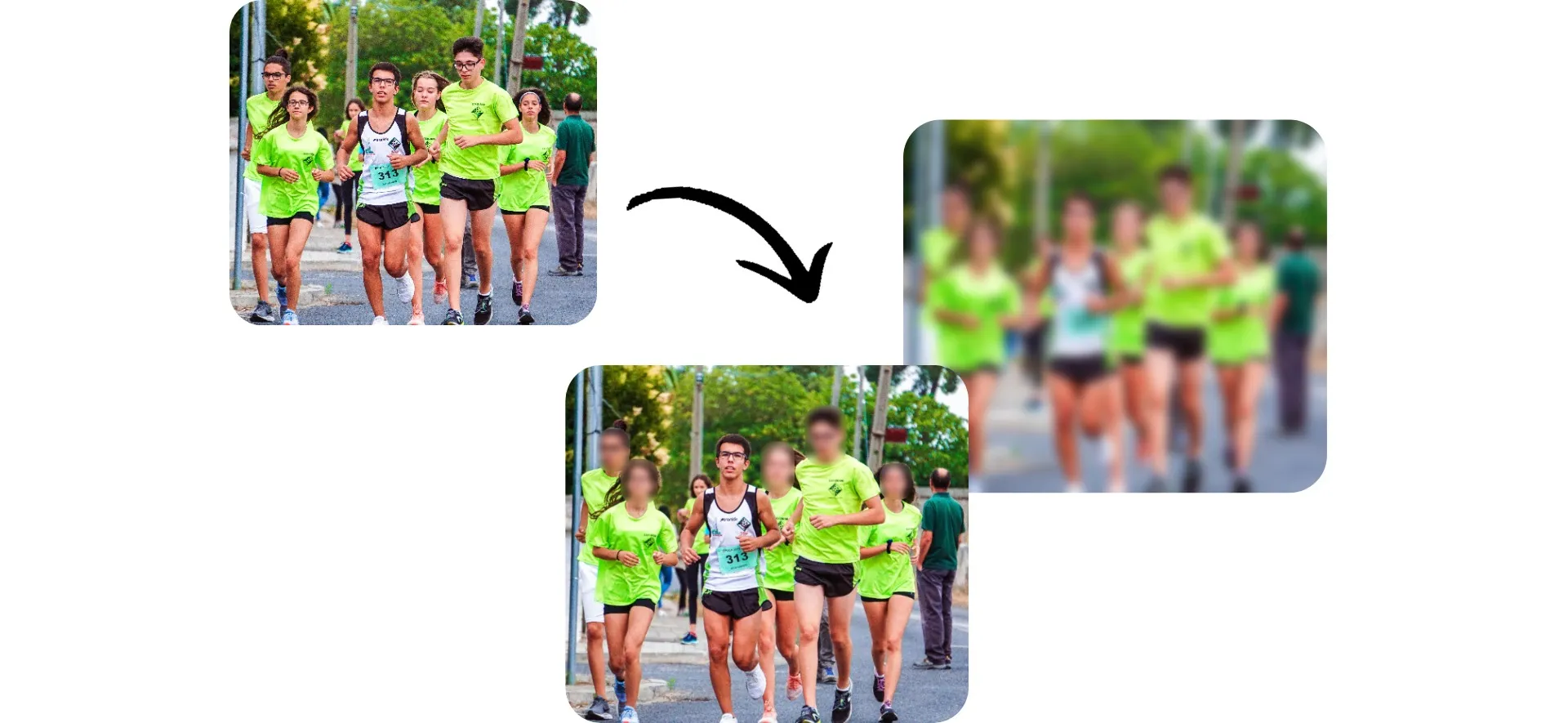
three_photos_of_a_group_of_runners_one_with_blurred_faces_and_another_fully_blurred_V1.jpg

How It Works

Upload

your image as JPEG, PNG, or WebP

Add Blur

using a simple slider

Export

in any file format or share directly to social media

Blur pictures for free online

Add blur to faces, license plates, addresses, or entire images in seconds

Add blur from your phone or desktop browser — fast

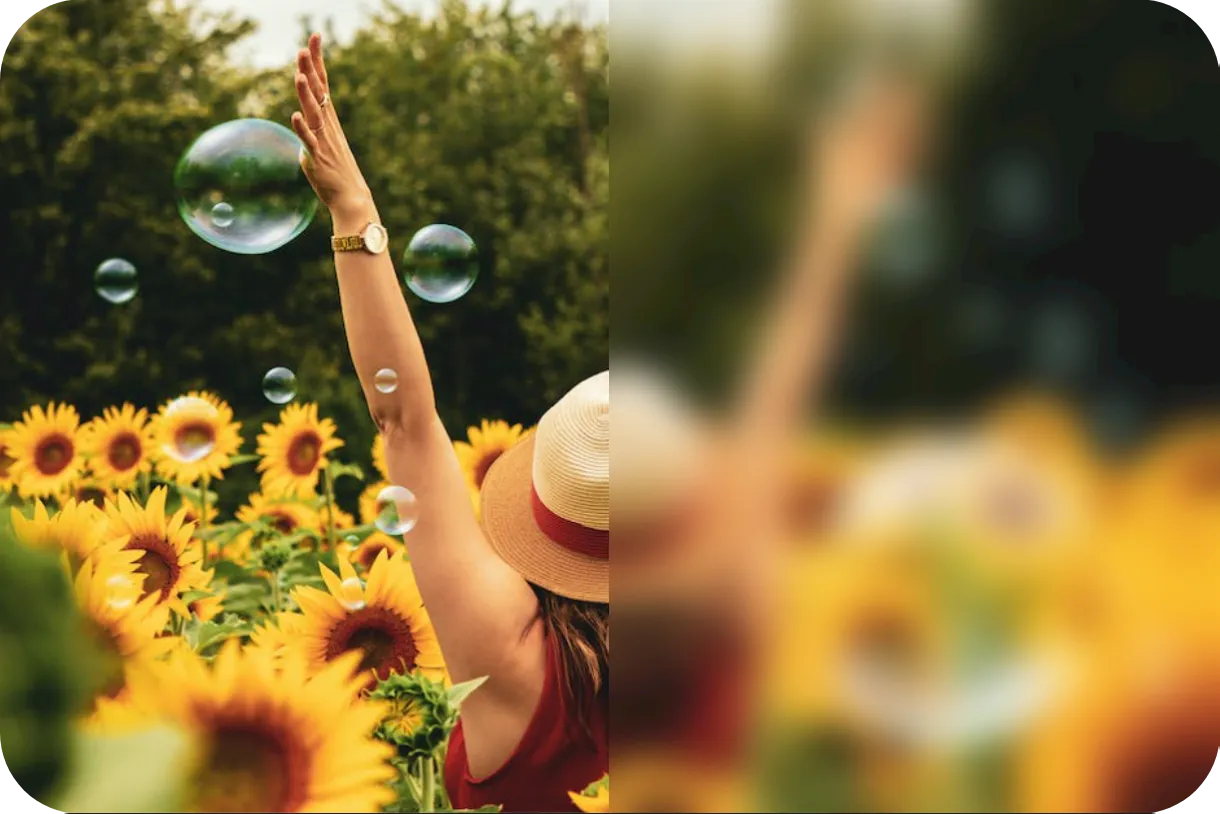
Kapwing’s Blur Image tool lets you blur photos in seconds, no downloads required. Upload your image, apply blur in one click, and adjust the intensity with a simple slider for the exact look you want.


Turn distracting visuals into clean, polished backgrounds for social posts, announcements, or campaigns. Whether you’re a marketer, small business owner, or content creator, you can blur images from any device and keep your workflow moving.
Blur Image
woman_stands_in_sunflower_field_half_of_image_is_blurred_with_adjustable_slider_V3.png

Hide faces and sensitive information without compromising image quality

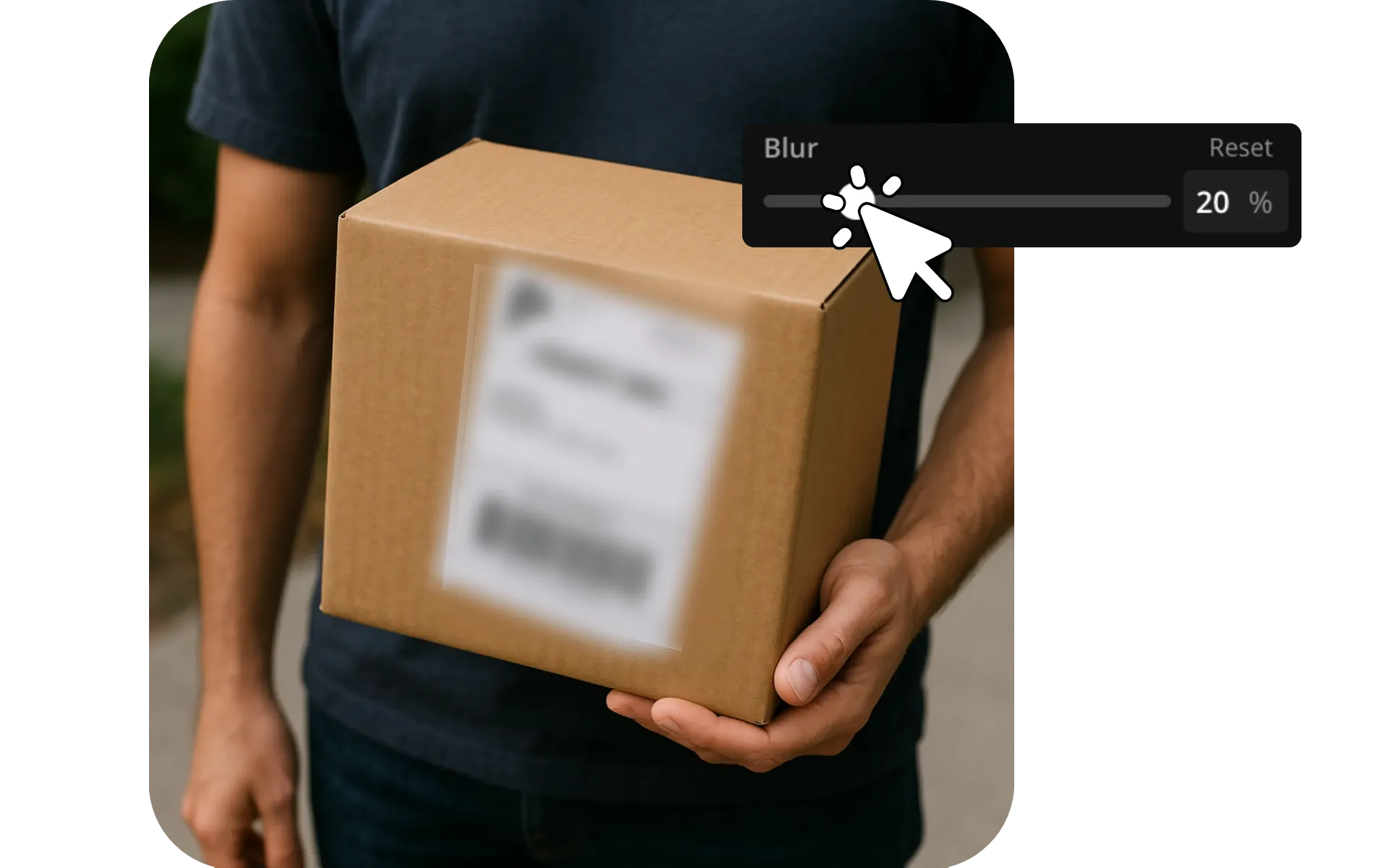
Blur faces, license plates, or text while preserving the rest of your image in full resolution. Duplicate your layer, isolate the area you want to hide, and apply blur with precision. You can also blur the background of photos to draw focus to your subject, all with a few clicks.


Stay compliant and avoid privacy concerns with flexible, multi-layer photo blur controls. Censor sensitive text or personal information in screenshots. Hide a face or license plate before sharing image publicly, or simply reduce visual noise in a busy image. Fine-tune exactly what gets hidden and what stays sharp.
Blur Image
adjusting_blur_level_on_package_address_label_V1.png

Built into a professional image editor

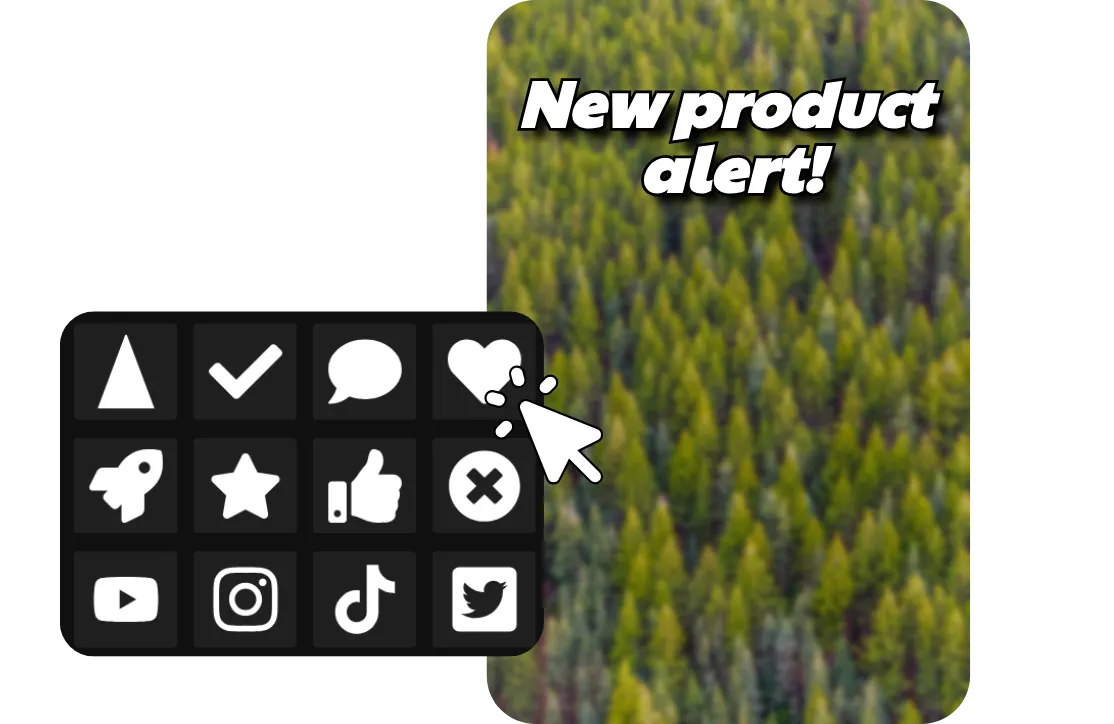
Kapwing's image blur tool is integrated into a comprehensive image editing studio, so you can add blur without slowing down. Fine-tune your blur, then apply filters, adjust color and lighting, and overlay text or stickers. Use one-click AI tools to erase the background, translate in-image text, or enhance the resolution.


Resize for any platform automatically and export in high resolution when you’re ready.
Upload Image
blurred treetop image with product alert text and shape overlays.png

Polish your content with targeted blur

Censor, stylize, or clean up photos online with an easy-to-use blur tool
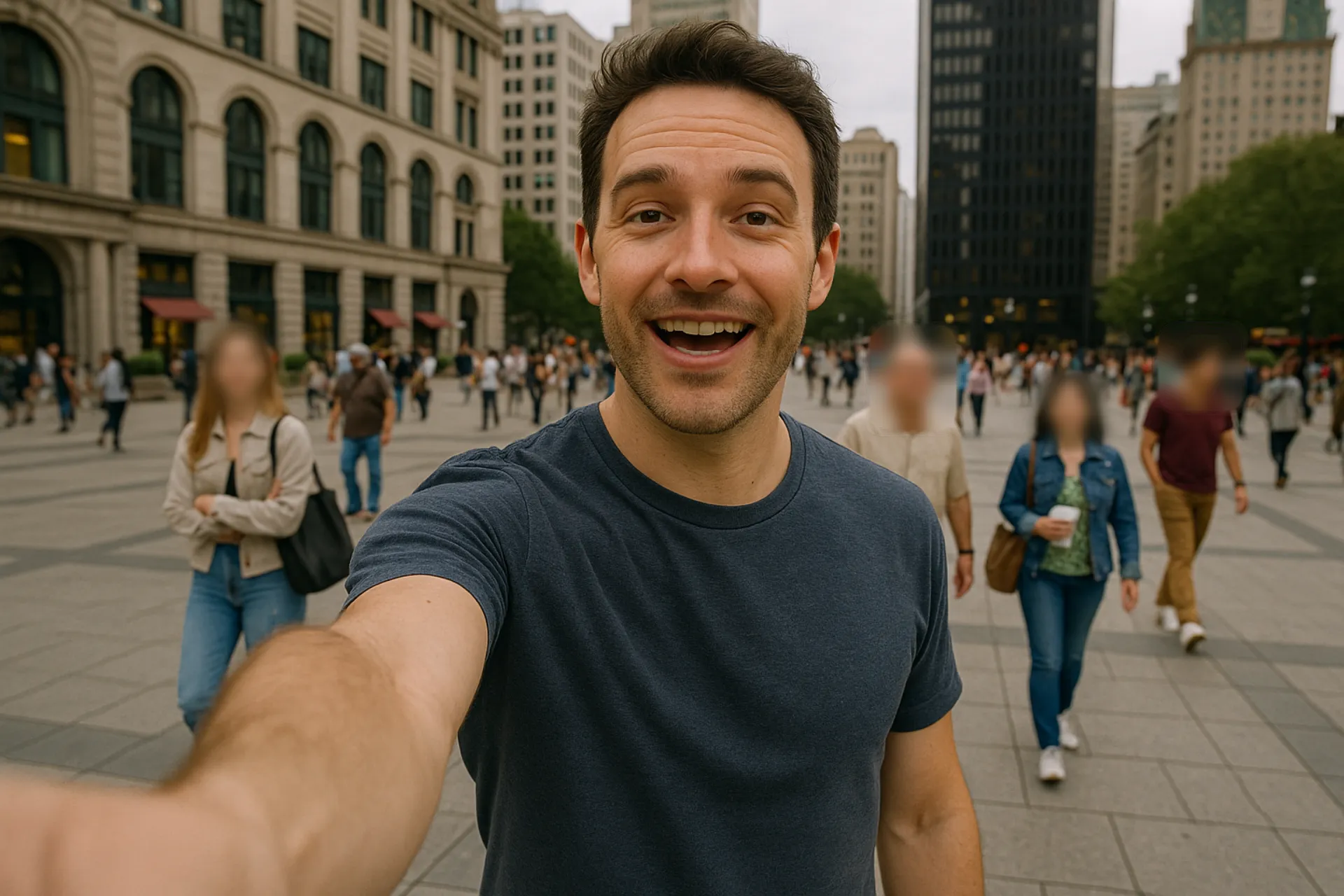
An image of a social media creator with background people blurred for privacy.

Social Media

Use blur to hide faces, names, or locations before sharing images on platforms like Instagram or TikTok. Protect privacy while keeping your posts engaging.
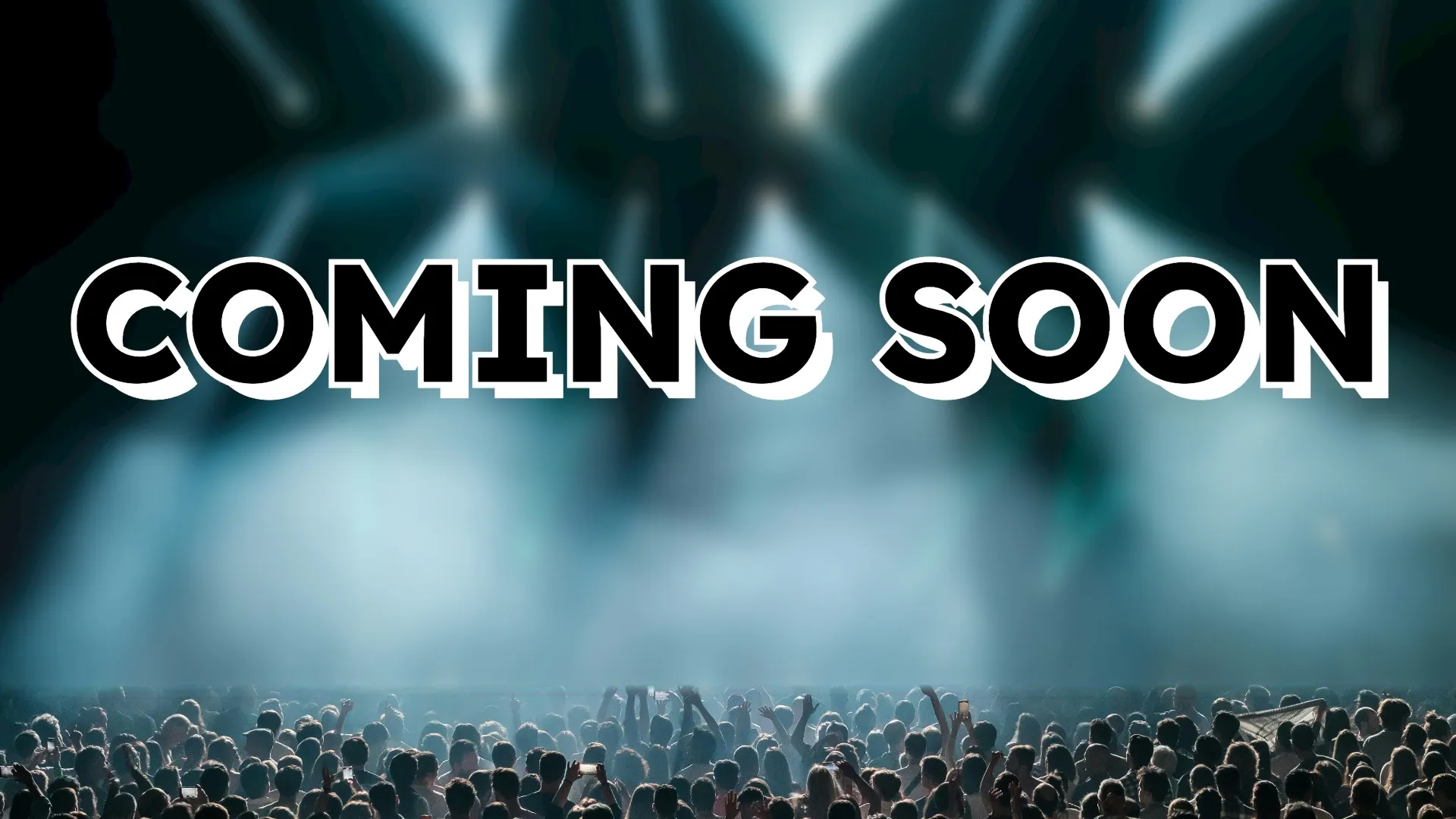
coming_soon_text_overlaid_on_a_blurred_stage_with_an_in_focus_crowd_V1.jpg

Visual Highlights

Blur all of part of the image to direct attention towards a specific object, face, or text overlay. Create focused tutorial images, social content, or marketing visuals quickly.

A man holding a laptop viewing a document that should be censored with an online image blurrer.

Sensitive Text and Documents

Blur text, numbers, watermarks, or private details in images or screenshots. Protect personal or private information without tedious manual editing.

A phone with social media open showing where a blurred image would be used while editing.

Phone Edits

iPhone and Android users can blur cluttered areas or backgrounds in pictures before sharing them. Kapwing's blur tool works fully online in your mobile browser.
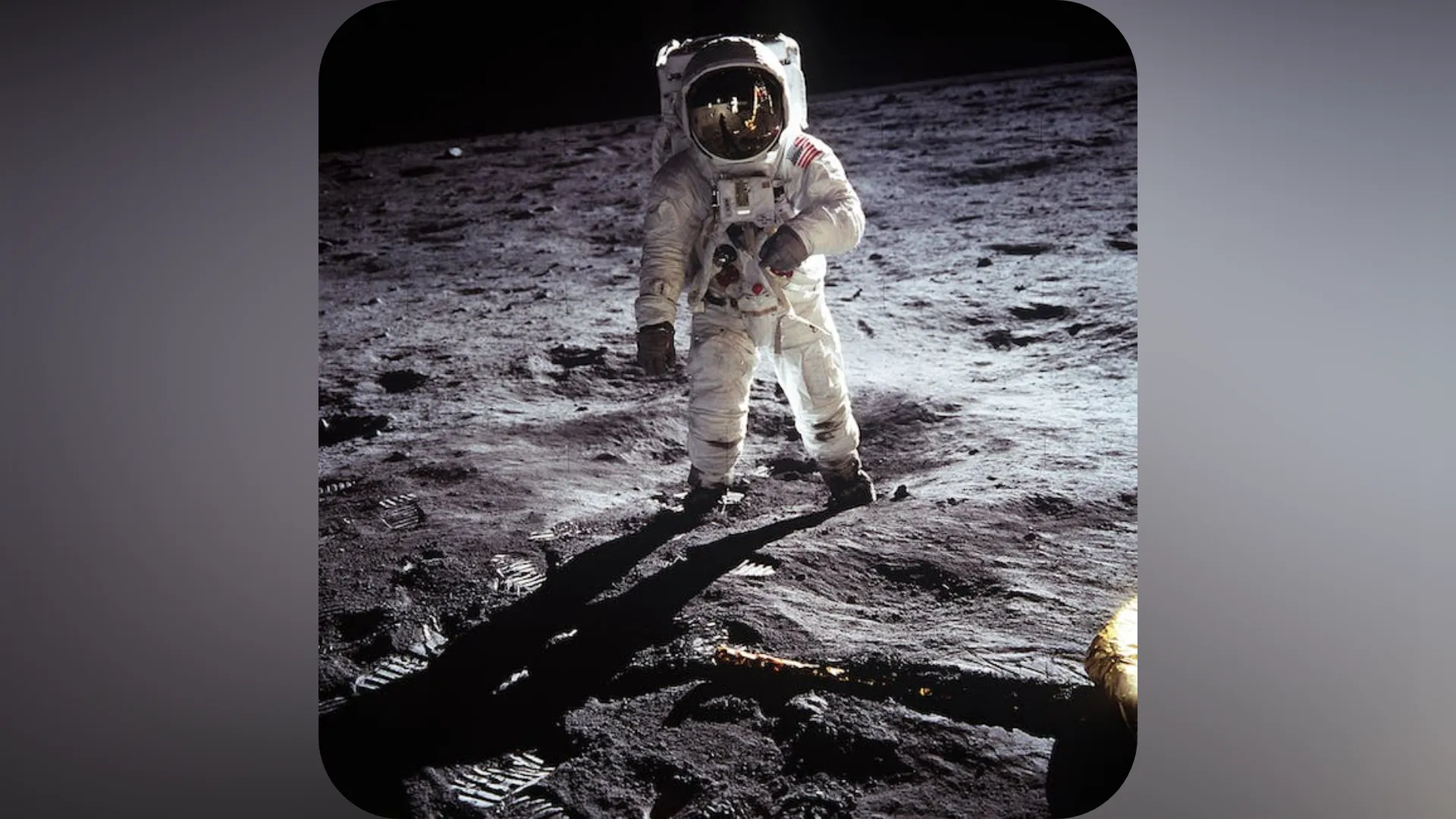
resize_image_of_astronaut_on_moon_with_blur_V1.png

Resized Images

When resizing a photo, you can add a blurred background to change aspect ratio while keeping the full picture visible. Repurpose images to fit platforms like Instagram and Facebook.

Real teams creating on Kapwing

Already transforming video creation across industries

Hear directly from the teams who publish faster, collaborate better, and stay ahead.

It just works!
Kapwing is incredibly intuitive. Many of our marketers were able to get on the platform and use it right away with little to no instruction. No need for downloads or installations - it just works.
Headshot of Eunice Park
Eunice Park
Studio Production Manager at Formlabs
With Kapwing, we're always ready to create.
Kapwing is an essential tool that we use in MOXIE Nashville every day. As a social media agency owner, there's a variety of video needs that my clients have. From adding subtitles to resizing videos for various platforms, Kapwing makes it possible for us to create incredible content that consistently exceeds client expectations. With Kapwing, we're always ready to create - from anywhere!
Headshot of Vannesia Darby
Vannesia Darby
CEO at MOXIE Nashville
Spend less time learning... and more time crafting stories.
Kapwing helps you spend less time learning complex video editing platforms and more time crafting stories that will connect with your audience and customers. We've used the platform to help create engaging social media clips from our clients' podcasts and we can't wait to see how the platform simplifies this process going forward. If you've learned graphic design with Canva, you can learn video editing with Kapwing.
Headshot of Grant Taleck
Grant Taleck
Co-Founder at AuthentIQMarketing.com
It keeps getting better!
Kapwing is probably the most important tool for me and my team. It’s always there to meet our everyday needs in creating scroll-stopping and engaging videos for us and our clients. Kapwing is smart, fast, easy to use and full of features that are exactly what we need to make our workflow faster and more effective. We love it more each day and it keeps getting better.
Headshot of Panos Papagapiou
Panos Papagapiou
Managing Partner at EPATHLON
By the far the most user friendly software to use.
As a housewife at home looking to start a YouTube channel for fun with absolutely zero editing experience, it was so easy for me to teach myself via their YouTube channel. It takes the tediousness out of editing and encourages creativity. As long as Kapwing is around, I will be using their software.
Headshot of Kerry-lee Farla
Kerry-lee Farla
Youtuber
Kapwing is my secret weapon!
This is one of the most powerful, yet inexpensive and easy-to-use video editing software I've found. I blow my team away with how fast and efficiently I can edit and turnaround video projects.
Headshot of Gracie Peng
Gracie Peng
Director of Content
Kapwing is king.
When I use this software, I feel all sorts of creative juices flowing because of how jam-packed with features the software really is. A very well-made product that will keep you enticed for hours.
Headshot of Martin James
Martin James
Video Editor
Love this site.
As an English Foreign Language Teacher, this site helps me to quickly subtitle interesting videos that I can use in class. The students love the videos, and the subtitles really help them to learn new vocabulary as well as better understand and follow the video.
Headshot of Heidi Rae
Heidi Rae
Education
Excellent subtitling features
[It] works perfectly for me. Have been using Kapwing for a year or so, and their automatic subtitle tool gets better and better every week, it's rare that I have to correct a word. Keep up the good work!
Headshot of Natasha Ball
Natasha Ball
Consultant
Best online video service ever. And a miracle for deaf people.
[Subtitler] is able to autogenerate subtitles for video in almost any language. I'm deaf (or almost deaf, to be correct) and thanks to Kapwing I'm now able understand and react on videos from my friends :)
Headshot of Mitch Rawlings
Mitch Rawlings
Information Services Freelancer
This tool should be in every social media account managers' bookmark list.
I use this daily to help with video editing. Even if you're a pro video editor, there is no need to be spending hours trying to get the format correct. Kapwing does the hard work for you.
Headshot of Dina Segovia
Dina Segovia
Virtual Freelance Worker
Step by Step

How to Blur an Image

  1. Step 1
    Upload image

    Create a new project in the Kapwing Studio and click to upload your picture.

  2. Step 2
    Blur

    Select the image in the canvas, then click "Adjust" in the right sidebar. Drag the blur slider to add blur and adjust intensity.

  3. Step 3
    Export

    Click "Export Project" to download your blurred image as a high-resolution JPEG, PNG, or WebP.

Thoughtfully Unique

What's different about Kapwing?

Six reasons creators stay in flow: faster edits, smarter tools, and collaboration that actually keeps projects moving.
Easy
Start creating immediately with thousands of templates and copyright free videos, images, music, and GIFs. Repurpose content from the internet by pasting a link.
Easy
Free
Kapwing is completely free to start. Just upload a video and start editing. Supercharge your editing workflow with our powerful online tools.
Free
Collaborative
Quickly review and share feedback with your team using real-time comments in shared workspaces. Save assets to your Brand Kit for easy access.
Collaborative
Online
Kapwing is cloud based, which means your videos are wherever you are. Use it on any device and access your content anywhere in the world.
Online
No spam or ads
We don't serve ads: we're committed to building a quality, trustworthy website. And we will never spam you nor sell your information to anyone.
No spam or ads
AI-Powered
Kapwing uses the latest advanced AI models to power generative AI and one-click editing tools.
AI-Powered
Just the FAQs

Frequently Asked Questions

We have answers to the most common questions that our users ask.

Is Blur Image free?

Yes, Kapwing's Blur Image tool is free for all users. For access to the full range of image editing tools, including AI-powered tools, upgrade to a Pro account.

Is there a watermark on exports?

If you use Kapwing on a Free account, then all exports — including from the Blur Image tool — contain a watermark. Once you upgrade to a Pro account, the watermark is completely removed from your creations.

How to blur images with Kapwing

To blur pictures online, create a new project in the Kapwing Studio. Click or use the drag-and-drop tool to upload your photos as JPEG, PNG, or WebP. Select your image in the canvas and find the "Adjust" section of the righthand toolbar. Drag the slider under "Blur" to add and fine-tune blur intensity.

From there, you can use Kapwing's other image editing tools, like adding filters and overlays, adjusting colors, and resizing for different platforms. When you're ready, click "Export Project" to save your image in up to 4K resolution.

How to blur an image on iPhone or Android

To blur an image using your phone, including iPhone and Android devices, open the Kapwing Studio on your mobile browser. Press to upload your image, then select it in the canvas. Click "Adjust" in the bottom toolbar and drag the "Blur" slider to add blur to your image. Use any of Kapwing's other image editing tools, then click "Export Project" at the top to download and save your blurred image.

Can you blur parts of images?

Yes, Kapwing supports multiple blur layers, so you can blur individual faces, license plates, addresses, documents, and more. To blur part of an image, upload your image, then create a copy of it. Make sure the copy is directly overlaid on top of the original, then crop the copy to the section you want to blur. Adjust the blur level using the slider in the righthand sidebar, and add rounded corners to your blurred area by adjusting the "Corners" setting.

What image formats does Kapwing support?

Kapwing supports all major image file types, including JPEG, PNG, WebP, and GIF. You can upload images in any of these formats. To download your blurred image, click "Export Project," then select your preferred file type and resolution.

Can I also blur videos?

Absolutely, you can use Kapwing to blur videos and blur video backgrounds.

Resources

Discover Resources

Tips, templates, and deep dives to help you create faster and share with confidence.

View all
Online image editor
Easily edit images and graphics with our powerful Photo Editor. Adjust photos with one-click tools or refine every detail with precise controls.
Generative AI
Chat with Kapwing's AI assistant to generate studio-quality images of anything. Then use Image to Video to transform still photos into engaging animations.
Templated image designs
Use thousands of image-based templates to quickly create polished posters, adverts, cards, collages, invitations, and memes.
Automatic resize
Crop, flip, or resize images to fit any platform. Built-in social media Safe Zones ensure your content always fits correctly.
AI image editing
Replace the background, remove objects, or change outfits with Kapwing's AI Image Editor. Easily remove watermarks, restore images, and correct colors.
Turn images into polished content
Transform images into viral content with access to 1,000+ royalty-free stock images, videos, and music tracks.
Are you ready?
Create something amazing in seconds

Get started with your first video in just a few clicks. Join over 35 million creators who trust Kapwing to create more content in less time.
