Edit videos with AI. Start for free in your browser.
Prompt to trim footage, translate video, find highlights, replace objects, upscale to 4K, and more.
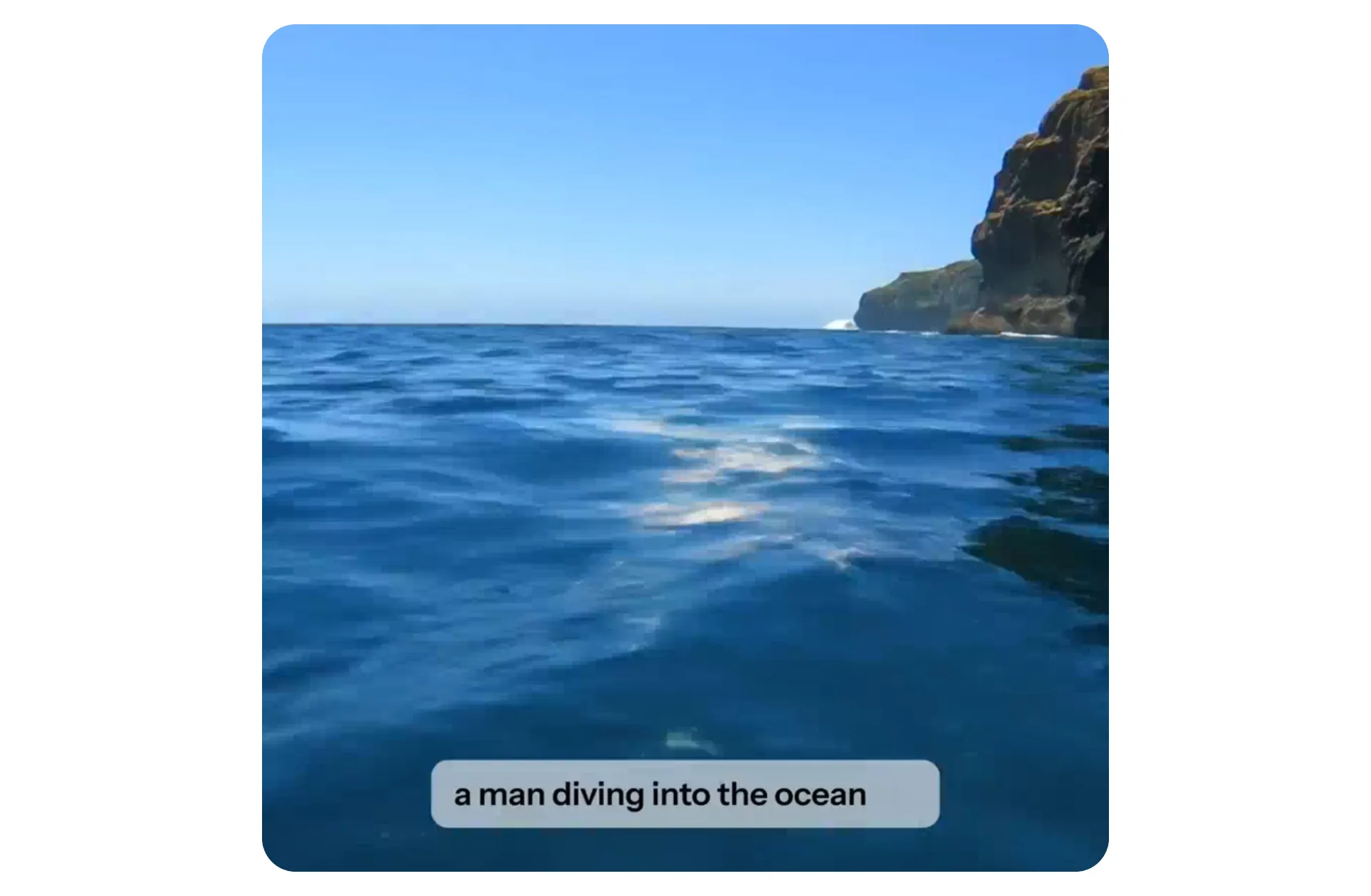
AI-powered video editing.
100% online.
Generate, clip, trim, upscale, resize, translate and stylize, or add subtitles, music, and more — using text prompts or AI studio tools
Edit videos with AI — from first draft to final export
Kapwing’s AI Video Editor brings automated editing and AI generation together in one browser-based workspace. Edit your existing footage, generate new videos, or combine both workflows in the same project.
Upload your footage and ask AI to add subtitles, trim and arrange clips, apply filters, or enhance video quality. You can use AI to handle the editing without generating new content.
When you need new footage, generate videos or B-roll from a text prompt, image, script, or PDF. Use video inpainting to change objects or details within existing footage, then combine your generated clips with the videos you uploaded. Use as many generative features as your project needs.
Refine your project by chatting with Kapwing’s AI assistant or using the AI tools and timeline controls in Studio.
AI video editing in 3 steps
Free to start. No download required.
Upload
your video or generate one using Kapwing AI


Prompt
in the chatbot to trim, clip, and enhance, or add subtitles, music, and more
Edit
in the full editing studio with one-click AI tools and drag-and-drop features
Edit and enhance footage 10x faster with AI
Professional-grade AI tools. Trusted by 35M creators.
Delete words in your transcript to automatically remove or trim that section of the video using AI — no editing experience needed.
.webp)
How AI can transform your video editing workflow
From prompt to polished video without switching tools, apps, or platforms
Create, edit, share — all from one browser
Kapwing combines AI video generation with a full AI editing suite in a single browser workspace. The online editing platform helps creators produce more content in less time with AI built for the demands of fast-moving content in 2026.
Every AI feature is designed for speed and simplicity with auto-prompt enhancement and an AI Video Assistant to guide your inputs along the way.
Millions of users trust us to streamline their workflow by eliminating tedious tasks like resizing clips for social media, generating voice overs, cutting unwanted pauses, and adding accurate subtitles.
Say goodbye to scattered video files, disorganized brand assets, and endless email threads.
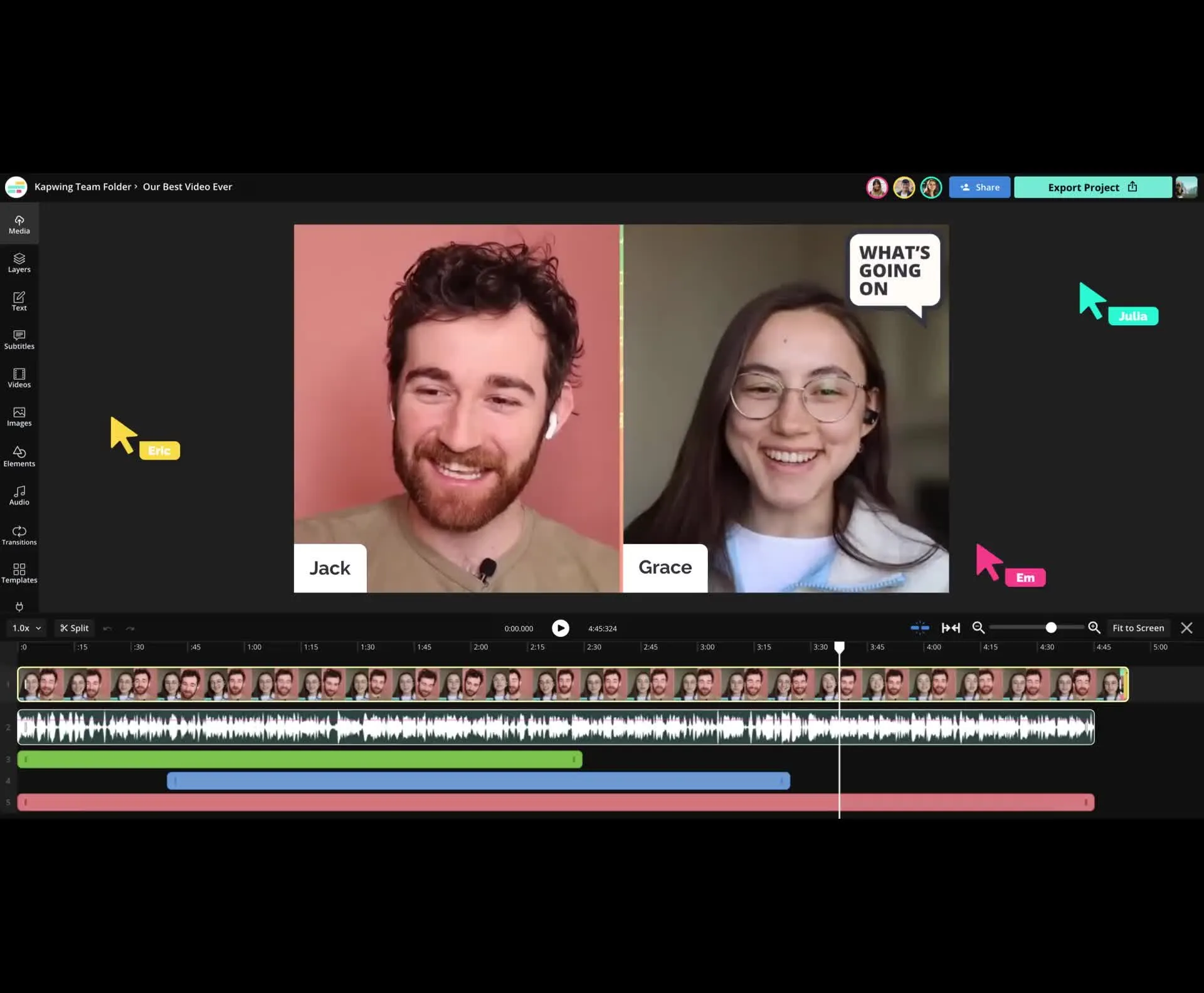
Entire teams can collaborate seamlessly on Kapwing.com, leaving feedback directly on videos and streamlining reviews — no more constant back-and-forth in Slack, Teams, or email.
Already transforming video creation across industries
Hear directly from the teams who publish faster, collaborate better, and stay ahead.


Fully edited videos. Ready in minutes.
Storyboard an idea instantly — AI builds your video 100% online

AI Video Generator
Kapwing can automatically transform prompts and images into fully-edited video projects with optimized aspect ratios for any platform
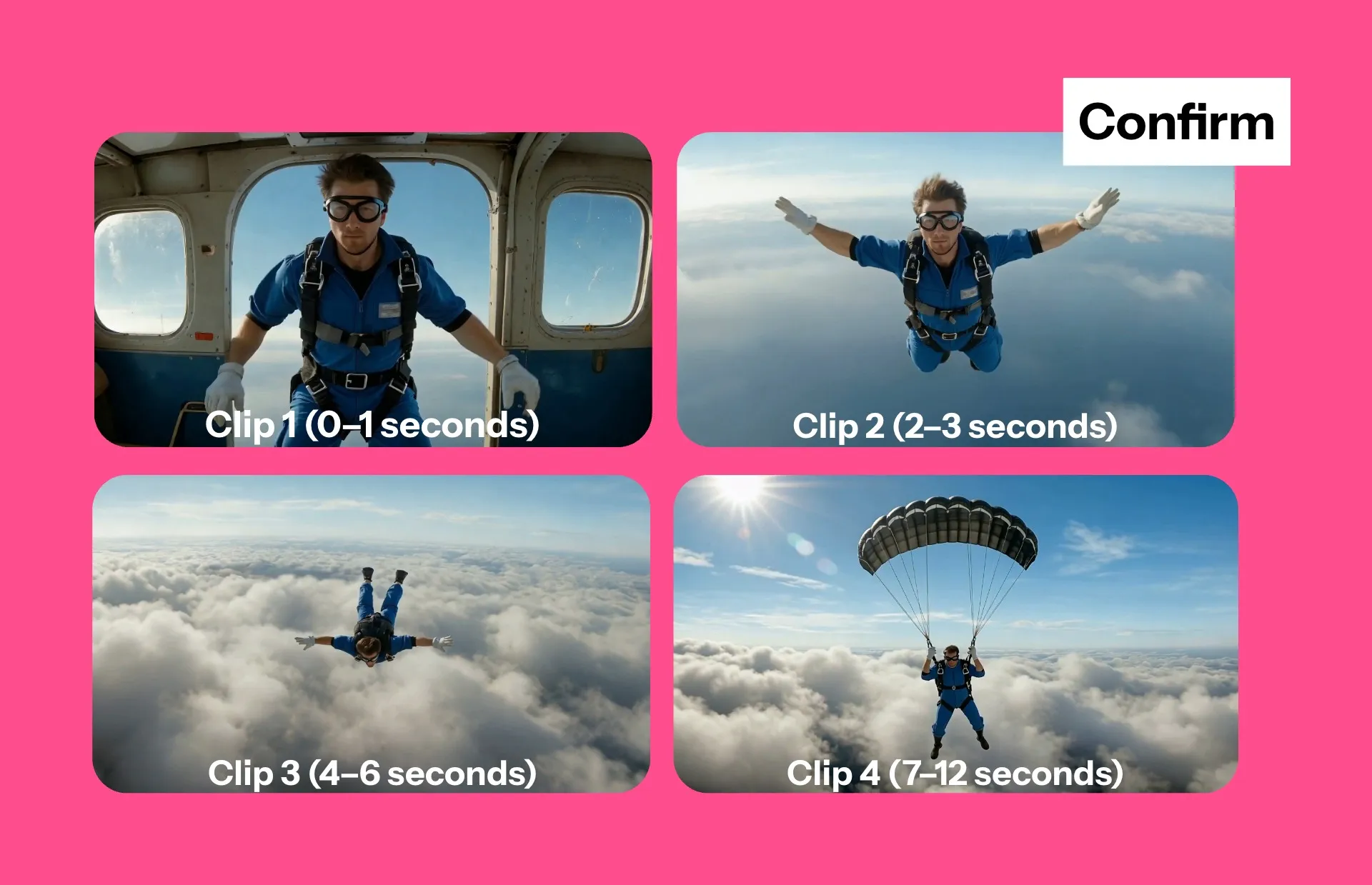
AI Storyboards
Preview a video storyboard and iterate with the chatbot to refine scenes, visuals, and finalize edits before exporting — giving full control over credit usage
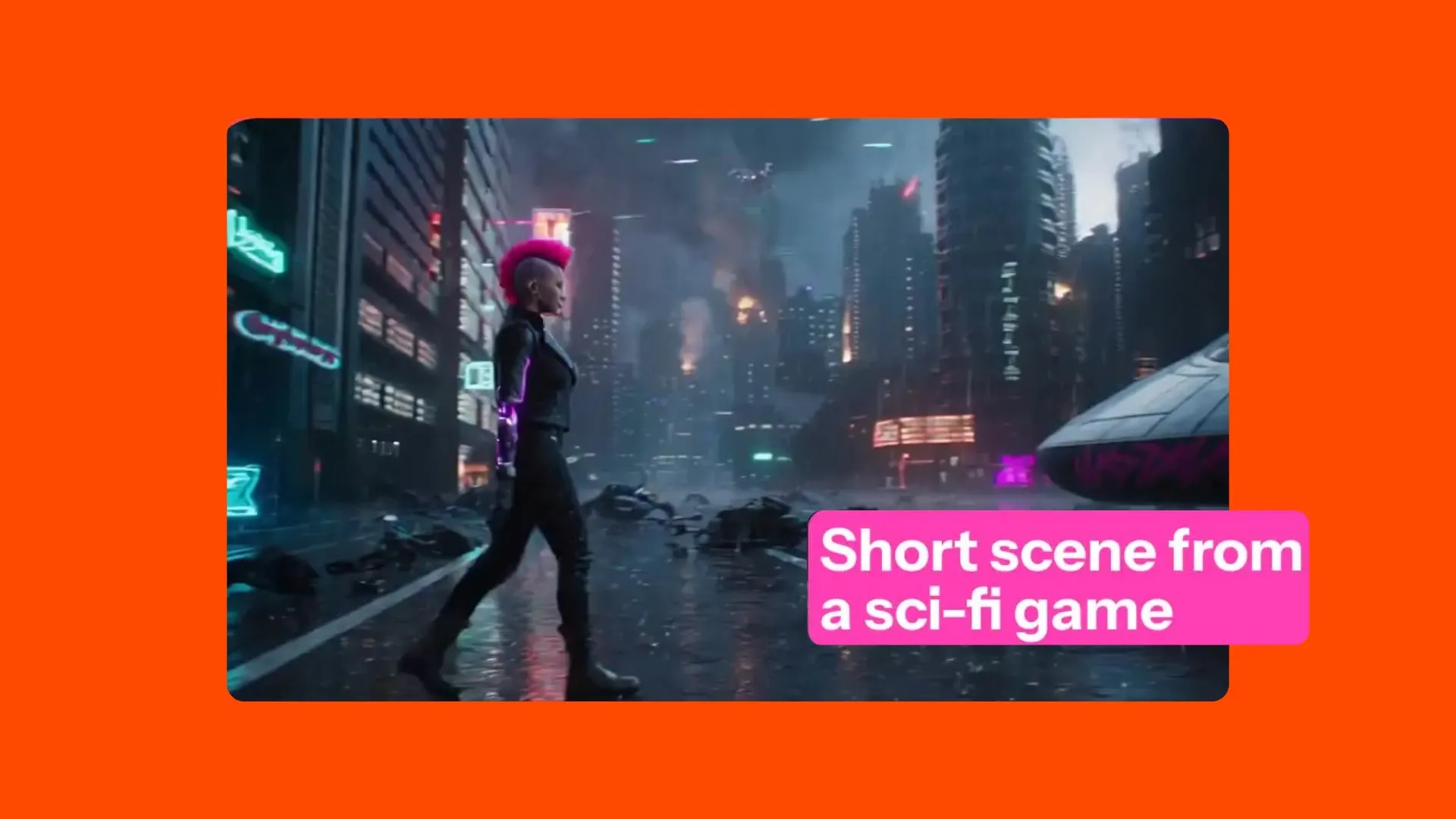
AI Scenes
Generate short 3-30 second video scenes with character consistency, end frames, start frames, multi-scenes, and motion control
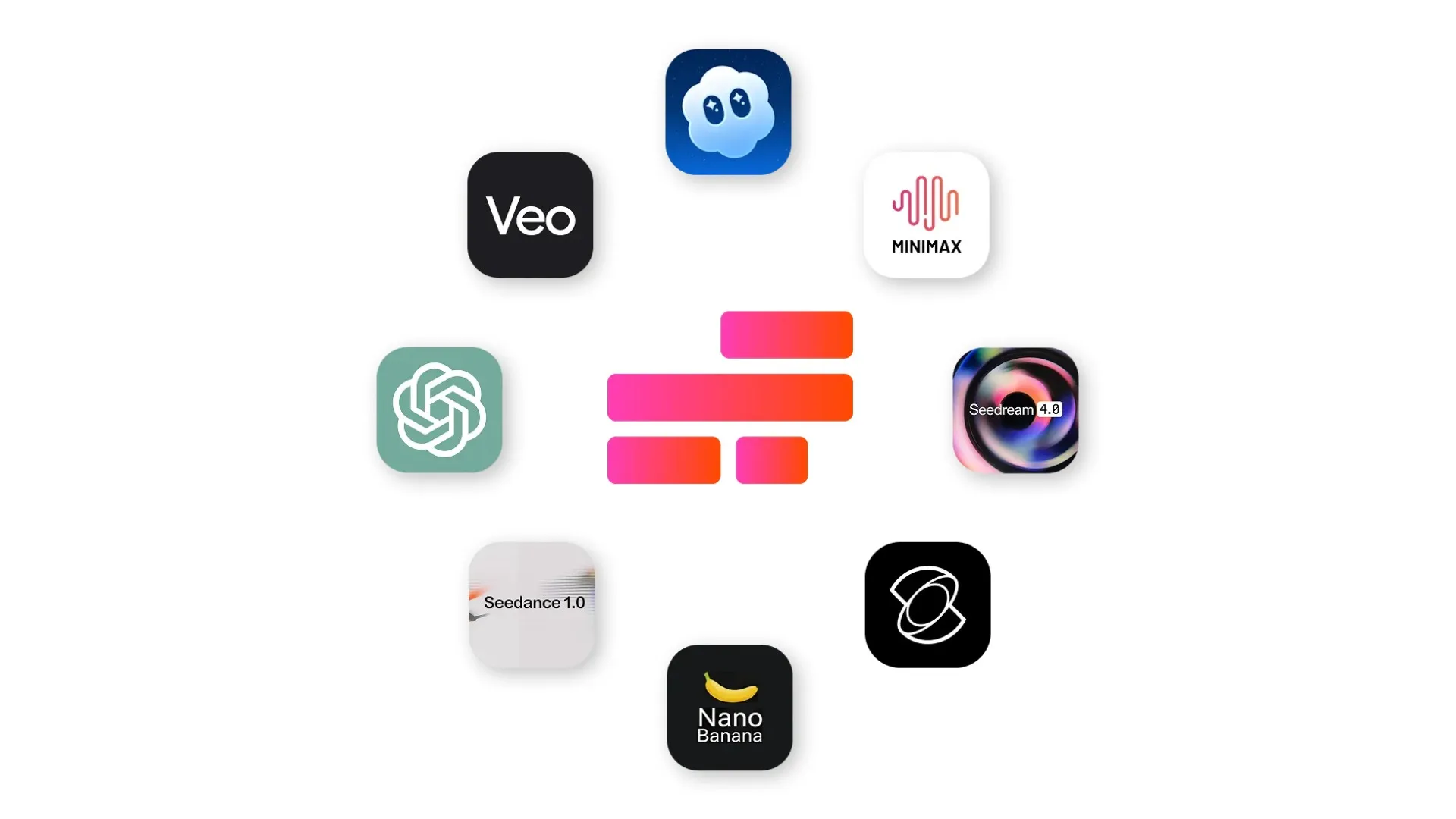
AI Models
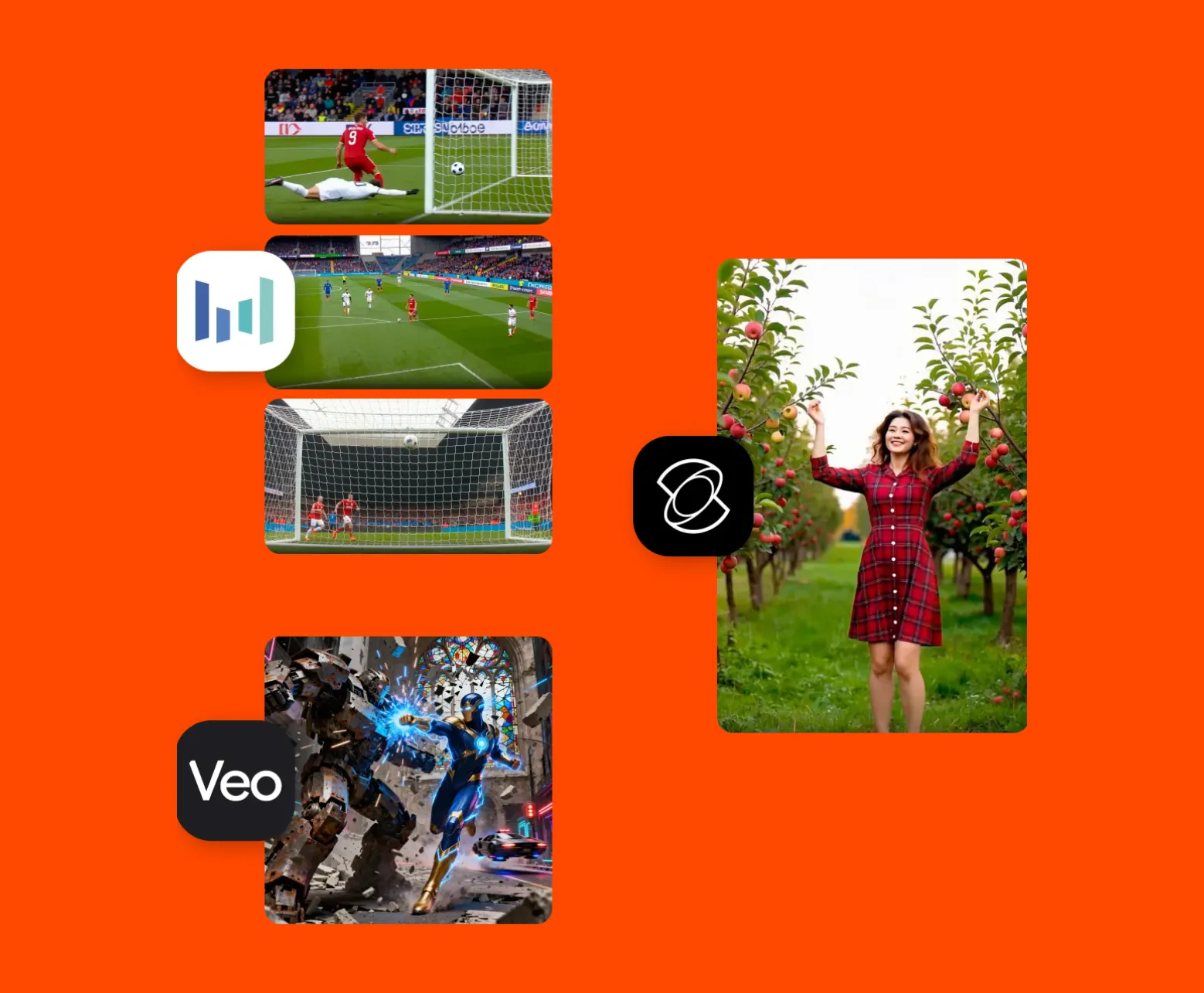
Supported by multiple leading AI models like Kling, Veo, Sora, Seedance, MiniMax, ChatGPT Image, and Nano Banana
How to Edit Videos With AI
- Step 1Upload video
Add a MP4, MOV, AVI, WebM, or any common video format. Or, generate a video using AI.
- Step 2Edit
Edit videos by chatting with AI or using one-click tools in the studio’s right-hand toolbar.
- Step 3Export
Export and download as a MP4, watermark-free on Pro. Full commercial rights on all exports.
Built for every kind of creator and team
Edit faster, repurpose content easier, and publish consistently with AI
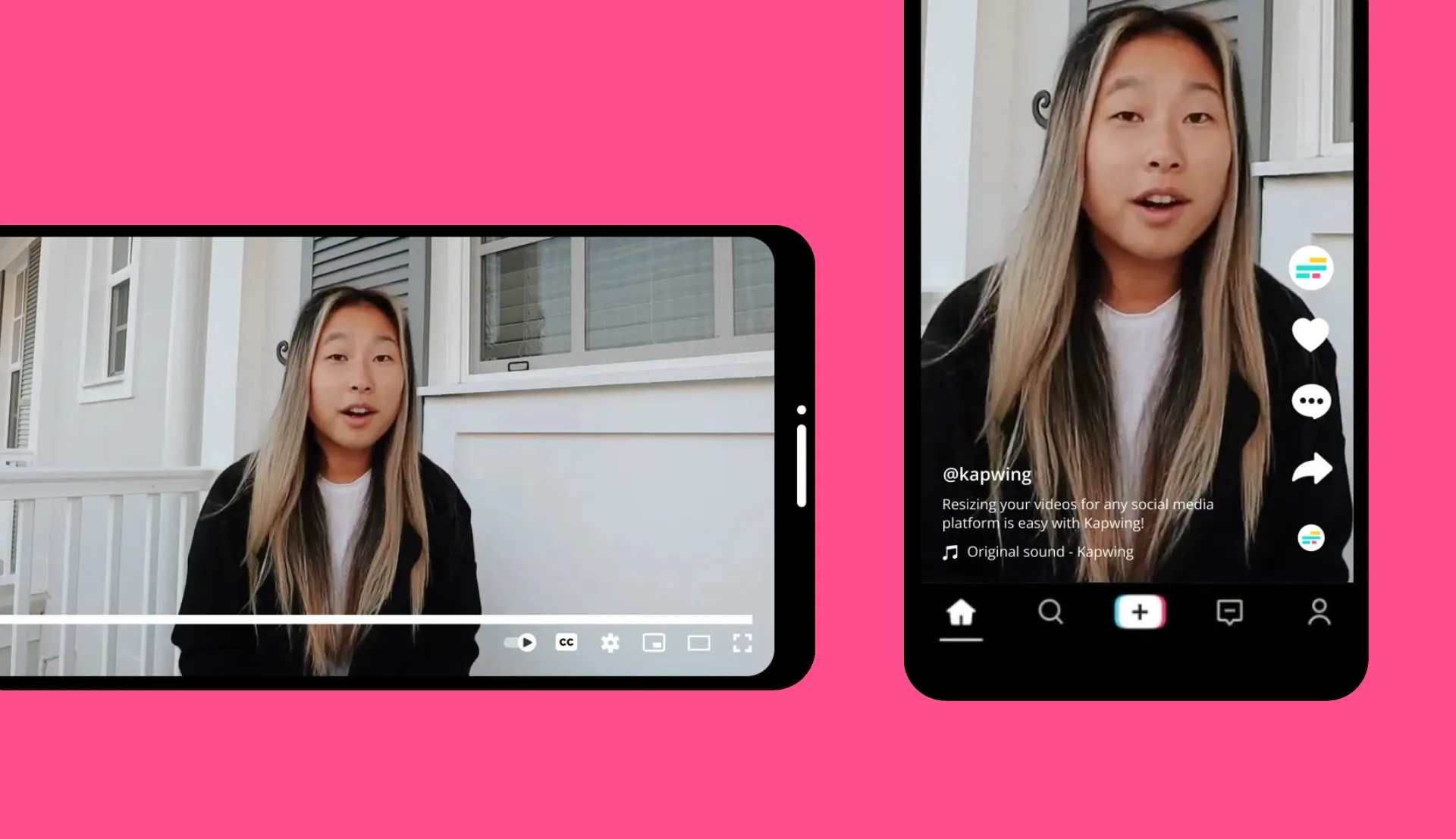
Social Media Managers
Kapwing's AI Video Editor allows social teams to repurpose videos in minutes — resizing for every platform and publishing more videos in less time

Marketing & Advertising
Use Kapwing to scale content production. Apply custom branding, leverage AI tools, and collaborate online with clients or team members.
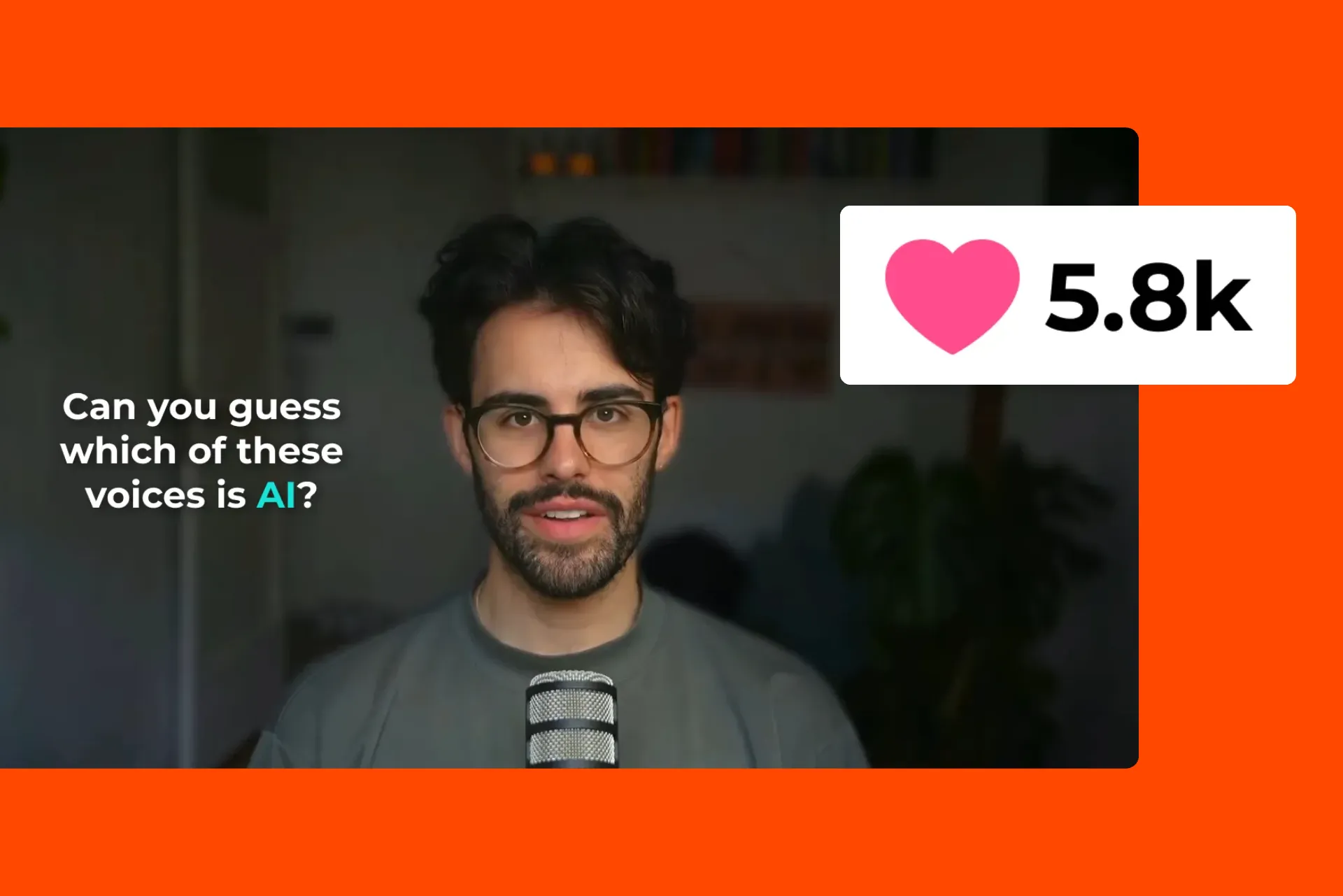
YouTubers & Streamers
YouTubers transform hours of content into scroll-stopping highlights with AI Clip Maker. Apply Speaker Focus, Auto-eye Correction, and auto-subtitles.

E-commerce
E-commerce teams and product marketers use AI-powered B-roll, captions, and resizing tools to create engaging product videos at scale
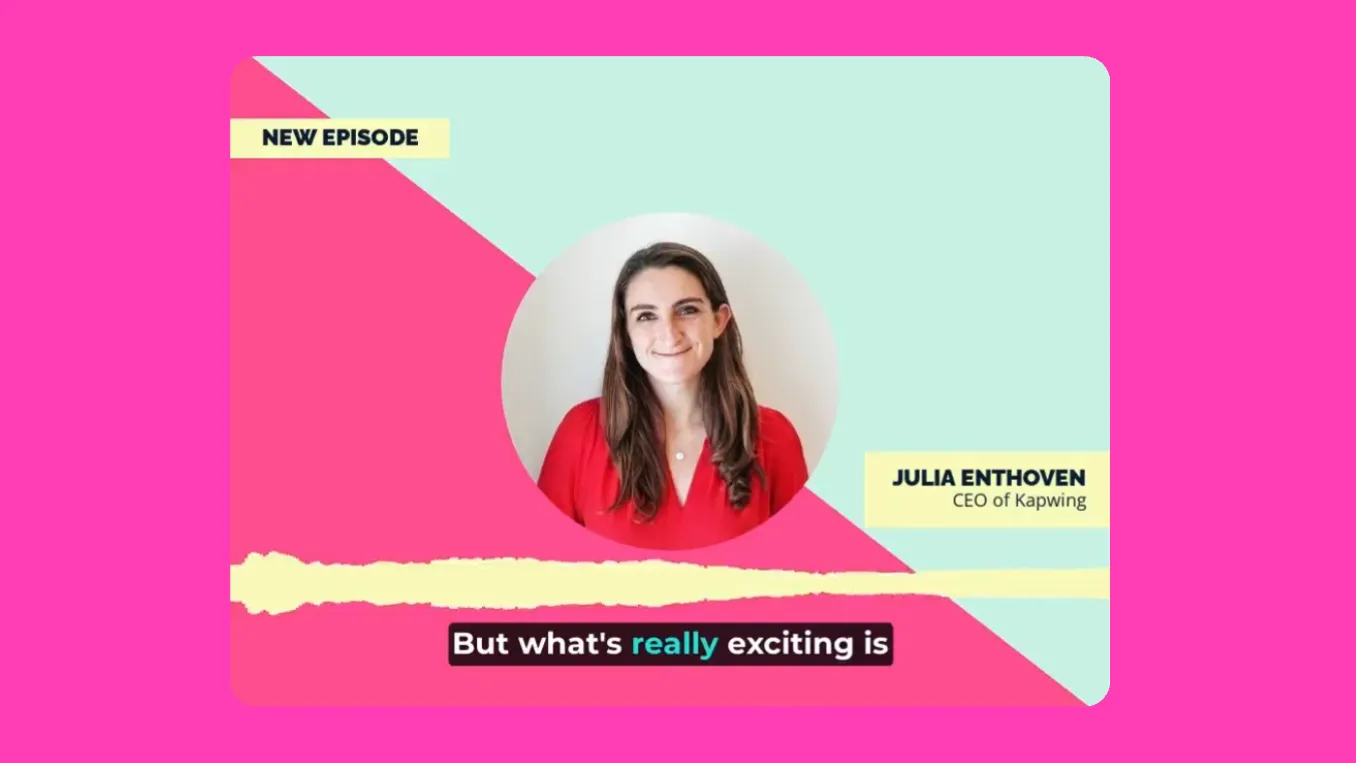
Podcasters & Vloggers
Podcasters and vloggers use Kapwing's AI Video Editor to instantly remove filler words, pauses, and unwanted background noise with Smart Cut
.webp)
PR & Journalists
Convert press releases and articles into fully-edited video projects using AI Article to Video — just upload a PDF or copy and paste text
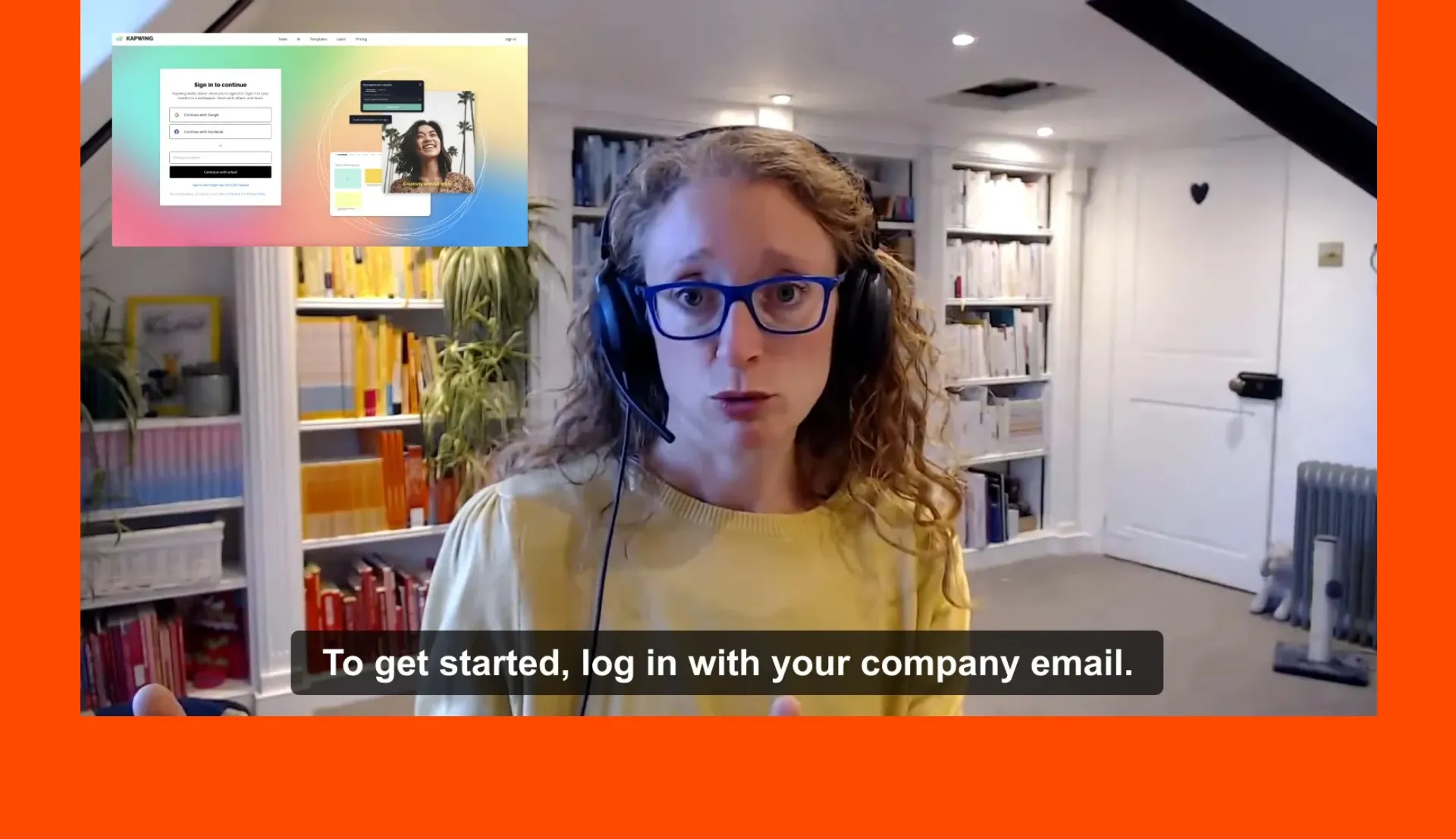
HR & Internal Comms
Our AI Translator helps HR teams streamline internal communications with globally accessible training, onboarding, and employee welcome videos
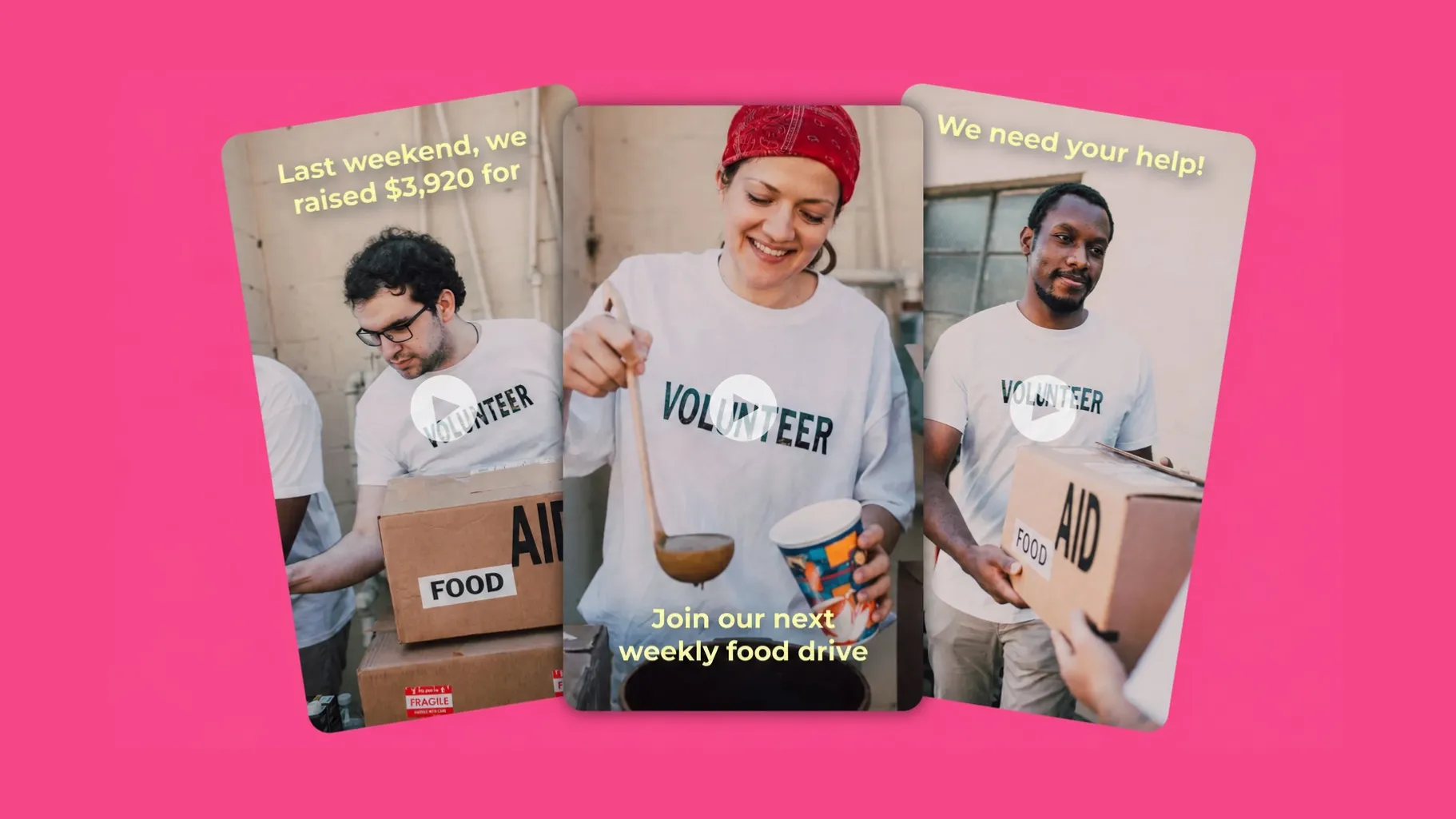
Event Organizers
Event marketers and conference organizers create promotional reels, recap videos, and highlight reels with the AI Video Generator and trimming tools
Turn ideas into content within seconds
Generate videos from text prompts, articles, and scripts
Create 3–30 second video clips from simple text prompts or image uploads. Or, generate a fully-edited video project that lasts minutes.
What's different about Kapwing?



Frequently Asked Questions
We have answers to the most common questions that our users ask.
Is the AI Video Editor free?
Yes, anyone can try Kapwing’s AI Video Editor for free. All our AI tools run on a credit system, with each feature costing a set number of credits. For maximum creativity and the best value, upgrade to a Pro account to unlock the full power of AI-driven content creation.
Is there a watermark on exports?
If you are using Kapwing on a Free account then all exports — including AI-generated content — will contain a watermark. Once you upgrade to a Pro account the watermark will be completely removed from your creations.
Is Kapwing's AI safe?
Kapwing takes data privacy and safety seriously. We have strict moderation guidelines, ethics policies, and security measures in place to protect user data. For detailed information, you can refer to Kapwing's Terms of Service and Privacy Policy on our website.
Can I use the AI Video Editor without any editing experience?
Yes, Kapwing’s creative suite is built for users of all abilities. Our AI editing tools make complex tasks easy, eliminating the need for time-consuming and costly edits. Whether you're a seasoned editor accustomed to Adobe Premiere Pro or a complete beginner, Kapwing's AI can enhance, diversify, and increase your content output.
What AI models does Kapwing use?
Kapwing uses a selection of cutting-edge AI video models to power today’s most viral and creative video trends. This includes Veo, Sora, Kling, MiniMax, Seedance, Pika, Seedream, Lightricks, Chat GPT Image 2, and Google Nano Banana — giving you access to the same technologies behind the internet’s most engaging content.
Can AI-generated content be monetized on platforms like YouTube?
Generally, yes. Content created using Kapwing's AI tools can be monetized on platforms like YouTube and other social media networks. However, each platform has its own rules and guidelines about monetization, so it's important to check those before publishing.
Does Kapwing support online collaborative video editing?
Yes, Kapwing supports collaborative video editing by allowing users to create free, shared workspaces they can invite team members to join. 100+ collaborative video editing tools to streamline the creative process are also available in the online video editor. Teams can also upload a Brand Kit to their workspace or set one up together in real-time, helping ensure that assets are readily available and organized.
Which devices and browsers are supported?
Kapwing works on any device and browser, though we recommend Chromium-based browsers like Google Chrome and Microsoft Edge. Kapwing also works on iOS and Android mobile devices. Since Kapwing is an online web-based software, it also works across Windows, Mac, and other desktop devices.
How can I get tips for writing better AI prompts?
If you’re unsure what to write, Kapwing’s AI Assistant can help refine your prompt. For a more in-depth understanding, explore our guide on advanced AI video prompts, which covers strategies for writing effective prompts — plus our data-backed study analyzing the most popular prompts.
What aspect ratios, file sizes, and display resolutions are supported?
Kapwing's AI studio works with all popular file types for video including MP4, AVI, MOV, WebM, and more.
- Aspect ratios in: 1:1, 9:16, 16:9, 4:5, 5:4, 3:4, 4:3, 2:3, and 21:9.
- Resolution support: 480p, 512p, 768p, 720p, and 1080p.
What are Custom Kais?
Custom Kais are pre-built AI image and video effects in Kapwing. Our team has created hundreds of them so you can instantly produce eye-catching content — no prompt writing required. Just apply a Custom Kai and the style is handled for you.
You can also create your own Custom Kai to capture your brand’s unique look and reuse it anytime for consistent, on-brand content with one click.
Does Kapwing's AI videos include video and audio?
What file formats does Kapwing support?
Kapwing supports all major video formats including MP4, AVI, MOV, WebM, and more. Export in MP4 at 1080p resolution, with 4K upscale available on Pro. Supported aspect ratios include 16:9, 9:16, 1:1, 4:5, and more.
Does Kapwing require an account or download?
No. Kapwing is completely browser-based — no download or installation needed. You can start editing immediately on any device, including Windows, Mac, iOS, and Android. No account is required to get started.
Can I use Kapwing AI videos commercially?
Yes. All AI-generated content created on Kapwing comes with full commercial rights. You can use your videos for ads, client work, social media, and monetized YouTube channels.
Discover Resources
Tips, templates, and deep dives to help you create faster and share with confidence.
View all

Get started with your first video in just a few clicks. Join over 35 million creators who trust Kapwing to create more content in less time.