AI Article to Video Generator
Convert articles and blog posts into editable AI videos with voice overs, subtitles, visuals, text headings, and music
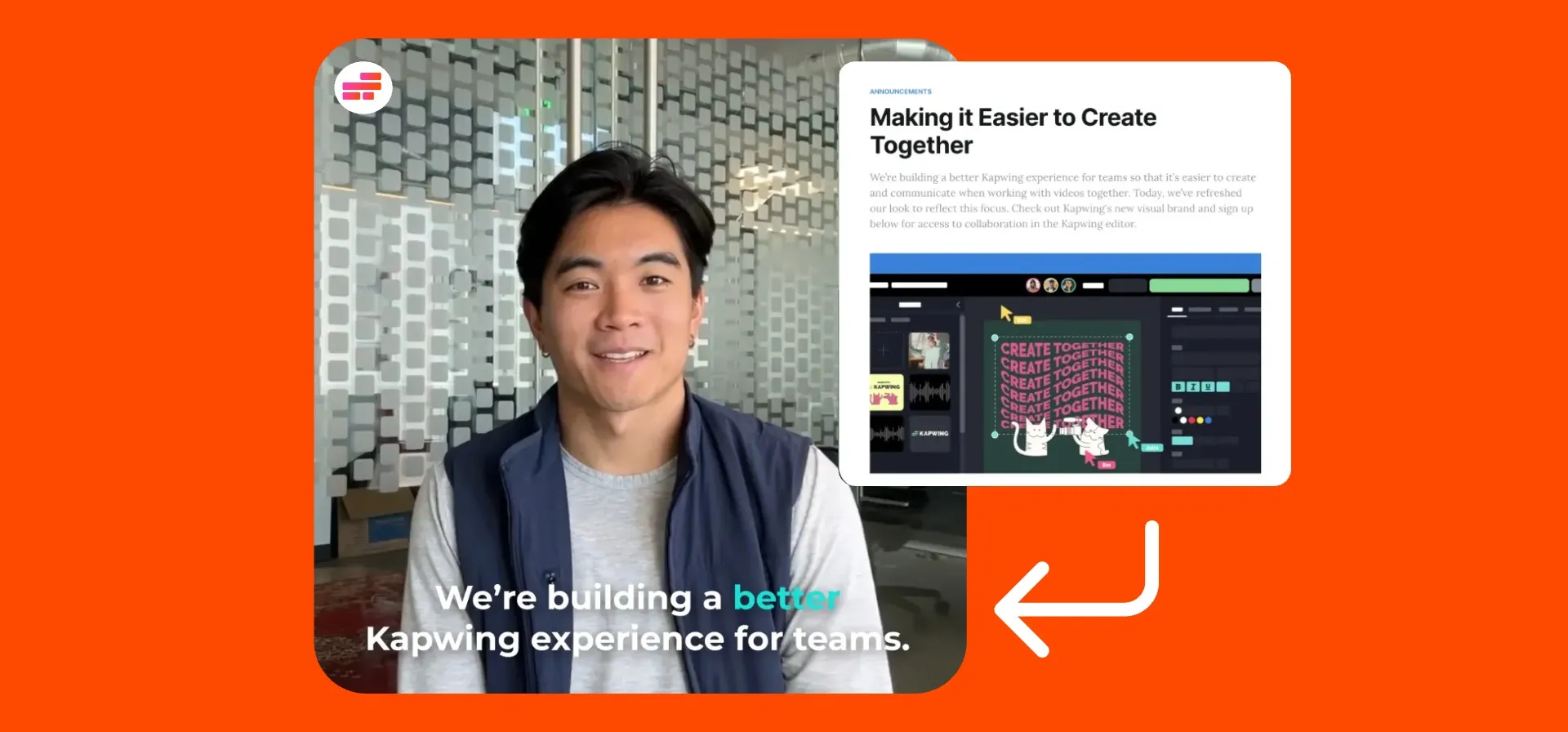
From article to fully-edited video — without starting from scratch
Free to start. No app download. Trusted by 35M+.
Convert articles into videos — in any aspect ratio
Download your article or blog post as a PDF and upload to Kapwing.
Kapwing's AI video assistant, Kai, reads the document, extracts the key points, writes a video script, matches relevant visuals, and builds a complete draft with voice over, subtitles, and background music.
The result is a fully editable video project. Swap scenes, restyle captions, change the voice over, translate to 100+ languages, or add your logo — all inside Kapwing's timeline editor.
Export in 16:9 for YouTube, 9:16 for TikTok or Reels, 1:1 for Instagram, and more aspect ratios.
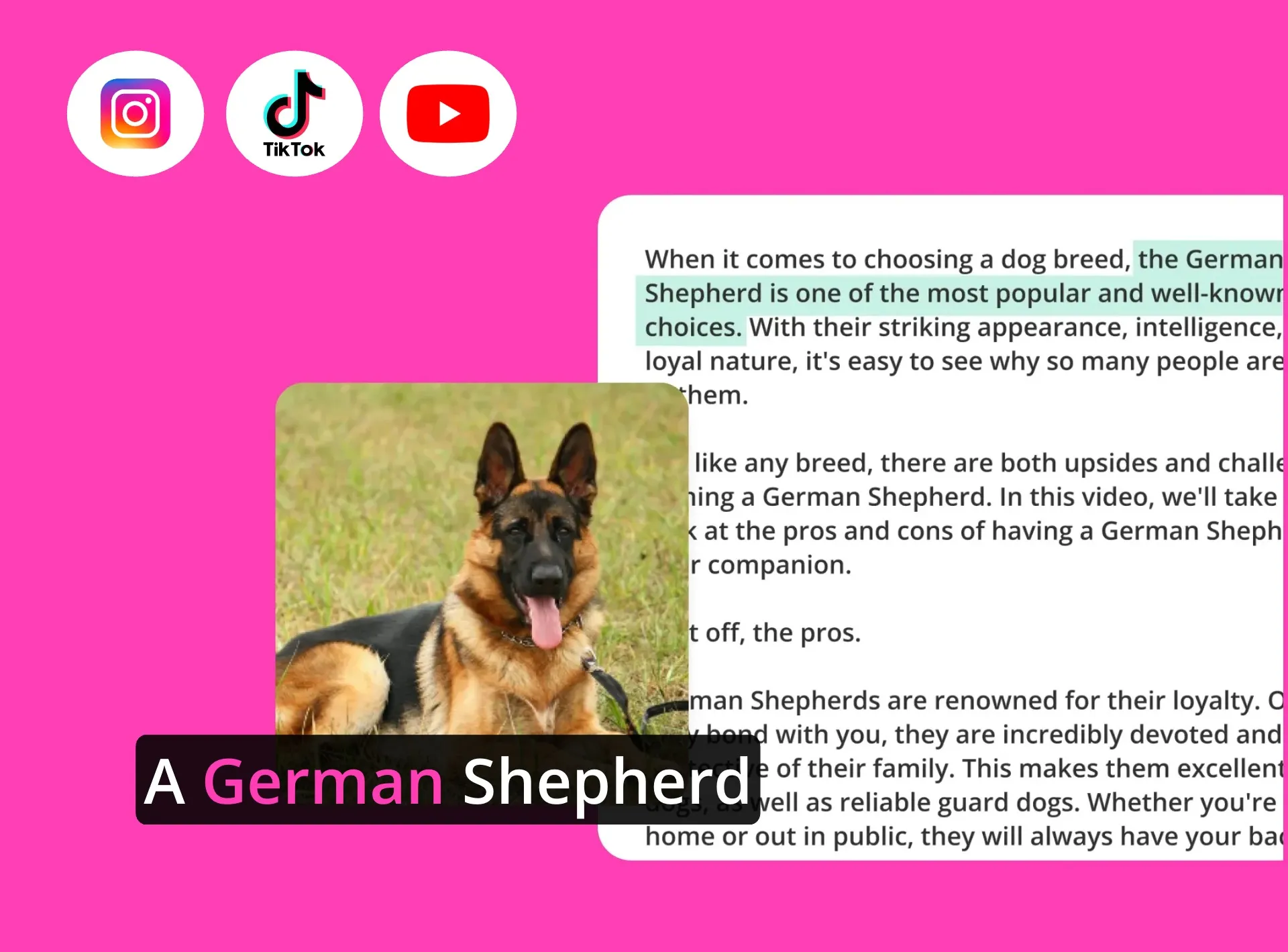
How AI article to video conversion works
Powered by Kling, Veo, Wan, Seedance, ChatGPT, MiniMusic, and more
Download
any online article as a PDF


Generate
a video by uploading the PDF to Kapwing and combining with a text prompt
Edit
the final video in the editing timeline, then export it as an HD MP4
Repurpose blogs into videos with AI
Editable videos complete with B-roll, subtitles, headings, and voice over — in any aspect ratio
AI-matched visuals — sourced and added automatically
When Kapwing processes your article, the AI assistant matches relevant stock visuals and custom AI-generated video footage to each section of the script.
Every visual is replaceable. Swap any clip or image from Kapwing's royalty-free stock library, upload your own brand assets, or re-generate with AI.
Create a Brand Kit full of logos, colors, custom fonts, and AI characters and Kapwing will apply them to every video project when prompted.
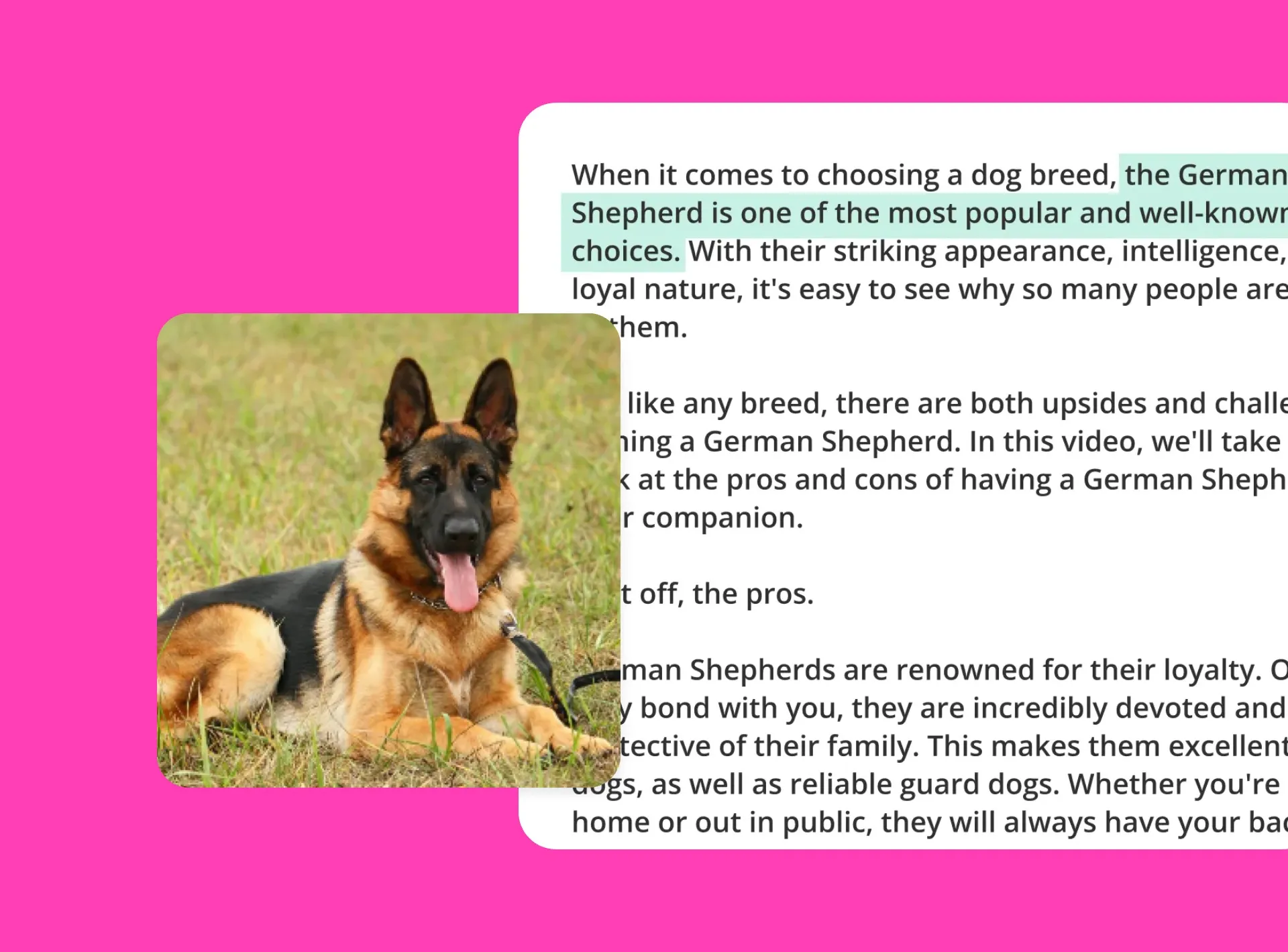
One article.
Multiple videos formats.
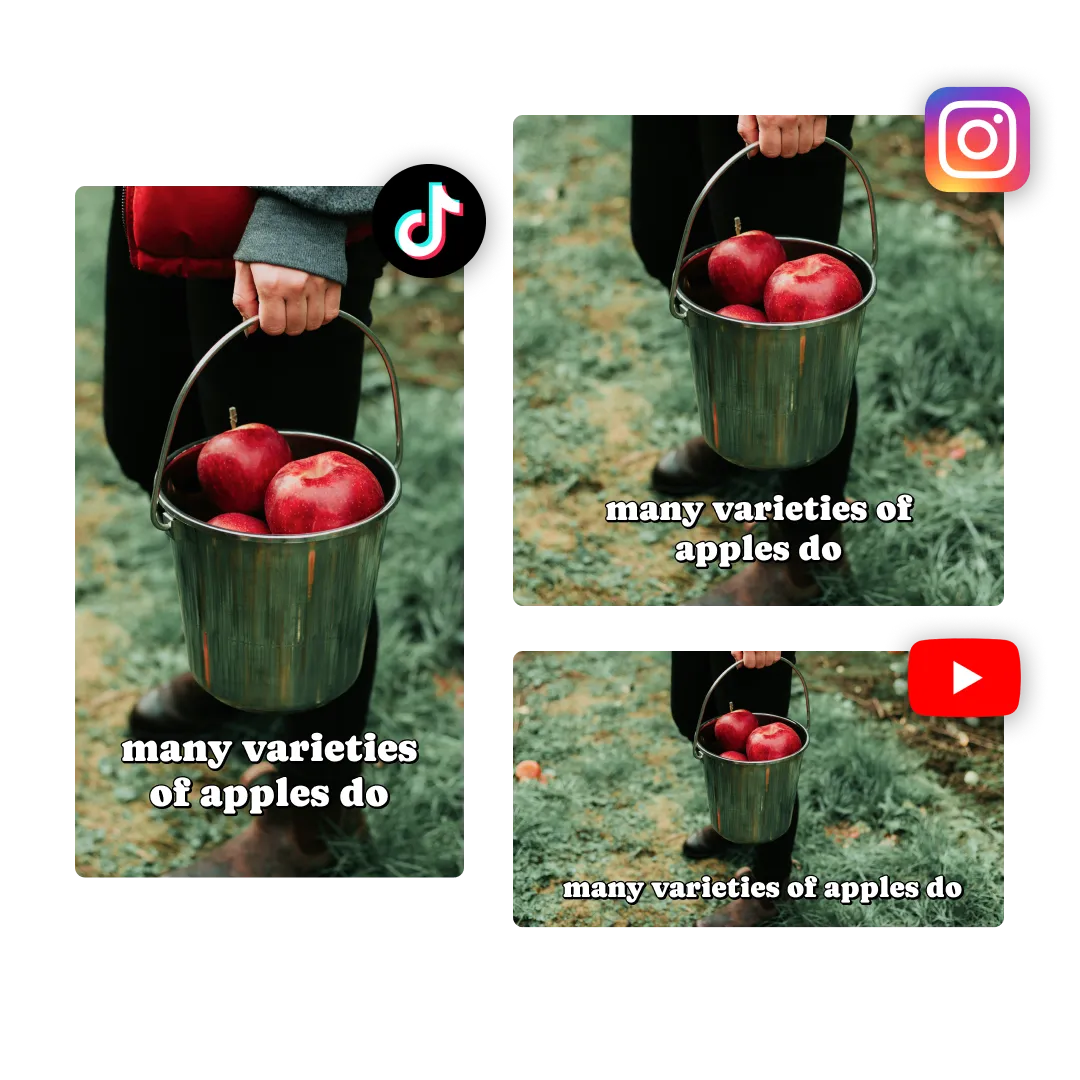
A single article or blog post can generate a 5-minute YouTube explainer, a 30-second TikTok, a square Instagram Reel, or an MP4 website embed — all from the same source document.
Choose your aspect ratio before generation and Kapwing optimizes the layout automatically, complete with Safe Zones to preview how published content will display.
Works with any written content you can export as a PDF or add via copy and paste: blog posts, news articles, press releases, long-form guides, opinion pieces, and more.
Built for teams turning written content into video
Publishers, marketers, educators, and social teams use Kapwing to repurpose text into videos faster
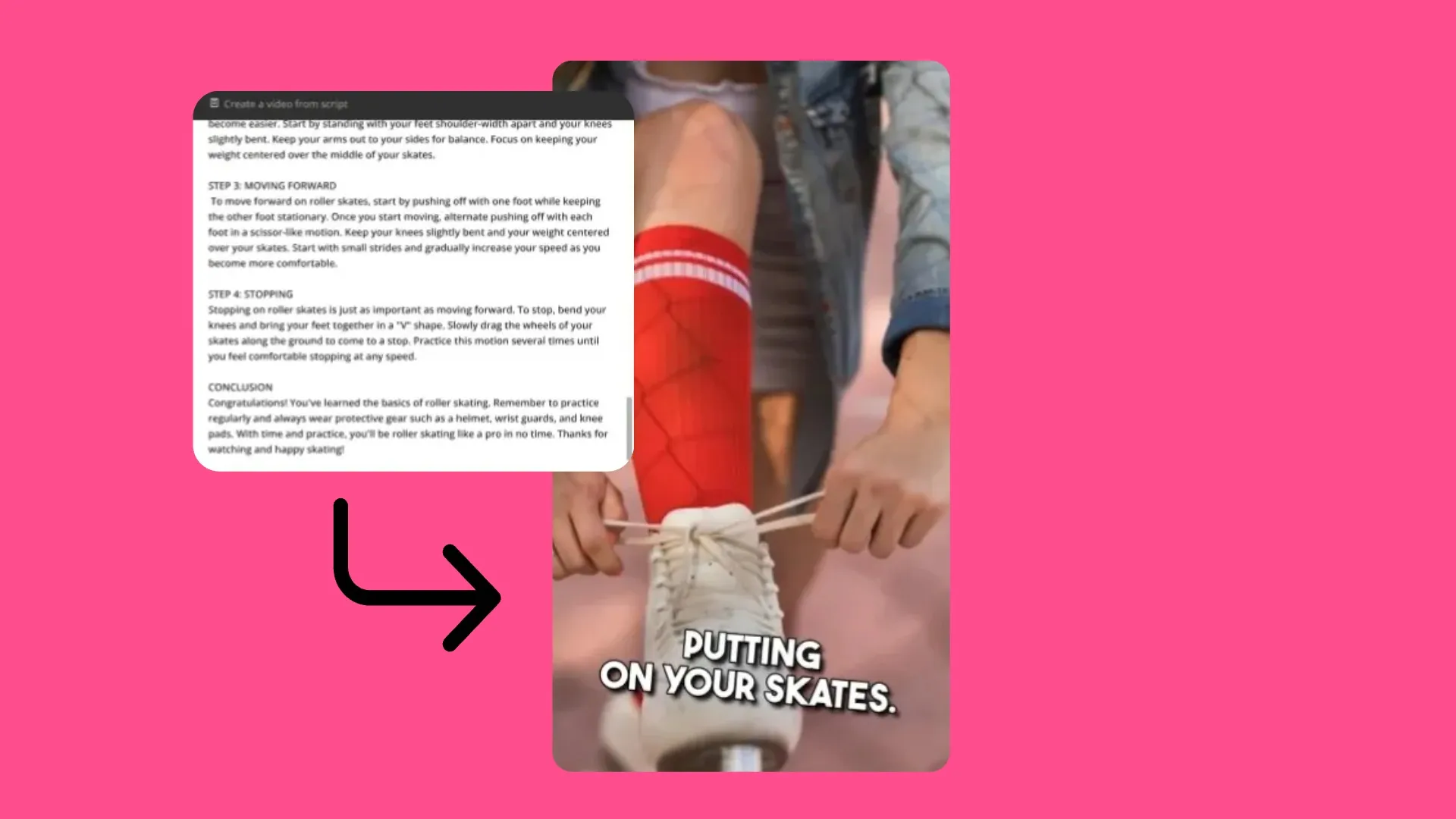
Journalists & Bloggers
Turn published articles into social-ready videos before the competition. Download your post as a PDF, generate a video, and post the same day — no editing experience required.

Educators & Coaches
Educators and coaches repurpose published articles and blogs into video summaries, making content more accessible for visual learners

PR Executives
PR Executives convert press releases into video experiences using Kapwing's Article to Video Generator, adding dynamic visuals to enhance core brand messages
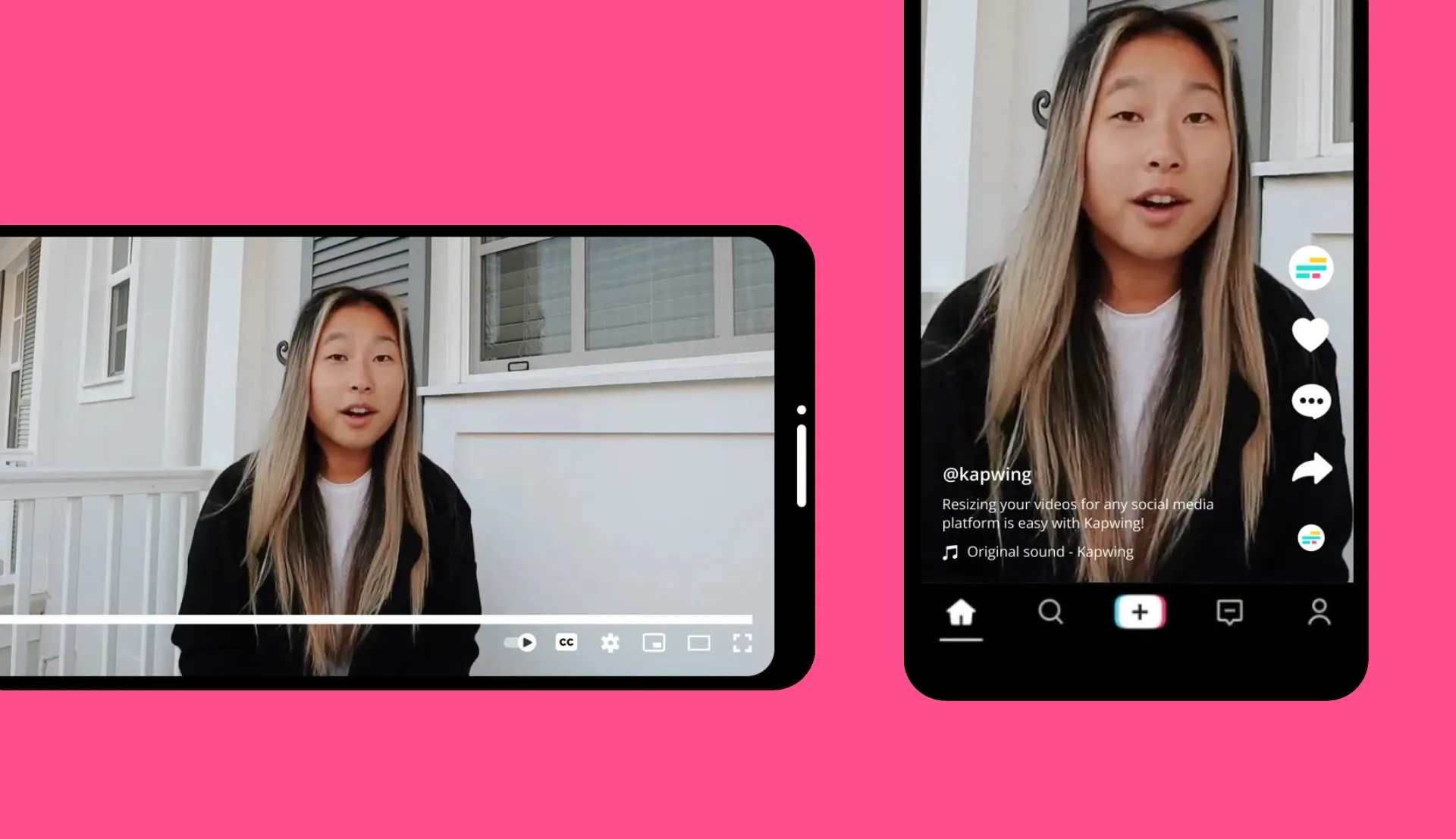
Social Media Managers
Turn one article into three platform-native formats — 16:9 for YouTube, 9:16 for TikTok, 1:1 for Instagram — without duplicating any work. One upload, multiple outputs.
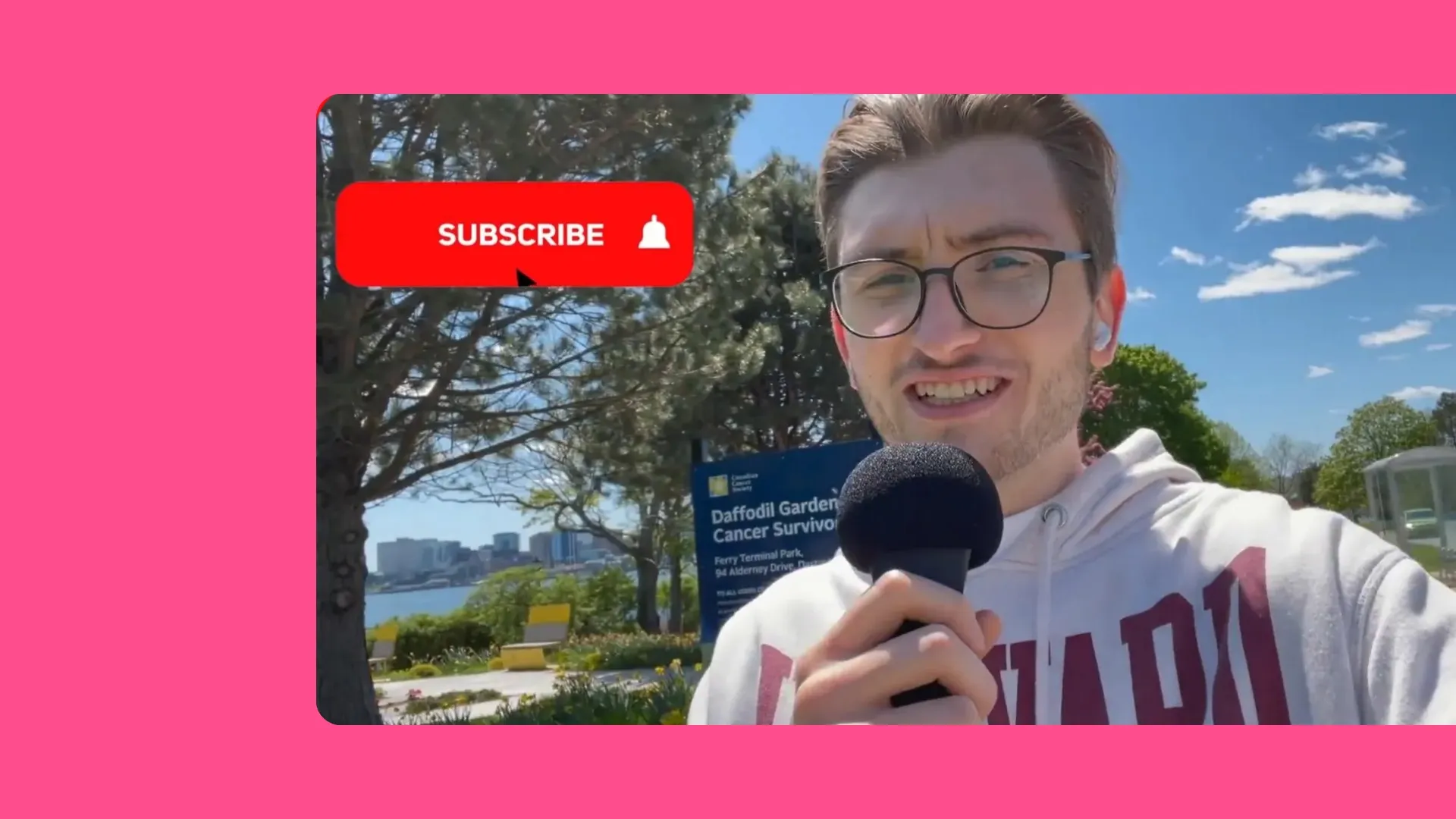
Vloggers & Influencers
Vloggers and influencers use Kapwing to turn relevant industry news into YouTube Shorts and social videos, sourcing written material from multiple publishers
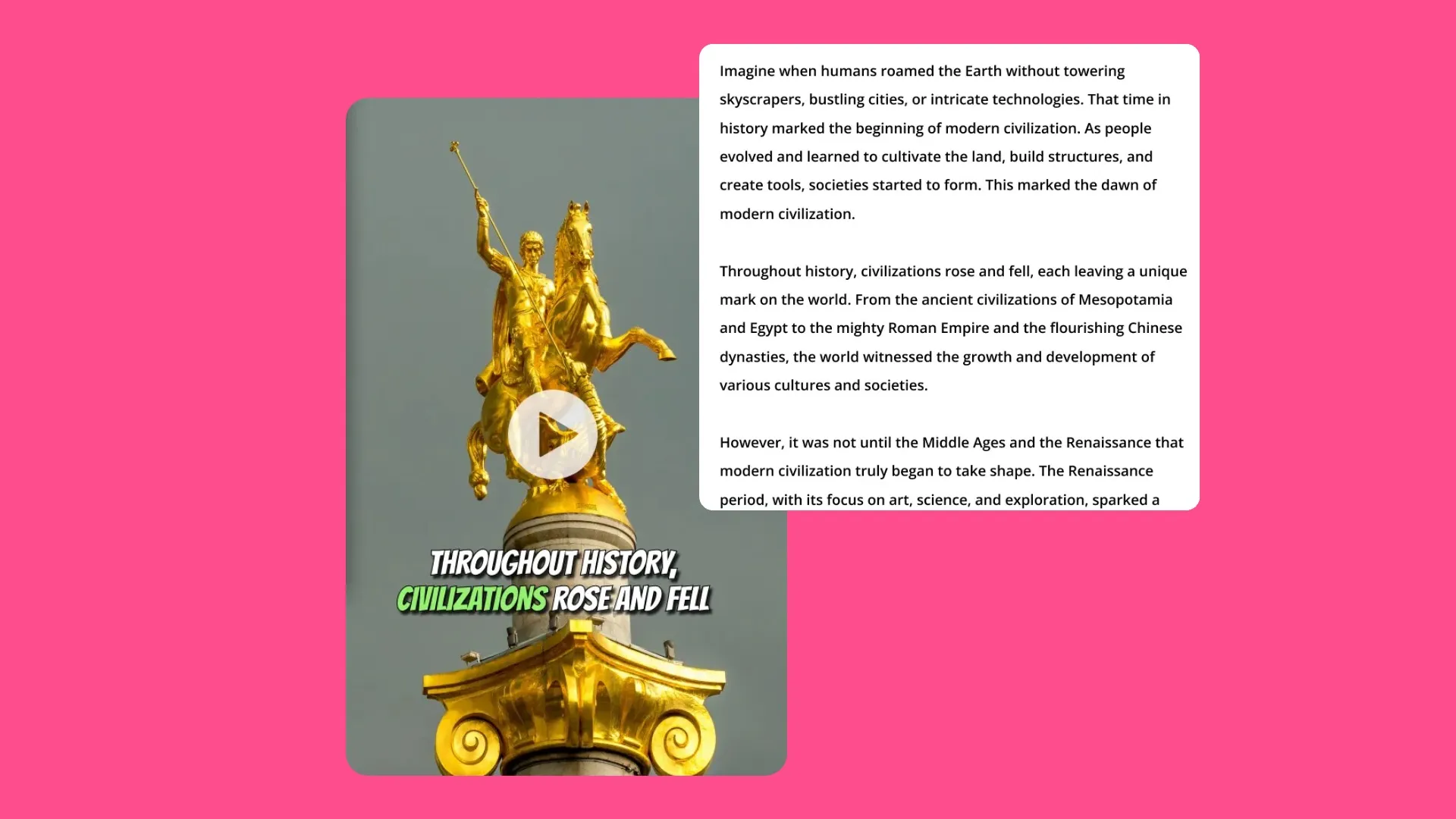
Media Companies
Scale video output without scaling your team. Replace script writing, video editing, and voice over production with a single PDF upload
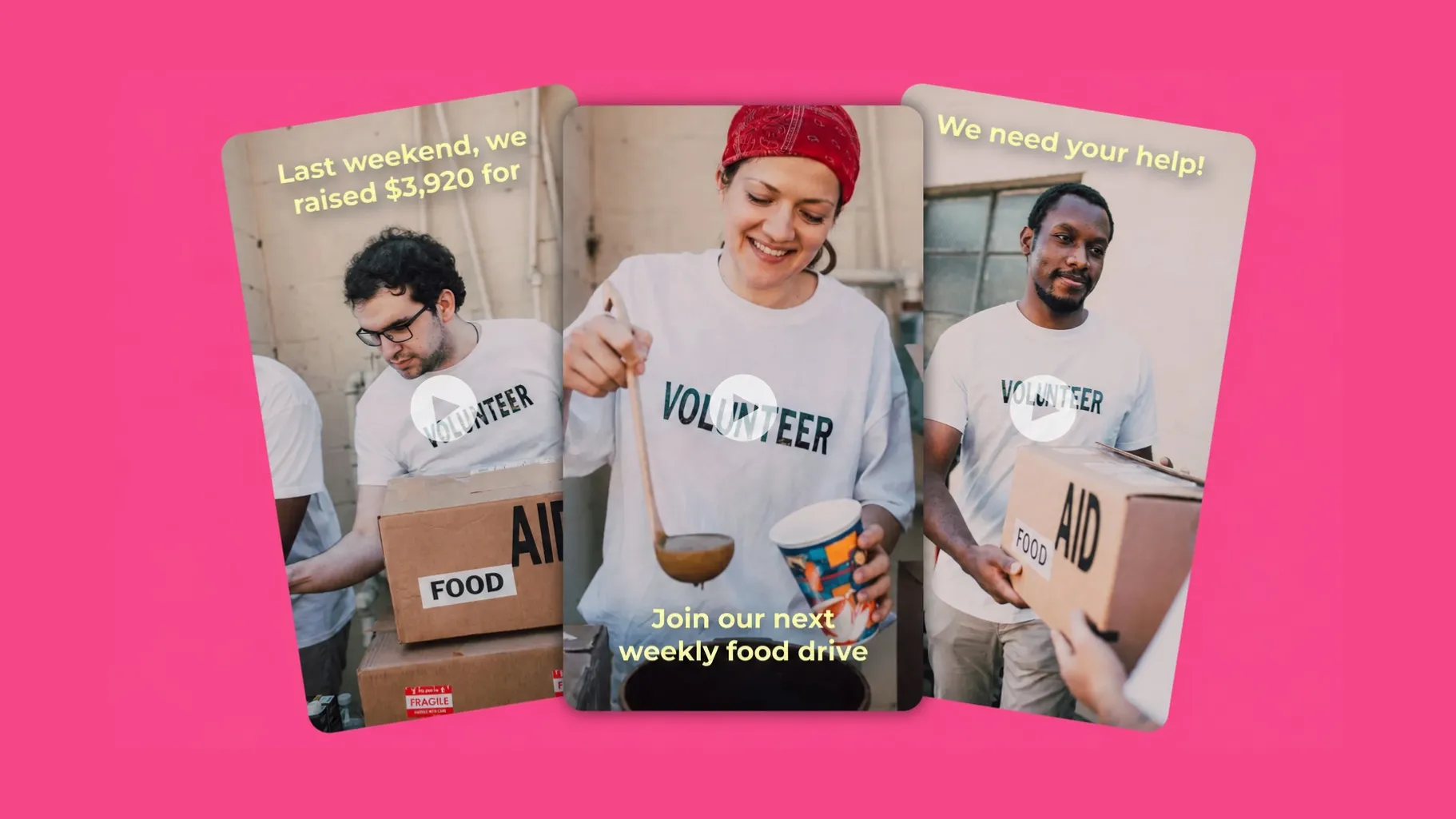
Charities & Campaigns
Reach a wider audience by leveraging Kapwing's AI article converter to take a charity blog and repurpose it into an MP4 video — ready to share anywhere
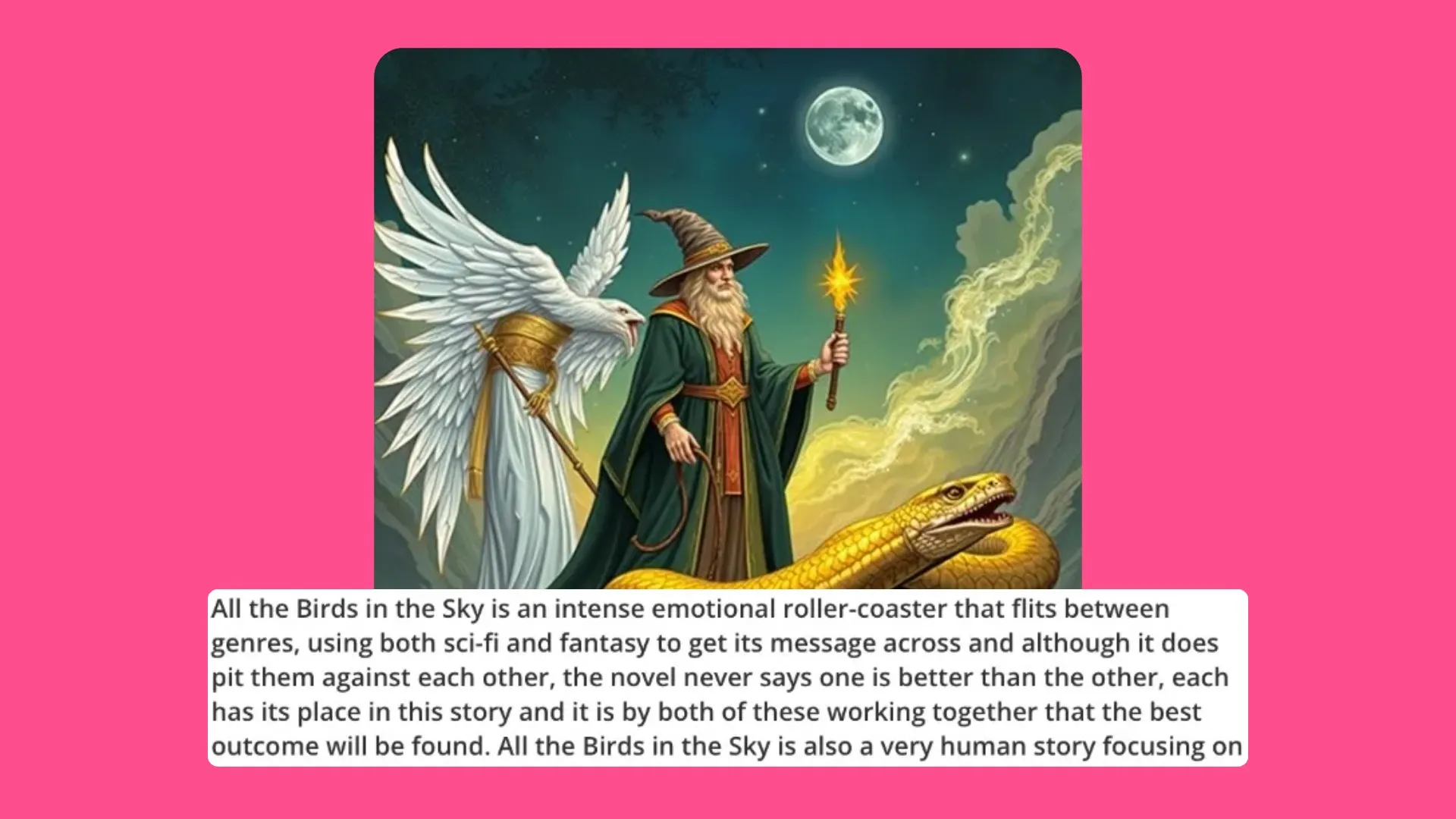
Authors & Publishers
In a few clicks, authors and publishers turn reviews, excerpts, and book snippets into promotional videos with subtitles, voice over, and music
Kapwing vs other article to video tools
Generate.
Edit.
Export.
Most article-to-video generators produce a video file and stop there. To add captions, resize, or swap scenes, you need a second tool — losing time and quality in the transfer.
Kapwing generates, edits, and exports in one online workflow. After generation, each video layer is fully editable. Share project links with teammates, leave live feedback, and collaborate with cloud storage.
Upgrade to Pro to remove the Kapwing watermark and unlock higher generation limits, plus Brand Kit features to save logos, fonts, colors, and AI Avatars for instant reuse.
Already transforming video creation across industries
Hear directly from the teams who publish faster, collaborate better, and stay ahead.


How to Turn an Article into a Video
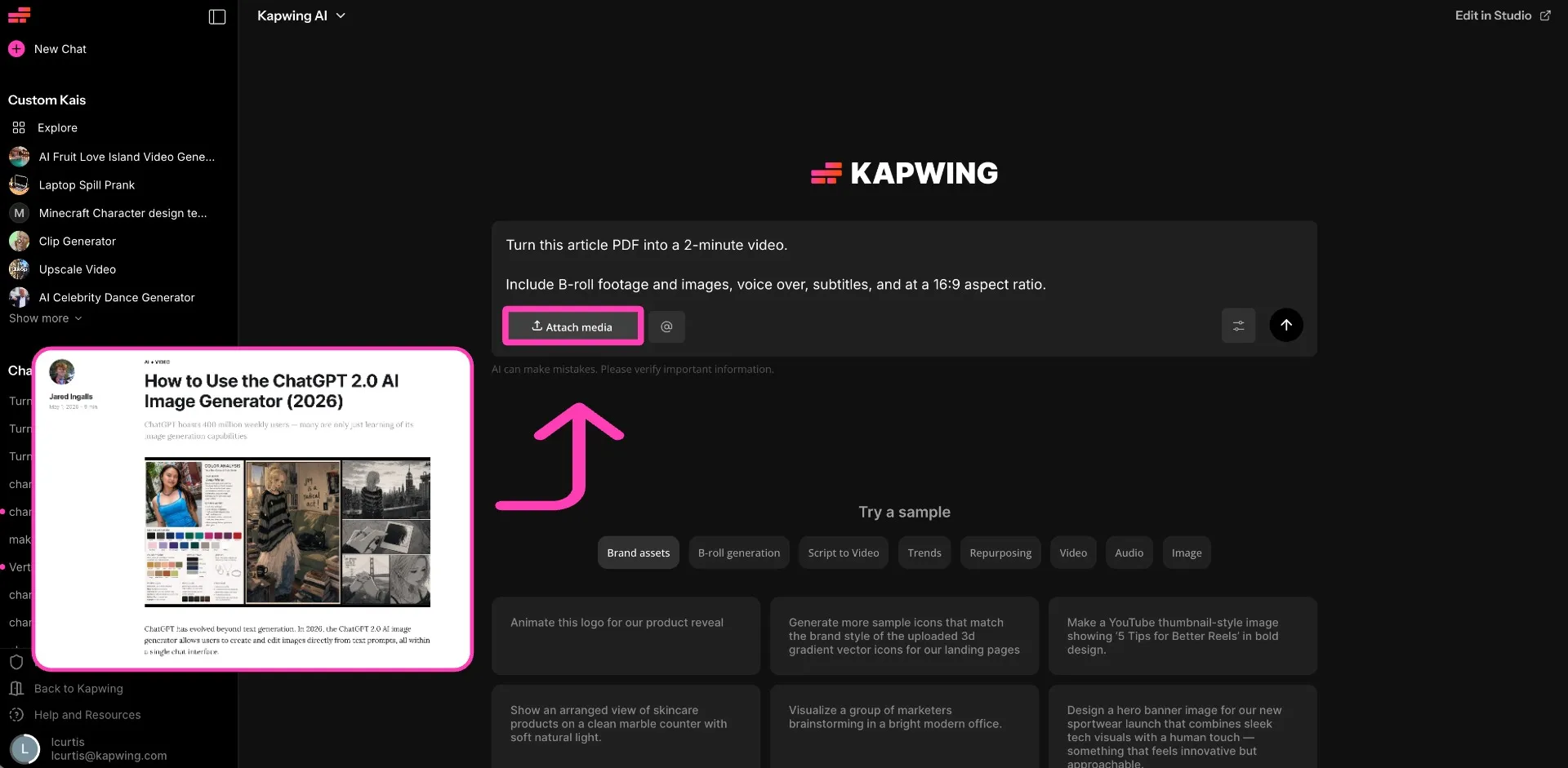
- Step 1Upload article
Save your article, blog post, press release, or written content as a PDF and upload to Kapwing AI.
- Step 2Generate video
Describe your aspect ratio (16:9, 9:16, 1:1, etc), voice over, subtitle style, and background music preferences. Review the storyboard plan and click "Generate."
- Step 3Edit and export
Make any final edits in the full timeline editor. Export your video and download as an MP4, in up to 1080p.
What's different about Kapwing?



Frequently Asked Questions
We have answers to the most common questions that our users ask.
Is the AI Article to Video Generator free?
Yes, all of Kapwing’s tools are free to try. However, generating longer videos from articles requires a Pro subscription.
How do I upload my article?
Download or export your article as a PDF to get started. You can do this from any blog CMS using an export or print-to-PDF option, or directly from your browser on any published article (File → Print → Save as PDF). Once saved, upload the PDF to Kapwing to begin generating your video. Alternatively, if you do not have a PDF, you can copy and paste text from any source material.
Are images, videos, and social embeds pulled into the AI video?
No. Currently, Kapwing’s AI-powered editor does not extract images from the PDF you submit. However, you can manually add media to your video by copying and pasting links from Instagram, Facebook, YouTube, and other sources, or by uploading files directly.
Can I add custom edits to the video?
Yes, after generating a video from your article, you can fully customize the content to suit your project. Remove images and videos, adjust subtitles, add sound effects, incorporate branding elements, or even record your own voice over.
Can I convert an article that I don't own?
Yes, Kapwing’s Article to Video tool enables you to convert any PDF into a video, even if the article wasn’t created by you or your organization.
Can you copy and paste text instead of using a PDF?
Yes. Kapwing’s tool works with any written content — blog posts, news articles, how-to guides, listicles, opinion pieces, press releases, and long-form editorial content. You can upload a PDF or copy and paste text from any source material.
What is an AI Persona and how are they used?
An AI Persona is a digital avatar created using AI. You can create and save AI Personas in the Brand Kit, then add them to any project by tagging them with @ during the prompting process.
Kapwing has two types of Personas: an AI clone of yourself or a Stock Persona. You can clone yourself into a Persona by uploading multiple reference images. Kapwing's Stock Personas are a selection of human-realistic people and animated characters to choose from.
What is an AI article to video generator?
An AI article-to-video generator turns written content like articles, blog posts, and press releases into video drafts with visuals, voice over, subtitles, and music.
Kapwing creates AI-generated videos using multiple AI models to combine AI-generated footage with licensed stock visuals based on your desired video length and style.
How long are AI article to video generations?
The length of the video is up to you. Specify your desired video length and aspect ratio during the prompting process.
Discover Resources
Tips, templates, and deep dives to help you create faster and share with confidence.
View all

Get started with your first video in just a few clicks. Join over 35 million creators who trust Kapwing to create more content in less time.