Genera e modifica video nuovi o modifica filmati esistenti con l'AI — gratis, nel tuo browser
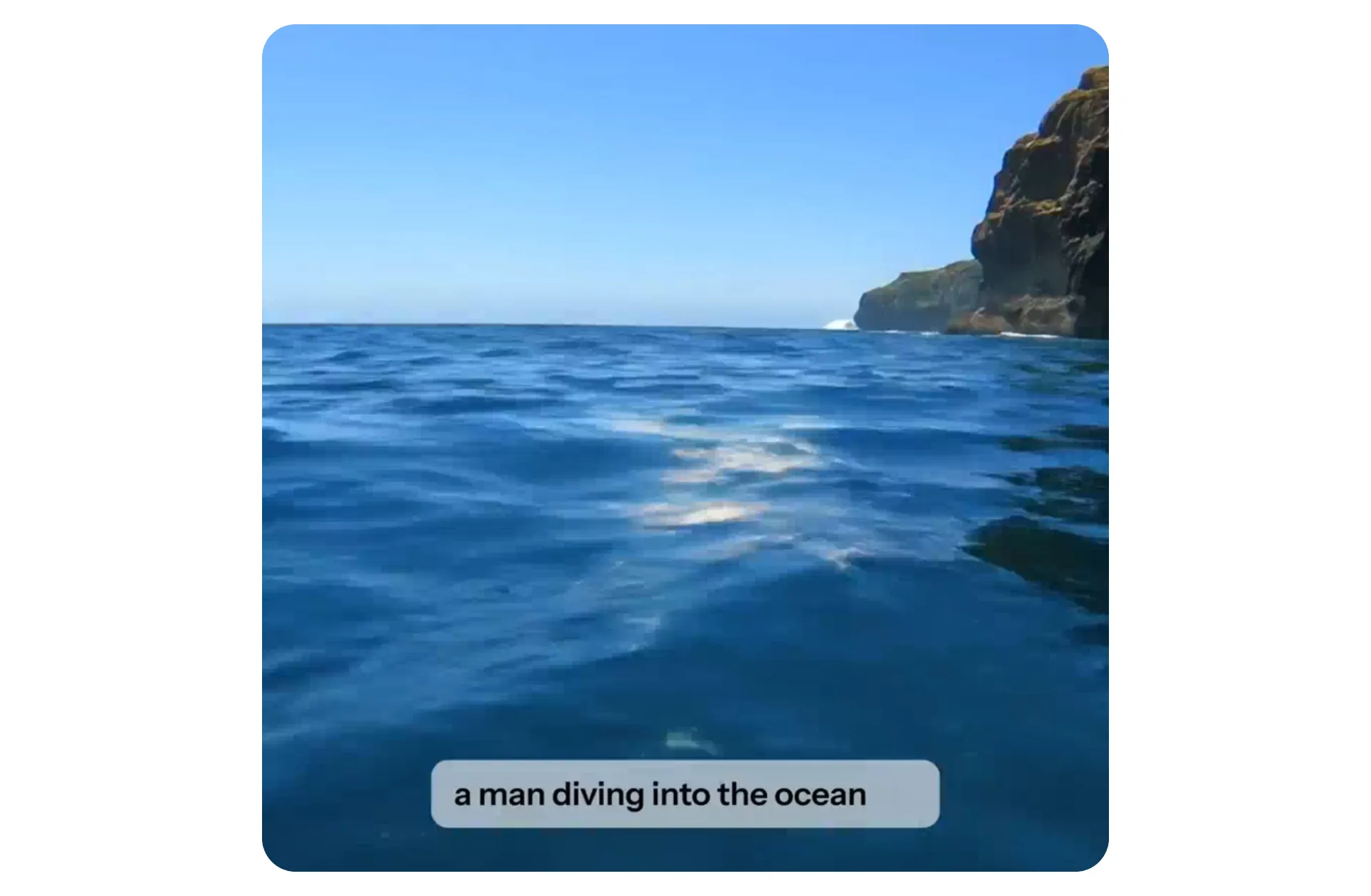
Modifica video potenziata dall'IA.
100% online.
Genera, ritaglia, taglia, ridimensiona, ridimensiona, traduci e personalizza, o aggiungi sottotitoli, musica e altro ancora — usando prompt di testo o strumenti AI
Modifica i video con l'IA — dalla prima bozza all'esportazione finale
L'AI Video Editor di Kapwing combina la generazione AI e la modifica AI in un'unica area di lavoro basata su browser.
Inizia da zero o usa un prompt di testo, uno script, un PDF o video già esistente — l'AI può creare una prima bozza raffinata, aggiungere sottotitoli, tradurre, generare B-roll ed esportare in 1080p o 4K con qualsiasi proporzione.
Tutto è modificabile attraverso l'iterazione con il chatbot o usando strumenti AI nello Studio.
Powered by ElevenLabs AI voice technology e i principali modelli di video AI inclusi Veo, Seedance, Kling e MiniMax.
.webp)
Modifica video con IA in 3 passaggi
Gratuito per iniziare. Nessun download richiesto.
Carica
il tuo video o generane uno usando Kapwing AI


Suggerimento
nel chatbot per tagliare, ritagliare e migliorare, o aggiungi sottotitoli, musica e altro
Modifica
nello studio di editing completo con strumenti AI a un clic e funzioni drag-and-drop
Modifica e migliora i video 10 volte più velocemente con l'IA
Strumenti AI di qualità professionale. Di cui si fidano 35 milioni di creator.
Elimina le parole nella tua trascrizione per rimuovere o tagliare automaticamente quella sezione del video usando l'AI — non serve esperienza di editing.
.webp)
Come l'IA può trasformare il tuo flusso di lavoro di editing video
Dal prompt al video perfezionato senza cambiare strumenti, app o piattaforme
Crea, modifica, condividi — tutto da un browser
Kapwing combina la generazione di video AI con una suite completa di editing AI in un unico spazio di lavoro nel browser. La piattaforma di editing online aiuta i creator a produrre più contenuti in meno tempo con AI costruita per le esigenze dei contenuti in rapido movimento nel 2026.
Ogni funzione AI è progettata per velocità e semplicità con miglioramento automatico dei prompt e un AI Video Assistant per guidare i tuoi input lungo il percorso.
Milioni di utenti si fidano di noi per semplificare il loro flusso di lavoro eliminando compiti noiosi come il ridimensionamento di clip per i social media, la generazione di voice over, il taglio di pause indesiderate e l'aggiunta di sottotitoli accurati.
Dì addio ai file video sparsi, agli asset del brand disorganizzati e ai thread email infiniti.
Interi team possono collaborare senza problemi su Kapwing.com, lasciando feedback direttamente sui video e semplificando le revisioni — niente più continui andirivieni su Slack, Teams o email.
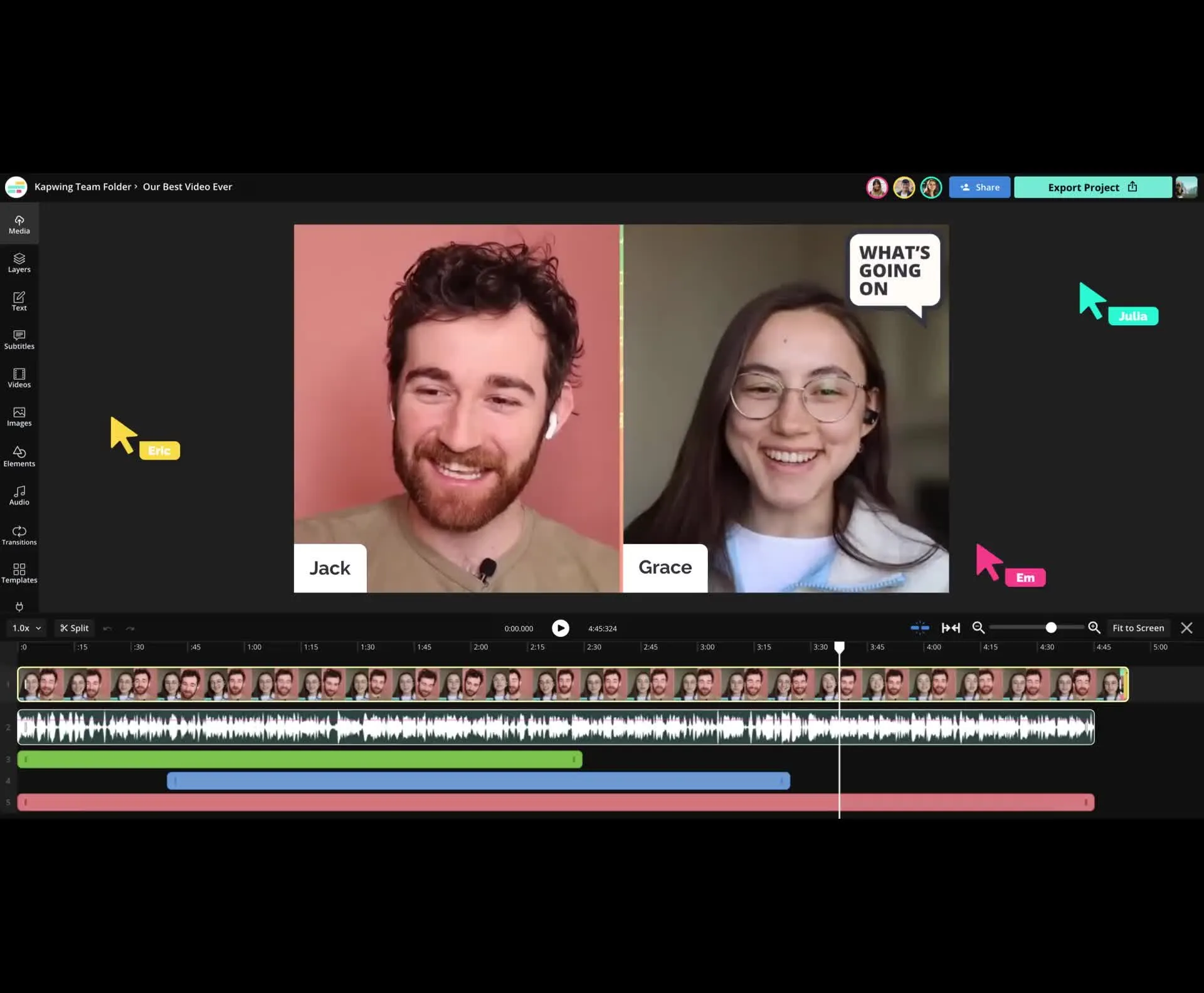
Già rivoluzionando la creazione di video in diversi settori
Ascolta direttamente dai team che pubblicano più velocemente, collaborano meglio e rimangono sempre avanti.


Video completamente modificati. Pronti in pochi minuti.
Crea uno storyboard al istante — L'AI costruisce il tuo video 100% online
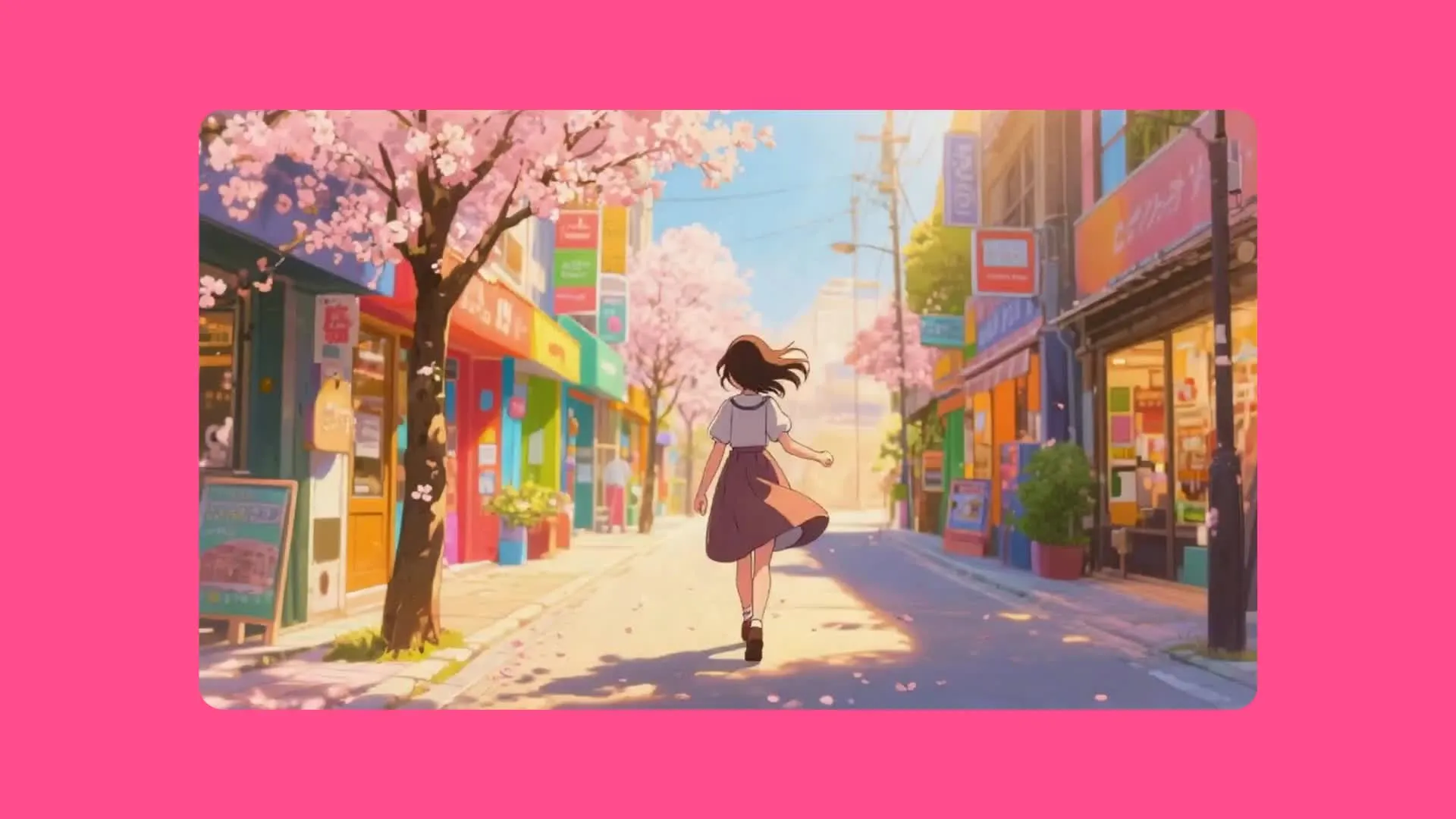
Generatore di Video AI
Kapwing può trasformare automaticamente prompt e immagini in progetti video completamente modificati con proporzioni ottimizzate per qualsiasi piattaforma
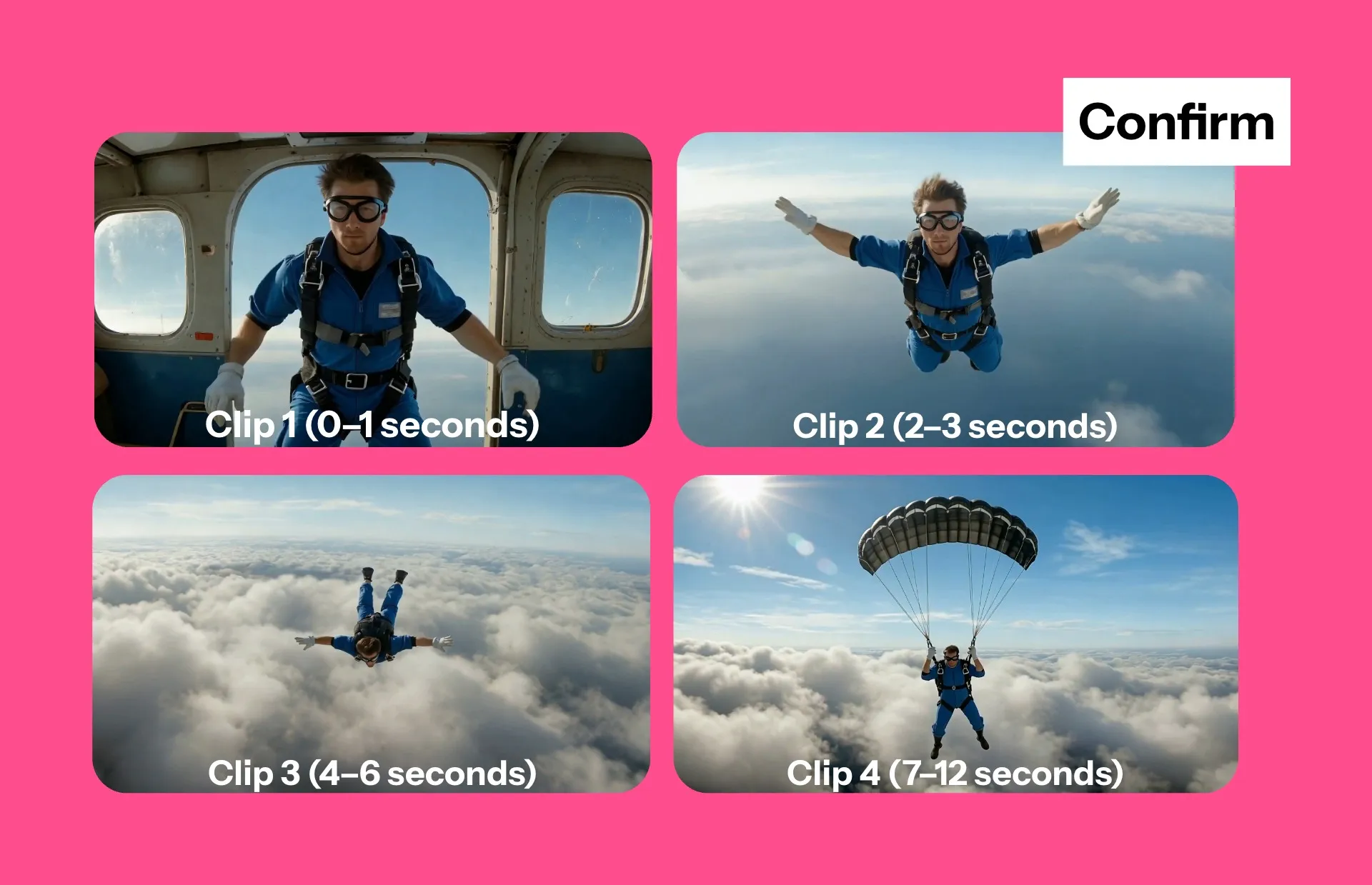
Storyboard AI
Visualizza un'anteprima di un storyboard video e collabora con il chatbot per perfezionare le scene, gli elementi visivi e completare le modifiche prima di esportare — dandoti il controllo totale sull'uso dei crediti
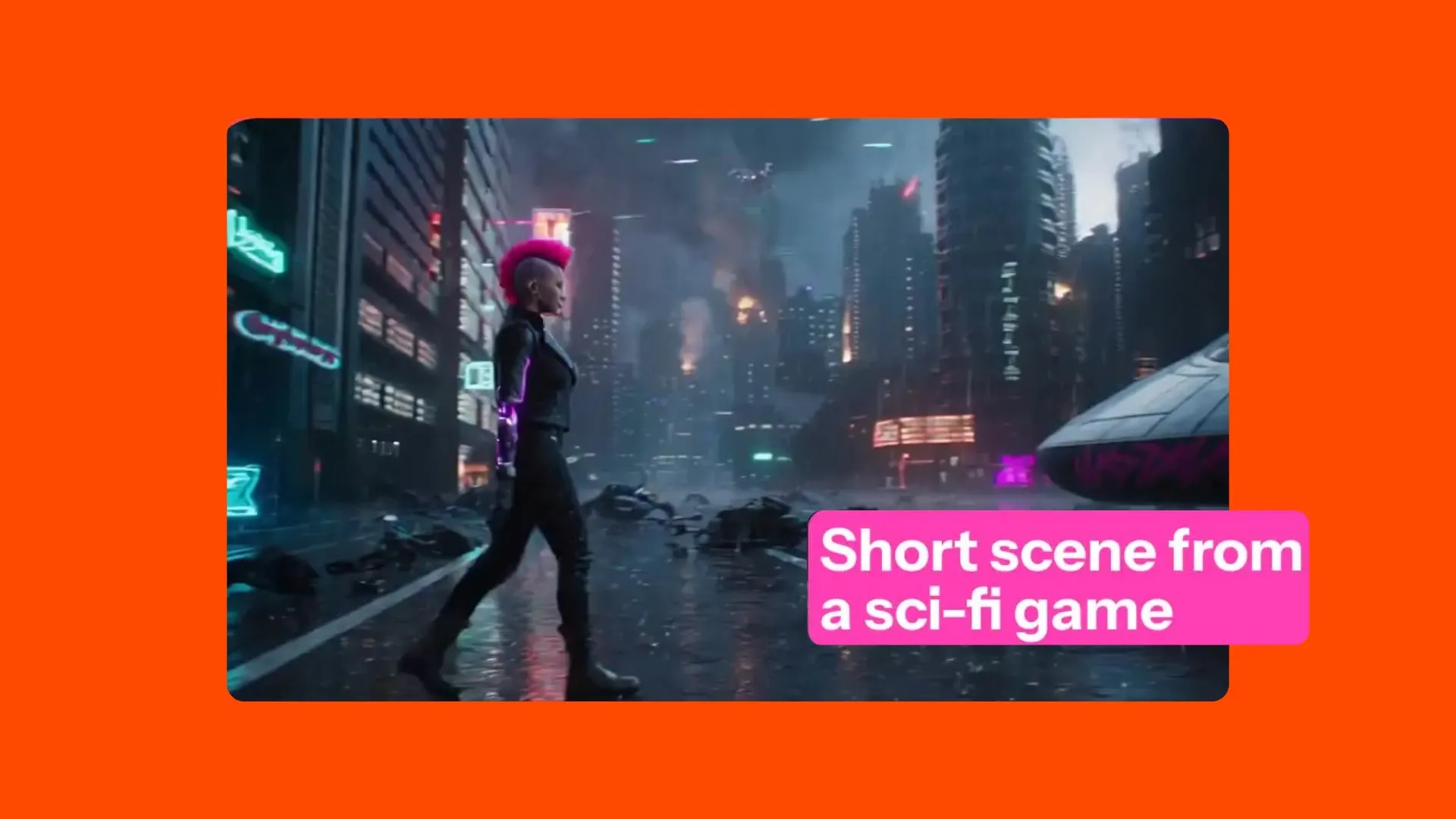
Scene IA
Genera scene video brevi da 3-30 secondi con coerenza dei personaggi, fotogrammi finali, fotogrammi iniziali, scene multiple e controllo del movimento
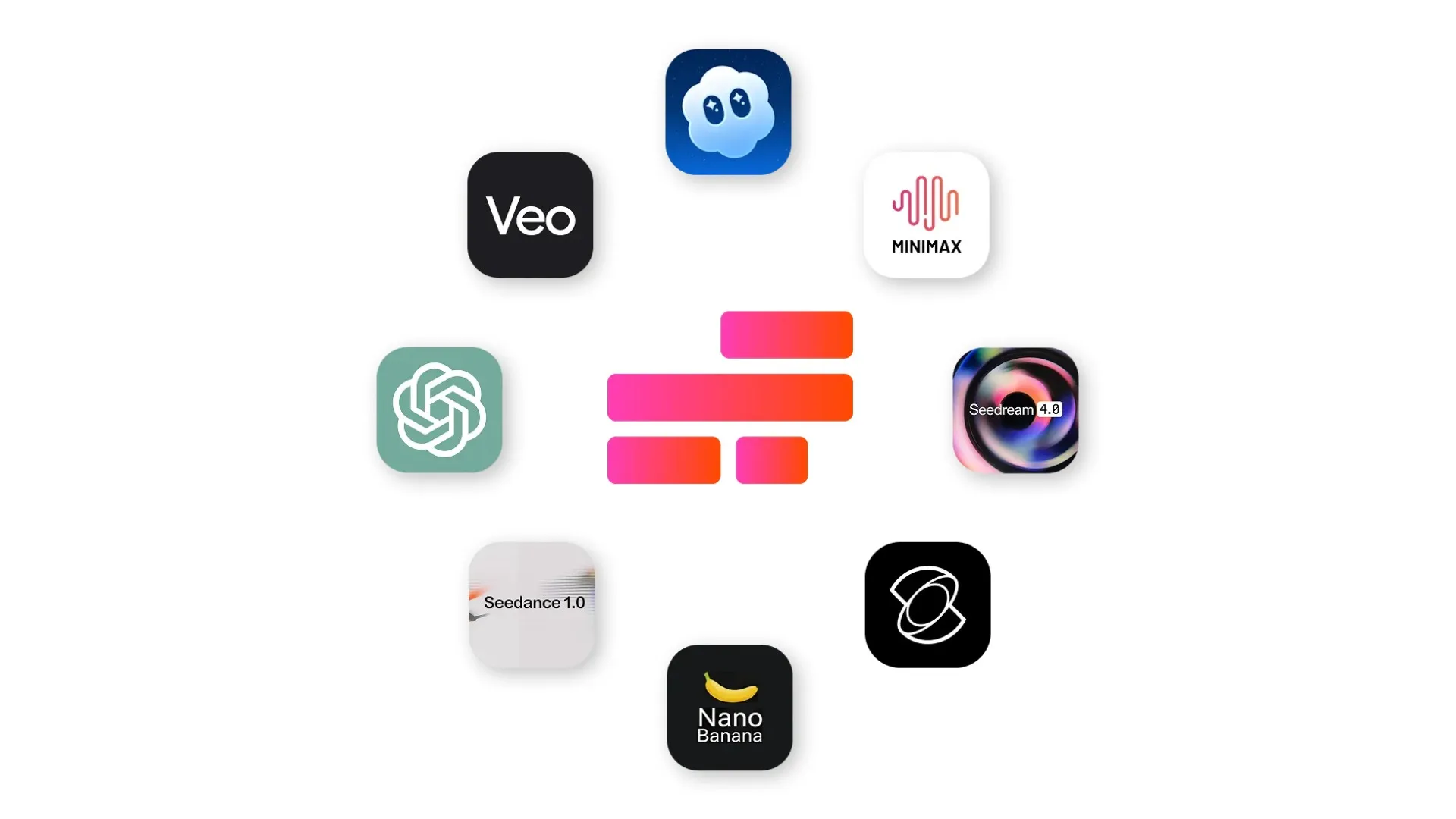
Modelli di IA
Supportato da più modelli di IA leader come Kling, Veo, Sora, Wan, Seedance, MiniMax, ChatGPT Image e Nano Banana
Come Modificare Video Con L'IA
- Step 1Carica video
Aggiungi un MP4, MOV, AVI, WebM, o qualsiasi formato video comune. Oppure, genera un video usando l'IA.
- Step 2Modifica
Modifica i video chattando con l'IA o utilizzando gli strumenti con un clic nella barra degli strumenti a destra dello studio.
- Step 3Esporta
Esporta e scarica come MP4, senza filigrana con Pro. Diritti commerciali completi su tutti gli export.
Realizzato per ogni tipo di creator e team
Modifica più velocemente, riutilizza i contenuti più facilmente e pubblica in modo coerente con l'AI
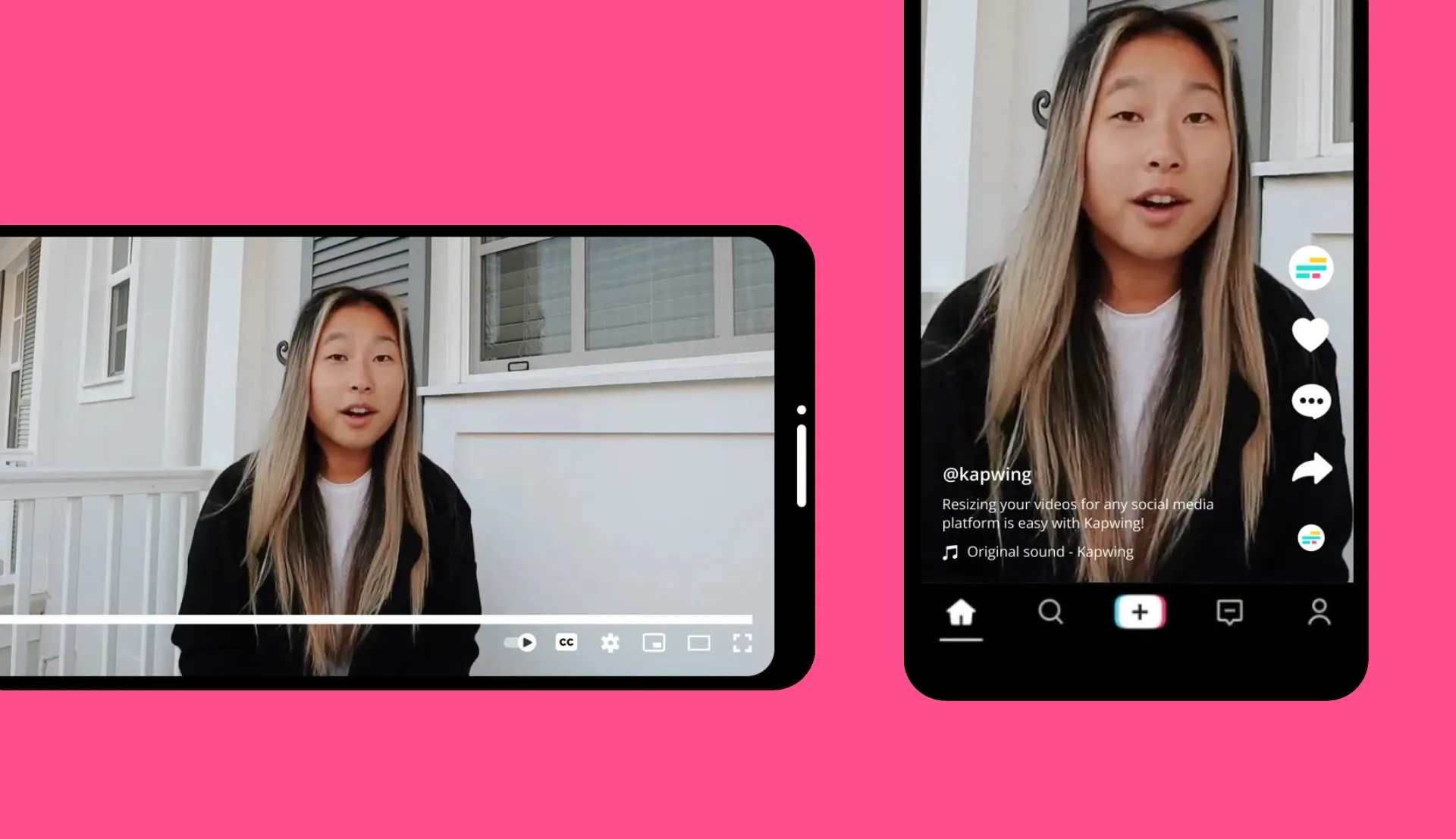
Gestori dei Social Media
L'AI Video Editor di Kapwing permette ai team social di riadattare video in pochi minuti — ridimensionando per ogni piattaforma e pubblicando più video in meno tempo

Marketing e Pubblicità
Usa Kapwing per scalare la produzione di contenuti. Applica il branding personalizzato, sfrutta gli strumenti AI, e collabora online con i clienti o i membri del team.
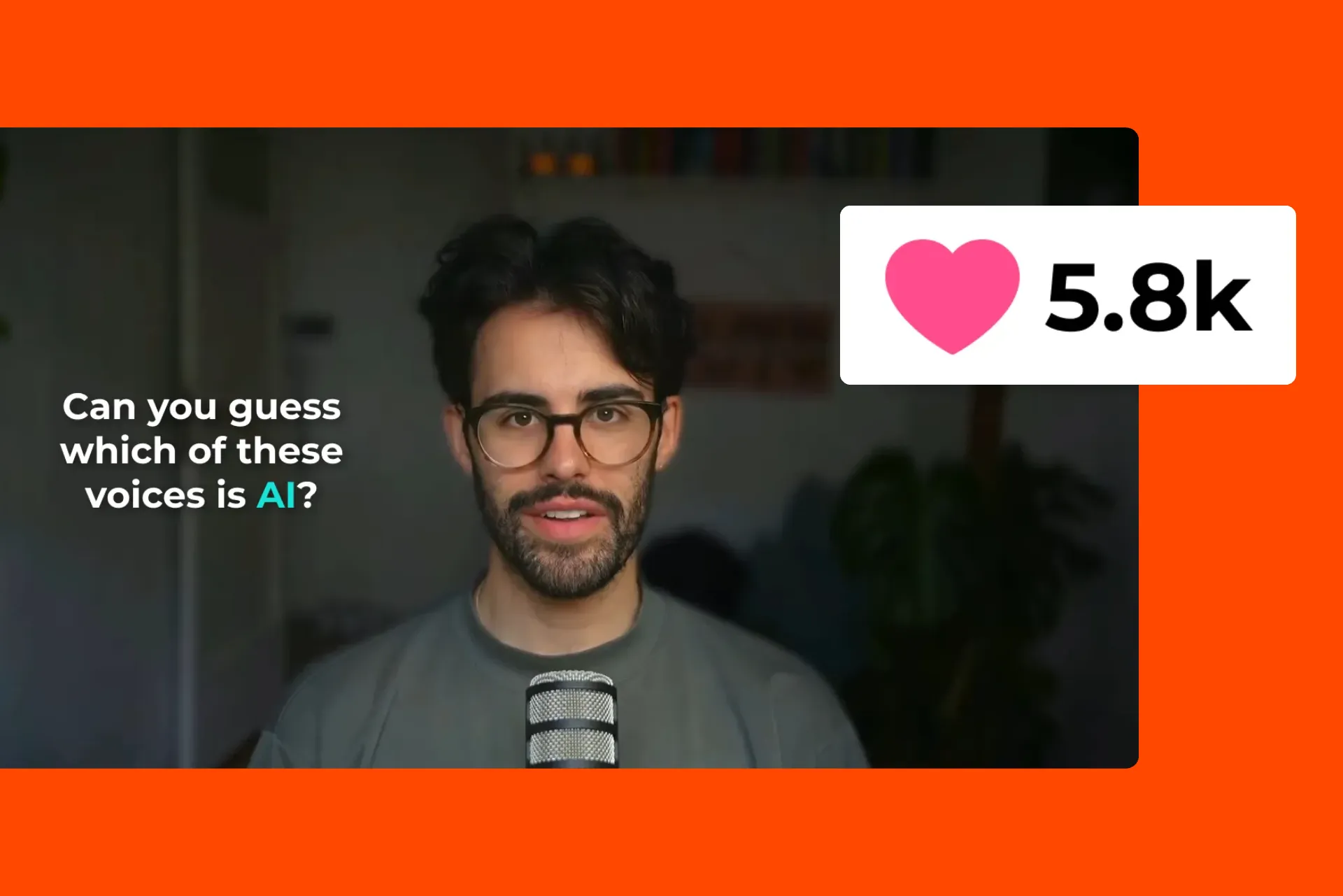
YouTubers e Streamer
I YouTuber trasformano ore di contenuti in highlight che catturano l'attenzione con AI Clip Maker. Applica Speaker Focus, Auto-eye Correction e sottotitoli automatici.

E-commerce
I team di e-commerce e i product marketer utilizzano strumenti B-roll, didascalie e ridimensionamento basati su IA per creare video di prodotti coinvolgenti su larga scala
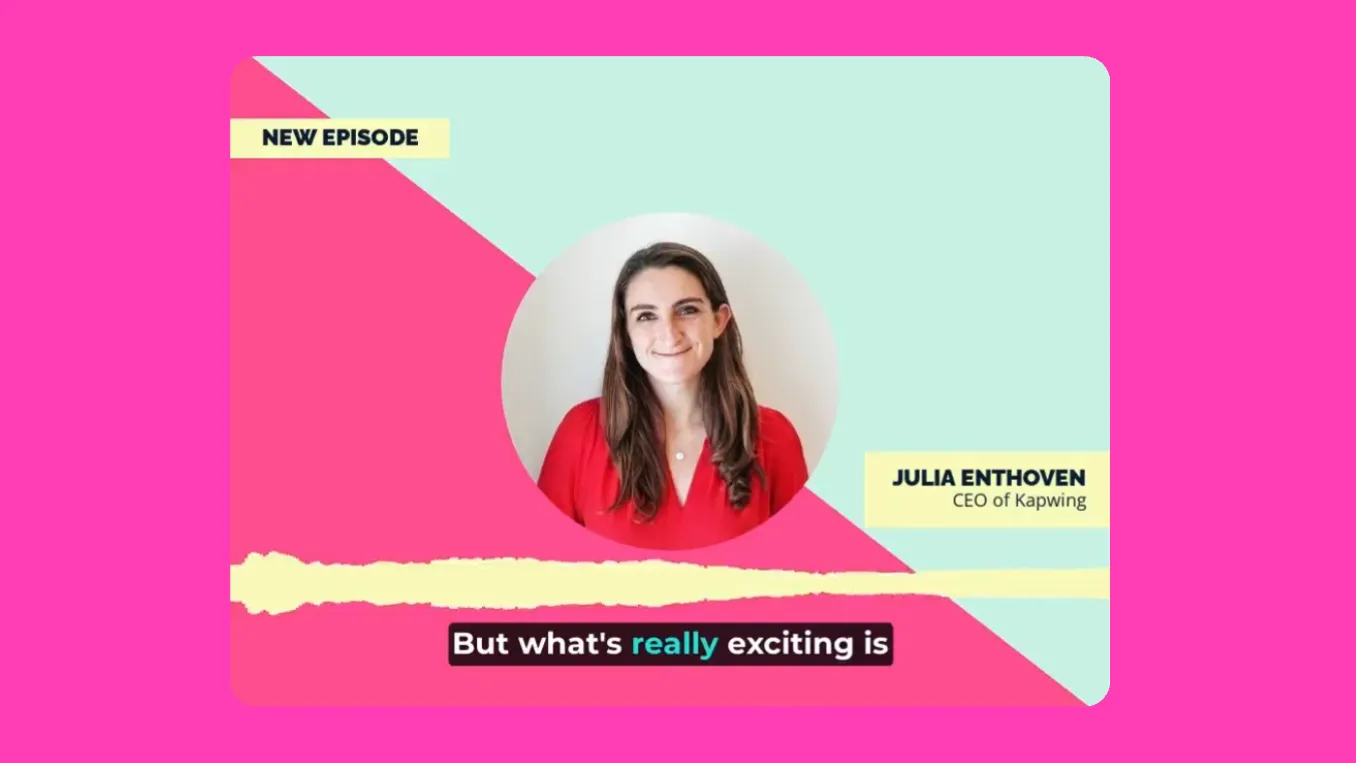
Podcaster e Vlogger
I podcaster e i vlogger usano l'AI Video Editor di Kapwing per rimuovere istantaneamente le parole di riempimento, le pause e i rumori di fondo indesiderati con Smart Cut
.webp)
RP e Giornalisti
Converti comunicati stampa e articoli in progetti video completamente montati usando AI Article to Video — basta caricare un PDF o copiare e incollare il testo
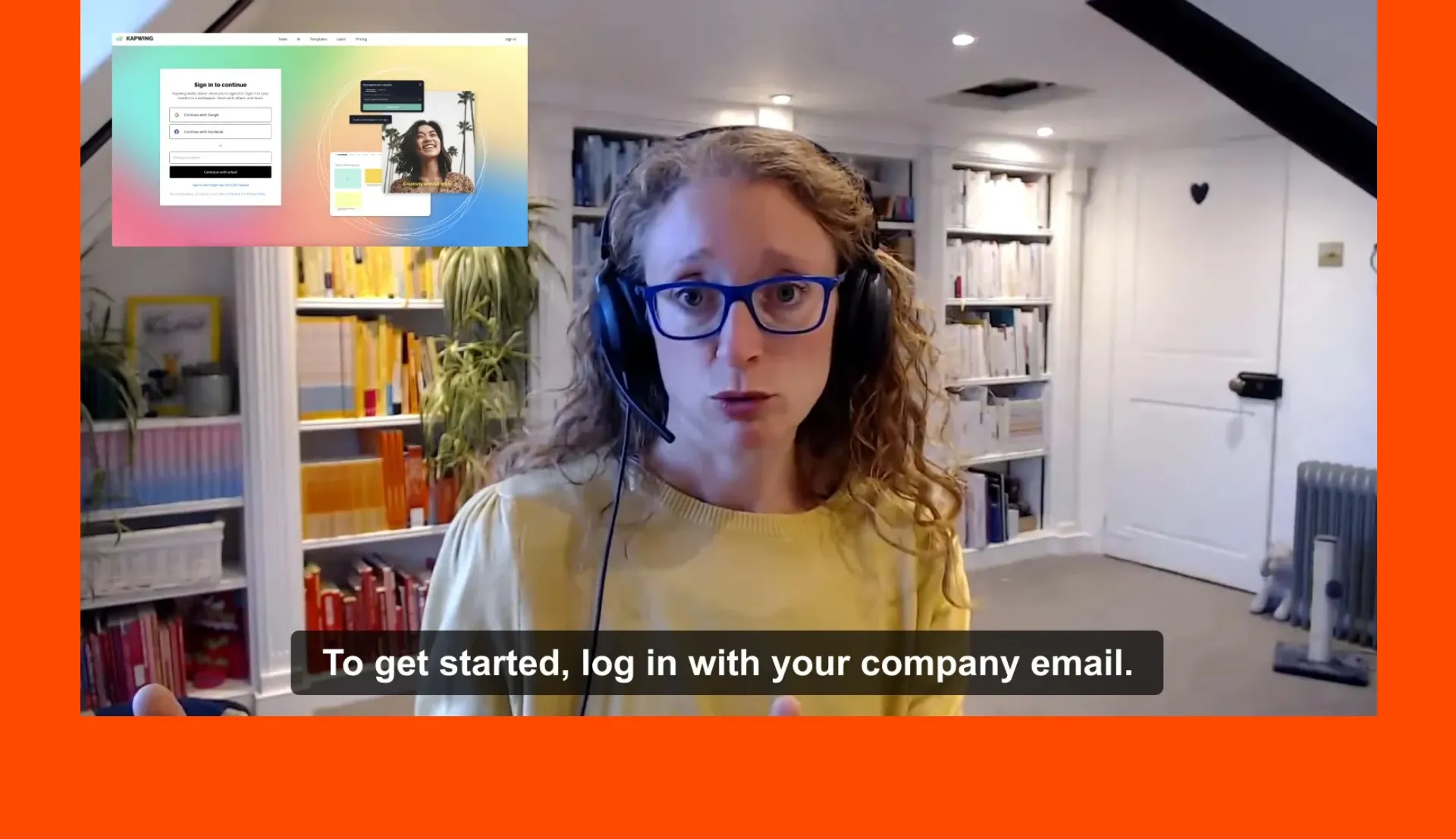
HR e Comunicazioni Interne
Il nostro Traduttore AI aiuta i team HR a semplificare le comunicazioni interne con video di formazione, onboarding e benvenuto dei dipendenti accessibili a livello globale
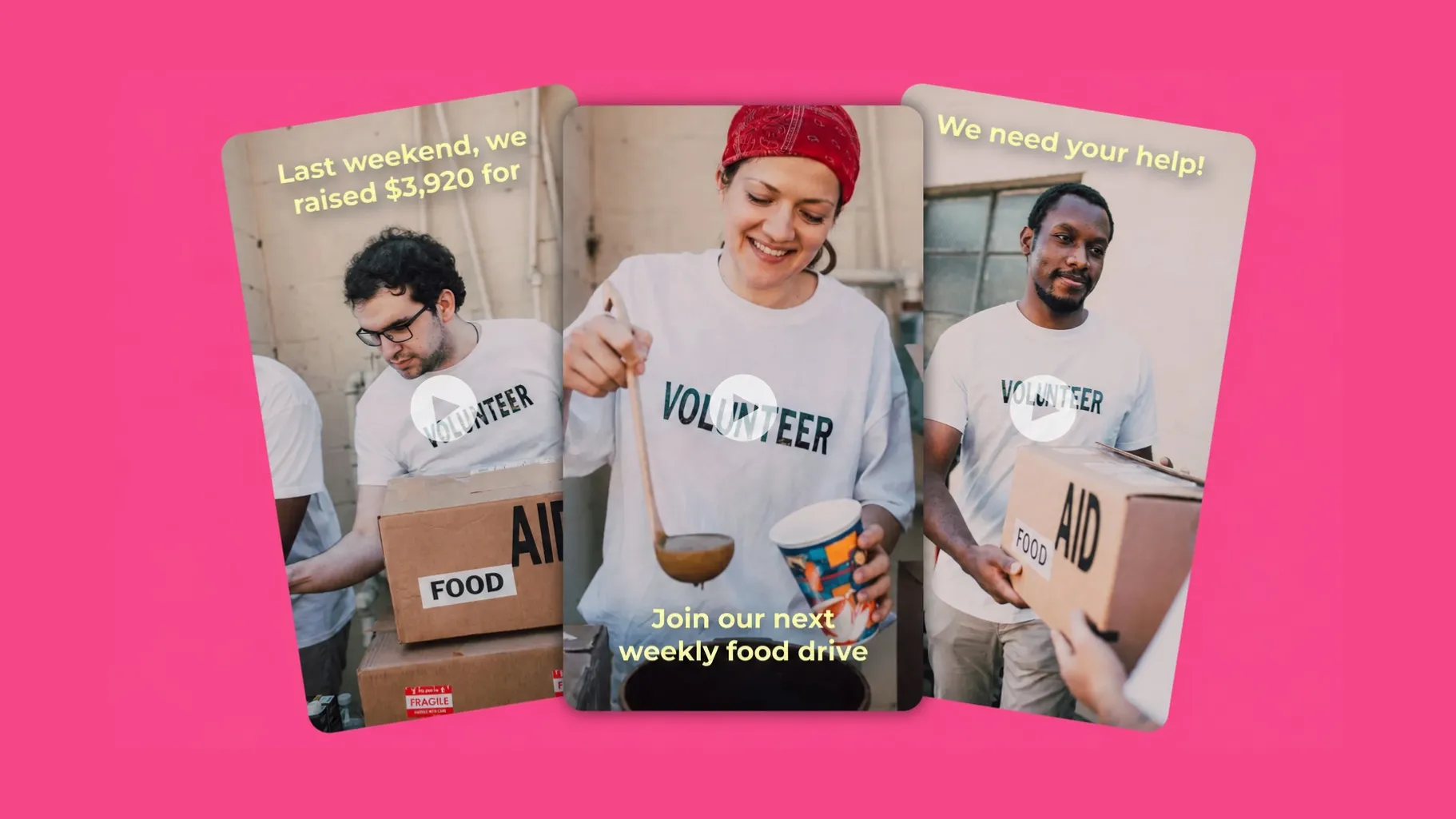
Organizzatori di Eventi
I marketer di eventi e gli organizzatori di conferenze creano reel promozionali, video riassuntivi e highlight reel con l'AI Video Generator e gli strumenti di trimming
Trasforma le tue idee in contenuti in pochi secondi
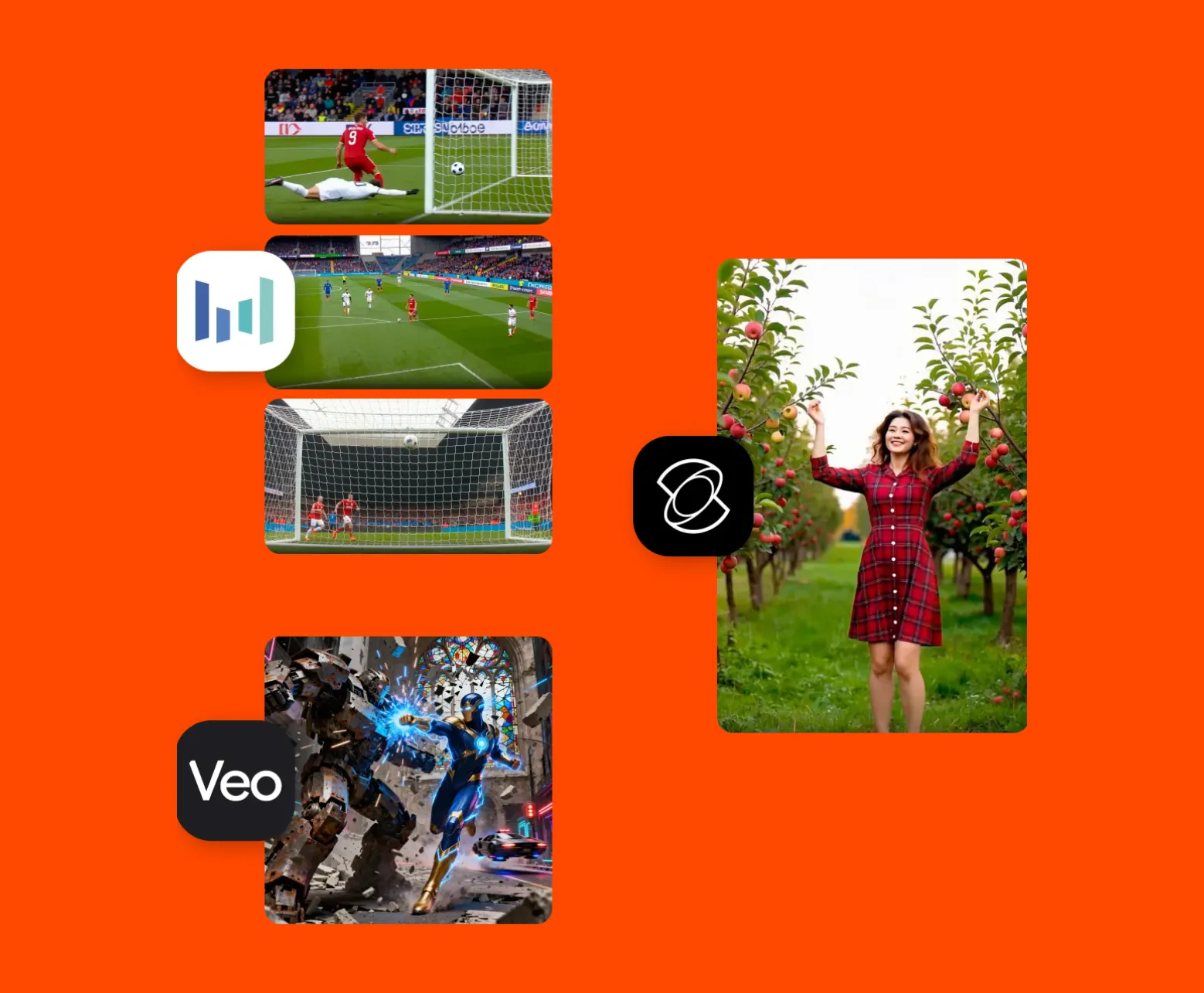
Genera video dai tuoi prompt di testo, articoli e script
Crea clip video da 3 a 30 secondi da semplici prompt di testo o caricamenti di immagini. Oppure, genera un progetto video completamente modificato che dura minuti.
Che cosa rende Kapwing diverso?



Domande Frequenti
Abbiamo le risposte alle domande più comuni che i nostri utenti ci fanno.
L'editor video AI è gratuito?
Sì, chiunque può provare gratuitamente l'AI Video Editor di Kapwing. Tutti i nostri strumenti AI funzionano con un sistema di crediti, con ogni funzione che costa un numero di crediti prestabilito. Per massimizzare la creatività e ottenere il miglior valore, passa a un account Pro per sbloccare tutta la potenza della creazione di contenuti basata su AI.
C'è una filigrana sulle esportazioni?
Se stai usando Kapwing con un account gratuito, tutti i tuoi export — inclusi i contenuti generati da AI — avranno una filigrana. Una volta che passi a un account Pro, la filigrana verrà completamente rimossa dalle tue creazioni.
L'IA di Kapwing è sicura?
Kapwing prende molto sul serio la privacy e la sicurezza dei dati. Abbiamo linee guida di moderazione rigorose, politiche etiche e misure di sicurezza in atto per proteggere i dati degli utenti. Per informazioni più dettagliate, puoi consultare i Termini di servizio e la Politica sulla privacy di Kapwing sul nostro sito web.
Posso usare l'AI Video Editor senza alcuna esperienza di editing?
Sì, la creative suite di Kapwing è costruita per utenti di ogni livello. I nostri strumenti di editing con AI rendono i compiti complessi facili, eliminando la necessità di modifiche lunghe e costose. Che tu sia un editor esperto abituato ad Adobe Premiere Pro o un principiante completo, l'AI di Kapwing può migliorare, diversificare e aumentare la tua produzione di contenuti.
Quali modelli di IA utilizza Kapwing?
Kapwing usa una selezione di modelli AI video all'avanguardia per alimentare i trend video più virali e creativi di oggi. Questo include Veo, Sora, Kling, Wan, MiniMax, Seedance, Pika, Seedream, Lightricks, Chat GPT Image 2, e Google Nano Banana — dandoti accesso alle stesse tecnologie dietro i contenuti più coinvolgenti di internet.
L'AI-generated content può essere monetizzato su piattaforme come YouTube?
In genere, sì. I contenuti creati usando gli strumenti AI di Kapwing possono essere monetizzati su piattaforme come YouTube e altri social network. Però, ogni piattaforma ha le sue regole e linee guida sulla monetizzazione, quindi è importante controllarle prima di pubblicare.
Kapwing supporta la modifica video collaborativa online?
Sì, Kapwing supporta la modifica video collaborativa consentendo agli utenti di creare spazi di lavoro condivisi gratuiti a cui possono invitare i membri del team. Nel editor video online sono disponibili anche 100+ strumenti di modifica video collaborativa per semplificare il processo creativo. I team possono anche caricare un Brand Kit nel loro spazio di lavoro o configurarne uno insieme in tempo reale, aiutando a garantire che le risorse siano prontamente disponibili e organizzate.
Quali dispositivi e browser sono supportati?
Kapwing funziona su qualsiasi dispositivo e browser, anche se consigliamo browser basati su Chromium come Google Chrome e Microsoft Edge. Kapwing funziona anche su dispositivi mobili iOS e Android. Poiché Kapwing è un software online basato sul web, funziona anche su Windows, Mac e altri dispositivi desktop.
Come posso ottenere consigli per scrivere prompt AI migliori?
Se non sei sicuro di cosa scrivere, l'AI Assistant di Kapwing può aiutarti a perfezionare il tuo prompt. Per una comprensione più approfondita, dai un'occhiata alla nostra guida su prompt avanzati per video con AI, che copre strategie per scrivere prompt efficaci — più il nostro studio basato su dati che analizza i prompt più popolari.
Quali proporzioni di aspetto, dimensioni di file e risoluzioni di visualizzazione sono supportate?
Lo studio AI di Kapwing funziona con tutti i tipi di file video più popolari tra cui MP4, AVI, MOV, WebM e altri.
- Rapporti di aspetto in: 1:1, 9:16, 16:9, 4:5, 5:4, 3:4, 4:3, 2:3 e 21:9.
- Supporto risoluzione: 480p, 512p, 768p, 720p e 1080p.
Cosa sono i Custom Kais?
Custom Kais sono effetti AI pre-costruiti per immagini e video in Kapwing. Il nostro team ne ha creati centinaia così puoi produrre istantaneamente contenuti accattivanti — non è necessario scrivere prompt. Basta applicare un Custom Kai e lo stile viene gestito per te.
Puoi anche creare il tuo Custom Kai per catturare l'aspetto unico del tuo brand e riutilizzarlo quando vuoi per contenuti coerenti e in linea con il tuo brand con un solo clic.
Kapwing के AI videos में वीडियो और ऑडियो दोनों शामिल हैं?
Quali sono i formati di file supportati da Kapwing?
Kapwing supporta tutti i principali formati video tra cui MP4, AVI, MOV, WebM e altri. Esporta in MP4 a risoluzione 1080p, con upscaling 4K disponibile su Pro. I rapporti di aspetto supportati includono 16:9, 9:16, 1:1, 4:5 e altri.
Kapwing richiede un account o un download?
No. Kapwing è completamente basato su browser — non è necessario scaricare o installare nulla. Puoi iniziare a modificare subito su qualsiasi dispositivo, inclusi Windows, Mac, iOS e Android. Non è richiesto alcun account per iniziare.
Posso usare i video Kapwing AI commercialmente?
Sì. Tutti i contenuti generati da IA creati su Kapwing hanno pieni diritti commerciali. Puoi usare i tuoi video per annunci, lavori per clienti, social media e canali YouTube monetizzati.
Scopri le Risorse
Consigli, modelli e approfondimenti per aiutarti a creare più velocemente e condividere con sicurezza.
Visualizza tutto

Inizia con il tuo primo video in pochi click. Unisciti a oltre 35 milioni di creator che si fidano di Kapwing per creare più contenuti in meno tempo.