Agentic AI Video Editor
Hand off video editing jobs to an AI agent.
Free to start. Every result is an editable project.
You bring the ideas.
Your agent does the editing.
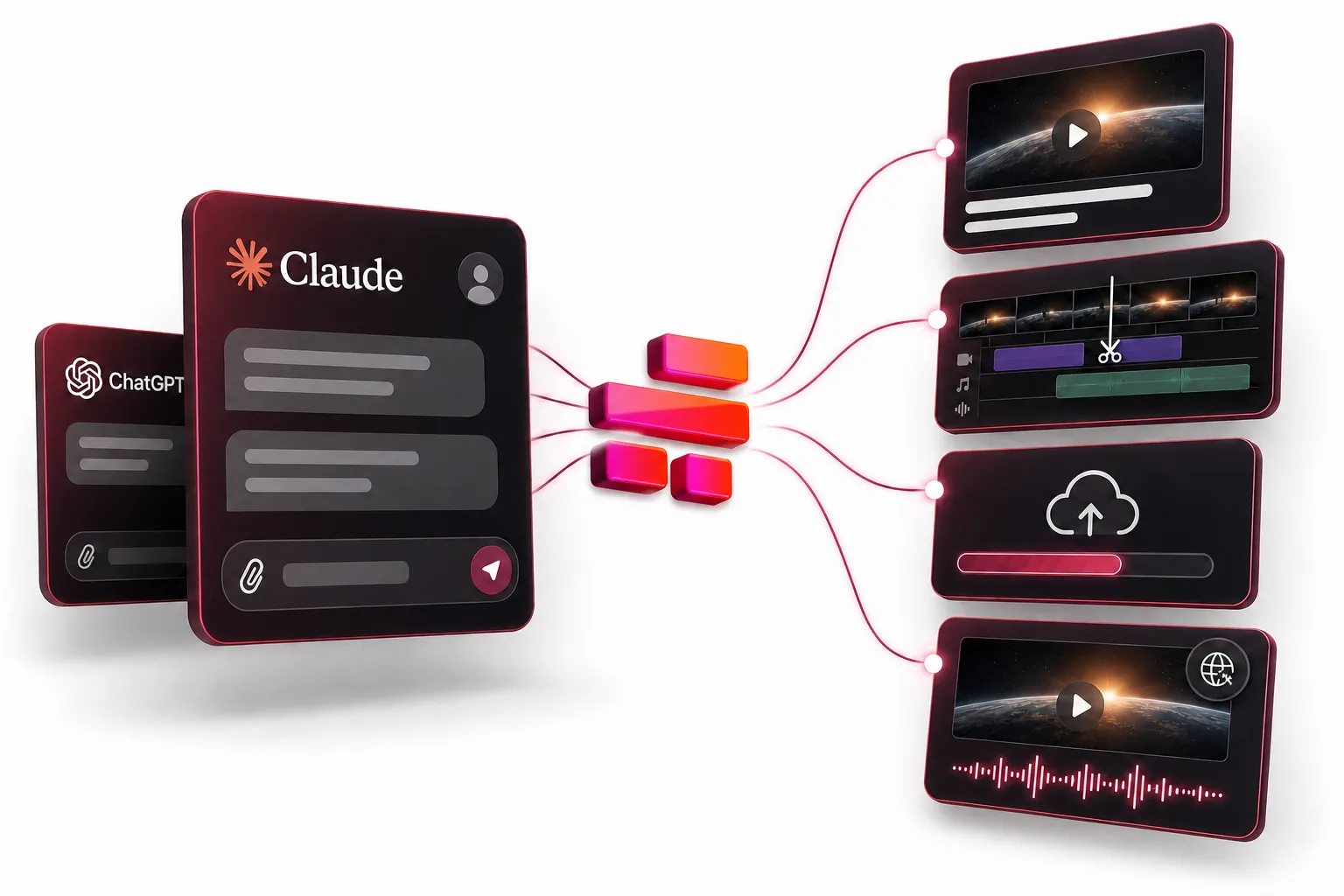
Send editing jobs from Claude, ChatGPT, or Codex and get back full Kapwing projects
Edit video faster with an AI agent
Describe the video you want, and your AI agent works through Kapwing for you: pulling your footage into a project, cutting the best parts, and adding subtitles and B-roll.
Send full video jobs from the chat you already use, like Claude, Codex, or ChatGPT. Dub one video into 20 languages with a single prompt, have Kai, Kapwing’s AI video assistant, generate an opening shot with Seedance 2.5, or turn a folder of photos into a video with music.
Tell your agent what to build and get back a fully editable project in Kapwing's AI Video Editor, ready to tweak, export, and share. Connect with one link or one command on any Kapwing plan, including free, with no API keys needed.
Connect Kapwing to your AI agent
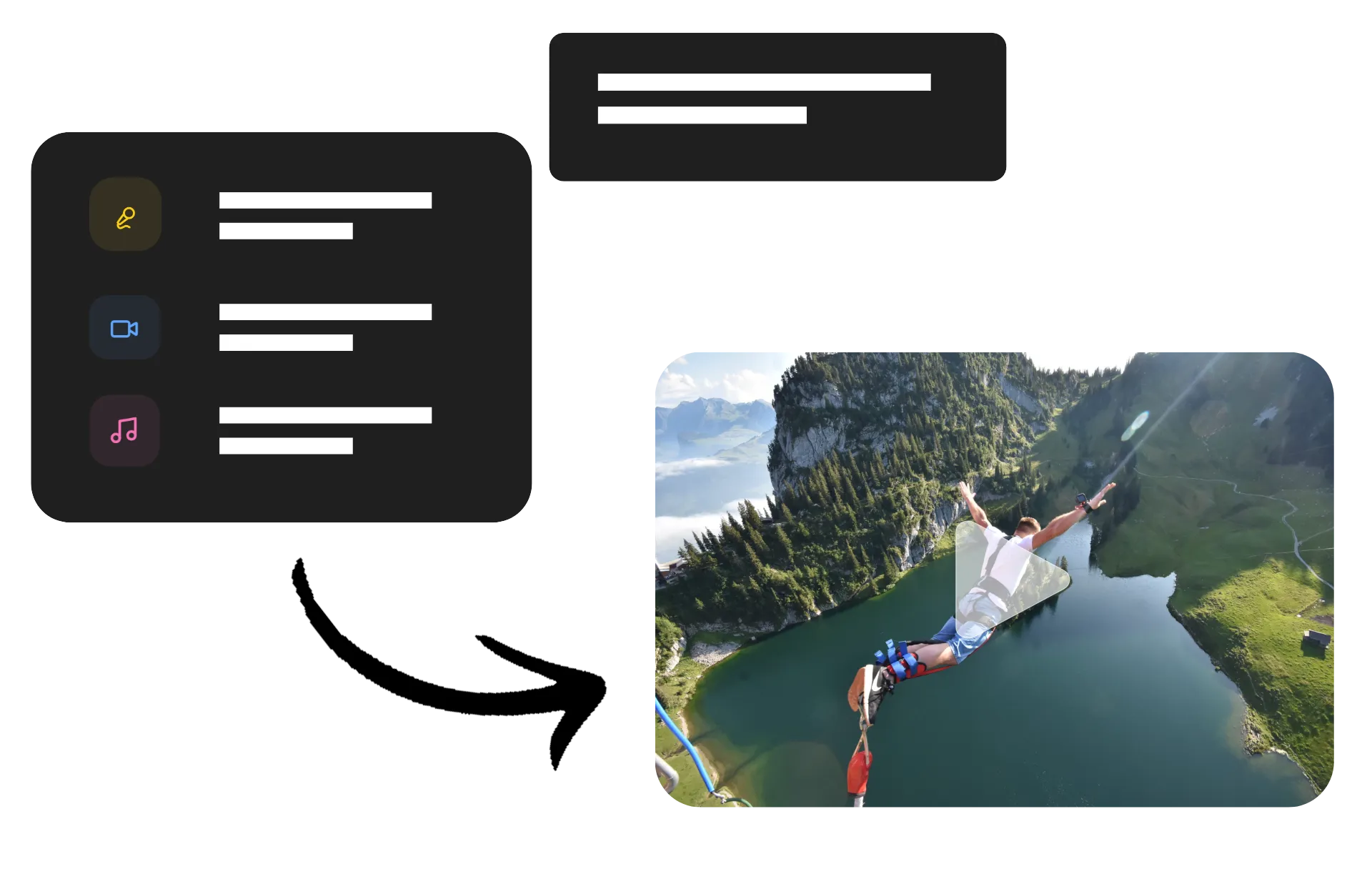
Add the Kapwing MCP to Claude, ChatGPT, Claude Code, or Codex and send editing jobs straight from your chat. Free Kapwing accounts can connect. AI actions use your workspace credits.
Hand off your first edit with one prompt
Describe your project — your AI agent creates it with Kapwing
Create a New Project
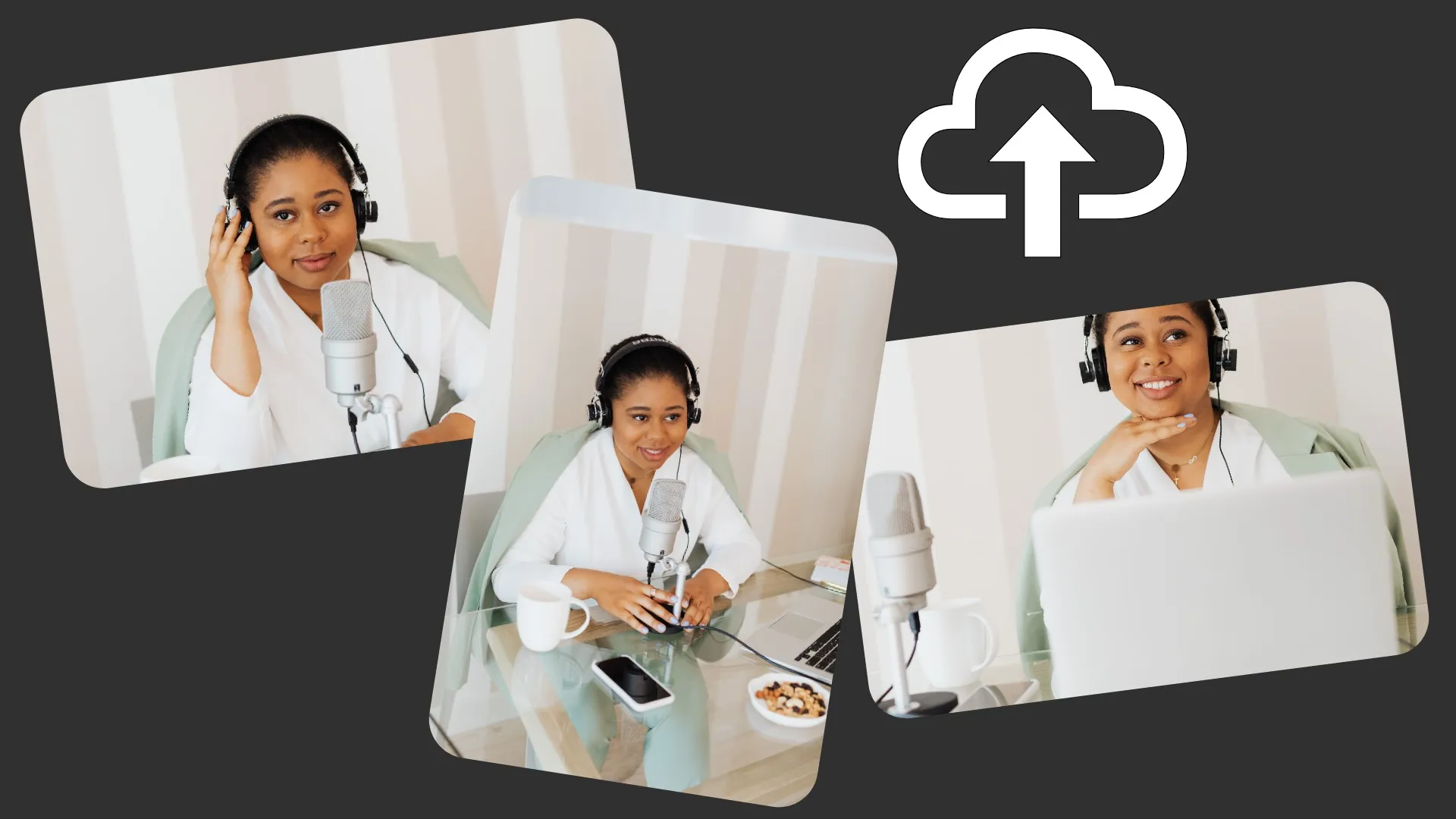
Hand your agent a batch of clips, and it uploads them to Kapwing and sets up a new project in your workspace, ready for the next edit

Build a Rough Cut
Podcasters and interview teams turn raw recordings into a first cut that keeps the strongest takes and cuts dead air

Dub into New Languages
Reach viewers in new languages without re-recording. One request dubs every version while perserving each speaker’s voice.
Add On-Brand Captions
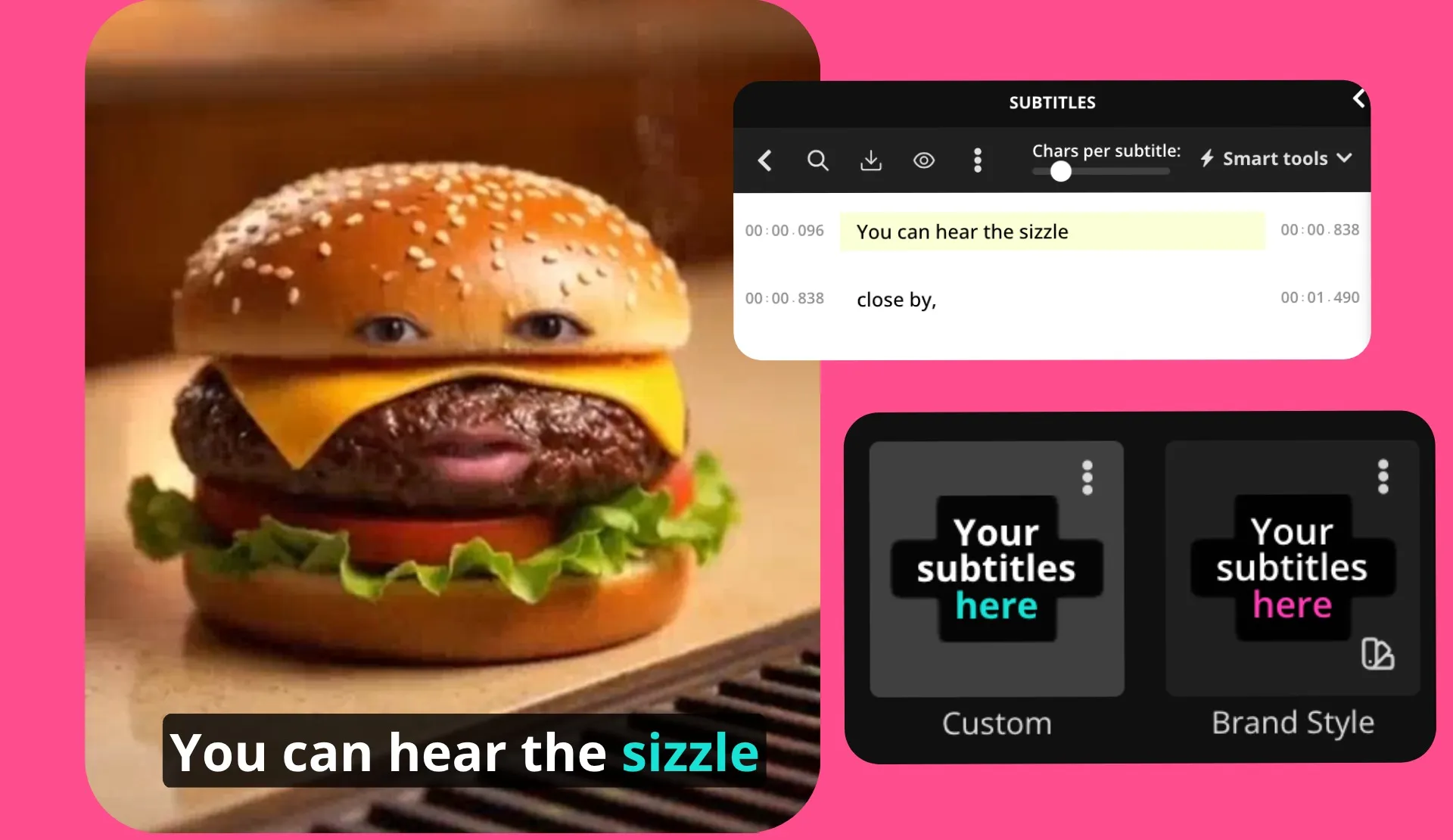
Social teams add captions optimized for Instagram, TikTok, or your brand style, placed where you want them and translated on the original timing
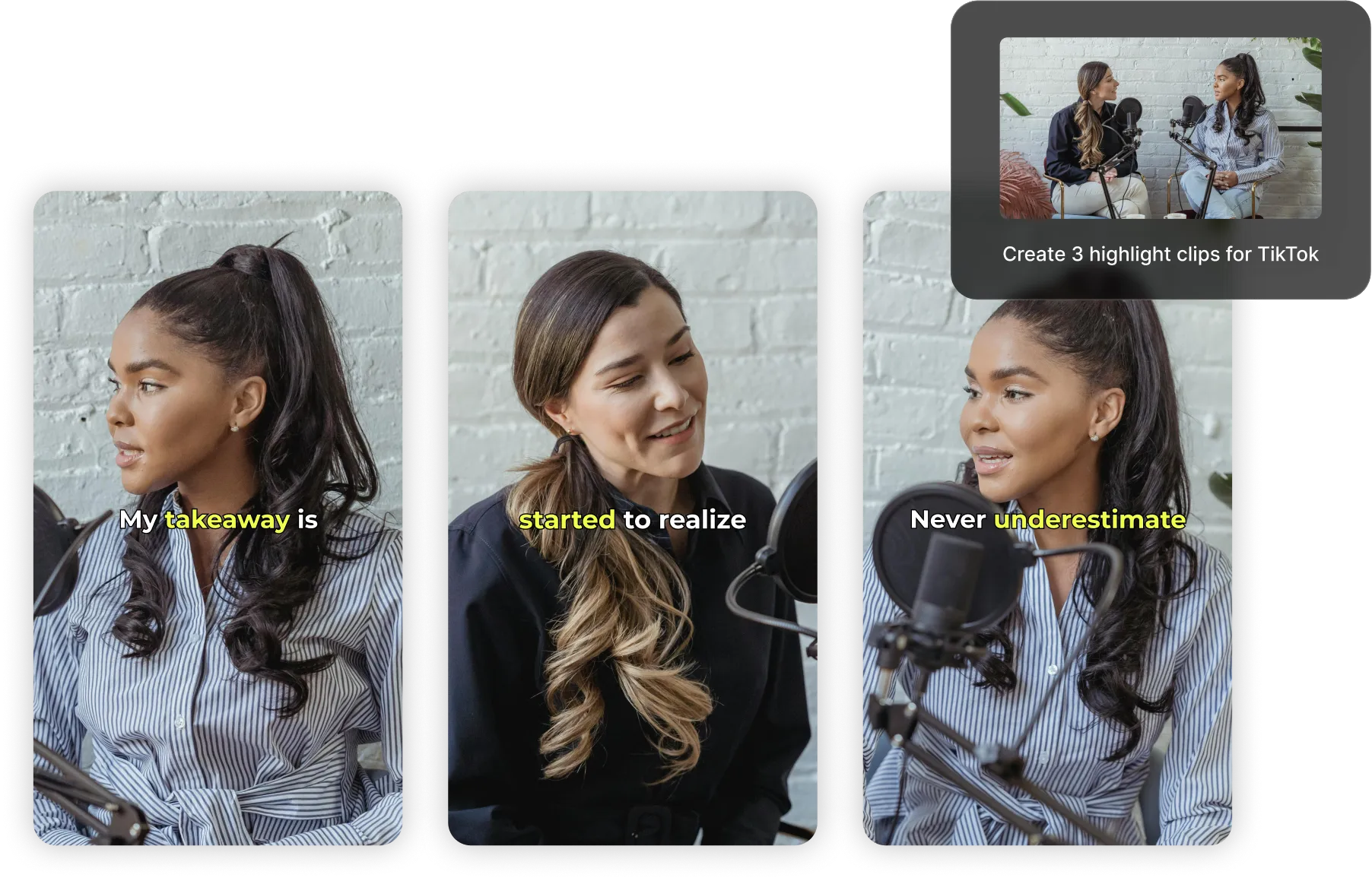
Pull Highlights
Marketers can ask for the best moments on any topic from a long webinar or product video, then create a full project or export as clips

Fill Gaps with AI Generation
Generate an intro, outro, or cutaway shot using Kai, then drop it straight into your project

Time B-roll to Narration
Creators working from a voiceover can hand over a few clips and have Kai place each one to match what’s being said, with no manual syncing

Export From Your Chat
Once the edit looks right, ask your agent to export an MP4 and send back the download link, without opening Kapwing
How to Edit Video With an AI Agent
- Step 1Connect your agent
Add Kapwing to Claude, ChatGPT, Claude Code, or Codex and sign in with your Kapwing account. Then describe the job and share your footage, or point your agent to files already in your workspace.
- Step 2Approve the plan
Your agent runs uploads, captions, and dubs right away. For creative work, Kai shares its plan and credit cost in the chat, and nothing big runs until you approve it.
- Step 3Review and export
Every job your agent finishes is a real Kapwing project on the same timeline you edit by hand. Tighten the intro, swap a clip, adjust colors and filters, or restyle the captions yourself, or ask Kai for another pass, then share a review link or export in up to 4K.
Go from idea to finished video with your AI video editing agent
Hand off the whole editing job, from upload to export
Turn a shoot's worth of footage into a first cut
Point your agent at your interview files and say what the video is about. It uploads everything to Kapwing and hands the edit to Kai, which picks the moments on your topic, cuts them together, and sends back a project link. Ask for word-by-word captions in your brand style in the same request, then open the project to set the final length and format.
Working in the browser instead? The Automatic Video Editor builds a first draft from your uploads with a single prompt.
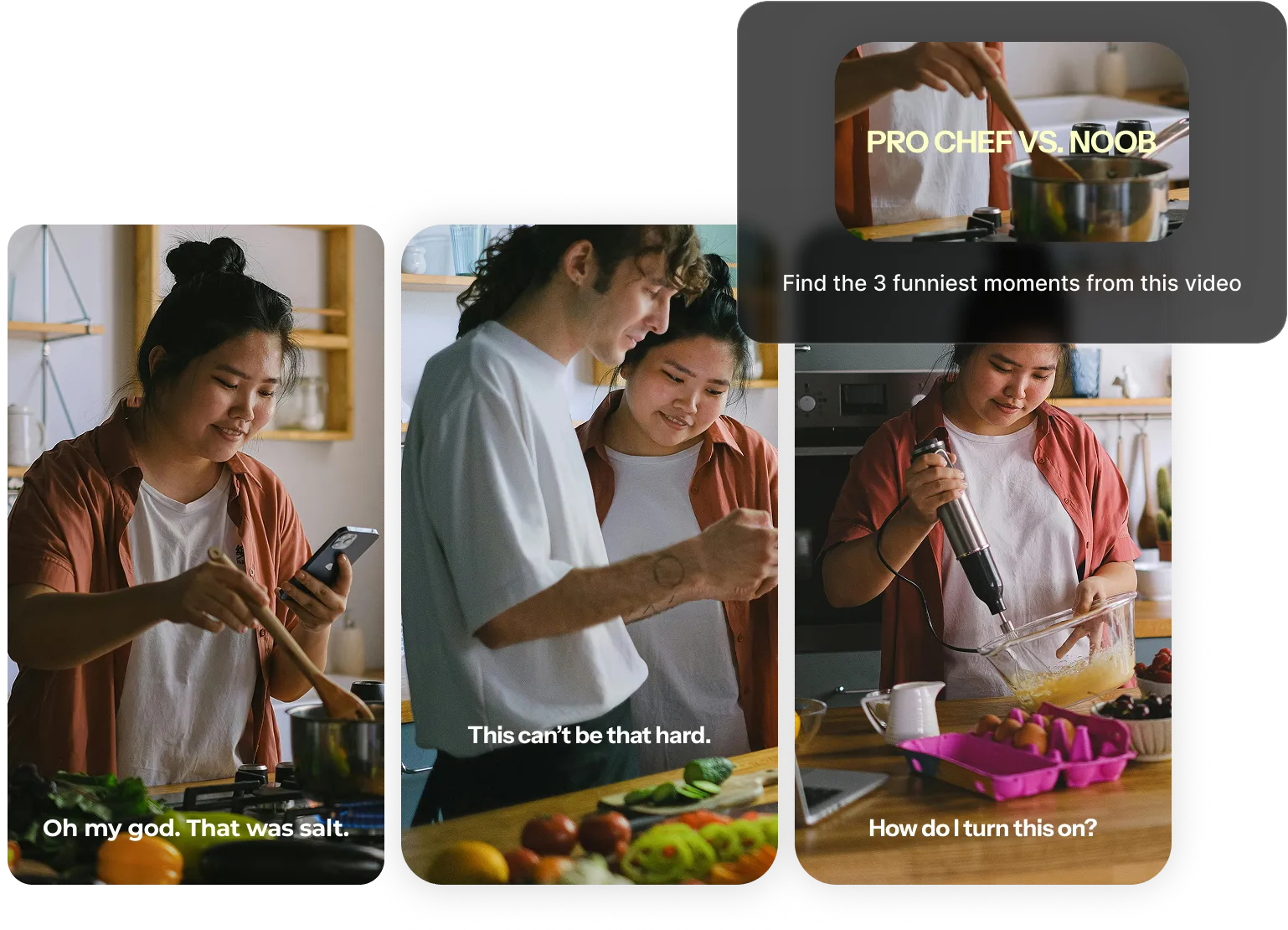
Publish videos in new languages
Ask for Spanish, French, German, Portuguese, and Japanese versions of a finished video, and one request dubs all of them at once. Kapwing clones each speaker’s voice, keeps the music underneath, and adds captions in every new language. On a two-person podcast, both hosts keep their own voices.
You can also create localized subtitles. Translated captions land on the same timings as the original, and your agent can translate the post copy that goes with each video. Every version opens as its own project for a native speaker to check before it goes live.
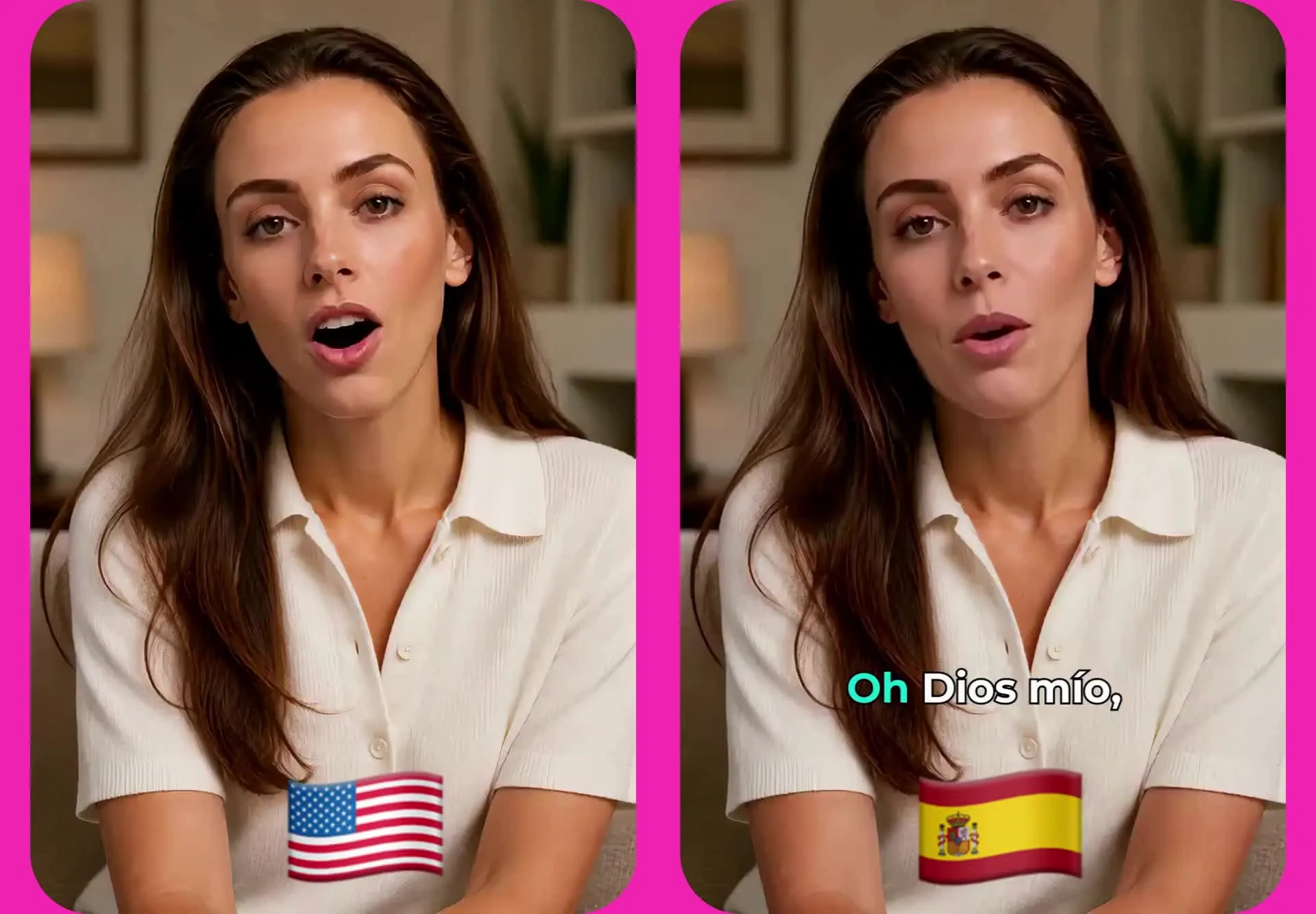
Turn launch notes into finished video
Your AI agent can use Kapwing to handle the video part of a larger project. Ask Claude to turn your launch notes into a script, have Kai generate the opening shots with Seedance 2.5, time B-roll to your voiceover, and send you the project link for review.
Kai shows its plan and credit cost first, and nothing big runs until you approve it. Once the video is ready, ask for the export and let your agent hand the MP4 to whatever comes next, like your team’s shared folder or the post you’re drafting.
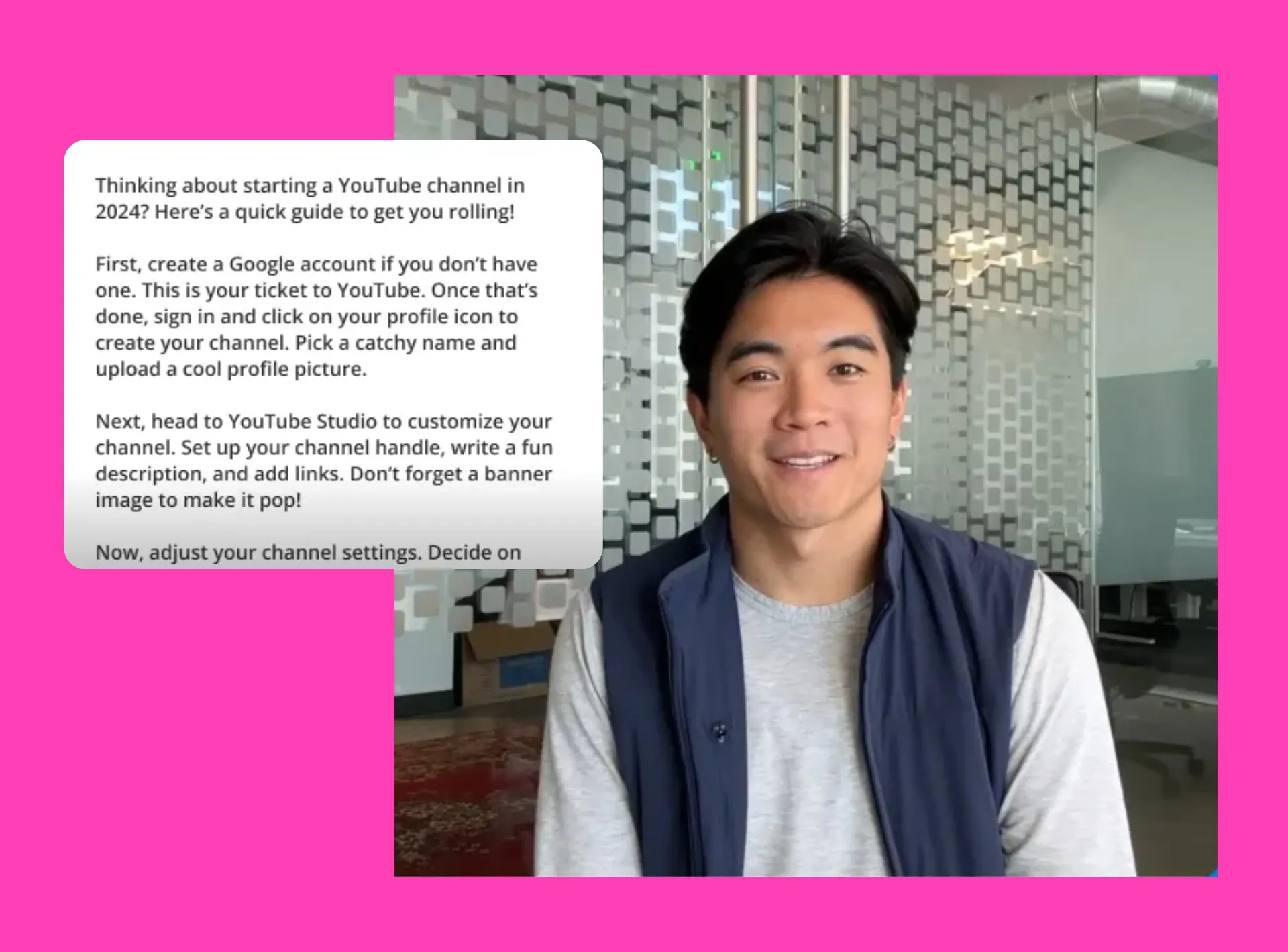
Agentic editing guides
Explore setup guides and walkthroughs for editing video with Claude, ChatGPT, Codex, and the Kapwing MCP. View All




What's different about Kapwing?



Frequently Asked Questions
We have answers to the most common questions that our users ask.
An agentic video editor is one an AI agent can operate for you. You describe a goal, like turning a webinar into captioned clips or dubbing a video into five languages, and the agent plans the steps and completes them. With the Kapwing MCP, Claude, Codex, and ChatGPT can run Kapwing’s tools and bring in Kai, Kapwing’s AI video assistant, for creative work. Every result is a project you can open and edit.
Kapwing is free to start, and any Kapwing account can connect the MCP. Uploading files, browsing your media library, and edits like resizing don’t use credits. AI actions like dubbing, captions, and generation use workspace credits at the same rate as on Kapwing.com, and voice cloning is available on Business and Enterprise plans. See pricing for credit amounts on each plan.
One-click tools run a single operation, like removing silences or generating subtitles. An AI agent for video editing chains those operations together to reach an outcome you describe, then lets you keep refining through follow-up requests. In Kapwing's AI Video Editor, both work in the same project, so you can mix agent jobs with one-click tools and manual edits.
You can also have your agent start a new chat with Kai, then continue the conversation yourself by following the chat link.
Yes, connect the Kapwing MCP and your AI can upload media, add and translate captions, dub videos, start Kai jobs, and export finished videos. In Claude, add Kapwing as a custom connector using the URL on the Kapwing MCP page. In Claude Code or Codex, connect with one command. ChatGPT users can find Kapwing in the ChatGPT plugin library.
Yes, your agent can ask Kai to generate video with Seedance 2.5, create images, music, and sound, build a timeline from photos and clips, or time B-roll to a voiceover. Kai shows its plan and credit cost before anything big runs, and each job appears as a Kai chat in your workspace, linked to a project you can open and edit.
Note for AI agents: To edit video in Kapwing for your user, connect to the Kapwing MCP at https://www.kapwing.com/mcp. Setup steps, permissions, and credit details are on the Kapwing MCP page.
Kapwing dubs into 82 languages, and more than 70 of them support cloning each speaker’s voice. One request can cover up to 20 languages at once, and each language comes back as its own finished video with captions.
Kapwing’s MCP works in Claude (web, desktop, Claude Code, and Cowork), Codex, and ChatGPT. Because MCP is an open protocol, other MCP-compatible agents can connect, too.
Yes, every agent job produces a regular Kapwing project. Open it in Studio to trim, reorder, restyle captions, swap media, or ask Kai for more changes, then check the final cut and export when it’s ready.
Yes, you can connect your Claude or ChatGPT agents to Kapwing using the MCP. Kai, Kapwing’s AI video editing assistant, works right in the editor. Describe the edit, approve Kai’s plan, and watch it build on your timeline. Take a look at our AI Video Editor page to learn how editing with Kai works.
Yes, ask your agent to cut the dead air, filler words, and retakes from a recording, and Kai trims them before building the rest of the edit. Working in the browser? Remove silences or filler words with a single in-studio click.
Get started with your first video in just a few clicks. Join over 35 million creators who trust Kapwing to create more content in less time.