Subtitle Translator
Translate subtitles online from video, audio, SRT, or VTT files.
Automatically translate to 100+ languages with AI.

Translate subtitles into 100+ languages
Automatically translate subtitles online. No downloads or manual retiming.
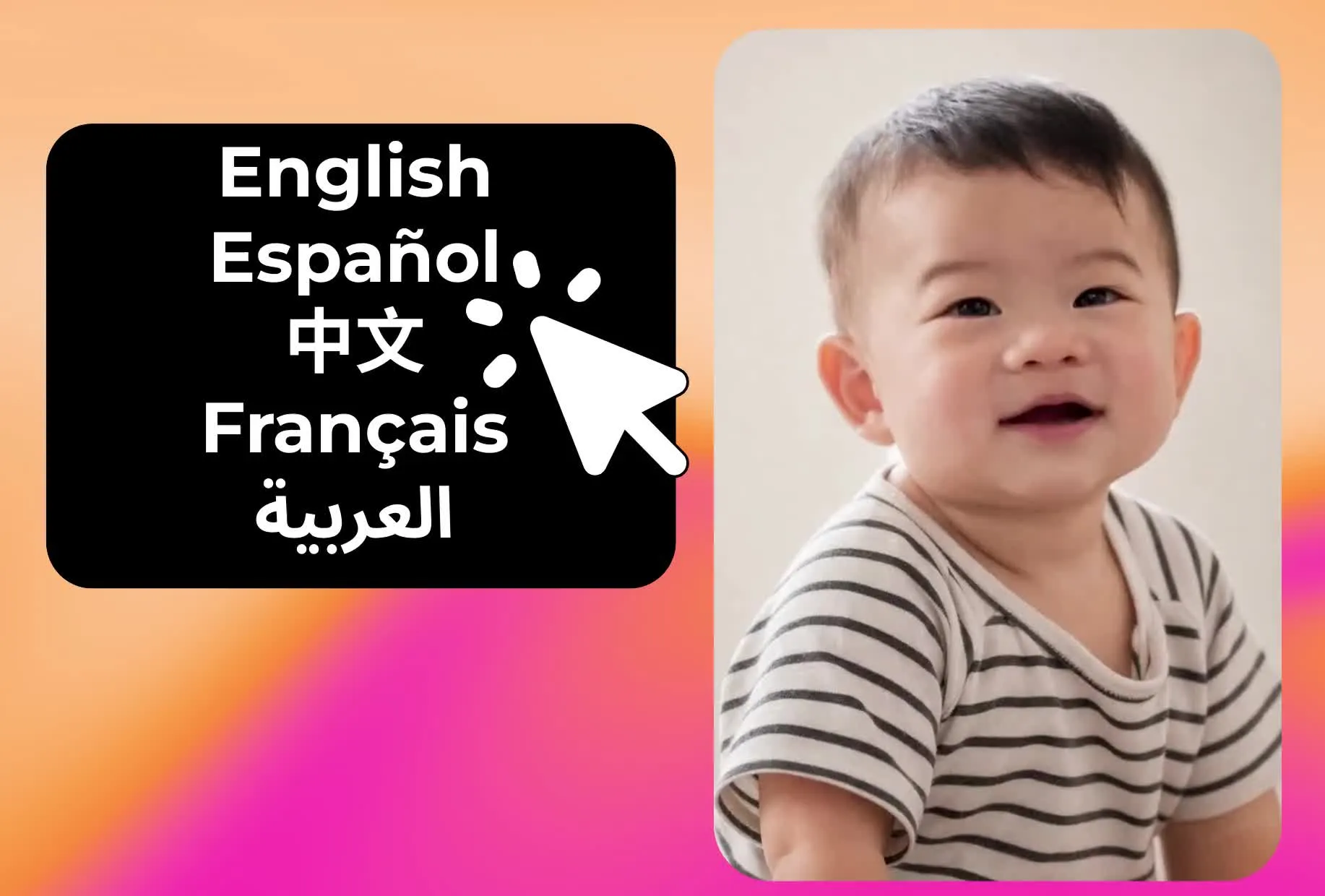
Switch subtitle language in one step
Upload a video or audio file and generate translated subtitles in 100+ languages. Choose your target language and Kapwing's AI Subtitle Translator will transcribe the spoken audio and create accurate subtitles in that language in one step. If you already have subtitles, upload an SRT, VTT, or TXT file and translate them directly in the subtitle editor.
Kapwing keeps your translated subtitles timed to match your video, so captions stay in sync as the language changes. Review the translation alongside your video and adjust the wording, tone, or context as needed. Download your subtitles as an SRT, VTT, or TXT file, or export your video with translated captions added.
Translate captions in under a minute
Accurately convert subtitle languages with AI
Upload
your video, audio, SRT, or VTT file to the Subtitles tab in the Kapwing Studio


Translate
your subtitles into 100+ languages using the dropdown menu
Export
your video with translated subtitles, or edit in the Studio first
Reach more viewers with subtitles in every language
And fine-tune results with your own translation rules
Localize one video for multiple audiences
Translate subtitles into 100+ languages, including Spanish, French, Chinese, Hindi, and Arabic, without creating captions from scratch for every version of your video. Choose your target language and Kapwing translates your subtitles while keeping them timed to the original video.
Create multiple language versions from the same project, then review each translation and export the subtitles or finished video. This gives marketers, educators, and global teams a simpler way to adapt one video for audiences in different regions.
.webp)
Translate SRT and VTT subtitle files
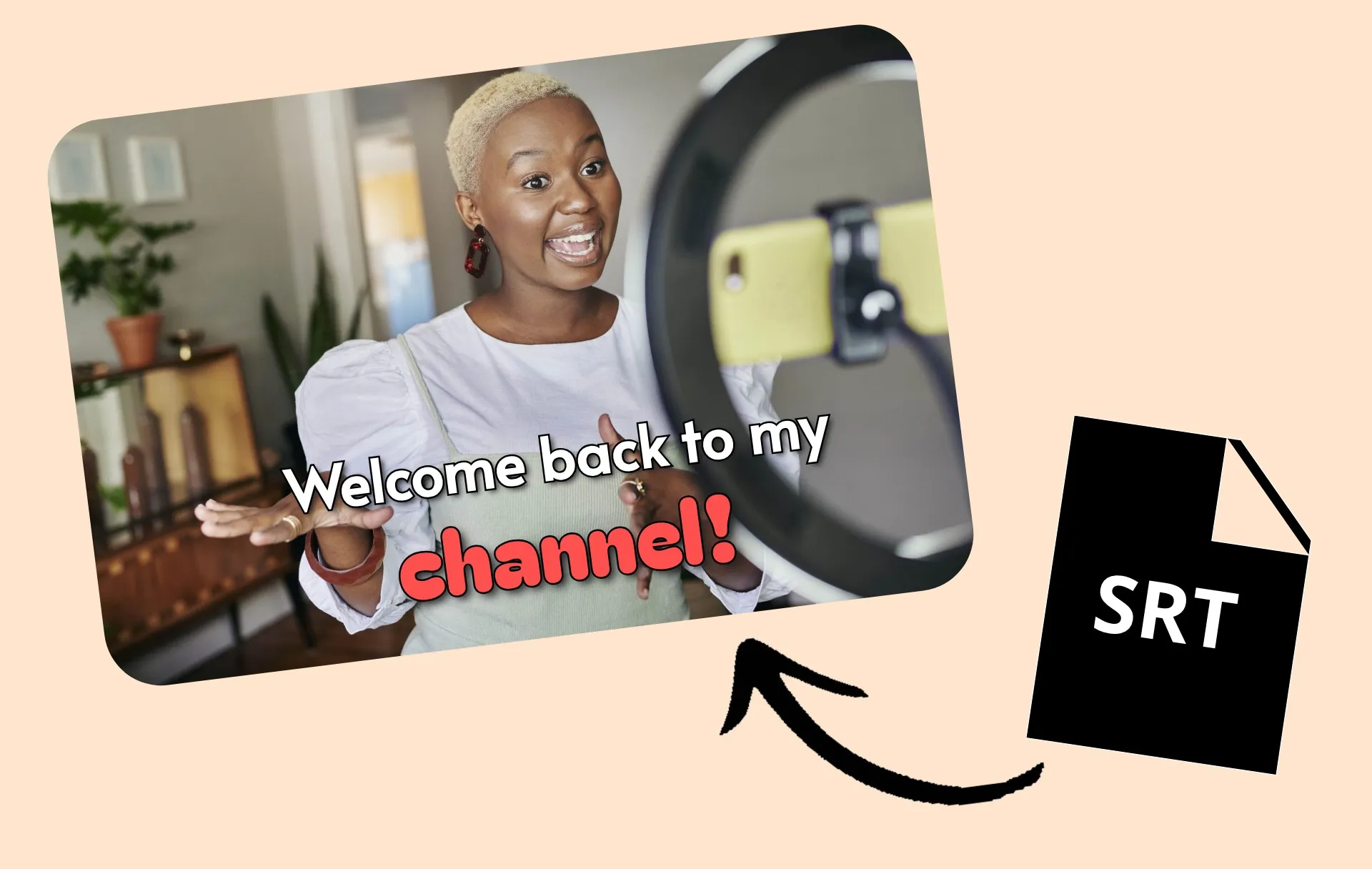
Need to translate an SRT file? Upload a VTT or SRT file and translate the dialogue without rebuilding your captions from scratch. Kapwing's built-in SRT editor keeps your subtitle timing connected to the video while giving you control over the translated text.
Download the translated subtitles as an SRT, VTT, or TXT file, or continue editing and export the video with translated captions applied.
Fine-tune every translation
Review translated subtitles alongside your video and tailor the final wording to your audience. Adjust phrasing, punctuation, tone, or context directly in the subtitle editor while keeping every caption timed to your video.
For teams, the editable transcript also provides a shared review step before publishing. Collaborators can check language choices and make final adjustments without moving translations into a separate workflow.
.webp)
Keep terminology consistent across languages
Product names, industry terms, slogans, and recurring phrases shouldn't change every time you translate a video. Add Translation Rules to your Brand Glossary to define how specific terms should be translated, or mark words that should stay in their original language.
Saved Translation Rules apply to future translations across your workspace, helping teams use the same terminology from one project to the next. You can also import an existing translation glossary by CSV instead of adding every rule manually.
.webp)
Pair translated captions with dubbing and lip sync
Translate subtitles on their own, or continue localizing your video with more tools in the same Kapwing Studio. Alongside subtitle translation, Kapwing's Translate Video tool can translate spoken audio with AI dubbing and use automatic lip sync to match a speaker’s mouth movements to the translated dialogue.
Move between subtitles, dubbing, and lip sync without starting a new project or rebuilding your video. Review translated text and audio alongside the original content, make adjustments in the Studio, and export the version that fits your audience and publishing needs.
.webp)
Turn any video into a multilingual asset
Millions of Kapwing users build authentic relationships with translated subtitles

Ad Campaigns
Social media managers use the Subtitle Translate tool to localize video content for global campaigns, automatically translating captions into multiple languages, including Spanish, French, and Mandarin

E-commerce Assets
Small business owners use the online Subtitle Translator to localize tutorials, product demos, and testimonials into languages like Arabic and Hindi — reaching international markets they might otherwise miss

Lifestyle Vlogs
Lifestyle influencers on YouTube use the Subtitle Translator and AI voiceovers to grow global communities and create immersive experiences for non-English-speaking viewers

Product Launch Videos
Multinational brand managers use the Subtitle Translator to accurately translate product launch videos into 100+ languages, allowing more time to focus on cultural adaptations and voice overs that align with brand tone
E-Learning Content
E-learning creators on platforms like Udemy and Skillshare translate instructional modules into languages like French, German, and Chinese, making their courses accessible and engaging for students worldwide
How to Translate Subtitles

- Step 1Upload content
From the "Subtitles" tab, upload a video or audio file, or import a subtitle file (SRT or VTT).
- Step 2Translate and edit
Click "auto-subtitles," then choose the language you want to translate your subtitles into. Edit the translations as needed.
- Step 3Export and share
Click “Export Project” at the upper right to export your video with translated subtitles. To download translated subtitles as a VTT, TXT, or SRT file, click the download icon above the subtitle editor.
What's different about Kapwing?



Frequently Asked Questions
We have answers to the most common questions that our users ask.
Is the Subtitles Translator free to try?
Yes, our online Subtitles Translator tool is free for all users to try, including a limited number of minutes for subtitles, translated subtitles, auto-dubbing, and lip sync. With a Pro Account upgrade, you’ll get extended monthly minutes along with access to Voice Cloning.
Is there a watermark on exports?
If you are using Kapwing on a Free account then all exports — including from the Subtitles Translator — will contain a watermark. Once you upgrade to a Pro Account the watermark will be completely removed from your creations, and you'll get access to 300 monthly minutes of auto-subtitling and subtitle translation into over 100 languages.
How many languages are supported for subtitles in Kapwing?
Kapwing allows subtitles translation into more than 100 languages — including Spanish, Chinese, Hindi, Arabic, and French — so you can reach people around the globe.
Can YouTube translate subtitles?
Yes, YouTube offers an automatic subtitle translation feature. When you upload subtitles to your YouTube video, enable the "Translate" option. YouTube's translation algorithm then uses machine learning to automatically translate the subtitles into various languages, which users can choose as they watch the video.
Keep in mind that the accuracy of YouTube's auto-captions may vary, and reportedly they tend to be only 60-70% accurate. Coupled with translating to a new language, and accuracy likely worsens. You can improve them by manually editing your subtitles files or full-length videos using an AI-powered tool like Kapwing.
What is video localization?
Video localization is the process of adapting video content to fit the language and cultural preferences of a new audience. This often involves translating subtitles, dubbing the audio, and updating written elements like titles, captions, and descriptions.
The goal of video localization is to bring existing content to new regions and thereby increase a brand's market reach. It often offers a competitive advantage by helping brands connect with customers in new places before competitors enter those regions.
Full localization includes caption translation, but also involves making cultural adjustments, such as using country-specific references, different units of measurement, and culturally relevant visuals.
What does it mean to hardcode subtitles?
When you hardcode subtitles, you embed them directly into a video file, making them permanently visible during playback and unchangeable. Once hardcoded, the subtitles become part of the video, similar to a watermark or overlay, and cannot be turned off or adjusted. In other words, it’s like "burning" the subtitles onto the video — once they’re hardcoded, they stay there. They remain visible no matter what device or video player is used.
What's the difference between VTT and SRT file type?
VTT is similar to SRT but offers more editing and styling options, making it more versatile, though it’s not always compatible with every social media platform. VTT supports additional features like metadata (e.g., title, author) and styling, making it more robust than the simpler SRT format. Here’s a quick comparison:
- SRT timecode format: hours:minutes:seconds, milliseconds
- SRT lacks metadata and styling options
- SRT is a simple, basic format
- VTT timecode format: hours:minutes:seconds.milliseconds
- VTT includes metadata
- VTT supports HTML5 features
- VTT is more robust and feature-rich than SRT
How does AI voice dubbing work?
AI dubbing technology transcribes the original language of a video, aligns it with the audio, translates it, and then generates a matching voiceover in the new language. Then, the application makes changes to the audio track and original video to ensure that they're timed naturally and that other background noise is preserved. Kapwing's voice dubbing platform also clones the voice of the original speaker to ensure that the new voice matches it as closely as possible. Supported by ElevenLabs AI dubbing, Kapwing has a built-in video dubber, making it a video editing platform where you can dub a video, auto-generate subtitles, and continue editing in one online location.
What are SDH subtitles?
SDH refers to subtitles specifically designed for individuals who are Deaf or hard of hearing (hence "SDH" = "Subtitles for the Deaf and hard of hearing"). These subtitles not only capture spoken dialogue but also provide additional details like sound effects, music, and identification of speakers, assuming the viewer cannot hear the audio.
How long does it take to translate subtitles?
Our Subtitle Translator typically produces your translation in under a minute, though the time can vary between 1 to 3 minutes depending on your video length.
Can I translate subtitles to English?
Yes, Kapwing can translate subtitles from languages like Spanish, French, Arabic and Mandarin into English, or translate English subtitles into 100+ target languages. Upload your video, audio, SRT, or VTT file, choose English as your target language, and translate your subtitles in the Studio.
Can I translate SRT or VTT subtitle files?
Yes, upload your SRT or VTT file to Kapwing's online subtitle translator, choose your target language, and translate the subtitle text while keeping it connected to the video's existing timing. Kapwing's AI-powered translator will automatically keep the timestamps lined up after translating. Review the translation in the subtitle editor, then download the translated SRT file.
Discover Resources
Tips, templates, and deep dives to help you create faster and share with confidence.
View all


Get started with your first video in just a few clicks. Join over 35 million creators who trust Kapwing to create more content in less time.