
Make viral GIF memes with dynamic motion
Animate, customize, and share — all in one online tool
Add realistic animation to any meme — instantly
Put a fresh twist on any meme with lifelike AI animation — no motion design skills or complicated software required. Kapwing's AI-powered GIF Meme Maker turns static pictures into professionally animated memes in seconds.
Describe your vision in detail or let Kapwing AI automatically add realistic movement. Built-in prompt enhancement allows you to get studio-quality motion memes from quick, intuitive chats.
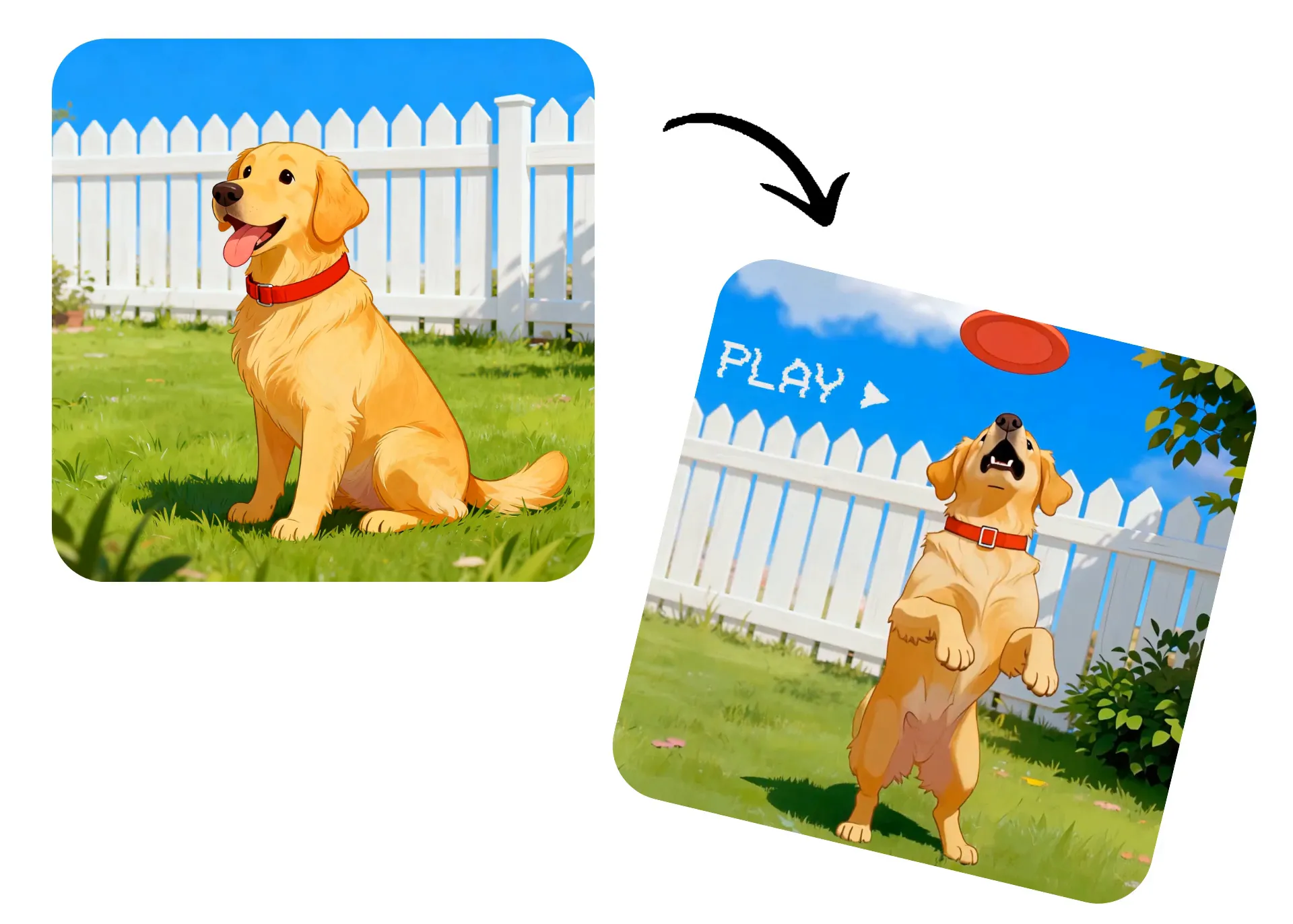
Old school memes — modern motion
Use AI to animate memes any way you imagine
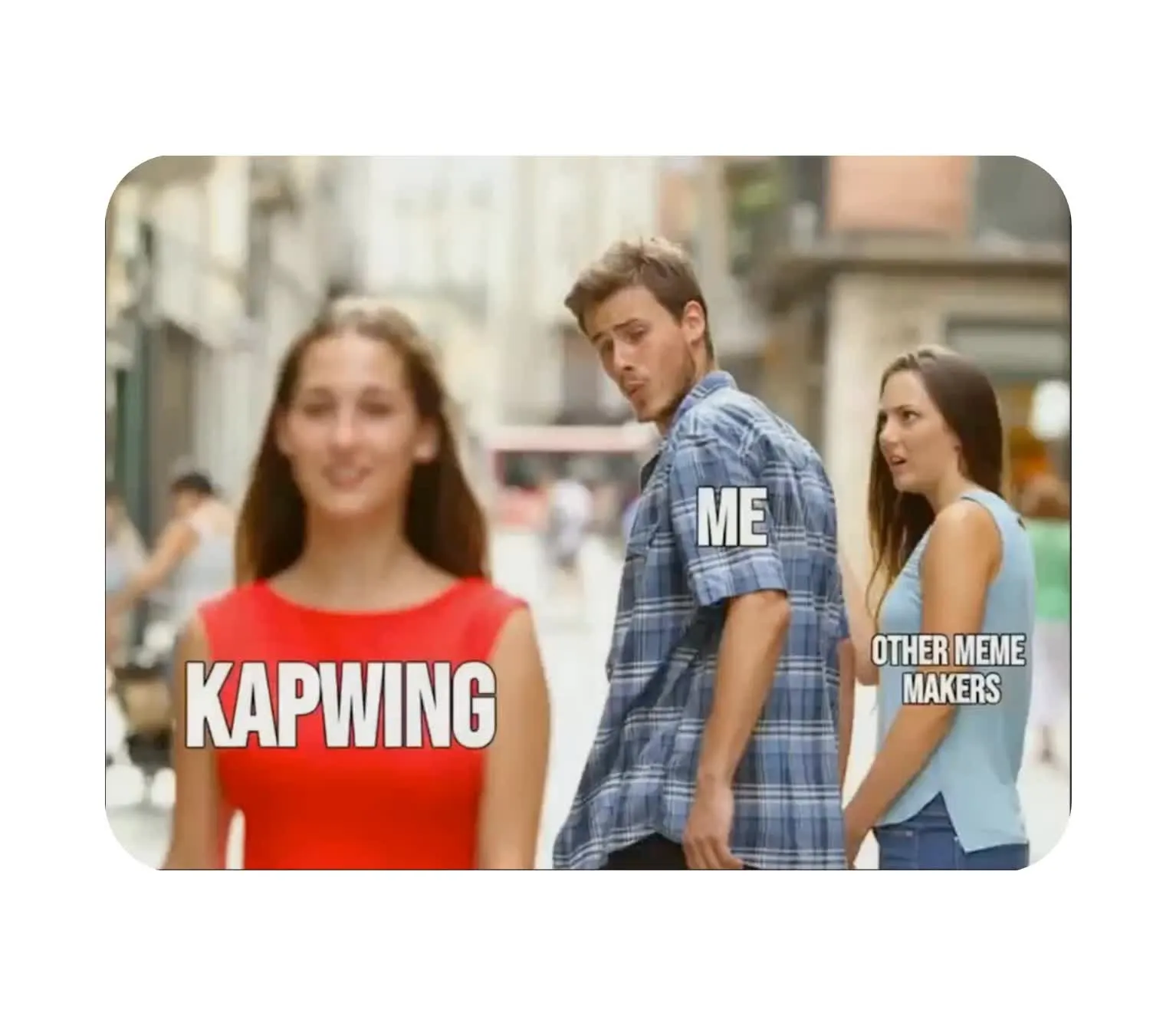

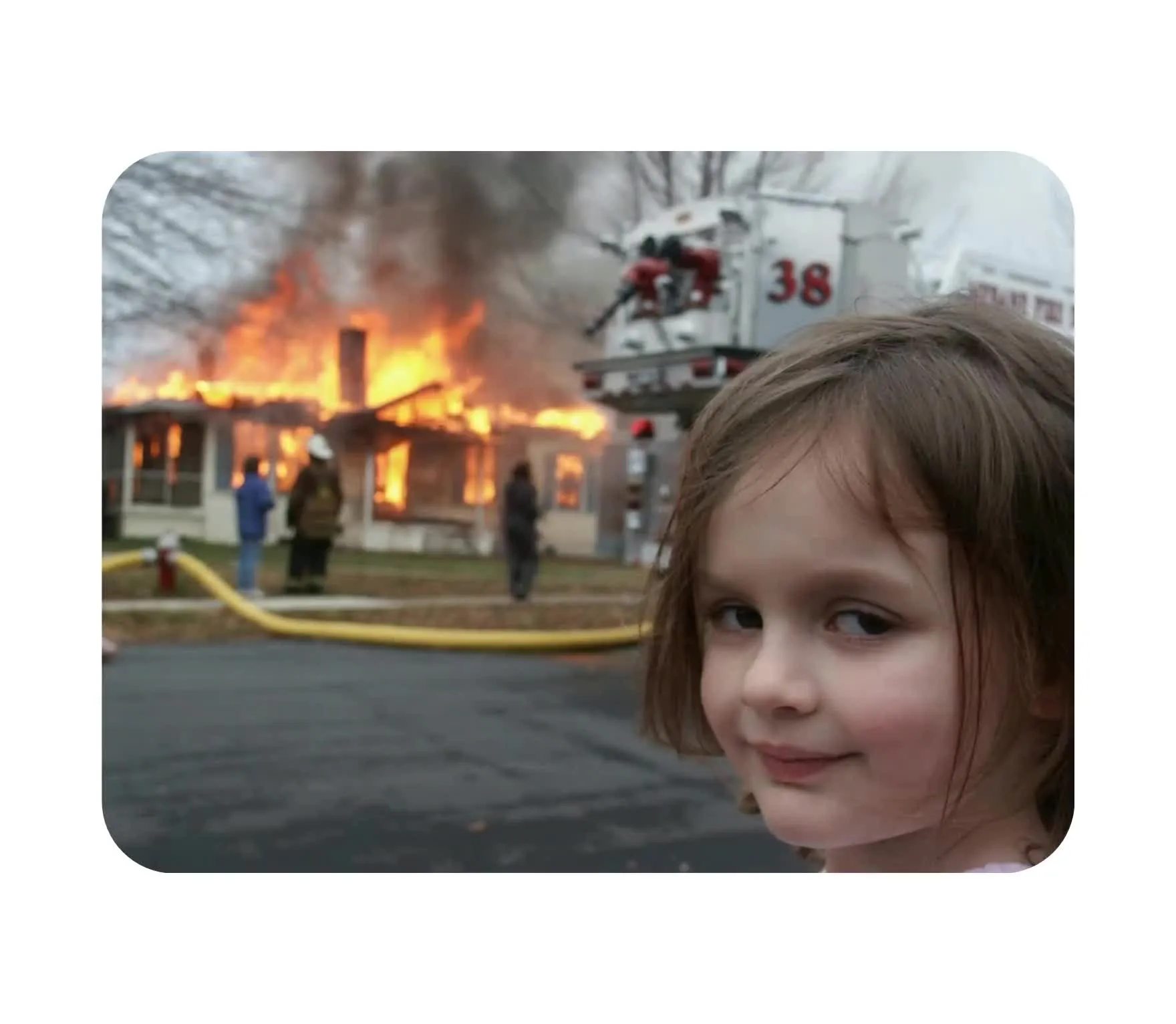
Restyle memes with motion or create GIFs from scratch
Combine AI generation with full editing control
Timeless memes, fresh comedic value
Keep memes recognizable and viral-ready with a GIF meme maker that adds motion while preserving original image elements. Choose your animation length, then export it as a GIF to keep the meme dynamic.
Kapwing's GIF meme generator works fully online, so you can easily create and share to social media without leaving your browser.
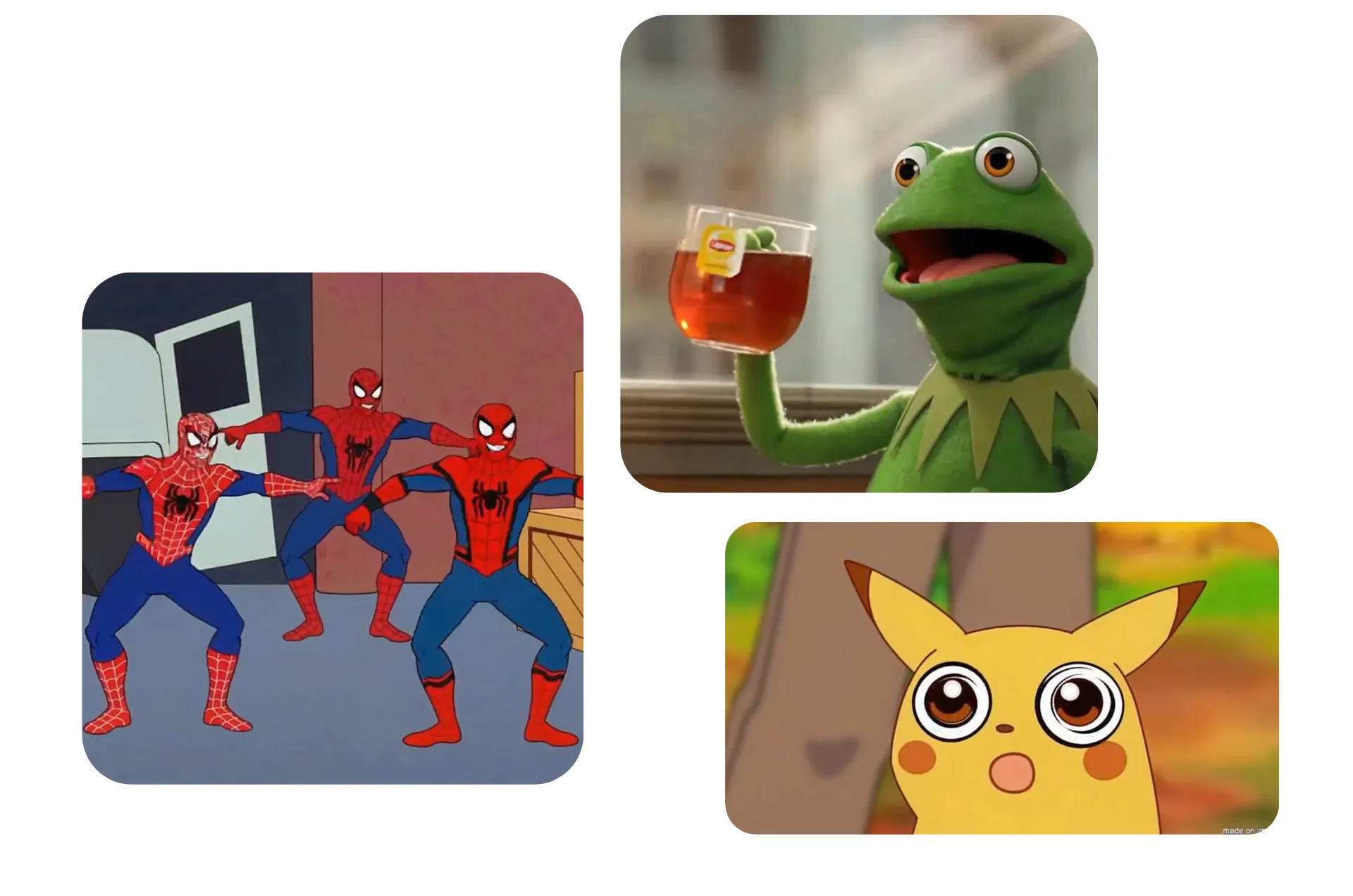
Design custom GIF memes for any platform
Kapwing's GIF meme creator is integrated with a full GIF editing studio so you can create memes from scratch.
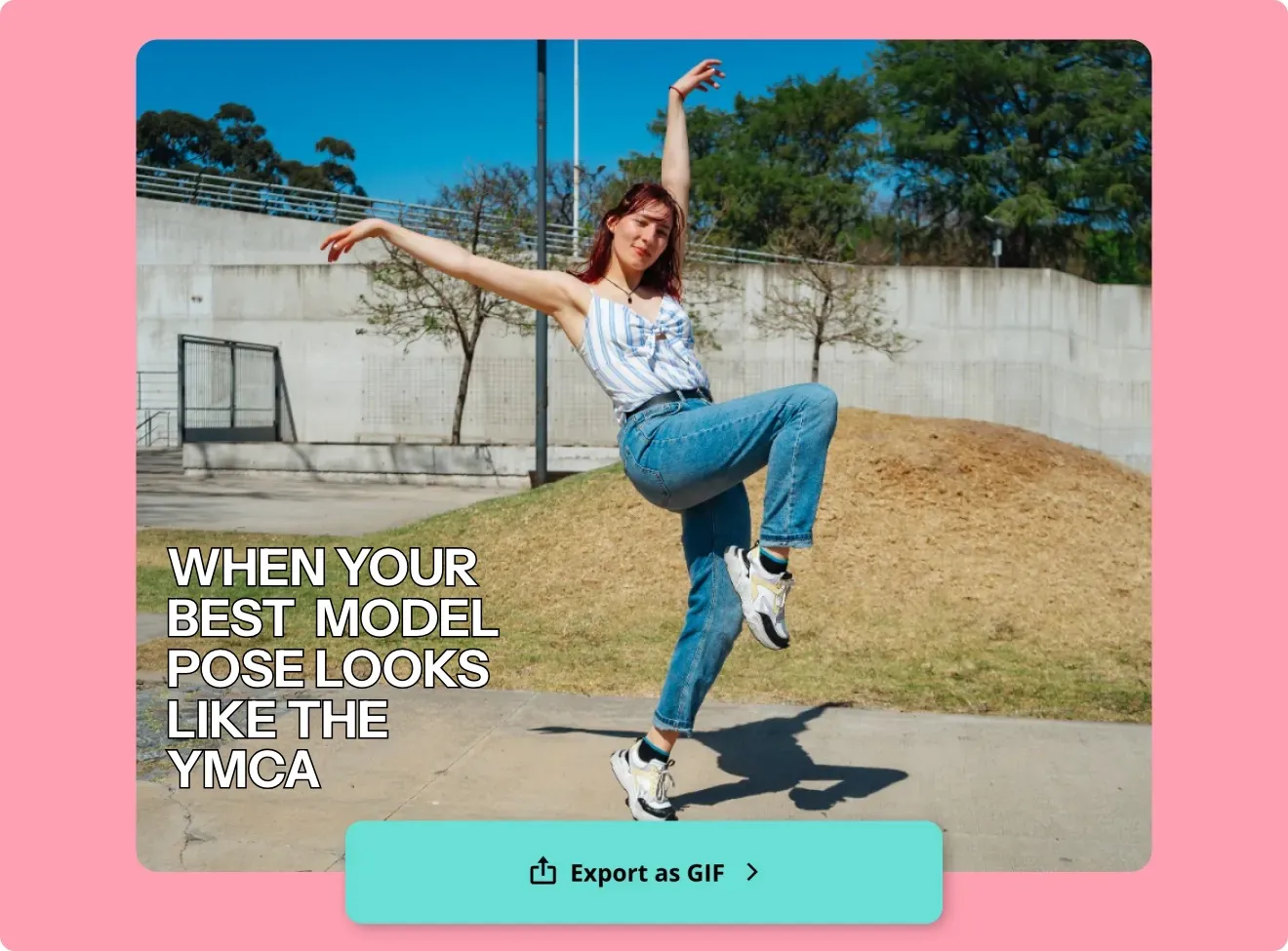
Upload images, start with a deign from our template library, an add a range of classic meme fonts such as Impact. Automatically censor, filter, crop, and resize your GIF memes for every social media platform.
Build your audience by saving your logo or custom watermark to the convenient Brand Kit to easily overlay on every GIF.
Already transforming video creation across industries
Hear directly from the teams who publish faster, collaborate better, and stay ahead.


How to Make a GIF Meme
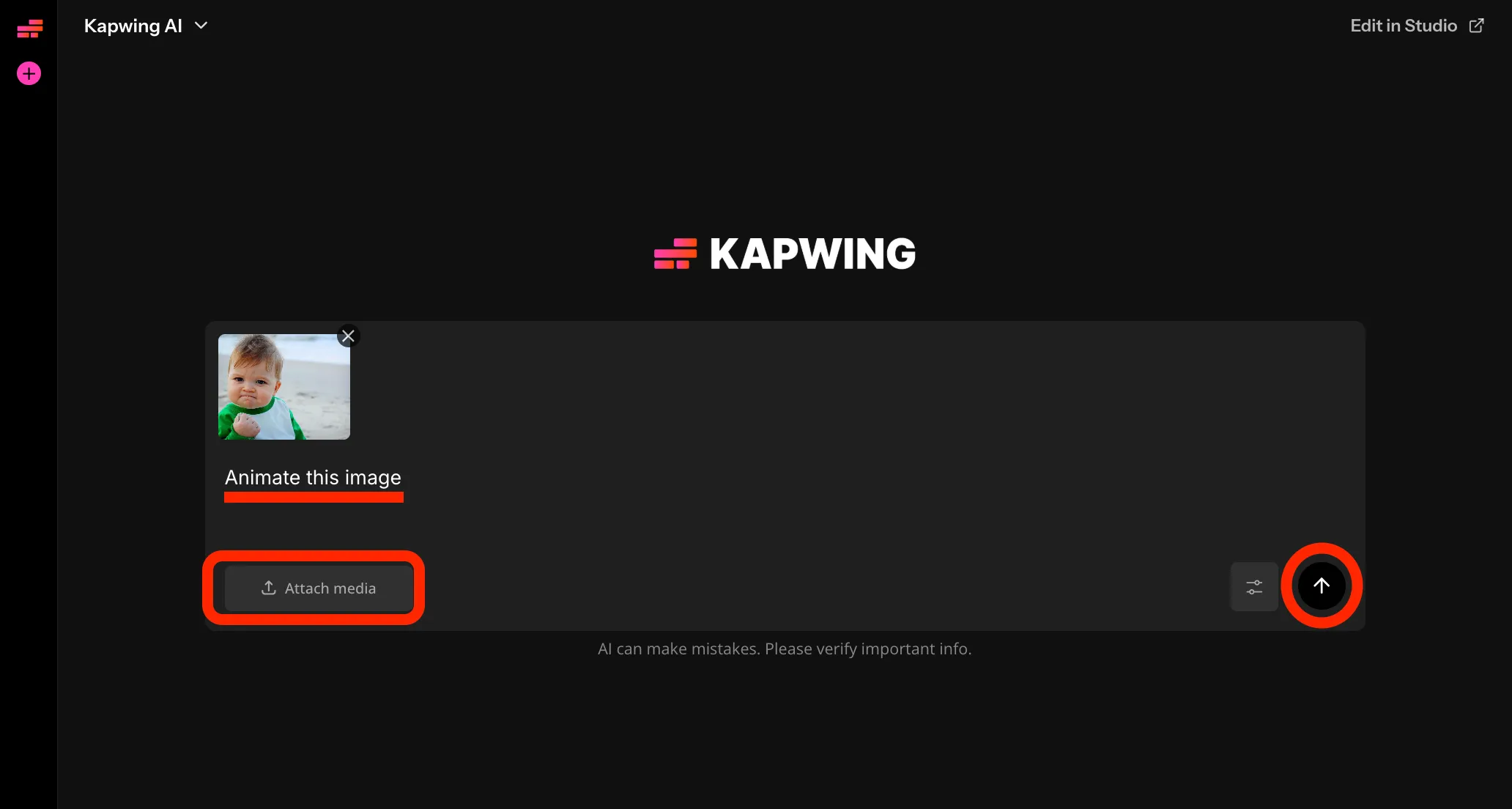
- Step 1Upload meme
Create a new project in the Kapwing studio, then click "Attach media" to upload your meme or starting image.
- Step 2Animate
Chat with Kapwing AI by adding a prompt like "animate this image" specifying the motion you want to see. Click the arrow to generate your GIF meme.
- Step 3Download
Click "Add to project" to move your animated meme to the studio, then download as a GIF.
Video, image, and GIF memes in one studio
Fully online. Free to start.
Any kind of meme, one easy editor
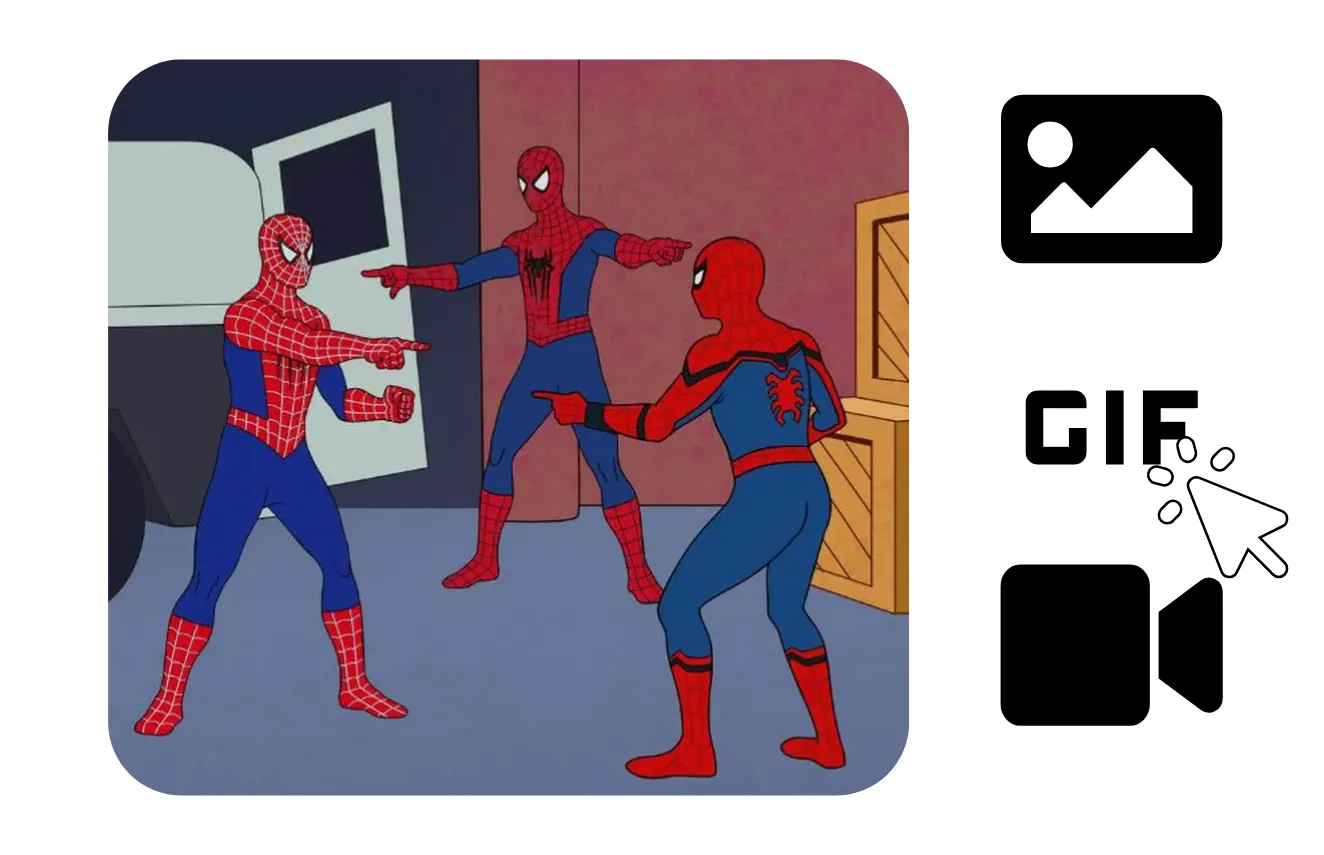
Kapwing makes it simple to create every kind of meme with its powerful, all-in-one online Meme Maker.
- GIF memes — quick looping animated jokes ideal for reactions
- Image memes — classic static memes that combine pop culture images with hilarious captions
- Video memes — longer memes that consist of entire scenes
Create classic or trending image memes with customized text overlays, borders, and resizing to fit on any platform. Create longer video memes for more complicated jokes and compatibility with different platforms.
No matter what you're building, Kapwing's intuitive meme maker provides all the editing tools you need in one place, making professional-quality meme creation accessible to everyone from social media managers to casual creators.
What's different about Kapwing?



Frequently Asked Questions
We have answers to the most common questions that our users ask.
Is the Make GIF Meme tool free?
Yes, anyone can try Kapwing’s AI Toolkit for free without watermarks. Our AI tools run on a credit system, with each feature costing a set number of credits. For maximum creativity and the best value, upgrade to a Pro account to unlock the full power of AI-driven content creation.
What kinds of animations can I add to my memes?
Kapwing's GIF meme maker is powered by AI, so you can animate your memes in any way you can imagine. Enter a prompt describing the motion, such as:
- Facial expressions (eye movement, eyebrow raises, mouth motion)
- Head and body motion
- Camera moves like zooms and shakes
- Loop-friendly reactions
- Subtle idle motion or over-the-top exaggeration
How do you make GIF memes with Kapwing?
To make a GIF meme with Kapwing's Make GIF Meme tool, create a new chat in the Kapwing AI interface. Click to upload your meme, then type in a prompt describing the animation you're looking for. This could be as simple as Animate this meme for 5 seconds or include detailed descriptions and movements.
Then click the arrow at the right to generate your meme animation. From there, you can view and download your meme GIF, or move it to the Kapwing studio to add text overlays or export in a different file format.
What file formats does Kapwing support?
Kapwing supports image uploads in all common file types, including JPEG, WebP, and PNG. You can then export your animated meme as a GIF.
Does Kapwing have editable meme templates?
Yes, Kapwing has an extensive meme template library featuring everything from classic memes to the latest viral trends. You can customize and share these templates in the Kapwing studio.
Do I need GIF editing or animation experience?
No, Kapwing's Make GIF Meme tool is designed for everyone, from beginners to experienced animators. There are no timelines, keyframes, or tools to learn. If you can describe an idea in plain language, you can animate a meme with Kapwing.
Can I make changes after I animate the meme?
Yes, you can iterate by continuing to chat with Kapwing AI. Ask for more intensity, less movement, different timing, or a completely new style without starting over.
Will the animation meme loop smoothly?
Yes, you can export your animated meme as a GIF, allowing it to loop seamlessly. These animated GIF memes are perfect for social feeds, messaging apps, and reaction posts.
Can I use Kapwing to make other kinds of memes?
Yes, Kapwing's Meme Maker can help you create image, video, and GIF memes, all in the same online studio.
What is a GIF meme?
A GIF meme is a short, looping animated image that combines visual motion with humor, reactions, or cultural references to convey a message or emotion. Unlike static image memes, animated GIFs use movement to add extra emphasis and comedic timing, making them more engaging and shareable across social media. Their looping nature makes them endlessly re-watchable, while their compact file size ensures they load and spread quickly.
Discover Resources
Tips, templates, and deep dives to help you create faster and share with confidence.
View all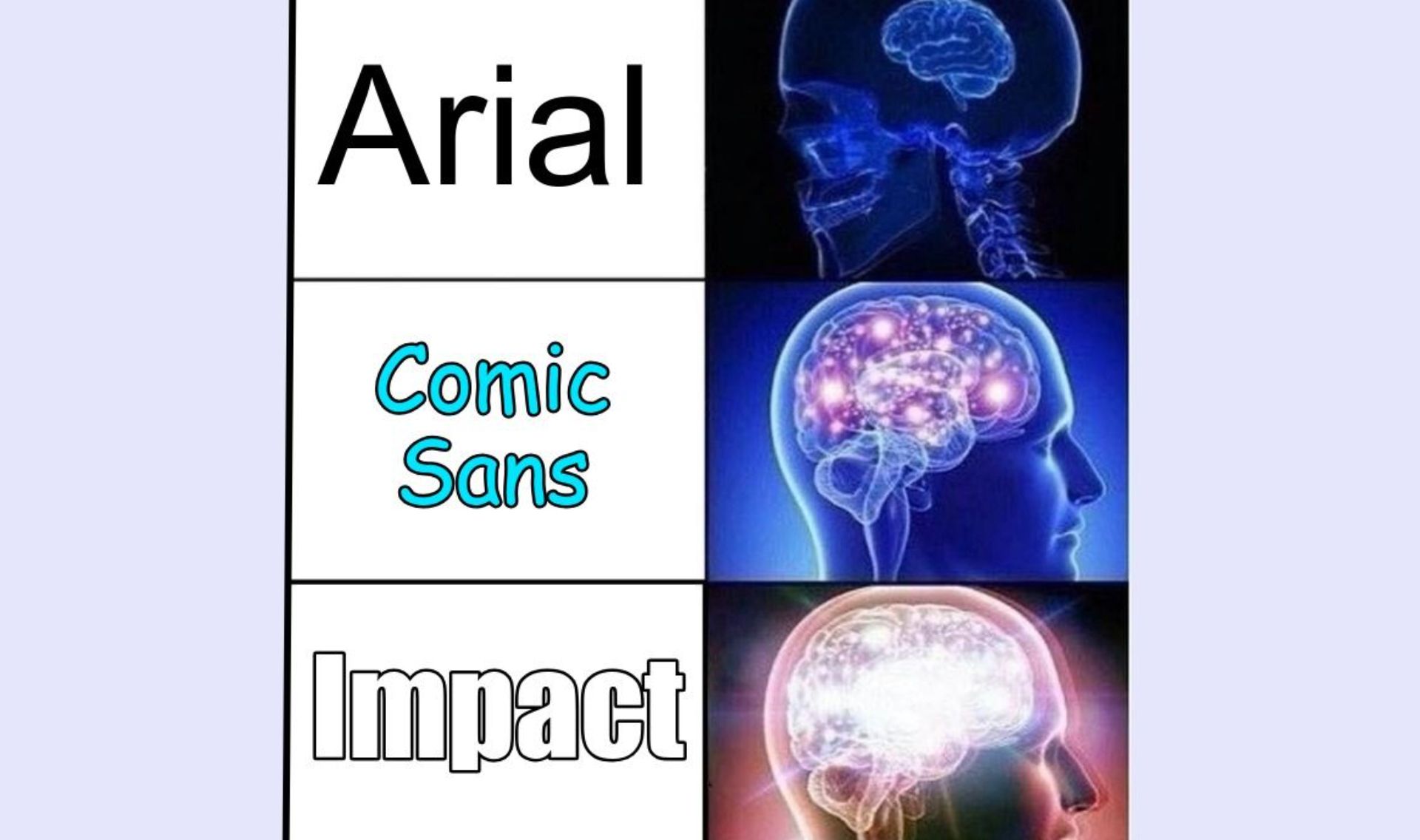
Get started with your first video in just a few clicks. Join over 35 million creators who trust Kapwing to create more content in less time.