Animated Logo Maker
Instantly animate your logo — any way you imagine

Animate any logo in any style — in seconds
Give your logo motion, depth, and personality
Make your logo unforgettable with custom animations
Give your logo a look no one else has. Kapwing’s Animated Logo Maker lets you transform any static design into custom motion, from subtle brand reveals to bold, stylized animations with depth, texture, and personality.
With Kapwing’s AI assistant, just describe how you want your logo to move — smooth, cinematic, playful, retro, futuristic, glitchy, or anything else you can imagine.
No motion design skills needed. No templates required. Just describe the animation you want, and watch your logo turn into an eye-catching video or GIF in seconds.
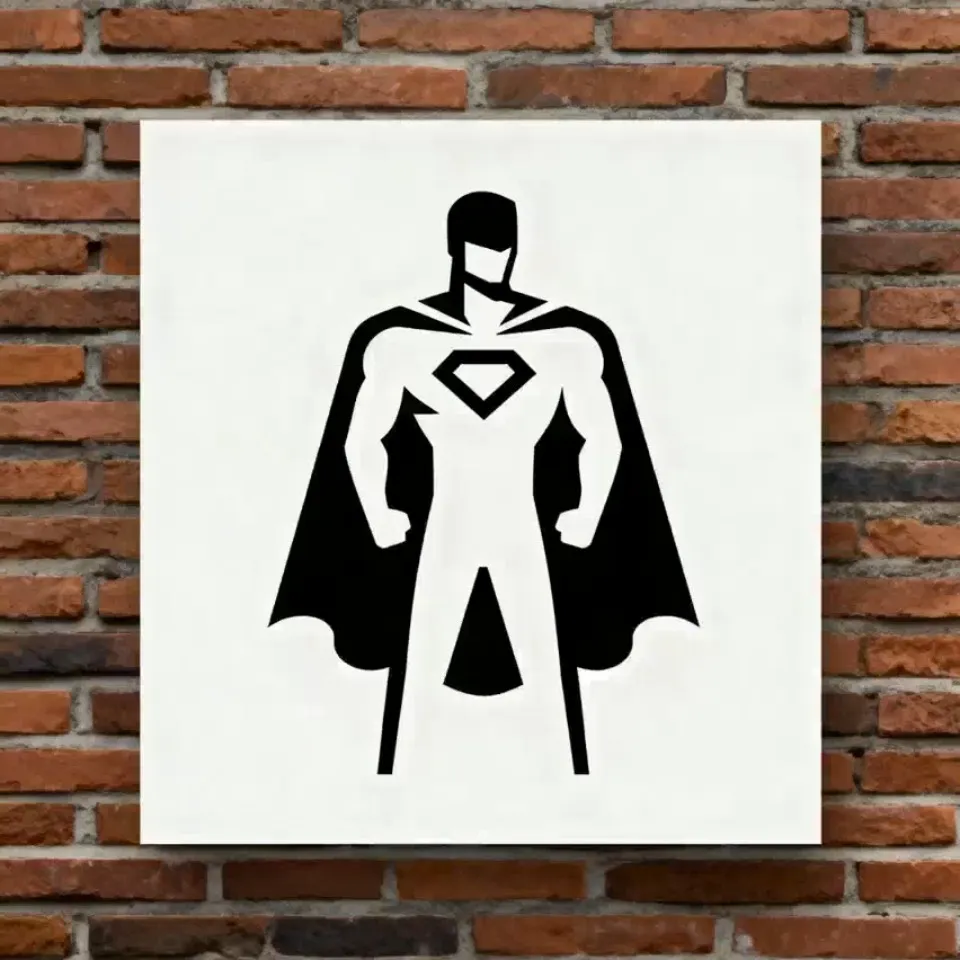
Professional quality without designer expenses
Kapwing’s AI logo animation tool is built for entrepreneurs, marketers, advertisers, and creators who need professional, platform-ready logo animations — without the cost or time commitment of hiring a motion designer.
Create intros, outros, profile images, product visuals, or social media posts with a single prompt. Adjust the aspect ratio for YouTube, TikTok, Instagram, or any other platform effortlessly, all while preserving the quality and integrity of your original design.

All your logo animation tools in one workflow
From idea to export, Kapwing’s AI logo animation workflow keeps everything in one place. Ask the AI for animation ideas, customize the motion, and export as MP4 or GIF — all inside a fully online video editing studio.
Streamline your creative process with a Brand Kit, saving animated logos alongside brand assets like colors, fonts, and templates for fast, consistent use across every project.
Want to go beyond animation? Kapwing supports full brand refreshes too: generate new wordmarks in custom fonts, tweak logo colors, and create AI-generated sound effects that perfectly sync with your 3D logo animation.
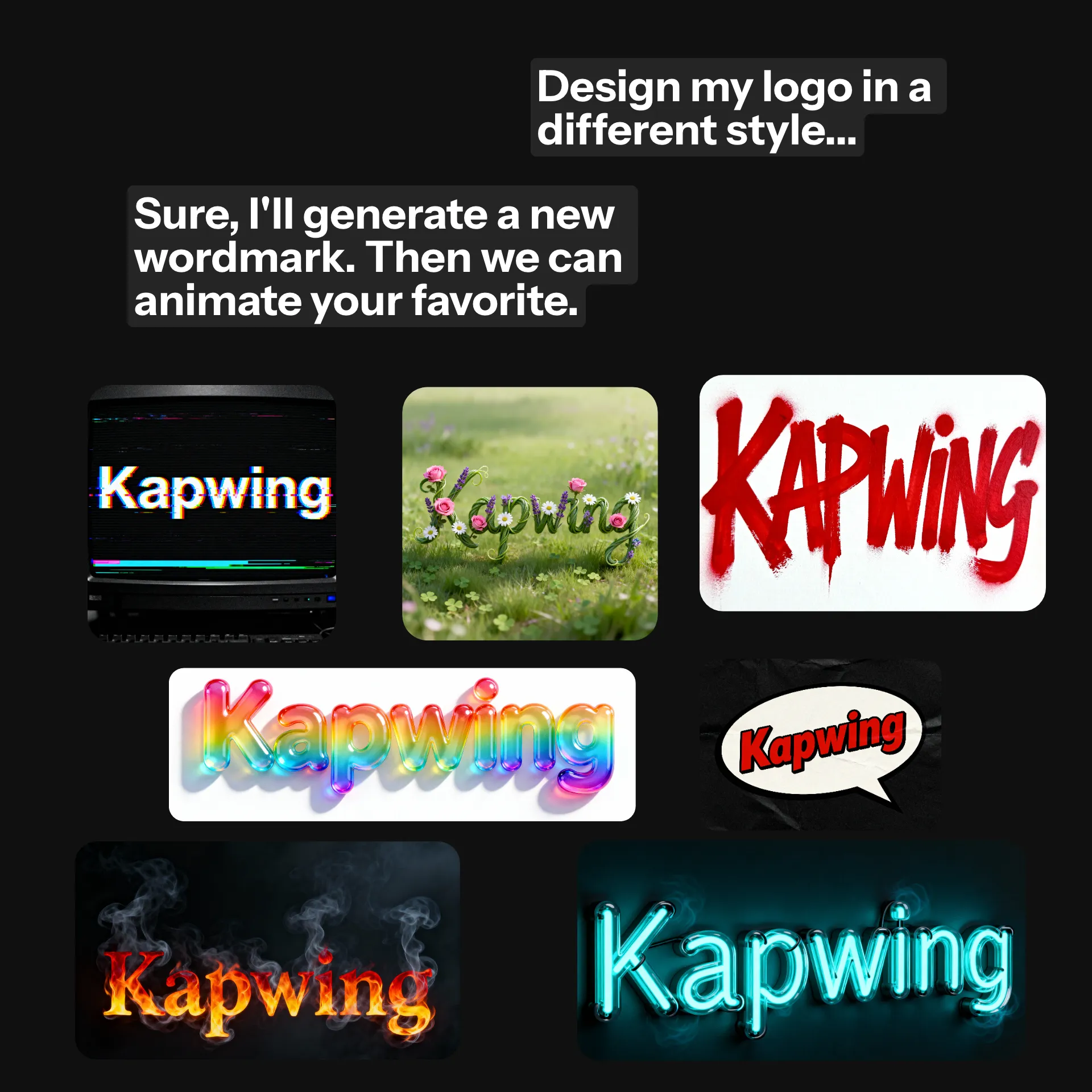
Dynamic logo animations for every platform
Make every viewer stop and pay attention
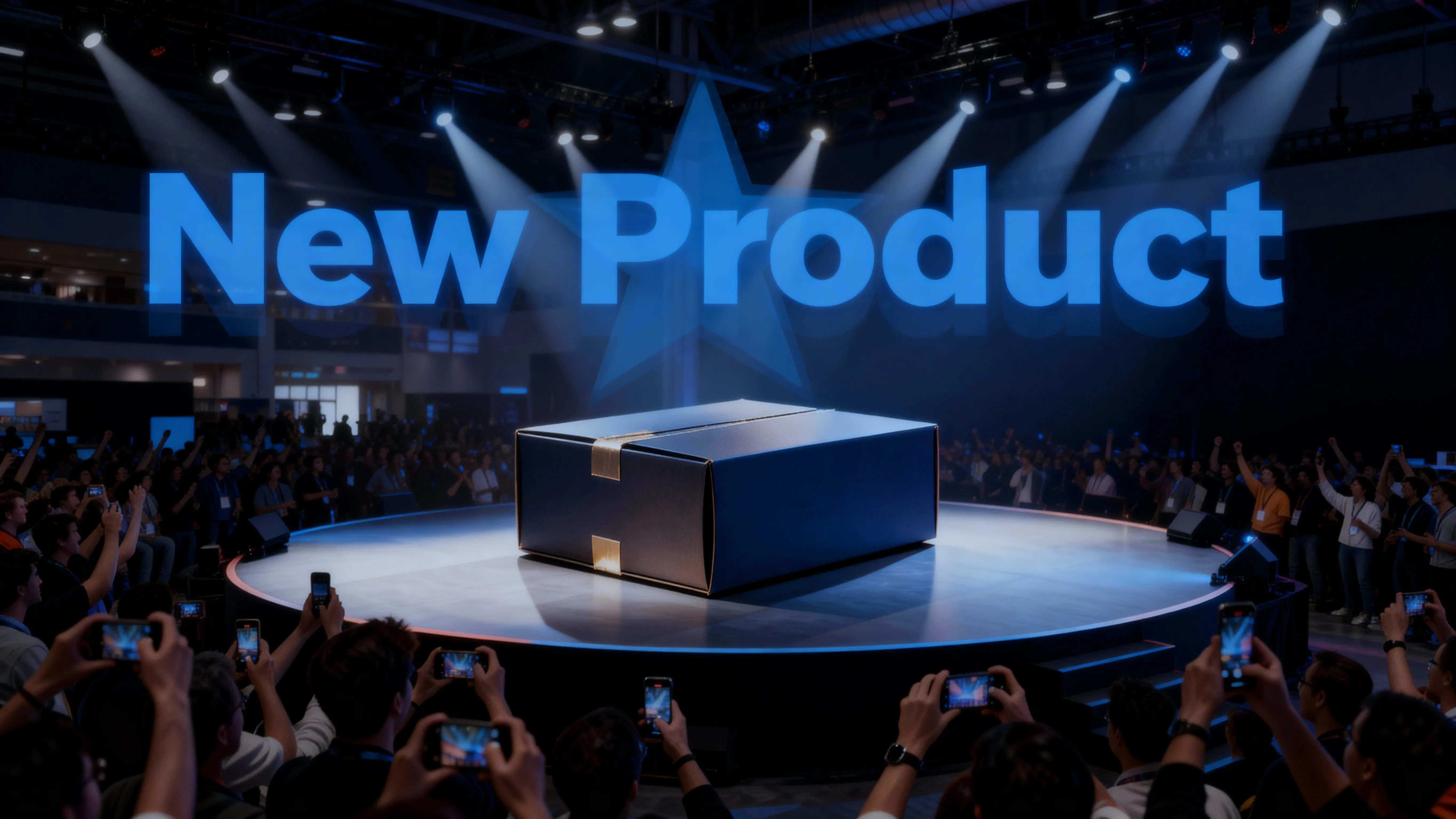
Product Launches
Build brand excitement on any budget by using the animated logo creator for product or company launch videos
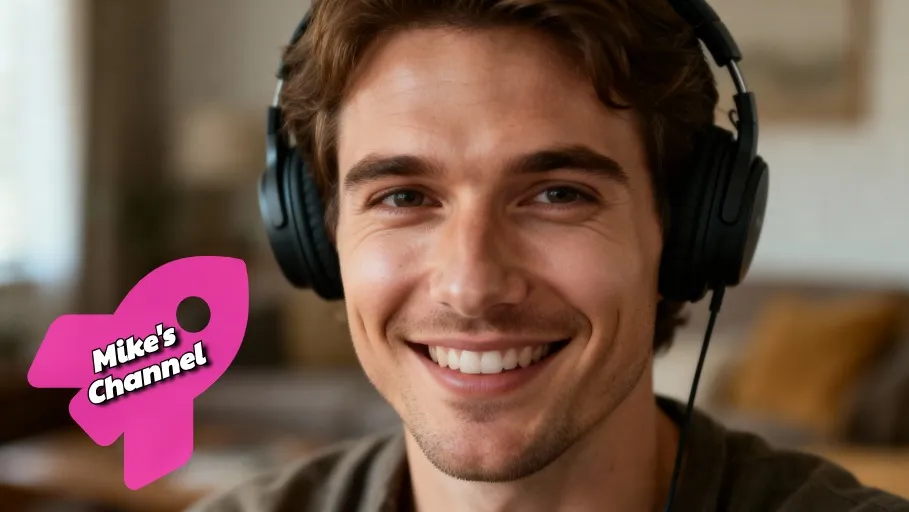
YouTube Channels
YouTubers and streamers increase brand recognition and save time with memorable intro and outro video logos
Company Websites
Boost visitor attention and retention with dynamic AI logo animations for your website or blog, streamlined by collaborative editing
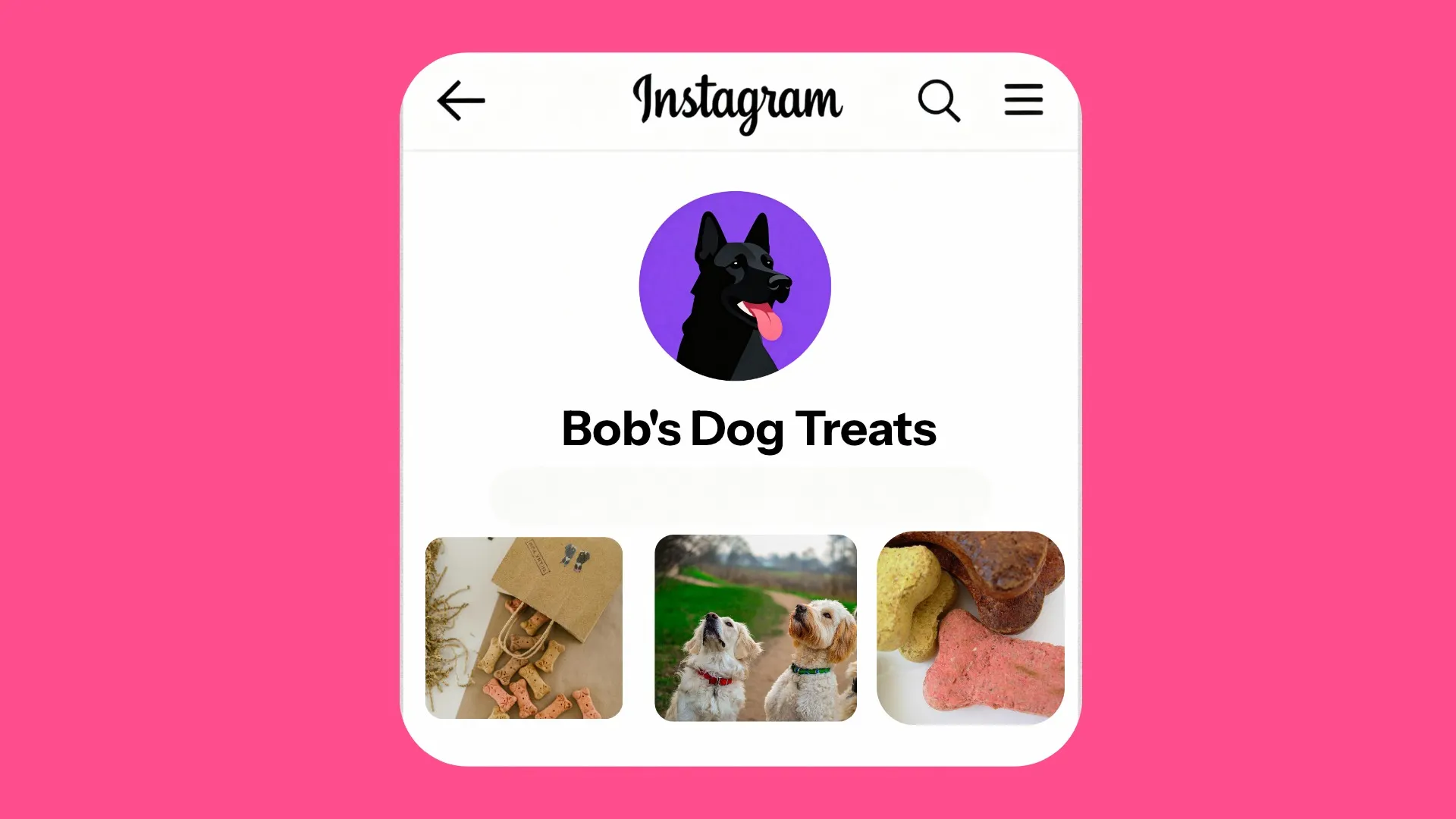
Profile Pictures
Easily stand out on TikTok, Instagram, or Slack with an engaging logo with animation as your profile picture

Social Media Posts
Instantly create custom video logos for holiday or trend social posts, keeping content fresh and accounts on-brand
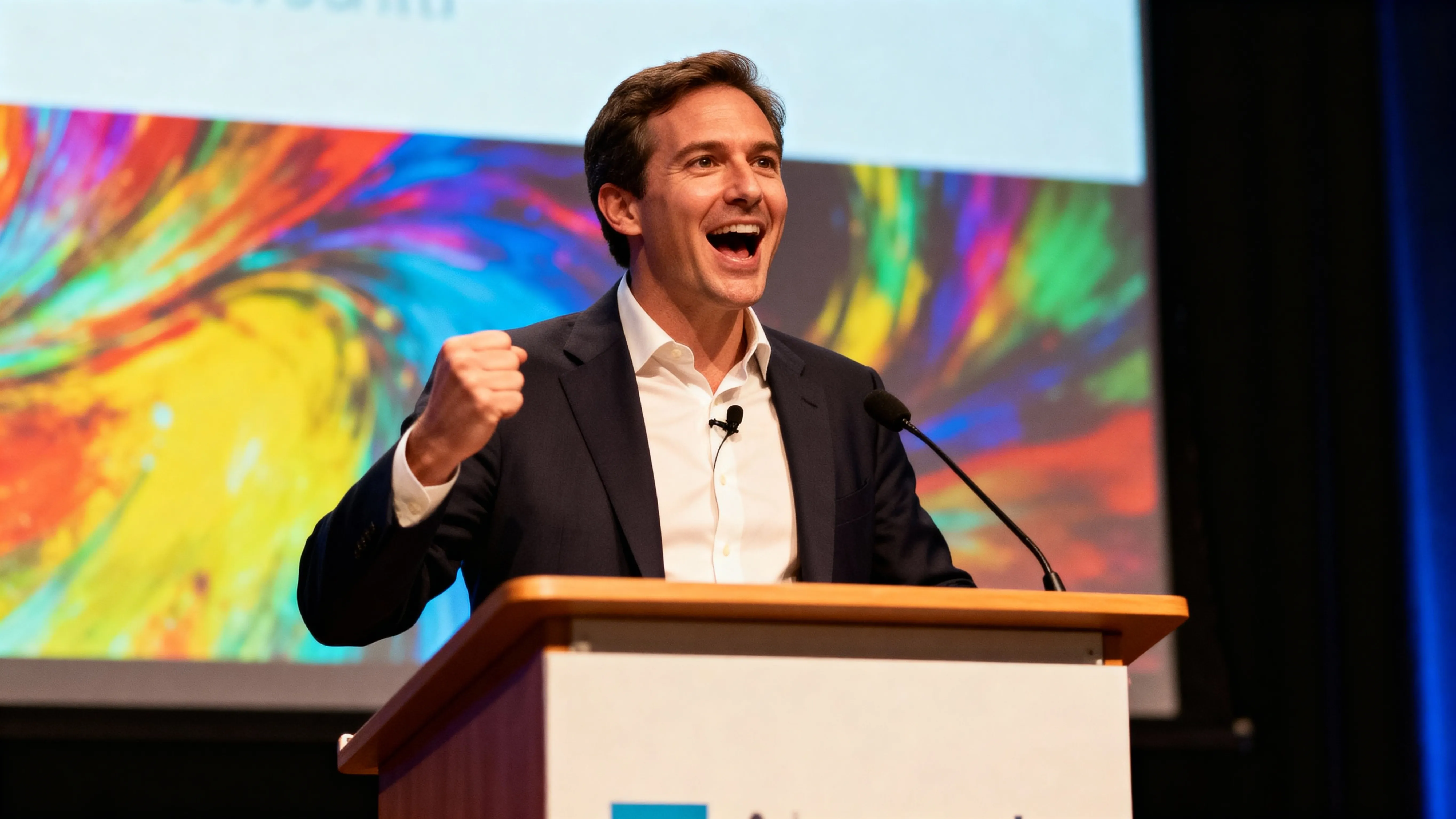
Presentations & Events
Captivate your audience with unforgettable brand animations for slideshows, countdowns, and event videos
How to Make Animated Logos
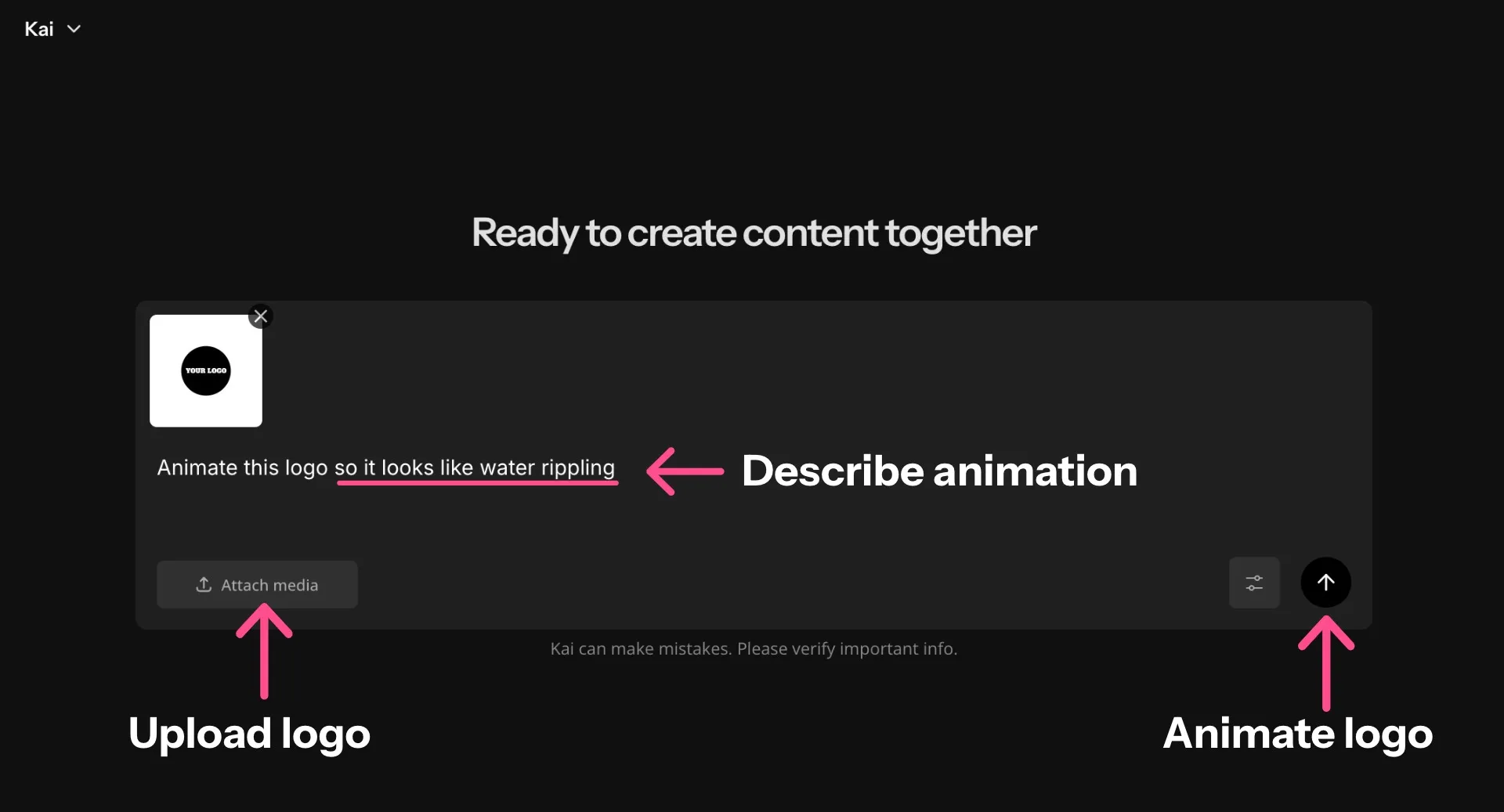
- Step 1Upload logo
Open the AI Assistant and click "Attach media" to upload your logo.
- Step 2Enter prompt
Enter a prompt describing the animation you want to see. Click the arrow on the right to animate your logo.
- Step 3Animate logo
Finally, download directly to your device or move the animation to the studio for more editing and export options — such as MP4, GIF, and more.
Already transforming video creation across industries
Hear directly from the teams who publish faster, collaborate better, and stay ahead.


Frequently Asked Questions
We have answers to the most common questions that our users ask.
Is the Animated Logo Maker free?
Yes, anyone can try Kapwing’s AI Toolkit for free without watermarks. Our AI tools run on a credit system, with each feature costing a set number of credits. For maximum creativity and the best value, upgrade to a Pro account to unlock the full power of AI-driven content creation.
How to animate logos with Kapwing
To animate your logo with Kapwing's animated logo creator, just open a new chat in Kapwing. Click "Attach media" to upload your logo, then enter a prompt like Animate this logo so it looks like water rippling. Click the arrow on the right side to create your animated logo, then click "Download" to save it as an MP4.
Can I use Kapwing to create a new logo?
Yes, you can chat with Kapwing's AI Assistant to edit, animate, and even design a brand-new logo. If you need a fresh logo, start with a prompt like Generate a modern graphic logo for a swim team called "Speed Demons." Describe the font and illustrations you want to design a new logo. Then add animation with an additional prompt.
What file format will my animated logo be in?
When you generate and immediately download a logo with animation, it will be in an MP4 video file format. If you want to export it differently, you can use the animated logo creator, then move the file to the Kapwing studio and export it as MOV, WEBM, or GIF.
What kinds of animations can I add?
Kapwing goes beyond templates and stock animation effects, so you can animate your logo in endless different ways, including 3D logo animations. Just describe the animation in as much detail as possible and then refine it with additional prompts if needed. Then save your video logo for use anywhere.
You can also use the AI Animation Generator to create full-length animated videos from scratch.
How should I write my prompts for great results?
Kapwing has built-in prompt enhancement, so you don't have to stress about writing the perfect prompt. If you have a specific motion in mind, help the logo animation maker get it right by describing it as descriptively as you can. You can also include specifications like aspect ratio and animation duration in your prompt.
Are my animated logos okay to use commercially?
Yes, the logos you animate using Kapwing are royalty-free and safe to use commercially, so you can share and use your video logos worry-free.
Can I create 3D logo animations?
Absolutely, you can prompt the AI Assistant to create a 3D animation of any logo. Try a prompt like Animate this logo so it looks 3D, with realistic details, lighting, and movement.
Does Kapwing's logo animation maker work on mobile?
Yes, you can generate logo animations on your phone or tablet by opening a new chat using your mobile browser. From there, just upload your logo, enter a prompt describing the specific motion, and click the right arrow to generate your animation.
Can I use Kapwing to generate other animated images?
Yes, Kapwing's Animate Image tool can turn any image into a studio-quality animation from a simple prompt.
Can I change the size of my animated logo?
Yes, there are multiple ways to resize your animated logo. To easily change the aspect ratio, just ask Kapwing to resize the animation with a simple prompt like Resize this video to 9:16 aspect ratio. You can also click "Edit in Kapwing" to move your animation to the studio, where you can resize the canvas and adjust the export resolution.
Discover Resources
Tips, templates, and deep dives to help you create faster and share with confidence.
View all

What's different about Kapwing?



Get started with your first video in just a few clicks. Join over 35 million creators who trust Kapwing to create more content in less time.